After Dark
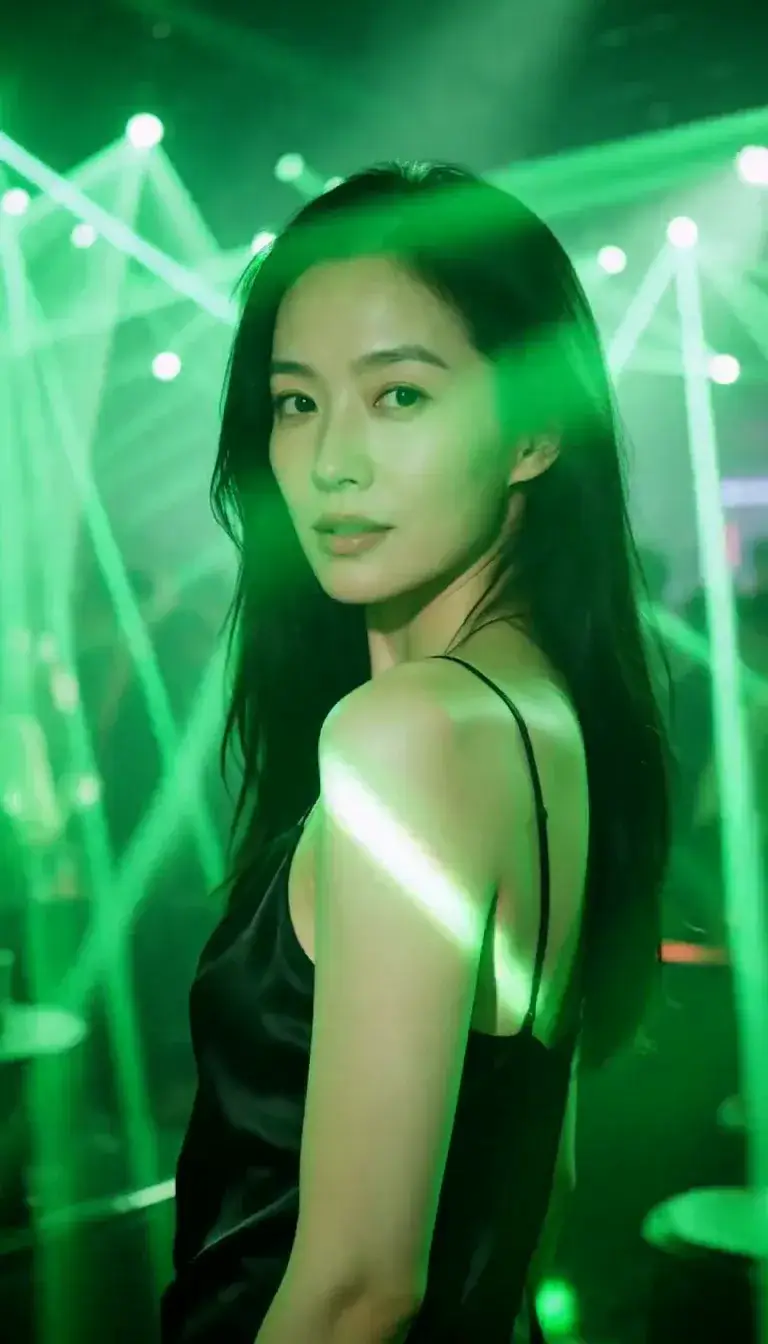 Laser Room
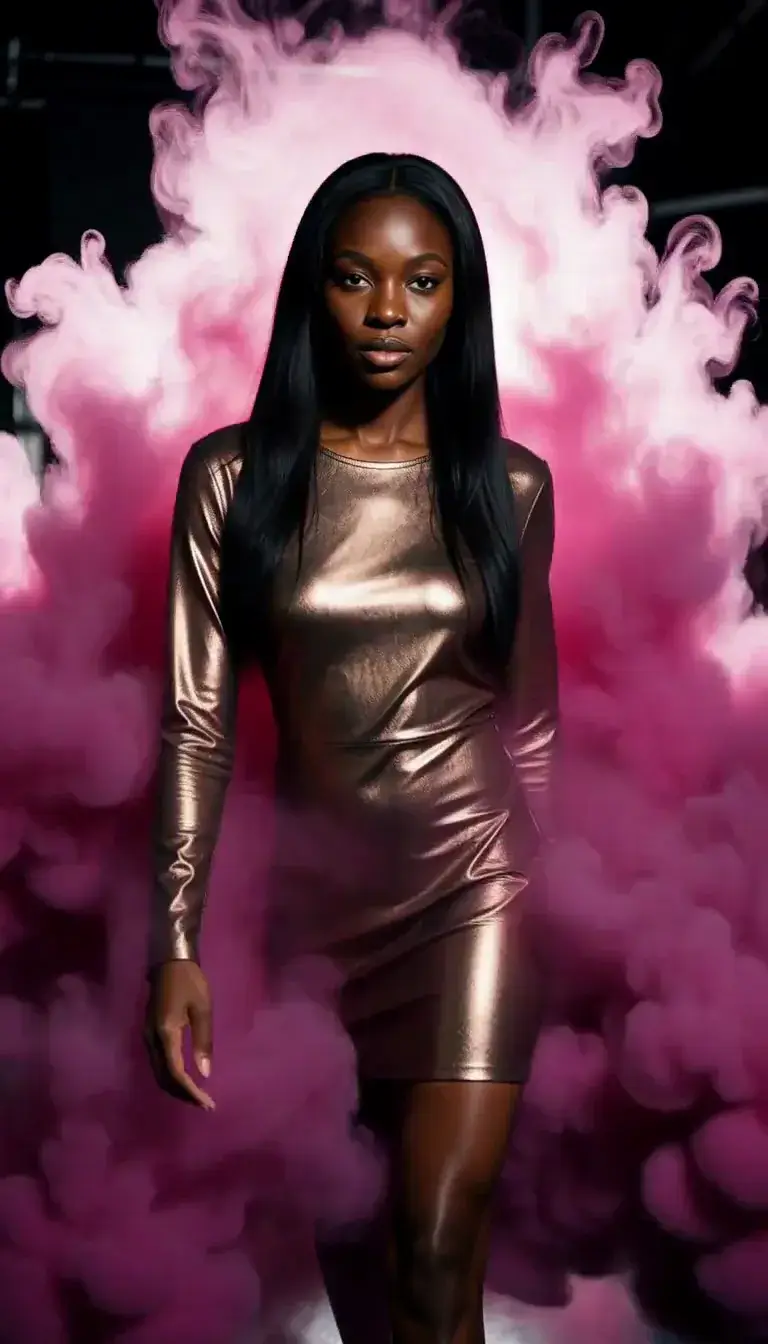 Color Smoke
 Silk Drop
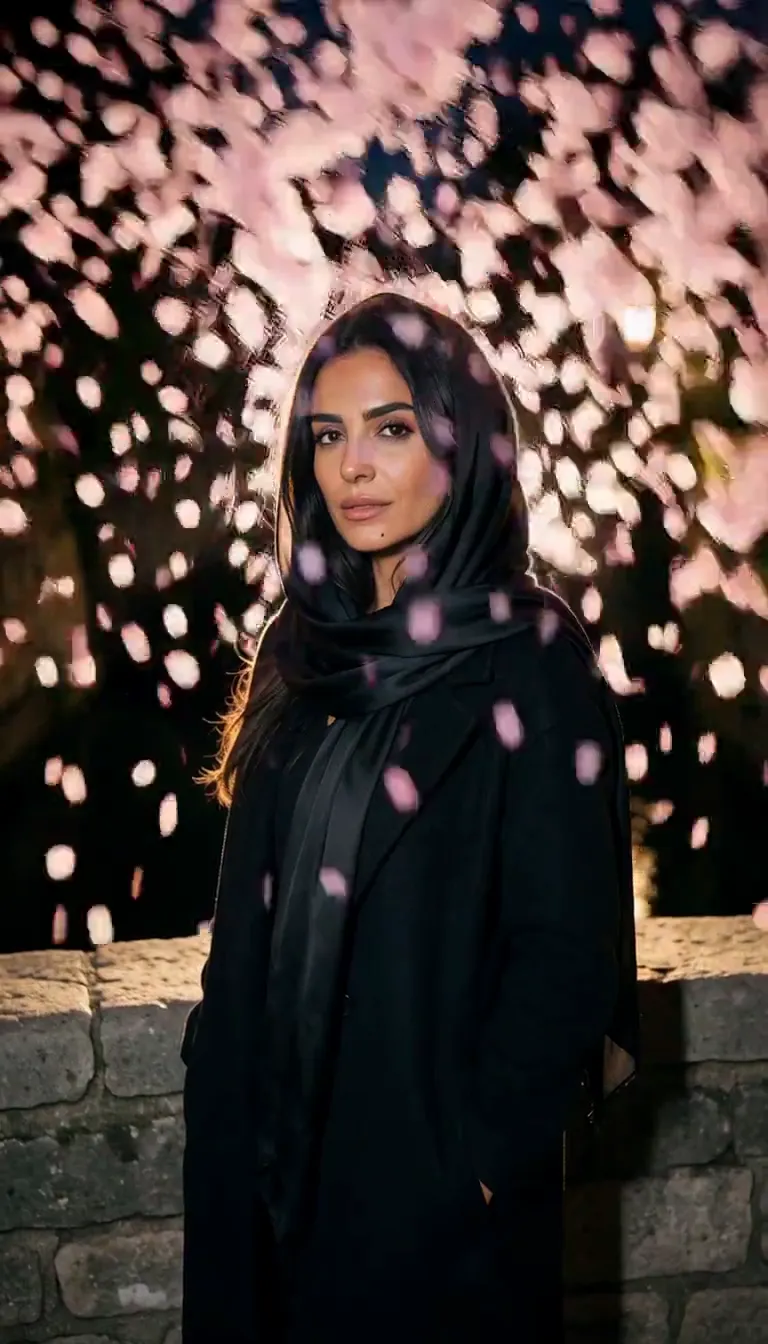
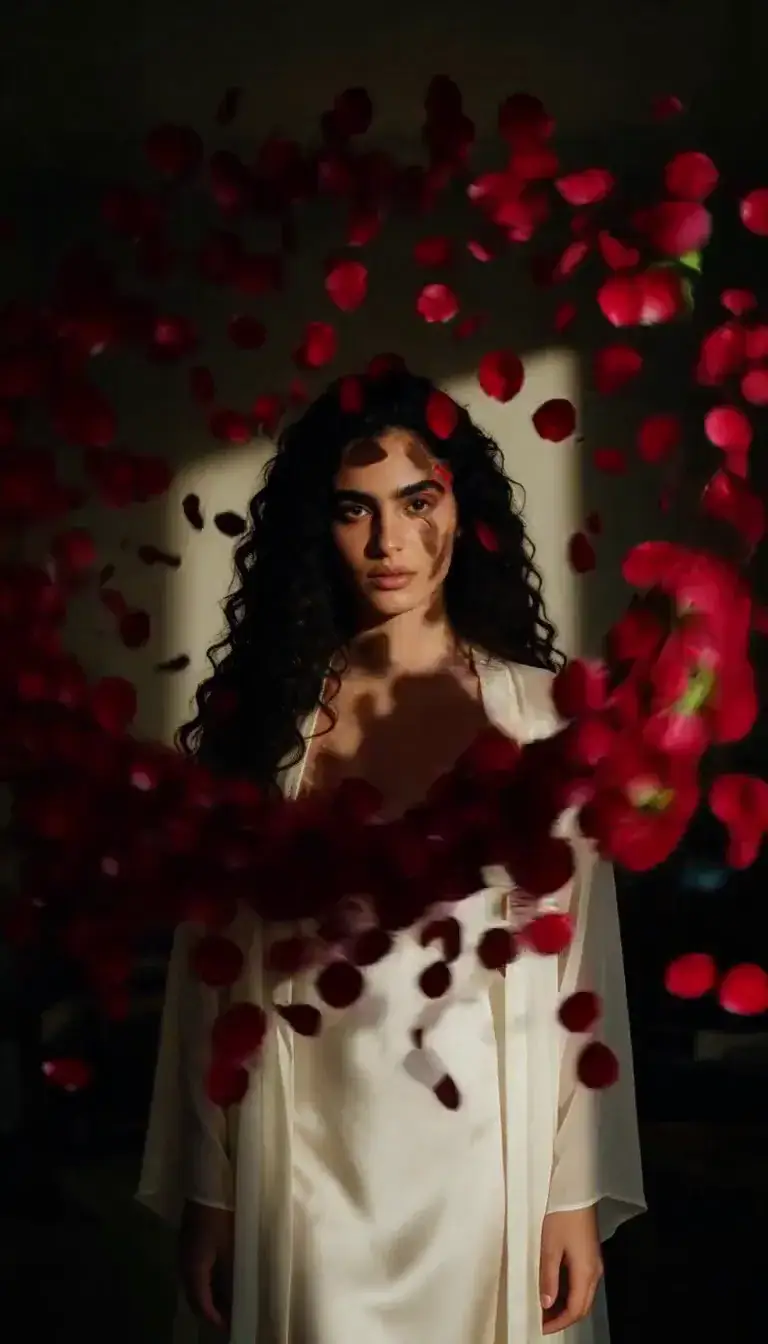 Petal Storm
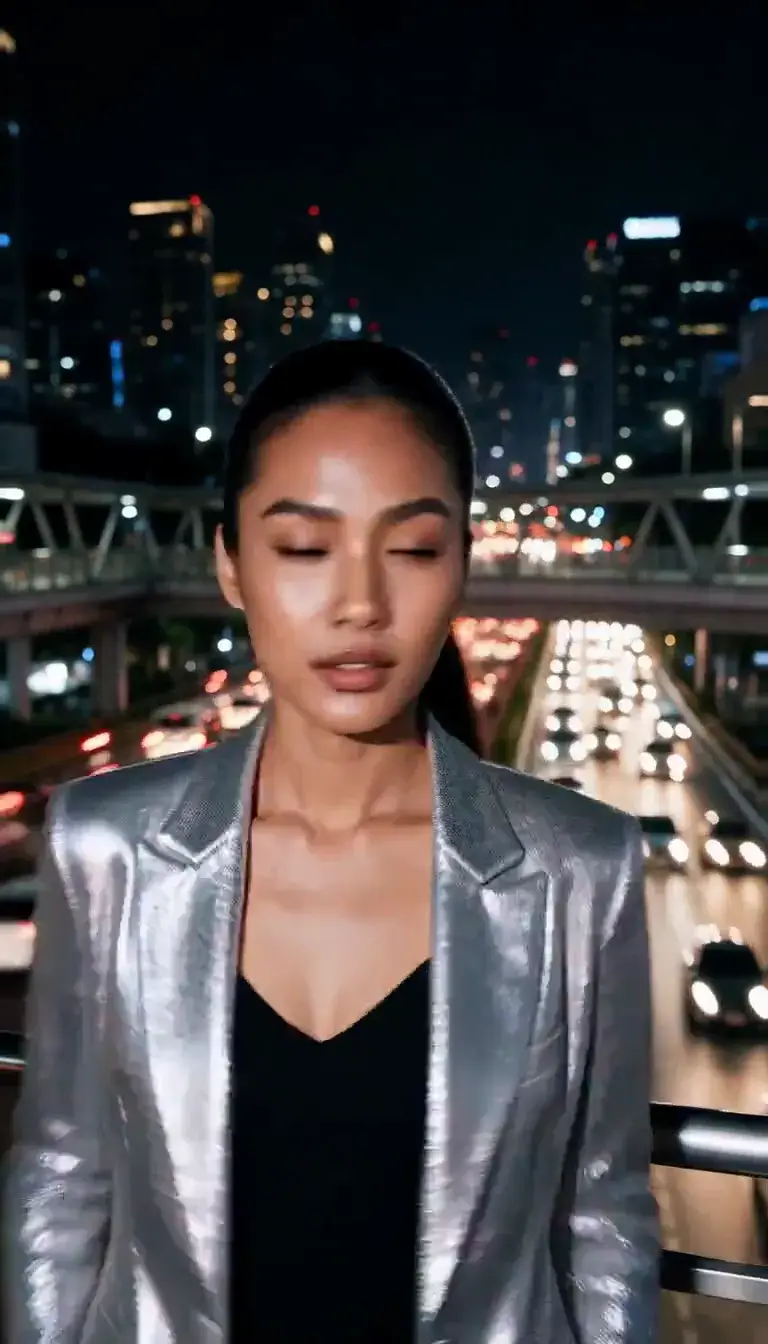 Slow Shutter
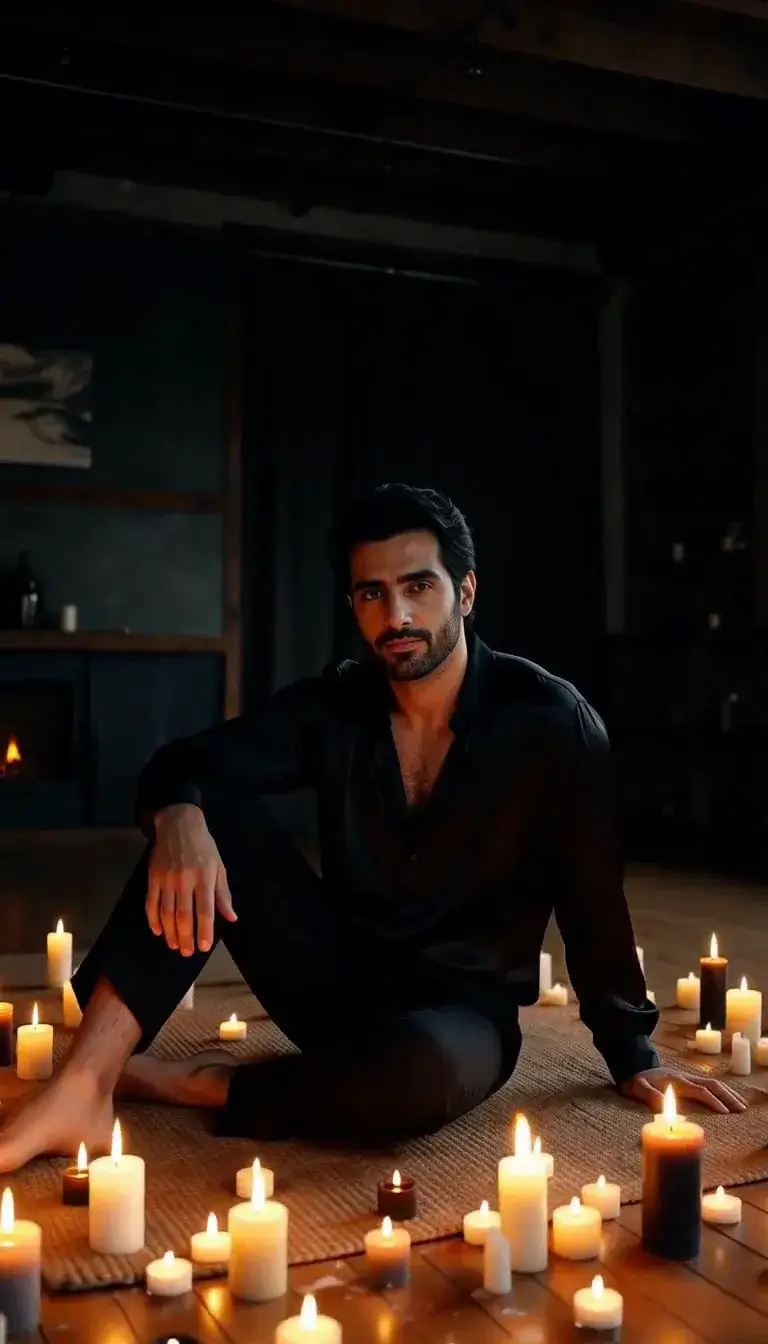 Candlelight
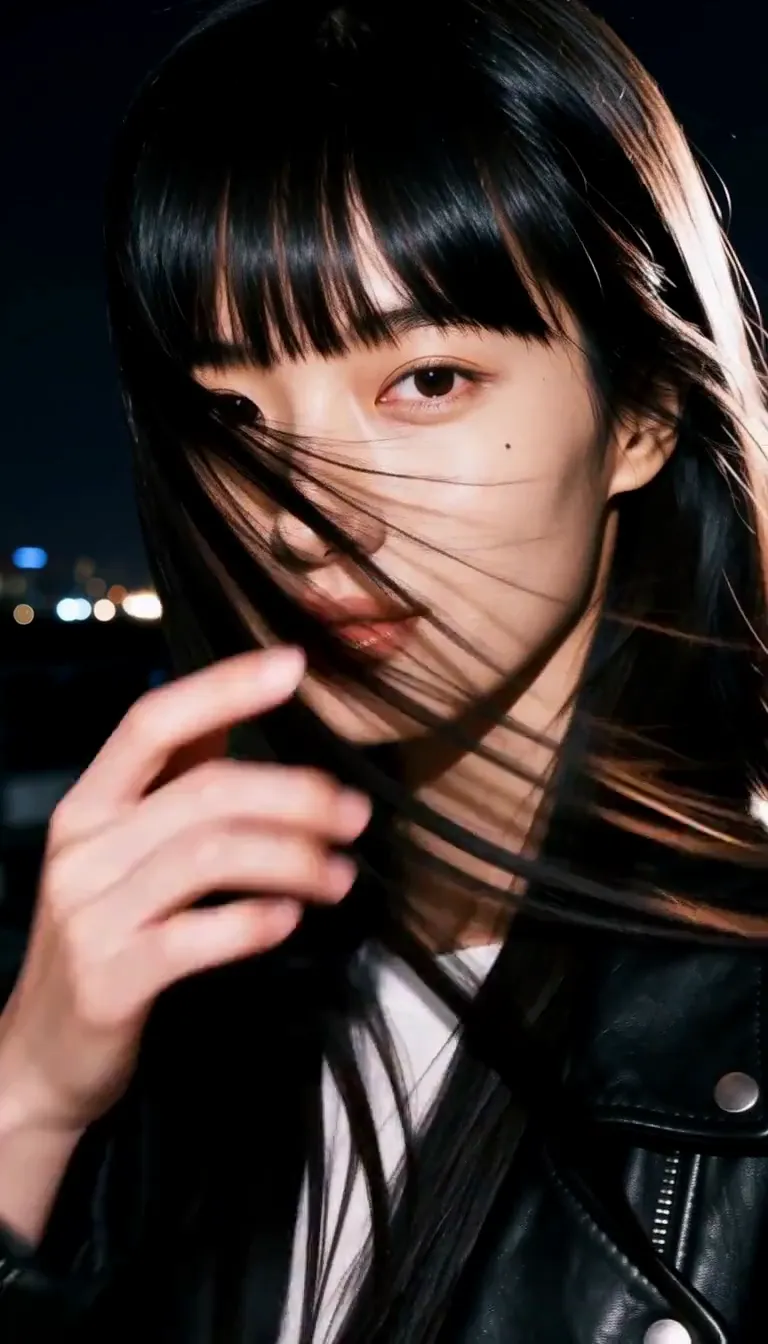 Behind the Hair
 Call Me
 Champagne Toast
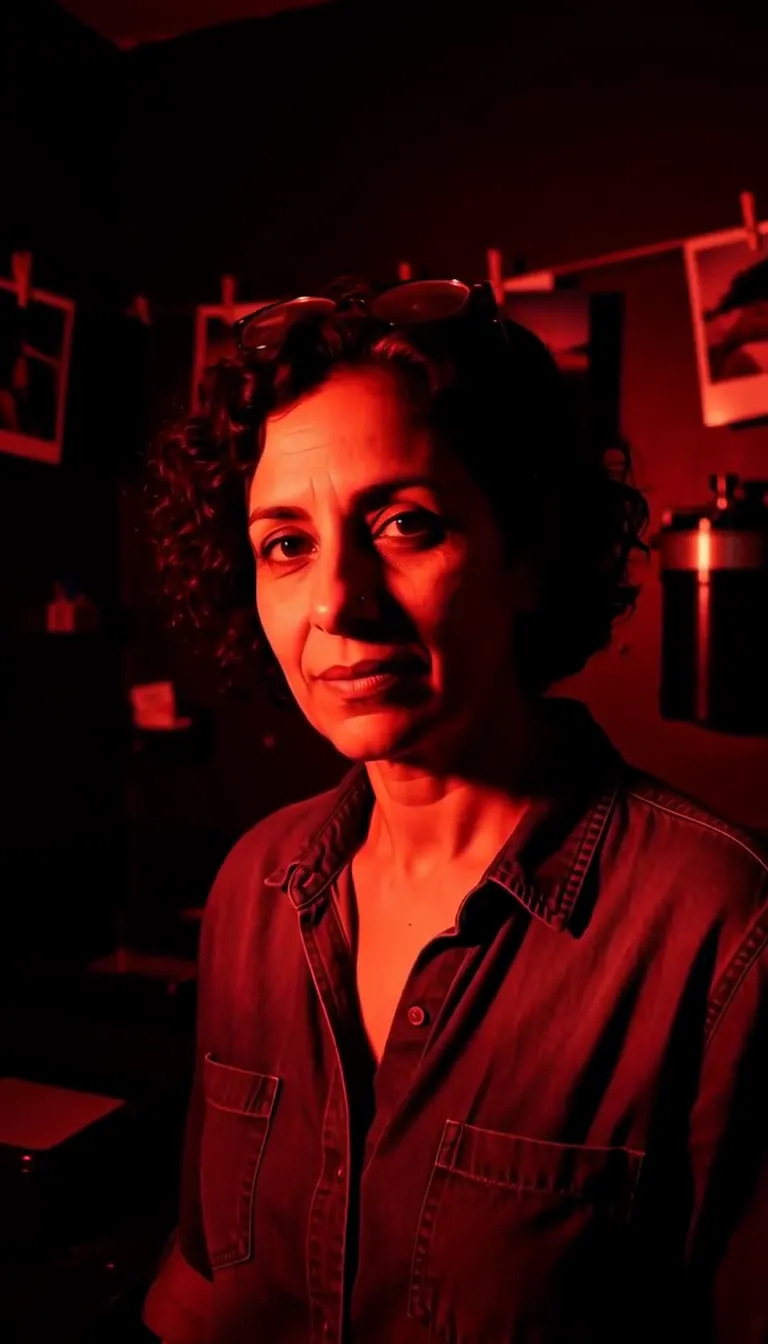 Darkroom Red
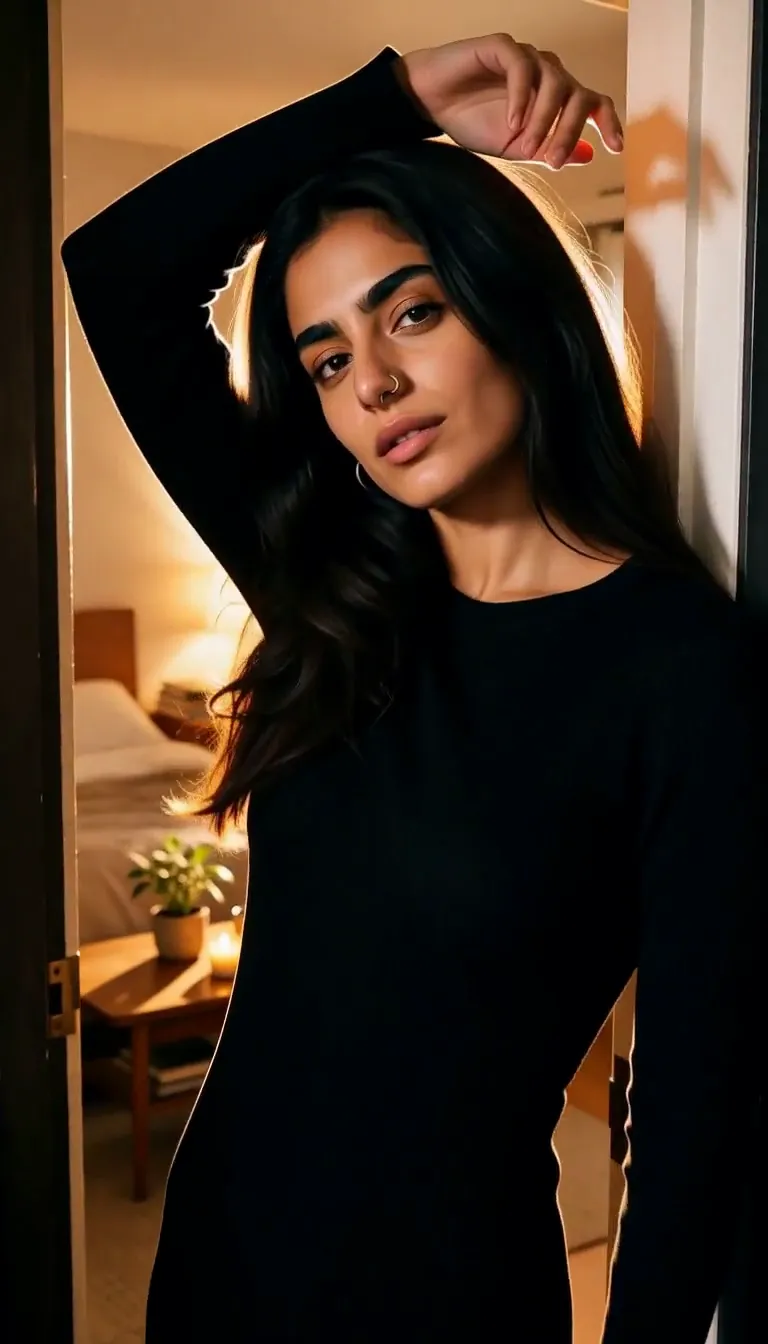 Doorway Lean
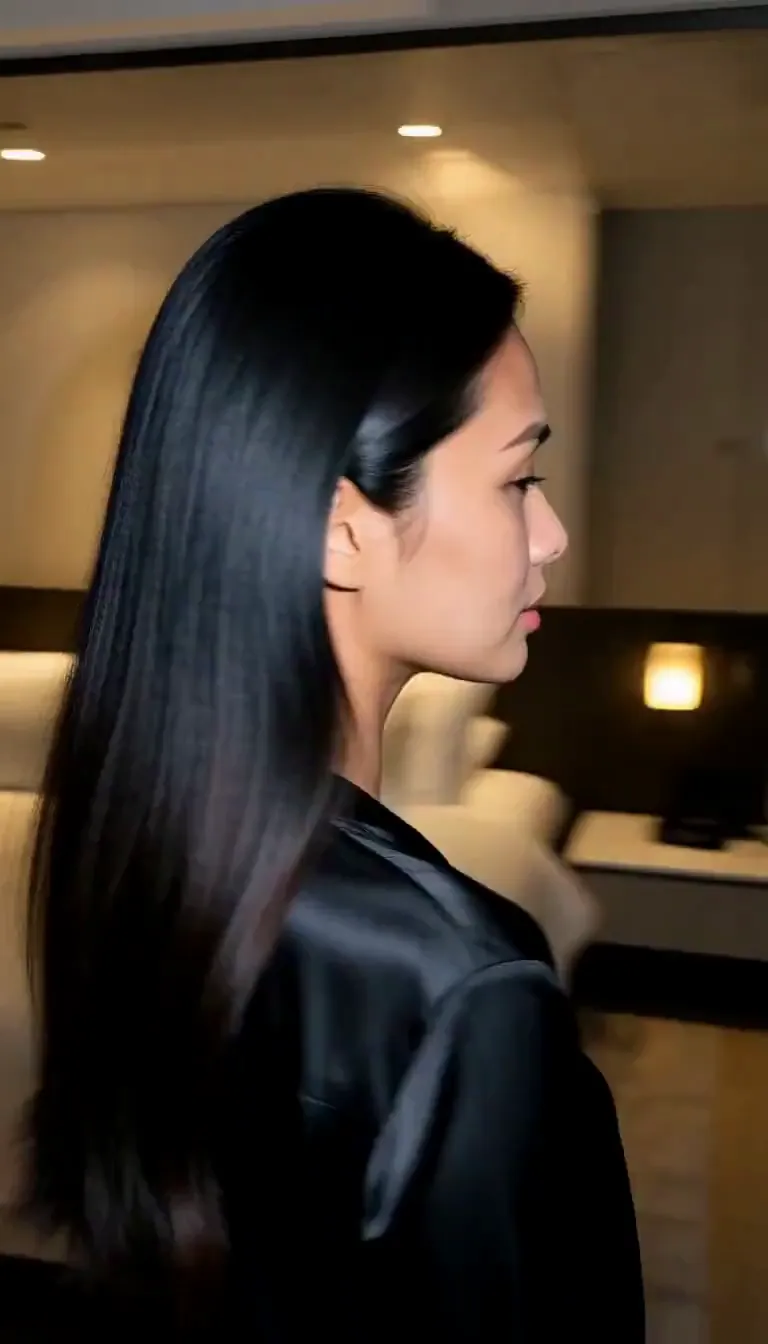 Eyes on You
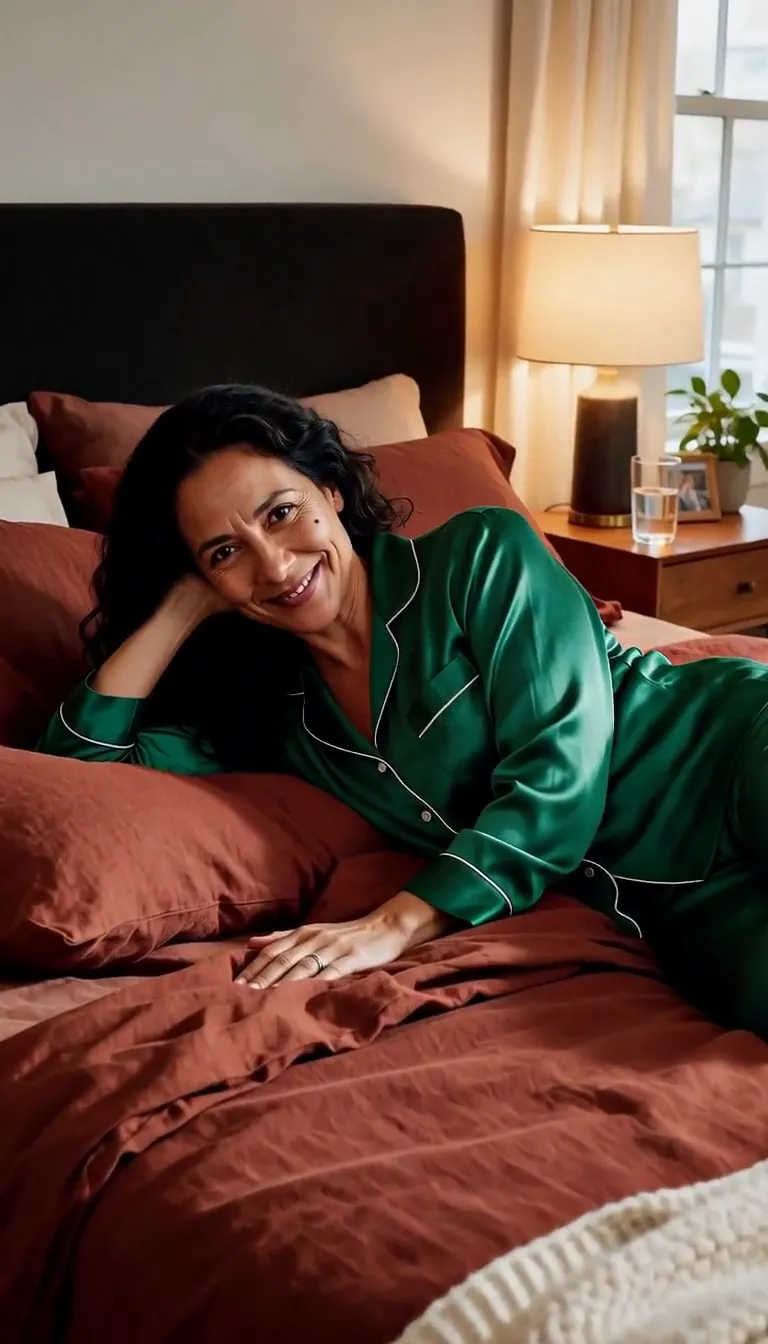 Join Me
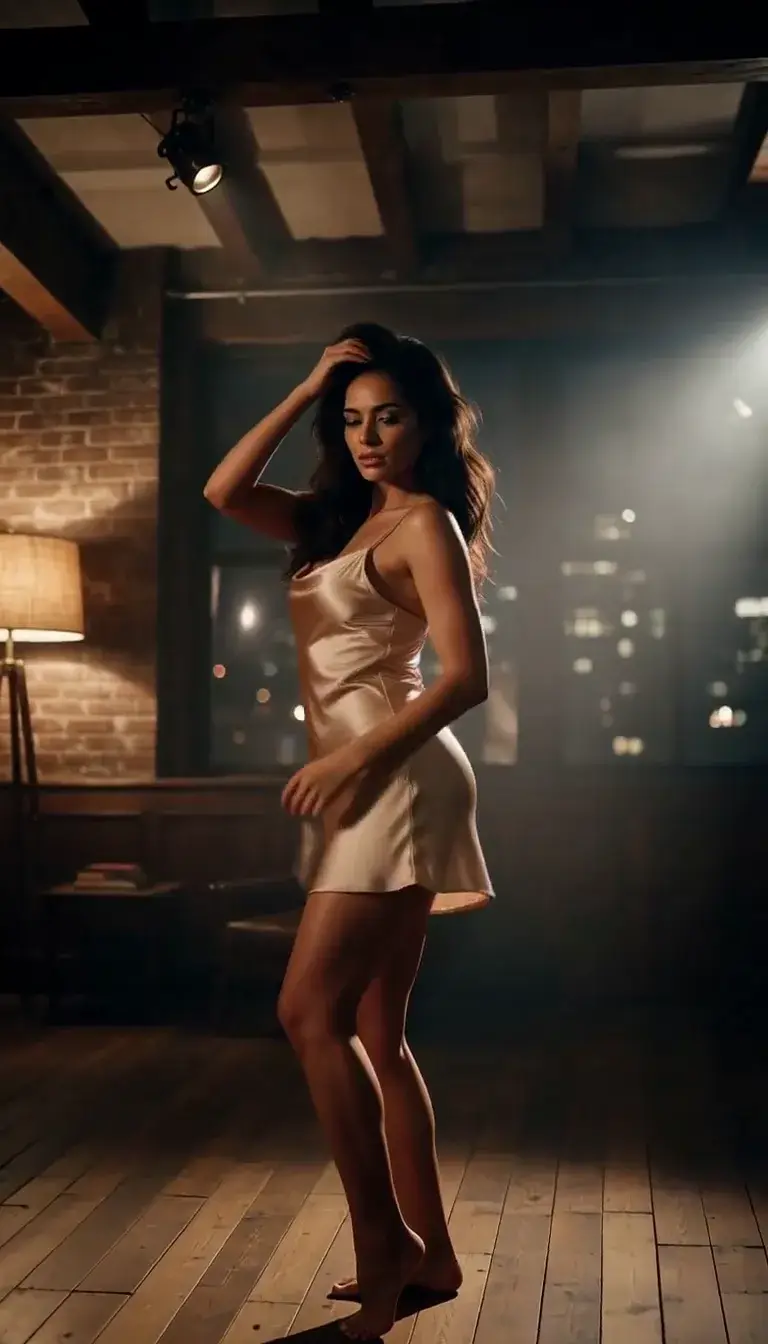 Late-Night Dance
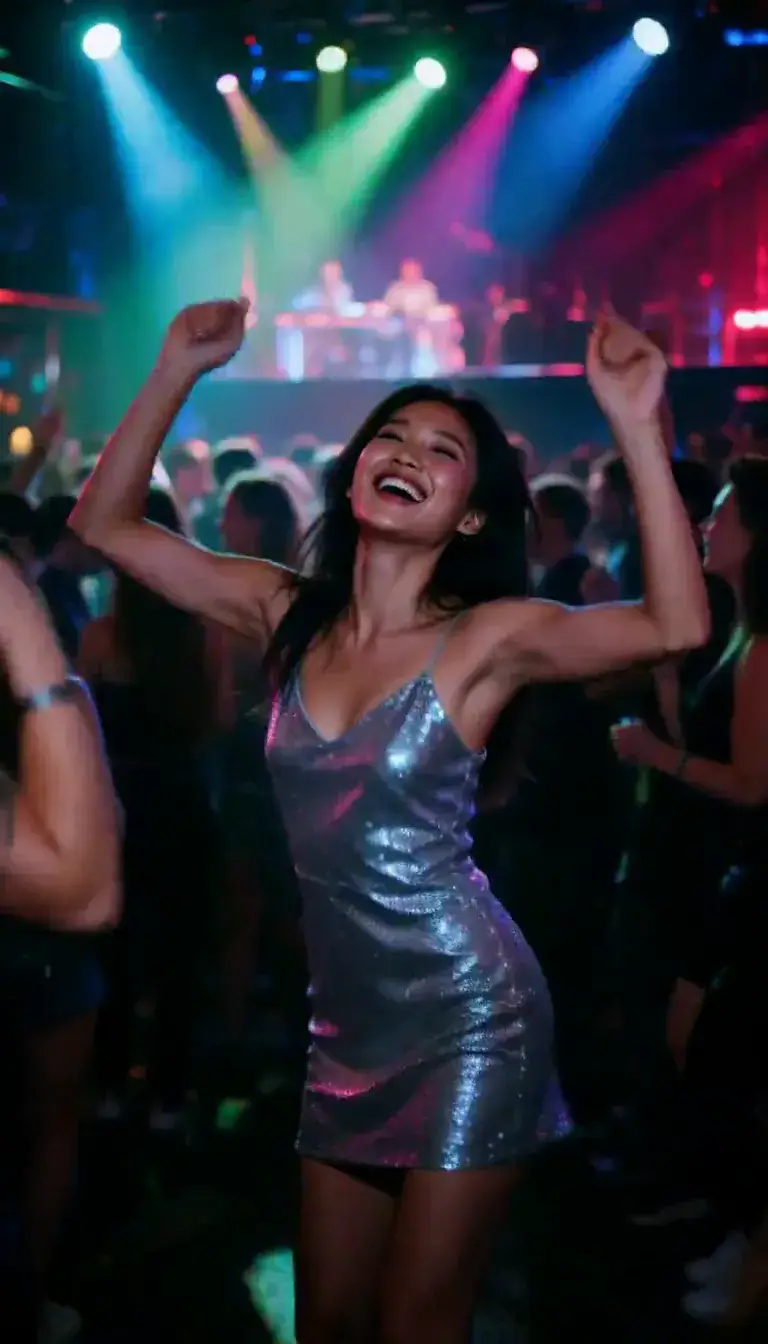 Club Strobe
Romance
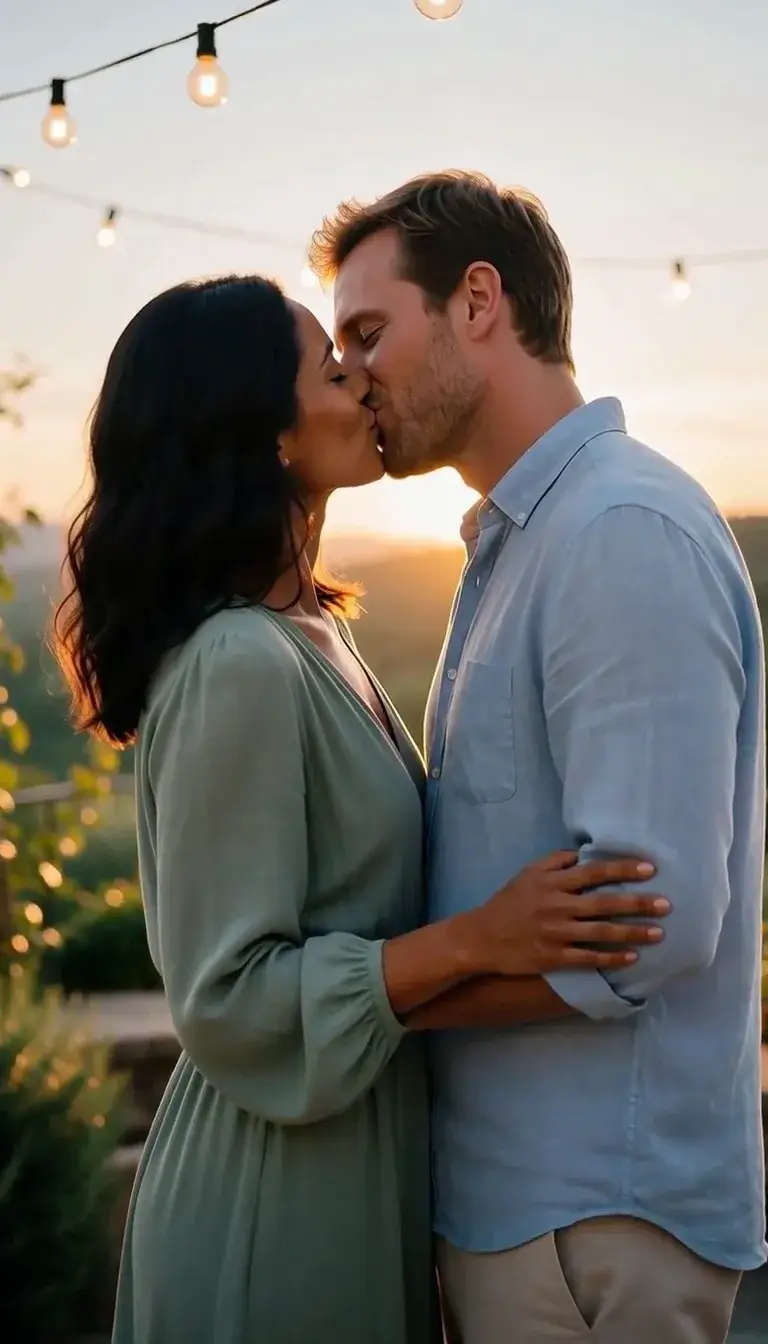 Kiss
KissCamera moves
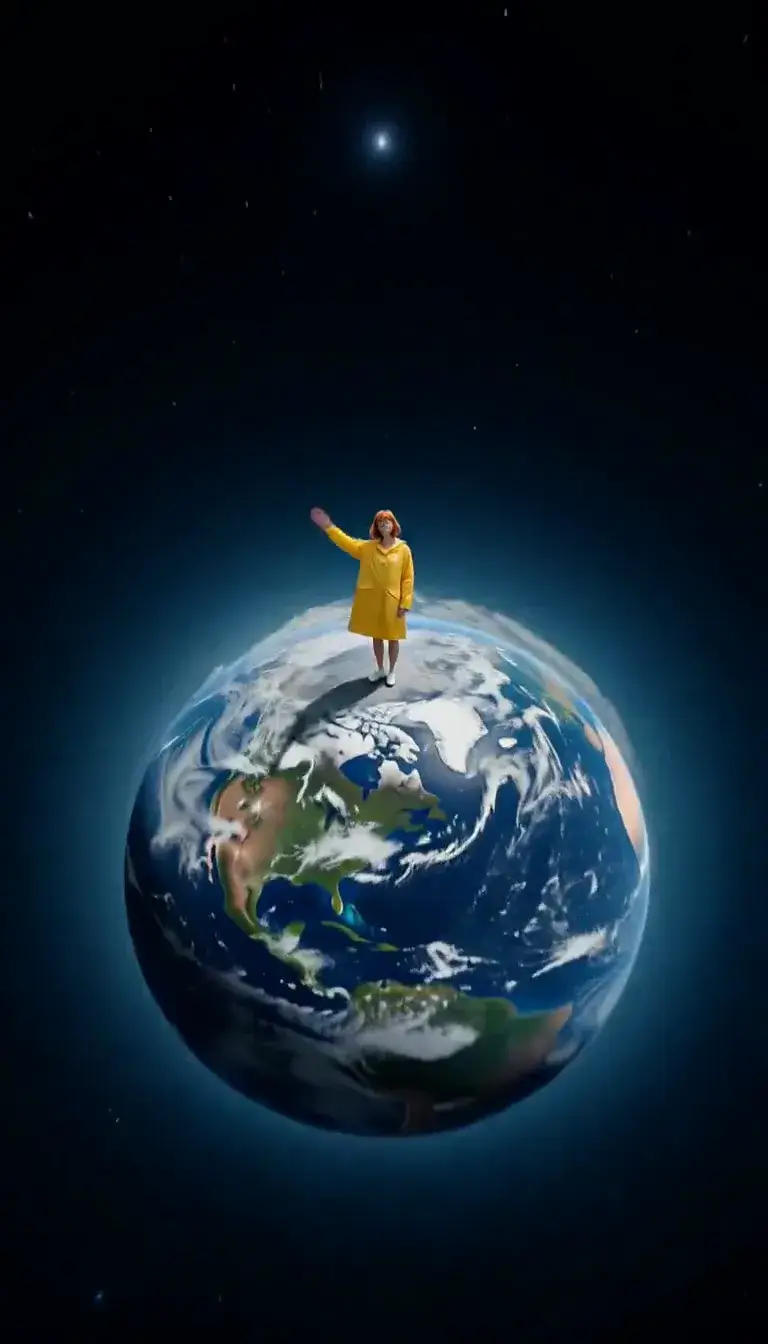 Tiny Planet
Transform
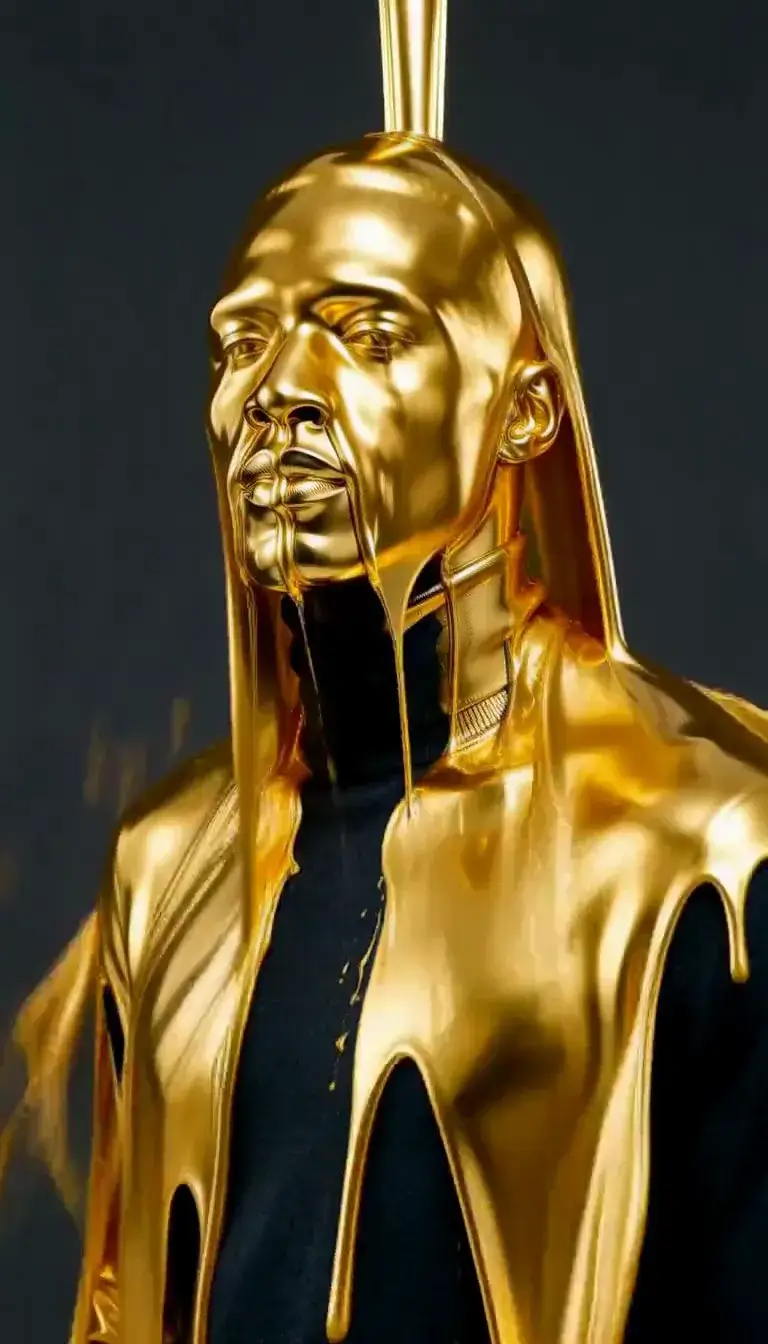 Molten Gold
Fashion
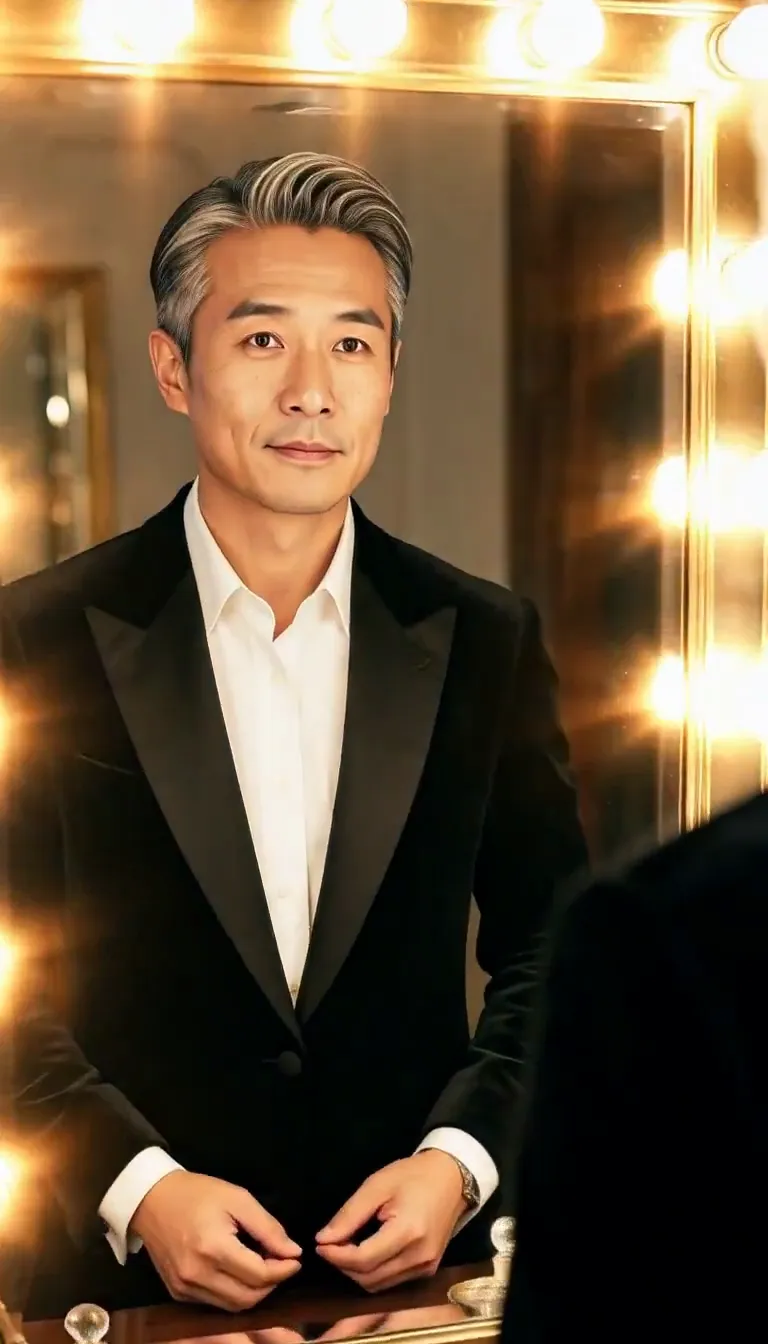 Mirror Glance
Atmosphere
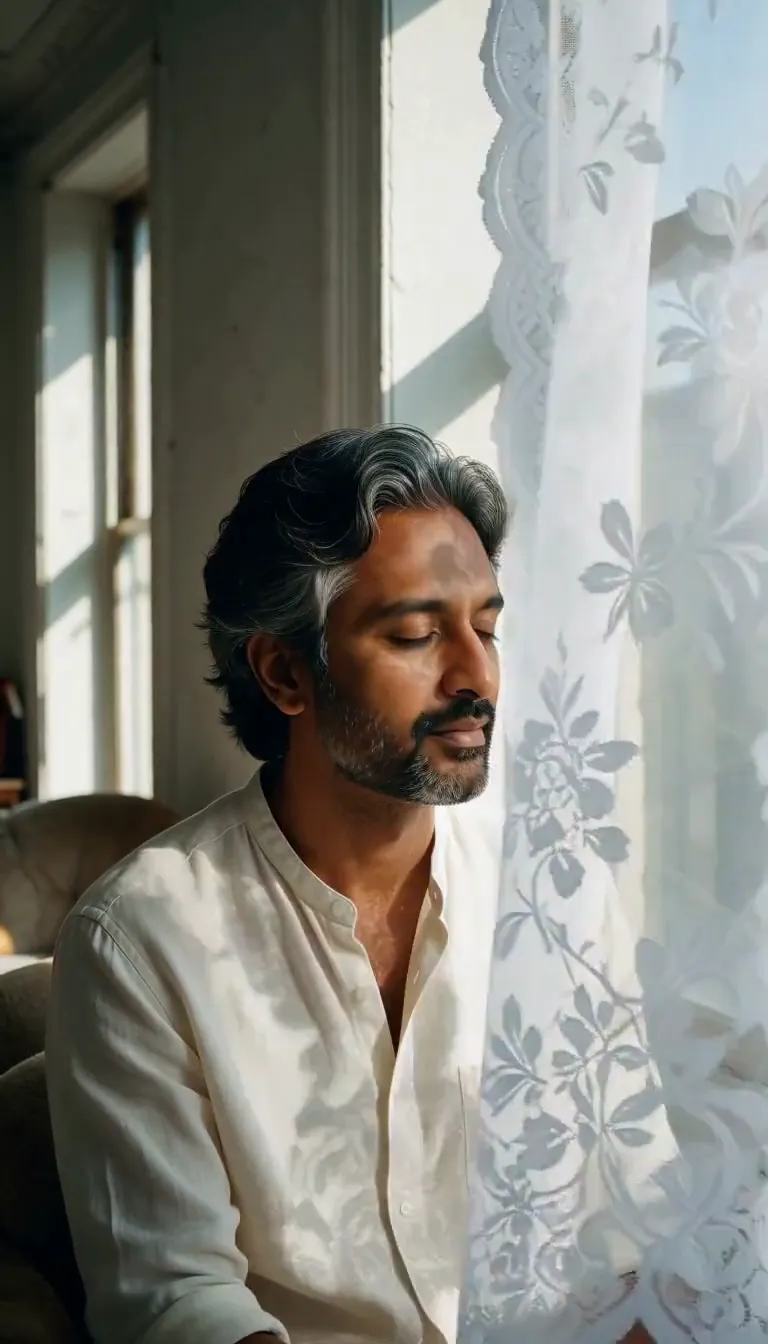 Lace Shadows
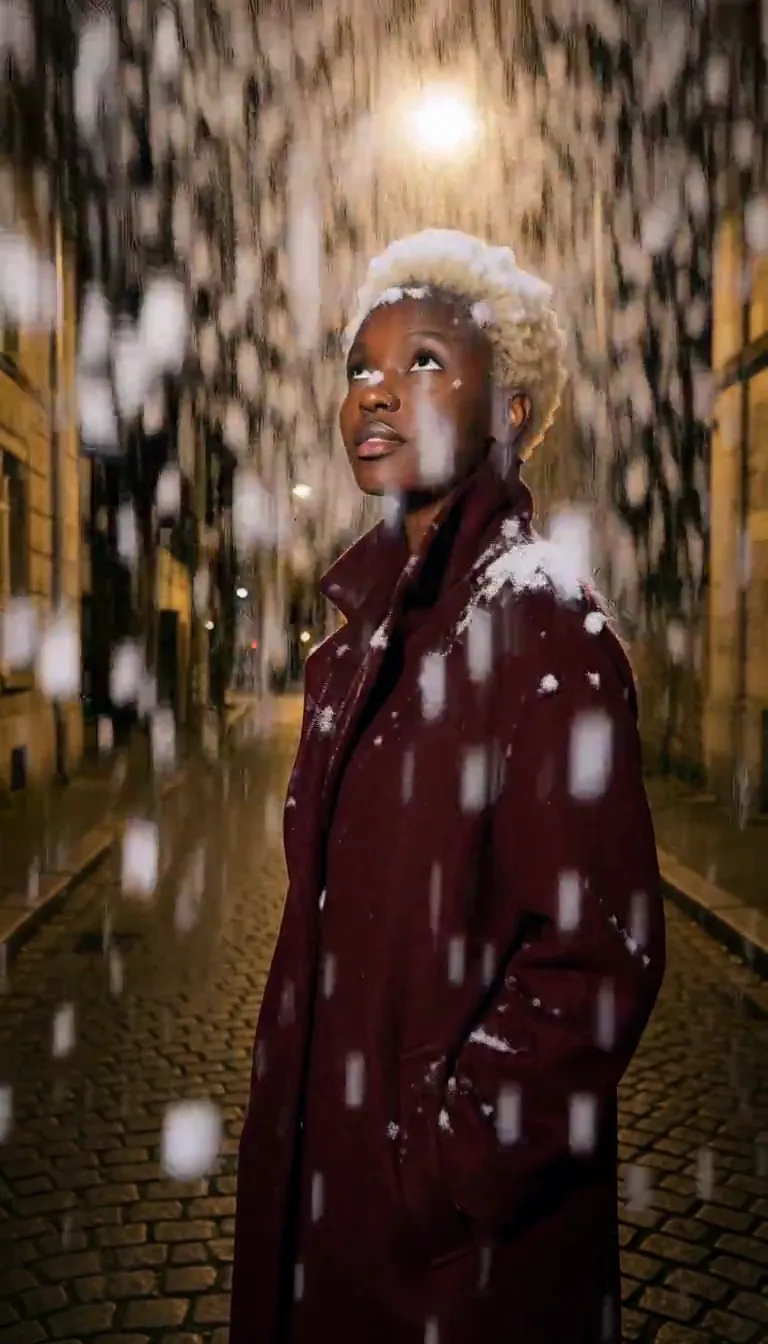
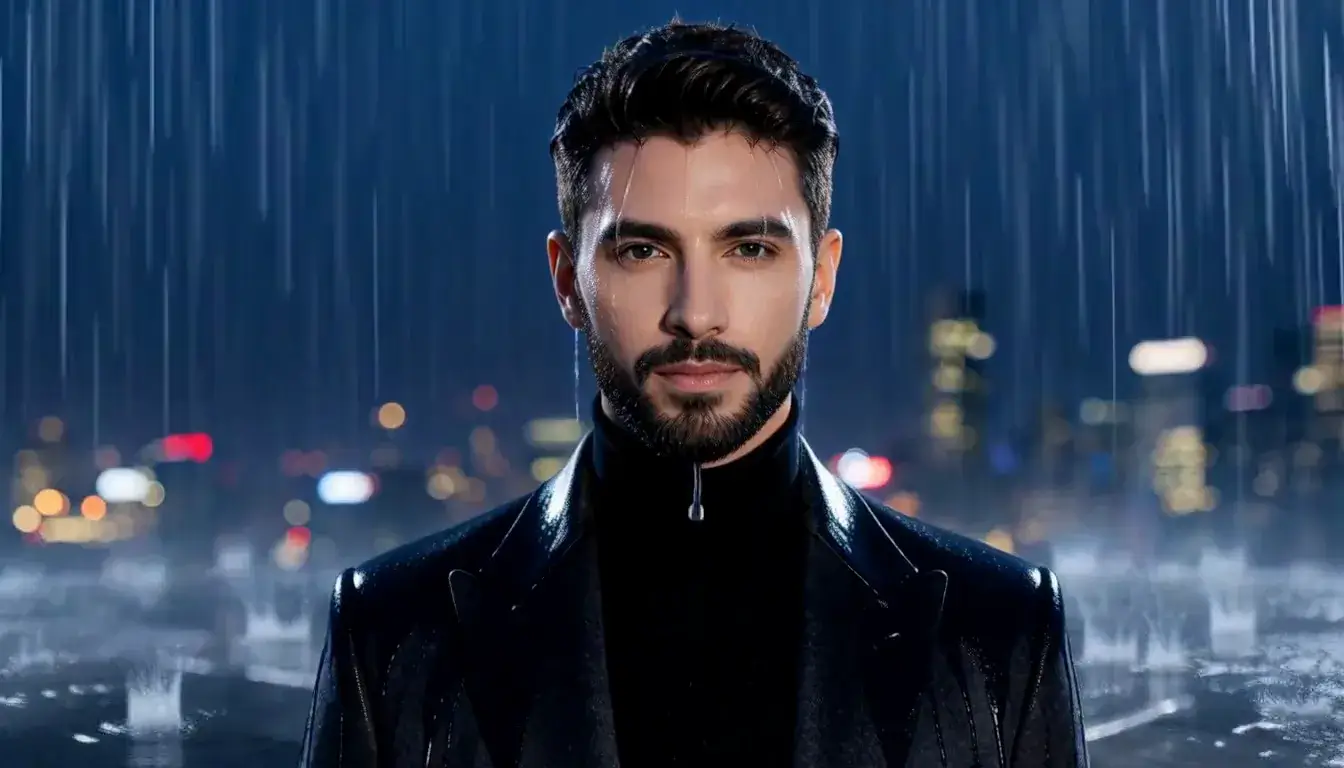 Rain Falls
Motion
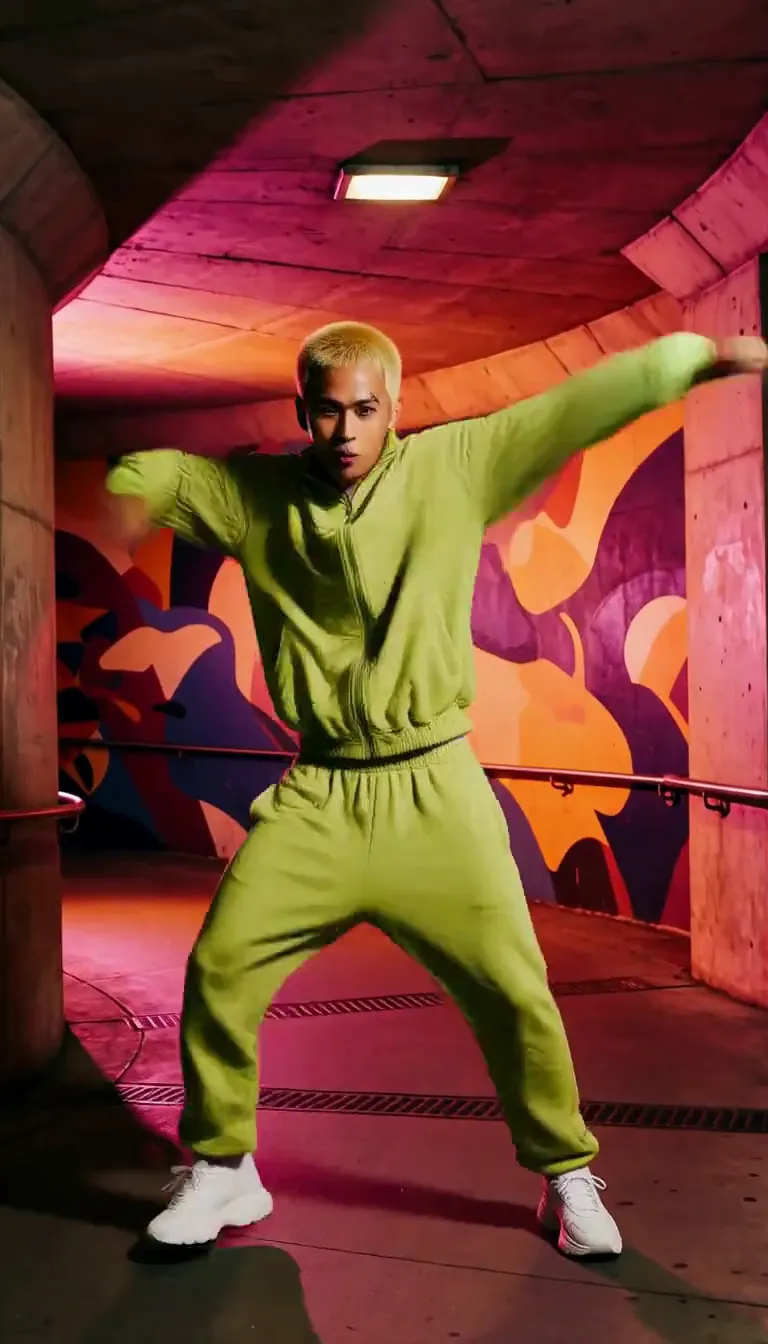 Groove
Fun
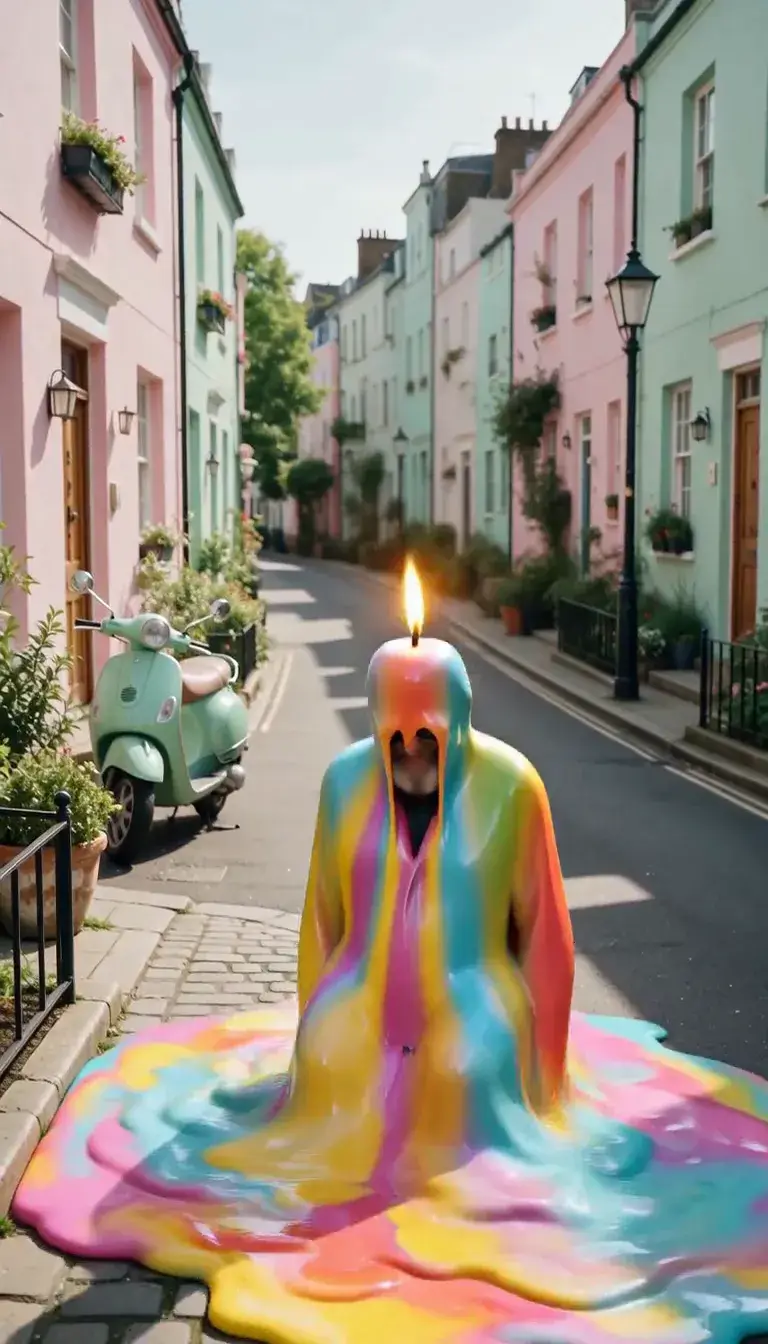 Meltdown
Product
 Ingredients Burst
Film looks
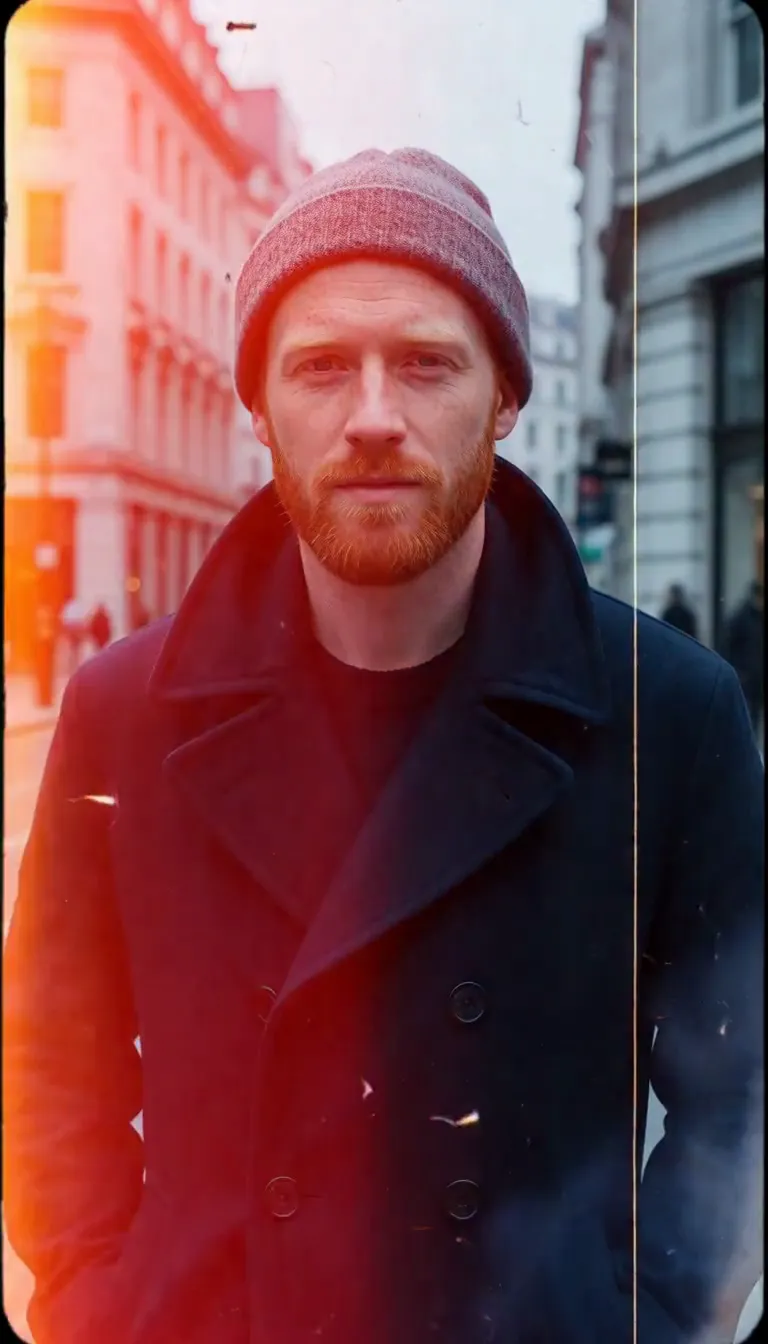 Film Burn
Video templates
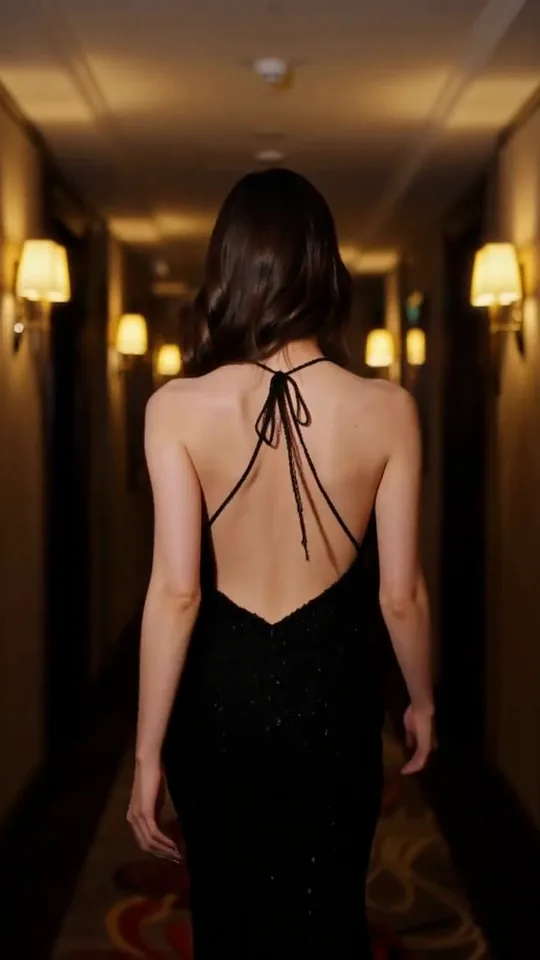 The Glance Back
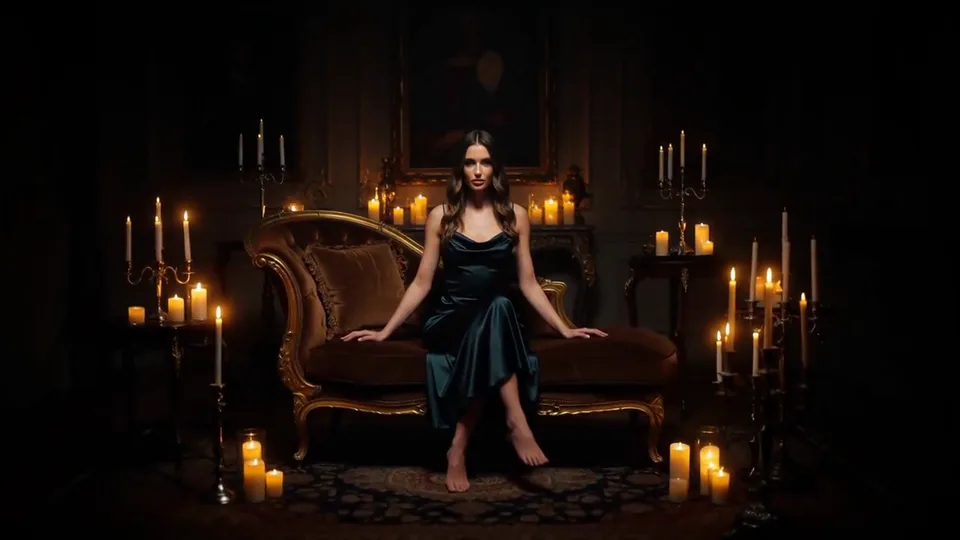 Candles Come Alive
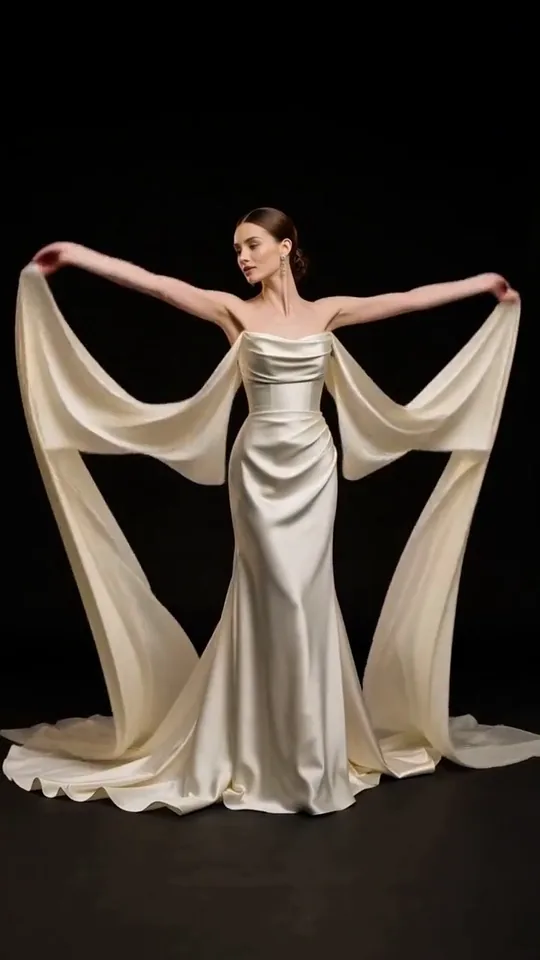 Silk Drift
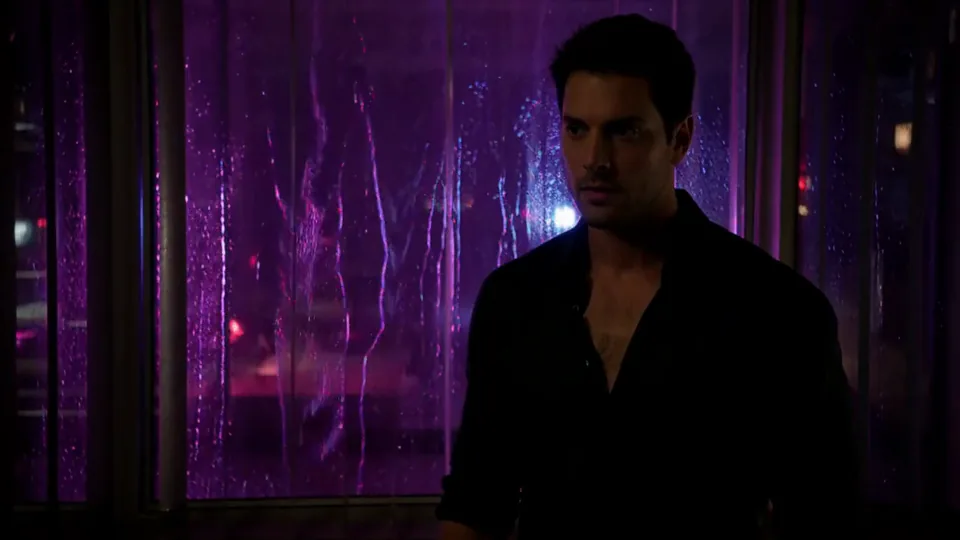 Neon After Hours
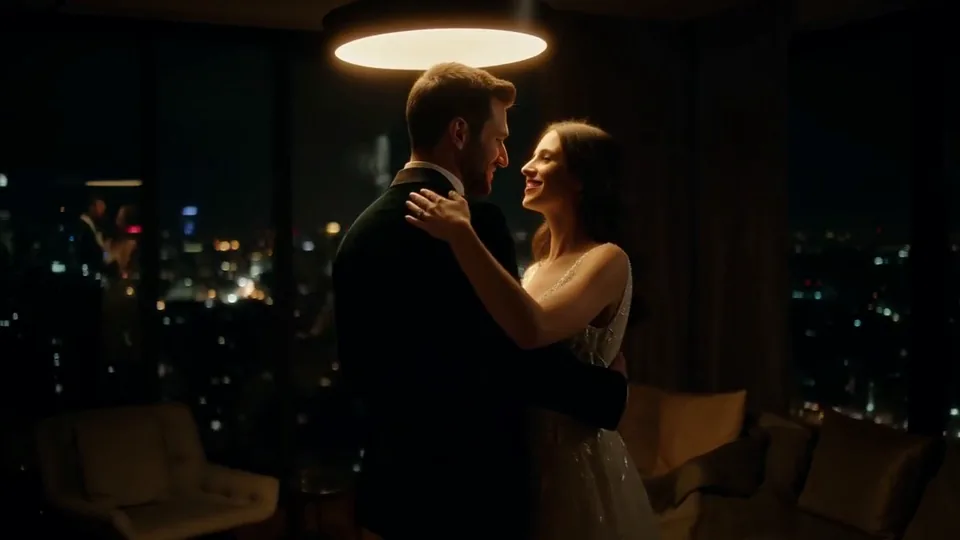 Sway Under the Lamp
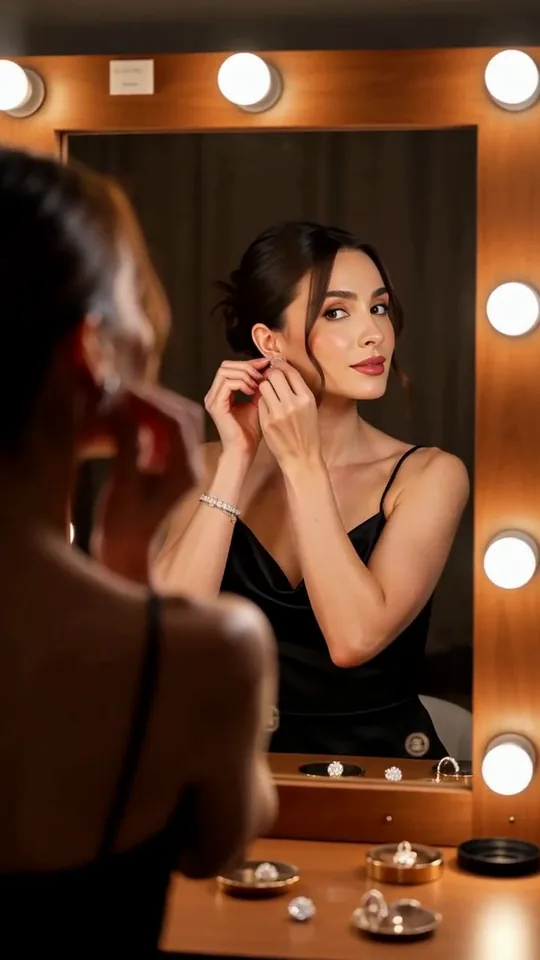 Mirror Moment
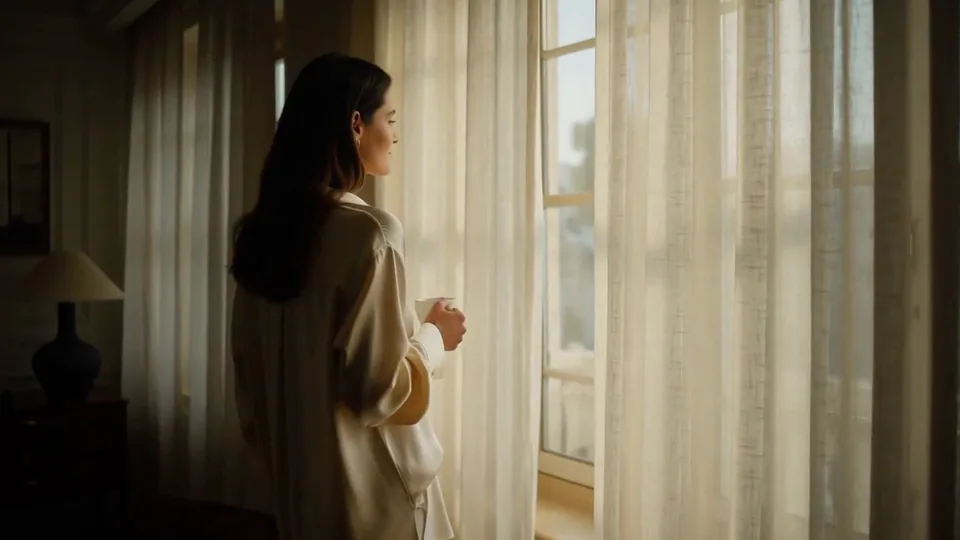 Morning Light
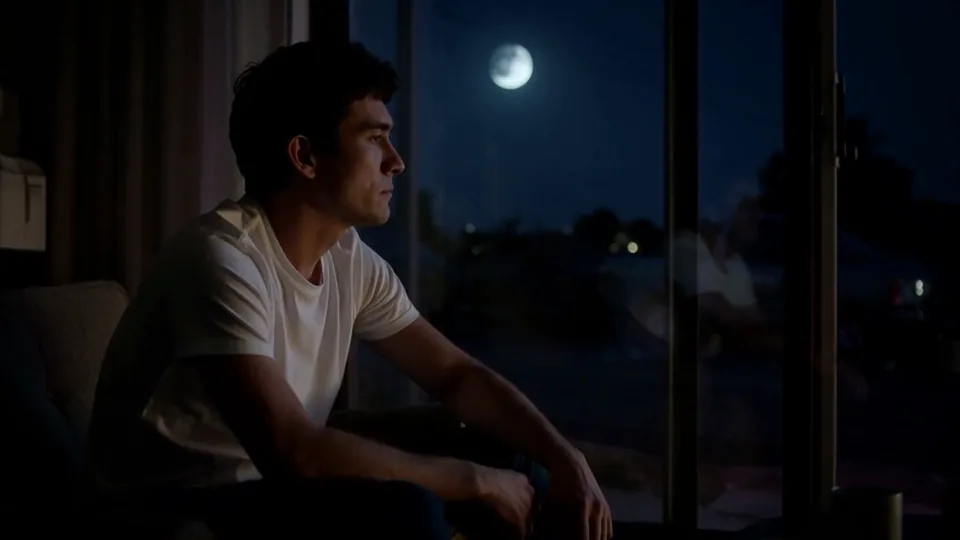 Passing Headlights
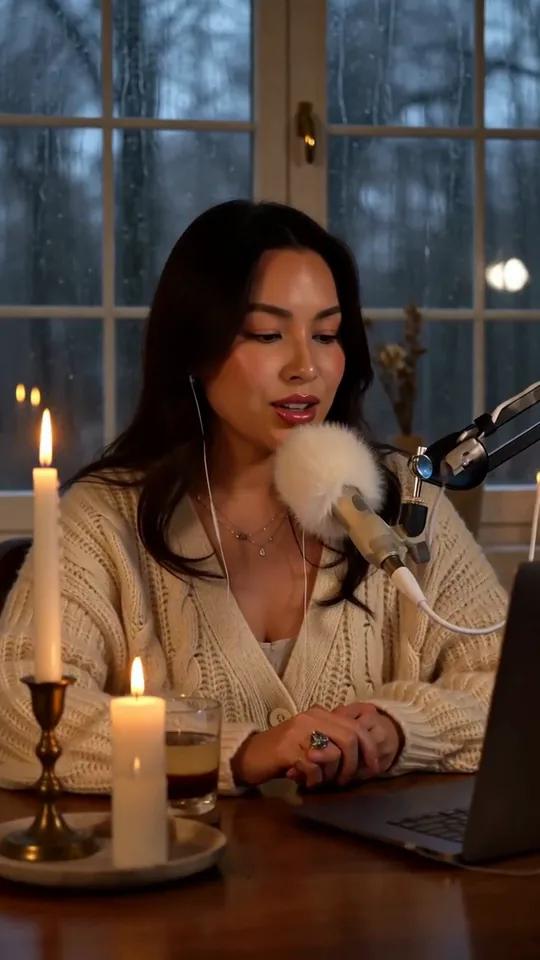 Whisper Session
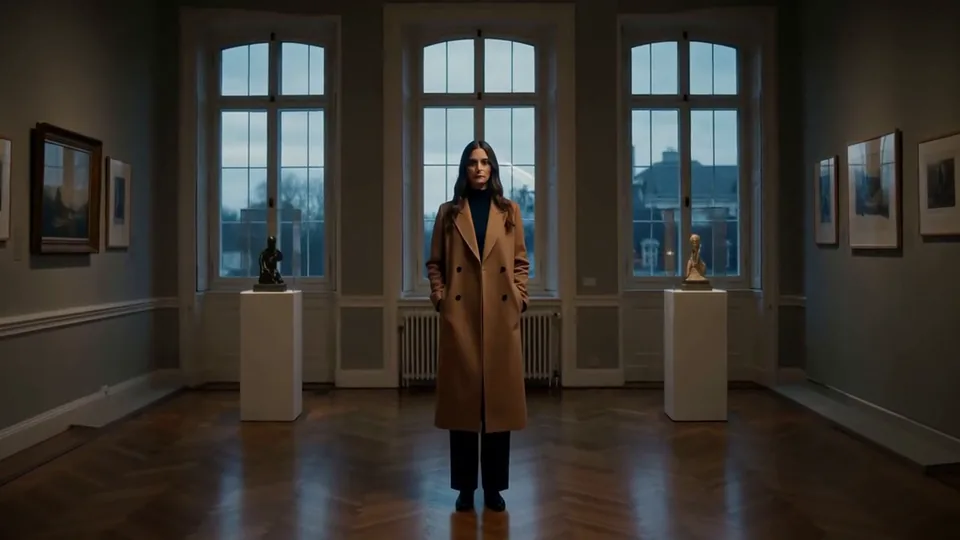 Slow Push-In
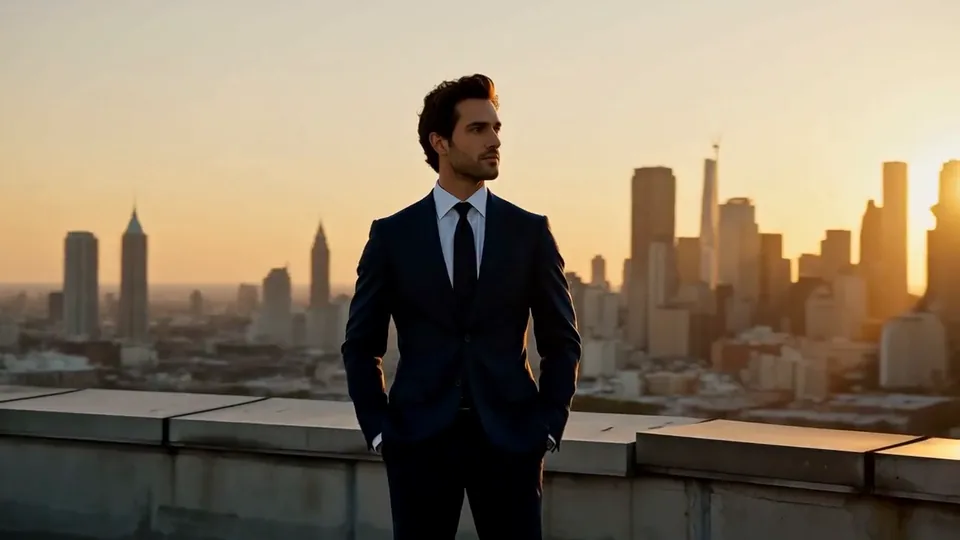 Half Orbit
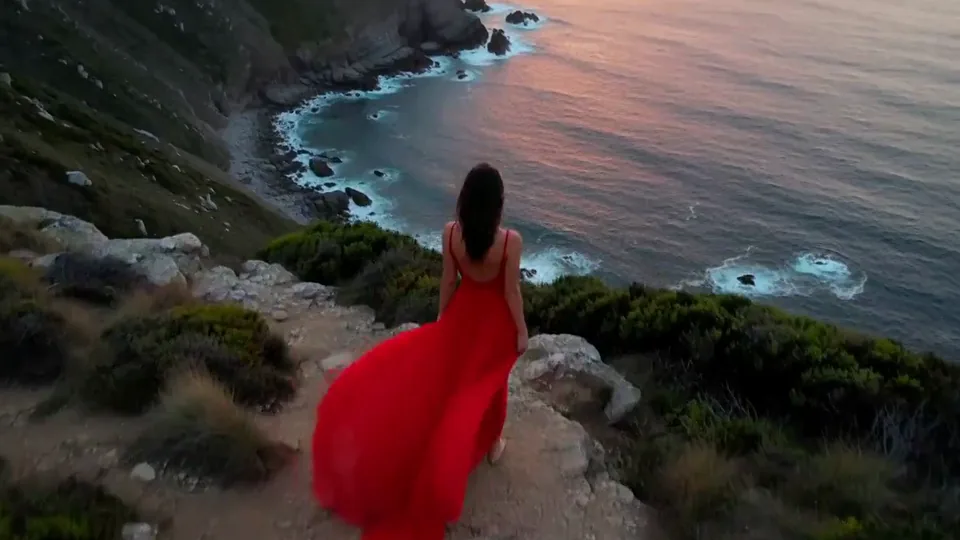 Drone Rise
This effect writes the prompt for you. Add one image.
We never filter your prompt.
Cinematic rain sweeps across your photo: silver streaks, splashes on every surface and a glossy sheen on the ground.
- Model
- MiniMax H3
- Length
- 5 s
- Resolution
- 768p
- Per run
- $0.185
- Type
- Atmosphere
What this effect sends
This is the full prompt, word for word. Copy it, or open it in the generator and change anything you like.
Cinematic rain starts falling across the whole scene: fine silver streaks catch the light, droplets bounce and splash on every surface, and a glossy sheen spreads over the ground. A soft mist hangs in the air as the camera drifts slowly forward.Pictures that work best
- Dusk, night and blue-hour photos make the rain glow. Bright midday scenes hide it.
- Include some ground or street in the frame so the splashes and reflections have somewhere to land.
- Backlight helps: a lamp or a bright window behind the subject lights up every streak.
- For indoor photos, say where the rain belongs when you customize the prompt, for example "rain streaming down the window behind them".
- Portraits facing the camera look great: the rain falls between the subject and the lens and adds depth.
- Leather, silk and heavy wool catch the wet sheen beautifully; matte cotton shows it less.
Models this effect runs on
The same prompt on different models. Pick by look and by price.
- MiniMax H3$0.185 per run
5 s · 768p
- Seedance 2.0 Fast$0.484 per run
5 s · 720p
- Kling 3.0$0.336 per run
5 s · 720p
- Seedance 2.0$0.76 per run
5 s · 720p
- Wan 3.0$0.45 per run
5 s · 720p
- Vidu Q3 Turbo$0.33 per run
5 s · 720p
- MiniMax H3 Max$0.4 per run
5 s · 768p
- Kling 2.5 Turbo$0.28 per run
5 s
- Wan 2.6 Flash$0.113 per run
5 s · 720p
- Seedance 2.0 Mini$0.265 per run
5 s · 720p
How it works
- 01
Add one photo
Choose the photo to match the example: include both people for a shared gesture, and keep the face and any hands involved clearly visible. Upload your own photo or start with a Rain Falls sample.
- 02
Check the price
Rain Falls defaults to a 5-second clip for $0.185. Swap the model or change the length and resolution before you run — the price on the button updates to match, and that's the whole cost of the clip.
- 03
Generate
Your Rain Falls clip renders in the background, lands in History and is never published.
Do the move yourself
Rain Falls keeps one version of this shot. To give Rain Falls your own motion or ending, write it yourself in Image to Video, starting from the prompt above.
What it does to your photo
Rain Falls adds a downpour to a dry photo. Silver streaks cut through the frame, droplets splash on every surface, the ground picks up a glossy sheen and a light mist hangs in the air while the camera drifts slowly forward. It is instant mood for fashion, street and city shots.
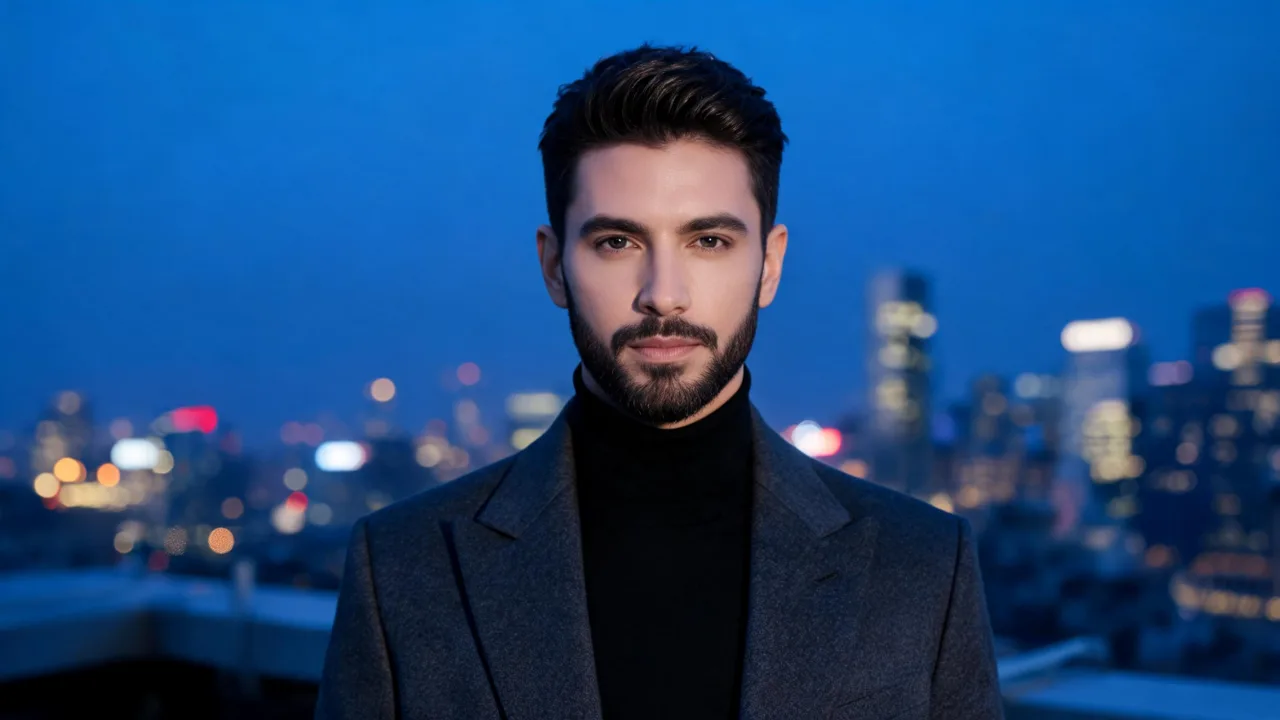
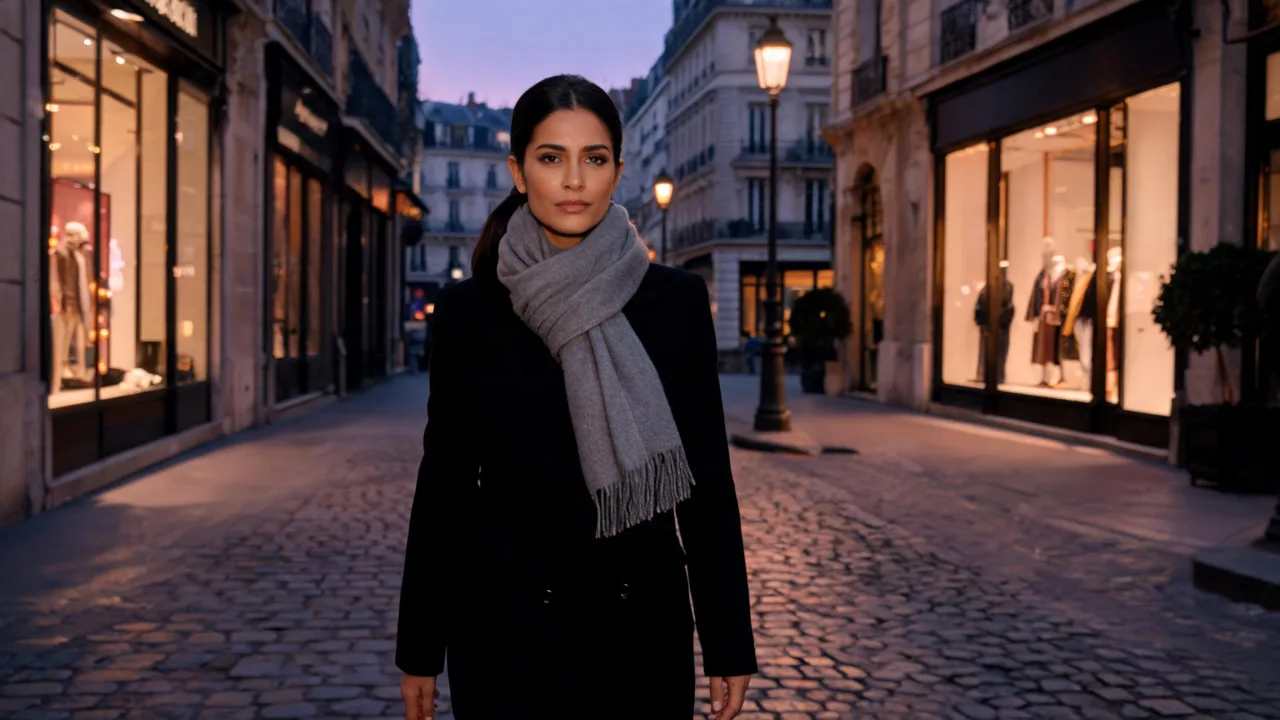
On MiniMax H3, a blue-hour portrait of a man on a rooftop got proper heavy rain: bright streaks against the dark sky, a wet shine on his coat by the third second and the skyline softening into mist behind him. A Paris street at dusk went the other way, with a finer rain and cobblestones turning reflective under the shop windows. Seedance 2.0 Fast, on the same street, made the reflections richer and let the woman keep walking toward the camera.
Rain looks best where light can catch it. Street lamps, shop windows, backlight and dusk skies all make the streaks glow, while flat daylight makes rain almost invisible. Darker photos give the most dramatic result.
Fashion editors use it to turn a dry street shoot into a moody night-rain look without a reshoot, and brands use it for outerwear, umbrellas and fragrances that need a storm in the story.
Clothes and hair can pick up a wet shine, just as they would in real rain; nothing else about the scene changes except the weather. If you want a drizzle instead of a downpour, open the prompt in the generator and swap "Cinematic rain" for "A light drizzle".