After Dark
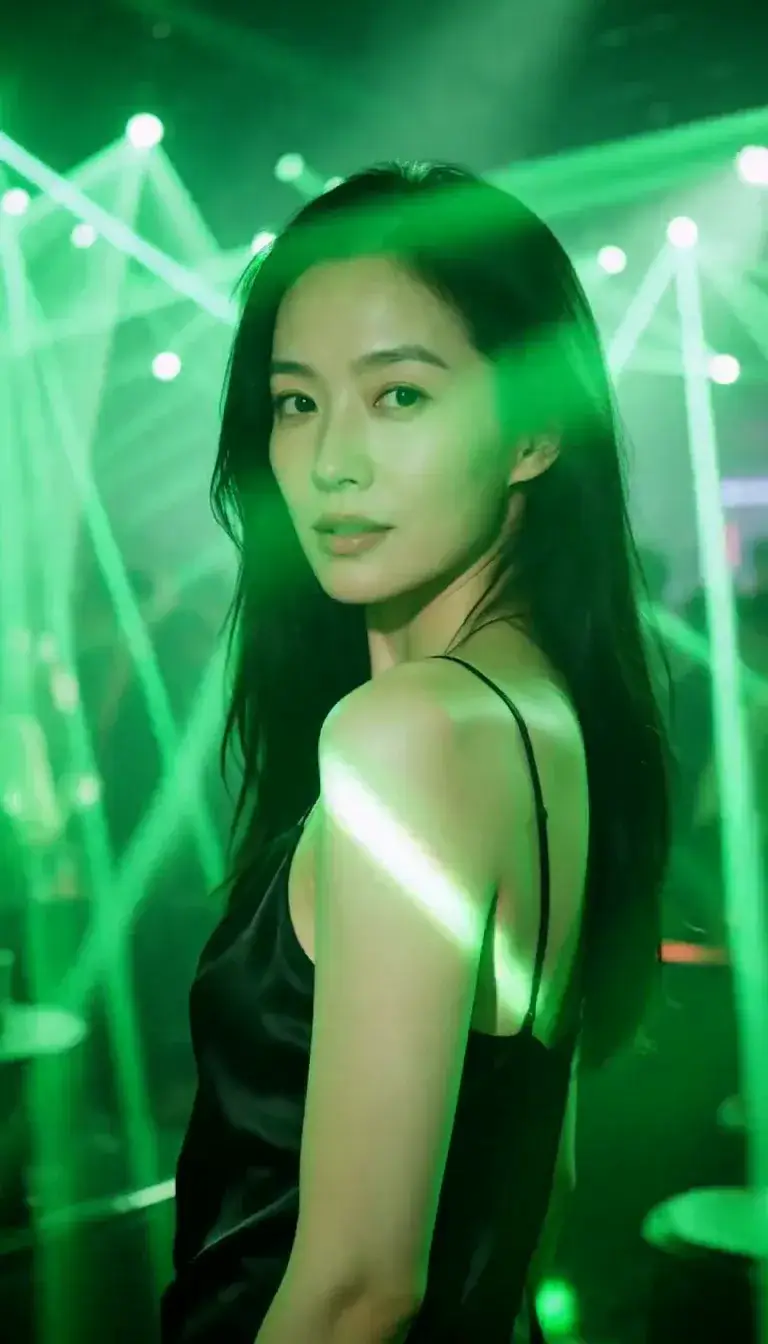 Laser Room
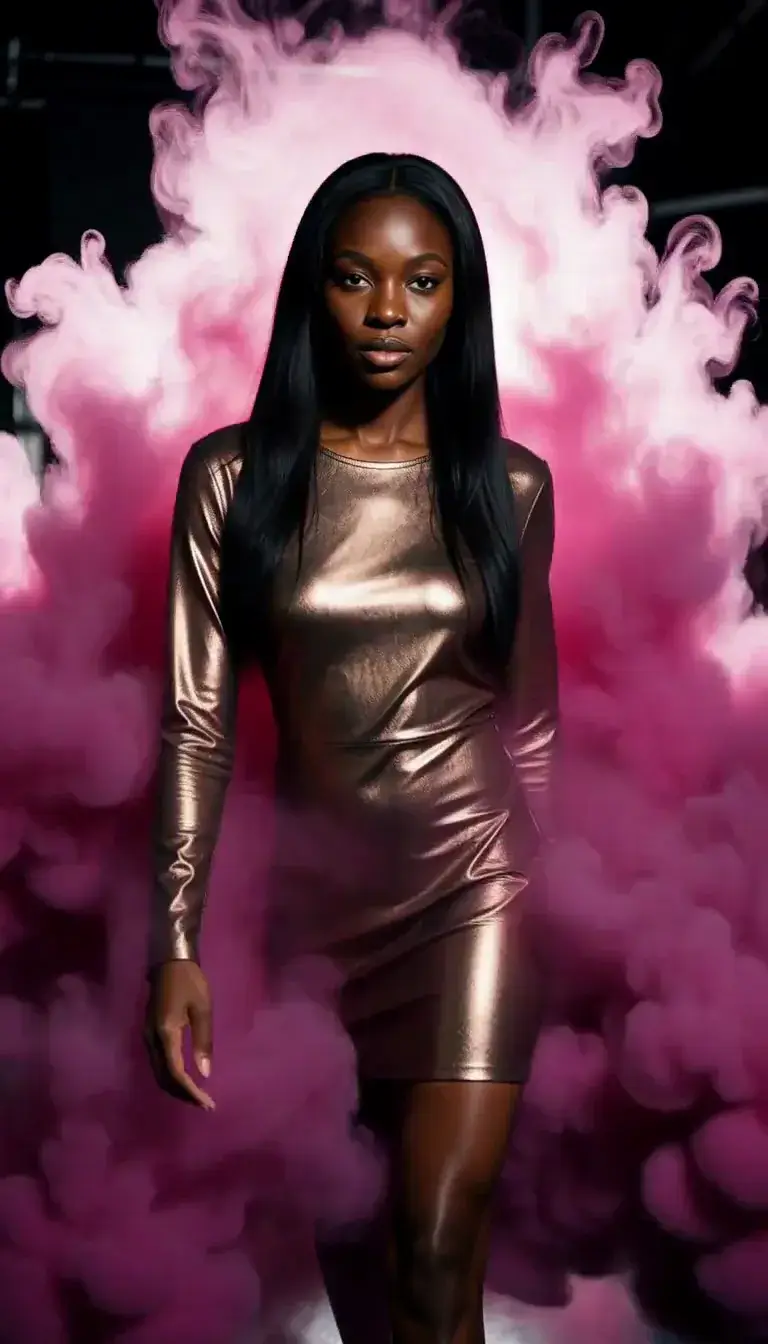 Color Smoke
 Silk Drop
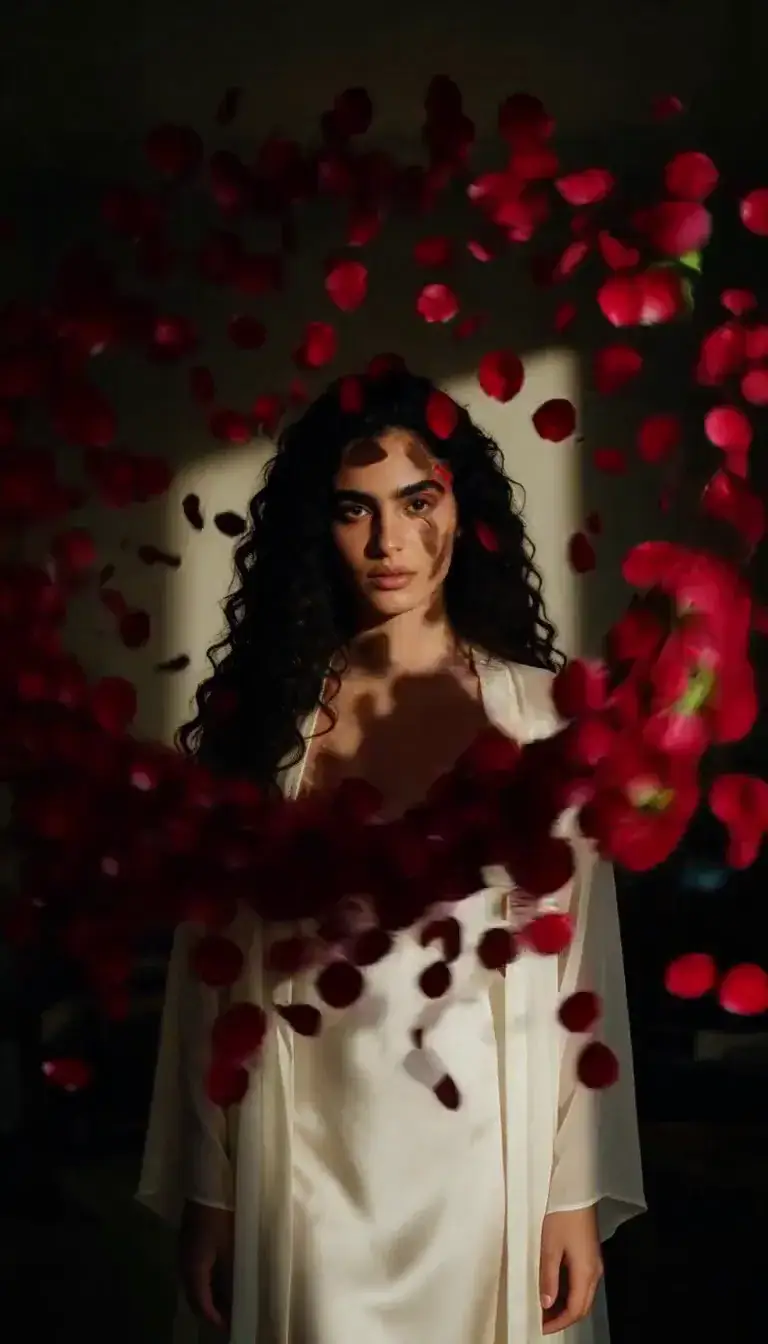 Petal Storm
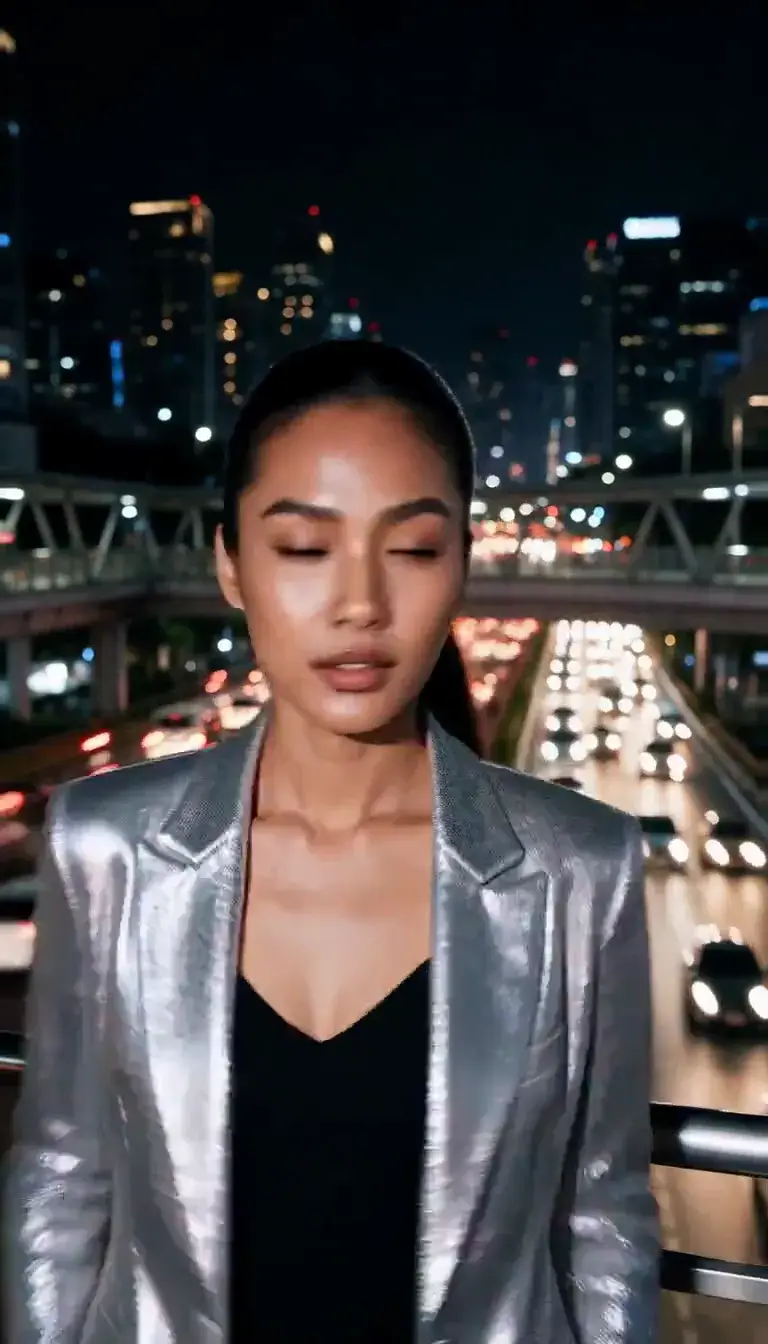 Slow Shutter
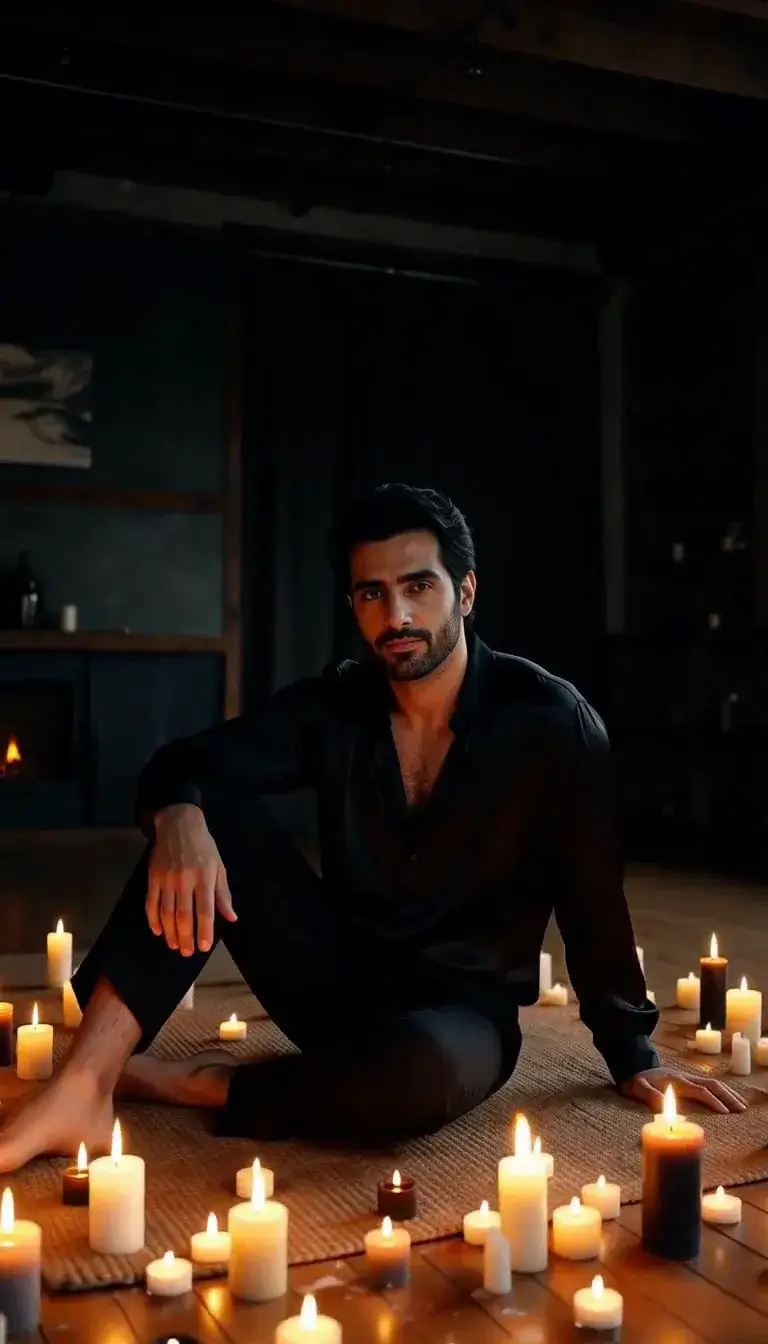 Candlelight
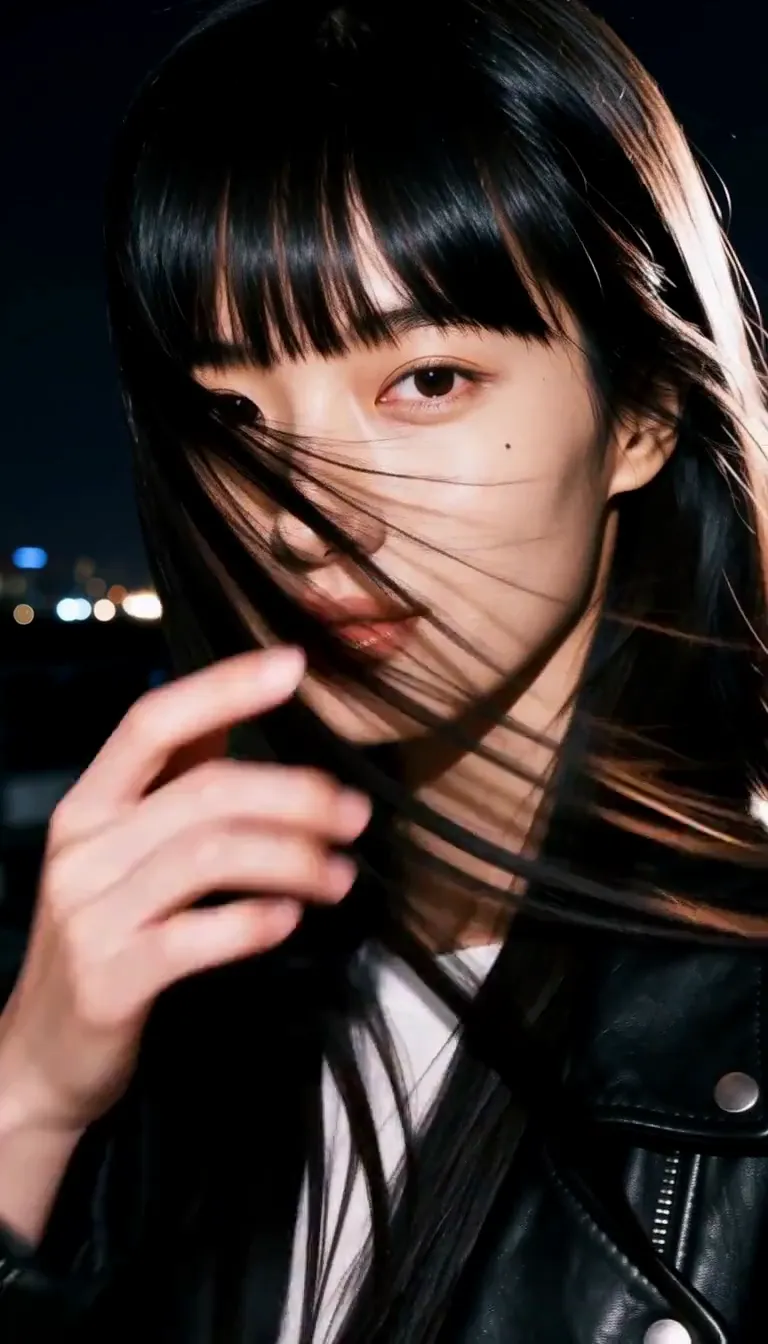 Behind the Hair
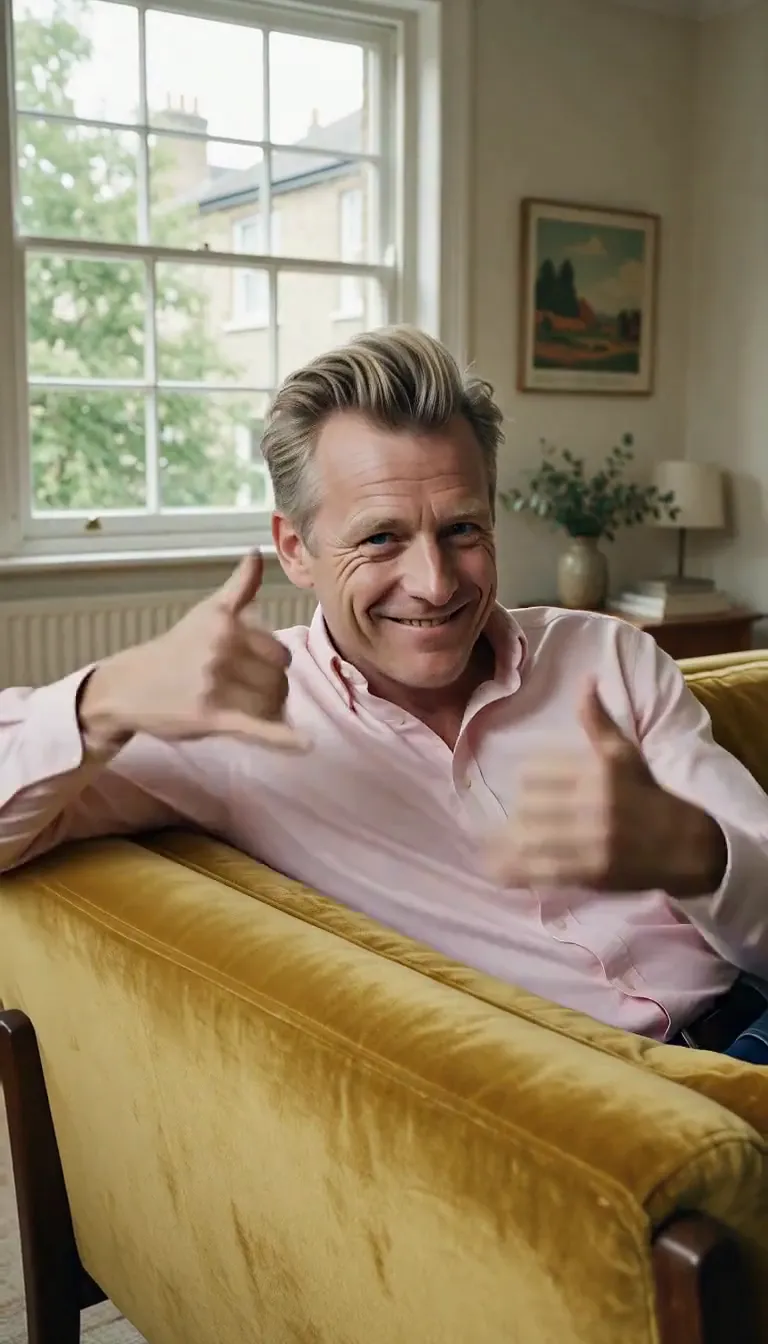 Call Me
 Champagne Toast
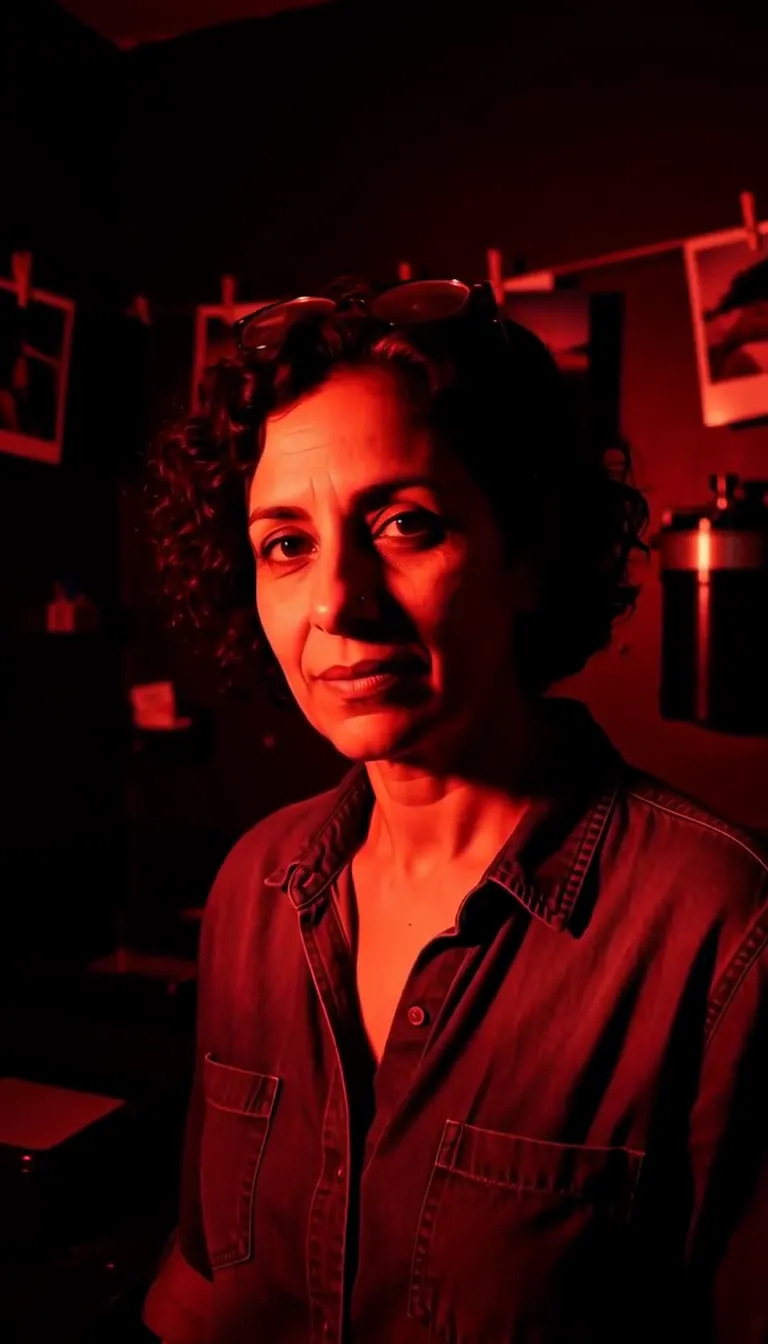 Darkroom Red
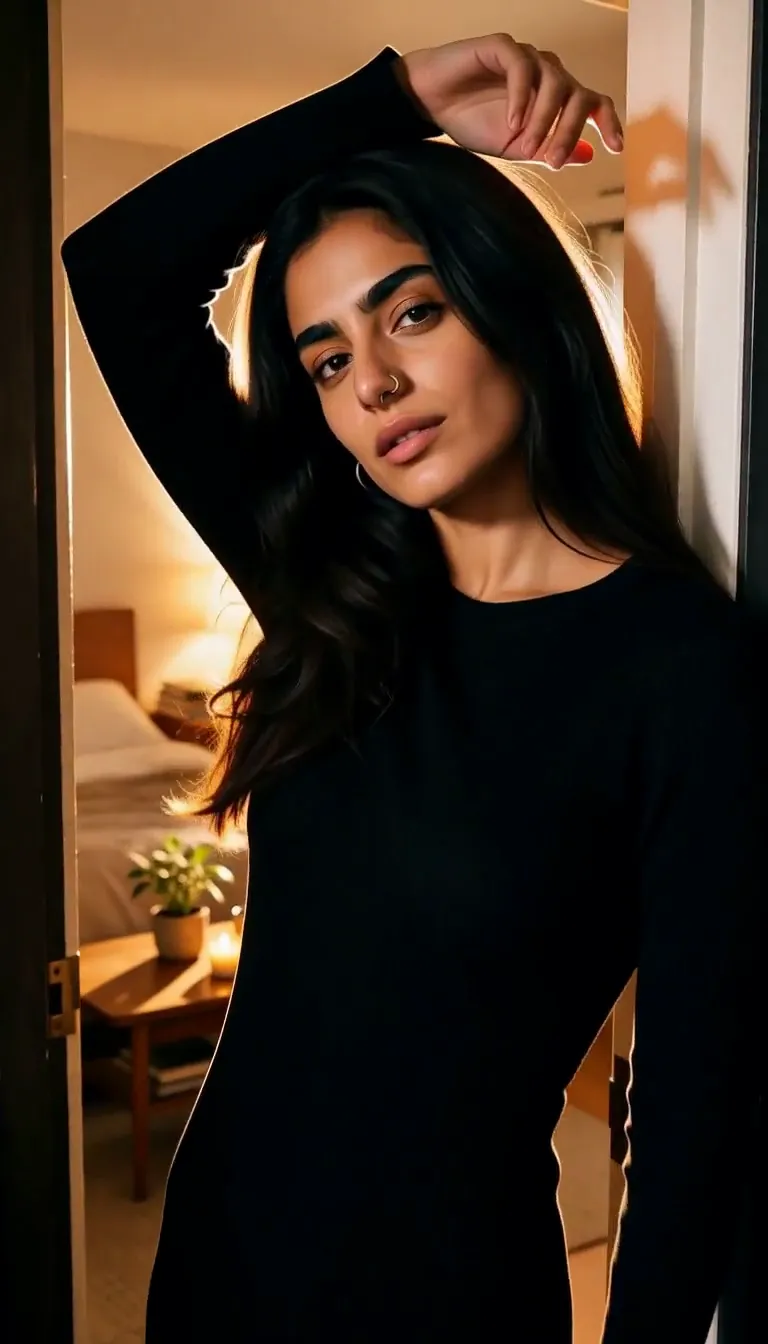 Doorway Lean
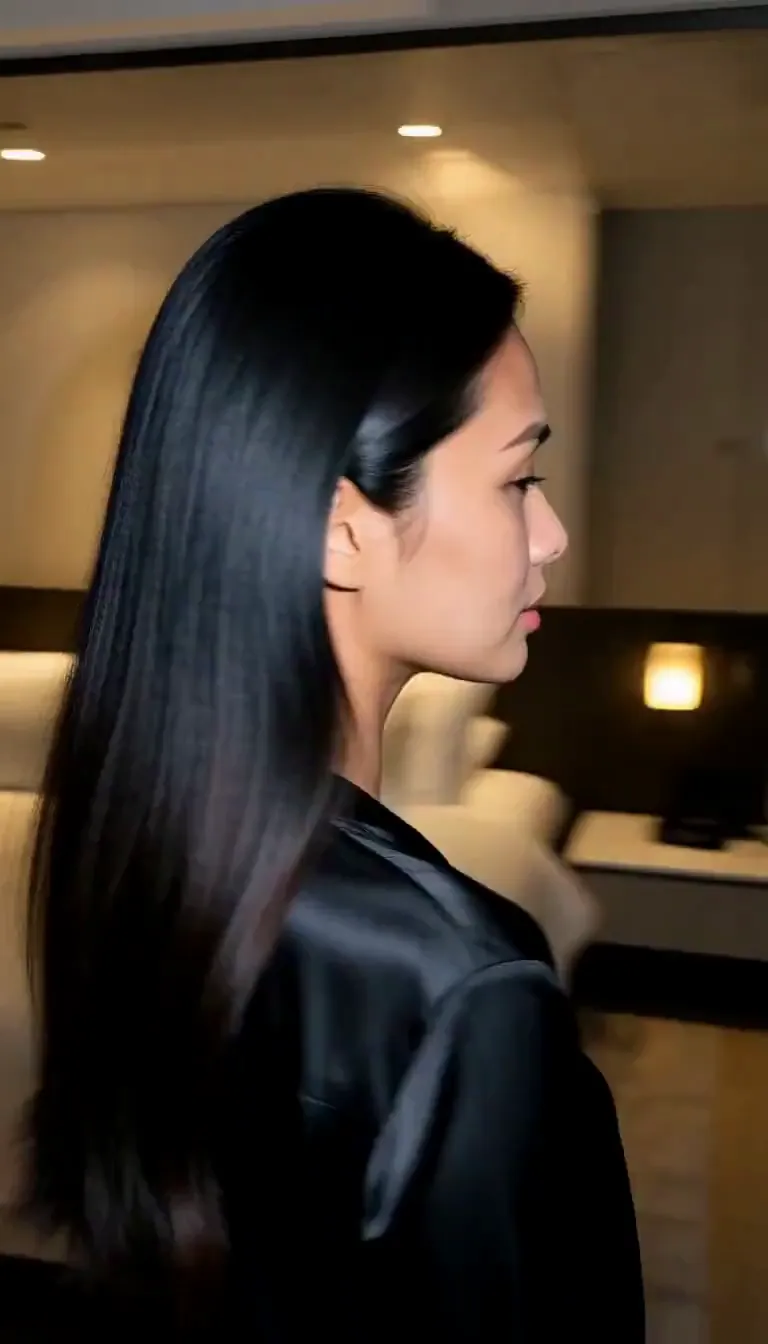 Eyes on You
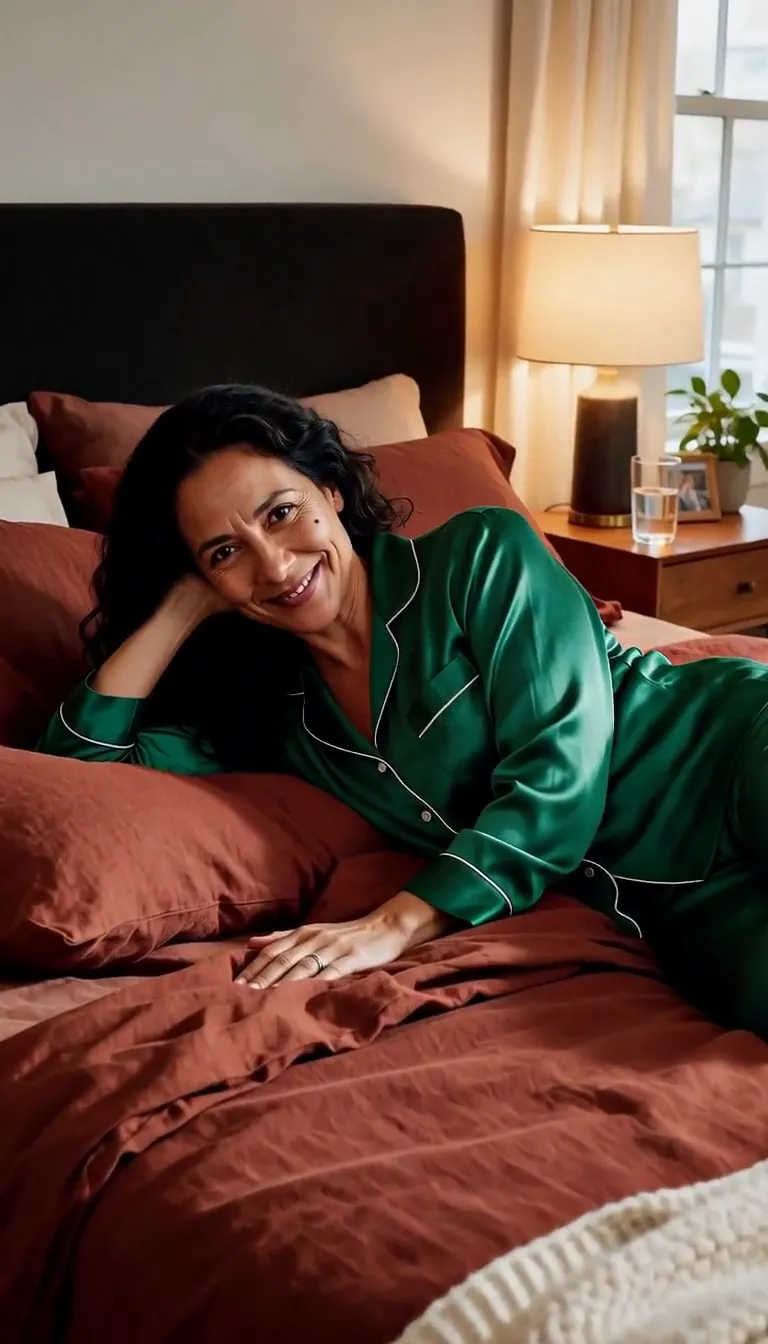 Join Me
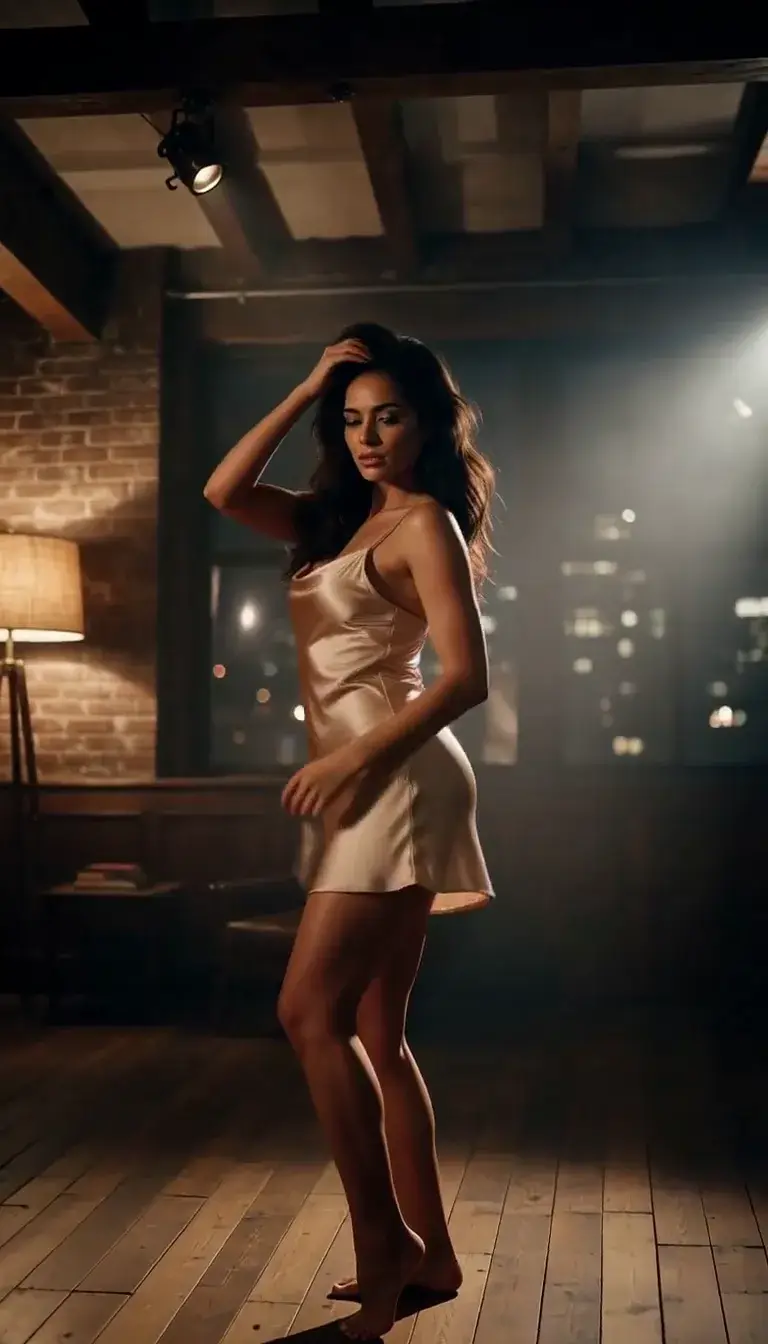 Late-Night Dance
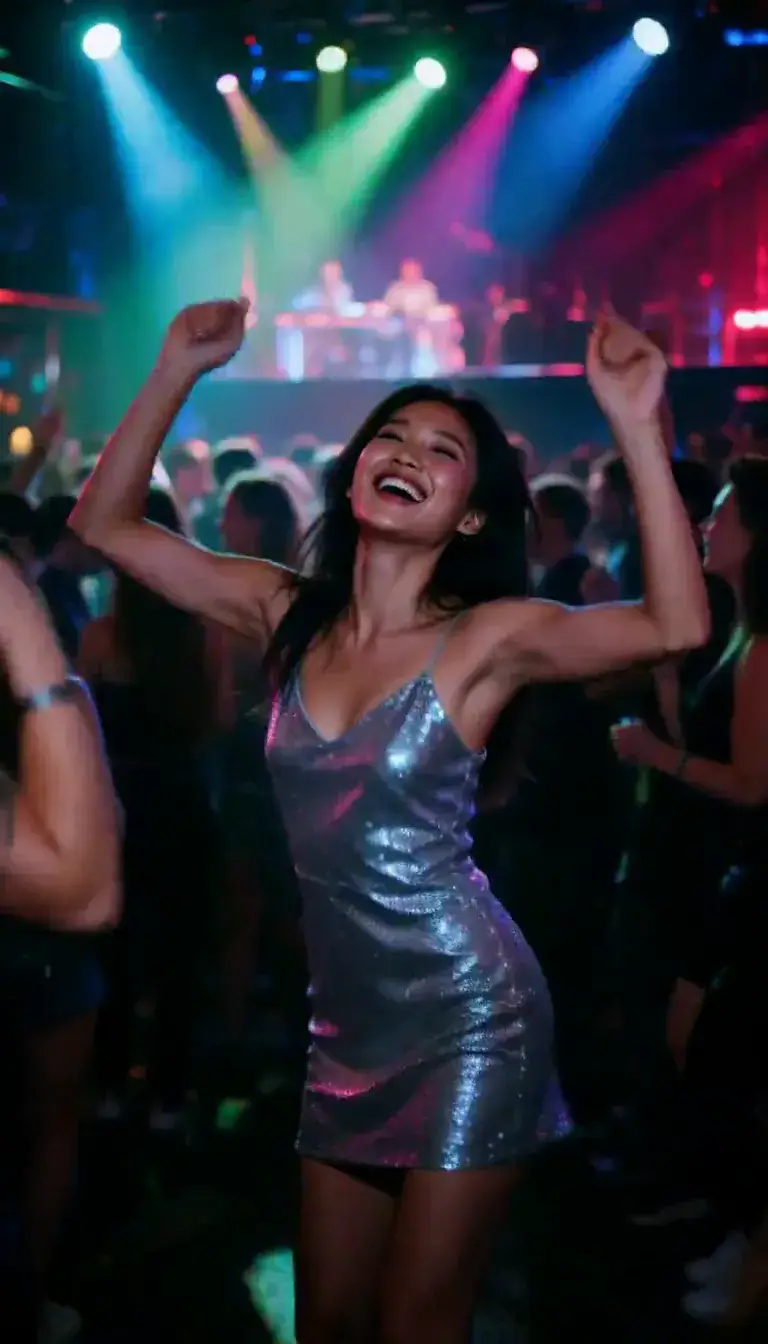 Club Strobe
Romance
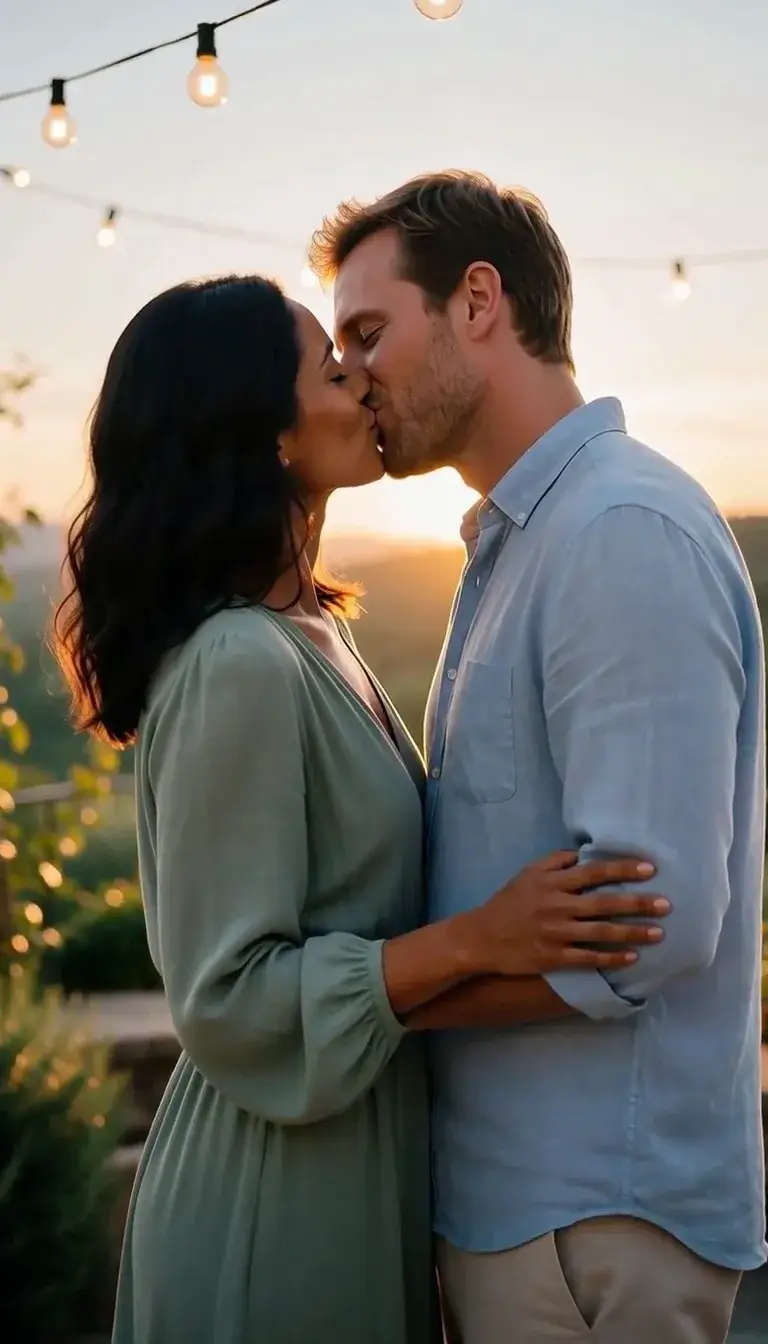 Kiss
KissCamera moves
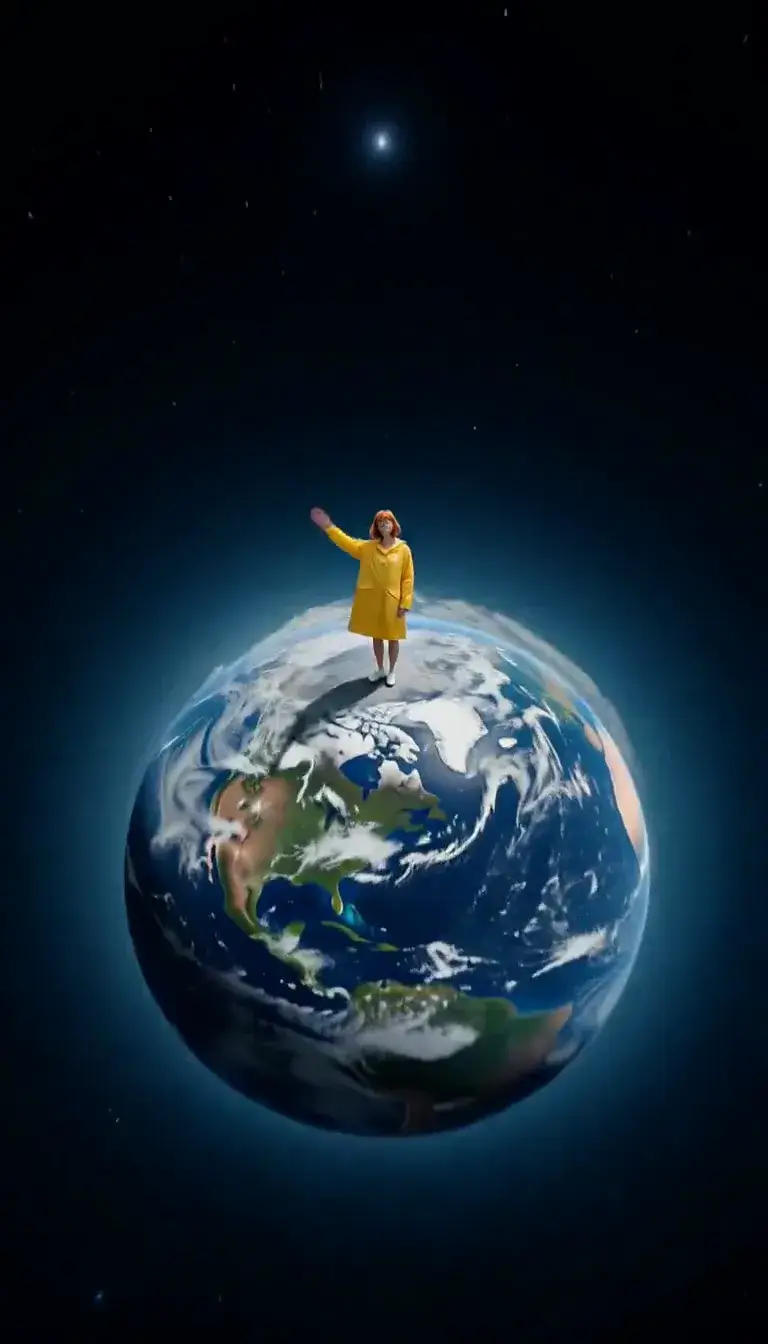 Tiny Planet
Transform
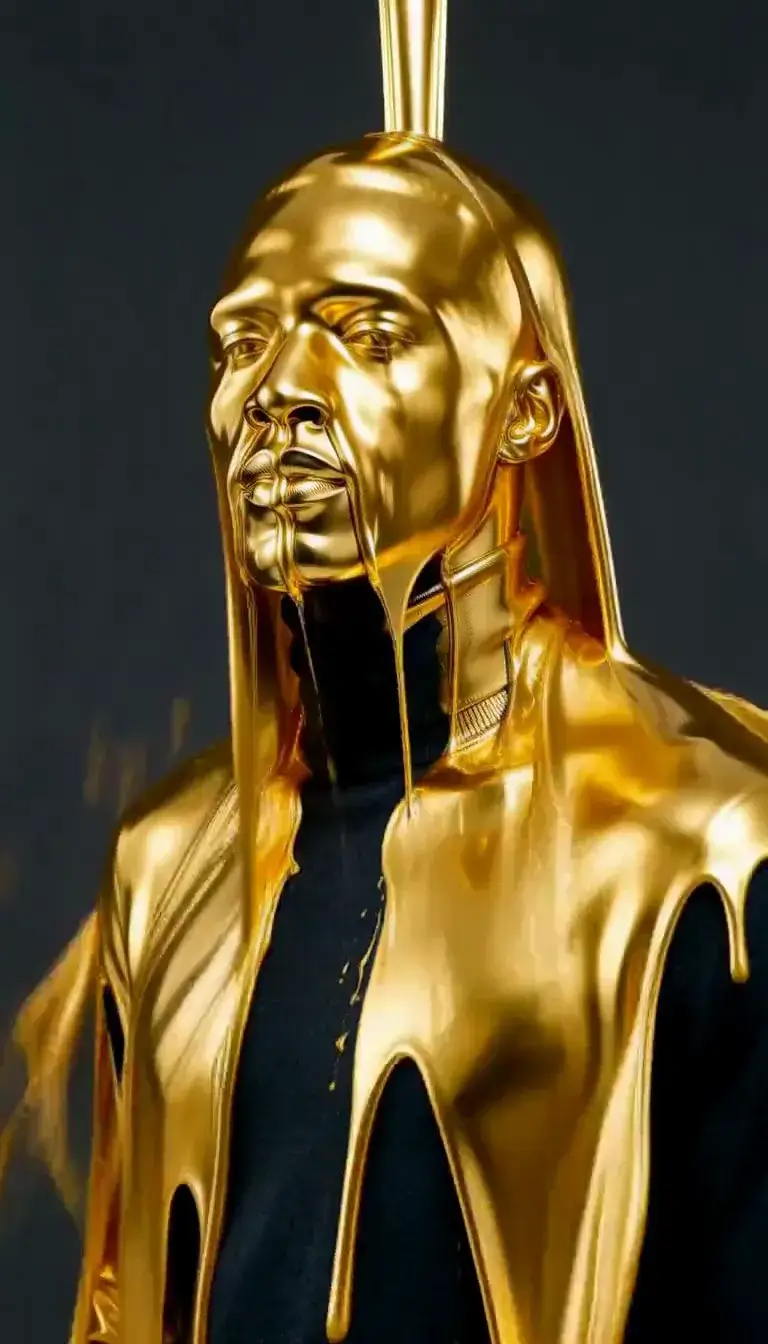 Molten Gold
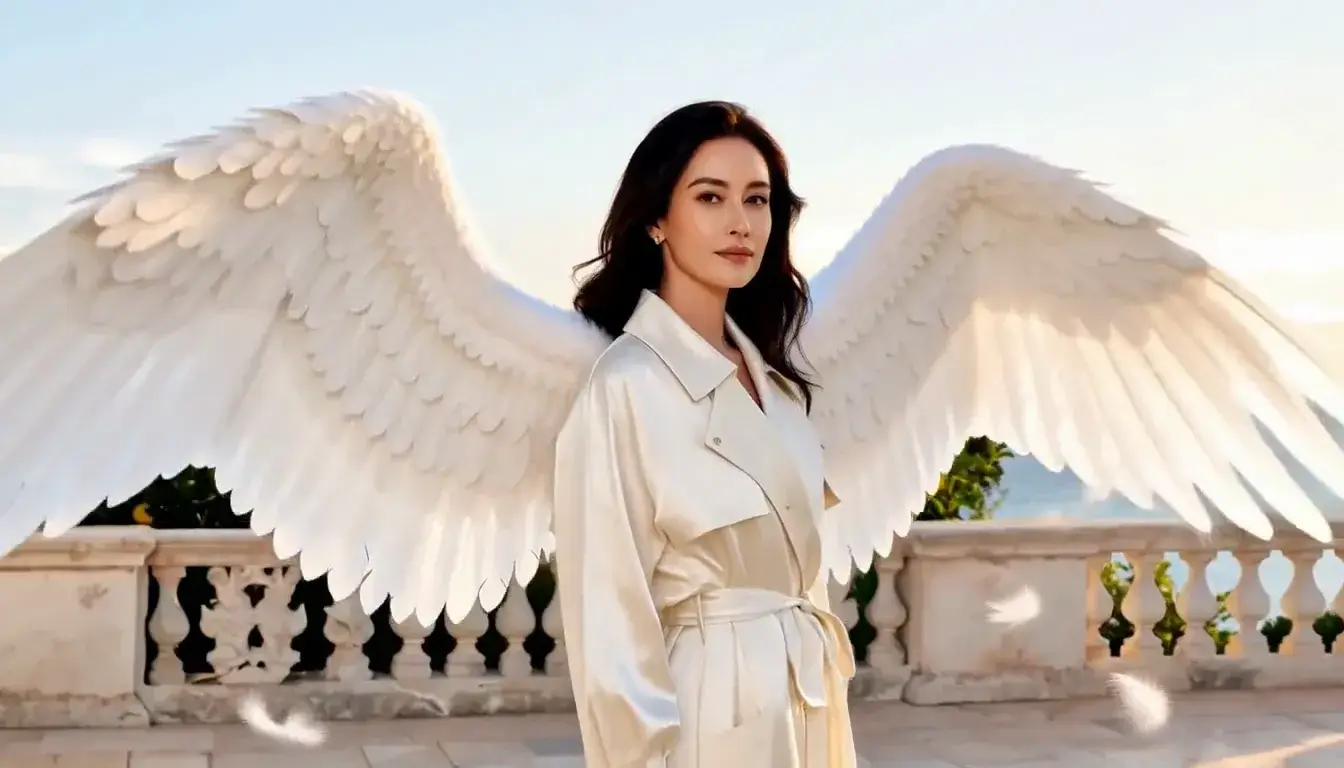 Unfurl Wings
Fashion
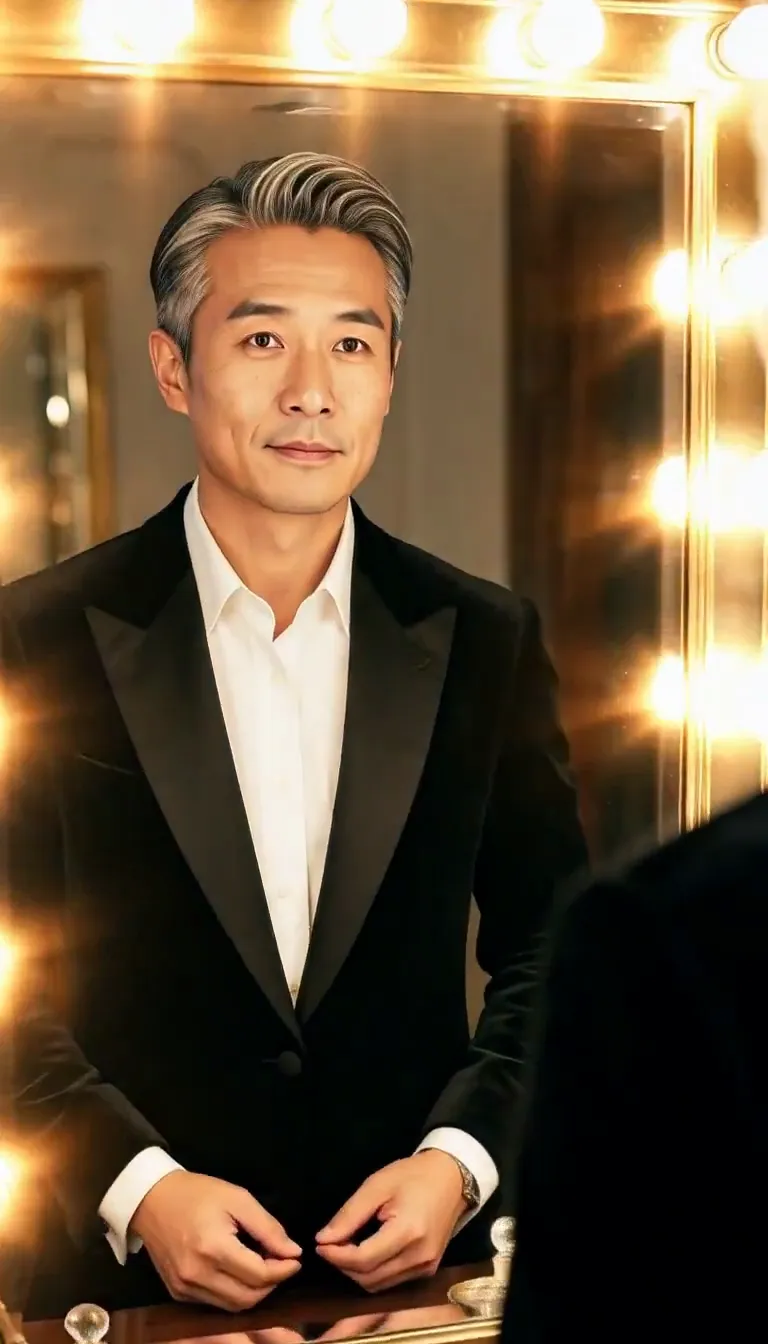 Mirror Glance
Atmosphere
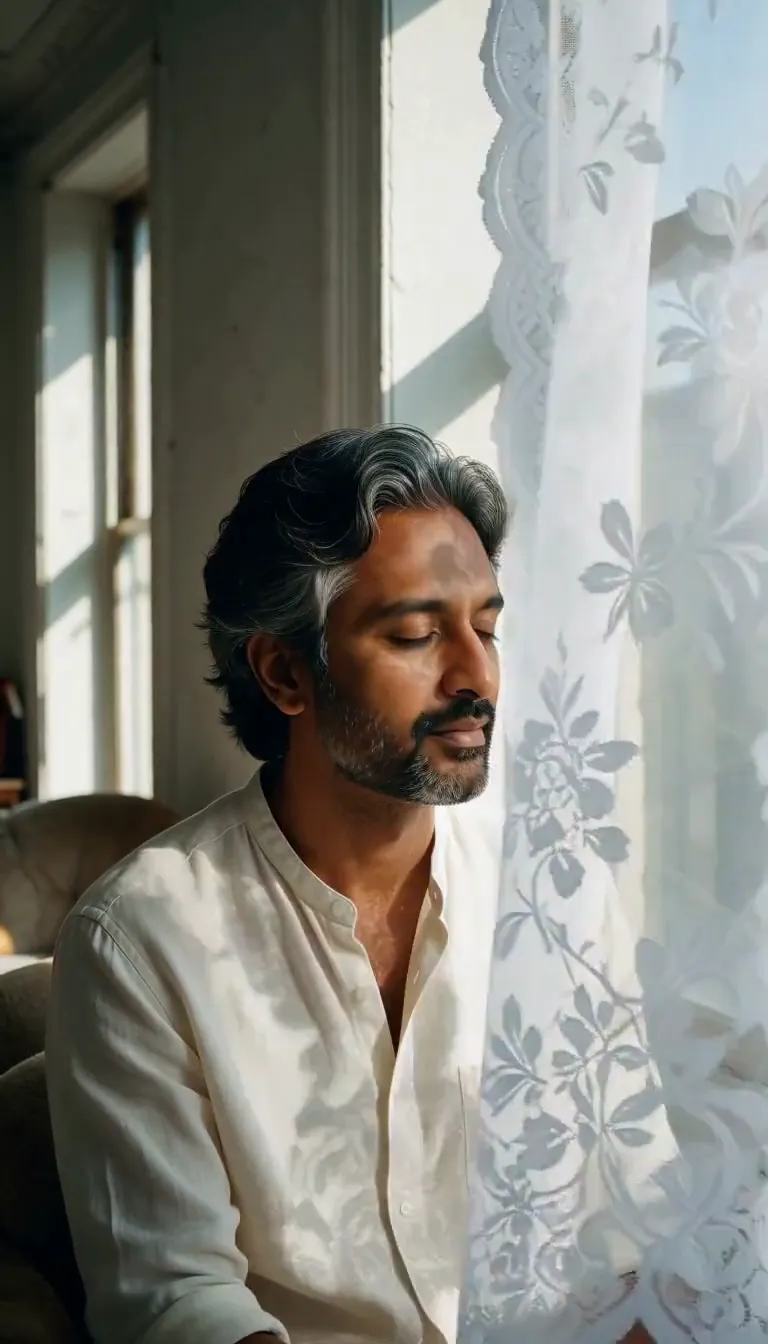 Lace Shadows
Motion
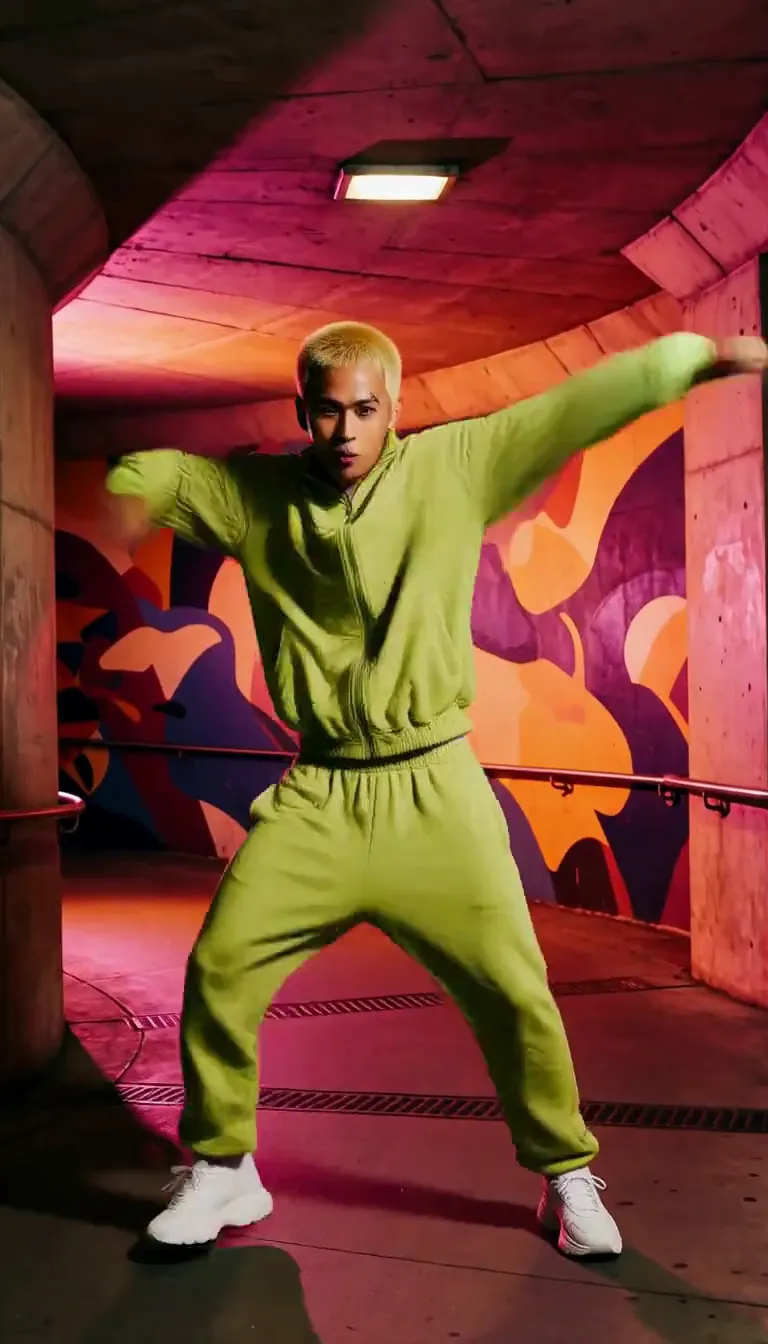 Groove
Fun
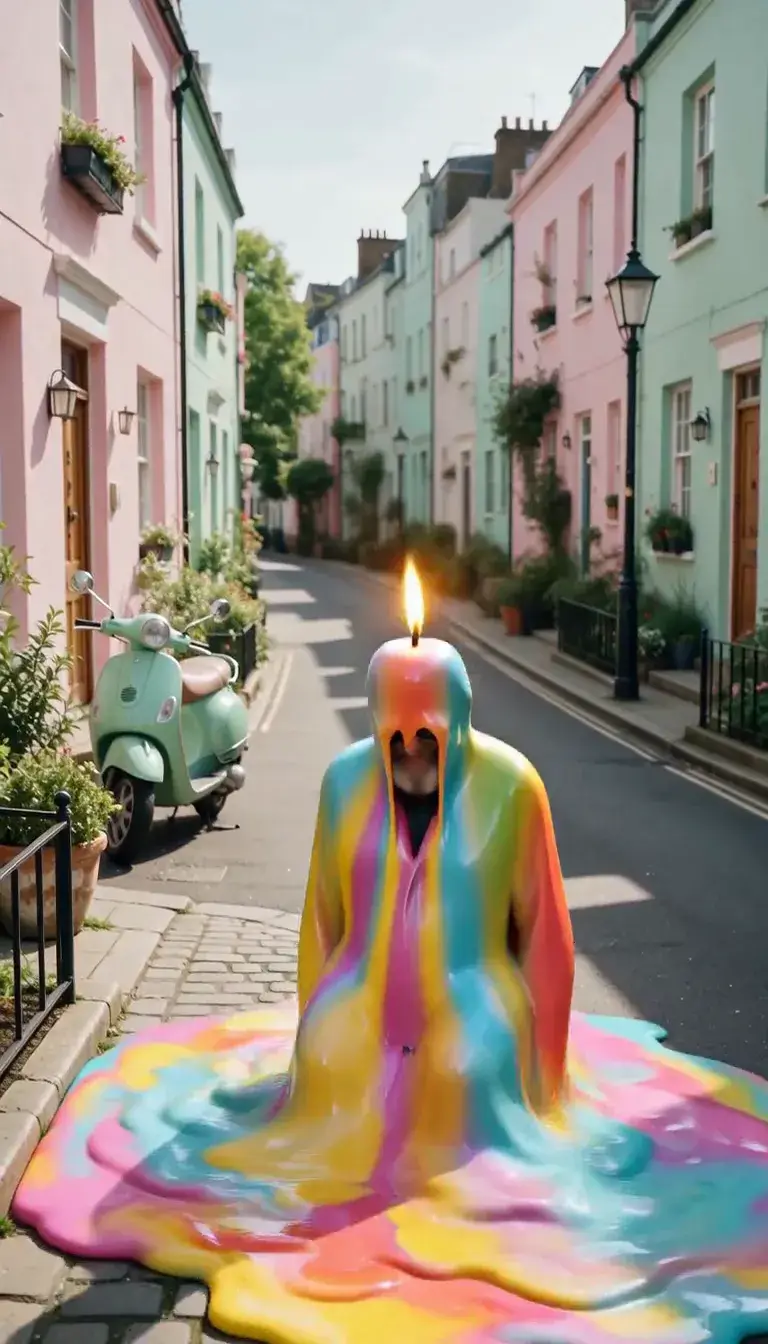 Meltdown
Product
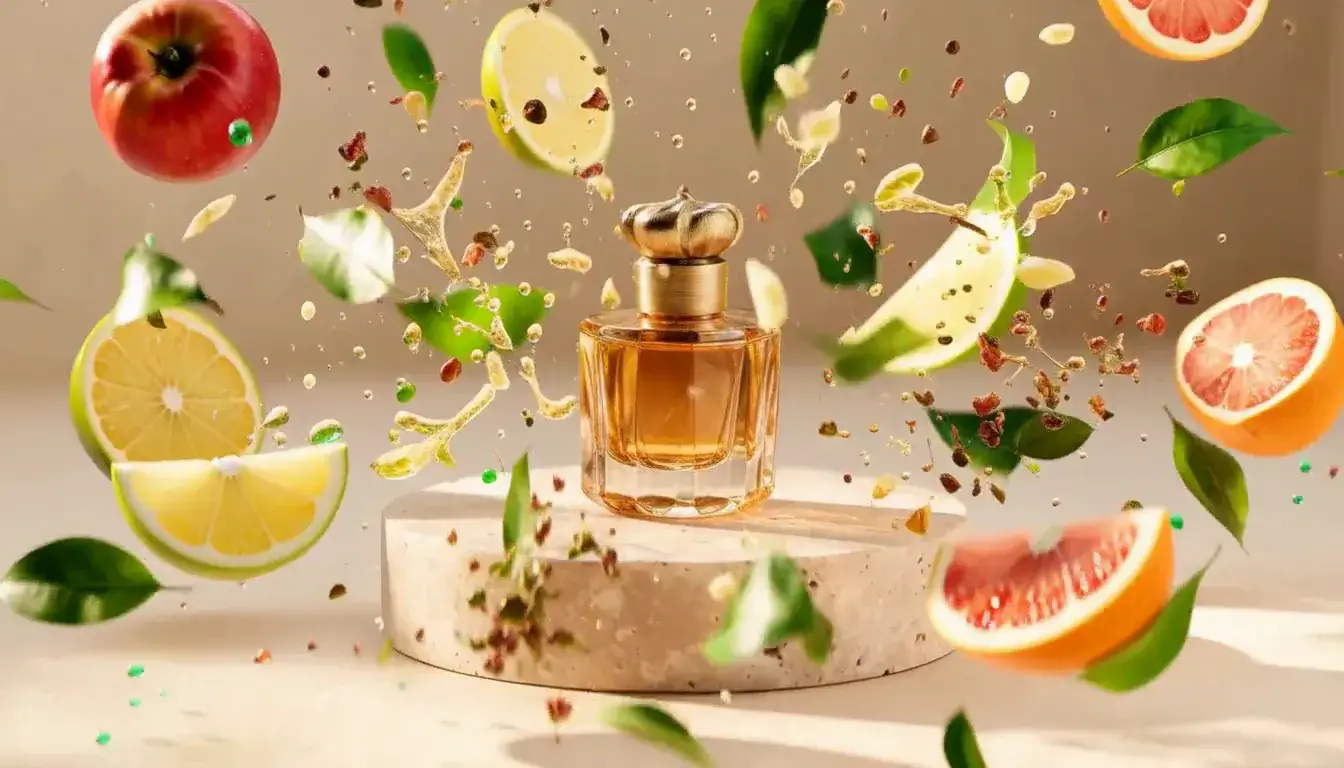 Ingredients Burst
Film looks
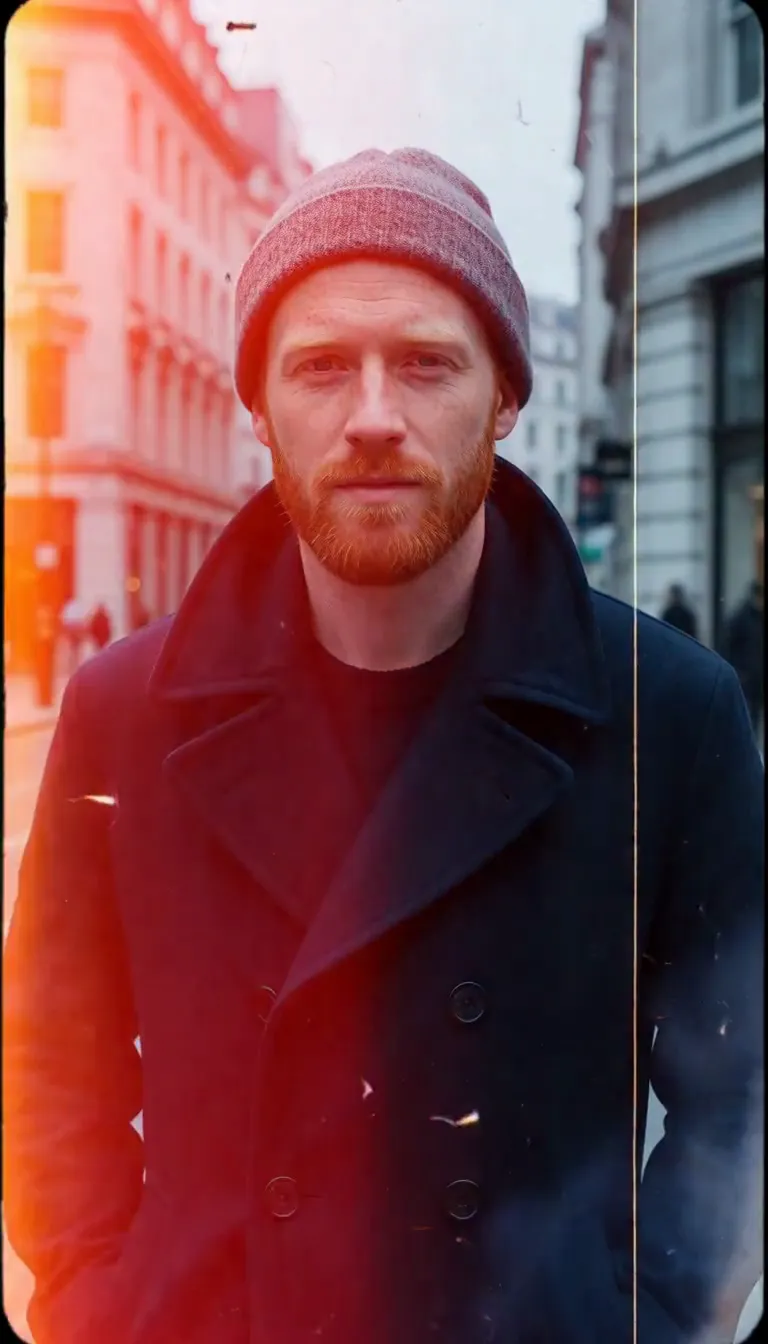 Film Burn
Video templates
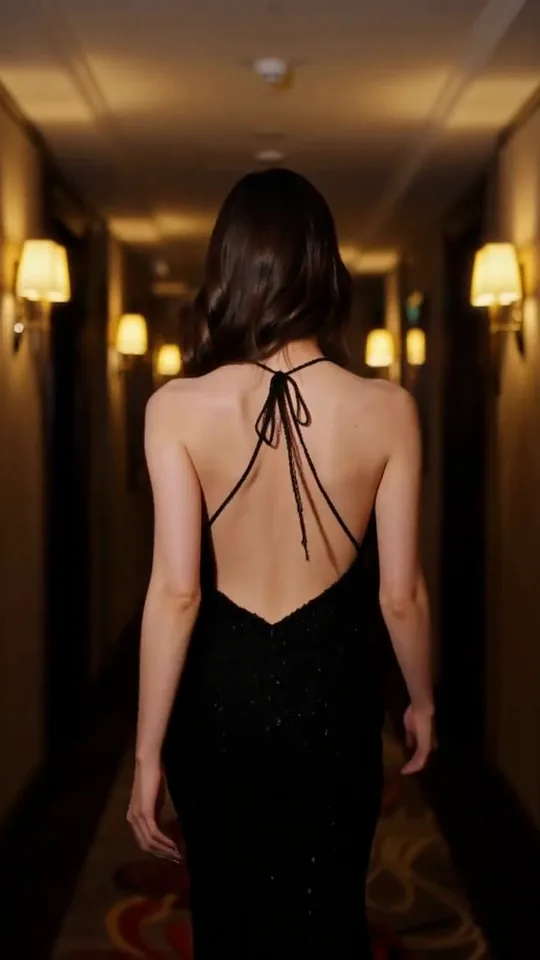 The Glance Back
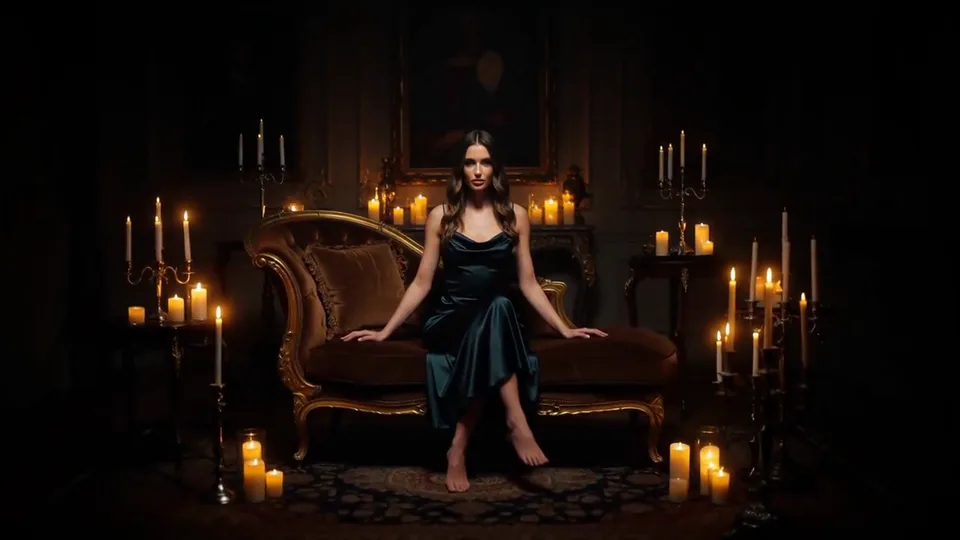 Candles Come Alive
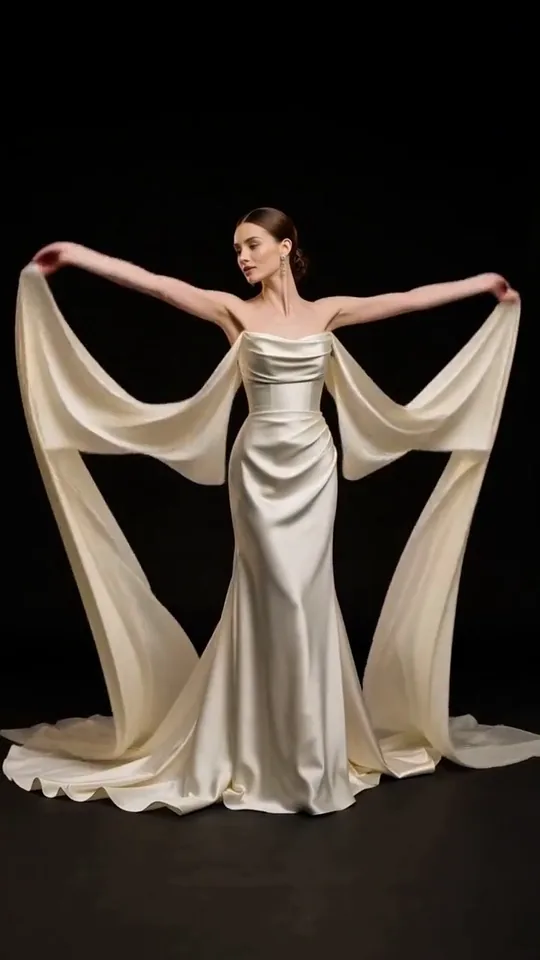 Silk Drift
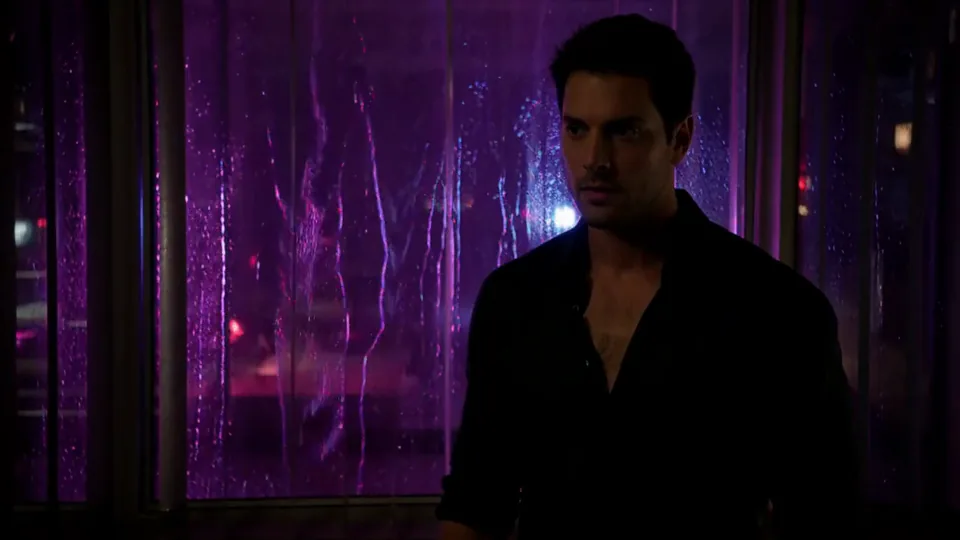 Neon After Hours
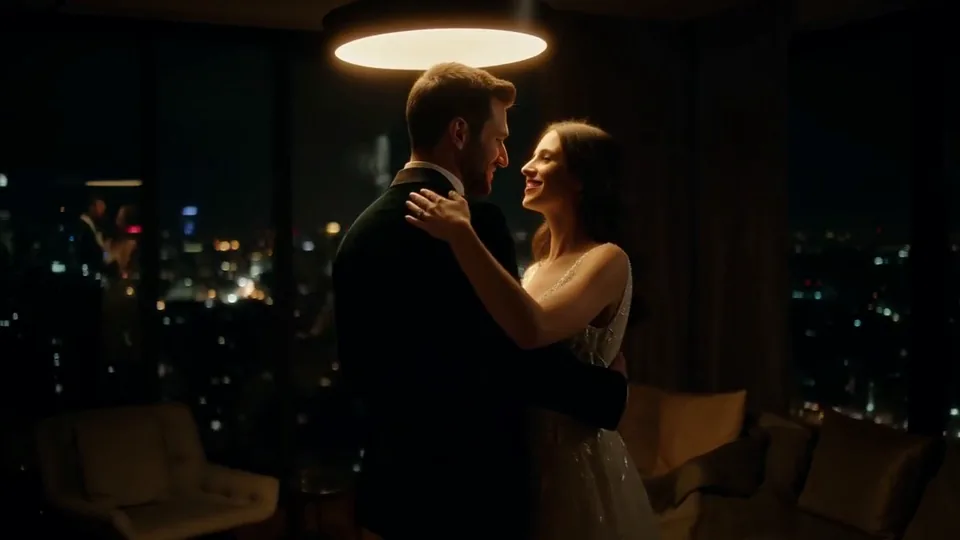 Sway Under the Lamp
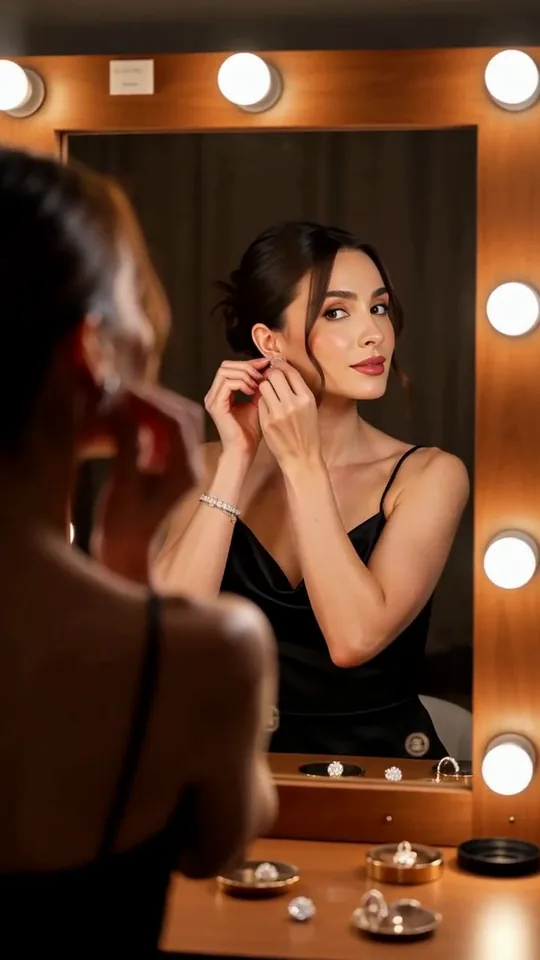 Mirror Moment
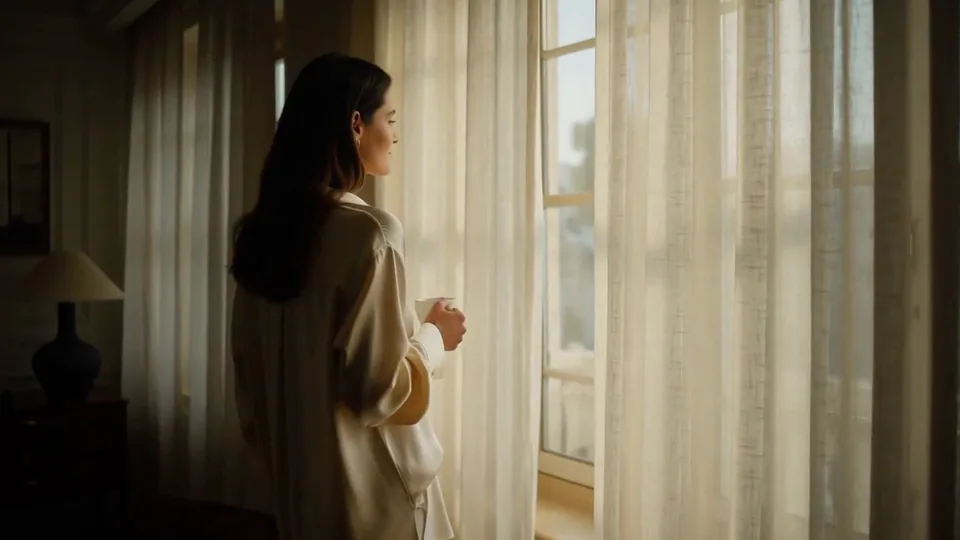 Morning Light
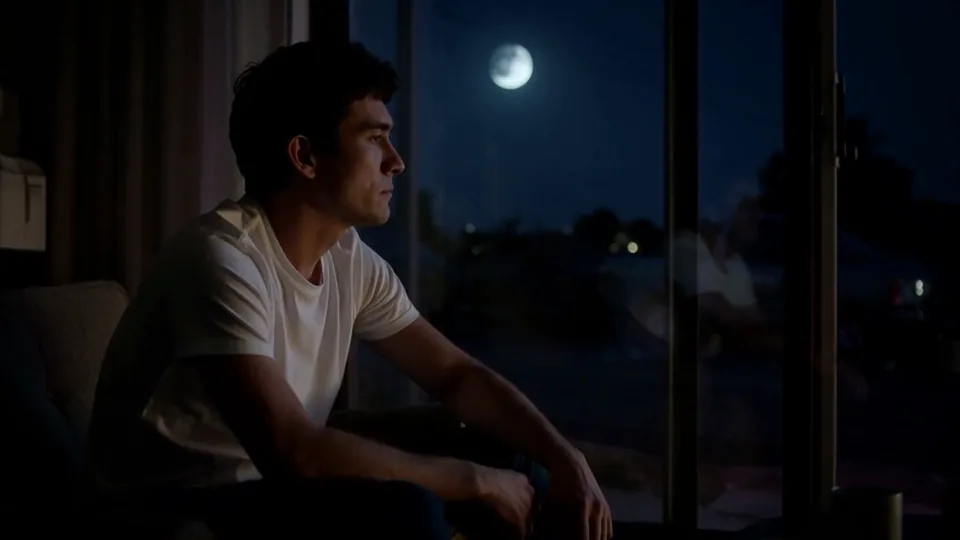 Passing Headlights
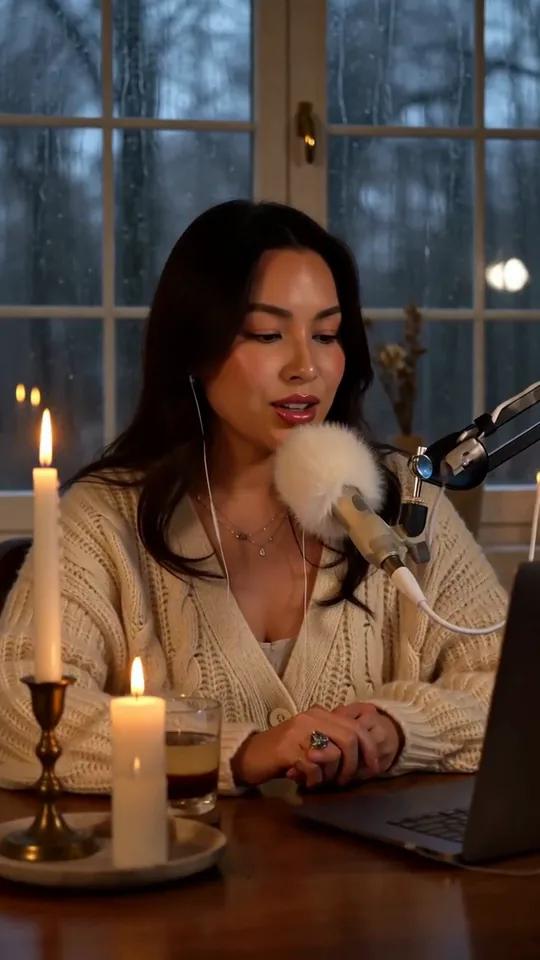 Whisper Session
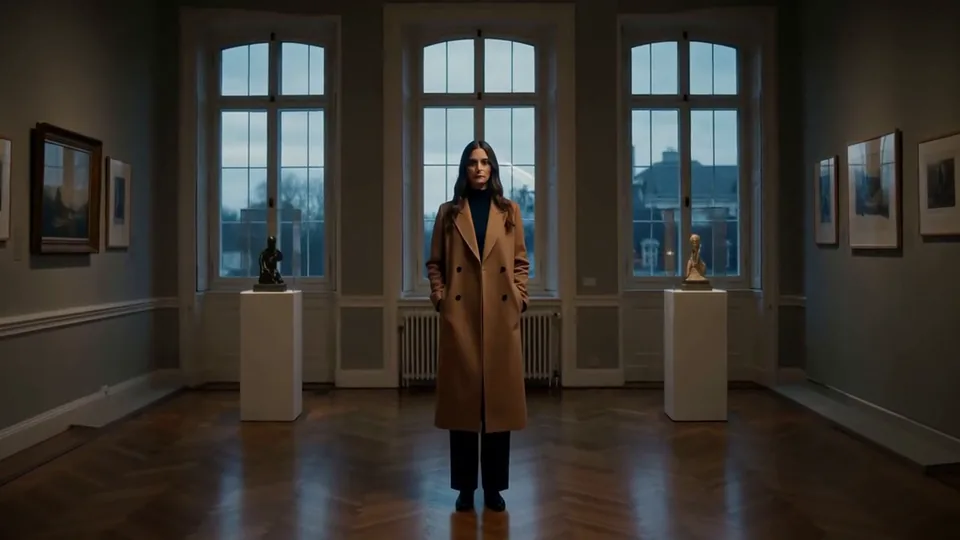 Slow Push-In
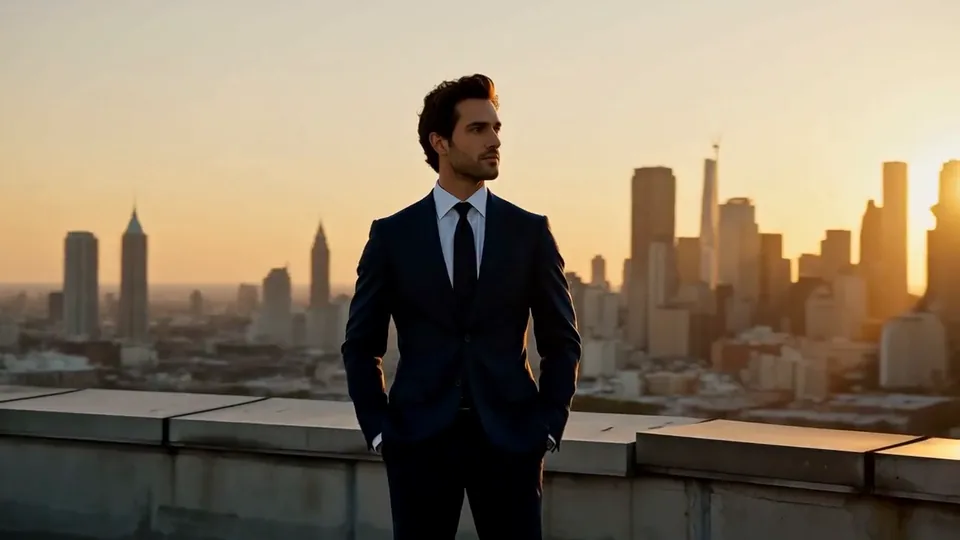 Half Orbit
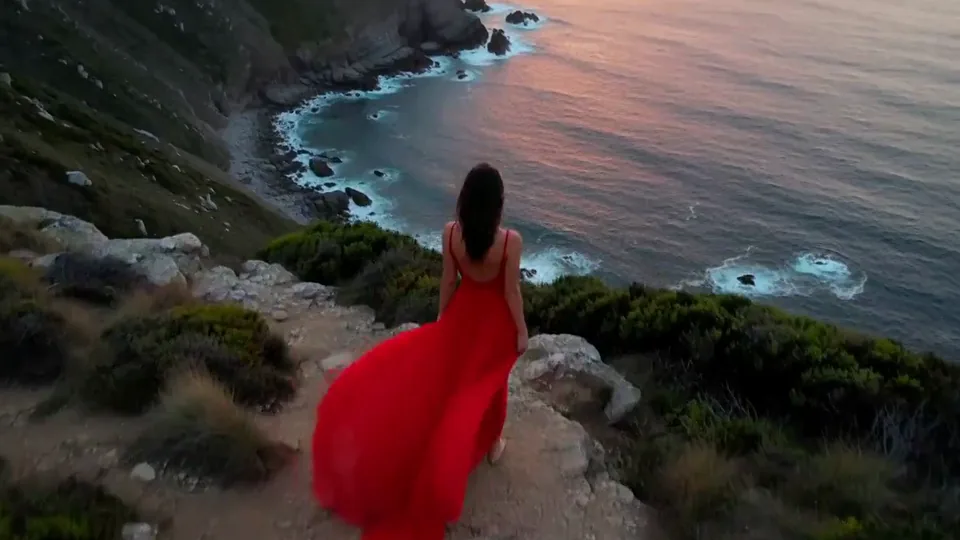 Drone Rise
This effect writes the prompt for you. Add one image.
We never filter your prompt.
Large feathered wings unfold from behind your subject's shoulders and spread wide as loose feathers drift down.
- Model
- MiniMax H3
- Length
- 5 s
- Resolution
- 768p
- Per run
- $0.185
- Type
- Transform
What this effect sends
This is the full prompt, word for word. Copy it, or open it in the generator and change anything you like.
A pair of large feathered wings slowly unfold from behind the main subject's shoulders and spread wide, soft feathers catching the light. The camera eases back and tilts up slightly to take in the full span as a few loose feathers drift down through the air.Pictures that work best
- Leave space above and to the sides of your subject's shoulders — that's where the wings grow in and spread, and a tight crop gives them nowhere to go.
- Photos with the shoulders and upper back visible work best; the wings attach there, so a frame that cuts off right at the neck gives the model less to build from.
- A subject standing or seated in a fairly still pose reads cleanest, since the pose itself doesn't change — only the wings and the camera move.
- Outdoor or softly lit photos let loose feathers catch visible light as they drift, which sells the effect more than a flat, evenly lit studio background.
Models this effect runs on
The same prompt on different models. Pick by look and by price.
- MiniMax H3$0.185 per run
5 s · 768p
- Seedance 2.0 Fast$0.484 per run
5 s · 720p
- Kling 3.0$0.336 per run
5 s · 720p
- Seedance 2.0$0.76 per run
5 s · 720p
- Wan 3.0$0.45 per run
5 s · 720p
- Vidu Q3 Turbo$0.33 per run
5 s · 720p
- MiniMax H3 Max$0.4 per run
5 s · 768p
- Kling 2.5 Turbo$0.28 per run
5 s
- Wan 2.6 Flash$0.113 per run
5 s · 720p
- Seedance 2.0 Mini$0.265 per run
5 s · 720p
How it works
- 01
Add one photo
Choose the photo to match the example: include both people for a shared gesture, and keep the face and any hands involved clearly visible. Upload your own photo or start with a Unfurl Wings sample.
- 02
Check the price
Unfurl Wings defaults to a 5-second clip for $0.185. Swap the model or change the length and resolution before you run — the price on the button updates to match, and that's the whole cost of the clip.
- 03
Generate
Your Unfurl Wings clip renders in the background, lands in History and is never published.
Do the move yourself
Unfurl Wings keeps one version of this shot. To give Unfurl Wings your own motion or ending, write it yourself in Image to Video, starting from the prompt above.
What it does to your photo
Unfurl Wings gives a portrait the one detail every fantasy or angelic look needs: a pair of large feathered wings that grow in from behind the shoulders and open to their full span, catching the light as they spread. It works because the wings attach where a real wing would, at the shoulder blades, and unfold outward in stages rather than appearing all at once, so the reveal has a beginning, middle and end instead of a hard cut.
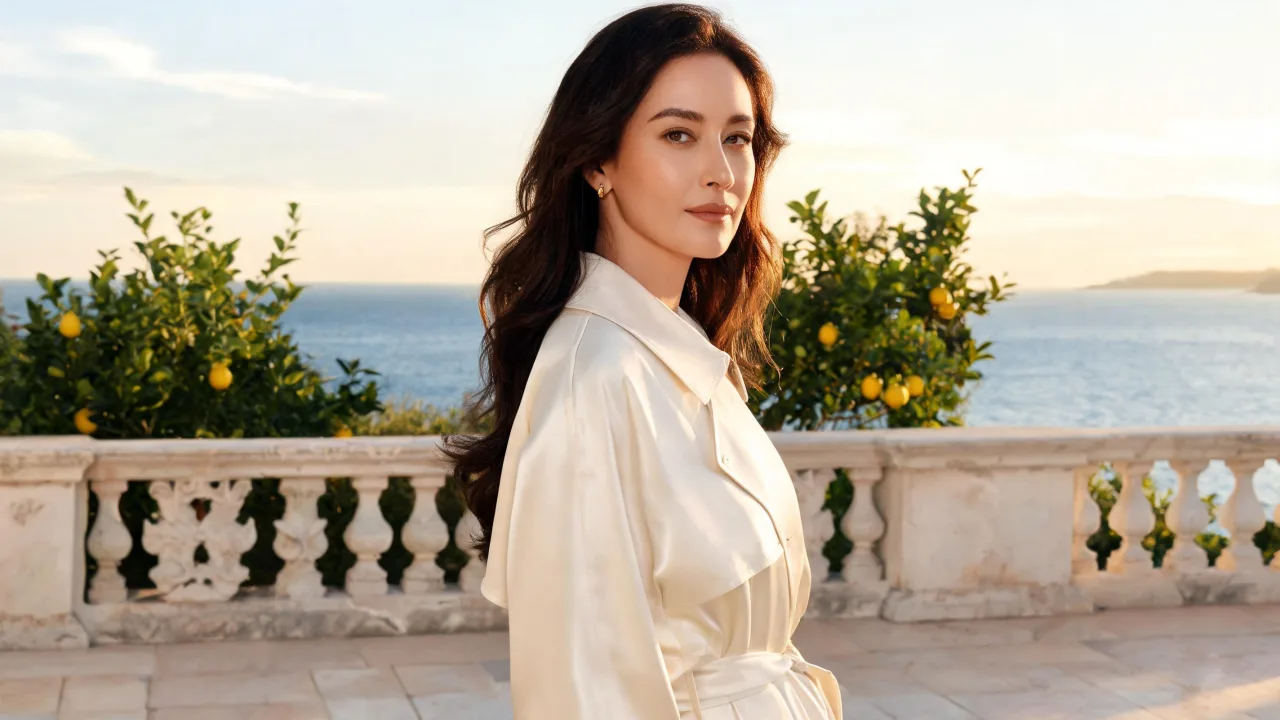
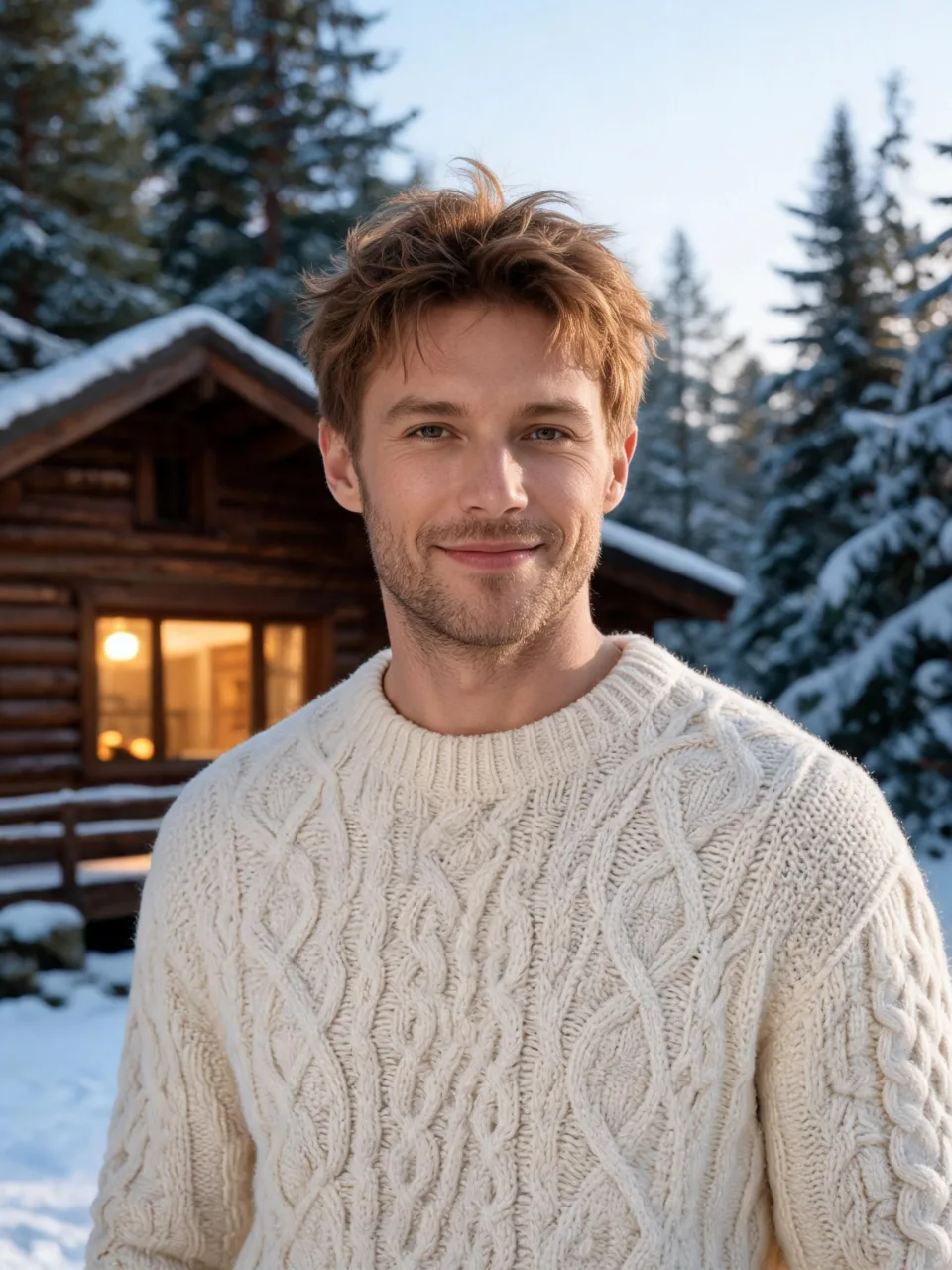
In our test runs on MiniMax H3, a woman in an ivory trench coat on a sunlit terrace grew white feathered wings from behind her shoulders within the first second, had them fully spread by the third as the camera eased back, and finished with loose feathers drifting past the terrace railing, her face and coat unchanged the whole time. A man in a cream cable-knit sweater outside a snowy cabin got the same build: wings appearing at the first second, opening wide by the third as the camera pulled back to show his upper body, with feathers floating through the snowy air by the end, his face and sweater holding steady throughout.
The wingspan is large, so the camera needs to pull back to fit it — on both of our test photos it eased back and slightly widened the shot, which means anything right at the edge of your original frame may end up cropped differently once the wings are in view. Give the shot some breathing room on the sides if you want the whole span to stay comfortably inside the final video.
It's a natural fit for fantasy portraits, angel or muse-styled edits, album art, and any lookbook or profile shot that wants one clearly magical beat. Because it holds the face and clothing steady, it also works well as a single dramatic still pulled from the middle of the clip.
The prompt is public and editable — open it in the generator and swap "feathered wings" for "translucent butterfly wings" or another wing type if feathers aren't the look you want.