Kisses
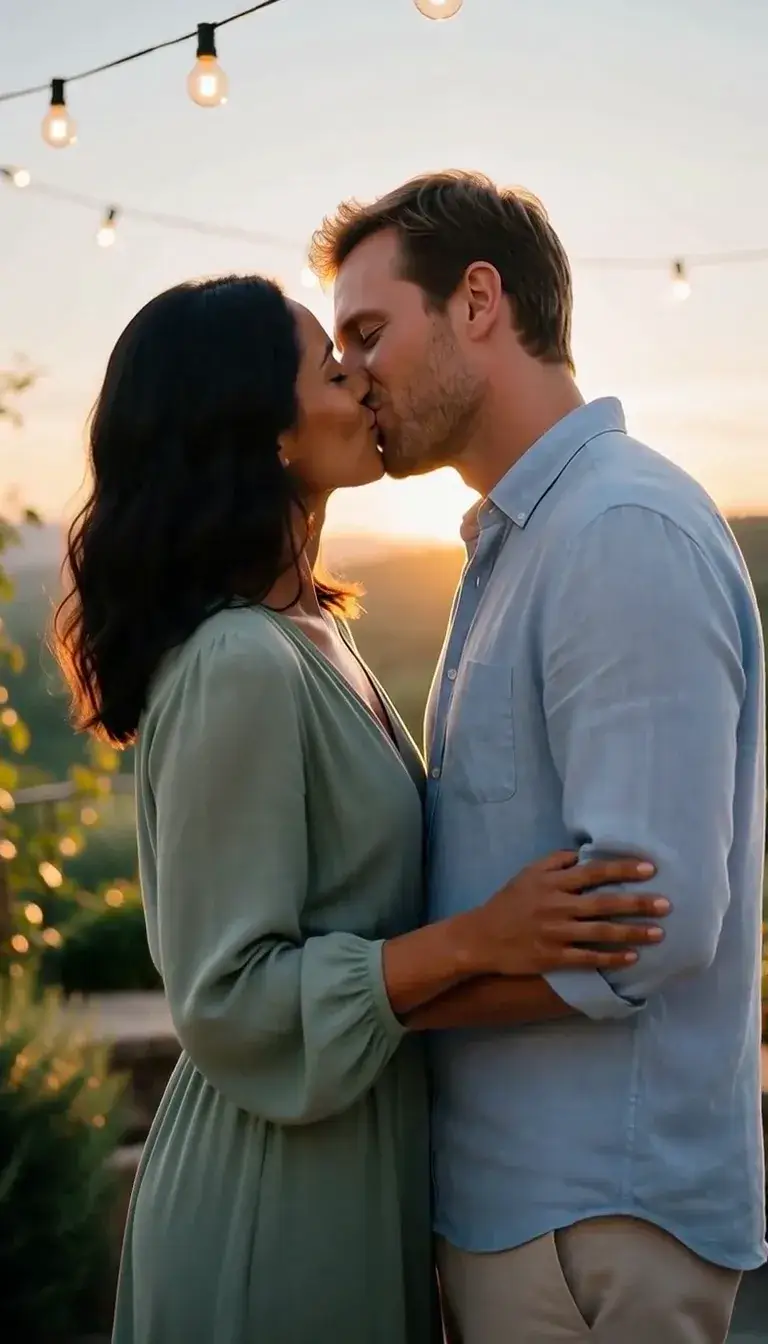 Kiss
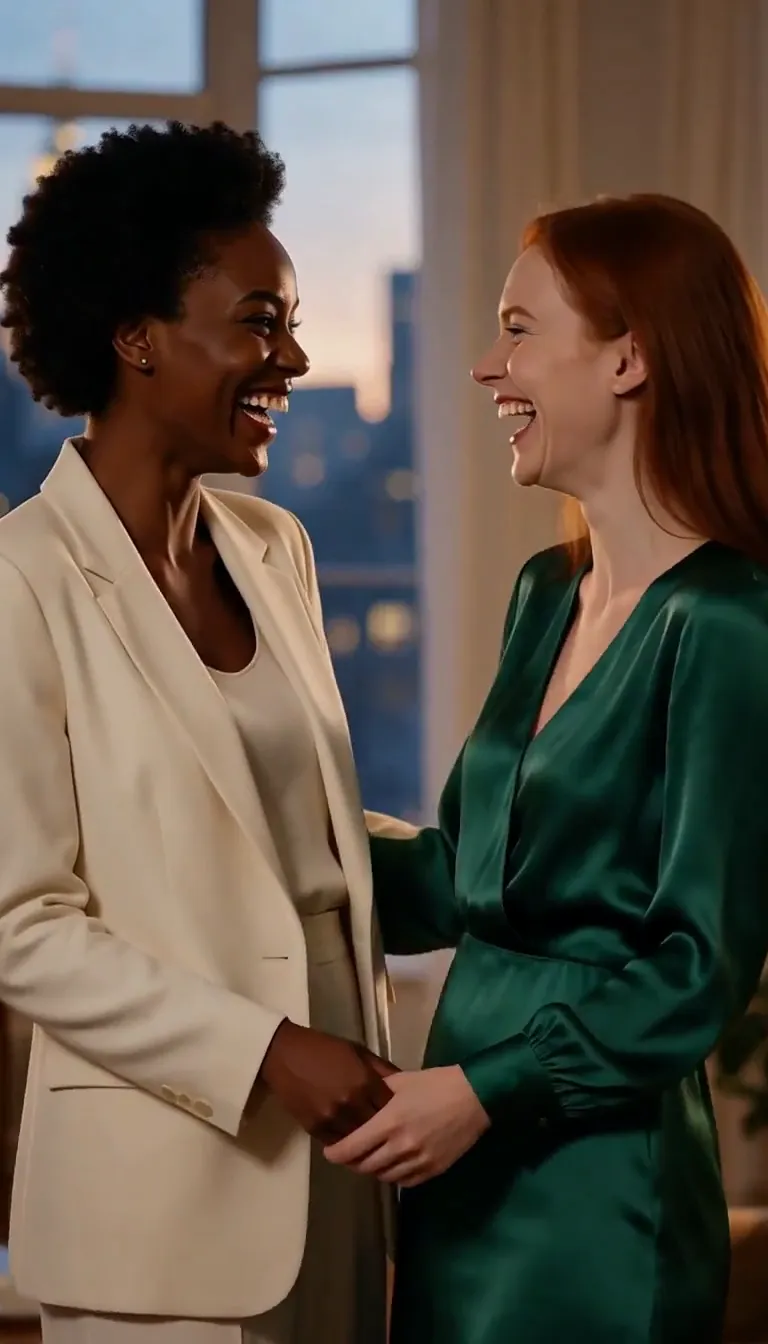 Cheek Kiss
Hugs & close moments
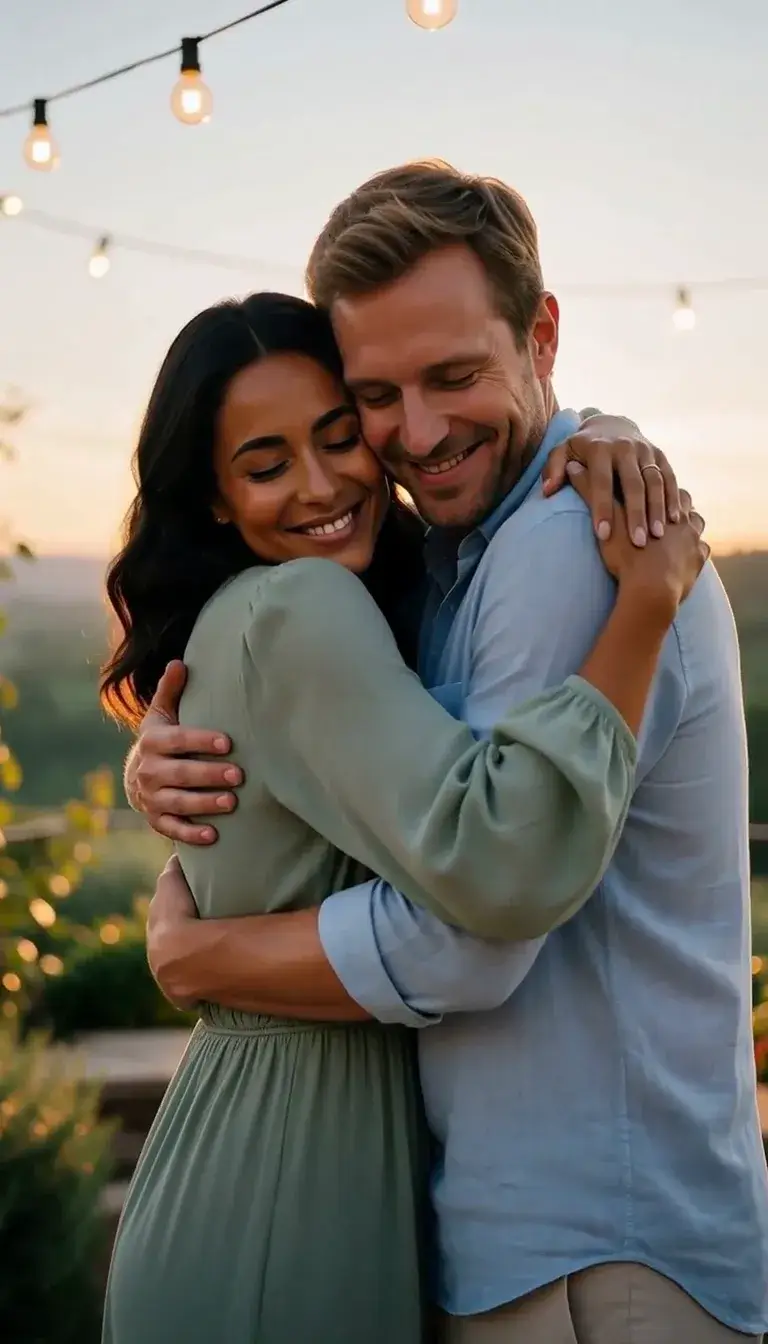 Embrace
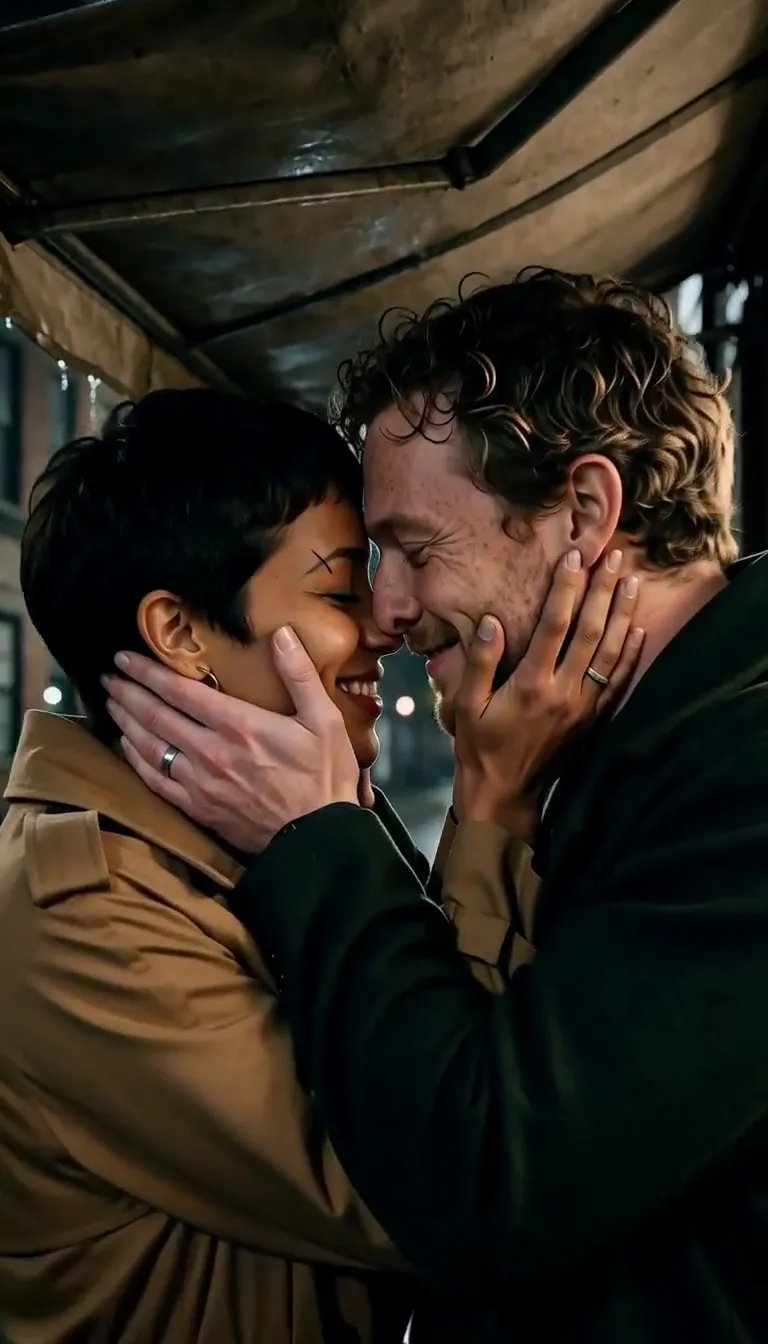 Face Cradle
 Wall Lean
 Pull Closer
 Dance Dip
 Lingering Look
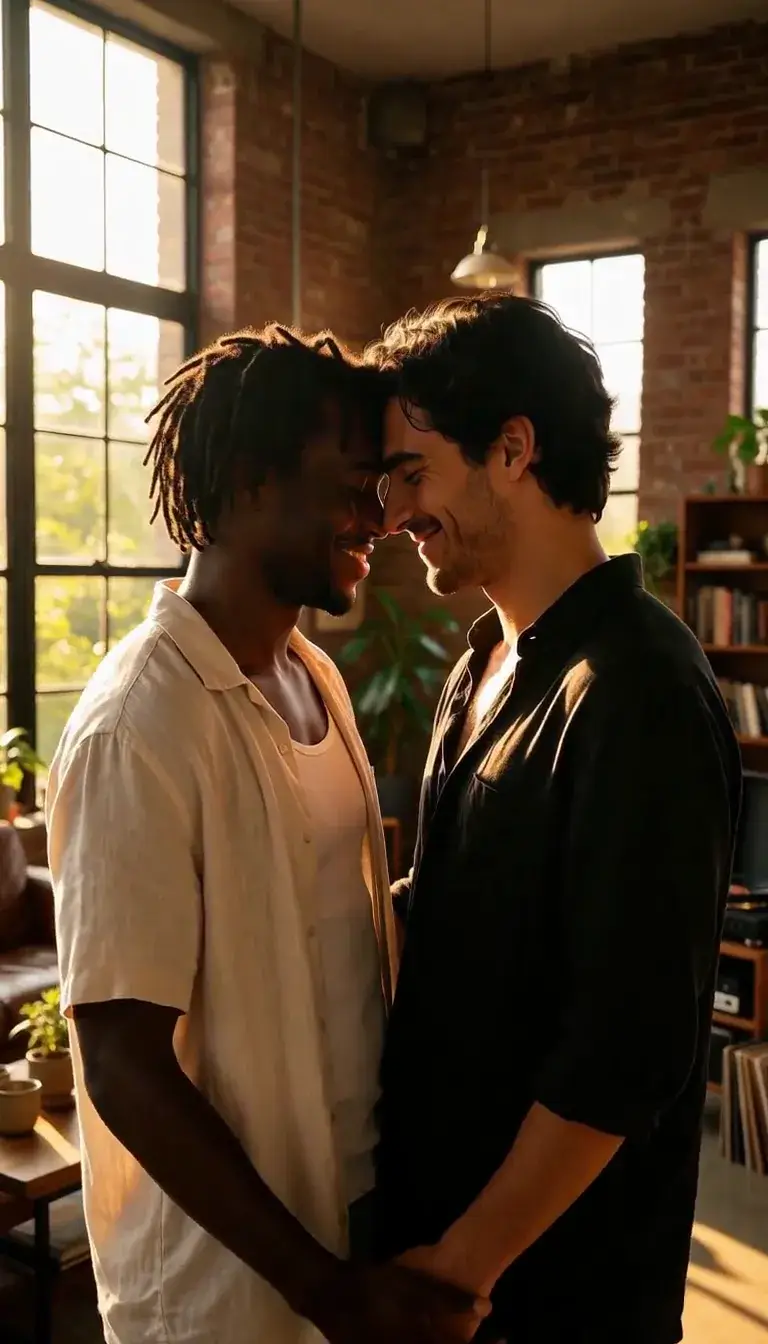 Forehead Touch
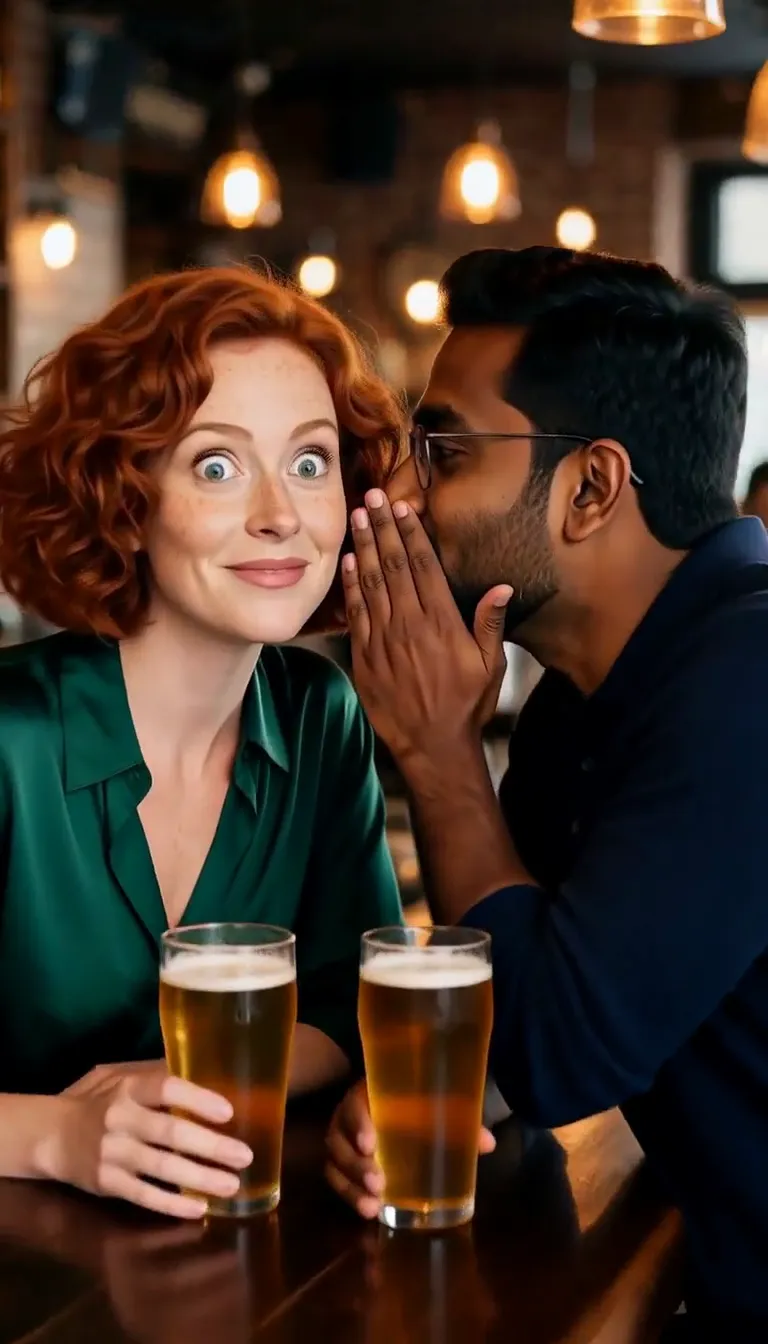 Whisper in Ear
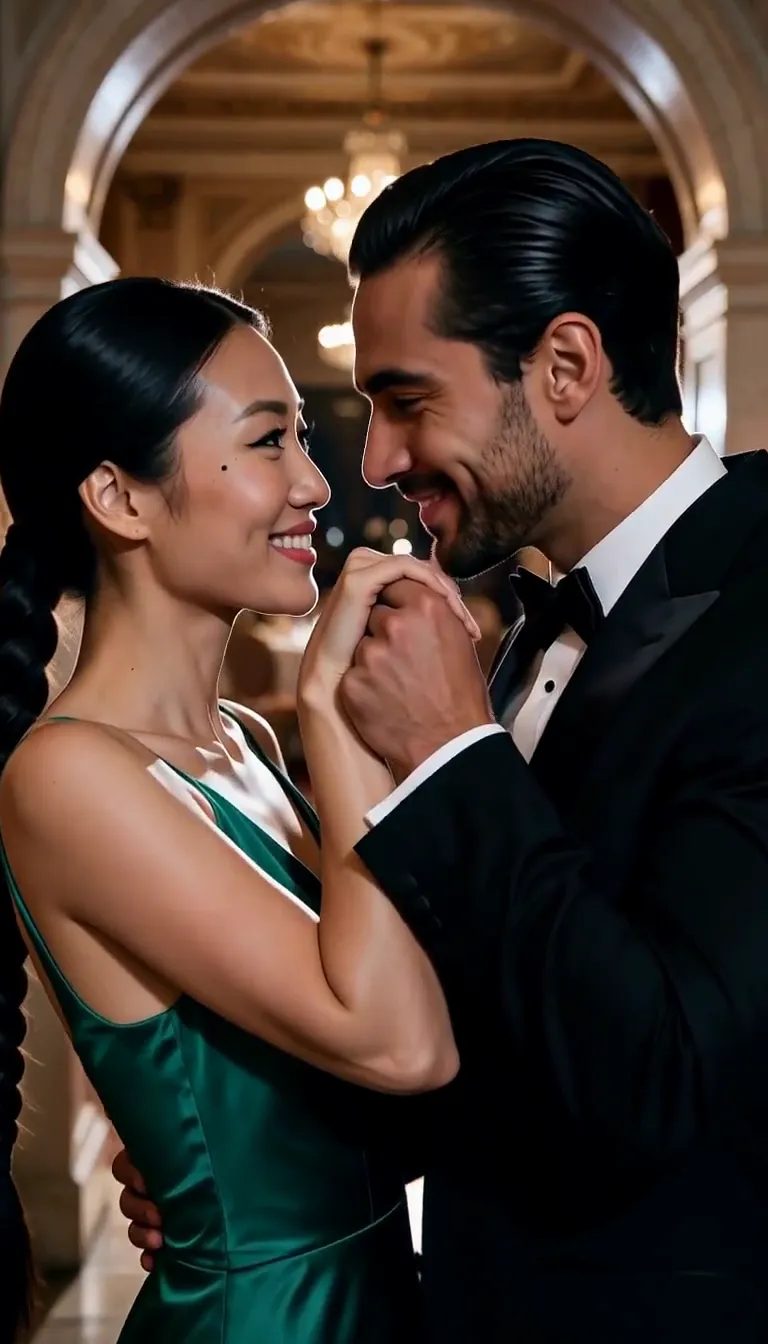 Hand Kiss
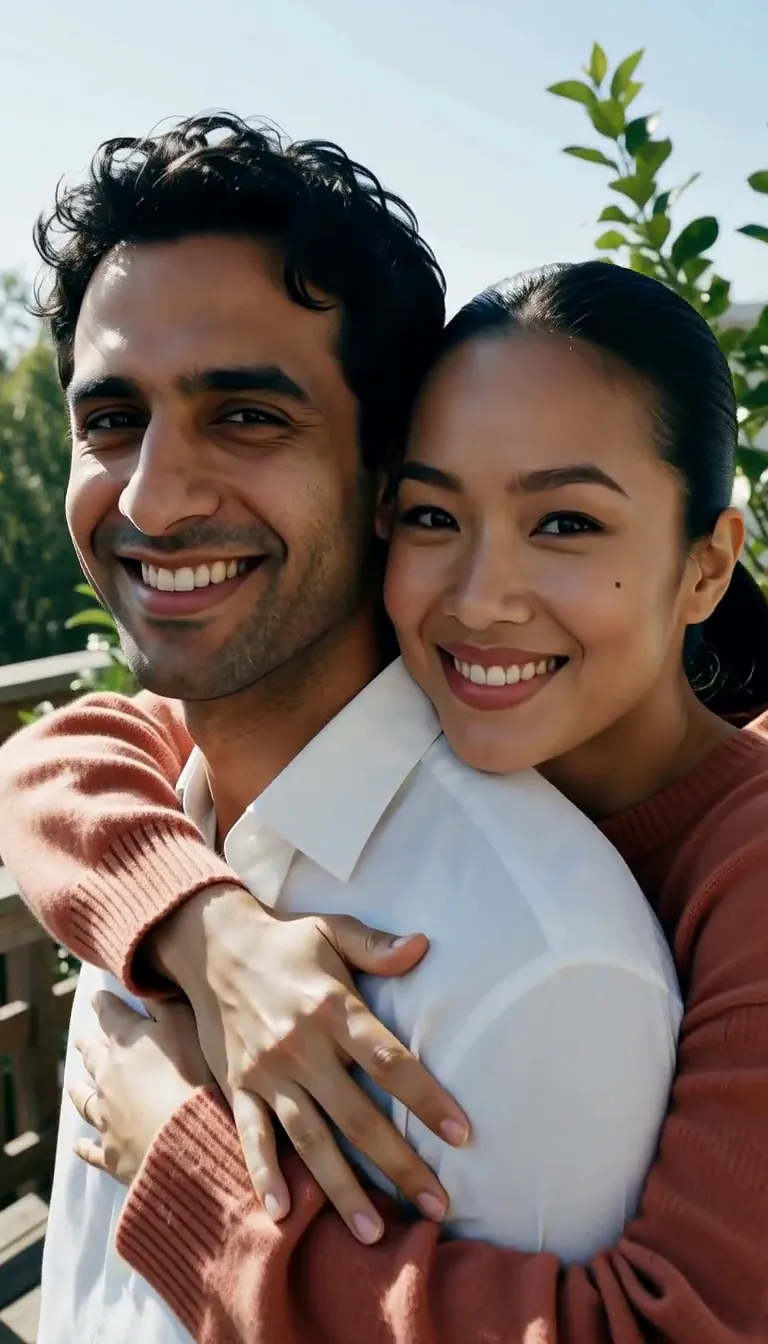 Back Hug
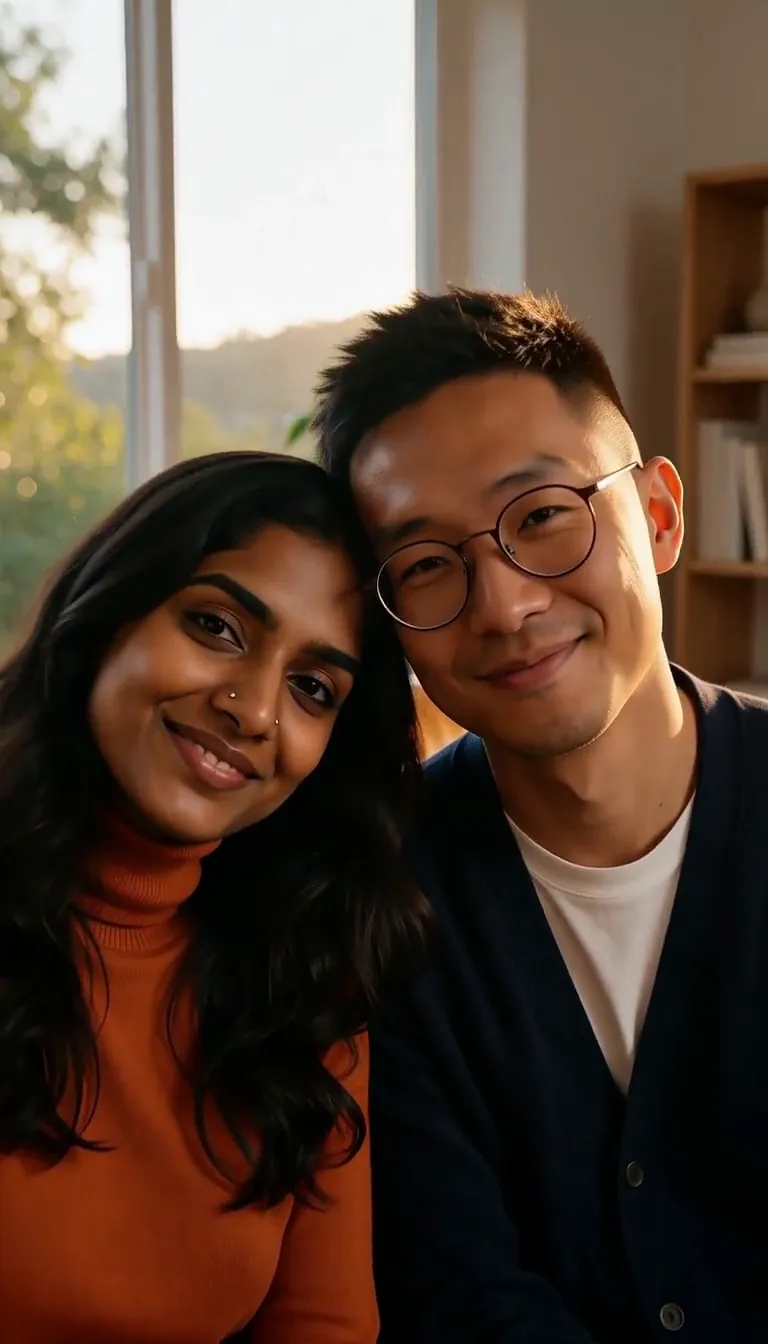 Lean Together
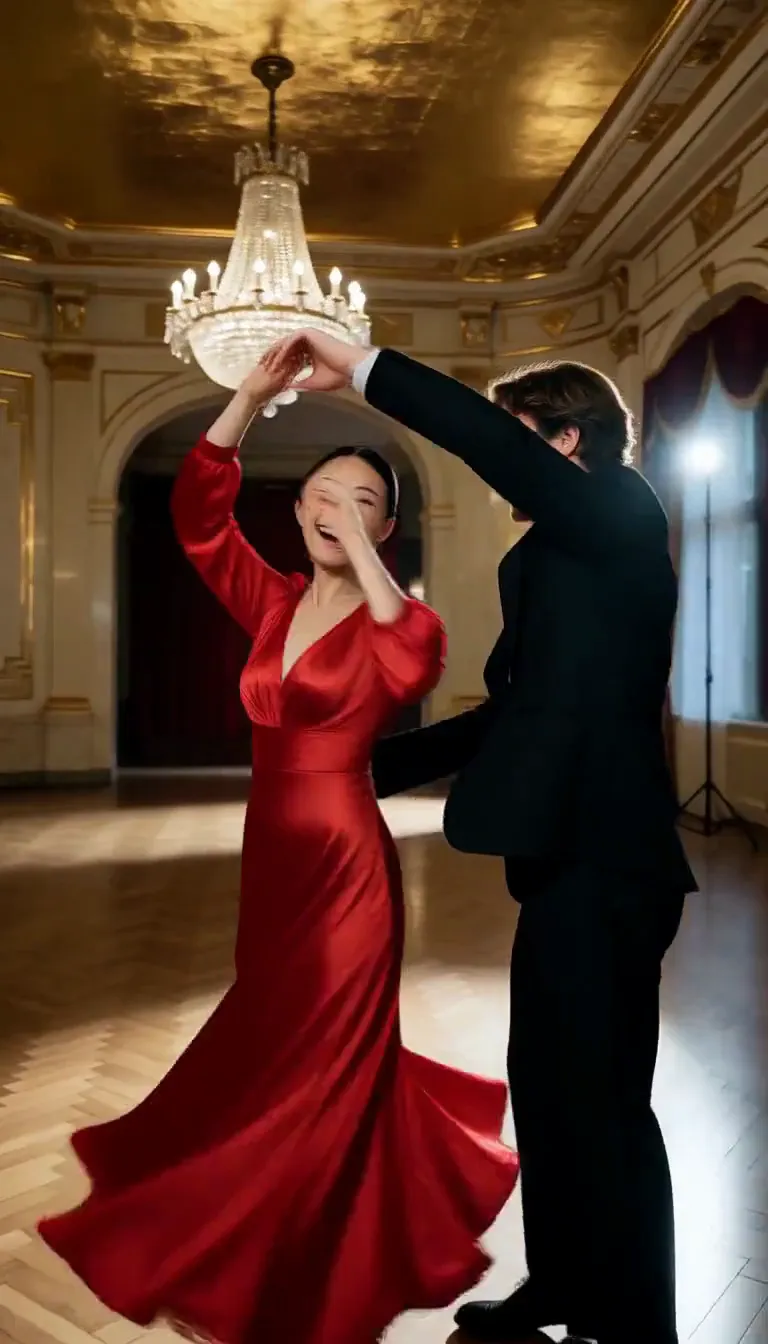 Slow Dance
This effect writes the prompt for you. Add one image.
We never filter your prompt.
Upload one photo with both of you in it and pick a move: a slow kiss, a kiss on the cheek, a kiss on the hand, a hug or a slow dance. Your photo is the reference for both of you, so faces, hair and setting come from it, though small details can shift; the move adds the motion, the camera and the light.
Kisses, hugs and close moments
Each move turns your photo into one short clip. Use a move to load it into the studio above, or open its prompt and sample clips.
- Default model
- MiniMax H3
- Length
- 5 s
- Resolution
- 768p
- Price per clip
- $0.185
You can switch models in the Model card under your photo; there a clip costs $0.113 to $0.76. The Generate button always shows the exact price first.
Kisses
- Kiss$0.185 per clipTwo people in your photo lean in together for a slow, tender kiss as the camera drifts closer in warm light.Use this movePrompt and samples
- Cheek Kiss$0.185 per clipOne person plants a quick, playful kiss on the other's cheek; the other's eyes go wide and they break into a delighted laugh.Use this movePrompt and samples
Hugs and close moments
- Embrace$0.185 per clipTwo people in your photo wrap each other in a slow, close hug, cheek to cheek, as the camera pushes gently in.Use this movePrompt and samples
- Face Cradle$0.185 per clipOne person cups the other's face in both hands; the other leans into the touch, and the camera pushes into a tight two-shot.Use this movePrompt and samples
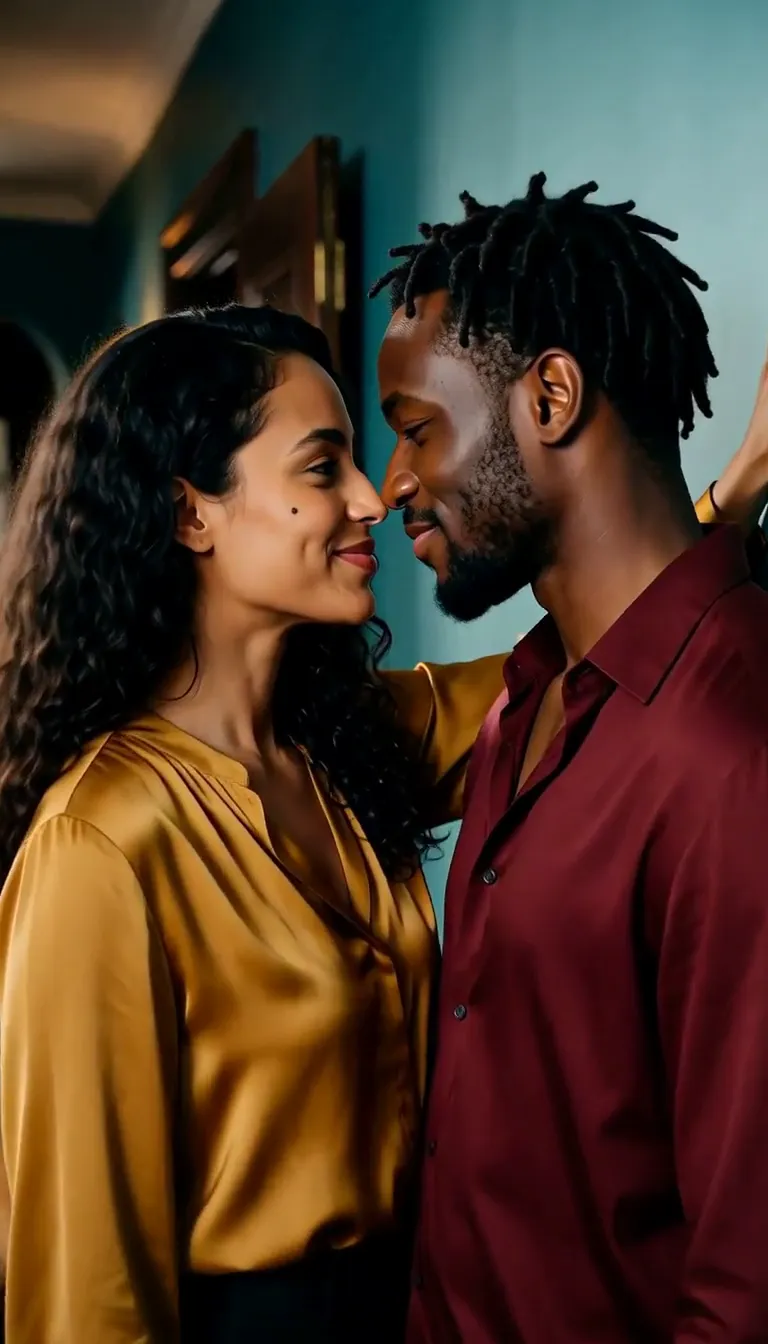
- Wall Lean$0.185 per clipOne person steps in and rests a hand on the wall beside the other's head, faces close, sharing teasing smiles.Use this movePrompt and samples
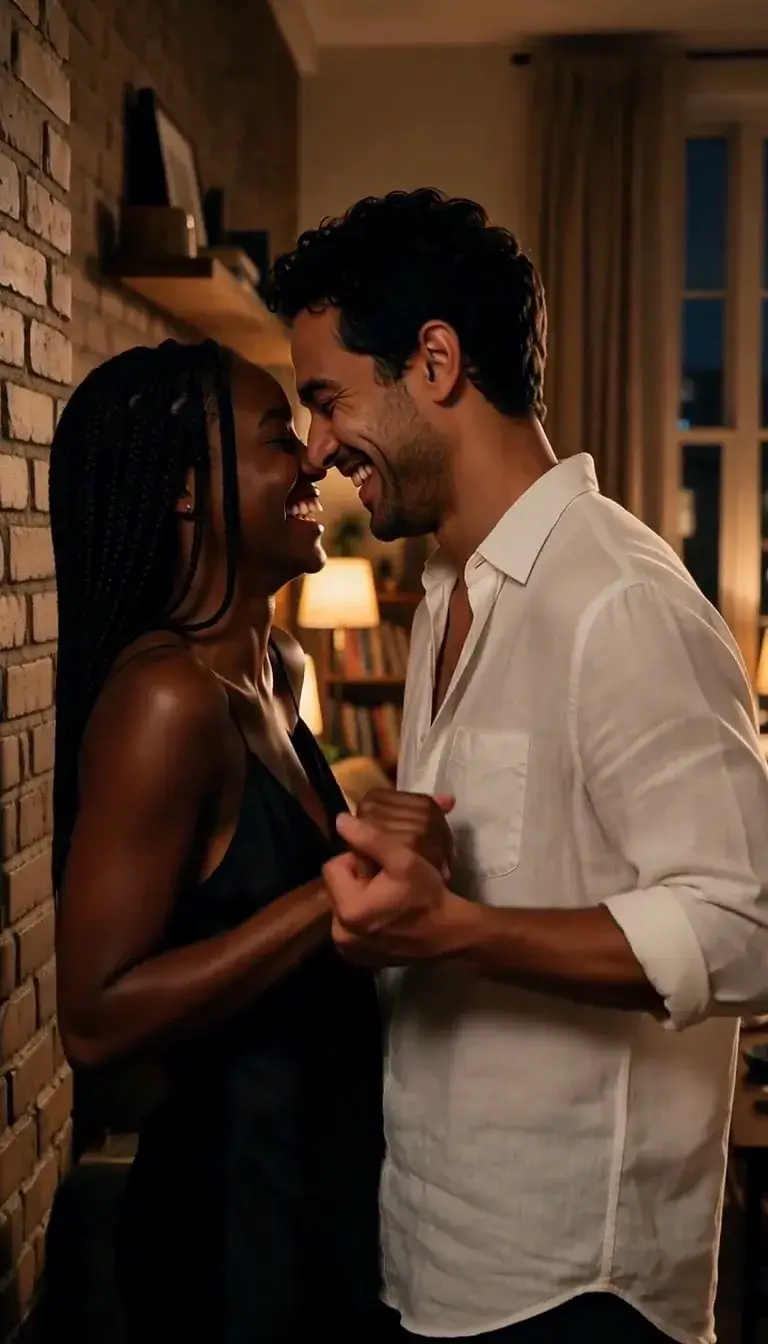
- Pull Closer$0.185 per clipOne person takes the other's hand and pulls them in close; they come together laughing, faces inches apart, holding each other's gaze.Use this movePrompt and samples
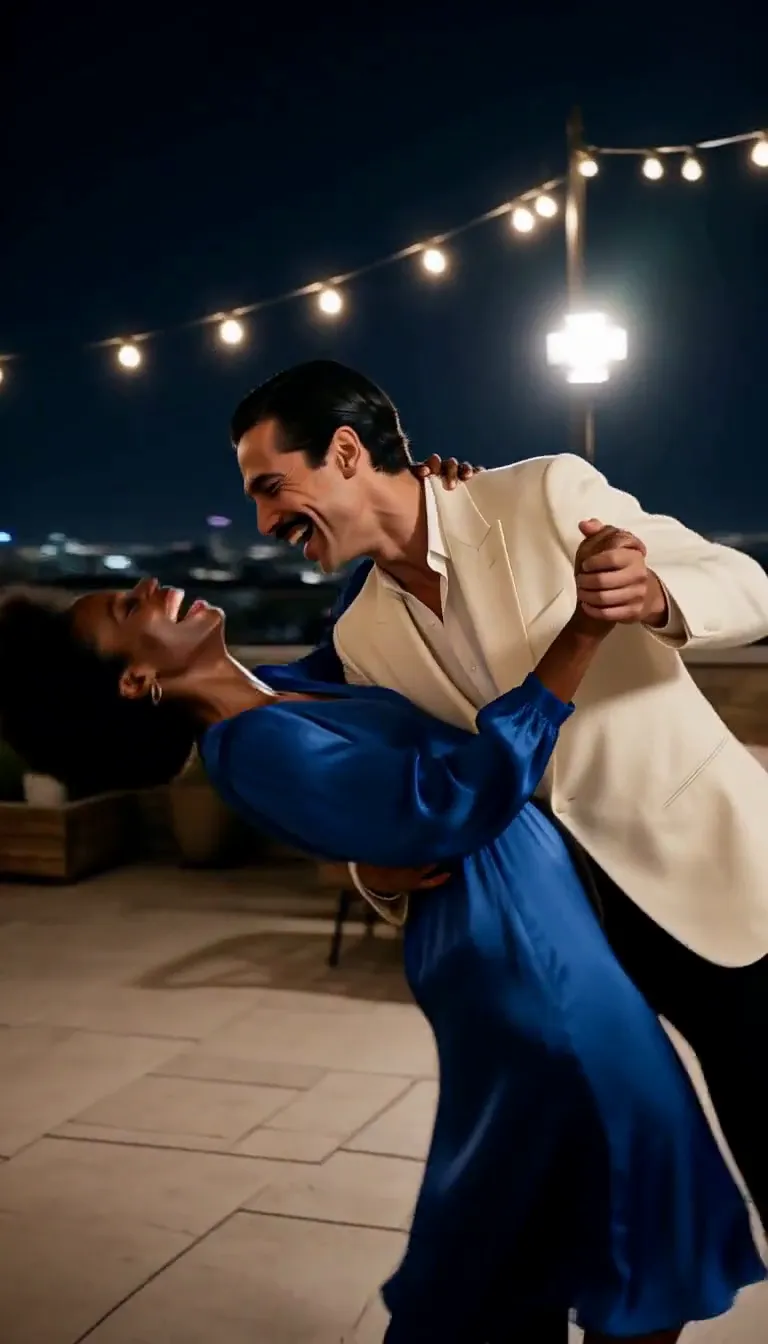
- Dance Dip$0.185 per clipTwo people sway, then one dips the other into a deep, laughing dip before they rise back up together.Use this movePrompt and samples
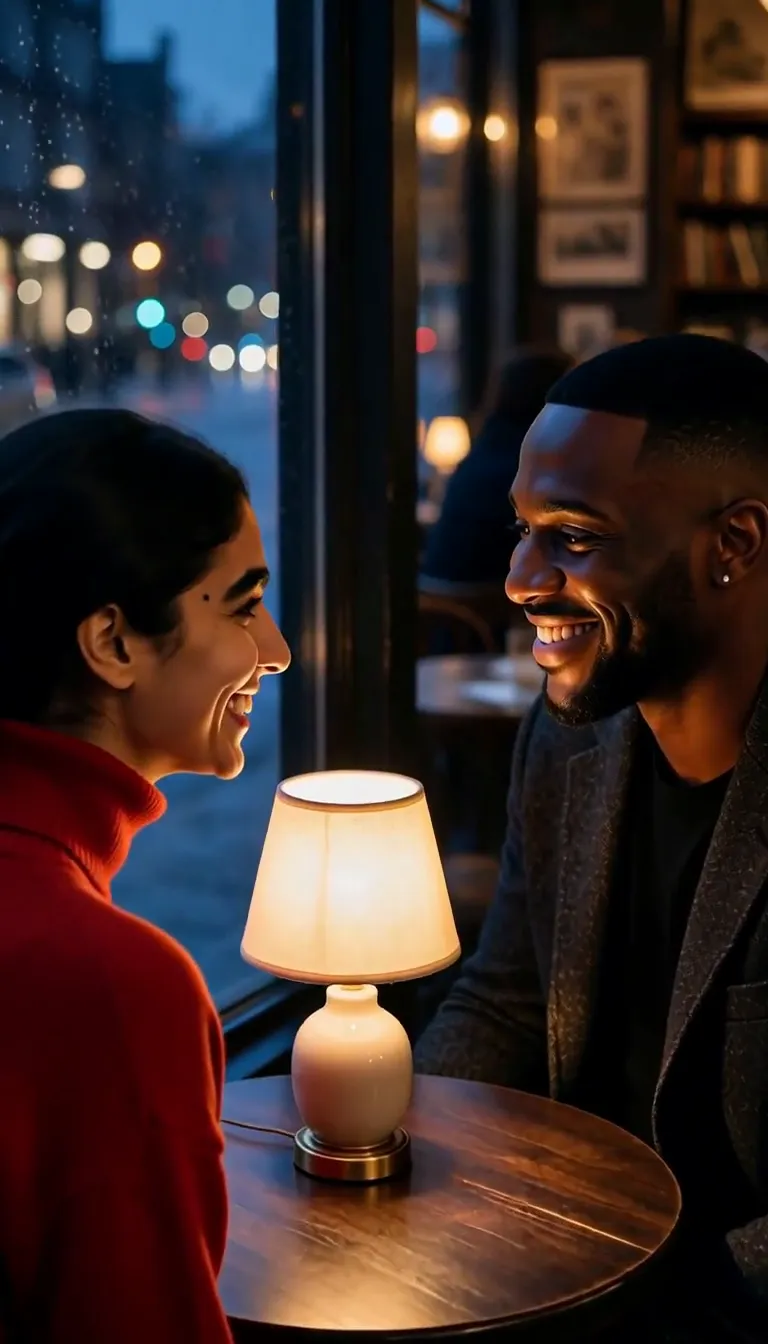
- Lingering Look$0.185 per clipTwo people meet eyes, one looks away shyly while the other keeps watching, then they look back and smile as the camera pushes in.Use this movePrompt and samples
- Forehead Touch$0.185 per clipTwo people in your photo turn toward each other and rest their foreheads together, eyes closed, sharing a quiet smile.Use this movePrompt and samples
- Whisper in Ear$0.185 per clipOne person leans in to whisper in the other's ear; their eyes widen, they laugh and turn to meet each other's gaze.Use this movePrompt and samples
- Hand Kiss$0.185 per clipSeen in profile, one person lifts the other's hand and kisses the back of it, then the other smiles, charmed.Use this movePrompt and samples
- Back Hug$0.185 per clipOne person steps in behind the other and wraps their arms around them, chin on the shoulder, both smiling at the camera.Use this movePrompt and samples
- Lean Together$0.185 per clipSitting side by side, one person rests their head on the other's shoulder, and they share a quiet smile before both look at the camera.Use this movePrompt and samples
- Slow Dance$0.185 per clipTwo people sway together, one leads the other into a spin under a raised arm, and they come back together laughing.Use this movePrompt and samples
From one photo to one clip
Real results from the moves above: the photo that went in, and the clip that came out.
- Kiss
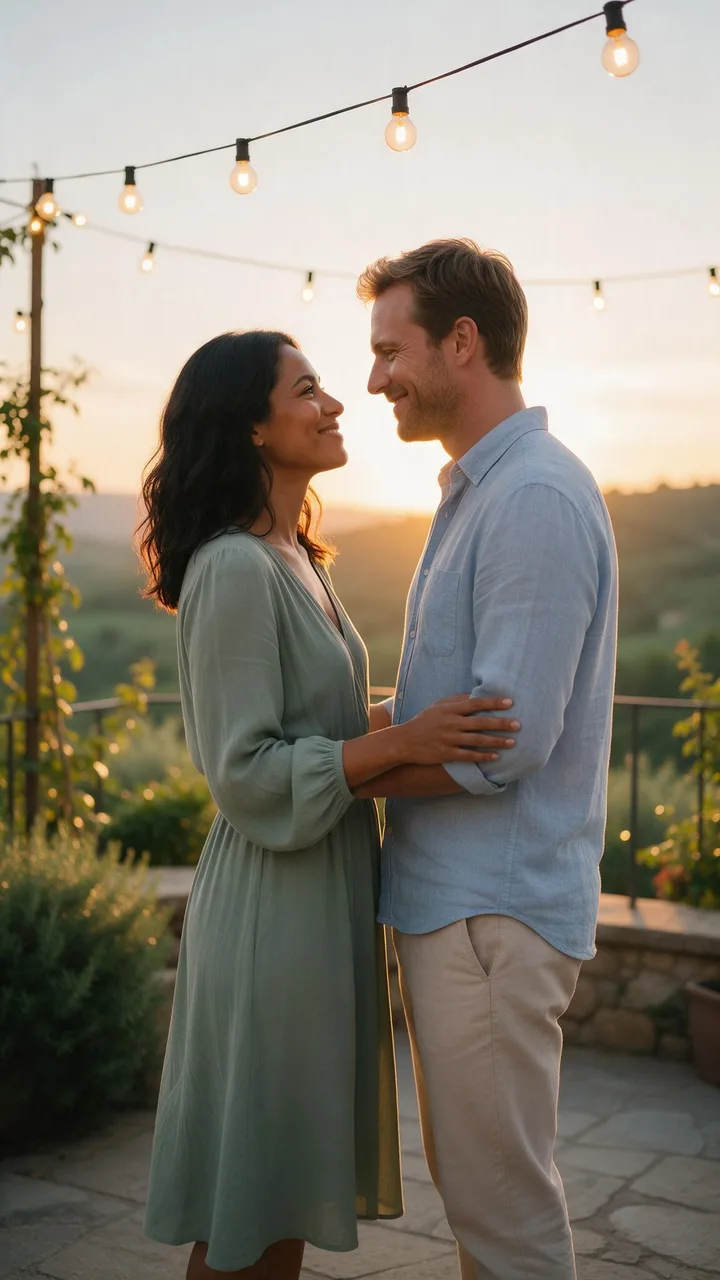
The photo The clip - Cheek Kiss
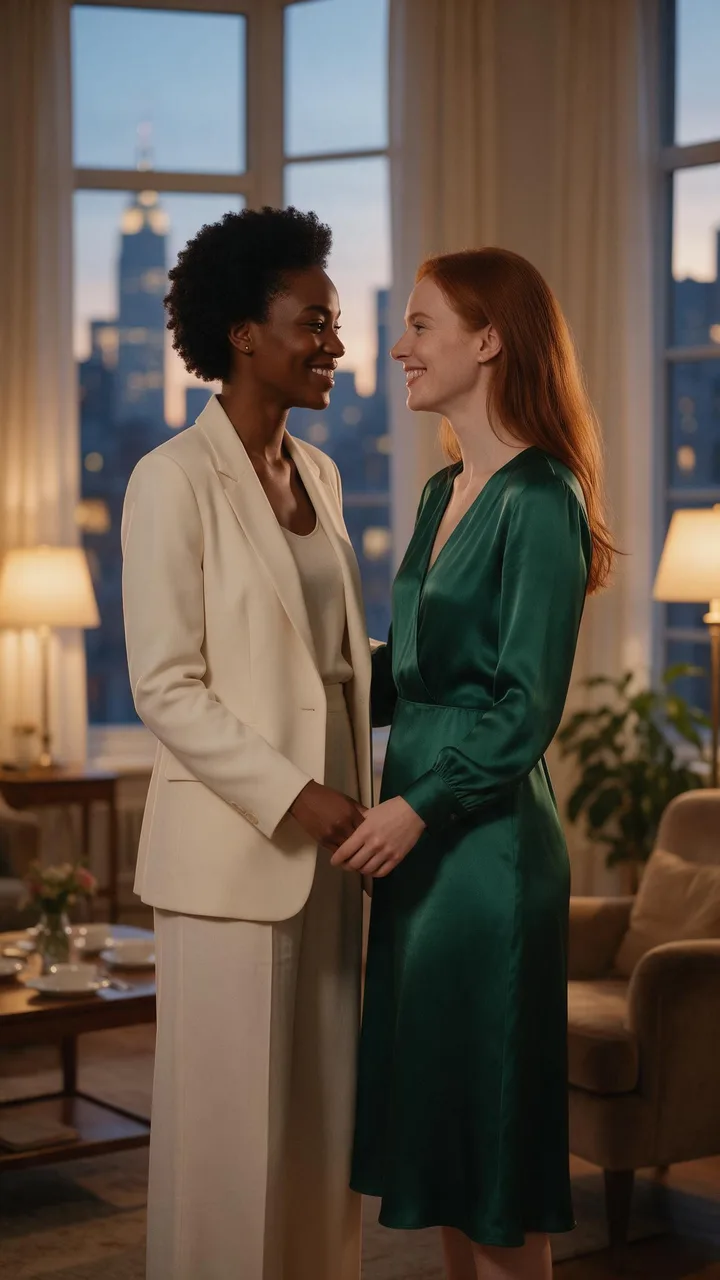
The photo The clip - Forehead Touch
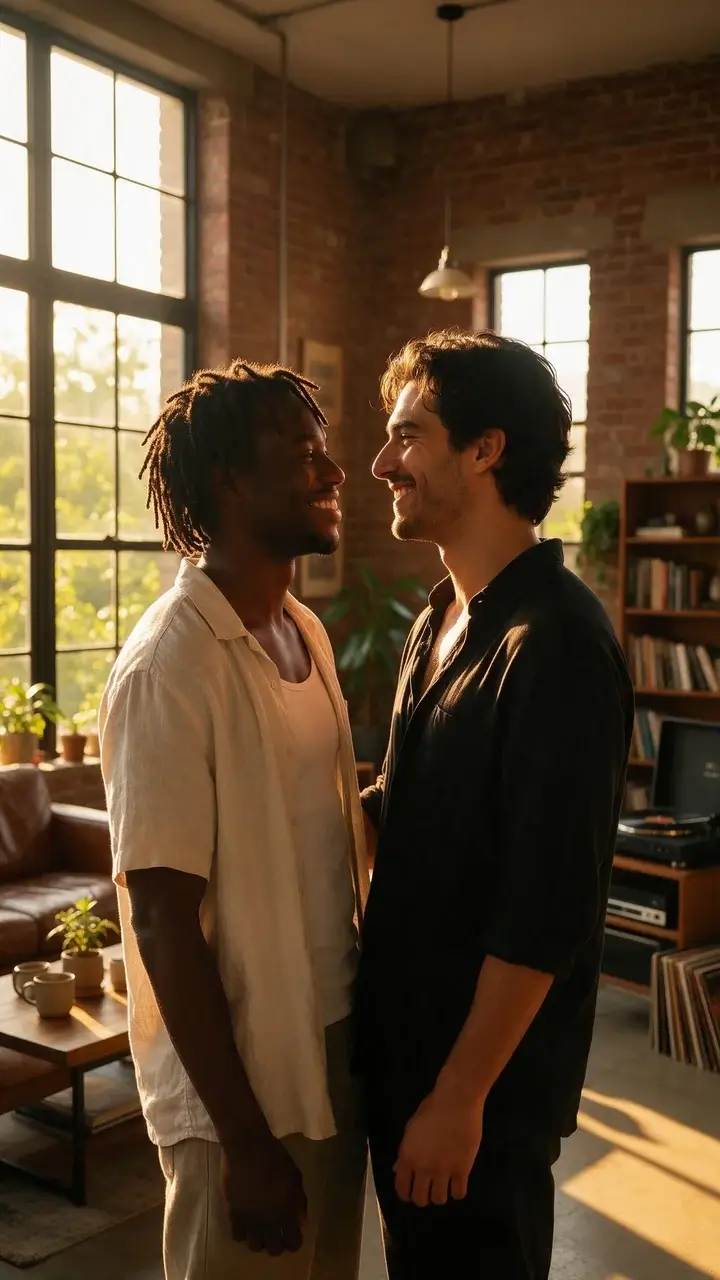
The photo The clip
One photo, both of you
Start from a photo where the two of you are already together. Faces and setting come straight from it; the move adds the kiss, the camera and the light.
Add your photoKisses first, hugs too
A slow kiss, a kiss on the cheek and a kiss on the hand, plus hugs and close moments from a forehead touch to a slow dance. Every move shows the exact prompt it sends.
See every moveOne clear price per clip
Each move has a fixed price on the default model, and the Generate button shows it before you start. No subscription and no credit packs to work out.
About the default modelHow to make an AI kissing video
Three steps, all in the studio at the top of this page.
- 01
Add a photo of the two of you
Upload one photo where both faces are clear and close together, then tick the box to confirm you are both adults and both agreed to the video.
- 02
Pick a move
Kiss is already selected. Switch to a cheek kiss, a hand kiss, a hug or a slow dance from the list of moves, and add a short note if you like, such as ending on a smile.
- 03
Generate and download
Check the price on the Generate button, press it, and download the clip from your history when it is ready.
Which photo works best
A move only lasts a few seconds, so the photo does most of the work.
- One photo with both people in it. Two separate portraits are not merged here.
- Both faces clear, well lit and turned at least a little toward each other.
- The two of you already close together: the move has only a couple of seconds to close the gap.
- Waist-up or closer. In a wide shot the faces are small and lose detail.
- Soft, warm light such as golden hour or a lamp matches the moves better than a harsh flash.
- Nothing in front of the faces: no sunglasses, masks or hands.
Consent and safety
A kissing video shows two real people in a close moment. These rules apply to every clip.
- Both people in the photo must be adults, and both must have agreed to be animated this way.
- Use photos of yourself and your partner. Never a celebrity, an ex, a coworker, a classmate or a stranger.
- Uploaded photos need the consent box ticked, and your browser asks once more before your first clip.
- Never use a clip to embarrass, pressure or mislead anyone, or to suggest a relationship that does not exist.
- Your clips stay in your own history. We never post them to a public gallery.
AI kissing video generator FAQ
Read next
- Kiss effect: prompt and samplesThe exact prompt behind the slow kiss, with sample clips and photo tips.
- All video effectsCamera moves, transformations and film looks, each made from one photo.
- MiniMax H3The model behind every move: settings, prices and sample videos.
- Image to video generatorWrite your own scene from a photo when a ready-made move is not enough.