After Dark
 Laser Room
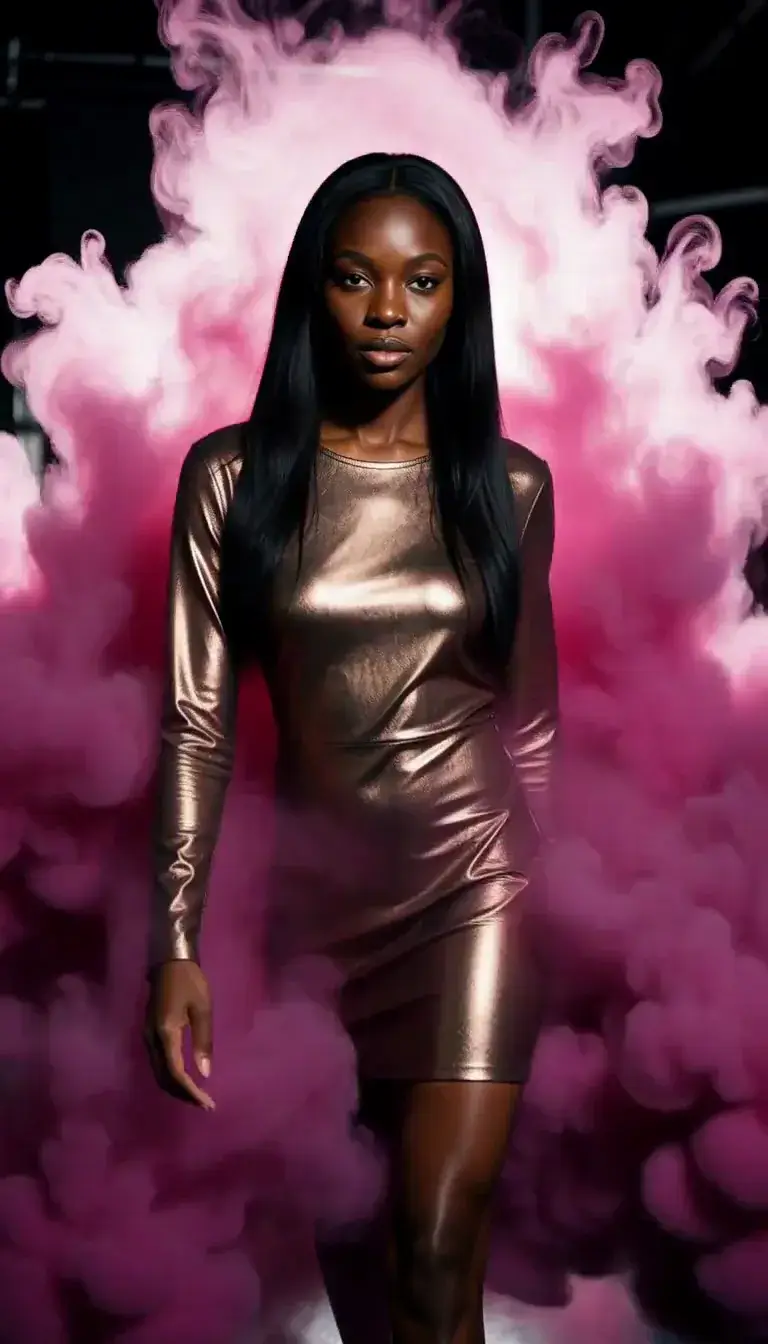 Color Smoke
 Silk Drop
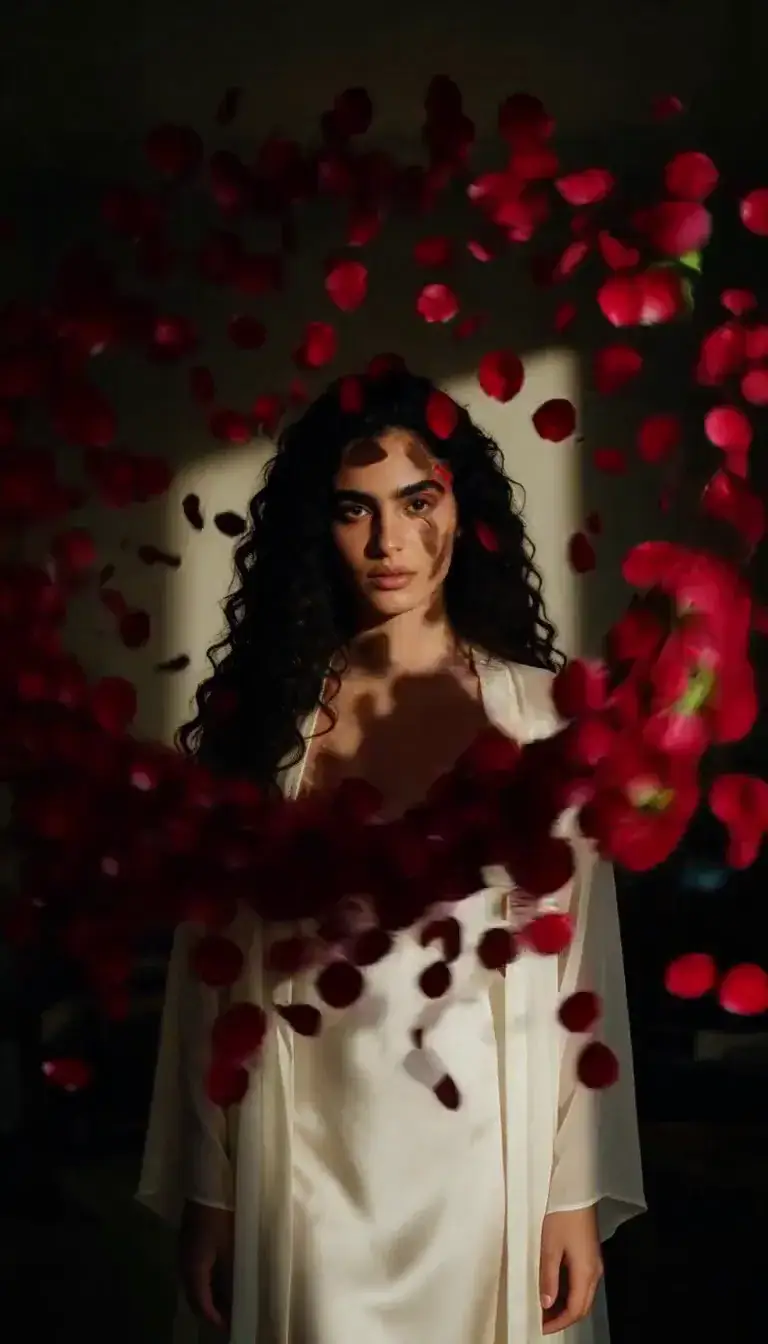 Petal Storm
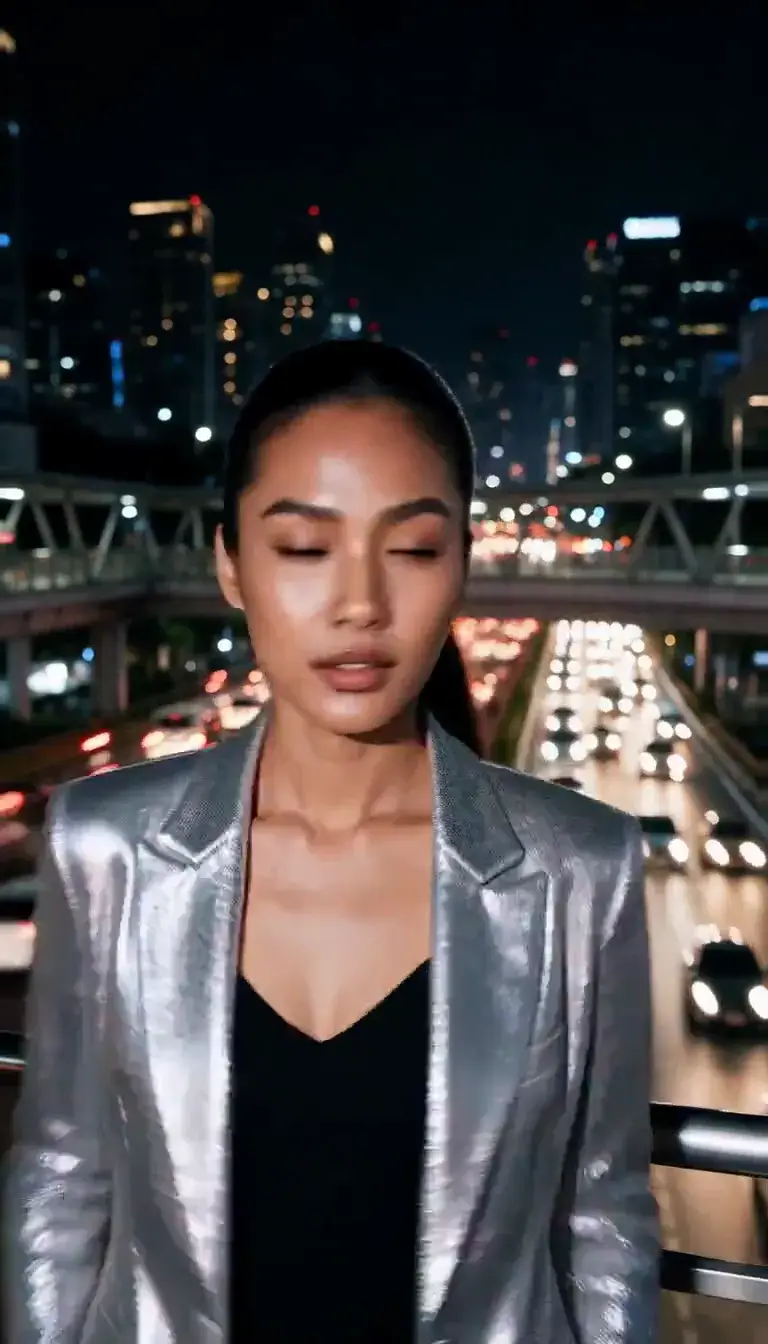 Slow Shutter
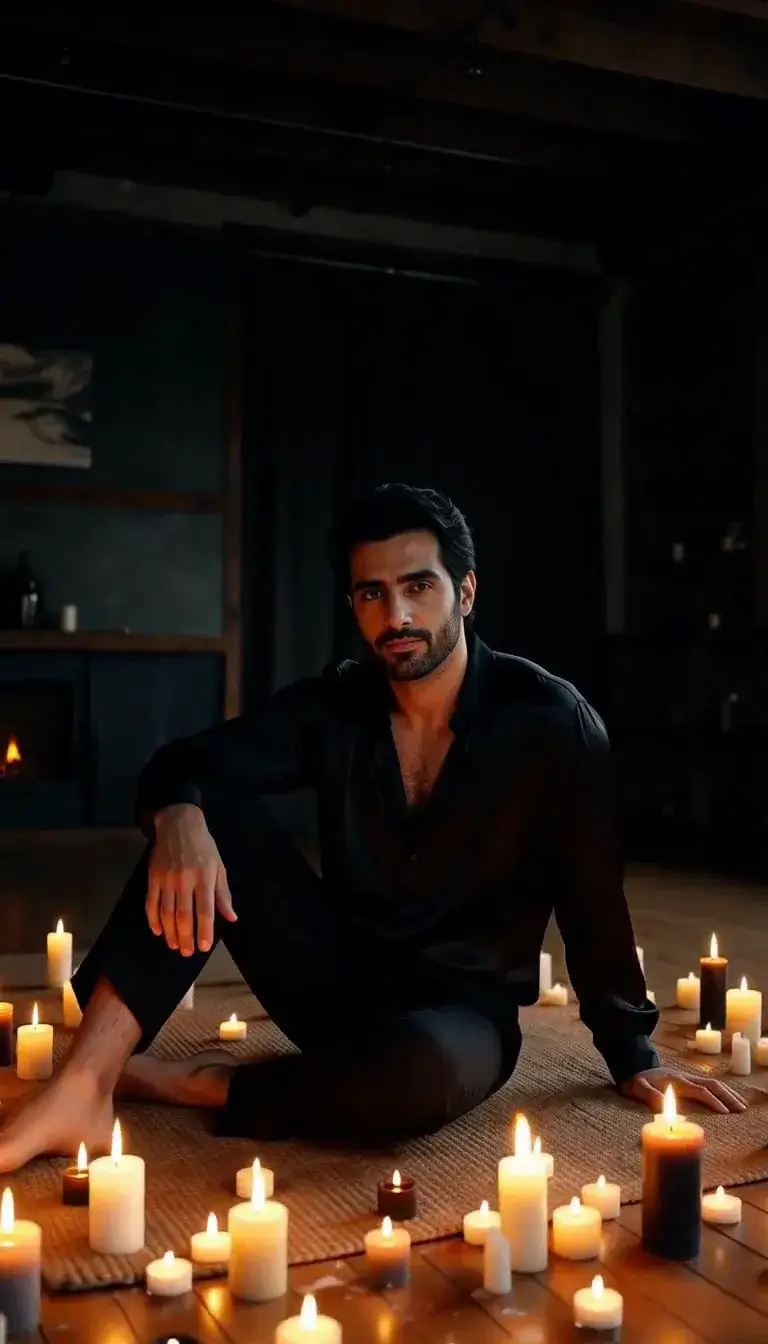 Candlelight
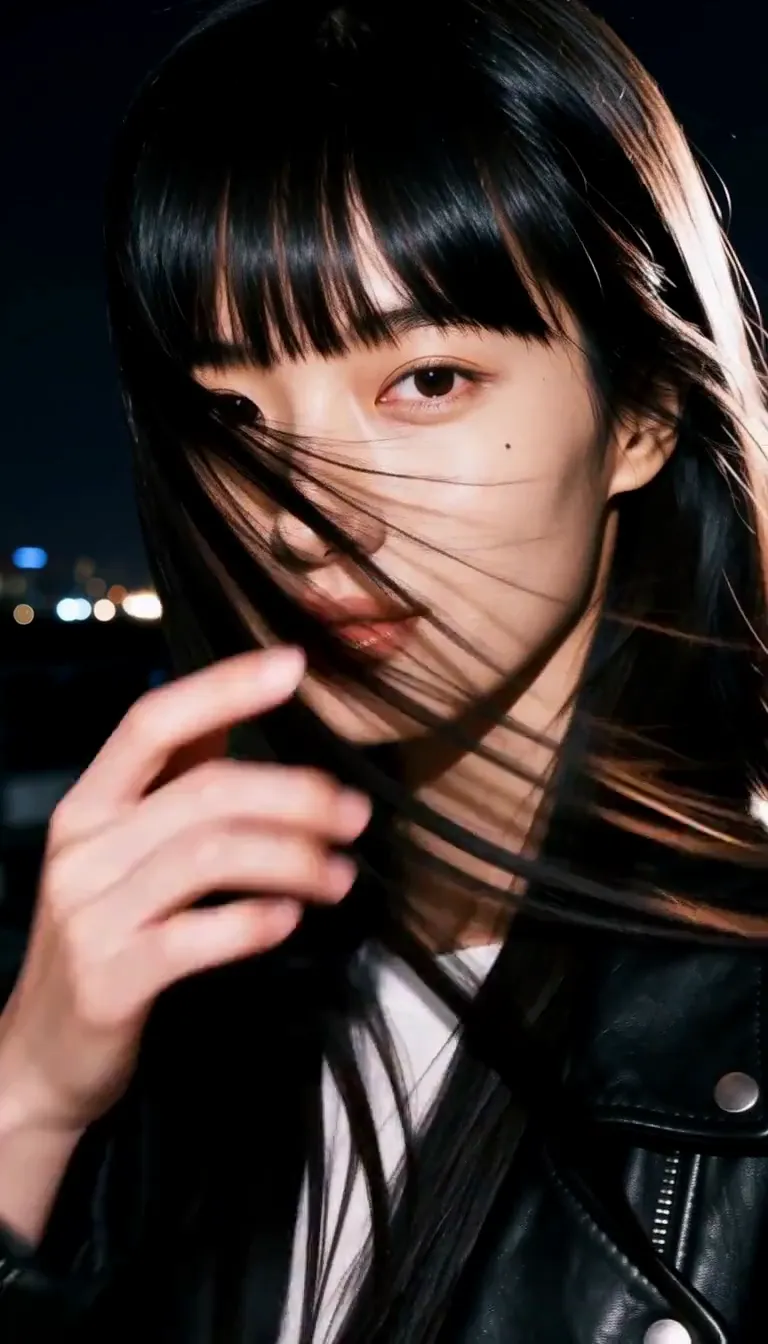 Behind the Hair
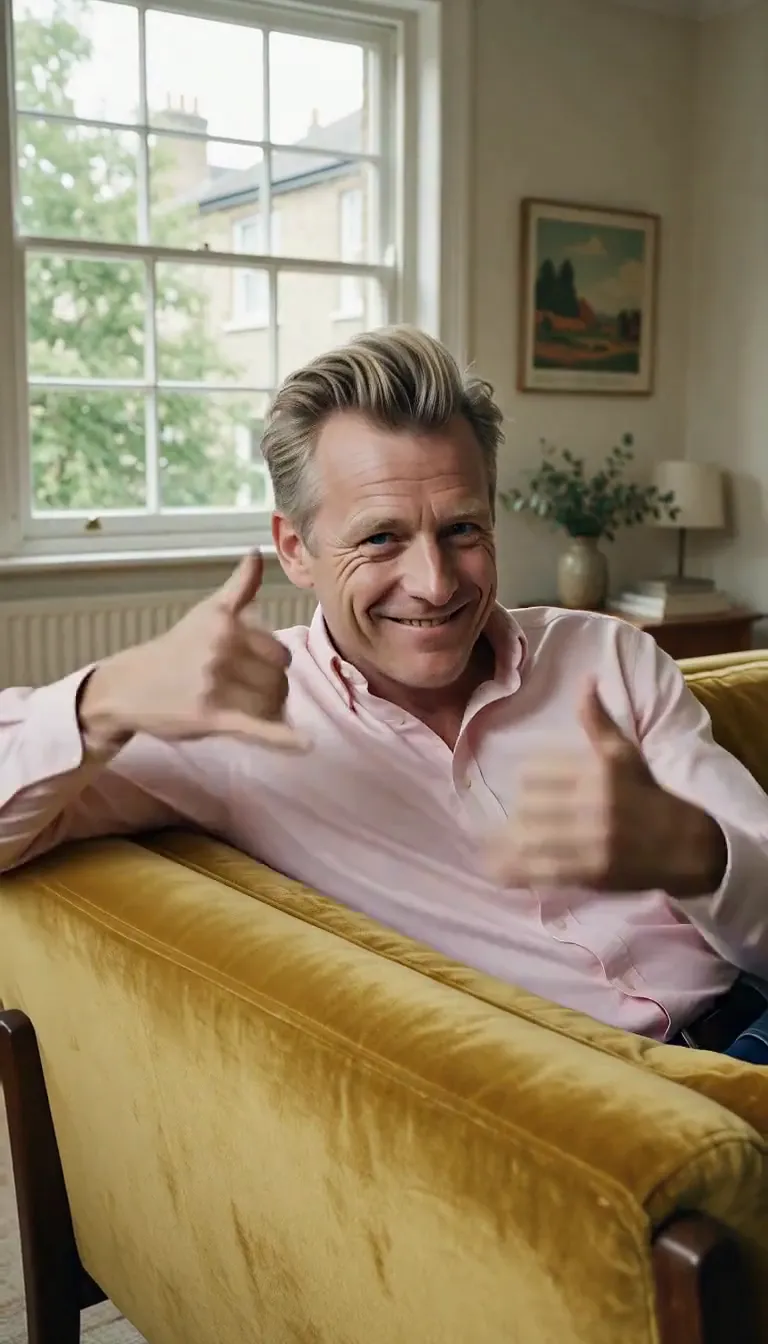 Call Me
 Champagne Toast
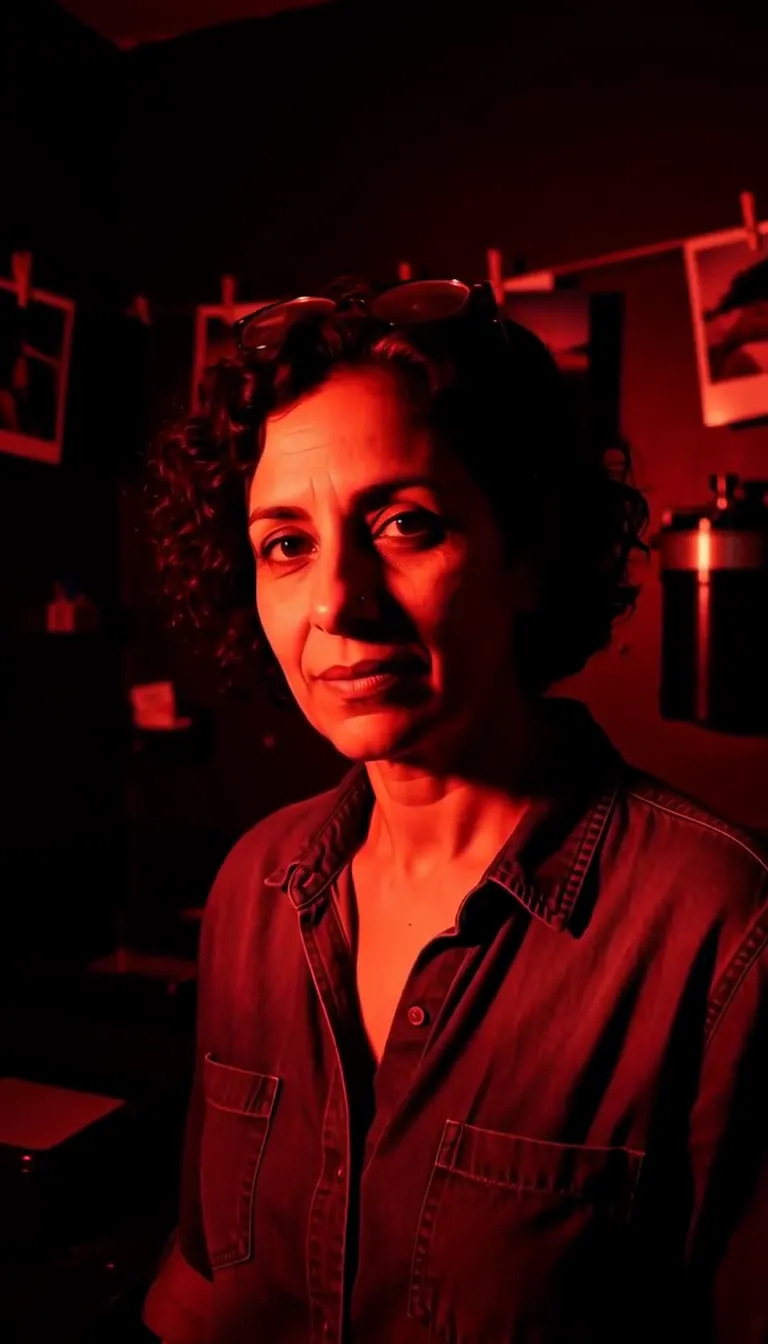 Darkroom Red
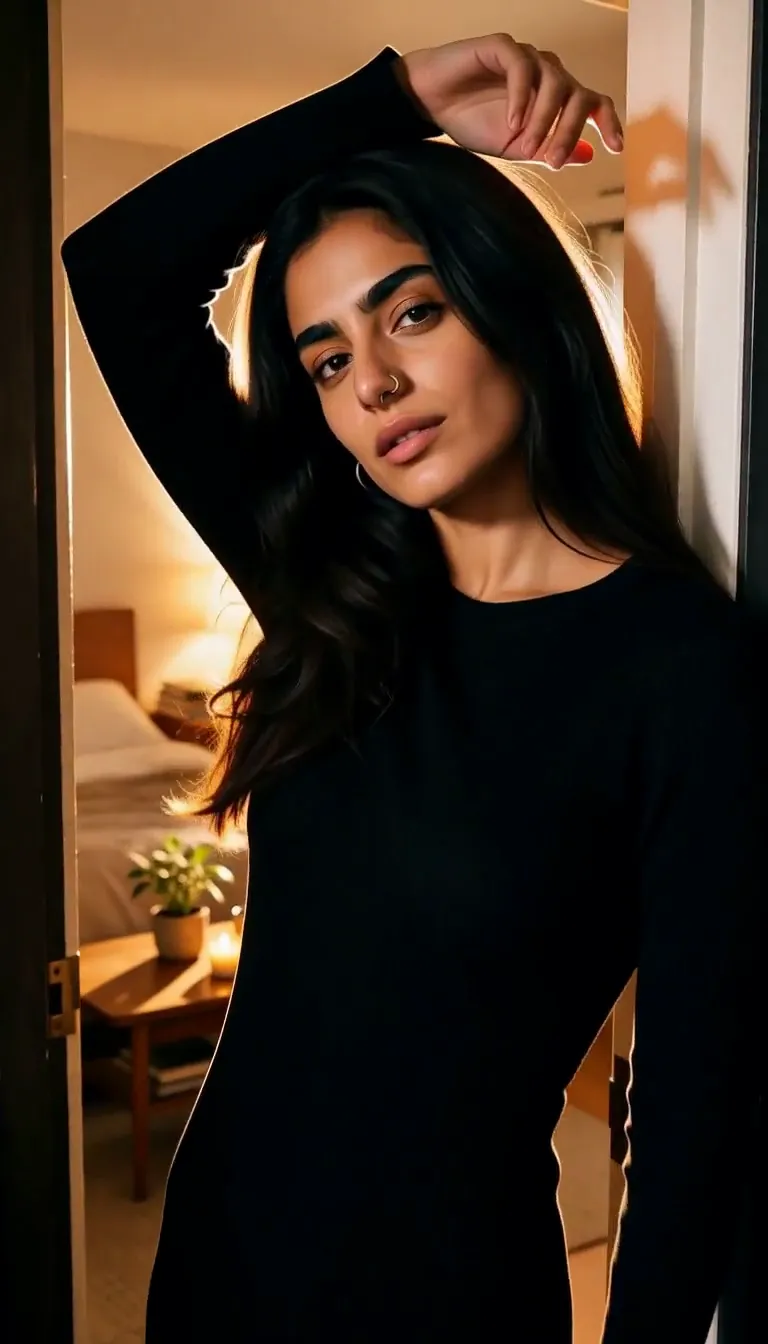 Doorway Lean
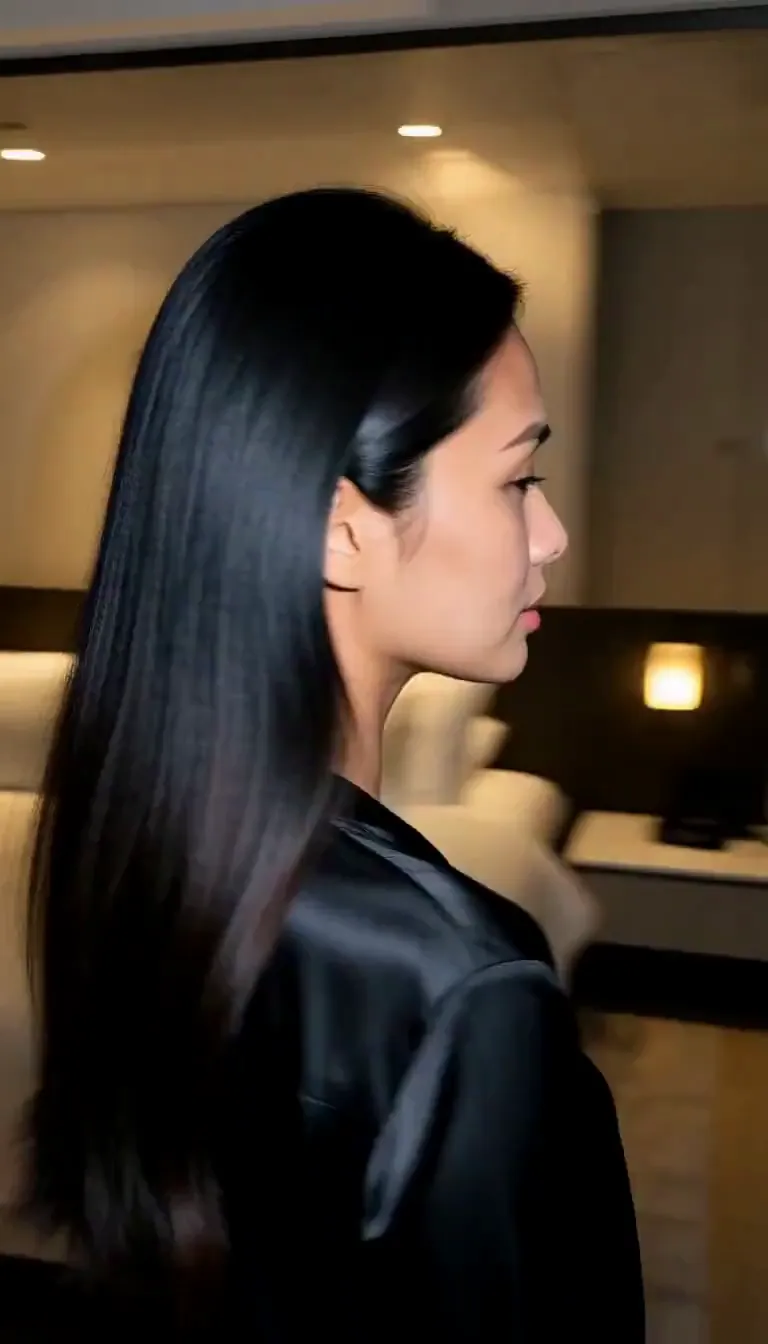 Eyes on You
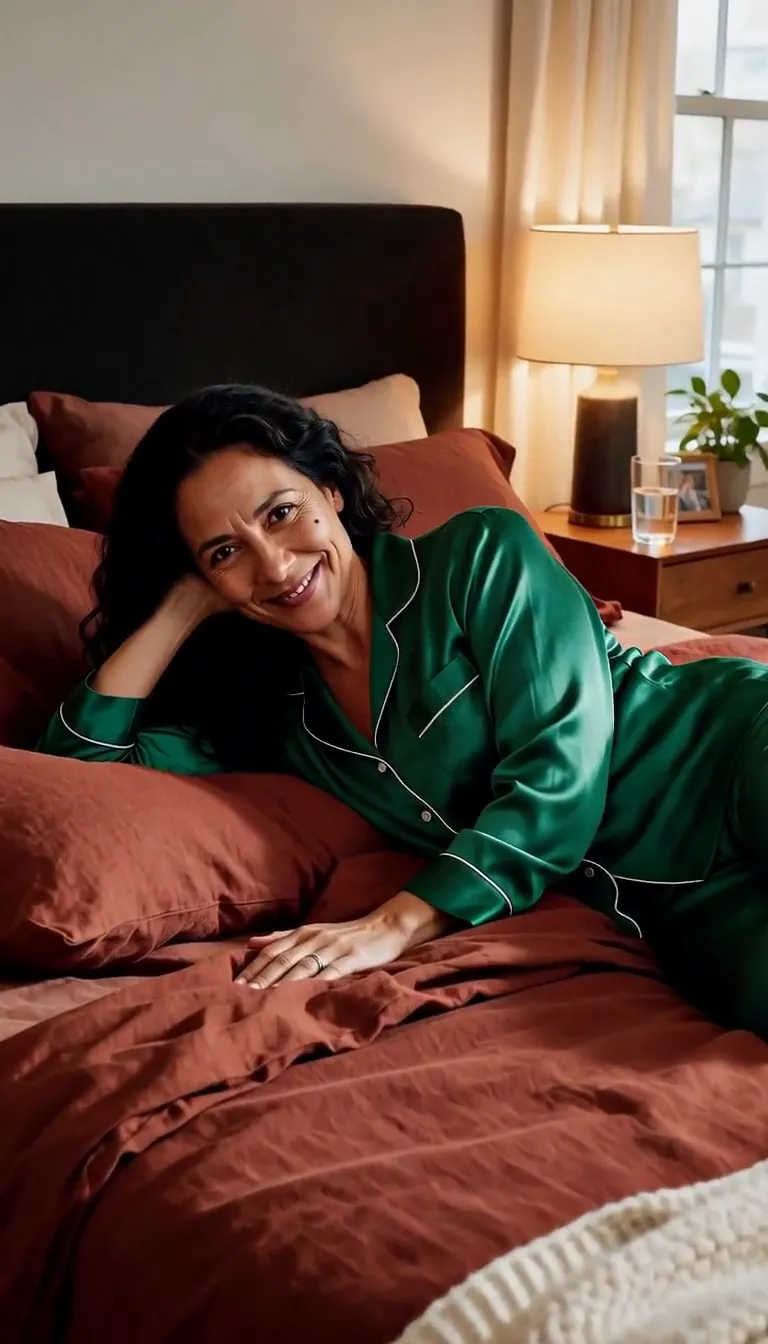 Join Me
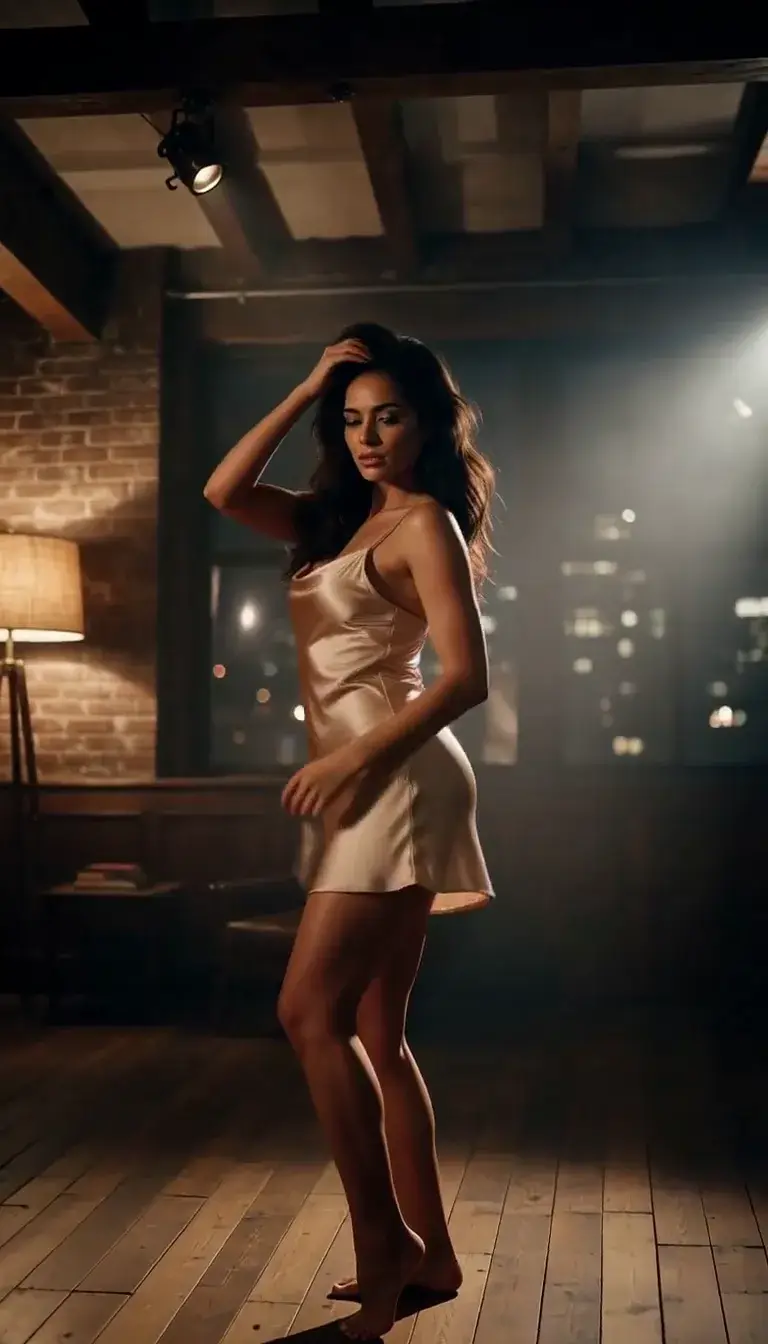 Late-Night Dance
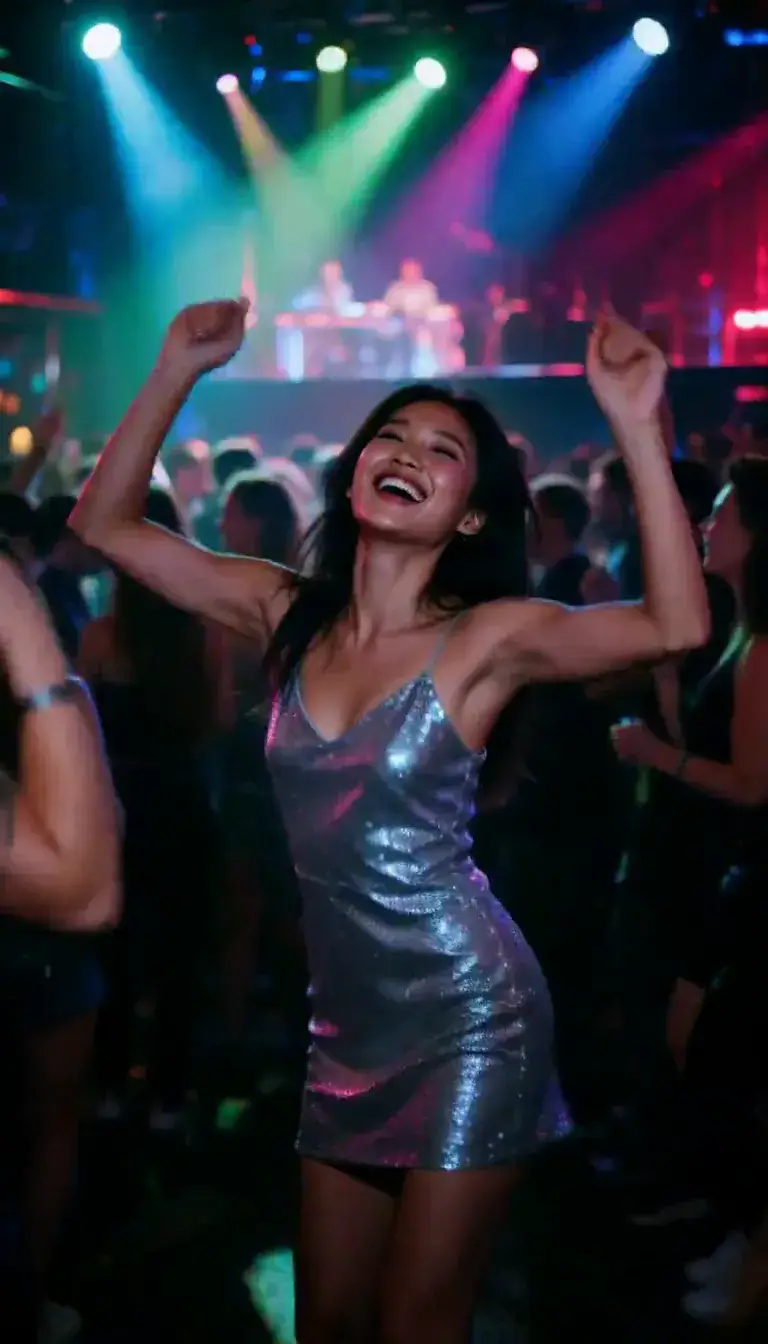 Club Strobe
Romance
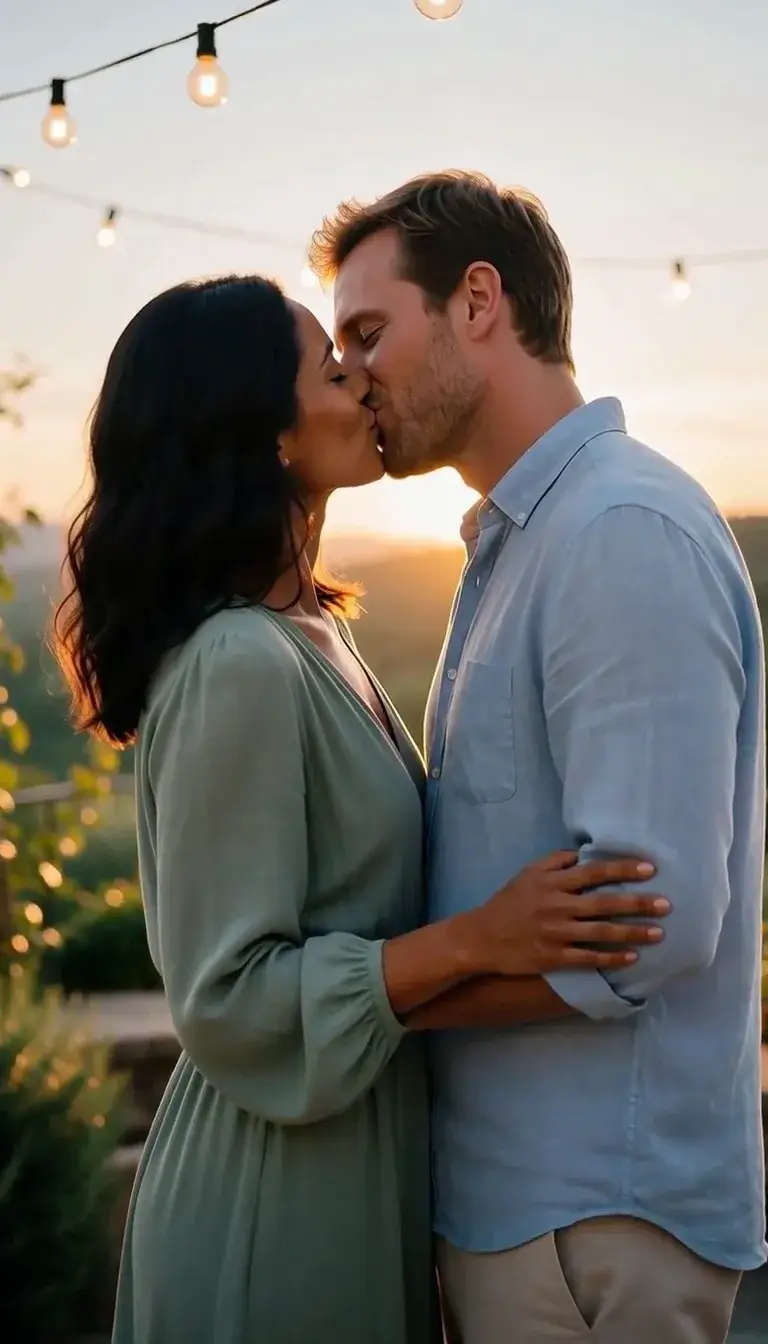 Kiss
KissCamera moves
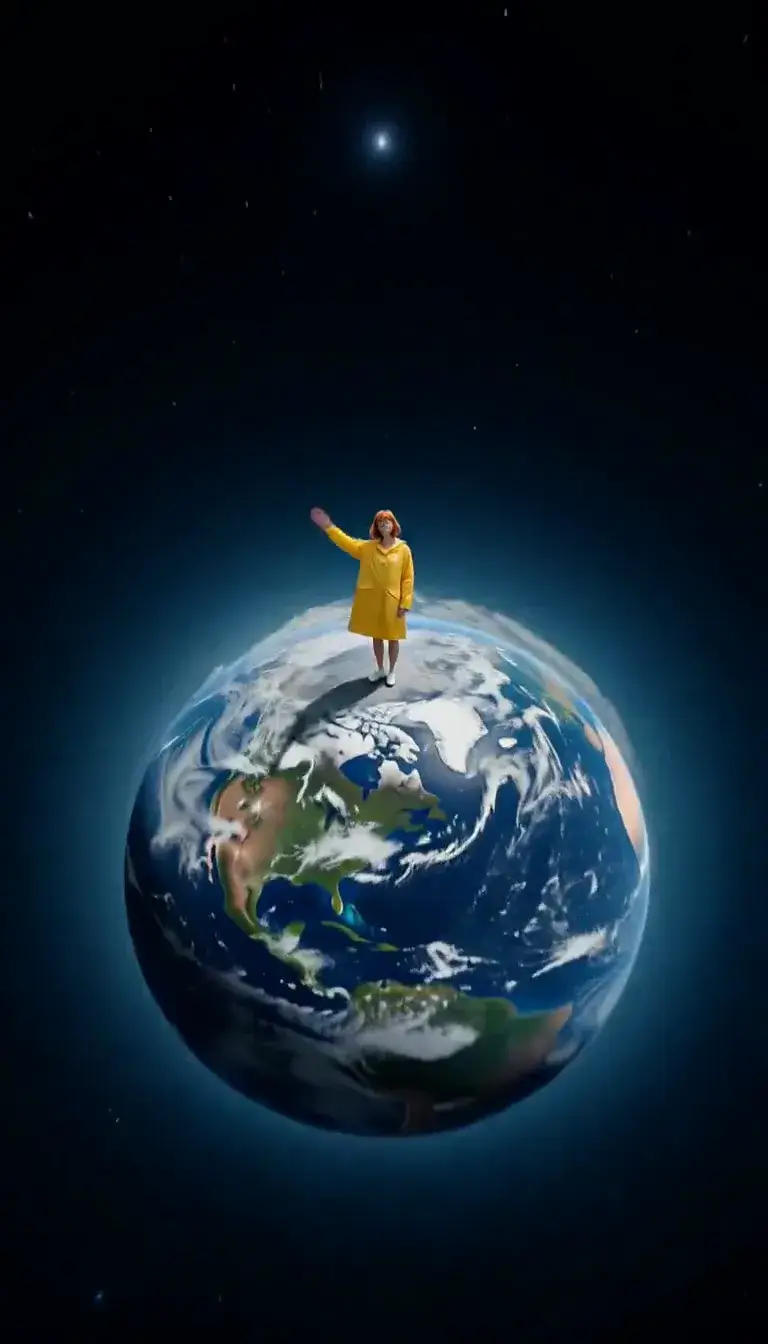 Tiny Planet
Transform
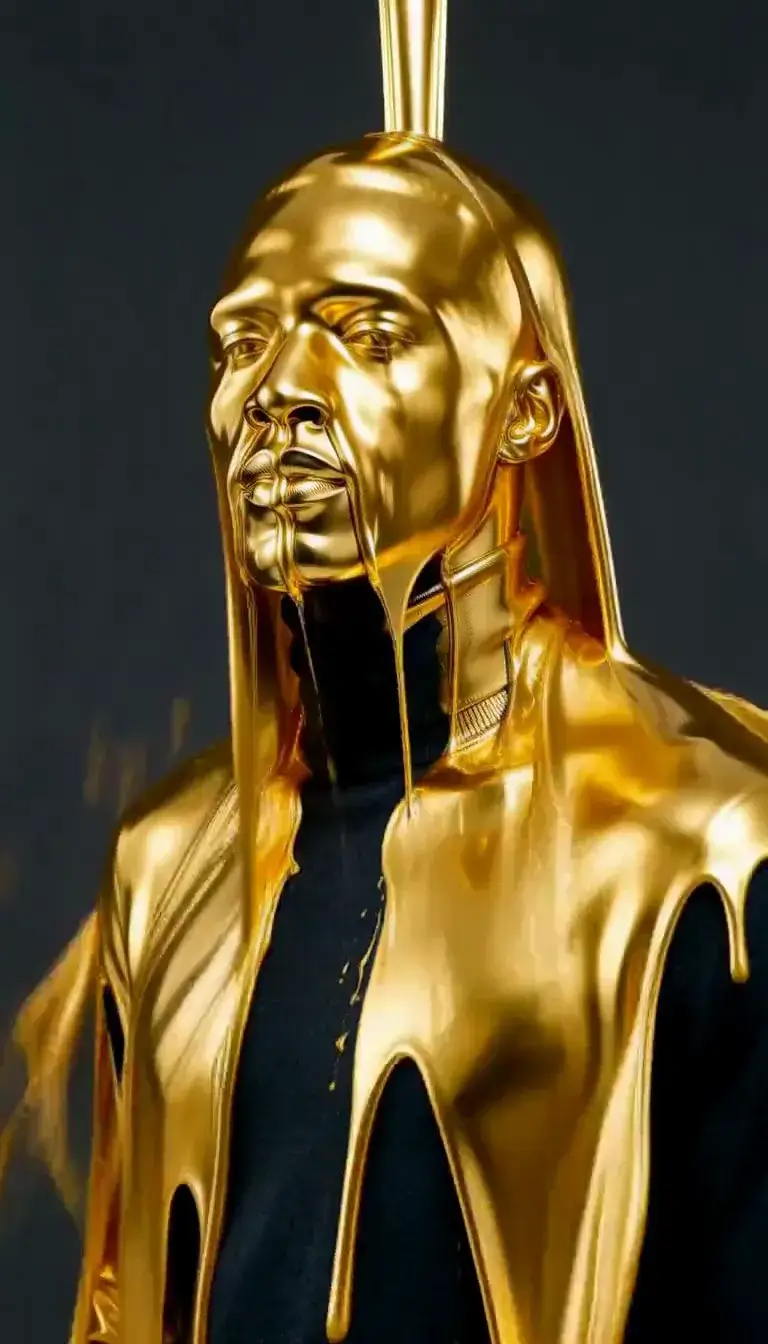 Molten Gold
Fashion
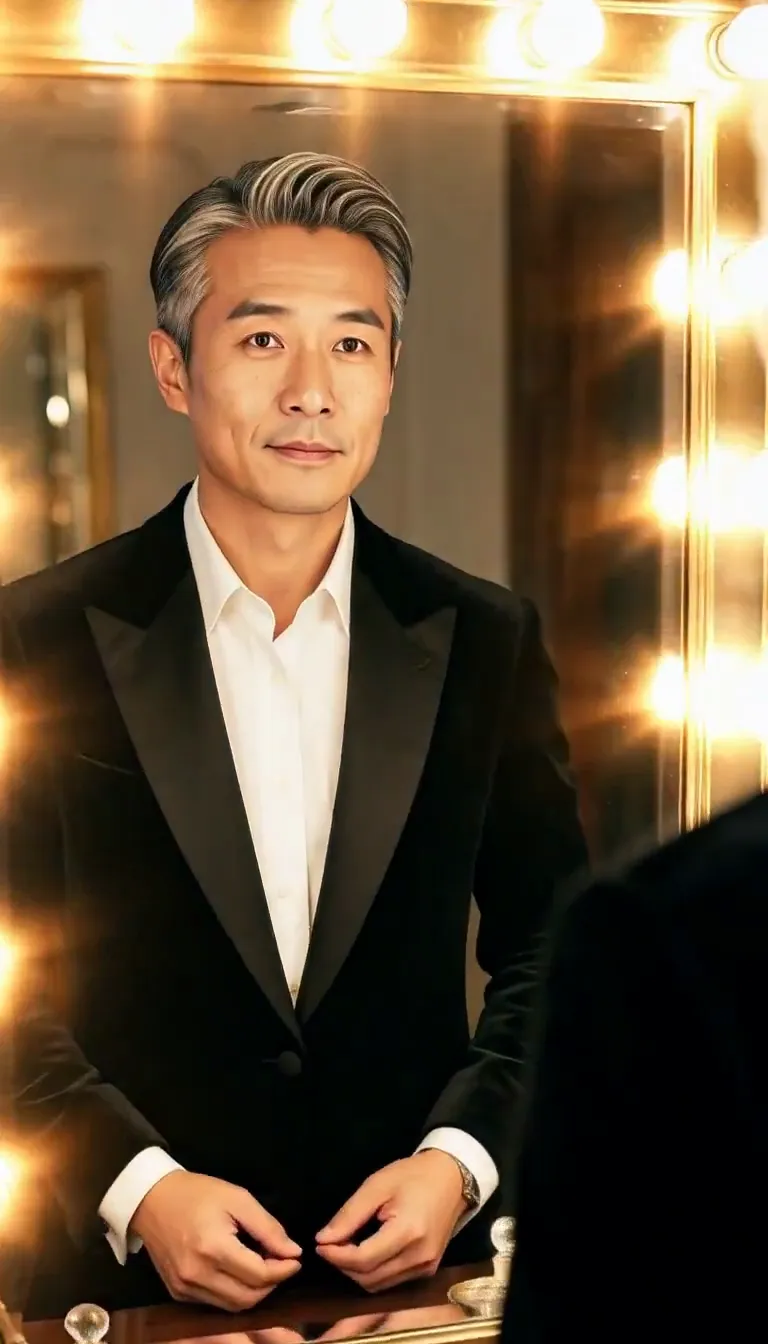 Mirror Glance
Atmosphere
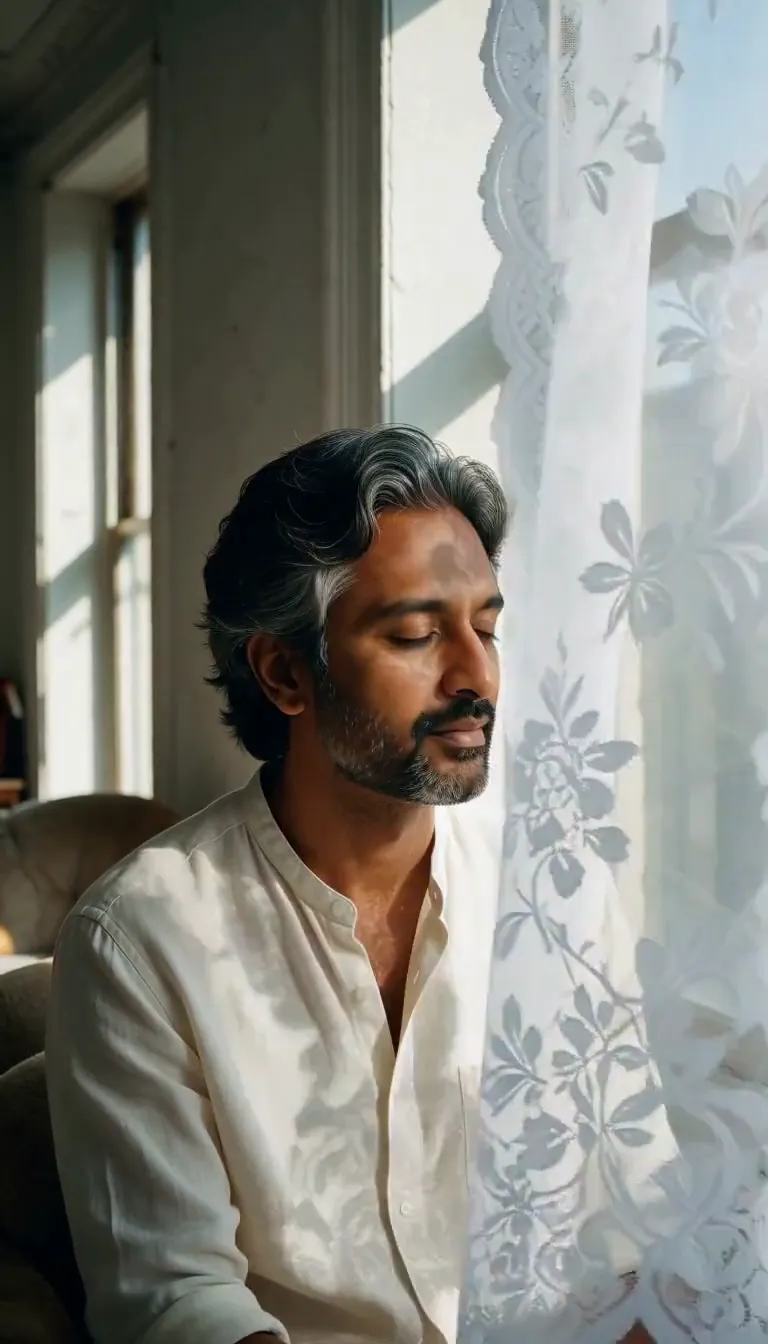 Lace Shadows
Motion
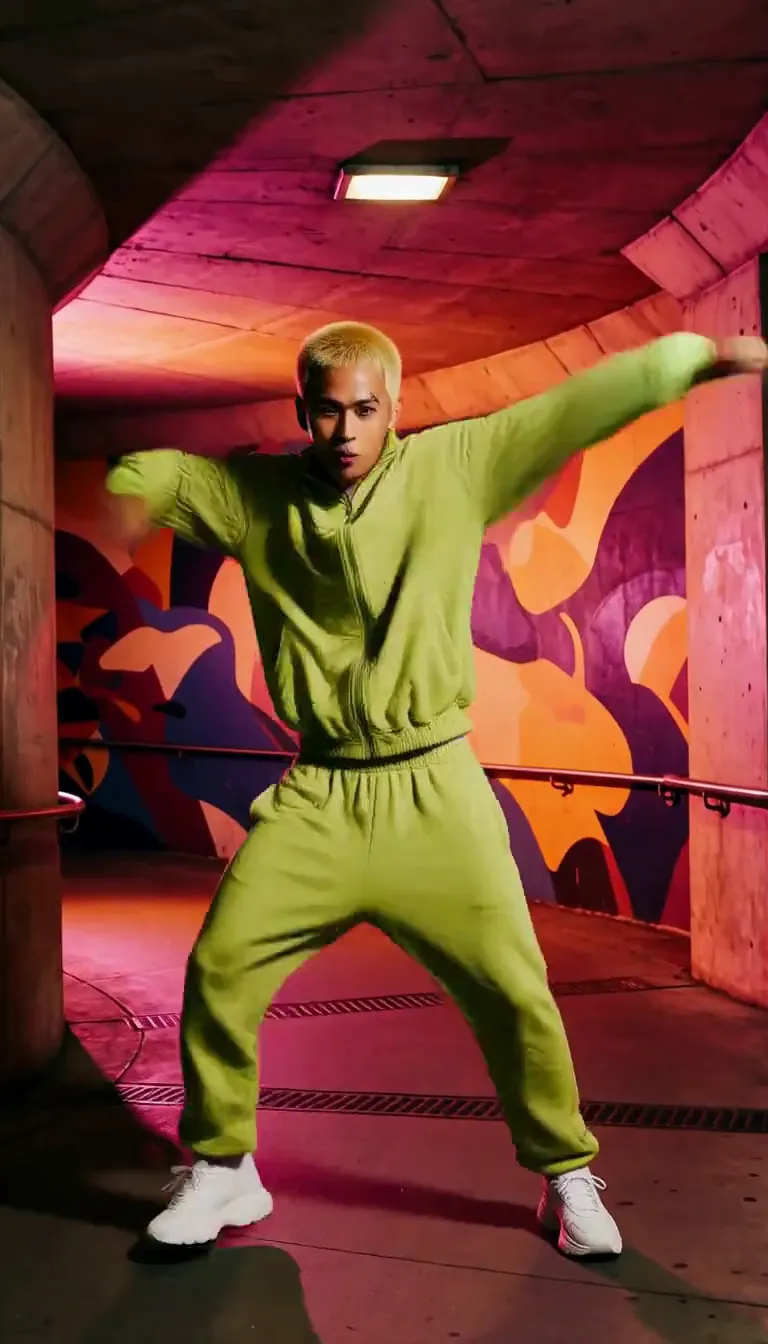 Groove
Fun
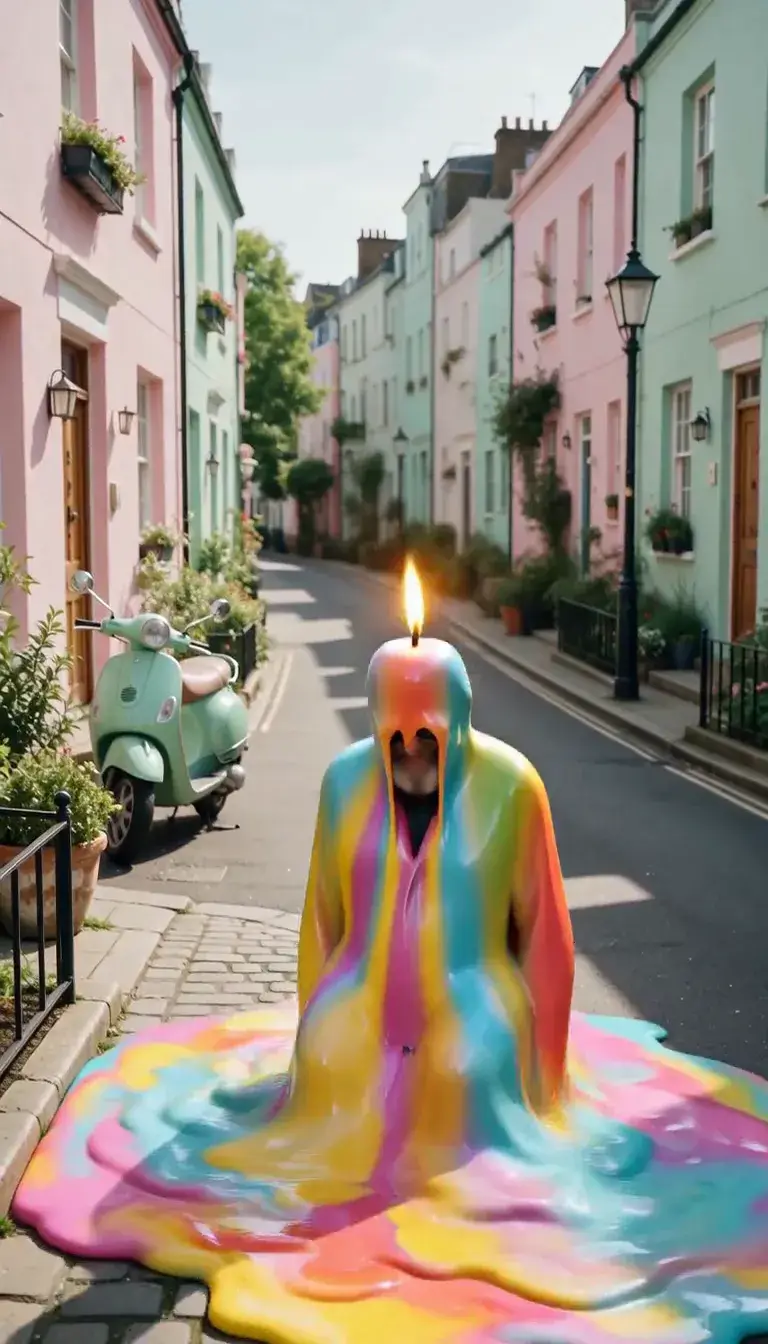 Meltdown
Product
 Ingredients Burst
Film looks
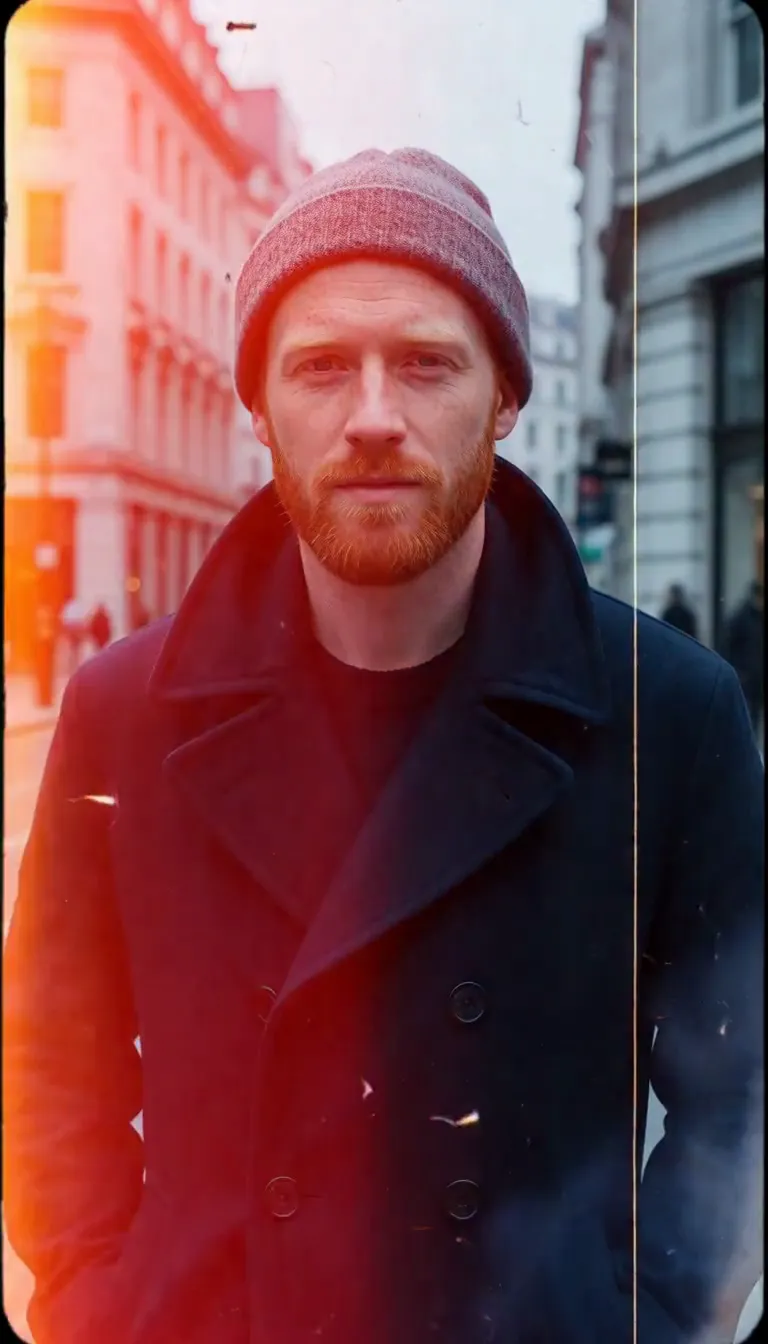 Film Burn
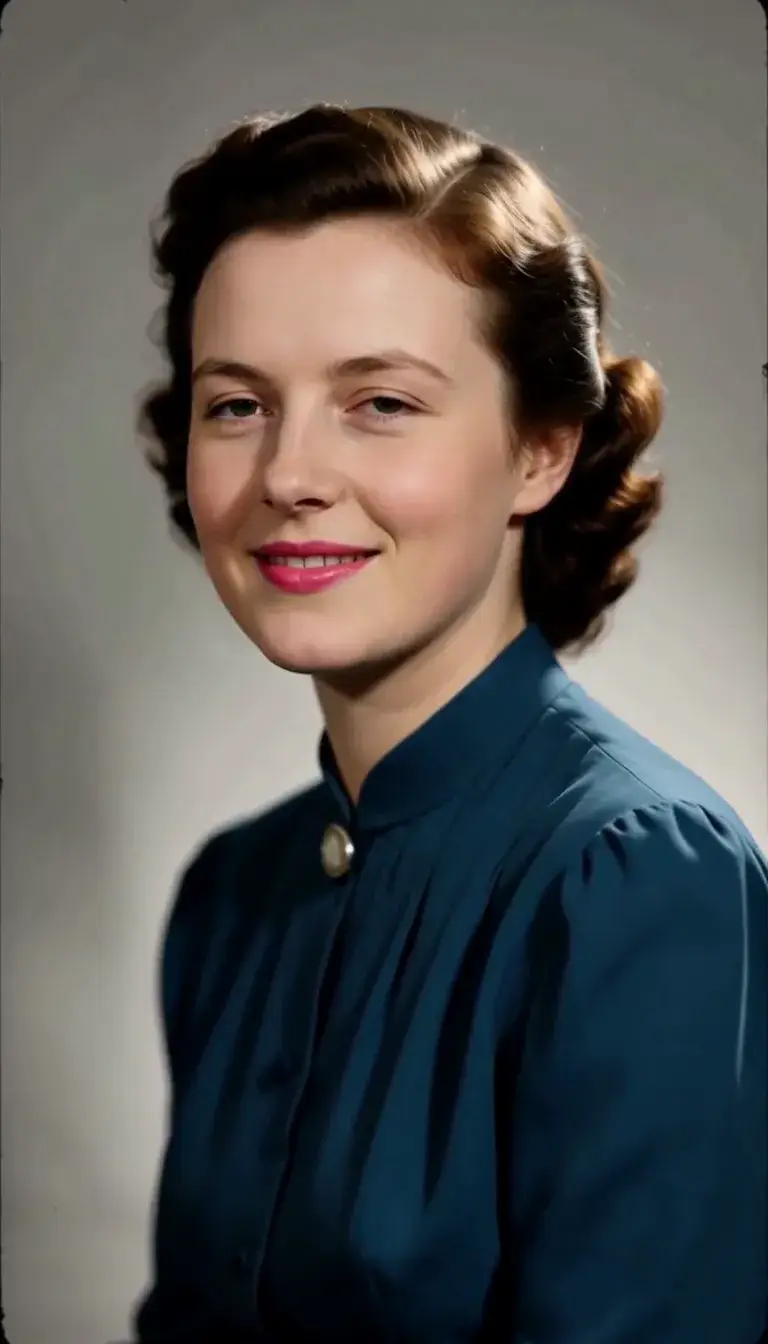 Color Returns
Video templates
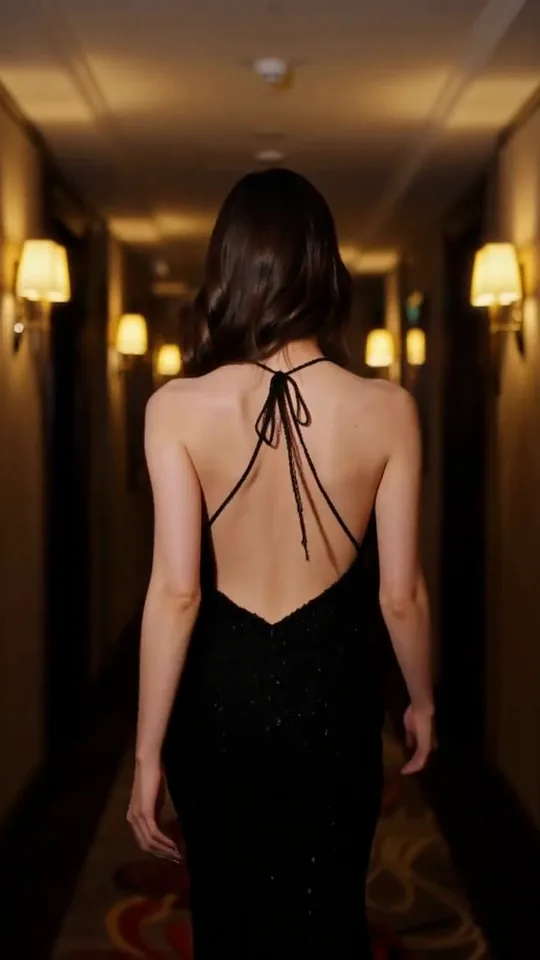 The Glance Back
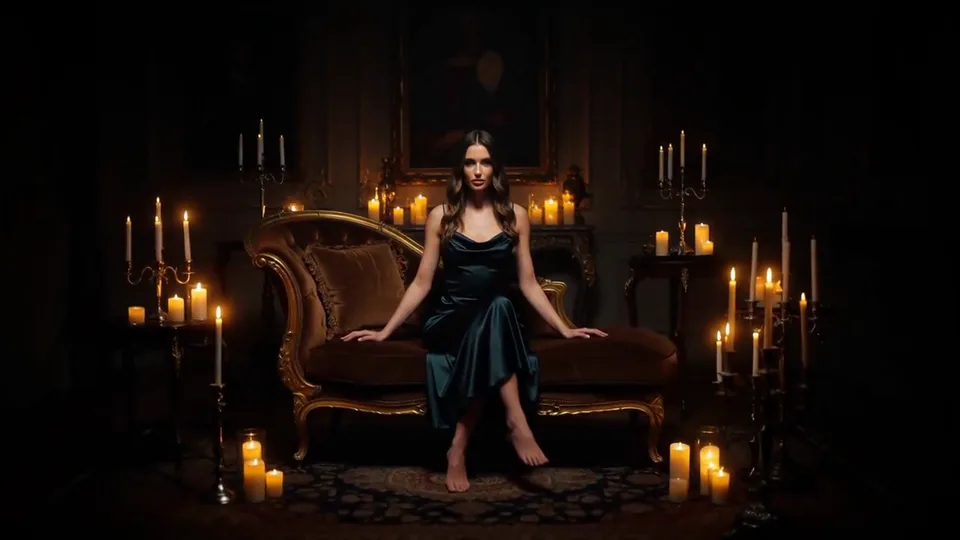 Candles Come Alive
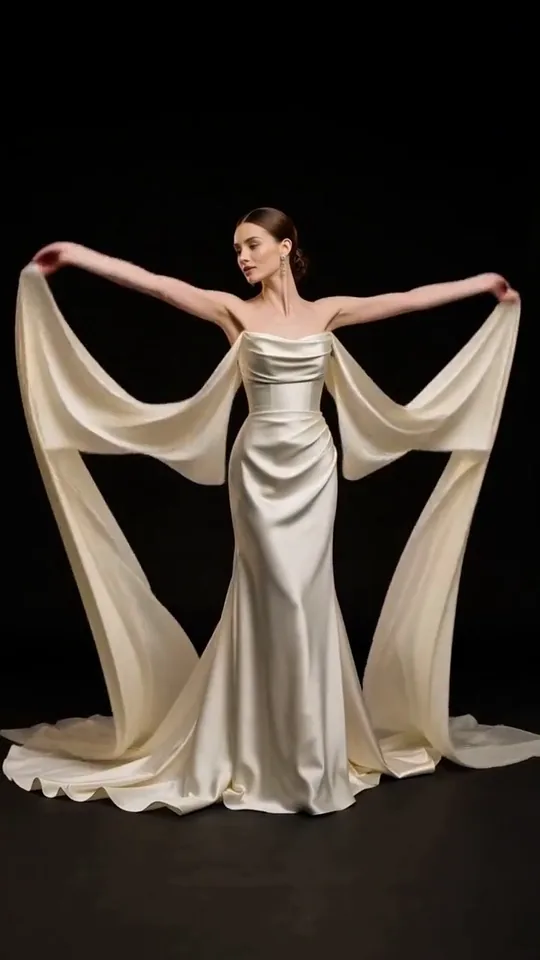 Silk Drift
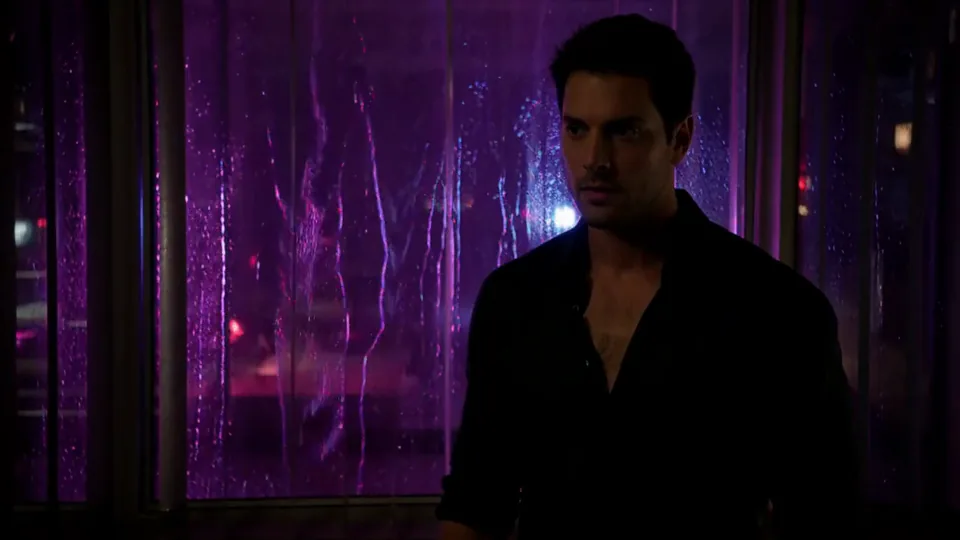 Neon After Hours
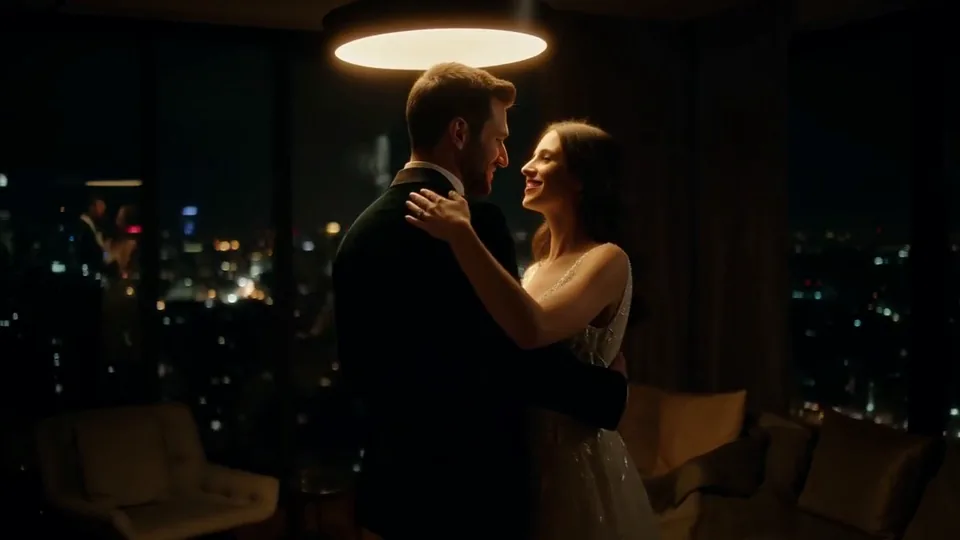 Sway Under the Lamp
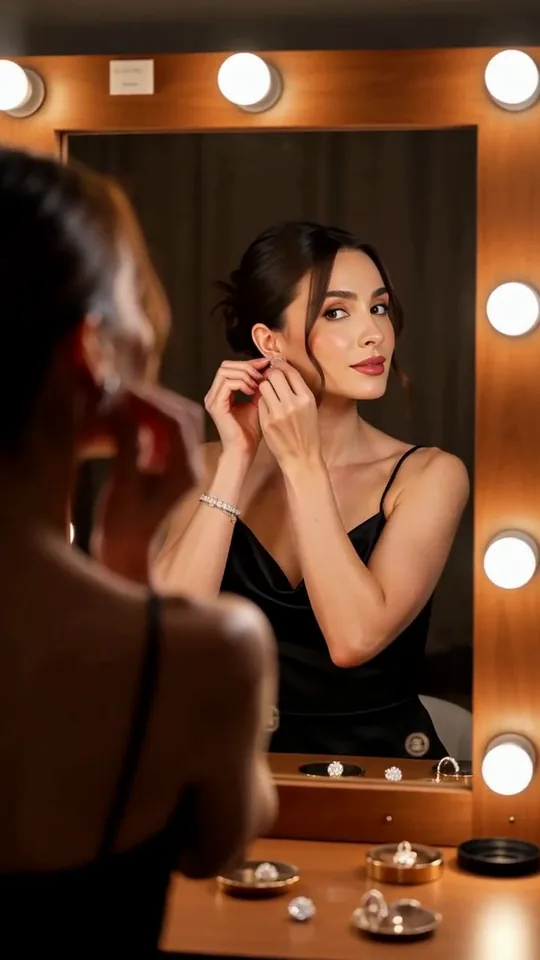 Mirror Moment
 Morning Light
 Passing Headlights
 Whisper Session
 Slow Push-In
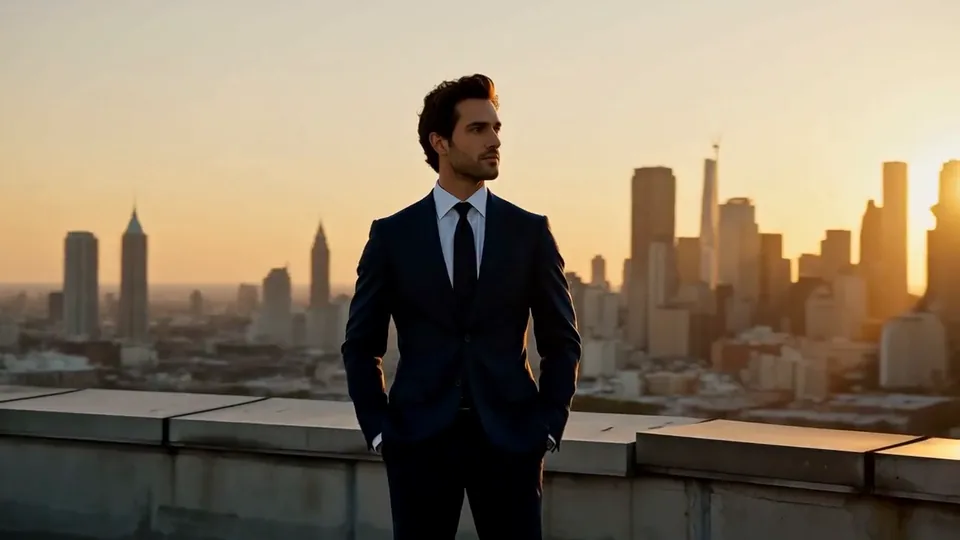 Half Orbit
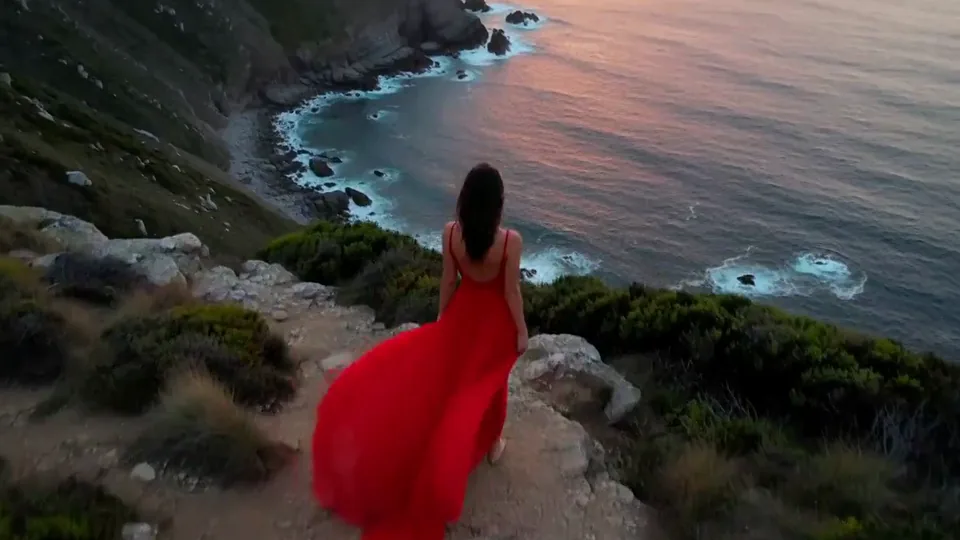 Drone Rise
This effect writes the prompt for you. Add one image.
We never filter your prompt.
A faded black-and-white photo blinks and turns toward the camera as color floods back into the scene.
- Model
- MiniMax H3
- Length
- 5 s
- Resolution
- 768p
- Per run
- $0.185
- Type
- Film looks
What this effect sends
This is the full prompt, word for word. Copy it, or open it in the generator and change anything you like.
The image starts as a faded black-and-white print, then color gradually floods back into the scene as the main subject begins to move, blinking and turning slightly toward the camera. The camera holds still with a faint film flicker.Pictures that work best
- Any photo works if you convert it to black-and-white first — you don't need an actual vintage original for the effect to read well.
- A face turned toward or near the camera gives the "blinking and turning" beat somewhere natural to land.
- Simple, well-lit black-and-white photos restore their color more convincingly than very dark or grainy ones.
- If you're starting from a real vintage photo, one with visible print texture or a border makes the "coming to life" moment feel more dramatic.
Models this effect runs on
The same prompt on different models. Pick by look and by price.
- MiniMax H3$0.185 per run
5 s · 768p
- Seedance 2.0 Fast$0.484 per run
5 s · 720p
- Kling 3.0$0.336 per run
5 s · 720p
- Seedance 2.0$0.76 per run
5 s · 720p
- Wan 3.0$0.45 per run
5 s · 720p
- Vidu Q3 Turbo$0.33 per run
5 s · 720p
- MiniMax H3 Max$0.4 per run
5 s · 768p
- Kling 2.5 Turbo$0.28 per run
5 s
- Wan 2.6 Flash$0.113 per run
5 s · 720p
- Seedance 2.0 Mini$0.265 per run
5 s · 720p
How it works
- 01
Add one photo
Choose the photo to match the example: include both people for a shared gesture, and keep the face and any hands involved clearly visible. Upload your own photo or start with a Color Returns sample.
- 02
Check the price
Color Returns defaults to a 5-second clip for $0.185. Swap the model or change the length and resolution before you run — the price on the button updates to match, and that's the whole cost of the clip.
- 03
Generate
Your Color Returns clip renders in the background, lands in History and is never published.
Do the move yourself
Color Returns keeps one version of this shot. To give Color Returns your own motion or ending, write it yourself in Image to Video, starting from the prompt above.
What it does to your photo
Color Returns starts on a faded black-and-white print and brings it to life: color floods back into the scene as your subject begins to move, blinking and turning slightly toward the camera, while the frame holds still with a faint film flicker. It's a small, satisfying restoration moment — the kind of clip that makes an old photo feel like it just woke up.
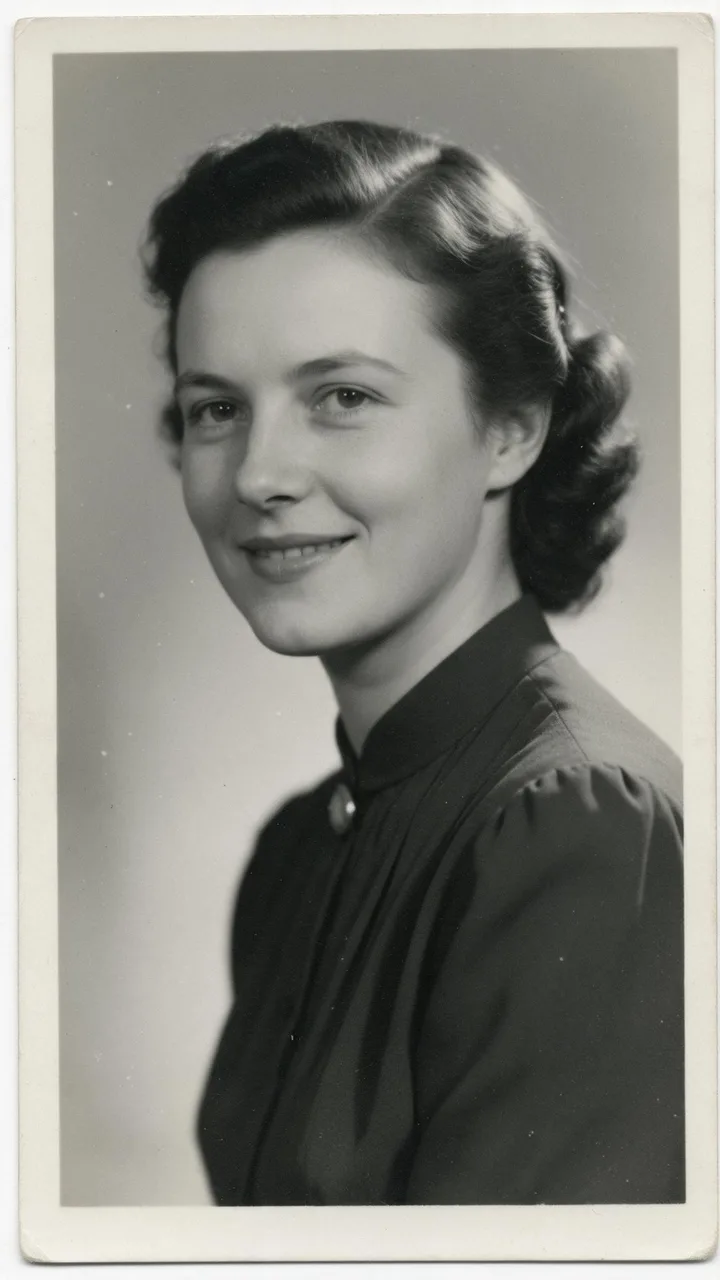
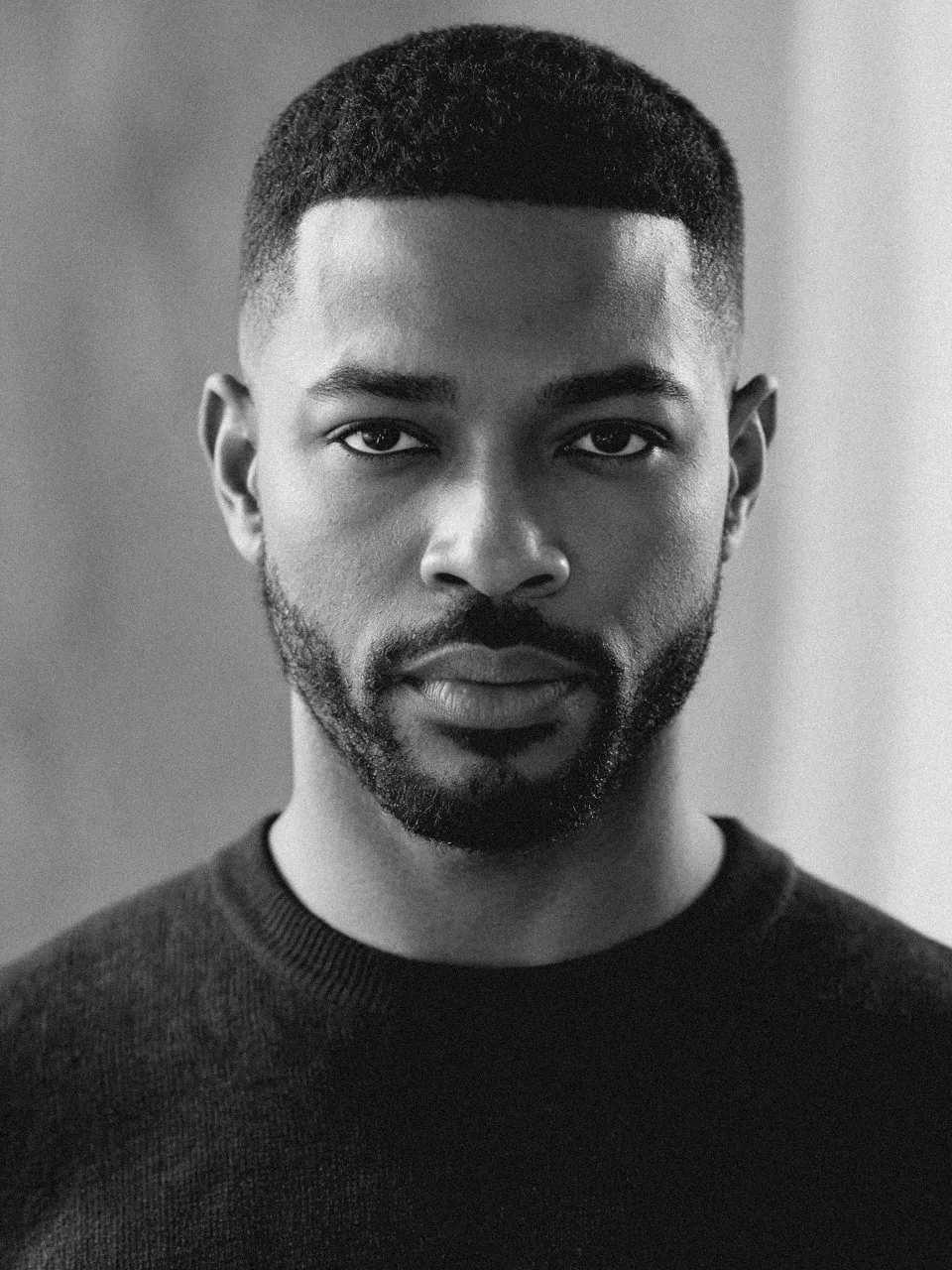
In our test runs on MiniMax H3, a generated 1950s studio print came alive within the first second: auburn hair, a teal-blue blouse and pink lips flooded in alongside a vertical film scratch and flicker, the white print border dropped away, and she turned slightly and smiled. On an ordinary modern portrait that we'd desaturated to black-and-white ourselves, the color seeped back more gradually over roughly a second with a faint film-line flicker — warm skin, a navy sweater, a beige backdrop — and he blinked around two and a half seconds before settling into a gaze at the lens.
Color comes back faster than "gradually" might suggest — in both samples the shift was closer to a quick reveal within the first one to two seconds than a slow fade across the whole clip. If you want a longer black-and-white hold before the color arrives, that's a prompt tweak rather than something the default gives you.
It works just as well on a genuinely vintage-looking photo as it does on any ordinary photo you convert to black-and-white first, which makes it useful for heritage and family-memory content, retro-styled reveals, and any post that wants a "then and now" beat in a single clip.
The prompt is public — for a slower reveal, add "over several seconds" after "color gradually floods back into the scene" to stretch the transition out.