After Dark
 Laser Room
 Color Smoke
 Silk Drop
 Petal Storm
 Slow Shutter
 Candlelight
 Behind the Hair
 Call Me
 Champagne Toast
 Darkroom Red
 Doorway Lean
 Eyes on You
 Join Me
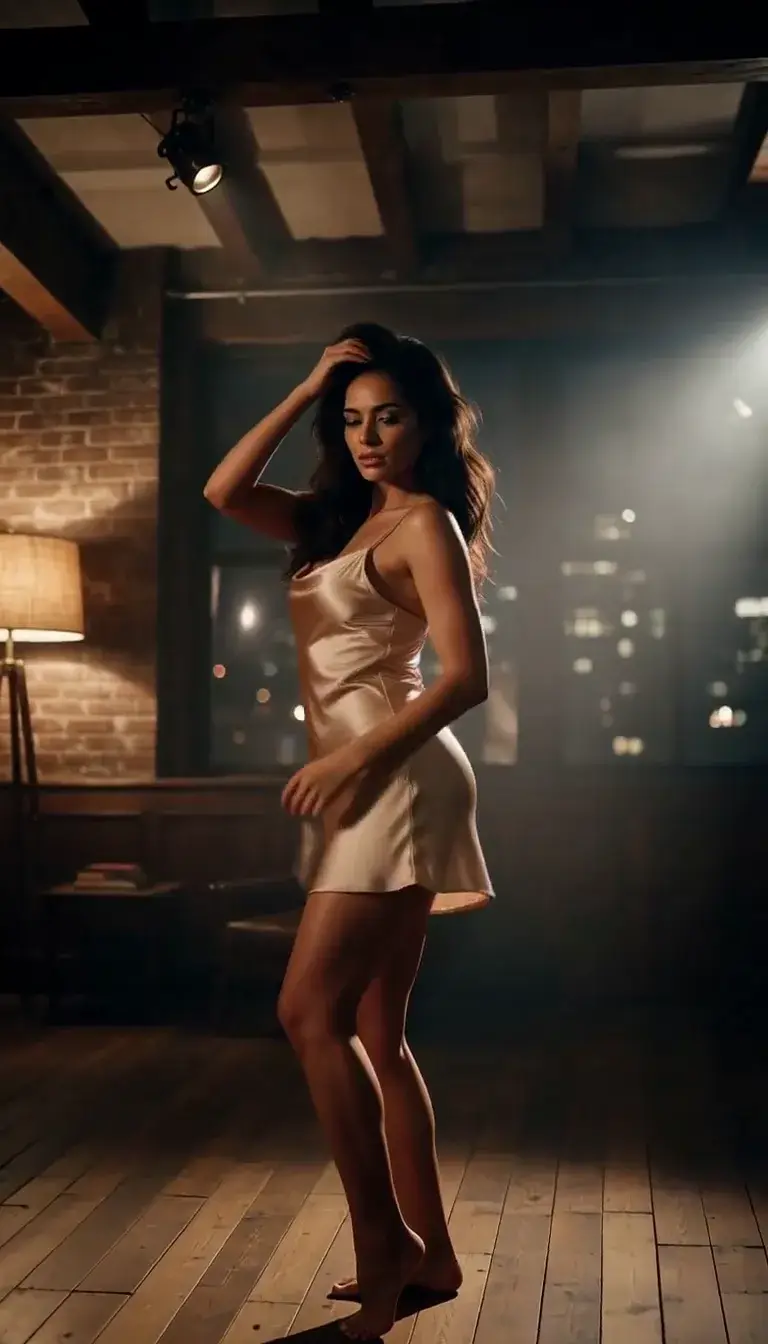 Late-Night Dance
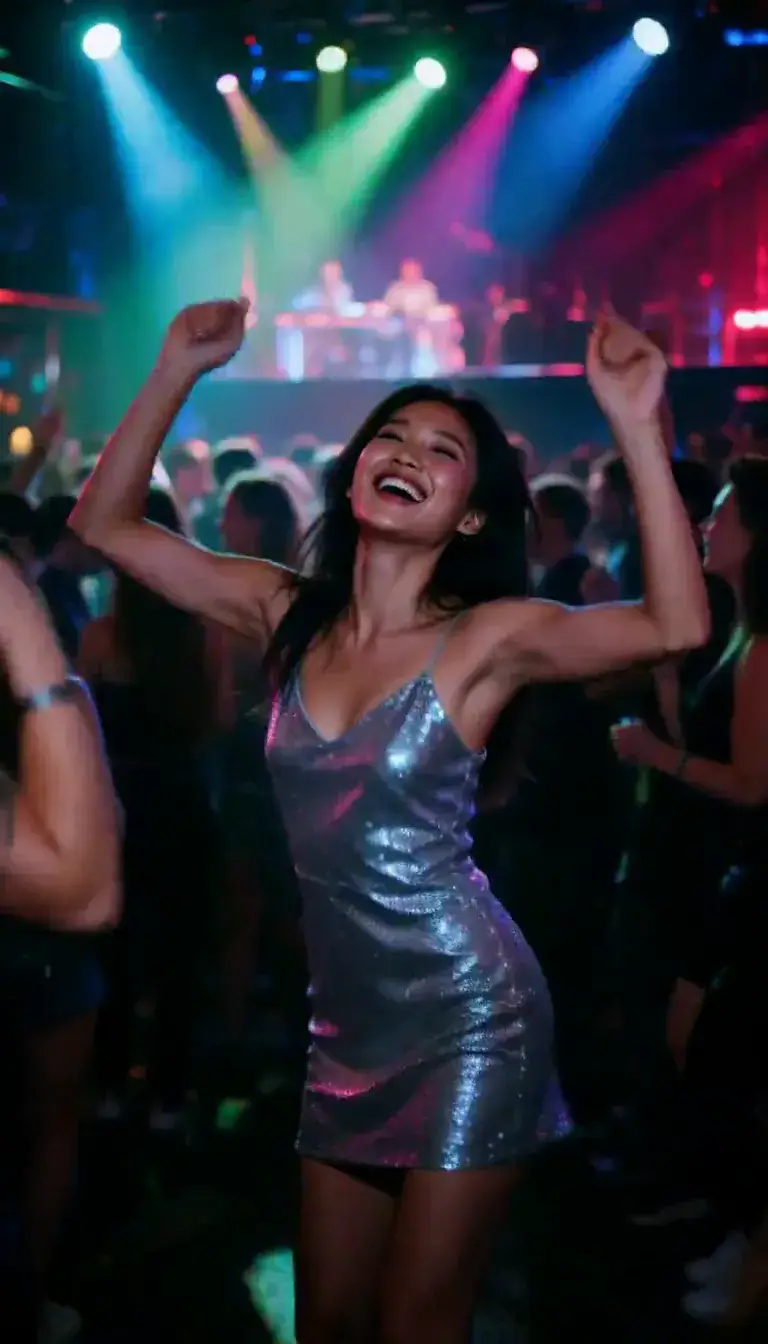 Club Strobe
Romance
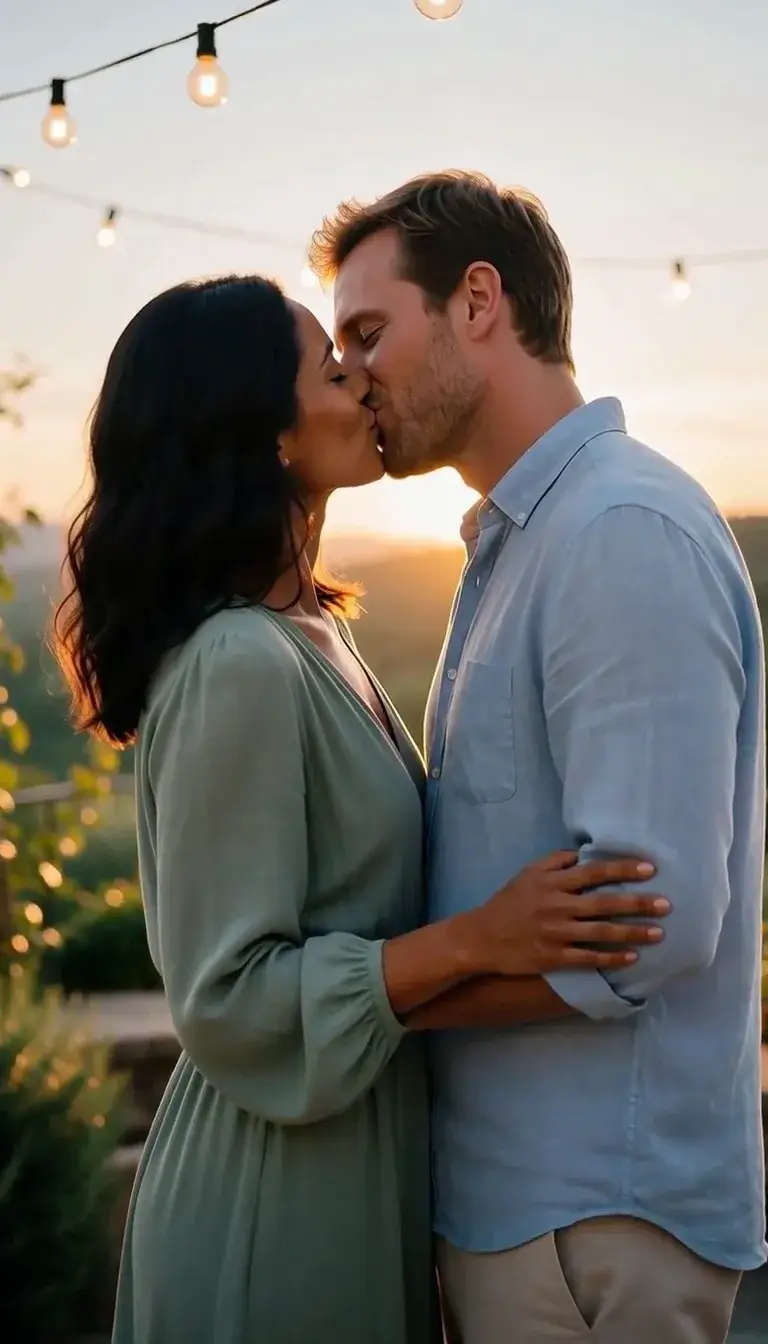 Kiss
KissCamera moves
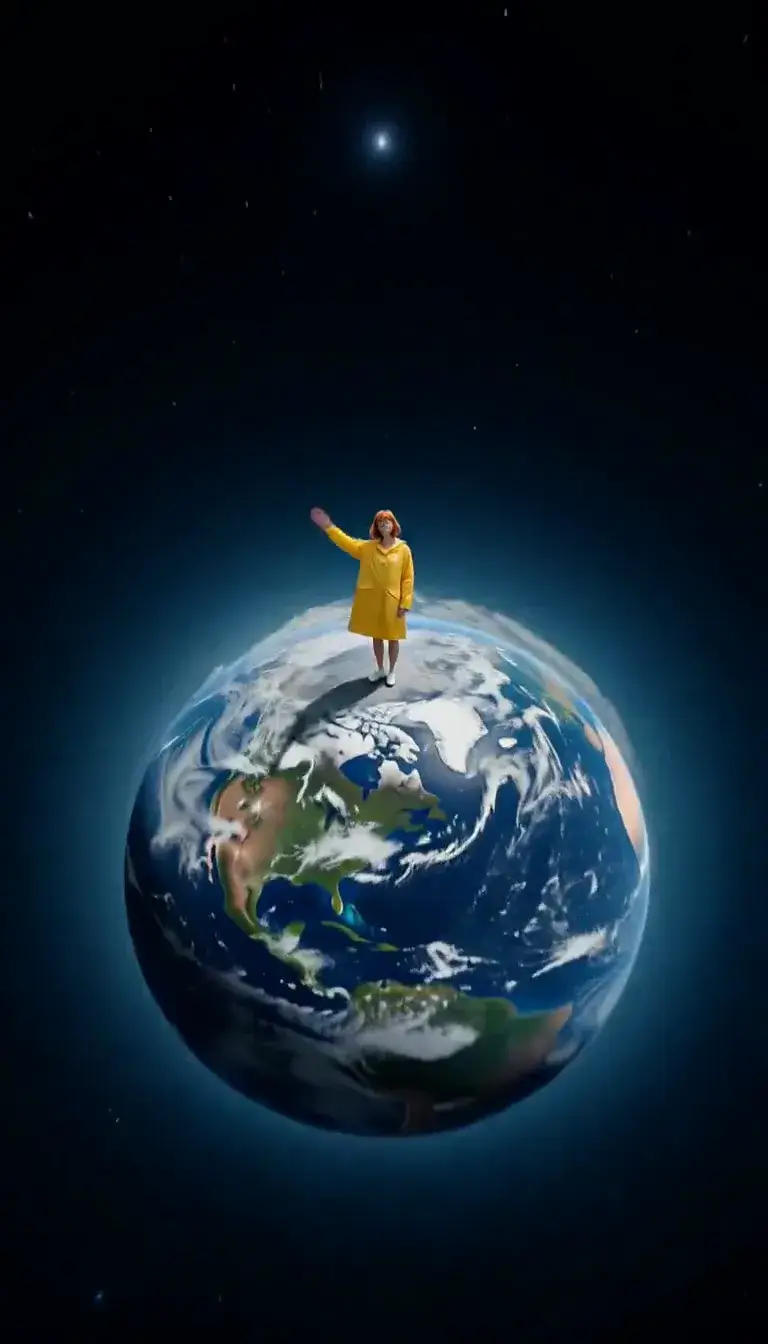 Tiny Planet
Transform
 Molten Gold
Fashion
 Mirror Glance
Atmosphere
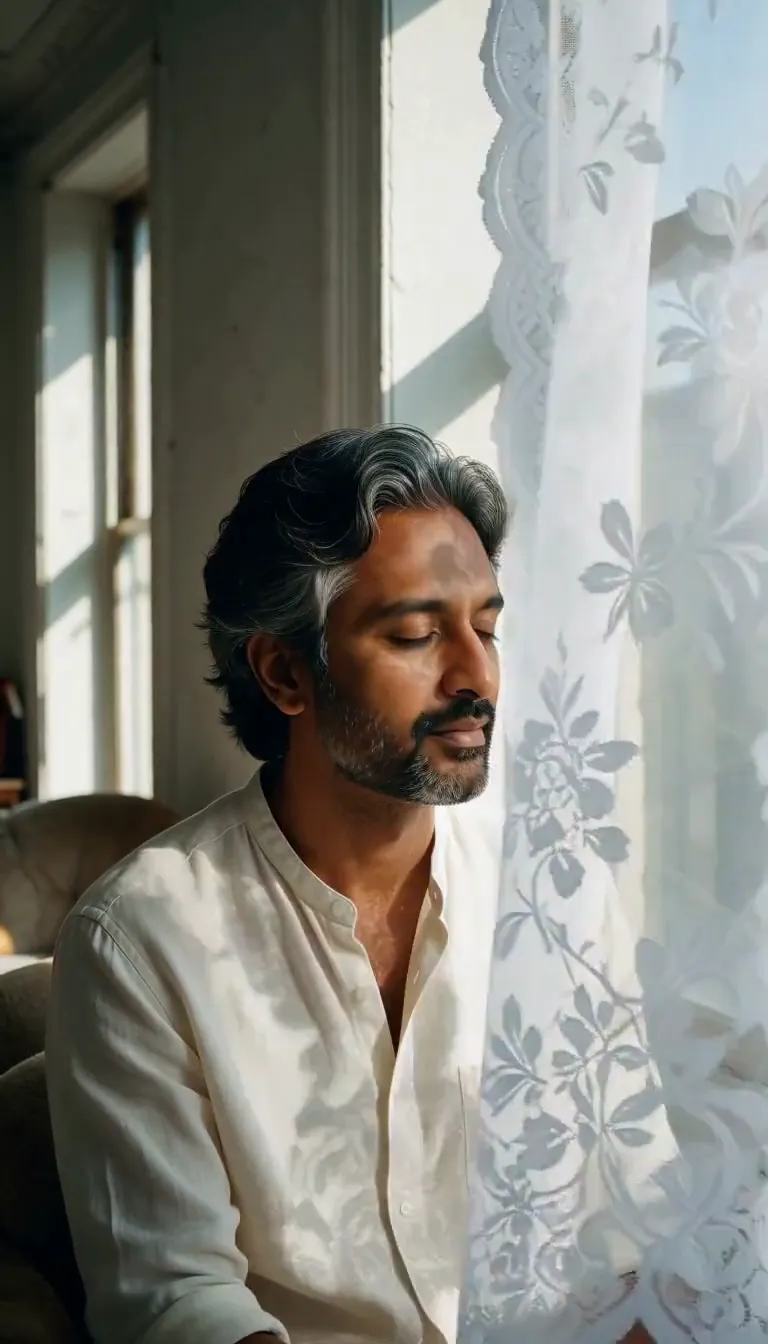 Lace Shadows
Motion
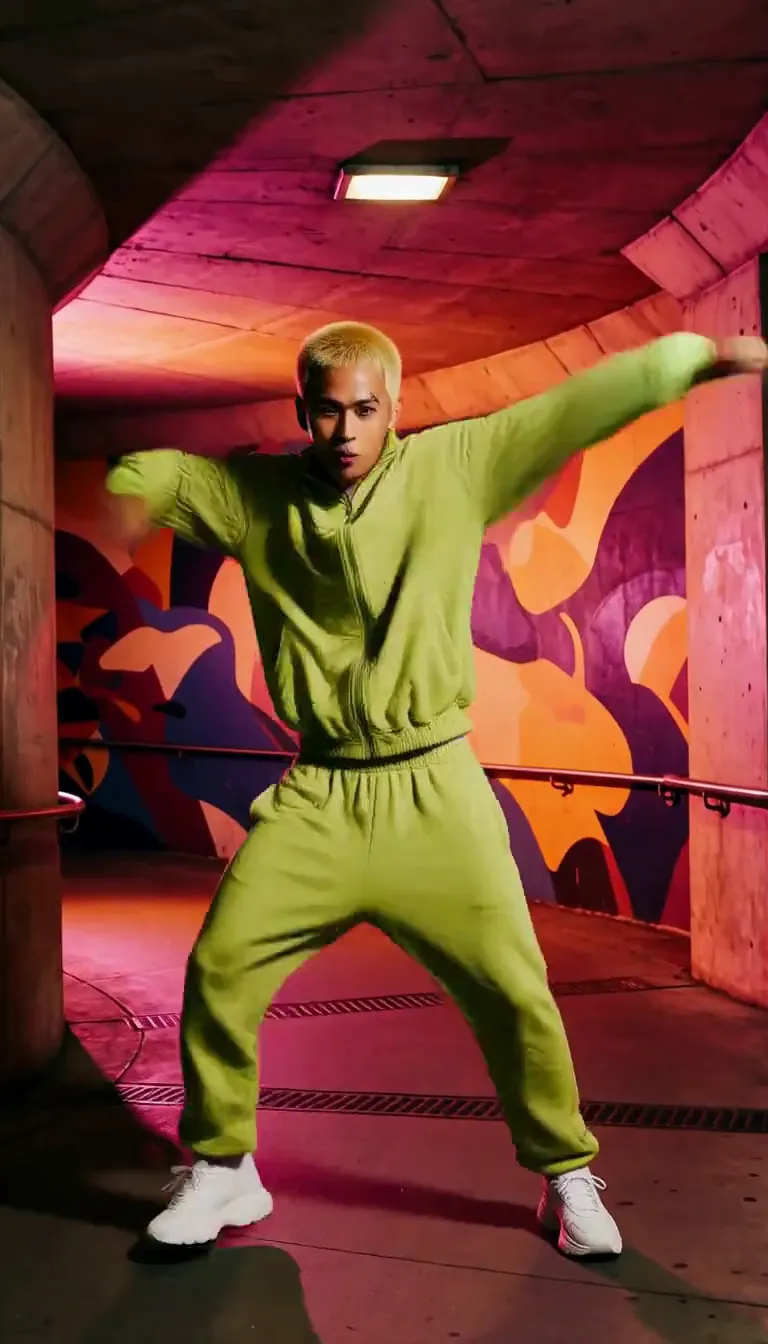 Groove
Fun
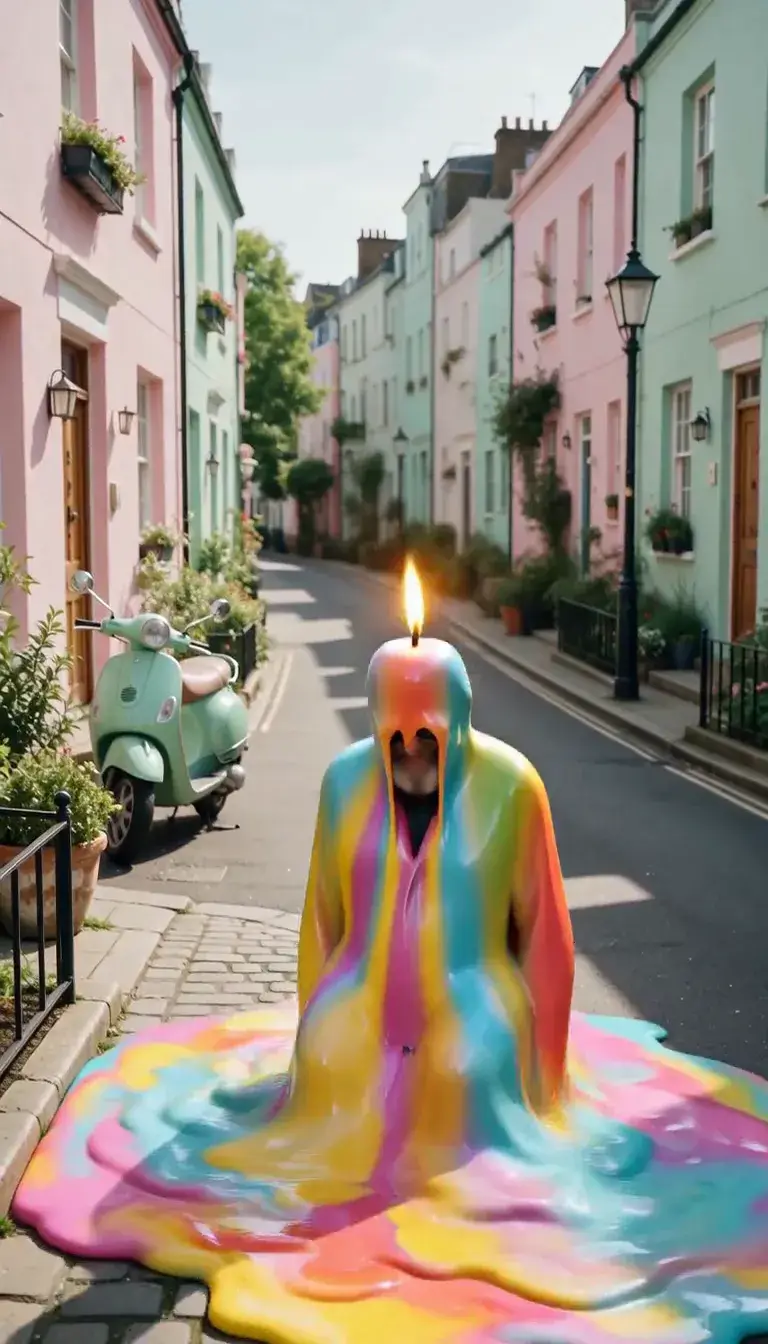 Meltdown
Product
 Ingredients Burst
Film looks
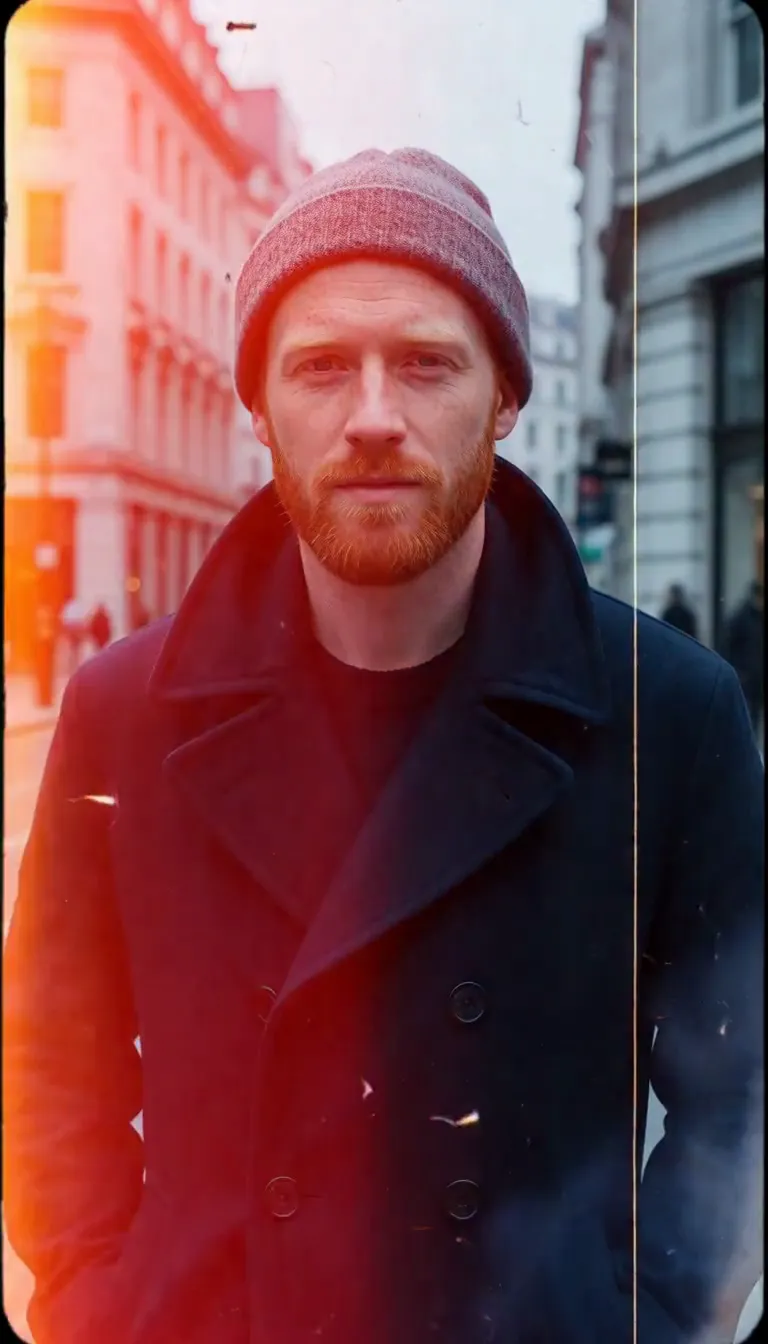 Film Burn
 Glitch
Video templates
 The Glance Back
 Candles Come Alive
 Silk Drift
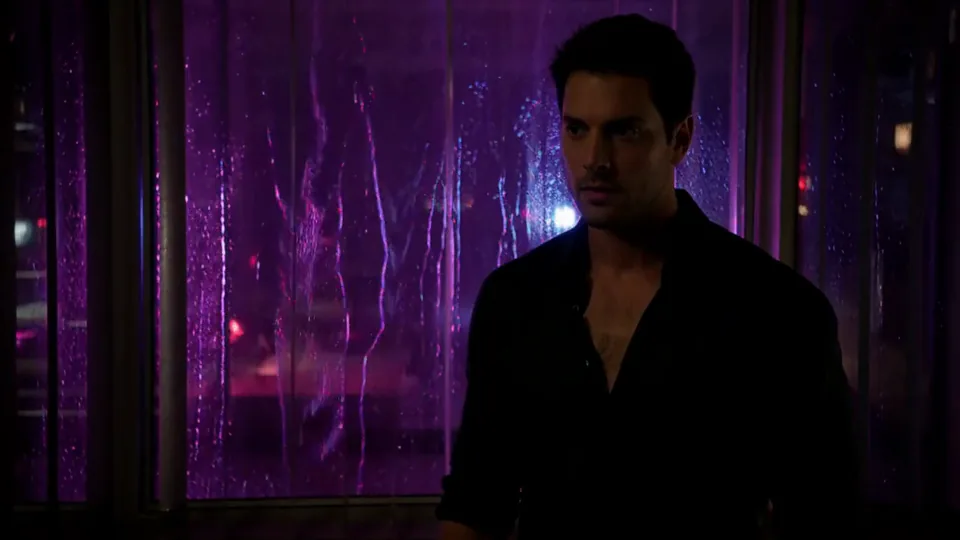 Neon After Hours
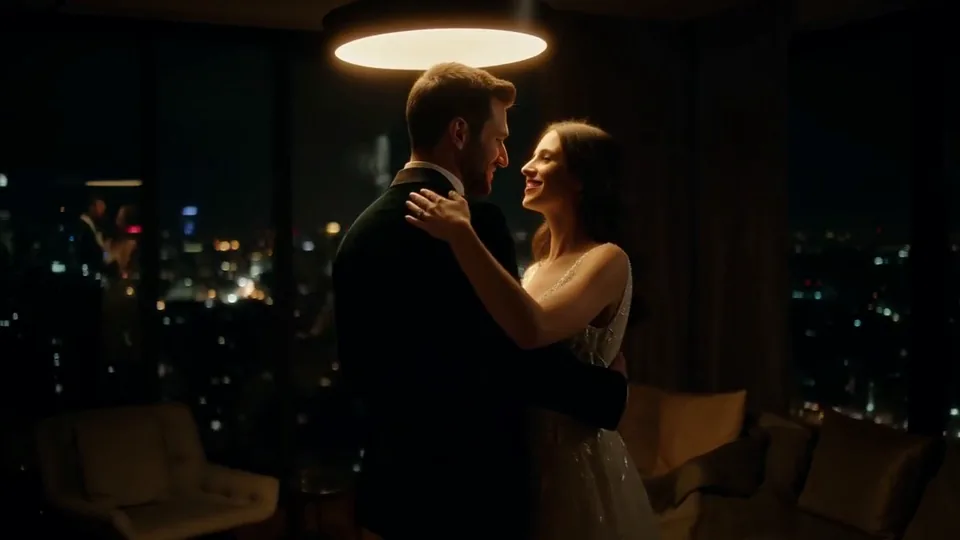 Sway Under the Lamp
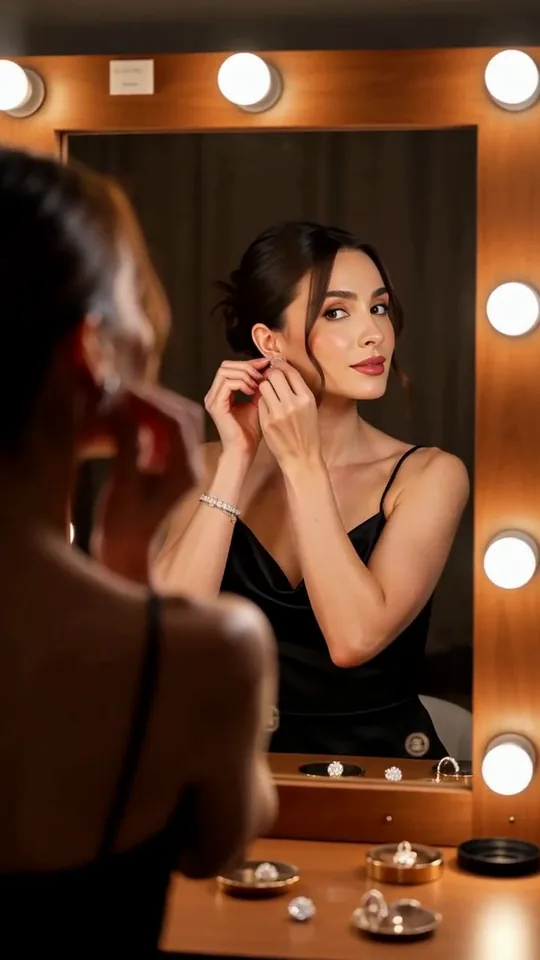 Mirror Moment
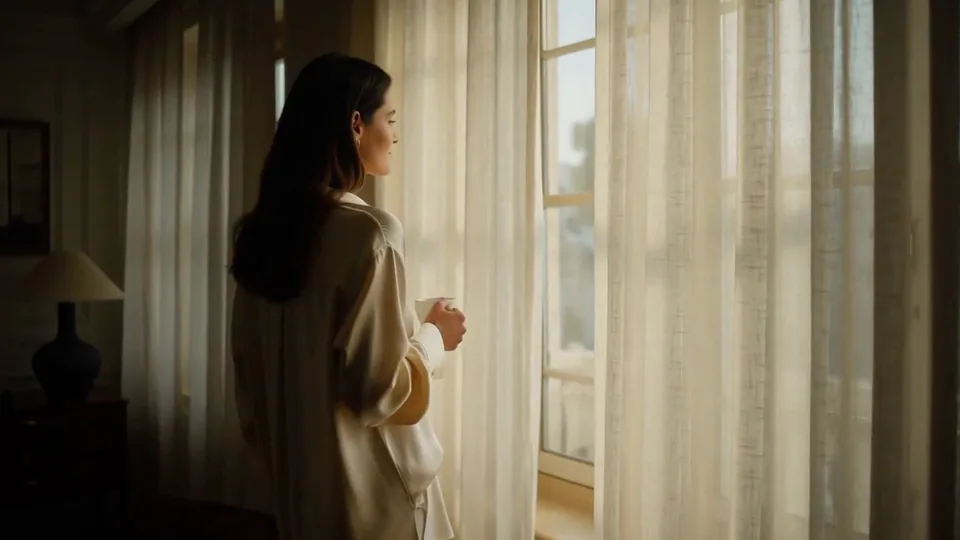 Morning Light
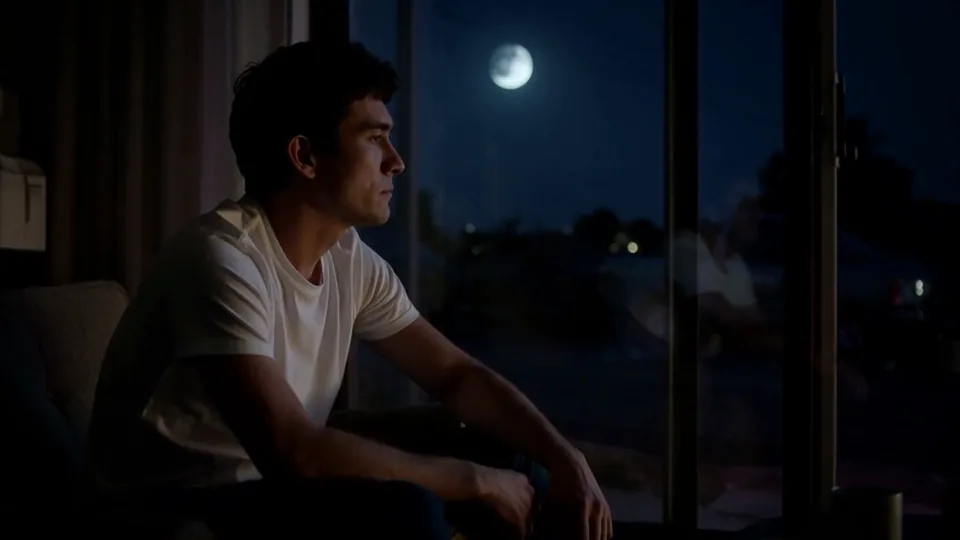 Passing Headlights
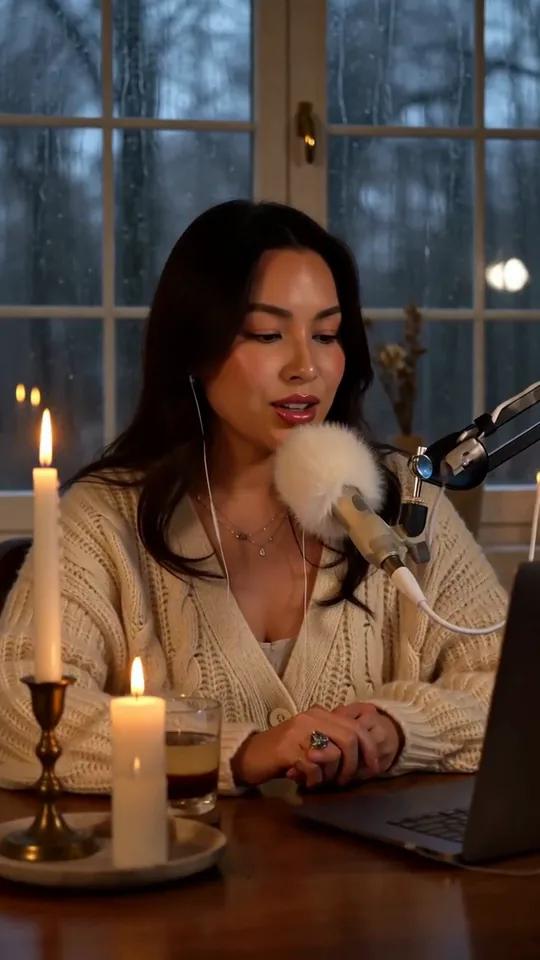 Whisper Session
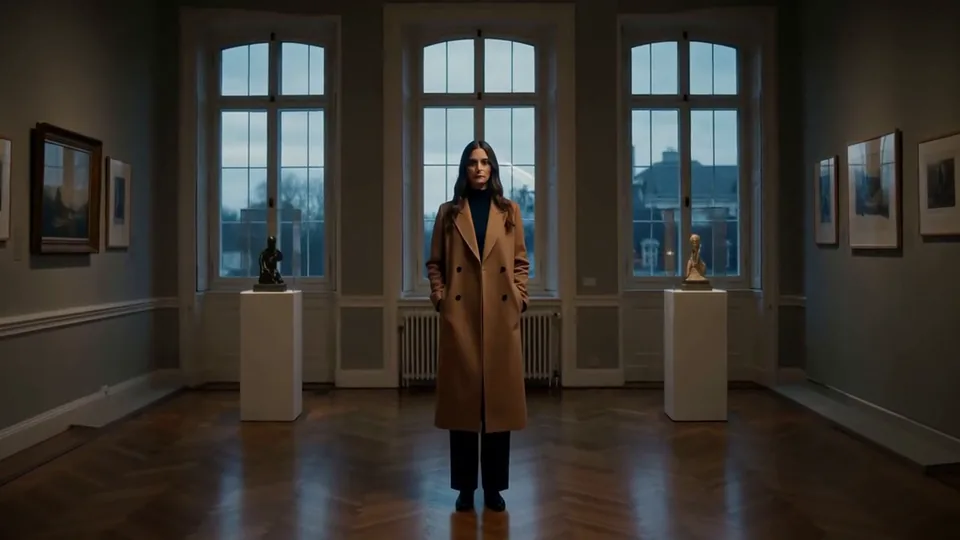 Slow Push-In
 Half Orbit
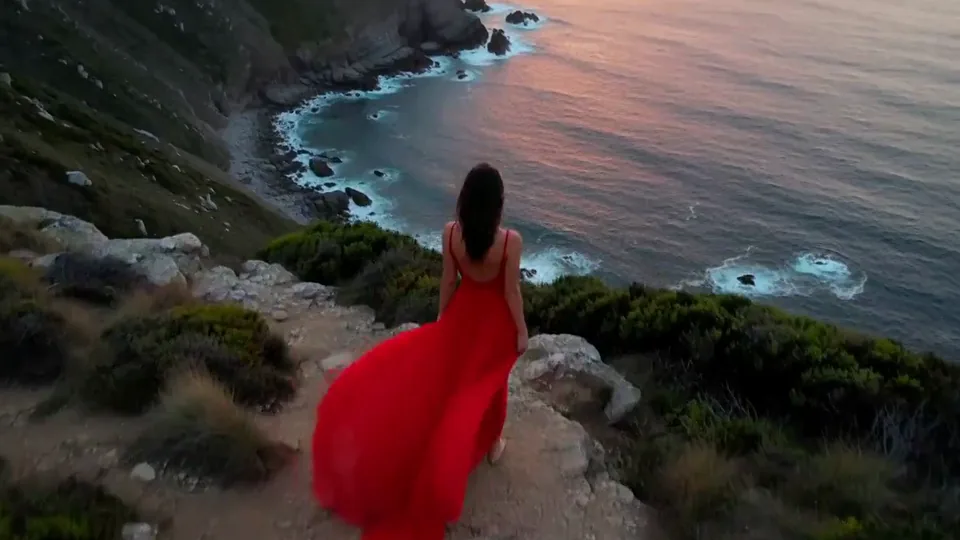 Drone Rise
This effect writes the prompt for you. Add one image.
We never filter your prompt.
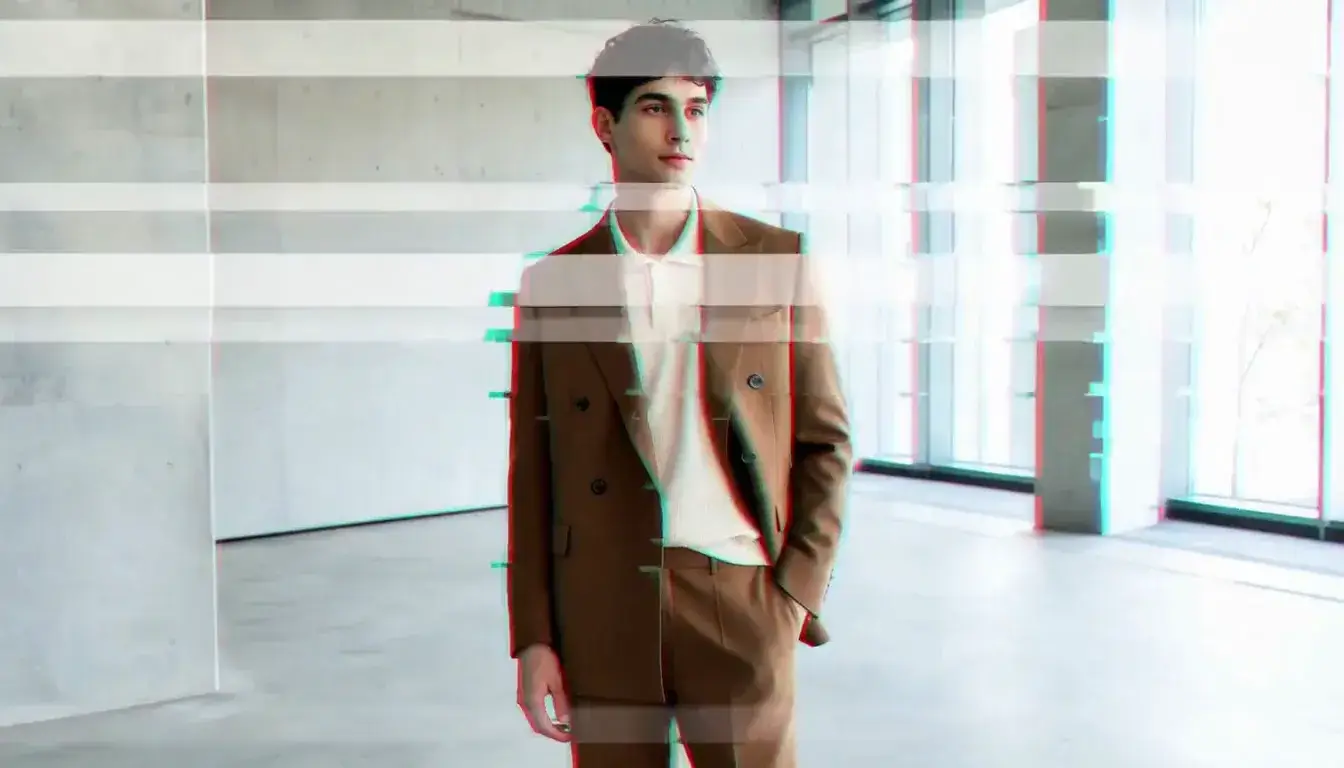
The image stutters with red-and-cyan digital glitches and tearing bands, then snaps back to clean every time.
- Model
- MiniMax H3
- Length
- 5 s
- Resolution
- 768p
- Per run
- $0.185
- Type
- Film looks
What this effect sends
This is the full prompt, word for word. Copy it, or open it in the generator and change anything you like.
The image stutters with digital glitches: horizontal bands tear and shift, color channels split into red and cyan ghosts, and blocks of pixels smear across the main subject for a split second before snapping back. The camera holds steady between the bursts.Pictures that work best
- It works on people and objects alike — a clean product shot on a plain background shows off the tearing and color-splitting just as clearly as a portrait.
- High-contrast, well-lit photos make the color-channel splitting easier to see against the base image.
- A plain or simple background keeps the horizontal tearing bands readable instead of getting lost in busy detail.
- Expect several short glitch bursts across the clip rather than one continuous effect — pick a photo where the subject holds still, since the glitches do the work.


Models this effect runs on
The same prompt on different models. Pick by look and by price.
- MiniMax H3$0.185 per run
5 s · 768p
- Seedance 2.0 Fast$0.484 per run
5 s · 720p
- Kling 3.0$0.336 per run
5 s · 720p
- Seedance 2.0$0.76 per run
5 s · 720p
- Wan 3.0$0.45 per run
5 s · 720p
- Vidu Q3 Turbo$0.33 per run
5 s · 720p
- MiniMax H3 Max$0.4 per run
5 s · 768p
- Kling 2.5 Turbo$0.28 per run
5 s
- Wan 2.6 Flash$0.113 per run
5 s · 720p
- Seedance 2.0 Mini$0.265 per run
5 s · 720p
How it works
- 01
Add one photo
Choose the photo to match the example: include both people for a shared gesture, and keep the face and any hands involved clearly visible. Upload your own photo or start with a Glitch sample.
- 02
Check the price
Glitch defaults to a 5-second clip for $0.185. Swap the model or change the length and resolution before you run — the price on the button updates to match, and that's the whole cost of the clip.
- 03
Generate
Your Glitch clip renders in the background, lands in History and is never published.
Do the move yourself
Glitch keeps one version of this shot. To give Glitch your own motion or ending, write it yourself in Image to Video, starting from the prompt above.
What it does to your photo
Glitch layers a burst of digital corruption over your photo: horizontal bands tear and shift, the color channels split into red and cyan ghosts, and blocks of pixels smear across the frame for a split second before snapping back to clean. The camera itself never moves — it's the image, not the shot, that breaks.
In our test runs on MiniMax H3, a studio portrait took three distinct glitch bursts across the clip — red and cyan channel ghosts, horizontal tearing bands and white scan strips around one, two and a half, and four seconds — each snapping back to a clean, steady frame with no lasting distortion to the face or body. A product shot of a pair of sneakers on a plinth stuttered through the same kind of bursts: ghosting, a horizontal multi-image shift, and a pixel-block smear with a mosaic tear near the bottom, proving the effect works just as well on an object as it does on a person.
The bursts land as several separate moments rather than one continuous glitch — expect three or four short corruption events spread across the five seconds, with clean, steady frames in between rather than constant distortion.
It suits tech and gaming content, product drops and launch teasers, cyberpunk-styled edits, and any "something's wrong with the feed" transition where you want a jolt of digital chaos without losing the subject underneath it.
The prompt is public — for a single, subtler burst instead of the default several, change "for a split second before snapping back" to "just once, briefly, before snapping back for good."