After Dark
 Laser Room
 Color Smoke
 Silk Drop
 Petal Storm
 Slow Shutter
 Candlelight
 Behind the Hair
 Call Me
 Champagne Toast
 Darkroom Red
 Doorway Lean
 Eyes on You
 Join Me
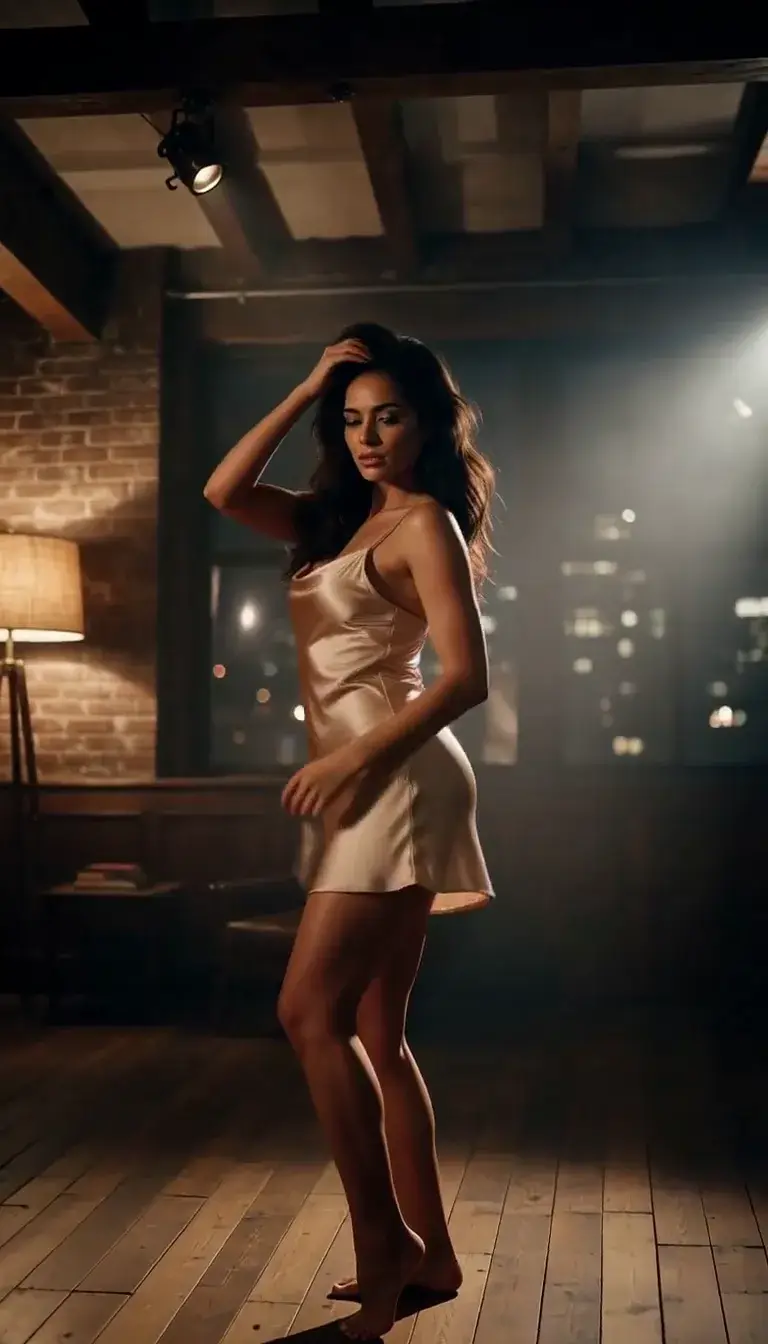 Late-Night Dance
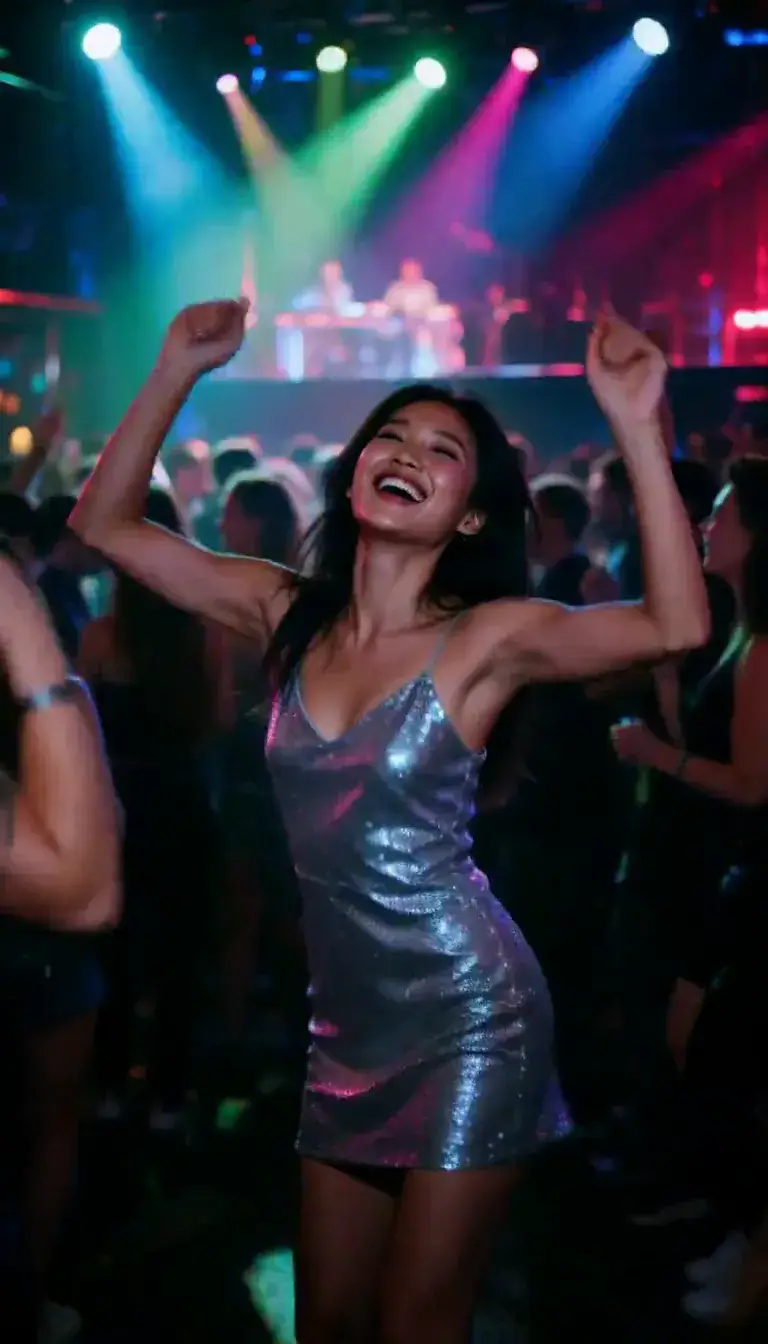 Club Strobe
Romance
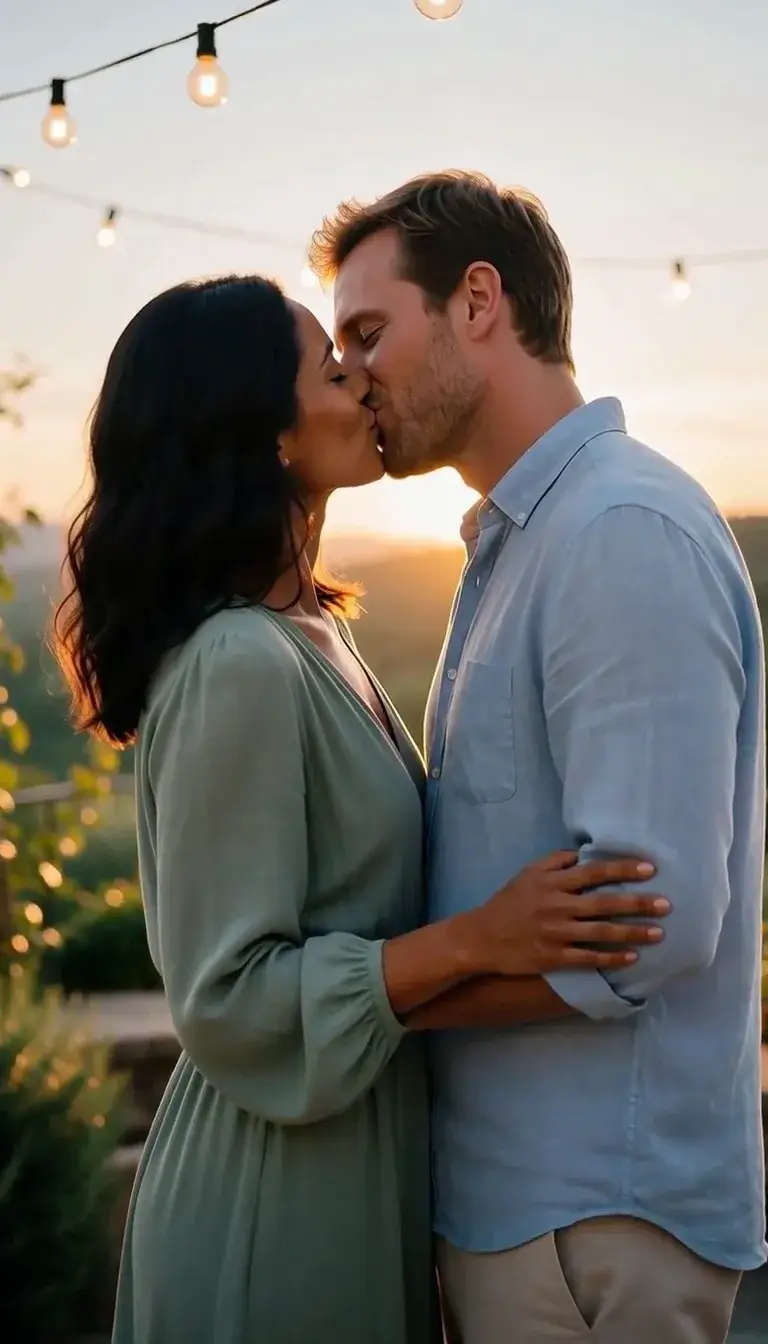 Kiss
KissCamera moves
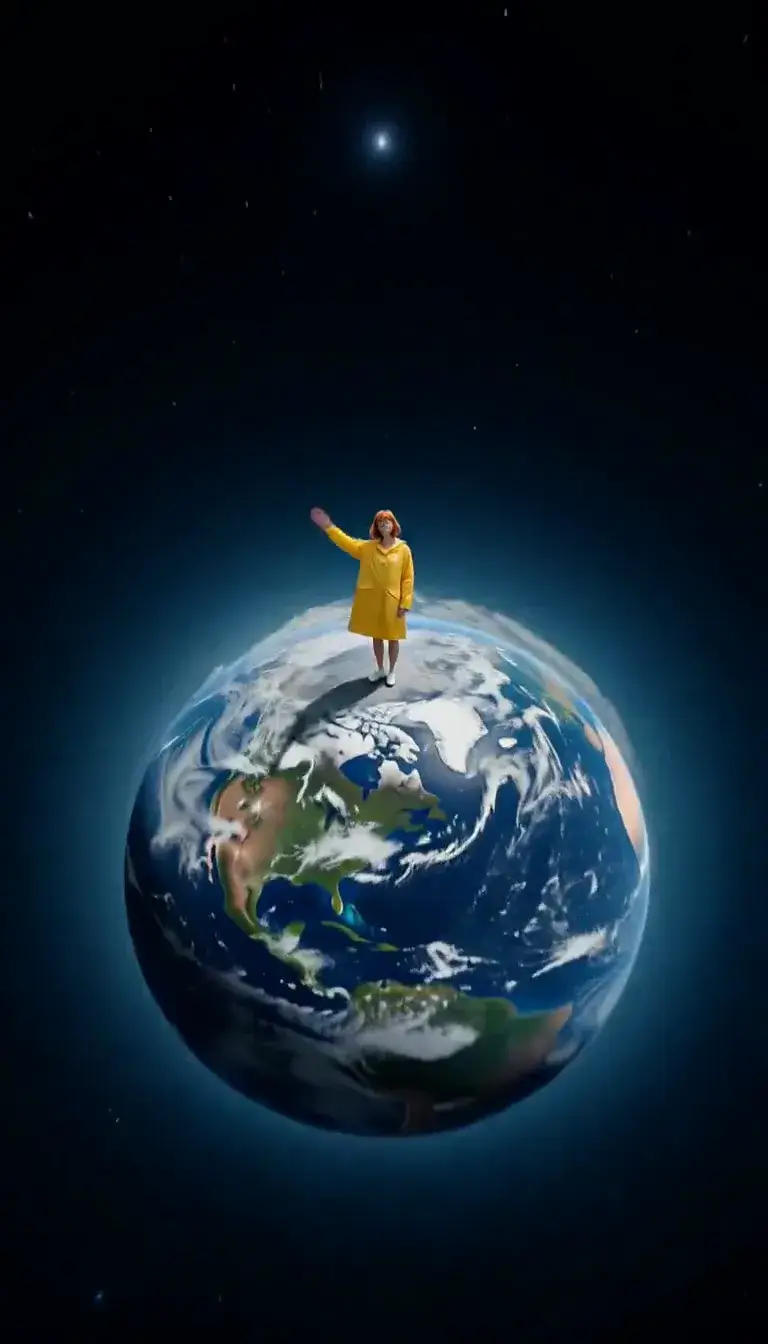 Tiny Planet
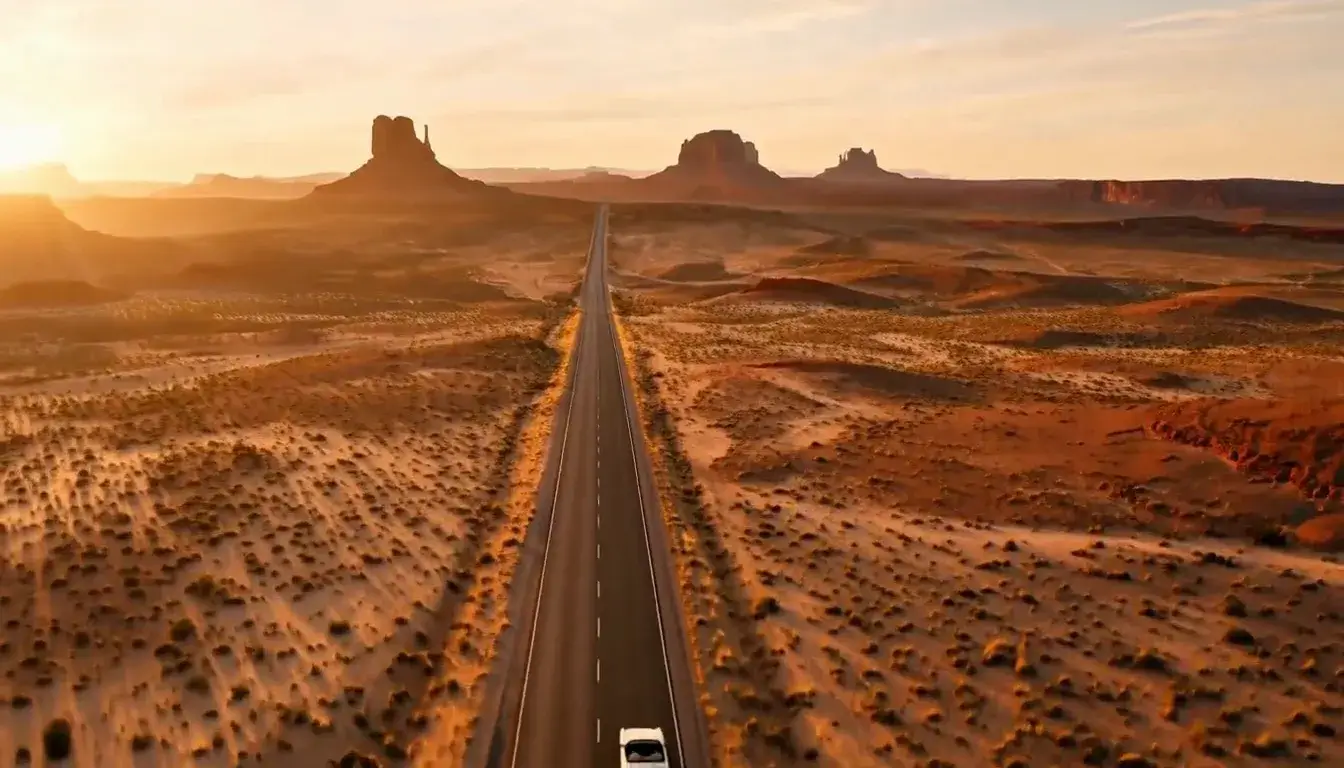 Drone Rise
Transform
 Molten Gold
Fashion
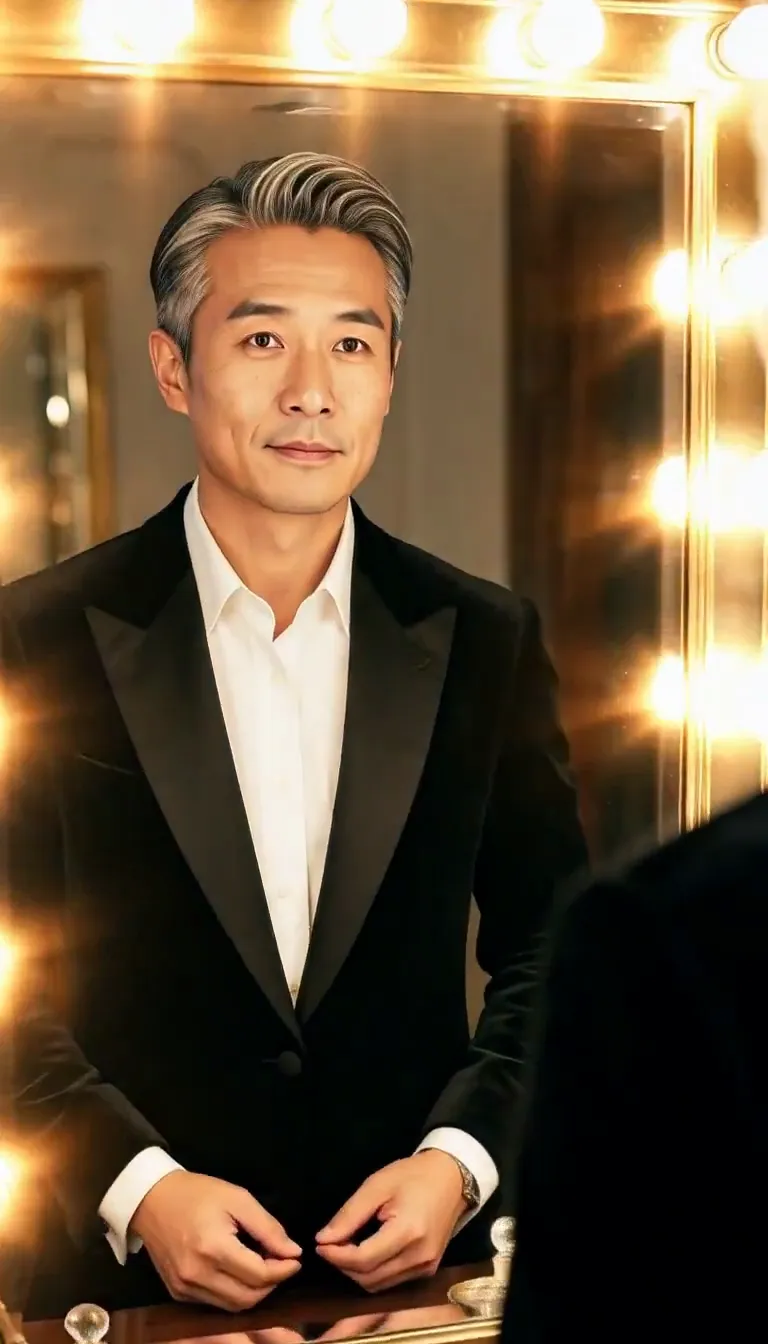 Mirror Glance
Atmosphere
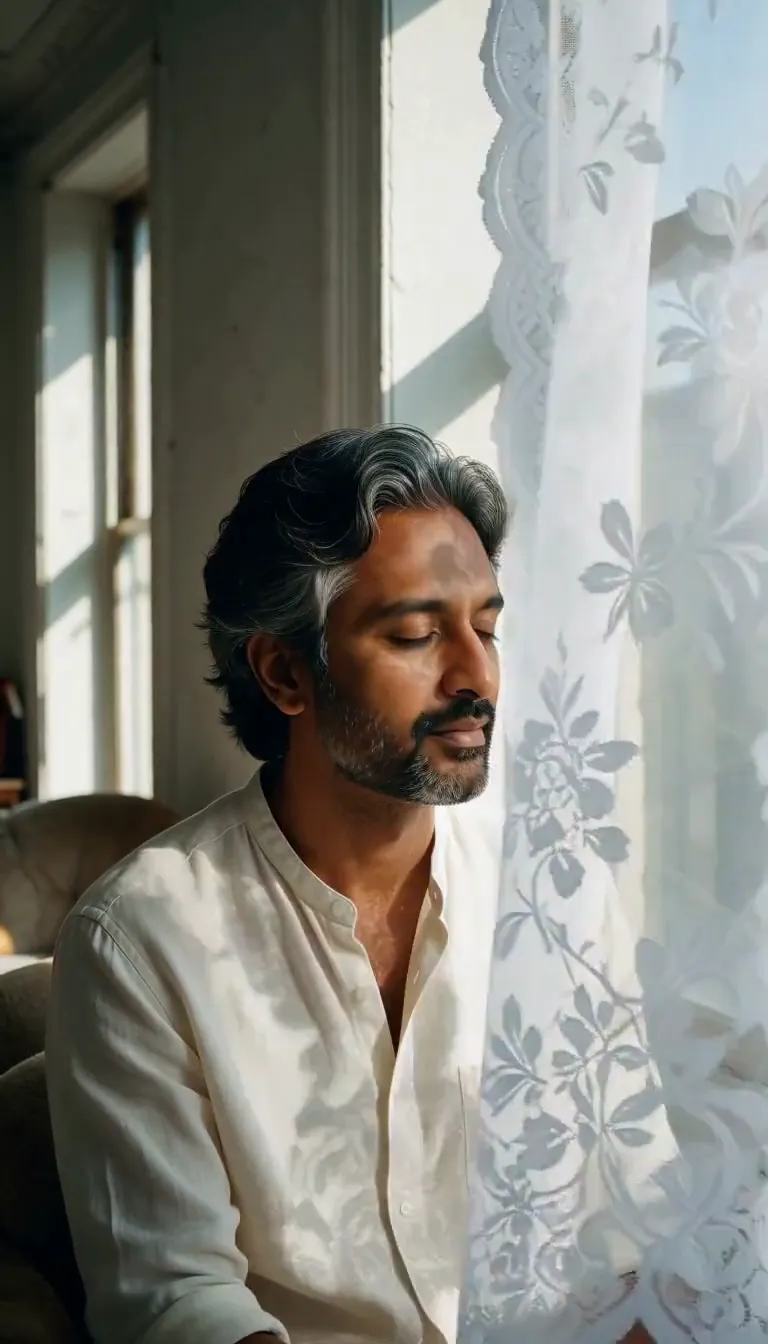 Lace Shadows
Motion
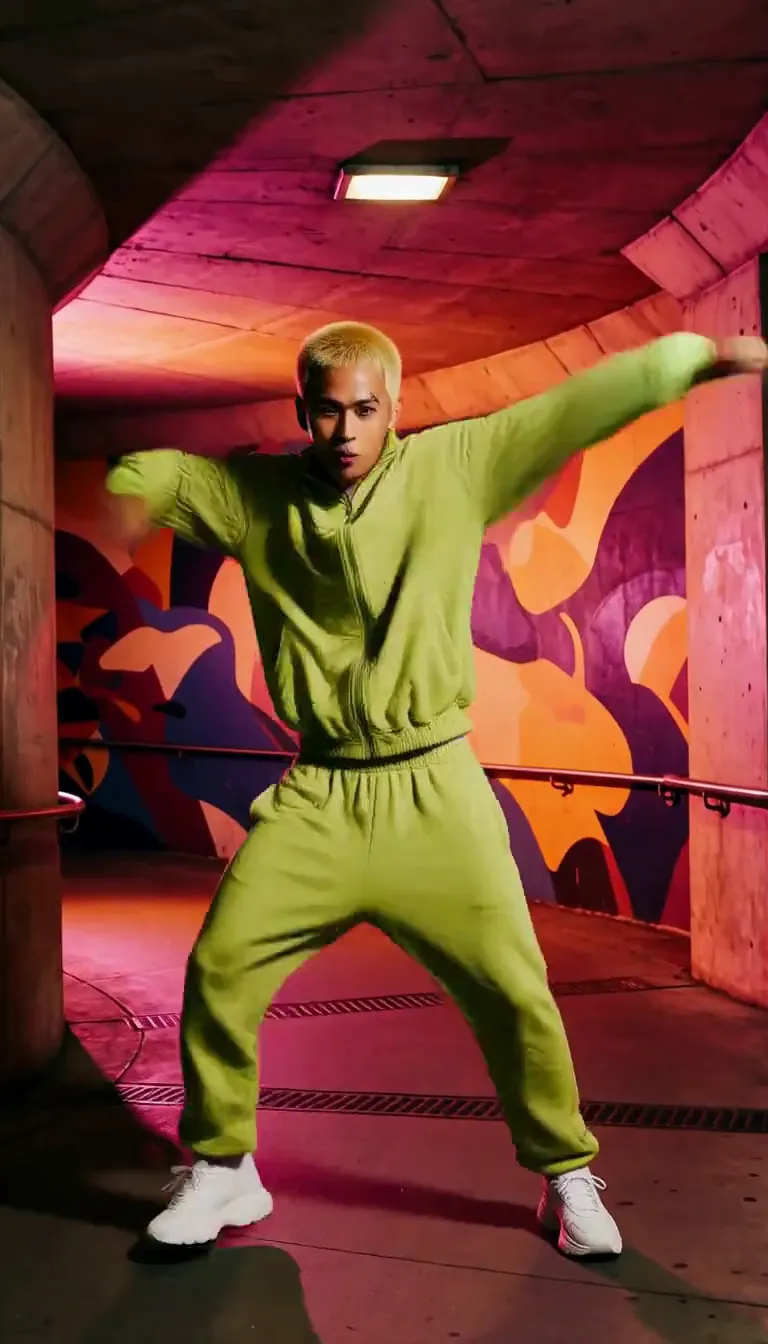 Groove
Fun
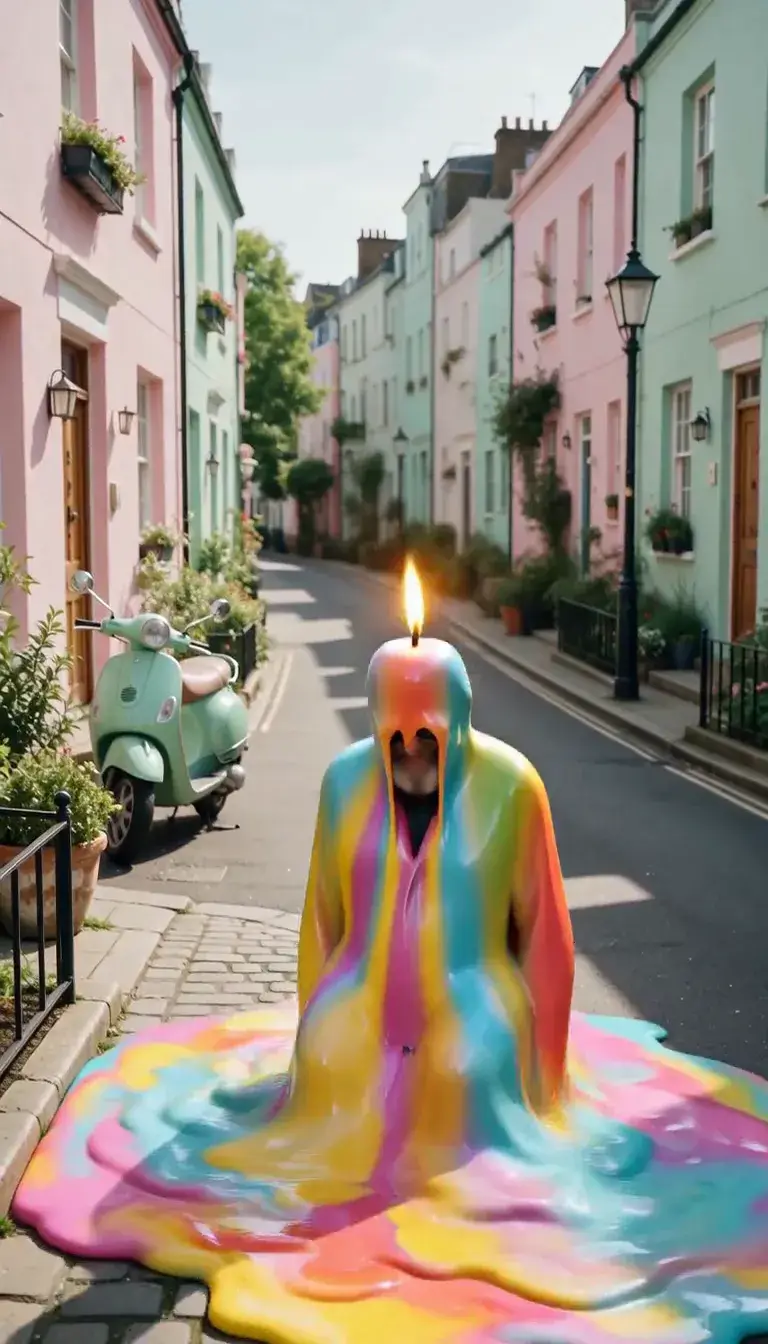 Meltdown
Product
 Ingredients Burst
Film looks
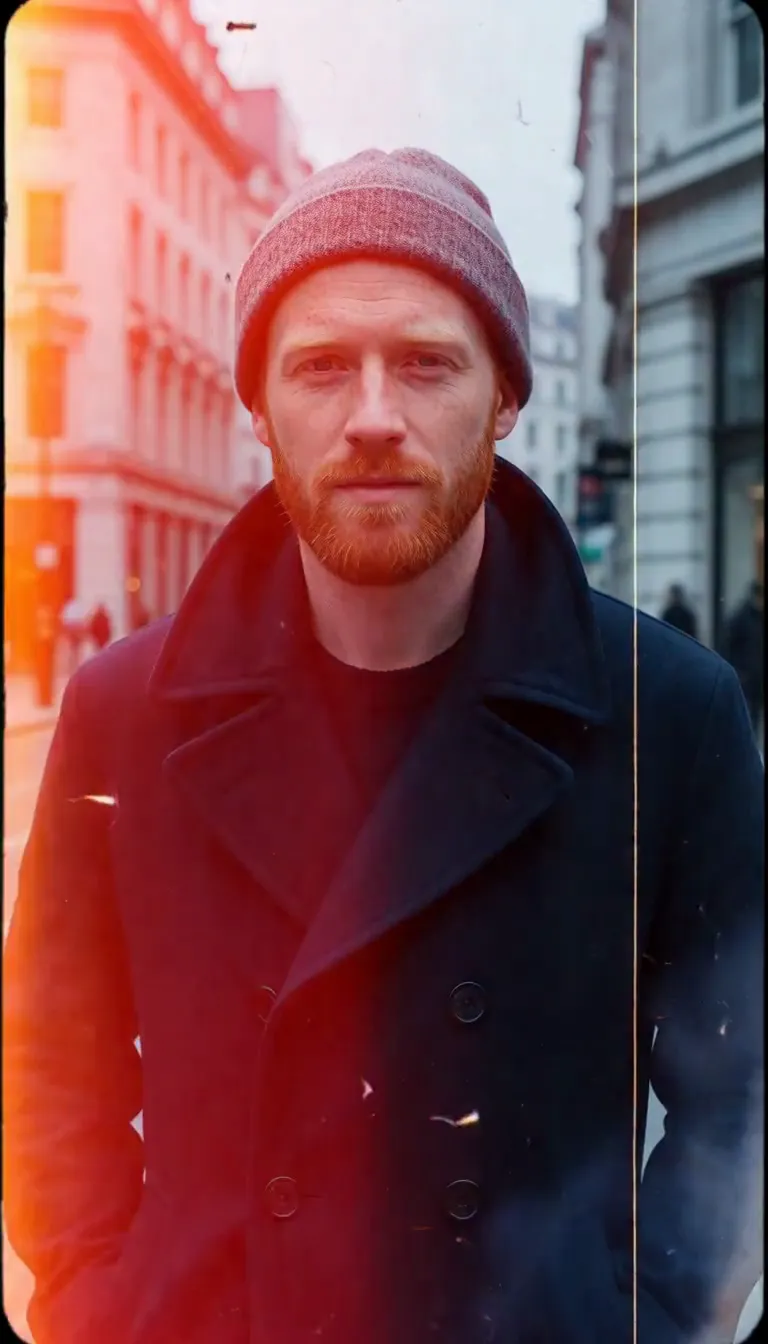 Film Burn
Video templates
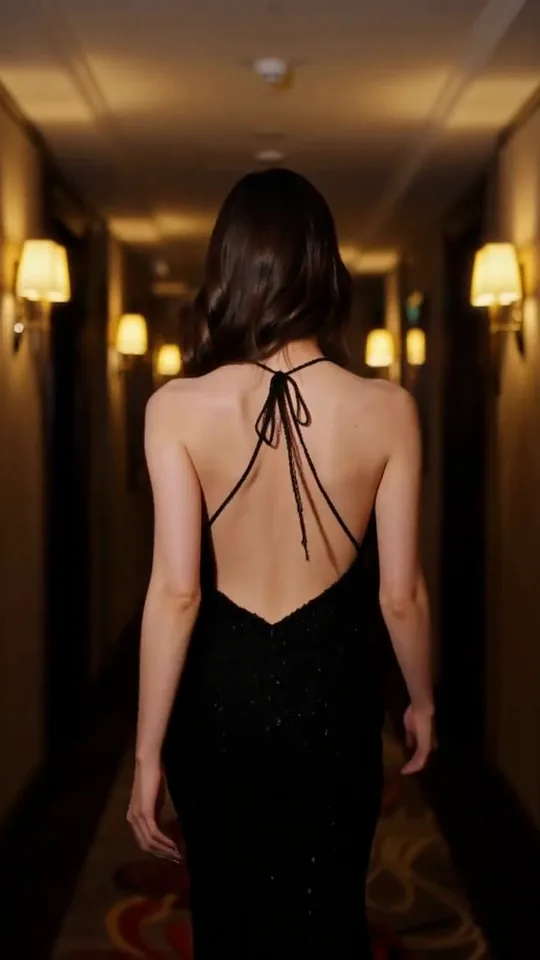 The Glance Back
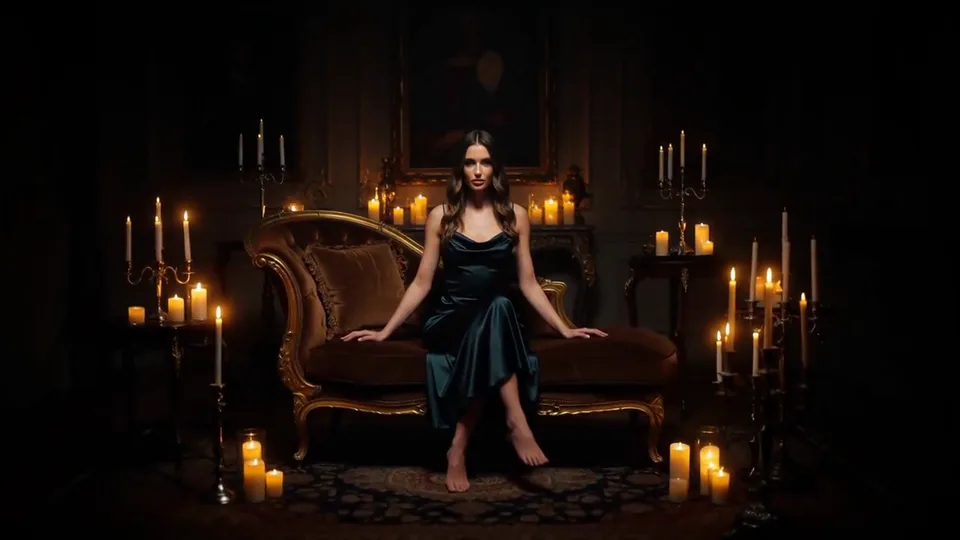 Candles Come Alive
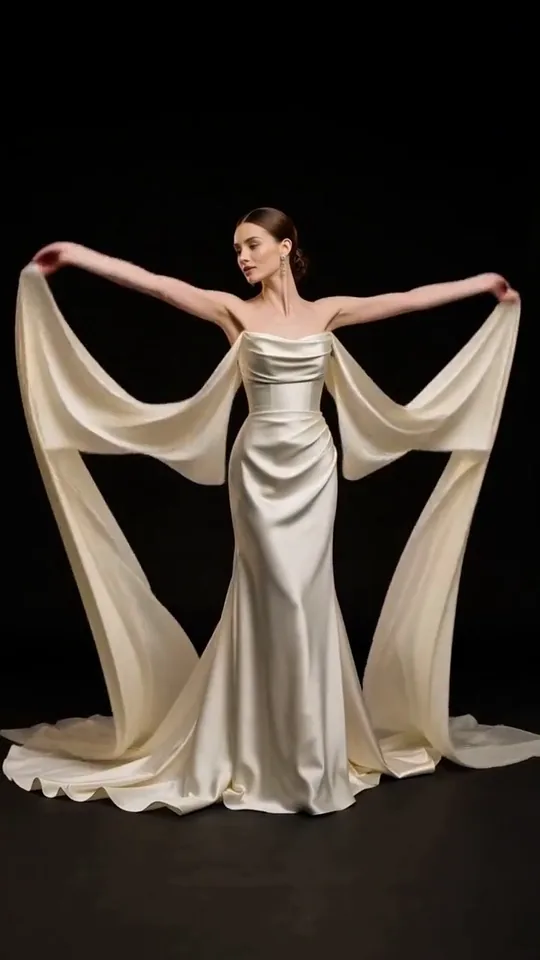 Silk Drift
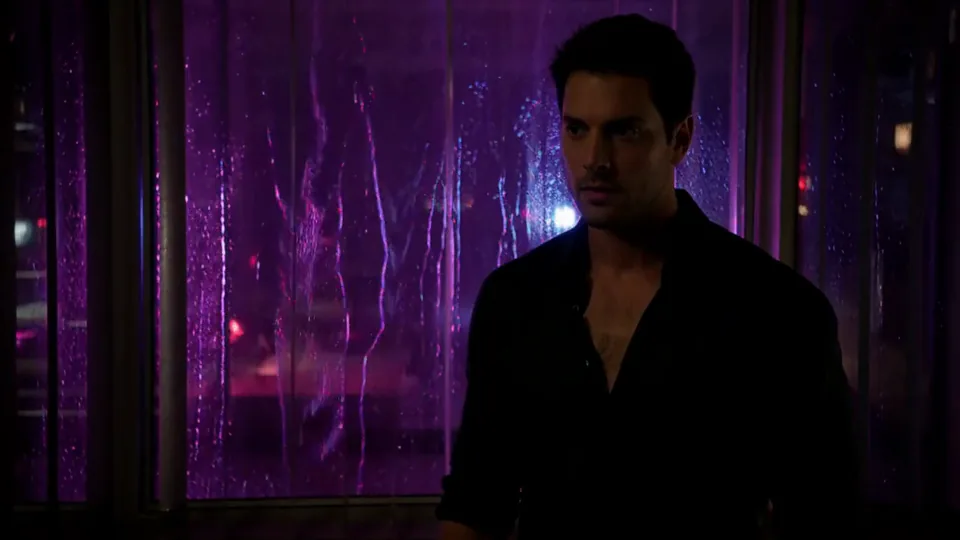 Neon After Hours
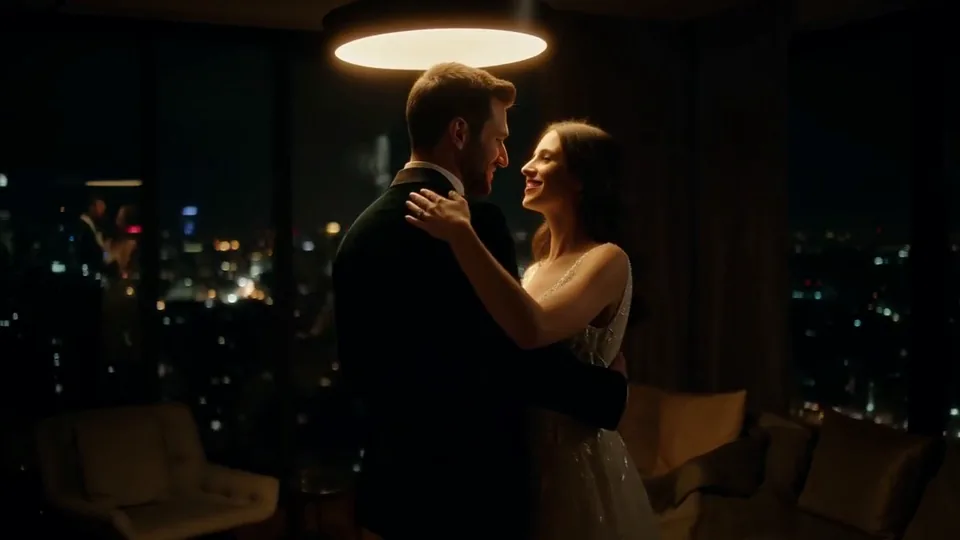 Sway Under the Lamp
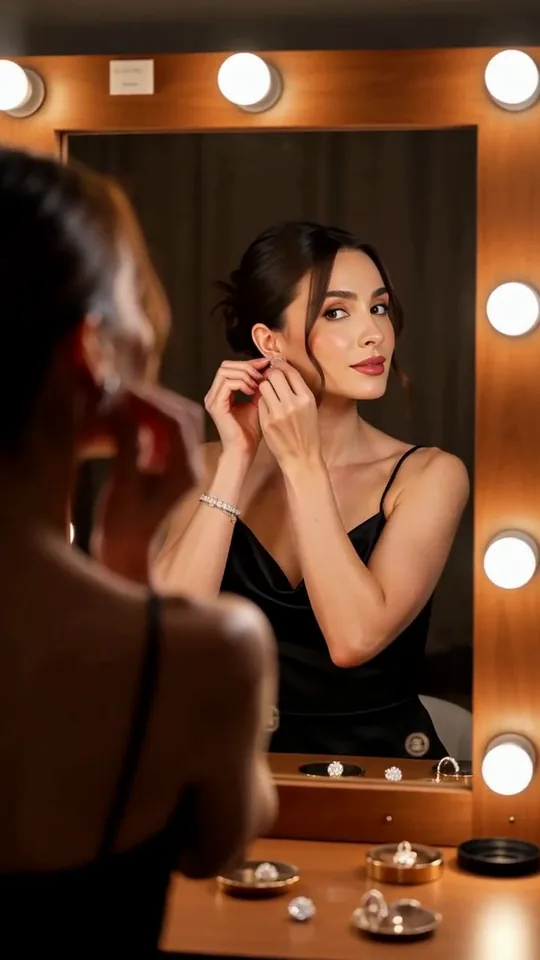 Mirror Moment
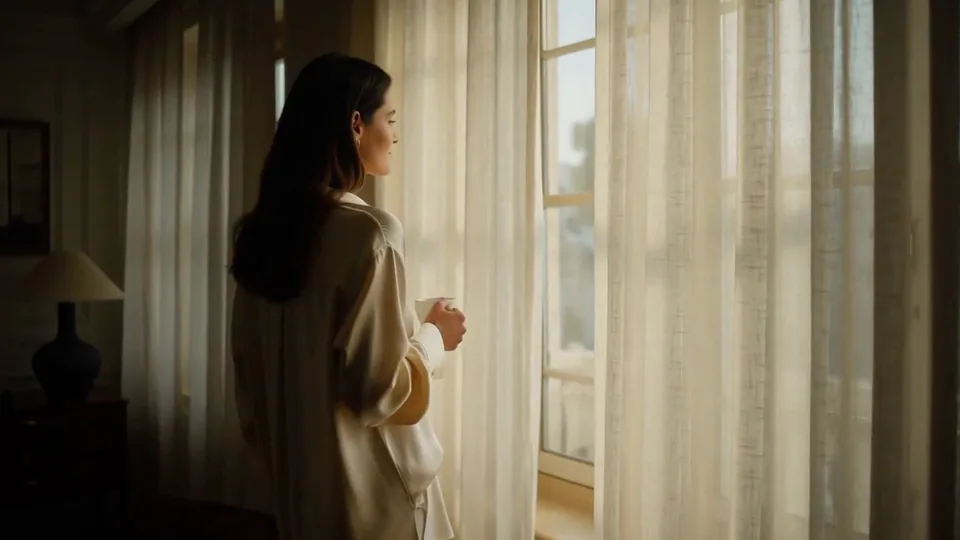 Morning Light
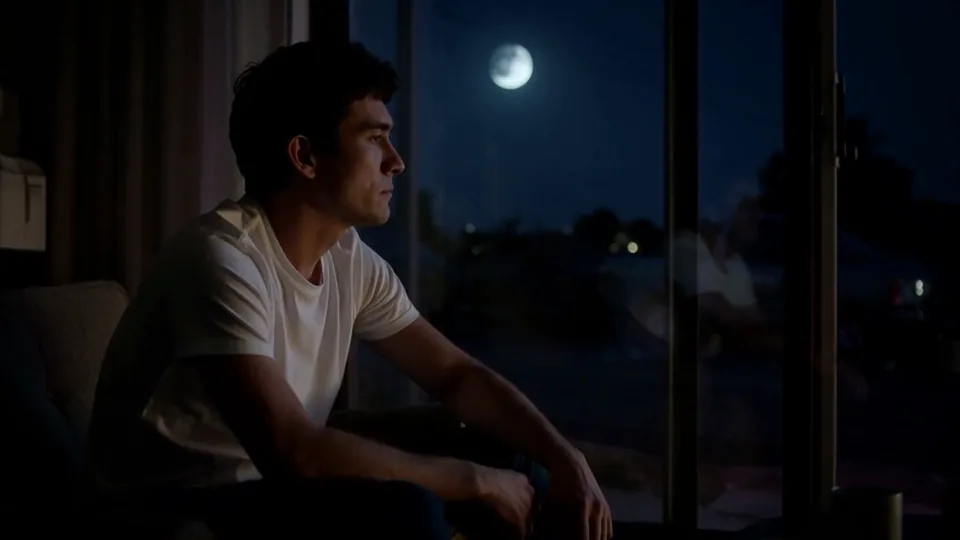 Passing Headlights
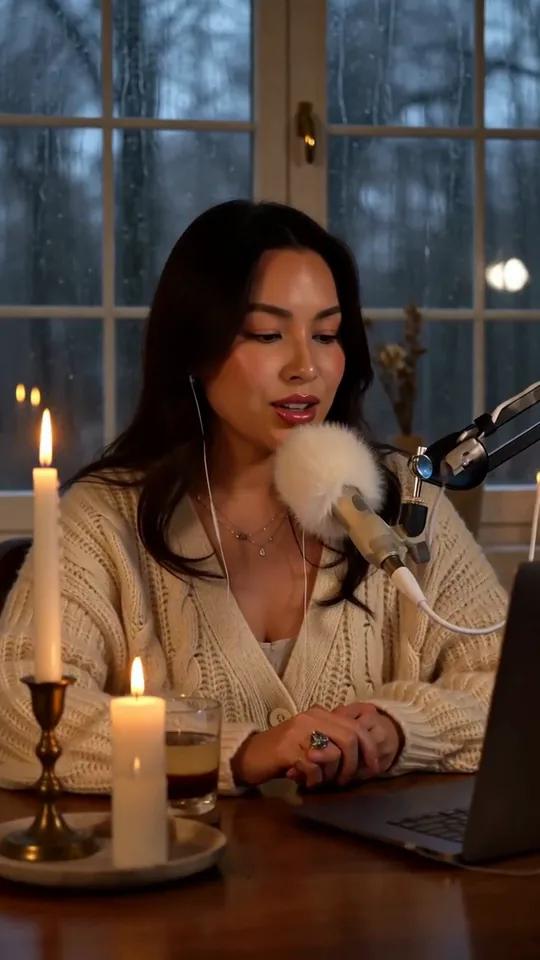 Whisper Session
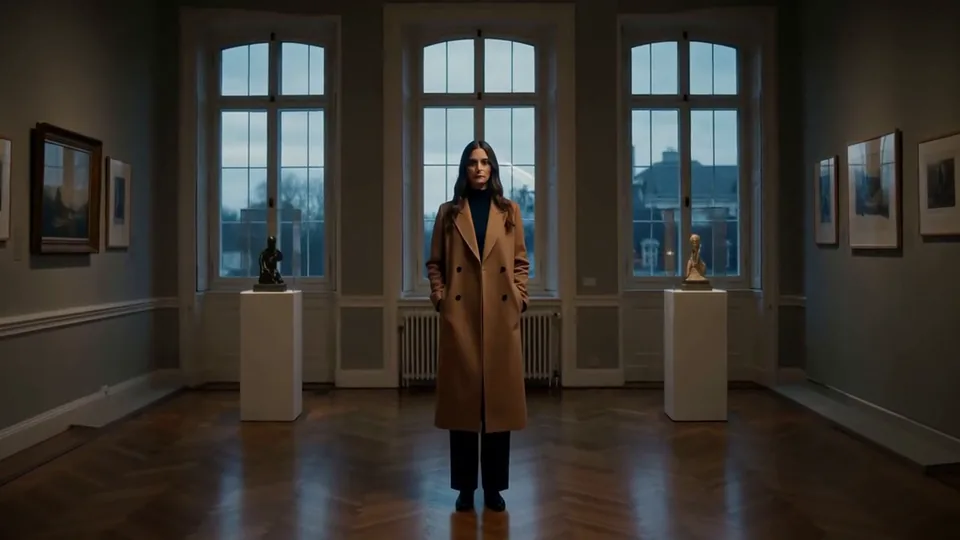 Slow Push-In
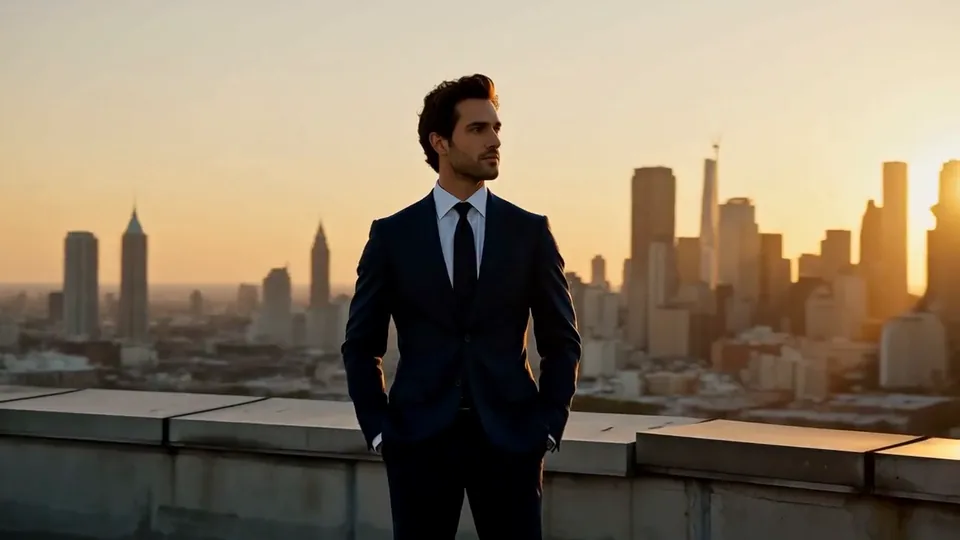 Half Orbit
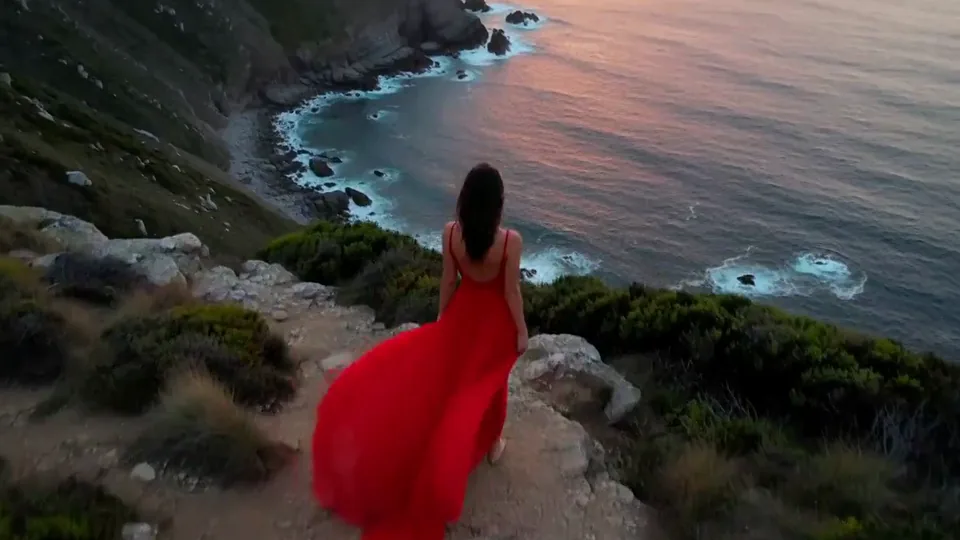 Drone Rise
This effect writes the prompt for you. Add one image.
We never filter your prompt.
The camera lifts off and climbs into a high aerial view, turning your photo into an establishing shot.
- Model
- MiniMax H3
- Length
- 5 s
- Resolution
- 768p
- Per run
- $0.185
- Type
- Camera moves
What this effect sends
This is the full prompt, word for word. Copy it, or open it in the generator and change anything you like.
The camera lifts off and rises smoothly into the sky like a drone, tilting down as it climbs so the scene opens up into a high, wide aerial view. The landscape spreads out below while wind and light move gently across it.Pictures that work best
- Wide outdoor photos work best: horizons, roads, coastlines and city streets.
- Leave some ground in the lower part of the frame. That is what the camera looks down on as it climbs.
- Low sun and long shadows make the aerial view look spectacular. Flat midday light makes it look more like a map.
- Small figures and vehicles are fine. The camera rises away from them, so they do not need to be sharp.
- If the view should end over something specific, like a harbor or a city center, keep it in the upper half of your photo so the camera has a reason to look that way.
Models this effect runs on
The same prompt on different models. Pick by look and by price.
- MiniMax H3$0.185 per run
5 s · 768p
- Seedance 2.0 Fast$0.484 per run
5 s · 720p
- Kling 3.0$0.336 per run
5 s · 720p
- Seedance 2.0$0.76 per run
5 s · 720p
- Wan 3.0$0.45 per run
5 s · 720p
- Vidu Q3 Turbo$0.33 per run
5 s · 720p
- MiniMax H3 Max$0.4 per run
5 s · 768p
- Kling 2.5 Turbo$0.28 per run
5 s
- Wan 2.6 Flash$0.113 per run
5 s · 720p
- Seedance 2.0 Mini$0.265 per run
5 s · 720p
How it works
- 01
Add one photo
Choose the photo to match the example: include both people for a shared gesture, and keep the face and any hands involved clearly visible. Upload your own photo or start with a Drone Rise sample.
- 02
Check the price
Drone Rise defaults to a 5-second clip for $0.185. Swap the model or change the length and resolution before you run — the price on the button updates to match, and that's the whole cost of the clip.
- 03
Generate
Your Drone Rise clip renders in the background, lands in History and is never published.
Do the move yourself
Drone Rise keeps one version of this move. For your own speed or ending, write the Drone Rise move yourself in Image to Video; the prompt library has camera-move wording that worked.
What it does to your photo
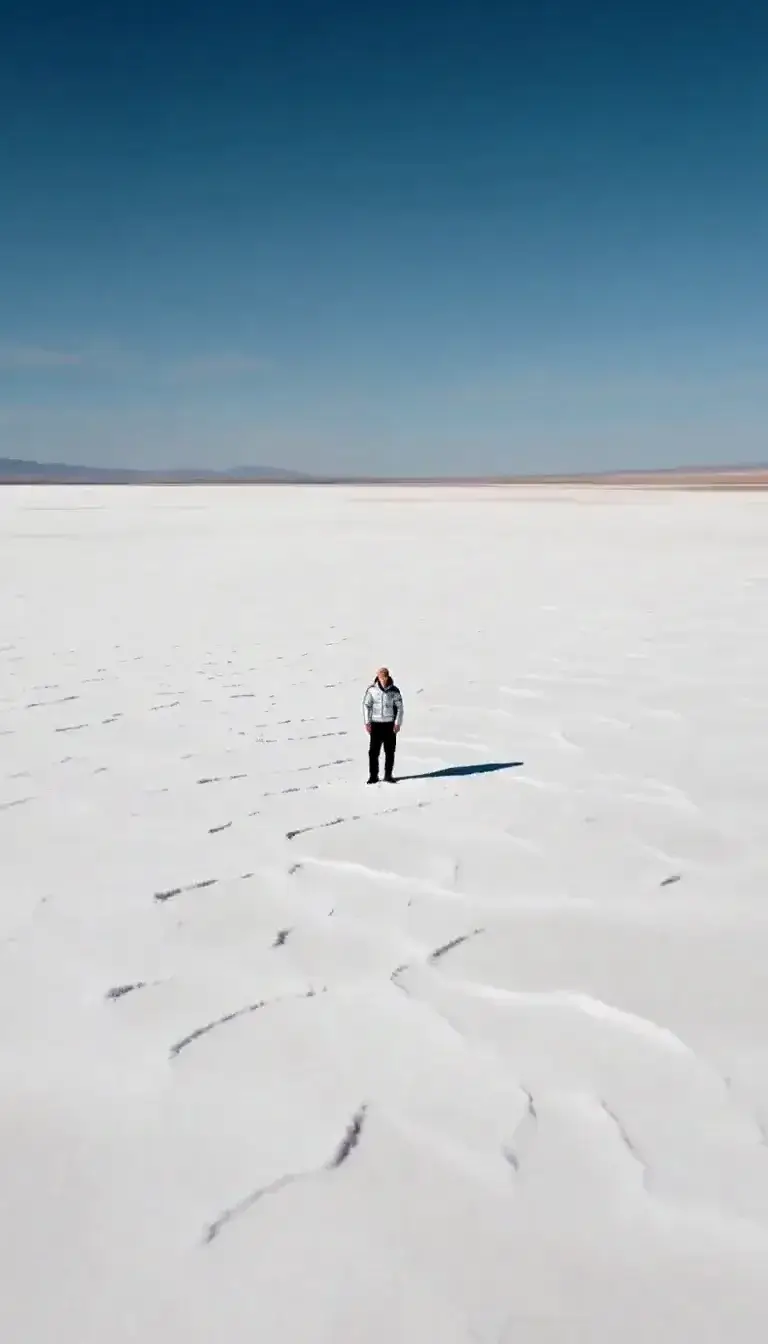
Drone Rise turns a ground-level photo into an establishing shot. The camera lifts straight up, tilts down as it climbs, and the scene opens into a wide aerial view: the kind of shot that opens a travel film or a car commercial.
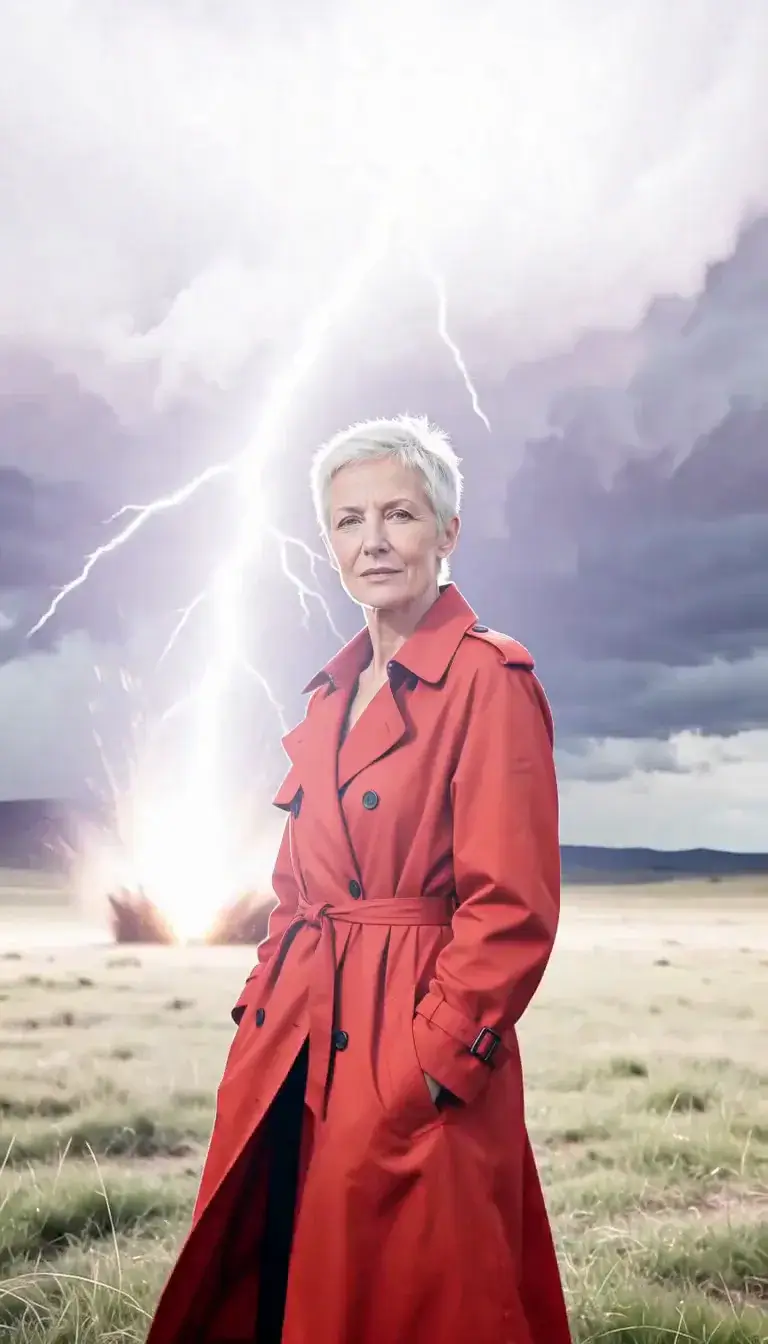
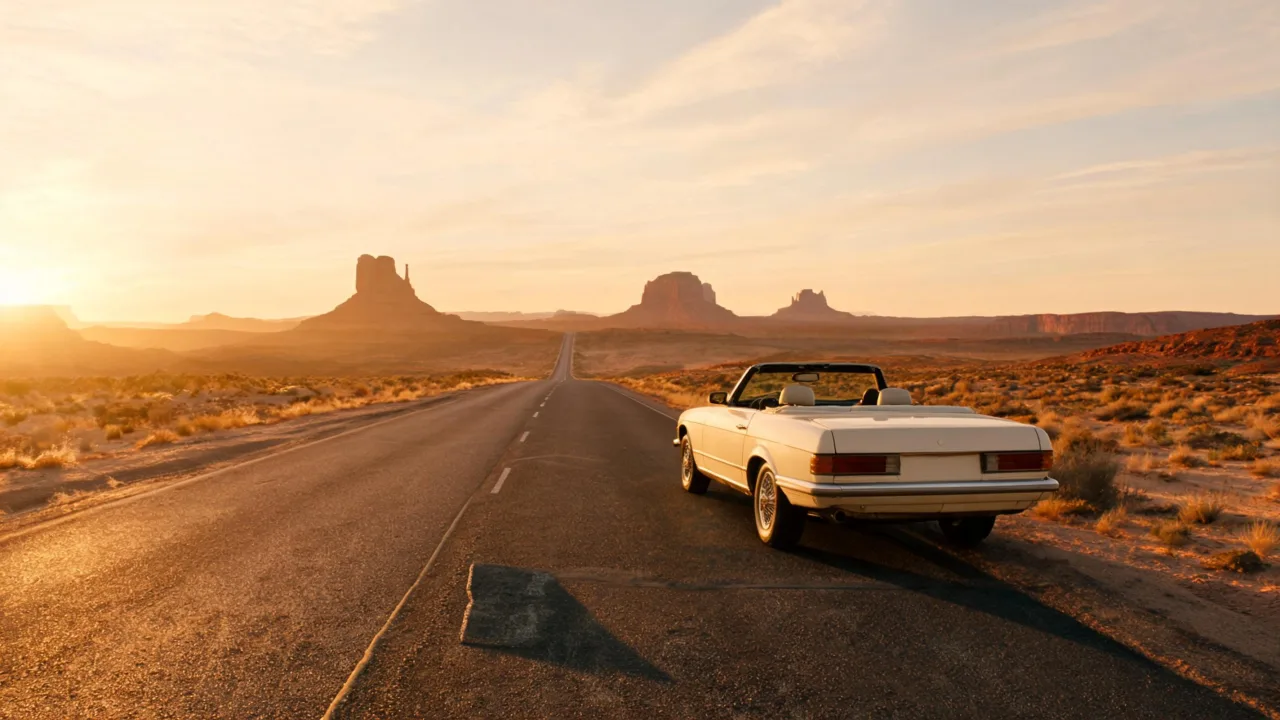
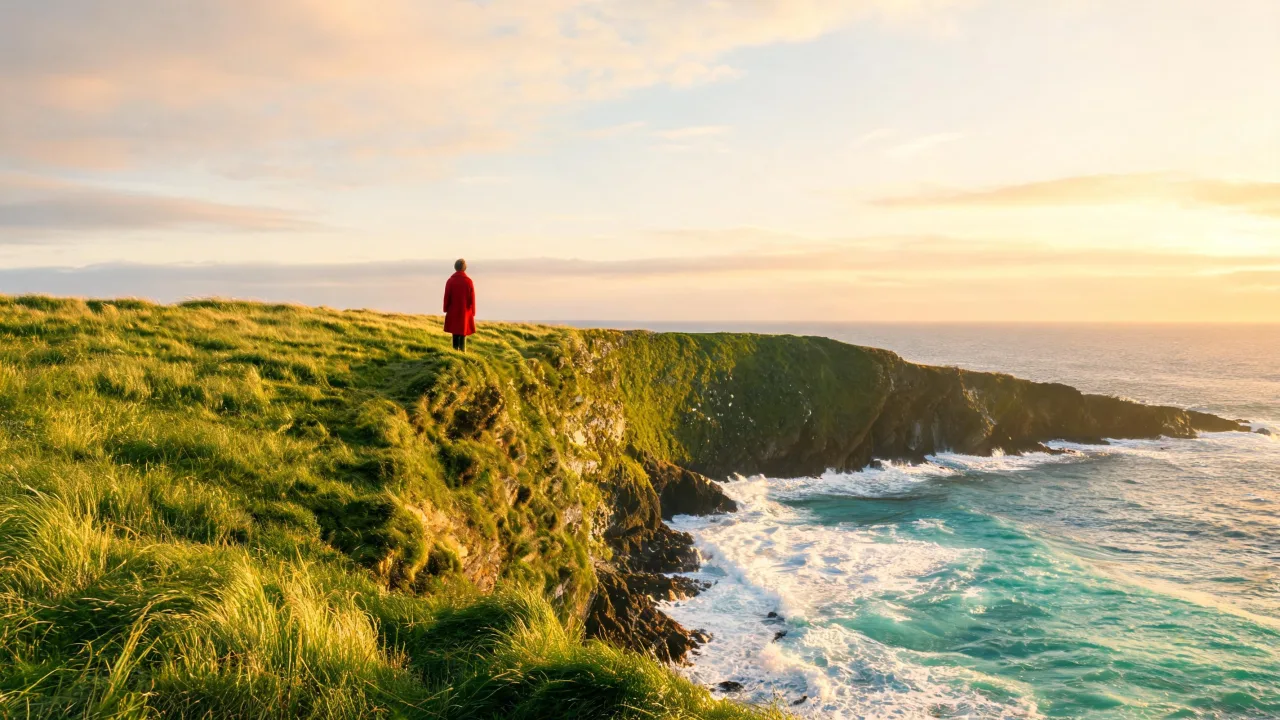
On MiniMax H3, a photo of a cream convertible parked on a desert highway rose into a near top-down view of the road running into red-rock country, with the car rolling along the tarmac below. A grassy sea cliff lifted into a sweeping view of the cove and the surf. In that cliff shot the small figure in a red coat dropped out of frame as the camera climbed; Seedance 2.0 Fast, given the same photo, kept her in view all the way up.
The effect needs a photo with a sense of place. Landscapes, streets, coastlines, rooftops and vehicles in open settings all rise convincingly. A tight head-and-shoulders portrait has no ground to reveal, so the model has to invent almost the entire view; Pull-Back Reveal is the better pick for those.
Use it as the opening of a travel reel, a hotel or property listing, a road-trip story or a car ad. Because the first frame is your own photo, the clip starts on a real view before the camera takes off, which makes the aerial part feel earned.
Both models generate new terrain beyond the edges of your photo, following its light and geography. If you need a particular skyline or coastline to appear, customize the prompt and describe it.