After Dark
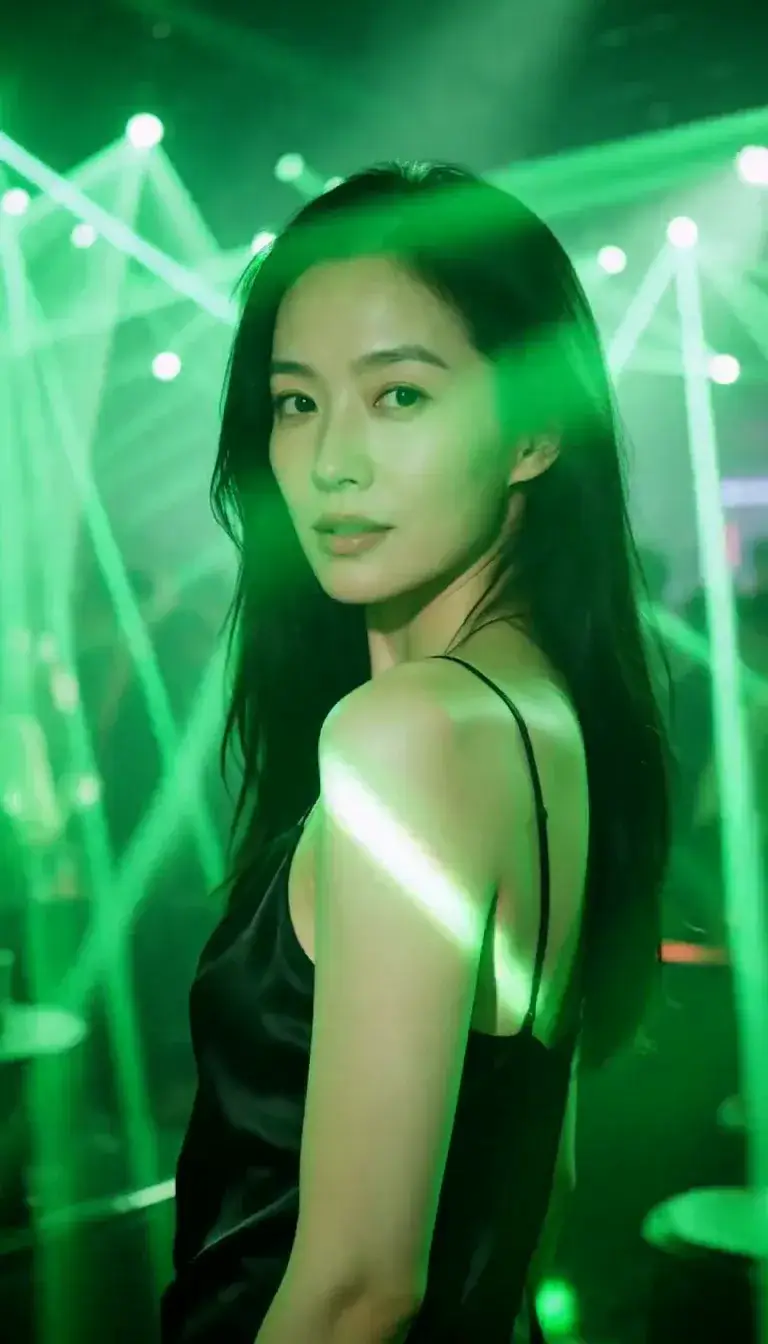 Laser Room
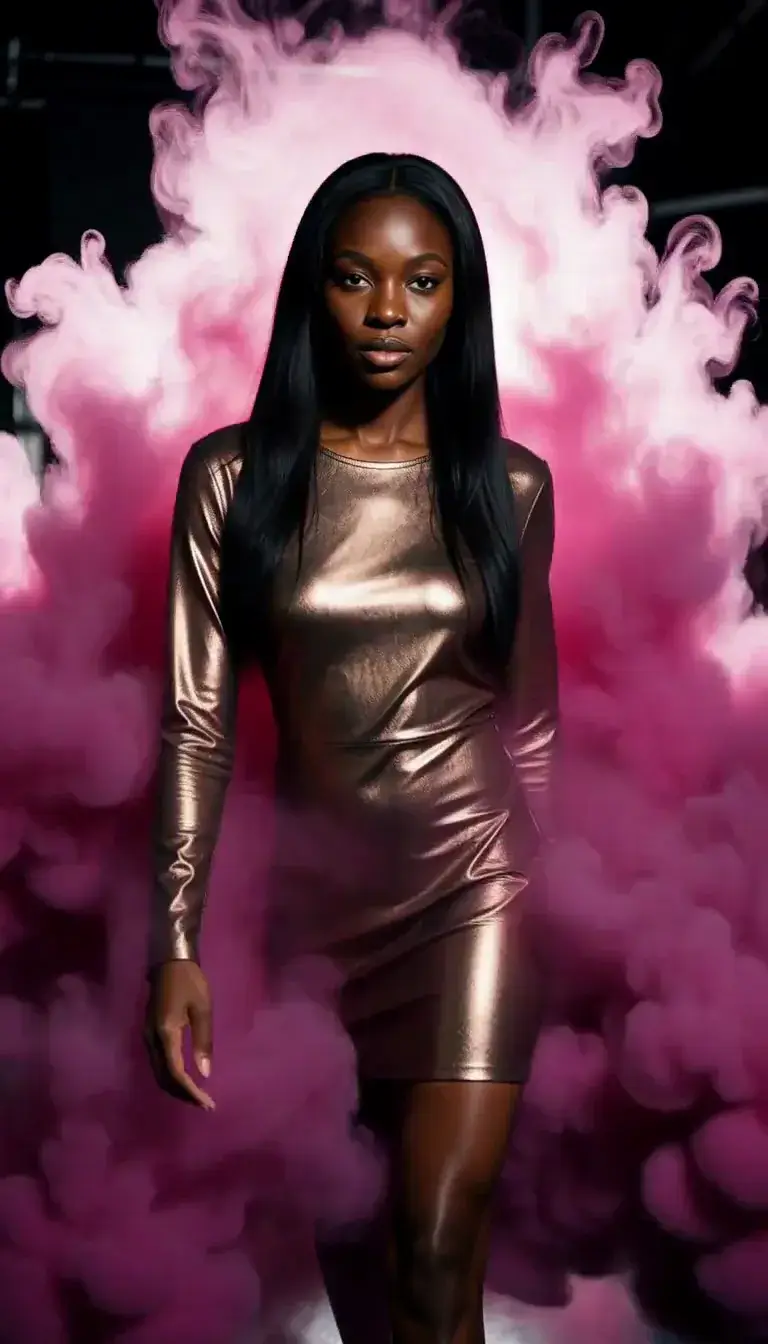 Color Smoke
 Silk Drop
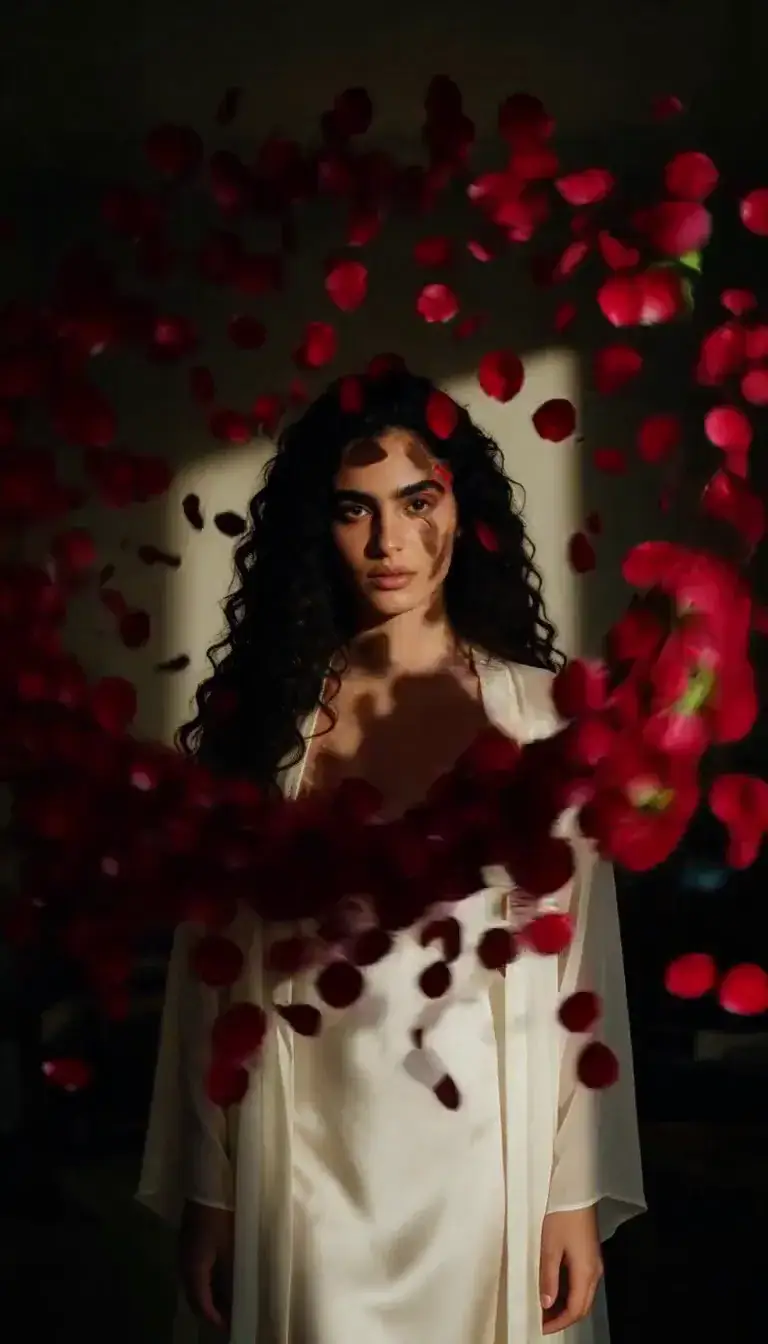 Petal Storm
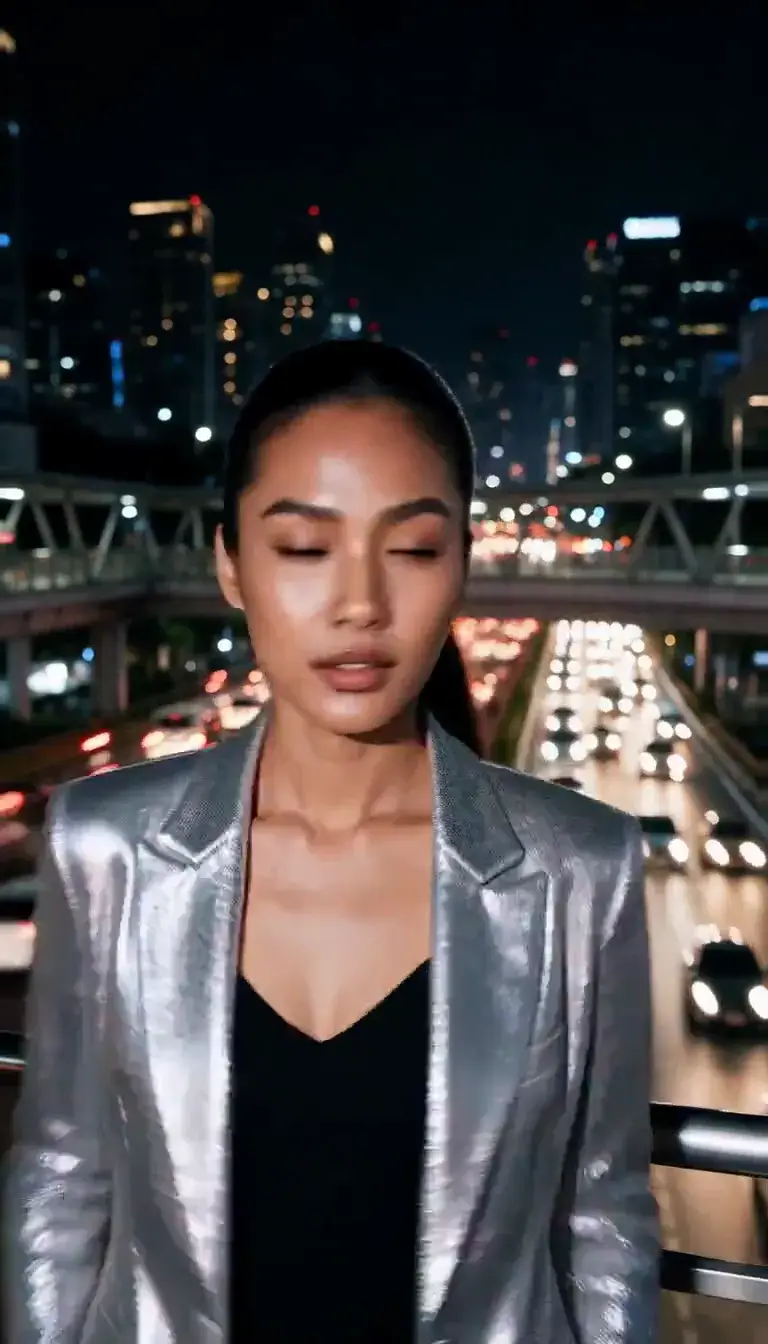 Slow Shutter
 Candlelight
 Behind the Hair
 Call Me
 Champagne Toast
 Darkroom Red
 Doorway Lean
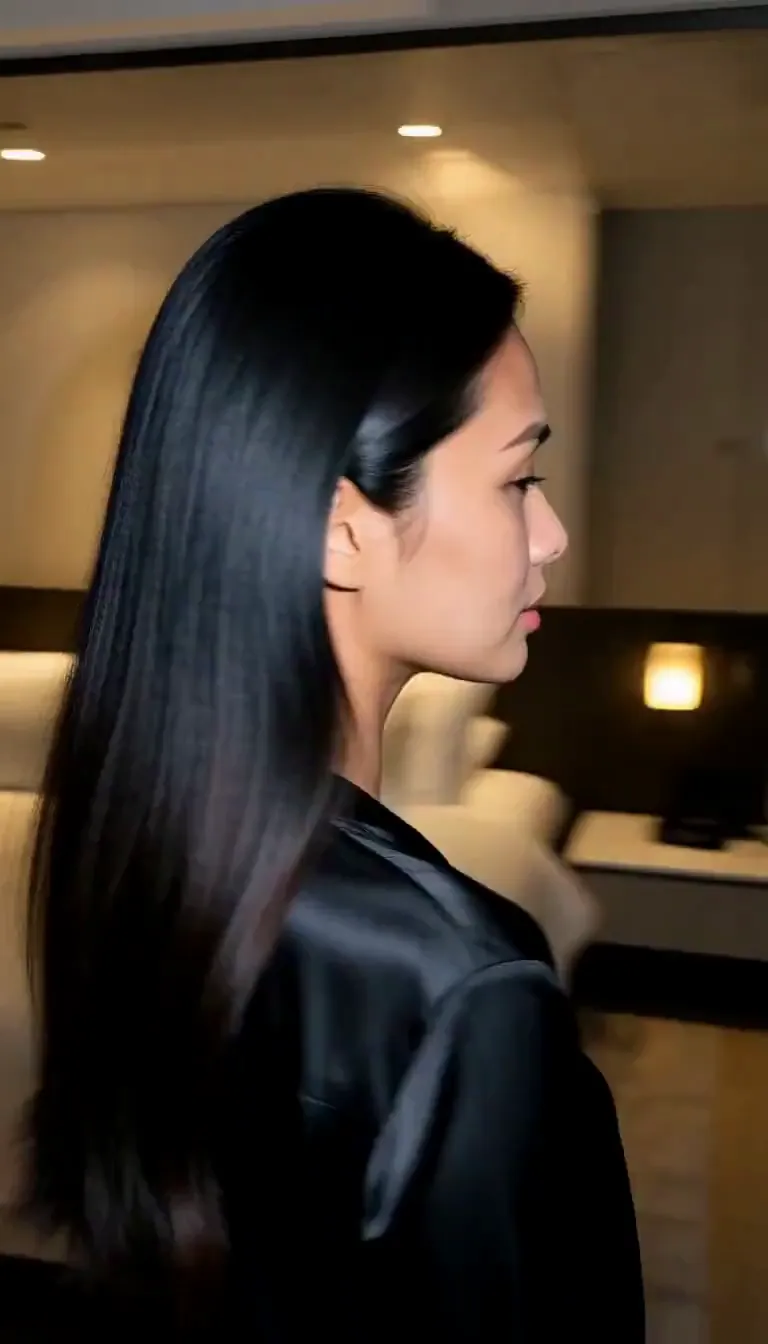 Eyes on You
 Join Me
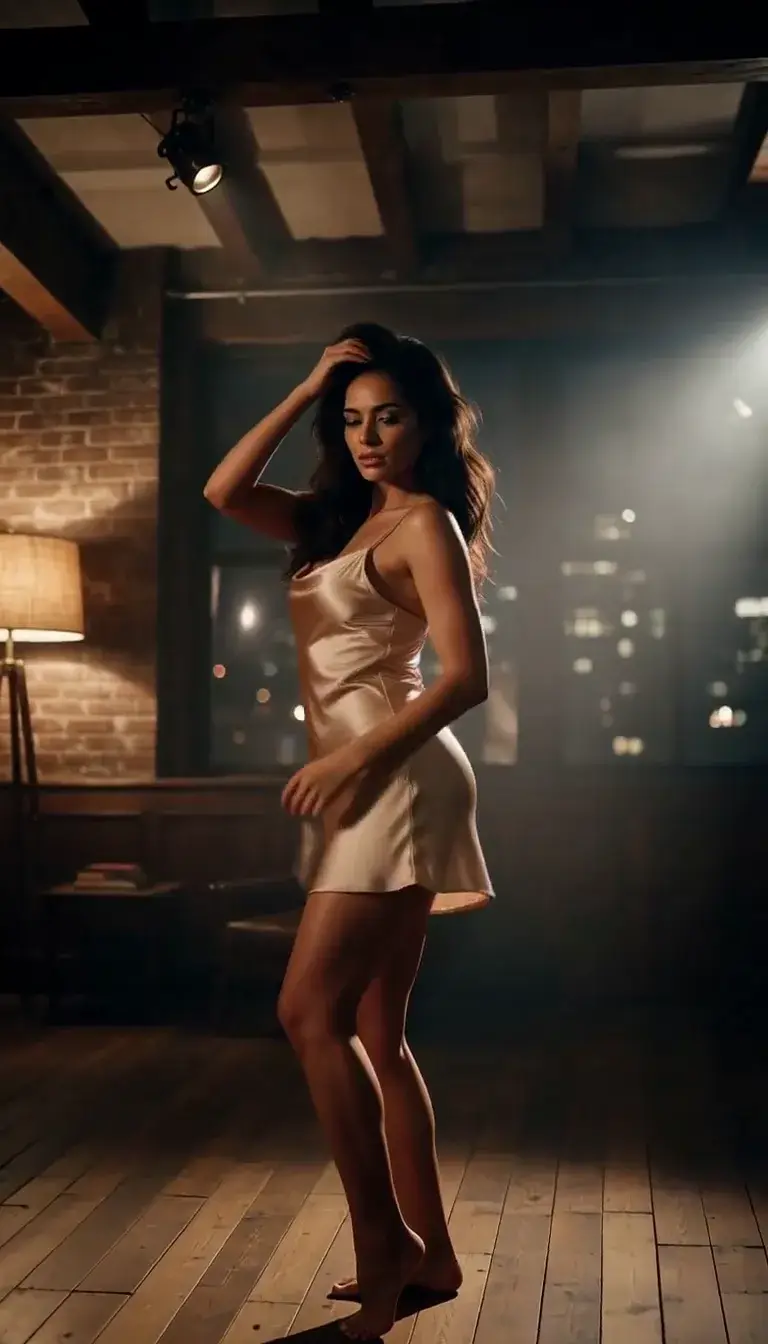 Late-Night Dance
 Club Strobe
Romance
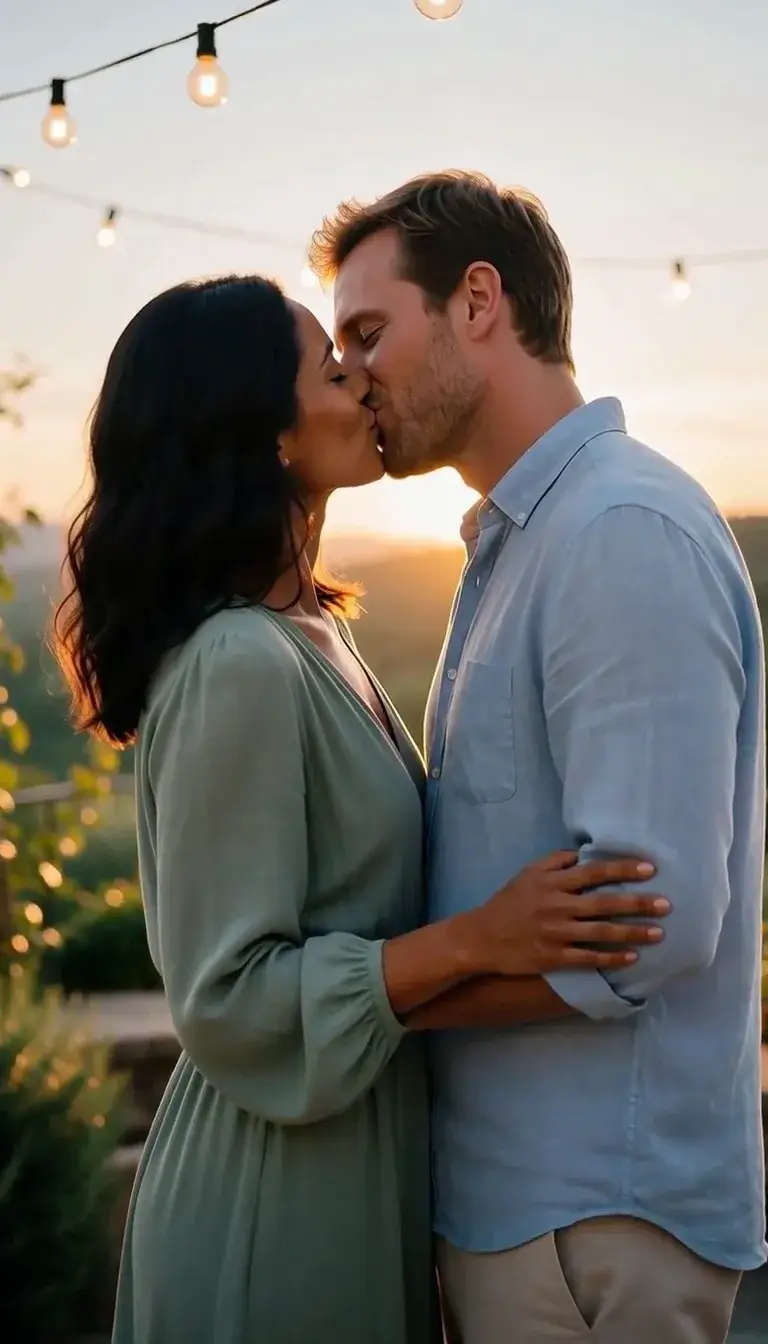 Kiss
KissCamera moves
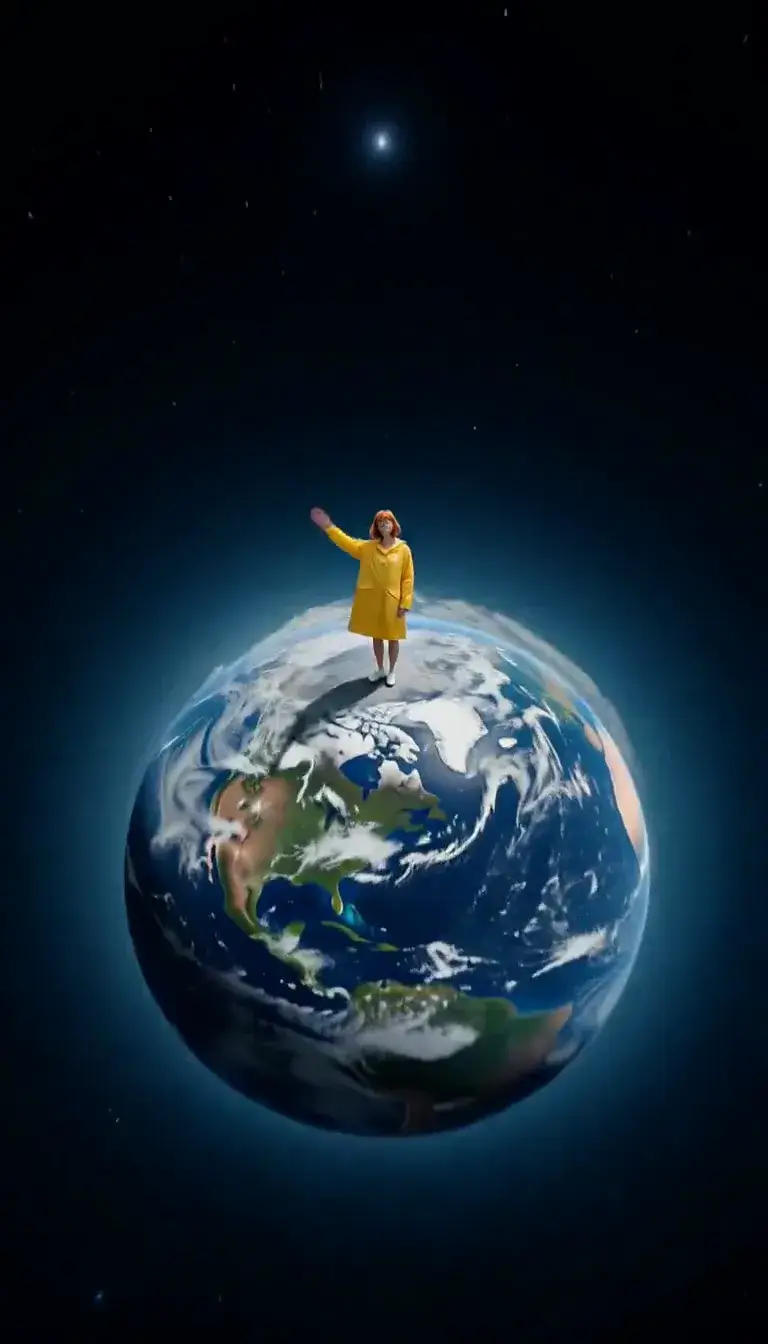 Tiny Planet
Transform
 Molten Gold
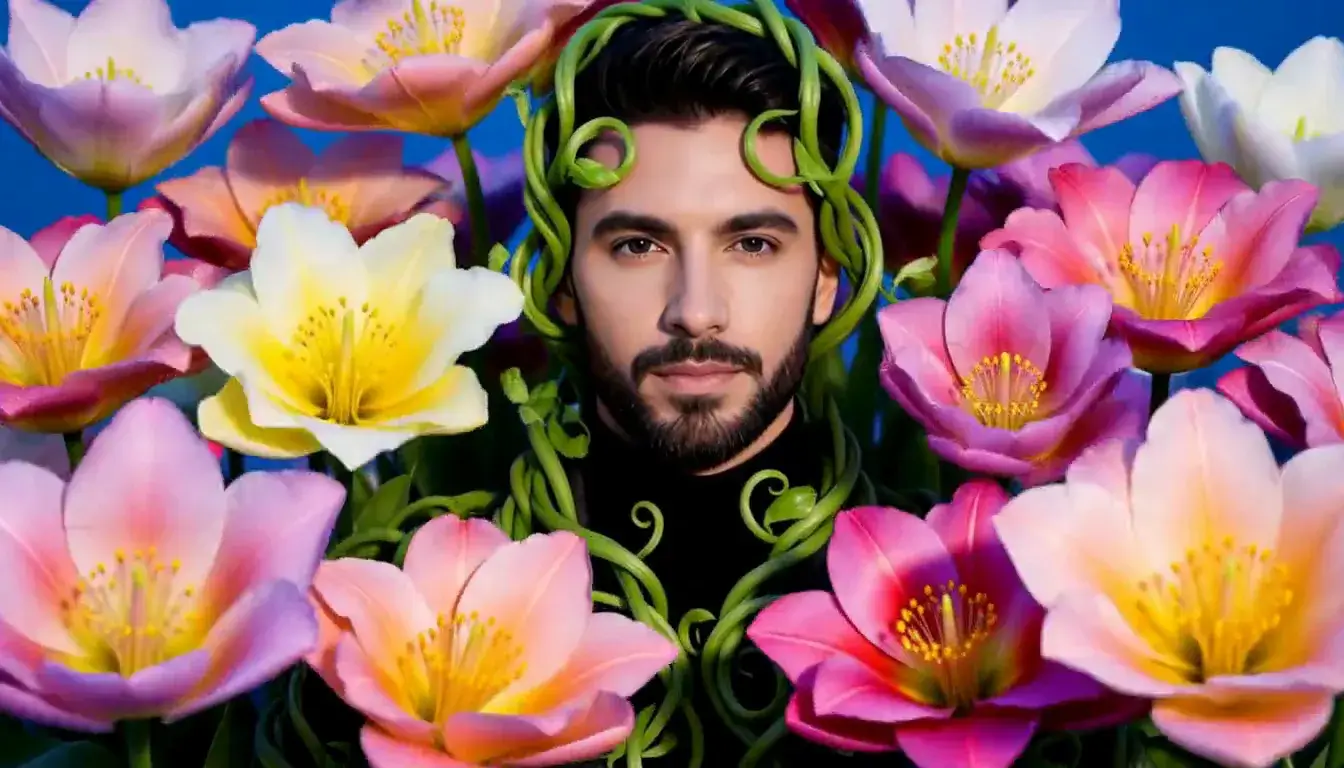 Flower Bloom
Fashion
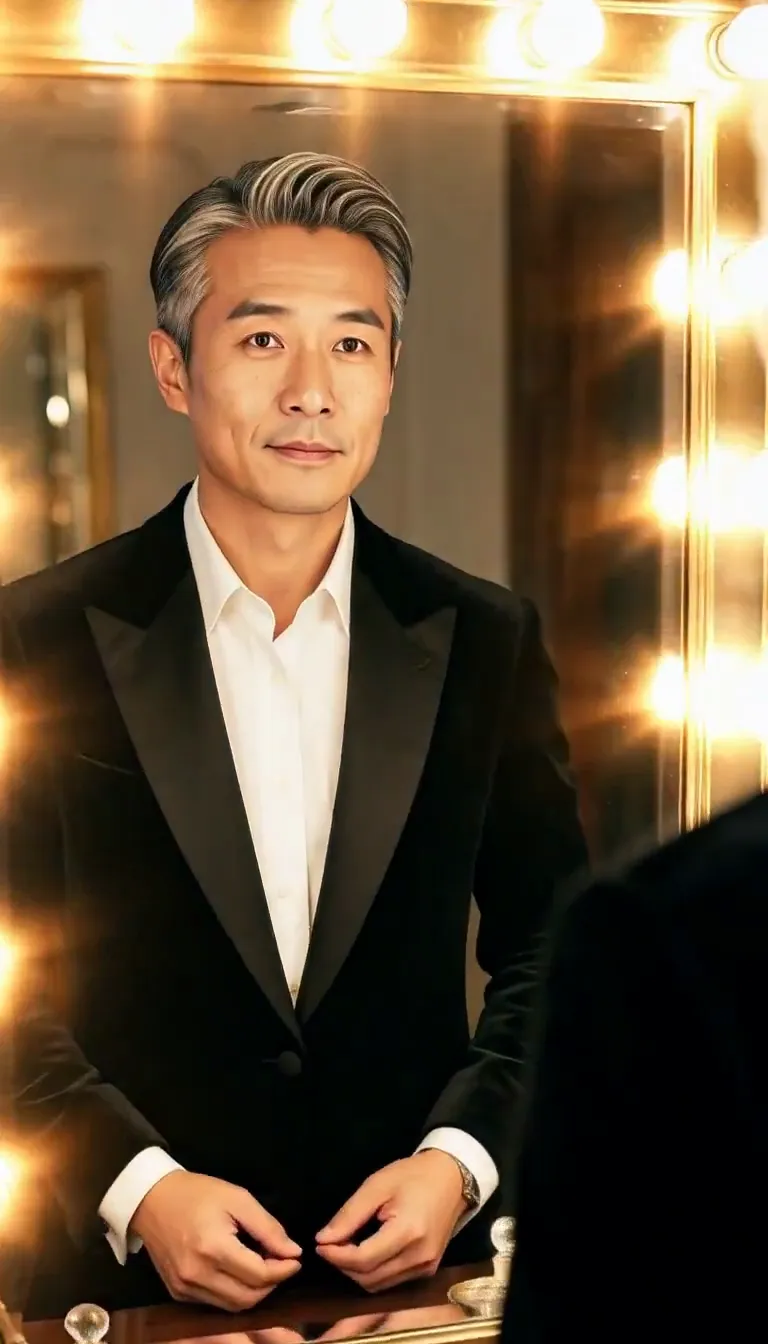 Mirror Glance
Atmosphere
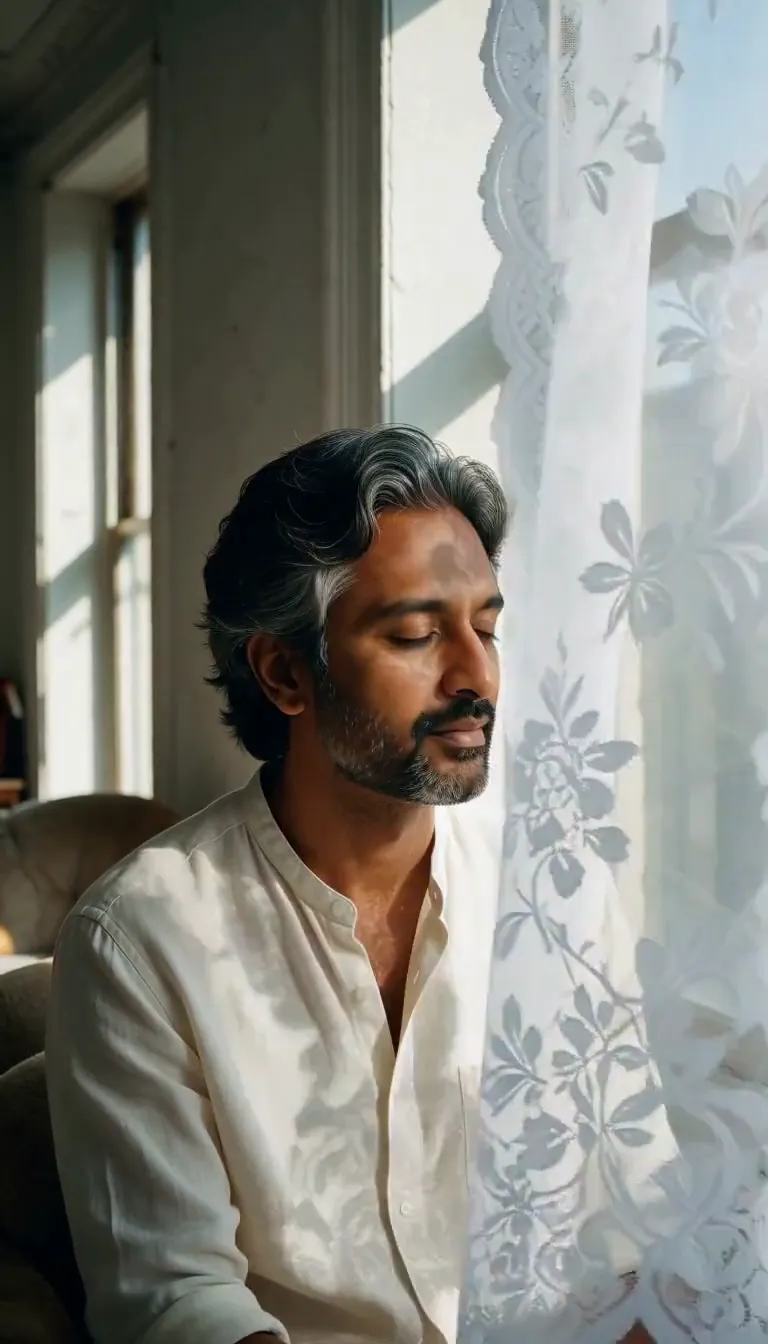 Lace Shadows
Motion
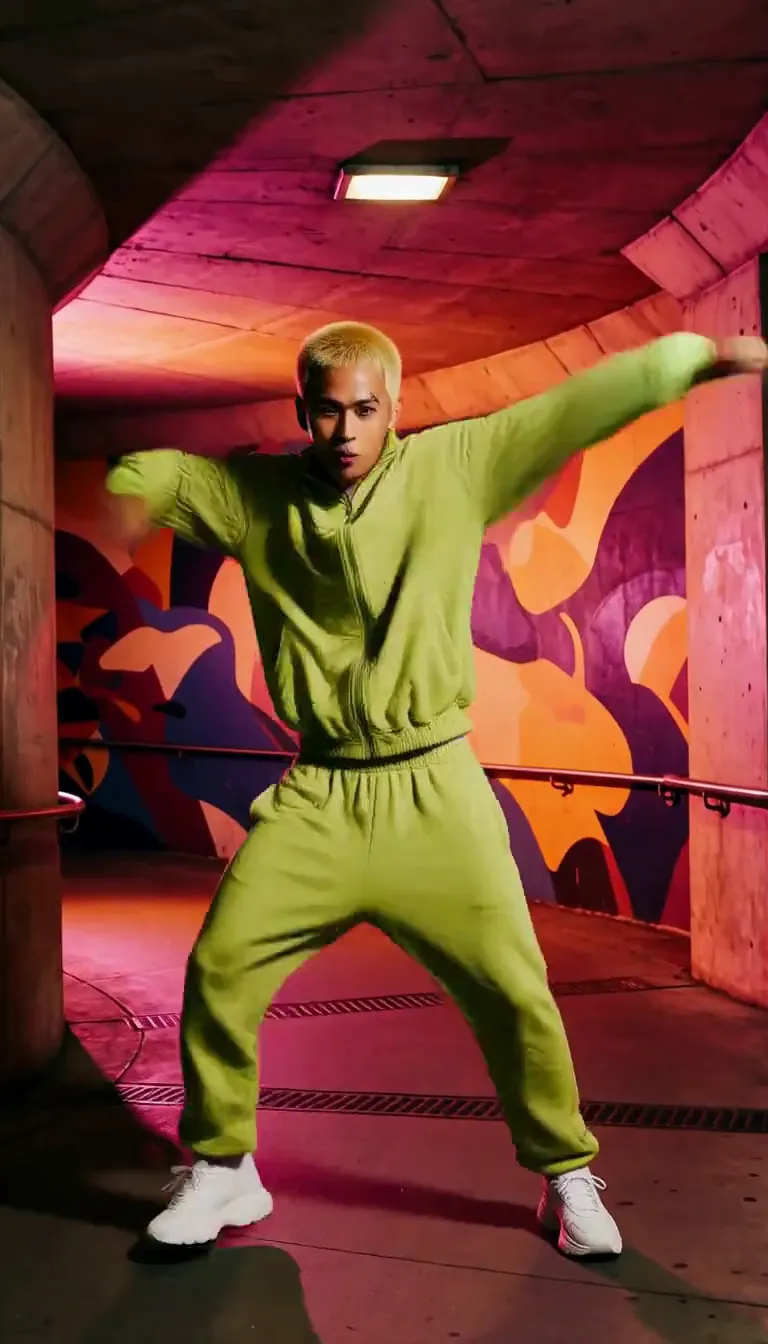 Groove
Fun
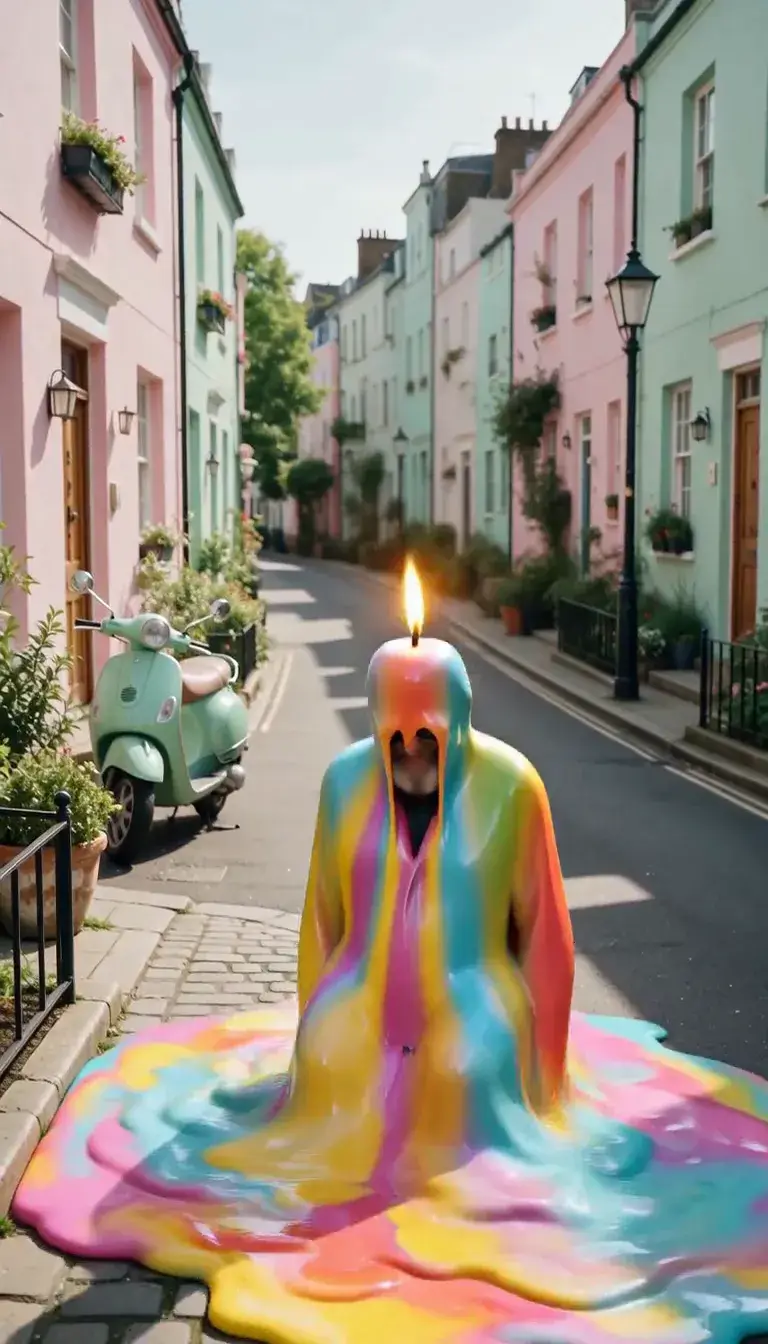 Meltdown
Product
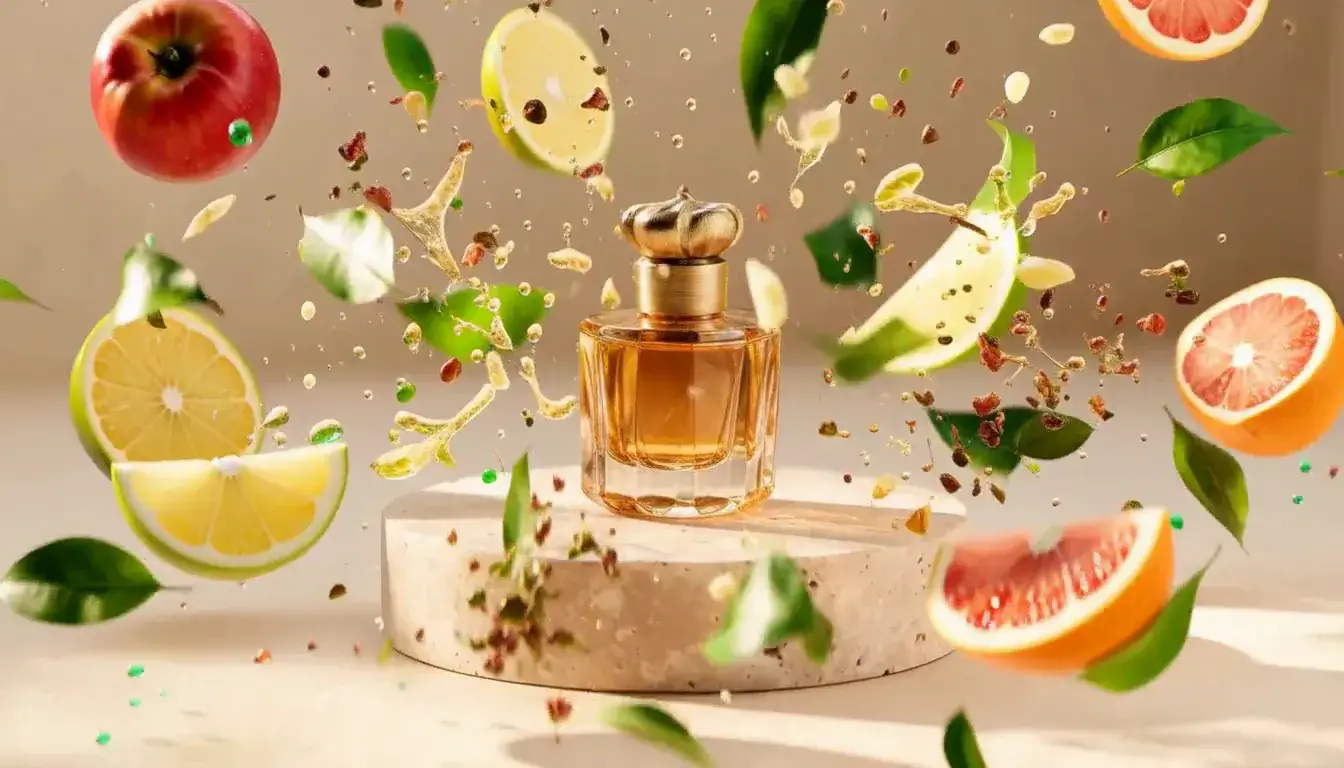 Ingredients Burst
Film looks
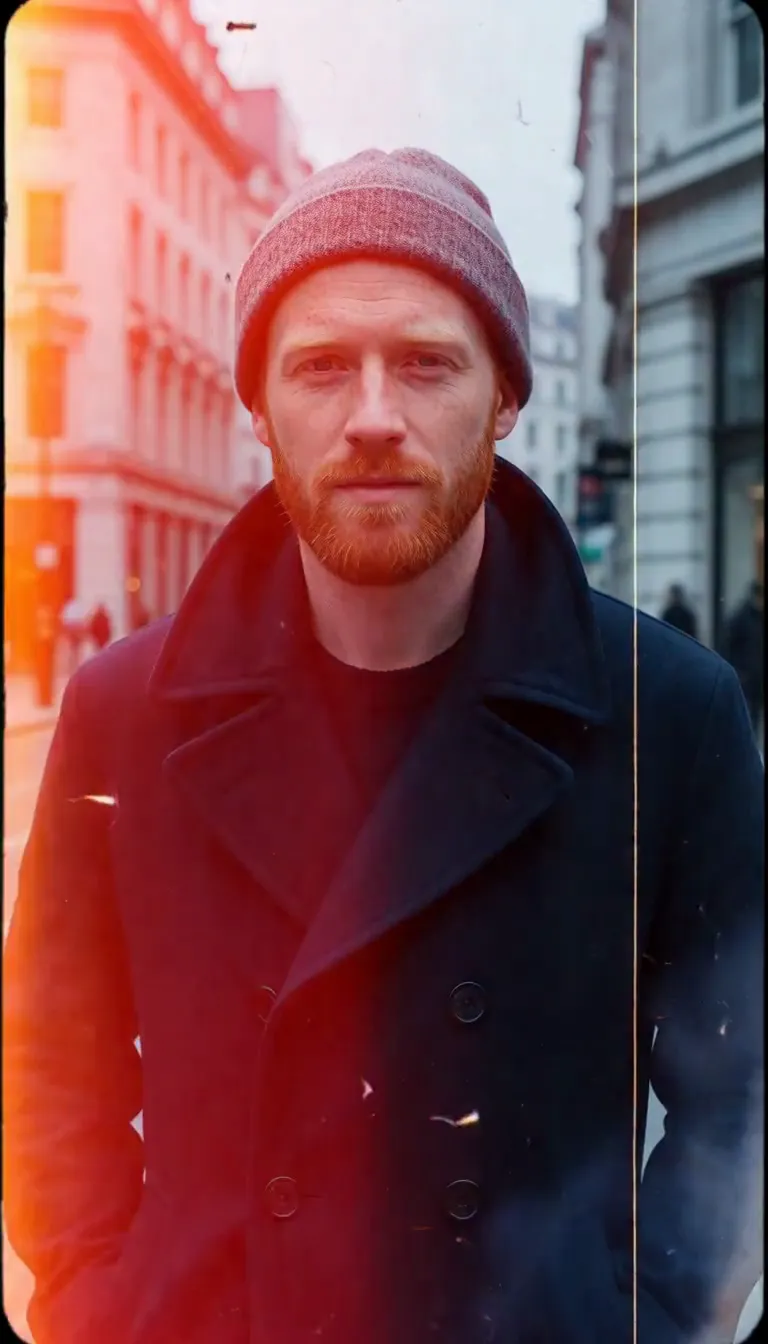 Film Burn
Video templates
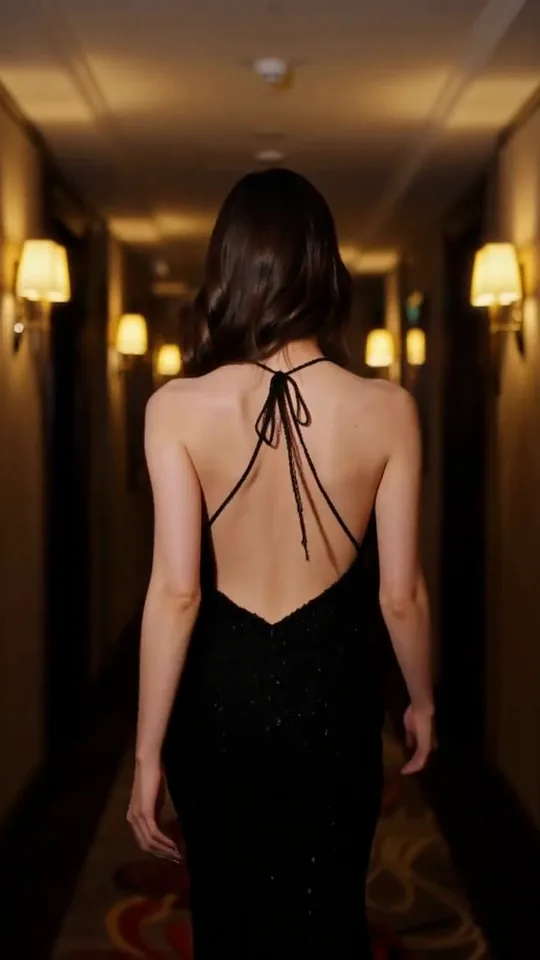 The Glance Back
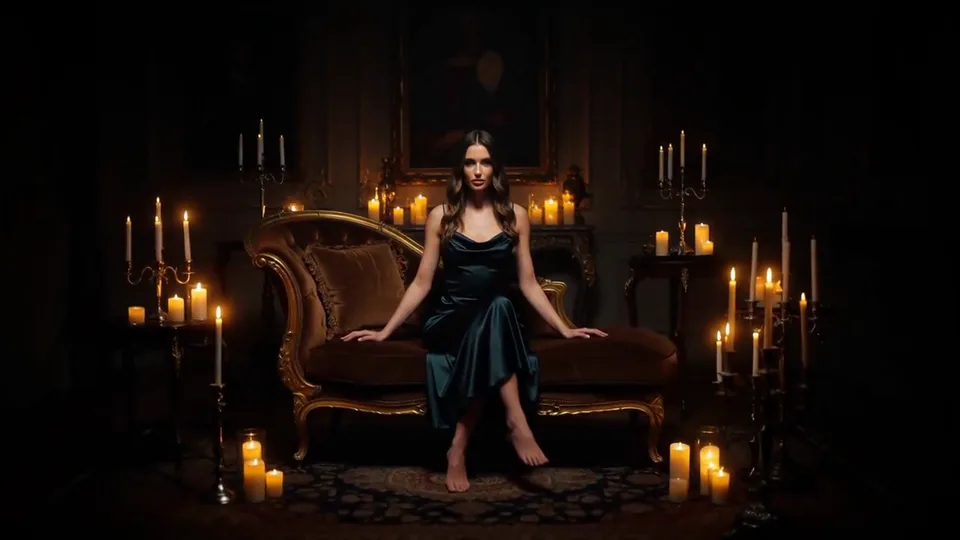 Candles Come Alive
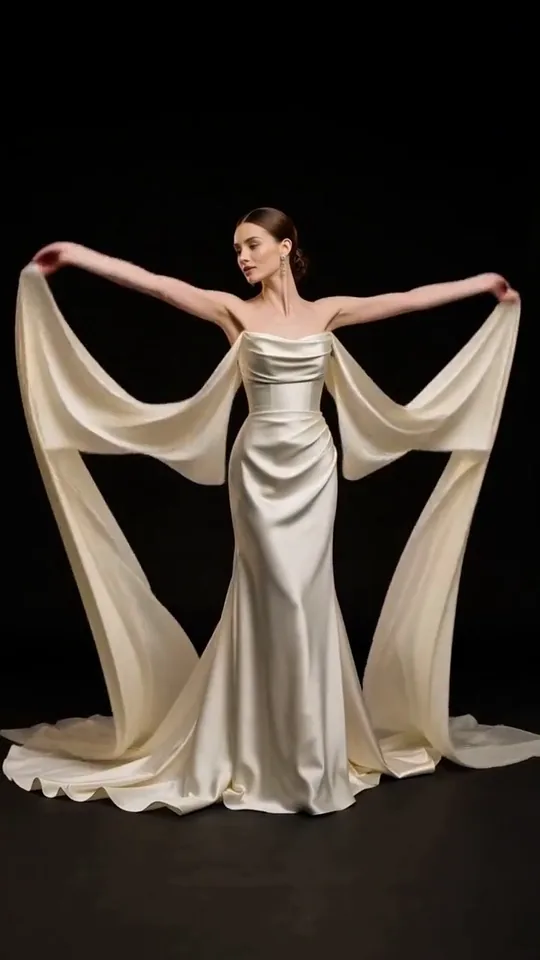 Silk Drift
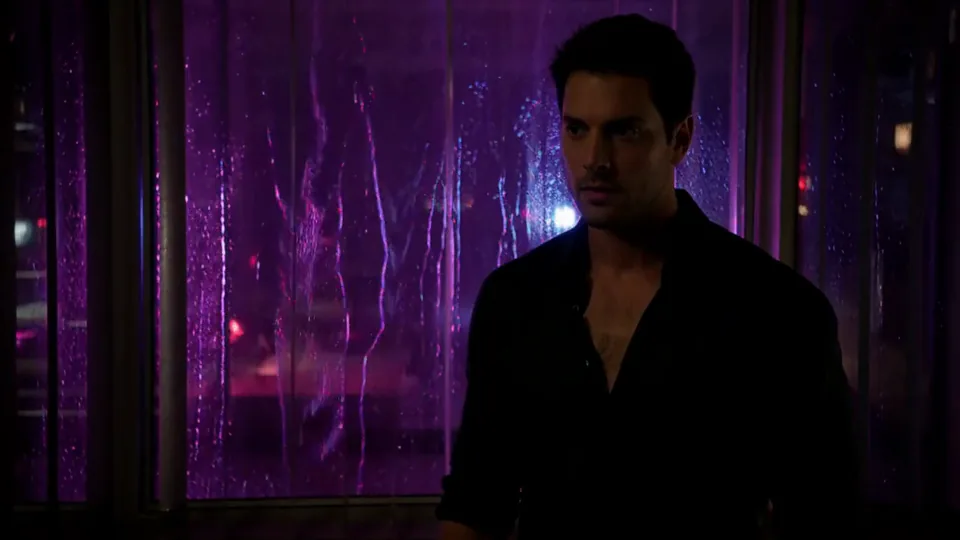 Neon After Hours
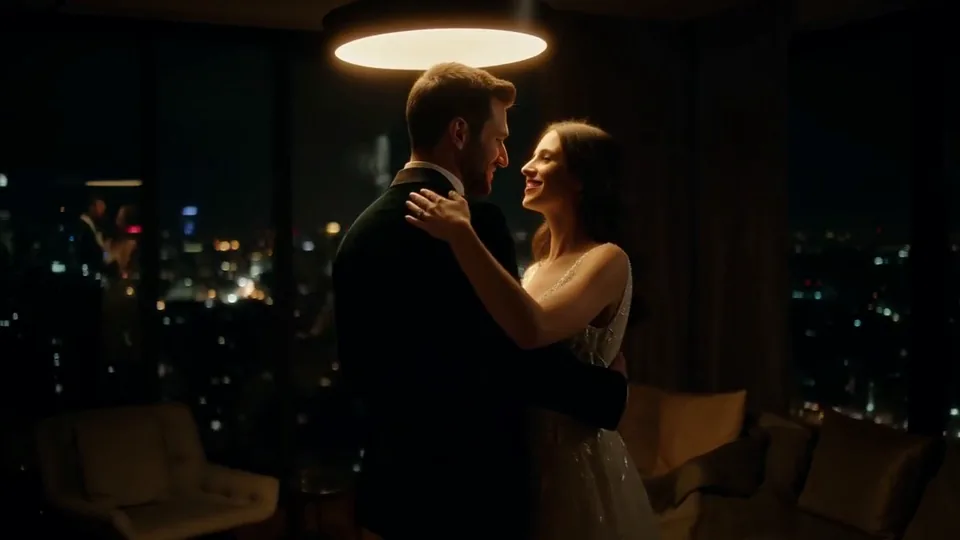 Sway Under the Lamp
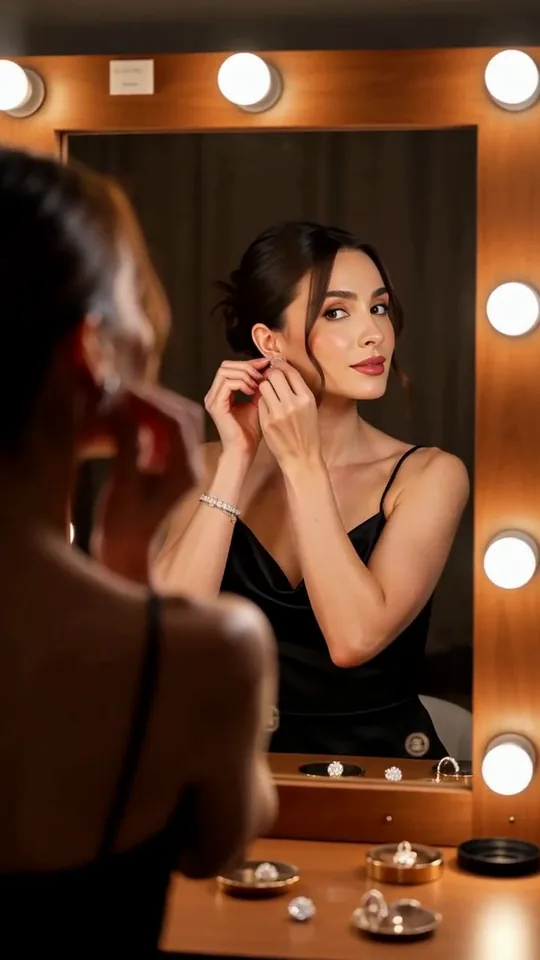 Mirror Moment
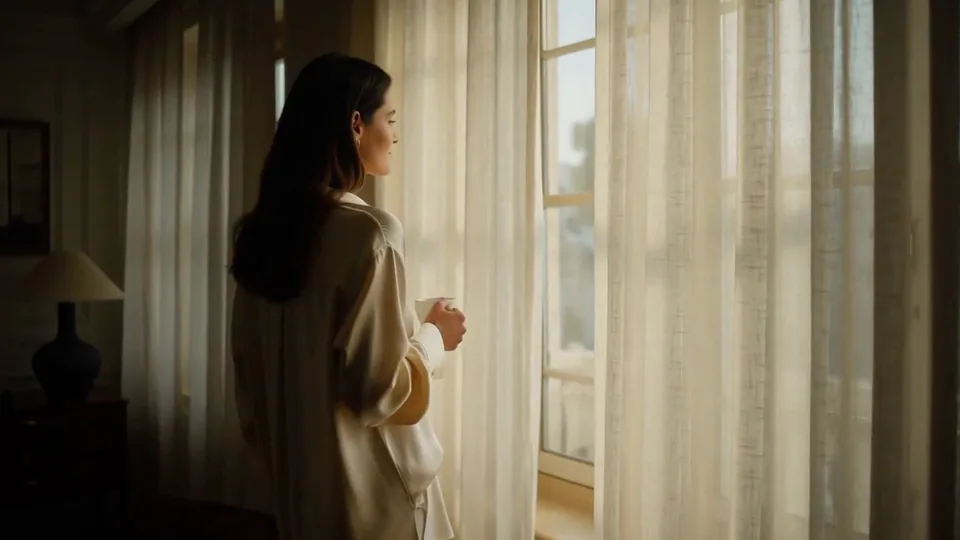 Morning Light
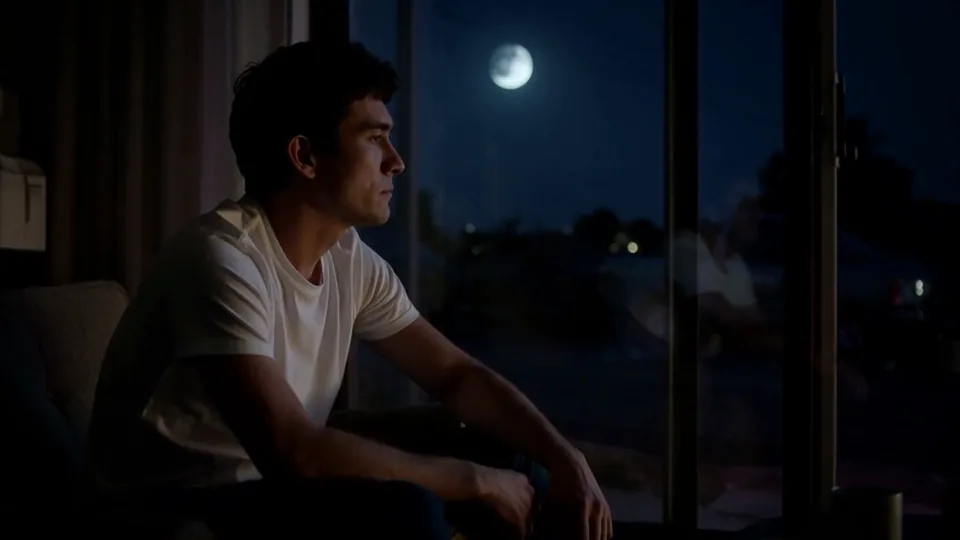 Passing Headlights
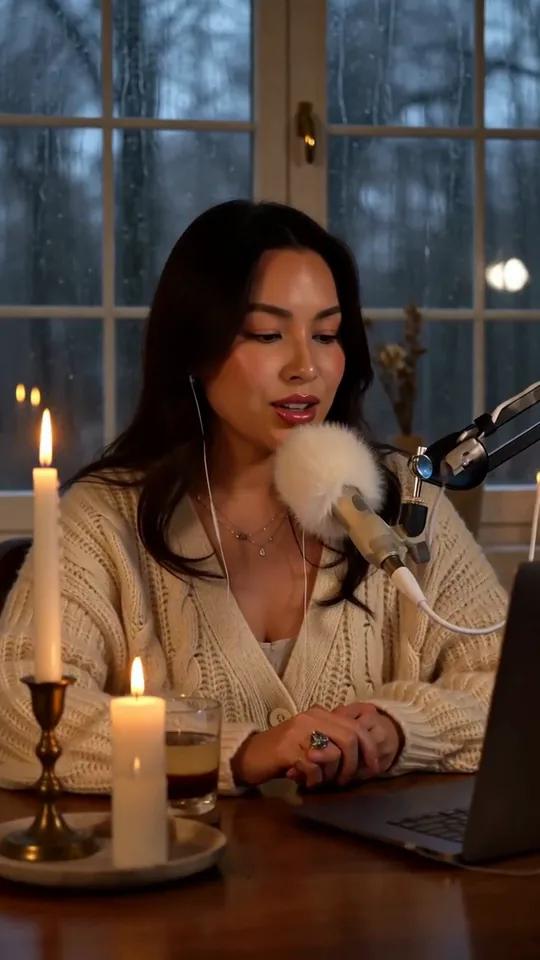 Whisper Session
 Slow Push-In
 Half Orbit
 Drone Rise
This effect writes the prompt for you. Add one image.
We never filter your prompt.
Buds sprout and burst into a fast-motion bloom of flowers and vines that fill the frame around your subject.
- Model
- MiniMax H3
- Length
- 5 s
- Resolution
- 768p
- Per run
- $0.185
- Type
- Transform
What this effect sends
This is the full prompt, word for word. Copy it, or open it in the generator and change anything you like.
Buds sprout around the main subject and burst into bloom in quick time-lapse, flowers and green tendrils climbing and opening until they frame the whole scene in color. The camera holds still at first, then eases slowly forward through the petals.Pictures that work best
- Leave open space around your subject — buds and vines need somewhere to sprout from, and a photo with no visible foreground or edges gives the bloom nowhere to start.
- Works well on people, pets and objects alike, since the flowers frame the subject rather than needing eyes or an expression to react to the change.
- Expect the bloom to cover a good amount of the background and clothing by the end — pick a photo where you're comfortable with the setting becoming mostly flowers.
- A subject that holds still, like a seated pet or a standing portrait, keeps the one thing you can track clearly while everything around it changes fast.

Models this effect runs on
The same prompt on different models. Pick by look and by price.
- MiniMax H3$0.185 per run
5 s · 768p
- Seedance 2.0 Fast$0.484 per run
5 s · 720p
- Kling 3.0$0.336 per run
5 s · 720p
- Seedance 2.0$0.76 per run
5 s · 720p
- Wan 3.0$0.45 per run
5 s · 720p
- Vidu Q3 Turbo$0.33 per run
5 s · 720p
- MiniMax H3 Max$0.4 per run
5 s · 768p
- Kling 2.5 Turbo$0.28 per run
5 s
- Wan 2.6 Flash$0.113 per run
5 s · 720p
- Seedance 2.0 Mini$0.265 per run
5 s · 720p
How it works
- 01
Add one photo
Choose the photo to match the example: include both people for a shared gesture, and keep the face and any hands involved clearly visible. Upload your own photo or start with a Flower Bloom sample.
- 02
Check the price
Flower Bloom defaults to a 5-second clip for $0.185. Swap the model or change the length and resolution before you run — the price on the button updates to match, and that's the whole cost of the clip.
- 03
Generate
Your Flower Bloom clip renders in the background, lands in History and is never published.
Do the move yourself
Flower Bloom keeps one version of this shot. To give Flower Bloom your own motion or ending, write it yourself in Image to Video, starting from the prompt above.
What it does to your photo
Flower Bloom surrounds your subject in a quick time-lapse garden: buds sprout nearby and burst into bloom in fast motion, with flowers and green tendrils climbing and opening until they frame the whole scene in color, while the camera holds still at first and then eases slowly forward through the petals. It works because the bloom builds around the subject rather than over them, so the flowers frame the shot instead of replacing what's in it.
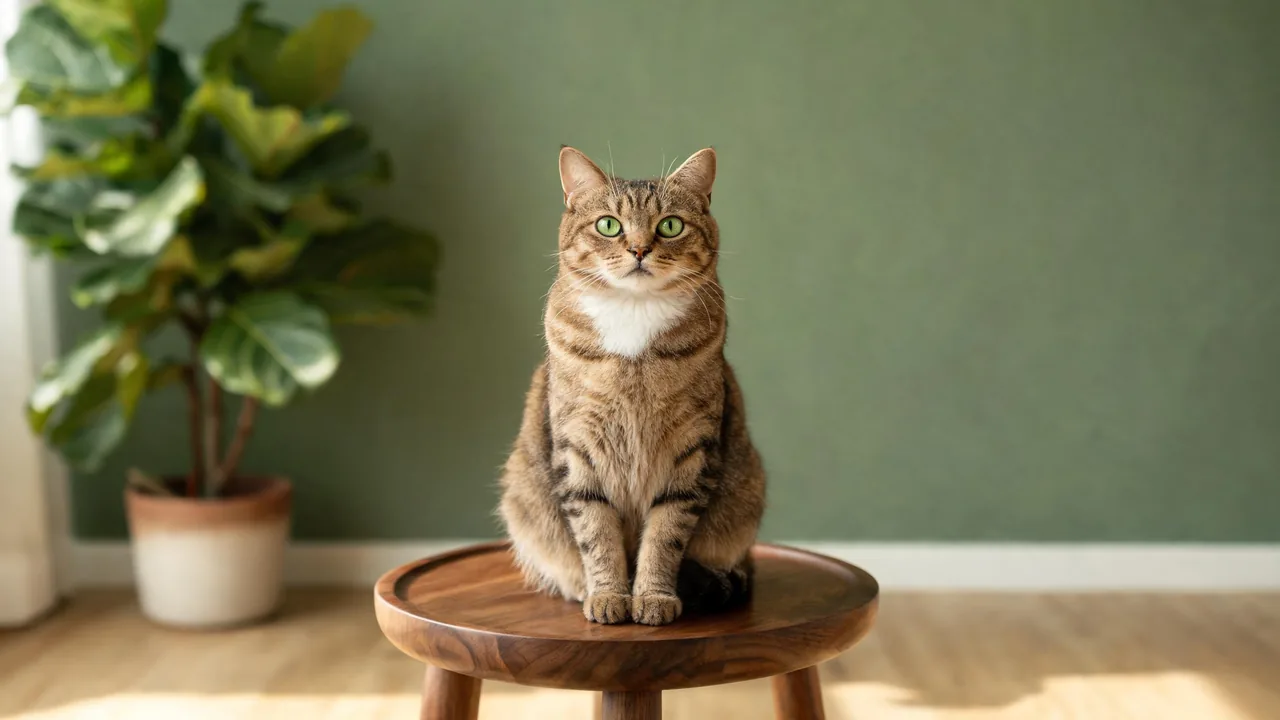
In our test runs on MiniMax H3, a man in a grey coat on a blue-hour rooftop had buds and tendrils sprout in front of him within the first second, tulips open by the second, and by the fifth large pink and yellow blossoms filled the frame with vines curling around his head, his face staying sharp and consistent while the flowers covered most of the city background and his coat. A tabby cat on a walnut stool had buds sprout around the stool at the first second and grow taller by the second, and from the third second on pink, magenta and white flowers burst open and surrounded the cat, who stayed clearly recognizable throughout the bloom.
The bloom is generous — in both runs the flowers ended up covering most of the subject's clothing and a lot of the background by the final second, with tendrils curling in close around the head. If you want your subject and the setting to stay more visible, this is a case for editing the prompt down rather than picking a different photo, since the density of the bloom is written into the wording itself.
It suits garden and floral content, spring or wedding-season posts, a fantasy or storybook framing device, and pet or product shots that want a lush, colorful surround. It works on people, animals and objects alike, since the bloom happens around the subject rather than needing a face to react to.
The prompt is public and editable — open it in the generator and change "hundreds of" or the flower names if you want a sparser bloom or a different color palette than the pink-and-yellow mix we tested.