After Dark
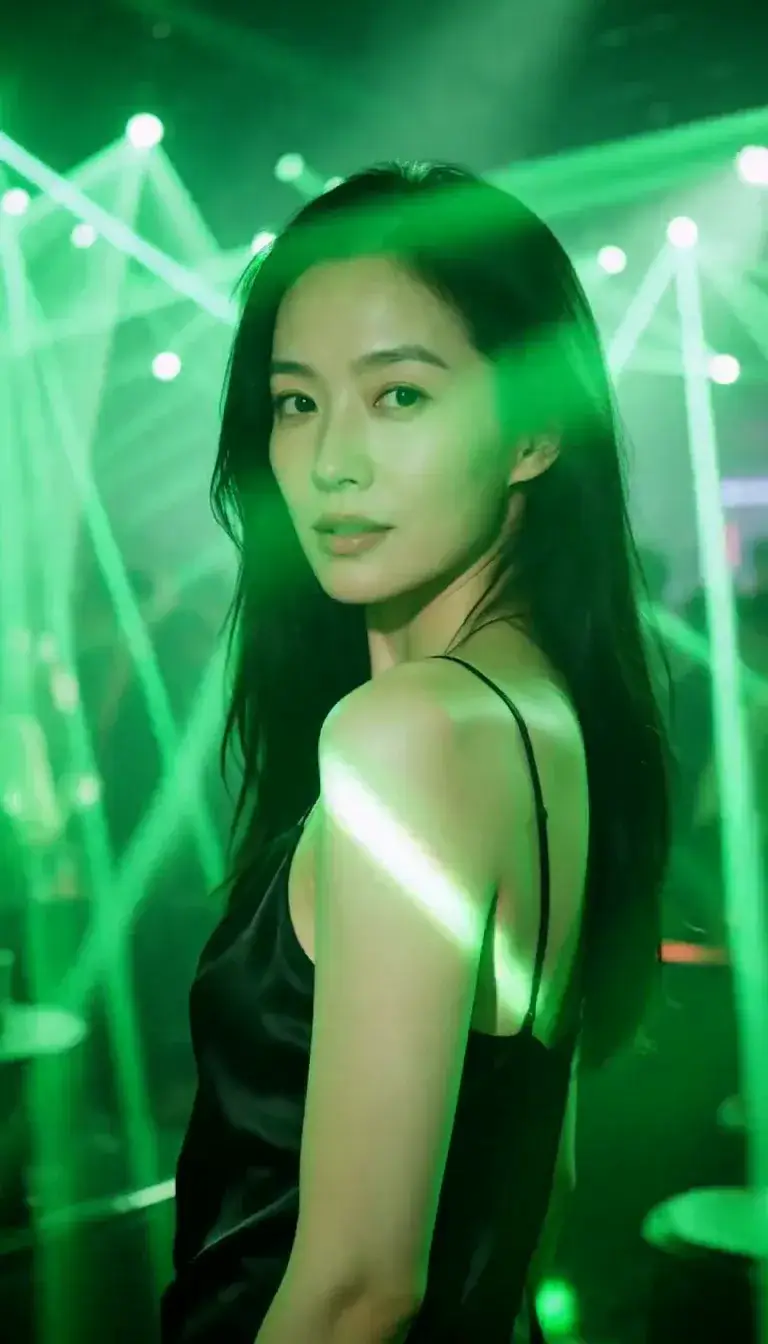 Laser Room
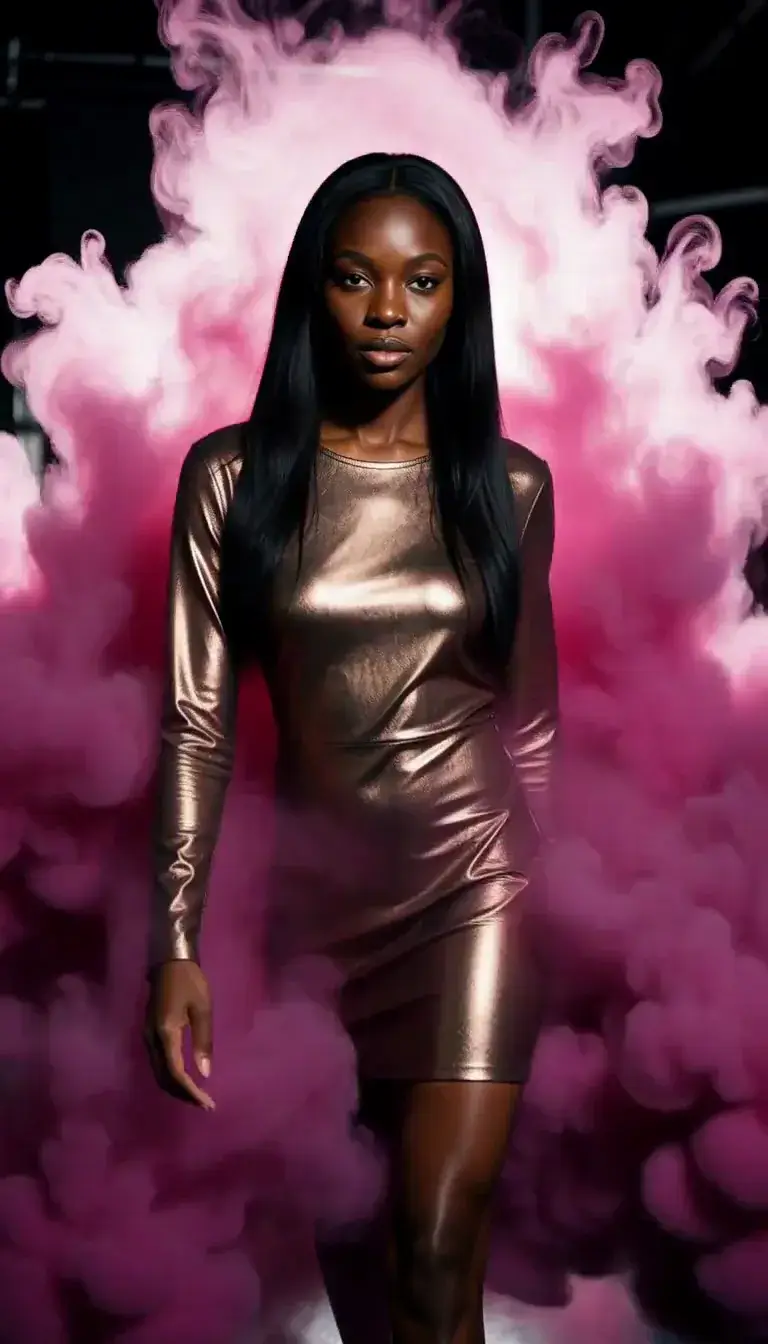 Color Smoke
 Silk Drop
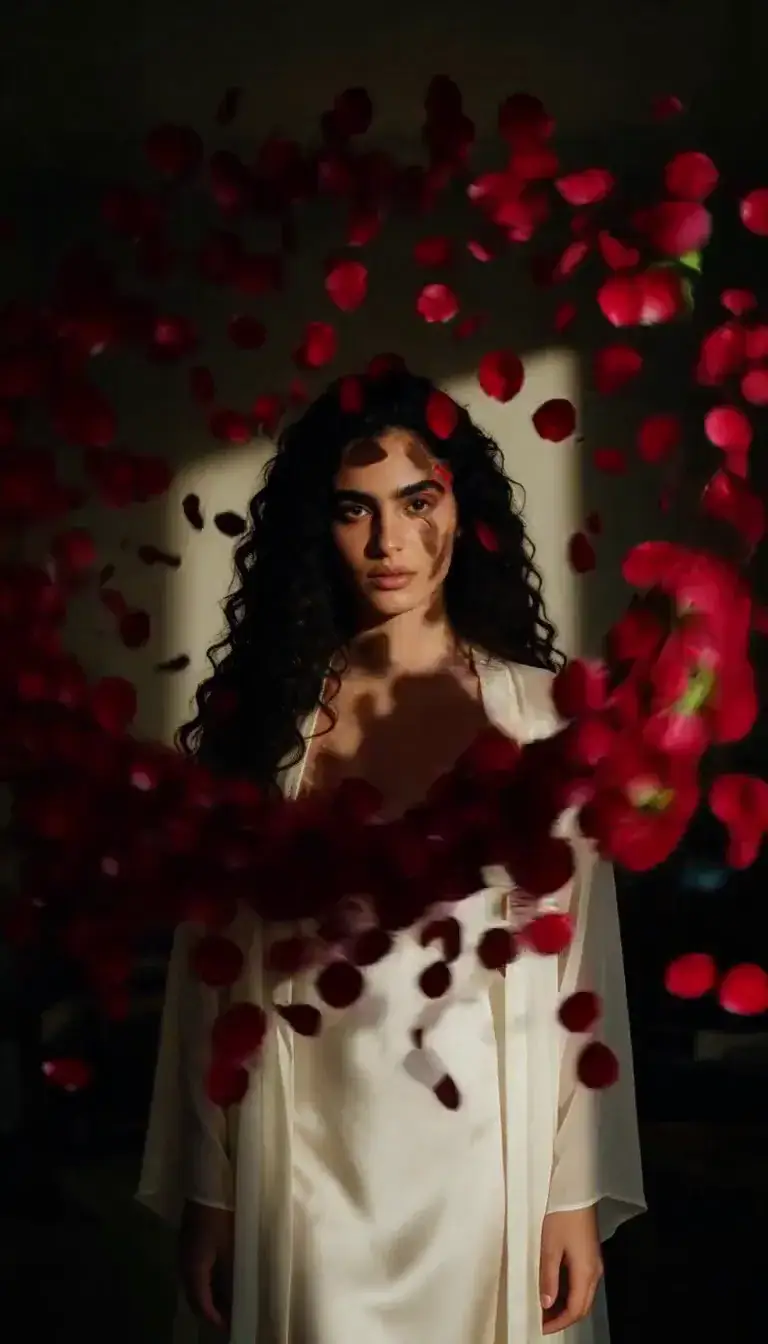 Petal Storm
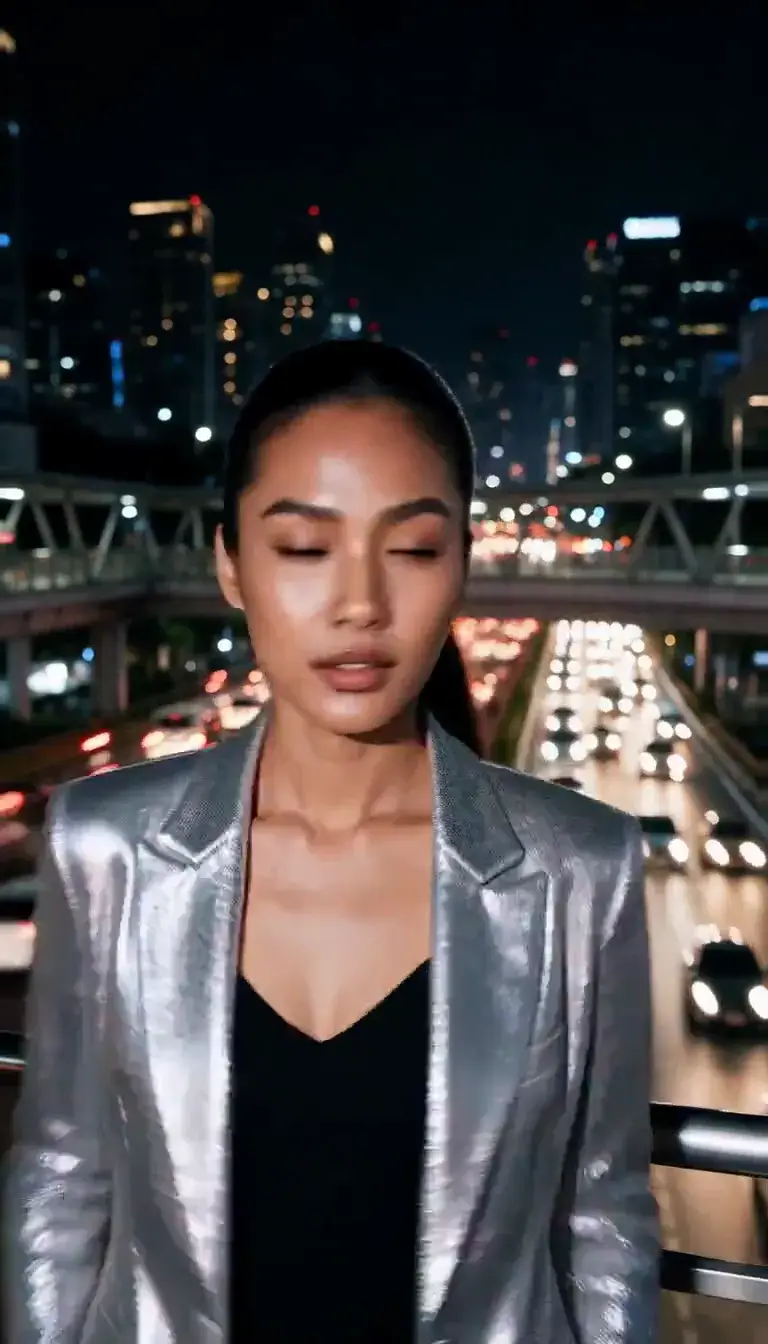 Slow Shutter
 Candlelight
 Behind the Hair
 Call Me
 Champagne Toast
 Darkroom Red
 Doorway Lean
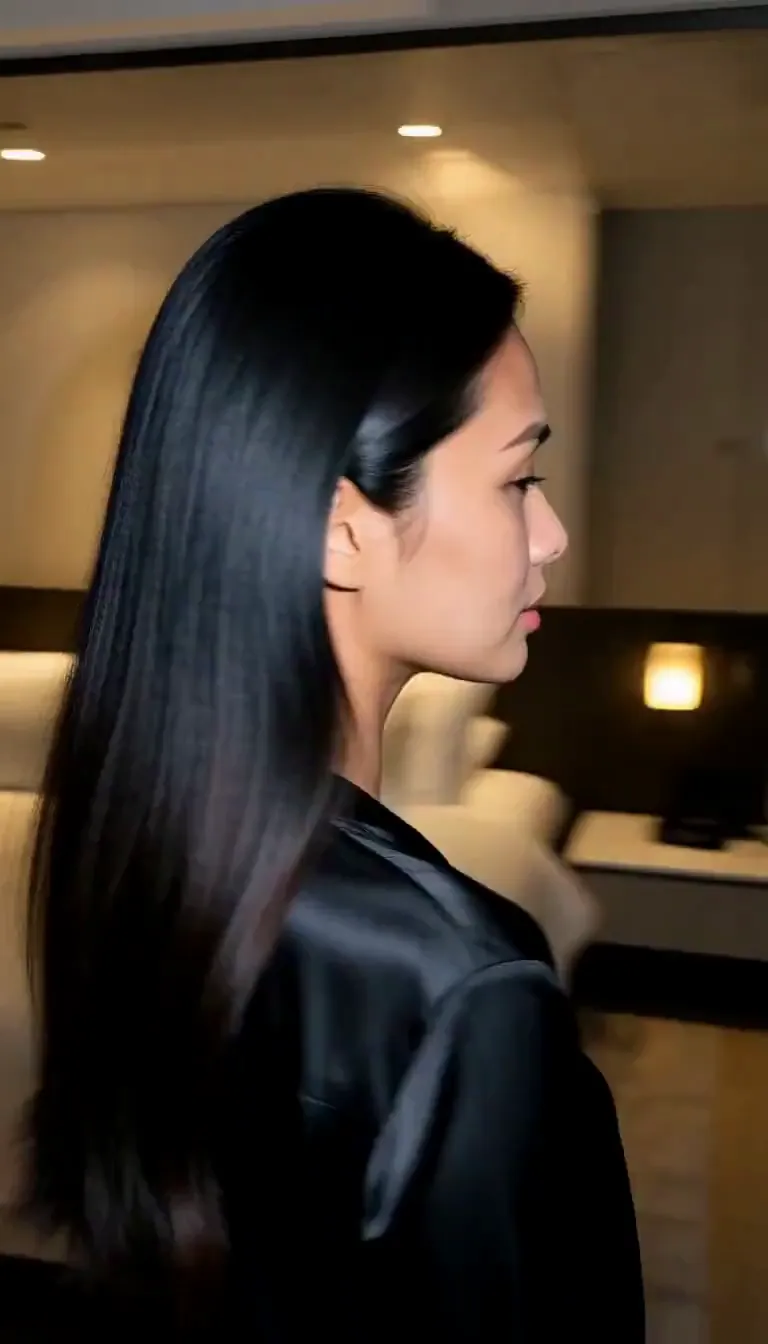 Eyes on You
 Join Me
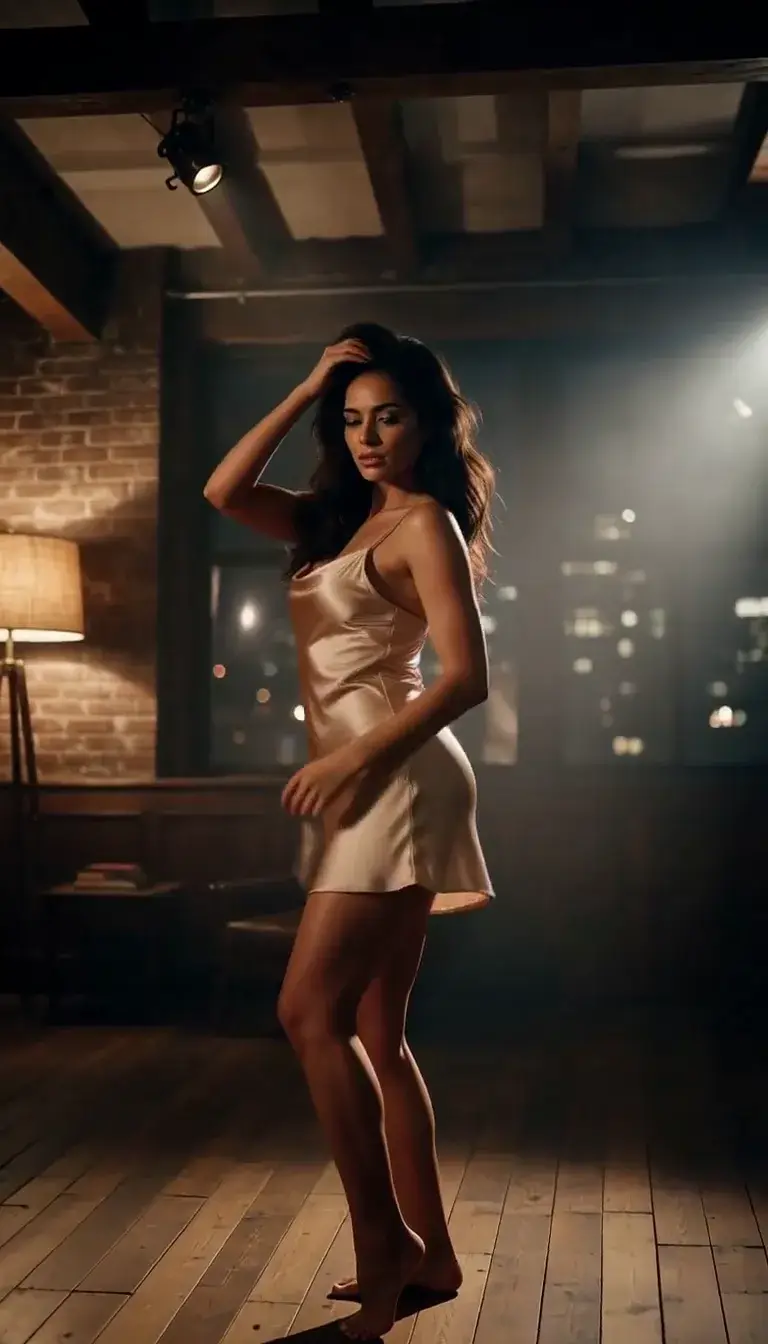 Late-Night Dance
 Club Strobe
Romance
 Kiss
KissCamera moves
 Tiny Planet
Transform
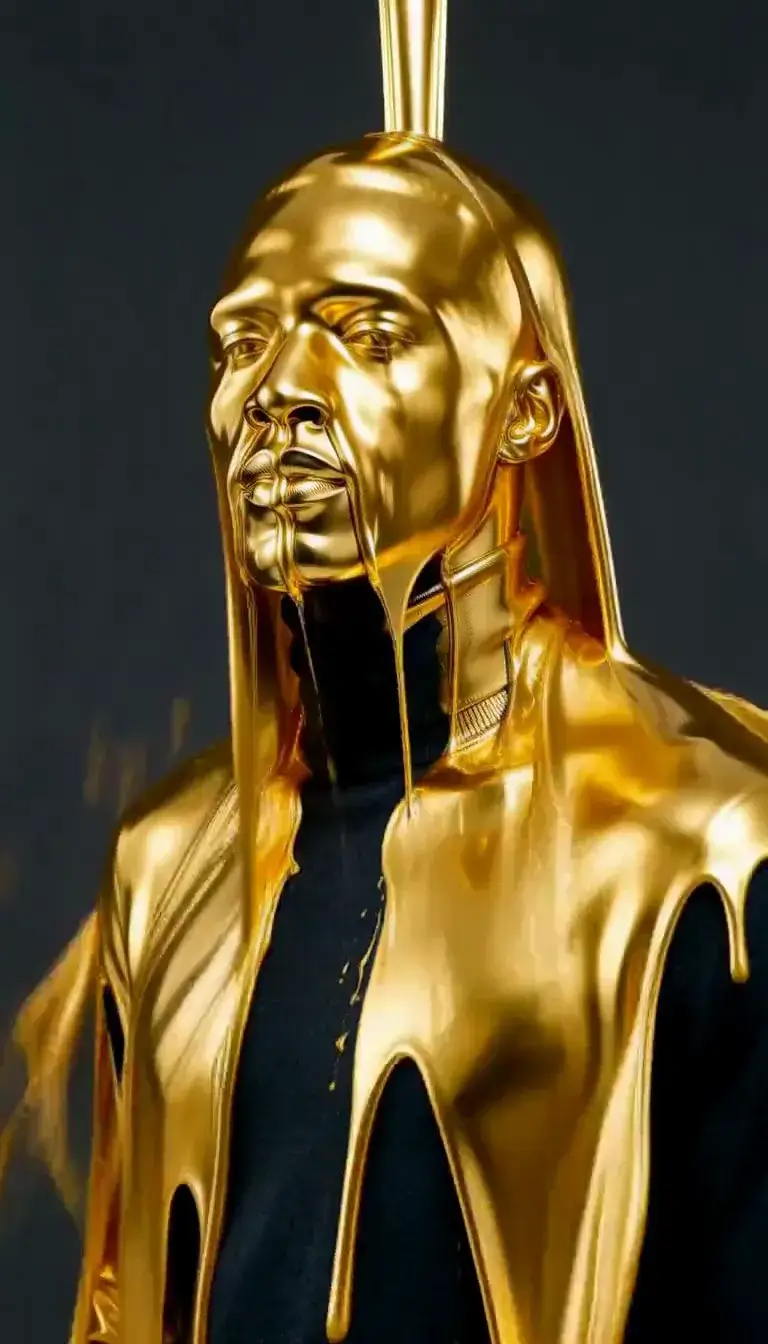 Molten Gold
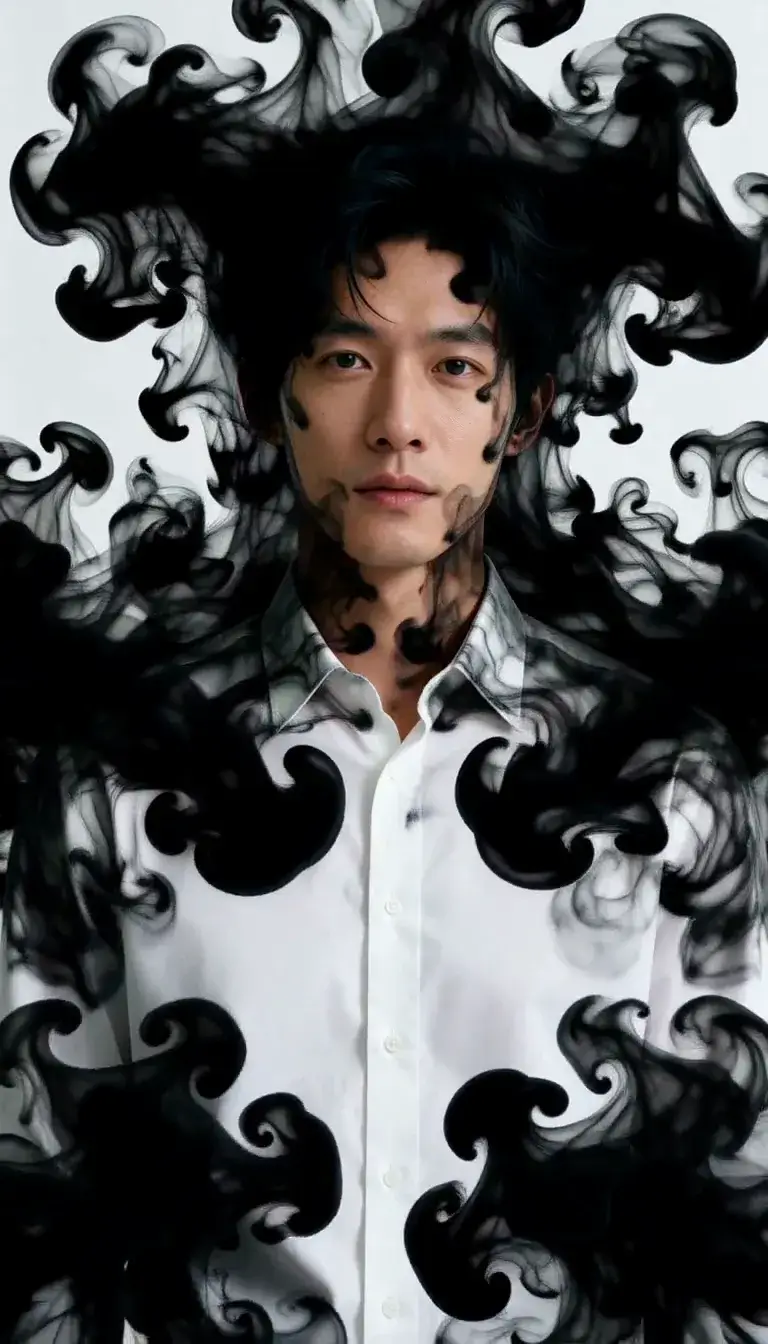 Ink Bleed
Fashion
 Mirror Glance
Atmosphere
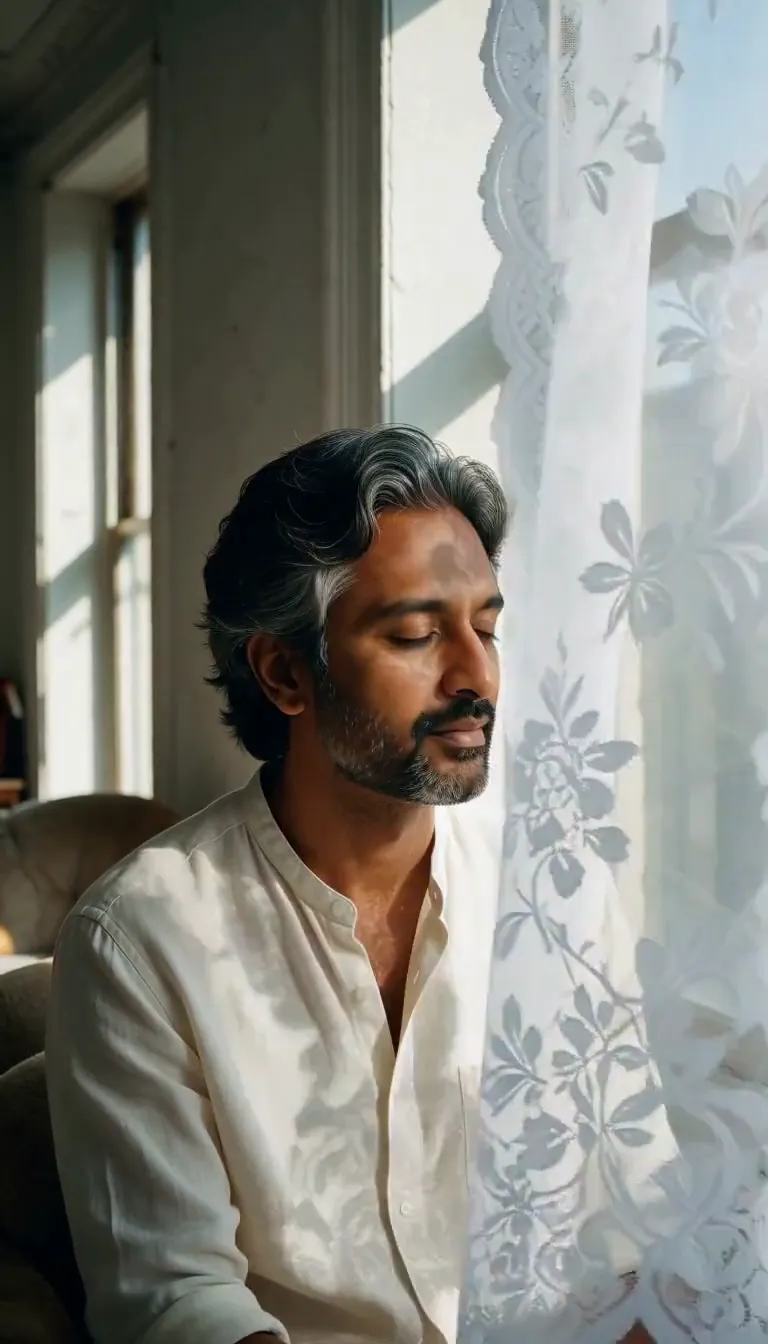 Lace Shadows
Motion
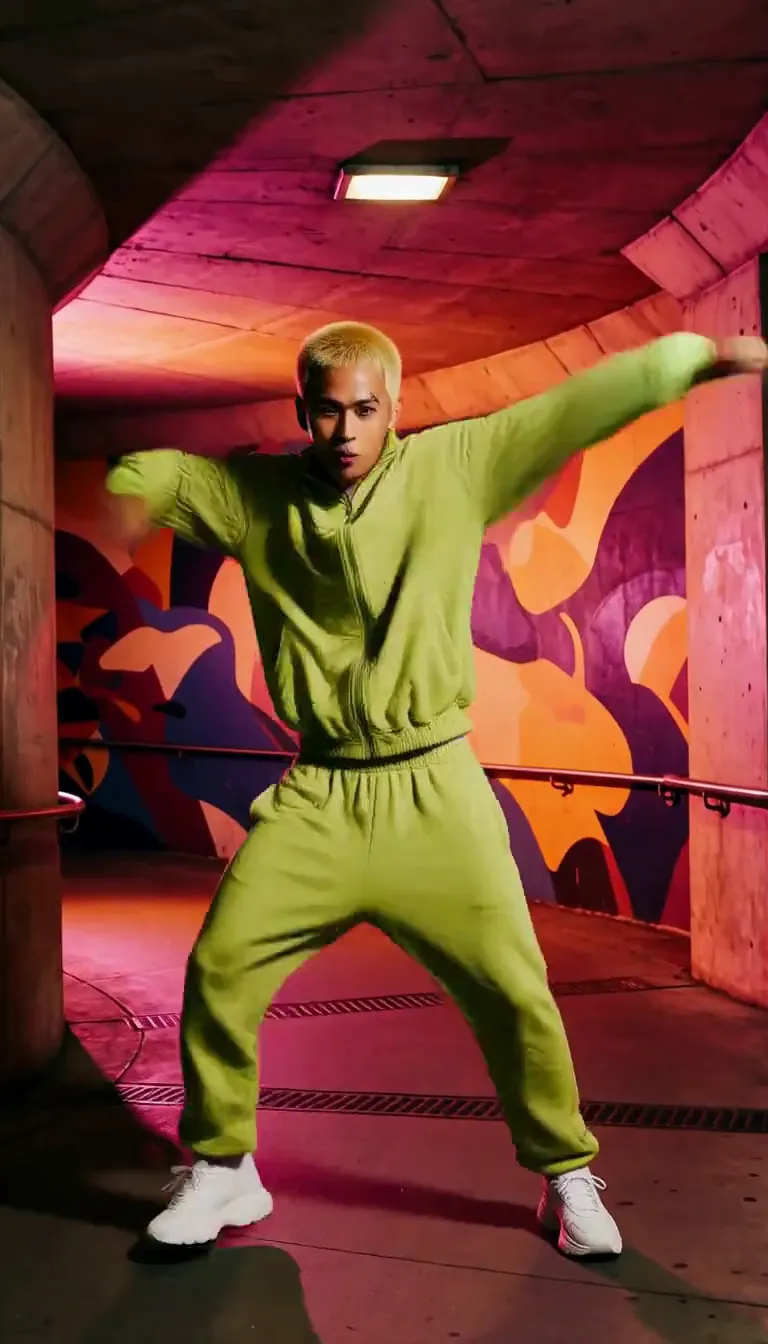 Groove
Fun
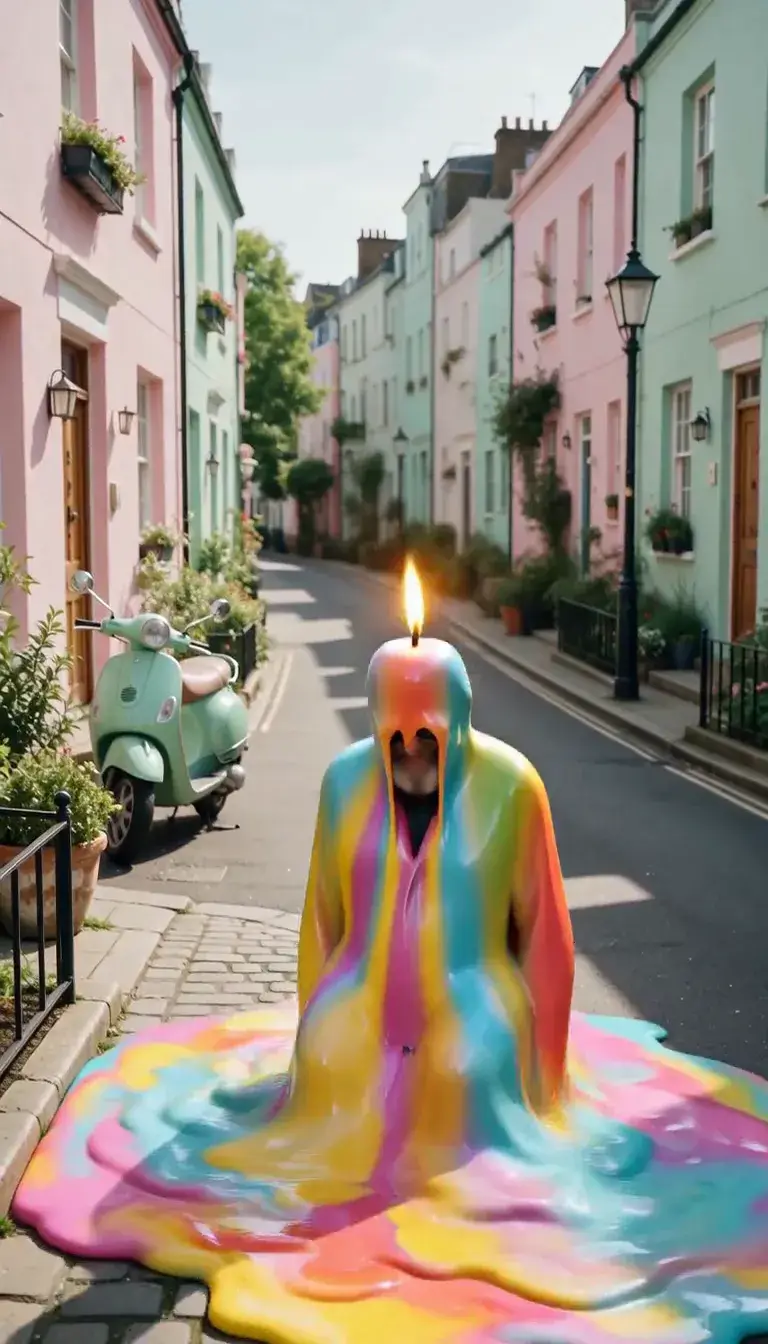 Meltdown
Product
 Ingredients Burst
Film looks
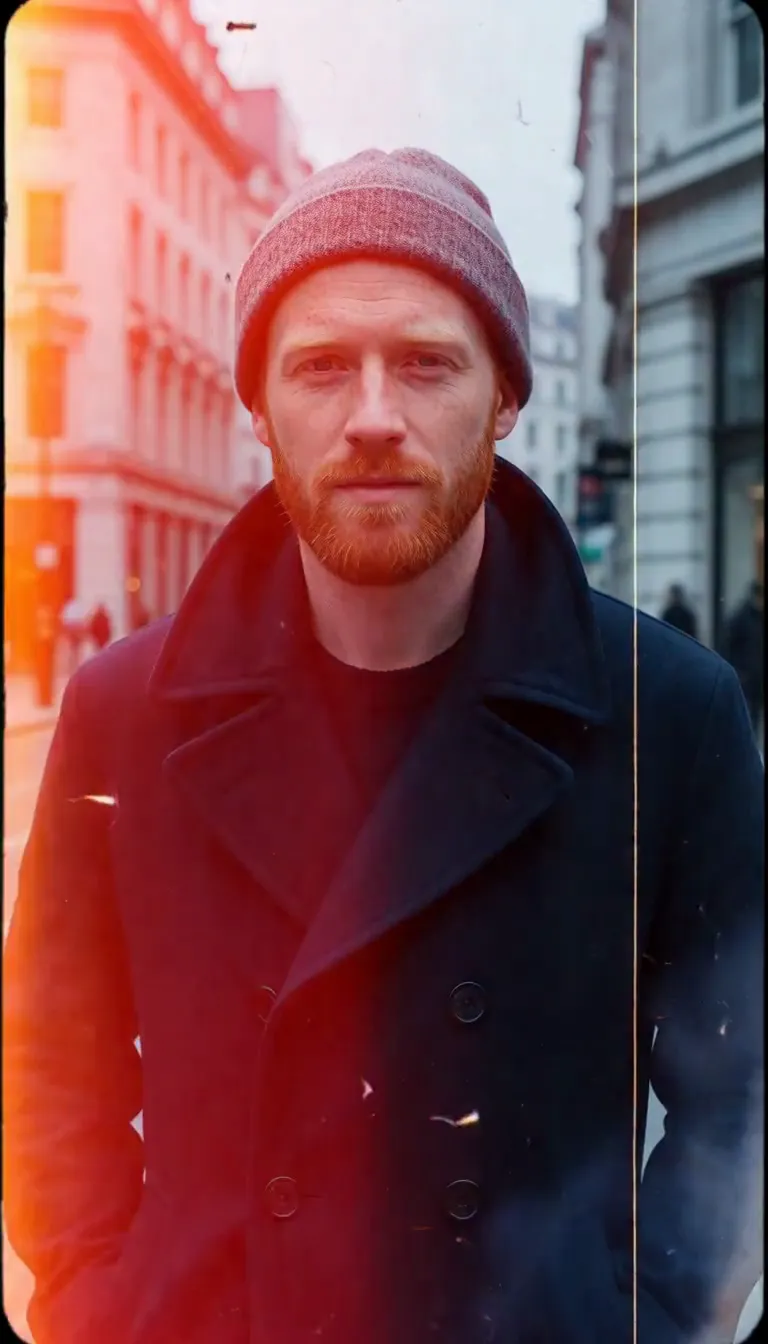 Film Burn
Video templates
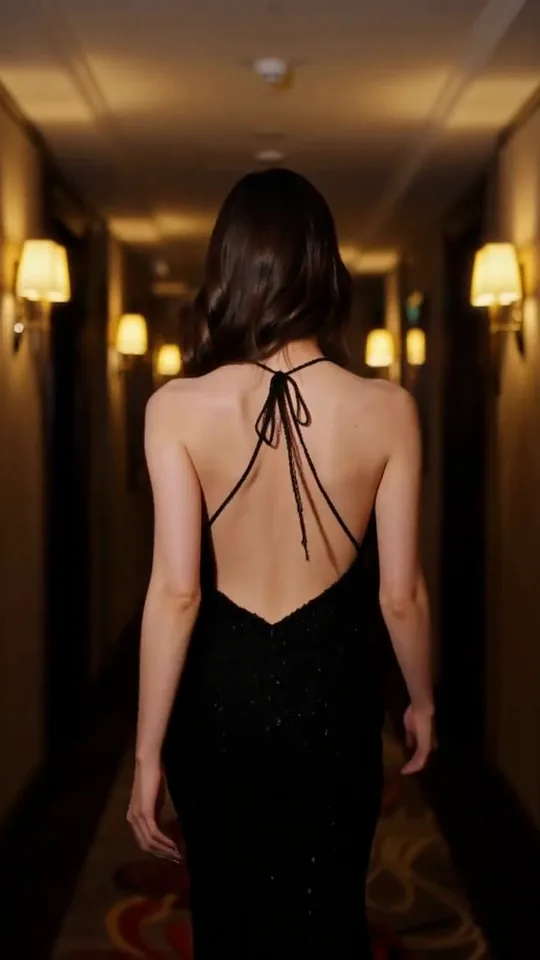 The Glance Back
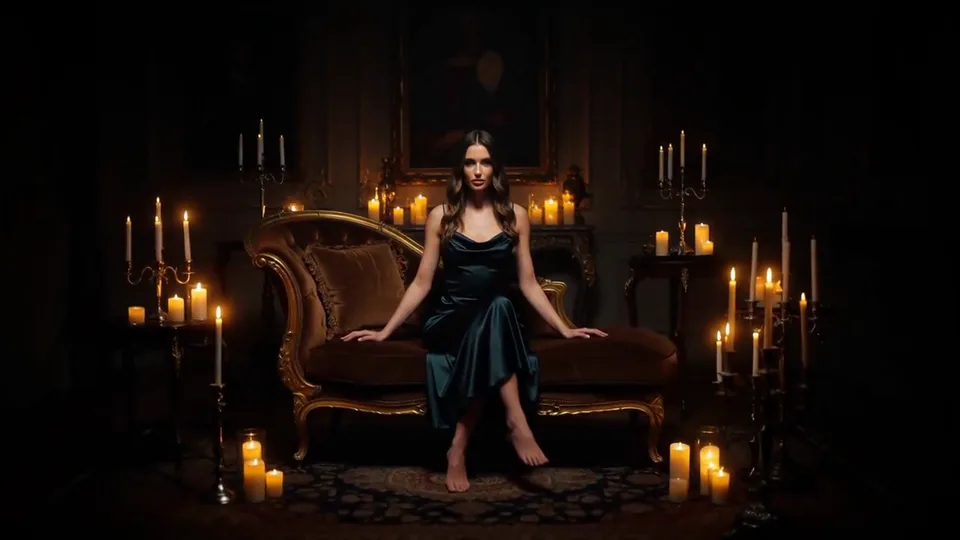 Candles Come Alive
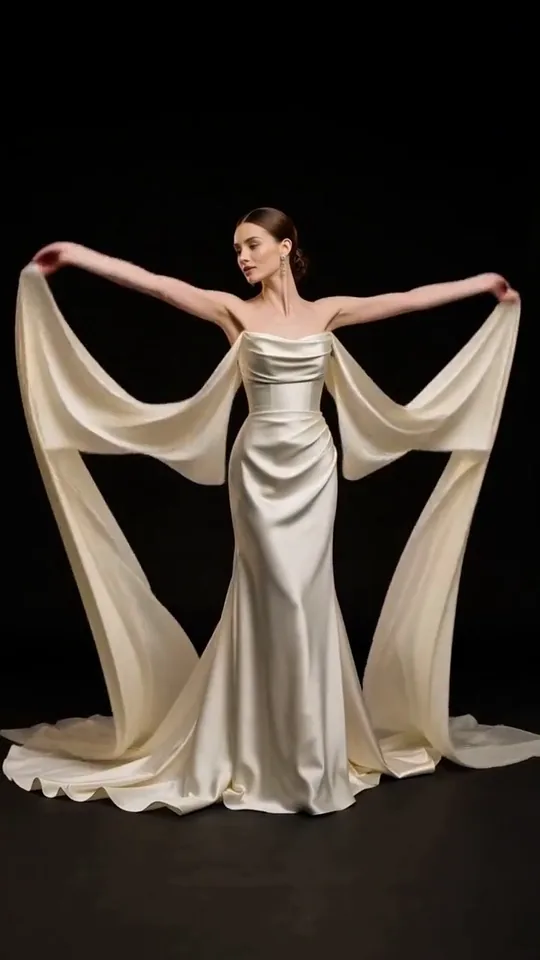 Silk Drift
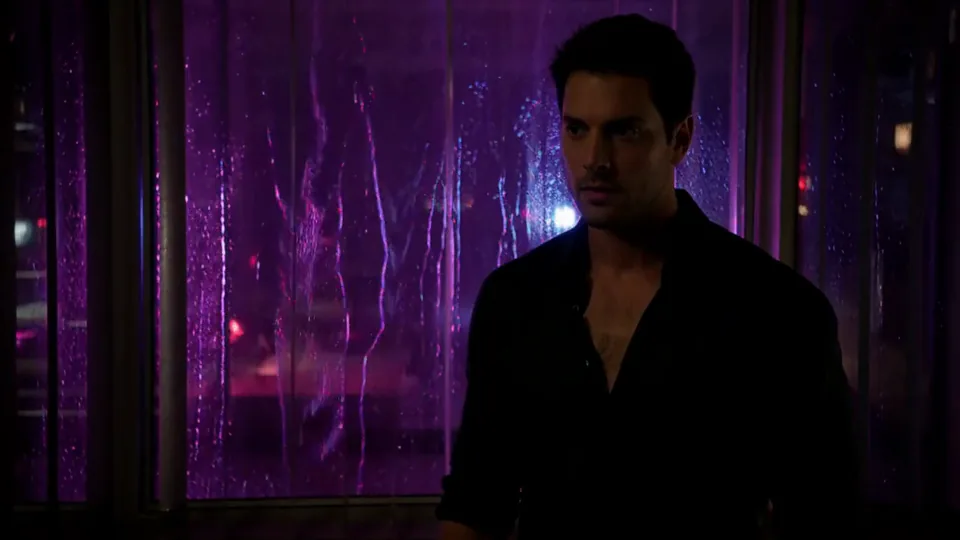 Neon After Hours
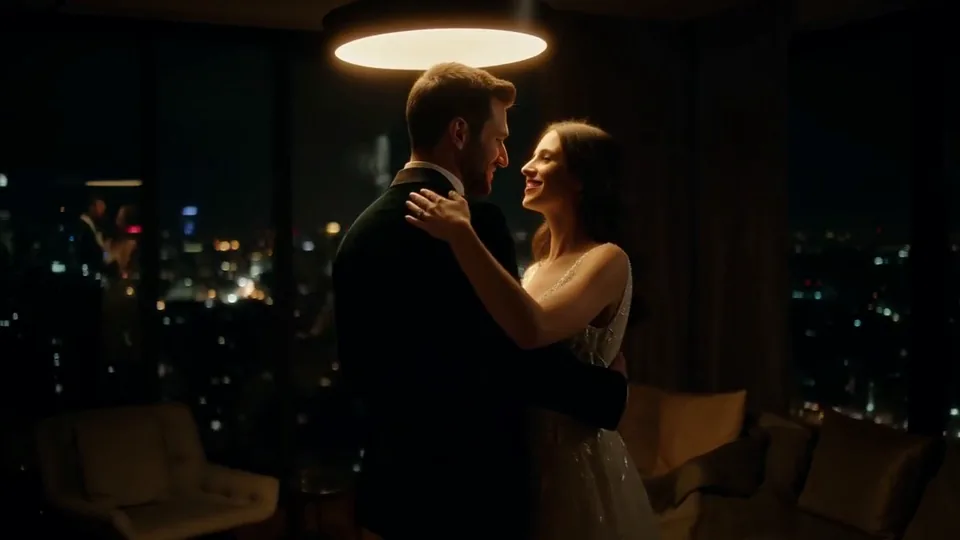 Sway Under the Lamp
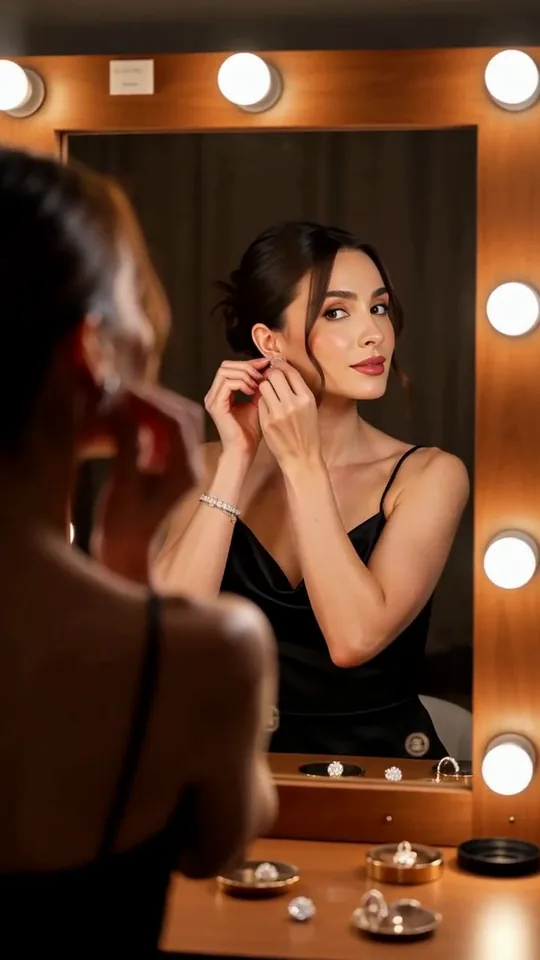 Mirror Moment
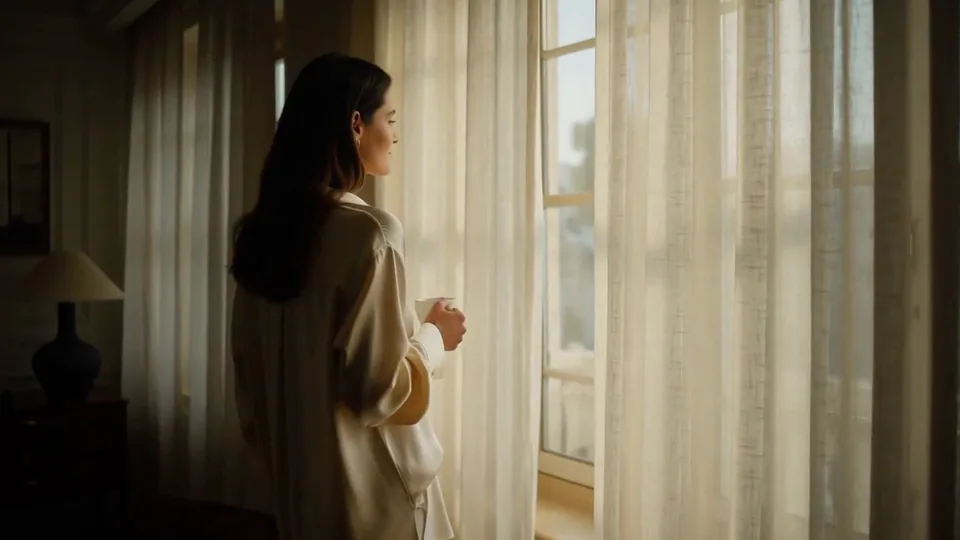 Morning Light
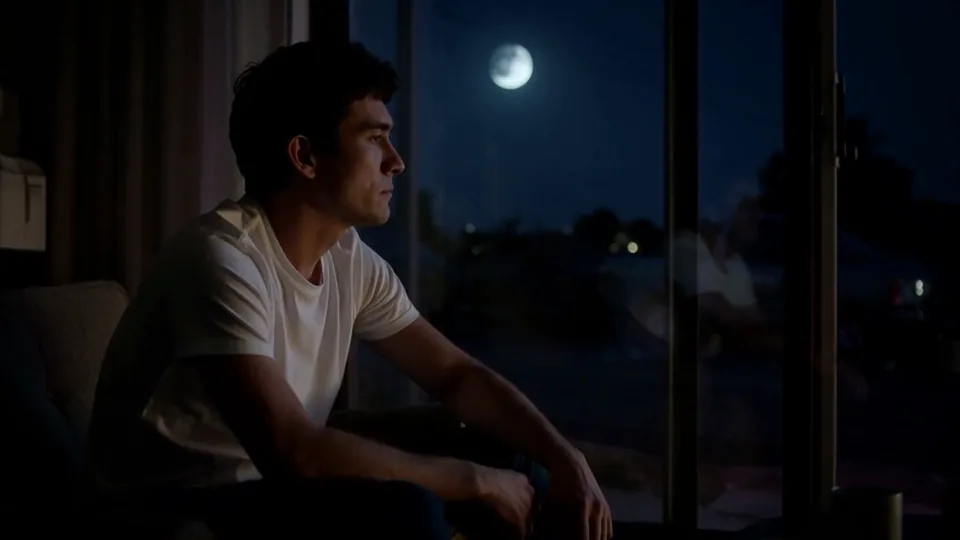 Passing Headlights
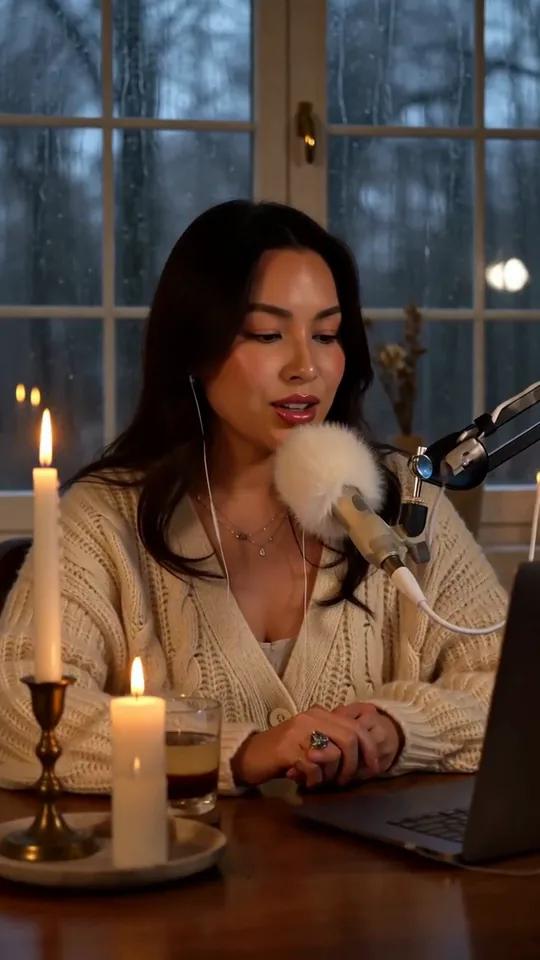 Whisper Session
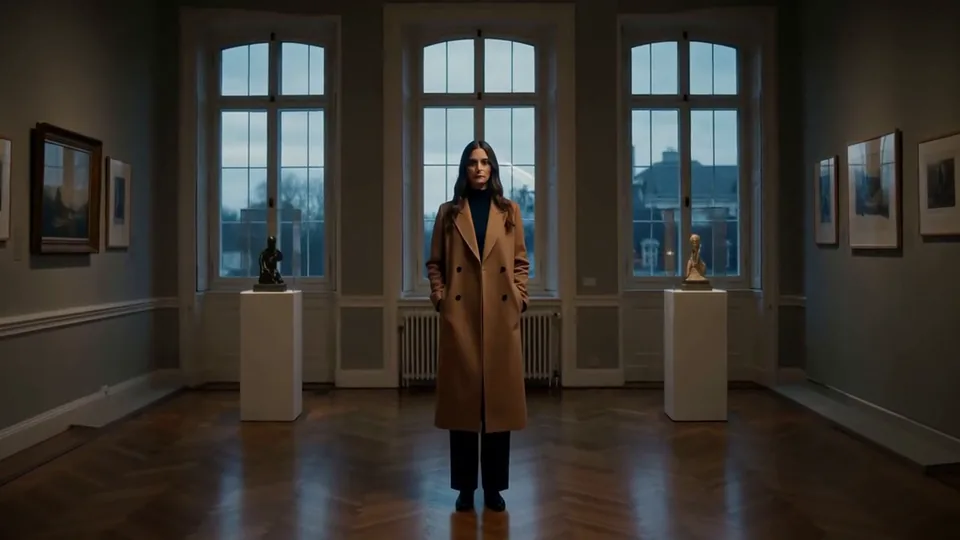 Slow Push-In
 Half Orbit
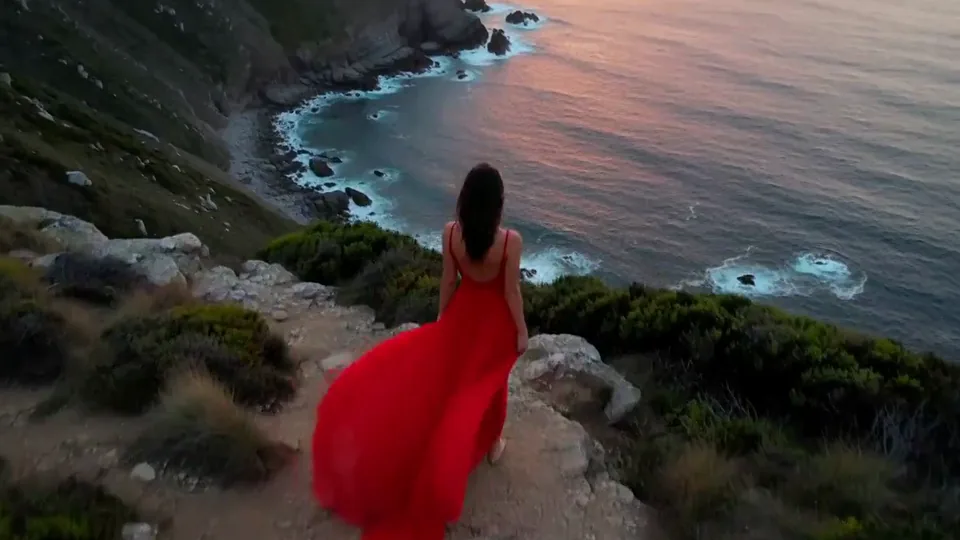 Drone Rise
This effect writes the prompt for you. Add one image.
We never filter your prompt.
Your subject's outline bleeds like black ink dropped in water until the whole frame becomes a flowing ink painting.
- Model
- MiniMax H3
- Length
- 5 s
- Resolution
- 768p
- Per run
- $0.185
- Type
- Transform
What this effect sends
This is the full prompt, word for word. Copy it, or open it in the generator and change anything you like.
The person's outline begins to bleed like black ink dropped into water. Ink blooms outward from their shoulders, hair and hands in billowing, swirling clouds, spreading across the background until the whole frame becomes a flowing black ink painting. By the final second the person is gone and only drifting ink clouds remain.Pictures that work best
- A light or neutral background shows the ink clouds most clearly.
- Hair and loose edges give the ink more to bloom from.
- Photos with strong contrast read best.
- Name a different ink color in the prompt if you want a colored painting.


Models this effect runs on
The same prompt on different models. Pick by look and by price.
- MiniMax H3$0.185 per run
5 s · 768p
- Seedance 2.0 Fast$0.484 per run
5 s · 720p
- Kling 3.0$0.336 per run
5 s · 720p
- Seedance 2.0$0.76 per run
5 s · 720p
- Wan 3.0$0.45 per run
5 s · 720p
- Vidu Q3 Turbo$0.33 per run
5 s · 720p
- MiniMax H3 Max$0.4 per run
5 s · 768p
- Kling 2.5 Turbo$0.28 per run
5 s
- Wan 2.6 Flash$0.113 per run
5 s · 720p
- Seedance 2.0 Mini$0.265 per run
5 s · 720p
How it works
- 01
Add one photo
Choose the photo to match the example: include both people for a shared gesture, and keep the face and any hands involved clearly visible. Upload your own photo or start with a Ink Bleed sample.
- 02
Check the price
Ink Bleed defaults to a 5-second clip for $0.185. Swap the model or change the length and resolution before you run — the price on the button updates to match, and that's the whole cost of the clip.
- 03
Generate
Your Ink Bleed clip renders in the background, lands in History and is never published.
Do the move yourself
Ink Bleed keeps one version of this shot. To give Ink Bleed your own motion or ending, write it yourself in Image to Video, starting from the prompt above.
What it does to your photo
The person's outline begins to bleed like black ink dropped into water. Ink blooms outward from the shoulders, hair and hands in billowing, swirling clouds. It spreads across the background until the whole frame becomes a flowing black ink painting. By the final second the person is gone and only drifting ink clouds remain.
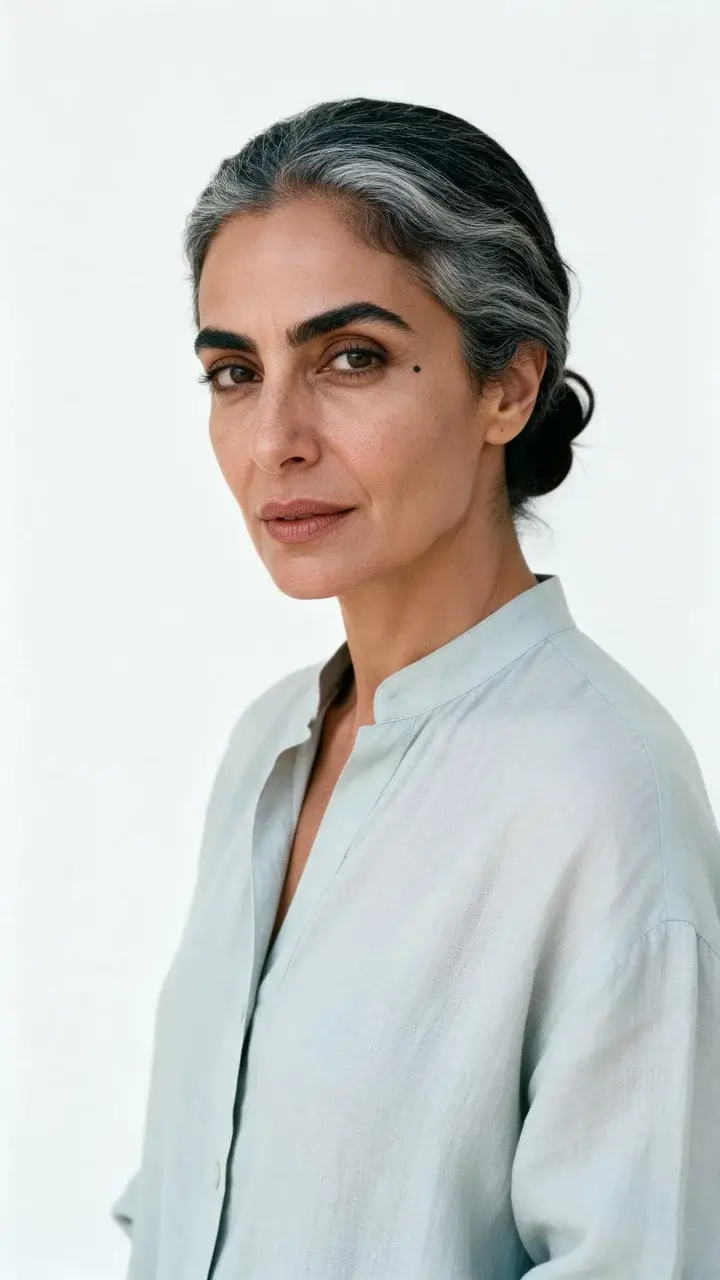
In our test runs on MiniMax H3, a young man with messy black hair in a white shirt against a white backdrop began bleeding black ink from his hair and shoulders within the first second, the ink billowed outward like drops in water to fill the frame by second three, and by the end he was gone, leaving only a swirling black ink painting. In a second run, a silver-haired woman in a pale blue linen shirt in a white studio sprouted black ink clouds from her shoulders within a second, was streaked with ink across face and shirt by second three, and dissolved into a frame of swirling black ink by the end. In a third run, a bearded man in round glasses and a cream cable-knit sweater in a white studio had black ink blooming from his head and shoulders within half a second, was wrapped in ink clouds by second three, and was gone into a frame of drifting black ink by the end.
Works best on a high-contrast photo with a clearly outlined subject, because the ink spreads from the edges. Light, plain backgrounds make the black ink most visible. The person is entirely replaced by ink in the end, so it is a dissolve and not a transformation that keeps their likeness.
It runs on MiniMax H3 for five seconds by default, and H3 itself goes up to 15 seconds and 2K if you want more. Studio also lets you move the same prompt to another model before you generate, such as Seedance 2.0 or Wan 3.0, and the price on the Generate button updates with every change. Our samples were all made on MiniMax H3, so other models will read the prompt in their own way.
Good for artistic intros, poetic transitions and moody edits. It pairs well with minimal or monochrome styles.
Change "black ink" to "deep blue ink" for a colored version, or change "flowing black ink painting" to "flowing watercolor painting" for a softer finish.