After Dark
 Laser Room
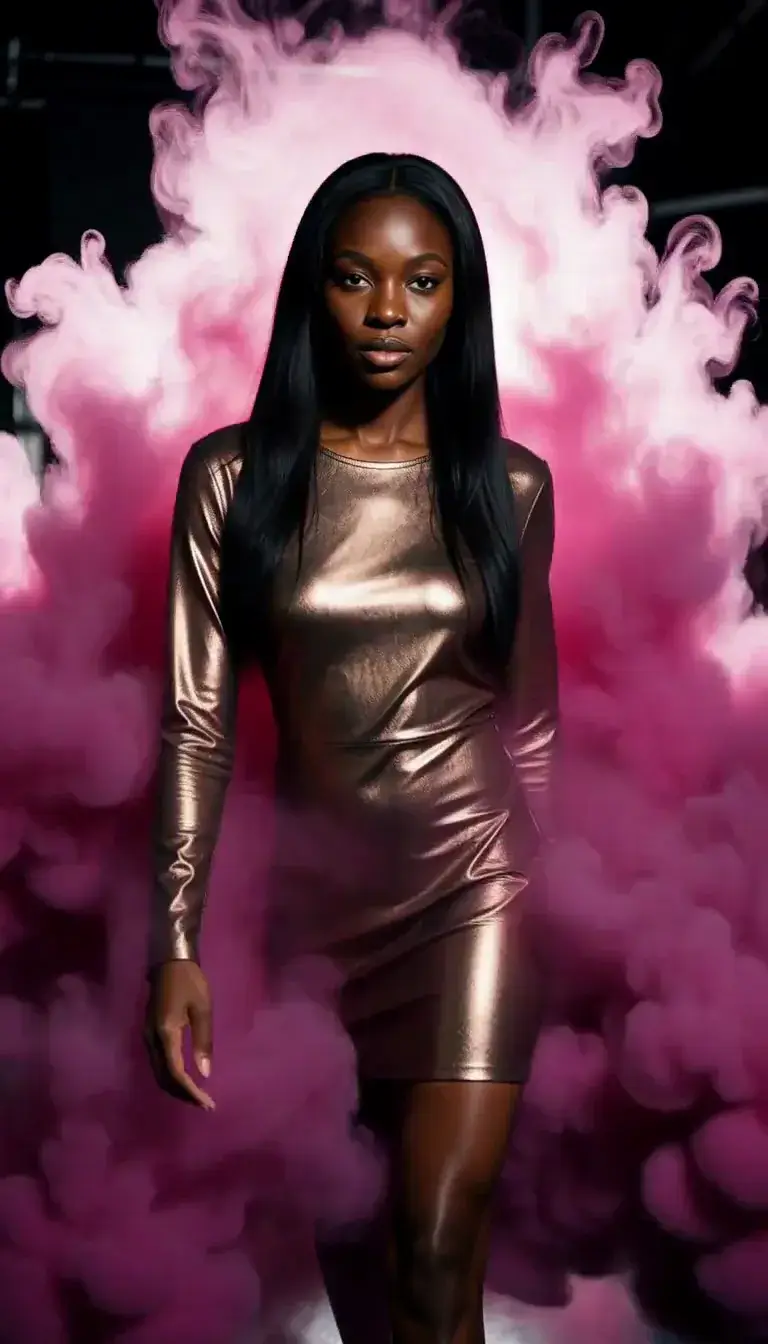 Color Smoke
 Silk Drop
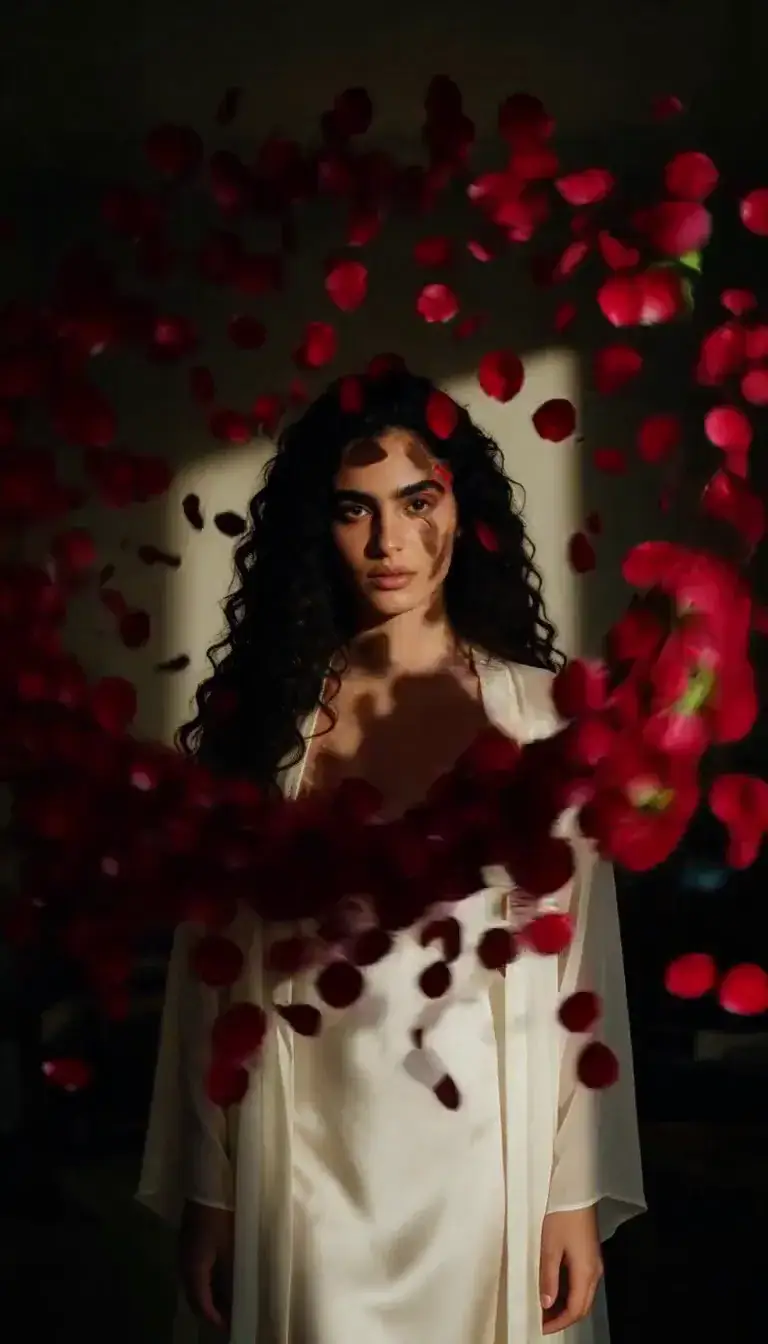 Petal Storm
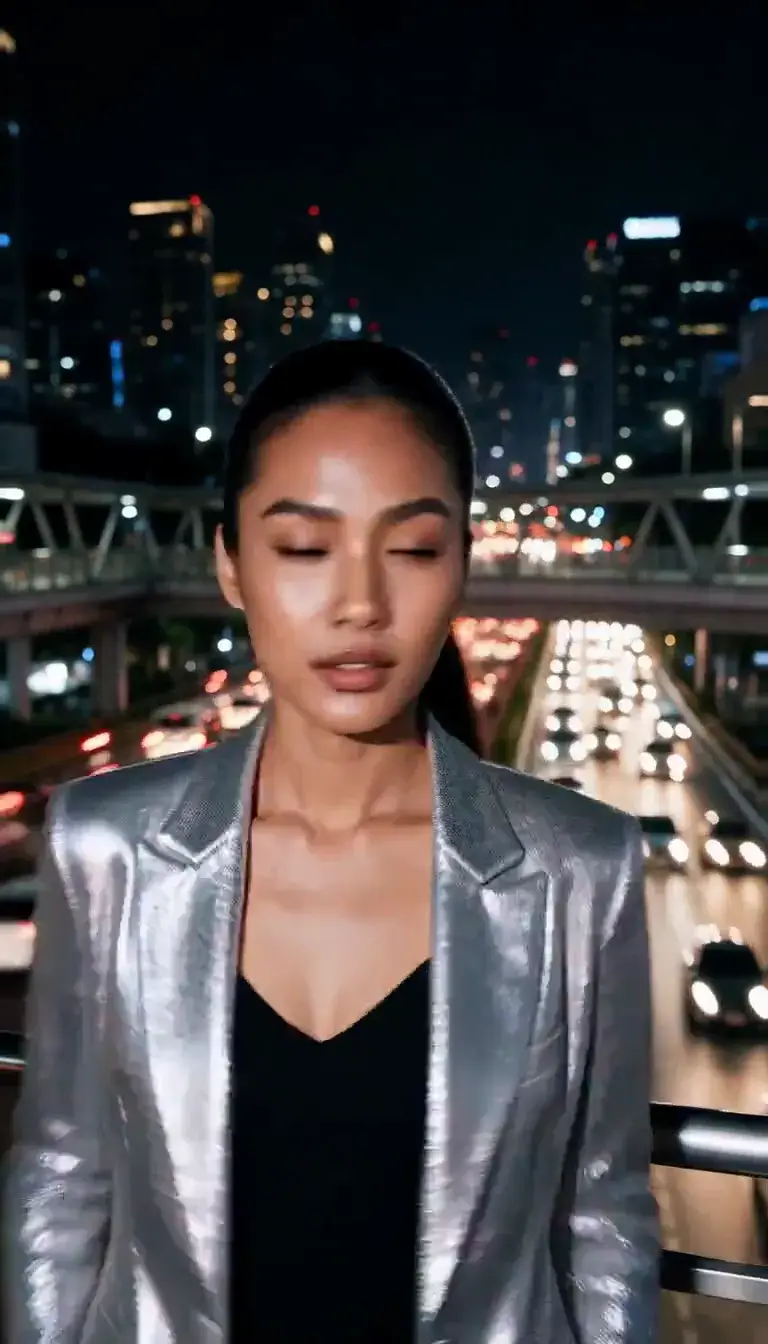 Slow Shutter
 Candlelight
 Behind the Hair
 Call Me
 Champagne Toast
 Darkroom Red
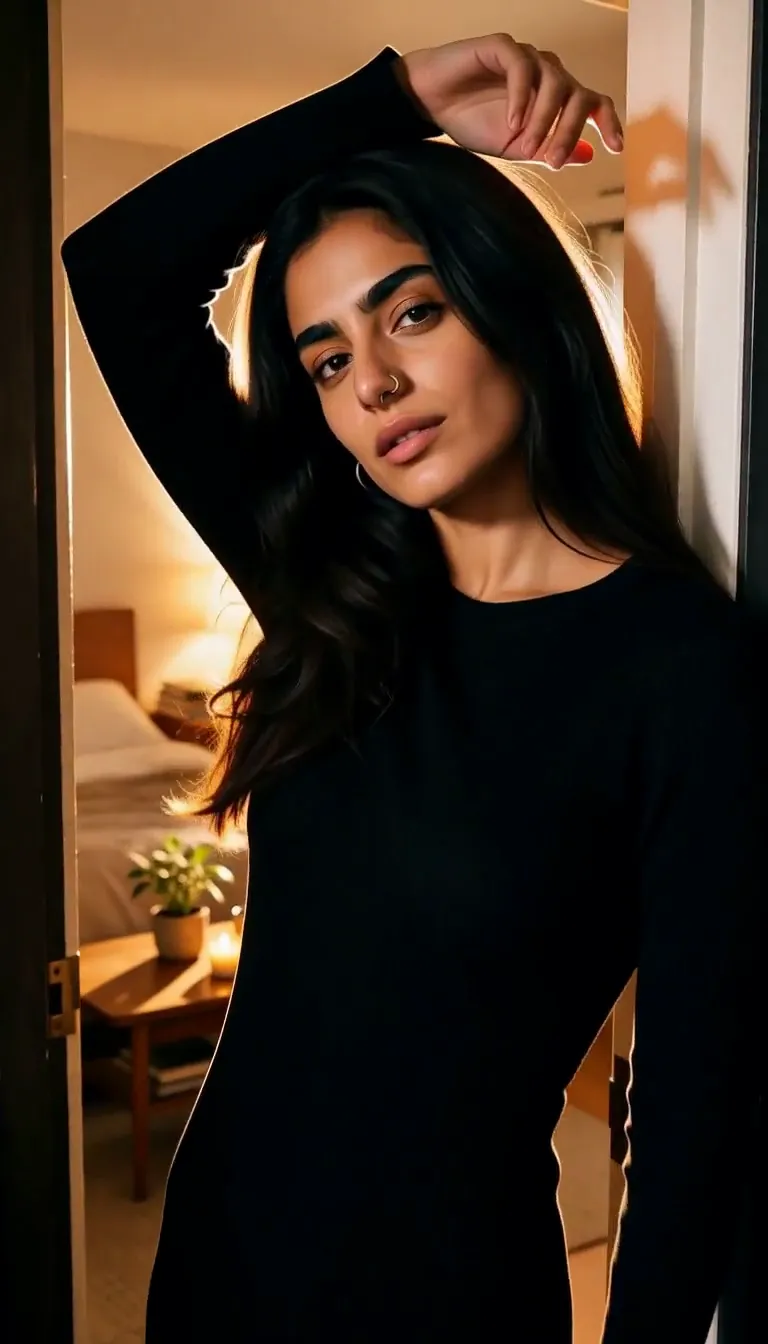 Doorway Lean
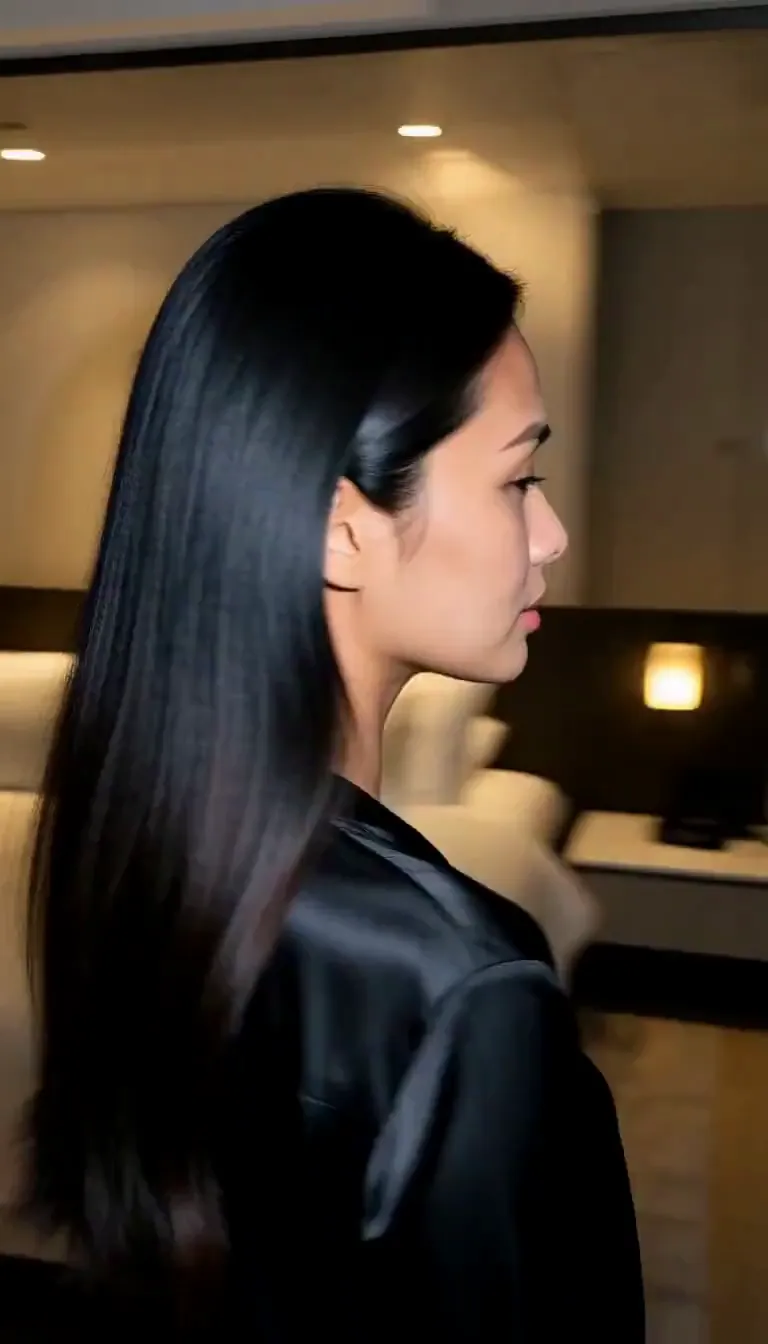 Eyes on You
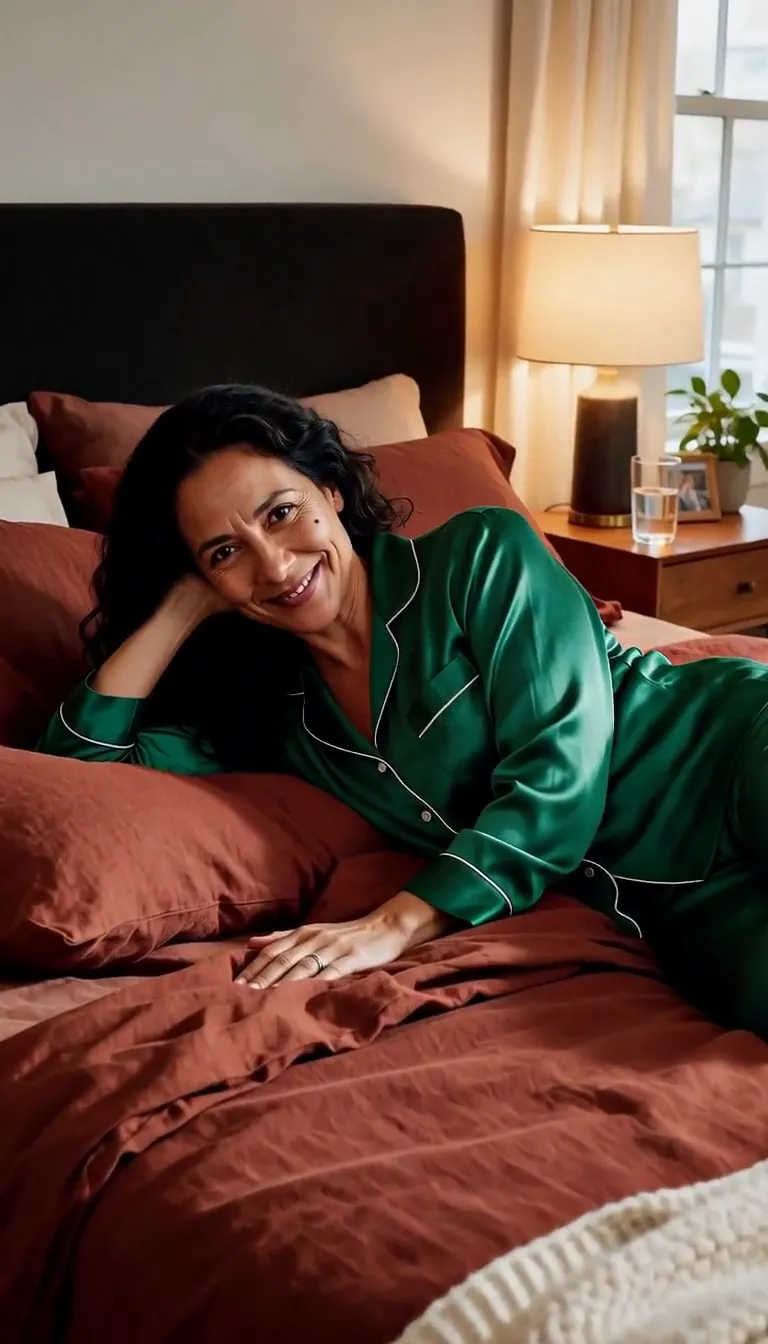 Join Me
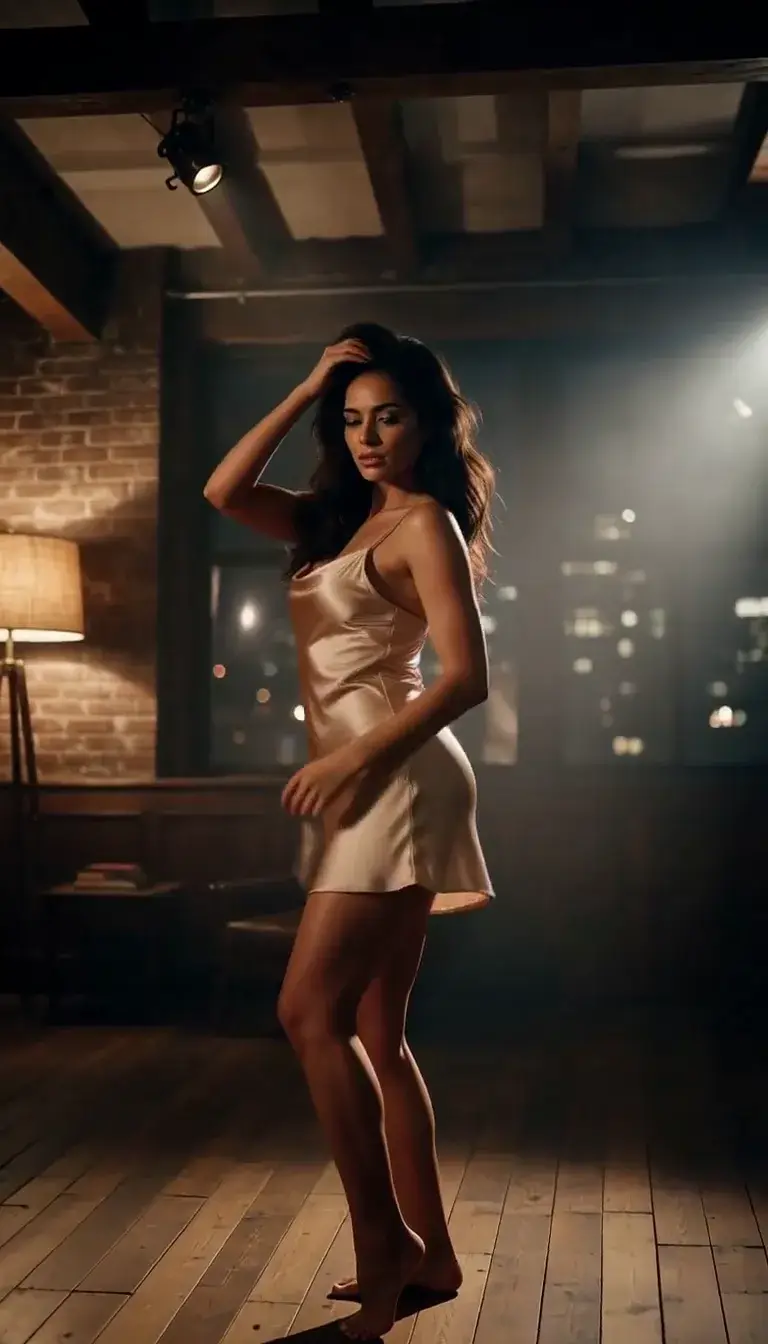 Late-Night Dance
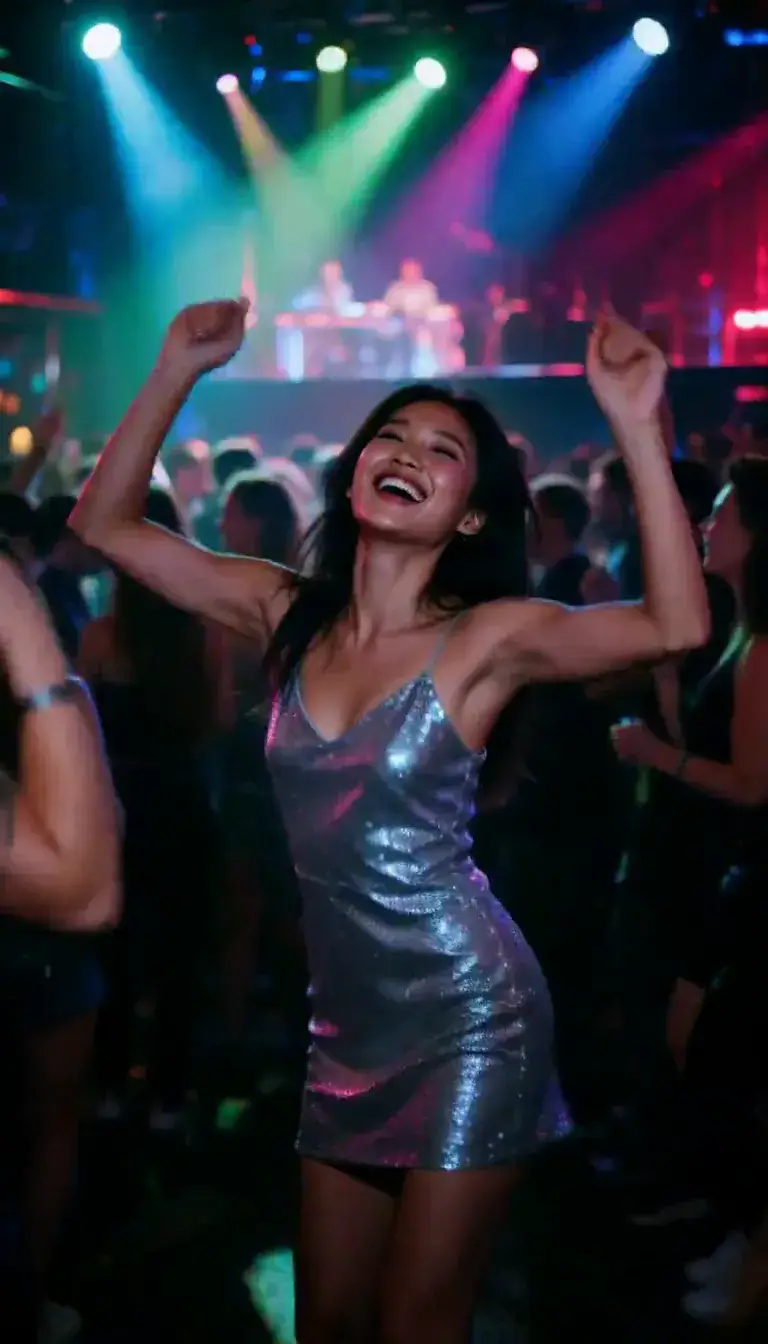 Club Strobe
Romance
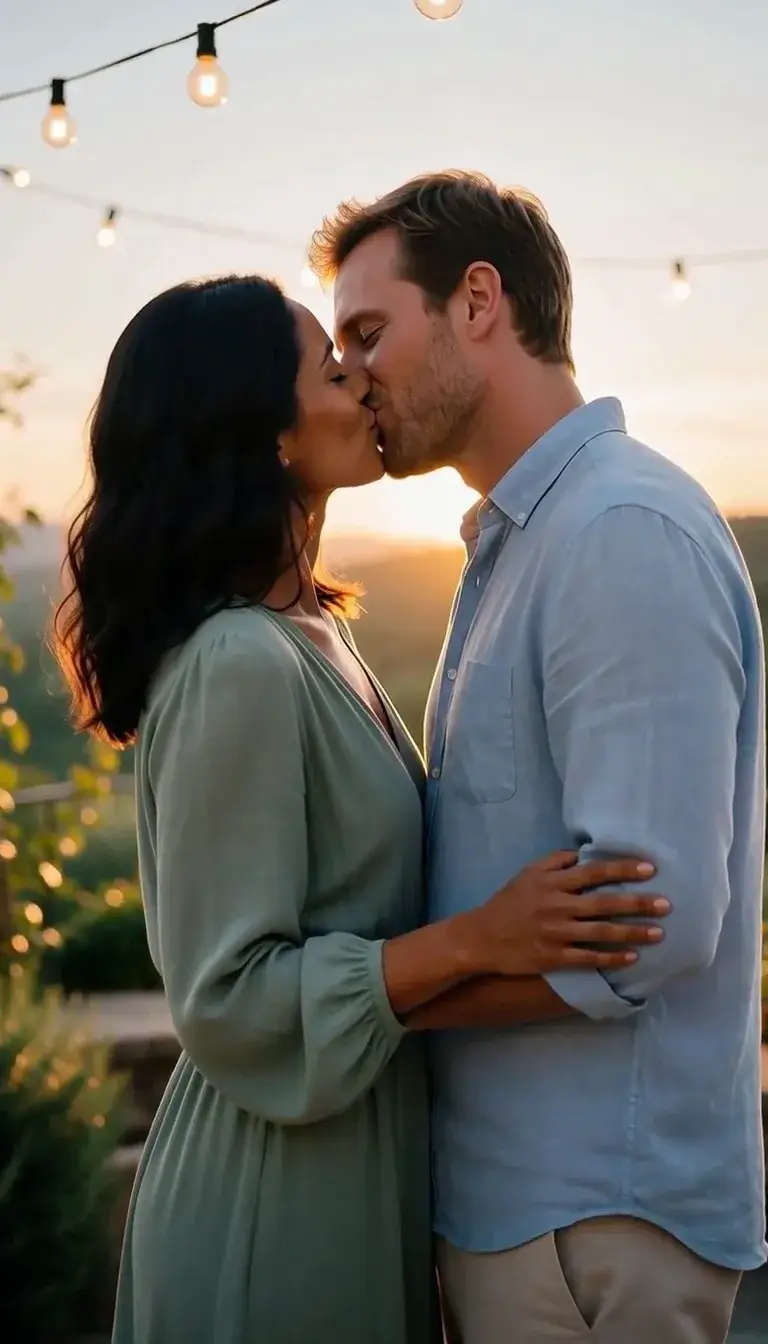 Kiss
KissCamera moves
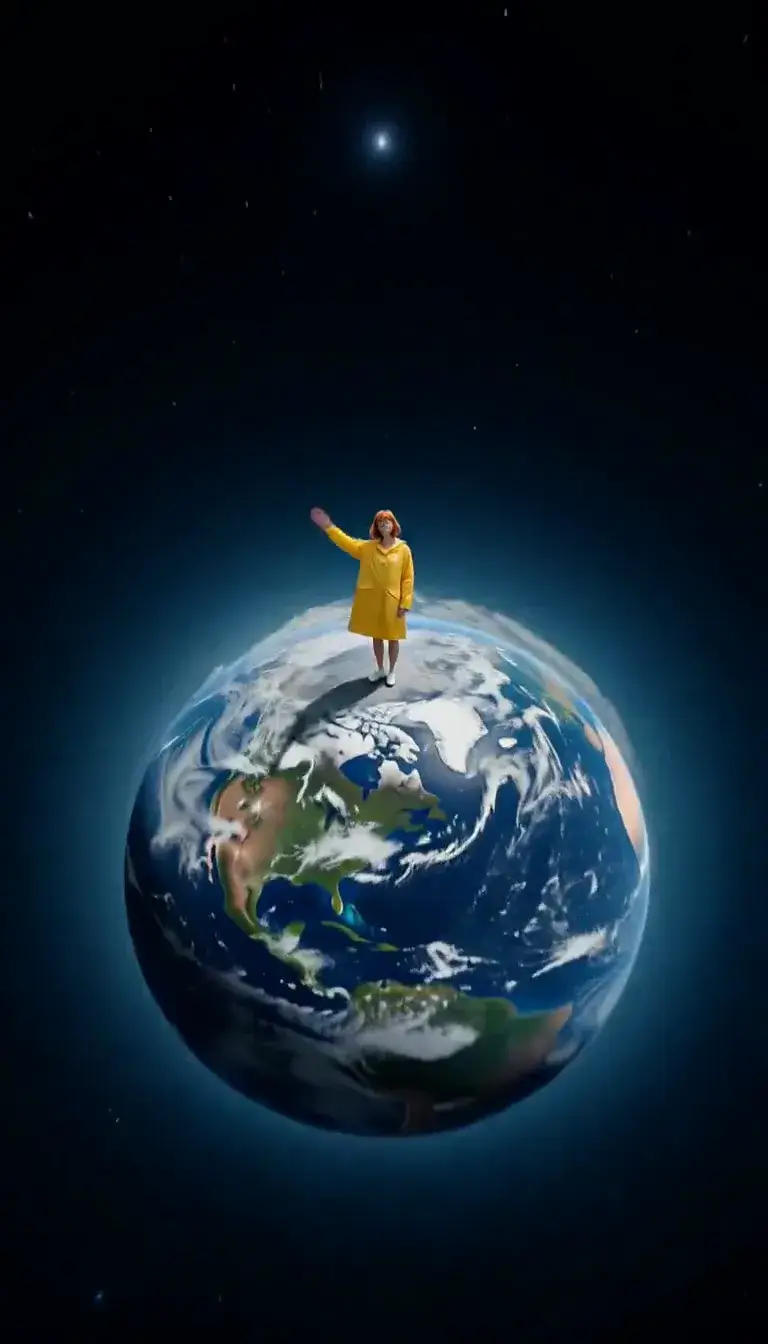 Tiny Planet
Transform
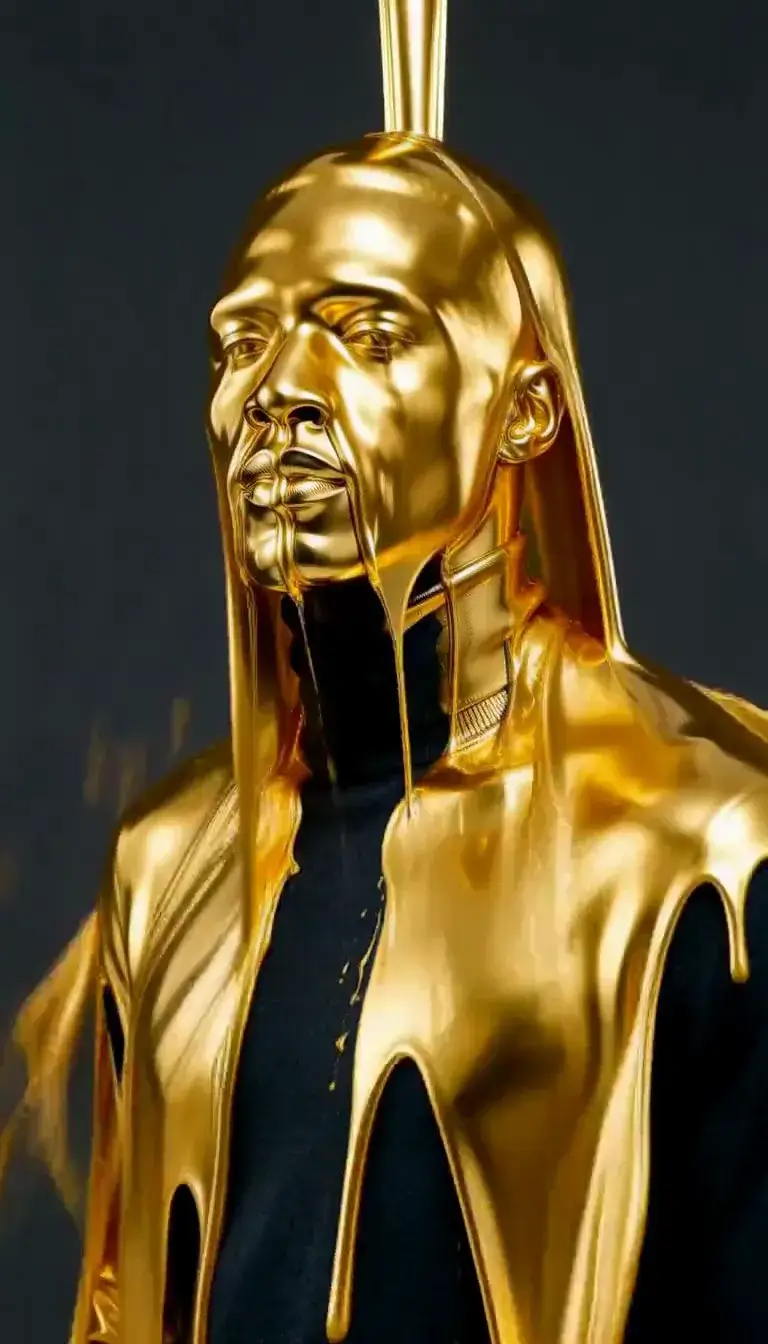 Molten Gold
 Levitate
Fashion
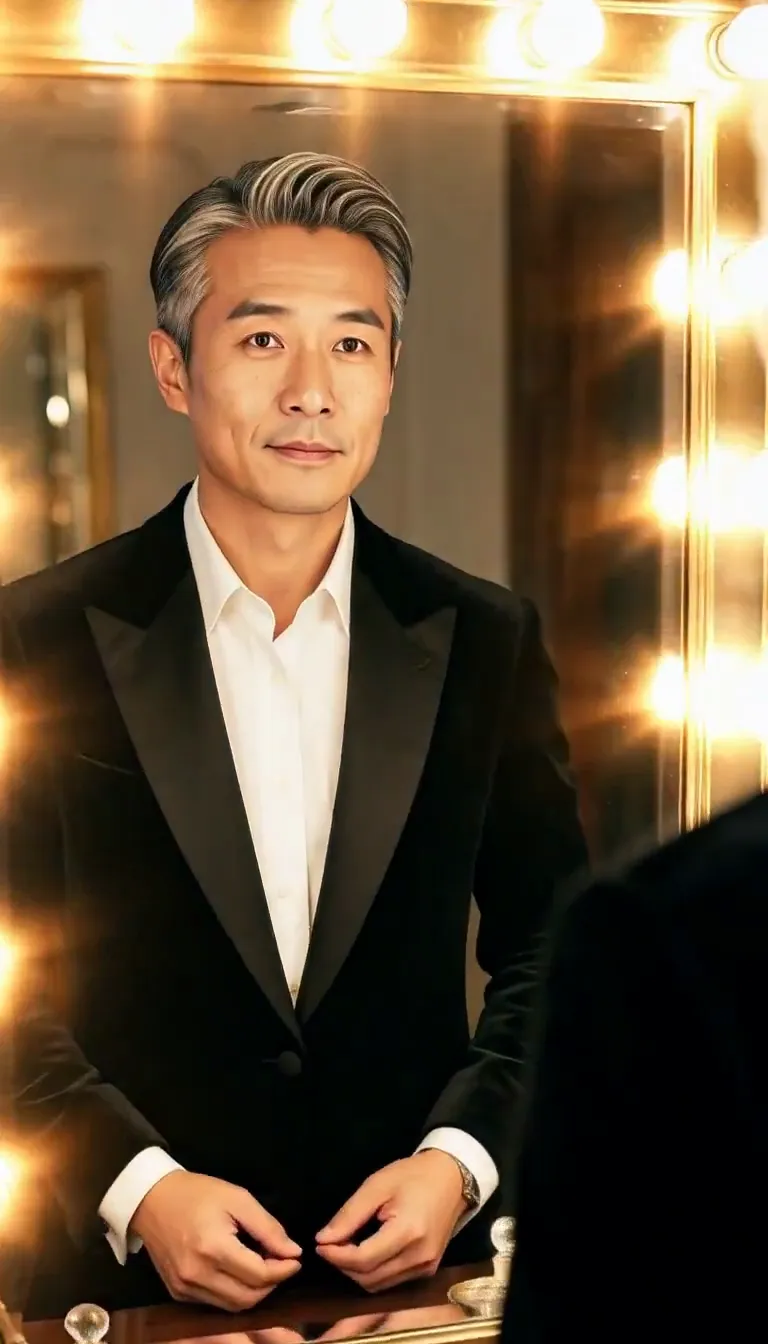 Mirror Glance
Atmosphere
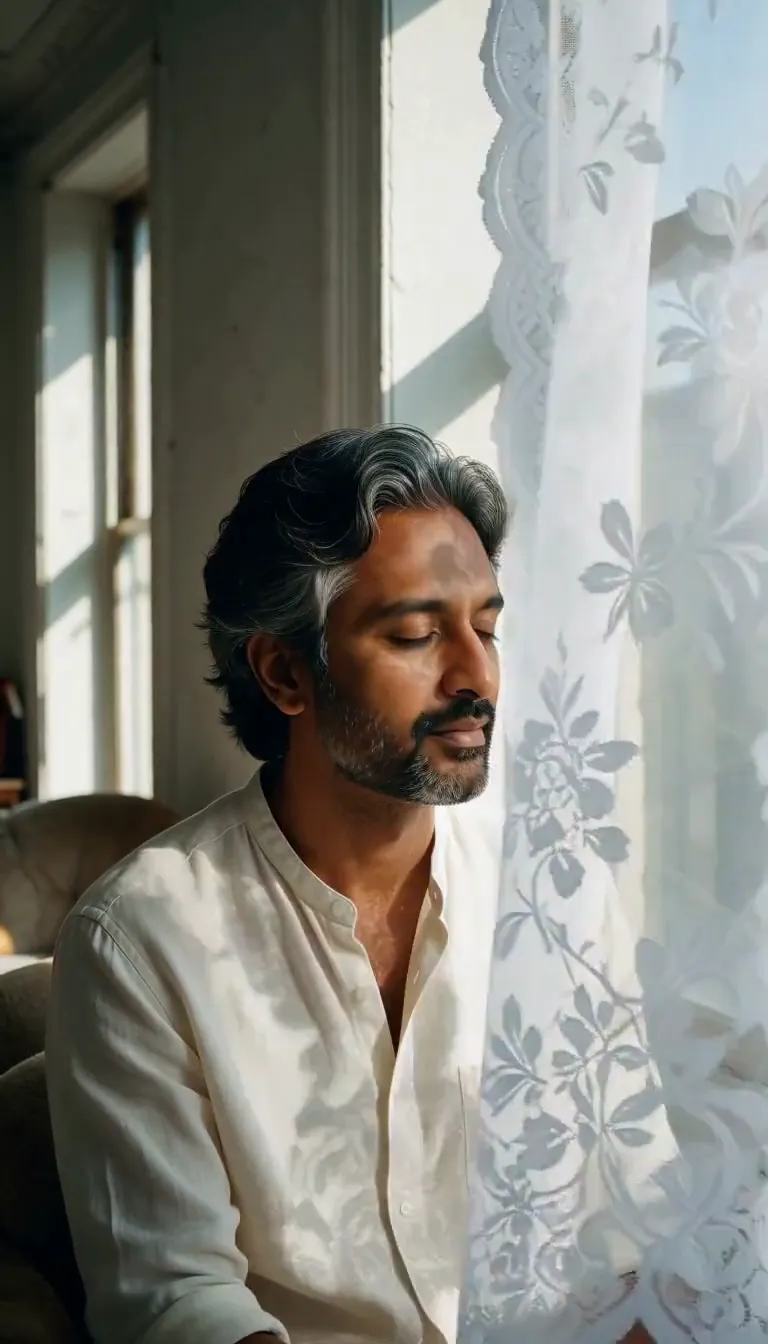 Lace Shadows
Motion
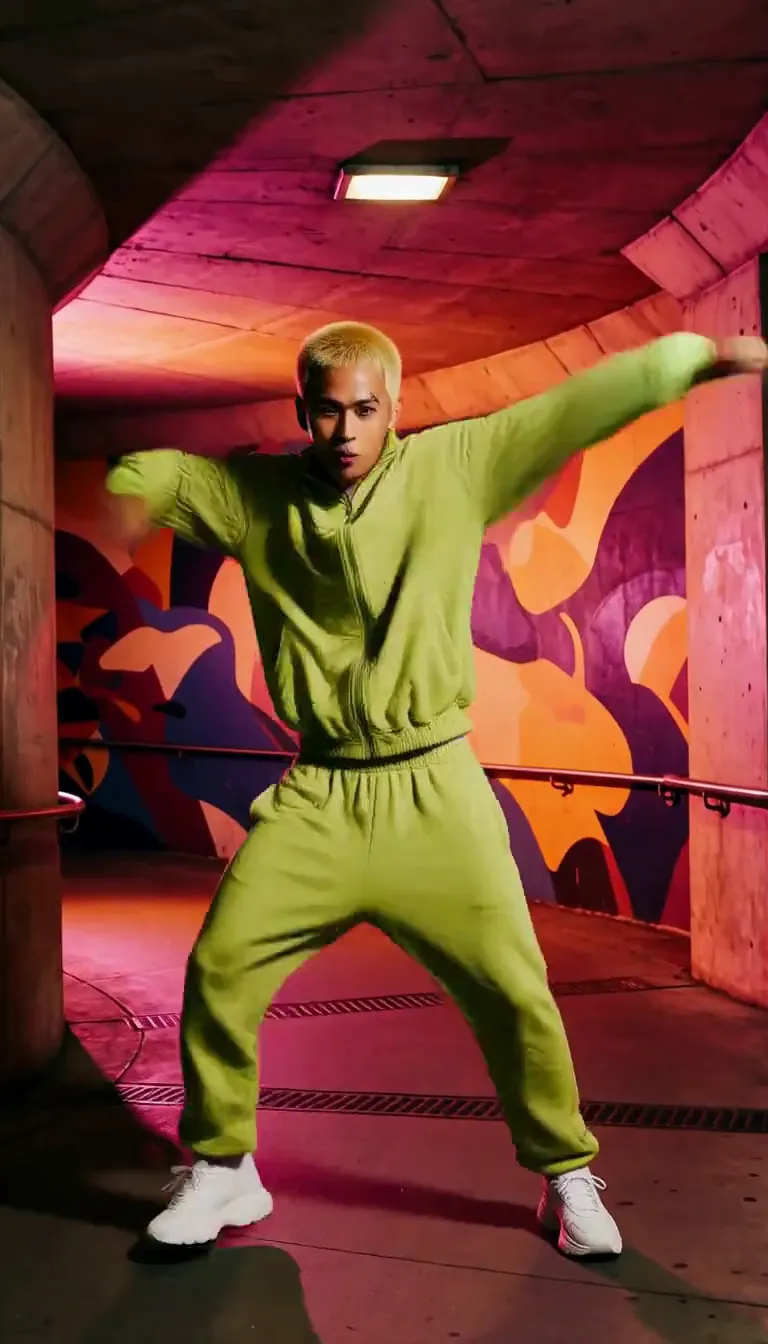 Groove
Fun
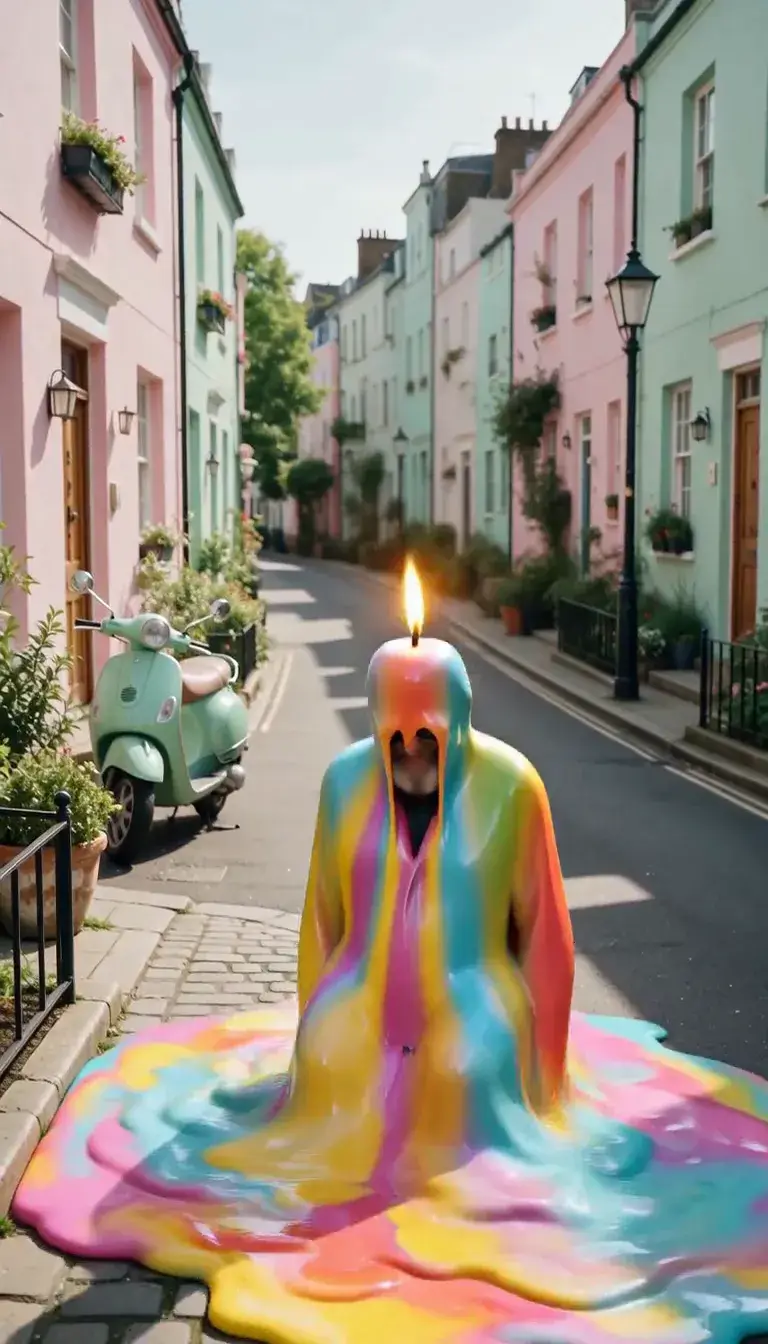 Meltdown
Product
 Ingredients Burst
Film looks
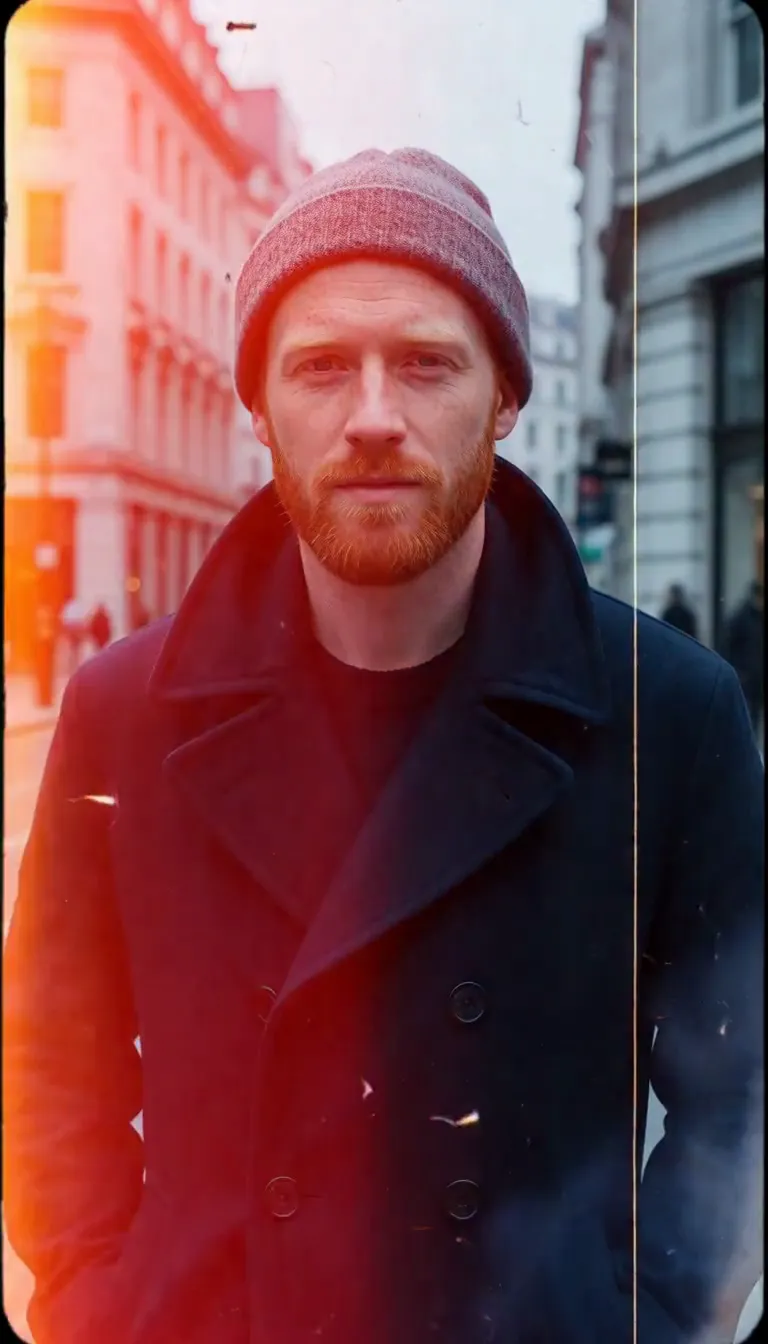 Film Burn
Video templates
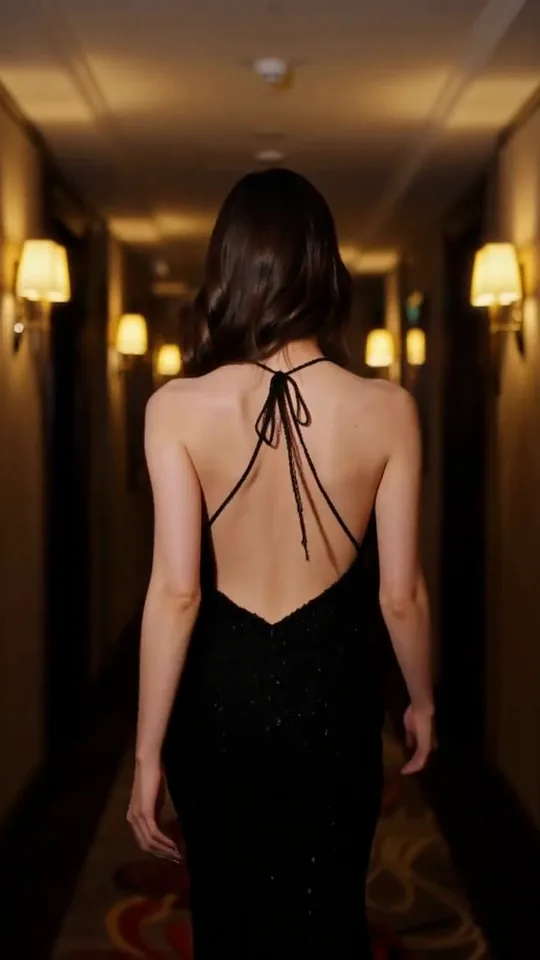 The Glance Back
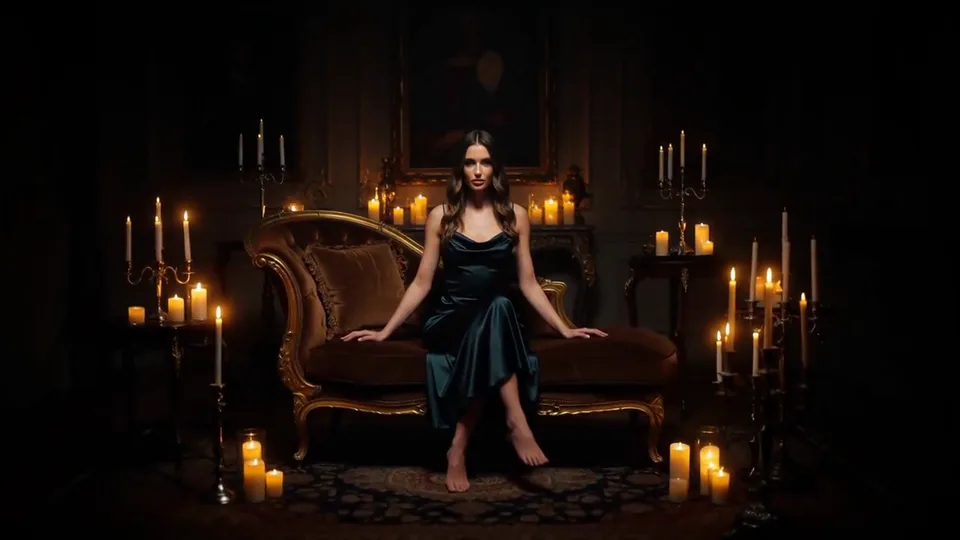 Candles Come Alive
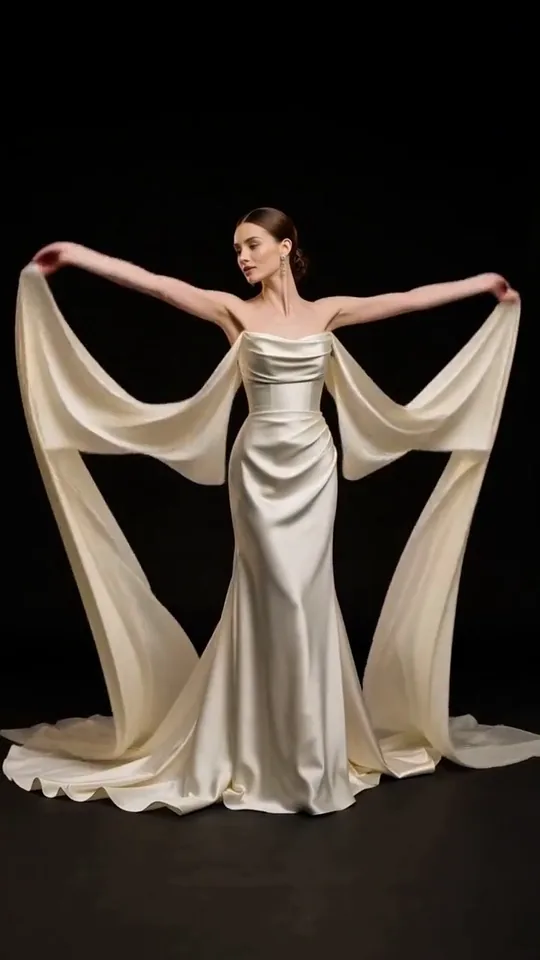 Silk Drift
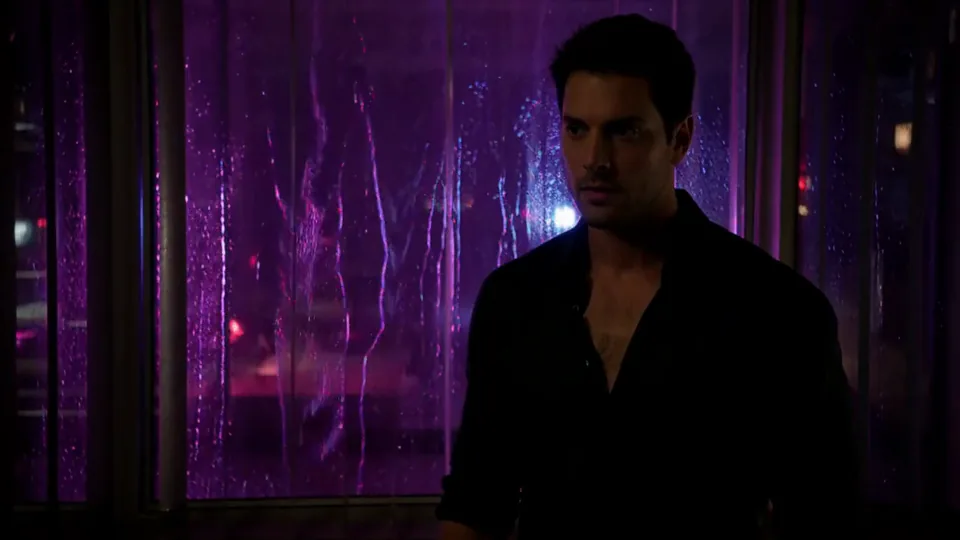 Neon After Hours
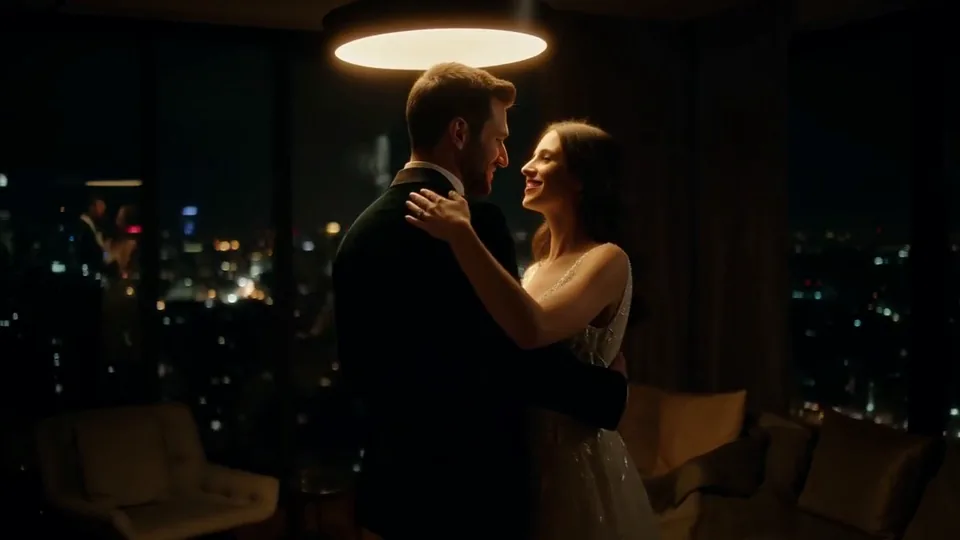 Sway Under the Lamp
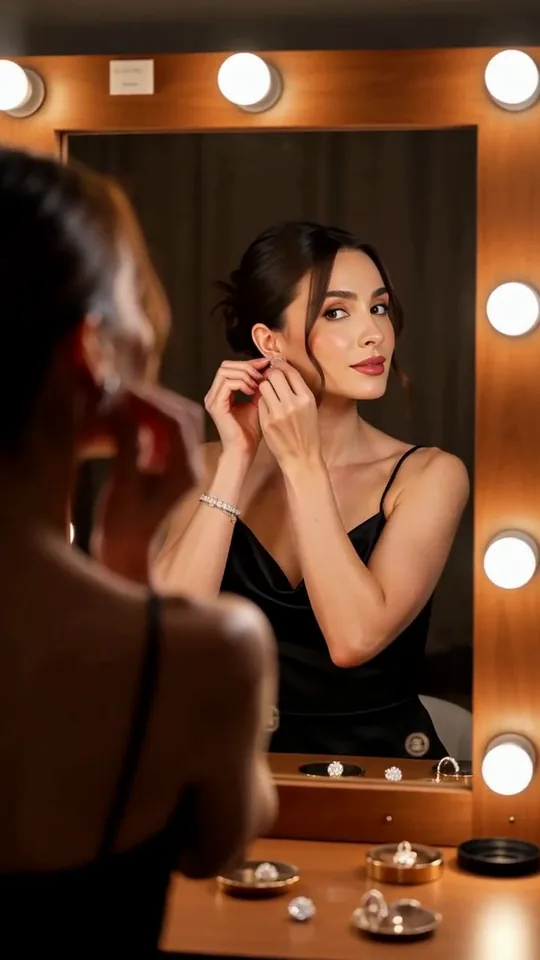 Mirror Moment
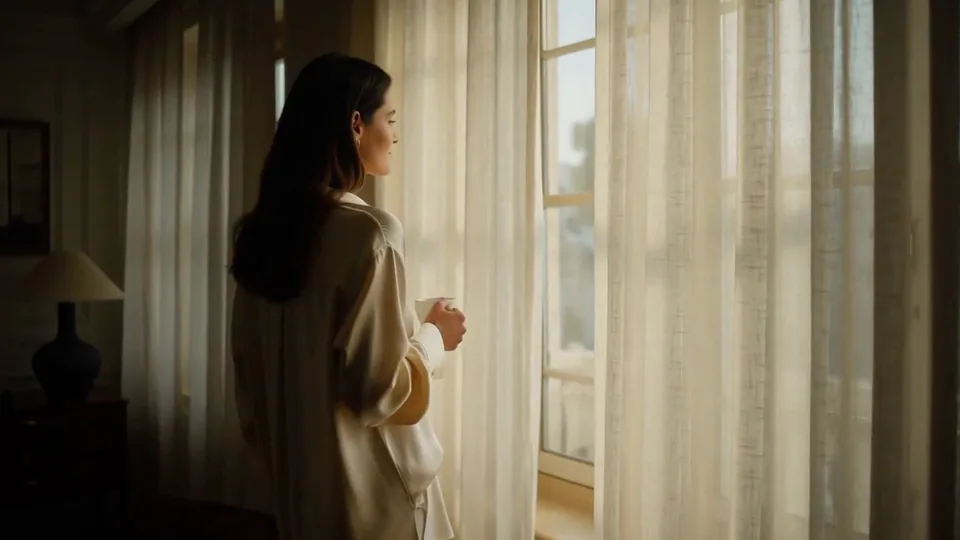 Morning Light
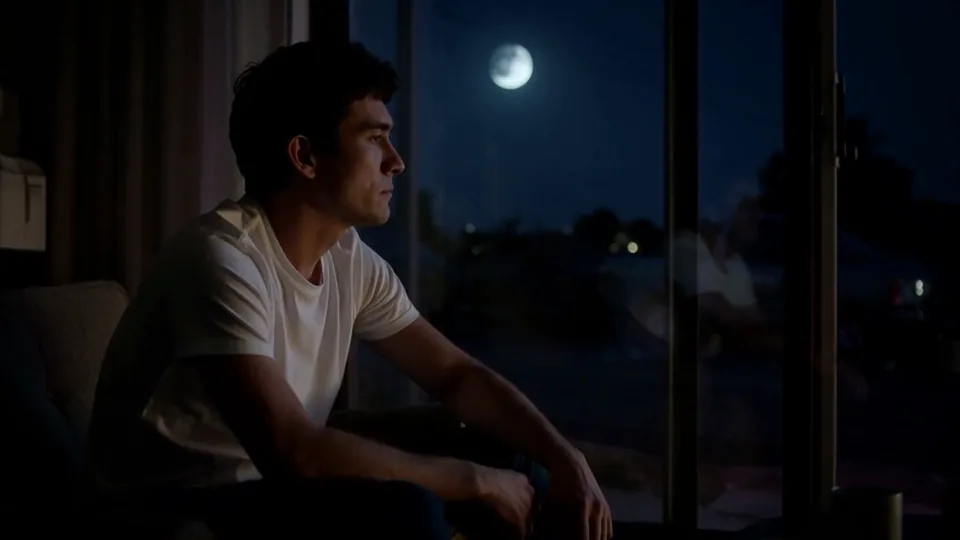 Passing Headlights
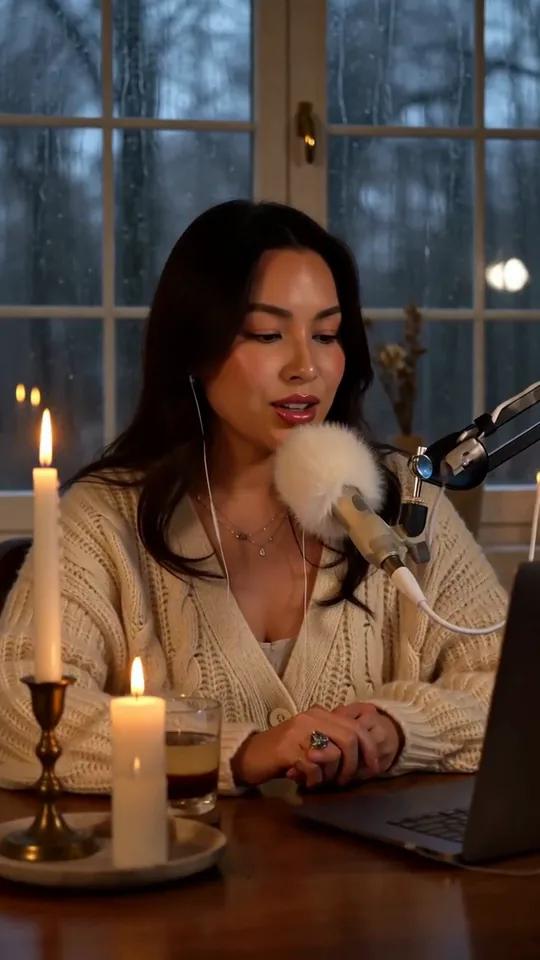 Whisper Session
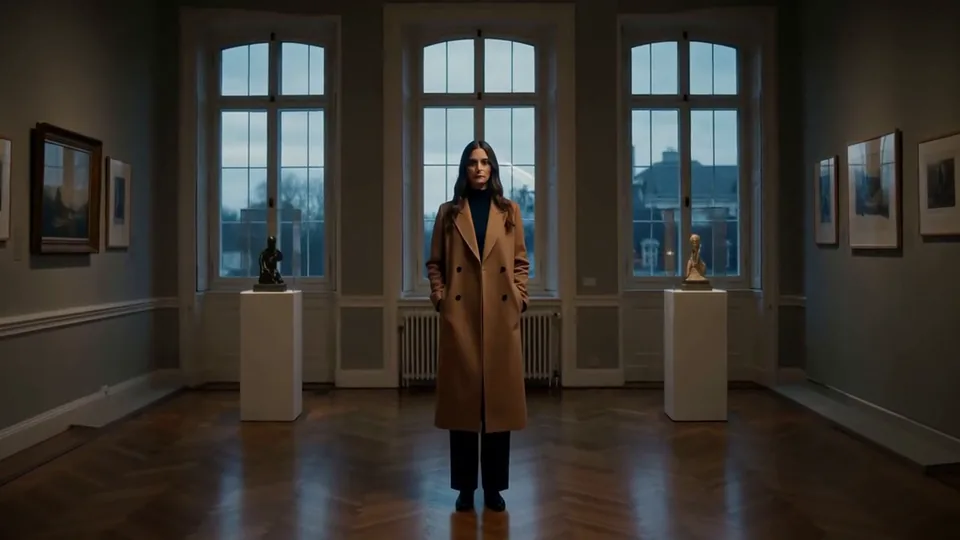 Slow Push-In
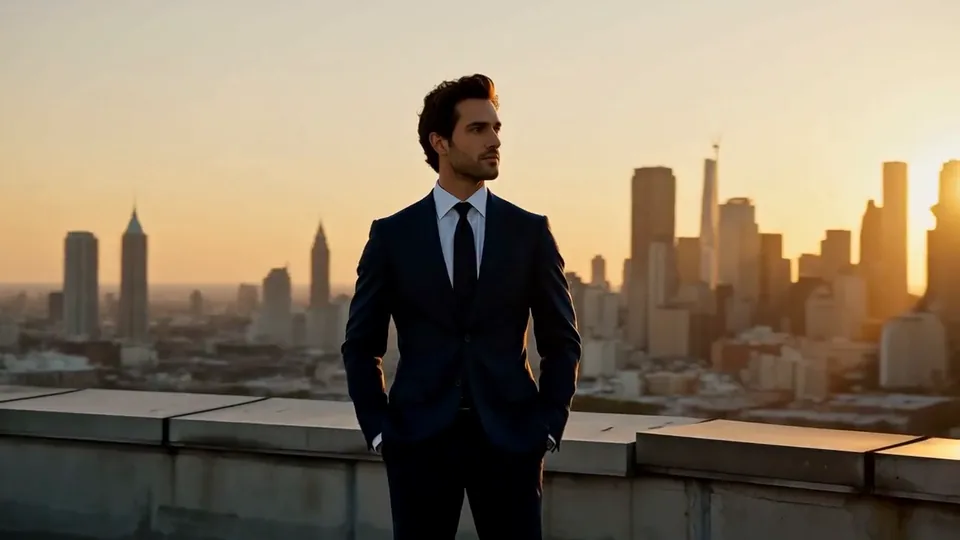 Half Orbit
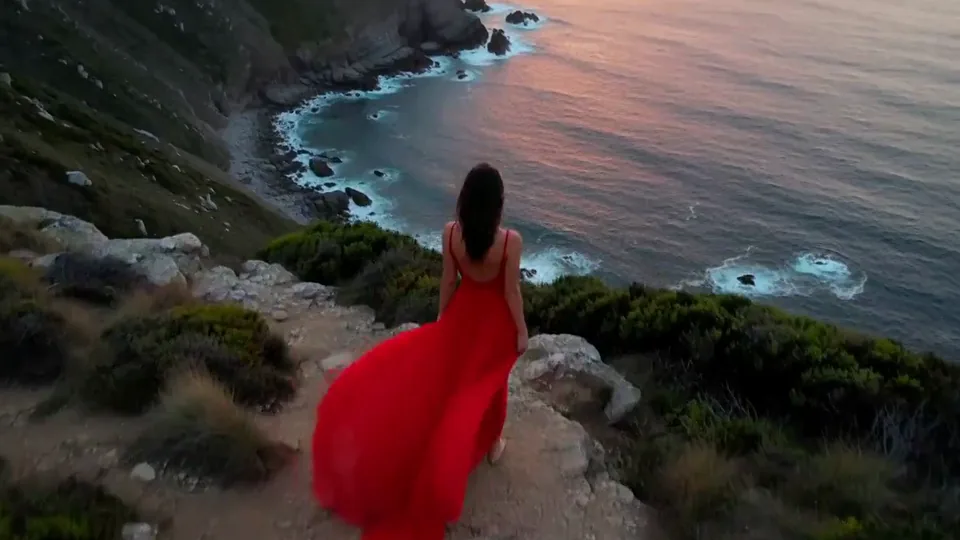 Drone Rise
This effect writes the prompt for you. Add one image.
We never filter your prompt.
Gravity switches off: your subject and every loose object around them drift upward while their hair floats as if underwater.
- Model
- MiniMax H3
- Length
- 5 s
- Resolution
- 768p
- Per run
- $0.185
- Type
- Transform
What this effect sends
This is the full prompt, word for word. Copy it, or open it in the generator and change anything you like.
Gravity switches off. The person rises off the ground along with every loose object around them, all drifting upward and turning in midair. Their hair floats as if underwater. The camera circles around them as they hang weightless in the center, smiling into the lens. The person stays exactly as they appear in the photo.Pictures that work best
- Leave empty space above the person so there is room to rise.
- Loose hair floats more visibly.
- Scenes with a few small objects around show off the weightless effect.
- If you want the camera to stay still, remove the circling from the prompt.

Models this effect runs on
The same prompt on different models. Pick by look and by price.
- MiniMax H3$0.185 per run
5 s · 768p
- Seedance 2.0 Fast$0.484 per run
5 s · 720p
- Kling 3.0$0.336 per run
5 s · 720p
- Seedance 2.0$0.76 per run
5 s · 720p
- Wan 3.0$0.45 per run
5 s · 720p
- Vidu Q3 Turbo$0.33 per run
5 s · 720p
- MiniMax H3 Max$0.4 per run
5 s · 768p
- Kling 2.5 Turbo$0.28 per run
5 s
- Wan 2.6 Flash$0.113 per run
5 s · 720p
- Seedance 2.0 Mini$0.265 per run
5 s · 720p
How it works
- 01
Add one photo
Choose the photo to match the example: include both people for a shared gesture, and keep the face and any hands involved clearly visible. Upload your own photo or start with a Levitate sample.
- 02
Check the price
Levitate defaults to a 5-second clip for $0.185. Swap the model or change the length and resolution before you run — the price on the button updates to match, and that's the whole cost of the clip.
- 03
Generate
Your Levitate clip renders in the background, lands in History and is never published.
Do the move yourself
Levitate keeps one version of this shot. To give Levitate your own motion or ending, write it yourself in Image to Video, starting from the prompt above.
What it does to your photo
Gravity switches off. The person rises off the ground along with every loose object around them, all drifting upward and turning in midair. Their hair floats as if underwater. The camera circles around them as they hang weightless in the center, smiling into the lens.
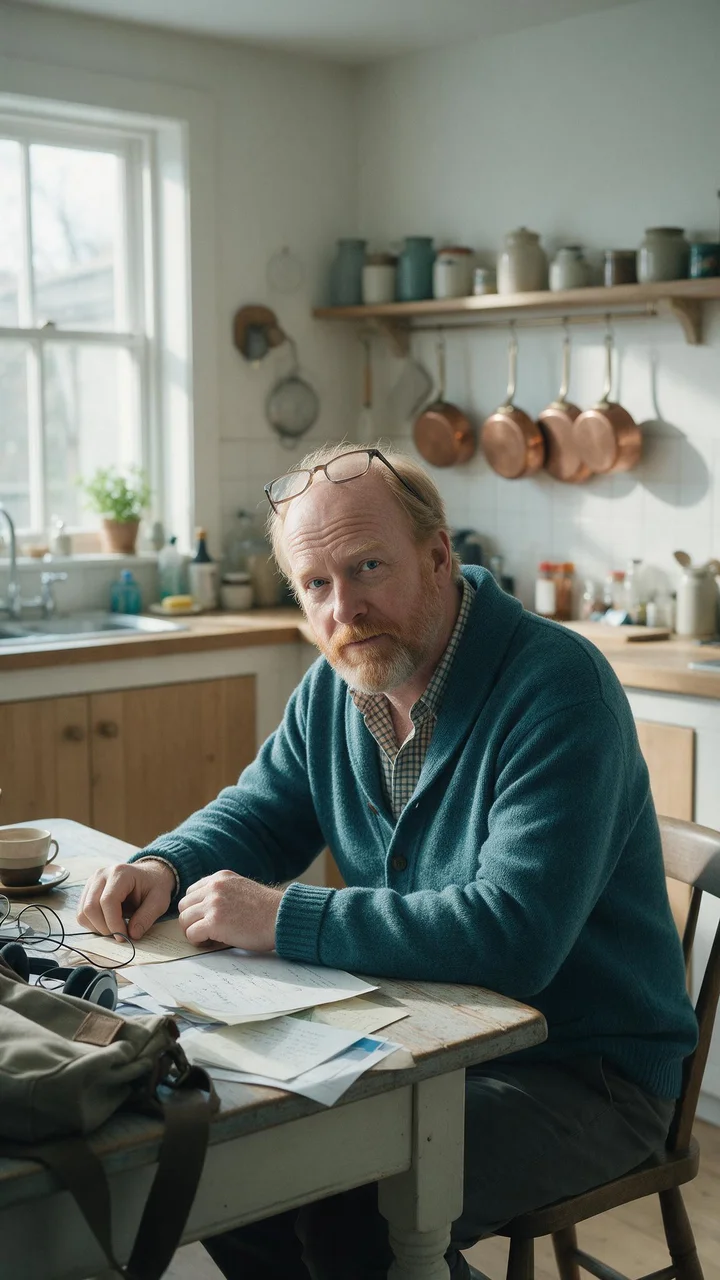
In our test runs on MiniMax H3, a woman with wavy shoulder-length hair in a lavender suit at her desk in a bright open-plan office floated up out of her chair from second two as headphones, coffee cups and papers drifted into the air, and ended hanging weightless mid-room with her arms out and hair floating, laughing at the lens. In a second run, a red-bearded man with glasses pushed up on his head, in a teal cardigan over a check shirt at a bright farmhouse kitchen table, saw his papers lift off at second one, rose out of his chair laughing by second two, and hung weightless mid-room by the end with his hair floating and pots, papers and a bag drifting around him.
Works best on a full-body or three-quarter photo of a person on the ground with some space around them and a few loose items in the scene, since the floating objects add to the effect. Loose hair floats most dramatically. Tight crops give less room to rise, and the model chooses which objects float, so results vary by scene.
It runs on MiniMax H3 for five seconds by default, and H3 itself goes up to 15 seconds and 2K if you want more. Studio also lets you move the same prompt to another model before you generate, such as Seedance 2.0 or Wan 3.0, and the price on the Generate button updates with every change. Our samples were all made on MiniMax H3, so other models will read the prompt in their own way.
Good for dreamy, playful and fantasy-style clips, and for turning an ordinary photo into something that feels weightless.
Change "all drifting upward and turning in midair" to "all drifting slowly upward" for a calmer version, or change "smiling into the lens" to "eyes closed" for a quieter mood.