After Dark
 Laser Room
 Color Smoke
 Silk Drop
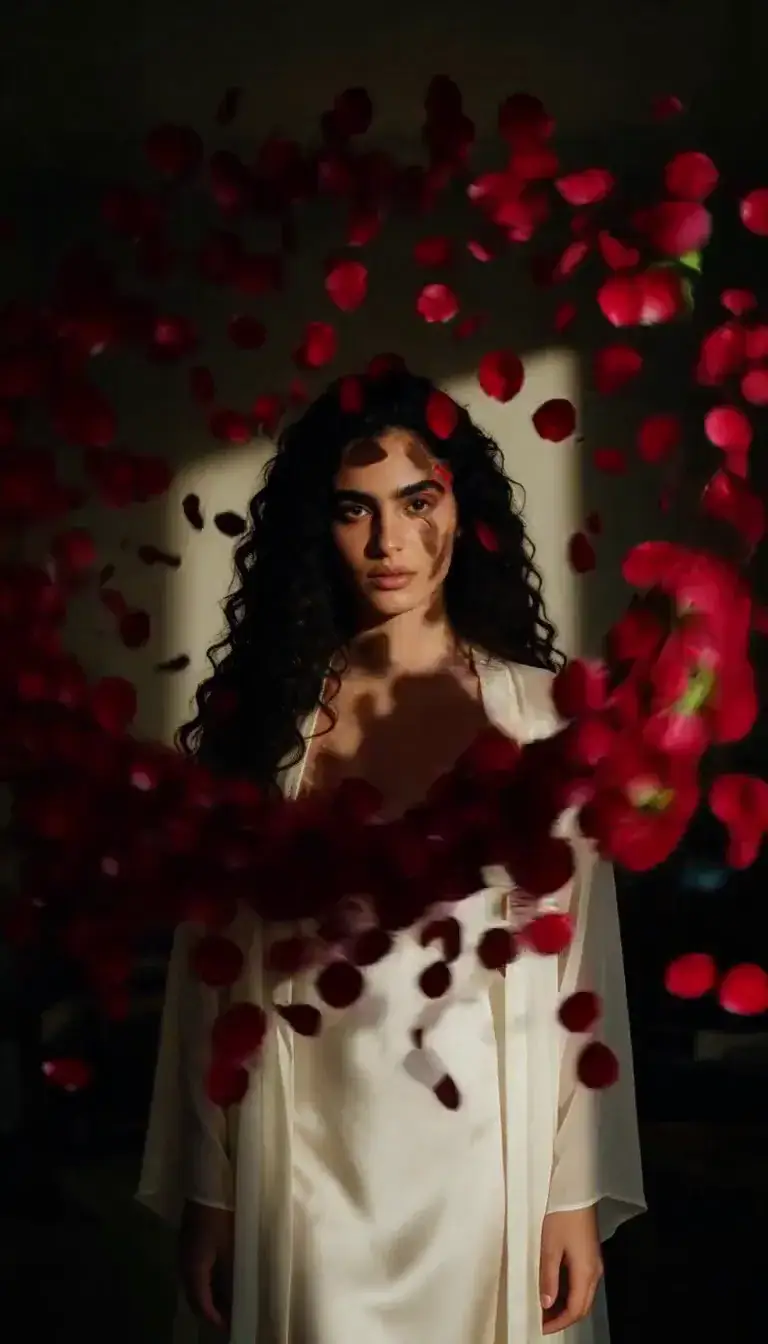 Petal Storm
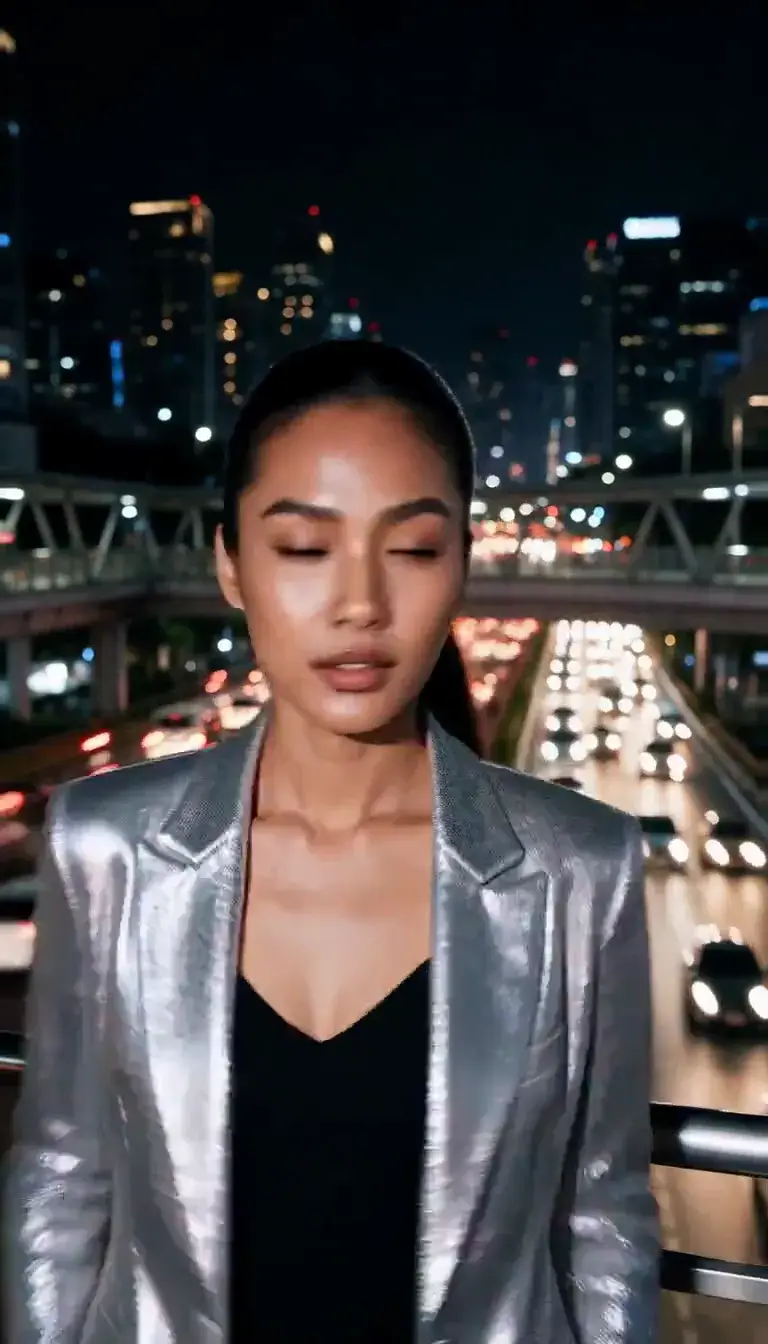 Slow Shutter
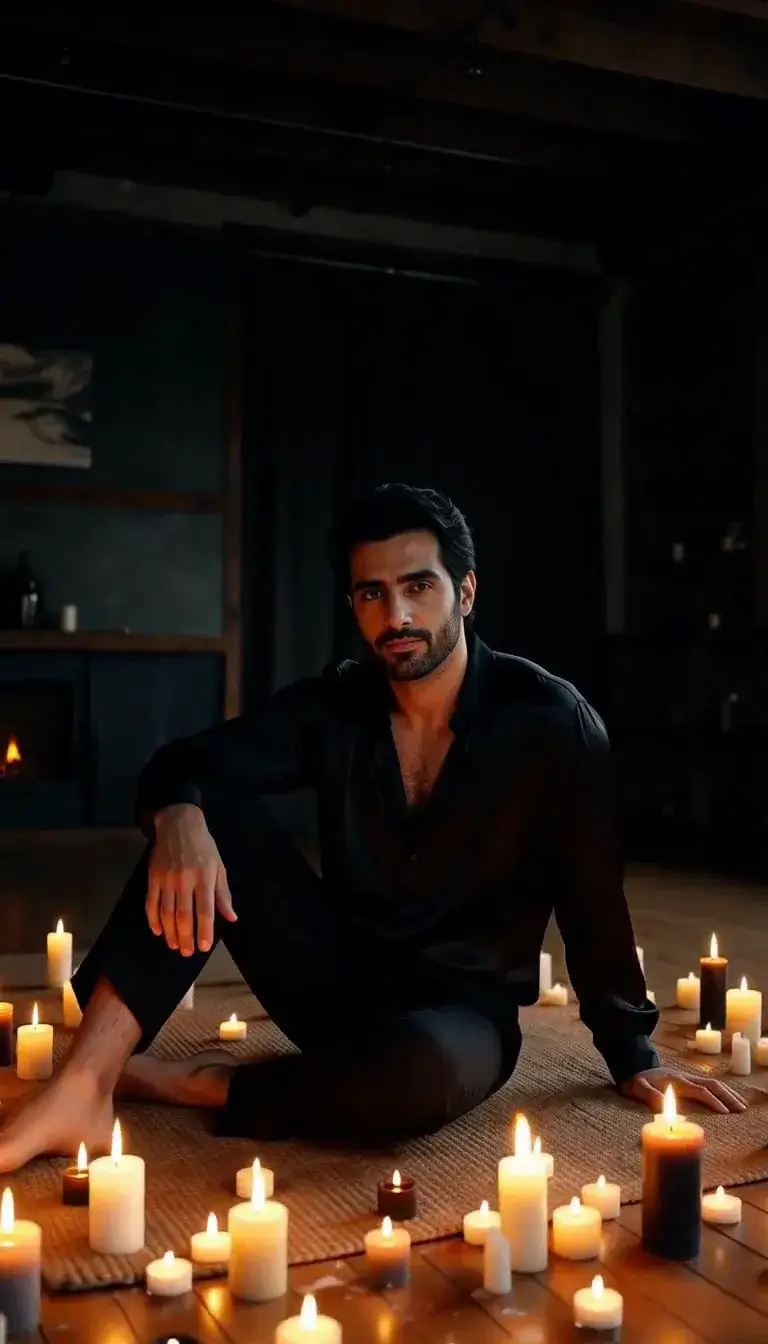 Candlelight
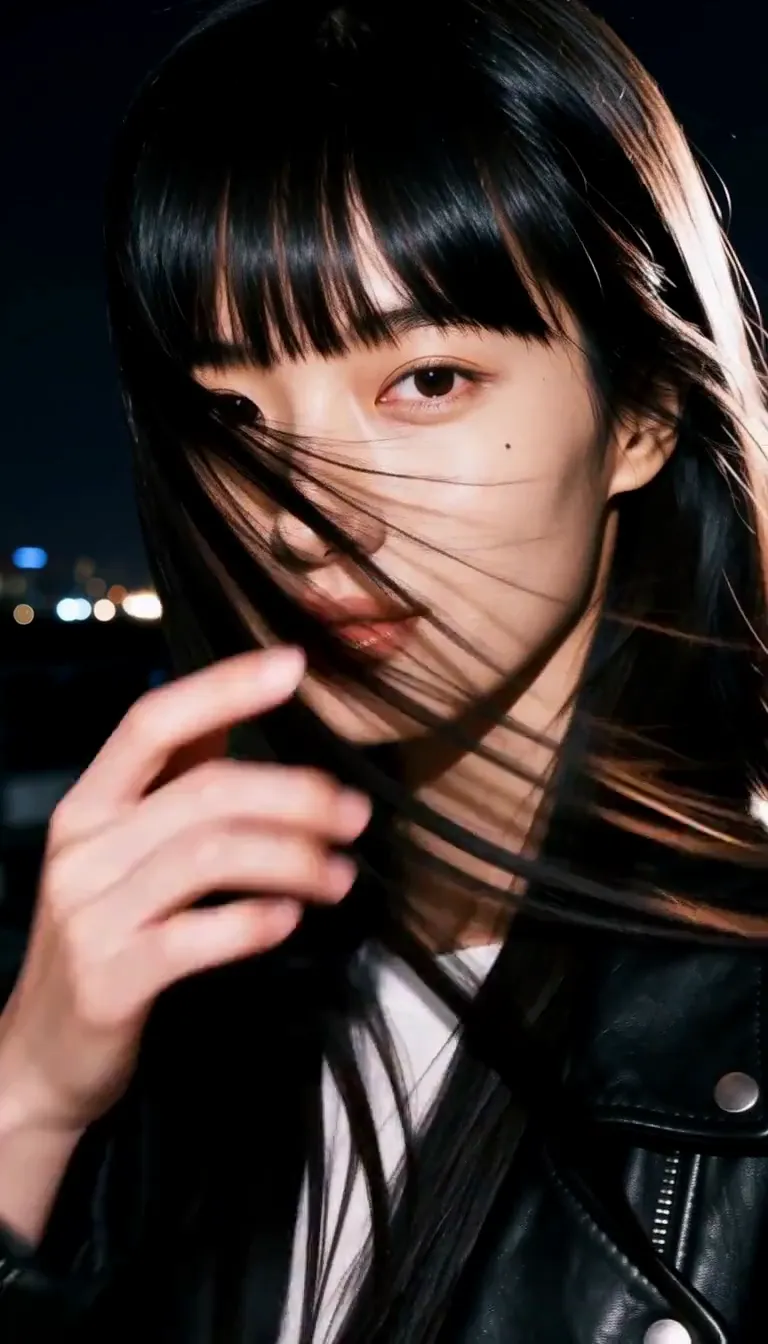 Behind the Hair
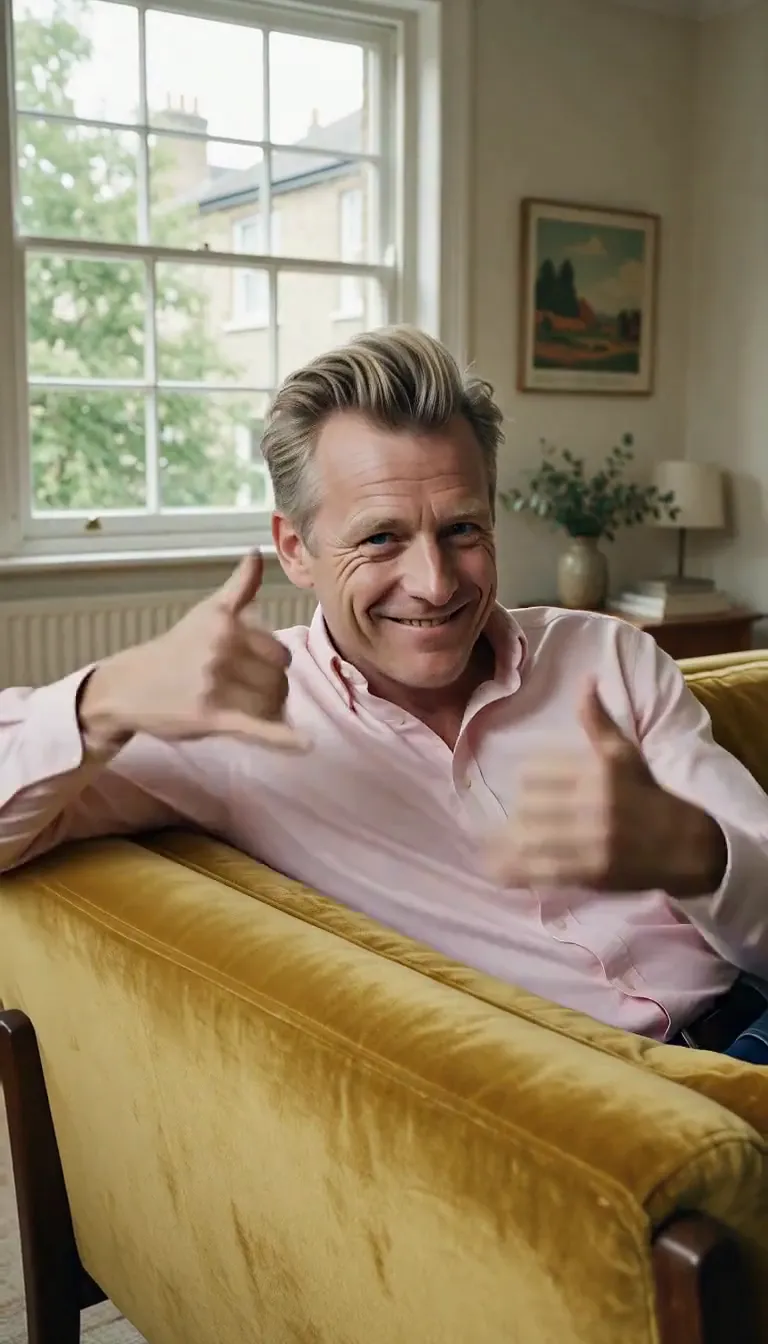 Call Me
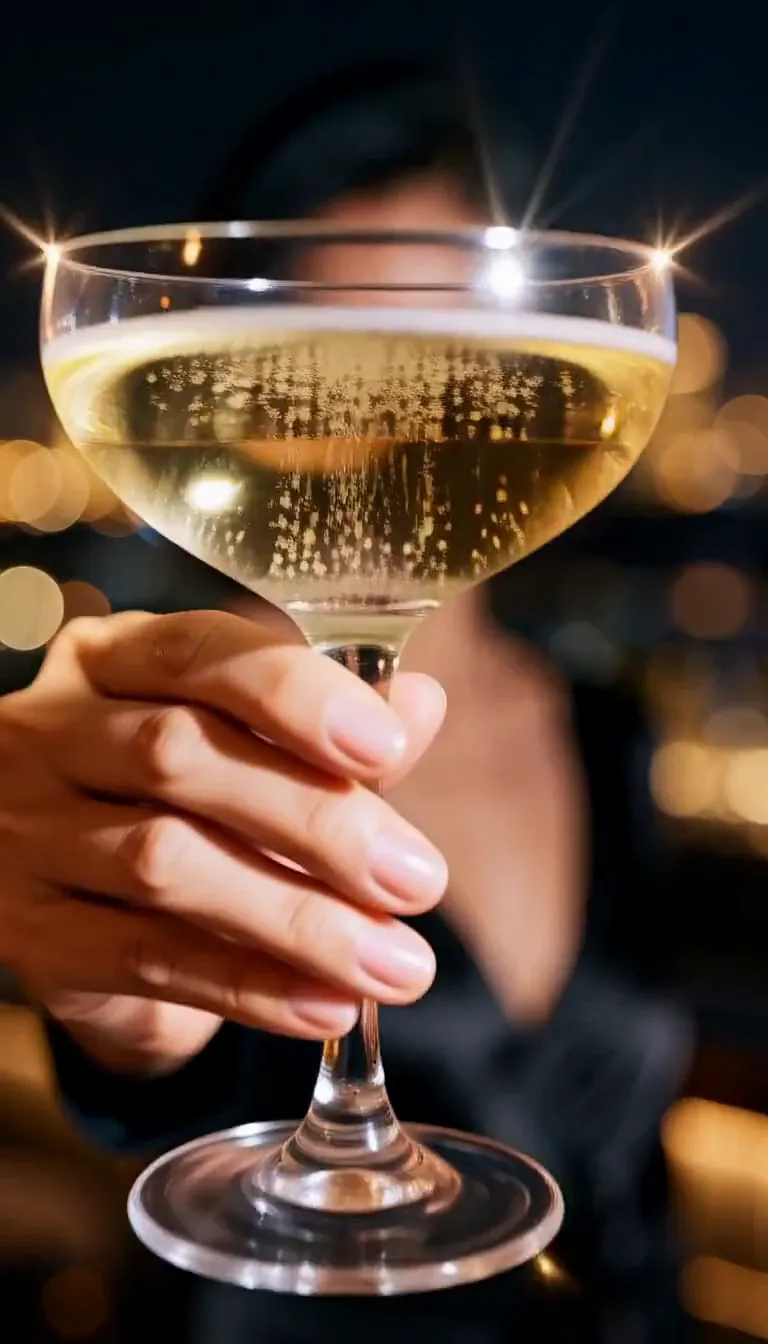 Champagne Toast
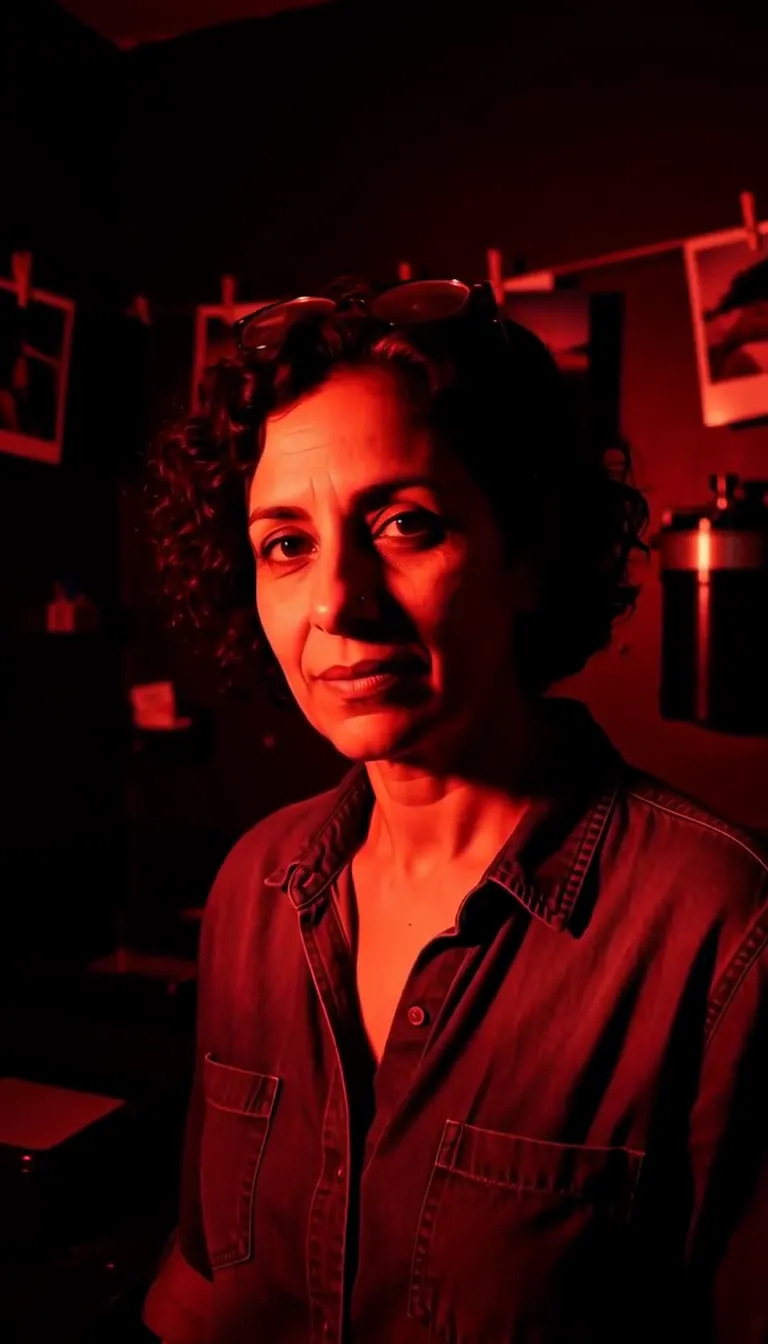 Darkroom Red
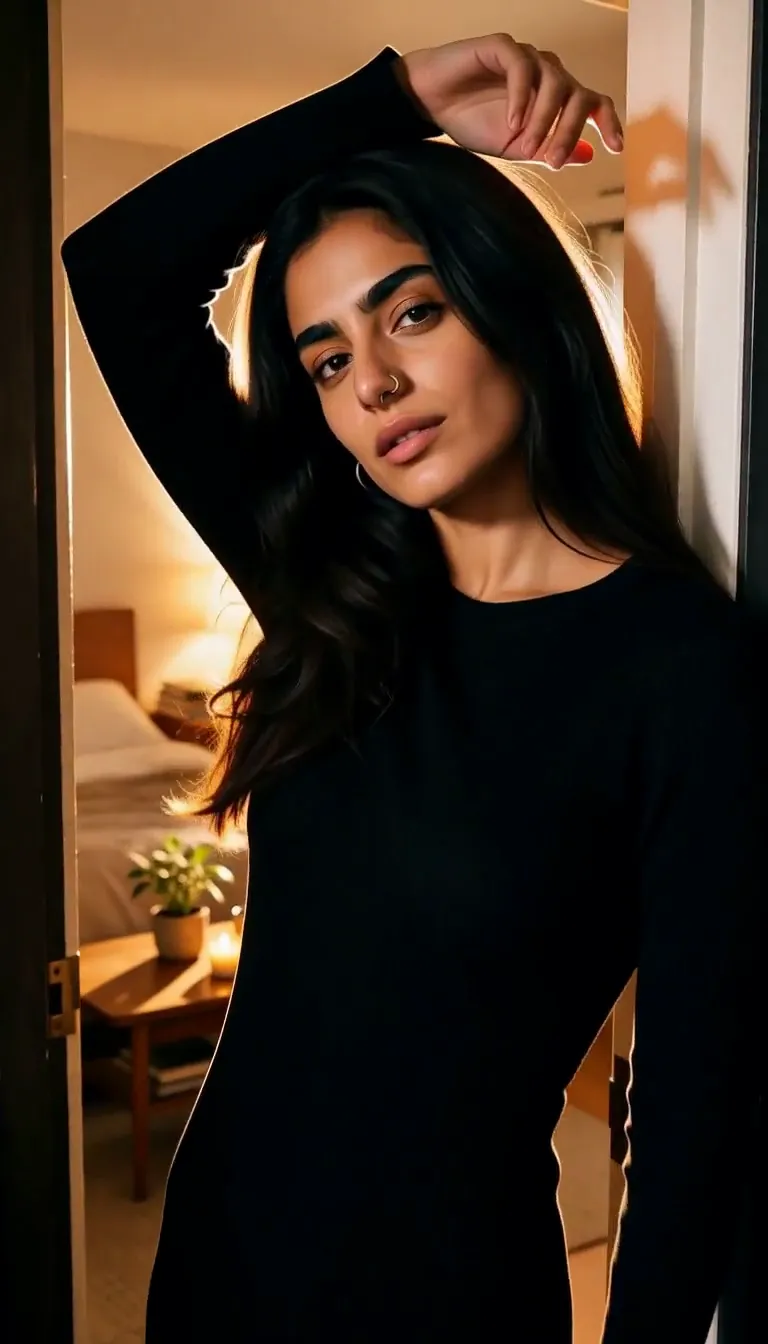 Doorway Lean
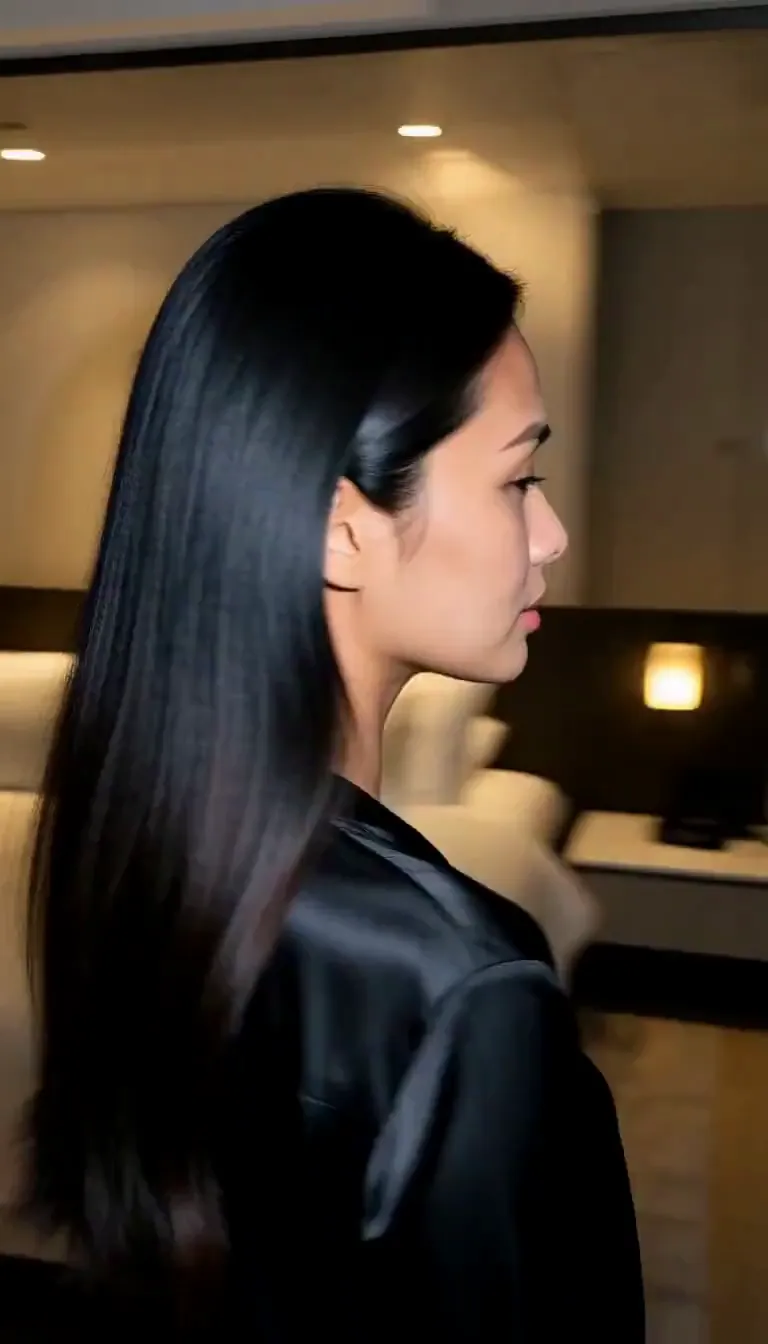 Eyes on You
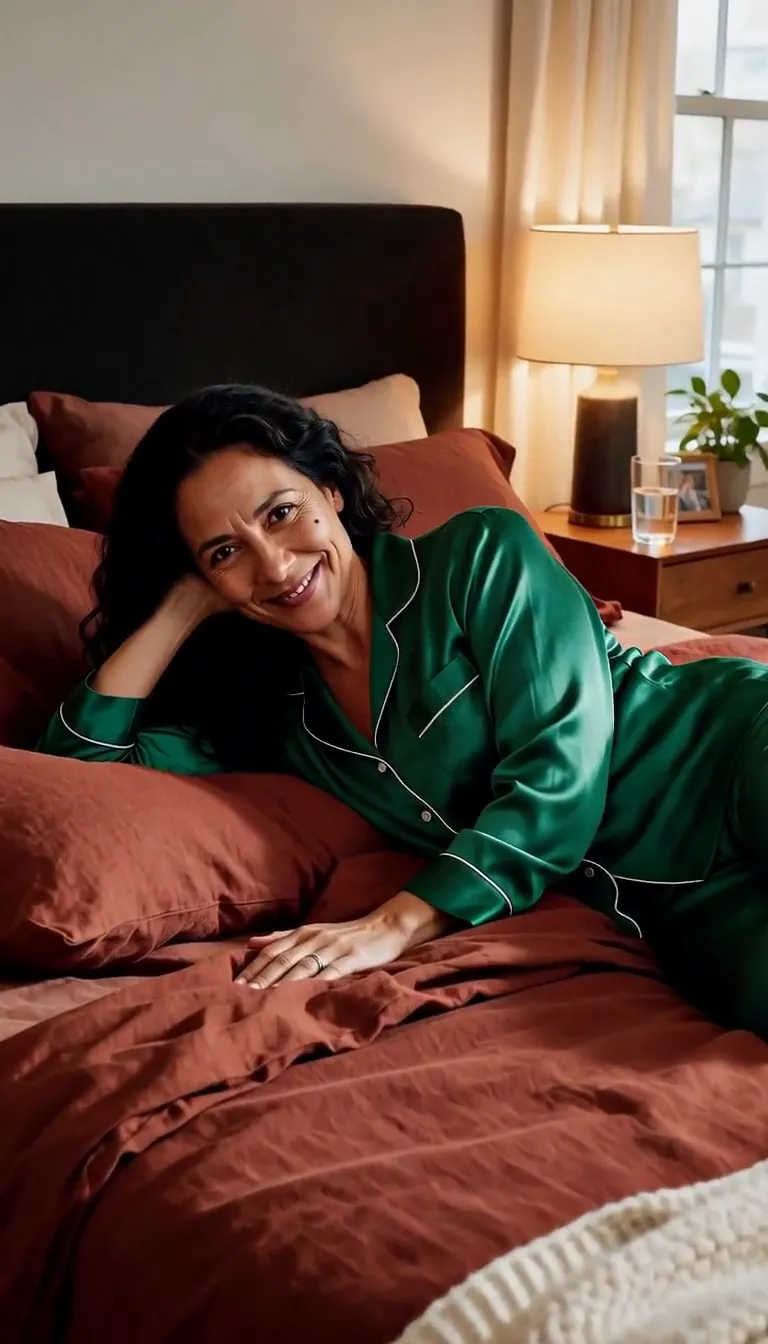 Join Me
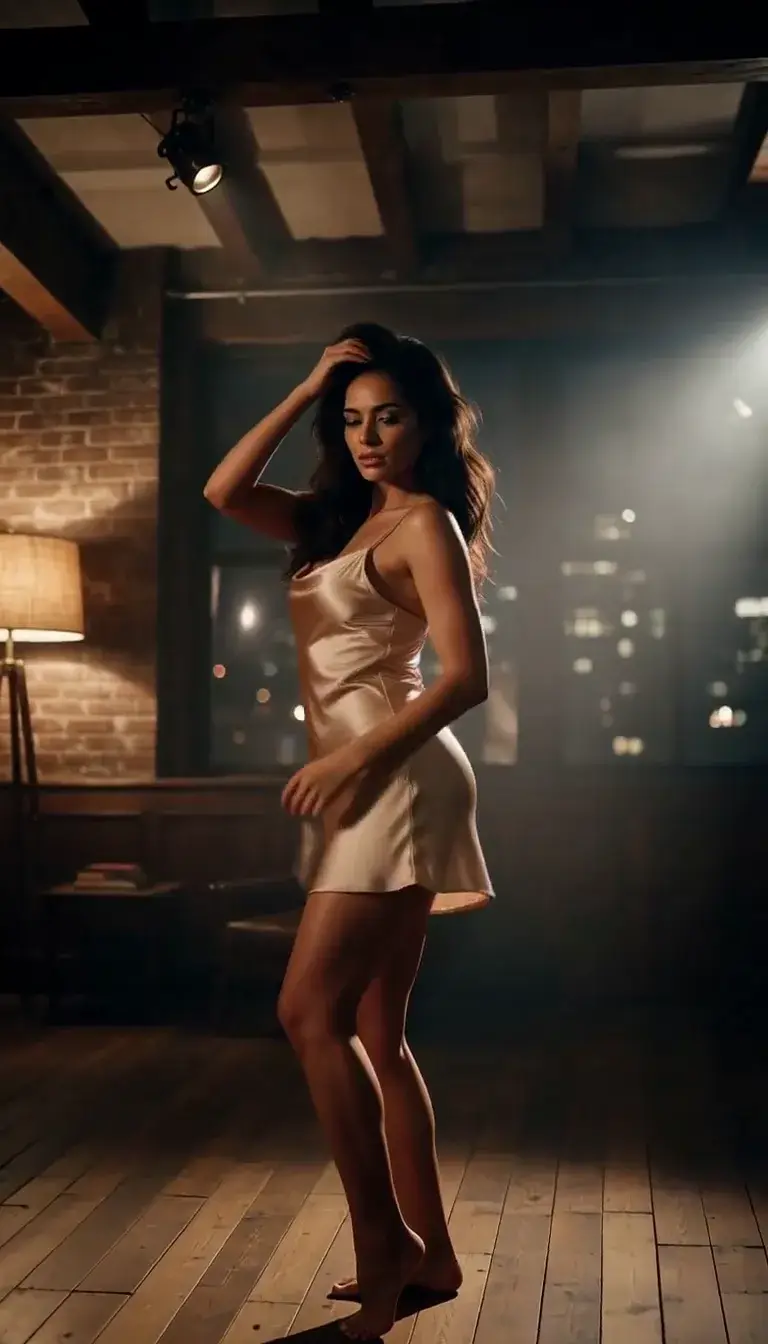 Late-Night Dance
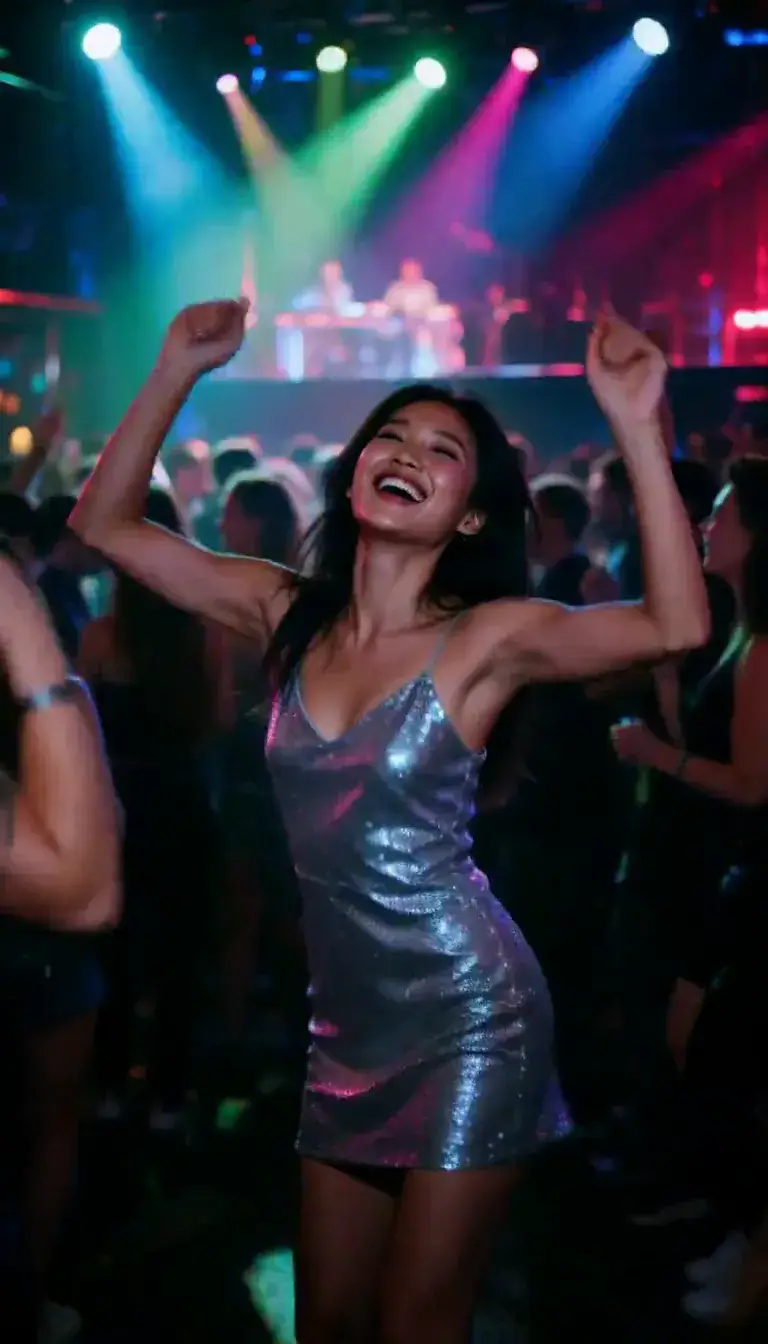 Club Strobe
Romance
 Kiss
KissCamera moves
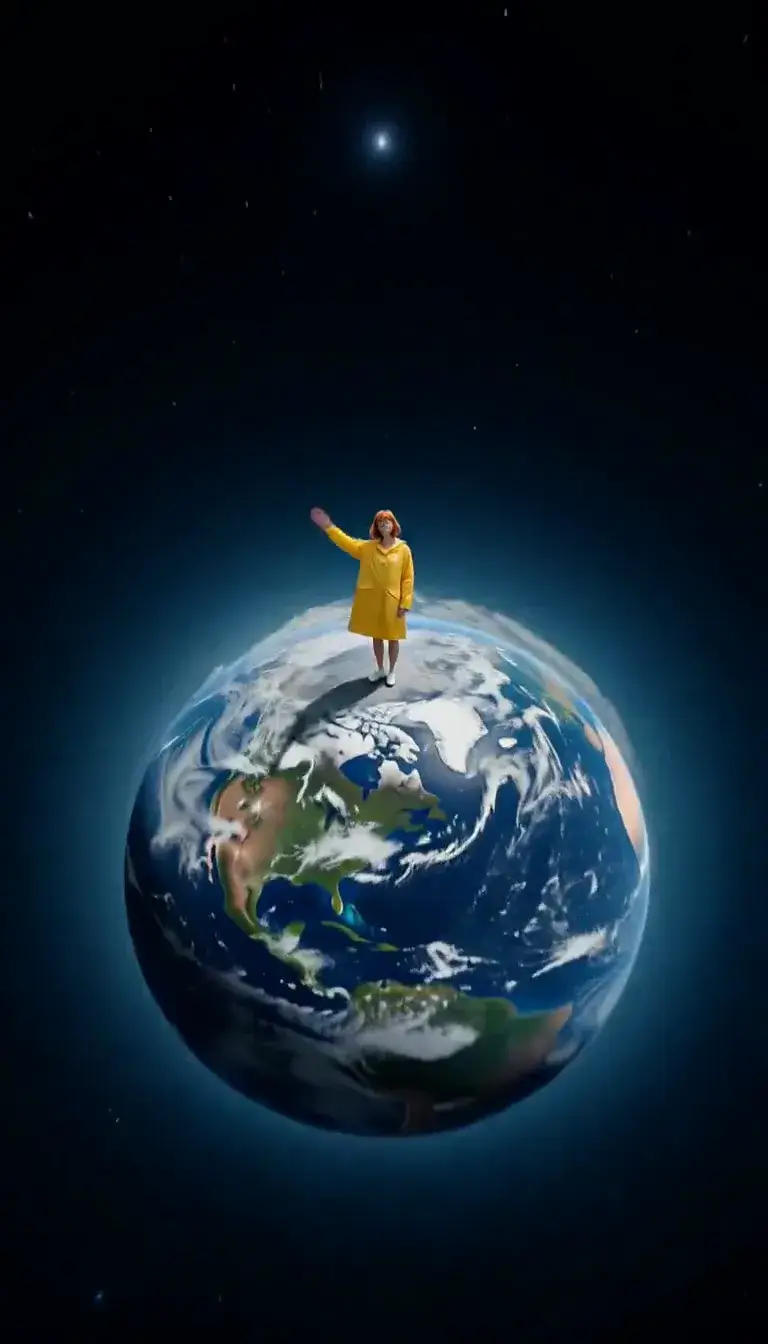 Tiny Planet
Transform
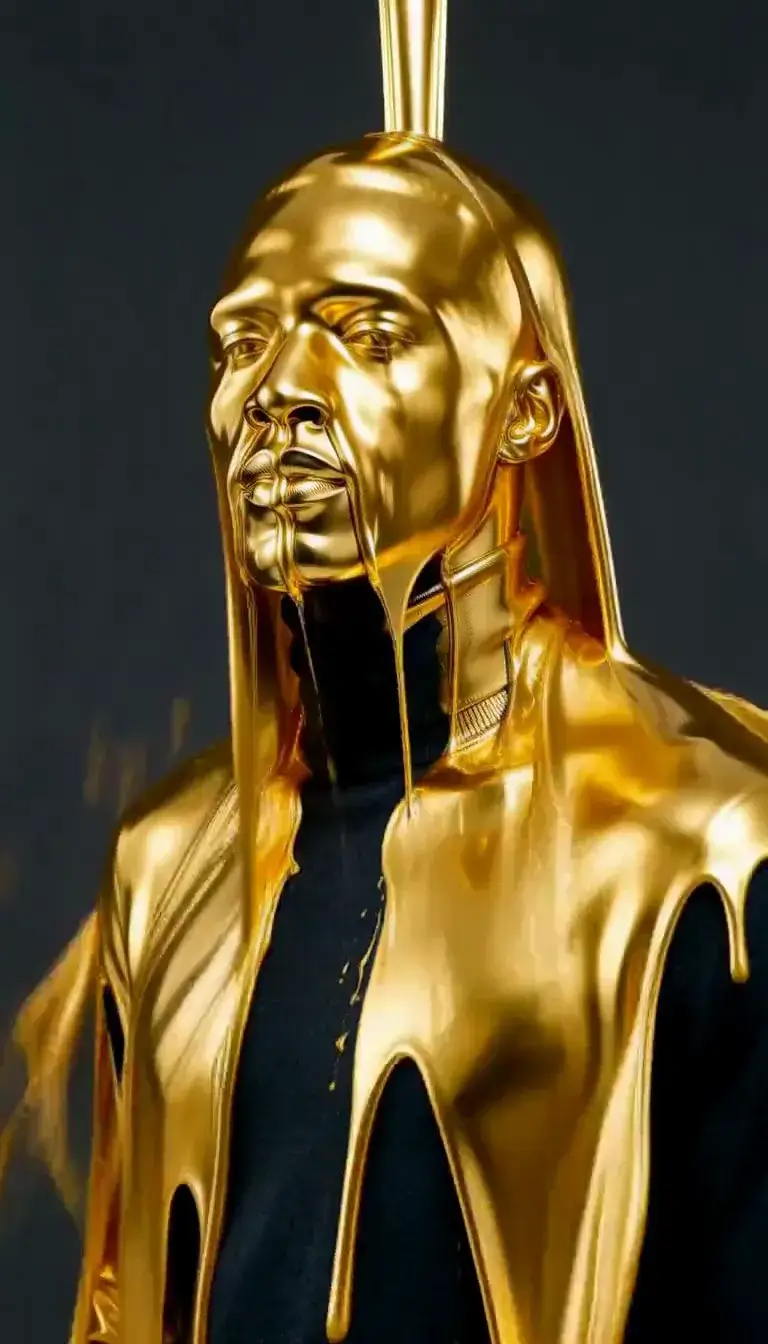 Molten Gold
Fashion
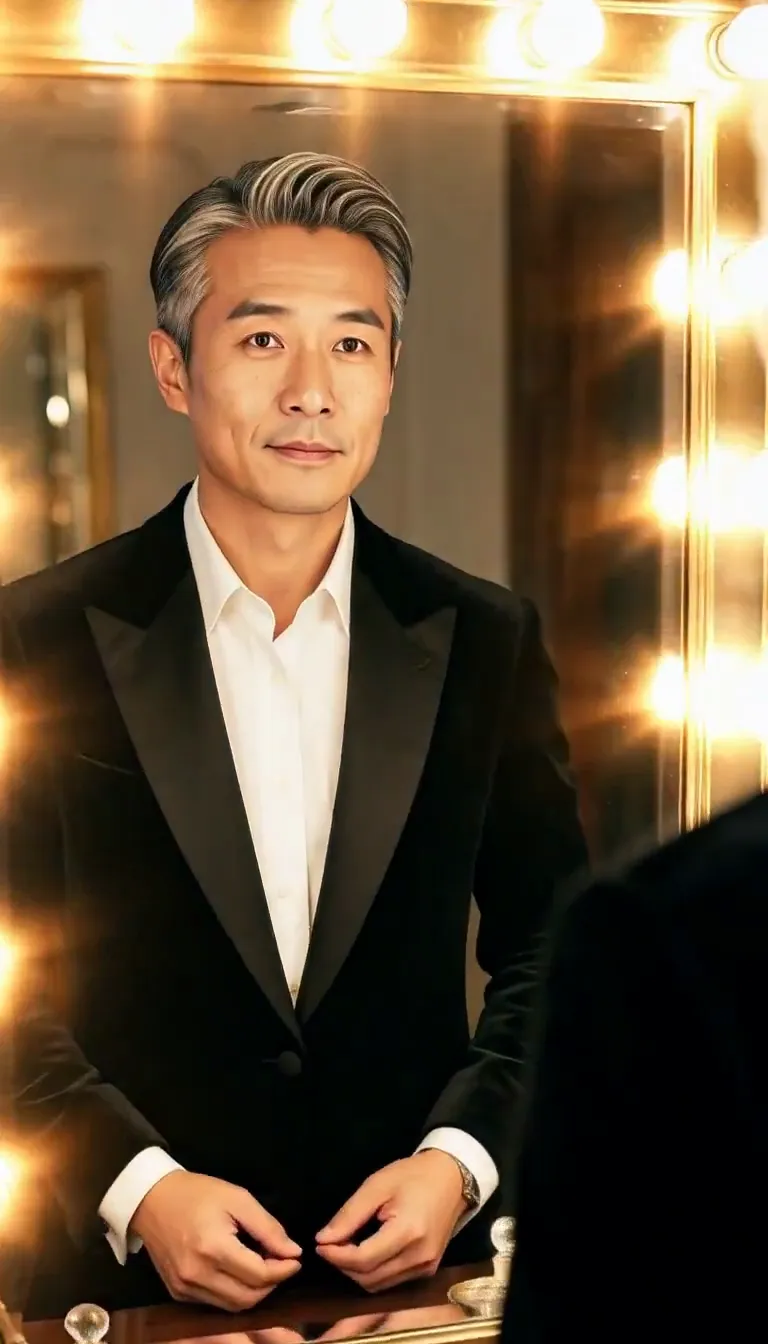 Mirror Glance
Atmosphere
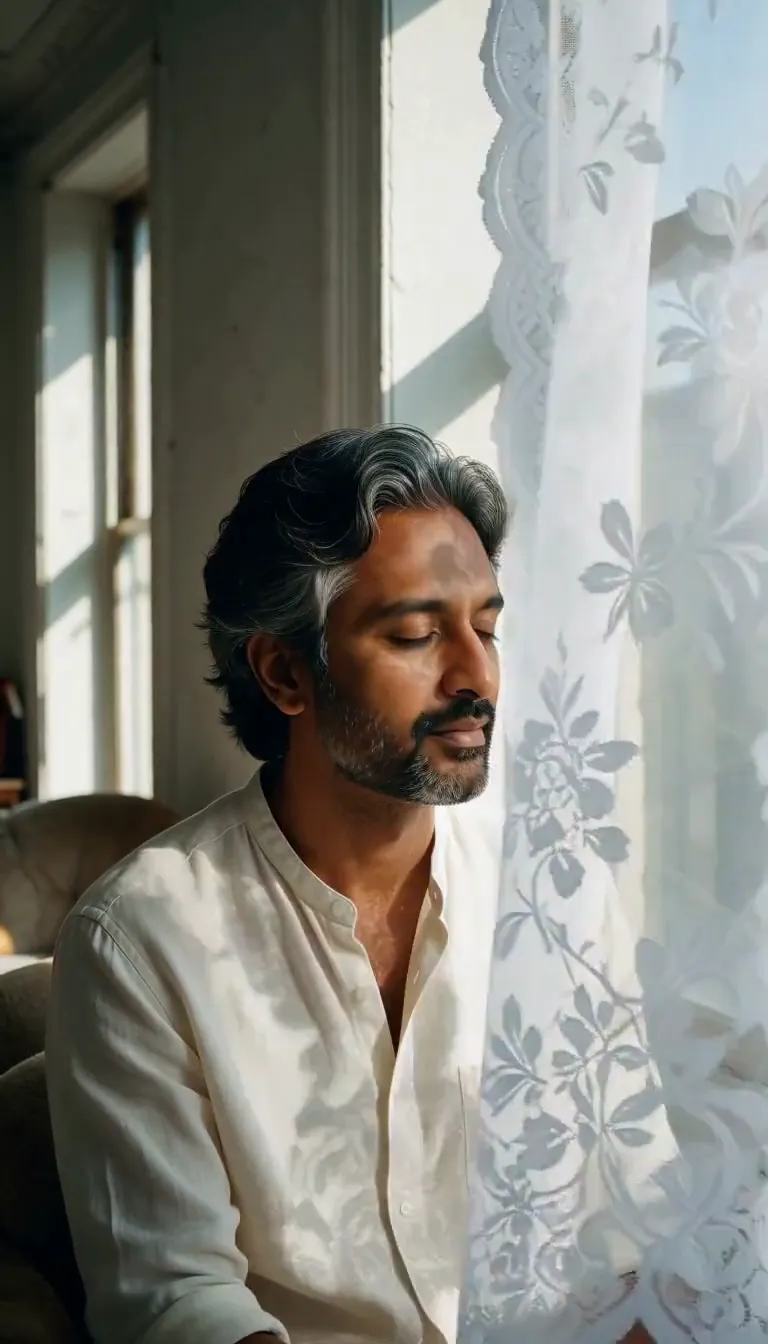 Lace Shadows
Motion
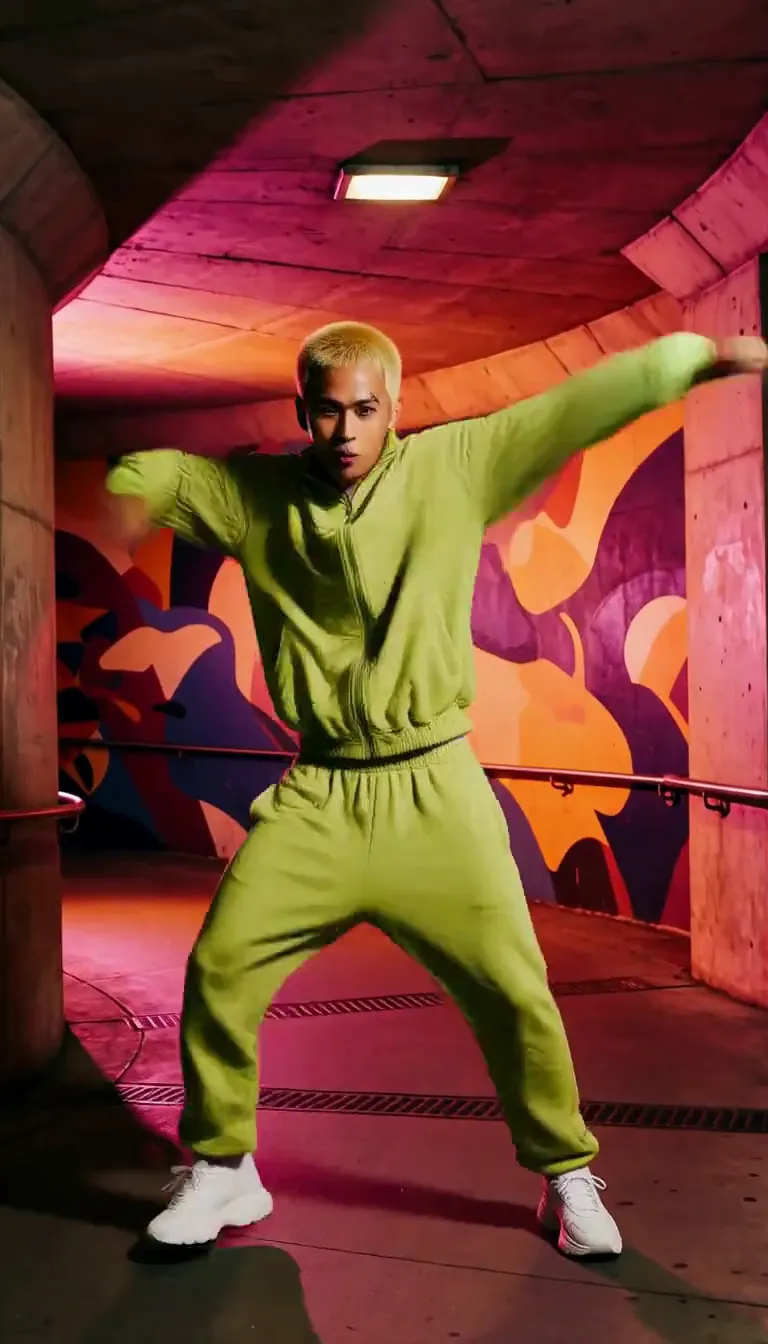 Groove
Fun
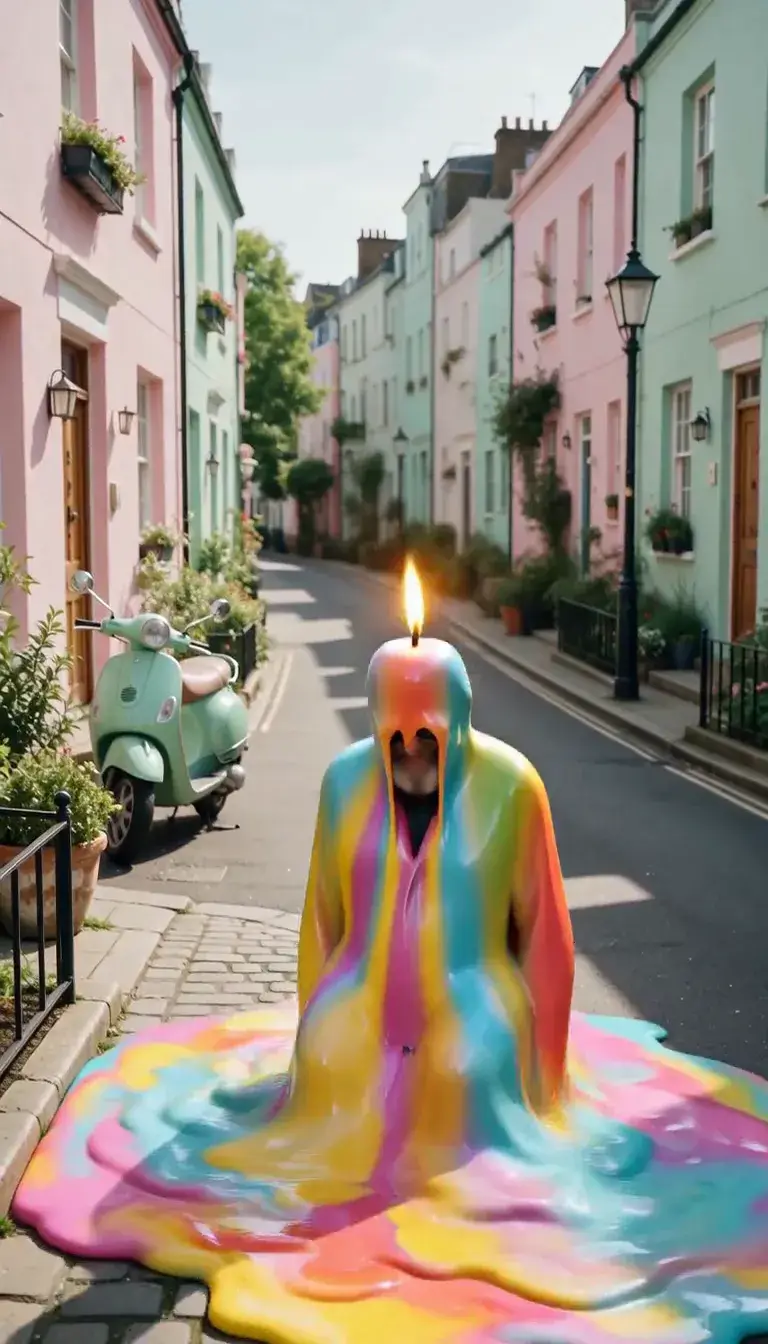 Meltdown
Product
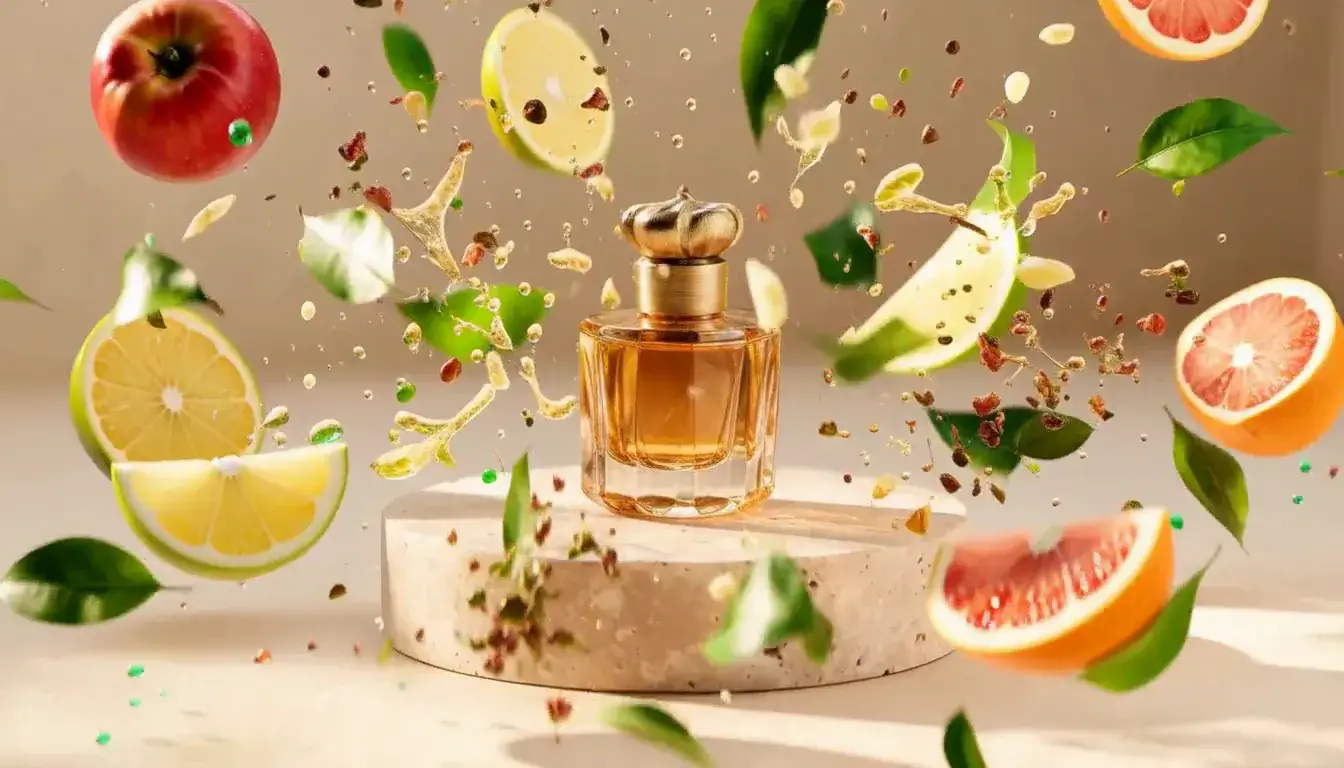 Ingredients Burst
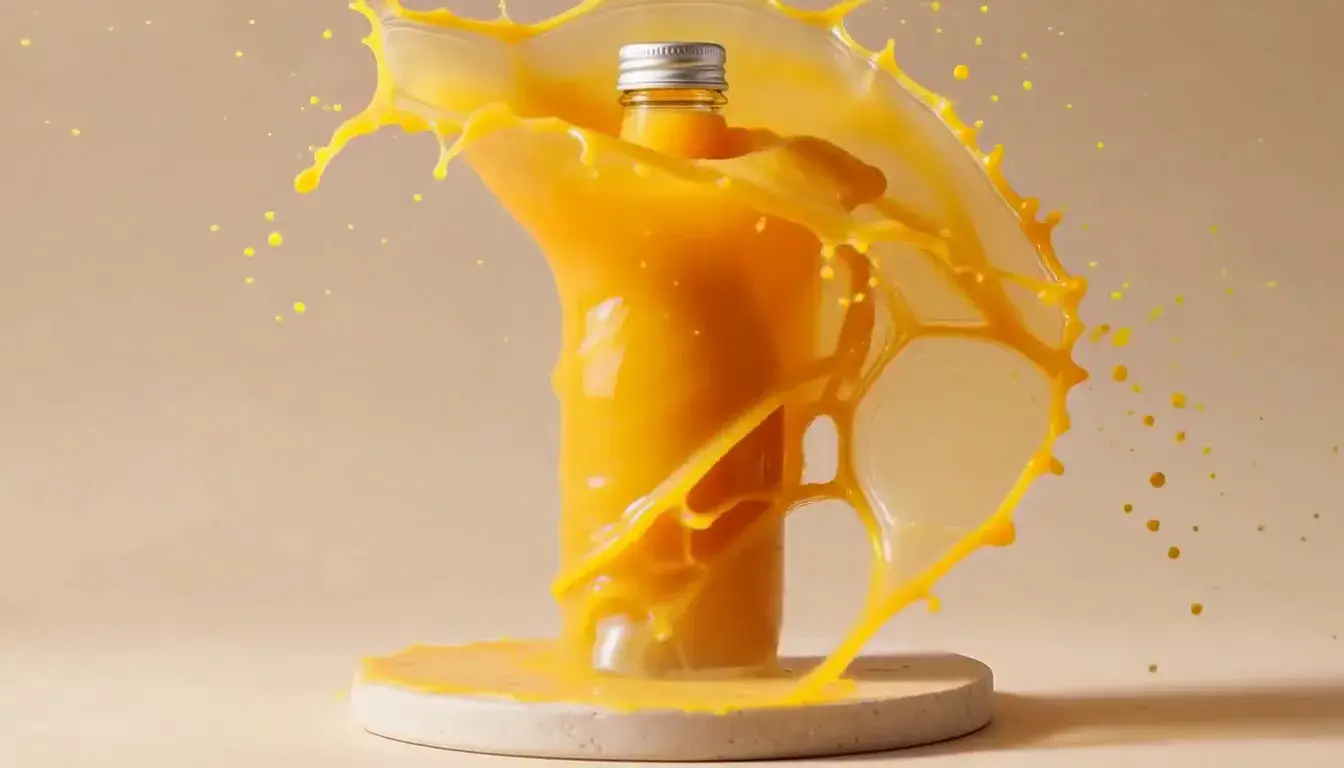 Liquid Splash
Film looks
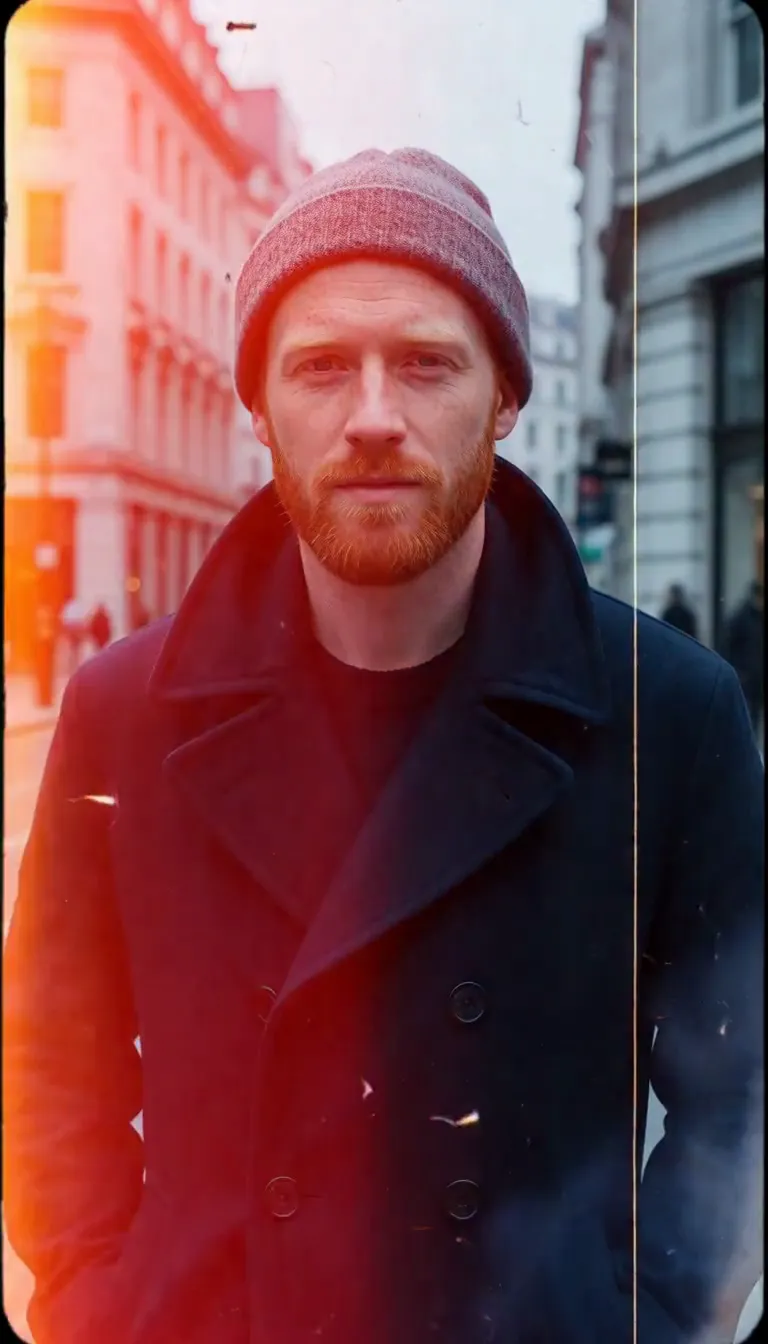 Film Burn
Video templates
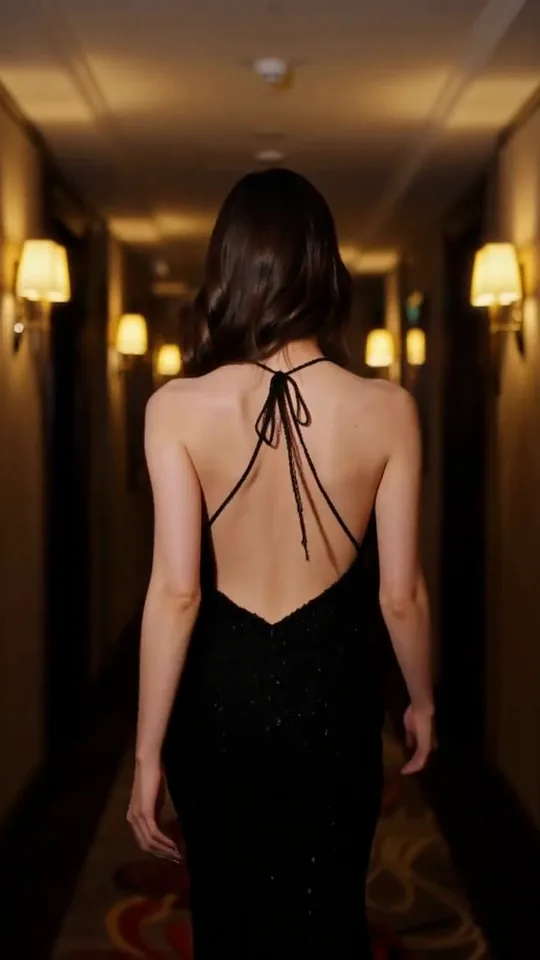 The Glance Back
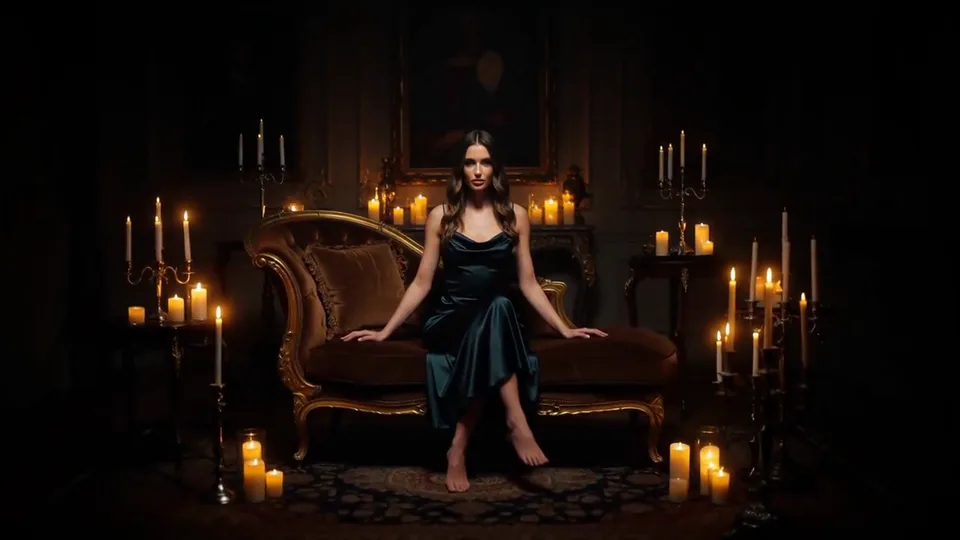 Candles Come Alive
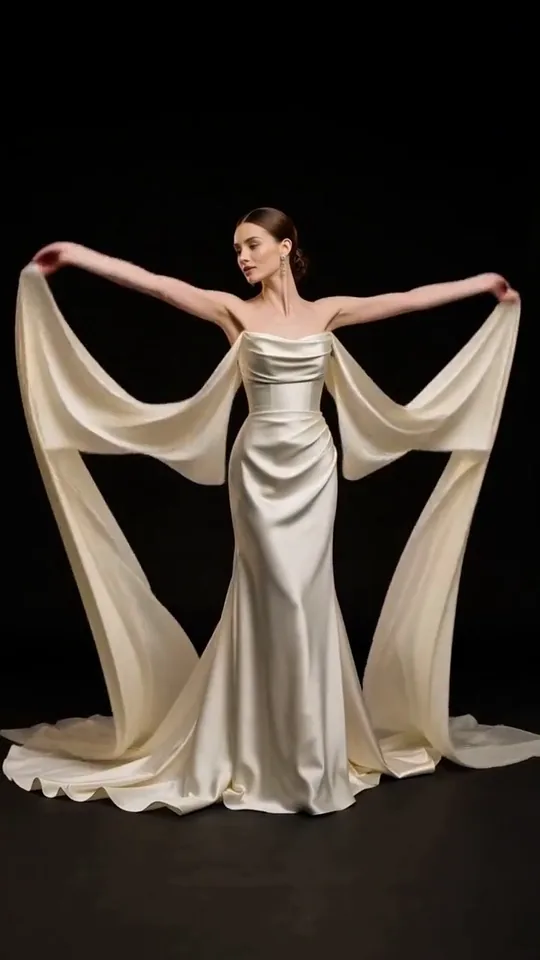 Silk Drift
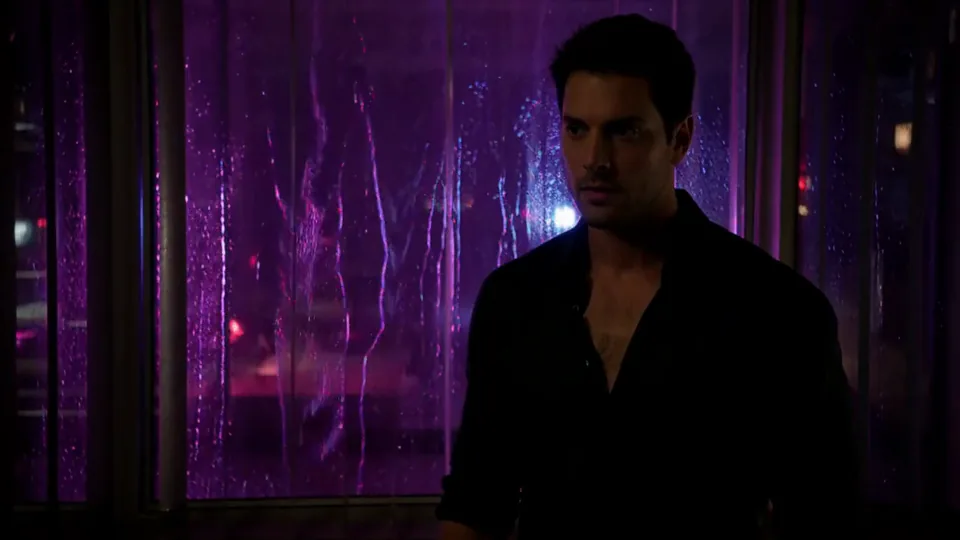 Neon After Hours
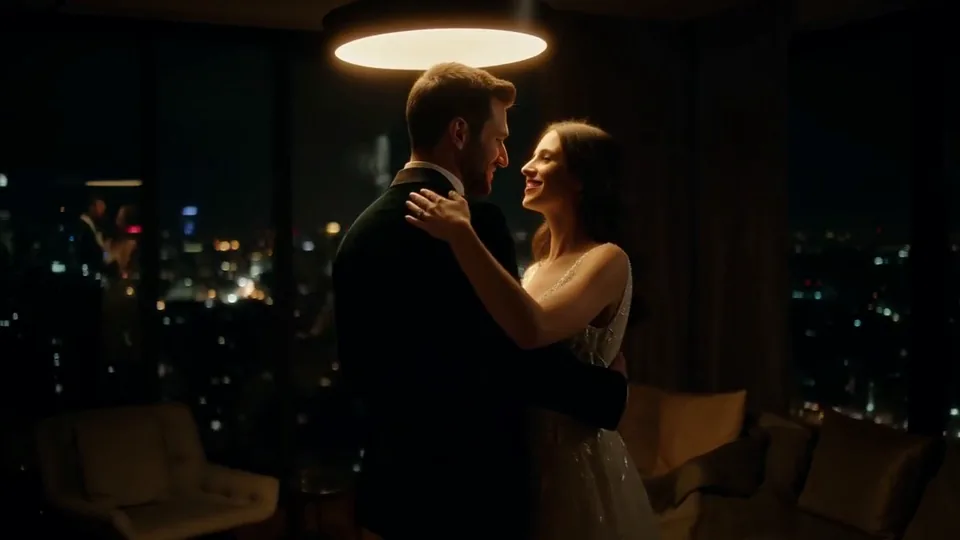 Sway Under the Lamp
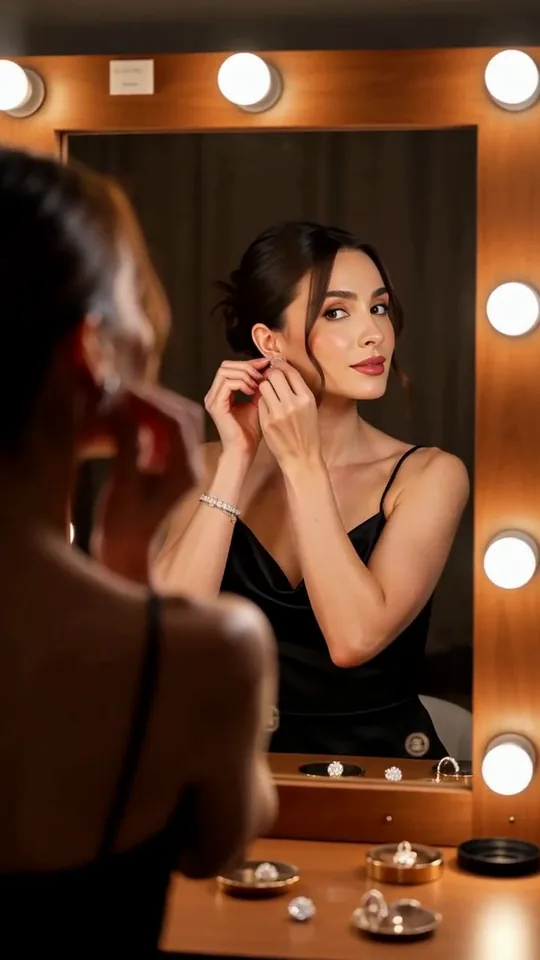 Mirror Moment
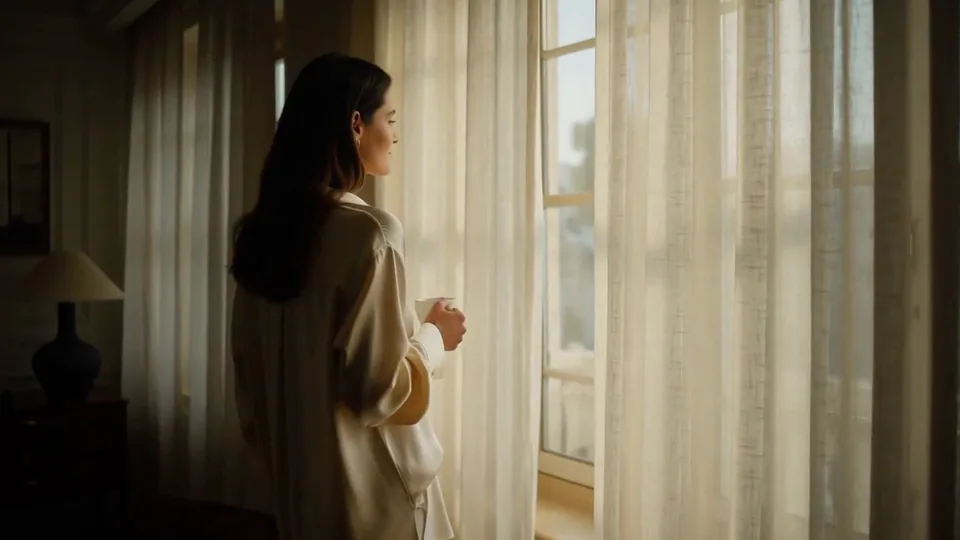 Morning Light
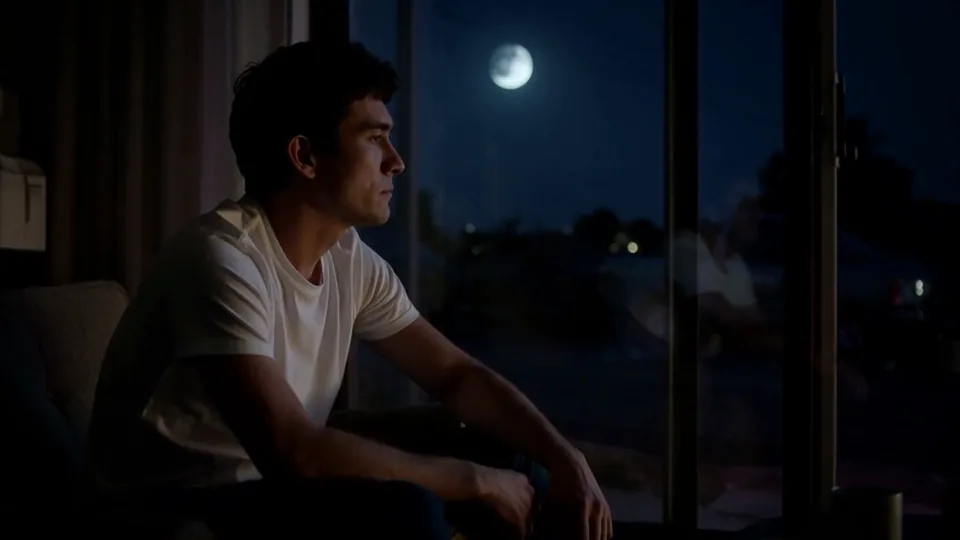 Passing Headlights
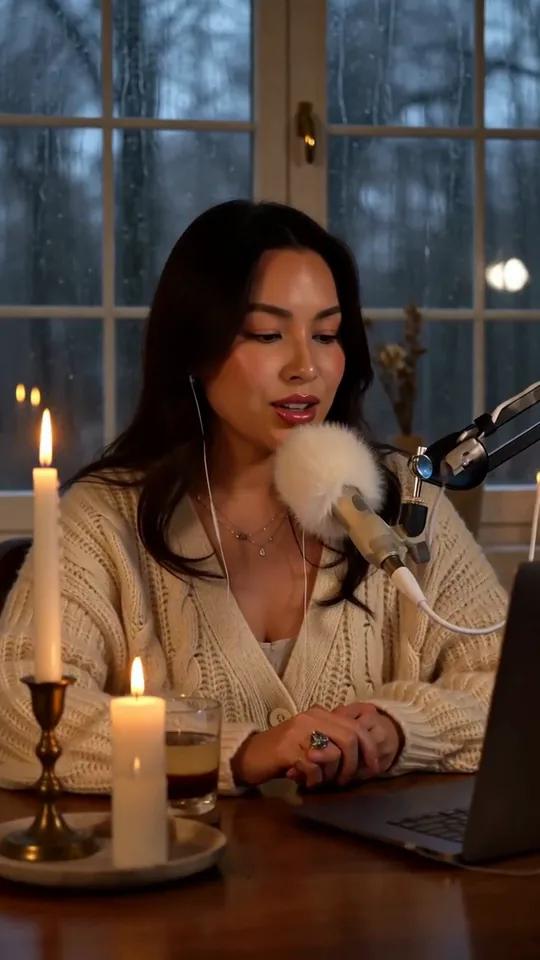 Whisper Session
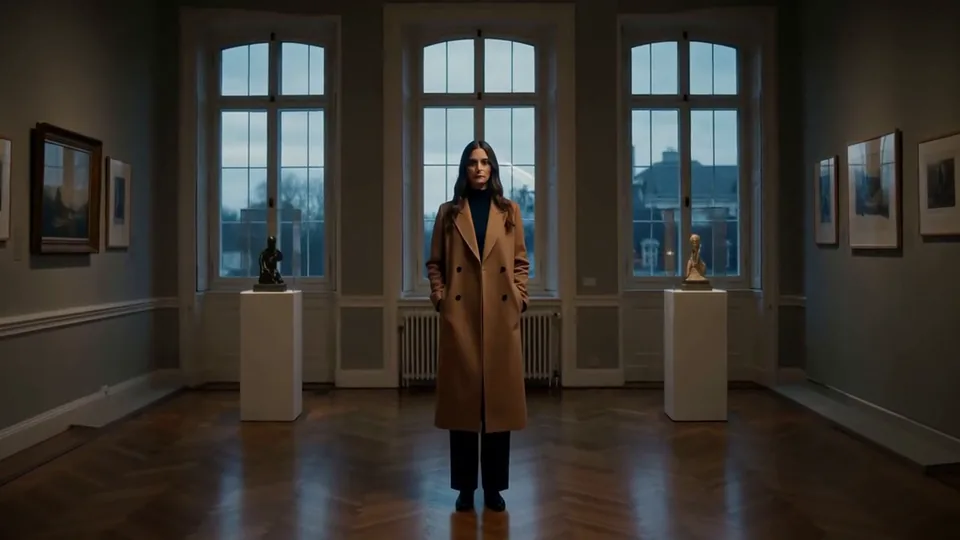 Slow Push-In
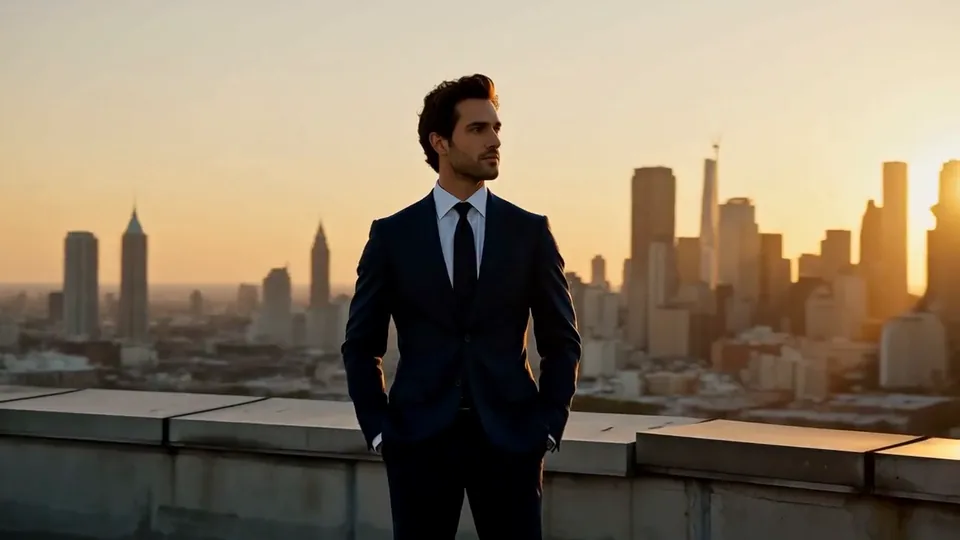 Half Orbit
 Drone Rise
This effect writes the prompt for you. Add one image.
We never filter your prompt.
A glossy wave of liquid rises and swirls around your product in slow motion before the camera pushes in on a crisp finish.
- Model
- MiniMax H3
- Length
- 5 s
- Resolution
- 768p
- Per run
- $0.185
- Type
- Product
What this effect sends
This is the full prompt, word for word. Copy it, or open it in the generator and change anything you like.
A wave of liquid rises and wraps around the product in a glossy slow-motion swirl, droplets spraying outward and catching the studio light. The camera pushes in slowly to end on a crisp hero framing as the splash settles.Pictures that work best
- Use a clean, centered product photo, since the effect keeps the product's position fixed while the liquid moves around it.
- Expect the liquid's color to roughly match your product; a clear liquid product and a colored one will produce visibly different splashes.
- If you need the final frame completely clean, generate more than one take — in our testing, one sample settled to a crisp finish and the other ended still coated in liquid.
- A simple, plain background lets the glossy liquid and its droplets catch the light clearly, without competing with a busy backdrop.
Models this effect runs on
The same prompt on different models. Pick by look and by price.
- MiniMax H3$0.185 per run
5 s · 768p
- Seedance 2.0 Fast$0.484 per run
5 s · 720p
- Kling 3.0$0.336 per run
5 s · 720p
- Seedance 2.0$0.76 per run
5 s · 720p
- Wan 3.0$0.45 per run
5 s · 720p
- Vidu Q3 Turbo$0.33 per run
5 s · 720p
- MiniMax H3 Max$0.4 per run
5 s · 768p
- Kling 2.5 Turbo$0.28 per run
5 s
- Wan 2.6 Flash$0.113 per run
5 s · 720p
- Seedance 2.0 Mini$0.265 per run
5 s · 720p
How it works
- 01
Add one photo
Choose the photo to match the example: include both people for a shared gesture, and keep the face and any hands involved clearly visible. Upload your own photo or start with a Liquid Splash sample.
- 02
Check the price
Liquid Splash defaults to a 5-second clip for $0.185. Swap the model or change the length and resolution before you run — the price on the button updates to match, and that's the whole cost of the clip.
- 03
Generate
Your Liquid Splash clip renders in the background, lands in History and is never published.
Do the move yourself
Liquid Splash keeps one version of this shot. To give Liquid Splash your own motion or ending, write it yourself in Image to Video, starting from the prompt above.
What it does to your photo
Liquid Splash is built for a dramatic product reveal: a wave of liquid rises and wraps around the product in a glossy, slow-motion swirl, throwing droplets outward as they catch the studio light, while the camera pushes in slowly to end on a crisp hero framing as the splash settles. The liquid takes on the character of your actual product rather than looking like a generic effect.
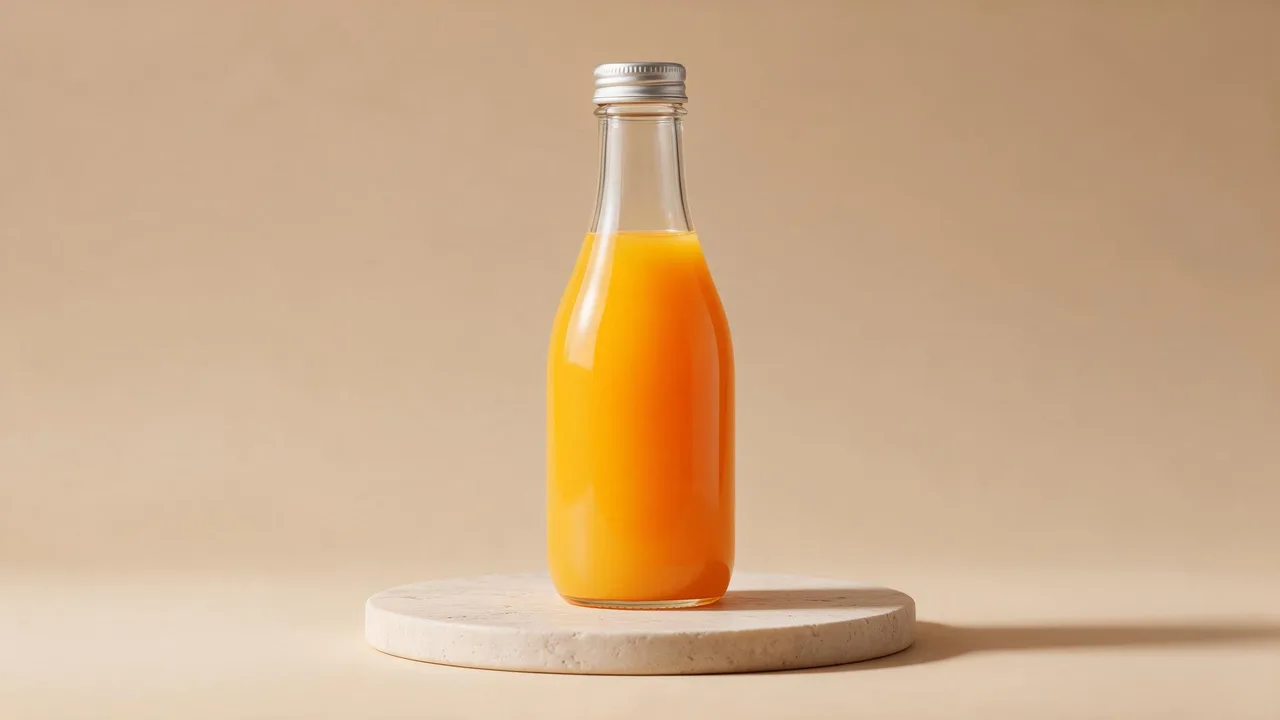
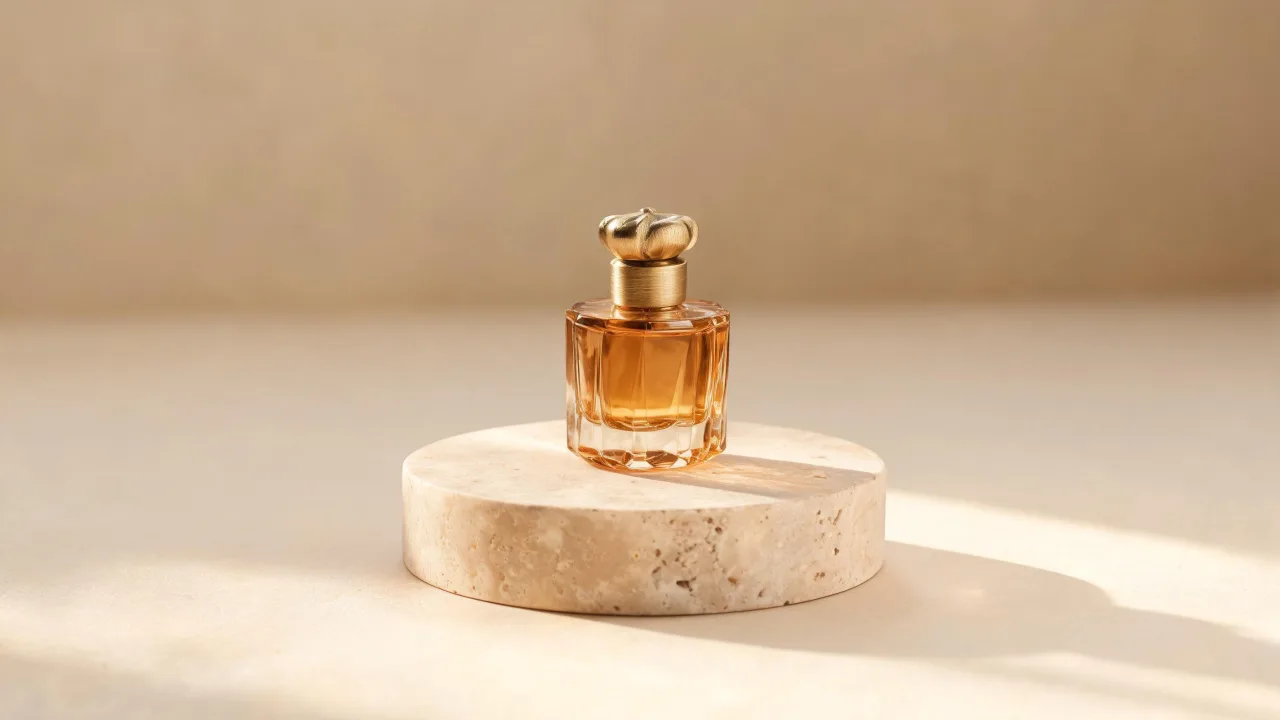
In our test runs on MiniMax H3, a juice bottle had a glossy wave of orange juice spiral up and wrap around it starting at about 1s, throwing droplets outward as the camera pushed in; the bottle kept its shape clearly under the liquid the whole time. A perfume bottle got a crown of clear amber liquid that rose and swirled around it with droplets flying off in slow motion as the camera pushed in, and the liquid settled cleanly over the plinth by the end, leaving the bottle crisp and centered.
The two samples landed differently at the finish line, which is worth knowing before you run it: on the juice bottle, the liquid never fully settled, so the clip ends with the bottle still coated in juice and a ribbon of liquid swirling around it rather than a clean hero shot; on the perfume bottle, the splash collapsed away by the end and the bottle came out crisp. If you specifically need a clean final frame, it's worth generating more than one take and picking the one where the liquid actually settles.
It's a natural fit for beverage, perfume, cosmetics and any liquid-adjacent product where a splash sells the product's texture — juices, fragrances, serums and oils all suit it. It also works well as an eye-catching opener for a product video or ad.
The prompt is public and editable — open it in the generator and name your liquid's actual color, such as "a wave of deep red liquid," if you want the splash to match your product more precisely than the model's default guess.