Dieses Review gibt es noch nicht auf Deutsch. Sie lesen das Original auf English.
Photo to Anime Review: Same Scene, Redrawn as Anime for $0.05
Pick Photo to Anime for avatars, couples and pets redrawn as anime with the pose and outfit intact; expect the background to stay partly photographic.
Spicy Index
Nicht indexiert
Freedom Score
Noch nicht getestet
- Preis
- 0,05 $ pro Bild
- Mediane Zeit
- Daten werden gesammelt
- Erfolgsquote
- Daten werden gesammelt
Photo to Anime does one job: send image_url, get back the same picture redrawn as anime. The people and pets become anime characters in the same pose, outfit and colours, and the setting follows the photo. It runs Alibaba's open Qwen-Image-Edit-2509 with the Photo-to-Anime LoRA by AutoWeeb (MIT licence), behind a built-in instruction, so there is nothing to write. You pay $0.05 per image whatever the aspect ratio or file format.
- SpicyAPI Engineering
- Getestet am 26. Okt. 2026
- Methodik v3.3 →
- Wir verkaufen diese Modelle; der Preis zählt nicht →
Was Photo to Anime in unseren Tests erzeugt hat
Direkt aus unseren Testläufen. Kopieren Sie einen Prompt oder öffnen Sie ihn im Playground, um es selbst auszuprobieren.
Bildbearbeitung
Bildbearbeitung
Bildbearbeitung
Eigene Ergebnisse mit Photo to Anime erstellen
The verdict
We tested it on 26 October 2026 with five generated, fully clothed photo sets: a woman at a café window, a man on a rooftop, a couple in an autumn park, a golden retriever indoors and a man on a ferry deck. All five were converted to anime. The characters were redrawn with line art and cel shading while the outfits, poses and rooms stayed in place. The limits are just as consistent. The background often keeps much of its photographic look, and fine details such as freckles do not survive.
Use it for profile pictures, gifts, cards and pet portraits where you want the scene you already have, drawn differently. Look elsewhere if you want a fully painted background, a chosen anime art style, or a character invented from words.
Key facts
- Price: $0.05 per image. Aspect ratio and output format do not change it, and failed requests are not charged. The model page shows the live price.
- Input: one photo, JPEG, PNG or WebP, up to 10 MB. Sharp, high-resolution photos with large faces give the most convincing results.
- Output: about one megapixel. Leave
aspect_ratioempty and the result keeps the shape of the photo (832 x 1248 for a 2:3 portrait, 1248 x 832 for a 3:2 landscape, 1024 x 1024 for a square), or pick one of nine ratios from 1:1 to 21:9 and 9:21. - Other fields: an optional
promptof up to 1,000 characters, aseedfor comparing runs, andoutput_format(JPEG by default, PNG or WebP). - Speed: about 7 to 13 seconds per image in our integration runs and 17 to 26 seconds in later runs on the live platform.
- Content testing: we have not run content-level tests on this tool, so there is no Freedom reading to quote.
Was uns gefallen hat und was es bremst
Was uns gefallen hat
- The scene stays the scene. A knit sweater and a mug in a café, an olive work jacket on a rooftop and a retriever on a wooden floor all kept their pose, colours and place in the frame.
- No prompt needed. The built-in instruction does the work; leave
promptempty for a first attempt. - It keeps colouring better than the plain model. With the same seed and instruction, the base edit model drew more of the café as anime but turned the woman's brown eyes blue and darkened her hair. With the LoRA her eye and hair colour stayed.
- It works on pets and groups. The dog came back as an anime dog in the same spot with the same coat colour, and a couple in a park were both redrawn.
- Flat, predictable price. One image, one price, in any of nine ratios.
- Fast enough to iterate. Seconds per image, and a fixed
seedkeeps comparisons fair.
Was es bremst
- The background often stays photographic. Skylines, autumn trees and café windows kept much of their photo look. Adding "also redraw the background as a painted anime scene" barely helped: the rooftop man's background did not change and the dog's moved only slightly.
- Faces become characters, not likenesses. Large, sharp faces keep the most recognisable features. Small faces in wide shots come out simplified, and the LoRA author recommends high-resolution photos.
- Details are lost. Asking to keep a woman's freckles had no effect; they disappeared in every anime version.
- The prompt does not choose a style. In a matched test on the same seed, asking for a 90s cel-shaded TV look produced an almost identical result. Use
promptto protect a detail, not to select a drawing style. - Short instructions can fail on the underlying model. In our trials the author's three-word prompt, "transform into anime", often returned the photo unchanged, and sometimes drew a dog as a lion. The tool's built-in instruction adds an explicit redraw line to avoid this, and five of five final test photos converted. We cannot promise it for every photo.
What the images look like
The gallery holds three published examples from the Photo to Anime model page, all fictional adults or a pet, fully clothed and safe for work. Each was sent with no prompt.
A café window. A woman with auburn curls in an oatmeal knit sweater holding a mug. Her face and hair become anime with the same brown eyes; the sweater, the mug and the autumn street outside stay close to the photo.
A rooftop at sunset. A bearded man in an olive work jacket comes back in clean line art and cel shading, in the same pose, with the city skyline behind him still photographic.
A golden retriever. A dog lying on a sunny wooden floor next to a houseplant, redrawn as an anime character in the same pose and coat colour; the room stays light and airy.
Prompts that worked
The built-in instruction starts with the LoRA author's "transform into anime" and adds a line asking for the whole photo to be redrawn as an anime illustration with the same subjects, pose, clothing, colours and background. Anything in prompt is appended after it as a new sentence.
- Start with the prompt empty. The main examples were all run that way.
- Name a detail to protect. "Keep his beard and the olive jacket" is the kind of line the field is for. Check whether the detail survived before you rewrite the instruction.
- Do not expect a style menu. Period or studio wording did not change the drawing in our matched test.
- Make the face large and clear. Close portraits gave the most convincing anime look. A tighter crop or a simpler background is the practical next try, though we have not tested whether cropping alone redraws a busy background.
- Compare with a seed. A fixed
seedlets you run the same photo with and without a prompt.
Alternatives
- Want to invent an anime character from words instead of redrawing a photo? Anima Turbo is the text-to-image route; see our Anima Turbo review.
- Want to go the other way, from anime to a photographic look? Anime to Real converts an anime image back into a photo-style picture. We have not reviewed it yet.
So kommt Photo to Anime auf seinen Spicy Index
Jede Dimension unten führt zu ihrer vollständigen Herleitung: aus welcher Tabellenzeile jeder Punkt stammt und warum Punkte fehlen.
- Öffentliche Ranglisten 45 % der Qualität
- Noch nicht getestet
- Blindtest der Ergebnisse 35 % der Qualität
- Noch nicht getestet
- Arena-Qualität 20 % der Qualität
- Noch nicht getestet
- Fähigkeiten 10,5 % Gewicht
- Noch nicht getestet
- Freedom Score 30 % Gewicht
- Noch nicht getestet
Noch kein exakter Treffer auf einer der erfassten öffentlichen Ranglisten. So funktioniert es
Noch nicht in unserem Blindtest der Ergebnisse. So funktioniert es
Zählt, sobald das Modell 100+ Blindstimmen und ein 95-%-Intervall unter 200 Elo hat. So funktioniert es
Noch nicht bewertet. So funktioniert es
Die Freiheit wurde noch nicht oder nicht ausreichend getestet. Der Index behält den ursprünglichen Qualitäts- und Fähigkeitsscore, wird als vorläufig markiert und erhält weiterhin einen Rang. Fehlende Belege sind keine Null. So funktioniert es
Was Photo to Anime auf SpicyAPI kann
Direkt aus der aktuellen Modellspezifikation auf SpicyAPI. Manche Hersteller bieten in ihren eigenen Apps mehr; hier steht, was Sie heute über unsere API aufrufen können.
| Merkmal | Bildbearbeitung |
|---|---|
| Seitenverhältnisse | 1:1 · 16:9 · 9:16 · 4:3 · 3:4 · 3:2 · 2:3 · 21:9 · 9:21 |
| Ausgabeformate | jpeg · png · webp |
| Seed-Steuerung | Ja |
| Negativ-Prompt | Nein |
Wie lange es wirklich dauert
Gemessen an echten Jobs der letzten 30 Tage, von der Anfrage bis zum fertigen Ergebnis. Die Zeiten umfassen auch unsere eigenen Testläufe.
- Mediane Zeit
- Daten werden gesammelt
- 90. Perzentil
- Daten werden gesammelt
- Erfolgsquote
- Daten werden gesammelt
Eine Zeit erscheint, sobald mindestens 10 abgeschlossene Jobs vorliegen. Erfolgsquoten zählen nur Kunden-Jobs und bleiben für alle Modelle verborgen, bis volle 30 Tage Traffic vorliegen.
Modelle, die statt Photo to Anime infrage kommen
CircleStone Labs
Anima Turbo
Want to invent an anime character from words instead of redrawing a photo?
- Spicy Index
- 62,6
- Freedom Score
- 97,5
- Preis
- 0,012 $−76 %/ Bild
SpicyAPI
Anime to Real
Want to go the other way, from anime to a photographic look?
- Spicy Index
- —
- Freedom Score
- Noch nicht genug Belege
- Preis
- 0,03 $−40 %/ Bild
Was meinen Sie?
War dieses Review hilfreich?
Melden Sie sich an, um abzustimmen.
Kommentare
Kommentare werden automatisch und von unserem Team geprüft. Wir entfernen Spam, anstößige Inhalte, persönliche Angriffe und alles, was eine reale Person ohne Einwilligung nennt. Melden Sie einen Kommentar, prüfen wir ihn innerhalb eines Werktags.
Sie haben dieses Modell ausprobiert? Teilen Sie, was funktioniert hat. Zum Kommentieren brauchen Sie ein kostenloses Konto – so halten wir Spam draußen.
FAQ zu Photo to Anime
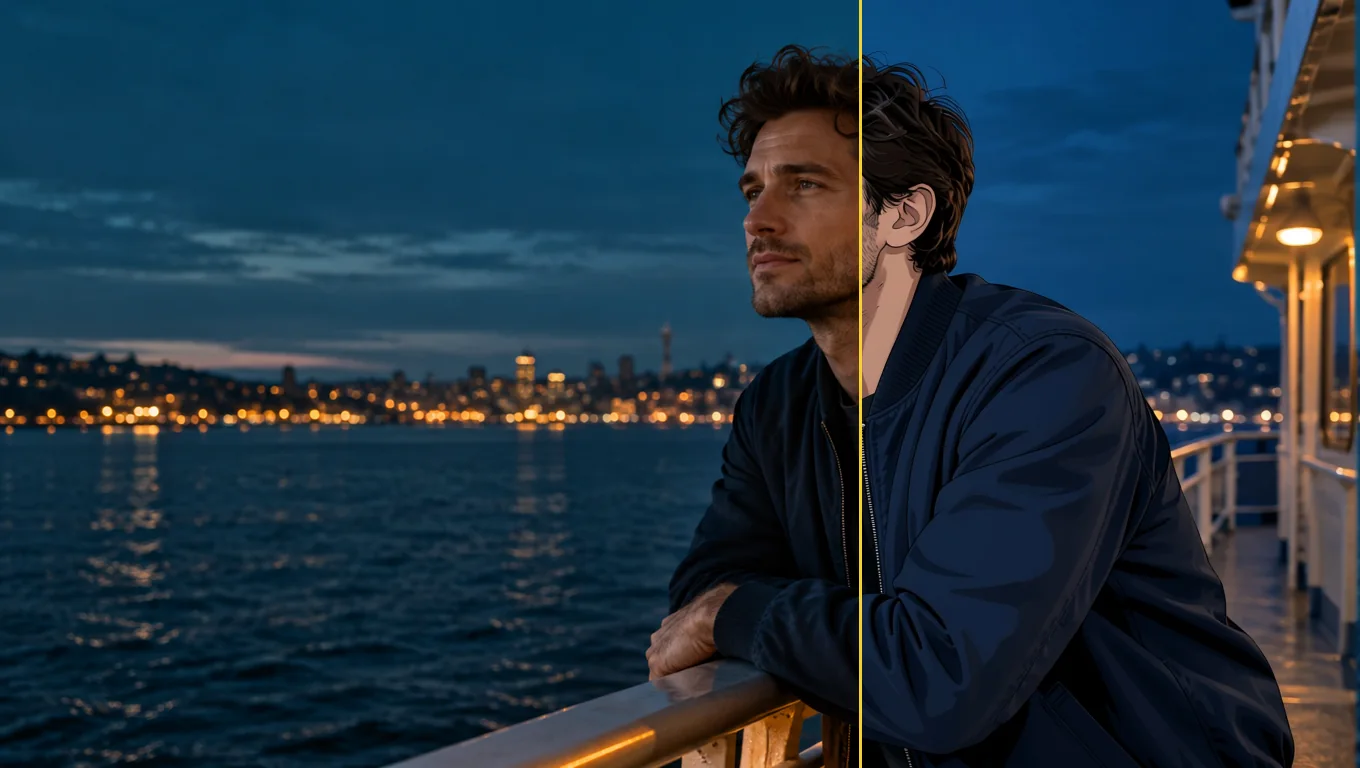
Photo to Anime selbst ausprobieren
Stellen Sie im Playground jeden Parameter ein und sehen Sie den genauen Preis, bevor Sie starten.
0,05 $ pro Bild
Weitere Reviews
Zu den Ranglisten →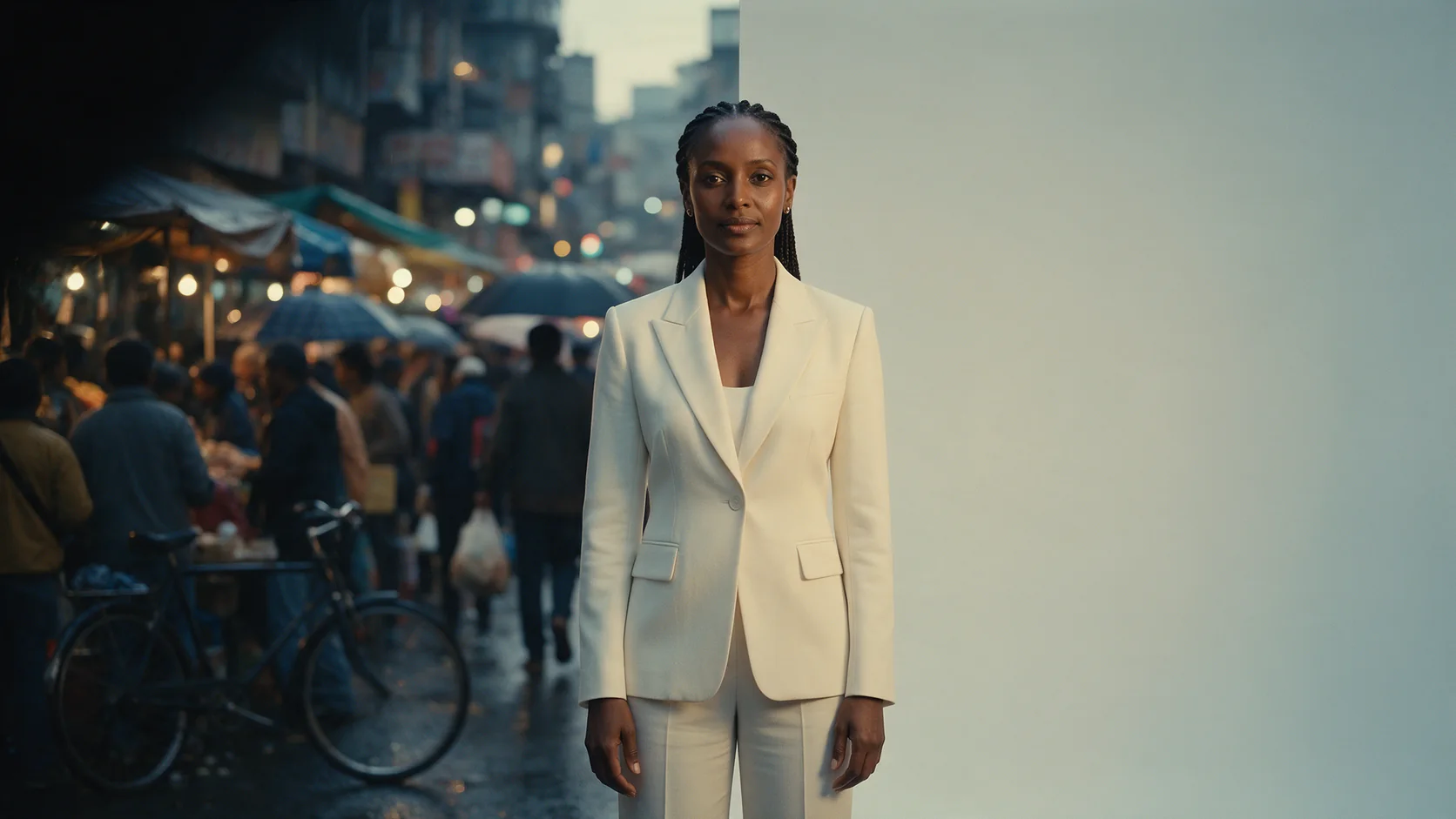
Background Remover
Background Remover eignet sich für Produkt- und Avatar-Freisteller für einen Bruchteil eines Cents; das Motiv muss sich schon vom Hintergrund abheben.
Getestet am 27. Sept. 2026
Review lesen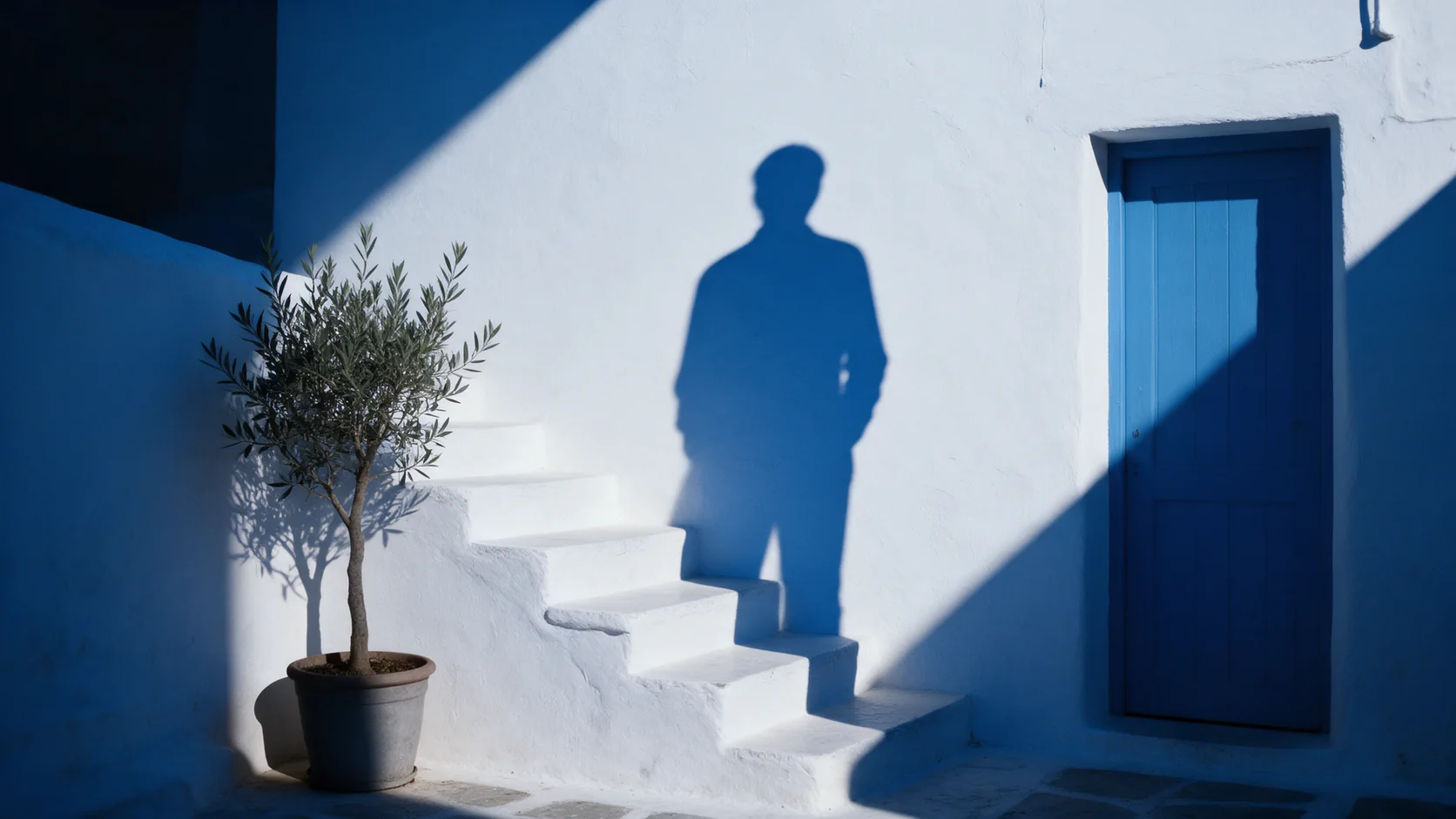
Object Eraser
Object Eraser entfernt kleine und mittlere Störfaktoren aus einem Foto, per Benennung oder Maskierung; bei großen Entfernungen lohnt ein zweiter Blick.
Getestet am 27. Sept. 2026
Review lesen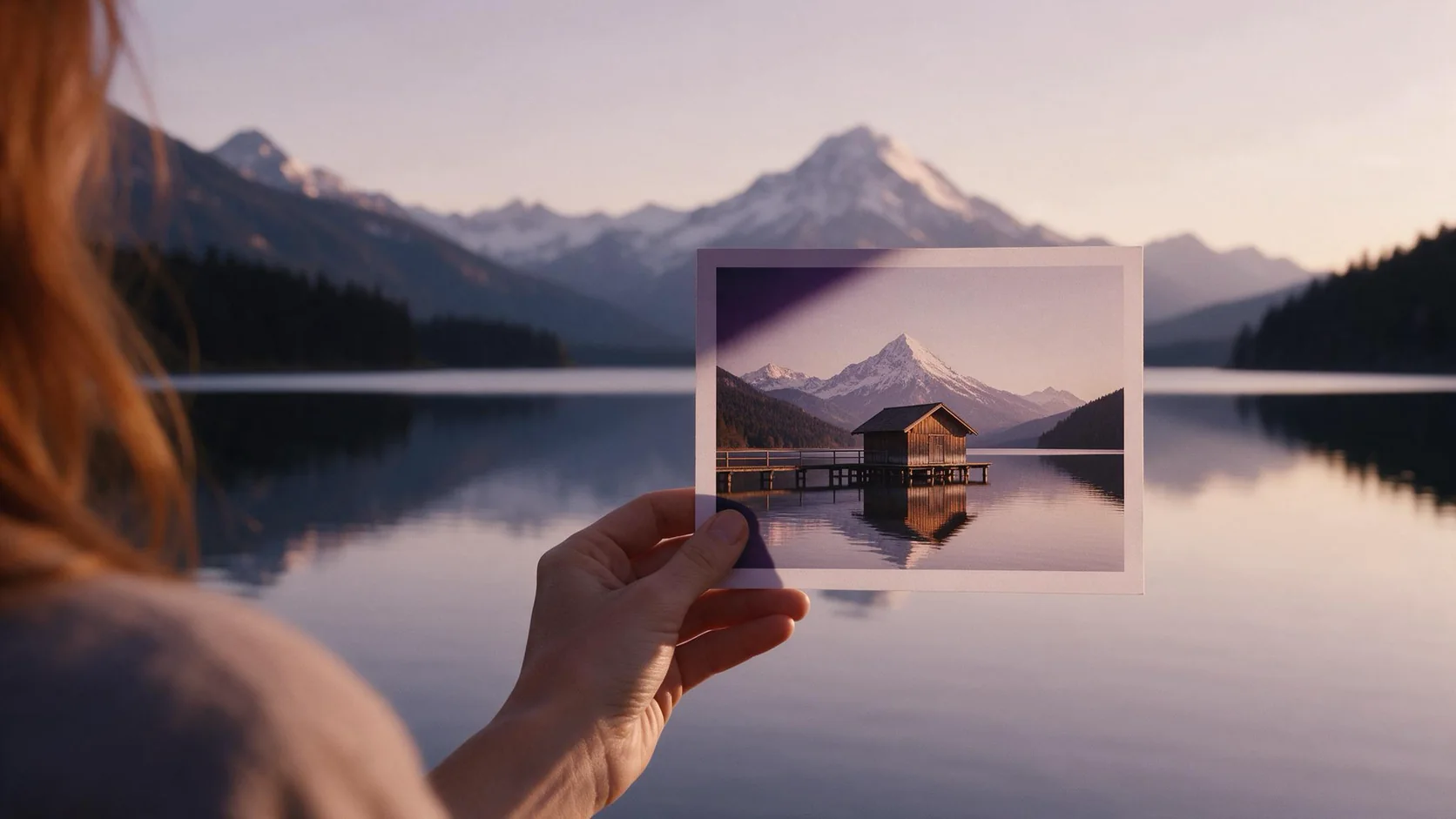
Image Expander
Image Expander bringt ein Foto ohne Beschnitt in ein neues Seitenverhältnis; plane ein Hochskalieren ein, falls das Ergebnis größer als 1536 Pixel sein soll.
- Spicy Index
- 82,4
- Freedom Score
- —
Getestet am 27. Sept. 2026
Review lesen