After Dark
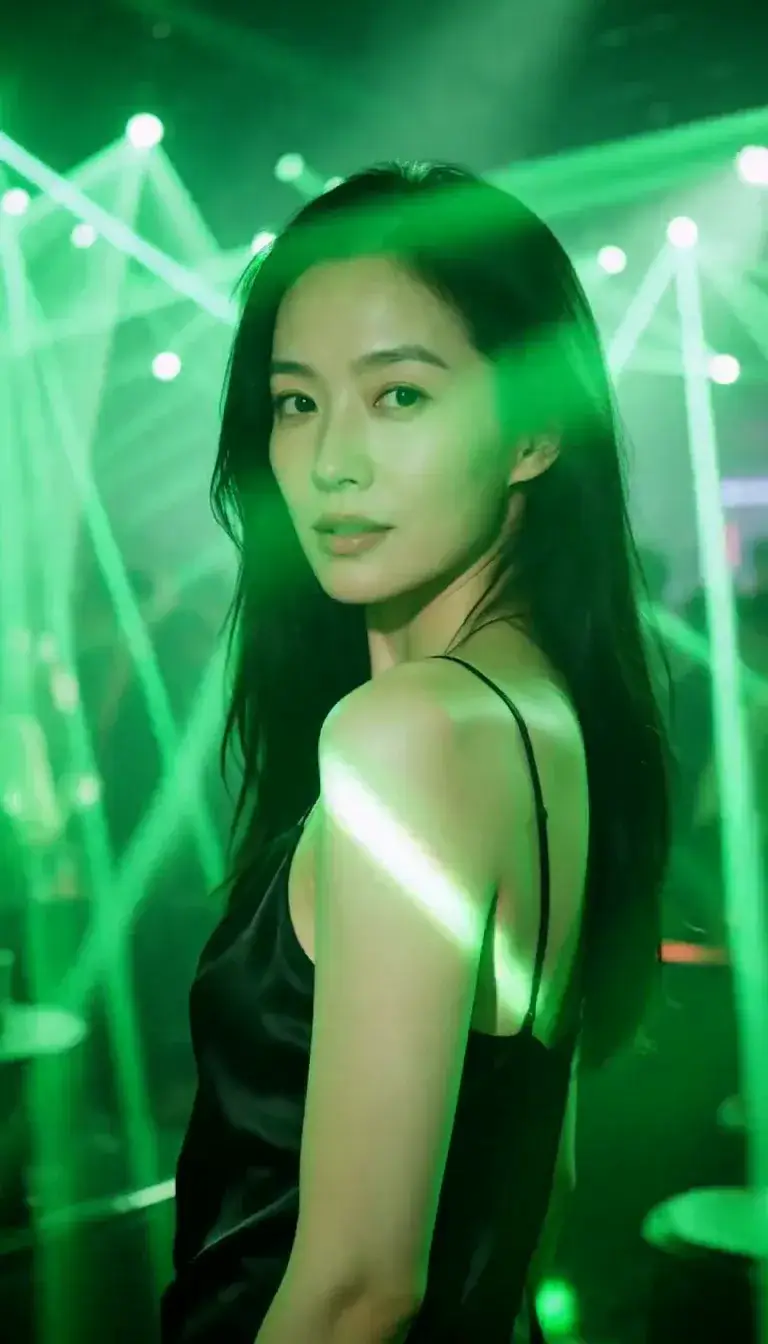 Laser Room
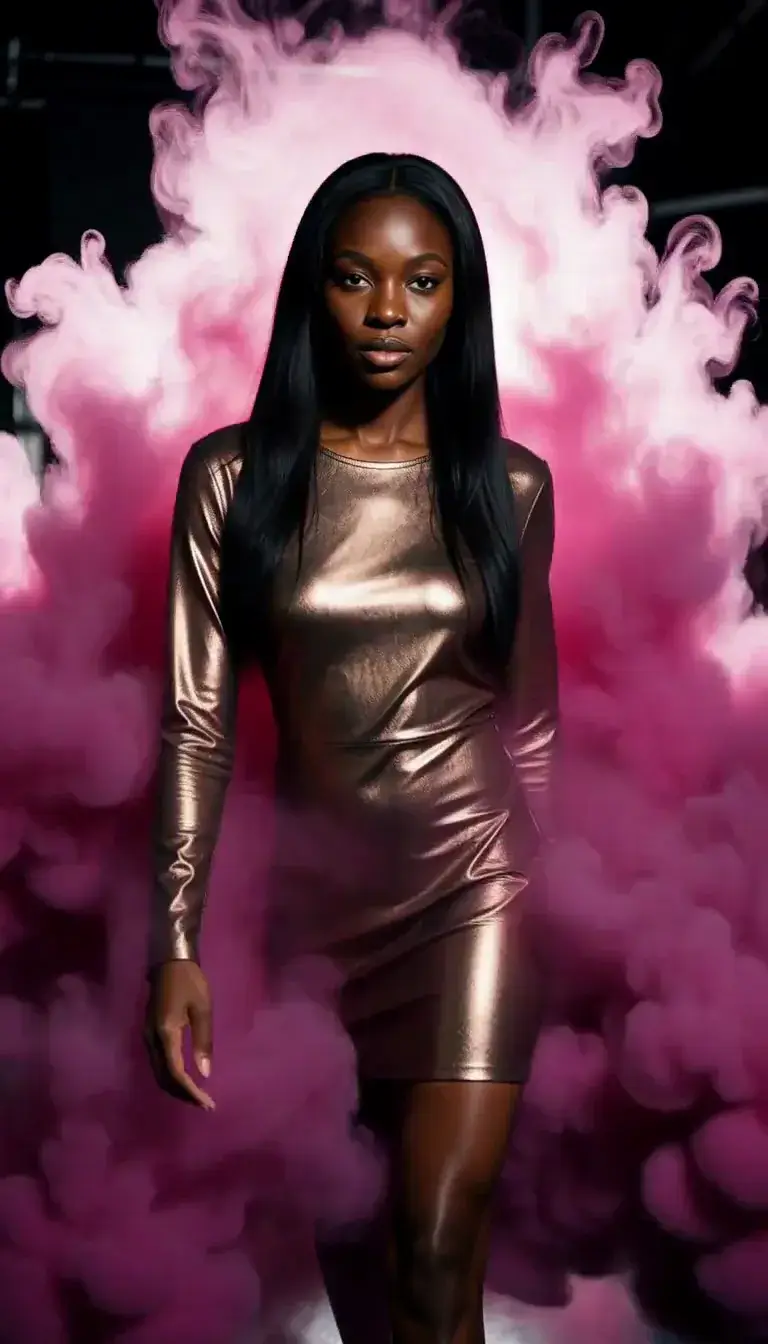 Color Smoke
 Silk Drop
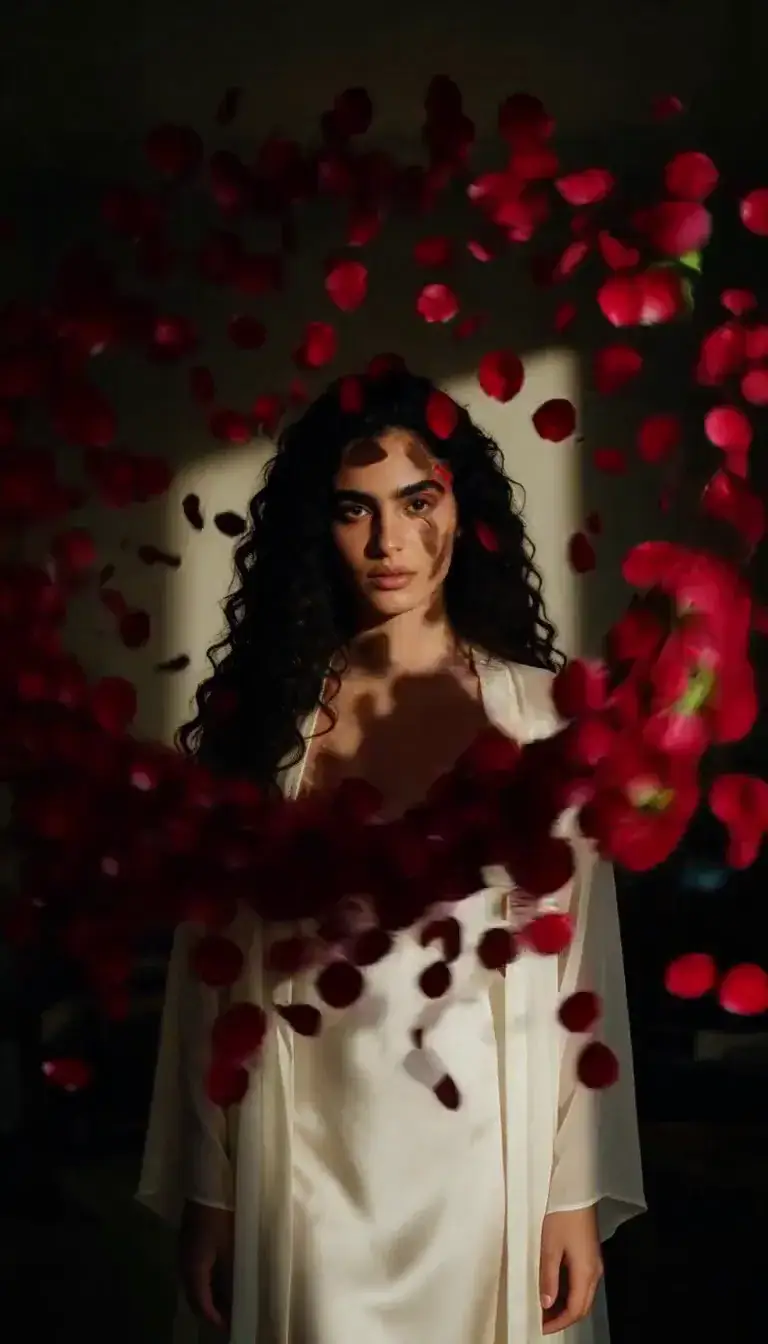 Petal Storm
 Slow Shutter
 Candlelight
 Behind the Hair
 Call Me
 Champagne Toast
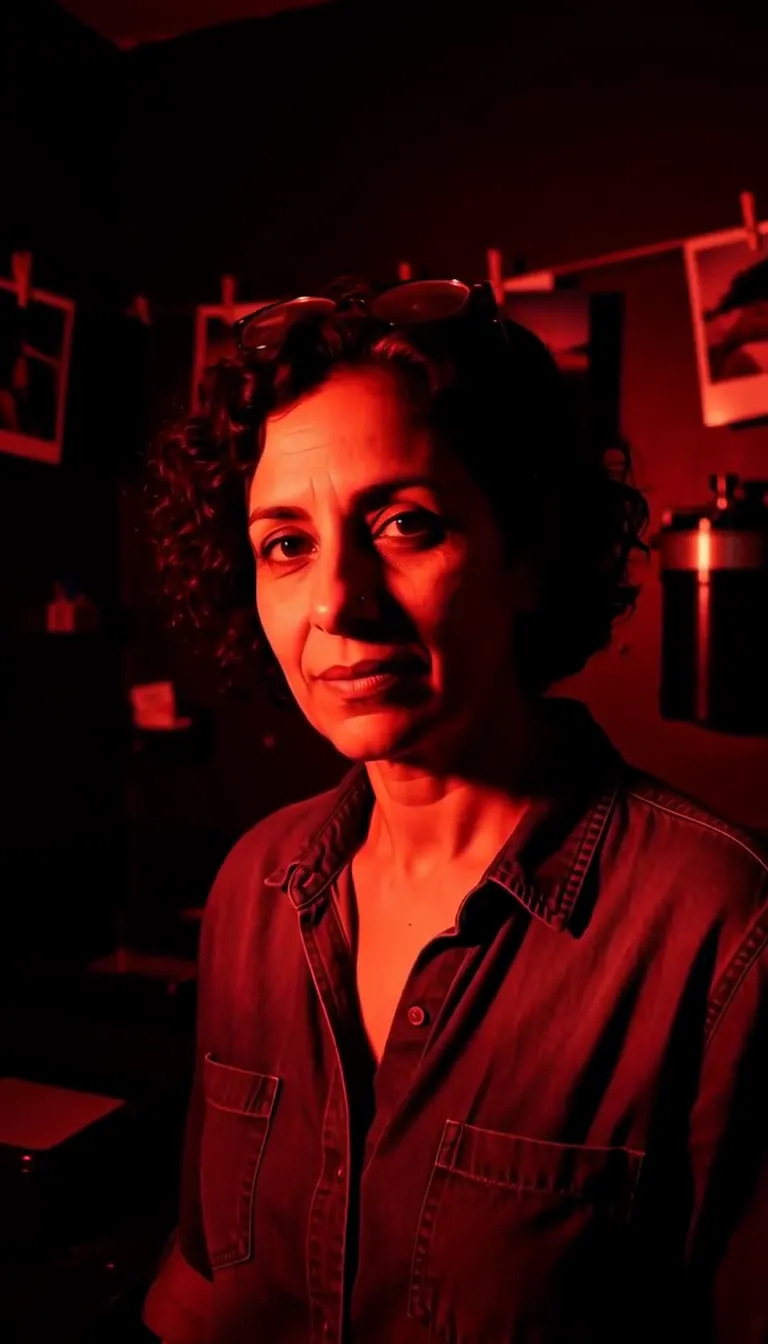 Darkroom Red
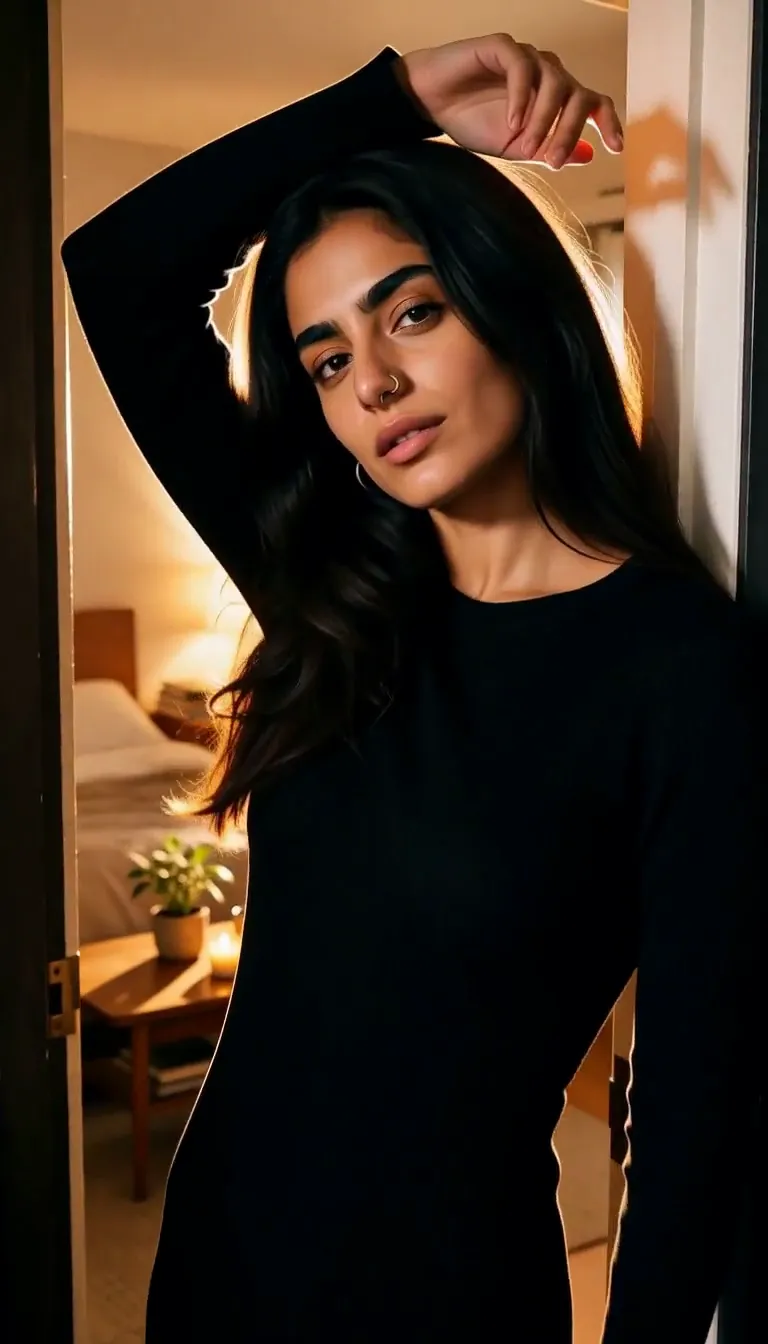 Doorway Lean
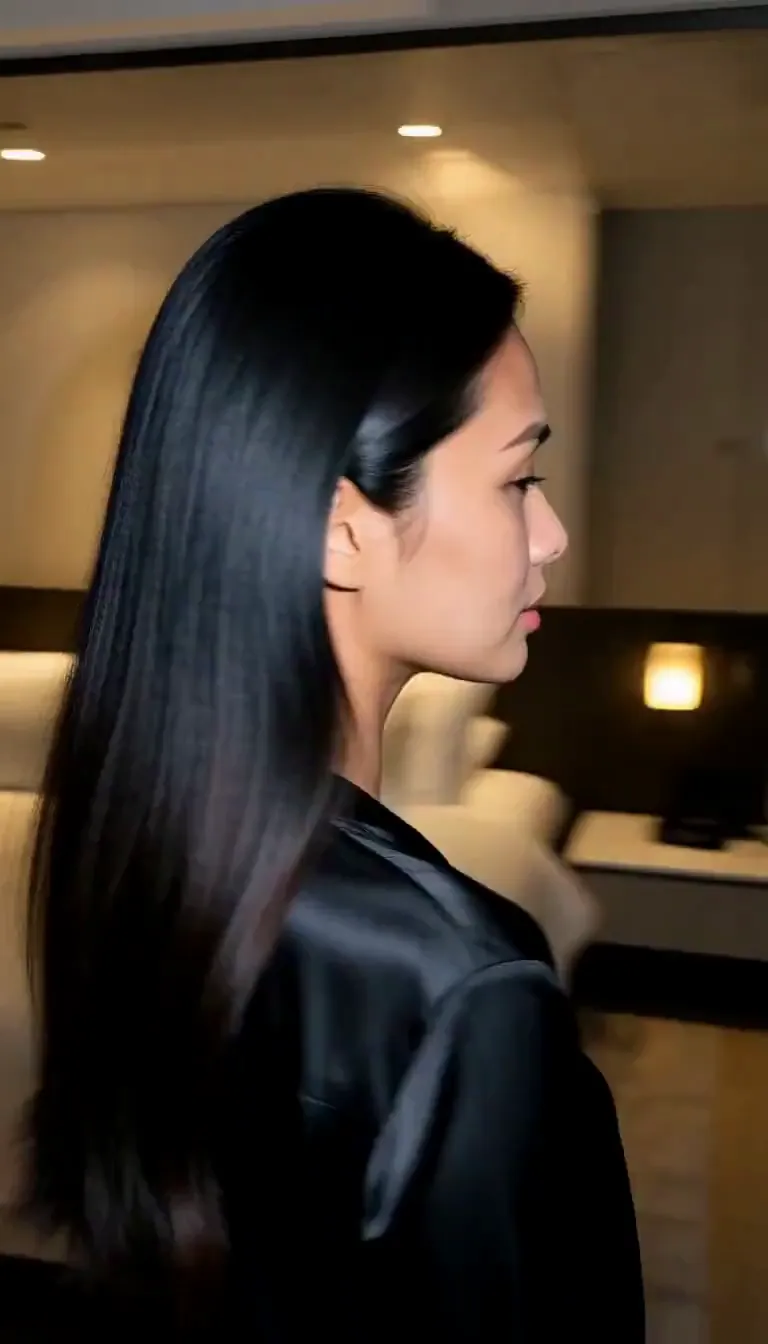 Eyes on You
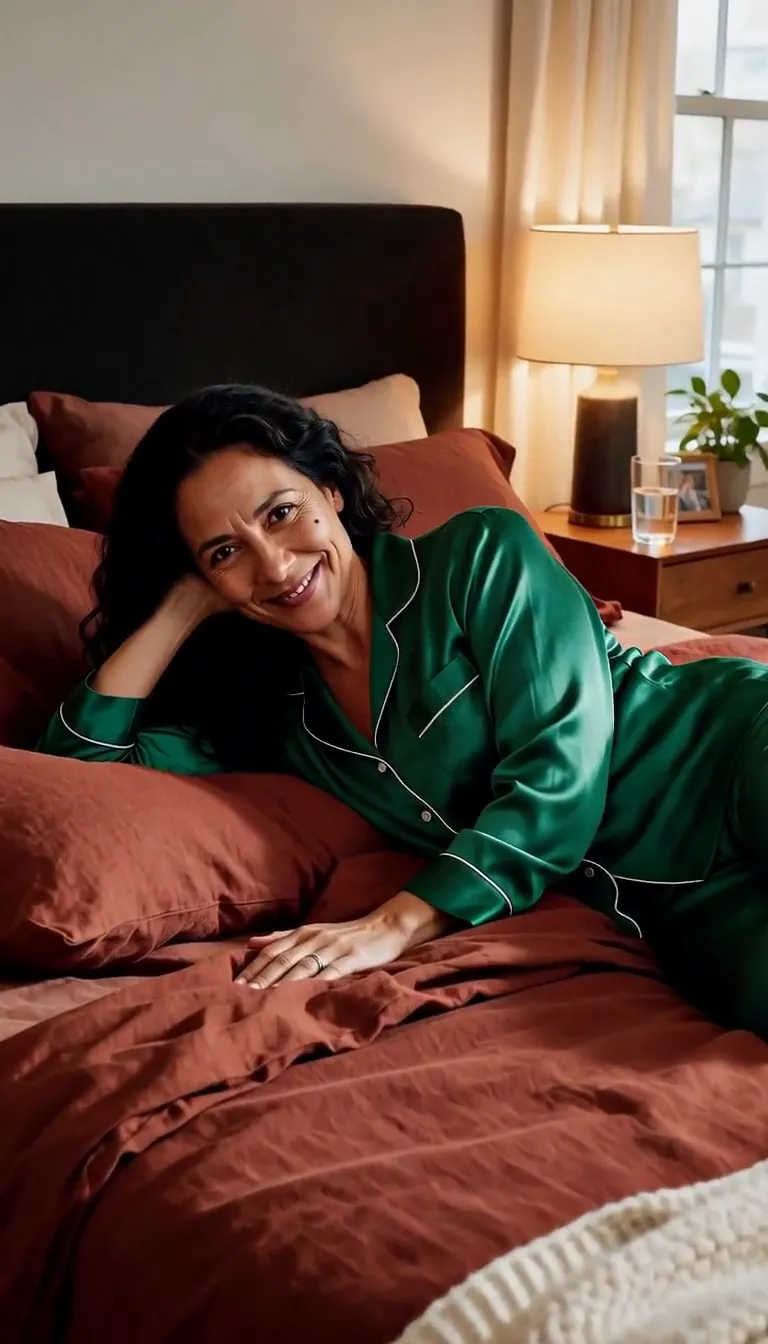 Join Me
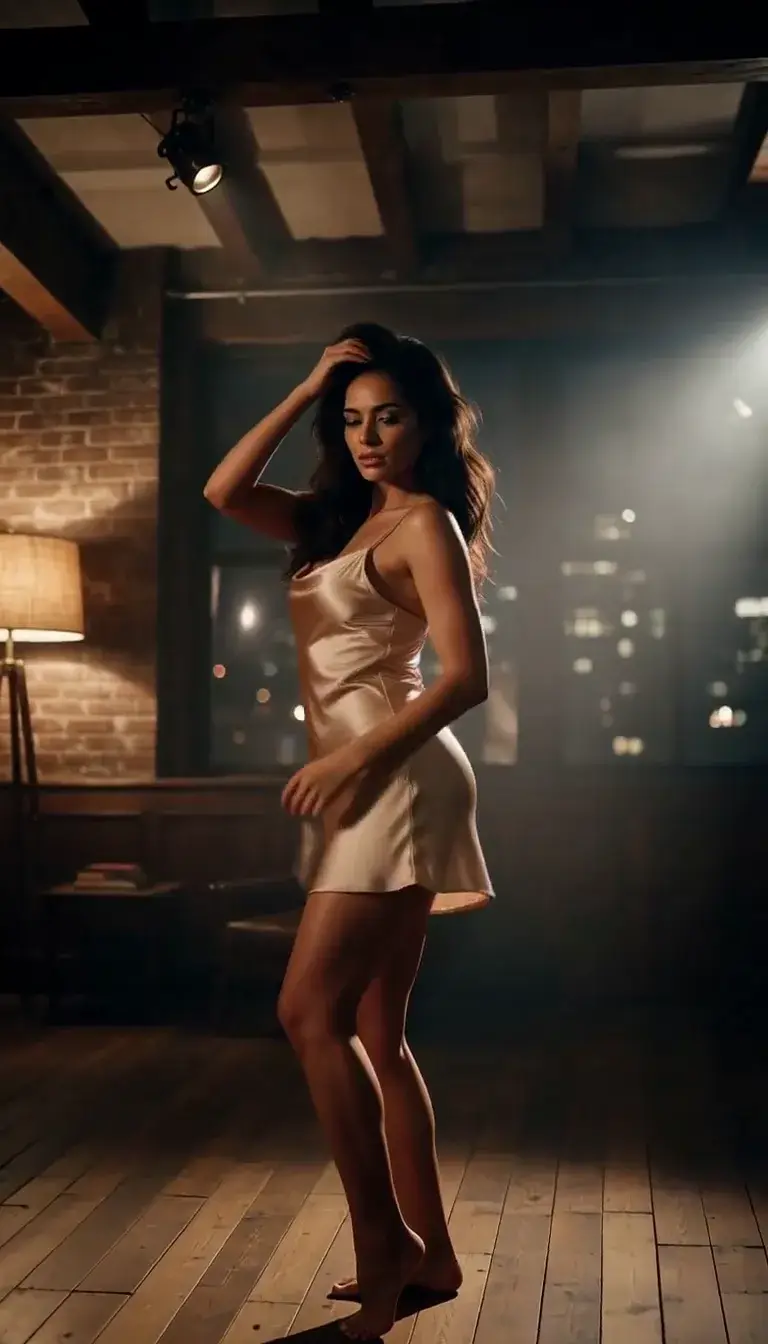 Late-Night Dance
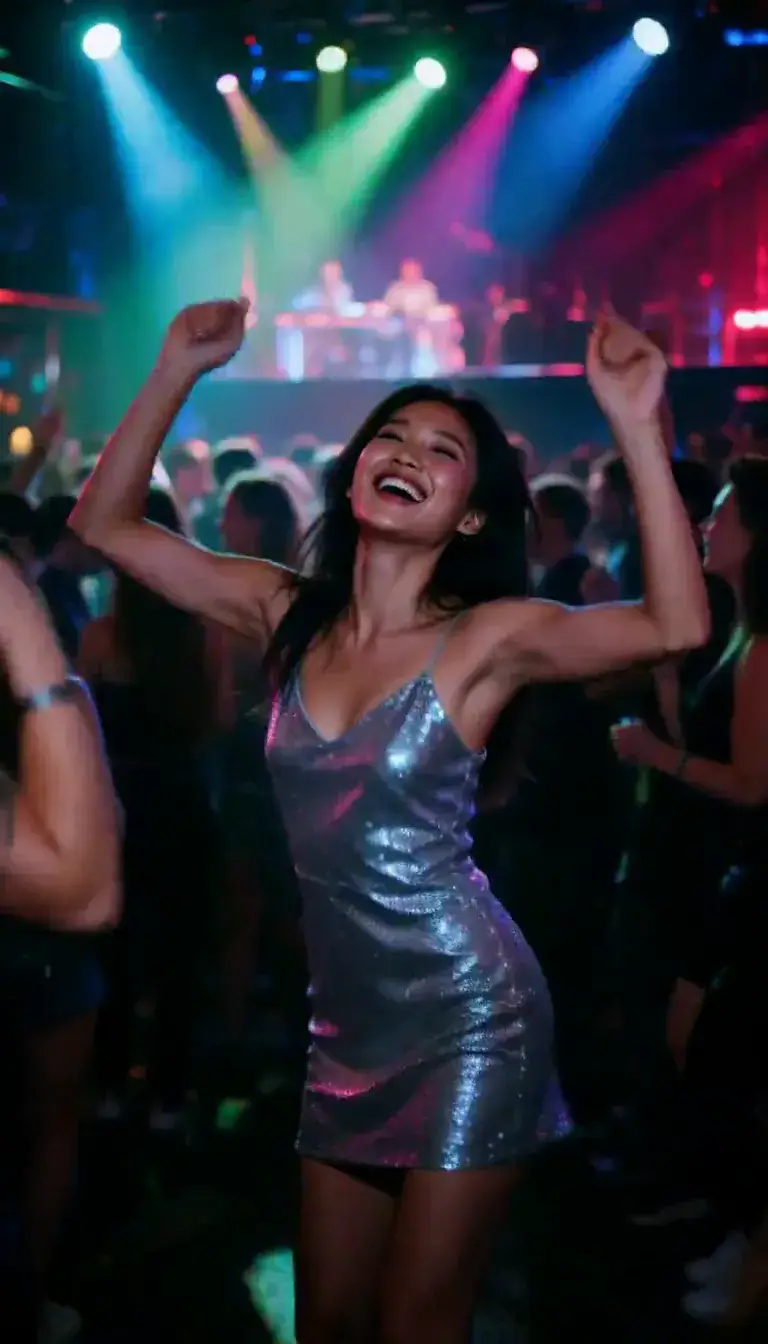 Club Strobe
Romance
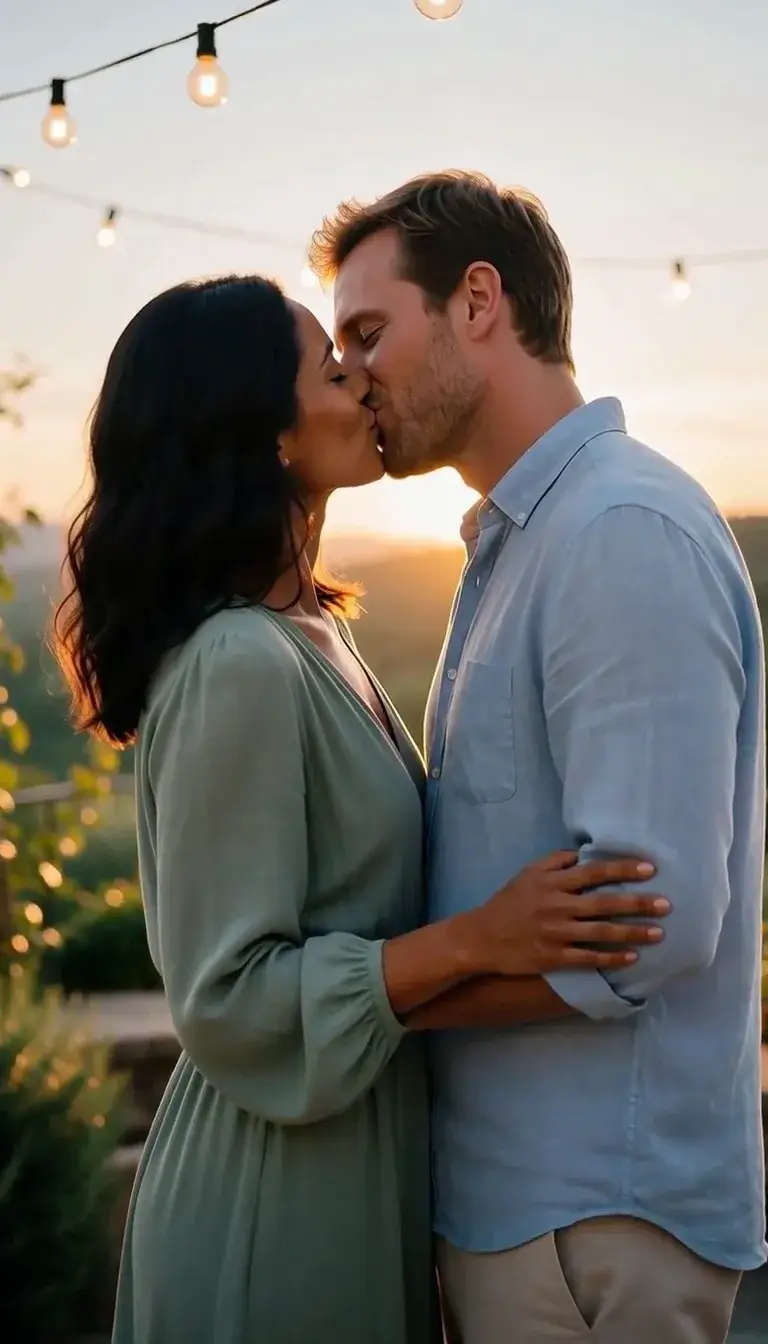 Kiss
KissCamera moves
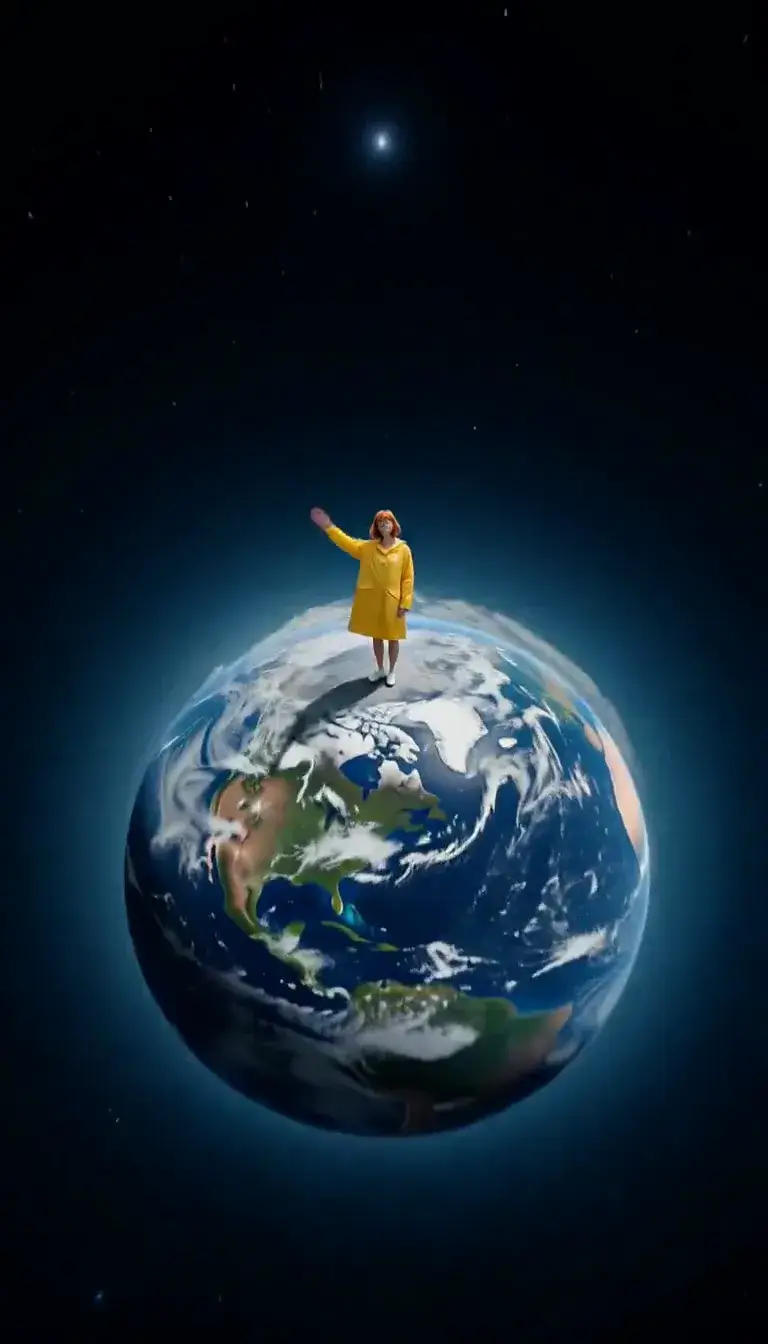 Tiny Planet
Transform
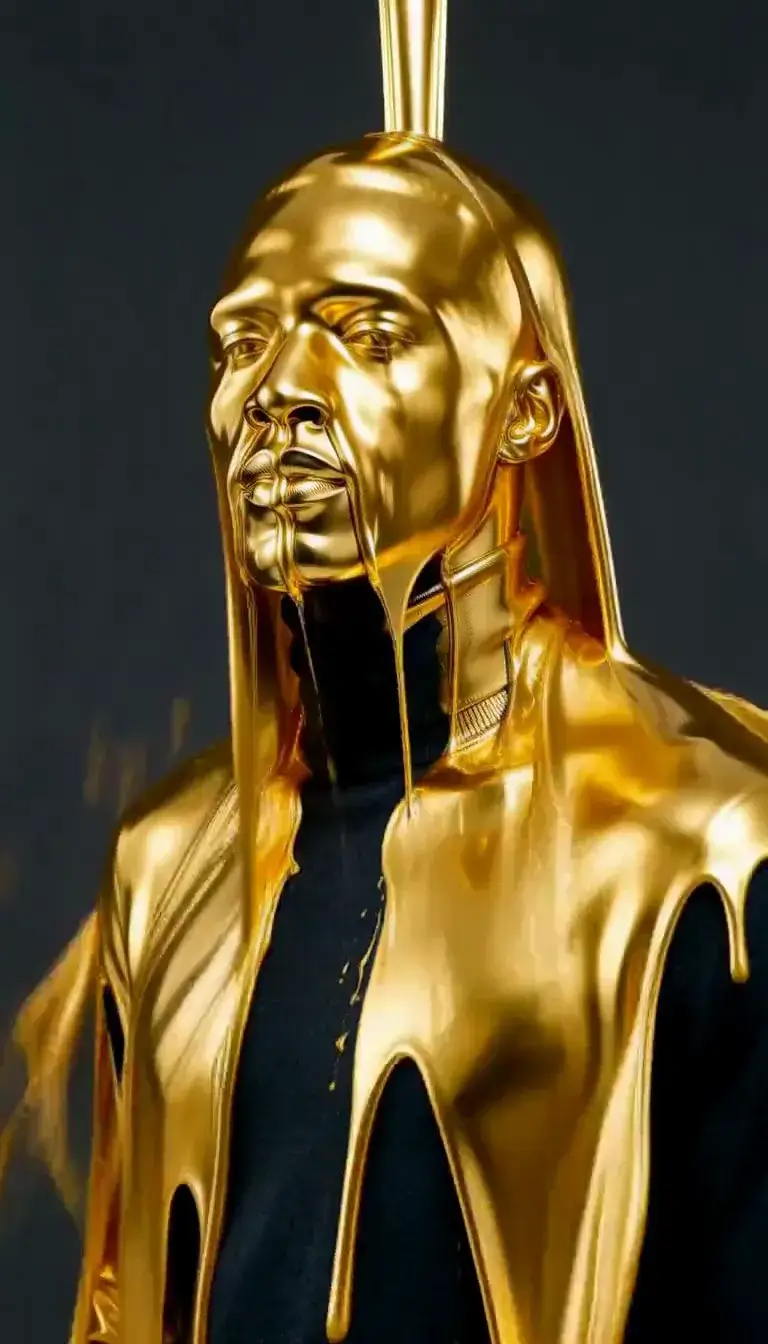 Molten Gold
Fashion
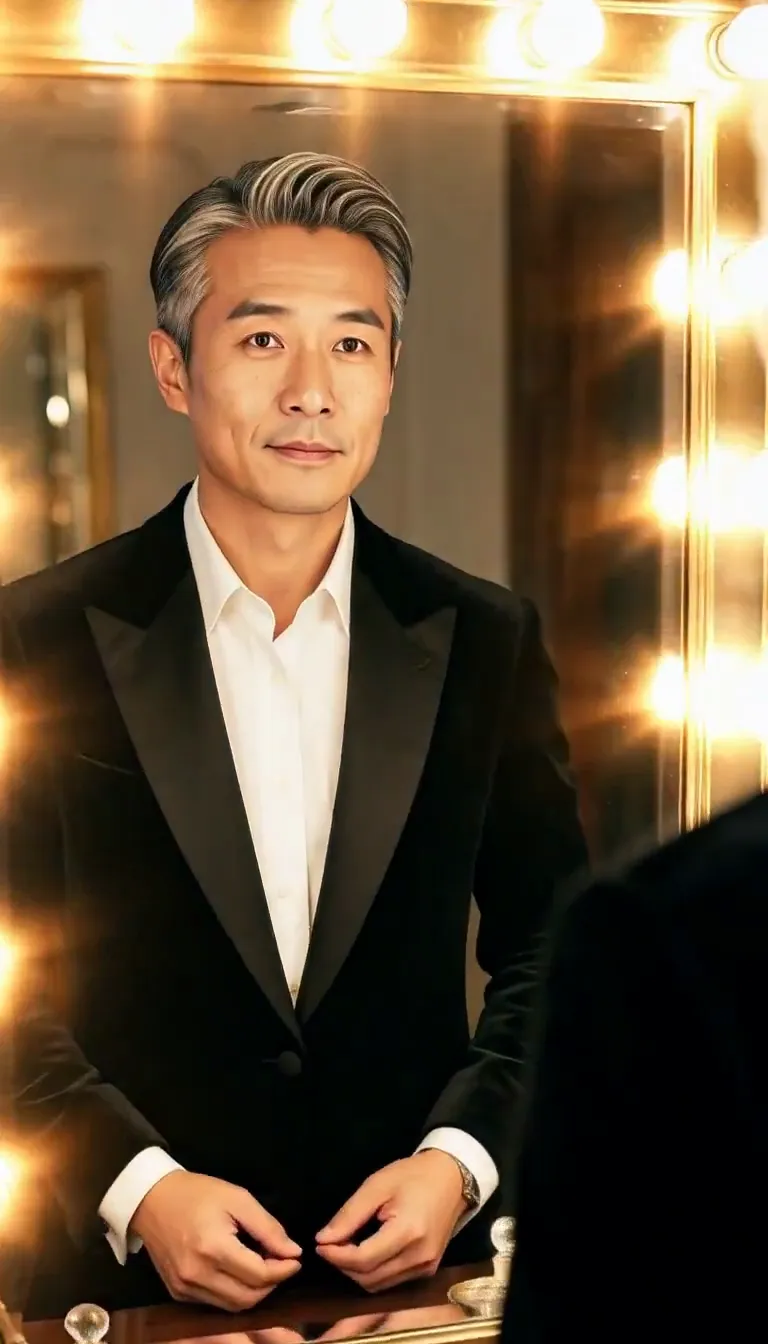 Mirror Glance
Atmosphere
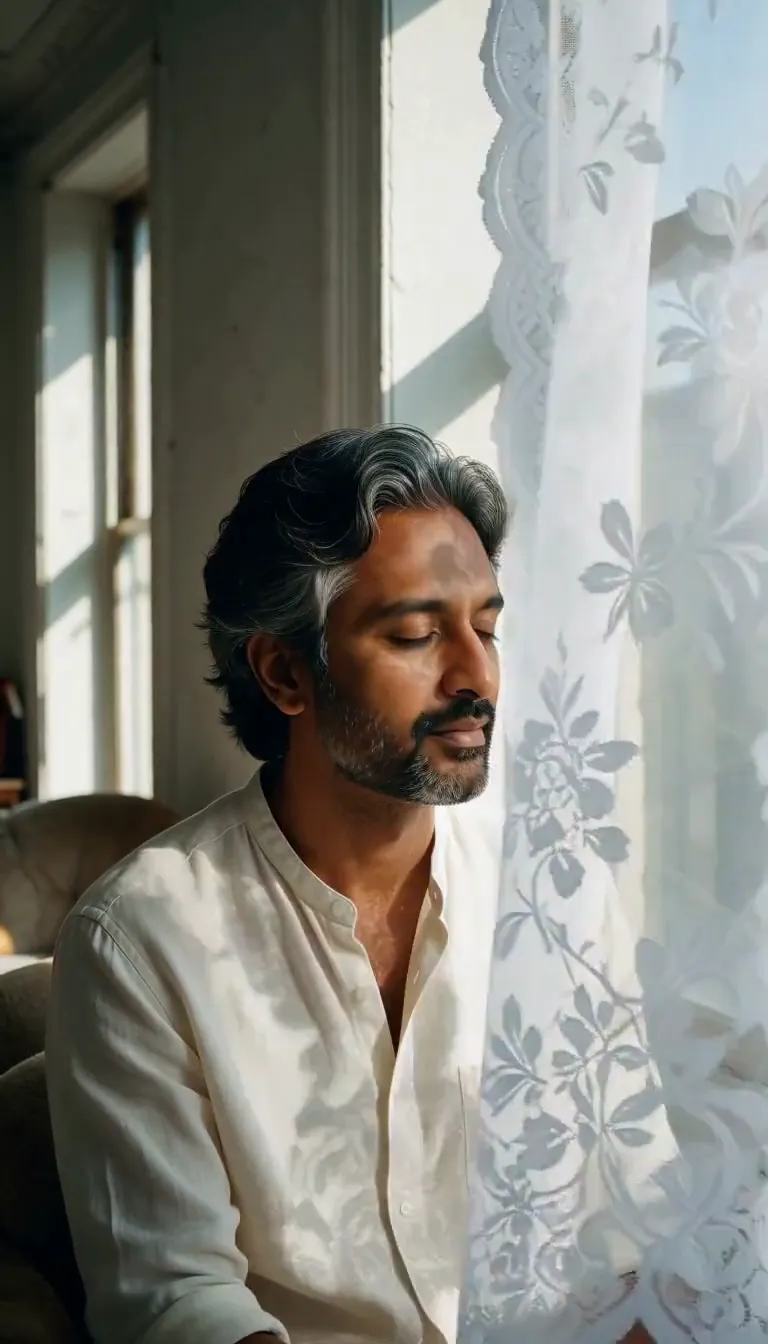 Lace Shadows
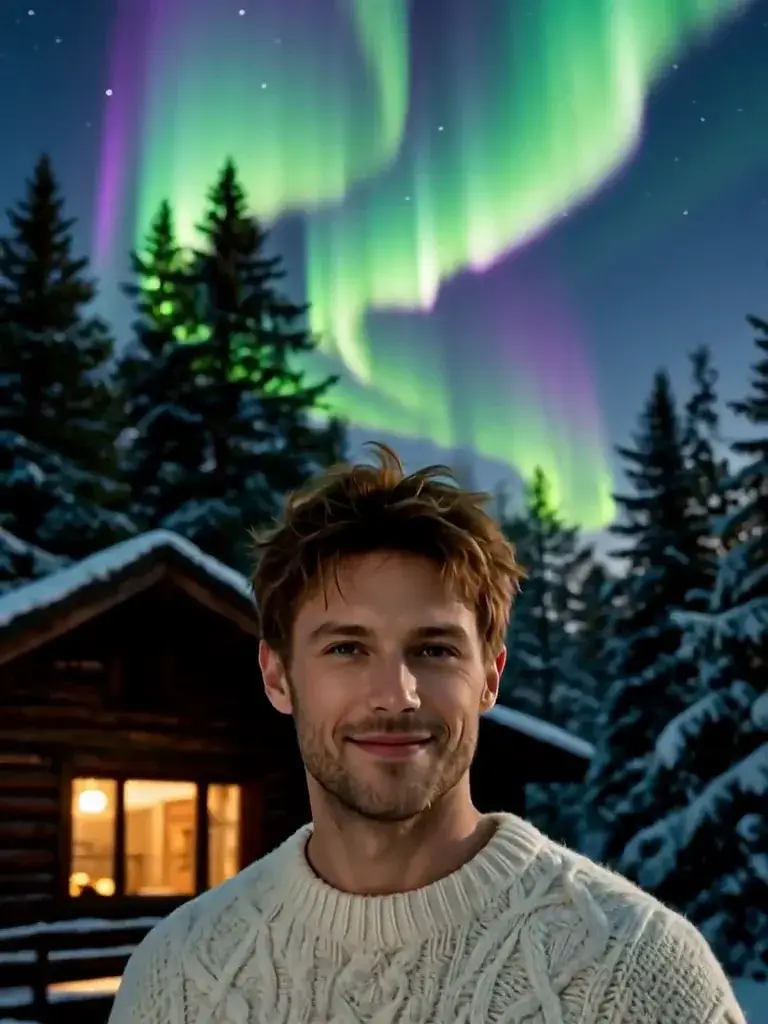 Aurora
Motion
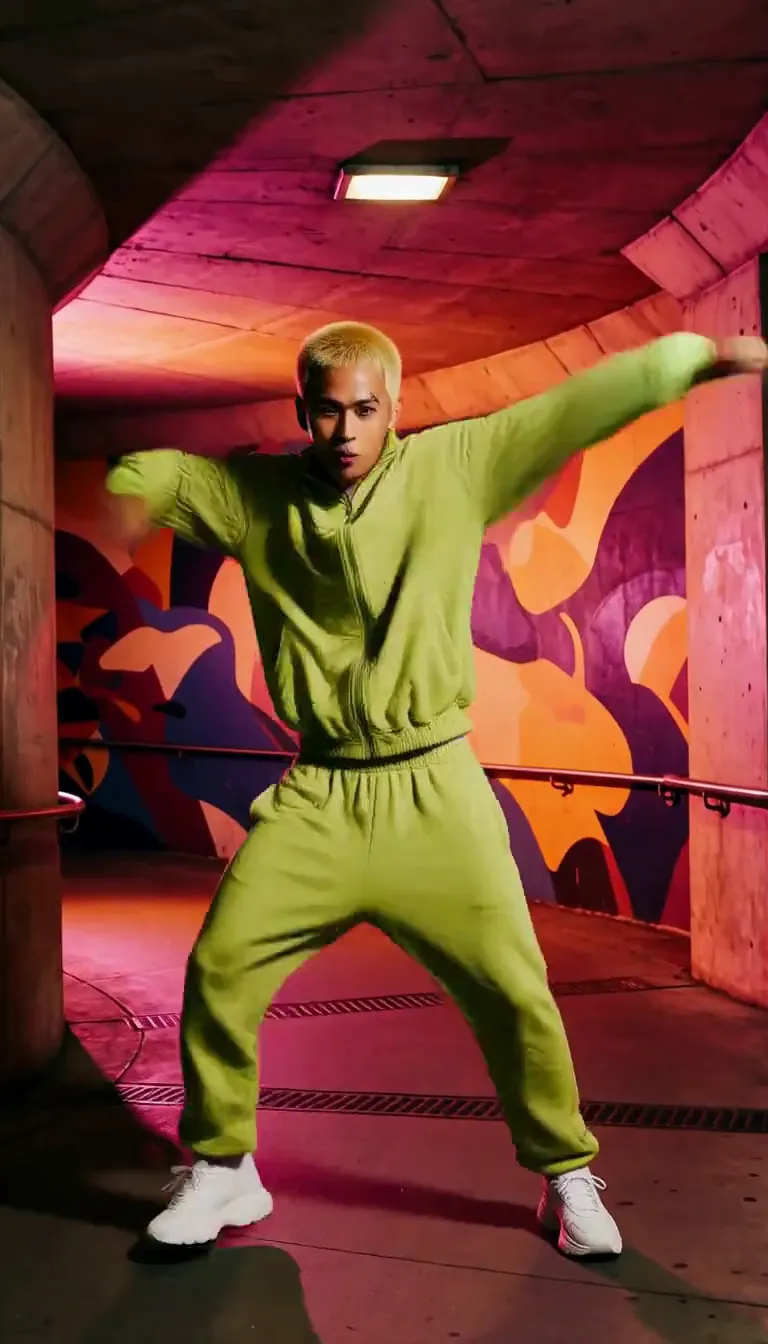 Groove
Fun
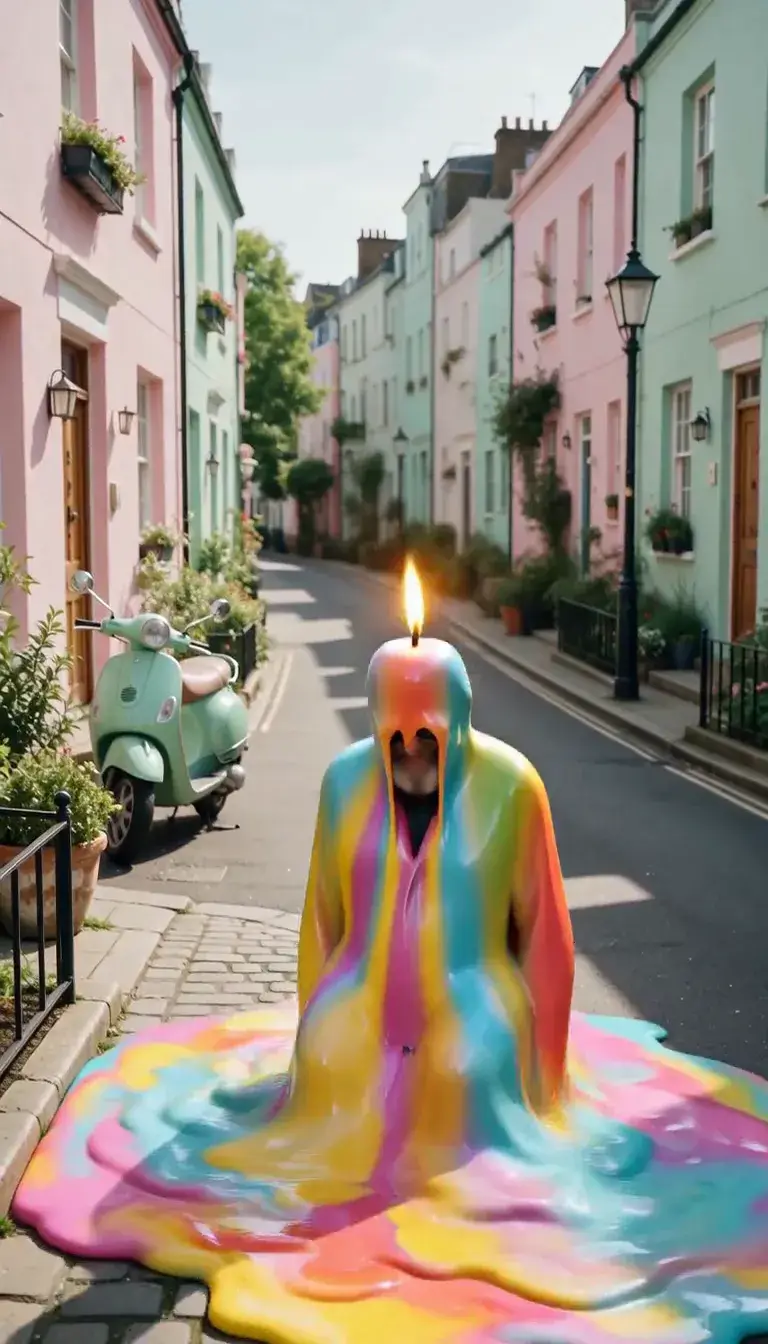 Meltdown
Product
 Ingredients Burst
Film looks
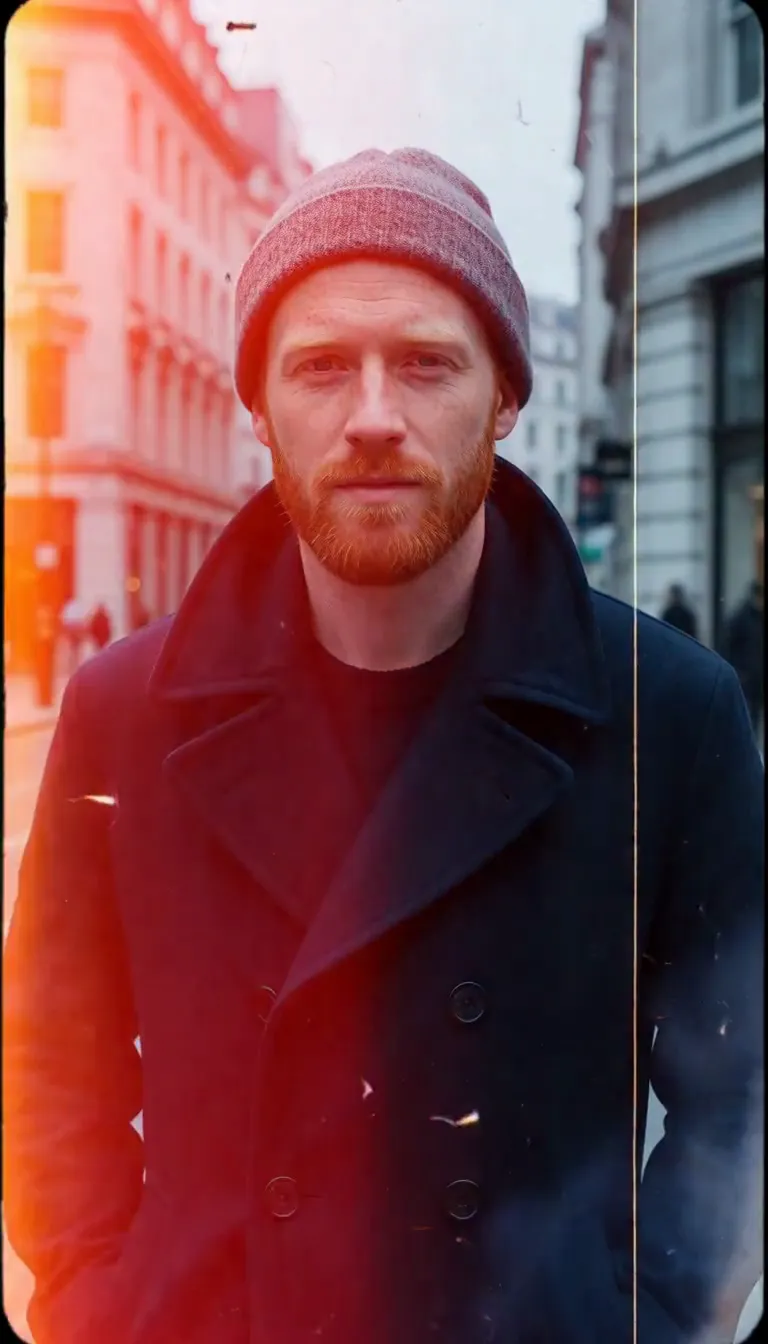 Film Burn
Video templates
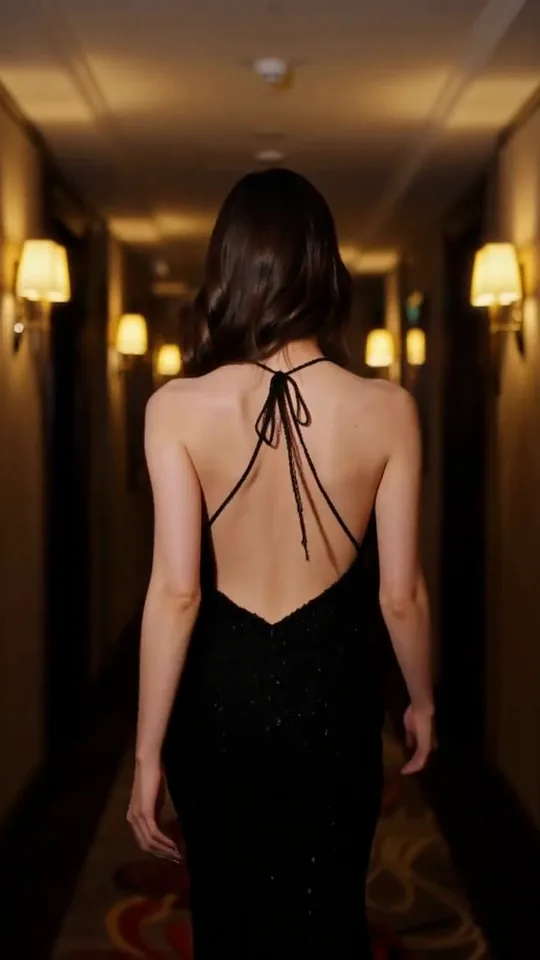 The Glance Back
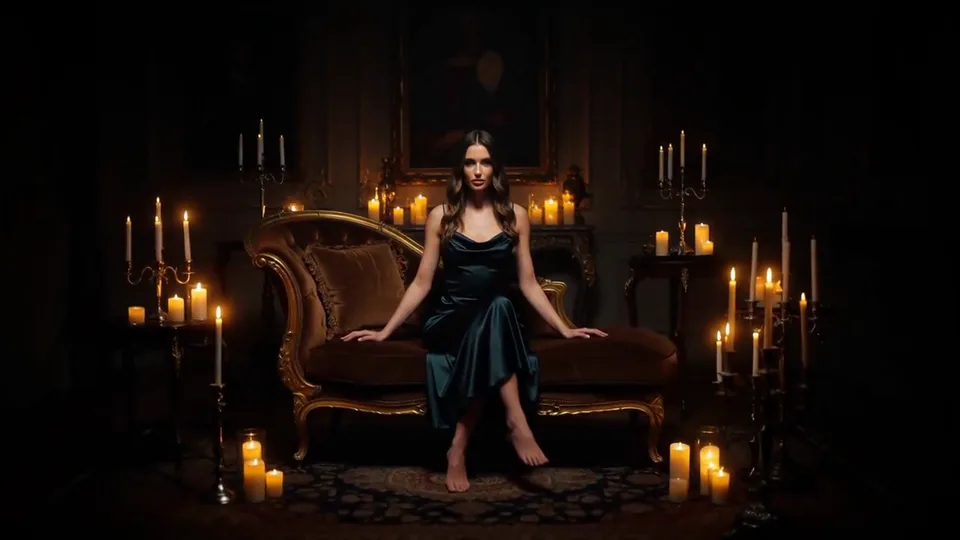 Candles Come Alive
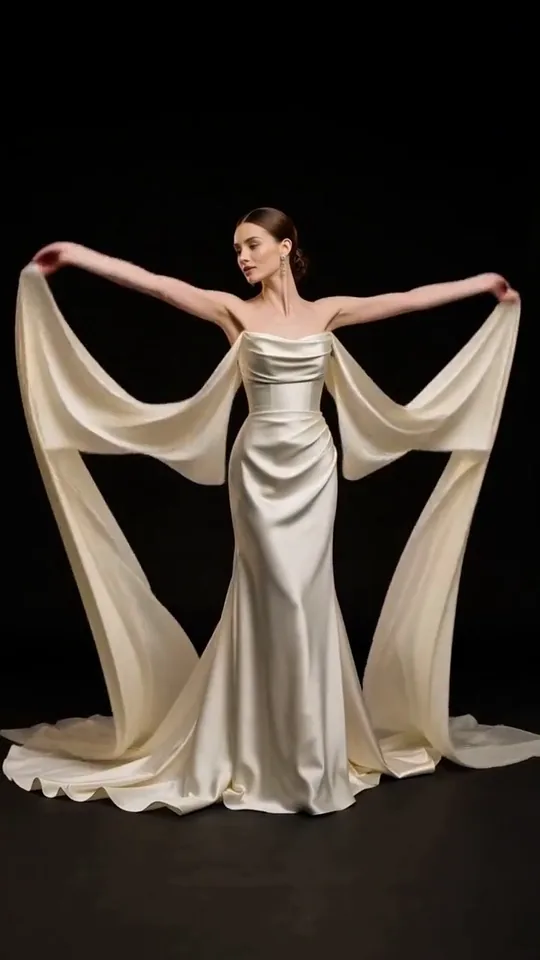 Silk Drift
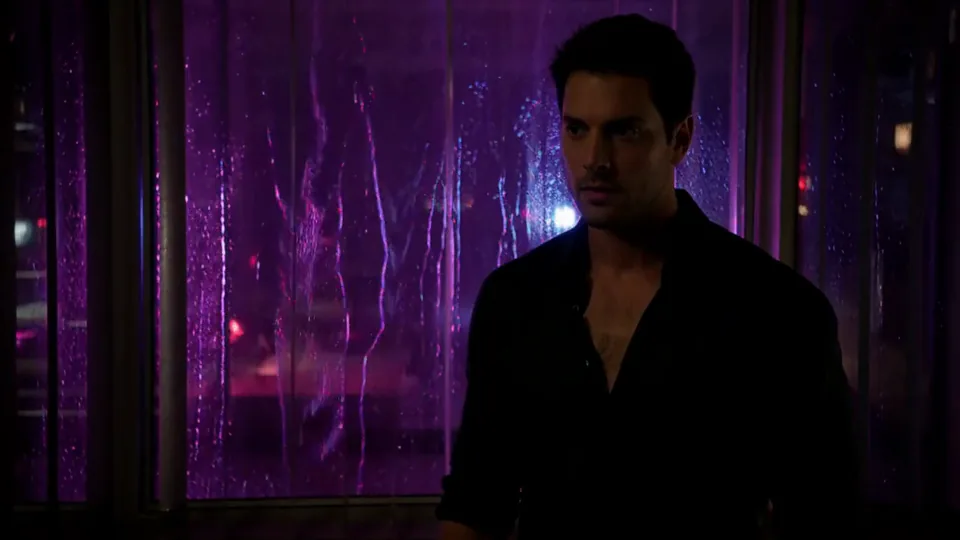 Neon After Hours
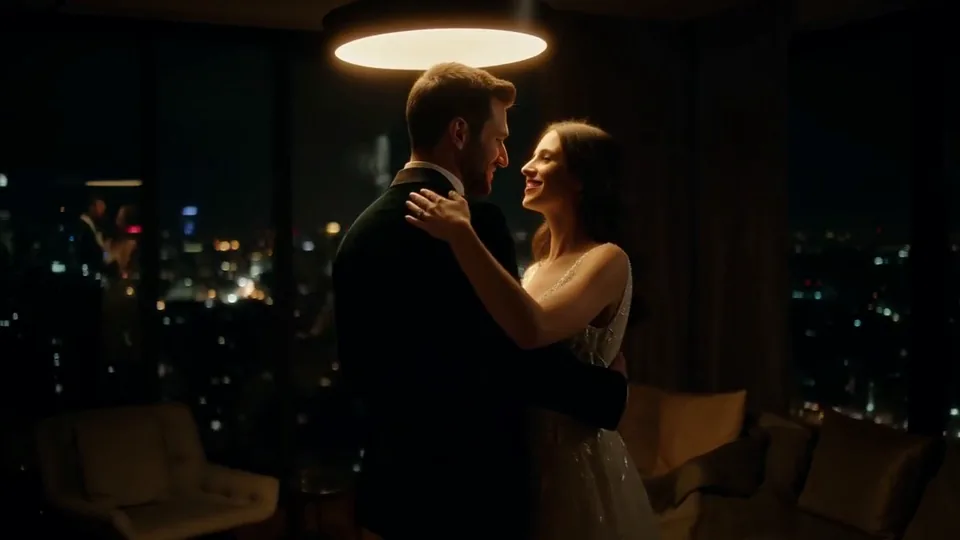 Sway Under the Lamp
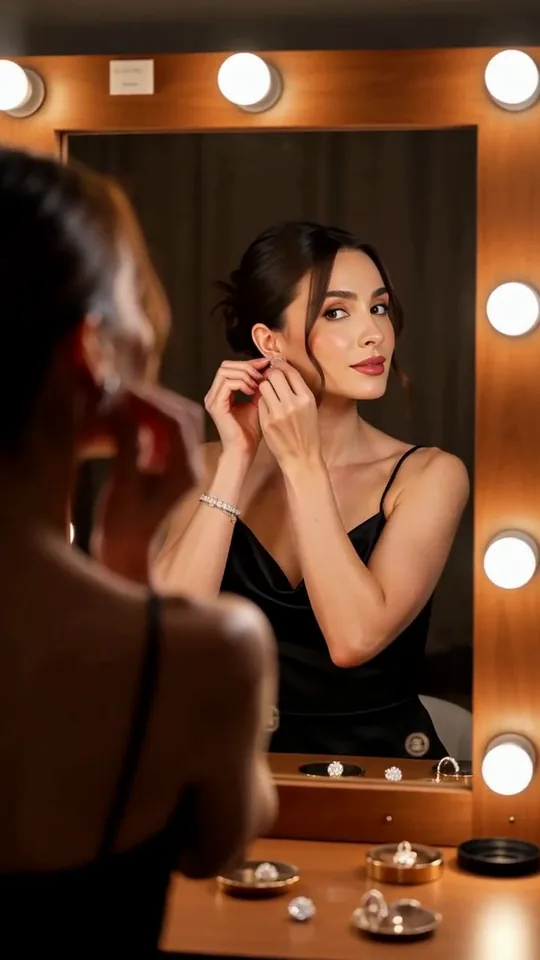 Mirror Moment
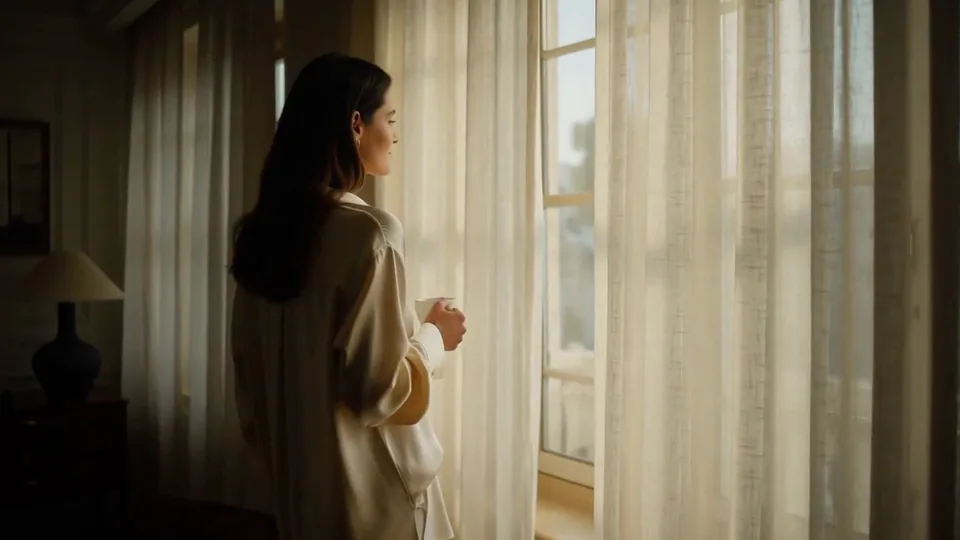 Morning Light
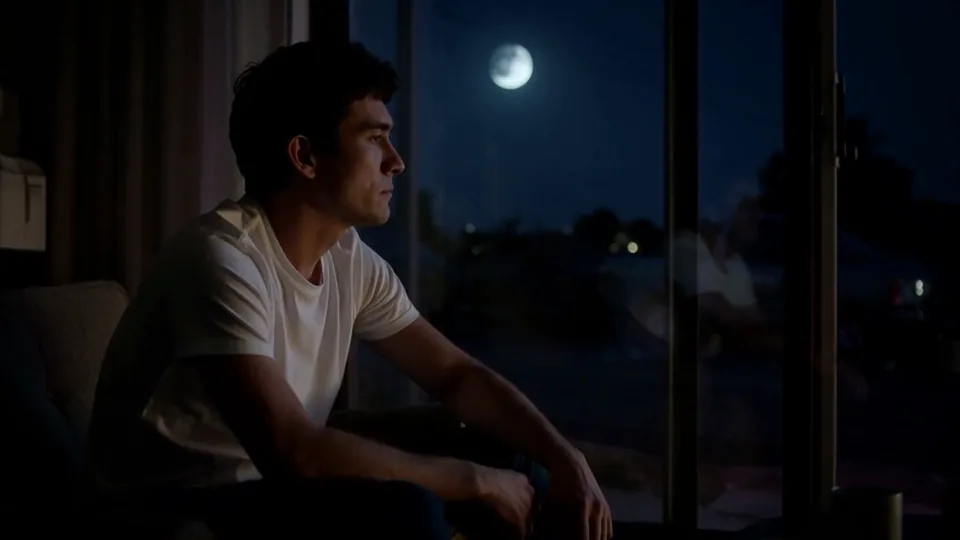 Passing Headlights
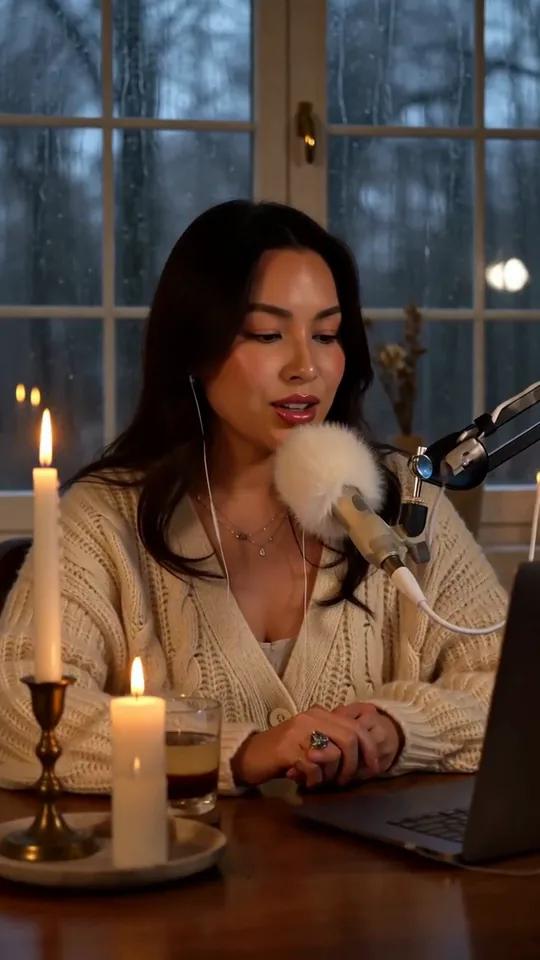 Whisper Session
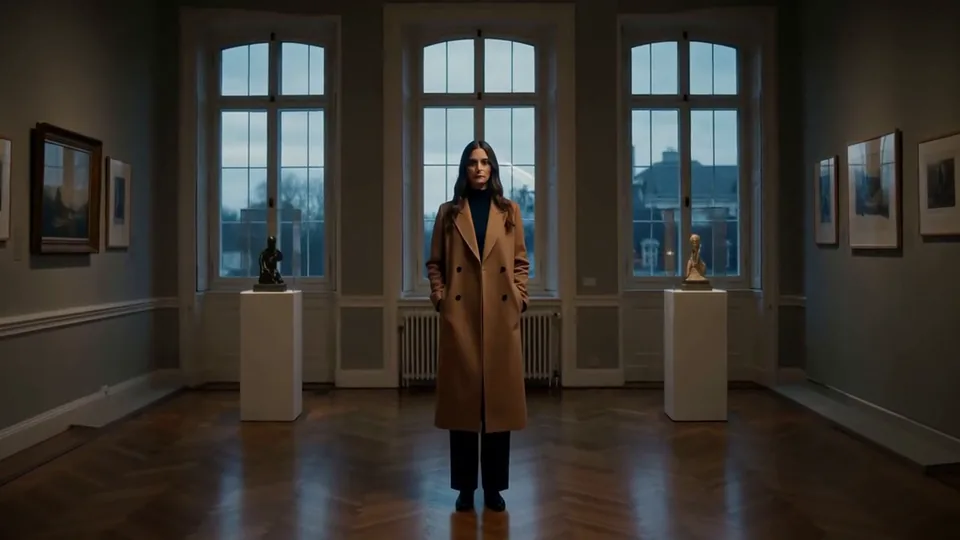 Slow Push-In
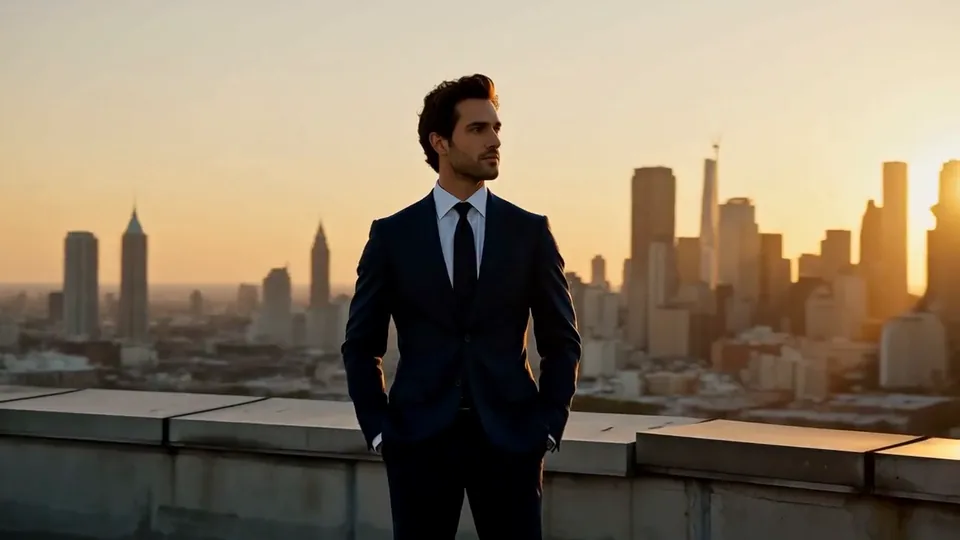 Half Orbit
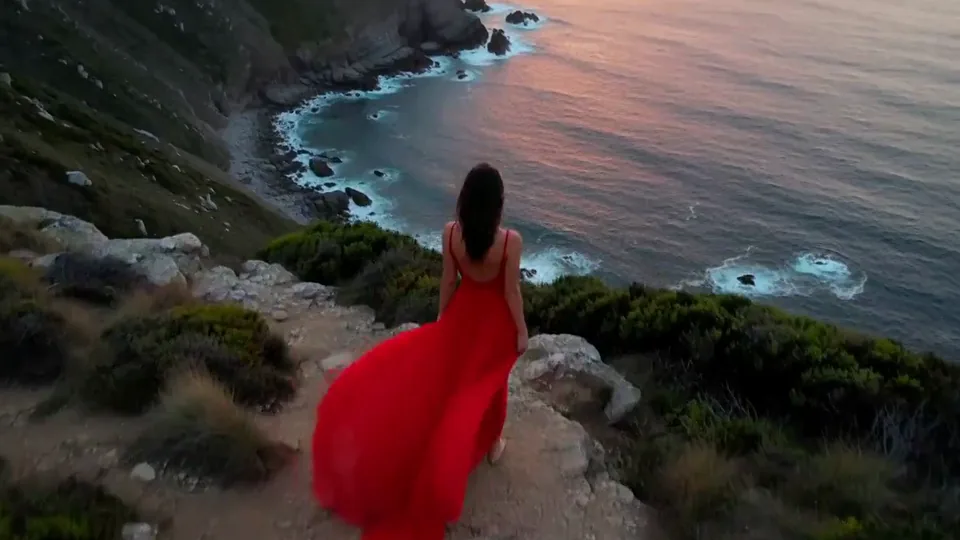 Drone Rise
This effect writes the prompt for you. Add one image.
We never filter your prompt.
Green and violet aurora ribbons unfurl across the sky above your subject as the camera tilts slowly up and day turns to night.
- Model
- MiniMax H3
- Length
- 5 s
- Resolution
- 768p
- Per run
- $0.185
- Type
- Atmosphere
What this effect sends
This is the full prompt, word for word. Copy it, or open it in the generator and change anything you like.
Ribbons of green and violet aurora spread across the sky above the main subject, rippling and folding slowly like curtains of light, and their glow washes softly over the scene. The main subject stays in the same place and pose, still facing the same way, while the camera tilts up slowly toward the sky in one continuous shot.Pictures that work best
- Choose a photo with a clear, mostly open sky above your subject — a busy ceiling or a tight indoor crop leaves the aurora nothing to unfold into.
- An outdoor photo taken in daylight or at dusk gives the biggest, most dramatic shift as the scene turns to night.
- Keep your subject facing the camera or holding a clear pose; the effect is built to hold that framing rather than turn the body around.
- Landscapes with a horizon line, like a beach, a field or mountains, give the aurora a natural place to spread from.
Models this effect runs on
The same prompt on different models. Pick by look and by price.
- MiniMax H3$0.185 per run
5 s · 768p
- Seedance 2.0 Fast$0.484 per run
5 s · 720p
- Kling 3.0$0.336 per run
5 s · 720p
- Seedance 2.0$0.76 per run
5 s · 720p
- Wan 3.0$0.45 per run
5 s · 720p
- Vidu Q3 Turbo$0.33 per run
5 s · 720p
- MiniMax H3 Max$0.4 per run
5 s · 768p
- Kling 2.5 Turbo$0.28 per run
5 s
- Wan 2.6 Flash$0.113 per run
5 s · 720p
- Seedance 2.0 Mini$0.265 per run
5 s · 720p
How it works
- 01
Add one photo
Choose the photo to match the example: include both people for a shared gesture, and keep the face and any hands involved clearly visible. Upload your own photo or start with a Aurora sample.
- 02
Check the price
Aurora defaults to a 5-second clip for $0.185. Swap the model or change the length and resolution before you run — the price on the button updates to match, and that's the whole cost of the clip.
- 03
Generate
Your Aurora clip renders in the background, lands in History and is never published.
Do the move yourself
Aurora keeps one version of this shot. To give Aurora your own motion or ending, write it yourself in Image to Video, starting from the prompt above.
What it does to your photo
The aurora borealis is one of those sights most people will never stand under, so this effect brings it to them: ribbons of green and violet light spread and fold slowly across the sky above your subject, and the camera tilts up in one continuous shot to follow them. The scene turns from day to night as the lights build, which is what makes it feel earned rather than pasted on.
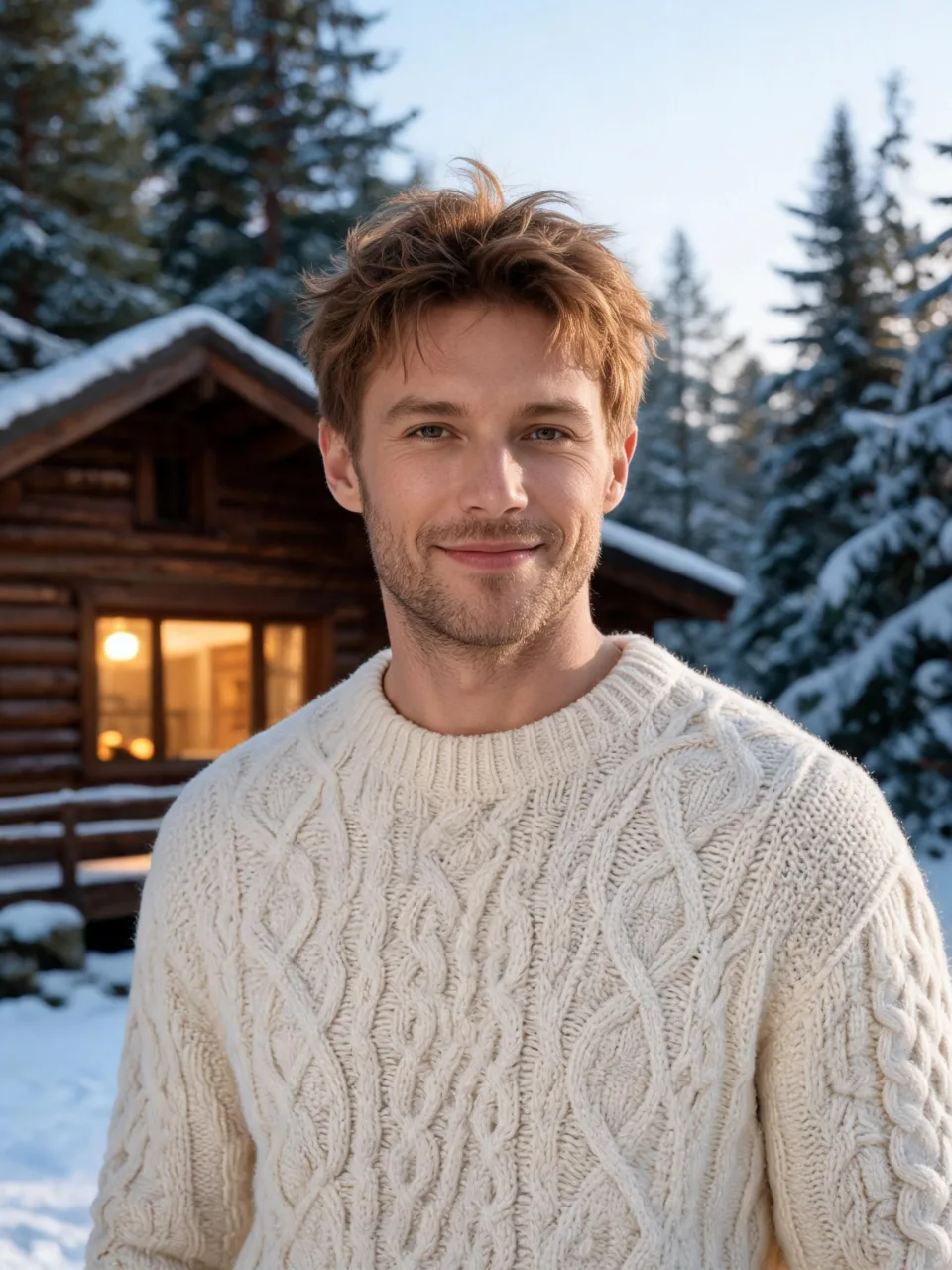
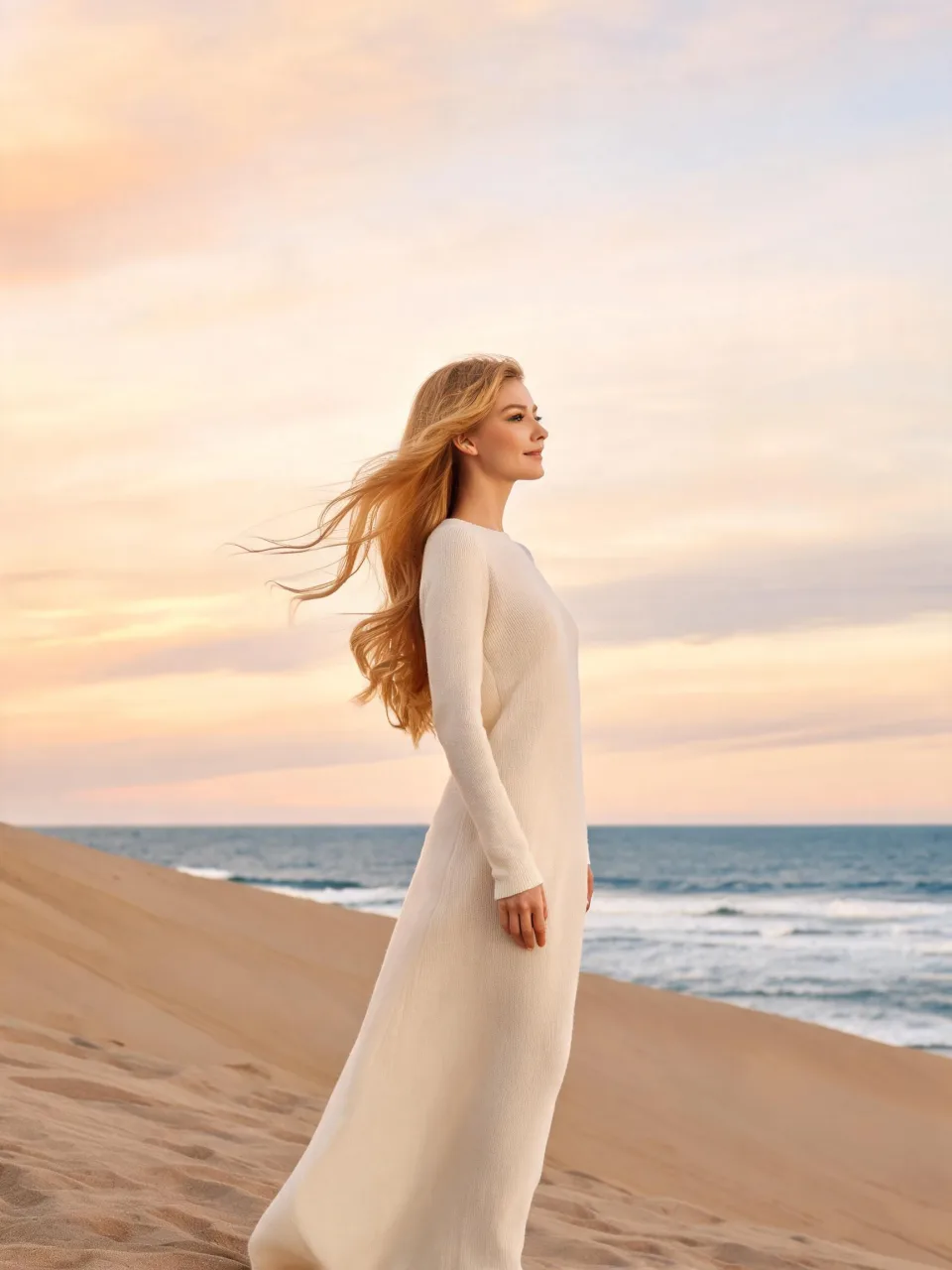
In our test runs on MiniMax H3, a man standing by a snowy log cabin kept facing the camera with the same relaxed smile while the daylight around him faded to night; starting at about 1s, green and violet aurora ribbons unfurled above the pine trees and folded slowly as the camera tilted up, ending with him lower in the frame and the sky doing most of the work. On a photo of a woman in a long knit dress on a beach dune, she stayed in place and tilted her face upward as the dusk sky darkened, and broad aurora curtains spread and rippled overhead, glowing brightly enough to tint the sea a teal color.
The first version of this prompt cut badly on one photo — the subject was suddenly seen from behind mid-shot and the cabin turned into a parked vehicle — so we rewrote it to keep the subject facing the same way for the whole clip; both samples above use that fixed version. One quirk that's easy to miss: on the dune photo, the setting sun shrank into a small yellow glow near the horizon rather than disappearing outright.
This is a strong pick for travel and outdoor portraits, winter and northern-lights themed content, or any photo where the sky is already open and mostly empty. It gives a landscape or portrait a dramatic finishing shot without needing a second location.
The prompt is public and editable — open it in the generator and swap "green and violet" for a single color, such as "pale green," if you want a calmer or more realistic aurora.