After Dark
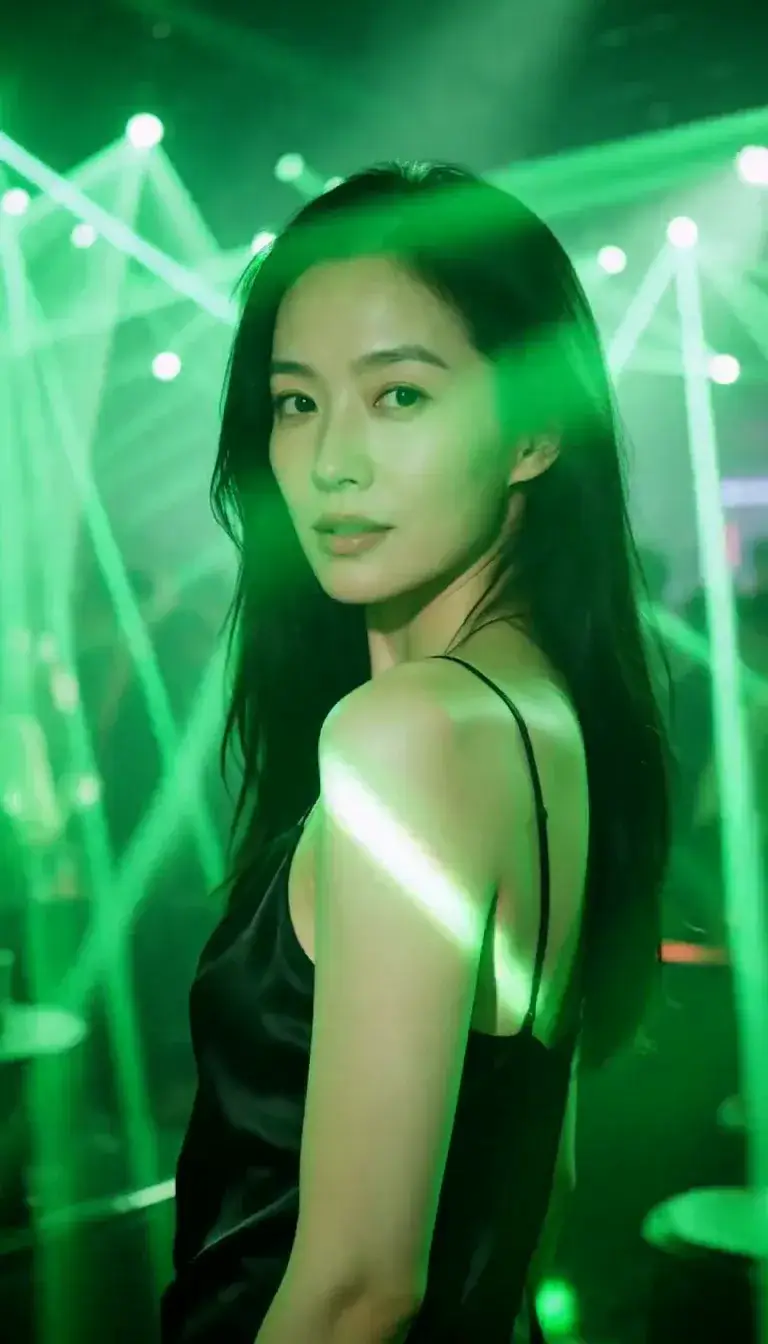 Laser Room
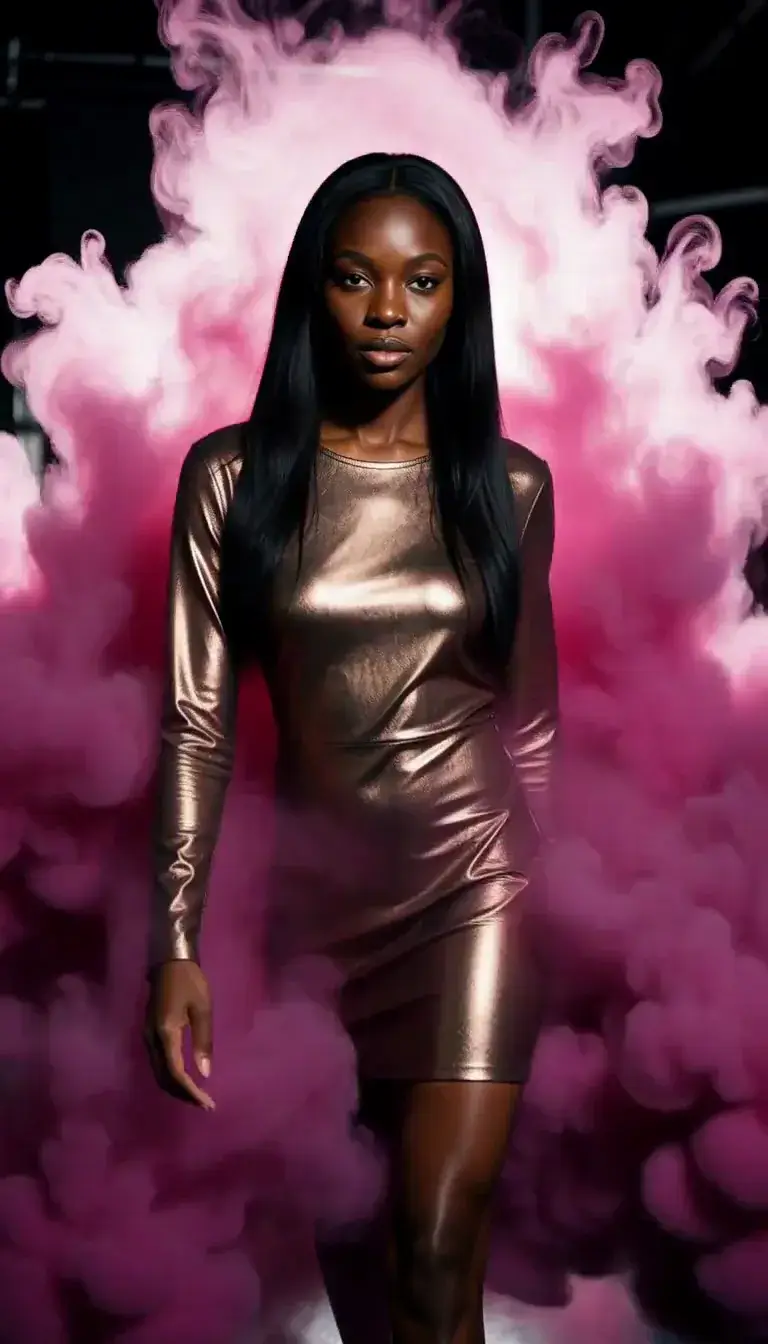 Color Smoke
 Silk Drop
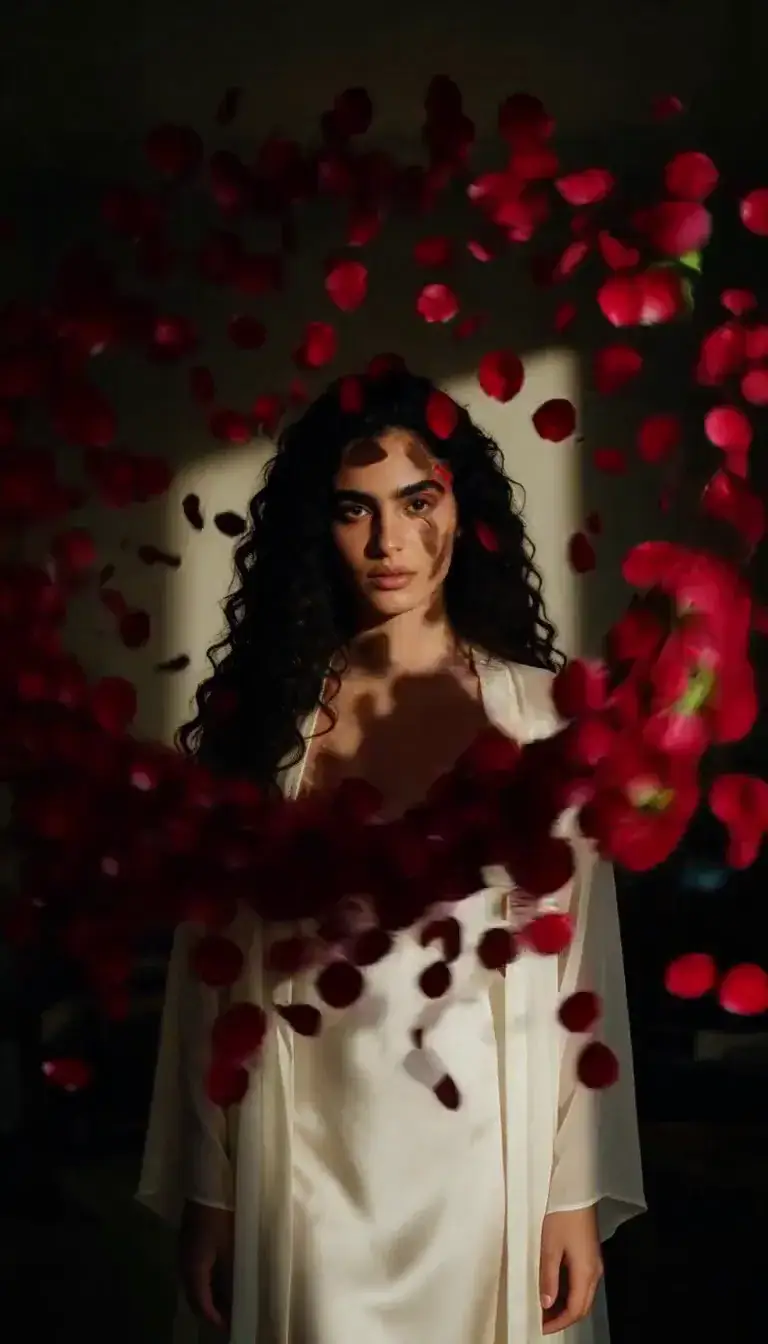 Petal Storm
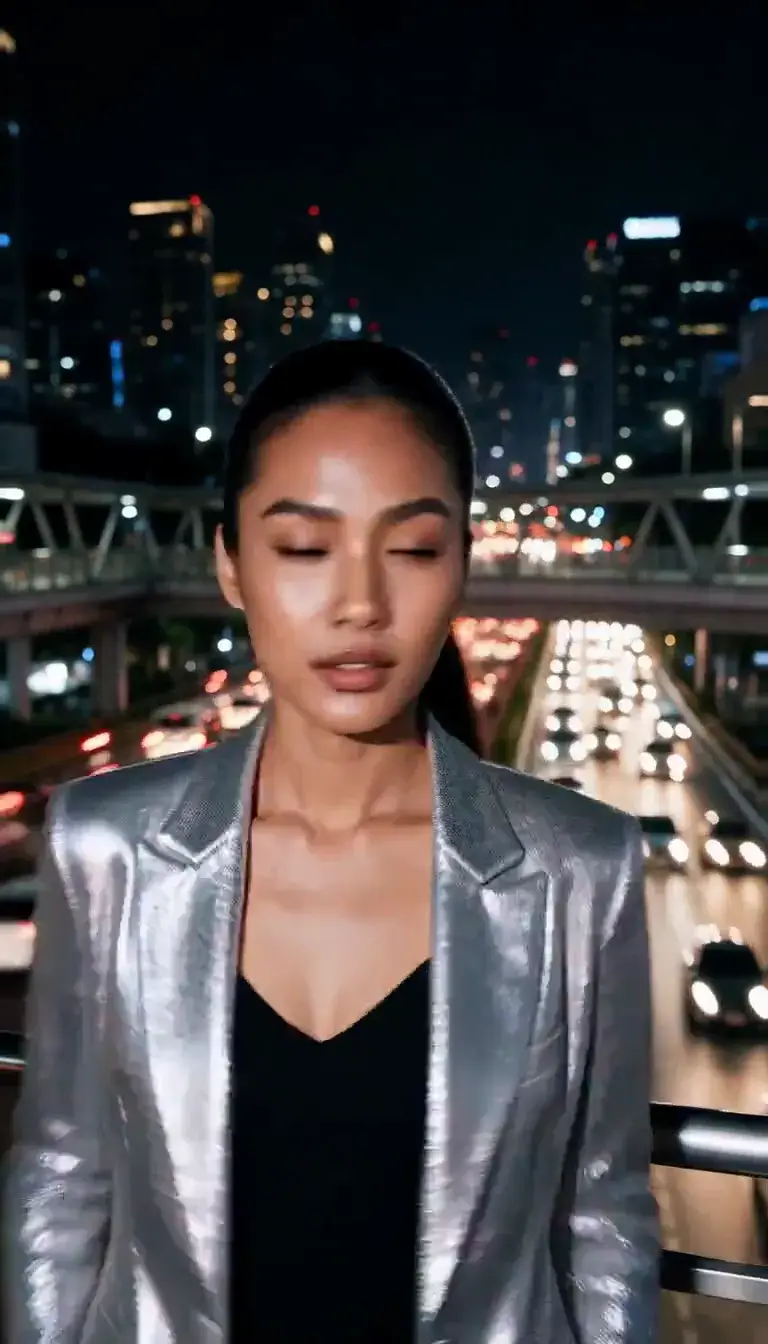 Slow Shutter
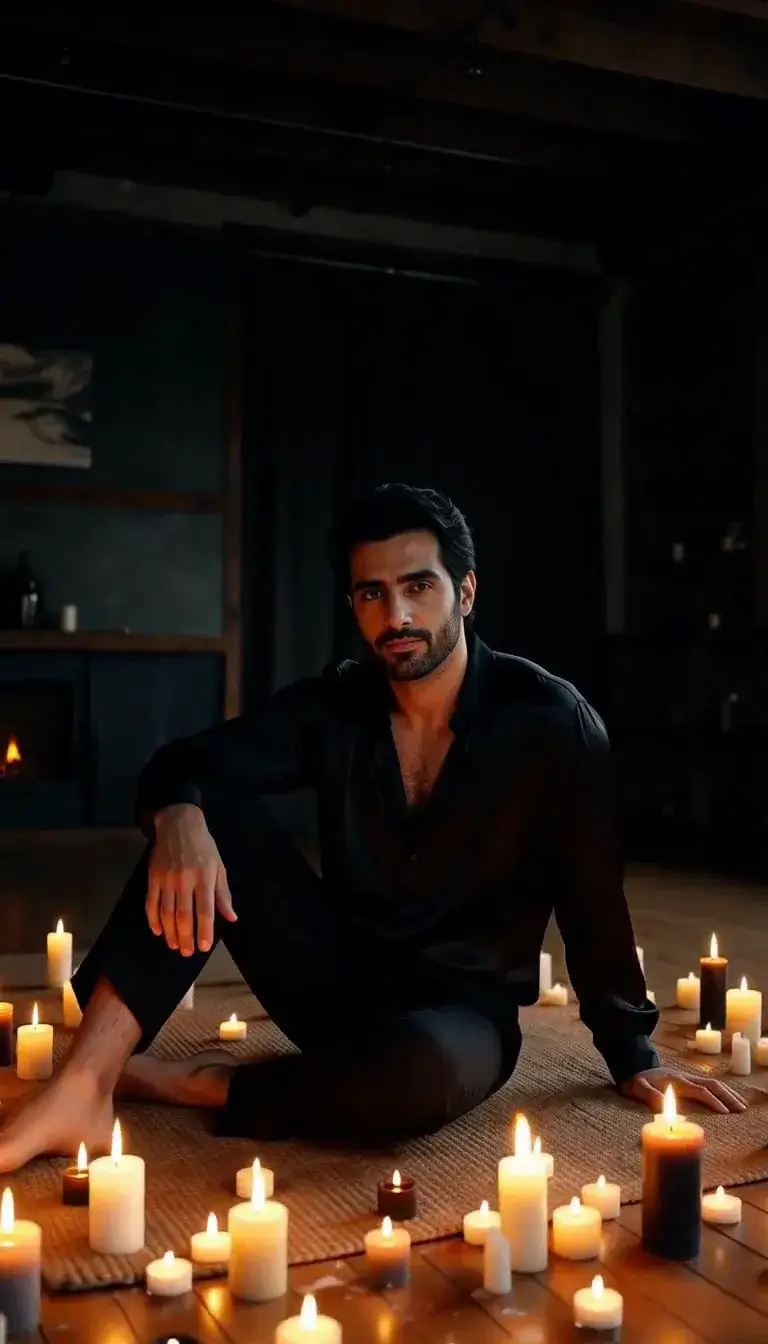 Candlelight
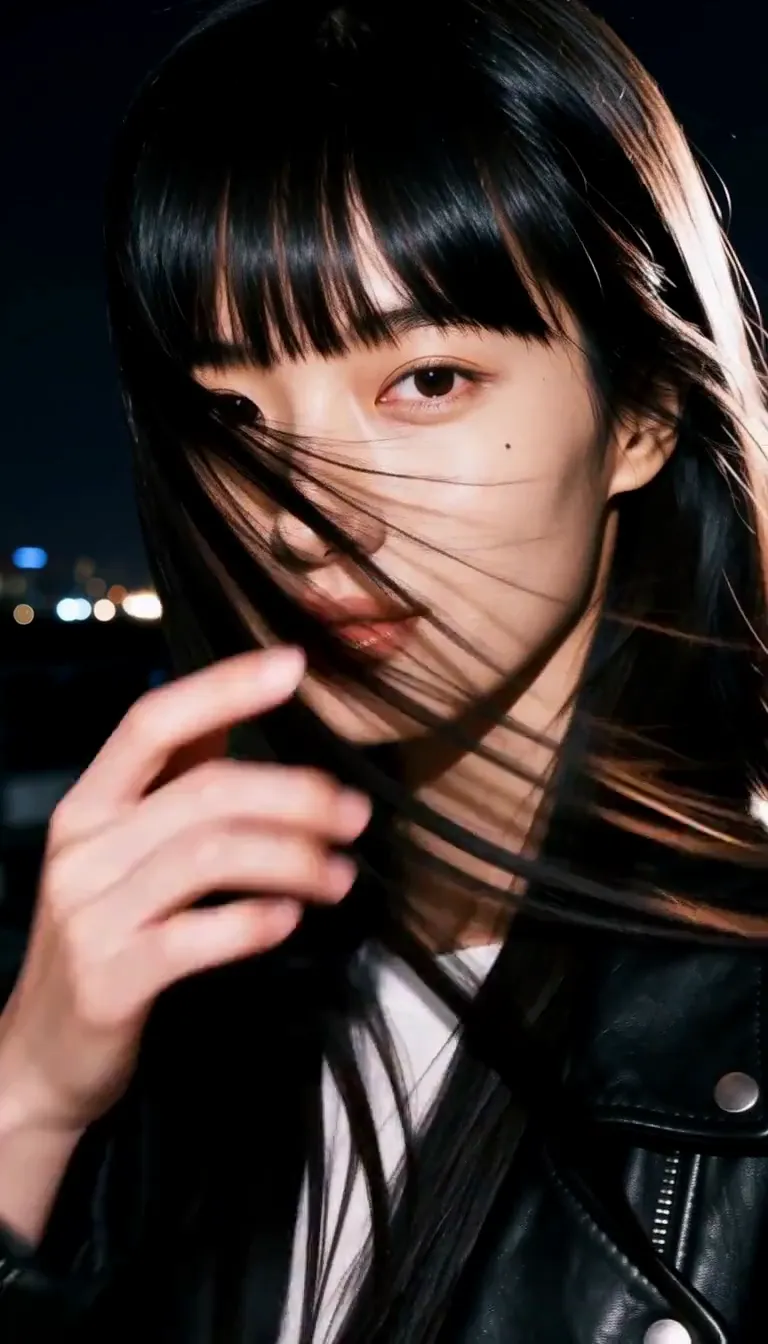 Behind the Hair
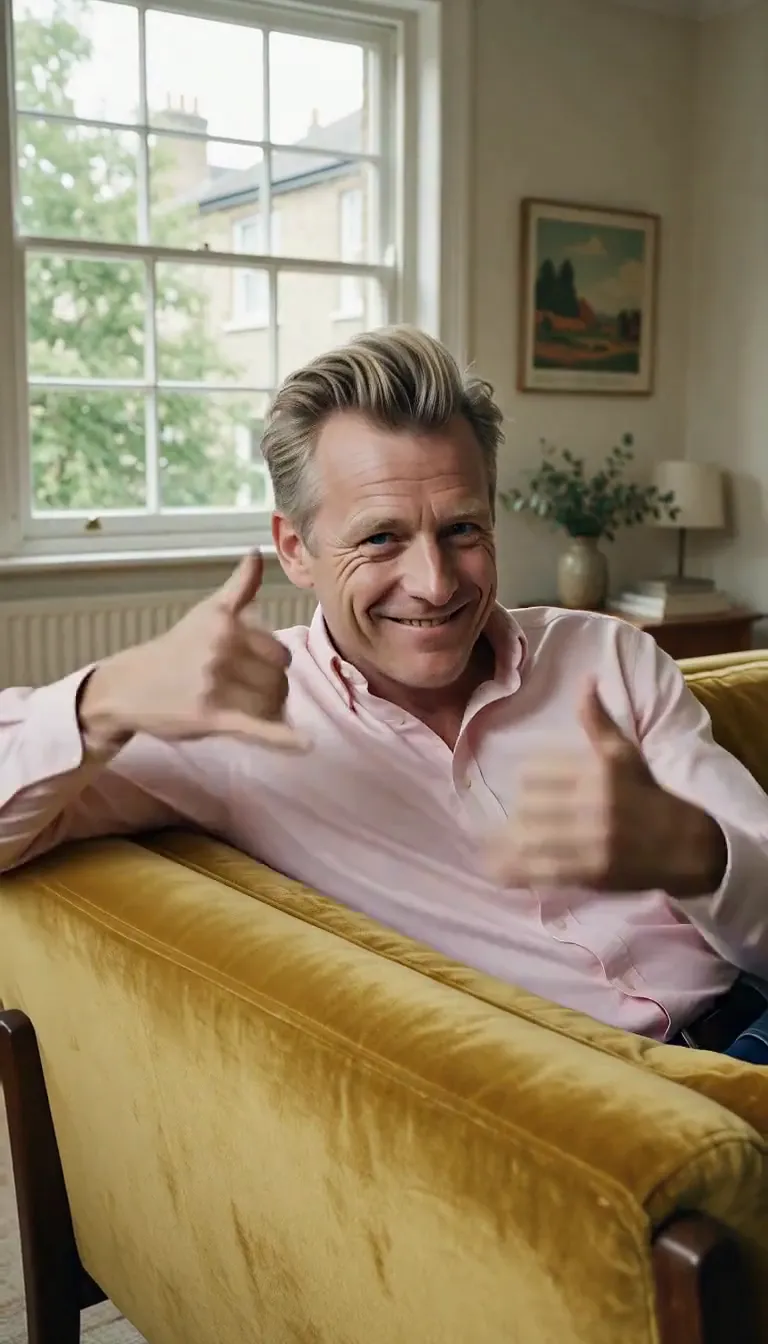 Call Me
 Champagne Toast
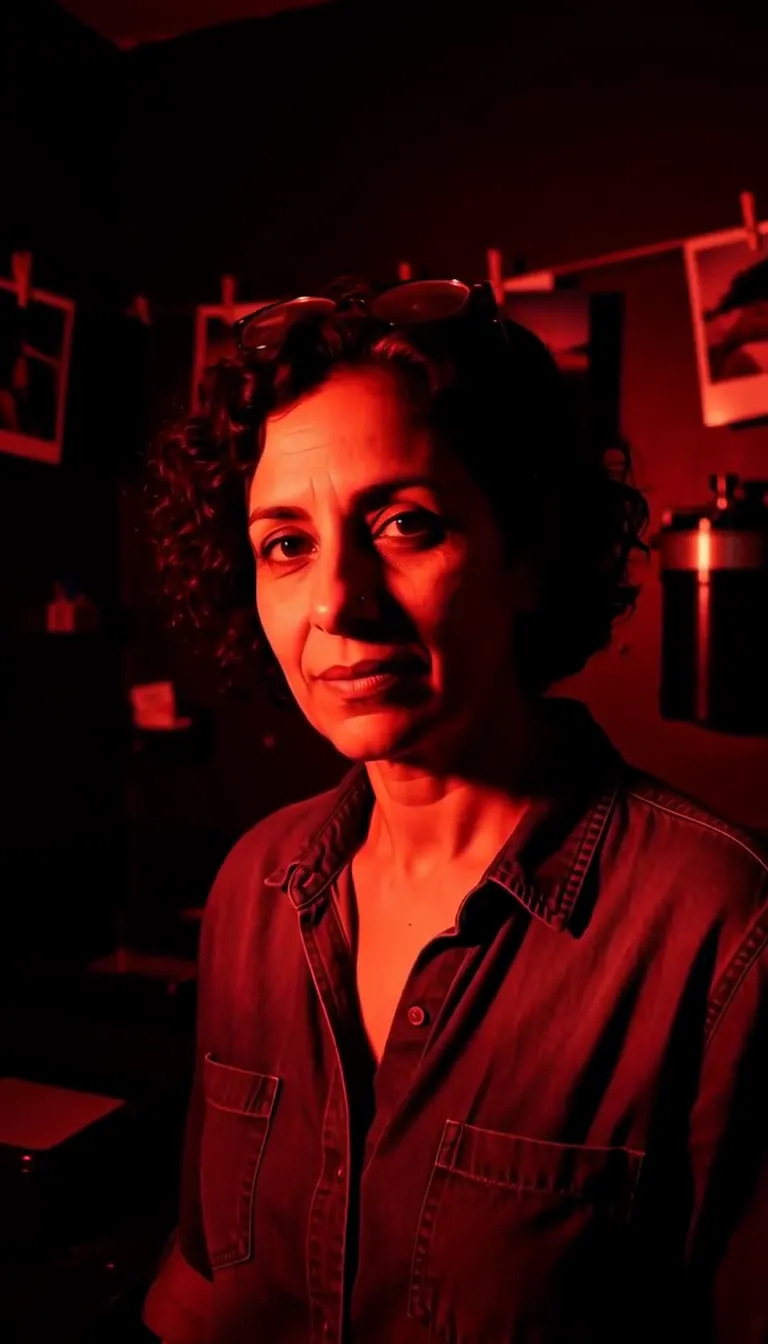 Darkroom Red
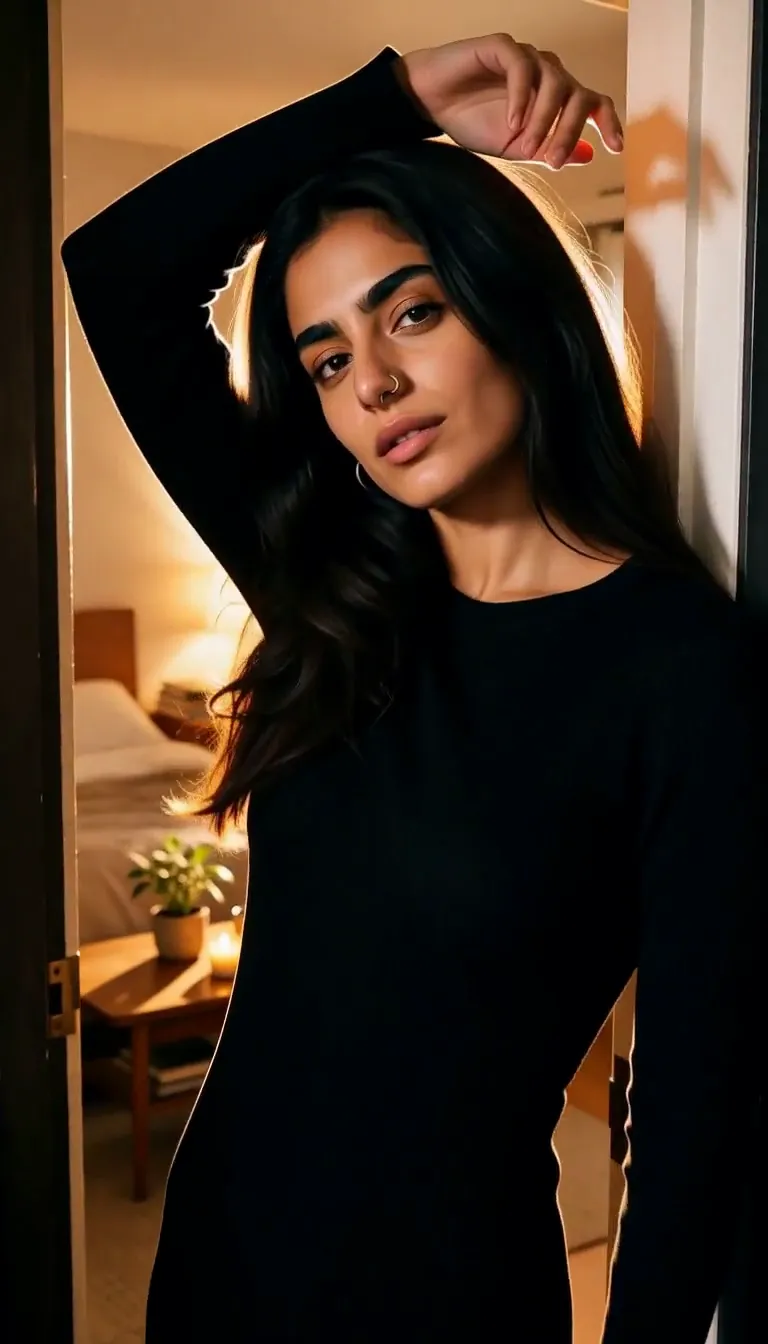 Doorway Lean
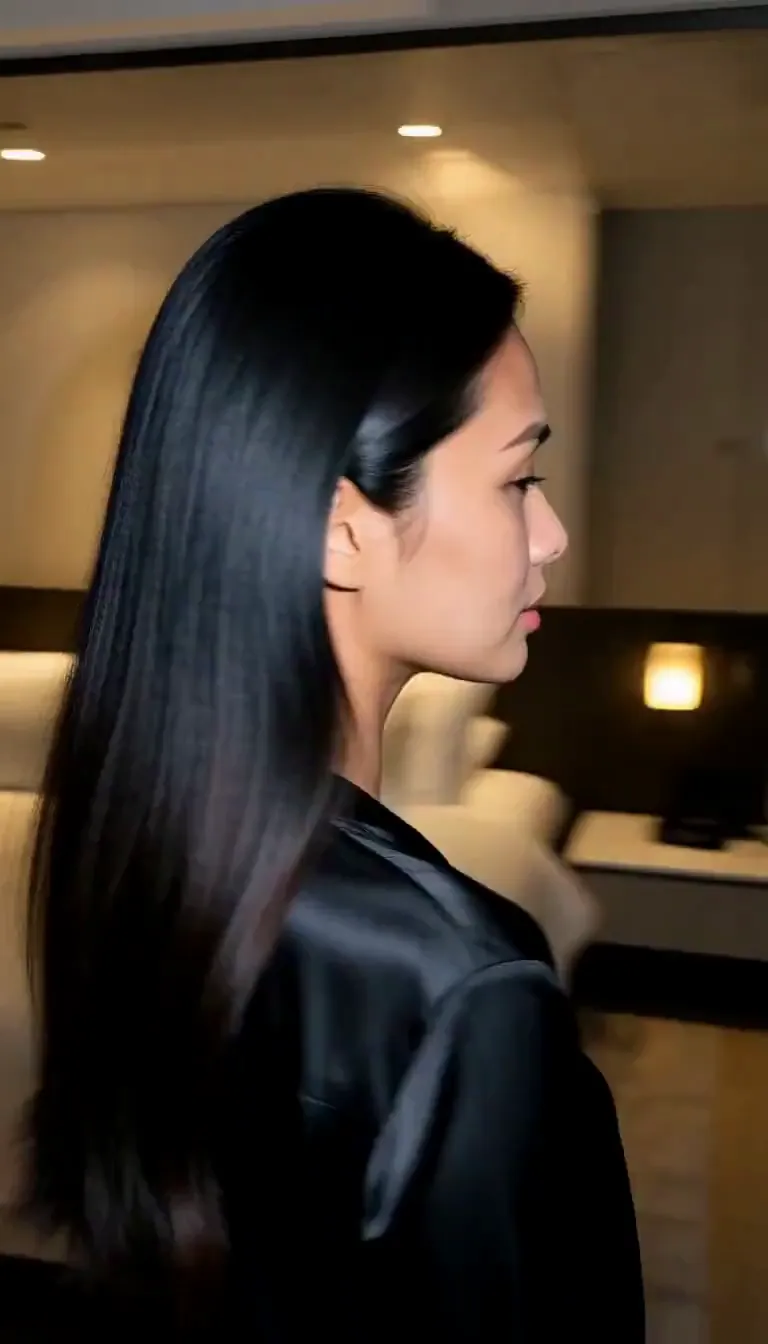 Eyes on You
 Join Me
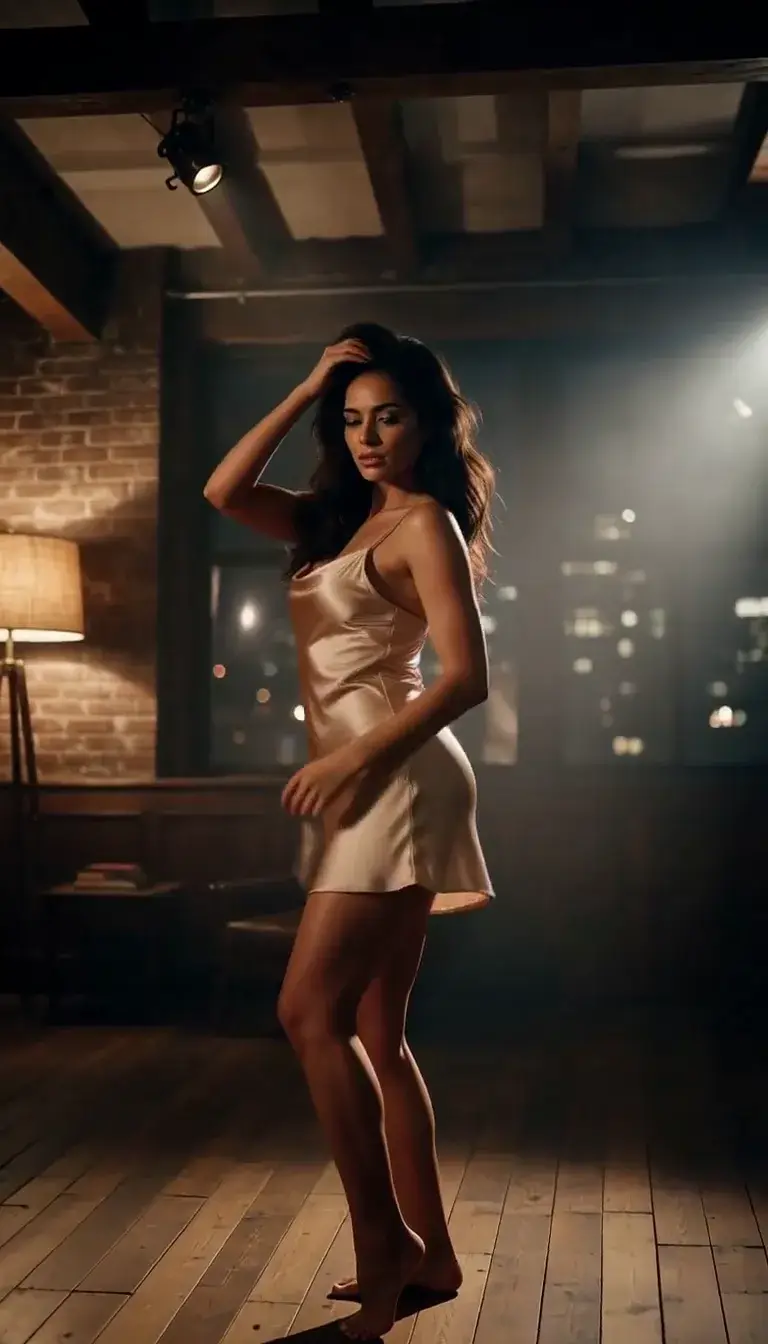 Late-Night Dance
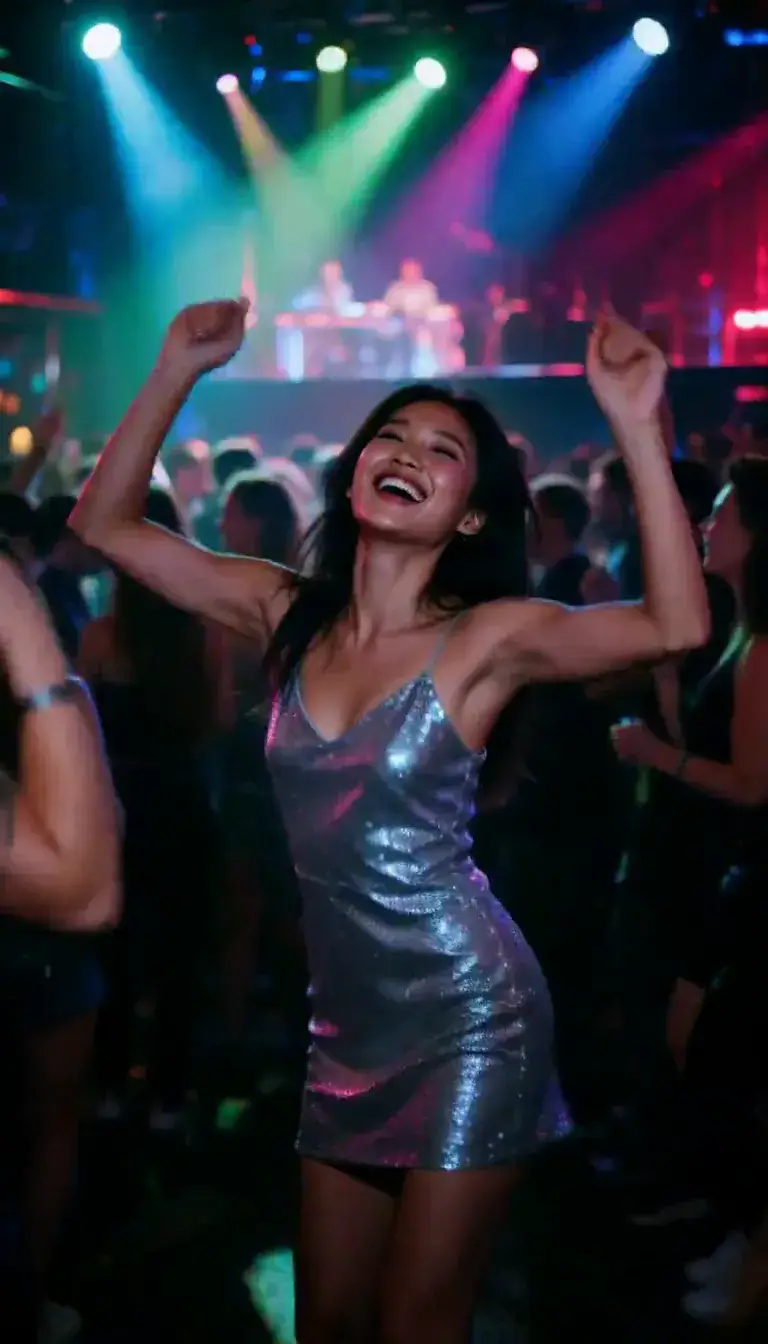 Club Strobe
Romance
 Kiss
KissCamera moves
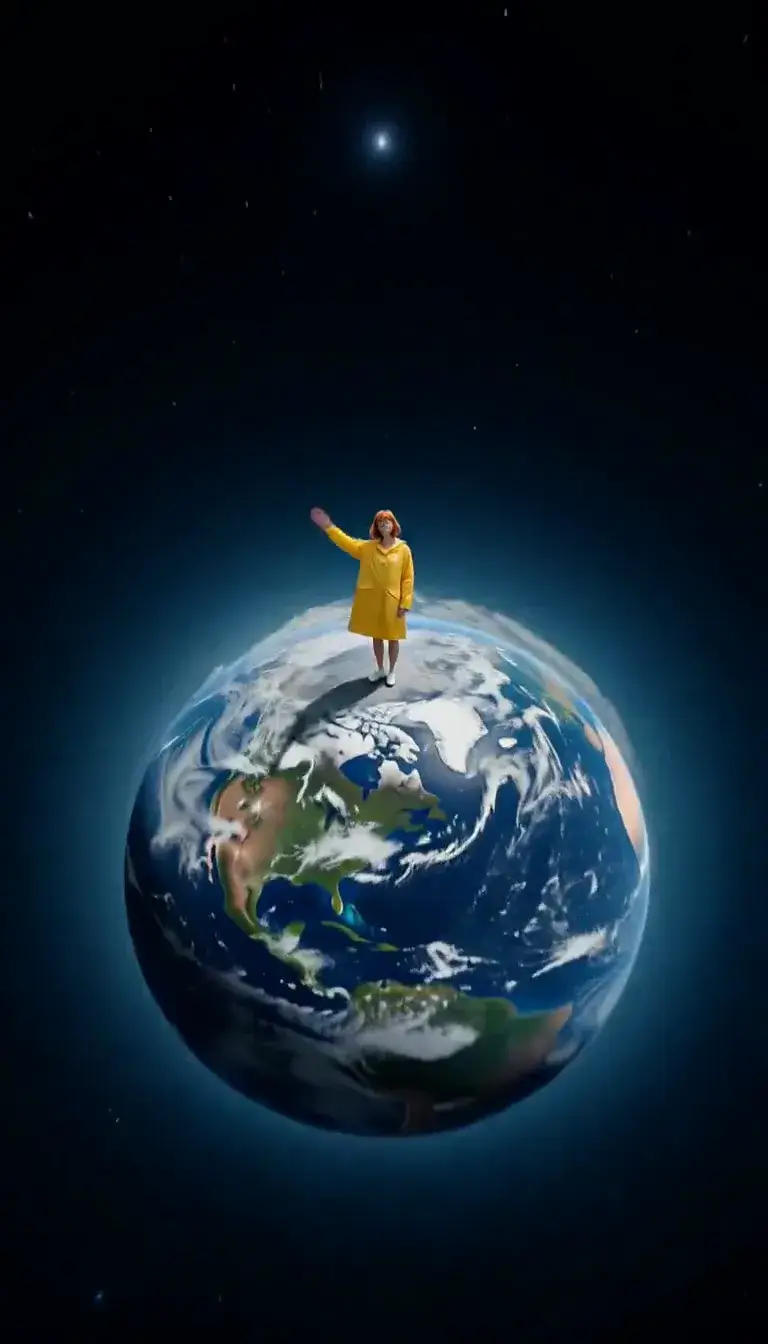 Tiny Planet
Transform
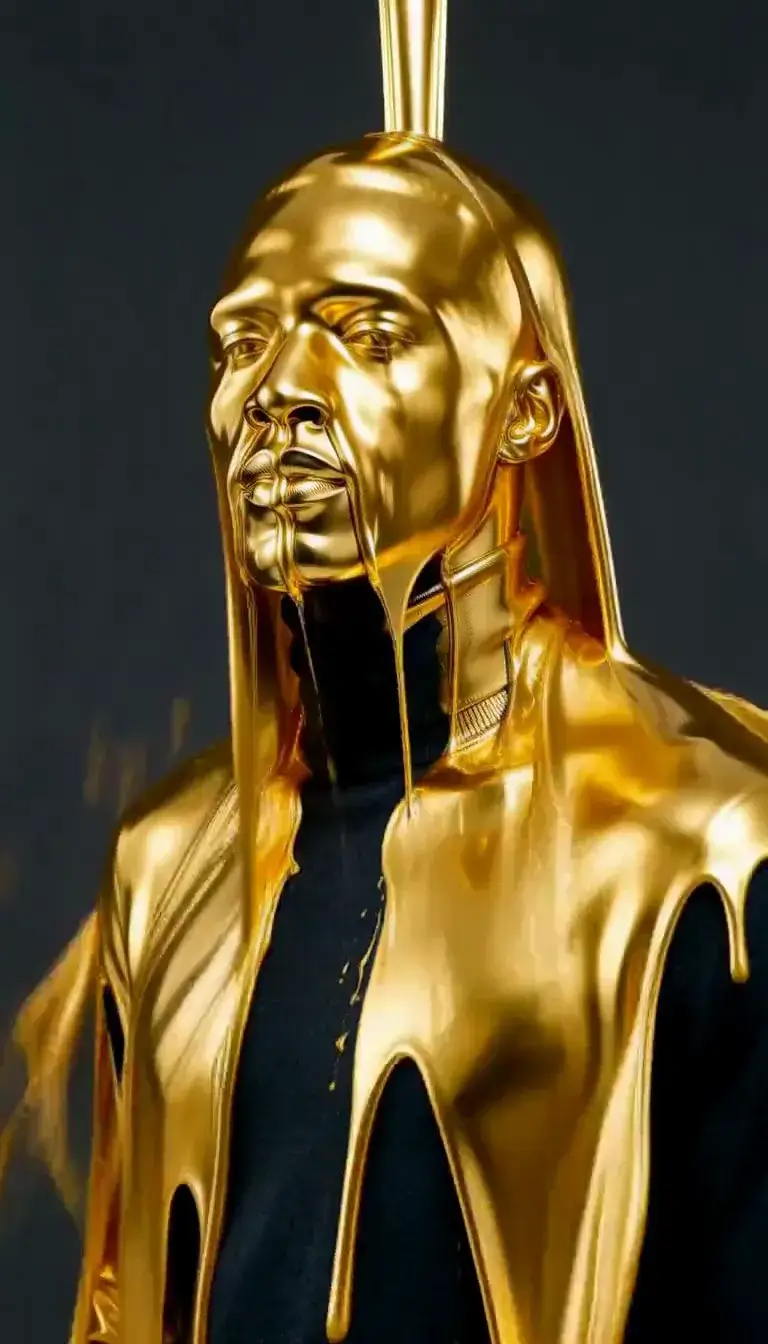 Molten Gold
Fashion
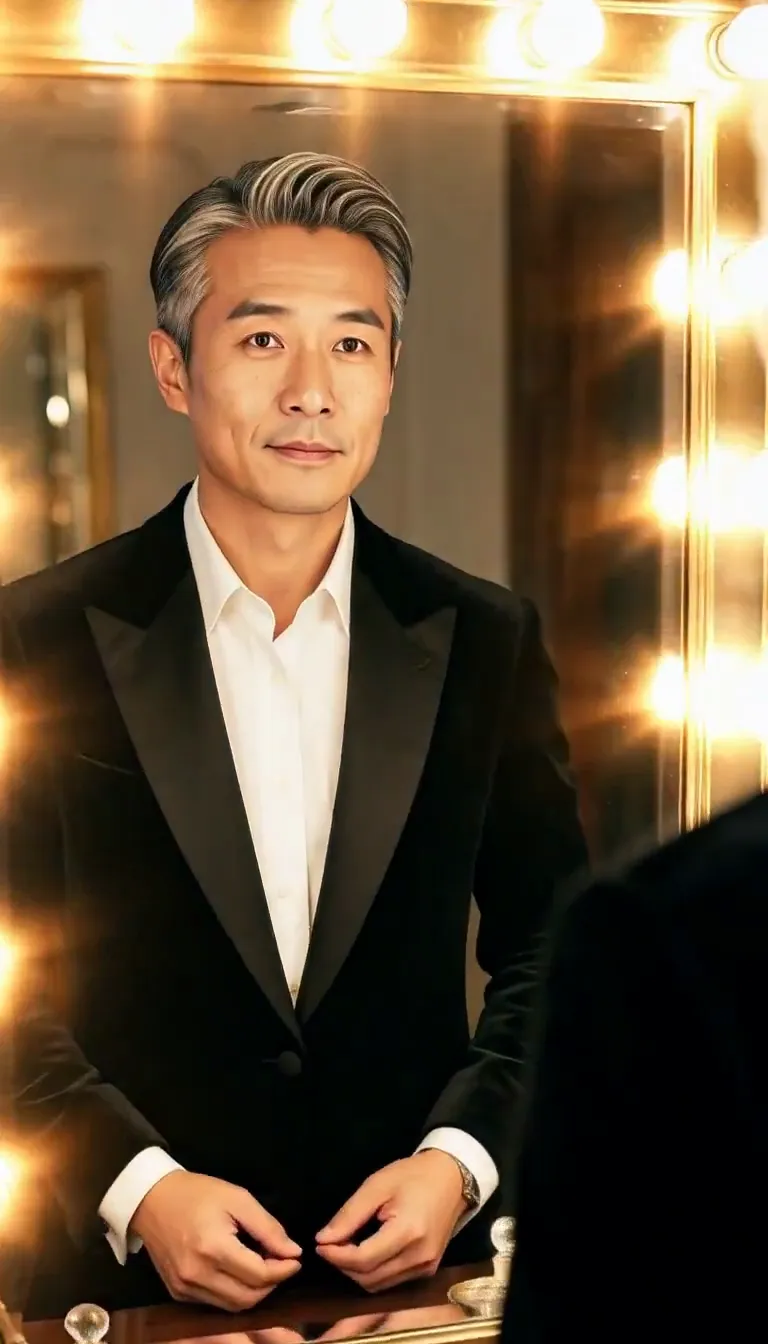 Mirror Glance
Atmosphere
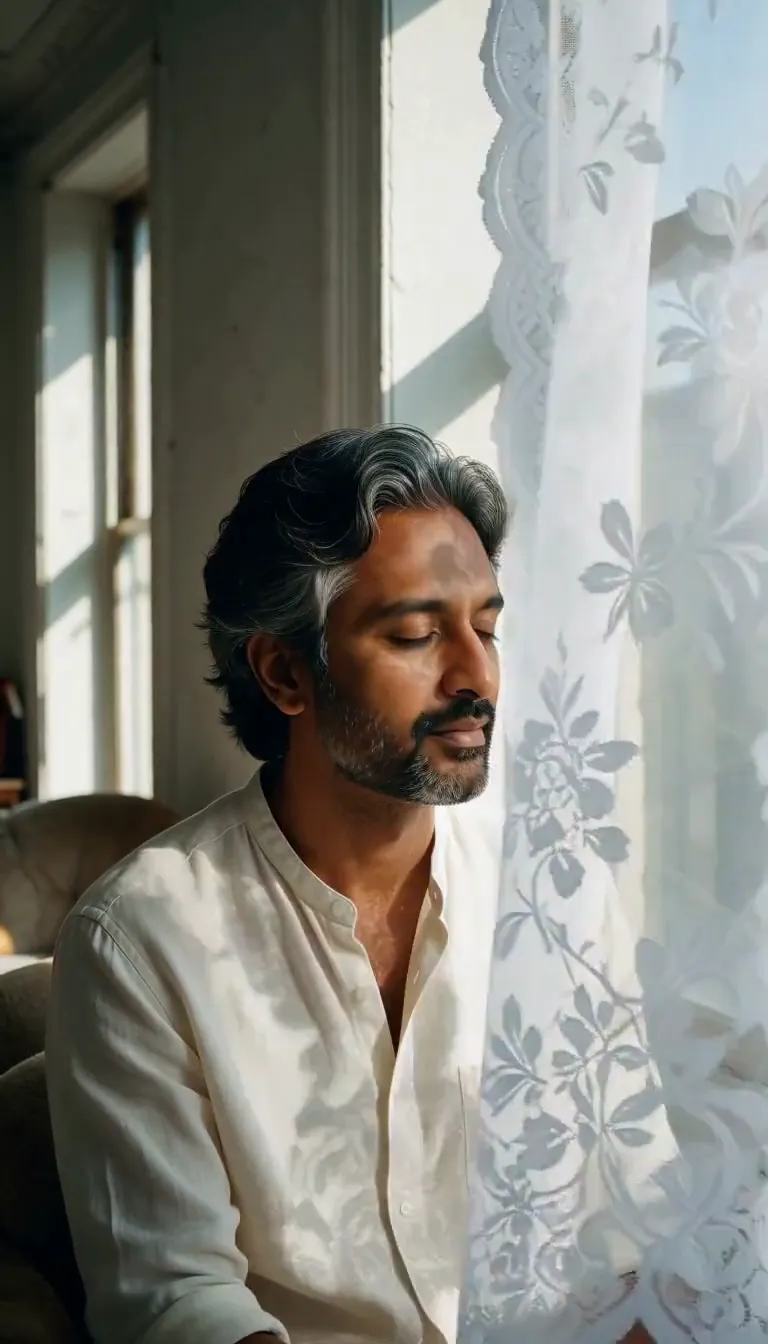 Lace Shadows
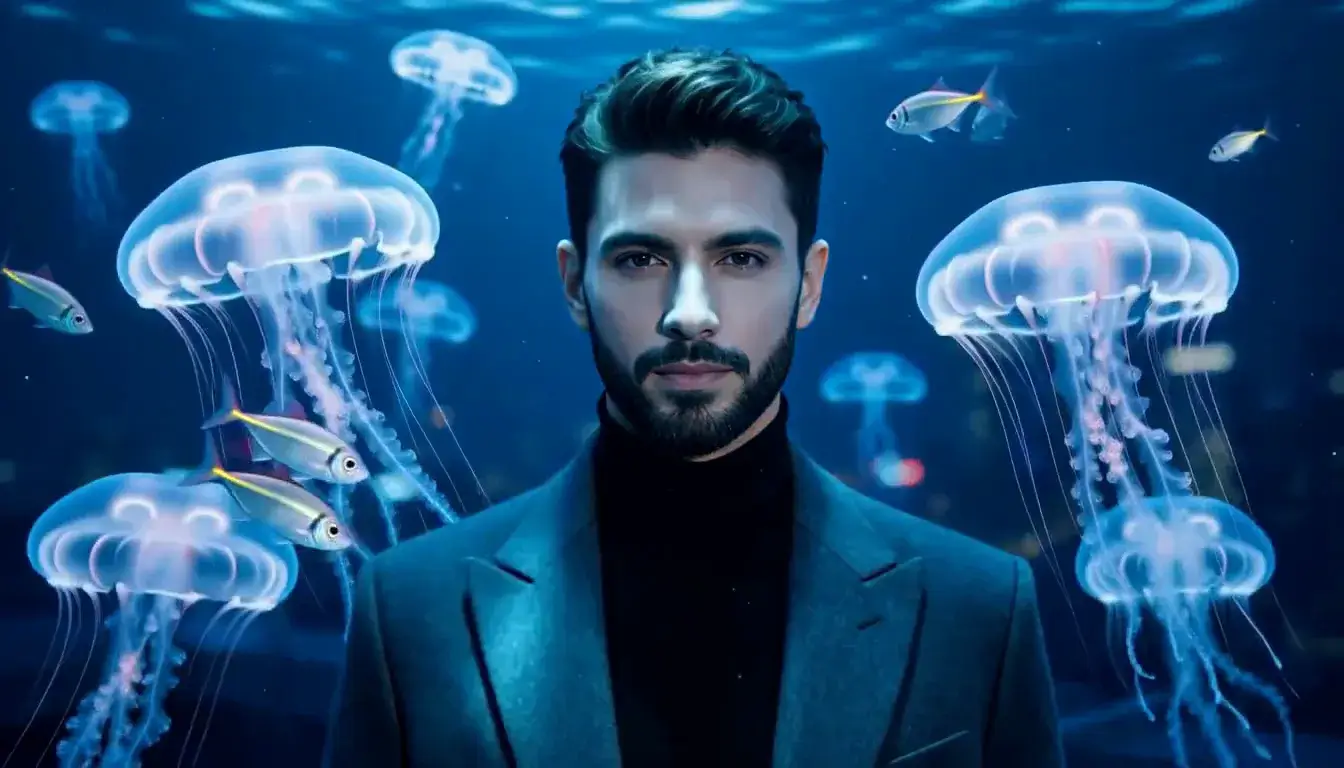 Jellyfish Drift
Motion
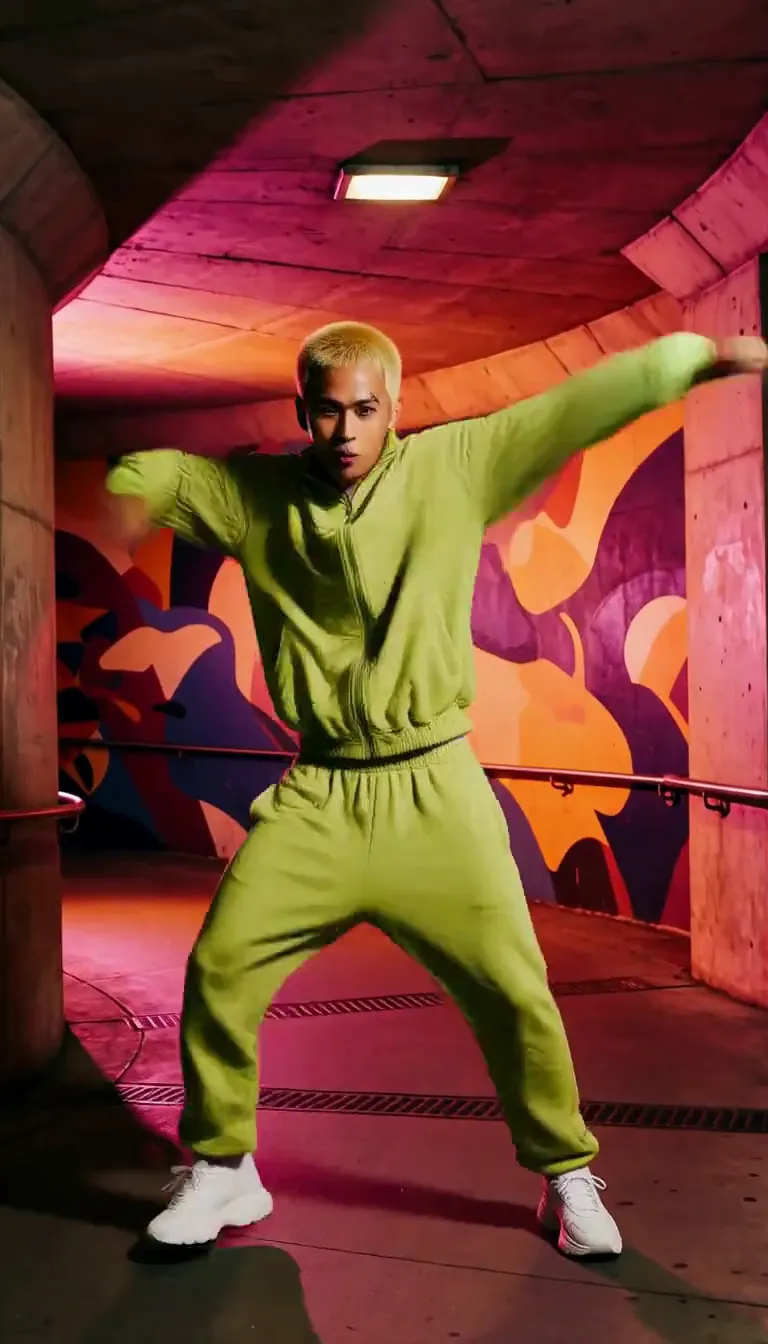 Groove
Fun
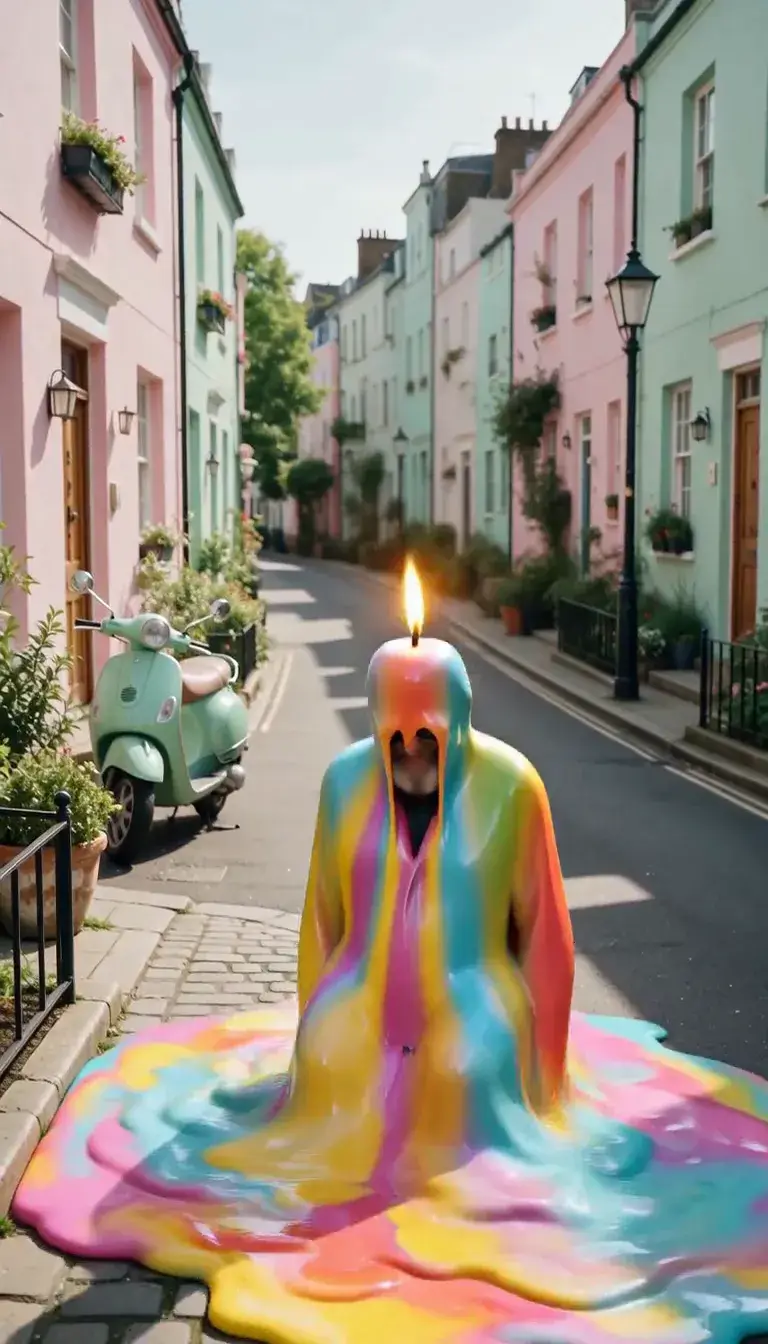 Meltdown
Product
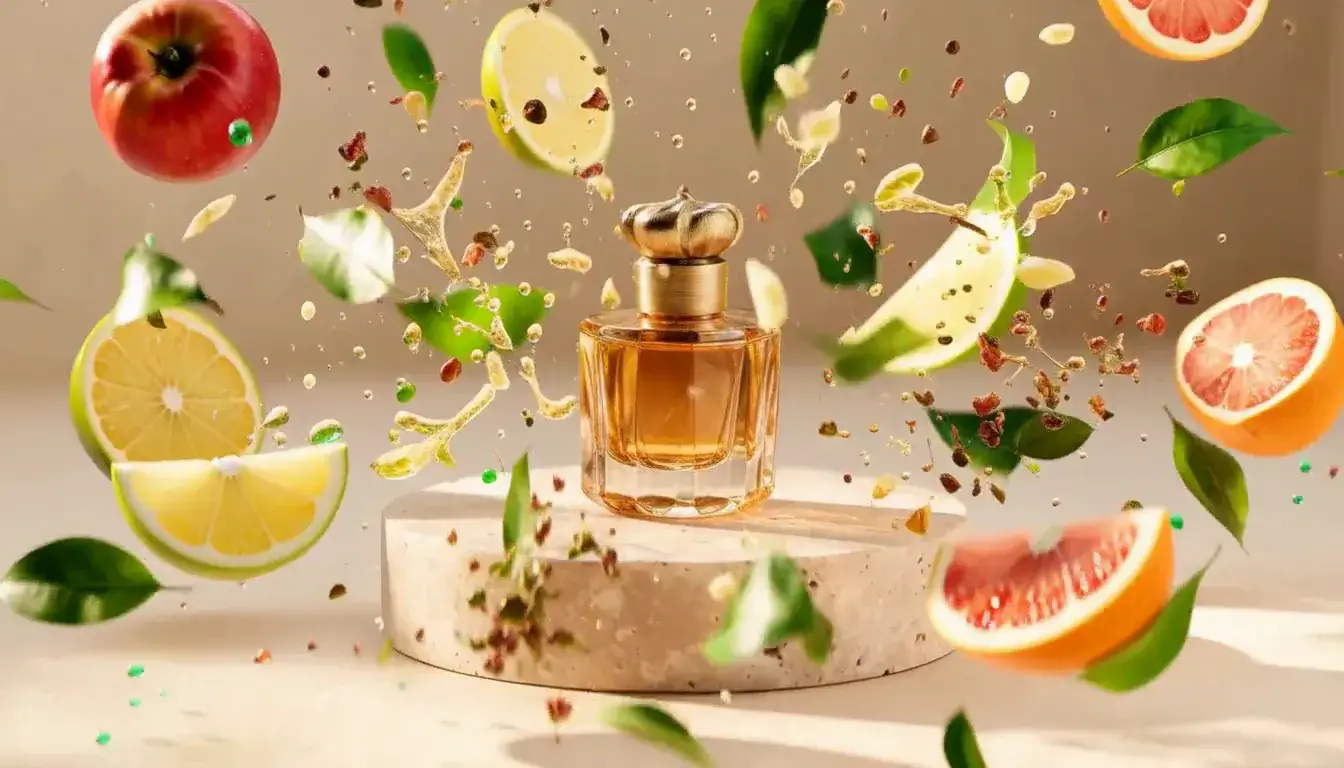 Ingredients Burst
Film looks
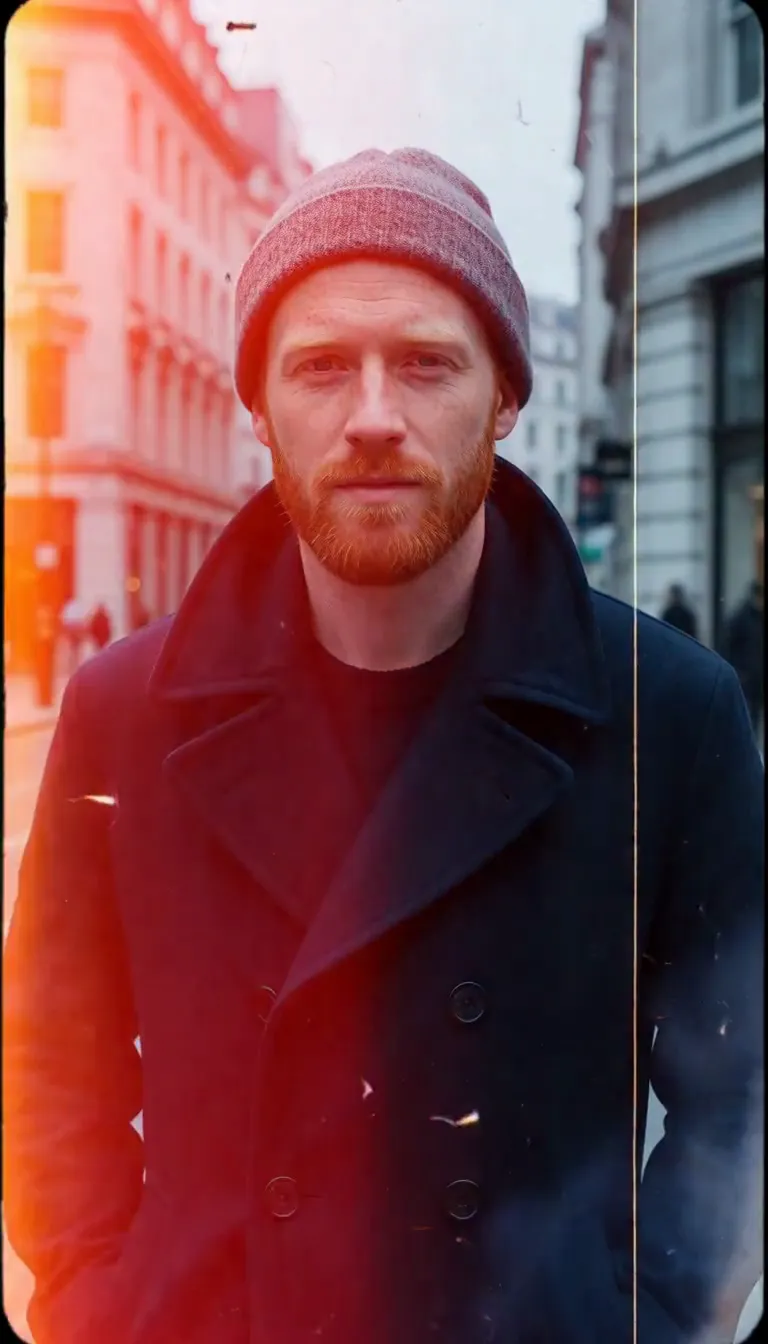 Film Burn
Video templates
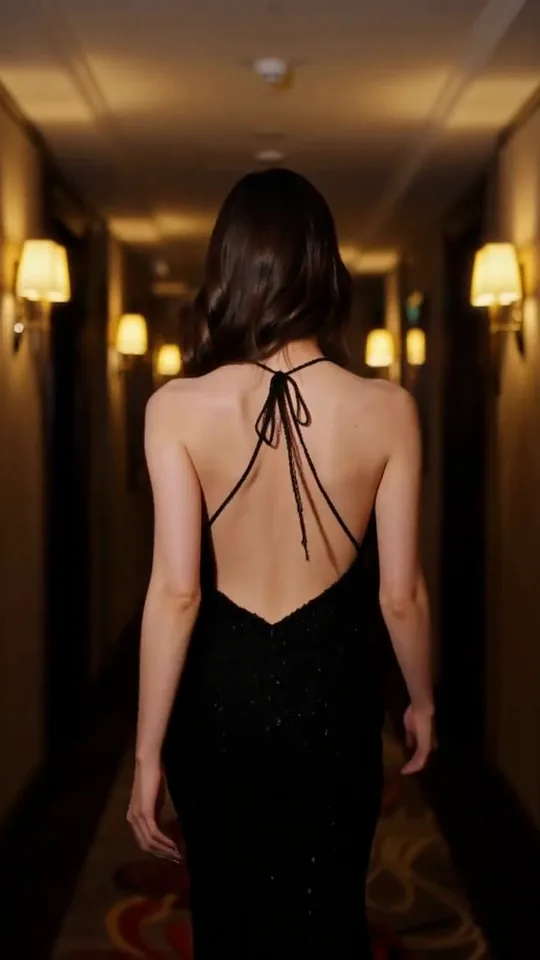 The Glance Back
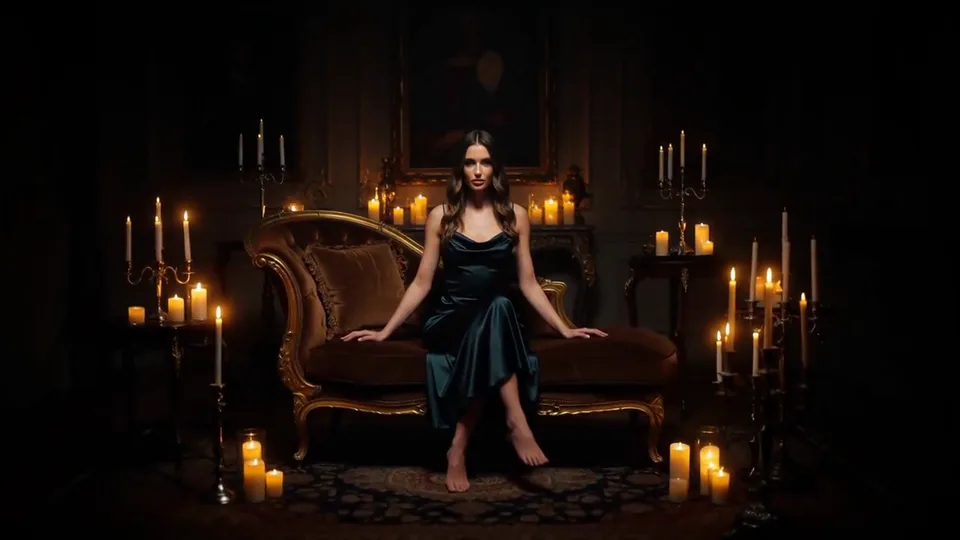 Candles Come Alive
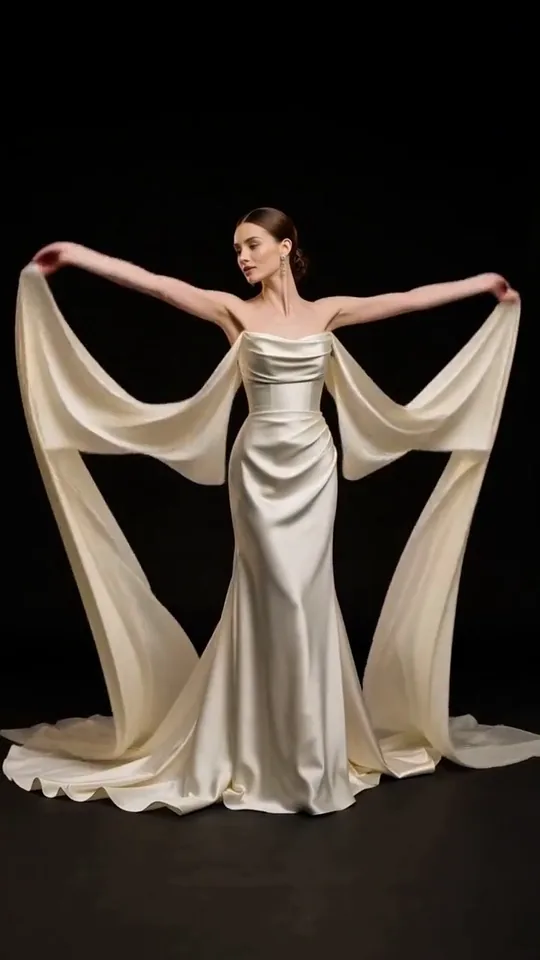 Silk Drift
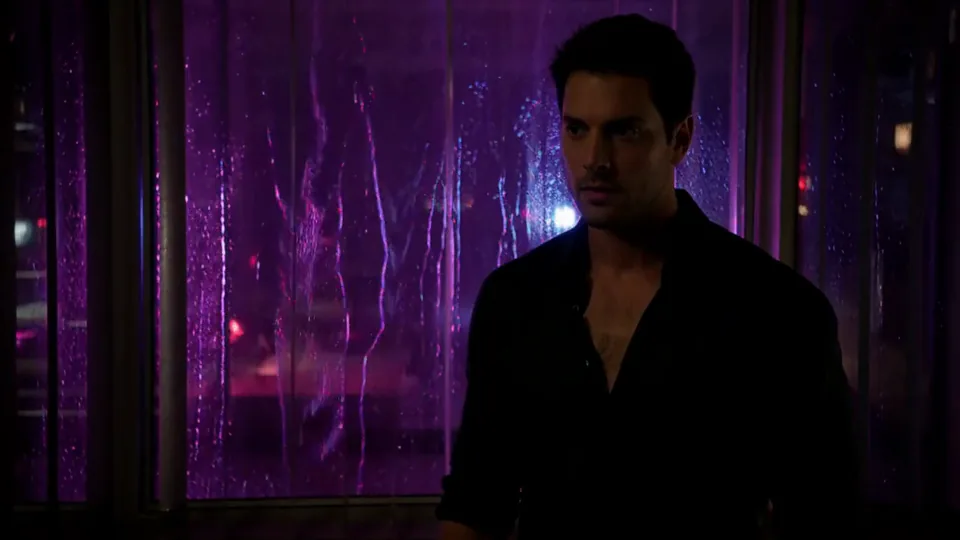 Neon After Hours
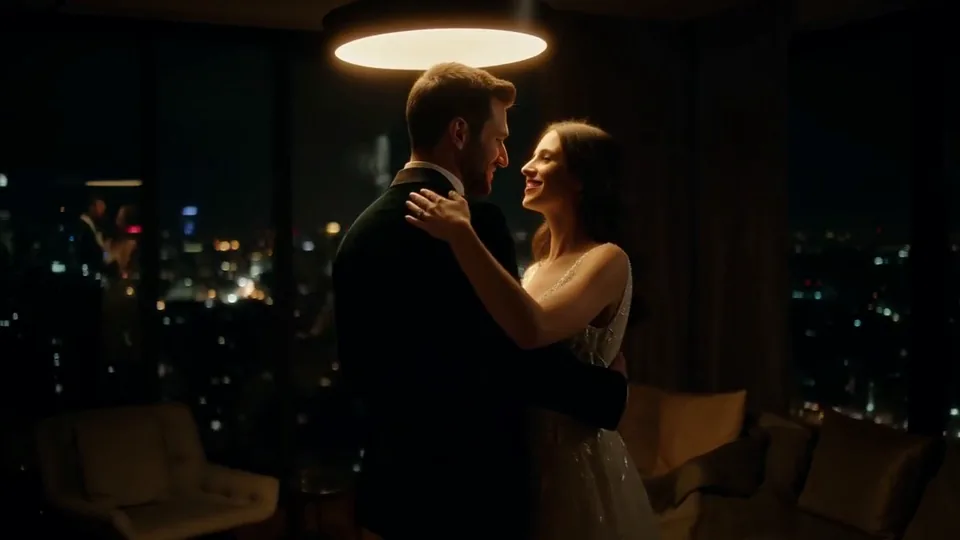 Sway Under the Lamp
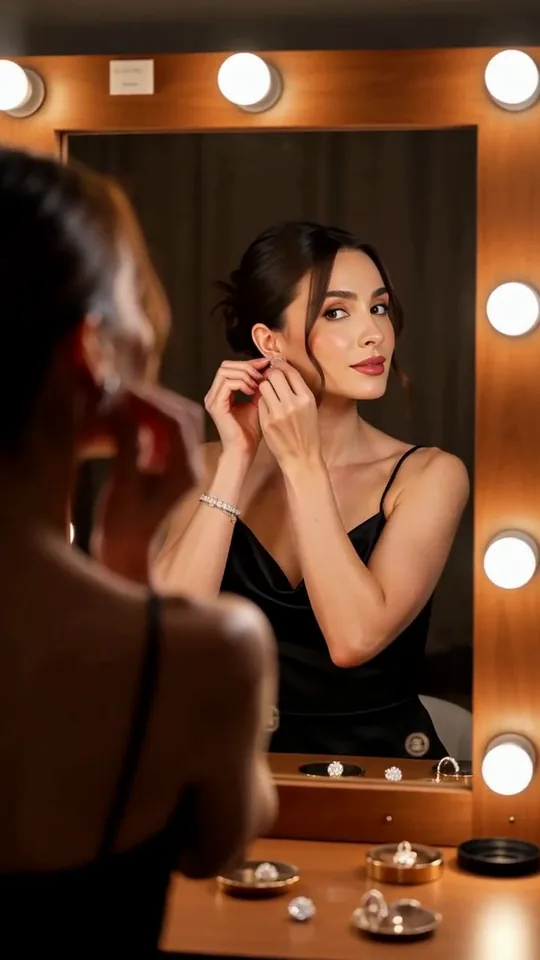 Mirror Moment
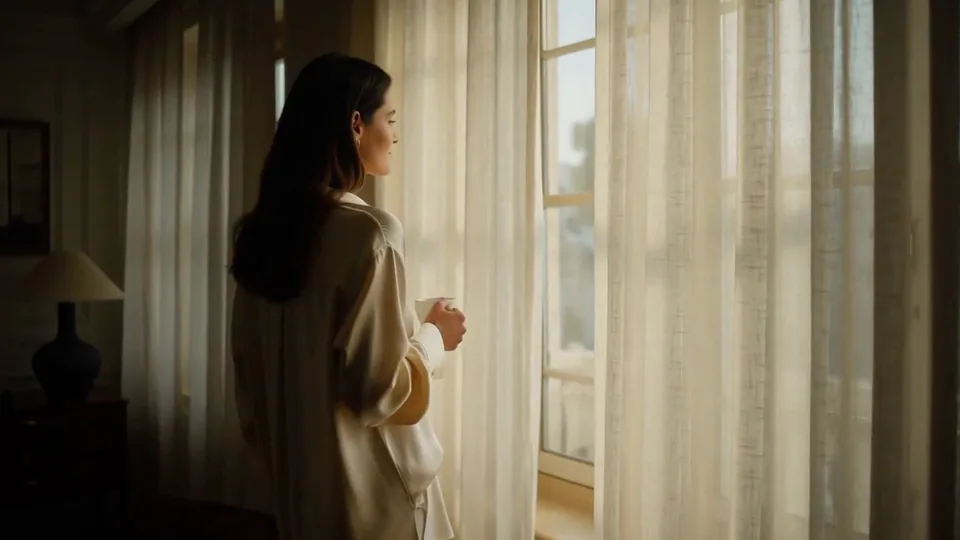 Morning Light
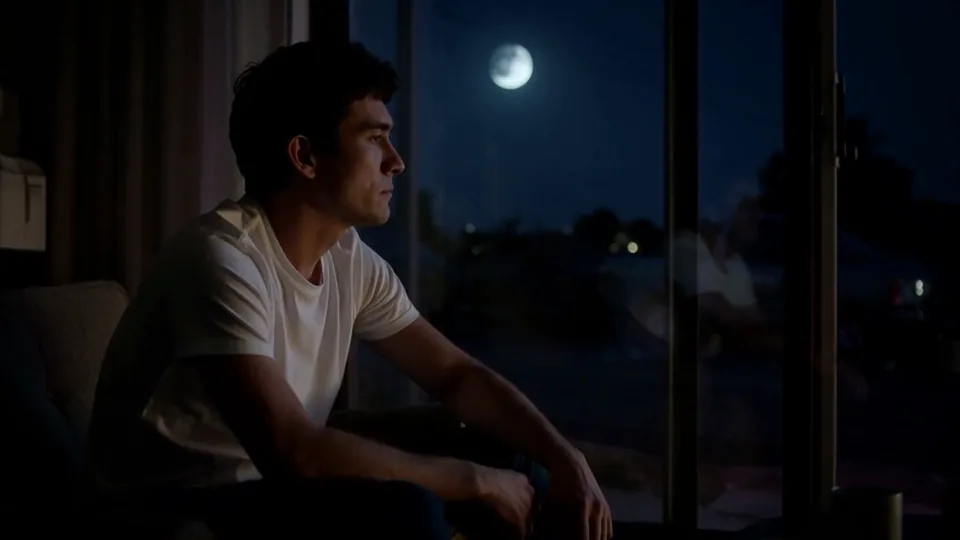 Passing Headlights
 Whisper Session
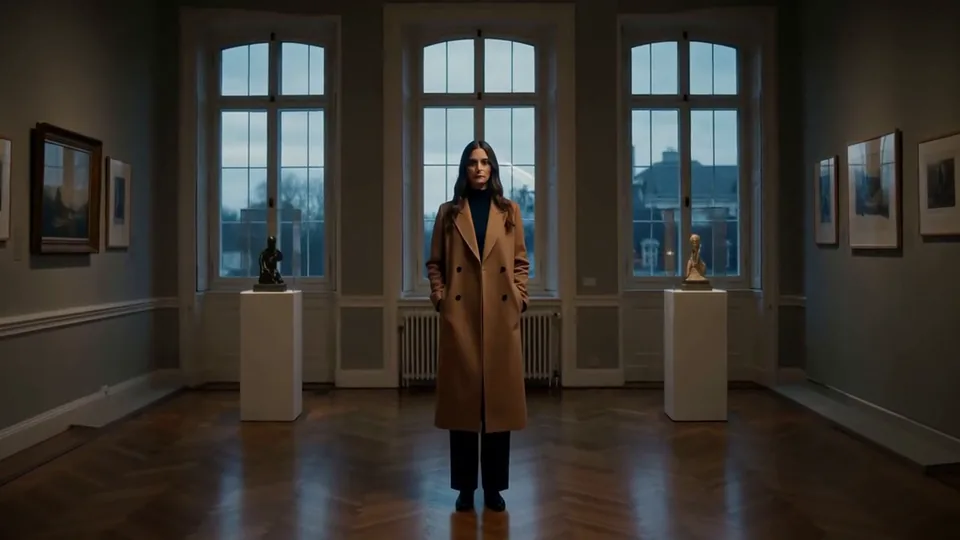 Slow Push-In
 Half Orbit
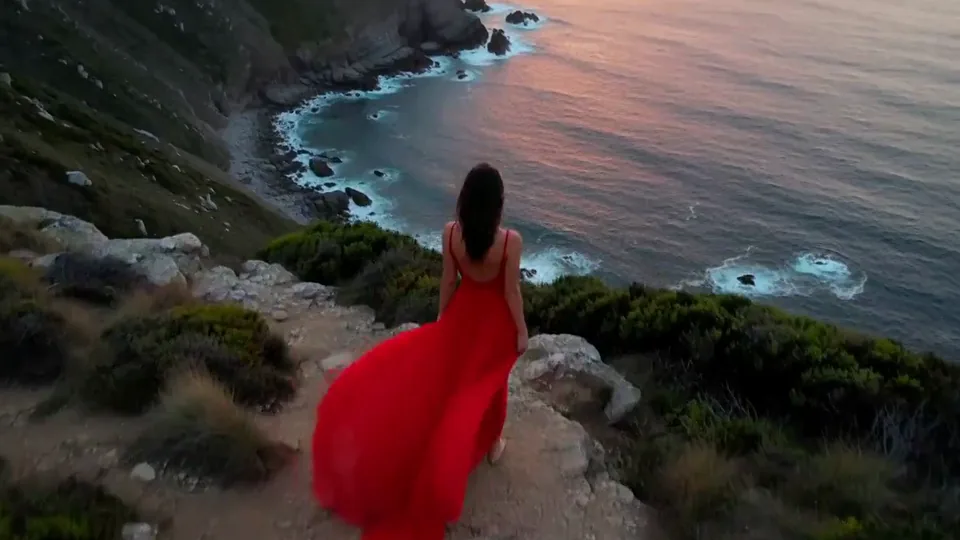 Drone Rise
This effect writes the prompt for you. Add one image.
We never filter your prompt.
Your whole scene sinks underwater as glowing jellyfish and small silver fish drift slowly around your subject in soft blue light.
- Model
- MiniMax H3
- Length
- 5 s
- Resolution
- 768p
- Per run
- $0.185
- Type
- Atmosphere
What this effect sends
This is the full prompt, word for word. Copy it, or open it in the generator and change anything you like.
Glowing translucent jellyfish and a few small silver fish drift slowly through the air around the main subject, as if the whole scene had sunk underwater. Soft blue light ripples across everything while the camera floats gently sideways.Pictures that work best
- Photos already lit in cool or dim tones, like blue hour or night shots, blend into the underwater look more naturally than bright daylight photos.
- Give your subject some open space around them; the jellyfish and fish need room in the frame to drift past.
- Because the background is fully replaced, a photo with a plain or simple setting has less to lose than one with a detailed backdrop you want to keep.
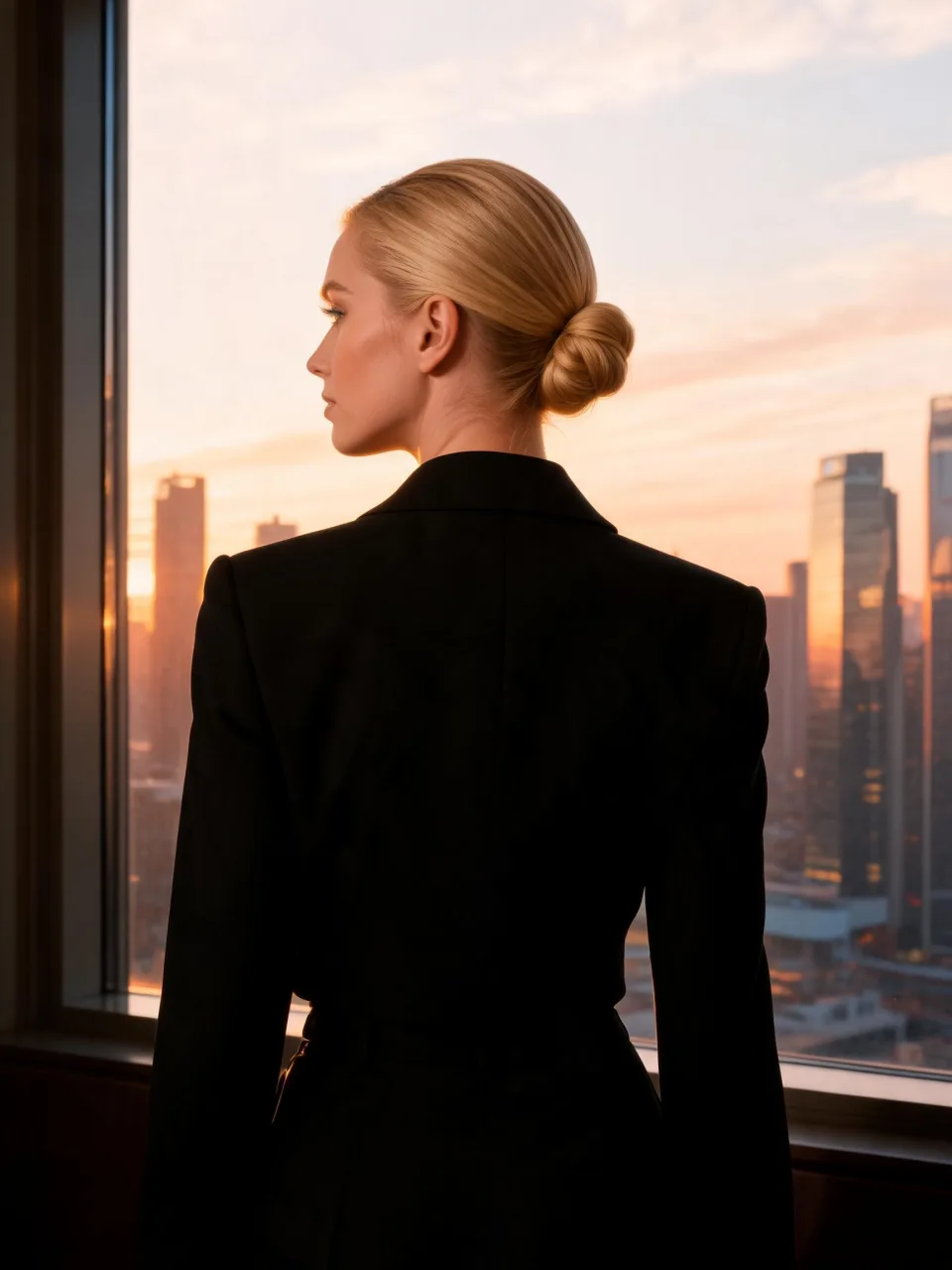
- Subjects photographed from behind or in profile work well, since the model isn't relying on the face to carry the shot.

Models this effect runs on
The same prompt on different models. Pick by look and by price.
- MiniMax H3$0.185 per run
5 s · 768p
- Seedance 2.0 Fast$0.484 per run
5 s · 720p
- Kling 3.0$0.336 per run
5 s · 720p
- Seedance 2.0$0.76 per run
5 s · 720p
- Wan 3.0$0.45 per run
5 s · 720p
- Vidu Q3 Turbo$0.33 per run
5 s · 720p
- MiniMax H3 Max$0.4 per run
5 s · 768p
- Kling 2.5 Turbo$0.28 per run
5 s
- Wan 2.6 Flash$0.113 per run
5 s · 720p
- Seedance 2.0 Mini$0.265 per run
5 s · 720p
How it works
- 01
Add one photo
Choose the photo to match the example: include both people for a shared gesture, and keep the face and any hands involved clearly visible. Upload your own photo or start with a Jellyfish Drift sample.
- 02
Check the price
Jellyfish Drift defaults to a 5-second clip for $0.185. Swap the model or change the length and resolution before you run — the price on the button updates to match, and that's the whole cost of the clip.
- 03
Generate
Your Jellyfish Drift clip renders in the background, lands in History and is never published.
Do the move yourself
Jellyfish Drift keeps one version of this shot. To give Jellyfish Drift your own motion or ending, write it yourself in Image to Video, starting from the prompt above.
What it does to your photo
Jellyfish Drift doesn't just add sea creatures to your photo — it turns the entire scene into an aquarium-like underwater world, with soft blue light rippling over everything while the camera floats gently sideways. That full transformation is what sells the dreamlike feeling rather than looking like a sticker pasted over a normal photo.
In our test runs on MiniMax H3, a blue-hour rooftop photo of a man sank into a deep-blue underwater scene within the first second, with glowing translucent jellyfish and small silver fish drifting around him while rippling light passed over his coat; his face and dark jacket stayed consistent the whole time. In a photo of a woman in a black suit seen from behind at a city window, the sunset skyline behind her turned into an underwater world full of glowing jellyfish, small silver fish swam across her back, and she turned her head slightly into profile as it played out — her suit and hair stayed intact.
The one thing to know going in is that this effect rewrites the background completely rather than layering jellyfish over it, so don't expect your original setting to stay recognizable behind the water. Both of our test samples passed cleanly on the first attempt, with no drift in identity or clothing.
It's a strong pick for moody, dreamlike or fantasy content, night and blue-hour photos that already lean cool and cinematic, and any portrait or product shot that wants an otherworldly mood rather than a literal setting. It also works on backs-turned or profile shots, since the model doesn't need to see a face to sell the transformation.
The prompt is public and editable — open it in the generator and swap "jellyfish and a few small silver fish" for another sea creature, such as "sea turtles" or "manta rays," if you want a different underwater cast.