After Dark
 Laser Room
 Color Smoke
 Silk Drop
 Petal Storm
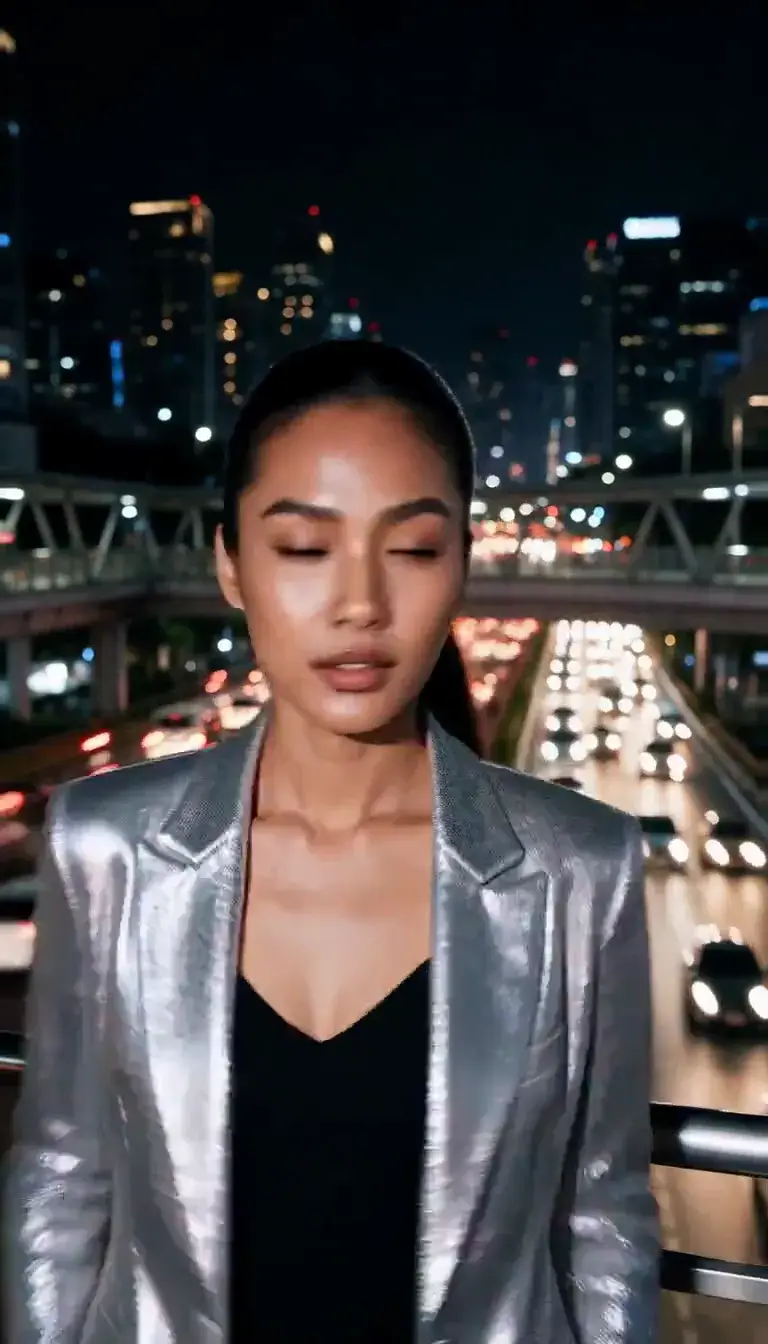 Slow Shutter
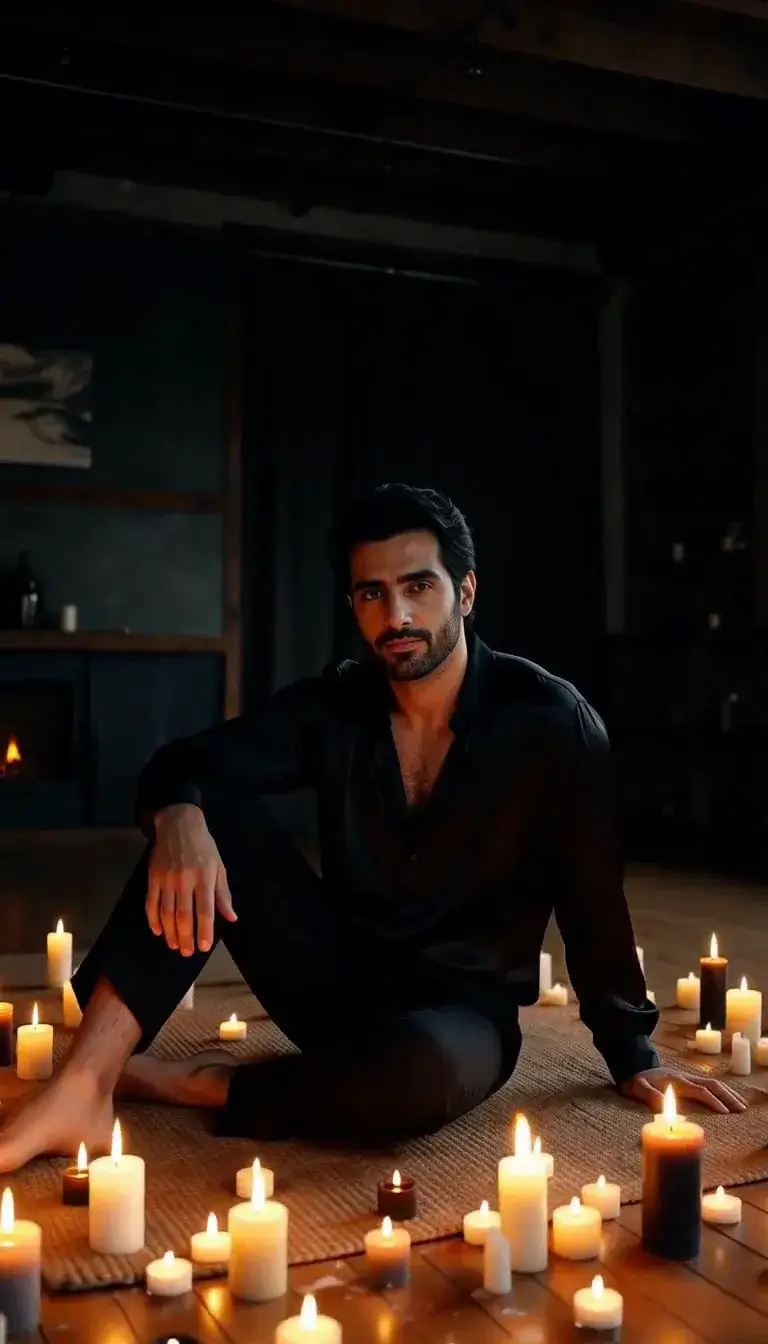 Candlelight
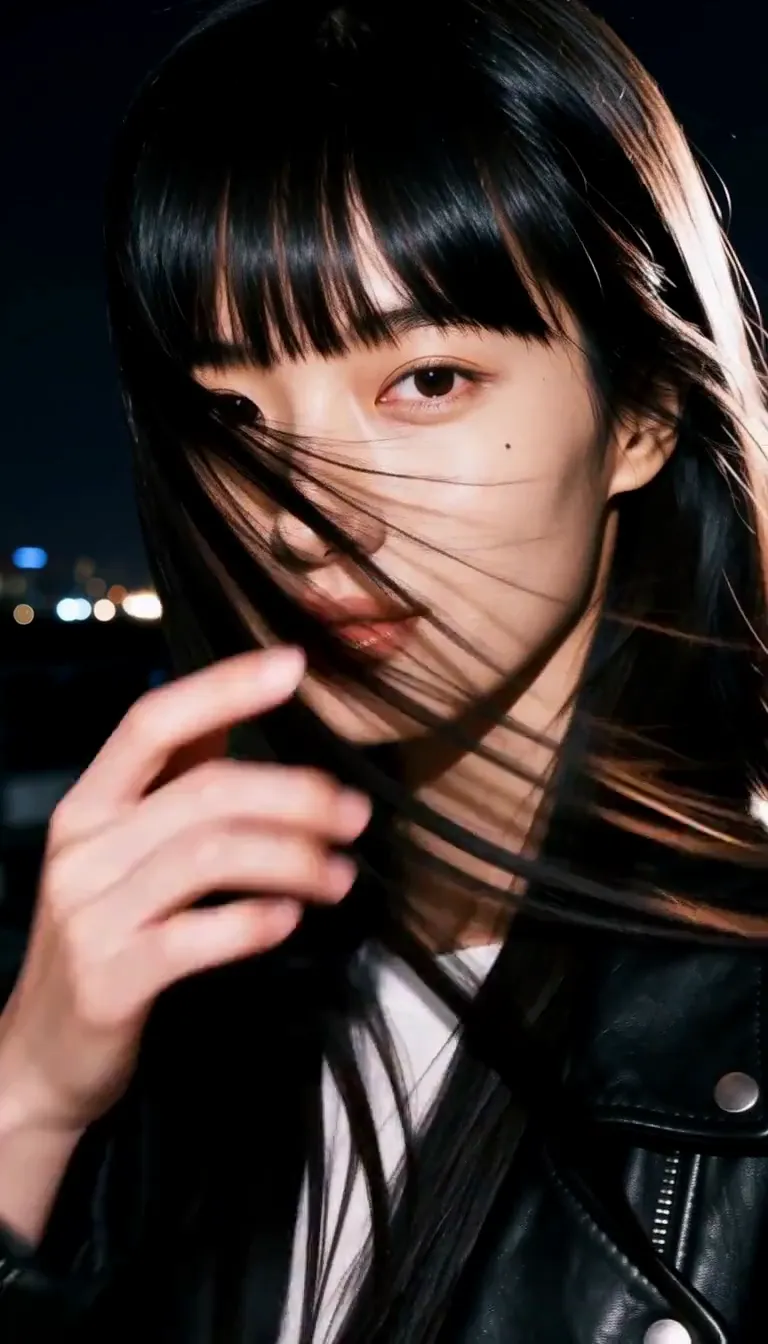 Behind the Hair
 Call Me
 Champagne Toast
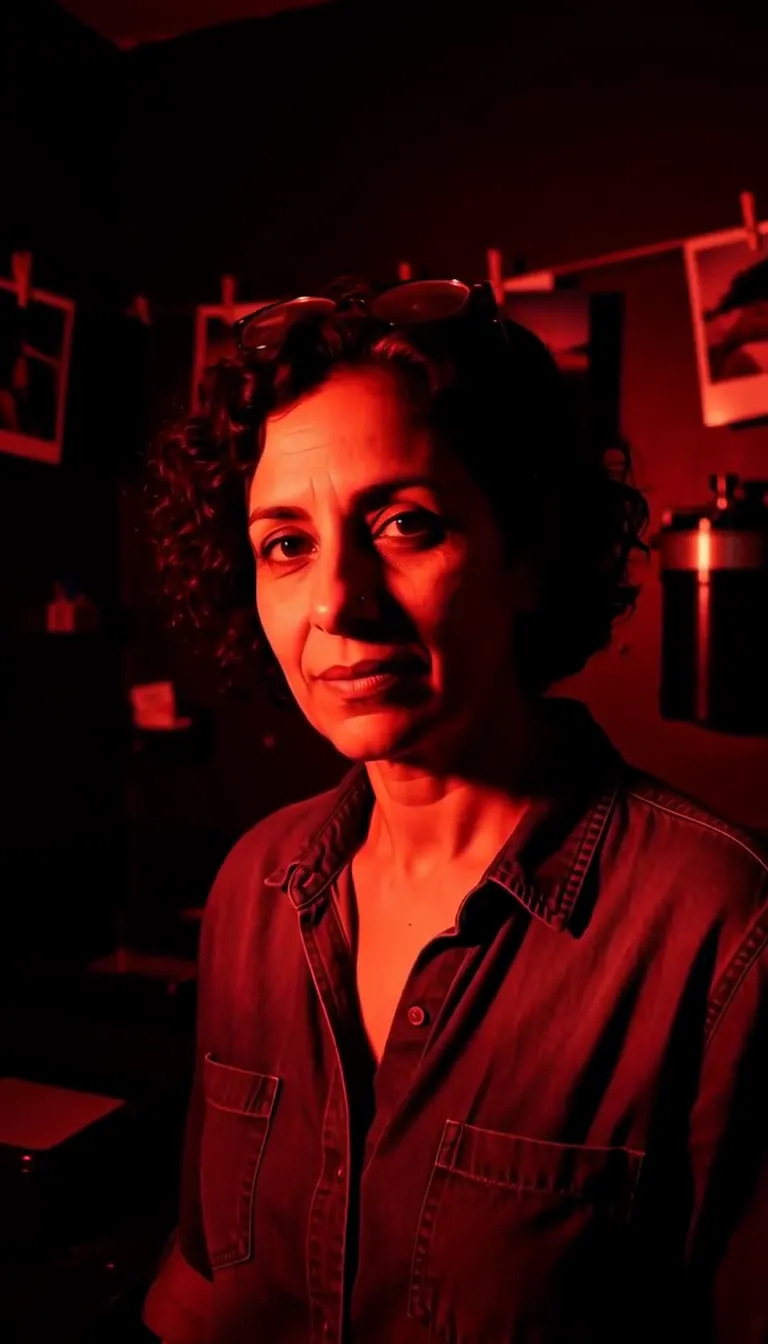 Darkroom Red
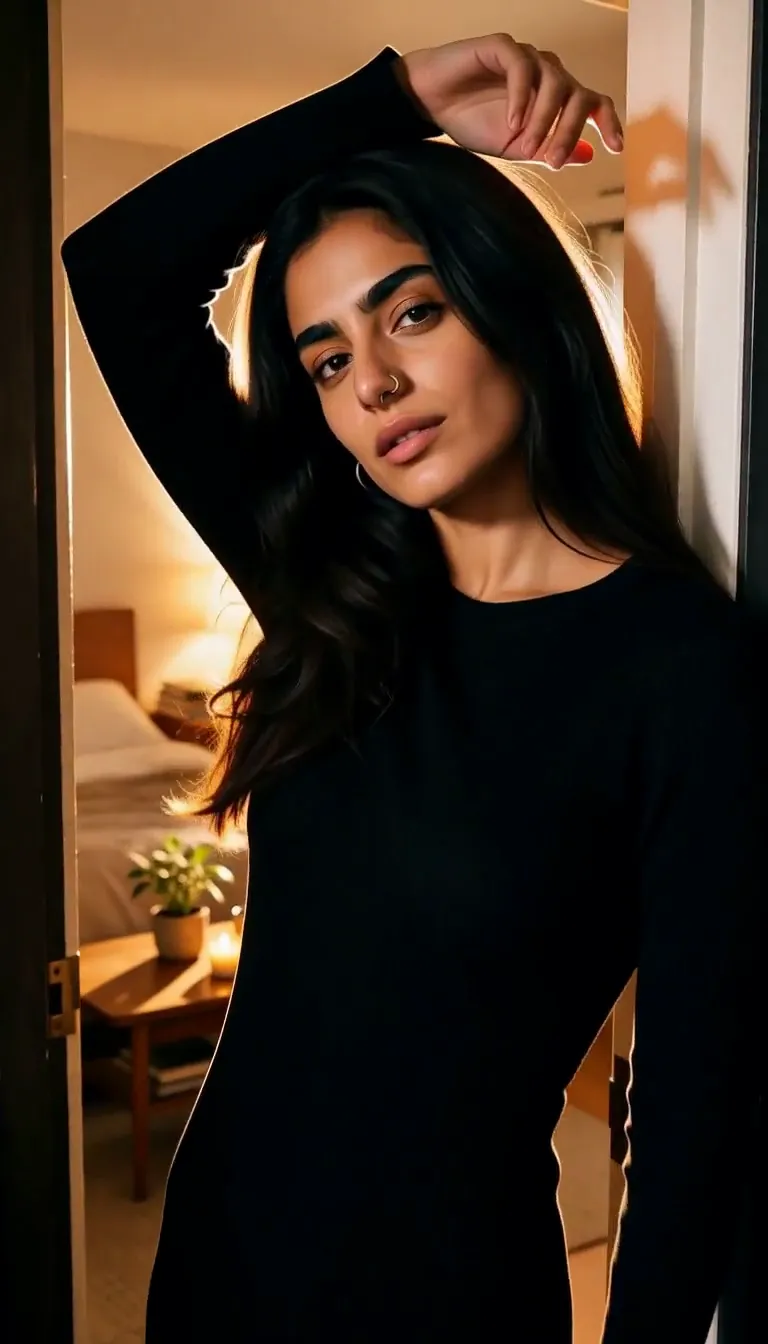 Doorway Lean
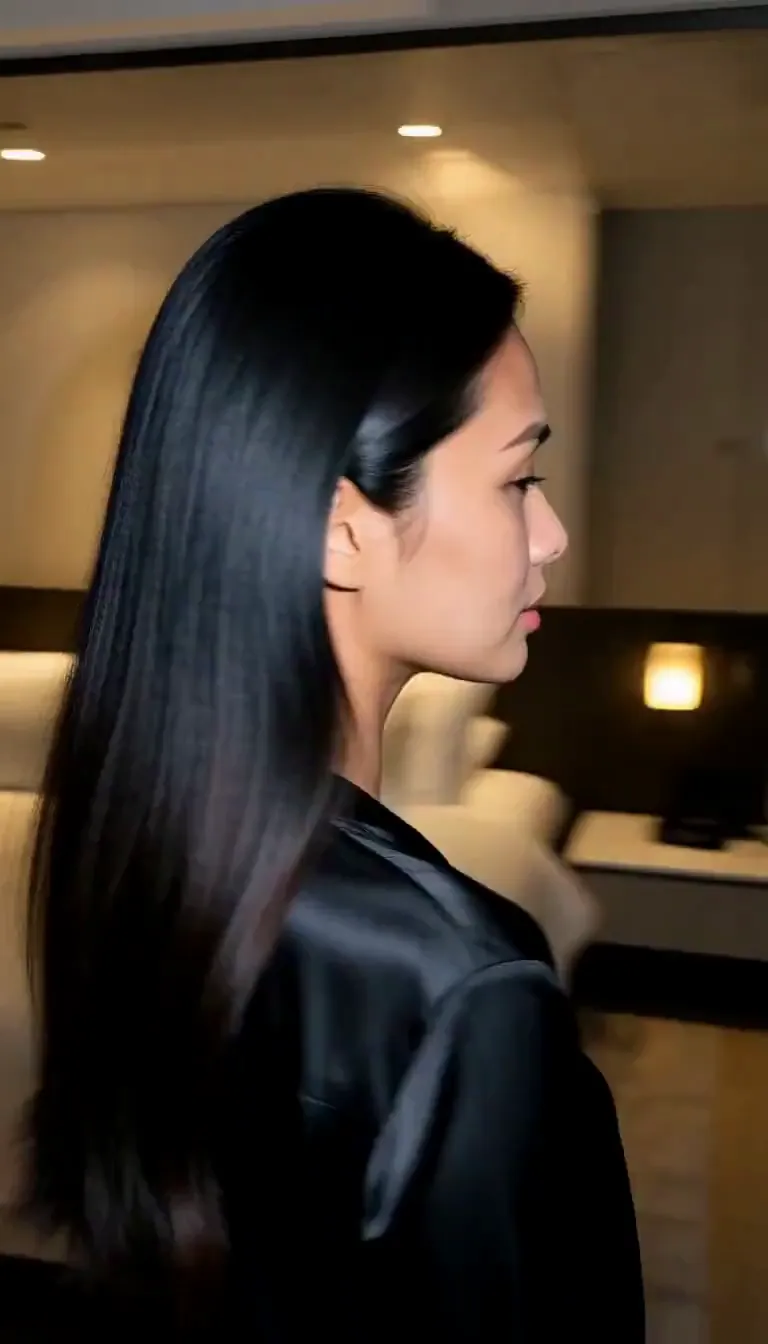 Eyes on You
 Join Me
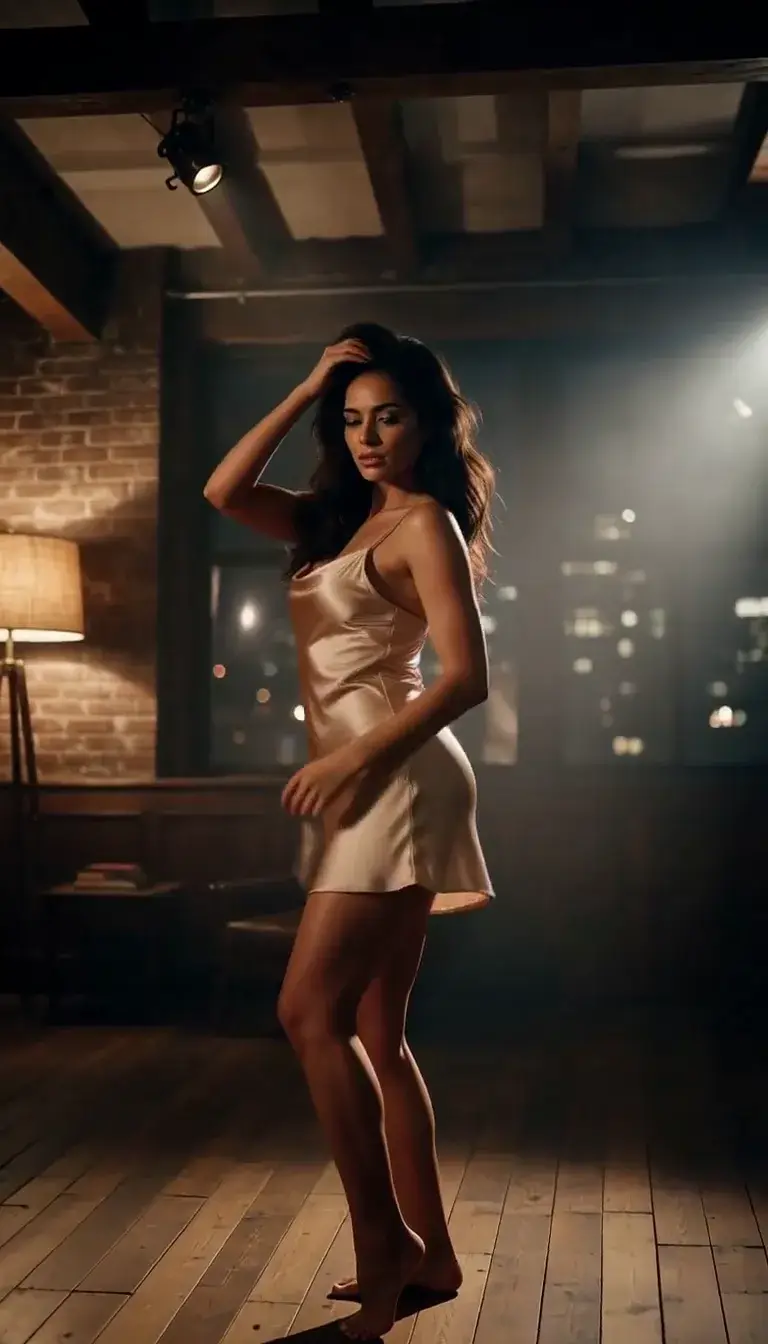 Late-Night Dance
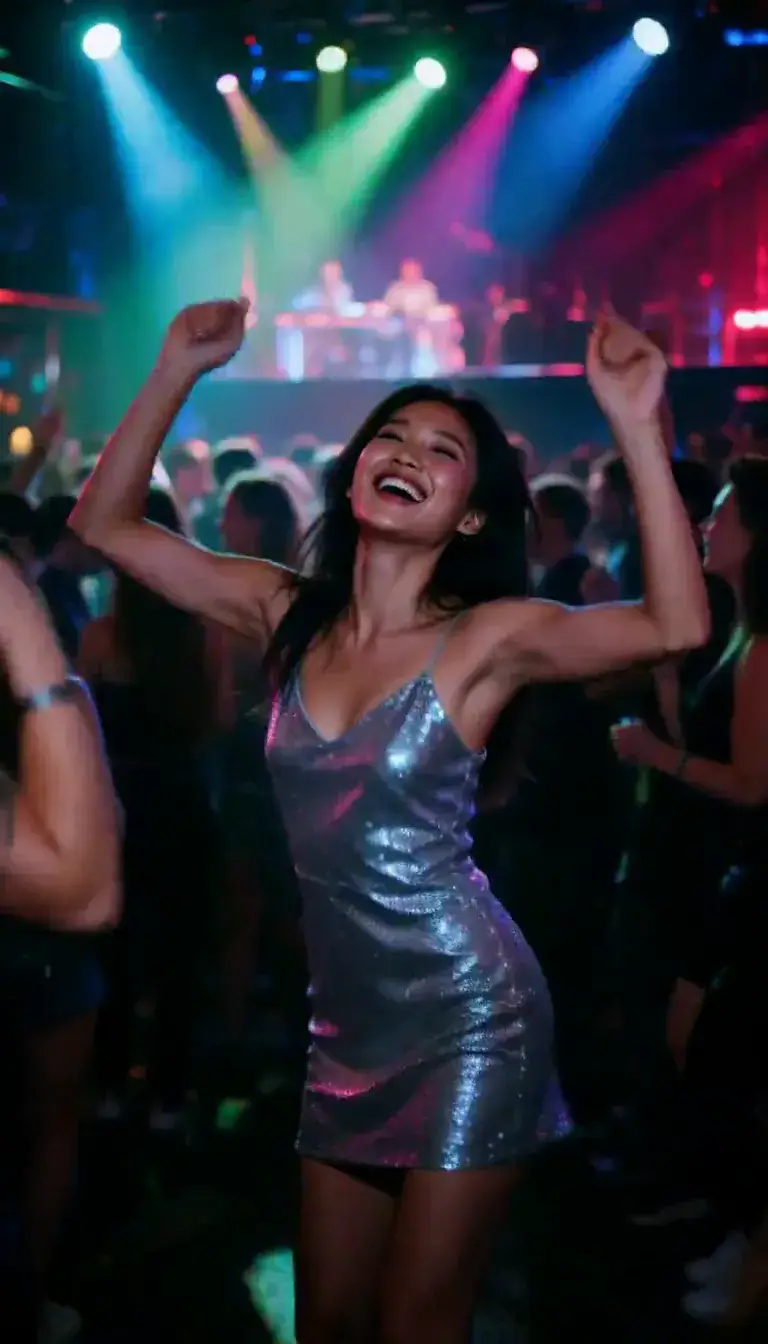 Club Strobe
Romance
 Kiss
KissCamera moves
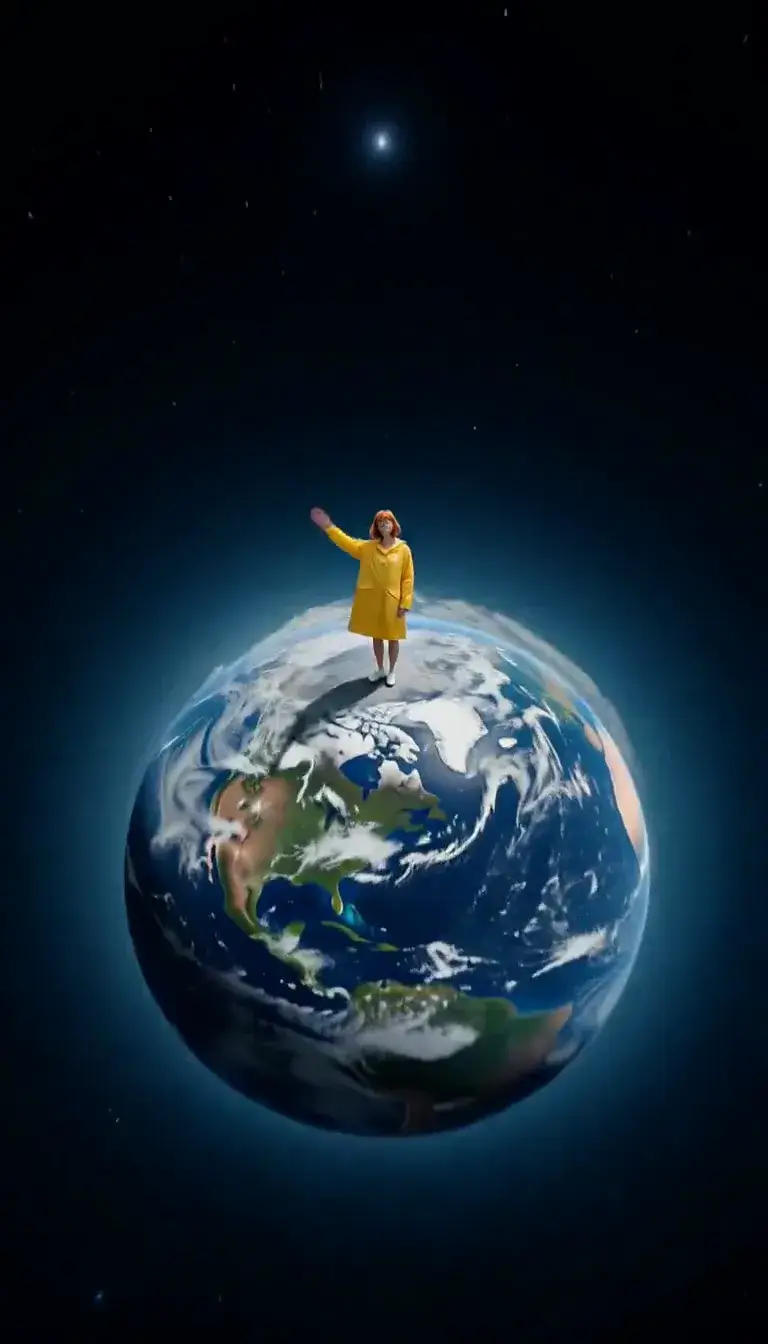 Tiny Planet
Transform
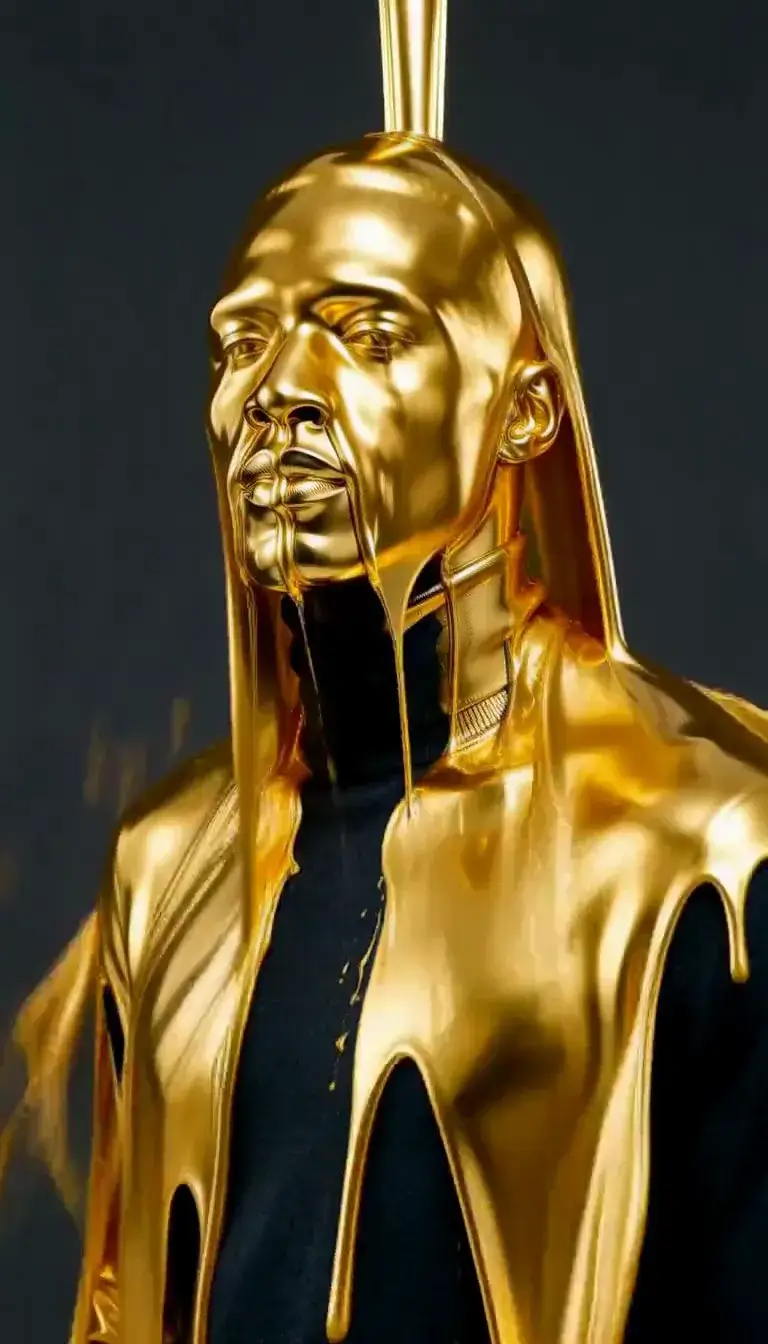 Molten Gold
Fashion
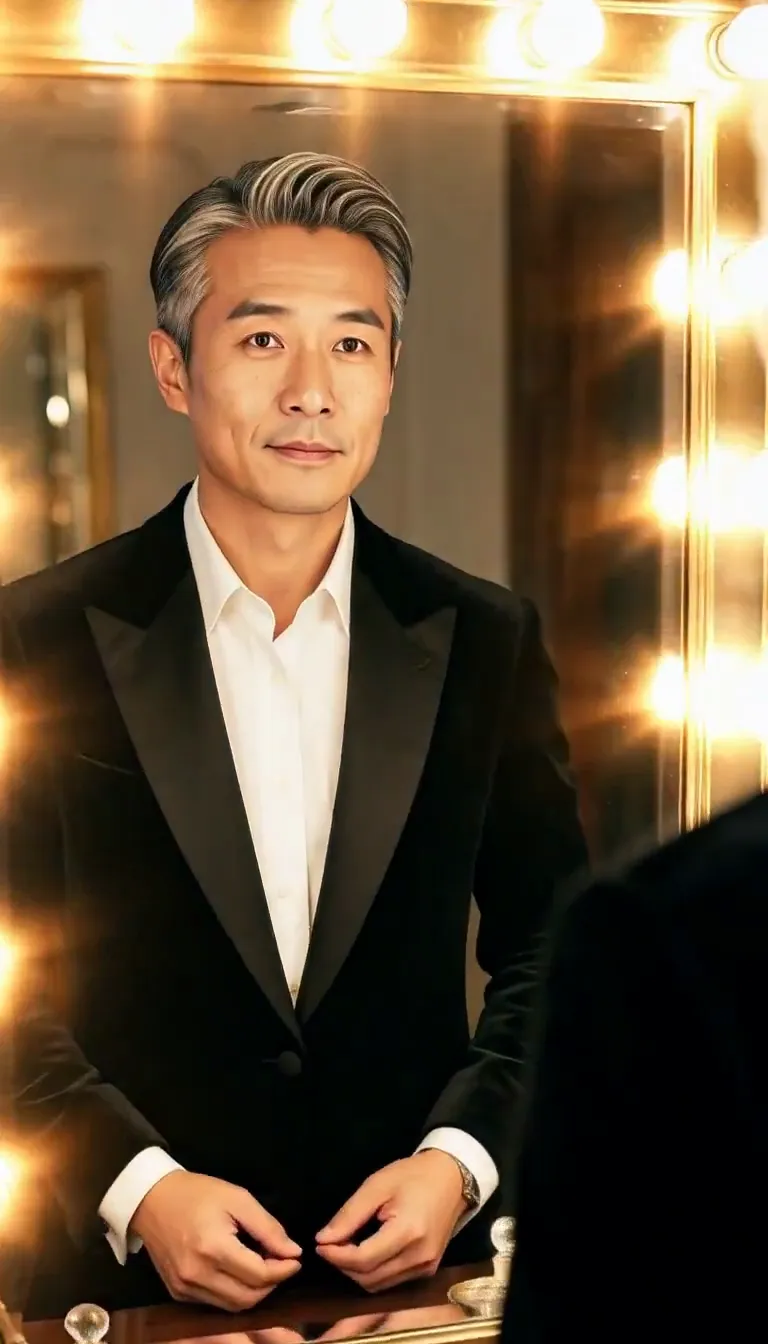 Mirror Glance
Atmosphere
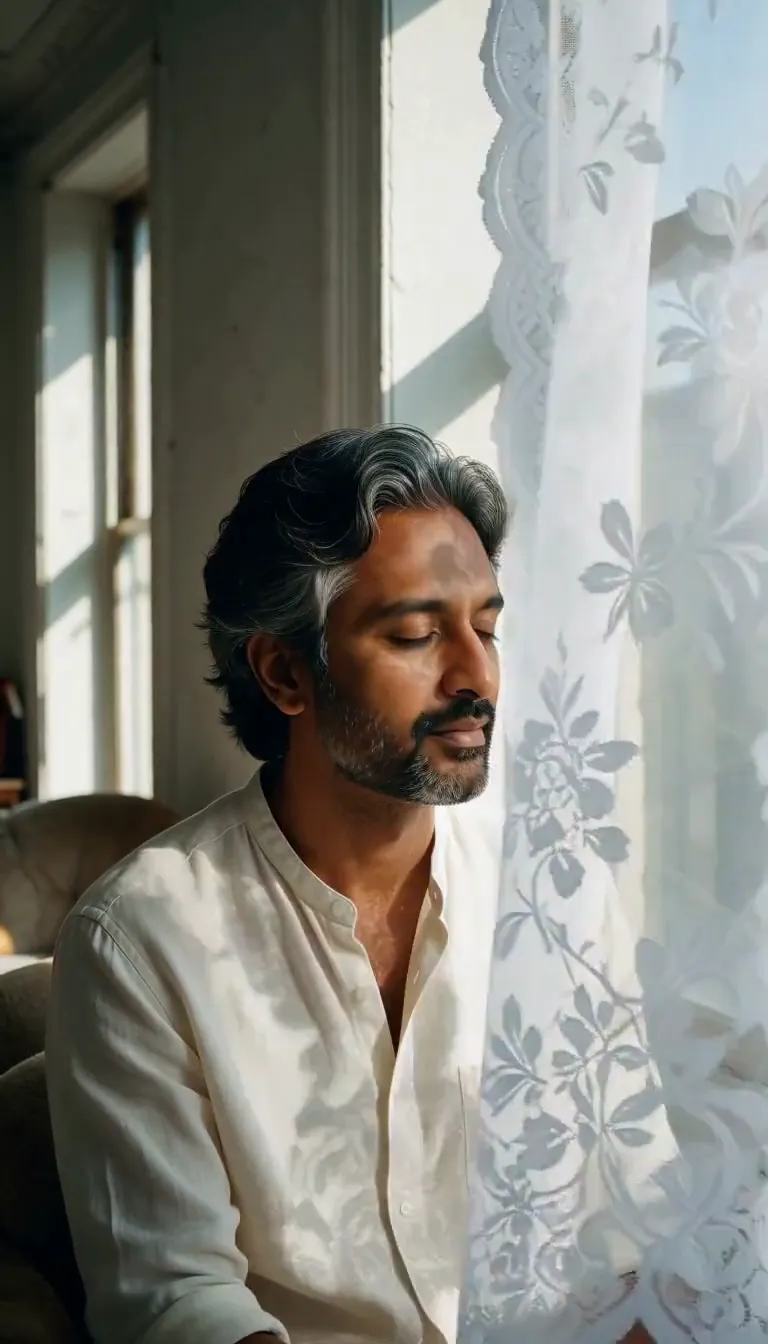 Lace Shadows
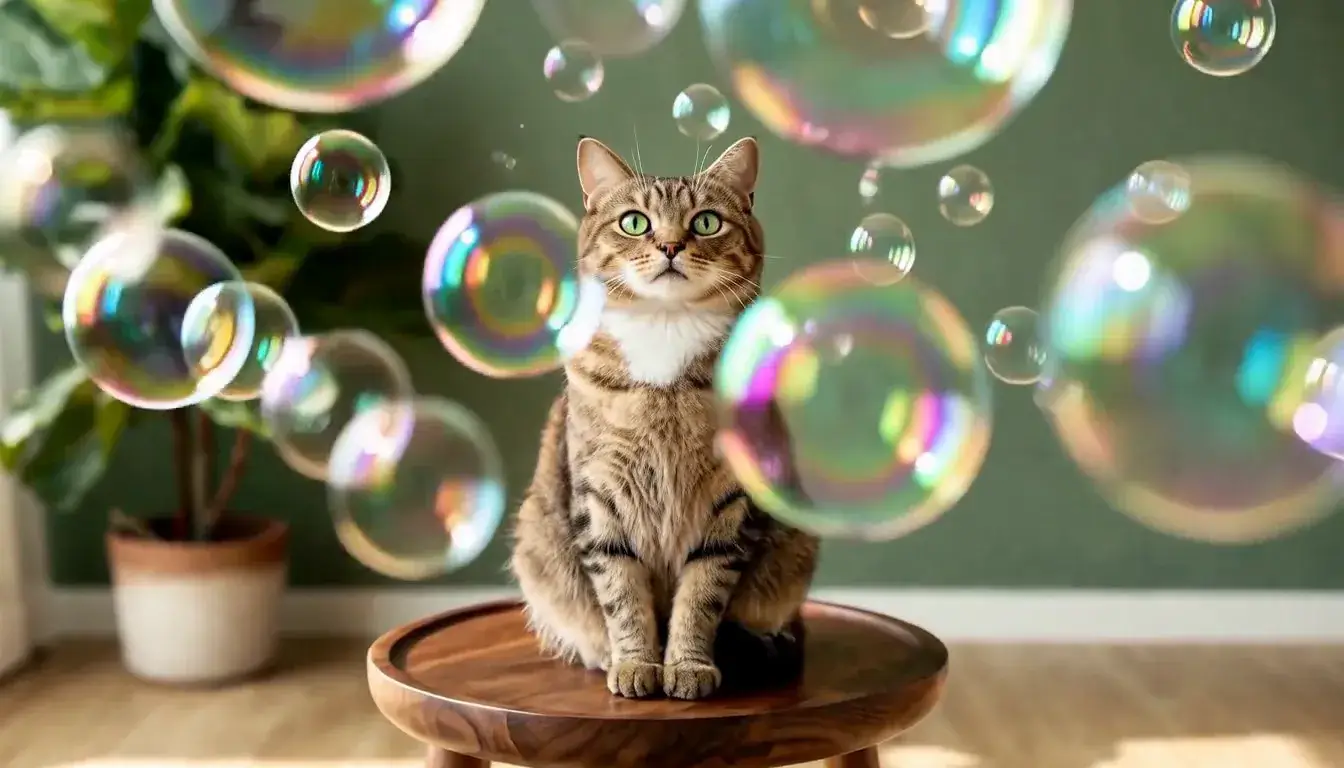 Bubbles
Motion
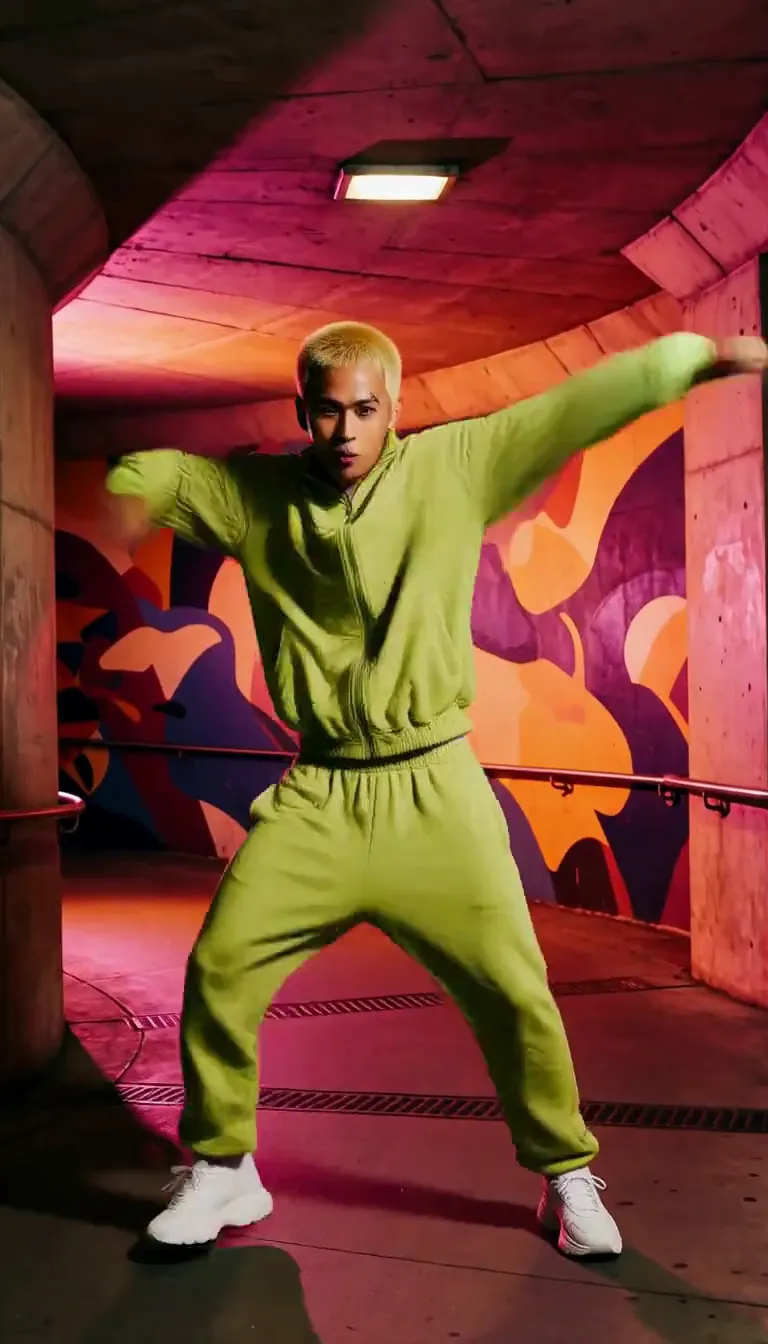 Groove
Fun
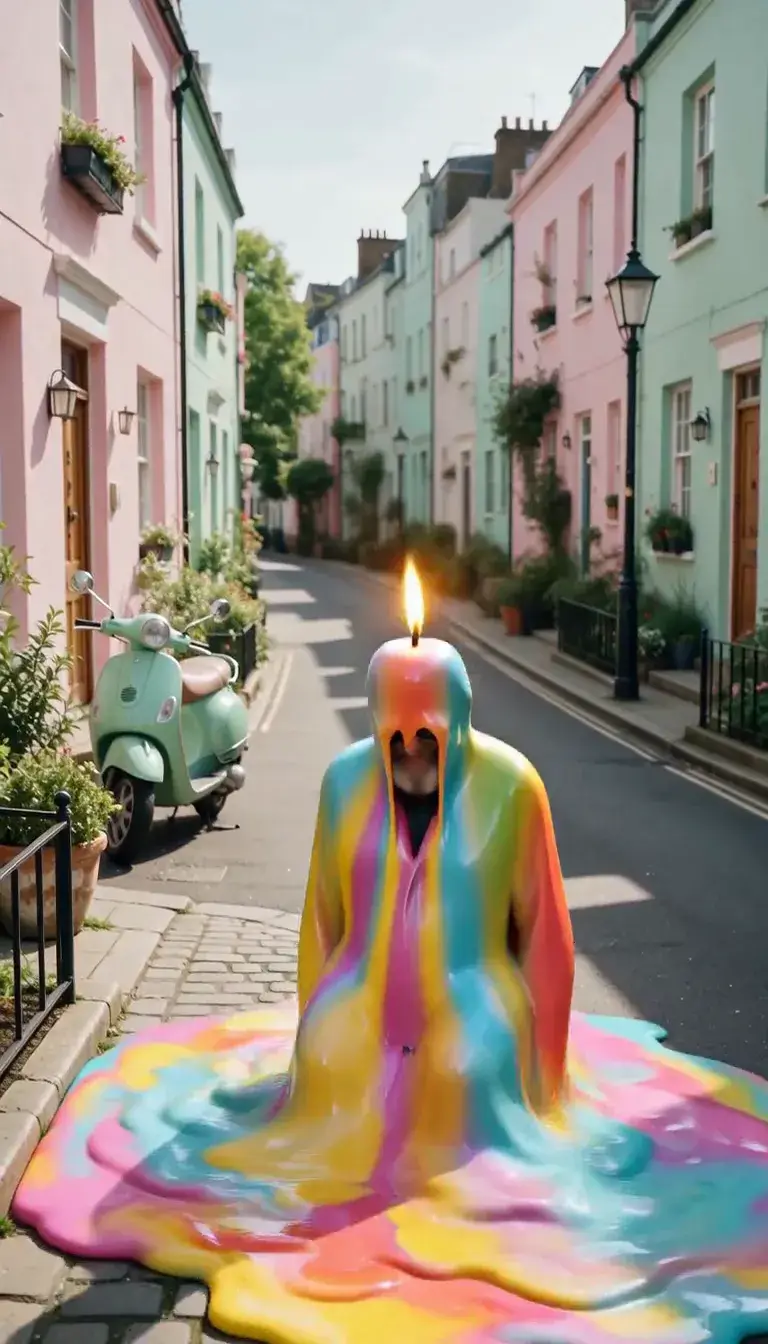 Meltdown
Product
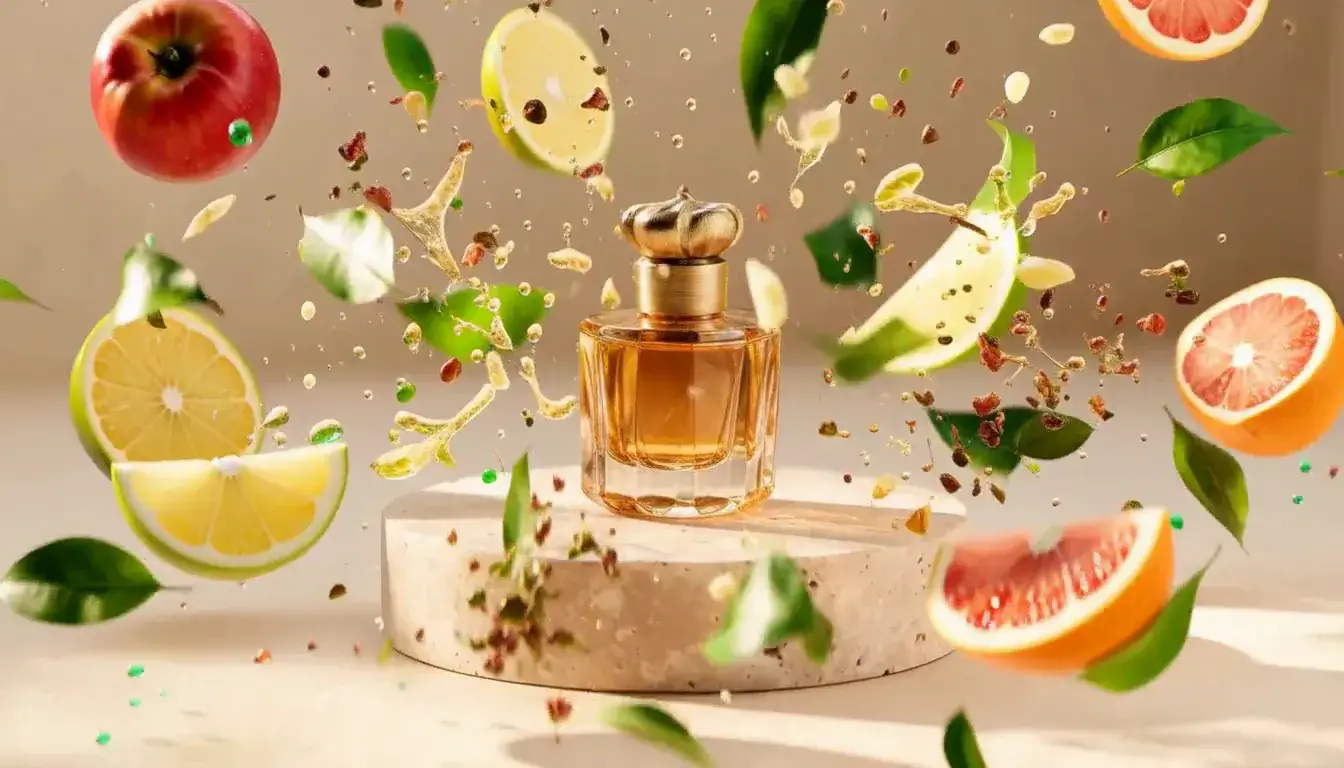 Ingredients Burst
Film looks
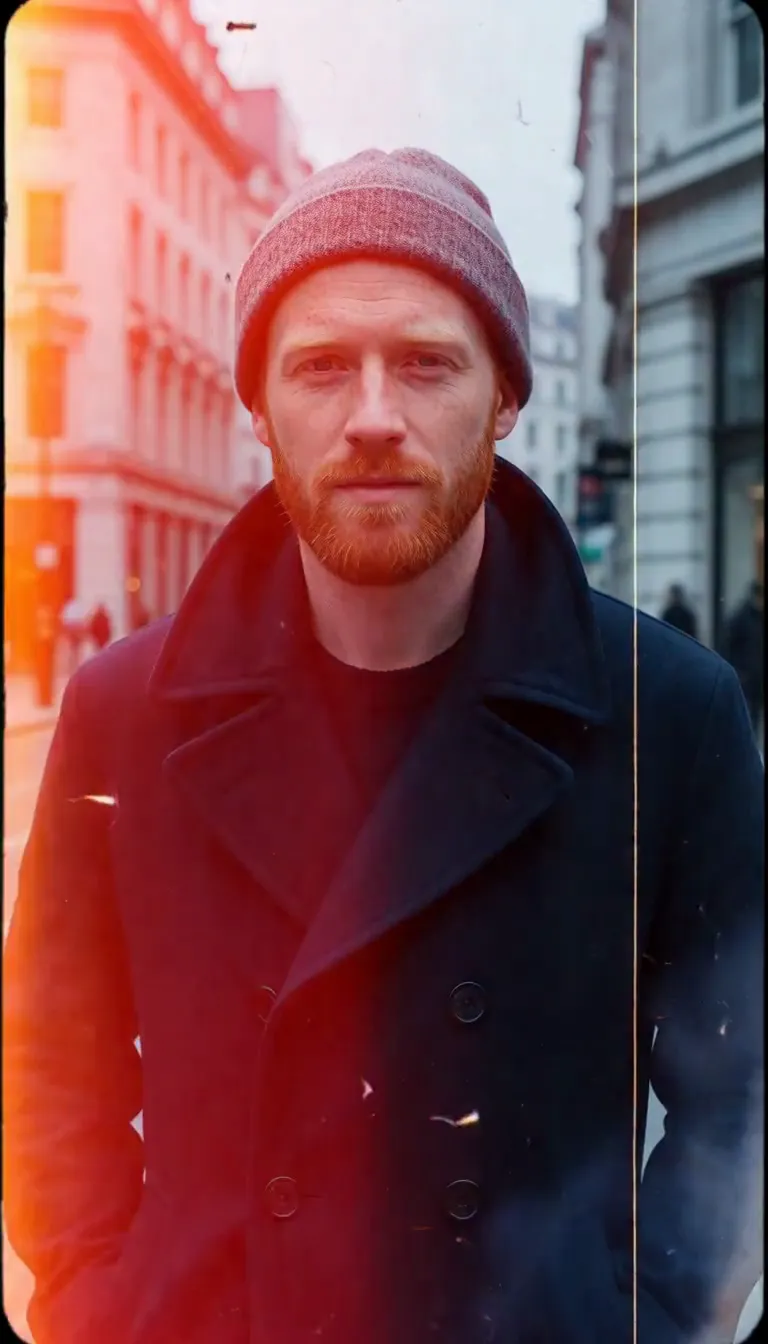 Film Burn
Video templates
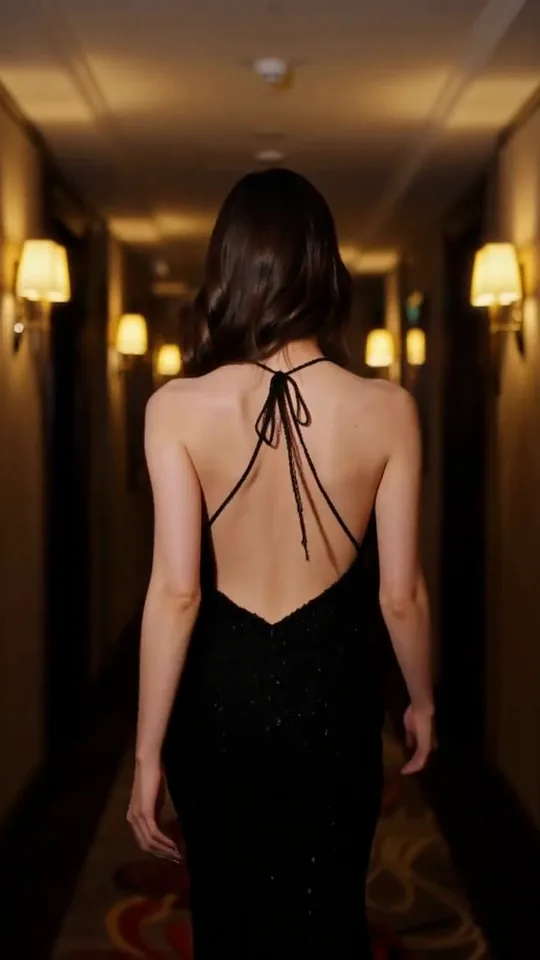 The Glance Back
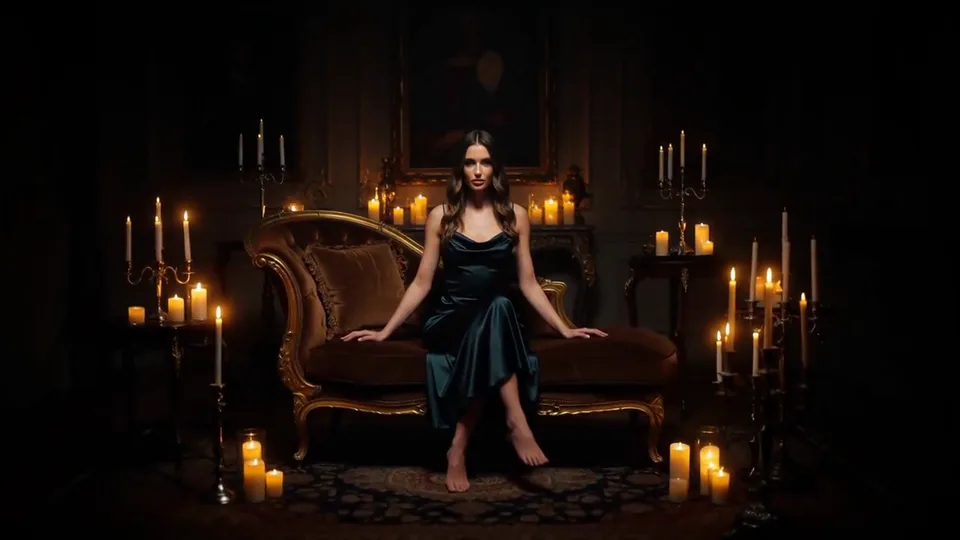 Candles Come Alive
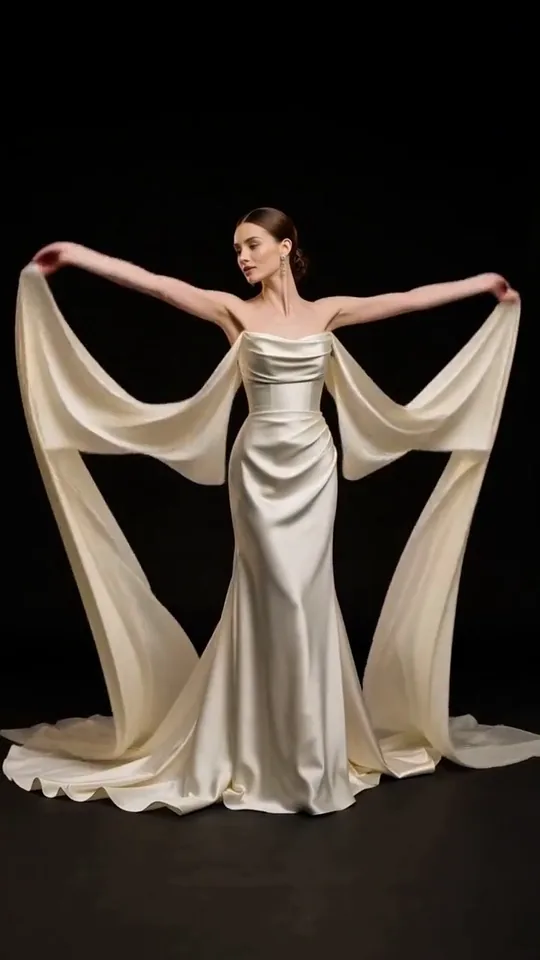 Silk Drift
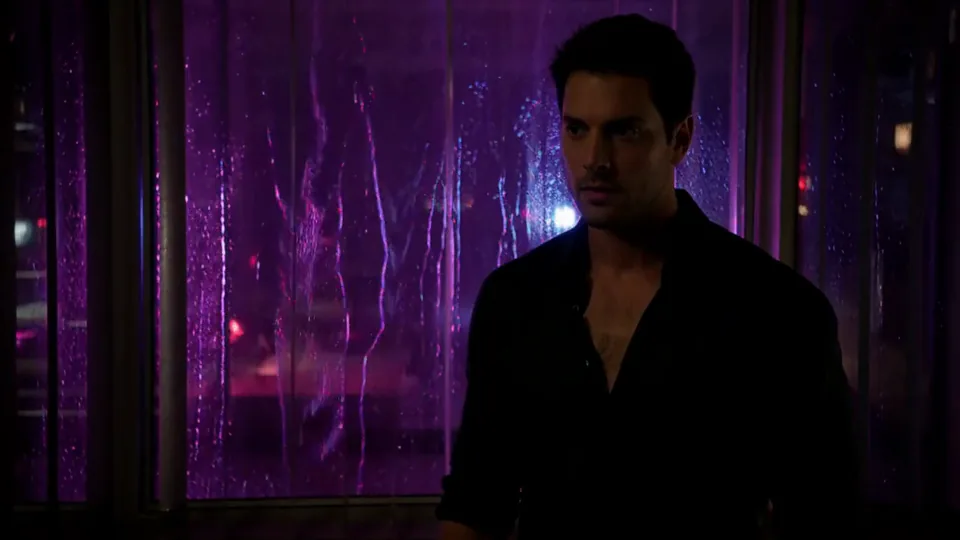 Neon After Hours
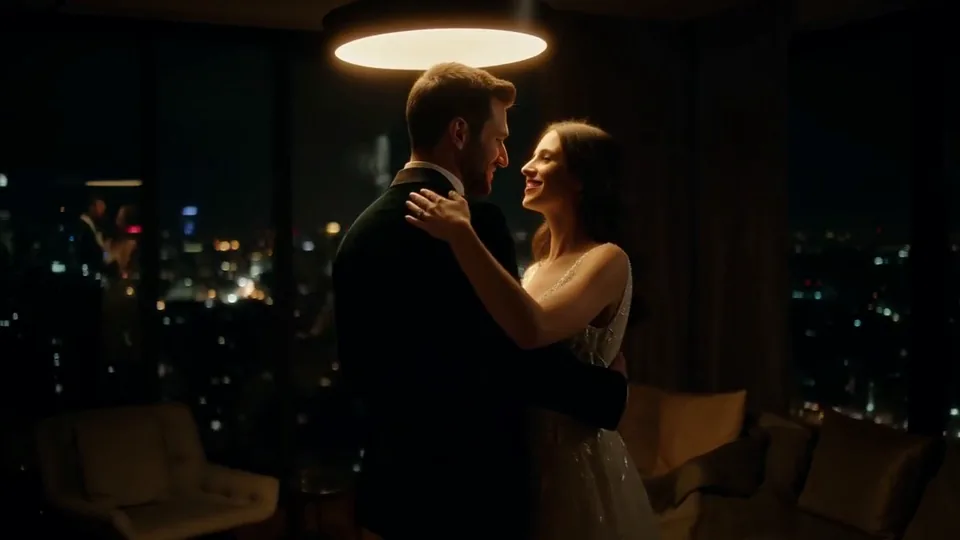 Sway Under the Lamp
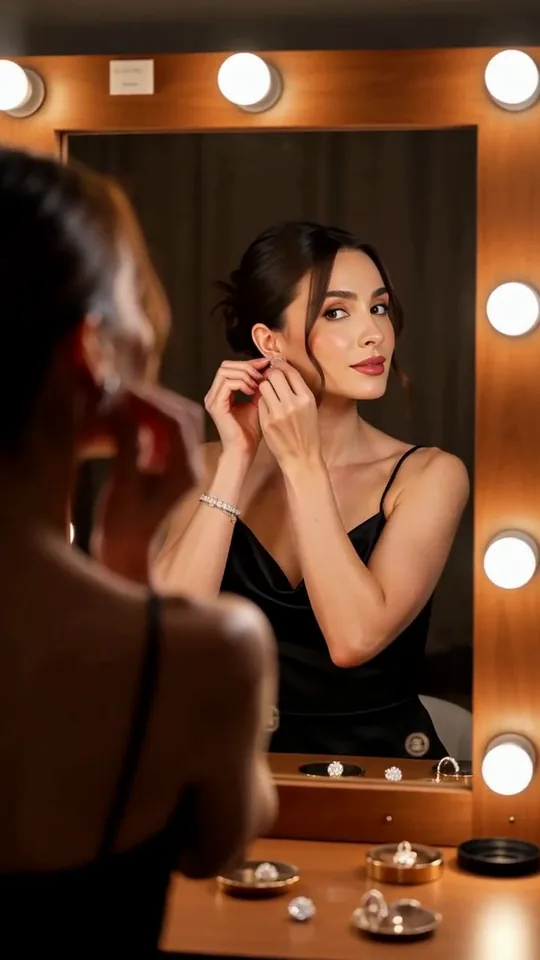 Mirror Moment
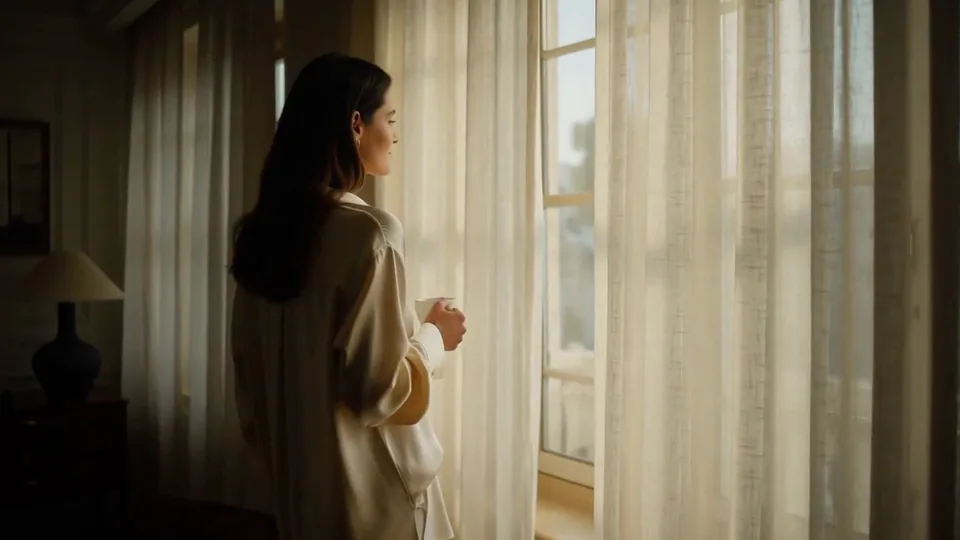 Morning Light
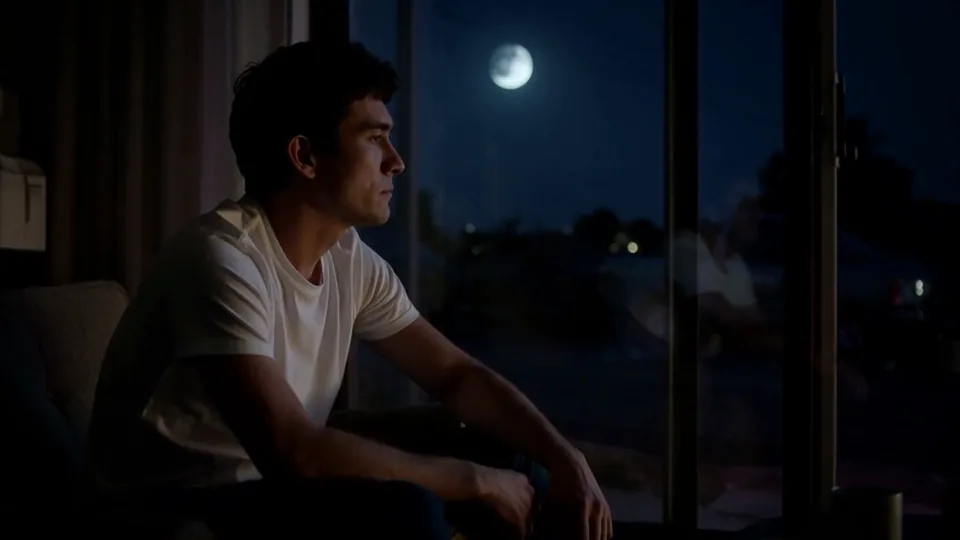 Passing Headlights
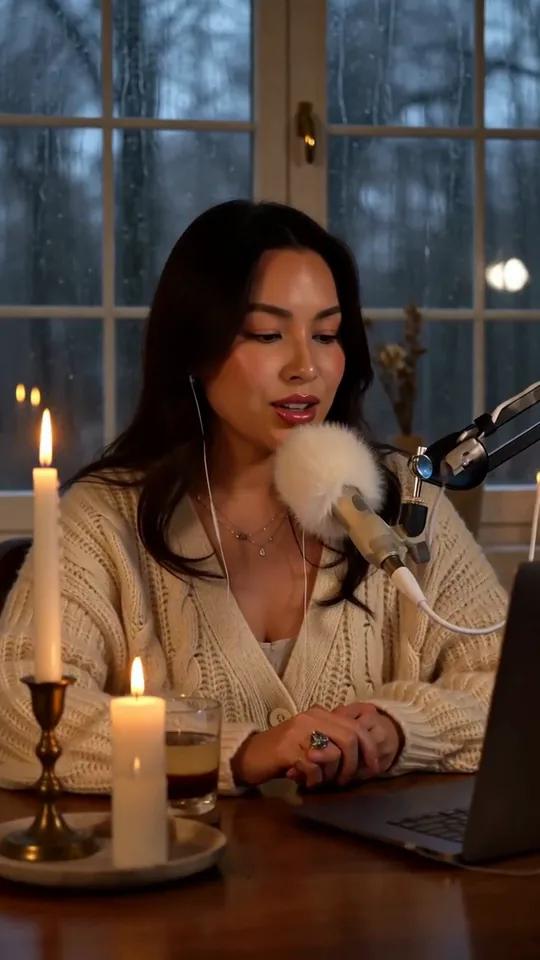 Whisper Session
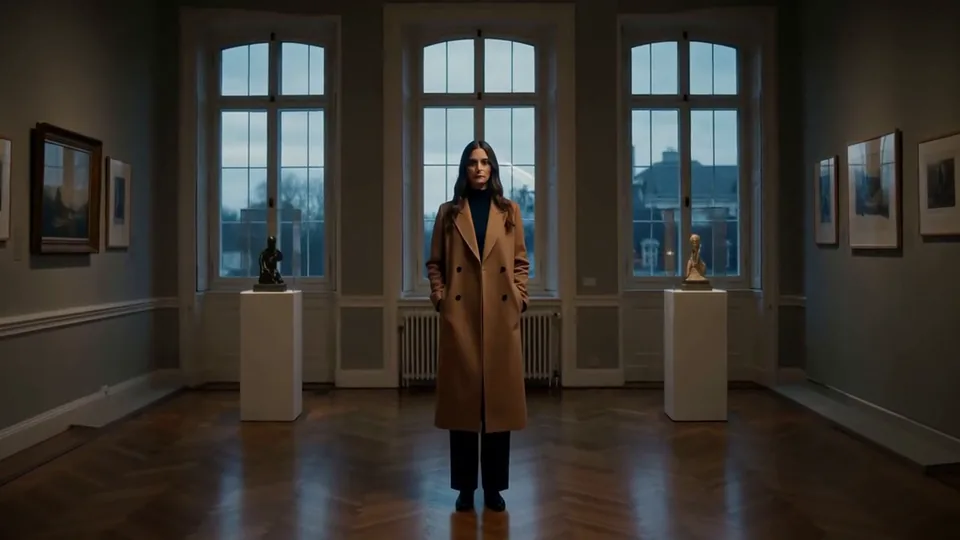 Slow Push-In
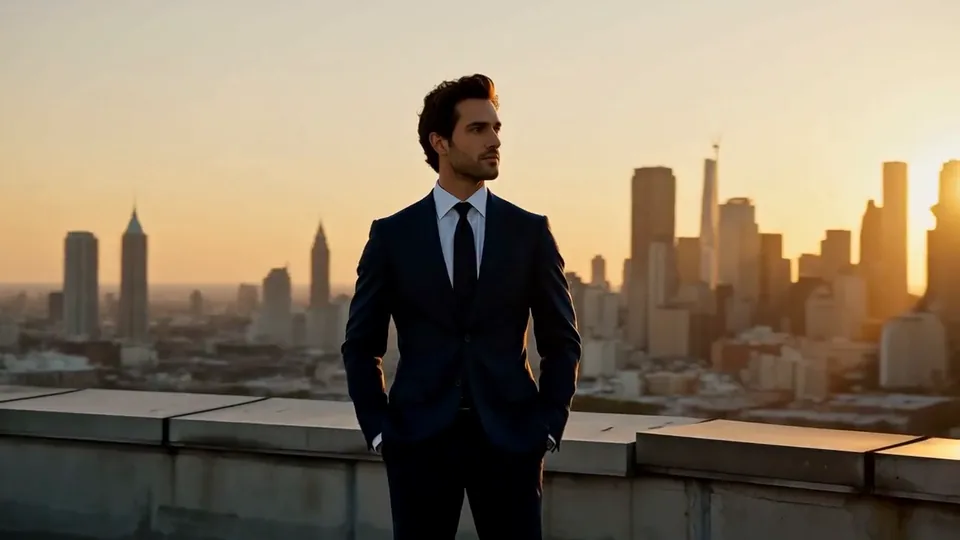 Half Orbit
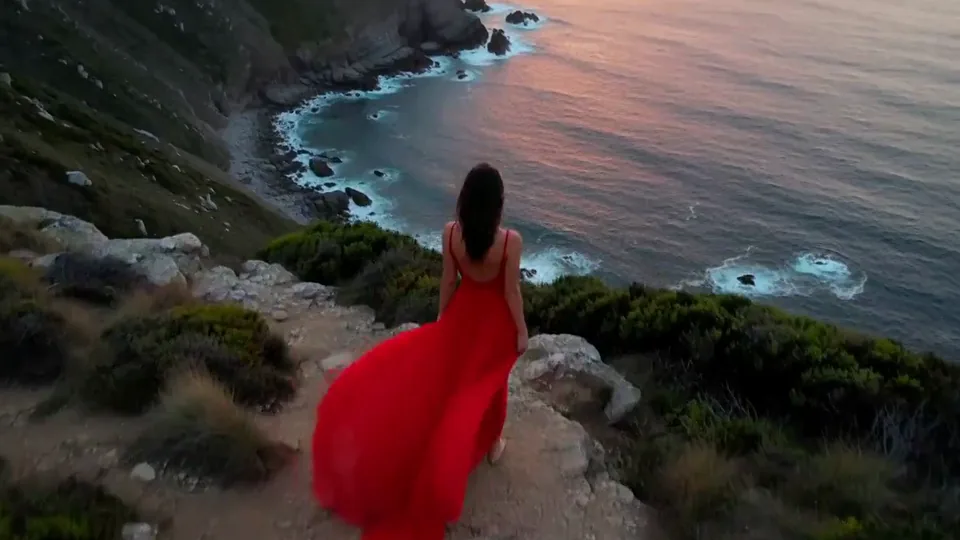 Drone Rise
This effect writes the prompt for you. Add one image.
We never filter your prompt.
Iridescent soap bubbles float up and drift around your subject, catching rainbow reflections as the camera eases gently forward.
- Model
- MiniMax H3
- Length
- 5 s
- Resolution
- 768p
- Per run
- $0.185
- Type
- Atmosphere
What this effect sends
This is the full prompt, word for word. Copy it, or open it in the generator and change anything you like.
Iridescent soap bubbles float up into the frame and drift slowly around the main subject, catching rainbow reflections as a few pop softly near the lens. The camera eases gently forward in soft, dreamy light.Pictures that work best
- Avoid photos with visible signage or text in the background — a camera push can sharpen a blurred sign into distorted lettering.
- Pets and calm, forward-facing subjects hold their pose especially well, since there's little else moving besides the bubbles.
- A simple background gives the bubbles' rainbow reflections room to stand out without competing with clutter.
- Expect the camera's focus to drift toward the bubbles by the end of the clip — if you need your subject sharp throughout, choose a different effect.

Models this effect runs on
The same prompt on different models. Pick by look and by price.
- MiniMax H3$0.185 per run
5 s · 768p
- Seedance 2.0 Fast$0.484 per run
5 s · 720p
- Kling 3.0$0.336 per run
5 s · 720p
- Seedance 2.0$0.76 per run
5 s · 720p
- Wan 3.0$0.45 per run
5 s · 720p
- Vidu Q3 Turbo$0.33 per run
5 s · 720p
- MiniMax H3 Max$0.4 per run
5 s · 768p
- Kling 2.5 Turbo$0.28 per run
5 s
- Wan 2.6 Flash$0.113 per run
5 s · 720p
- Seedance 2.0 Mini$0.265 per run
5 s · 720p
How it works
- 01
Add one photo
Choose the photo to match the example: include both people for a shared gesture, and keep the face and any hands involved clearly visible. Upload your own photo or start with a Bubbles sample.
- 02
Check the price
Bubbles defaults to a 5-second clip for $0.185. Swap the model or change the length and resolution before you run — the price on the button updates to match, and that's the whole cost of the clip.
- 03
Generate
Your Bubbles clip renders in the background, lands in History and is never published.
Do the move yourself
Bubbles keeps one version of this shot. To give Bubbles your own motion or ending, write it yourself in Image to Video, starting from the prompt above.
What it does to your photo
Bubbles is a light, playful effect: iridescent soap bubbles float up into the frame and drift slowly around your subject, catching rainbow reflections in the light as a few pop softly near the lens, while the camera eases gently forward. The soft focus on the closest bubbles is what gives it a dreamy, unforced feel rather than looking like an obvious overlay.
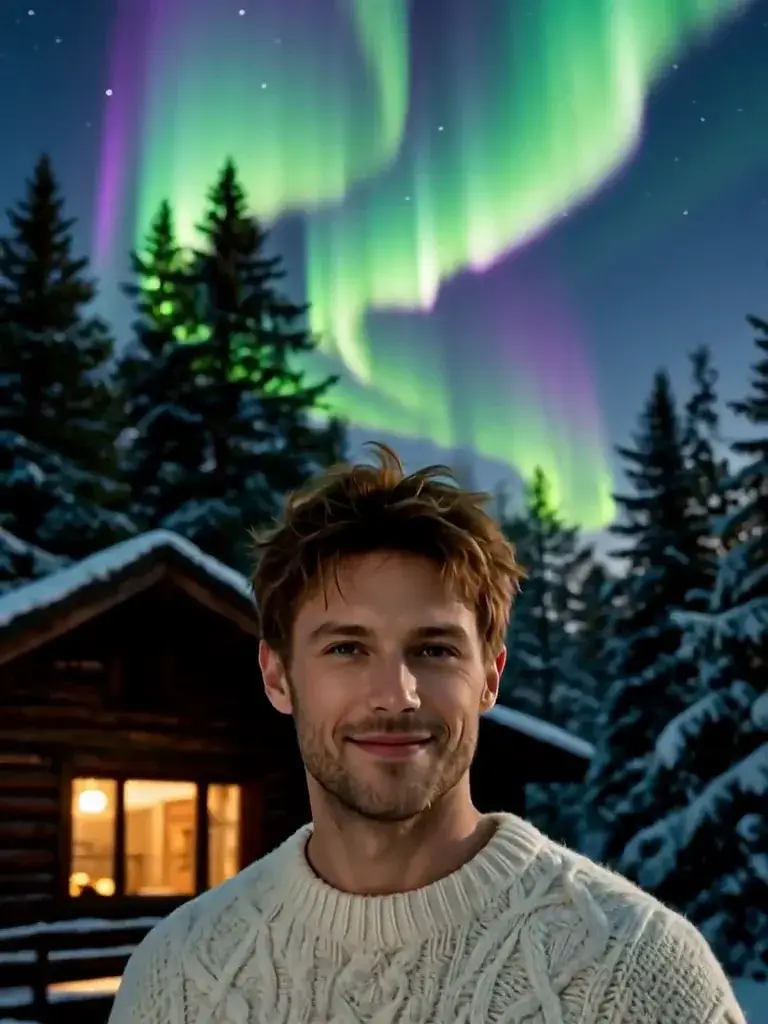
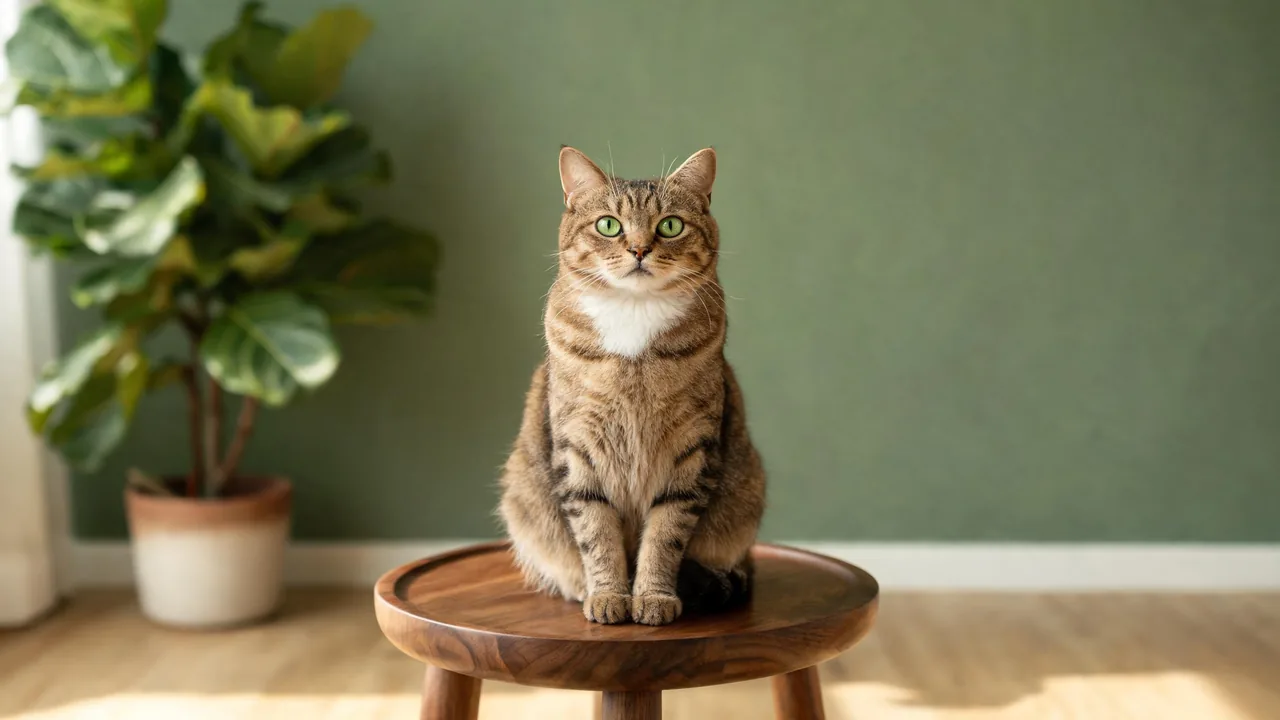
In our test runs on MiniMax H3, a tabby cat sitting upright on a walnut stool kept looking up while bubbles of many sizes drifted around it, blurring softly whenever one passed close to the lens; the cat's markings and pose stayed completely stable, and it made an especially charming showcase. A man in a cream cable-knit sweater outside a snowy cabin kept his smile as rainbow bubbles drifted in from both sides; at about 3s a large bubble floated right across his face, and in the second half the camera's focus shifted onto the bubbles themselves, leaving him slightly soft in the background — his identity stayed consistent whenever he was visible.
One real limit showed up in testing: on a street photo with a blurred shop sign in the background, the camera's forward push sharpened that blur into pseudo-lettering, so any storefront signage in your photo is worth avoiding for this effect. It's also worth knowing that the camera's focus can drift onto the bubbles rather than staying locked on your subject, which is part of what makes the moment feel real but means your subject may go a little soft by the end.
It works well on pets, portraits and product shots that want a gentle, celebratory or dreamy mood without going as bold as confetti — think baby showers, light-hearted lifestyle content, or a soft product reveal. It's an easy pairing with a plain or softly lit background.
The prompt is public and editable — open it in the generator and change "a few pop softly near the lens" to "many burst in a shower of light" if you want a more energetic version.