After Dark
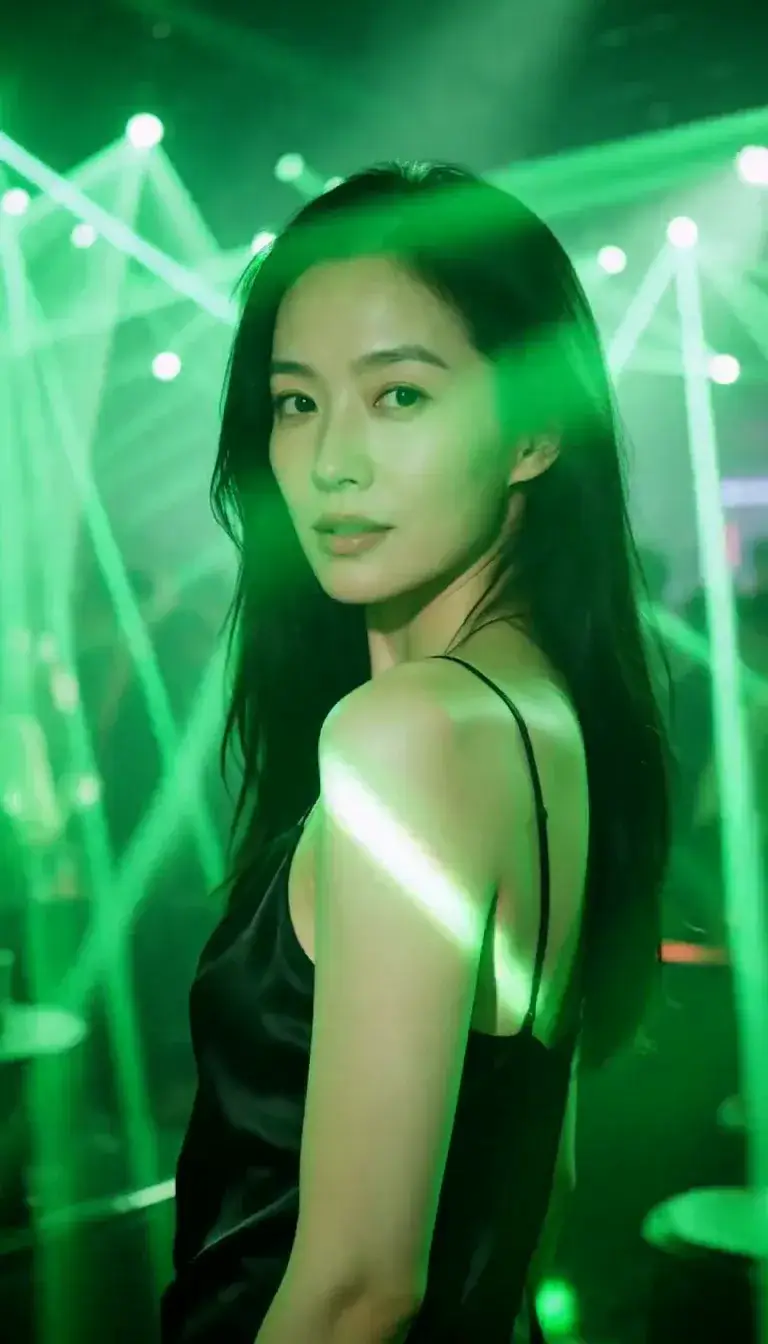 Laser Room
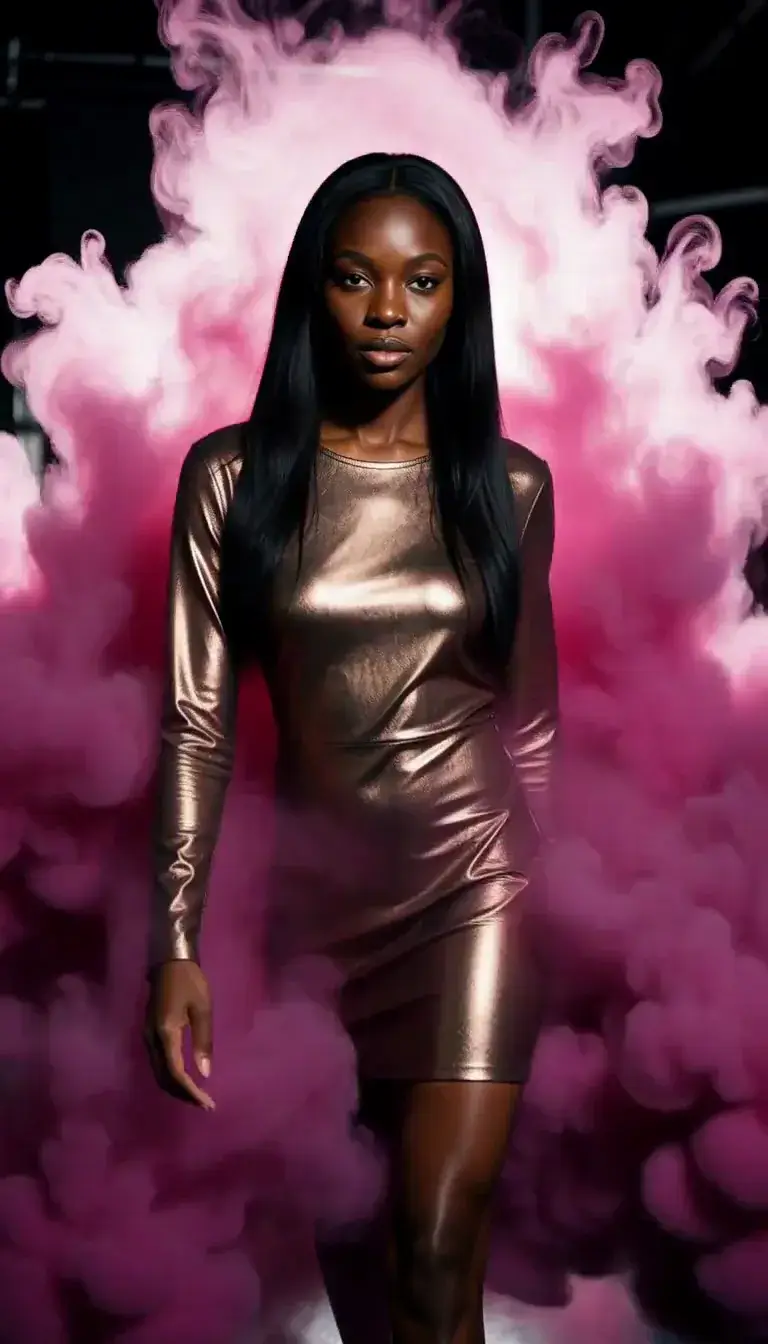 Color Smoke
 Silk Drop
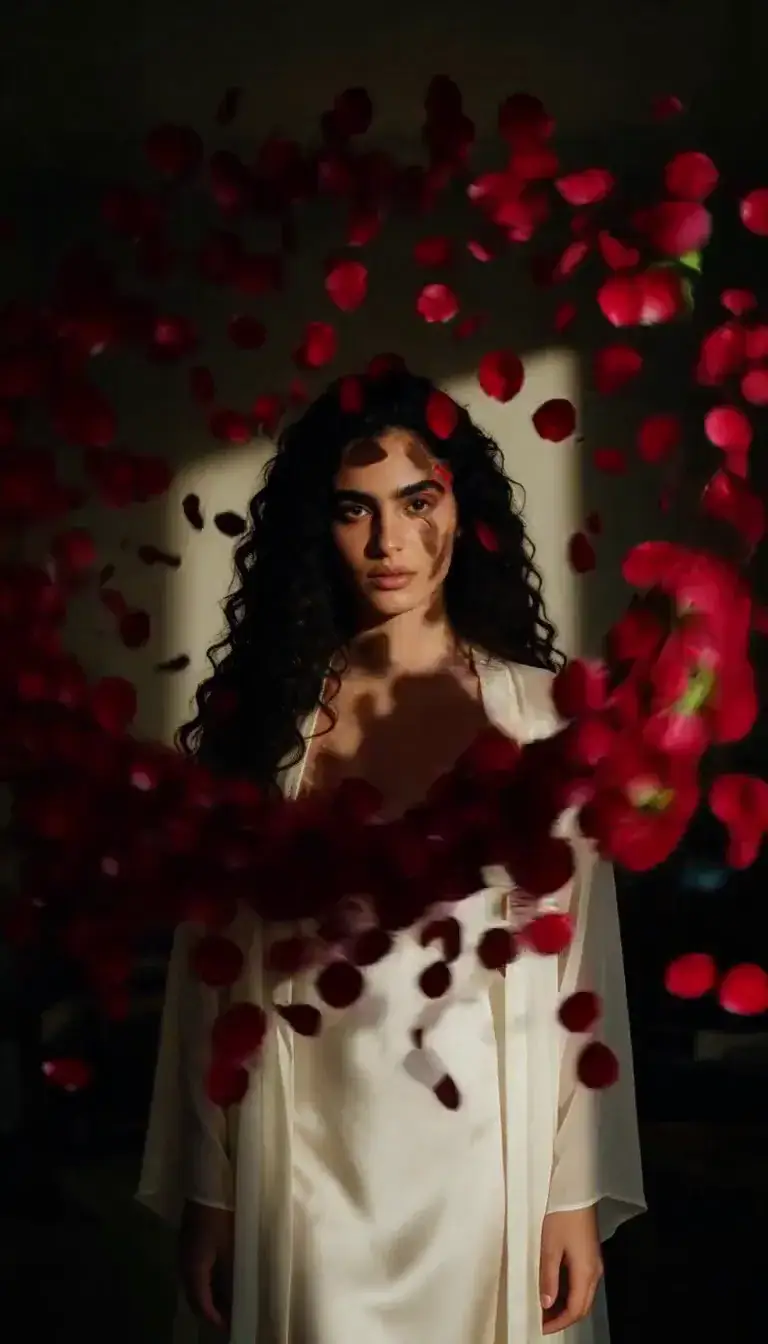 Petal Storm
 Slow Shutter
 Candlelight
 Behind the Hair
 Call Me
 Champagne Toast
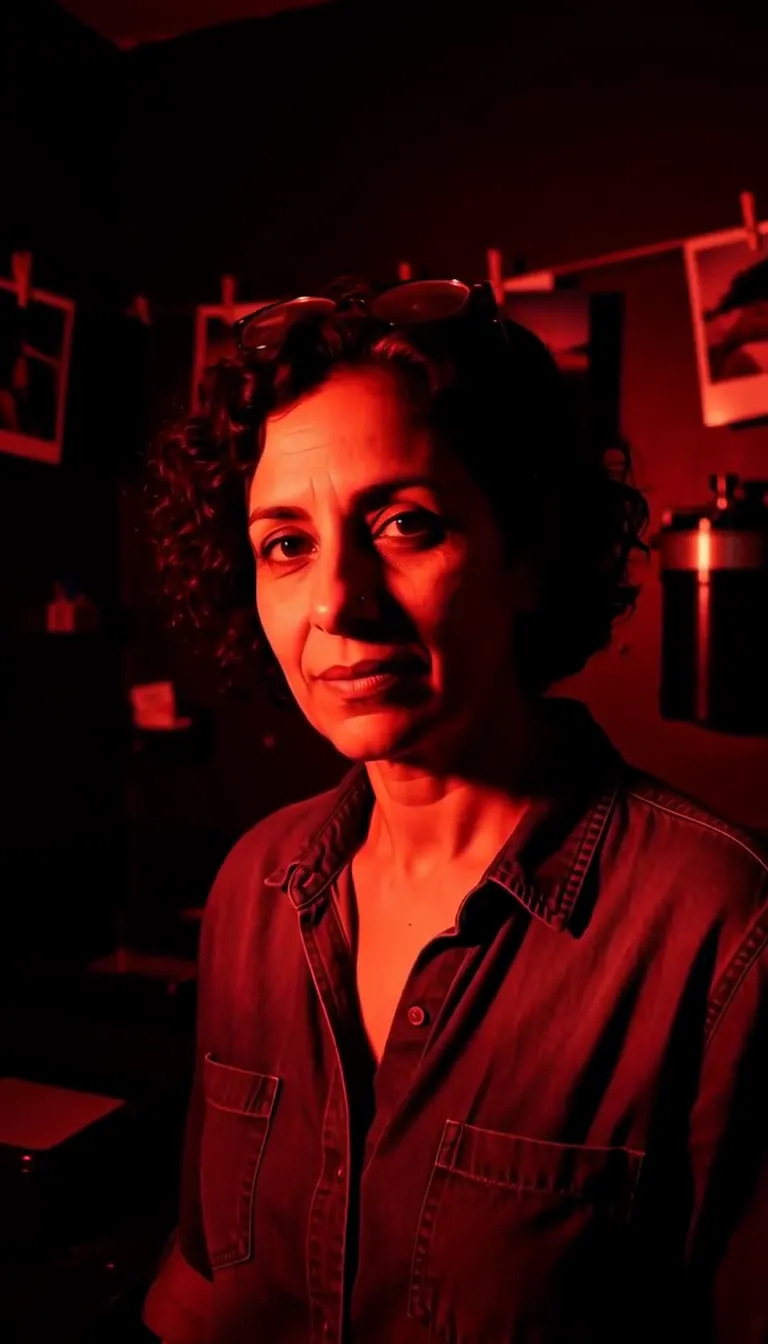 Darkroom Red
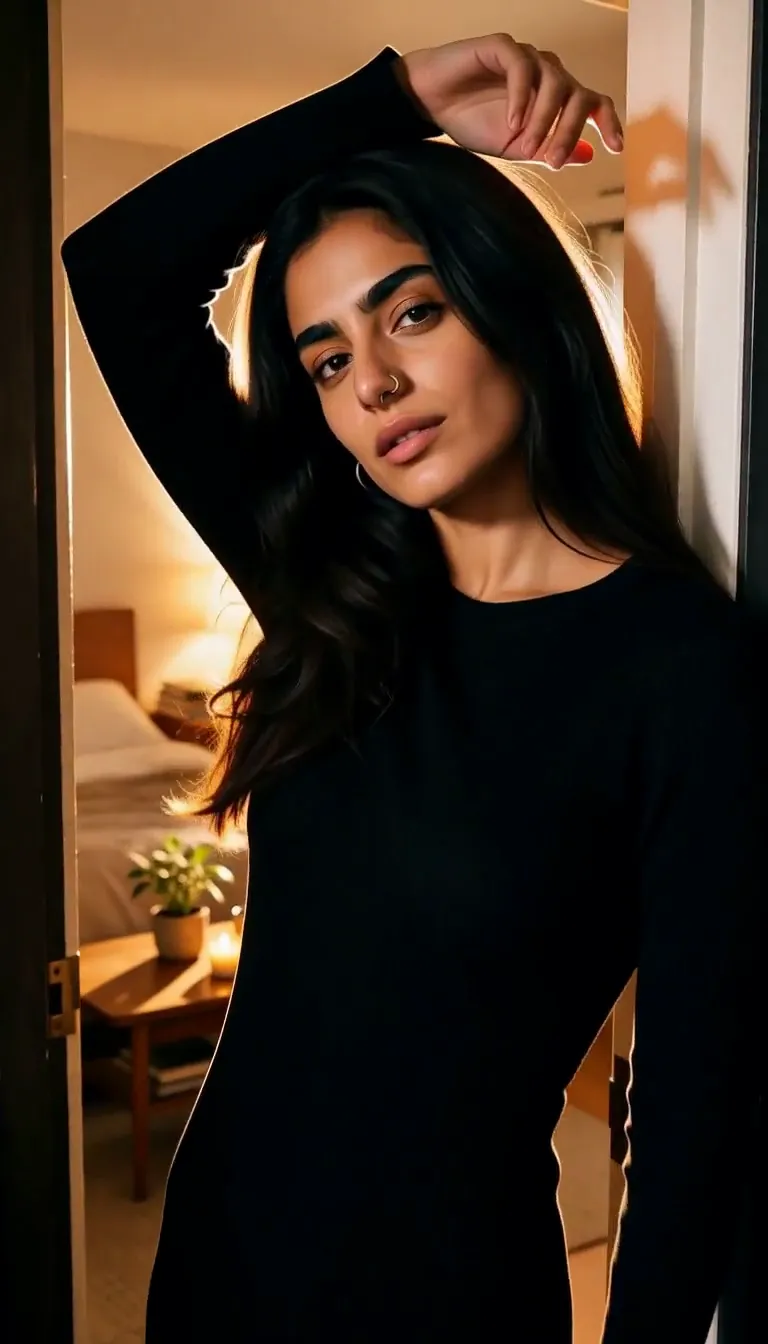 Doorway Lean
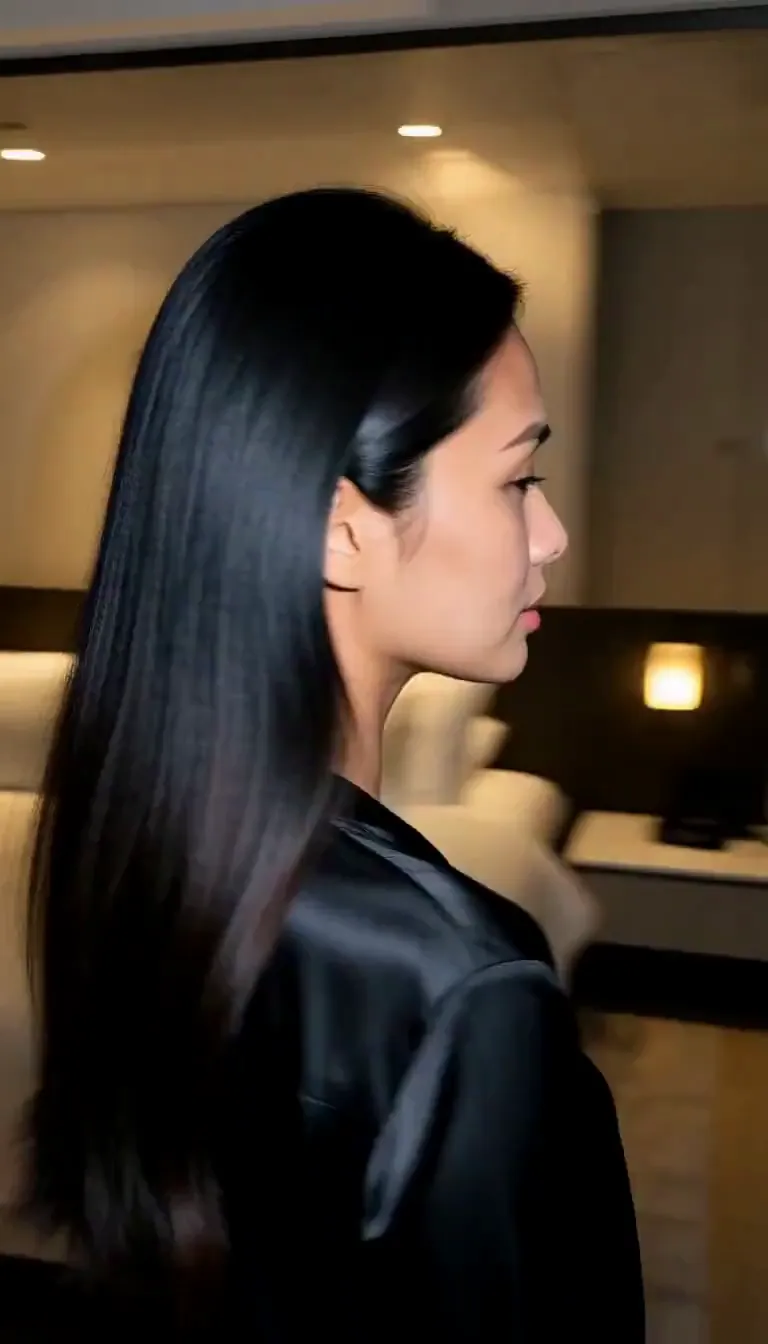 Eyes on You
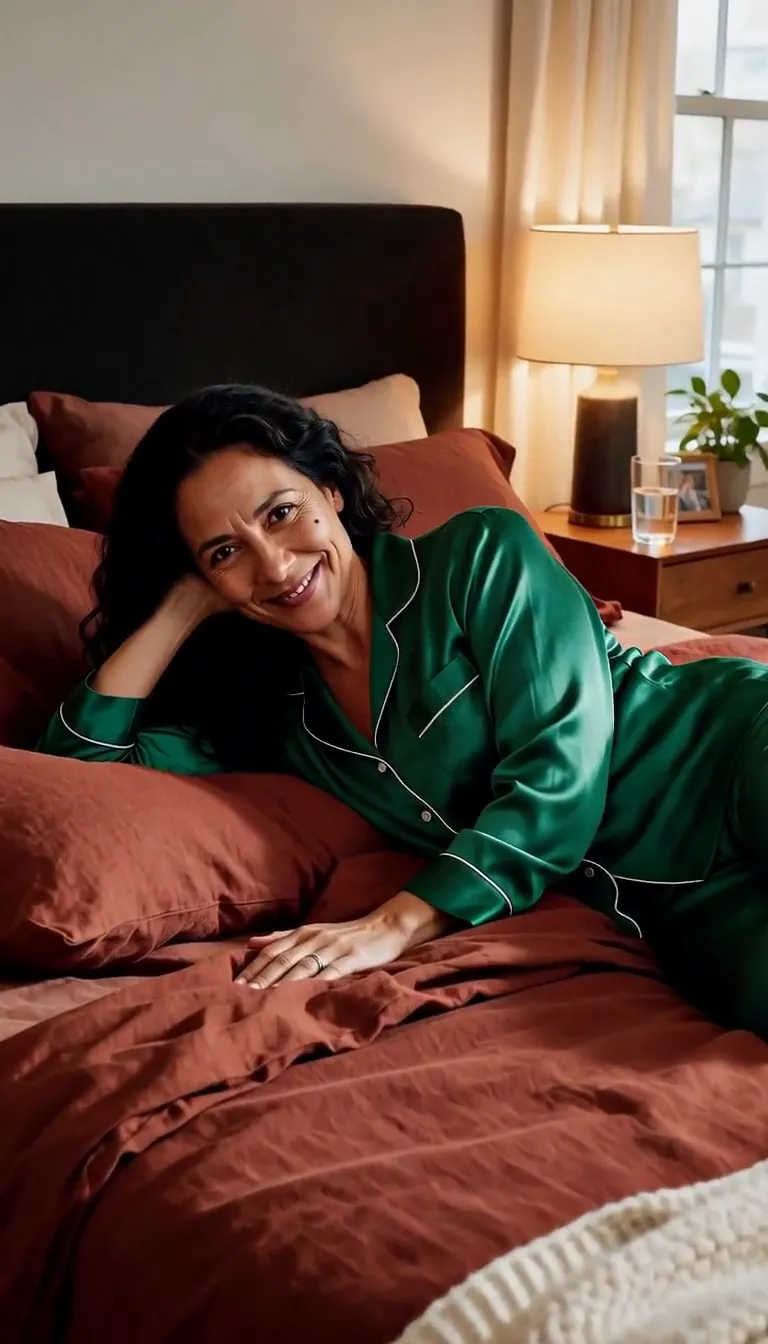 Join Me
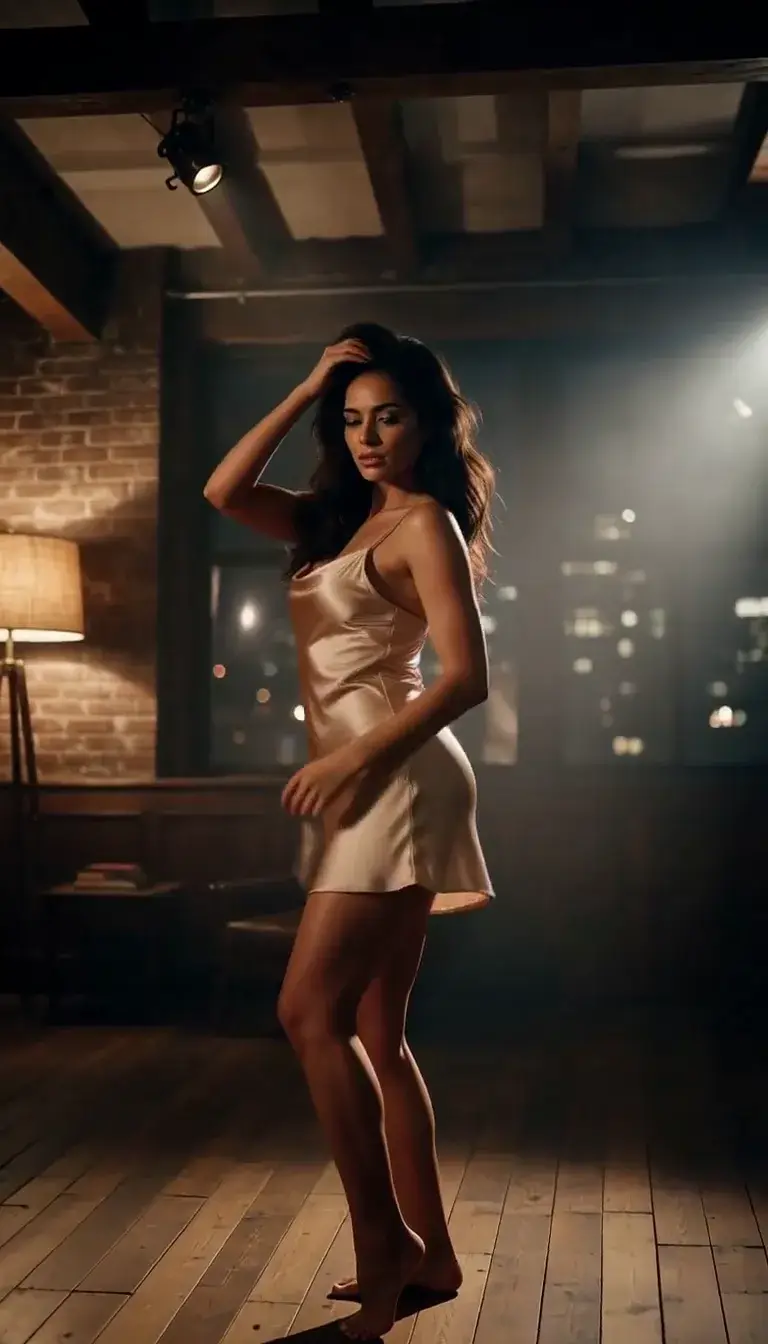 Late-Night Dance
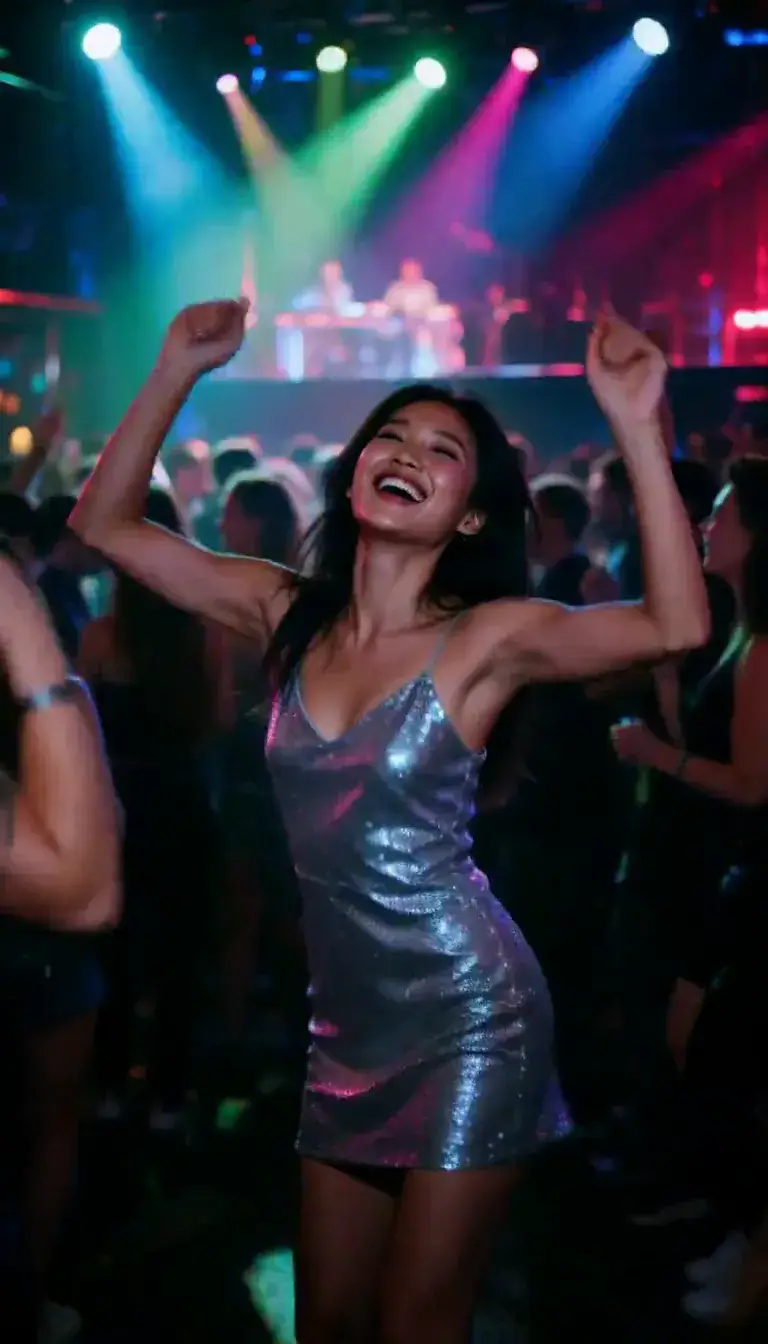 Club Strobe
Romance
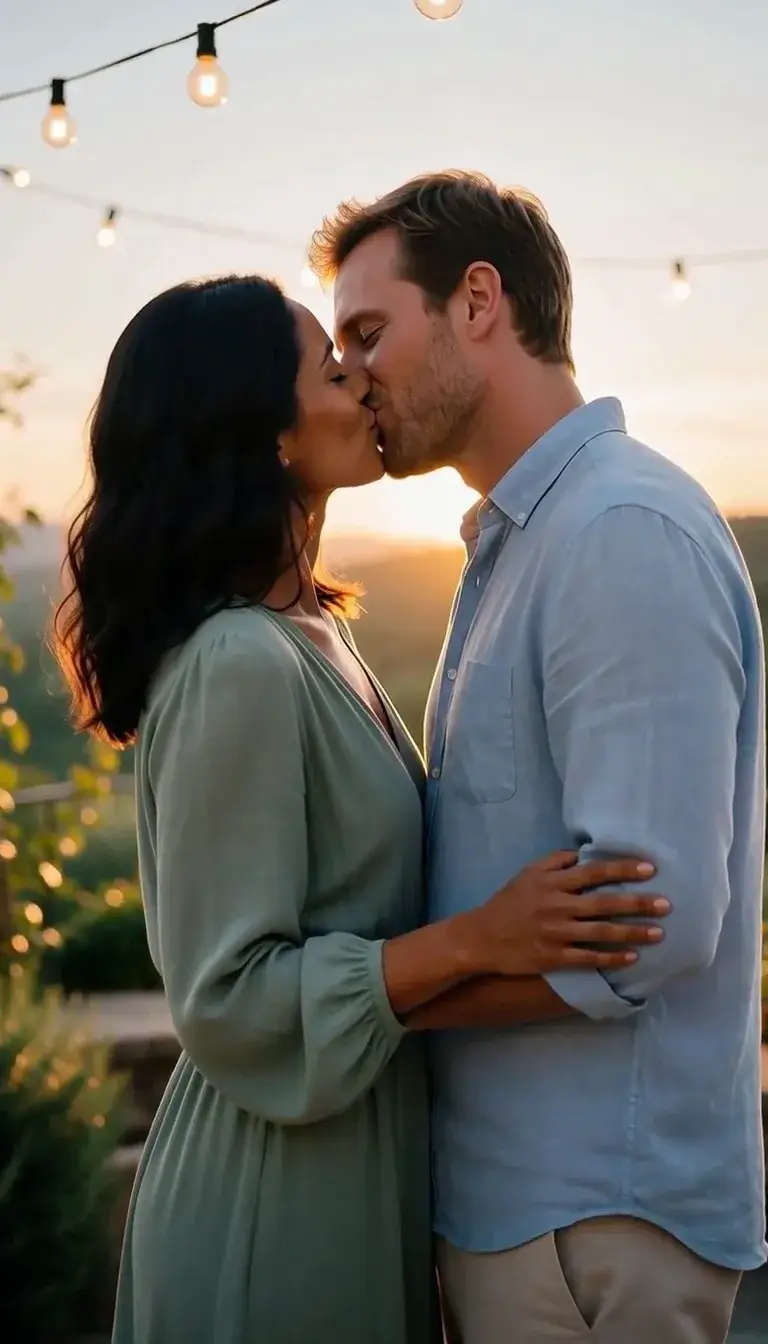 Kiss
KissCamera moves
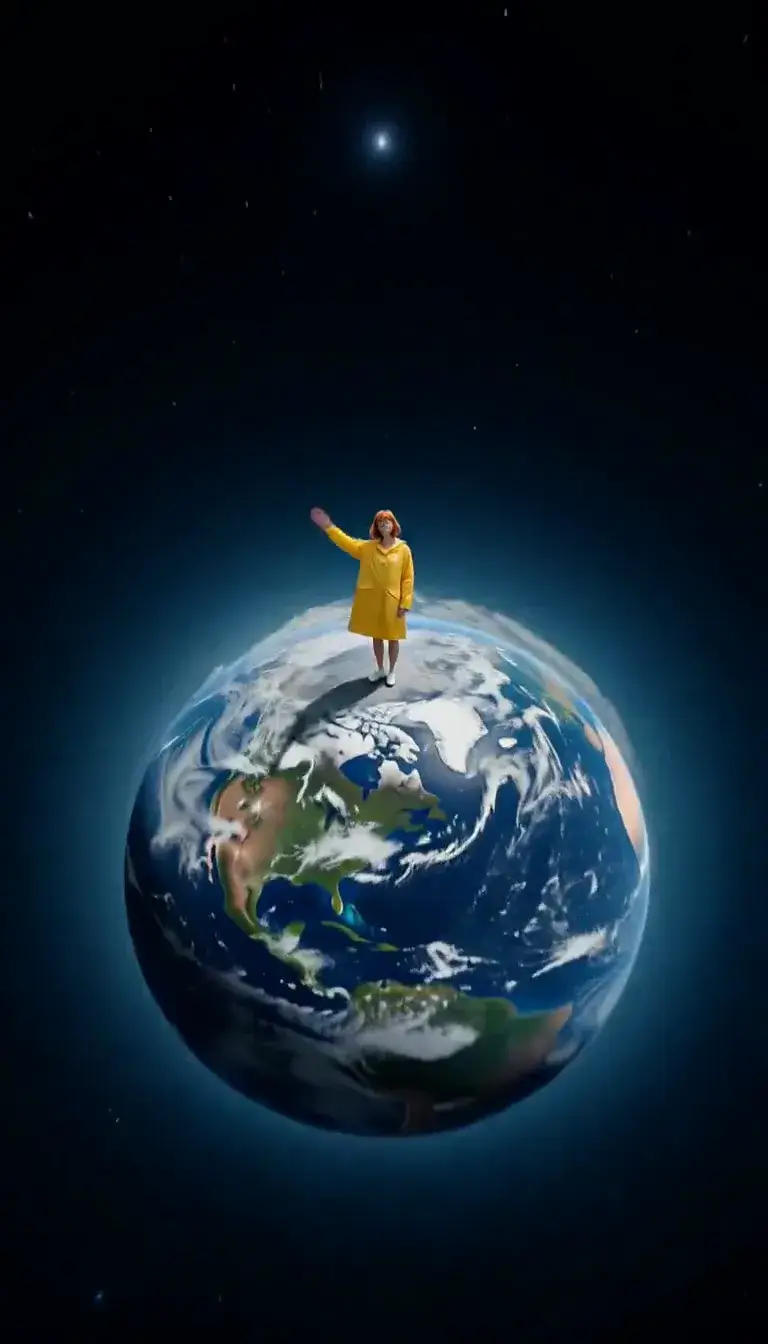 Tiny Planet
Transform
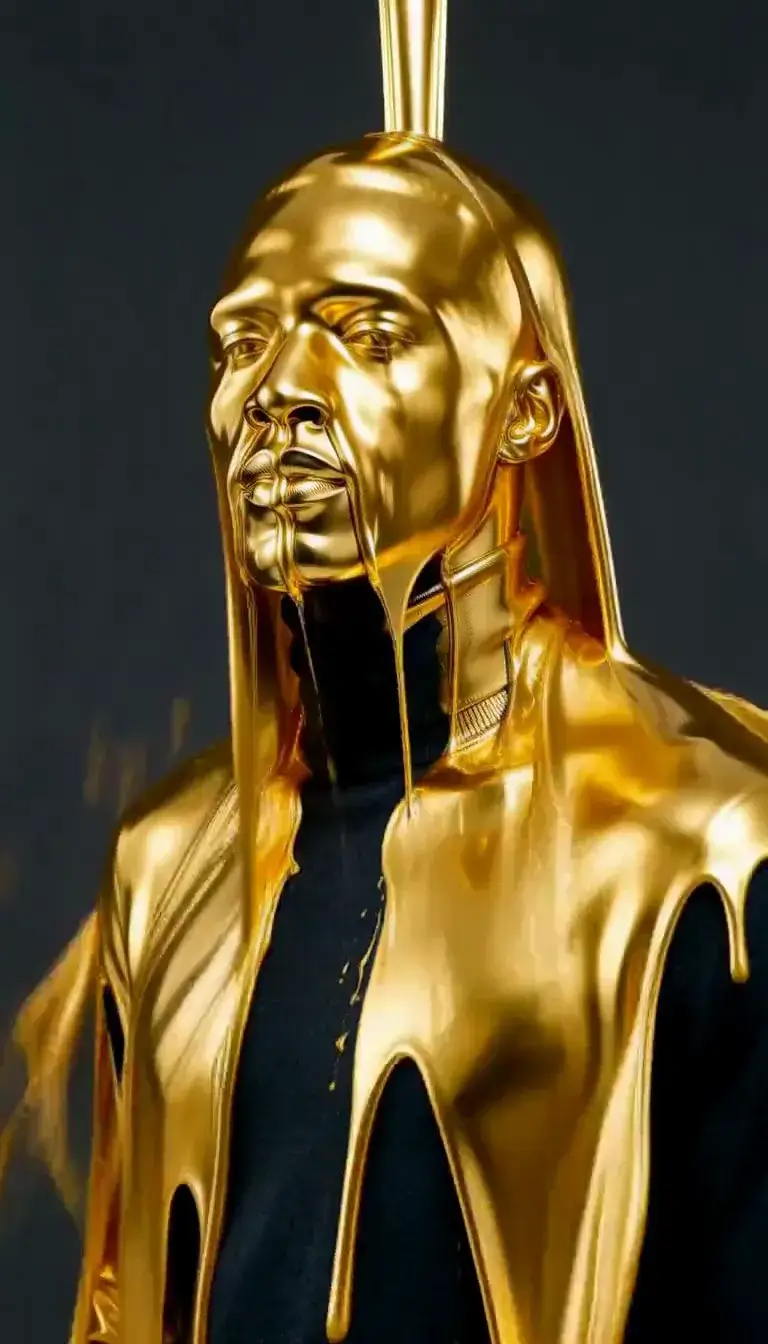 Molten Gold
Fashion
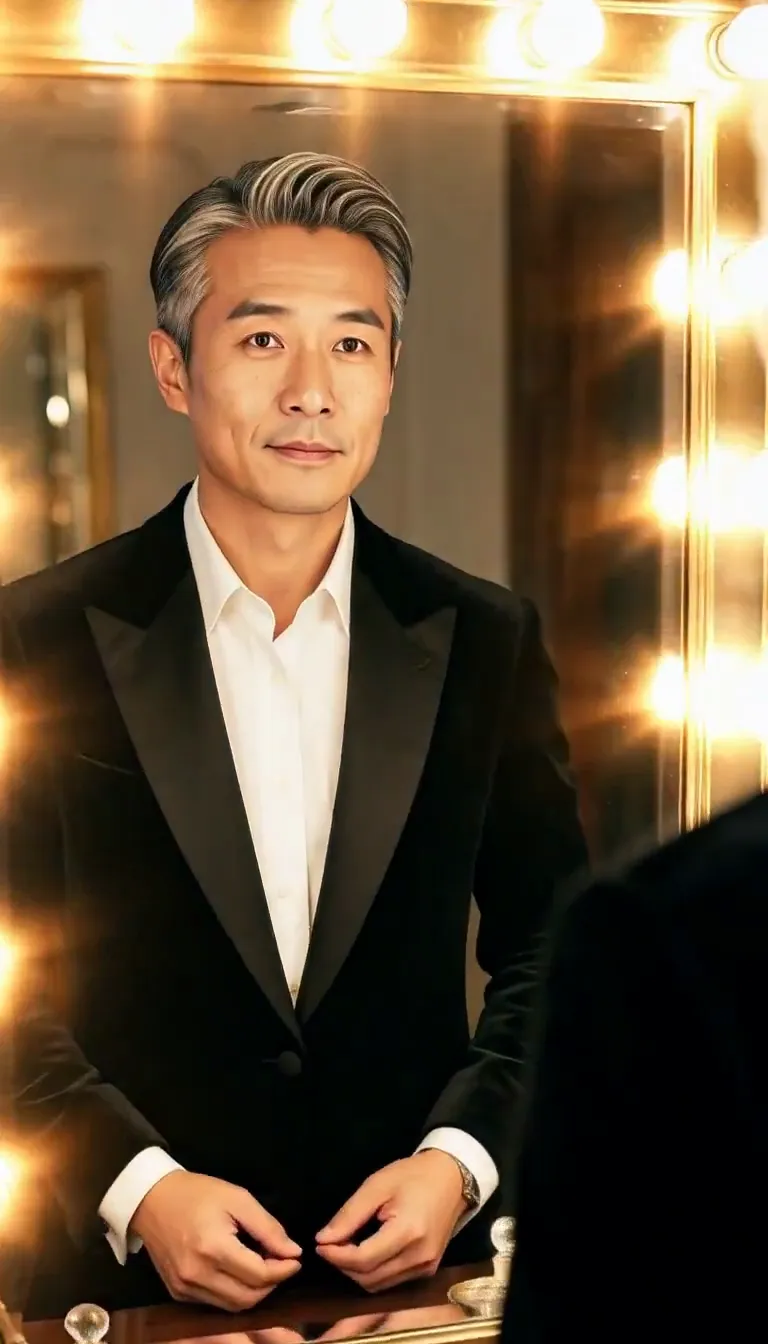 Mirror Glance
Atmosphere
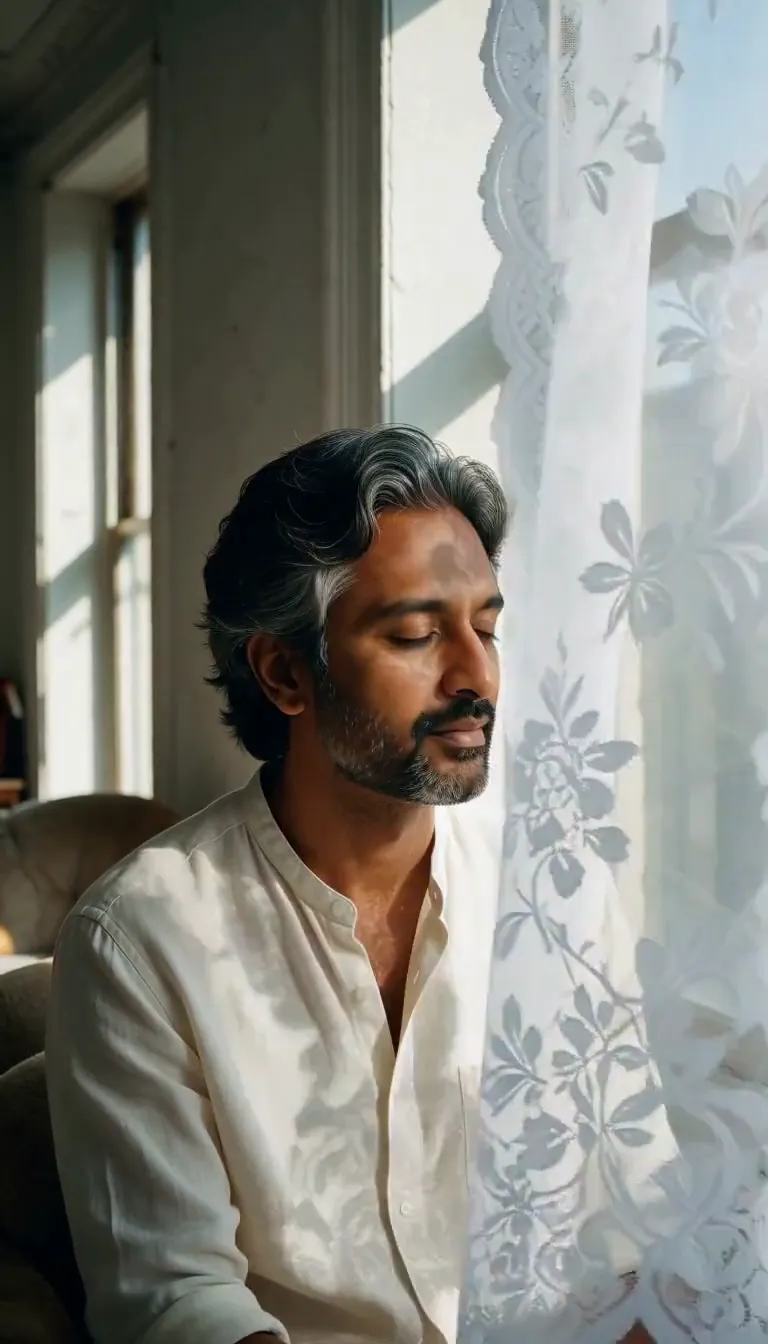 Lace Shadows
Motion
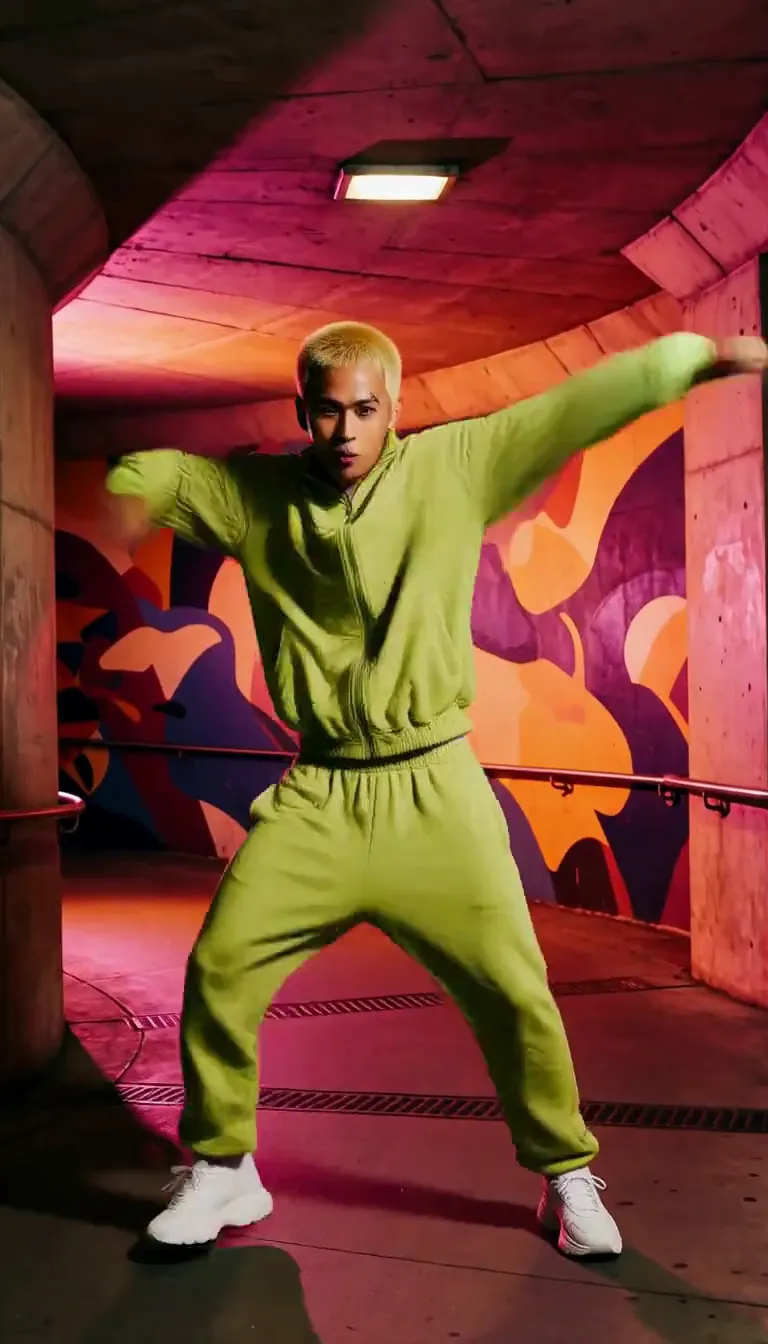 Groove
Fun
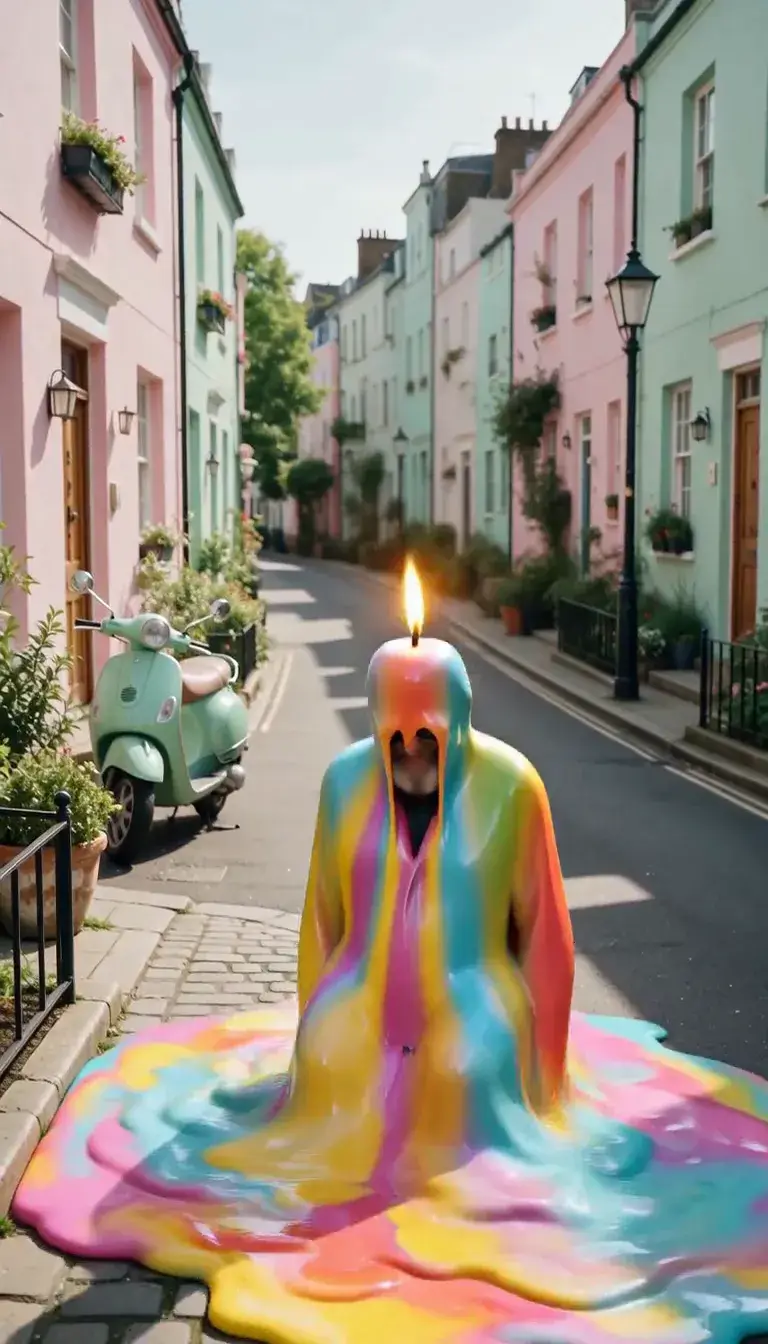 Meltdown
Product
 Ingredients Burst
Film looks
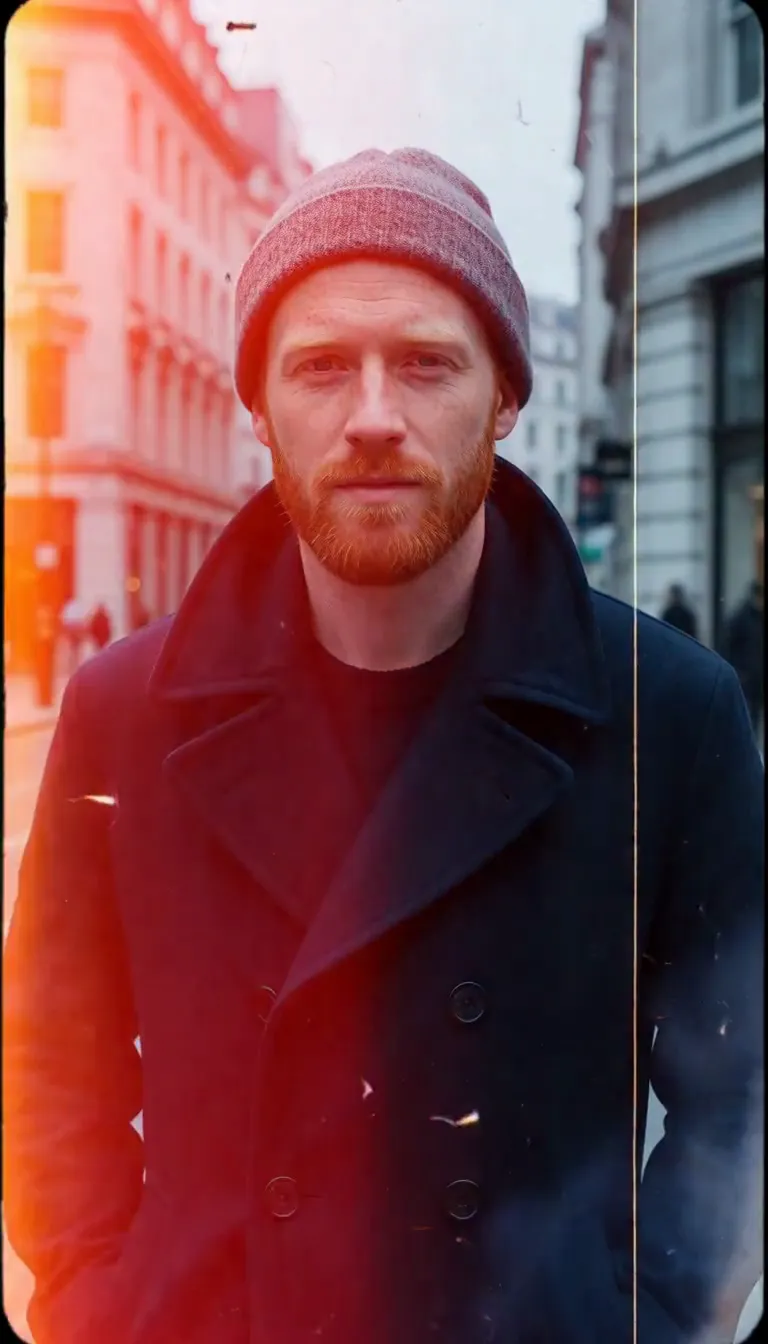 Film Burn
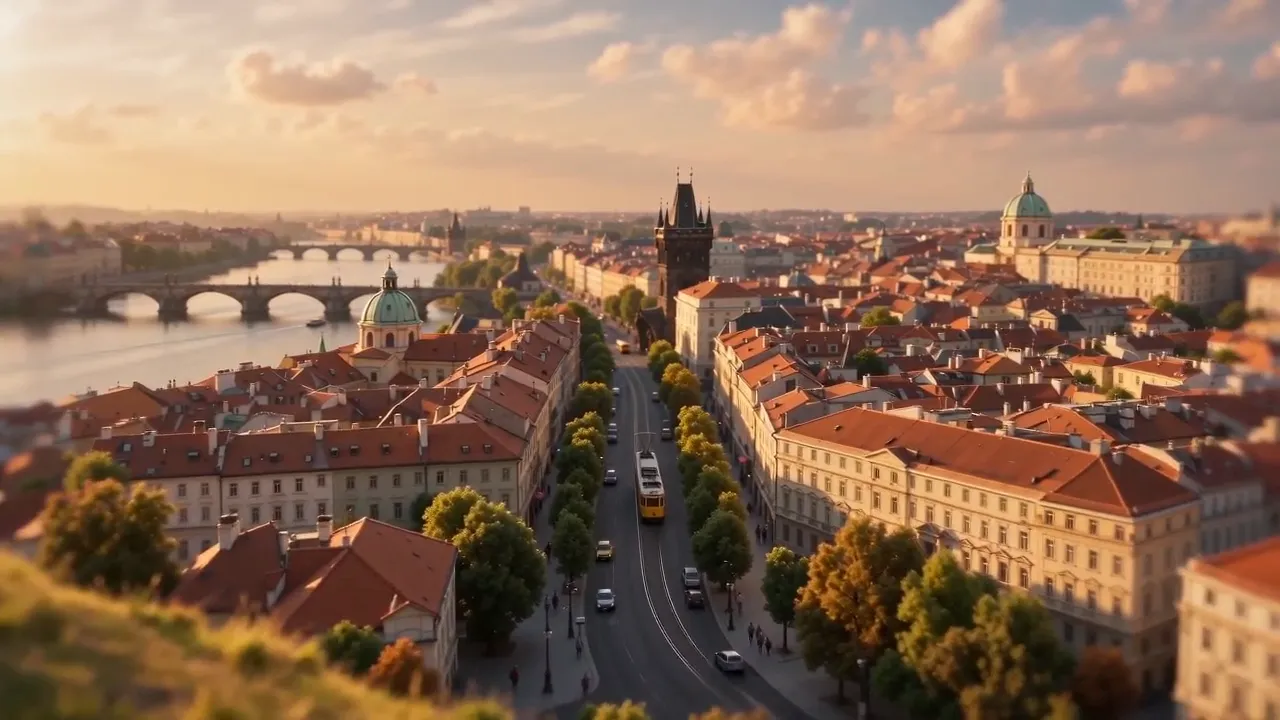 Miniature World
Video templates
 The Glance Back
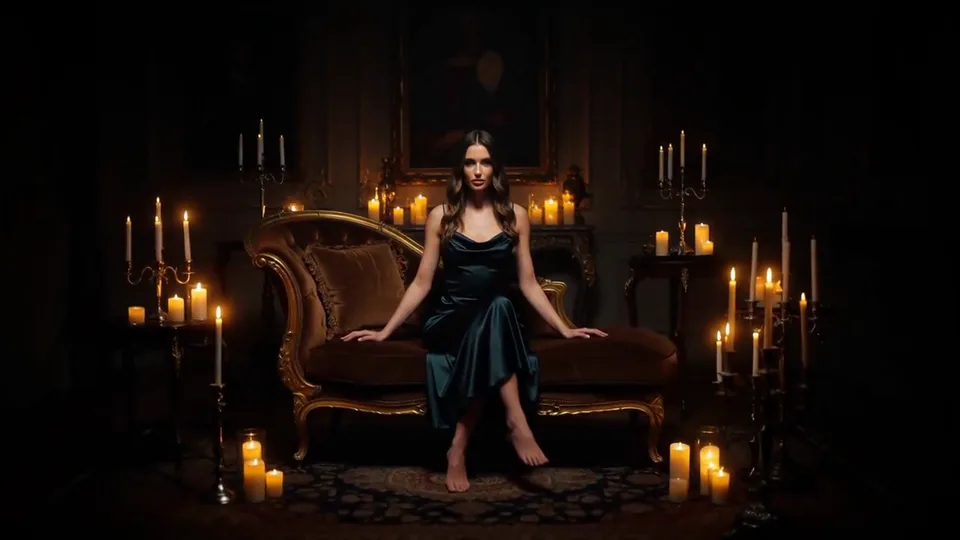 Candles Come Alive
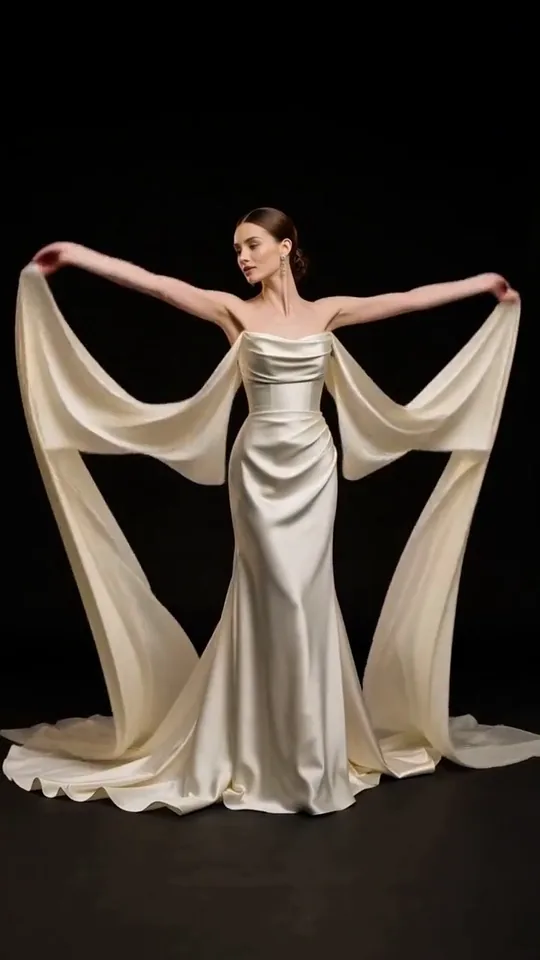 Silk Drift
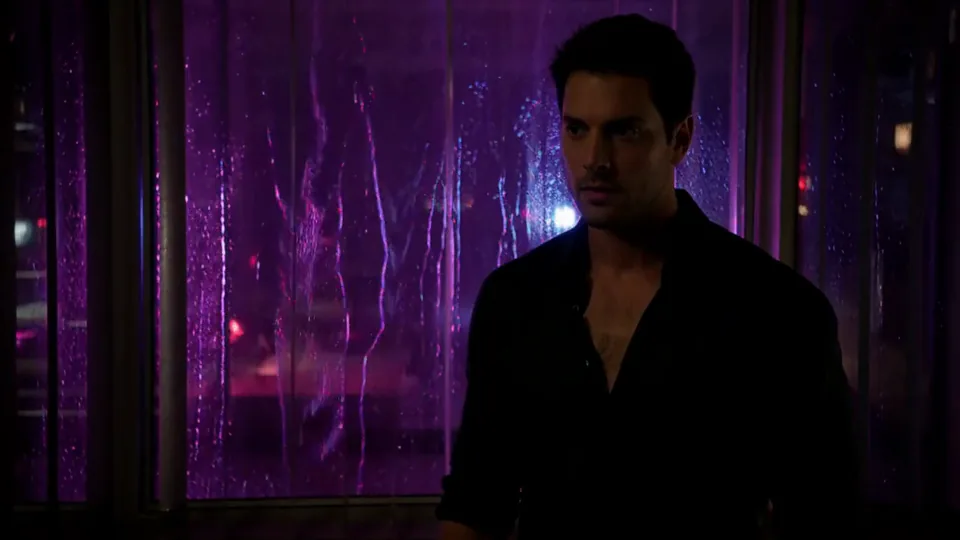 Neon After Hours
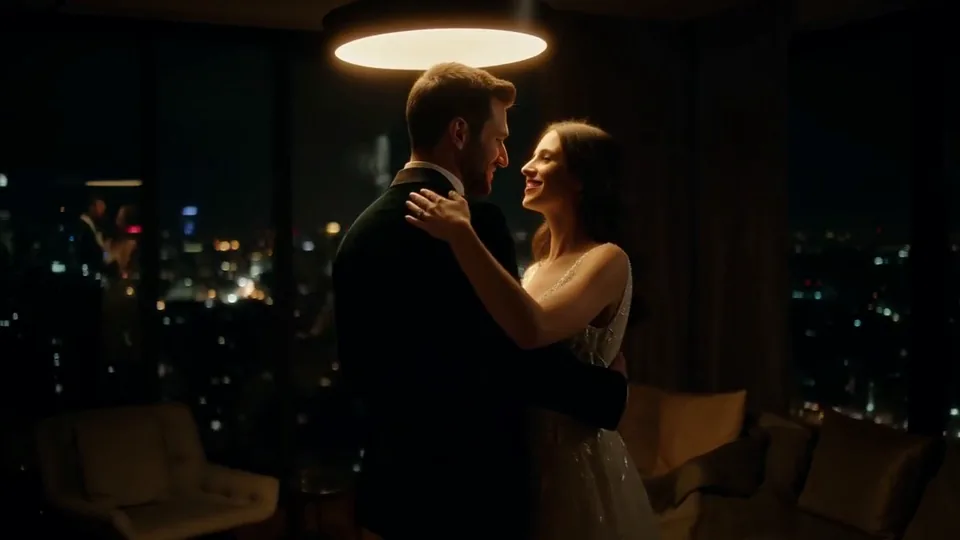 Sway Under the Lamp
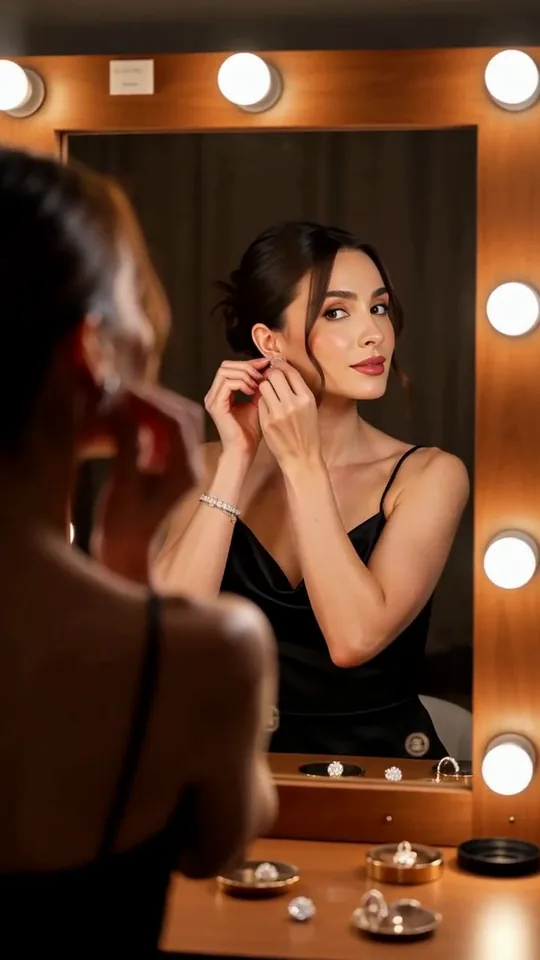 Mirror Moment
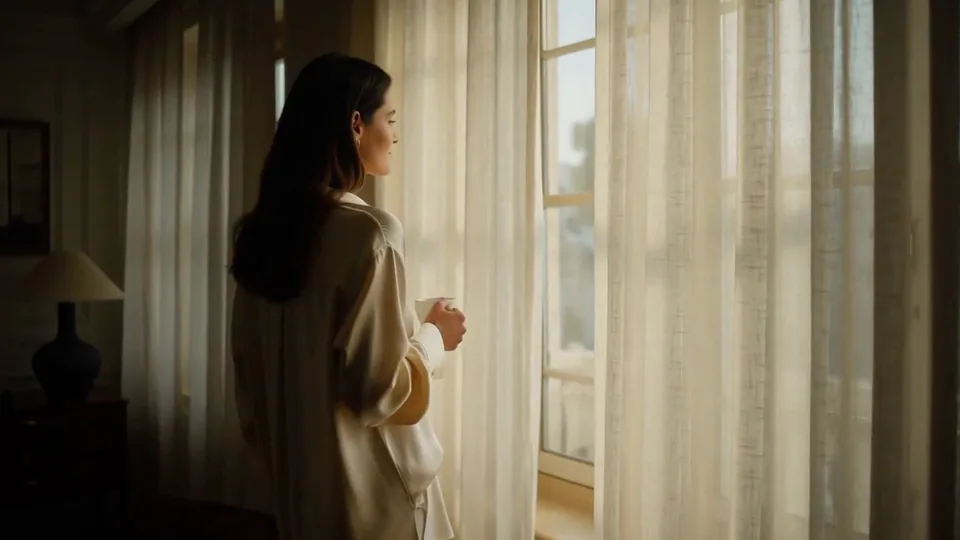 Morning Light
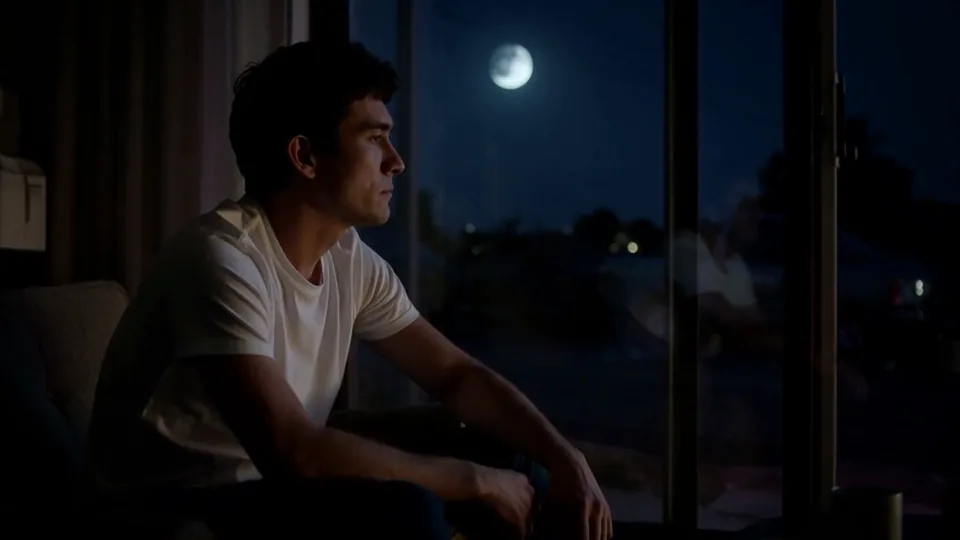 Passing Headlights
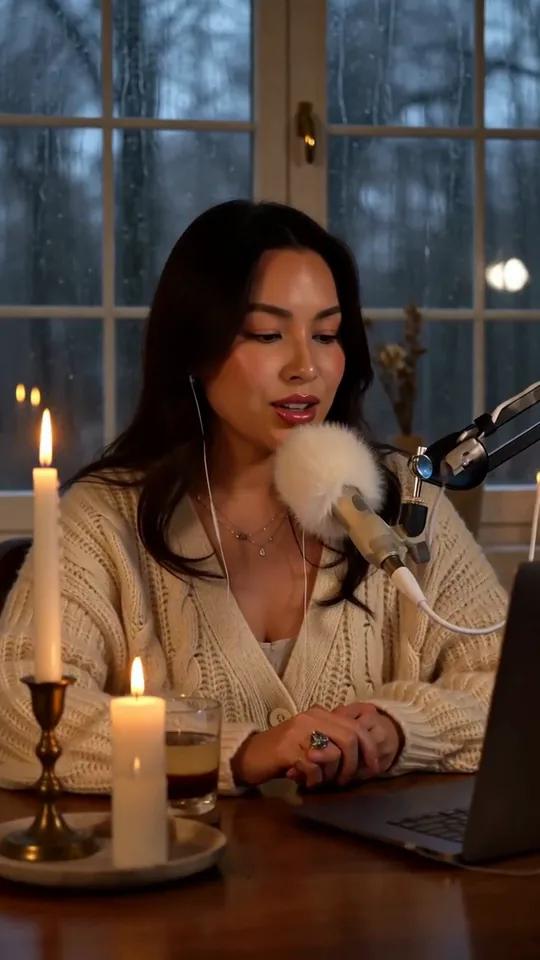 Whisper Session
 Slow Push-In
 Half Orbit
 Drone Rise
This effect writes the prompt for you. Add one image.
We never filter your prompt.
Your wide shot turns into a toy-model world with tilt-shift blur, bright colors and tiny, busy streets.
- Model
- Seedance 2.0 Mini
- Length
- 5 s
- Resolution
- 720p
- Per run
- $0.265
- Type
- Film looks
- Also runs on
- MiniMax H3, Seedance 2.0 Fast, Kling 3.0, Seedance 2.0, Wan 3.0, Vidu Q3 Turbo, MiniMax H3 Max, Kling 2.5 Turbo, Wan 2.6 Flash
What this effect sends
This is the full prompt, word for word. Copy it, or open it in the generator and change anything you like.
The scene turns into a toy-model world: strong blur at the top and bottom of the frame, saturated colors, and distant cars and people moving in quick little bursts, while the camera looks down from a high angle.Pictures that work best
- Use high, wide shots: rooftops, viewpoints, aerial photos, hillsides.
- Scenes full of small details such as cars, people and boats sell the toy effect.
- Bright, sunny photos look more like painted models than overcast ones.
- Avoid close-ups. The blur needs distance to read as a miniature.
Models this effect runs on
The same prompt on different models. Pick by look and by price.
- Seedance 2.0 Mini$0.265 per run
5 s · 720p
- MiniMax H3$0.185 per run
5 s · 768p
- Seedance 2.0 Fast$0.484 per run
5 s · 720p
- Kling 3.0$0.336 per run
5 s · 720p
- Seedance 2.0$0.76 per run
5 s · 720p
- Wan 3.0$0.45 per run
5 s · 720p
- Vidu Q3 Turbo$0.33 per run
5 s · 720p
- MiniMax H3 Max$0.4 per run
5 s · 768p
- Kling 2.5 Turbo$0.28 per run
5 s
- Wan 2.6 Flash$0.113 per run
5 s · 720p
How it works
- 01
Add one photo
Choose the photo to match the example: include both people for a shared gesture, and keep the face and any hands involved clearly visible. Upload your own photo or start with a Miniature World sample.
- 02
Check the price
Miniature World defaults to a 5-second clip for $0.265. Swap the model or change the length and resolution before you run — the price on the button updates to match, and that's the whole cost of the clip.
- 03
Generate
Your Miniature World clip renders in the background, lands in History and is never published.
Do the move yourself
Miniature World keeps one version of this shot. To give Miniature World your own motion or ending, write it yourself in Image to Video, starting from the prompt above.
What it does to your photo
Miniature World gives a real landscape the look of a scale model. Strong blur at the top and bottom of the frame, saturated colors and a high camera make streets, cars and buildings look like pieces of a model railway, and the small movements in the distance add to the illusion.
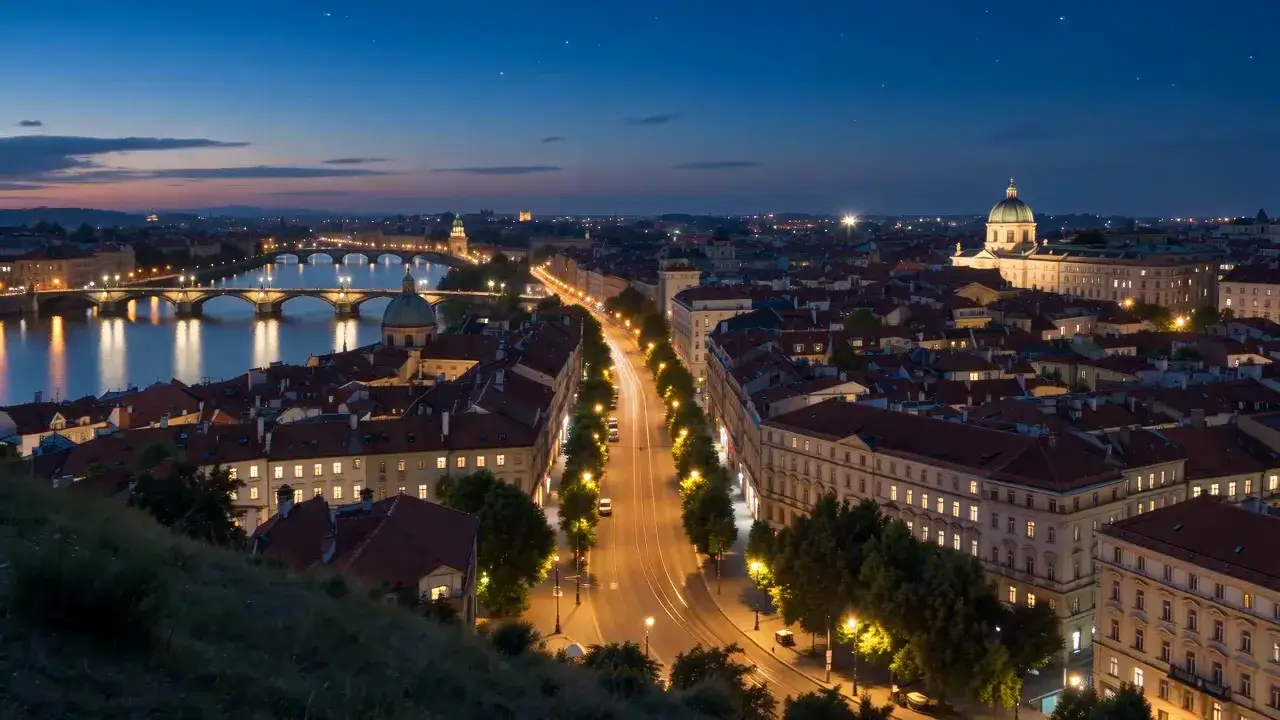
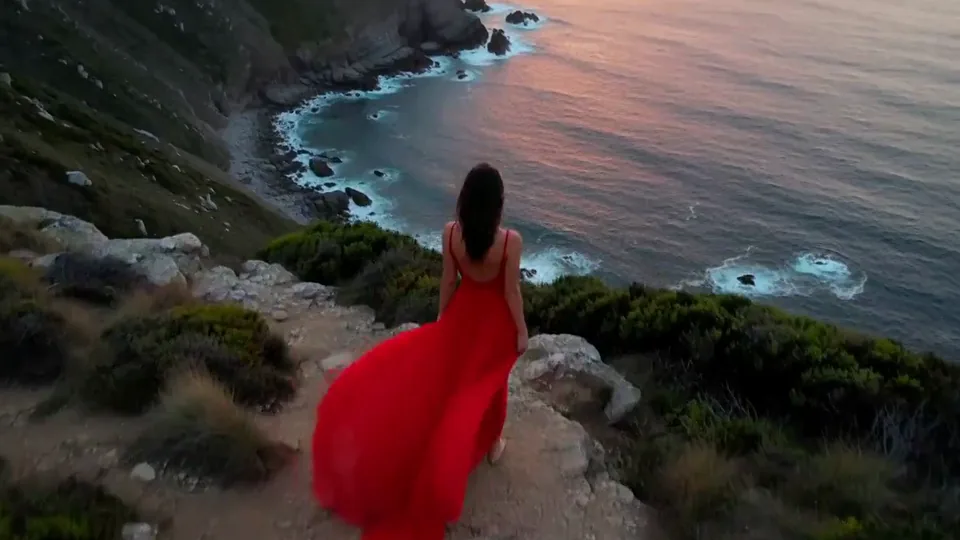
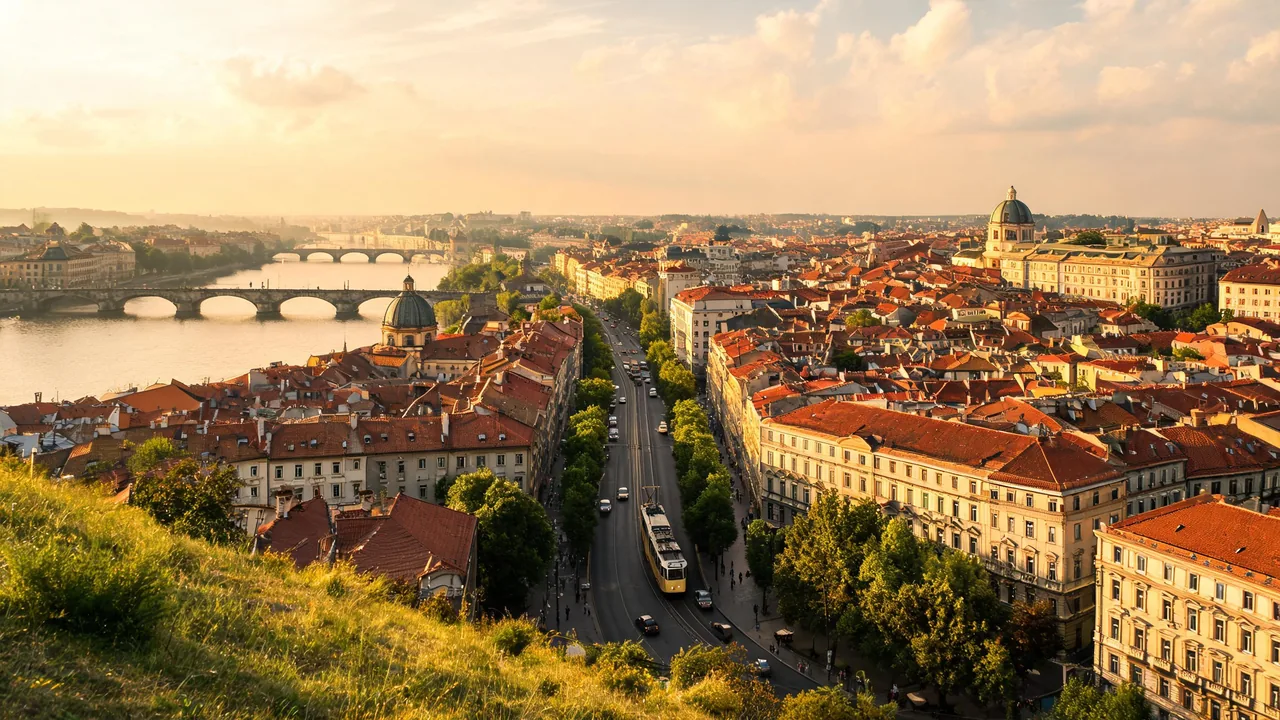
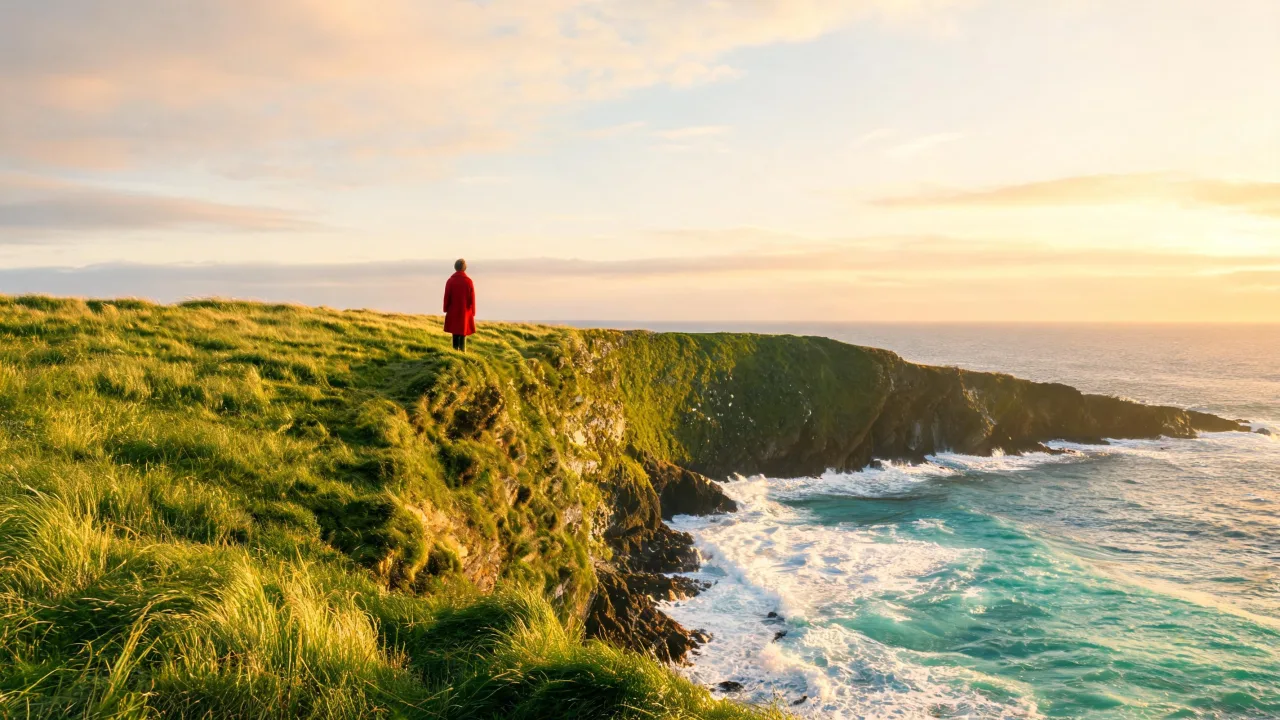
A green sea cliff with a lone figure in a red coat became a tabletop diorama as the camera lifted and looked down along the coastline, the grass turning velvety and the surf shrinking to little white ribbons. On a hillside view over an old European-style city, the rooftops turned bright terracotta, the foreground and the far skyline dropped into blur and the tram on the boulevard looked like a toy.
The illusion depends on distance: the effect only works on wide shots seen from above, where the scene already looks small. Close-ups and portraits will just look blurry.
It is a playful opener for travel and city content, a fun way to show off a venue or a campus, and a good match for architecture presentations.