After Dark
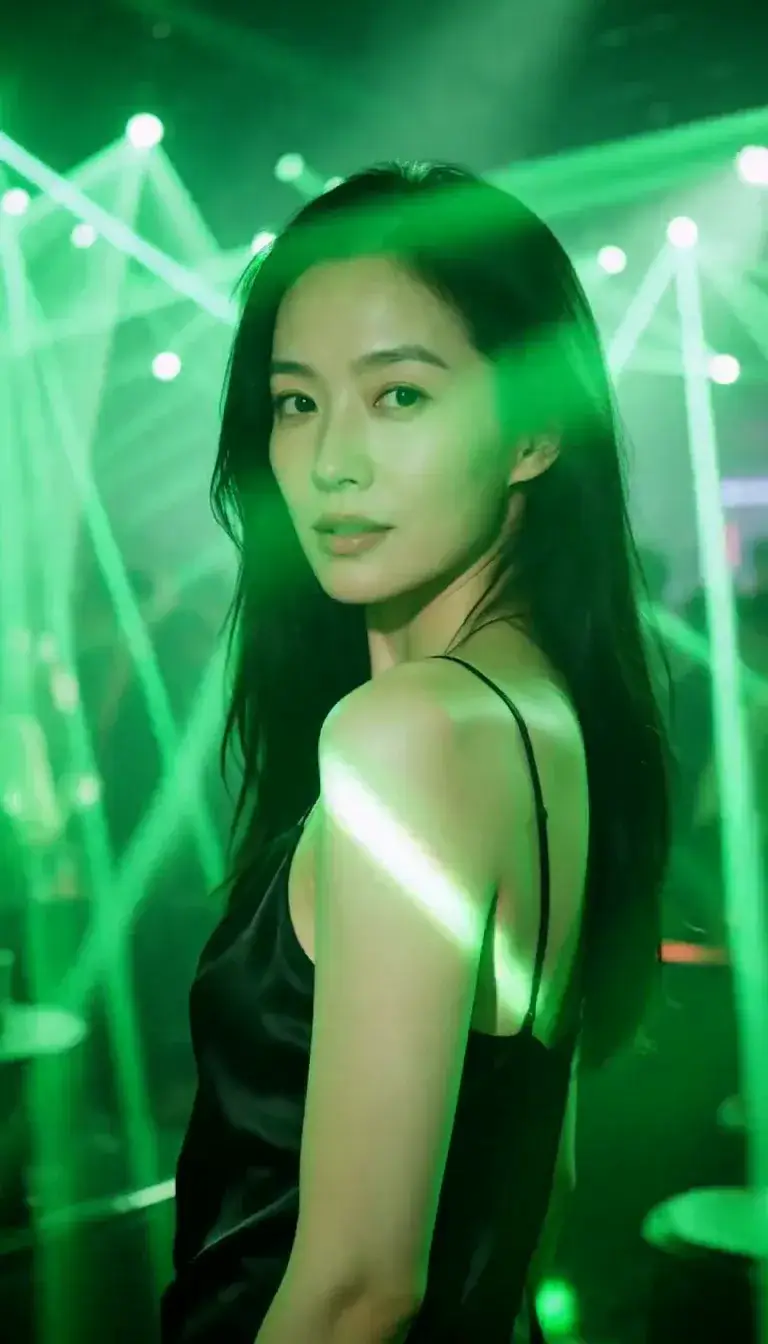 Laser Room
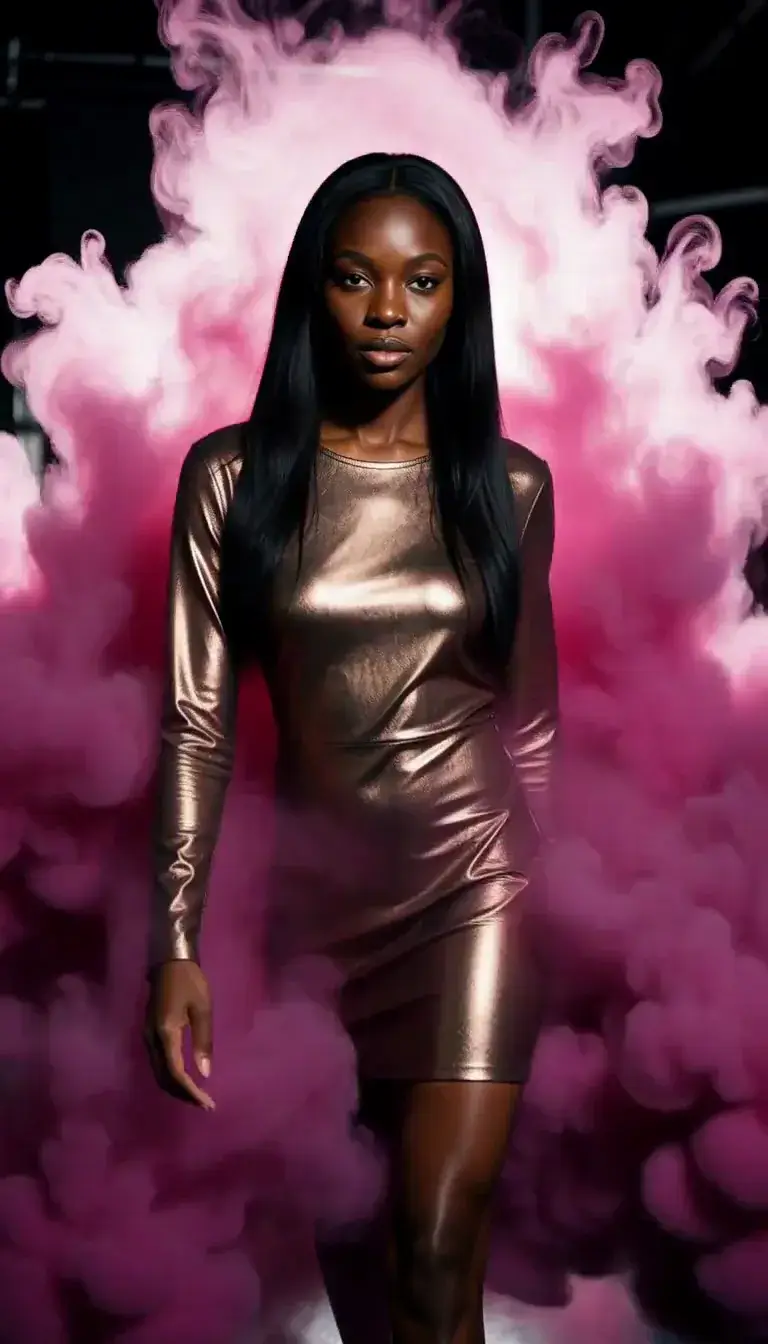 Color Smoke
 Silk Drop
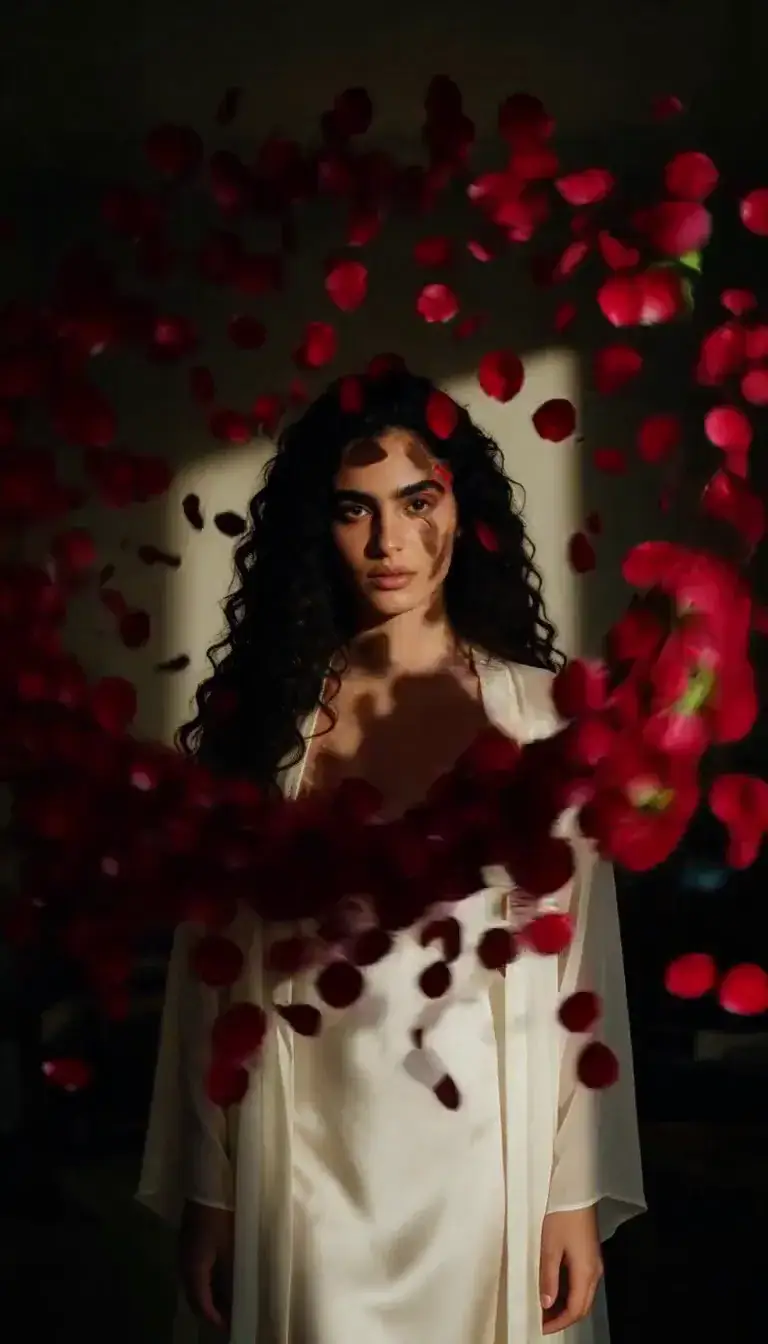 Petal Storm
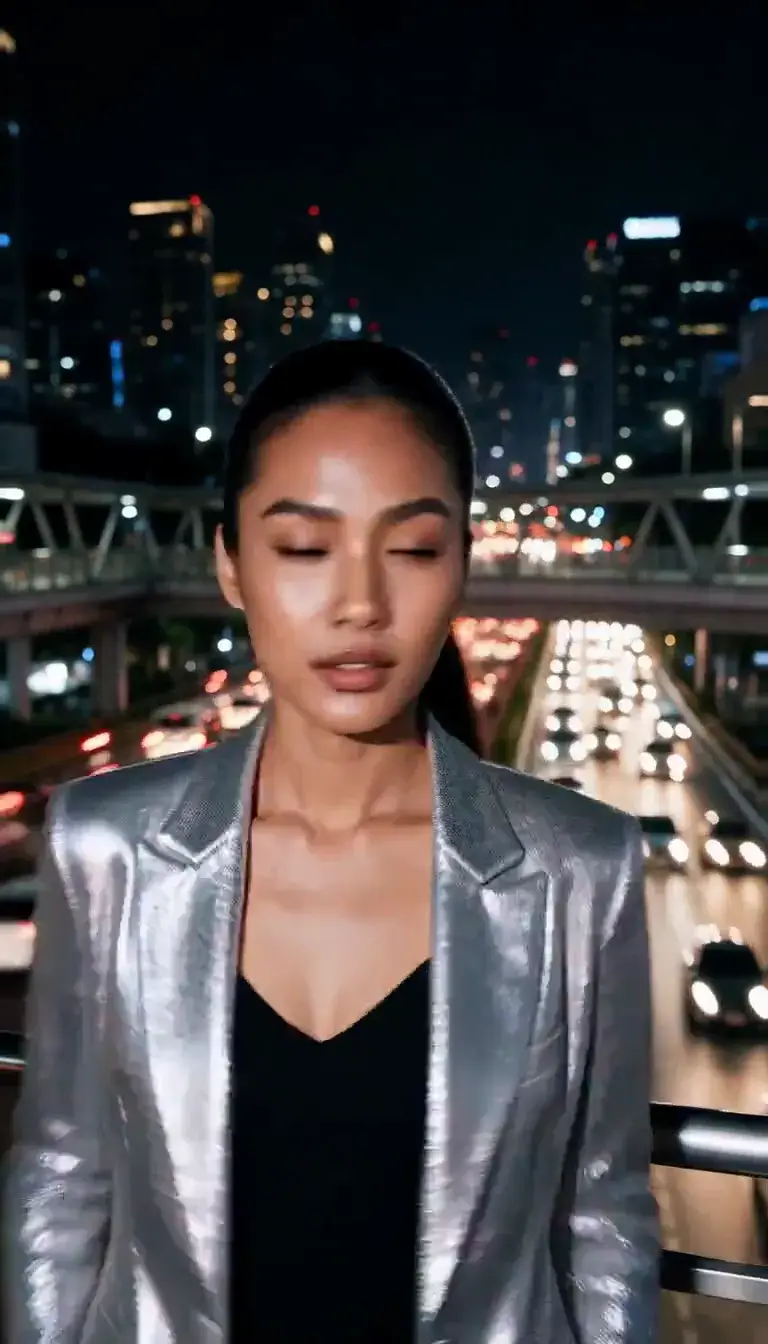 Slow Shutter
 Candlelight
 Behind the Hair
 Call Me
 Champagne Toast
 Darkroom Red
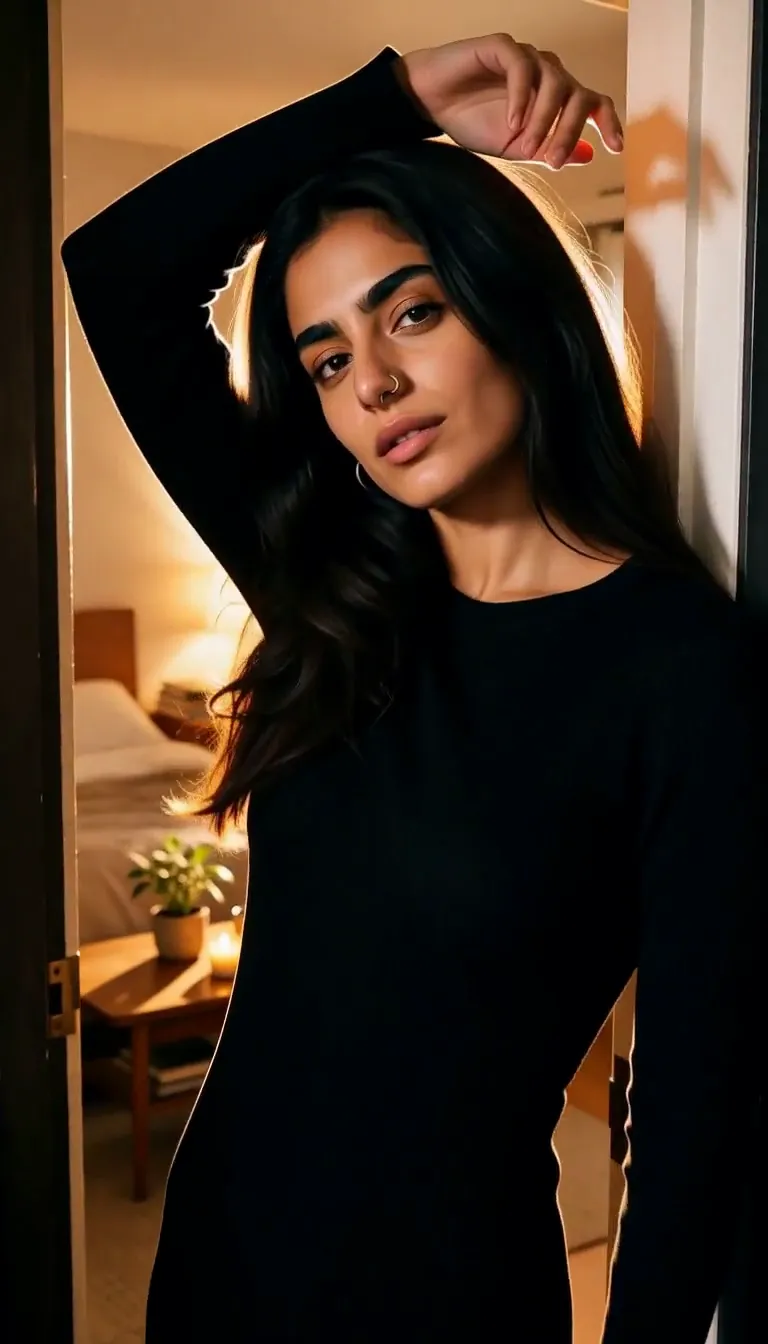 Doorway Lean
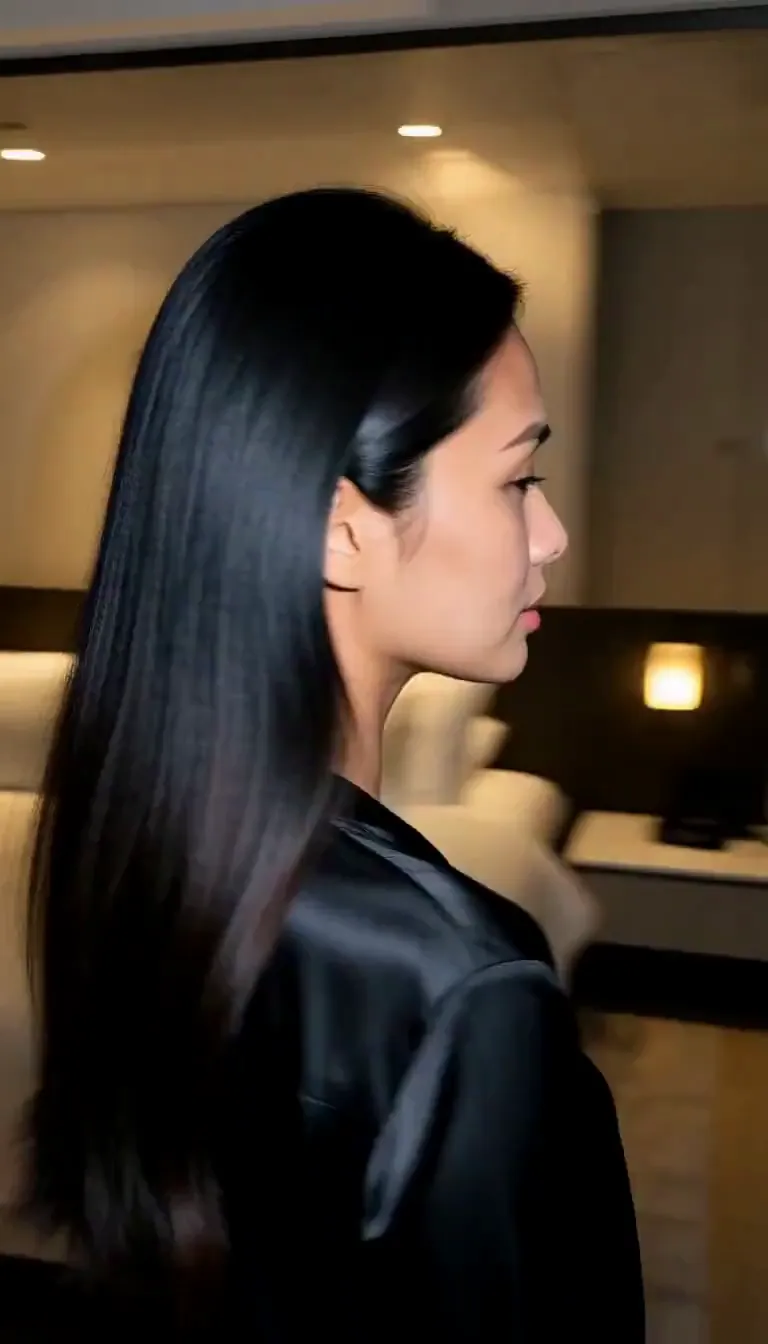 Eyes on You
 Join Me
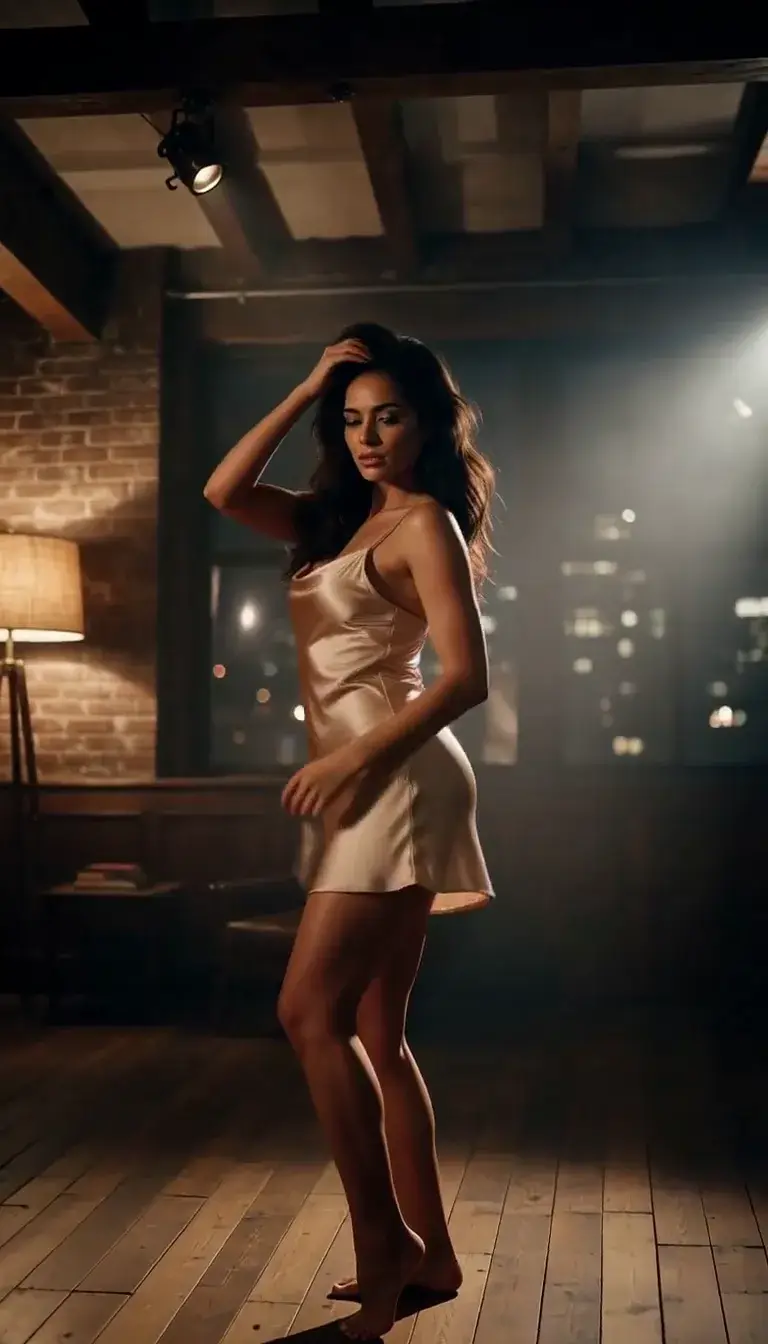 Late-Night Dance
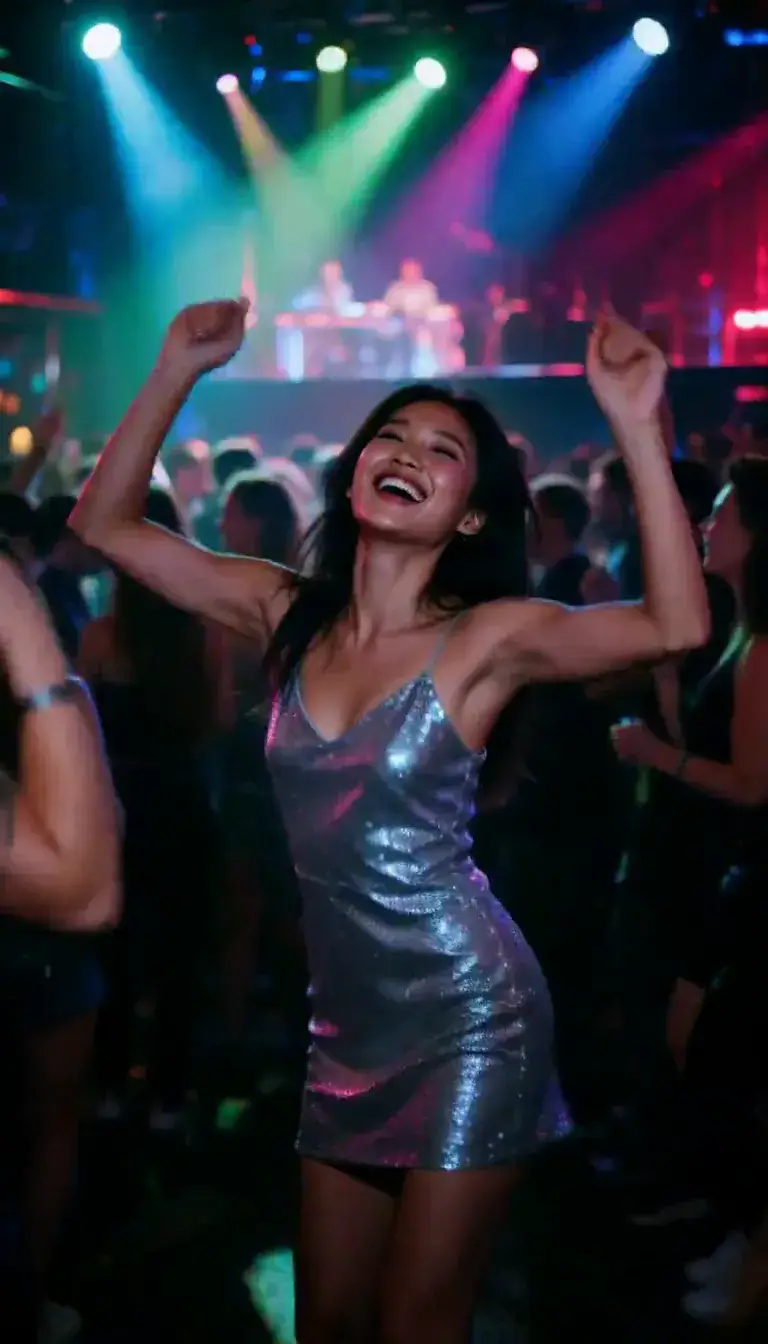 Club Strobe
Romance
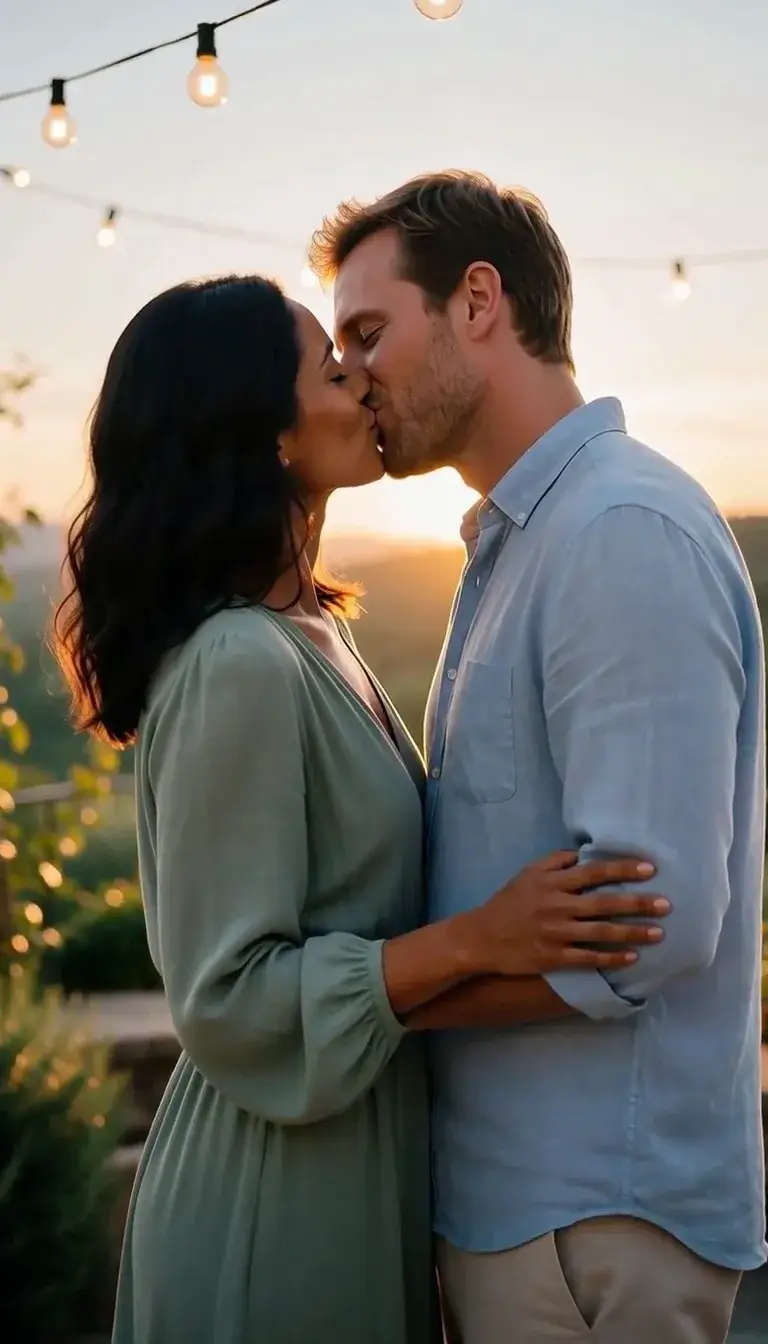 Kiss
KissCamera moves
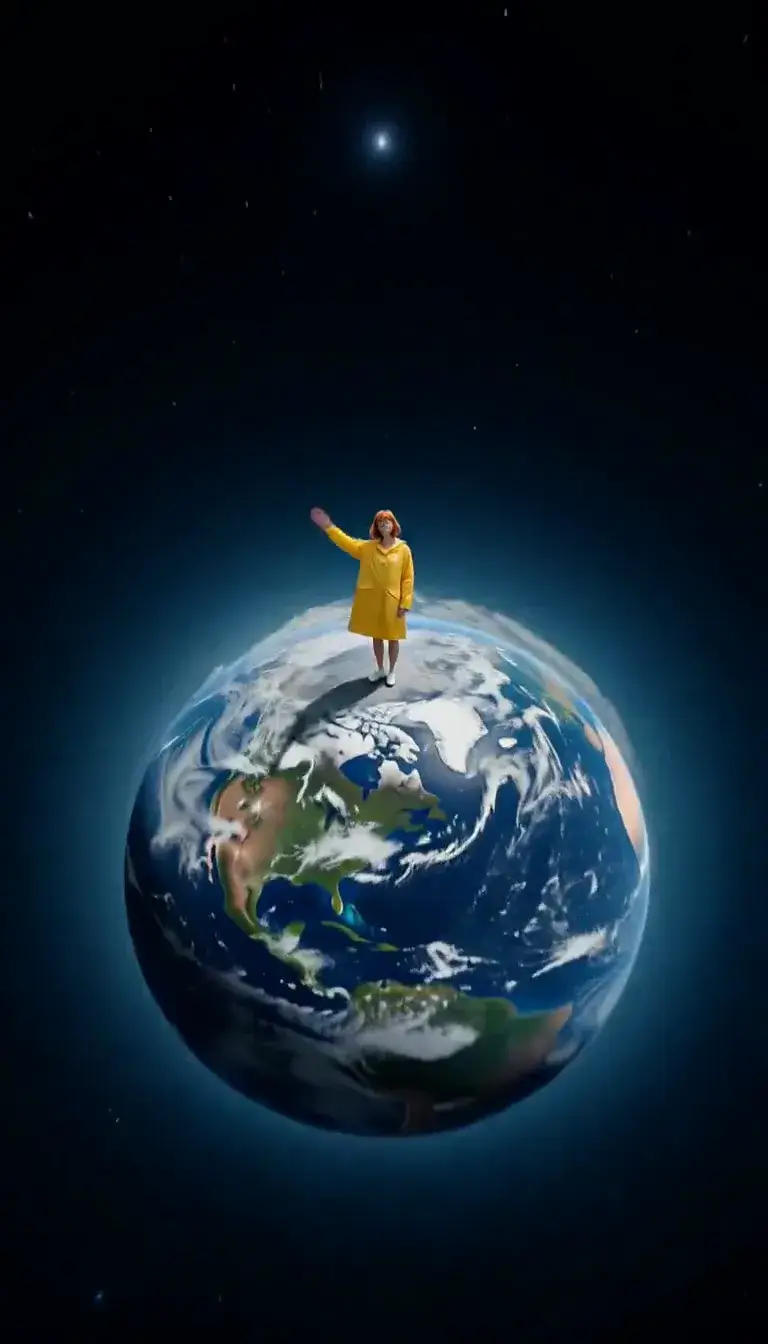 Tiny Planet
Transform
 Molten Gold
Fashion
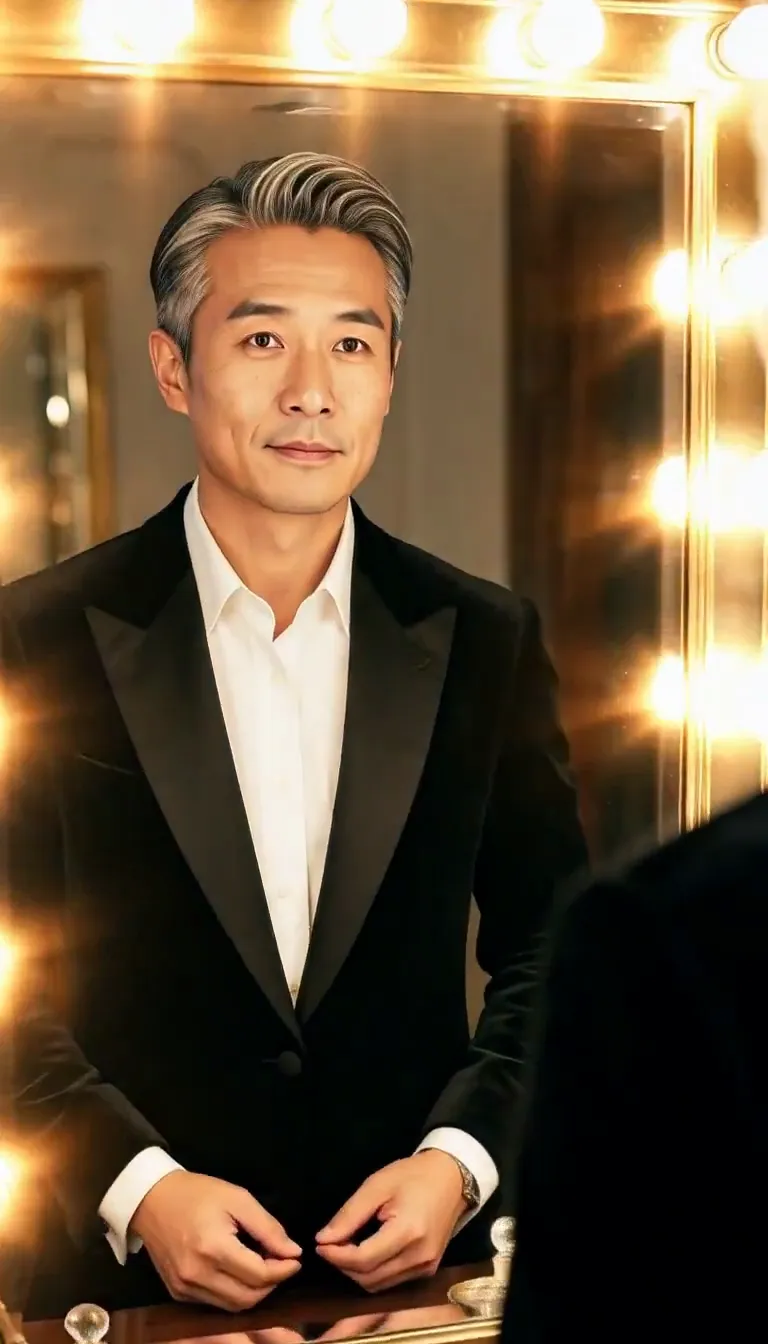 Mirror Glance
Atmosphere
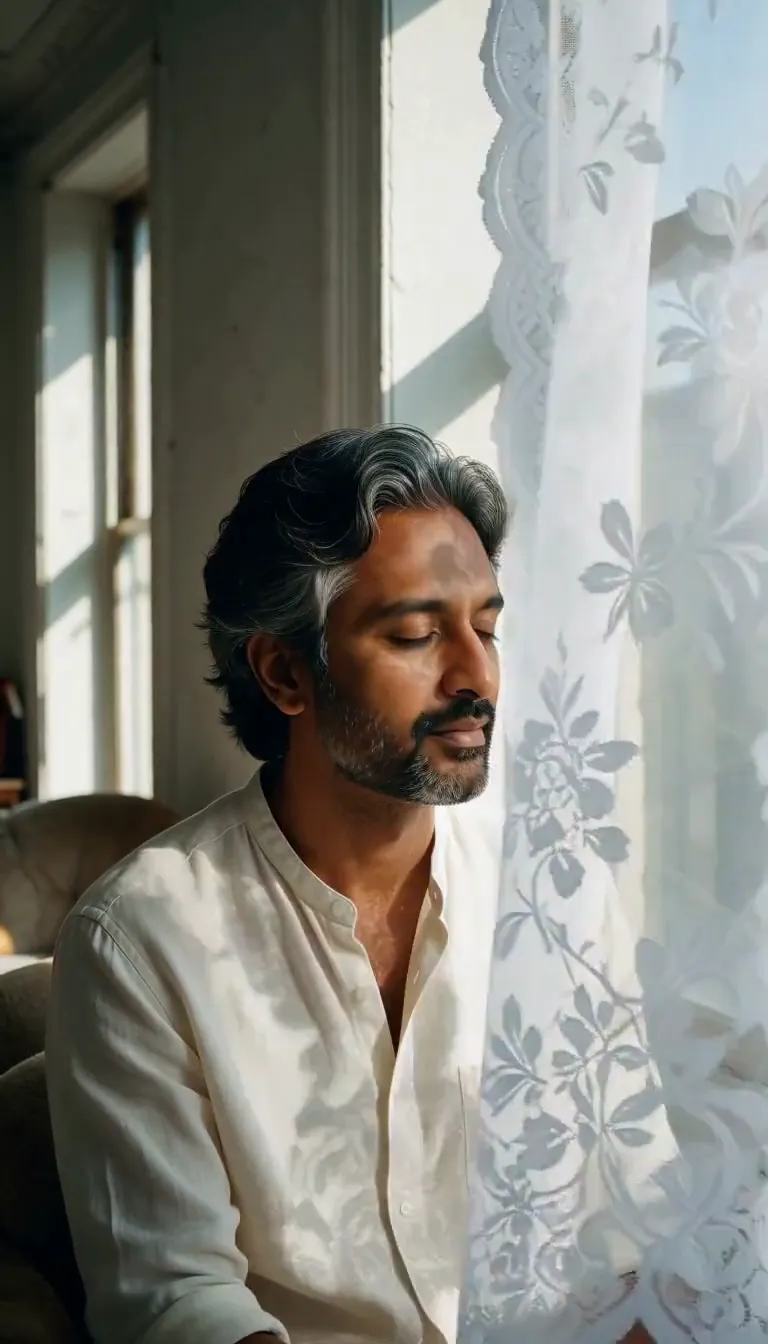 Lace Shadows
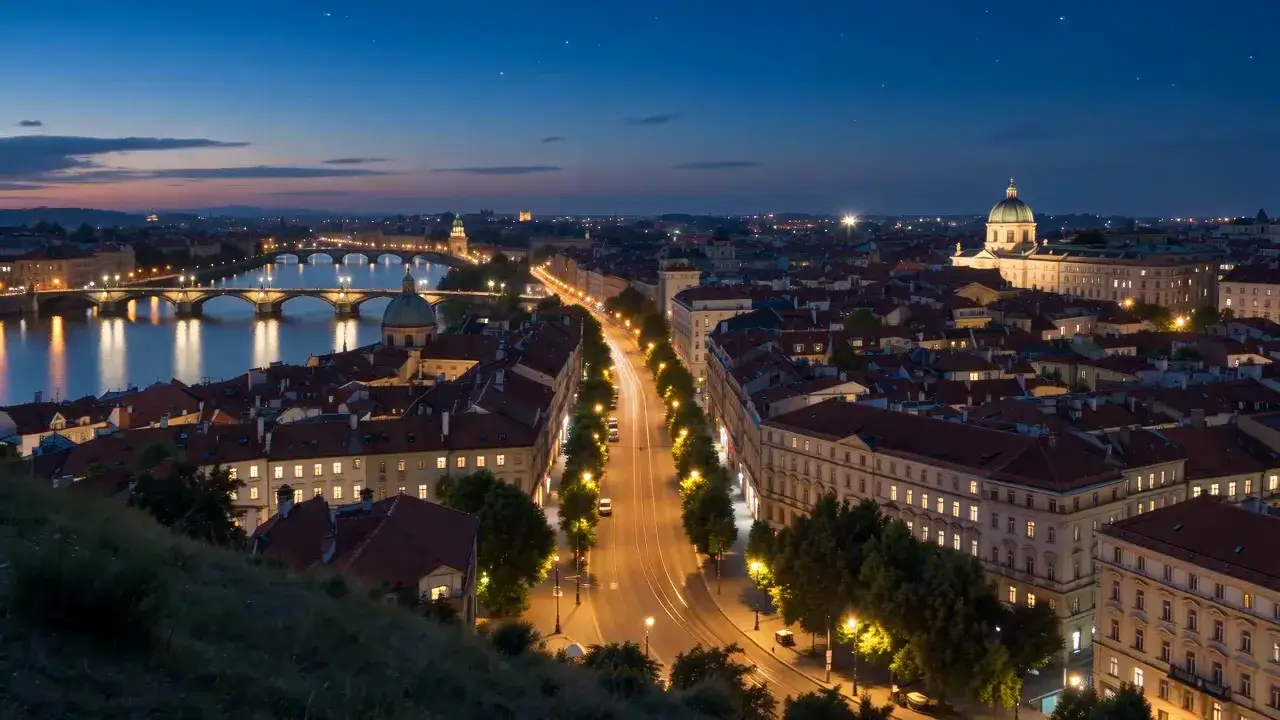 Day to Night
Motion
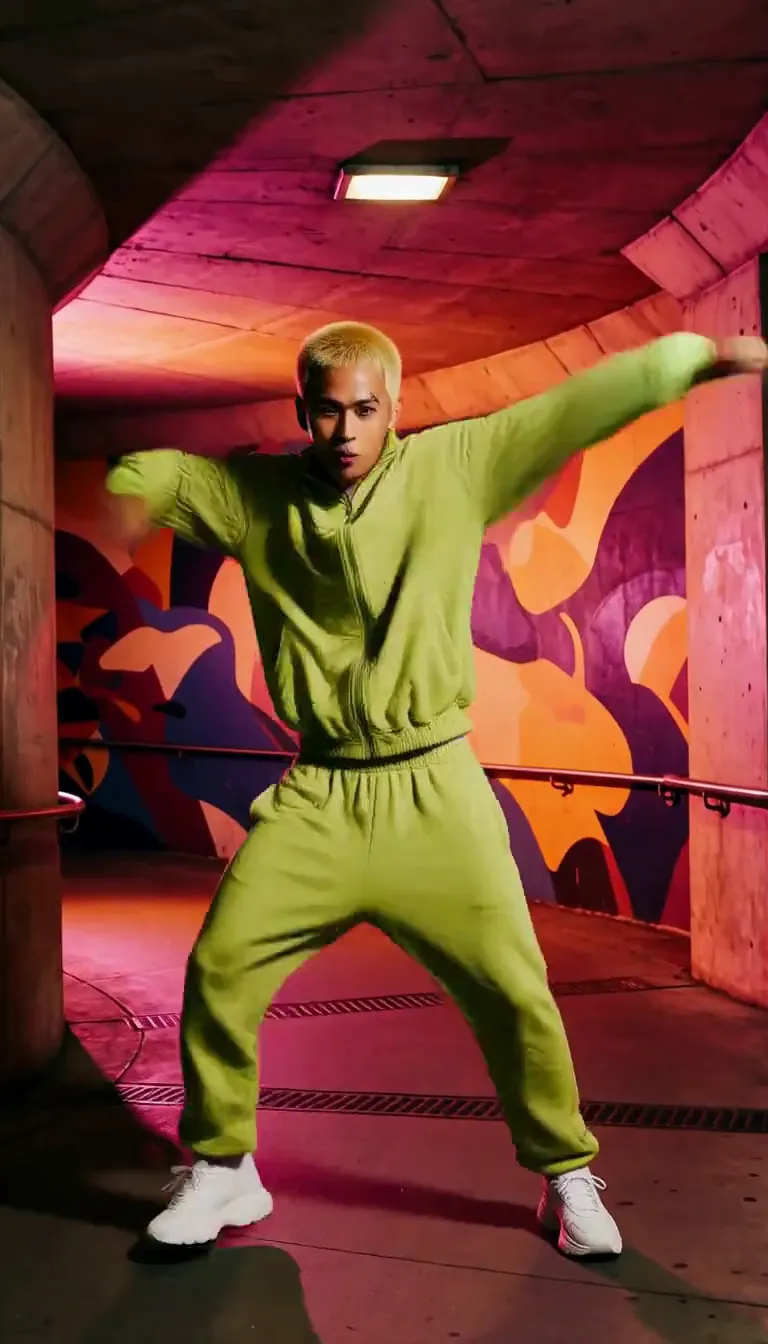 Groove
Fun
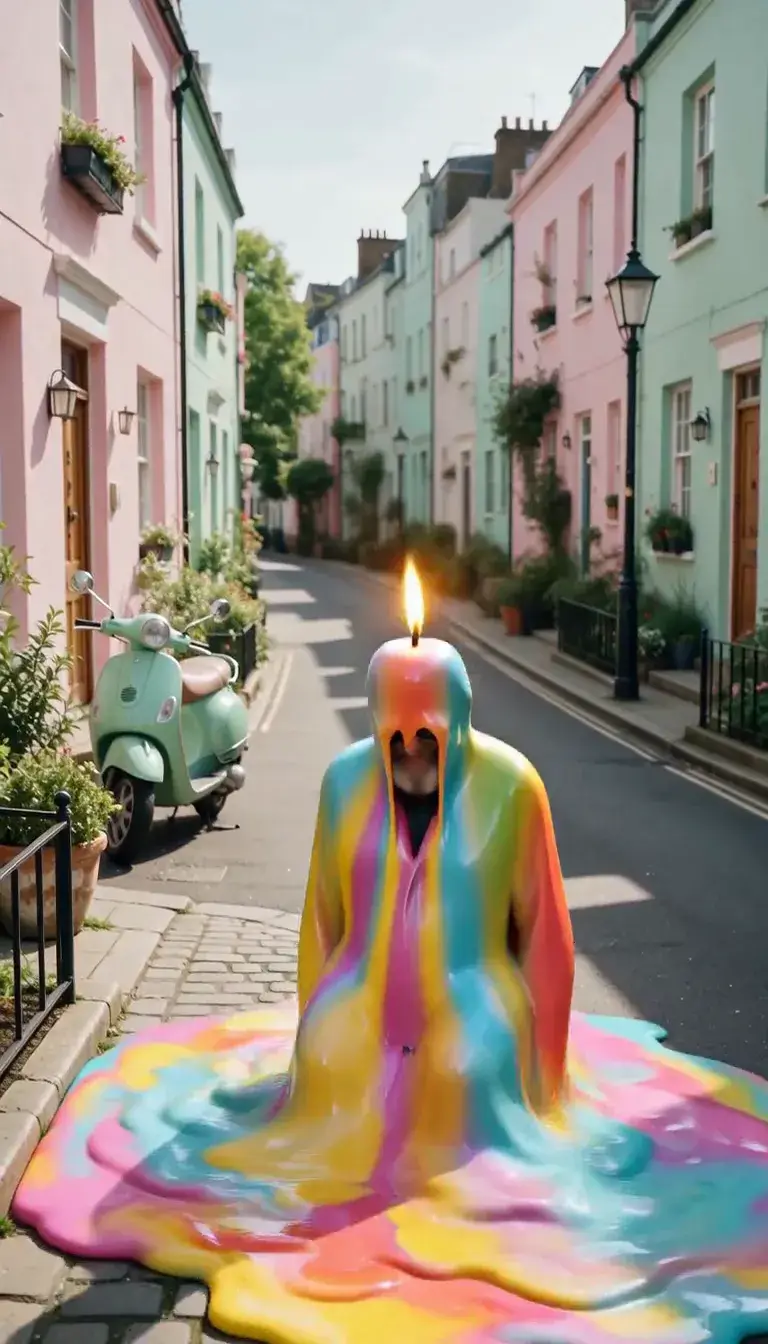 Meltdown
Product
 Ingredients Burst
Film looks
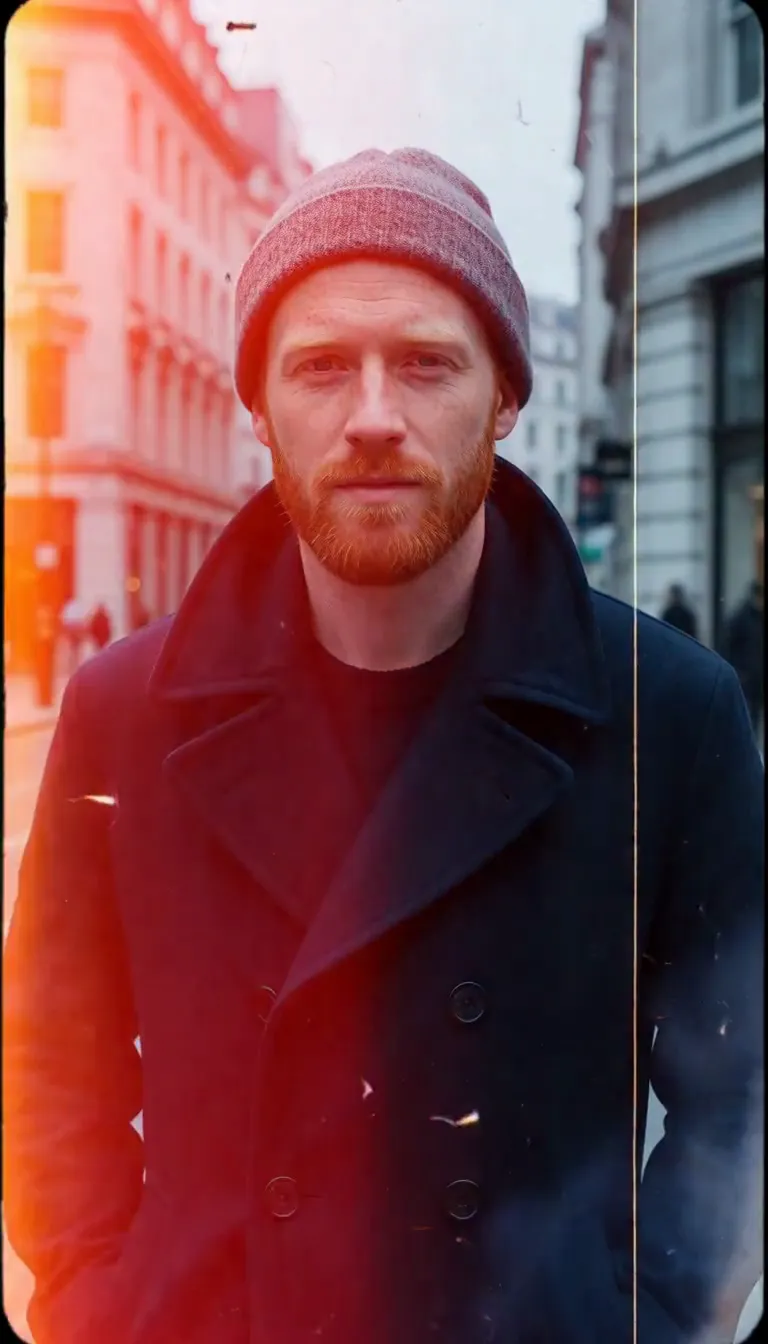 Film Burn
Video templates
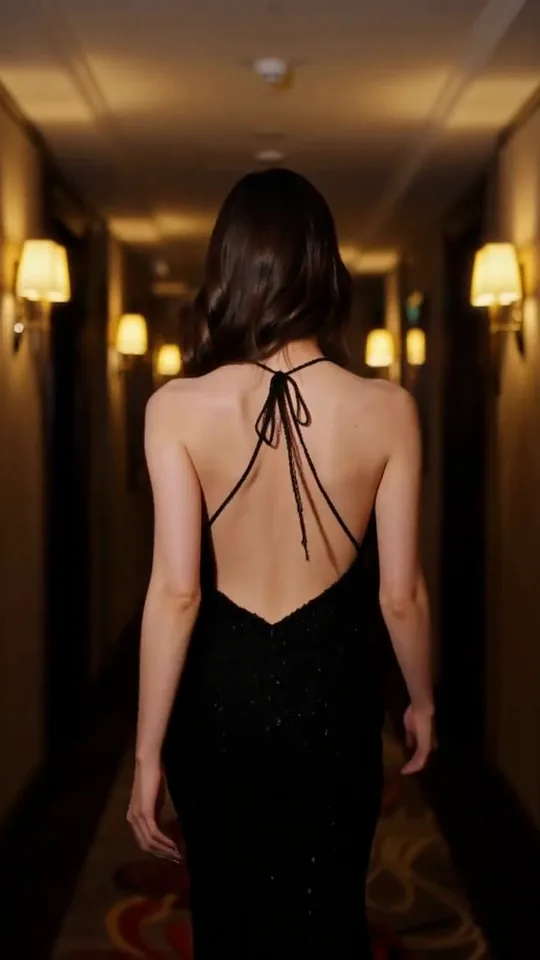 The Glance Back
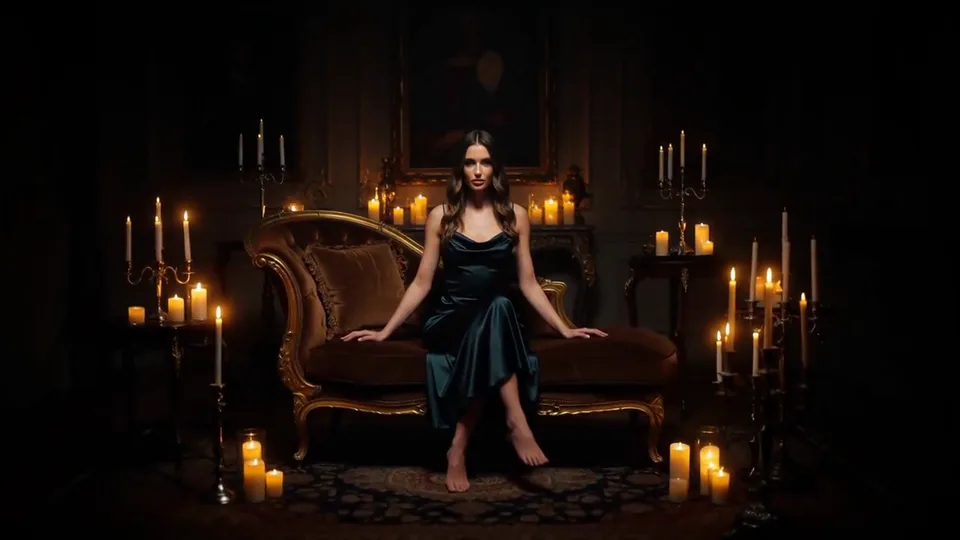 Candles Come Alive
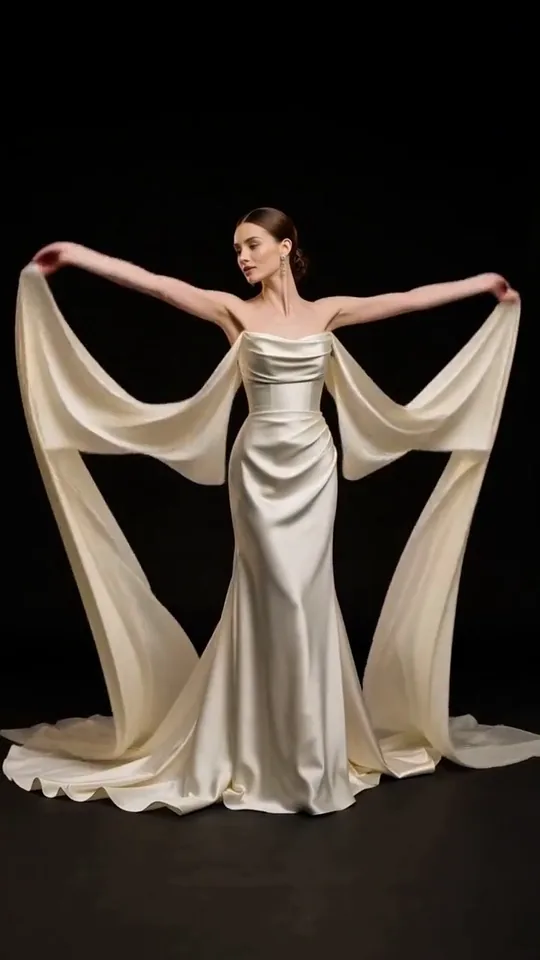 Silk Drift
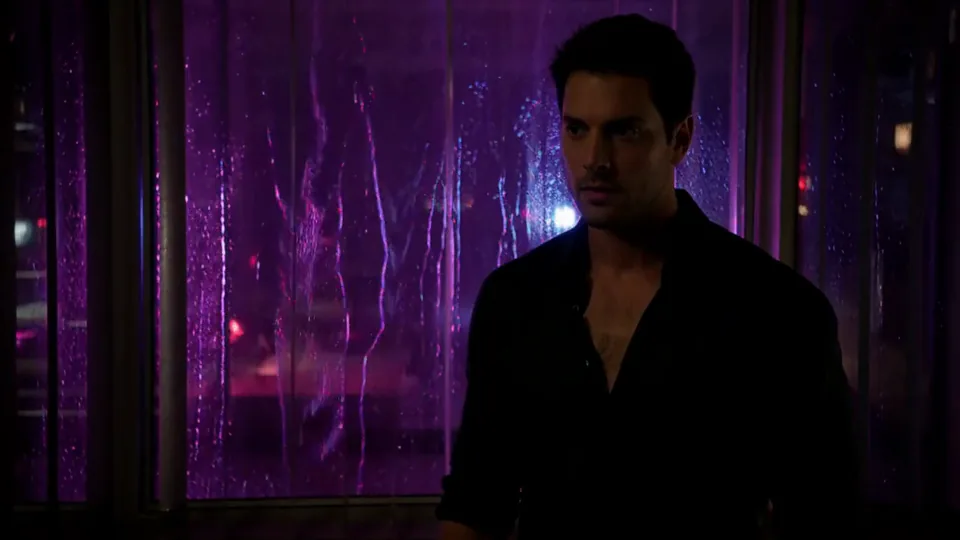 Neon After Hours
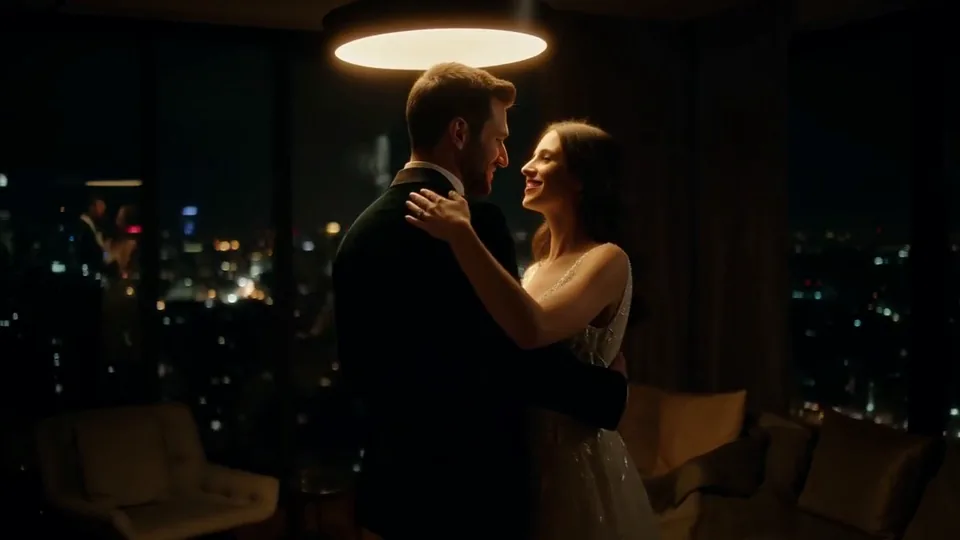 Sway Under the Lamp
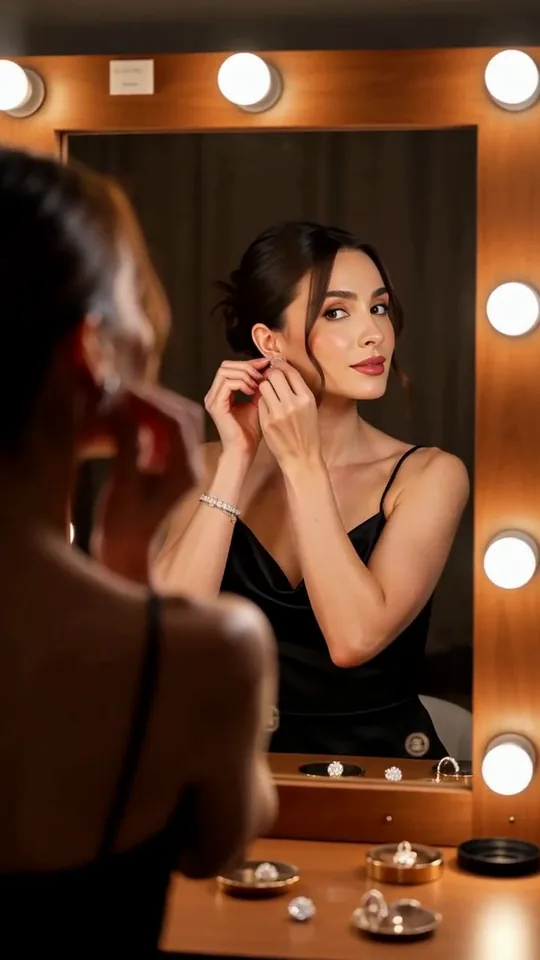 Mirror Moment
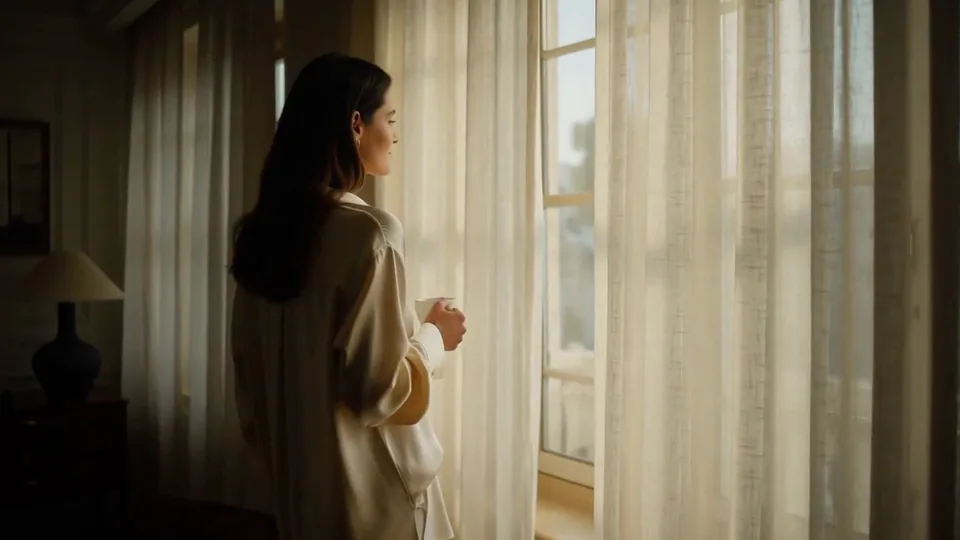 Morning Light
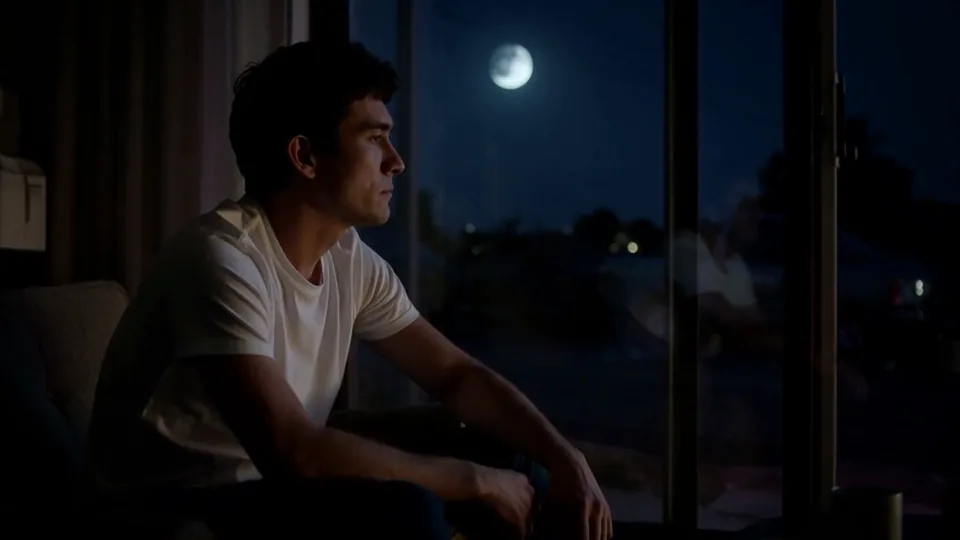 Passing Headlights
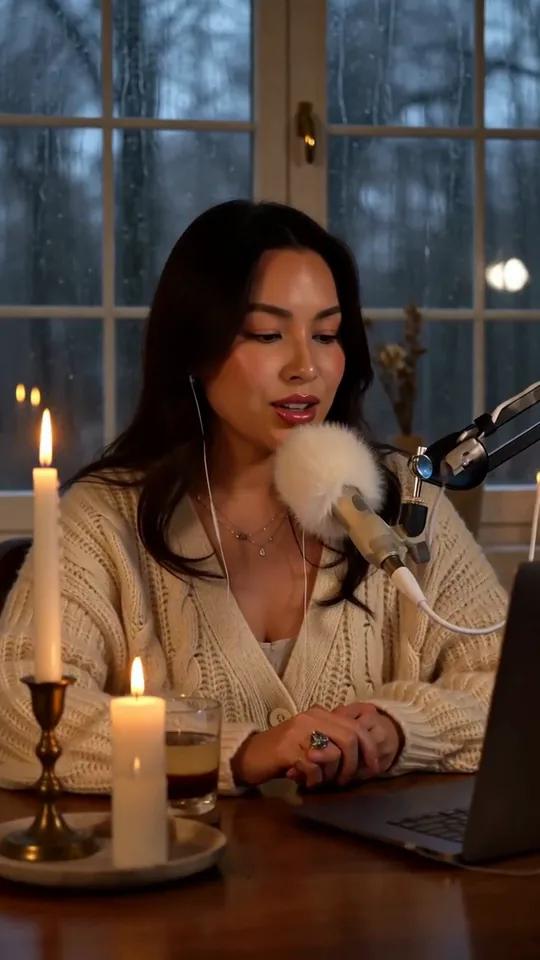 Whisper Session
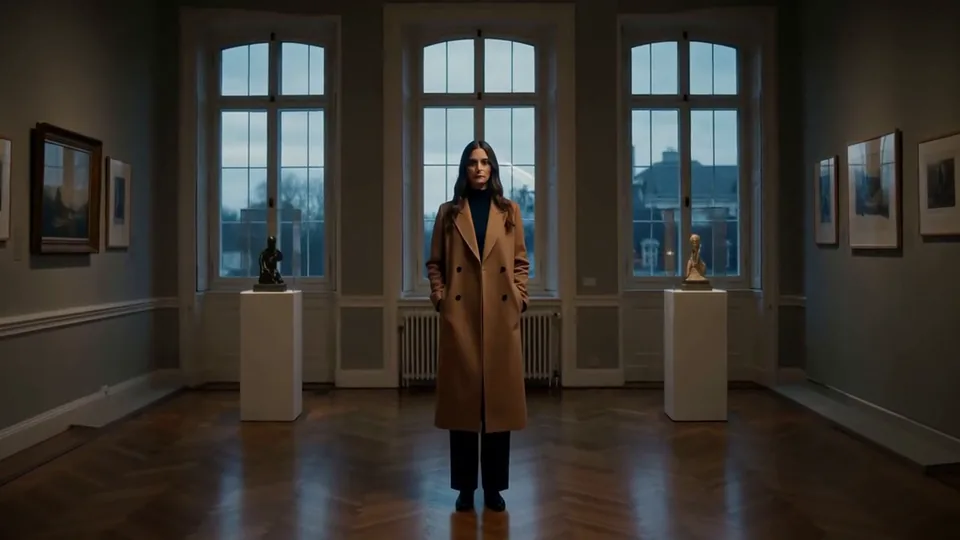 Slow Push-In
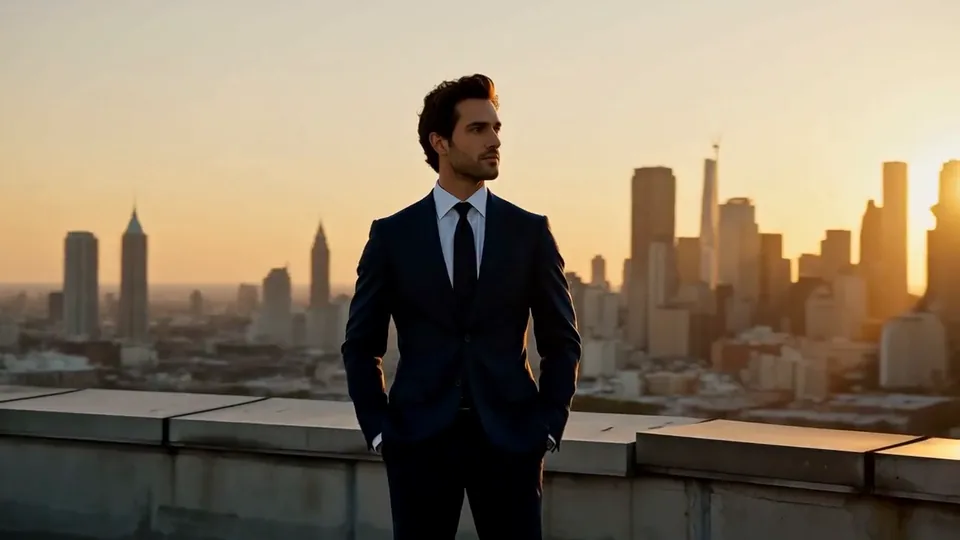 Half Orbit
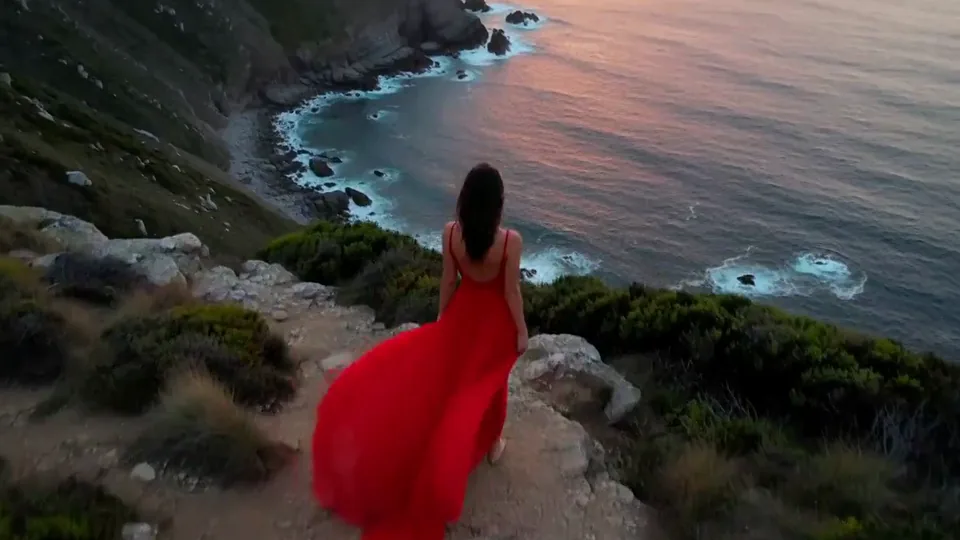 Drone Rise
This effect writes the prompt for you. Add one image.
We never filter your prompt.
Afternoon light slides through blue hour into night, with windows and streetlights blinking on one by one.
- Model
- Seedance 2.0 Mini
- Length
- 5 s
- Resolution
- 720p
- Per run
- $0.265
- Type
- Atmosphere
- Also runs on
- MiniMax H3, Seedance 2.0 Fast, Kling 3.0, Seedance 2.0, Wan 3.0, Vidu Q3 Turbo, MiniMax H3 Max, Kling 2.5 Turbo, Wan 2.6 Flash
What this effect sends
This is the full prompt, word for word. Copy it, or open it in the generator and change anything you like.
The light shifts smoothly from late afternoon through blue hour into night: shadows stretch and fade, windows and streetlights blink on one by one, and the sky deepens to indigo while the camera holds steady.Pictures that work best
- Start from a daytime or golden-hour photo; a picture already taken at dusk has less room to change.
- Cities, houses and streets with windows and lamps give the most rewarding night.
- Wide shots work better than close-ups; the effect is about light across a whole scene.
- For property listings, use a straight-on exterior shot; the model adds warm window light as night falls.
Models this effect runs on
The same prompt on different models. Pick by look and by price.
- Seedance 2.0 Mini$0.265 per run
5 s · 720p
- MiniMax H3$0.185 per run
5 s · 768p
- Seedance 2.0 Fast$0.484 per run
5 s · 720p
- Kling 3.0$0.336 per run
5 s · 720p
- Seedance 2.0$0.76 per run
5 s · 720p
- Wan 3.0$0.45 per run
5 s · 720p
- Vidu Q3 Turbo$0.33 per run
5 s · 720p
- MiniMax H3 Max$0.4 per run
5 s · 768p
- Kling 2.5 Turbo$0.28 per run
5 s
- Wan 2.6 Flash$0.113 per run
5 s · 720p
How it works
- 01
Add one photo
Choose the photo to match the example: include both people for a shared gesture, and keep the face and any hands involved clearly visible. Upload your own photo or start with a Day to Night sample.
- 02
Check the price
Day to Night defaults to a 5-second clip for $0.265. Swap the model or change the length and resolution before you run — the price on the button updates to match, and that's the whole cost of the clip.
- 03
Generate
Your Day to Night clip renders in the background, lands in History and is never published.
Do the move yourself
Day to Night keeps one version of this shot. To give Day to Night your own motion or ending, write it yourself in Image to Video, starting from the prompt above.
What it does to your photo
Day to Night compresses an evening into five seconds. The light shifts from late afternoon through blue hour into night, shadows stretch and fade, windows and streetlights blink on one by one, and the sky deepens to indigo while the camera holds perfectly still. It is the time-lapse that would otherwise take a tripod and three hours.
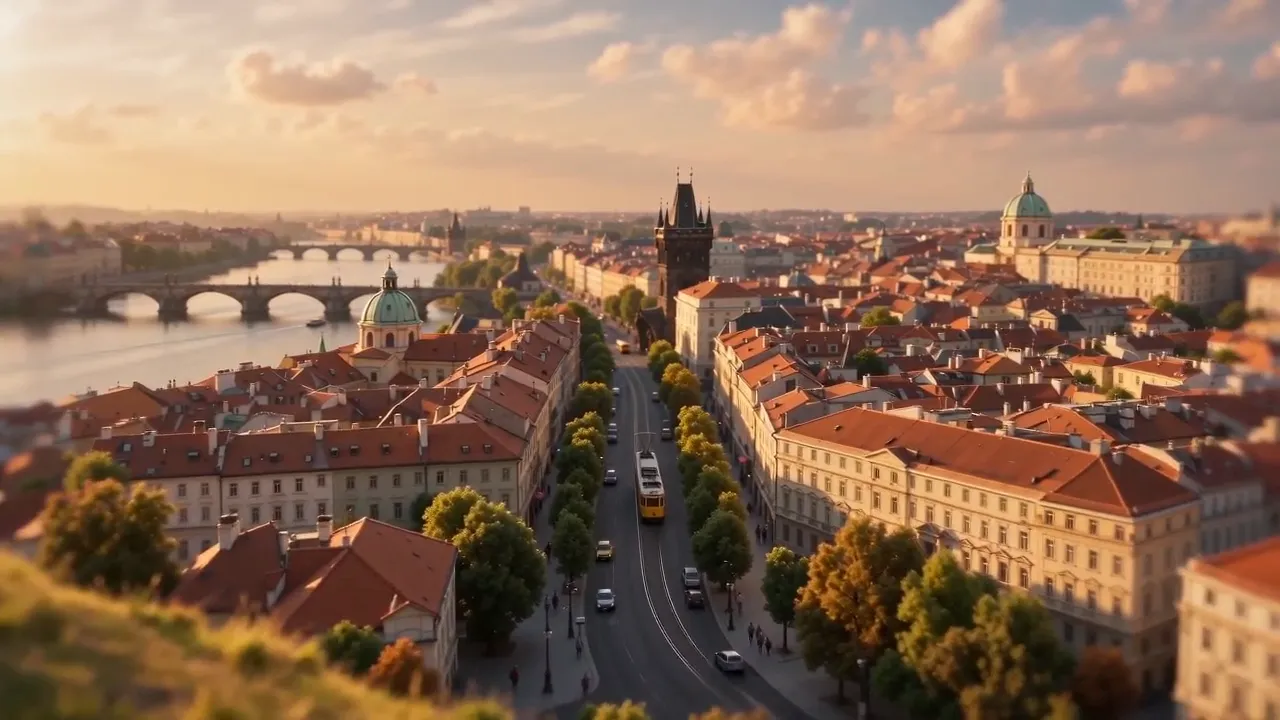
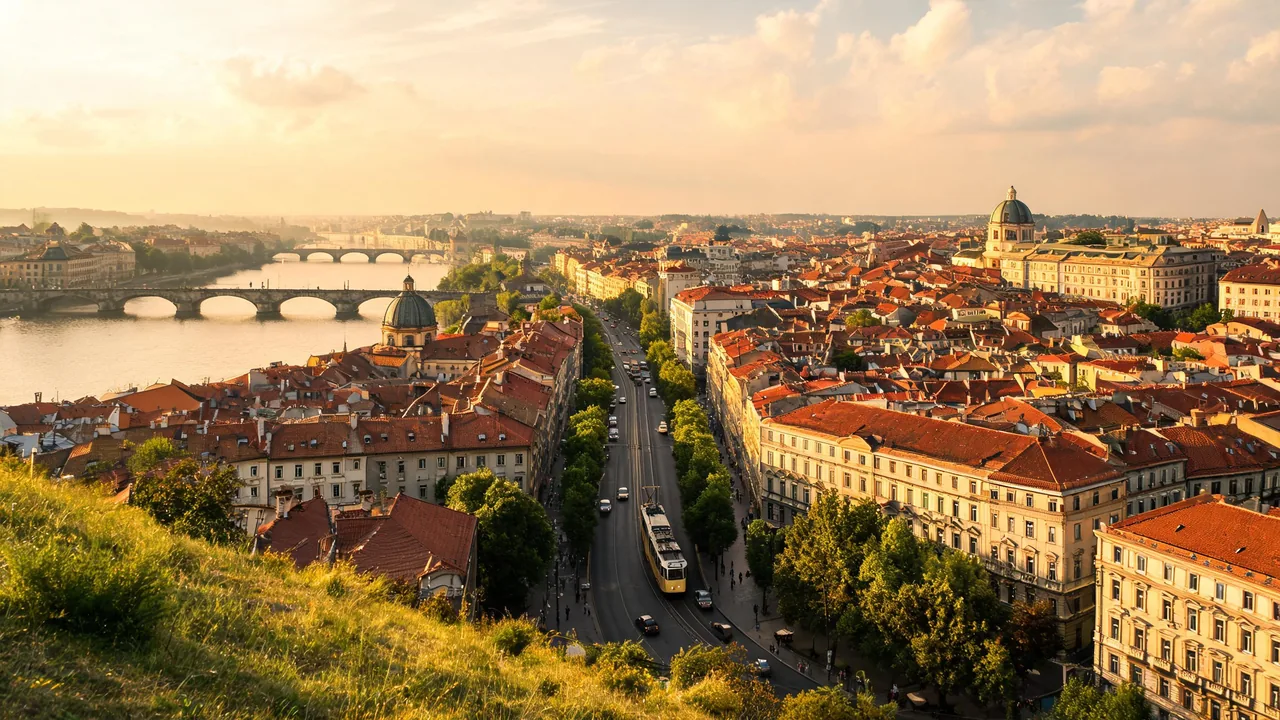
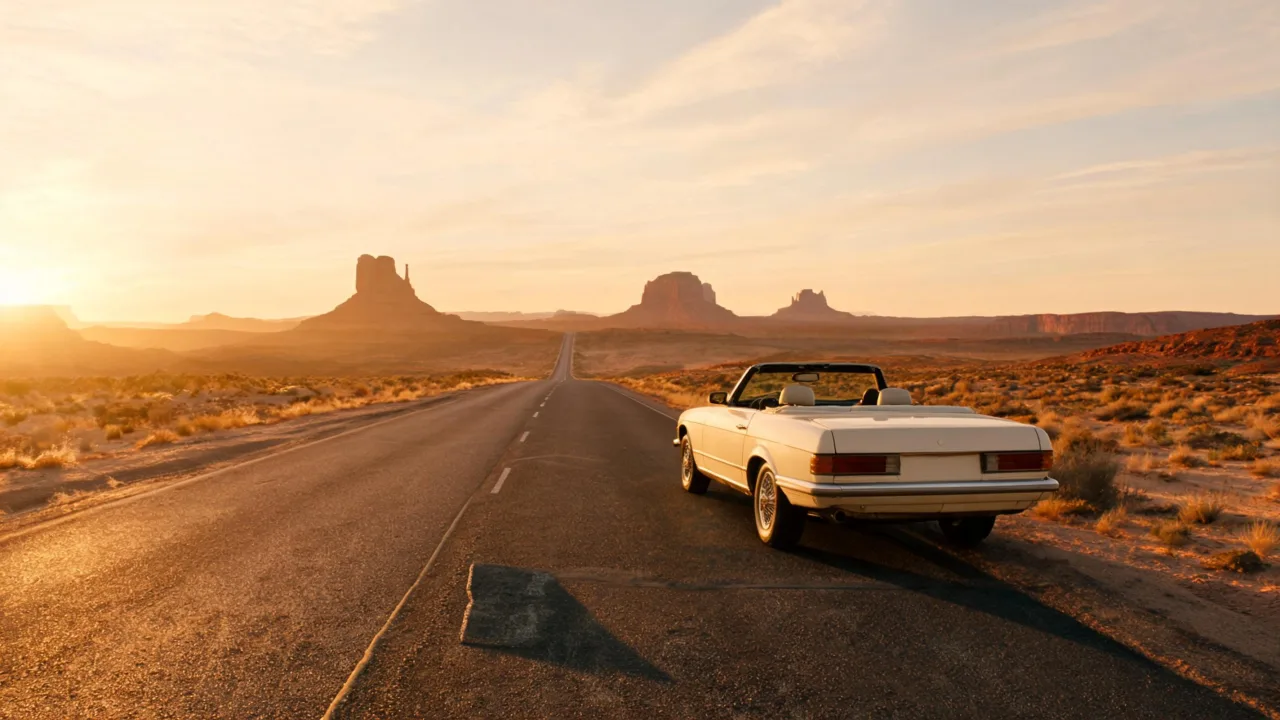
On an elevated view over an old European-style city, the golden afternoon faded into a pink and blue dusk, then the boulevard and the river bridges lit up in amber and the domes glowed against a starry sky. A cream convertible parked on a desert highway went from a blazing sunset to a deep blue night full of stars, the mesas turning into black silhouettes.
Seedance 2.0 Mini handled both scenes well and is the default at the lower price. Buildings, streets and roads give the model light sources to switch on; a landscape without any buildings darkens beautifully but has nothing to light up.
Real estate teams use it to show a property in daylight and at night from a single photo, and travel and hospitality brands use it for skylines and hotel exteriors.