Ce test n’est pas encore disponible en Français : vous lisez la version originale en English.
Photo to Anime Review: Same Scene, Redrawn as Anime for $0.05
Pick Photo to Anime for avatars, couples and pets redrawn as anime with the pose and outfit intact; expect the background to stay partly photographic.
Spicy Index
Hors indice
Freedom Score
Pas encore testé
- Prix
- 0,05 $US par image
- Temps médian
- Collecte en cours
- Taux de réussite
- Collecte en cours
Photo to Anime does one job: send image_url, get back the same picture redrawn as anime. The people and pets become anime characters in the same pose, outfit and colours, and the setting follows the photo. It runs Alibaba's open Qwen-Image-Edit-2509 with the Photo-to-Anime LoRA by AutoWeeb (MIT licence), behind a built-in instruction, so there is nothing to write. You pay $0.05 per image whatever the aspect ratio or file format.
- SpicyAPI Engineering
- Testé le 26 oct. 2026
- Méthodologie v3.3 →
- Nous vendons ces modèles ; le prix n’entre pas dans les notes →
Ce que Photo to Anime a produit pendant nos tests
Directement issus de nos essais. Copiez un prompt ou ouvrez-le dans le Playground pour l’essayer vous-même.
Édition d’image
Édition d’image
Édition d’image
Créez le vôtre avec Photo to Anime
The verdict
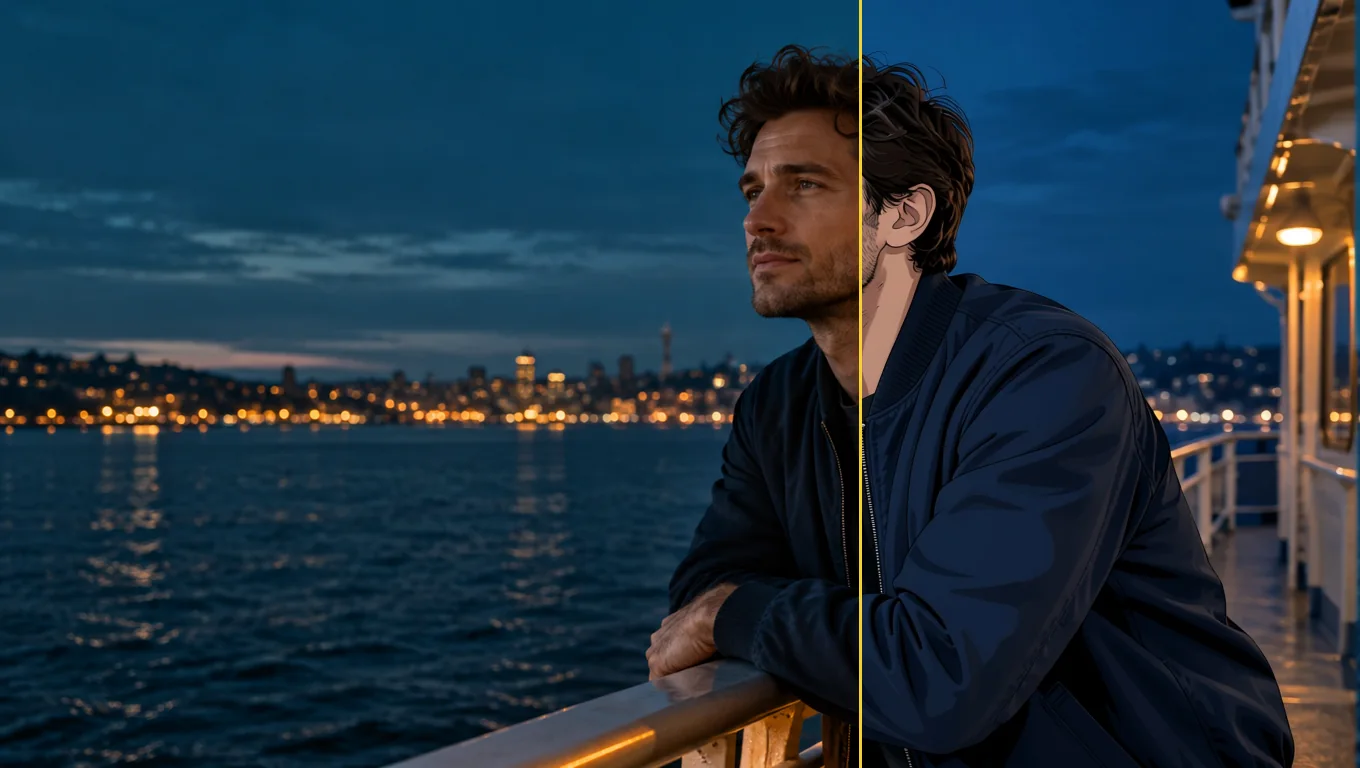
We tested it on 26 October 2026 with five generated, fully clothed photo sets: a woman at a café window, a man on a rooftop, a couple in an autumn park, a golden retriever indoors and a man on a ferry deck. All five were converted to anime. The characters were redrawn with line art and cel shading while the outfits, poses and rooms stayed in place. The limits are just as consistent. The background often keeps much of its photographic look, and fine details such as freckles do not survive.
Use it for profile pictures, gifts, cards and pet portraits where you want the scene you already have, drawn differently. Look elsewhere if you want a fully painted background, a chosen anime art style, or a character invented from words.
Key facts
- Price: $0.05 per image. Aspect ratio and output format do not change it, and failed requests are not charged. The model page shows the live price.
- Input: one photo, JPEG, PNG or WebP, up to 10 MB. Sharp, high-resolution photos with large faces give the most convincing results.
- Output: about one megapixel. Leave
aspect_ratioempty and the result keeps the shape of the photo (832 x 1248 for a 2:3 portrait, 1248 x 832 for a 3:2 landscape, 1024 x 1024 for a square), or pick one of nine ratios from 1:1 to 21:9 and 9:21. - Other fields: an optional
promptof up to 1,000 characters, aseedfor comparing runs, andoutput_format(JPEG by default, PNG or WebP). - Speed: about 7 to 13 seconds per image in our integration runs and 17 to 26 seconds in later runs on the live platform.
- Content testing: we have not run content-level tests on this tool, so there is no Freedom reading to quote.
Ce qui nous a plu et ce qui l’a freiné
Ce qui nous a plu
- The scene stays the scene. A knit sweater and a mug in a café, an olive work jacket on a rooftop and a retriever on a wooden floor all kept their pose, colours and place in the frame.
- No prompt needed. The built-in instruction does the work; leave
promptempty for a first attempt. - It keeps colouring better than the plain model. With the same seed and instruction, the base edit model drew more of the café as anime but turned the woman's brown eyes blue and darkened her hair. With the LoRA her eye and hair colour stayed.
- It works on pets and groups. The dog came back as an anime dog in the same spot with the same coat colour, and a couple in a park were both redrawn.
- Flat, predictable price. One image, one price, in any of nine ratios.
- Fast enough to iterate. Seconds per image, and a fixed
seedkeeps comparisons fair.
Ce qui l’a freiné
- The background often stays photographic. Skylines, autumn trees and café windows kept much of their photo look. Adding "also redraw the background as a painted anime scene" barely helped: the rooftop man's background did not change and the dog's moved only slightly.
- Faces become characters, not likenesses. Large, sharp faces keep the most recognisable features. Small faces in wide shots come out simplified, and the LoRA author recommends high-resolution photos.
- Details are lost. Asking to keep a woman's freckles had no effect; they disappeared in every anime version.
- The prompt does not choose a style. In a matched test on the same seed, asking for a 90s cel-shaded TV look produced an almost identical result. Use
promptto protect a detail, not to select a drawing style. - Short instructions can fail on the underlying model. In our trials the author's three-word prompt, "transform into anime", often returned the photo unchanged, and sometimes drew a dog as a lion. The tool's built-in instruction adds an explicit redraw line to avoid this, and five of five final test photos converted. We cannot promise it for every photo.
What the images look like
The gallery holds three published examples from the Photo to Anime model page, all fictional adults or a pet, fully clothed and safe for work. Each was sent with no prompt.
A café window. A woman with auburn curls in an oatmeal knit sweater holding a mug. Her face and hair become anime with the same brown eyes; the sweater, the mug and the autumn street outside stay close to the photo.
A rooftop at sunset. A bearded man in an olive work jacket comes back in clean line art and cel shading, in the same pose, with the city skyline behind him still photographic.
A golden retriever. A dog lying on a sunny wooden floor next to a houseplant, redrawn as an anime character in the same pose and coat colour; the room stays light and airy.
Prompts that worked
The built-in instruction starts with the LoRA author's "transform into anime" and adds a line asking for the whole photo to be redrawn as an anime illustration with the same subjects, pose, clothing, colours and background. Anything in prompt is appended after it as a new sentence.
- Start with the prompt empty. The main examples were all run that way.
- Name a detail to protect. "Keep his beard and the olive jacket" is the kind of line the field is for. Check whether the detail survived before you rewrite the instruction.
- Do not expect a style menu. Period or studio wording did not change the drawing in our matched test.
- Make the face large and clear. Close portraits gave the most convincing anime look. A tighter crop or a simpler background is the practical next try, though we have not tested whether cropping alone redraws a busy background.
- Compare with a seed. A fixed
seedlets you run the same photo with and without a prompt.
Alternatives
- Want to invent an anime character from words instead of redrawing a photo? Anima Turbo is the text-to-image route; see our Anima Turbo review.
- Want to go the other way, from anime to a photographic look? Anime to Real converts an anime image back into a photo-style picture. We have not reviewed it yet.
Comment Photo to Anime obtient son Spicy Index
Chaque dimension ci-dessous mène à son calcul complet : la ligne de grille d’où vient chaque point et la raison de chaque point perdu.
- Classements publics 45 % de la qualité
- Pas encore testé
- Test à l’aveugle des résultats 35 % de la qualité
- Pas encore testé
- Qualité en arène 20 % de la qualité
- Pas encore testé
- Capacités Pondération 10,5 %
- Pas encore testé
- Freedom Score Pondération 30 %
- Pas encore testé
Pas encore de correspondance exacte dans les classements publics suivis. Fonctionnement
Pas encore passé par notre test à l’aveugle des résultats. Fonctionnement
Comptera quand le modèle aura plus de 100 votes en aveugle et un intervalle à 95 % inférieur à 200 Elo. Fonctionnement
Pas encore noté. Fonctionnement
La liberté n'a pas été testée ou les preuves sont insuffisantes. L'Index conserve le score initial de qualité et capacités, porte la mention provisoire et reste classé. Une preuve manquante n'est pas un zéro. Fonctionnement
Ce que Photo to Anime sait faire sur SpicyAPI
Tiré directement de la spécification en ligne du modèle sur SpicyAPI. Certains éditeurs en offrent davantage dans leurs propres applications ; voici ce que vous pouvez appeler via notre API aujourd’hui.
| Fonction | Édition d’image |
|---|---|
| Formats d’image | 1:1 · 16:9 · 9:16 · 4:3 · 3:4 · 3:2 · 2:3 · 21:9 · 9:21 |
| Formats de sortie | jpeg · png · webp |
| Contrôle de la graine | Oui |
| Prompt négatif | Non |
Le temps que ça prend vraiment
Mesuré sur de vraies tâches des 30 derniers jours, de la requête au résultat final. Les temps incluent nos propres tests.
- Temps médian
- Collecte en cours
- 90e centile
- Collecte en cours
- Taux de réussite
- Collecte en cours
Un temps apparaît dès qu’au moins 10 tâches terminées sont reçues. Les taux de réussite ne comptent que les tâches des clients et restent masqués pour tous les modèles jusqu’à 30 jours complets de trafic.
Modèles à envisager à la place de Photo to Anime
CircleStone Labs
Anima Turbo
Want to invent an anime character from words instead of redrawing a photo?
- Spicy Index
- 62,6
- Freedom Score
- 97,5
- Prix
- 0,012 $US−76 %/ image
SpicyAPI
Anime to Real
Want to go the other way, from anime to a photographic look?
- Spicy Index
- —
- Freedom Score
- Pas encore assez de preuves
- Prix
- 0,03 $US−40 %/ image
Qu’en pensez-vous ?
Ce test vous a-t-il été utile ?
Connectez-vous pour voter.
Commentaires
Les commentaires sont vérifiés automatiquement et par notre équipe. Nous supprimons le spam, le contenu inapproprié, les attaques personnelles et tout ce qui nomme une personne réelle sans son consentement. Signalez un commentaire et nous l’examinerons sous un jour ouvré.
Vous avez essayé ce modèle ? Partagez ce qui a marché. Un compte gratuit est nécessaire pour commenter, afin de tenir le spam à distance.
FAQ sur Photo to Anime
Essayez Photo to Anime vous-même
Réglez chaque paramètre dans le Playground et voyez le prix exact avant de lancer.
0,05 $US par image
Autres tests
Voir les classements →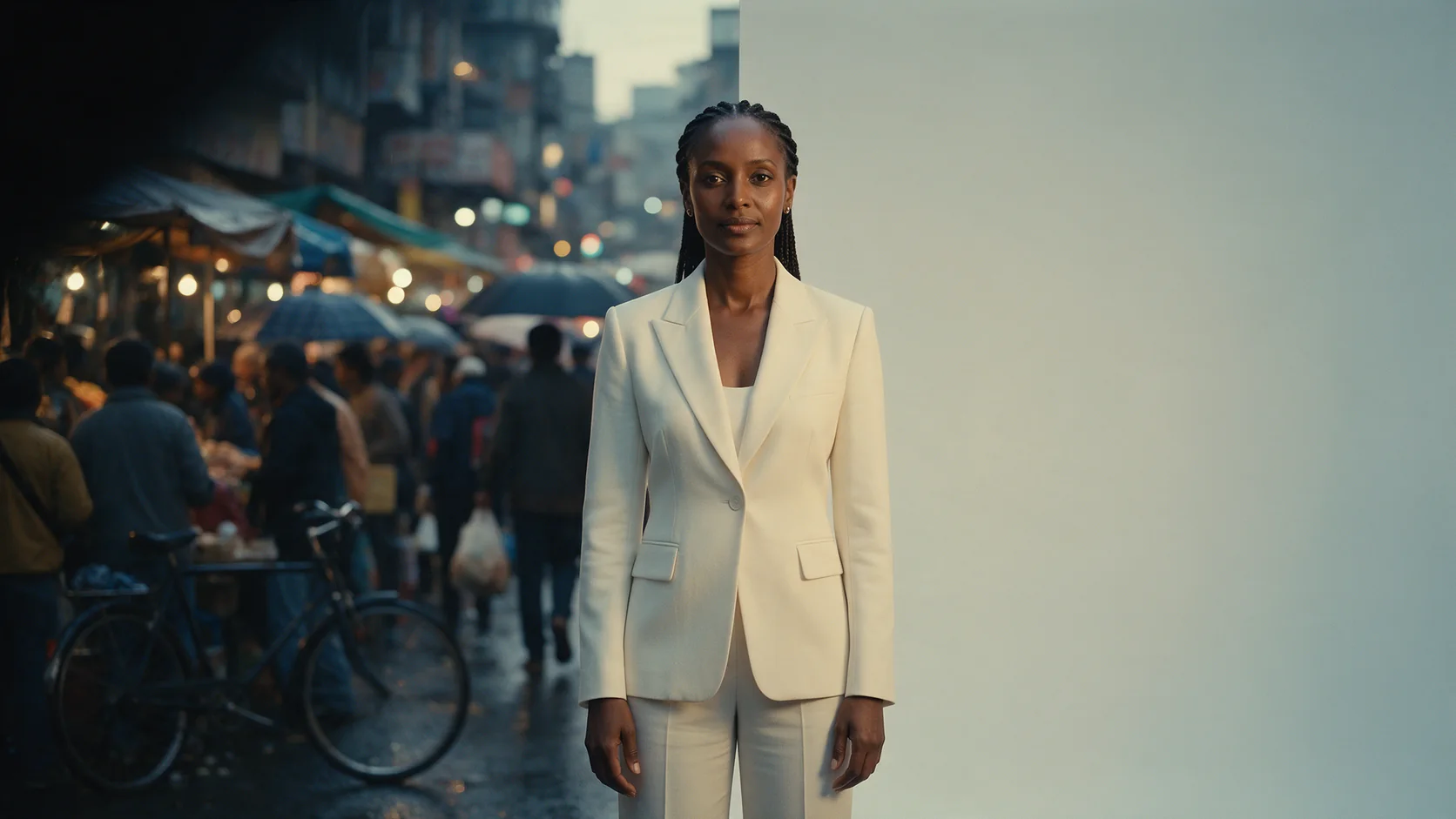
Background Remover
Choisissez Background Remover pour des détourages produit, avatar ou composite pour une fraction de centime ; donnez-lui une photo où le sujet se détache déjà.
Testé le 27 sept. 2026
Lire le test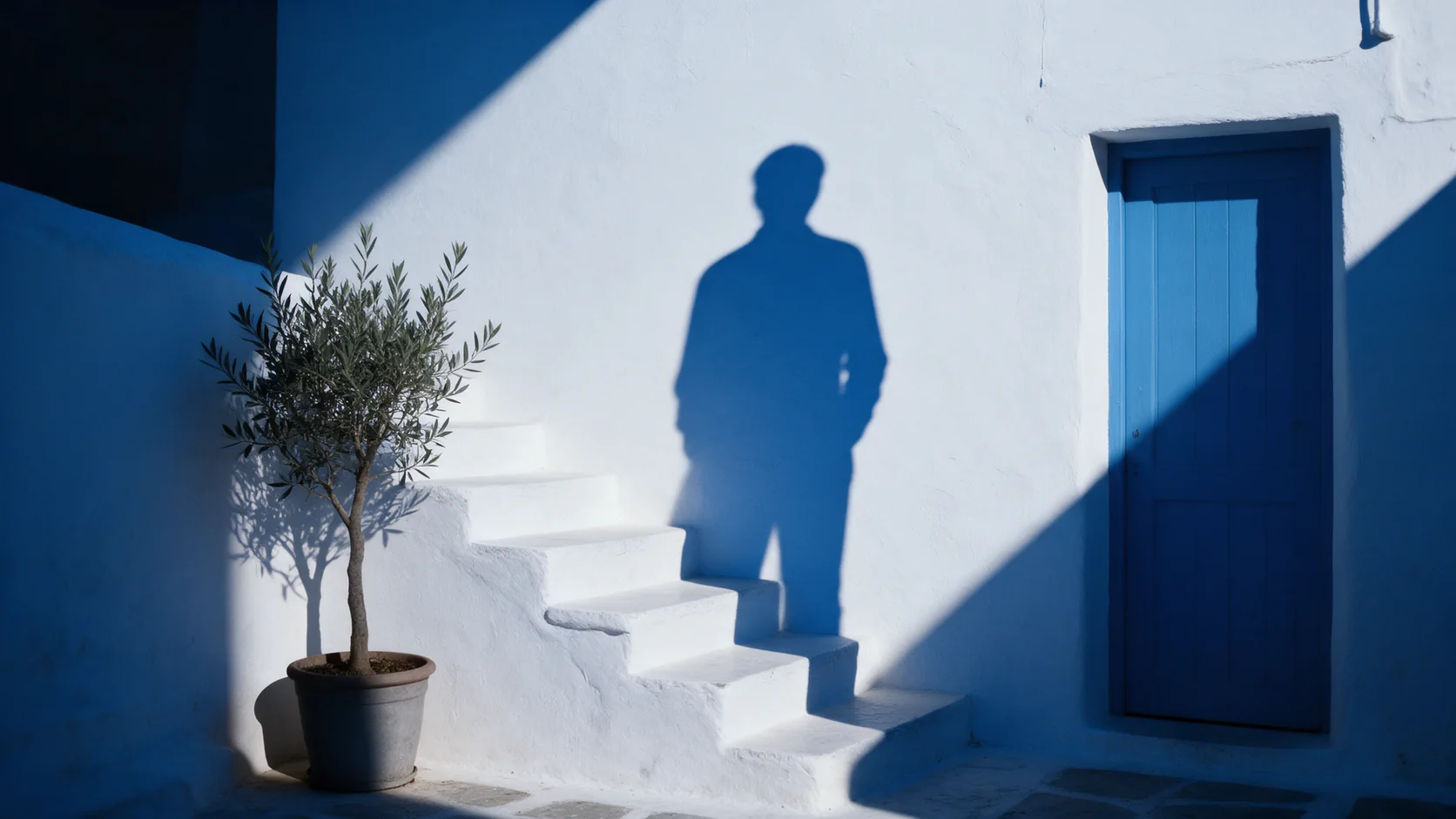
Object Eraser
Choisissez Object Eraser pour nettoyer un encombrement petit ou moyen en le nommant ou en le masquant ; un grand retrait demande un second regard.
Testé le 27 sept. 2026
Lire le test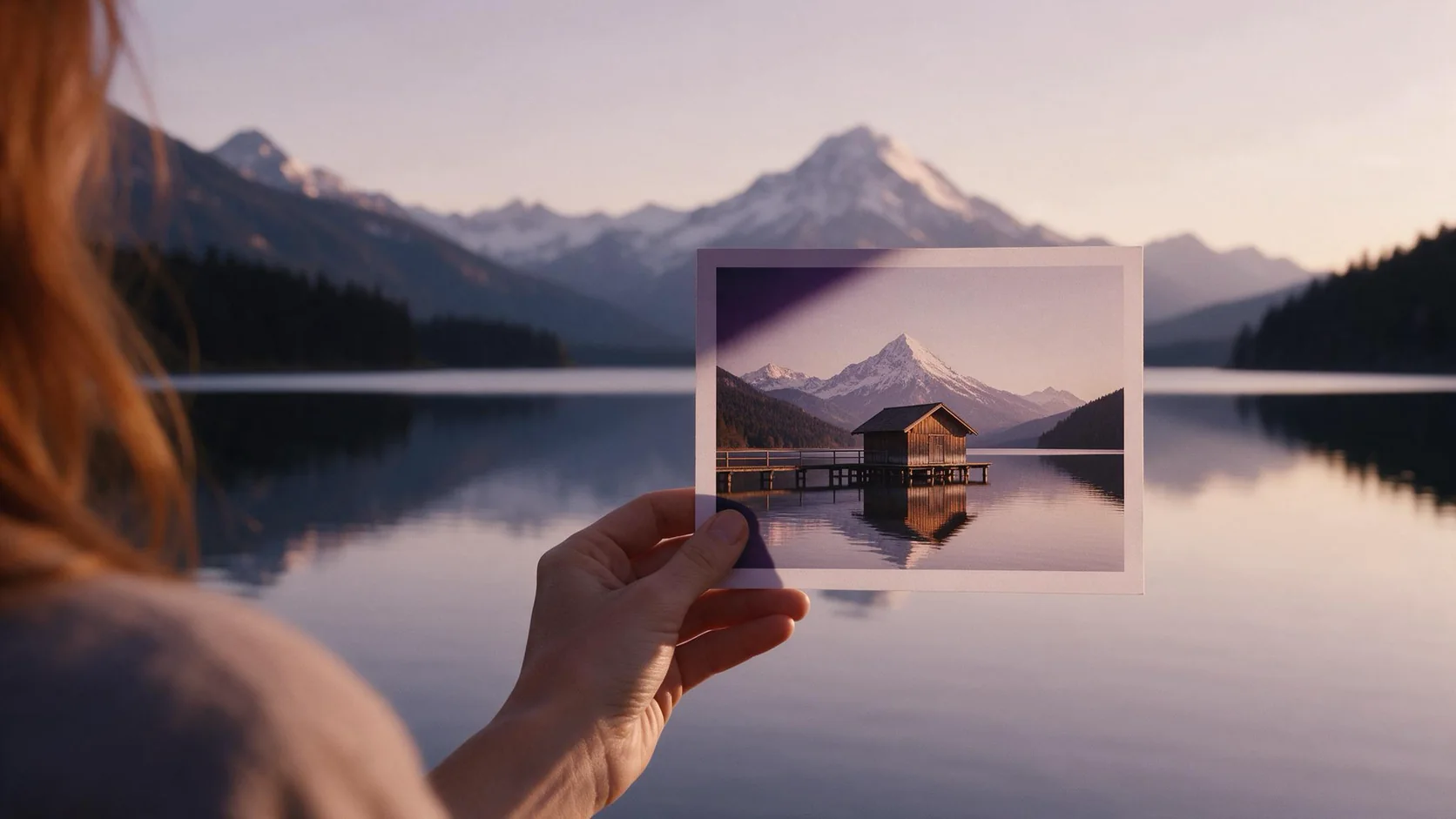
Image Expander
Choisissez Image Expander pour recadrer une photo sans la découper ; prévoyez un agrandissement ensuite si vous avez besoin de plus de 1536 pixels.
- Spicy Index
- 82,4
- Freedom Score
- —
Testé le 27 sept. 2026
Lire le test