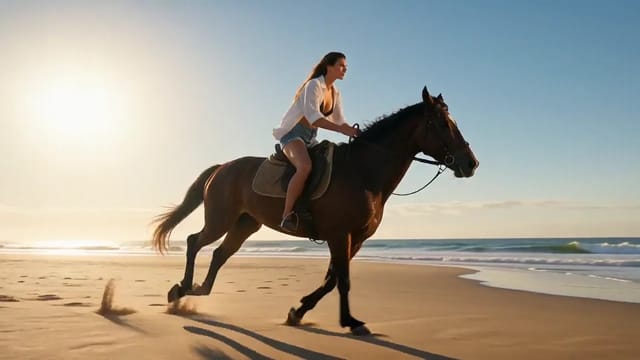
Same presenter, same voice: push in to the collar
- Model
- Wan 3.0 Prime
- Task
- Reference to video
- Resolution
- 480p
- Duration
- 2 s
- Aspect ratio
- 3:4
Output

This preview is blurred
This preview is marked sensitive. Confirm your age to see it.
Input

reference_image_urls 
reference_image_urls 
reference_image_urls
Swap in your own when you run it.
PromptEN298 characters
The same presenter, the same studio, the same voice, pushing in across the shot until the frame holds only her shoulders and throat. The push ends on her throat and the open collar of her blouse, nothing else in frame. Cinematic, shallow depth of field, heavy film grain, studio teal and key white.Written in English, exactly as we sent it.
Run this example
Checking the price…
Opens the playground with every setting filled in and shows the exact price before you run.
Same model, starting from this prompt. Other settings use their defaults.
Why this prompt works
Three stills — a presenter at a studio desk and two close-ups — hold the face and the set across shots; this run sent images only, with sound off, so nothing here pins the voice. Reference audio is how you would: the endpoint takes up to ten stills, five clips and five audio tracks together, and the voice is the part that is easy to forget — a presenter who looks continuous but sounds different between takes is still discontinuous. The prompt then only has to describe the move, a push that ends on a specific framing, because identity is already carried by the references.
Settings used
| Setting | Value | What it does |
|---|---|---|
| resolution | 480p | 480p, 720p or 1080p. Defaults to 720p. Resolution changes both the price and how long the task takes to come back. |
| aspect_ratio | 3:4 | 16:9, 9:16, 1:1, 4:3, 3:4 or adaptive, which lets the model choose. Defaults to 16:9. |
| generate_audio | false | On by default. The clip comes back with sound already locked to the picture. Set false when you are scoring the shot yourself. |
| duration_seconds | 2 | Any whole number from 2 to 30, or -1 for smart duration. Defaults to 5. With reference videos, their total length plus this value must stay within 30 seconds, and those seconds are billed on top of the output. Settle the look at 5 seconds before extending. |
More Wan 3.0 prompts
All Wan 3.0 prompts
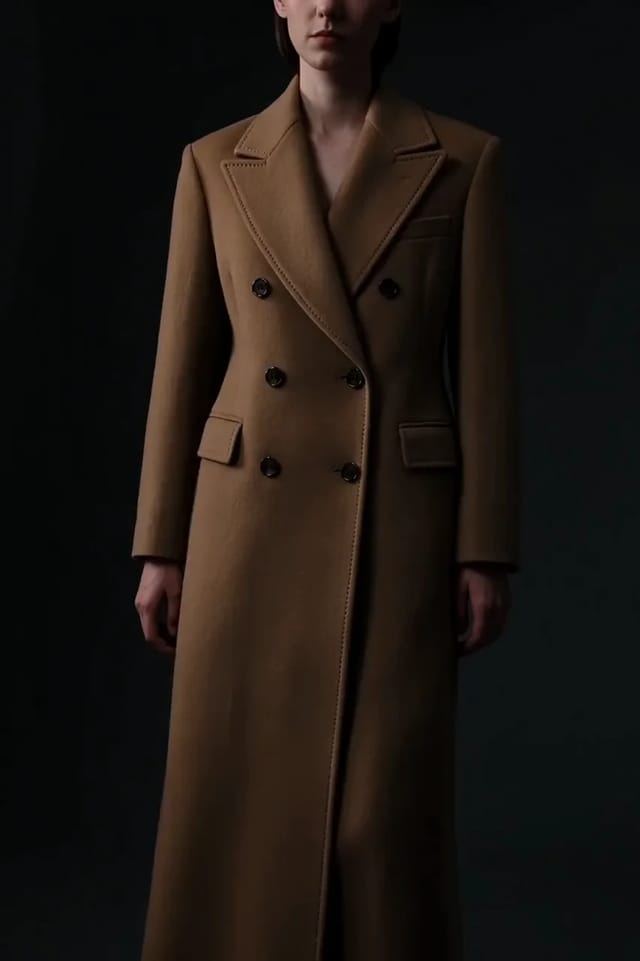
 Preview blurred