Self-hosted n8n / Workflow template

An n8n image bot for your character’s next scene.

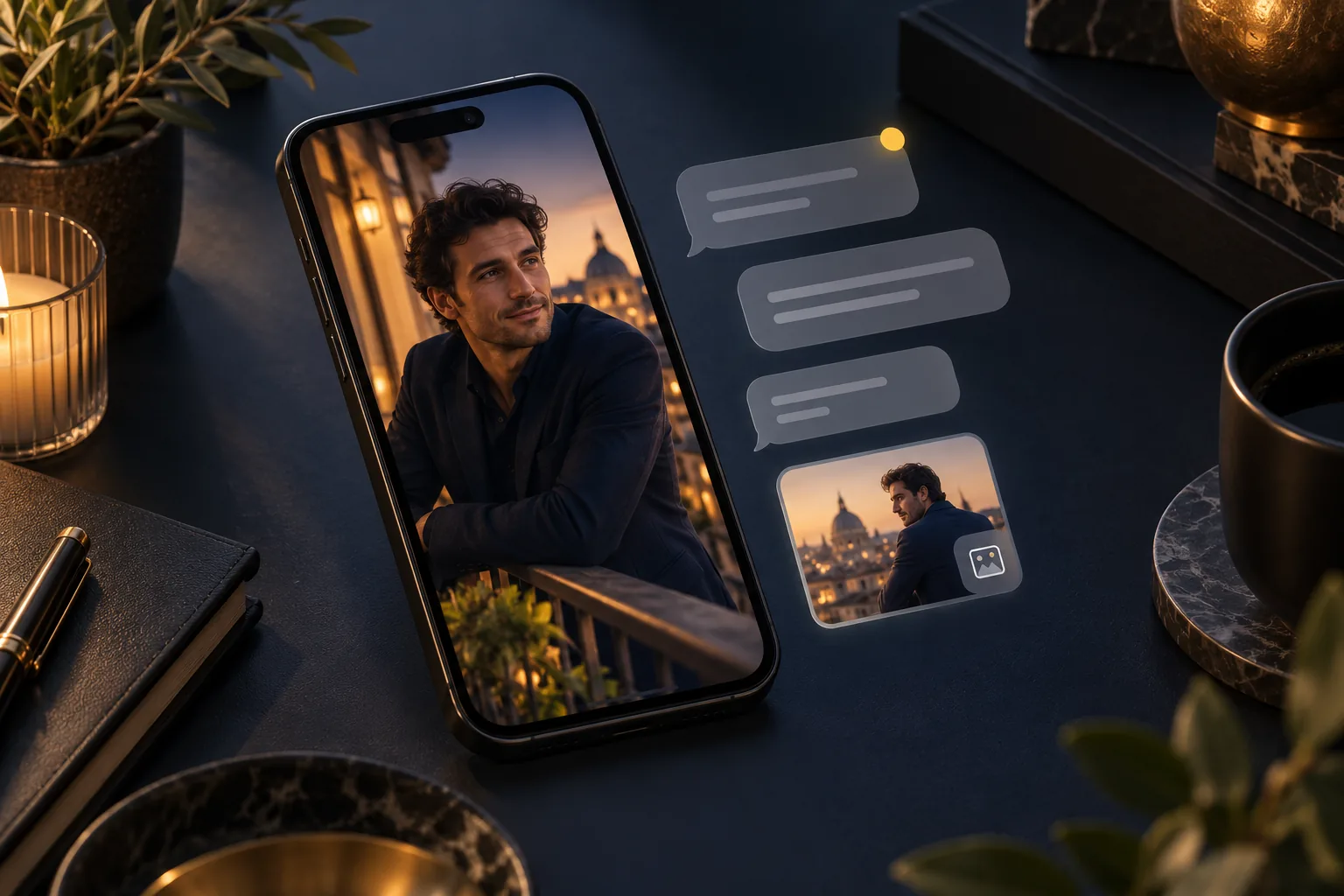
Send /image and a scene description from your allowed Telegram chat. Your configured reference portrait anchors the edit; Qwen Image 2.1 makes the new look and the bot sends the finished image back.

Import the JSON, select your credentials and fill the required inputs before running.

Male creator lookbooks
Illustration
Try the model first
Start with
A configured portrait URL and a Telegram /image message
Get
One image sent to the allowed chat
Best for
Private character scene requests and creator previews

A quick way to request a balcony portrait, a new outfit or a scene preview without opening your editing canvas. One message makes one image; your character reference stays in the workflow.

How the workflow runs

How the workflow runs

  1. 01

    Telegram /image

  2. 02

    Allowed chat check

  3. 03

    Quote + reference edit

  4. 04

    SendPhoto result

A visual guide to the workflow.

NSFW / Character / Style

Creative starting points

Private roleplay image requests
Illustration

Private roleplay image requests

01

Request a new character scene from Telegram with /image: a different outfit, a new room or a mood for your next story. The configured portrait stays in the workflow while each message supplies the new scene.

What to change first

Set the allowed chat and reference once. Keep each request focused on one scene; this template returns an image, not a text conversation.

Try this direction
Male creator lookbooks
Illustration

Male creator lookbooks

02

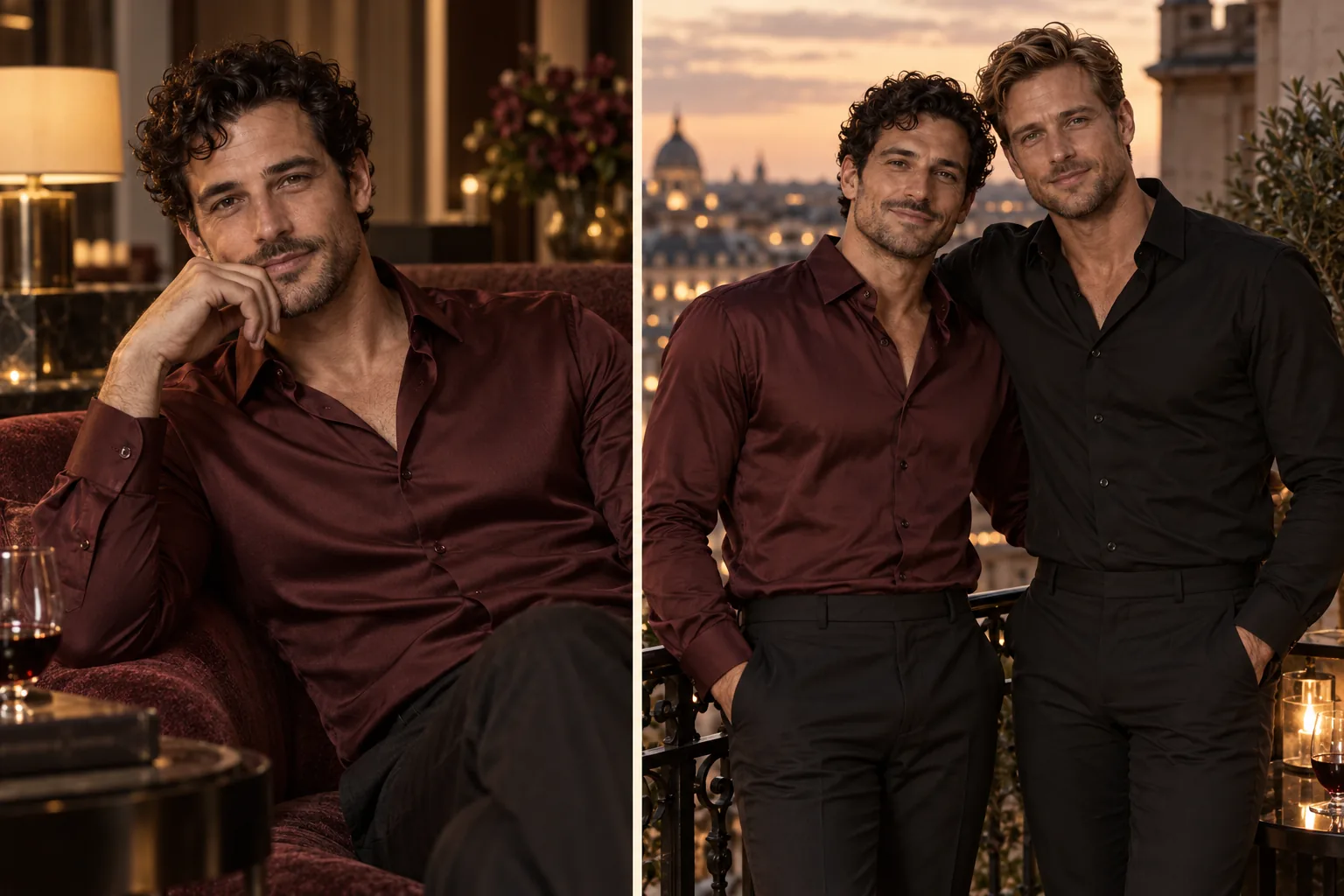
Create a recognizable male character across relaxed portraits, silk-shirt editorials and night-out looks. Keep a few signature traits so the gallery feels like one creator rather than a collection of unrelated faces.

What to change first

Keep the same reference and hair description. Change lighting or wardrobe first, then try a different framing.

Try this direction
Cosplay & wardrobe variations
Illustration

Cosplay & wardrobe variations

03

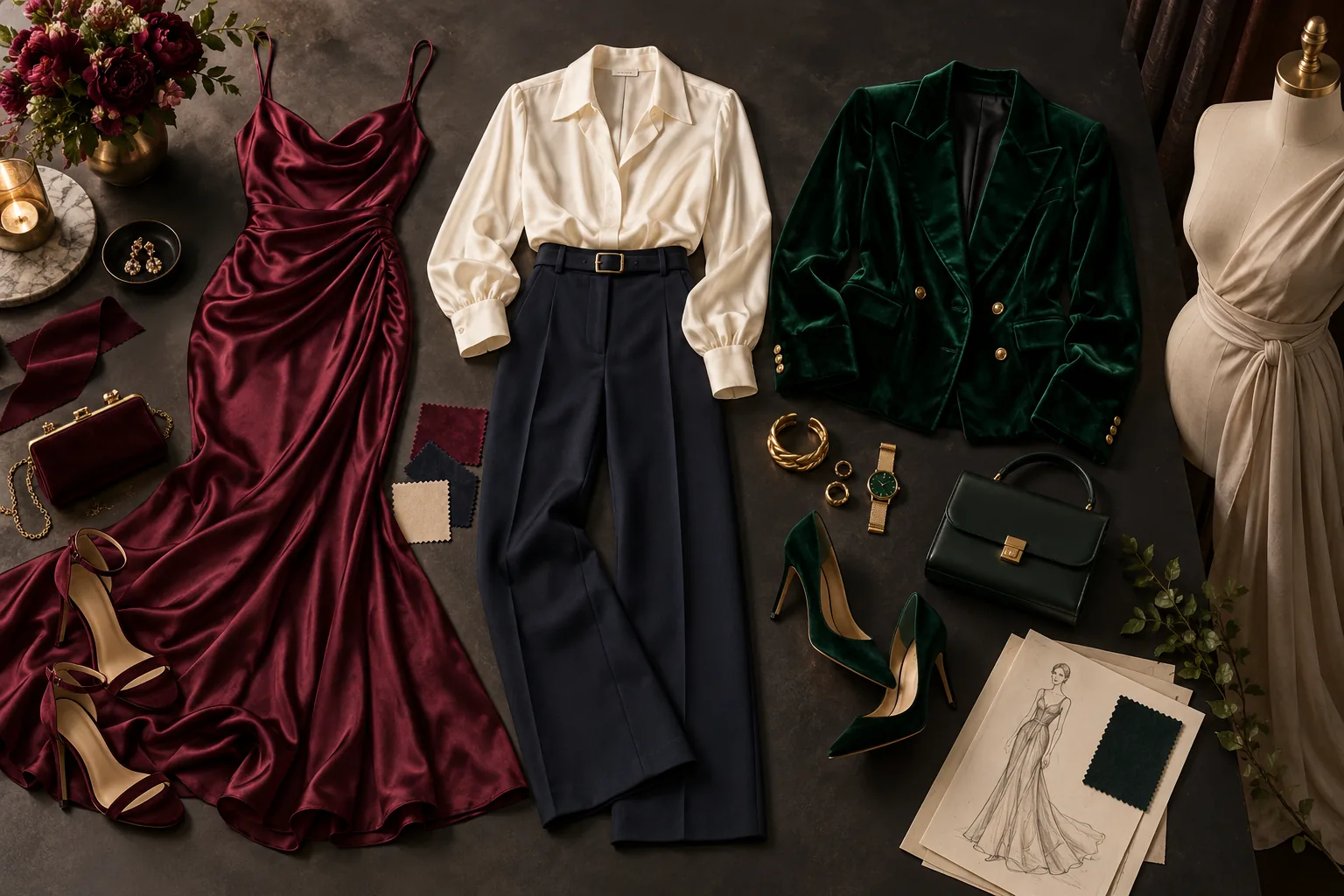
Explore a character’s wardrobe without rebuilding the entire scene: a fitted evening look, a themed costume or a different fabric treatment. Reference editing lets you compare the creative change against the original.

What to change first

Describe the garment, color and fabric explicitly. Keep pose and background steady for the first comparison.

Try this direction

Workflow tutorial

Steps to your first result

  1. 01

    Select the two credentials

    Import the inactive workflow into self-hosted n8n. Select your Telegram credential in both Telegram Trigger and SendPhoto, and the same SpicyAPI credential in Generate Character and Get Character Result.

  2. 02

    Set the allowed chat

    Fill the single allowedChatId with your private chat’s ID. Keep enabled false until the reference, spending limit and output settings are ready.

  3. 03

    Choose the character once

    Set referenceImageUrl to a reachable HTTPS portrait. Prepare Command combines the scene with a shared character instruction and complete-clothing fashion wording; adapt that wording to your own creative direction. This template uses the configured portrait rather than a newly uploaded photo.

  4. 04

    Enable one controlled request

    Set maxCostUsd to a positive per-image limit up to 0.10 USD, then set enabled to true and activate the configured workflow when ready. Send /image followed by a specific scene, such as a café portrait with a cream sweater.

  5. 05

    Review the photo in Telegram

    Get Character Result waits up to 300 seconds and downloads the completed image; only ready files go to SendPhoto. A needs_review result stays in the n8n execution. Task → Get its taskId before another attempt, or inspect the saved execution and console if no ID was recorded.

Try this prompt

Creative example. Adapt it to your own fictional adult character and source image.

/image a quiet hotel balcony at dusk, navy satin jacket, warm lamp light, chest-up portrait
Try this direction

Choose a model for your creative range

Reference editing starts with Qwen Image 2.1; new concepts start with Z-Image Turbo. For a more specific NSFW style, explore compatible LoRA models and the Spicy collection before scaling your batch.

Budget the complete run

Each accepted /image message can submit one image-edit task after the quote check. A second scene request is another task, even if it uses the same portrait. Choose a per-message ceiling using the current Qwen editing price and leave the gate off when you do not want new requests.

If the result is not what you expected

The bot does not answer

Check workflow activation, enabled, allowedChatId and the /image command. Messages from another chat or with another command are deliberately outside this template’s path.

SendPhoto cannot find the file

Keep the download enabled and the SendPhoto binary property at data. Do not put the temporary result URL into a field configured for a binary file.

Before you import

Continue with another workflow

Make the first useful run

Download the template or try the same model in the Playground before connecting the full workflow.