recraft/v4-vector/text-to-image

Generates one SVG logo, badge or flat illustration from a prompt with Recraft V4, Recraft's design-focused vector model.

From $0.096/image

Workbench

Input

Text to image
88/10000
Name the subject, the format (logo mark, badge, flat illustration), the palette and any wordmark in quotes. Up to 10,000 characters; the first sentence carries the most weight. at least 1 characters · at most 10000 characters
1:1 (default), 4:3, 3:4, 3:2, 2:3, 16:9 or 9:16. It sets the canvas proportions of the SVG; the ratio does not change the price.
Safety checkerOff

SpicyAPI does not run a safety checker on this model. Your prompt and media go to the model as written, and the model itself decides what comes back.

Checking your account before enabling submission and pricing.

Output

Ready for a new run
fox-markExample result

Missing the model you need?

Tell us what to add and where you would use it. Requests go to the people who decide what gets onboarded next.

RECRAFT V4 VECTOR API

Recraft V4 Vector API at a glance

Design-grade SVG logos and illustrations from a single prompt.

Native output
SVG
Path-based files, no bitmap inside.
Canvas ratios
7
Square, landscape and portrait from 9:16 to 16:9.
Per file
~17–28 s
Simple marks were faster than dense illustrations in our runs.

Results

What you can make with Recraft V4 Vector

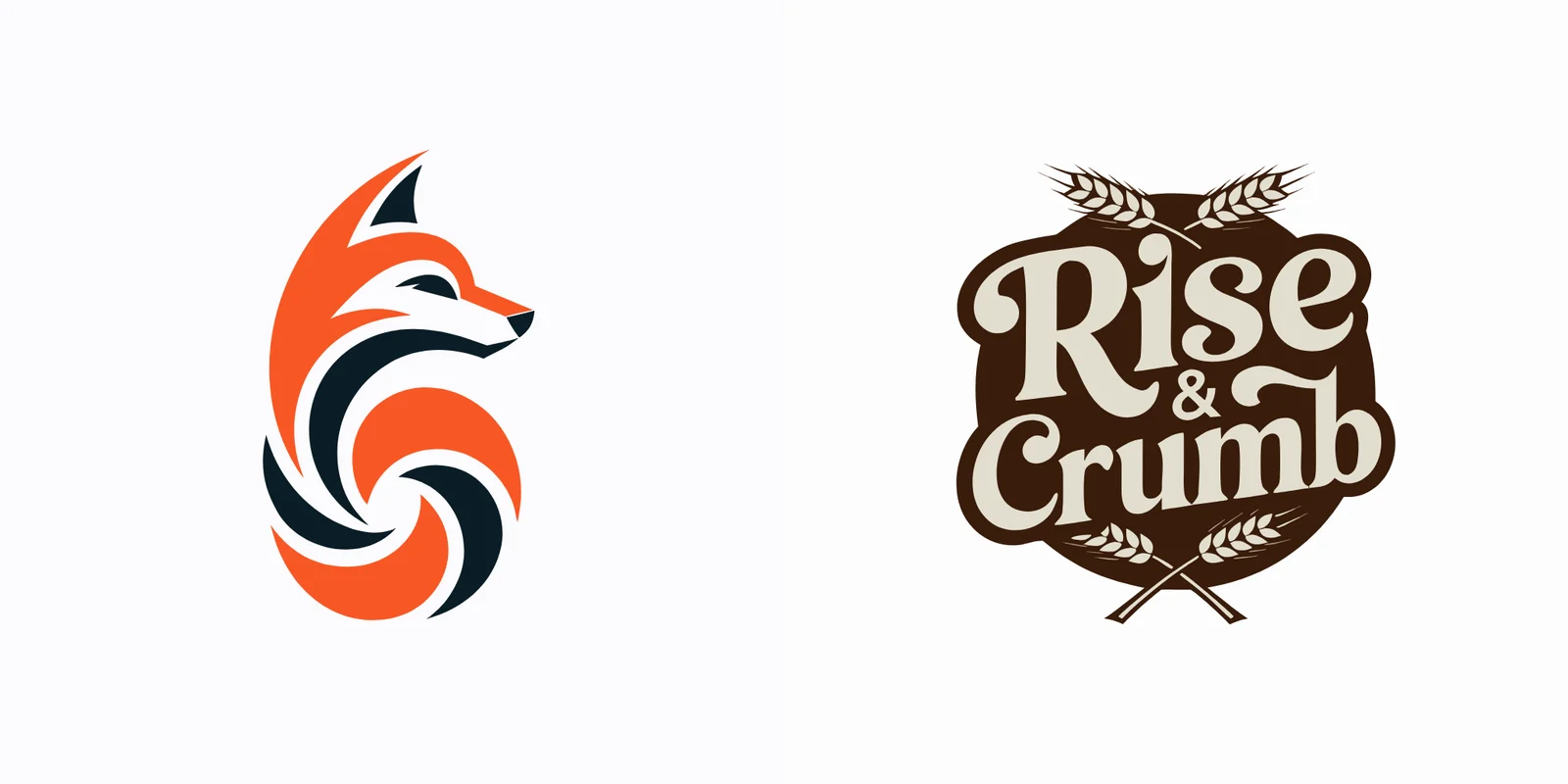
  • Rendered previews of two Recraft V4 Vector outputs: an orange and charcoal fox mark and a Rise & Crumb bakery badge.

    Brand marks

    A fox mark and a bakery badge, both editable

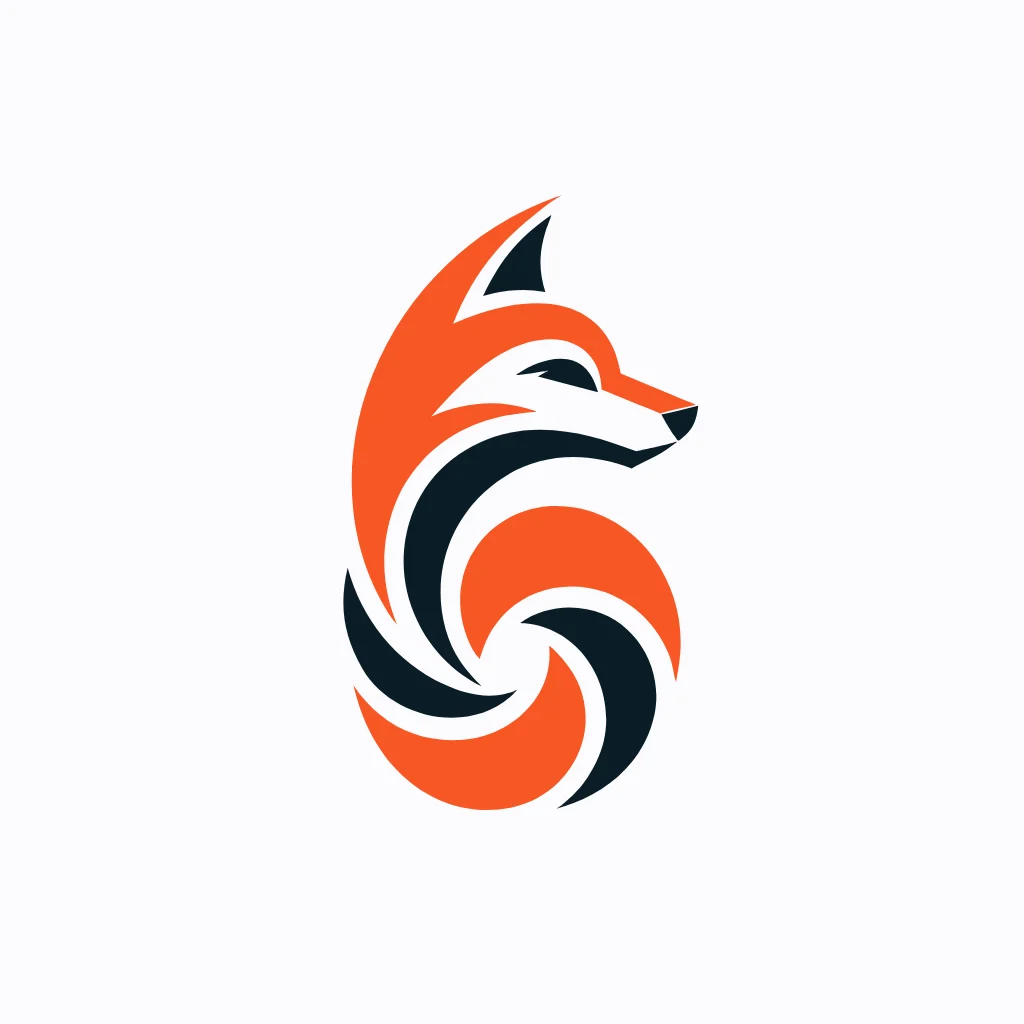
    Left: a two-colour fox built from 18 shapes. Right: a vintage bakery badge with the name Rise & Crumb lettered in and wheat stalks framing it, 124 shapes in cream and brown. Both opened in a vector editor with every element selectable.

More clips made with Recraft V4 Vector

  • Rendered preview of the fox logo mark SVG.
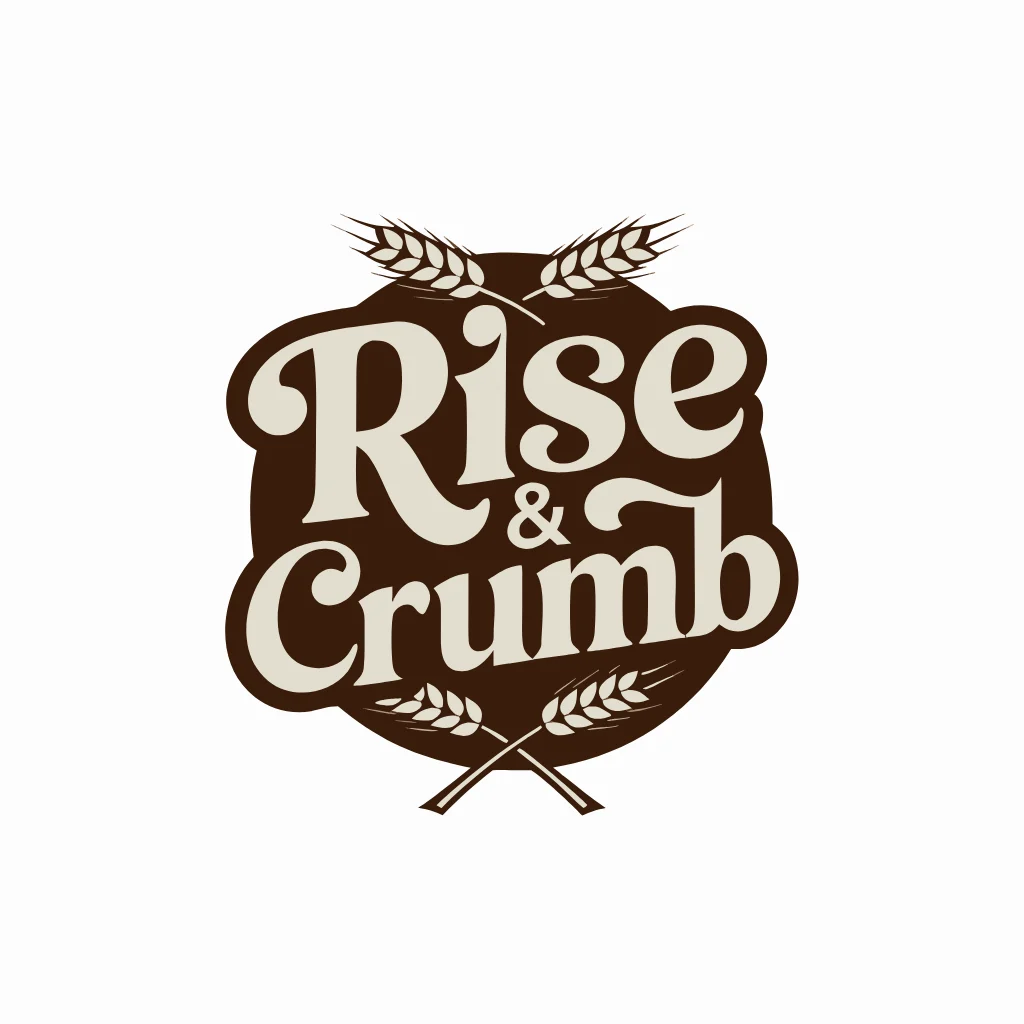
  • Rendered preview of the Rise & Crumb bakery badge SVG.
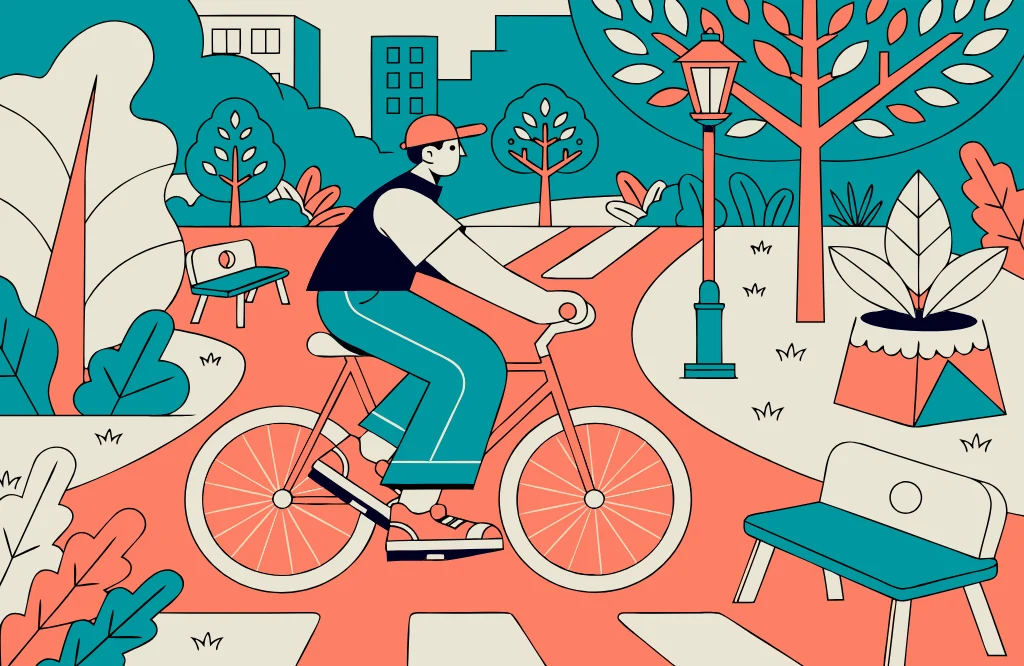
  • Rendered preview of a flat park scene with a cyclist in teal and coral.

Before you run it

What to know before you run Recraft V4 Vector

Text to image
There is no colour-count or palette parameter; name the colours in the prompt. Long phrases can be misspelt or simplified, so keep lettering short and proofread it.
Text to image
Dense scenes produce large files: a park illustration came back with 365 shapes and about 200 KB, compared with roughly 24 KB for a simple mark.
All modes
Only design marks you are entitled to use; a generated logo is not checked against existing trademarks.

Use cases

What to build with the Recraft V4 Vector API

  • Logo exploration

    Generate several marks for a new product or shop, then take the strongest one into a vector editor to finish.

  • Flat editorial illustration

    Produce spot illustrations for blogs, landing pages and slide decks that stay sharp on any screen.

  • Print-ready graphics

    Make badges, labels and packaging art as vectors that a printer can scale without loss.

Prompts

Recraft V4 Vector prompt examples you can copy

Paste one into the playground as it is, then change one thing at a time.

  • Text to image

    Name the format and quote the wordmark

    Vintage circular badge logo for a bakery called "Rise & Crumb", crossed wheat stalks, warm cream and brown palette

    Why it works. Opening with the format (circular badge logo) set the layout, the shop name in quotes was lettered as part of the badge, and the palette kept it to two colours.

    Try this prompt
  • Text to image

    A scene in two named colours

    Flat vector illustration of a cyclist riding through a city park in spring, teal and coral palette, clean shapes

    Why it works. Flat vector illustration plus clean shapes kept every element as a solid fill, and teal and coral were followed across the whole scene.

    Try this prompt

Pricing

Recraft V4 Vector API pricing

One image starts at $0.096.

The playground shows the exact price for your settings before you run. Failed or timed-out tasks are usually not charged. Some models charge for content refusals as stated on their model page; check those billing terms before submitting.

See every price tier

Get started

How to use the Recraft V4 Vector API in three steps

  1. Step 1

    Write the brief

    Describe the subject, the style (logo mark, badge, flat illustration) and the colours. Put any wordmark in quotes.

  2. Step 2

    Choose a ratio

    Pick aspect_ratio: 1:1 suits marks and badges, 3:2 or 16:9 suits scenes and banners.

  3. Step 3

    Edit the SVG

    Download the .svg and open it in Figma, Illustrator or Inkscape to adjust colours, spacing and type.

Parameter reference and code samples are in the API and Readme tabs at the top of this page.

Why SpicyAPI

Why run Recraft V4 Vector on SpicyAPI

  • No filter from us

    We add no content filter of our own. What the model renders is what you get back.

  • Tested, not guessed

    Content labels come from real generations we ran and checked, with the test date on the page.

  • Pay per result, in dollars

    No subscription and no credits. Failed or timed-out tasks are usually not charged. Some models charge for content refusals as stated on their model page; check those billing terms before submitting.

  • One key for every model

    One API key and balance cover image, video, audio and chat models, so you can explore more models from the same account.

FAQ

Recraft V4 Vector API FAQ

About Recraft V4 Vector

Recraft V4 Vector is the choice when the vector itself is the deliverable: brand marks, badges and flat illustrations you will keep editing. One prompt in, one SVG out, billed per file.

All Recraft models2

Related models and next tasks