Turn a frozen watch shot into a magazine ad
- Model
- Qwen Image 3.0 Pro
- Task
- Image editing
- Resolution
- 1k
- Aspect ratio
- 3:4
Output
Input
image_urls
Swap in your own when you run it.
PromptEN303 characters
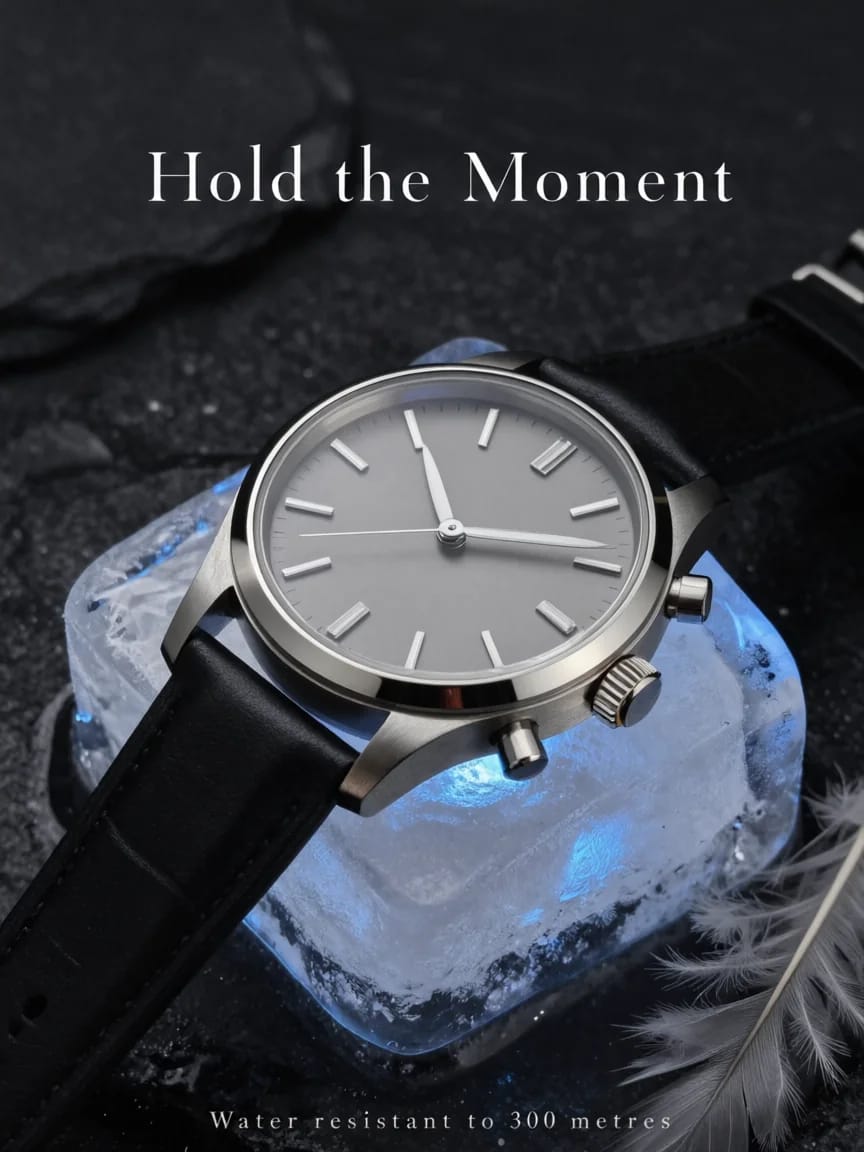
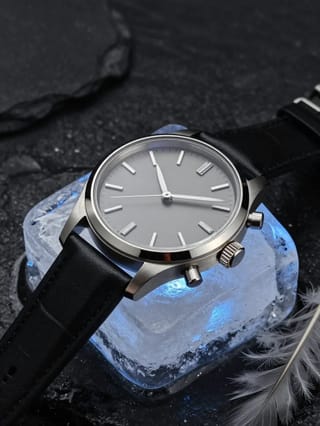
Keep the watch, the ice block, the stone and the lighting exactly as they are. Turn the frame into a print advertisement: add the headline 'Hold the Moment' in a refined serif across the empty space above, and a small caps line 'Water resistant to 300 metres' along the bottom edge. Change nothing else.Written in English, exactly as we sent it.
Run this example
Checking the price…
Opens the playground with every setting filled in and shows the exact price before you run.
Same model, starting from this prompt. Other settings use their defaults.
Why this prompt works
The instruction protects the product completely — watch, ice, stone and light named untouchable — and only adds two quoted lines of type: a serif headline in the empty sky, small caps along the bottom. `aspect_ratio` is 3:4 and `resolution` 1k, a vertical frame that already leaves room above the watch.
Settings used
| Setting | Value | What it does |
|---|---|---|
| resolution | 1k | 1k or 2k, default 2k. It is the tier choice that changes the price; each reference image in image_urls also adds to the quote. It sets the delivered tier and cannot recover detail the source never had. |
| aspect_ratio | 3:4 | Applies to the result, not to the sources, so a reference of a different shape comes back reshaped. Match it deliberately when the original framing has to survive. |