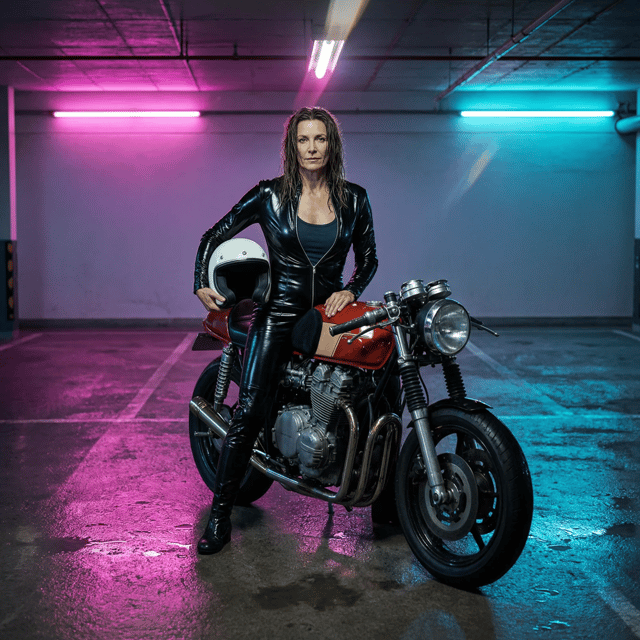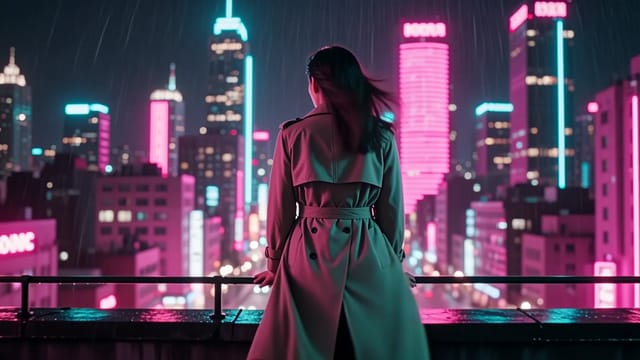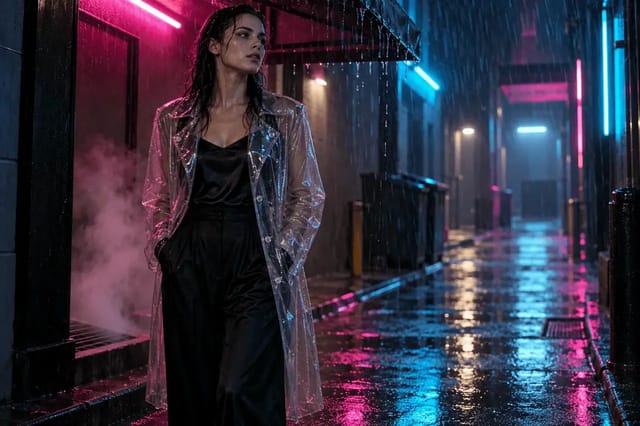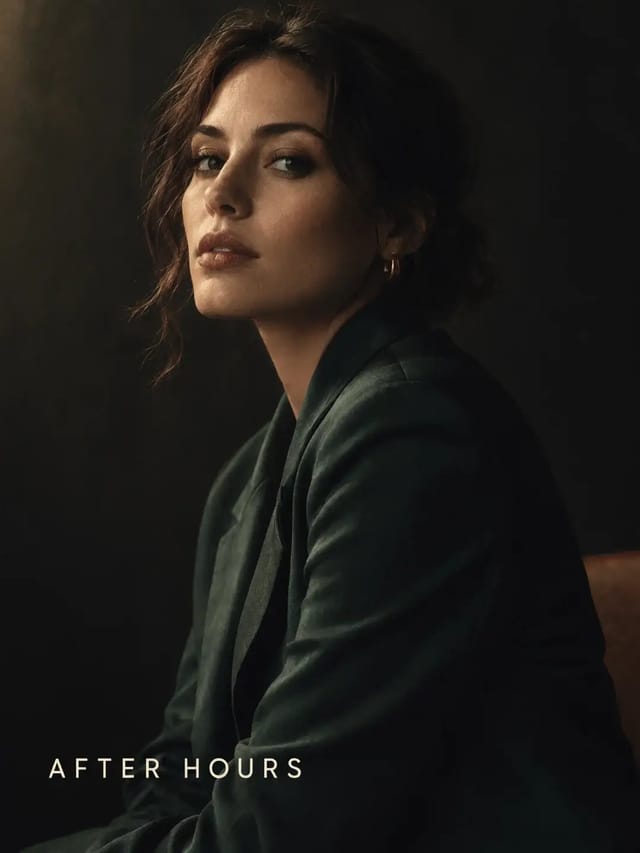
Merge a portrait and a storefront, then retype the sign
- Model
- Qwen Image 3.0
- Task
- Image editing
- Resolution
- 2k
- Aspect ratio
- 3:4
Output
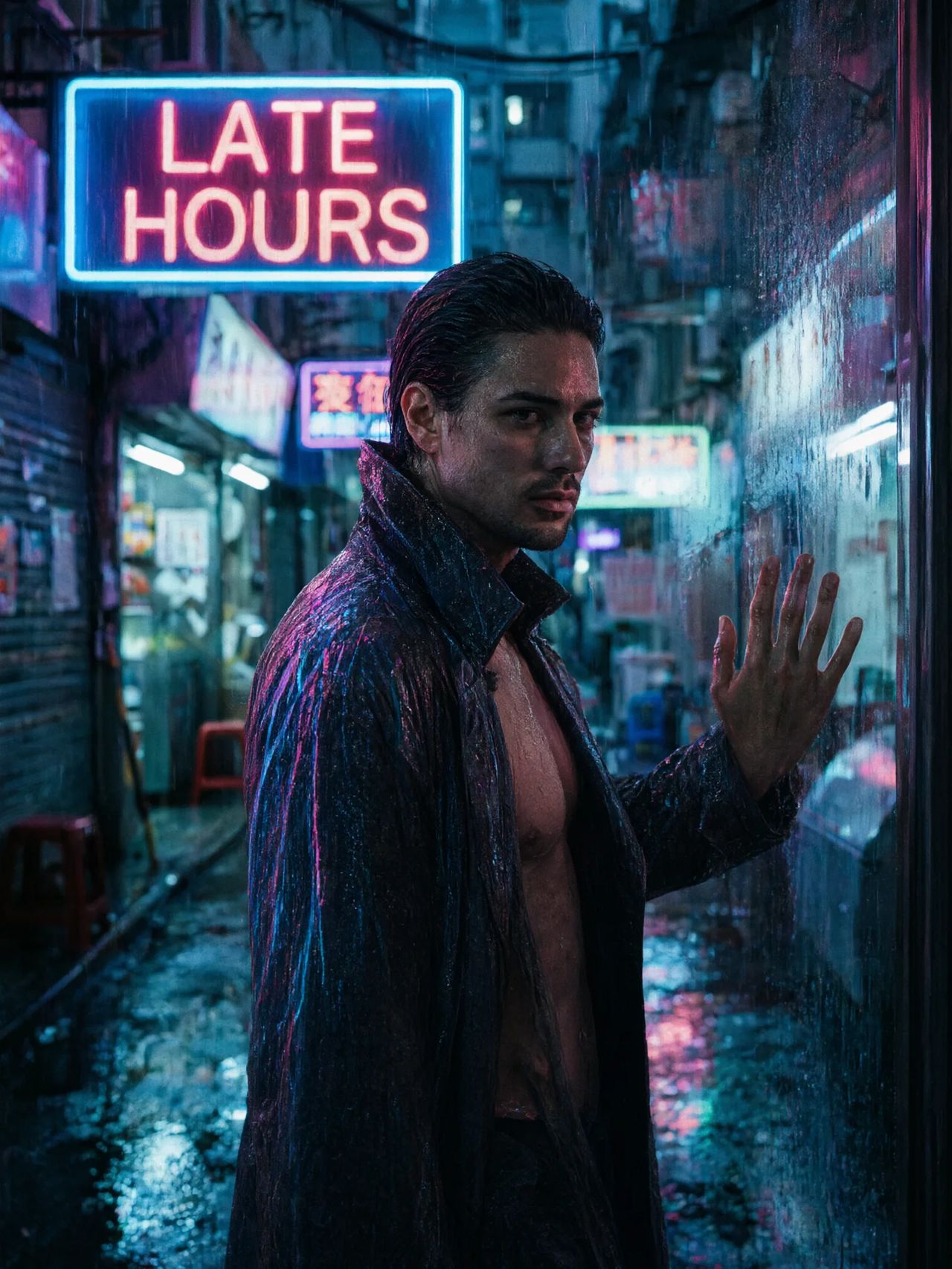
Input
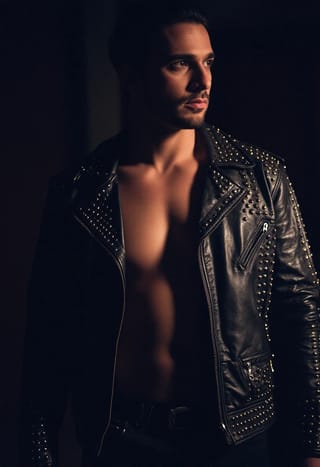
image_urls 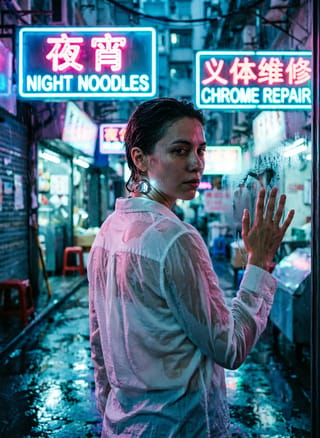
image_urls
Swap in your own when you run it.
PromptEN395 characters
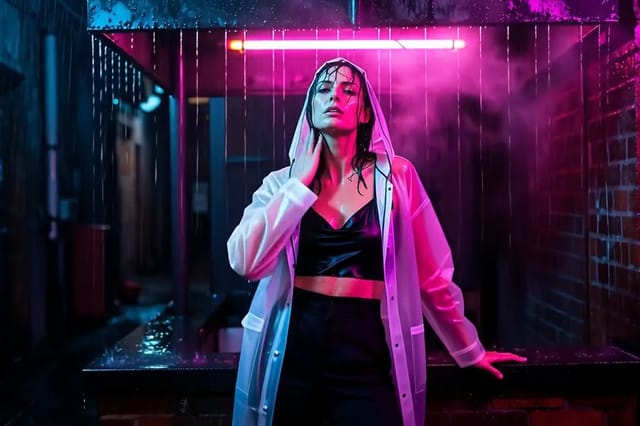
Cast: one man. Merge these two references into one frame: place the figure from Image 1 in the doorway of the storefront from Image 2, at night in the rain, neon running down a wet overcoat, and change the shop sign to read LATE HOURS. The soaked overcoat clings and hangs open over bare skin, collar turned up against the rain, medium close. Cinematic, shallow depth of field, heavy film grain.Written in English, exactly as we sent it.
Run this example
Checking the price…
Opens the playground with every setting filled in and shows the exact price before you run.
Same model, starting from this prompt. Other settings use their defaults.
Why this prompt works
Two jobs in one call: merge references through `image_urls`, a figure from one and a storefront from the other, then retype the shop sign while doing it. That combination is the useful case, because a merge that cannot also handle lettering leaves you compositing the sign back on by hand. Rain and neon running down a wet overcoat give the seam between the two sources somewhere to hide - and somewhere to fail visibly if the light directions disagree.
Settings used
| Setting | Value | What it does |
|---|---|---|
| resolution | 2k | 1k or 2k, default 2k. It is the tier choice that changes the price; each reference image in image_urls also adds to the quote. It sets the delivered tier and cannot recover detail the source never had. |
| aspect_ratio | 3:4 | Applies to the result, not to the sources. A reference that is not the ratio you set comes back reshaped, so match it deliberately when you want the original framing kept. |