 Preview blurred
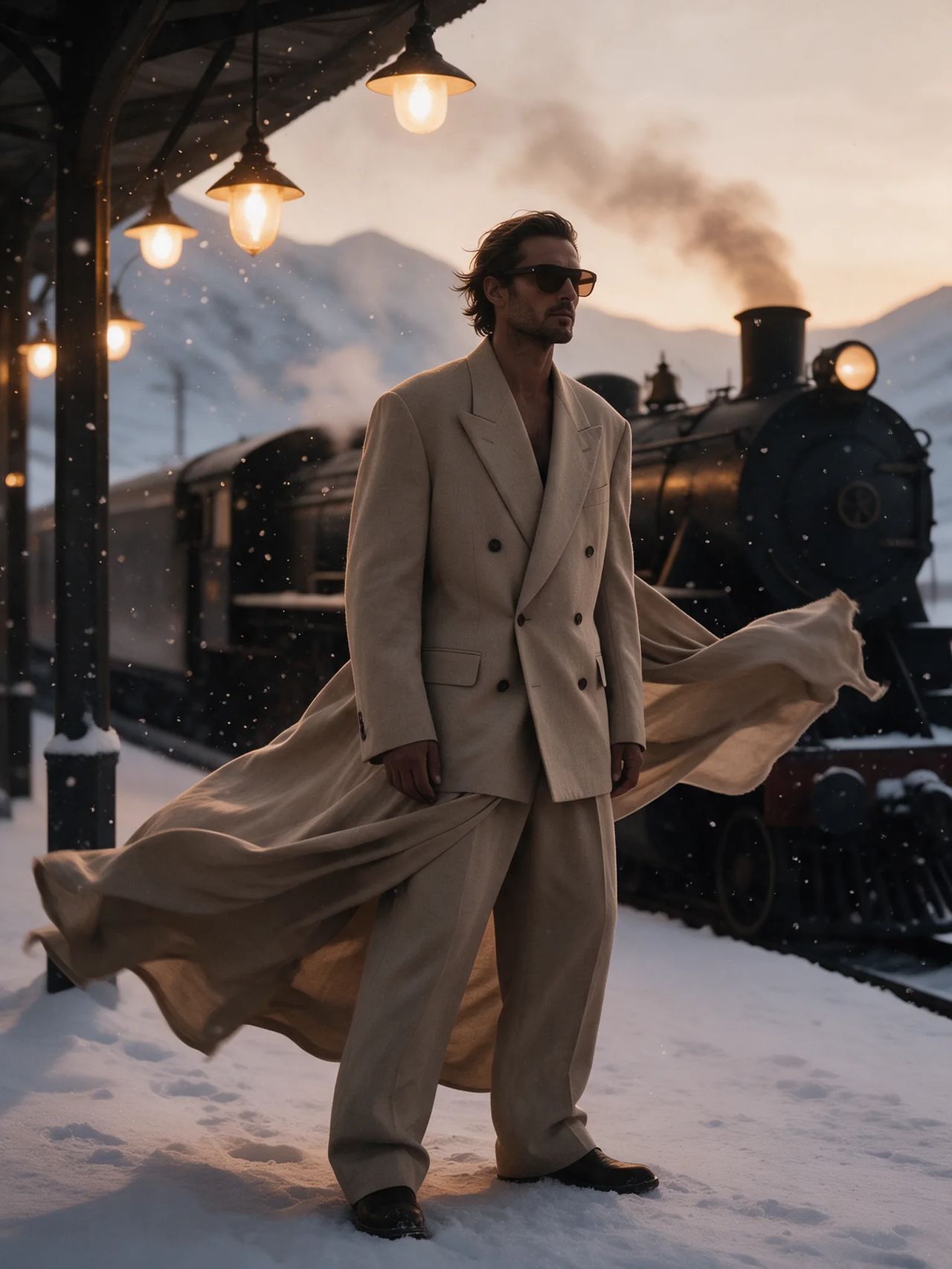
Move a desert suit editorial into a snowbound station
- Model
- Seedream 5.0 Pro
- Task
- Image editing
- Resolution
- 2k
- Aspect ratio
- 3:4
Output
Input
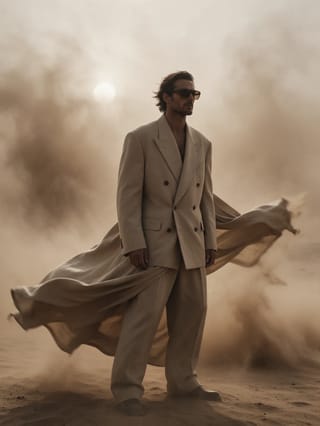
image_urls
Swap in your own when you run it.
PromptEN270 characters
Keep the man, his suit, his dark glasses and his pose exactly as they are. Move him onto the platform of a snowbound mountain railway station at dusk, a steam locomotive and hanging lamps behind him, snow drifting through the light. Match the new lighting on the fabric.Written in English, exactly as we sent it.
Run this example
Checking the price…
Opens the playground with every setting filled in and shows the exact price before you run.
Same model, starting from this prompt. Other settings use their defaults.
Why this prompt works
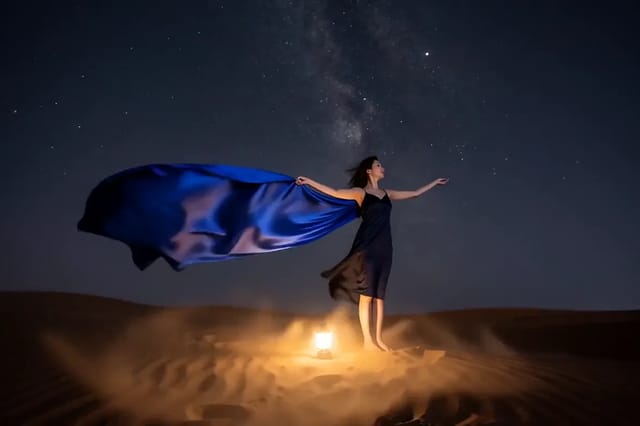
The man, suit and dark glasses are named fixed, pose included; only the setting and its light change — a desert dust storm becomes a snowbound station at dusk. The one added instruction, 'match the new lighting on the fabric', shows in the result: the same wind-caught drape now carries a warm lamp glow. `resolution` is 2k.
Settings used
| Setting | Value | What it does |
|---|---|---|
| resolution | 2k | 1k, 1.5k or 2k; 2k by default. The tier sets both the pixel count and the price band, so it is not just a sharpness knob: 1.5k carries roughly twice the pixels of 1k and costs less than 2k. |
| aspect_ratio | 3:4 | auto by default: the output takes the supported ratio closest to the first reference image, so a portrait source stays a portrait. Name one of the fifteen fixed ratios, from 1:3 to 3:1, when the placement dictates the shape. |
| output_format | png | jpeg by default, or png. png is lossless and the safer handoff into further retouching; it changes only the delivered file, not the image that was generated. |
More Seedream 5.0 prompts
All Seedream 5.0 prompts- Preview blurred
 Preview blurred
 Preview blurred