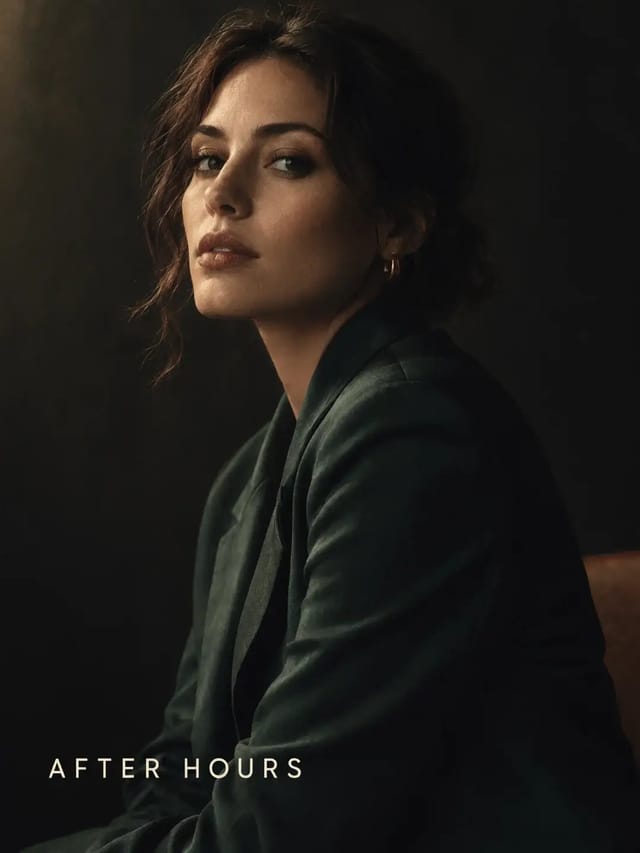
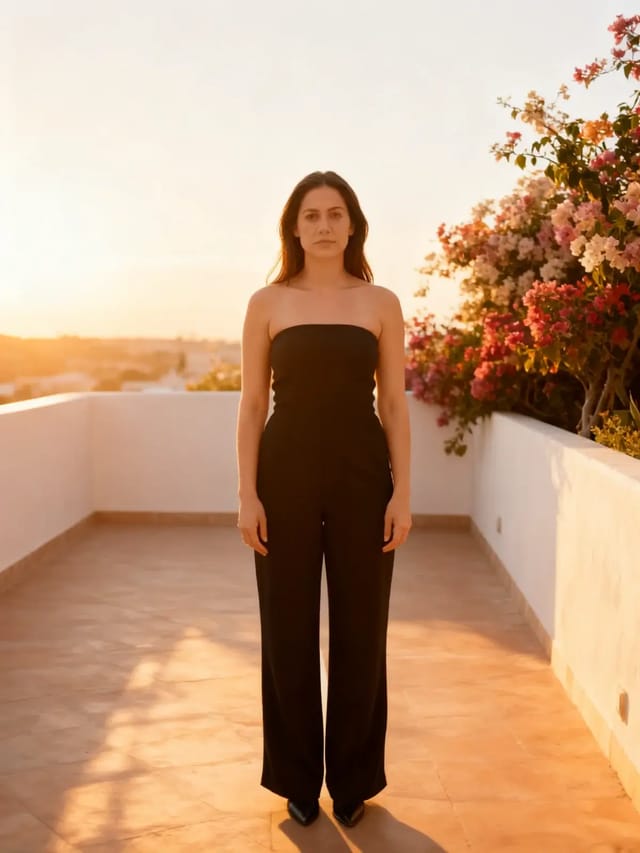
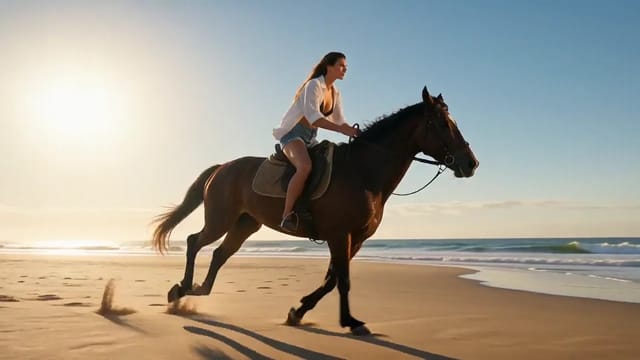
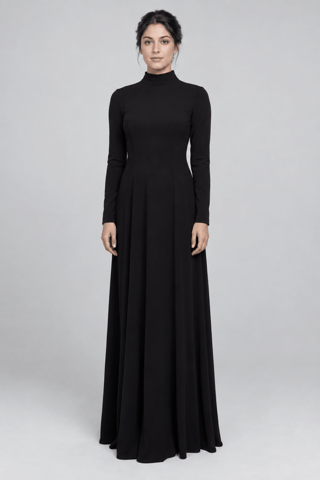
Take the camera behaviour from Video 1 — a slow handheld orbit — and apply it to the woman in Image 1, standing in an empty studio. Keep her face and outfit from Image 1. Soft top light, quiet room.
Same model, starting from this prompt. Other settings use their defaults.
Why this prompt works
The reference clip is a bottle turning under a spotlight, a different subject — the point: `reference_video_urls` carries only the camera's handheld orbit. `reference_image_urls` supplies the woman's face and dress in an empty studio the prompt never describes. Over `duration_seconds` `5` the frame drifts flat-on to three-quarter, keeping the source clip's unsteady feel.
Settings used
Setting
Value
What it does
resolution
720p
480p, 720p or 1080p. Defaults to 720p. Resolution changes both the price and how long the task takes to come back.
duration_seconds
5
Any whole number from 2 to 30, or -1 for smart duration. Defaults to 5. With reference videos, their total length plus this value must stay within 30 seconds, and those seconds are billed on top of the output. Settle the look at 5 seconds before extending.
 Preview blurred