The workflow opens with missing nodes
Start with the missing node's name. SpicyAPI model nodes come from our custom node pack. A checkpoint loader, sampler or another vendor's helper belongs to a different part of the graph.
- 1.
Install the pack in the running ComfyUI instance
The comfyui-spicyapi folder belongs inside that instance's custom_nodes directory. A second desktop or portable installation has its own directory; installing into the other one will not add nodes to this canvas. Import the templates linked here onto the canvas. For the local ComfyUI API, use Export (API) from that graph rather than submitting the canvas JSON unchanged.
- 2.
Restart the backend, then check startup logs
Restart ComfyUI after installation or an update. Refreshing the browser alone does not reload Python node classes. An import error in the startup log points to a loading problem; update ComfyUI and the pack together when the V3 node API is missing.
- 3.
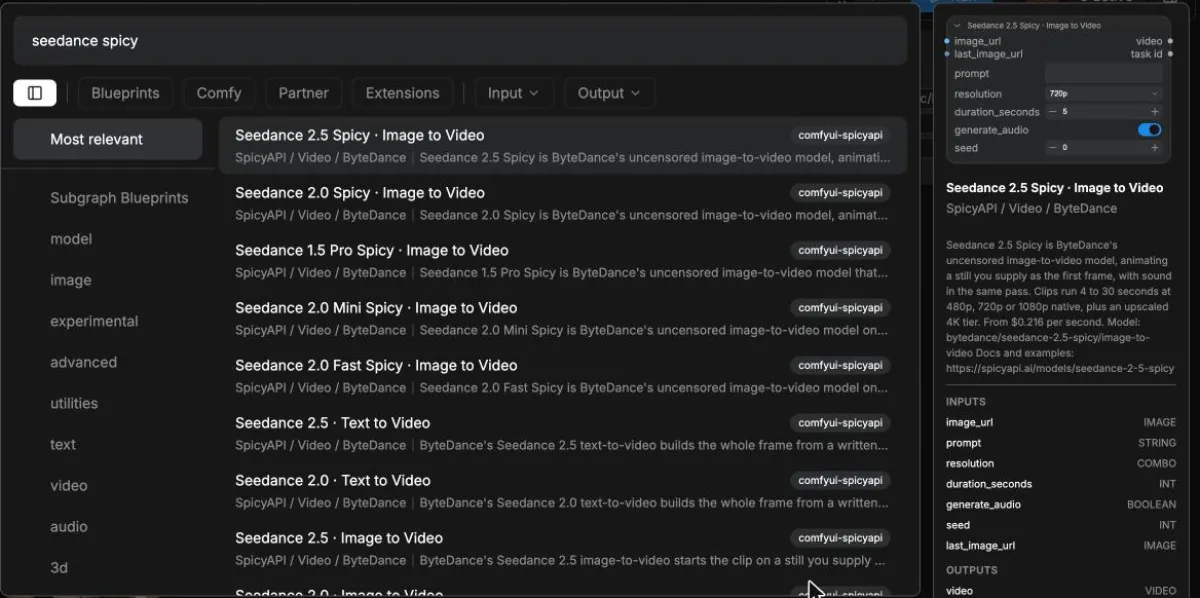
Search the model name on an empty canvas
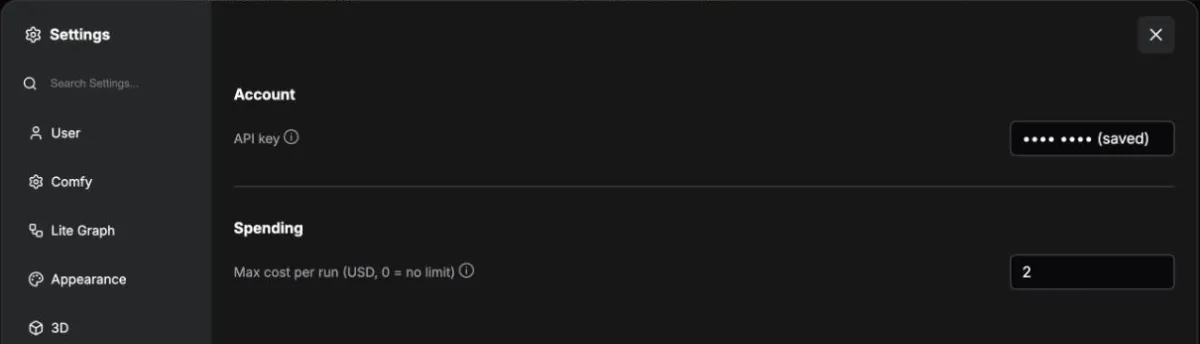
Search for SpicyAPI or the model name. If the pack appears but a newly added model does not, configure your key and restart so the node list can refresh from your account. For a third-party missing node, check that node's own package rather than adding model weights at random.
What success looks like
The model appears in node search, and the imported graph no longer shows it as unknown. Reconnect any links that an earlier placeholder lost.