Introduction
Write action, camera, and quoted dialogue to render 4–30 s 1080p scenes with synchronized stereo AAC audio or silent video.
| Field | Value |
|---|---|
| Input | Text |
| Output | Video |
| Publisher | Sand.ai |
| Official release | 2026-11-24 |
| Endpoints | text-to-video, image-to-video, reference-to-video |
| Duration | 4–30 whole seconds; default 5 seconds |
| Resolution & frame rate | 1080p class (1920x1080 at 16:9, 1248x1664 at 3:4); MP4 H.264 at 25 fps |
| Aspect ratios | 16:9, 9:16, 1:1, 4:3, 3:4, 21:9 (image-to-video defaults to auto closest match) |
| Audio | 44.1 kHz stereo AAC on by default; disable to output a silent video-only MP4 at the same rate |
| Image-to-video inputs | Required opening image; optional closing image and optional prompt |
| Reference-to-video inputs | Required prompt; up to 10 images, up to 5 videos (30 s total), and up to 5 audio clips (30 s total) |
| Reproducibility | Optional integer seed from 0 to 2147483647 |
Key features & highlights
Long-take 35mm atmosphere with synchronized ambience
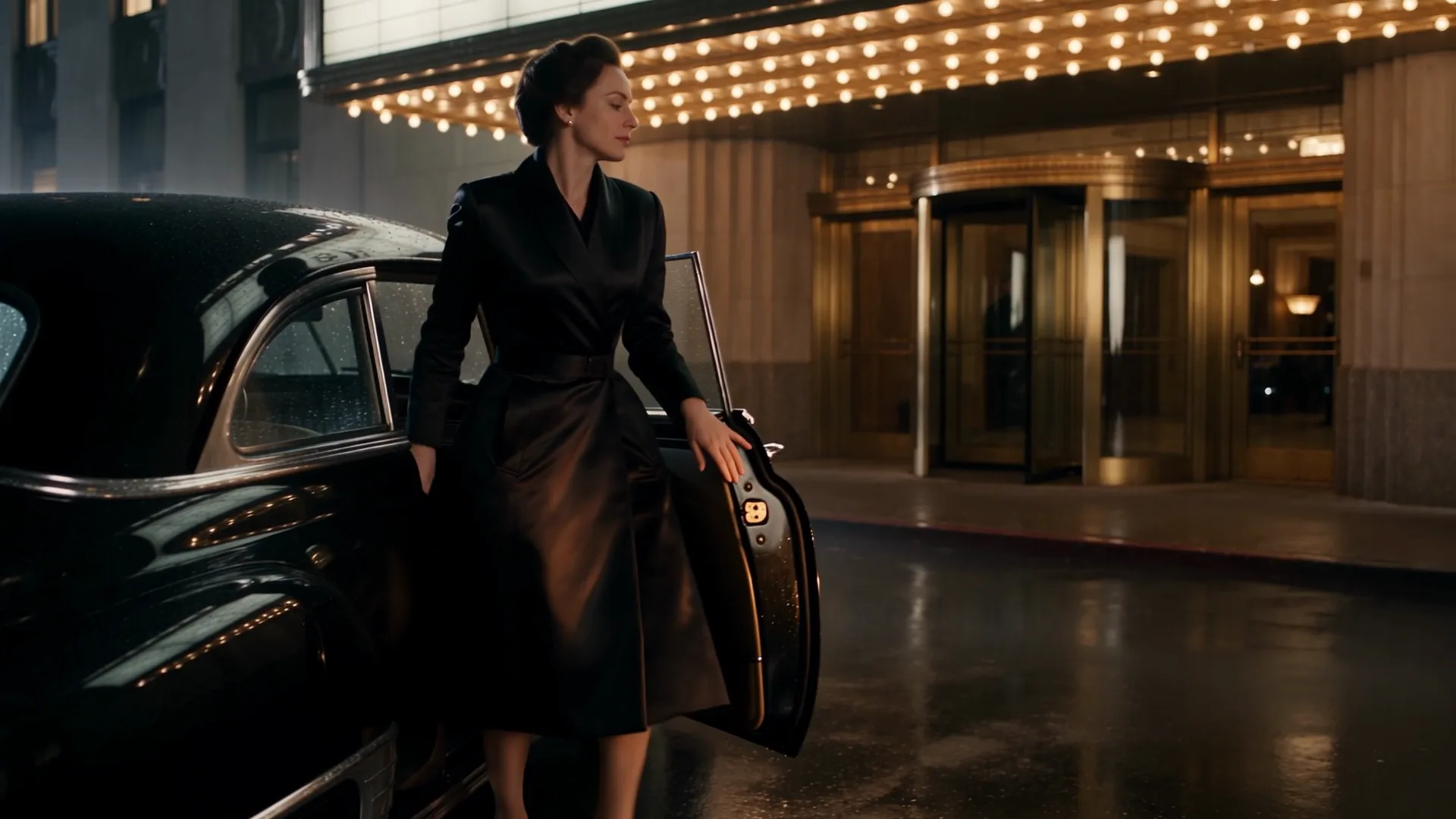
From a single written brief, MAGI-2 tracks a woman stepping from a vintage coupe under wet hotel marquee lights in 1920x1080, pairing rain reflections with subtle rain patter and distant jazz.
Quoted speech and kitchen foley locked to picture
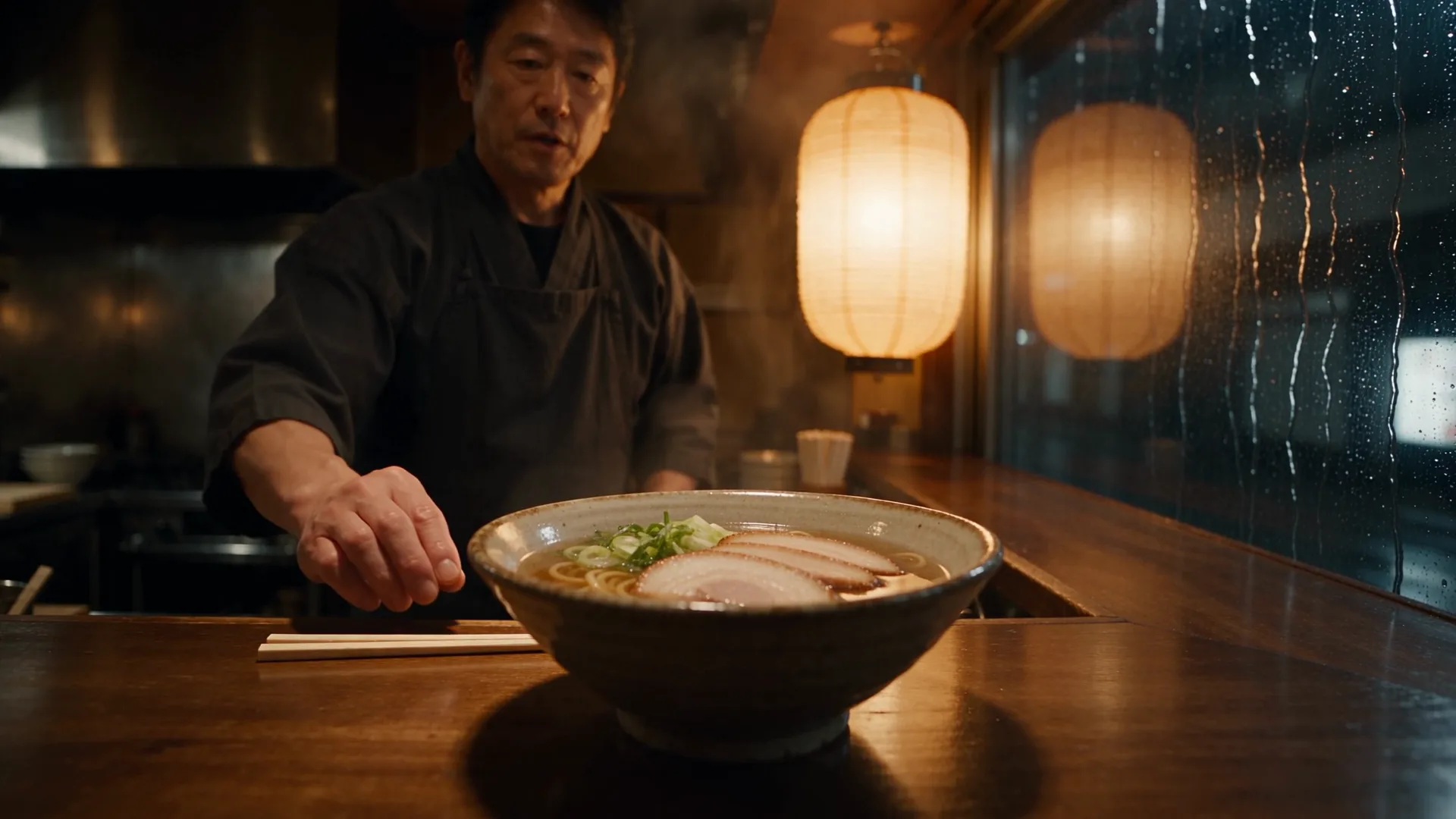
Place spoken lines inside quotation marks to trigger synchronized speech alongside room ambience. Here the ramen chef sets down chopsticks and delivers his calm line as steam curls past the rain-streaked glass.
Bridge two distinct stills in one continuous camera move
Supply both an opening portrait and a closing destination frame to stage seamless match-cut transitions. Omitting the frame ratio lets MAGI-2 snap automatically to the closest portrait geometry (1248x1664).
Combine identity, camera pacing, and audio rhythm at once
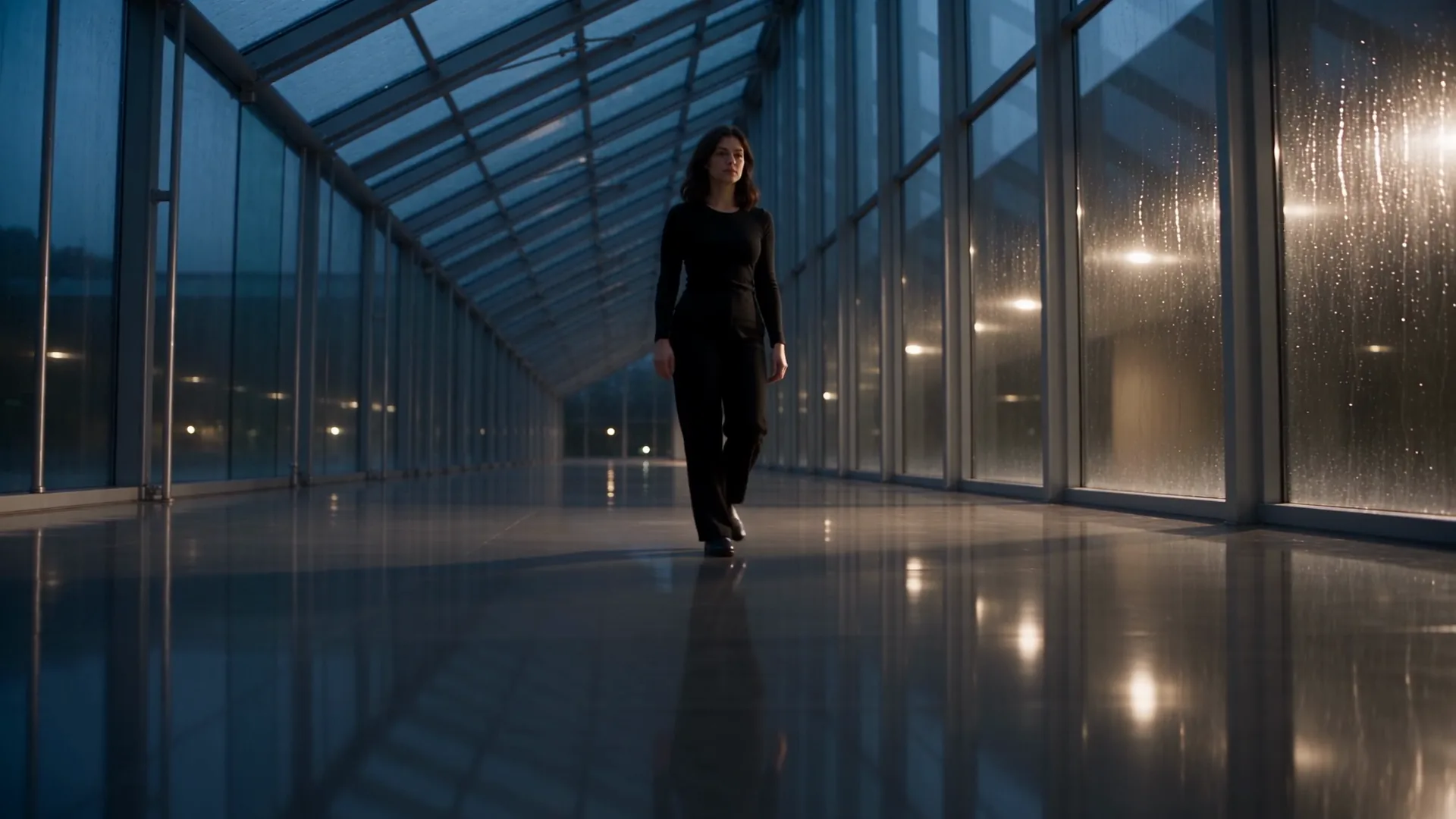
Reference-to-video ingests images, motion clips, and sound tracks together without adding surcharges. Subject appearance comes from the still, low-angle tracking from the video, and stride cadence from the audio clip.
Request parameters
| Parameter | Required | Description |
|---|---|---|
prompt | Yes | Required scene brief up to 15,000 characters; describe framing, motion, lighting, ambience, and place spoken dialogue in quotation marks. at least 1 characters · at most 15000 characters |
aspect_ratio | No | Select 16:9 (default), 9:16, 1:1, 4:3, 3:4, or 21:9. Frame ratio does not change the per-second rate. |
generate_audio | No | Defaults to true for 44.1 kHz stereo AAC audio. Setting false omits the audio track cleanly at the same per-second rate. Default: |
duration_seconds | No | Whole seconds from 4 to 30 (default 5). Directly determines the total charge; billing settles on requested whole seconds. |
seed | No | Optional integer from 0 to 2147483647 for repeatable exploration; omit for a random seed. |
Pricing
$0.096 / second
Billed strictly per requested whole second (4–30 s). Aspect ratio, seed, and turning audio off do not change the per-second rate. Safety refusals are not charged.
Use cases
Narrative scene pre-visualization
Block 10–30 second 1080p shots with spoken dialogue, camera moves, and environmental sound before principal photography.
Match-cut wardrobe and location transitions
Feed an opening studio still and a target location still into image-to-video to animate clean editorial transitions.
Multi-reference commercial storyboards
Lock character likeness with stills, borrow camera cadence from reference clips, and sync motion to a supplied audio track.
Silent B-roll plates for custom sound design
Turn off audio generation when your edit bay plans to lay down bespoke foley and score over clean H.264 footage.
Prompt guide & pro tips
Pick the mode that matches your assets
Start with text-to-video for pure prompts, image-to-video for first or first-and-last frames, or reference-to-video for mixed image, video, and audio inputs.
Draft at 4–5 seconds before scaling to 30
Because MAGI-2 charges per requested second and complex renders take several minutes, verify composition on a 4-second clip before ordering 15–30 seconds.
Label every reference role clearly
Tag uploaded files as @
image_1, @video_1, and @audio_1in upload order, or state clearly what each reference supplies for identity, camera motion, and rhythm.Quote dialogue and separate sound cues
Put spoken lines inside quotation marks and describe ambience, foley, and music explicitly so the stereo AAC track locks cleanly to on-screen action.
Overview
MAGI-2 Text to Video renders native 1080p footage at 25 fps directly from a written brief, supporting continuous durations from 4 to 30 whole seconds. Synchronized stereo AAC audio is enabled by default so dialogue in quotation marks, foley, and ambient music match on-screen action in a single pass.
Choosing a MAGI-2 endpoint
| Starting material | Endpoint |
|---|---|
| Written scene or script | MAGI-2 Text to Video (this page) |
| Opening frame, with optional closing frame | MAGI-2 Image to Video |
| Reference images, videos, and audio clips | MAGI-2 Reference to Video |
Writing strong prompts
- Lead with framing, lens feel, and location before detailing subject movement.
- Put spoken lines in double quotes and name the speaker so voice timing locks cleanly.
- Specify sound layers explicitly (rain, glassware, muffled jazz) or set
generate_audiotofalsefor silent B-roll. - Draft at 4 or 5 seconds before ordering 15–30 second shots.
API quick start
# Generate the idempotency key once; reuse it when retrying after a lost response.
export SPICY_IDEMPOTENCY_KEY="${SPICY_IDEMPOTENCY_KEY:-$(uuidgen)}"
curl -X POST https://api.spicyapi.ai/api/v1/jobs/createTask \
  -H "Authorization: Bearer $SPICY_API_KEY" \
  -H "Content-Type: application/json" \
  -H "Idempotency-Key: $SPICY_IDEMPOTENCY_KEY" \
  -d '{
  "model": "sand-ai/magi-2/text-to-video",
  "input": {
    "prompt": "A slow aerial shot drifting over a misty pine forest at sunrise",
    "aspect_ratio": "16:9",
    "duration_seconds": 5
  }
}'

# Copy data.taskId from the response into TASK_ID, then poll the status.
TASK_ID="TASK_ID_FROM_RESPONSE"
curl "https://api.spicyapi.ai/api/v1/jobs/recordInfo?taskId=$TASK_ID" \
  -H "Authorization: Bearer $SPICY_API_KEY"
See the API reference for authentication, the complete schema, polling, and error handling.