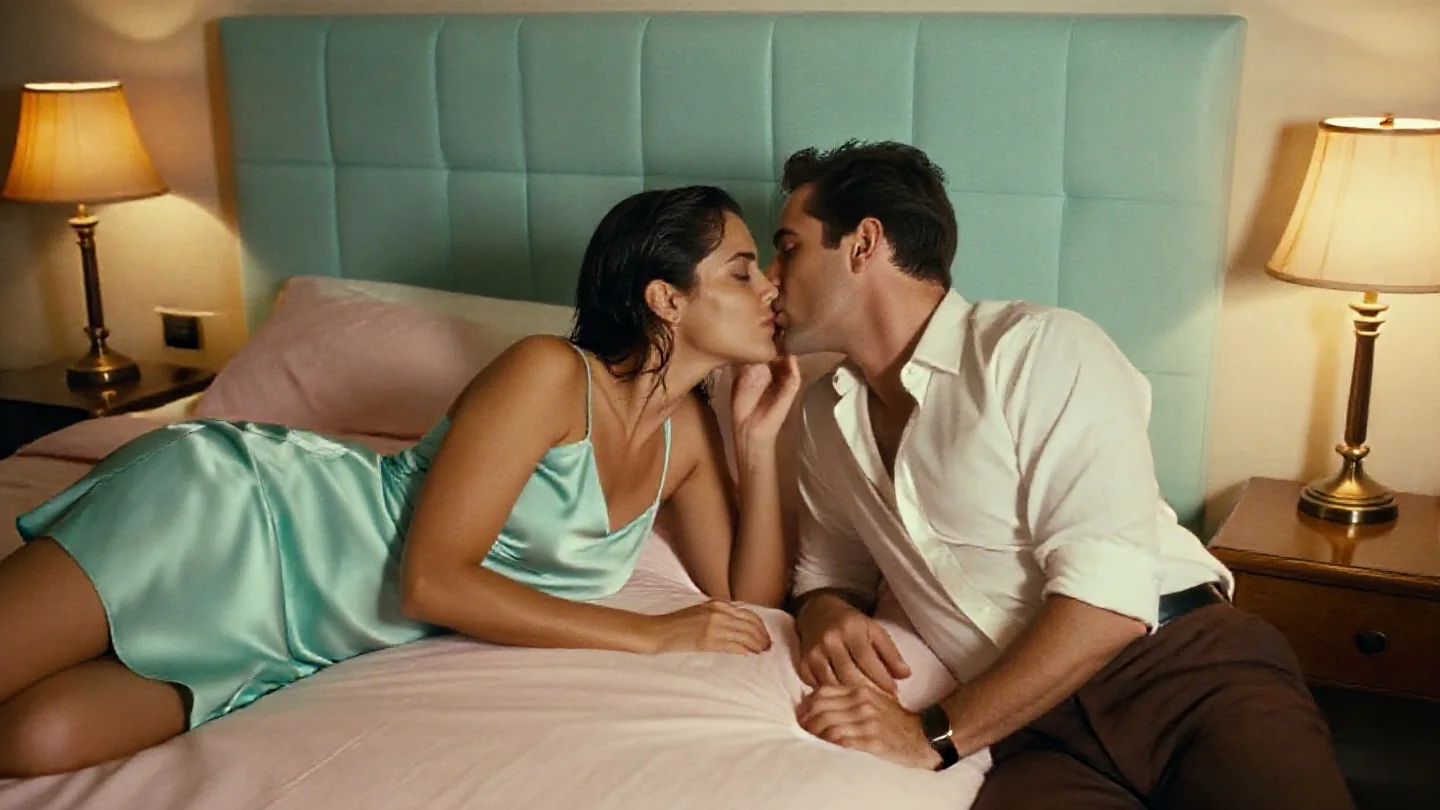
Instruction editing on Pruna AI's P-Image-Edit with up to five source images and an optional LoRA. Change outfits, light and framing, or combine people from several photos, in a few seconds and without a filter.
Workbench
These examples were written for this endpoint. Replace the prompt and sample media URLs with your own accessible inputs, then check the current quote and model availability before submitting.
 Output
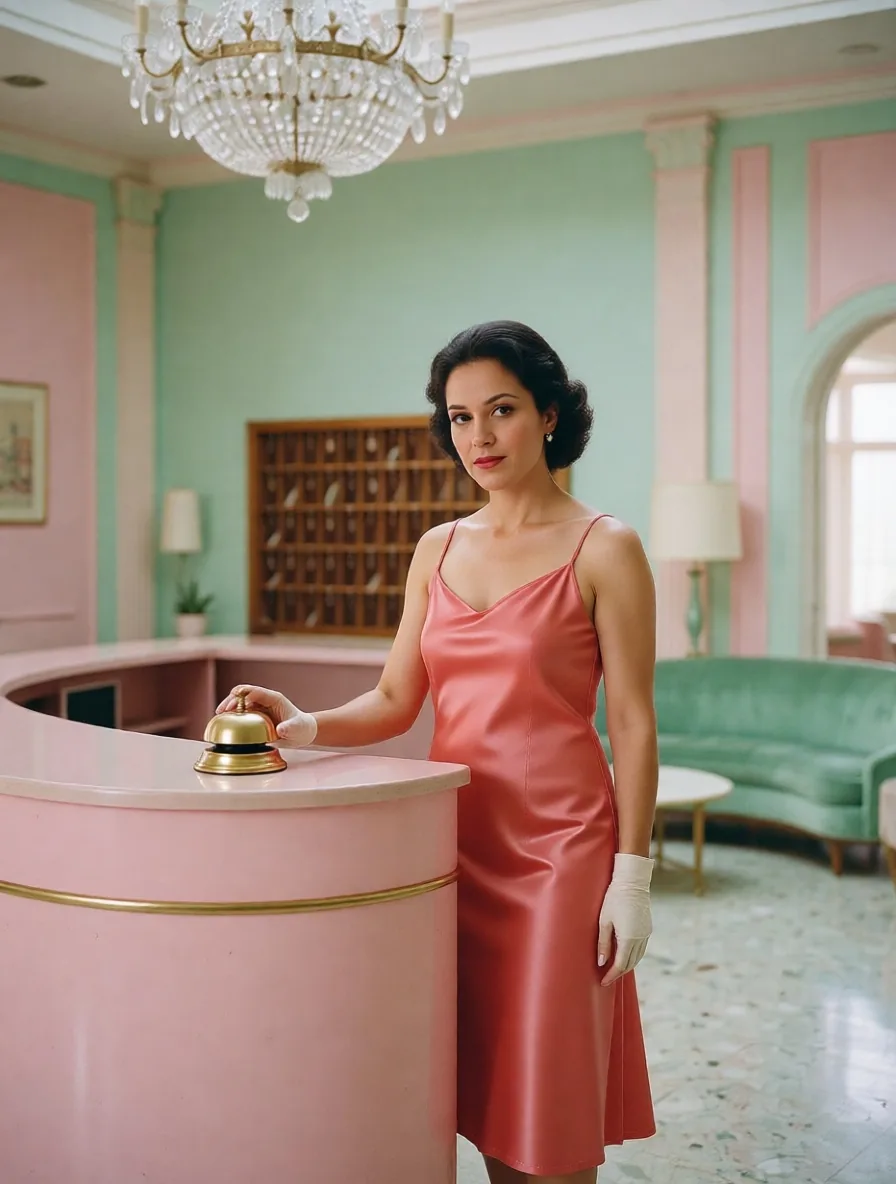
receptionist-next-scene A next-scene LoRA at 1 with 'Next Scene:' opening the instruction: the camera moves in and the outfit changes, the lobby stays.
- 202
- 3:4
- png
 Output
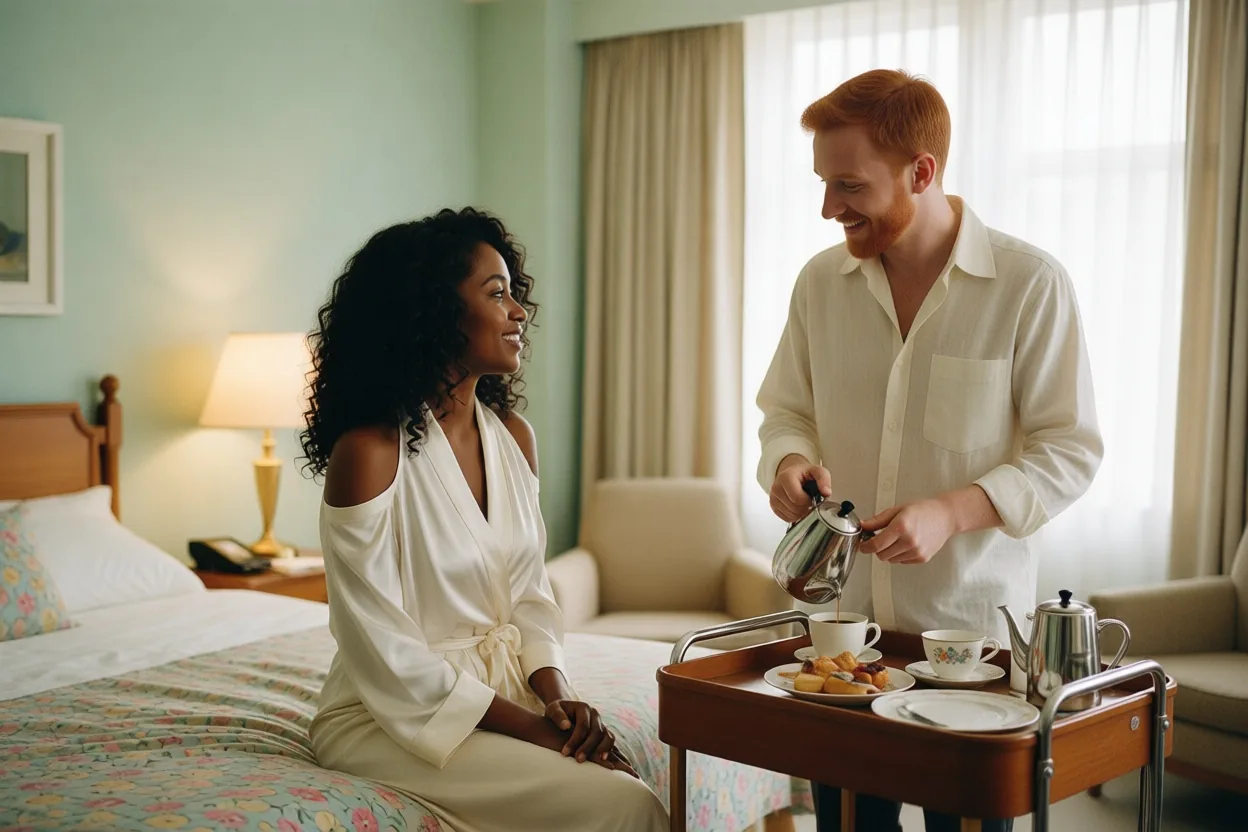
room-service-breakfast Two separate portraits combined into one room-service scene, both faces kept, no LoRA.
- 202
- 3:2
- png
 Output
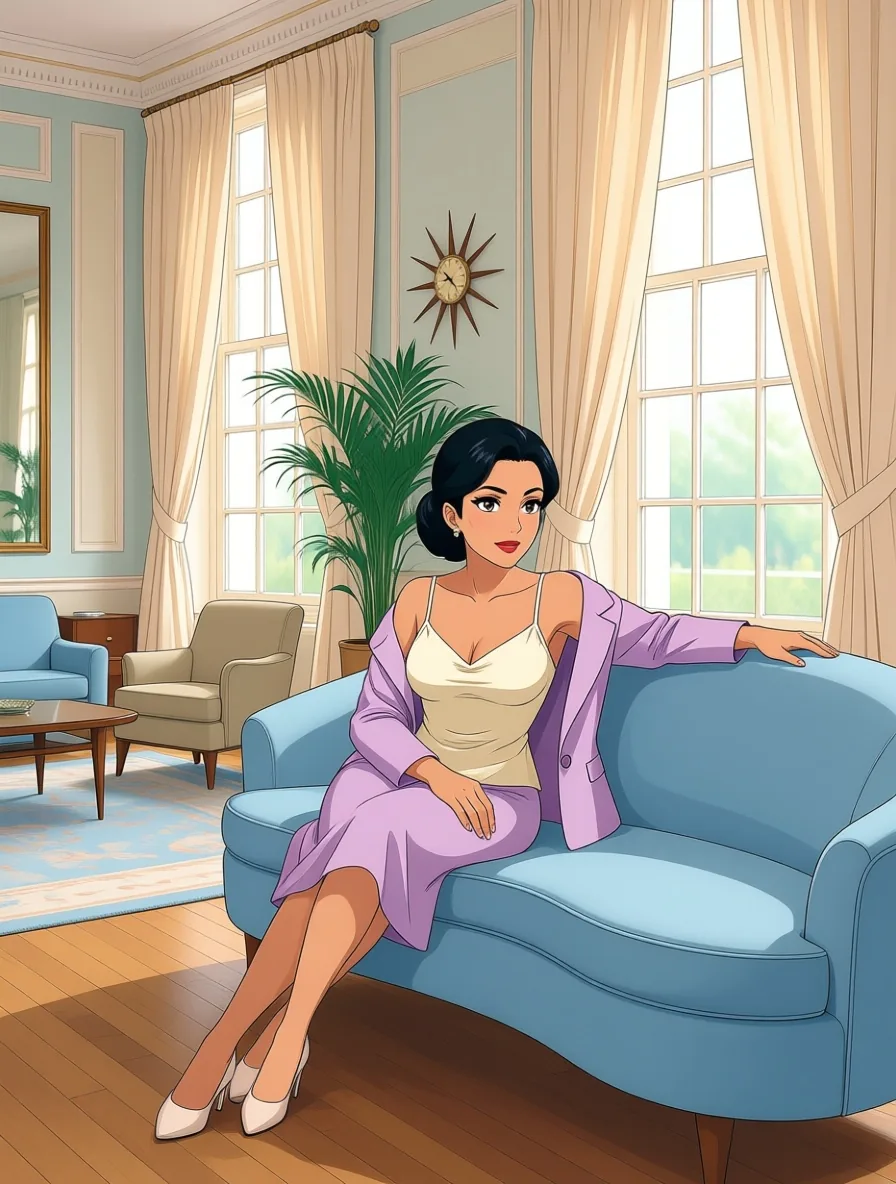
lounge-to-anime A photo-to-anime LoRA at 1 with 'transform into anime' in the instruction; pose, outfit and room carry over.
- 101
- png
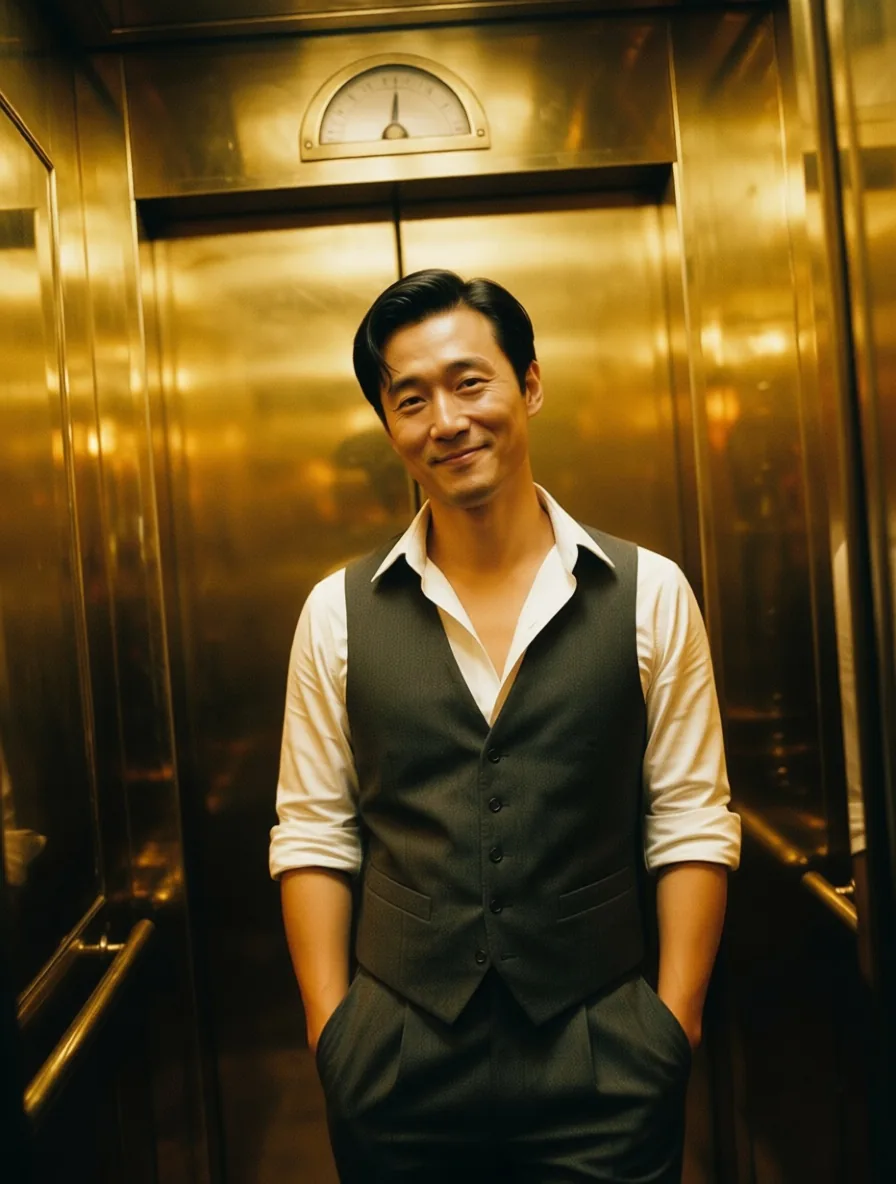 Output
elevator-after-hours No LoRA: a plain instruction removes the jacket and tie and changes the light, the face and the elevator stay.
- 101
- png
This example starts at $0.012 per image. The Playground updates the estimate when you change the settings.