Introduction
P-Image LoRA Image editing changes one to five source images by instruction on P-Image-Edit from Pruna AI, with one optional LoRA for a specific edit style. Say what should change and what should stay; the result follows the first image's shape unless you pick a ratio. The platform adds no content filter to the images, the instruction or the result.
Choose a mode by starting material
| What you have | Mode |
|---|---|
| one or more pictures to change | P-Image LoRA Image editing |
| a written description only | P-Image LoRA Text to image |
Key features & highlights
Edits by instruction
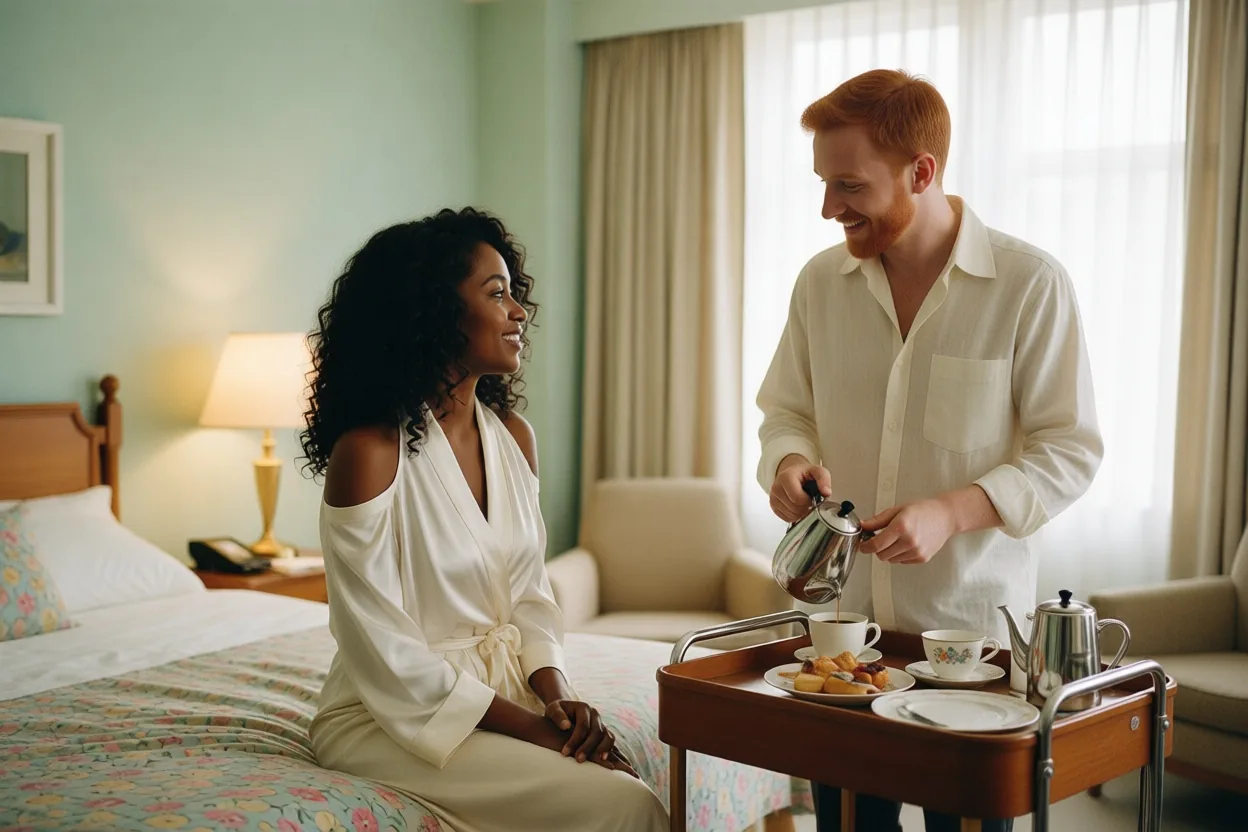
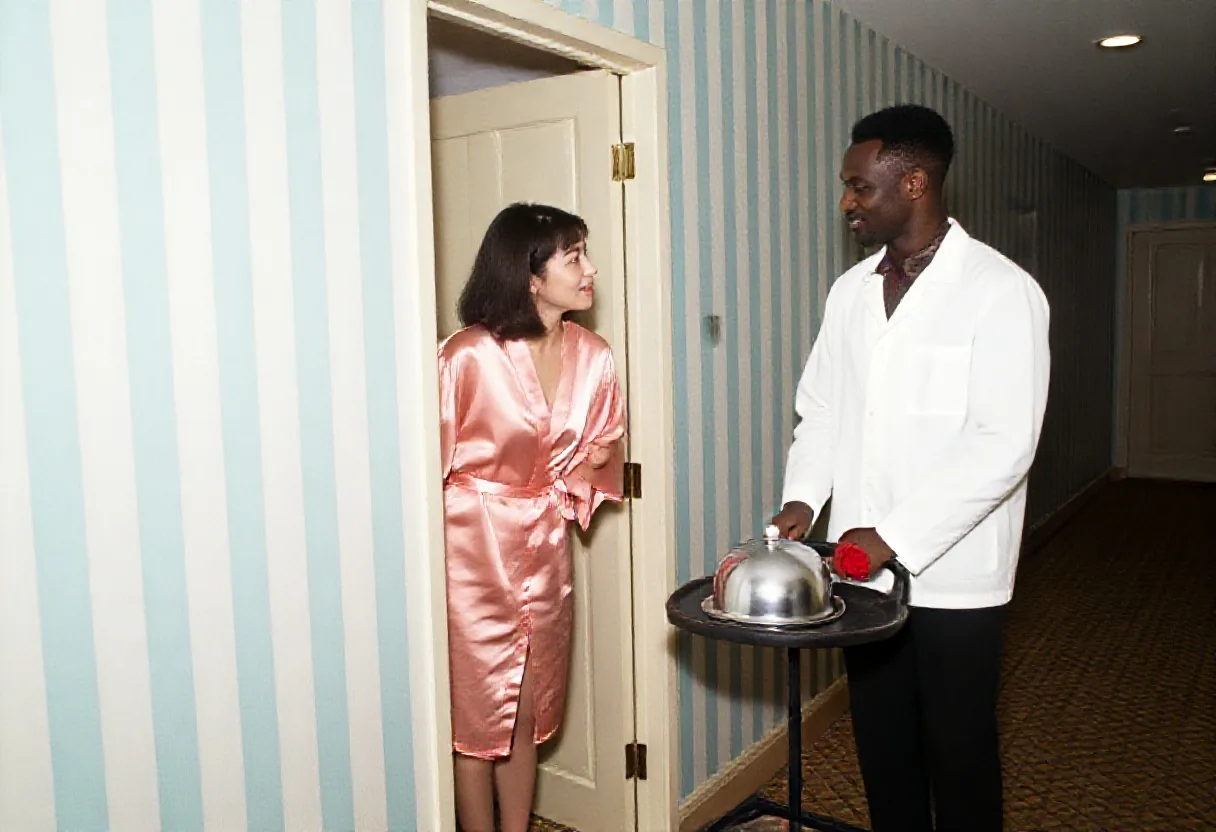
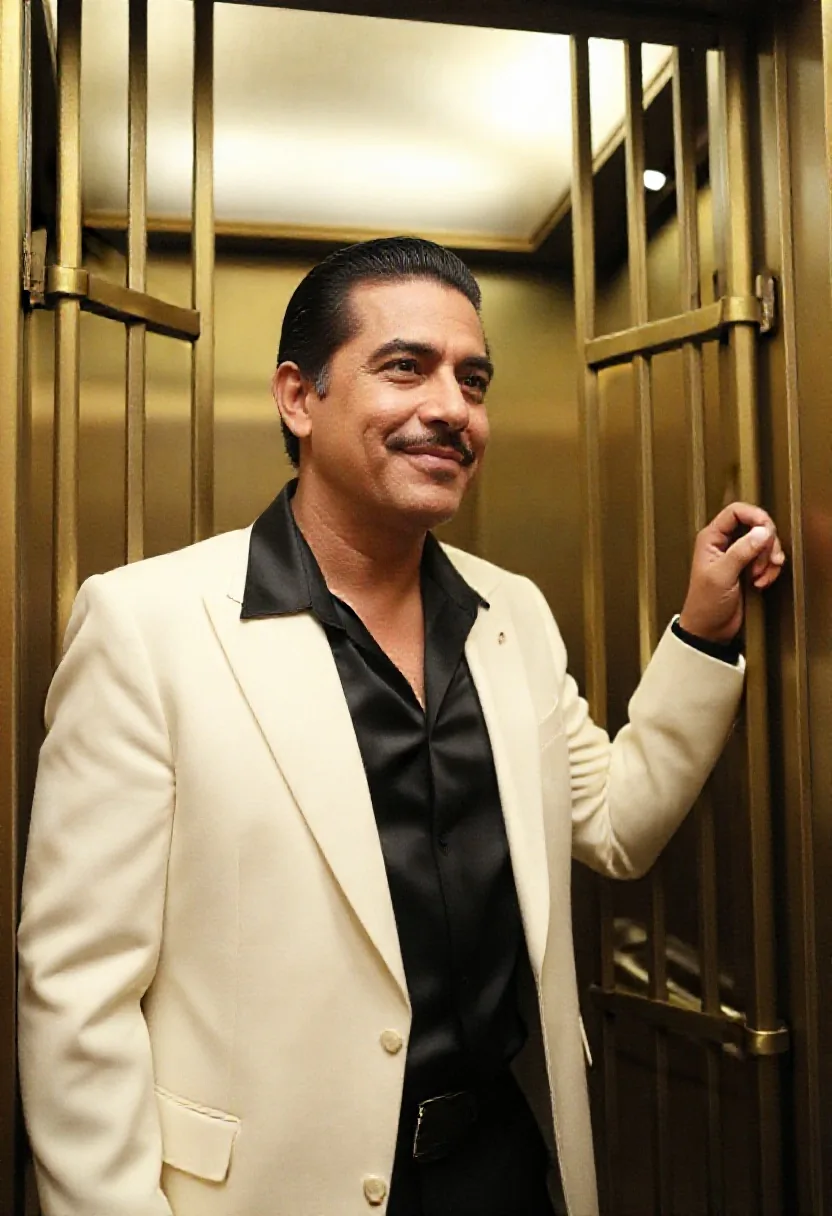
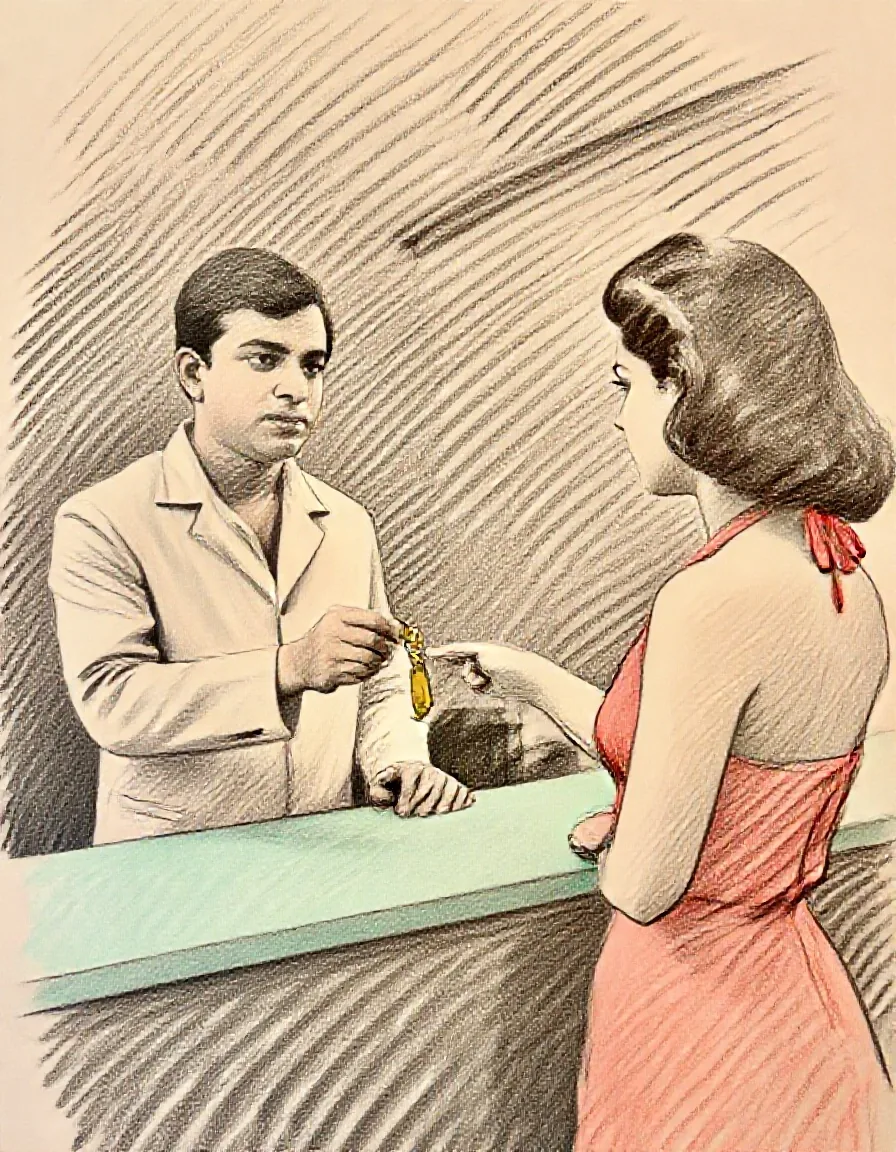
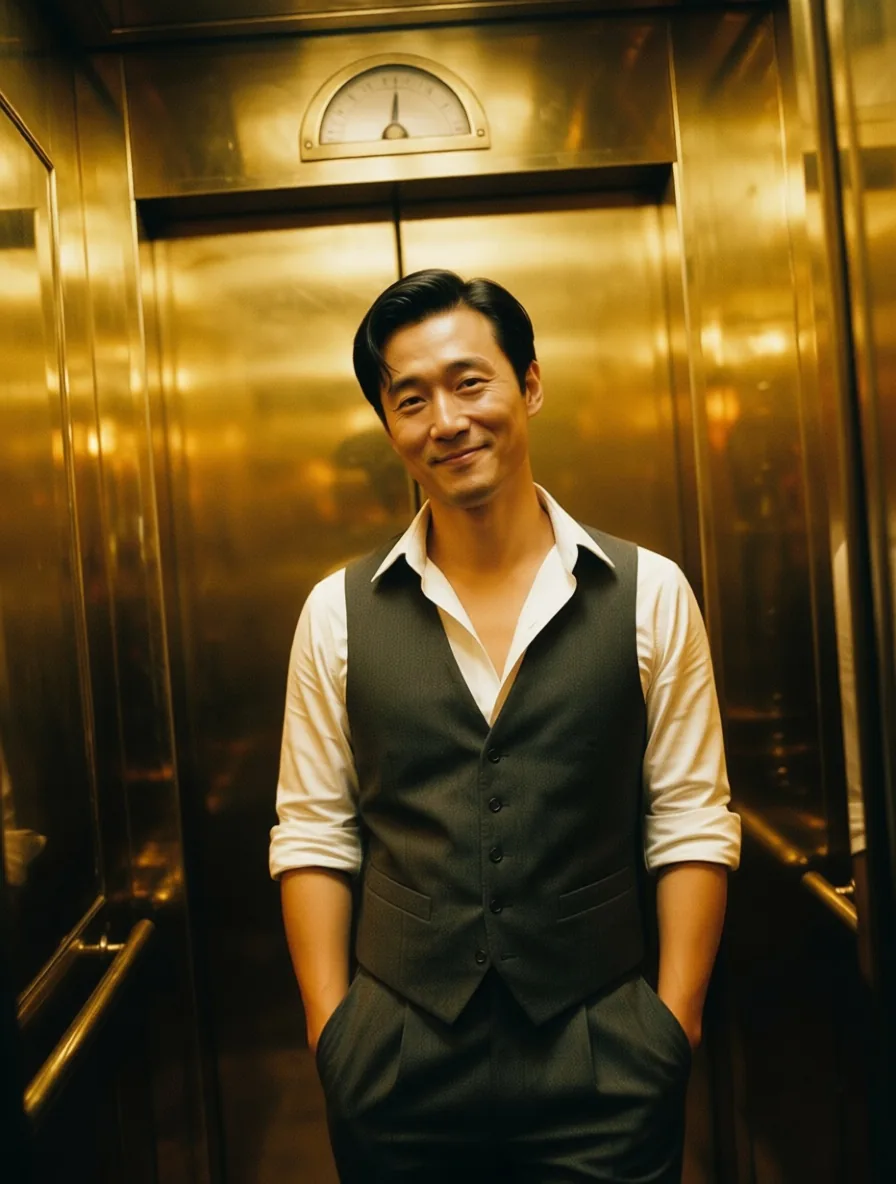
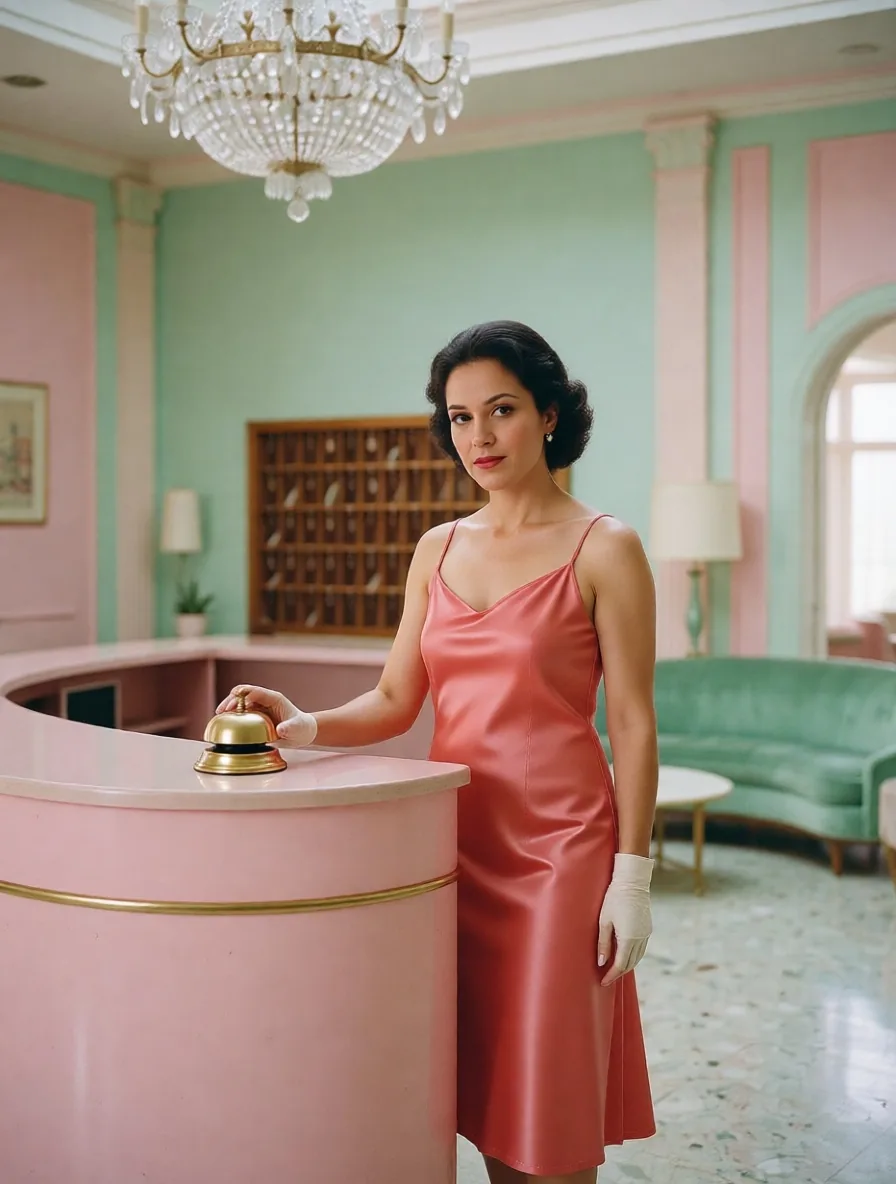
Outfits, light and framing change on request while faces and settings stay. In our tests a suit became an open-collar shirt and a receptionist's blouse became a satin dress, with the same people and rooms.
Up to five pictures at once
Two portraits taken separately came back as one scene with both faces kept. Refer to each picture by its number in the instruction.
Edit LoRAs
One LoRA trained for Qwen-Image-Edit can be loaded, such as a photo-to-anime or a next-shot LoRA. The instruction does most of the work; the LoRA steers the style of the change.
No content filter
Nothing is filtered or refused. The editor followed instructions in our tests up to the Strong level and at Maximum; it toned down the Very strong level even with an unfiltered LoRA loaded.
Request parameters
| Parameter | Required | Description |
|---|---|---|
prompt | Yes | Say what changes and what stays, such as "keep her face and the lobby". With several images, name them image 1, image 2 and so on. at least 1 characters · at most 5000 characters |
image_urls | Yes | One to five source images, up to 10 MB each. Without |
aspect_ratio | No | Optional. Leave it empty and the result follows the first image at about one megapixel. |
loras | No | Optional. One {path, scale} entry trained for Qwen-Image-Edit, as a public direct link to the .safetensors file; scale -1 to 3, 1 by default. Default: |
output_format | No | JPEG by default, or PNG or WebP. The format does not change the price. |
seed | No | Keeps edits comparable while you change the instruction or the LoRA strength. It does not guarantee the exact same pixels on every run. |
Pricing
$0.012 / image
Billed per image. The number of source images, the aspect ratio, the output format and loading a LoRA do not change the price.
Use cases
Wardrobe and light changes
Try outfits, times of day and colour grades on the same person and set without reshooting.
Group scenes from separate photos
Put people photographed apart into one frame for covers, posters or storyboards.
Restyling a set
Run a folder of photos through one edit LoRA, such as photo-to-anime, with the same instruction and seed.
Prompt guide & pro tips
Say what to keep
Name the parts that must survive, such as the face, the hair or the room, then describe the change. Unnamed details may drift.
Number your images
With several sources write 'the woman from image 1 and the man from image 2'. The output takes the first image's shape unless you set a ratio.
Use the LoRA's phrase
Edit LoRAs are trained with a fixed phrase, such as 'Next Scene:' or 'transform into anime'. Put it at the start of the instruction.
Leave LoRAs out for plain edits
A plain instruction works without any LoRA. Load one only when you want its particular style; LoRAs for text-to-image models fail here.
API quick start
# Generate the idempotency key once; reuse it when retrying after a lost response.
export SPICY_IDEMPOTENCY_KEY="${SPICY_IDEMPOTENCY_KEY:-$(uuidgen)}"
curl -X POST https://api.spicyapi.ai/api/v1/jobs/createTask \
  -H "Authorization: Bearer $SPICY_API_KEY" \
  -H "Content-Type: application/json" \
  -H "Idempotency-Key: $SPICY_IDEMPOTENCY_KEY" \
  -d '{
  "model": "pruna-ai/p-image-lora/edit",
  "input": {
    "image_urls": [
      "https://example.com/reference.png"
    ],
    "output_format": "jpeg",
    "prompt": "A ceramic teapot on a linen cloth, soft window light, muted palette"
  }
}'

# Copy data.taskId from the response into TASK_ID, then poll the status.
TASK_ID="TASK_ID_FROM_RESPONSE"
curl "https://api.spicyapi.ai/api/v1/jobs/recordInfo?taskId=$TASK_ID" \
  -H "Authorization: Bearer $SPICY_API_KEY"
See the API reference for authentication, the complete schema, polling, and error handling.