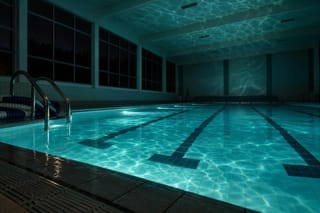
Follow the camera language of the reference clip — low, wide, drifting right — but stage it in an empty indoor pool at night. Cut the movement to the pulse in the reference track. One swimmer, underwater lights, tiles echoing.
Same model, starting from this prompt. Other settings use their defaults.
Why this prompt works
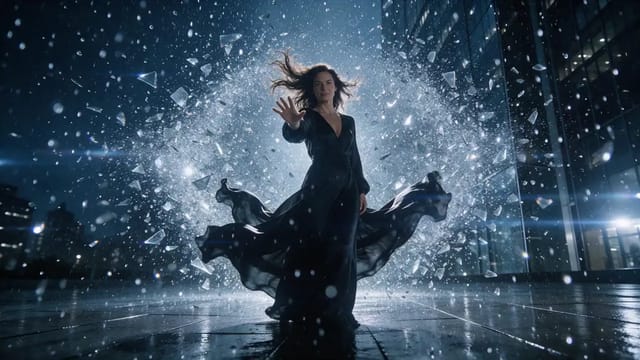
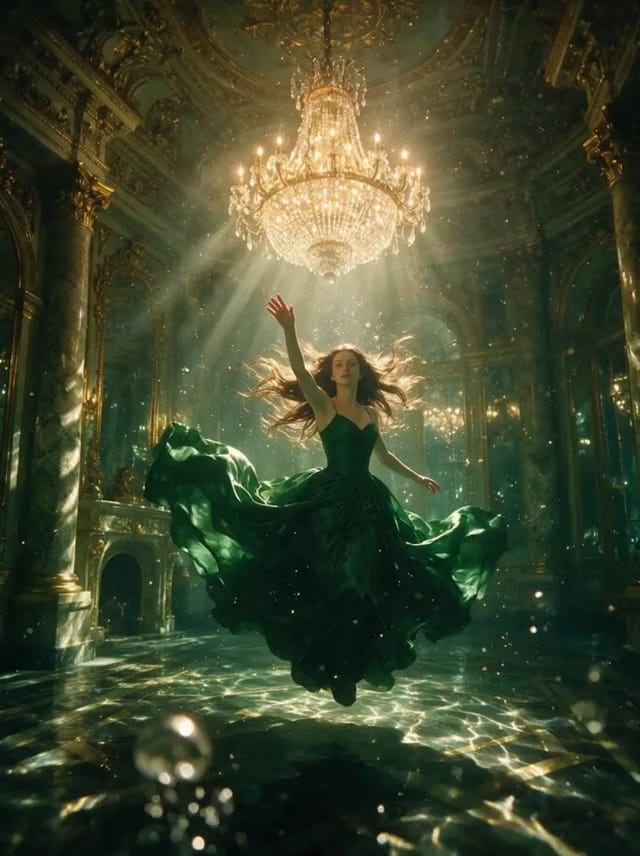
A reference track supplies the tempo the cut lands on, and a reference clip supplies the camera language. Note that reference footage is added to the billed duration.
Settings used
Setting
Value
What it does
resolution
1080p
480p, 720p or 1080p, default 720p, and it feeds the billed quantity directly. It sets the output tier only and will not sharpen low-resolution references. While you are still testing whether the references combine, work at 480p or 720p and raise the tier once the relationship reads correctly. No upscaling or enhancement tiers exist here.
aspect_ratio
21:9
Defaults to `adaptive`. When the reference assets do not share a shape, adaptive lets the model find framing that accommodates all of the subjects; locking one ratio makes it more likely that a referenced person or product gets cropped. Name a shape only for a hard delivery requirement. No effect on billing.
generate_audio
true
On by default. Produces a native soundtrack synchronized to the picture. Even with `reference_audio_urls` supplied, turning it off means no soundtrack is rendered — reference audio shapes pacing and performance, it is not the output track. Switch it off when the edit will be scored in post.
duration_seconds
10
4 to 30 seconds, default 5. Note that this and the length of your reference clips are two independent contributions to the billed quantity, so maxing both is where a single request gets expensive. Validate that the references are being read the way you intended at a short length before committing to the final duration.



 Preview blurred