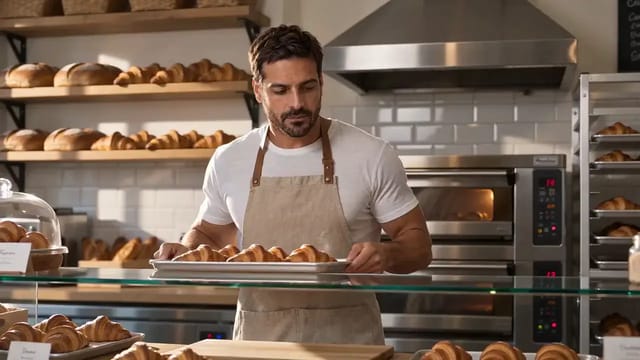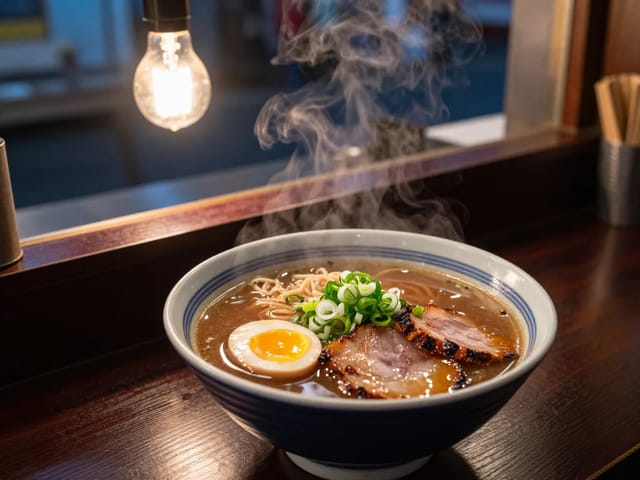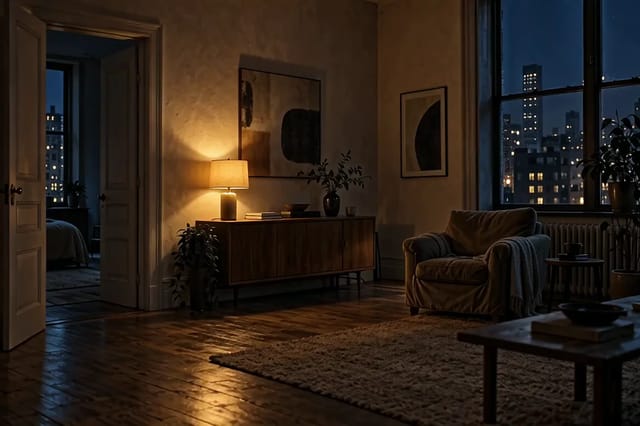
Three-shot bakery morning in one vertical clip
- Model
- Wan 2.6
- Task
- Text to video
- Resolution
- 1080p
- Duration
- 10 s
- Aspect ratio
- 9:16
Output
PromptEN292 characters
Shot 1: wide view of a small corner bakery at dawn as the metal shutter rolls up. Shot 2: close on floured hands shaping a loaf on a wooden counter. Shot 3: the baker slides a tray into the oven and the oven door glows orange. Warm tungsten light, the hum of the oven, a radio playing softly.Written in English, exactly as we sent it.
Run this example
Checking the price…
Opens the playground with every setting filled in and shows the exact price before you run.
Same model, starting from this prompt. Other settings use their defaults.
Why this prompt works
Three numbered shots in a vertical ten-second clip at 1080p, with prompt expansion on so the model can plan the cuts.
Settings used
| Setting | Value | What it does |
|---|---|---|
| seed | 20251216 | 0 to 2147483647. Hold it while comparing one change at a time; leave it out for variety. |
| shot_type | multi | single keeps one continuous take; multi lets the model cut between shots and switches enable_prompt_expansion on for that request, because the cuts are planned while the brief is expanded. Multi suits short stories but breaks continuity. |
| resolution | 1080p | 720p or 1080p, default 720p. It sets the per-second rate and how long the task takes. |
| aspect_ratio | 9:16 | 16:9, 9:16, 1:1, 4:3 or 3:4, default 16:9. Every shape is available at both resolutions. |
| duration_seconds | 10 | Exactly 5, 10 or 15. Anything else is rejected rather than rounded. Multi-shot edits need the longer lengths to breathe. |
| enable_prompt_expansion | true | Off by default. When on, a short brief is rewritten into a fuller one before generation; for a single take, leave it off once your prompt is a precise shot description. With shot_type multi it is switched on regardless of this setting. |