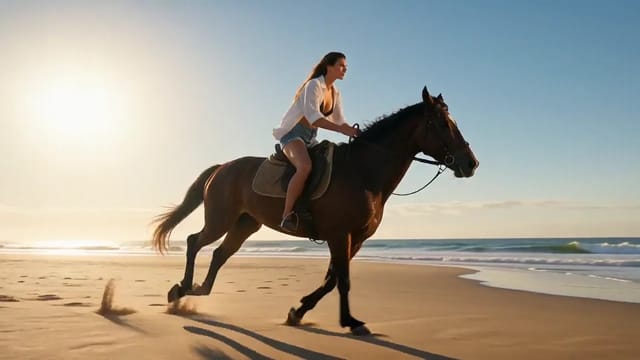
Put one character into a given room
- Model
- Wan 3.0
- Task
- Reference to video
- Resolution
- 720p
- Duration
- 8 s
- Aspect ratio
- 16:9
Output
Input
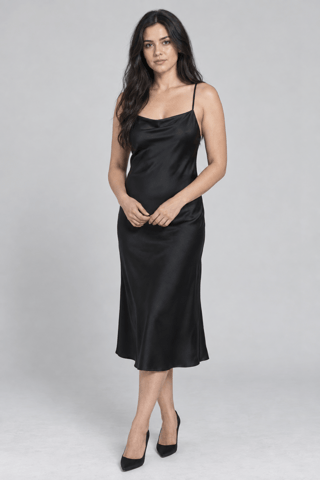
reference_image_urls 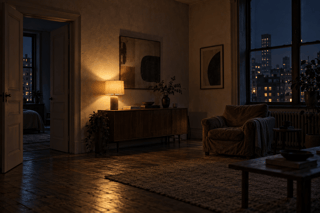
reference_image_urls
Swap in your own when you run it.
PromptEN242 characters
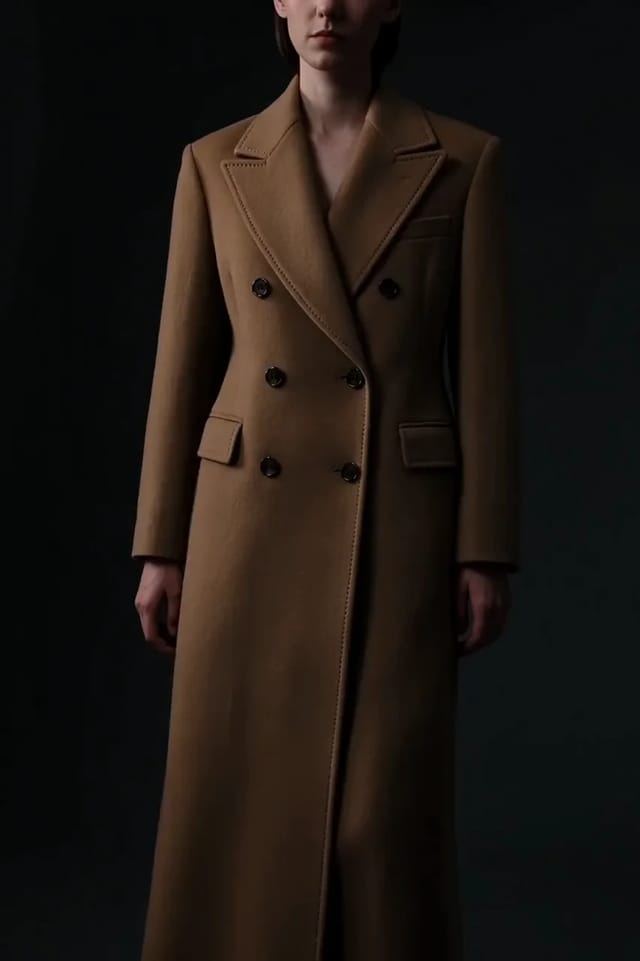
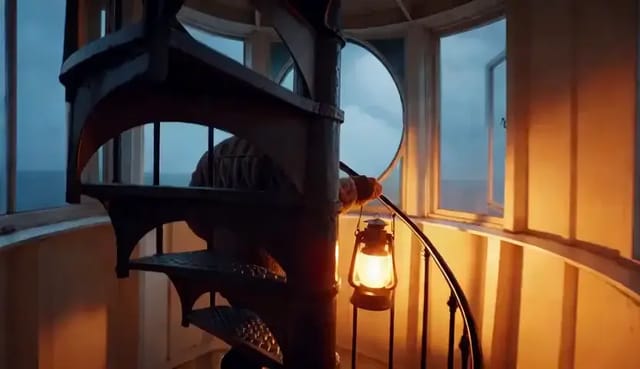
Image 1 is the character — keep her face, hair and the black slip dress exactly. Image 2 is the room. She crosses from the doorway to the window and leans against the frame, looking out. Slow lateral track, one practical lamp, night ambience.Written in English, exactly as we sent it.
Run this example
Checking the price…
Opens the playground with every setting filled in and shows the exact price before you run.
Same model, starting from this prompt. Other settings use their defaults.
Why this prompt works
`reference_image_urls` keeps two roles in fixed order — character first, room second — so 'Image 1' and 'Image 2' map onto them directly. Her face, hair and dress come from the first plate; the lamp, doorway and window from the second. At `resolution` `720p`, `duration_seconds` `8`, the track follows her to the window. `seed` `771120` reproduces it.
Settings used
| Setting | Value | What it does |
|---|---|---|
| seed | 771120 | 0 to 2147483647. Hold it steady to compare one changed field at a time; drop it for variety. |
| resolution | 720p | 480p, 720p or 1080p. Defaults to 720p. Resolution changes both the price and how long the task takes to come back. |
| aspect_ratio | 16:9 | 16:9, 9:16, 1:1, 4:3, 3:4 or adaptive, which lets the model choose. Defaults to 16:9. |
| duration_seconds | 8 | Any whole number from 2 to 30, or -1 for smart duration. Defaults to 5. With reference videos, their total length plus this value must stay within 30 seconds, and those seconds are billed on top of the output. Settle the look at 5 seconds before extending. |
More Wan 3.0 prompts
All Wan 3.0 prompts
 Preview blurred
Architecture & interiors on other models
Architecture & interiors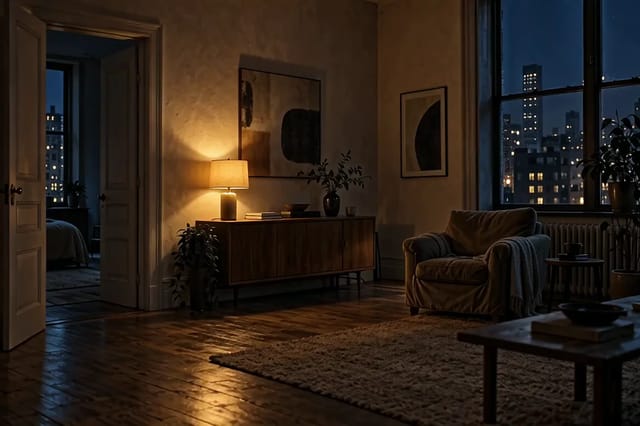
 Preview blurred