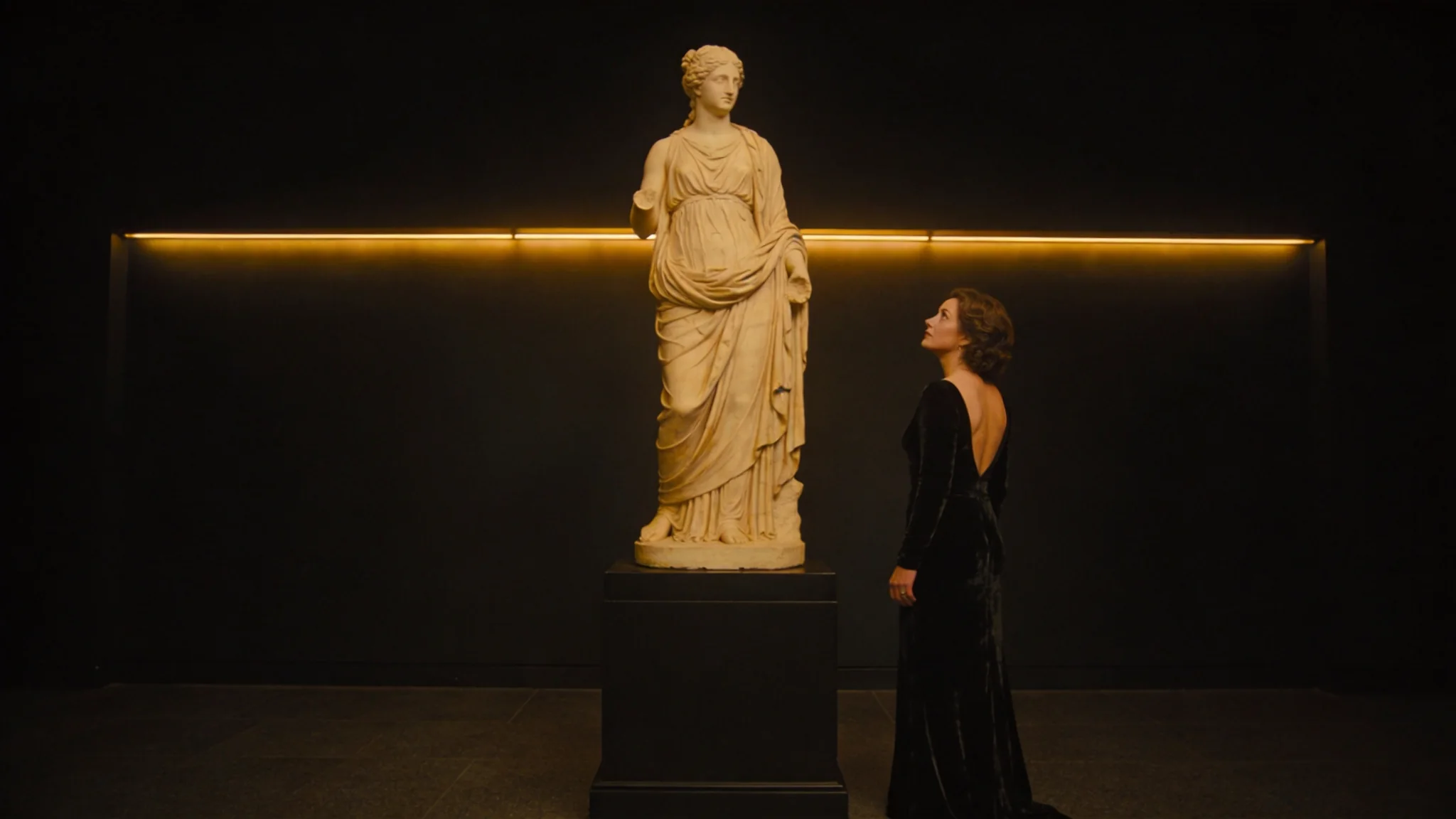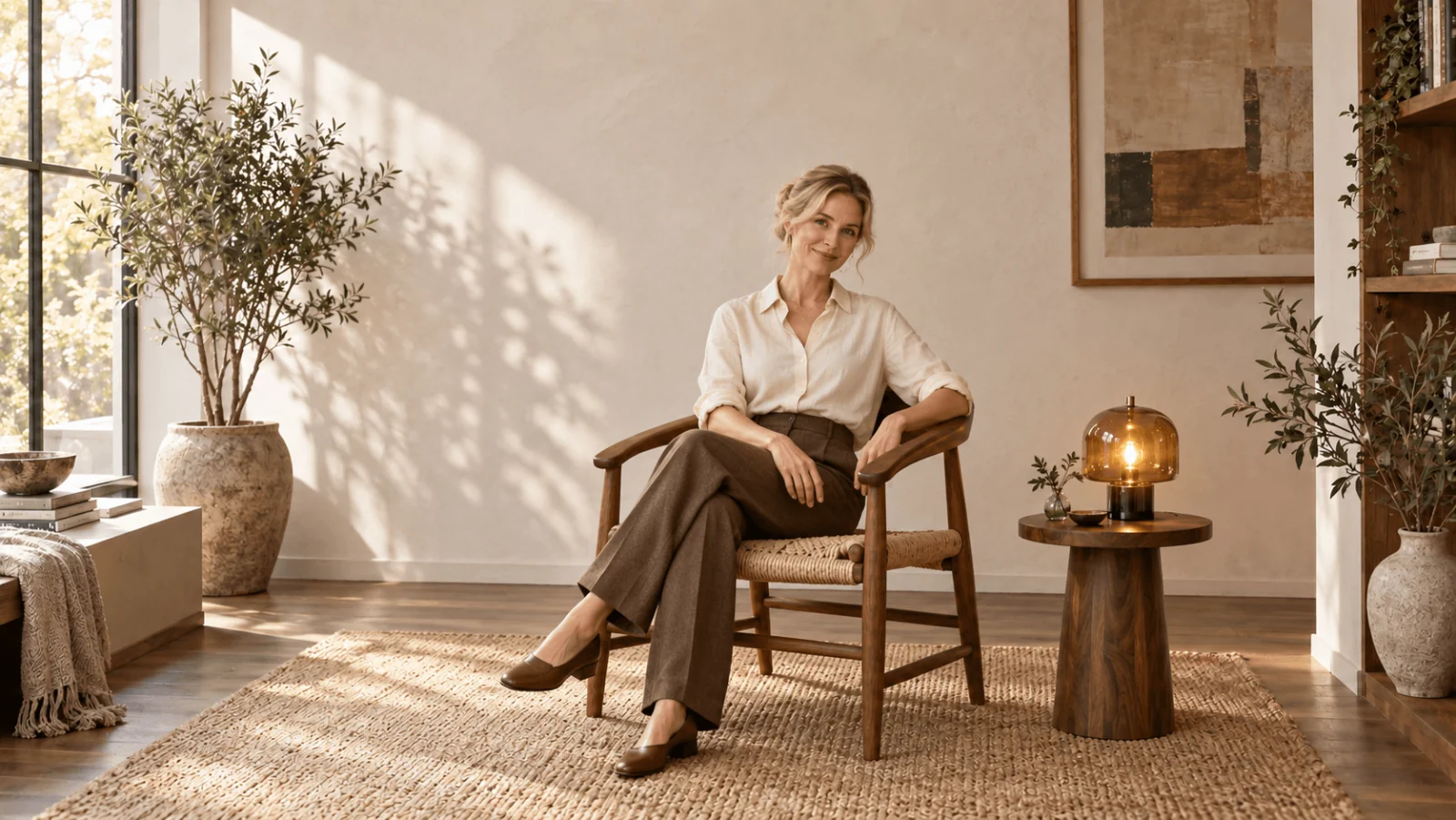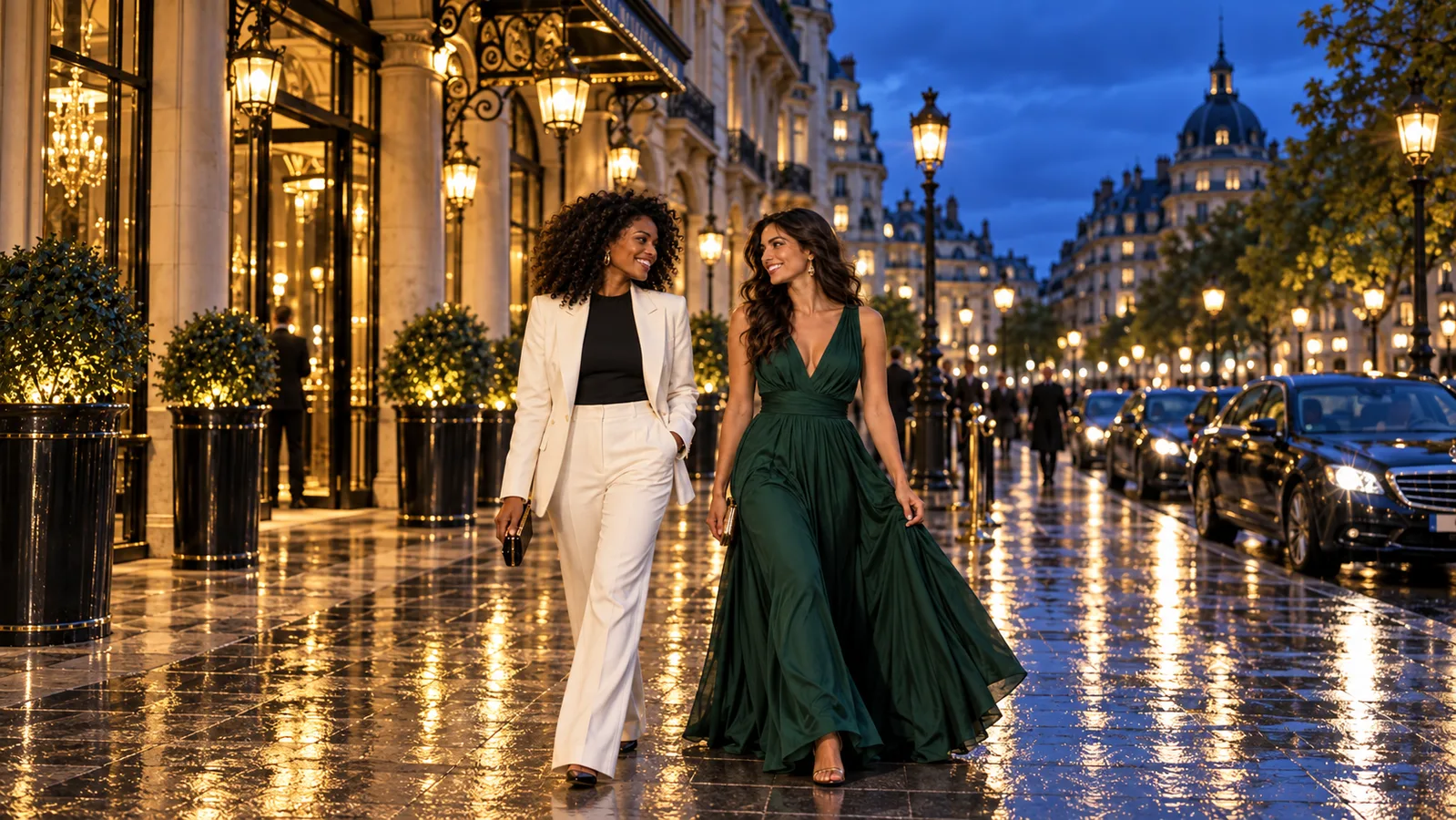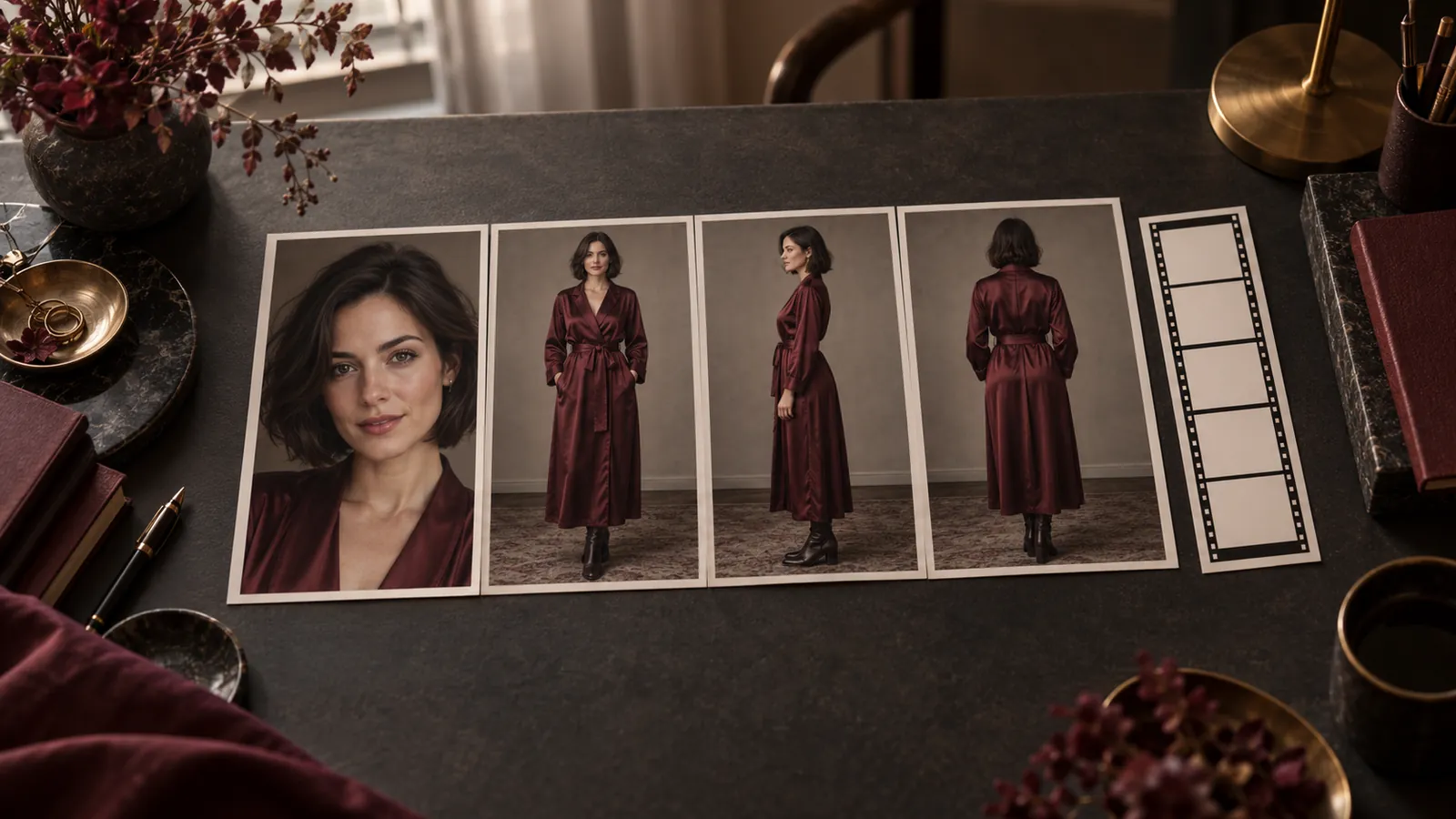
You have a picture in your head: a woman on a rooftop at dusk, a film poster with a real title, a product shot with the brand name on the bottle. Seedream 4.5 can draw all three in one request, but it draws what you write down, so the way you write it matters more than any setting.
Write the prompt as a scene: who is there, what they wear, where they are, where the light comes from and what the camera is. Put any lettering in quotation marks. Say what you want instead of what you do not want, because there is no negative prompt field. For an existing picture, switch to editing and name each source image as Image 1, Image 2. Each image costs $0.04 at 2K or 4K. Seedream 4.5 also runs unfiltered on SpicyAPI, so NSFW prompts are not blocked by the platform; the examples below are fully clothed and work for any use.
Every prompt shown in a quote block below is one we ran on 21 October 2026, and the pictures next to them are the real results. You can try them on the Seedream 4.5 text-to-image page.
Write the scene, not the mood
Short prompts leave composition and light to the model, which suits exploring. When you want a particular picture, spend the words on things the model can draw: the person, the clothes, the place, one clear light source, a lens and a colour palette. Guides from other platforms suggest putting the subject first and keeping a prompt to roughly 30 to 100 words; our own nine example prompts run from 46 to 83 words, and the limit is 3,000 characters, so length is rarely the problem. Vagueness is.
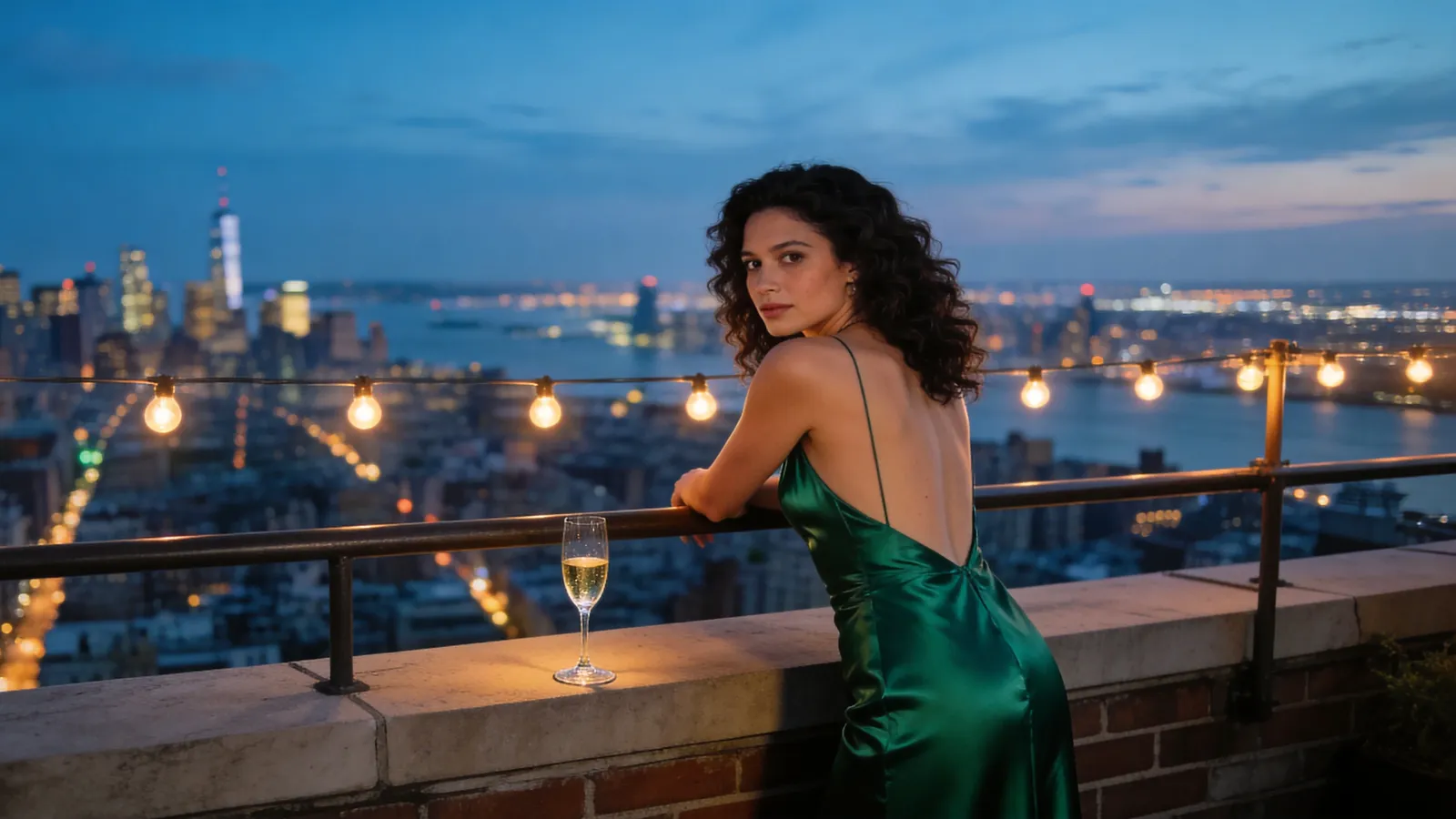
This is the prompt behind the cover of this article:
Cinematic film still, ultra-wide frame. A woman in her late twenties with dark curly hair, in a backless emerald satin evening gown, leans on the rail of a Manhattan rooftop at blue hour and glances back over her shoulder at the camera. City lights stretch out below, warm string lights glow behind her, a half-empty glass of champagne rests on the ledge. 50mm, shallow depth of field, rich teal and amber palette, fine film grain.
It names the format first, then the person, the outfit, the pose and gaze, the setting, the small props, and finally the lens and colour. We ran it at 21:9 and 4K and got a 6240 x 2656 picture. Nothing in it is an adjective like "beautiful" or "stunning"; every phrase is something you can see.
A second prompt, with a documentary feel:
Gritty documentary photograph of a male boxer in his thirties sitting on the apron of an old boxing ring, sweat on his face and arms, hands wrapped in white tape, grey tank top, towel around his neck, staring past the camera. Hard window light from the left, dust in the air, peeling paint on the walls, one red glove hanging from the ropes as the only strong colour. Film grain, desaturated palette.
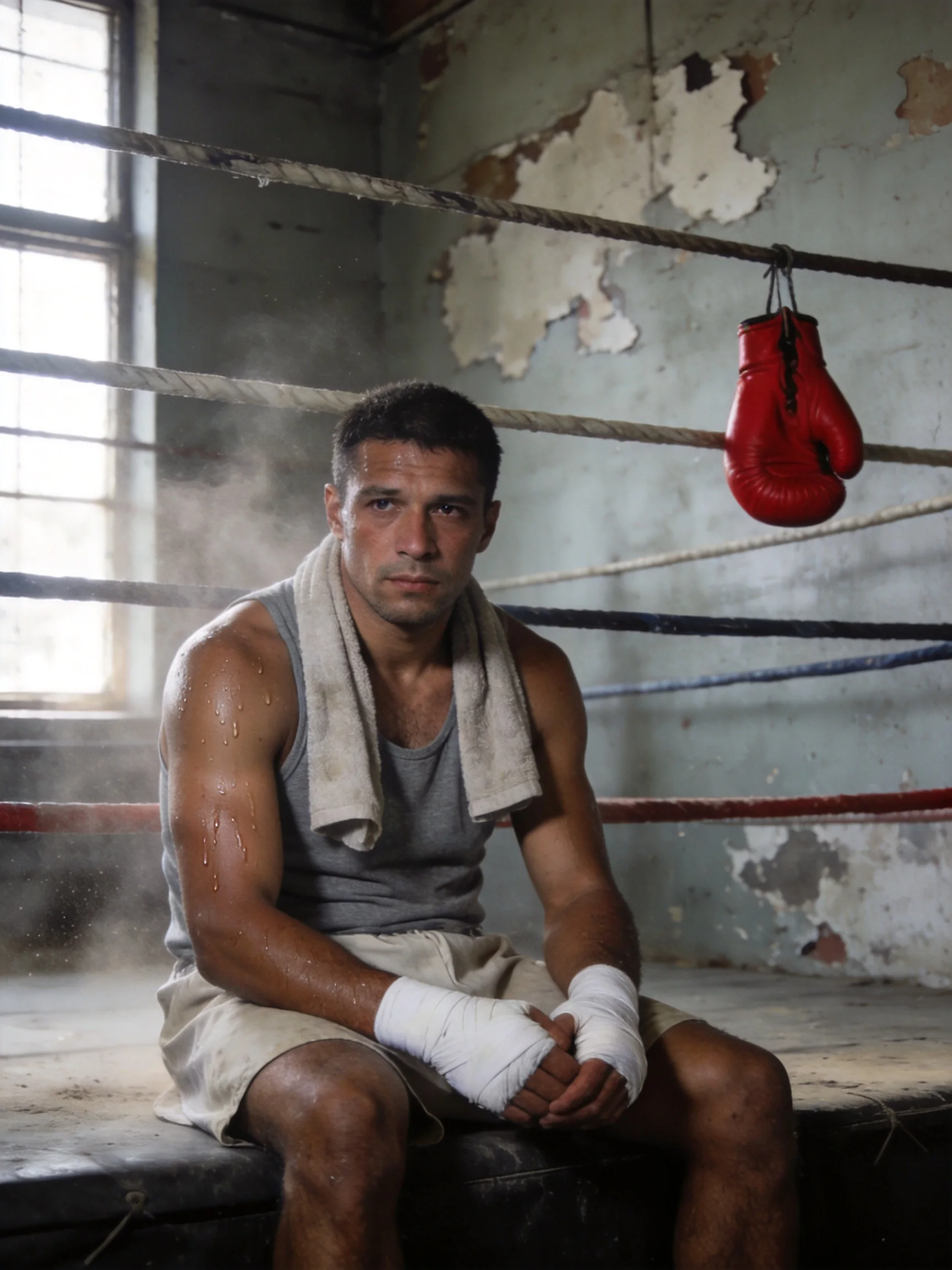
Seedream 4.5, text to image, 3:4 at 2K. The last sentence of the prompt sets one colour accent, and the single red glove is the only strong colour in the frame.
The pattern worth copying is the last part: a colour instruction such as "the only strong colour" gives the picture a focal point without describing more objects.
Put exact words in quotation marks
Lettering is where Seedream 4.5 is easiest to check, because you can read the result. In both of our lettering tests the text came back spelled exactly as typed, including a small line at the bottom. We only tested English.
A 1970s-style film poster. At the top, in large cream serif capitals: "THE VELVET HOUR". In the middle, a woman in a red satin slip dress and a man in an open-collar white shirt dance close together under a single spotlight in an empty ballroom, her cheek near his. At the bottom, in small spaced capitals: "IN CINEMAS THIS WINTER". Grainy offset-print texture, burgundy and gold palette, thin gold border.
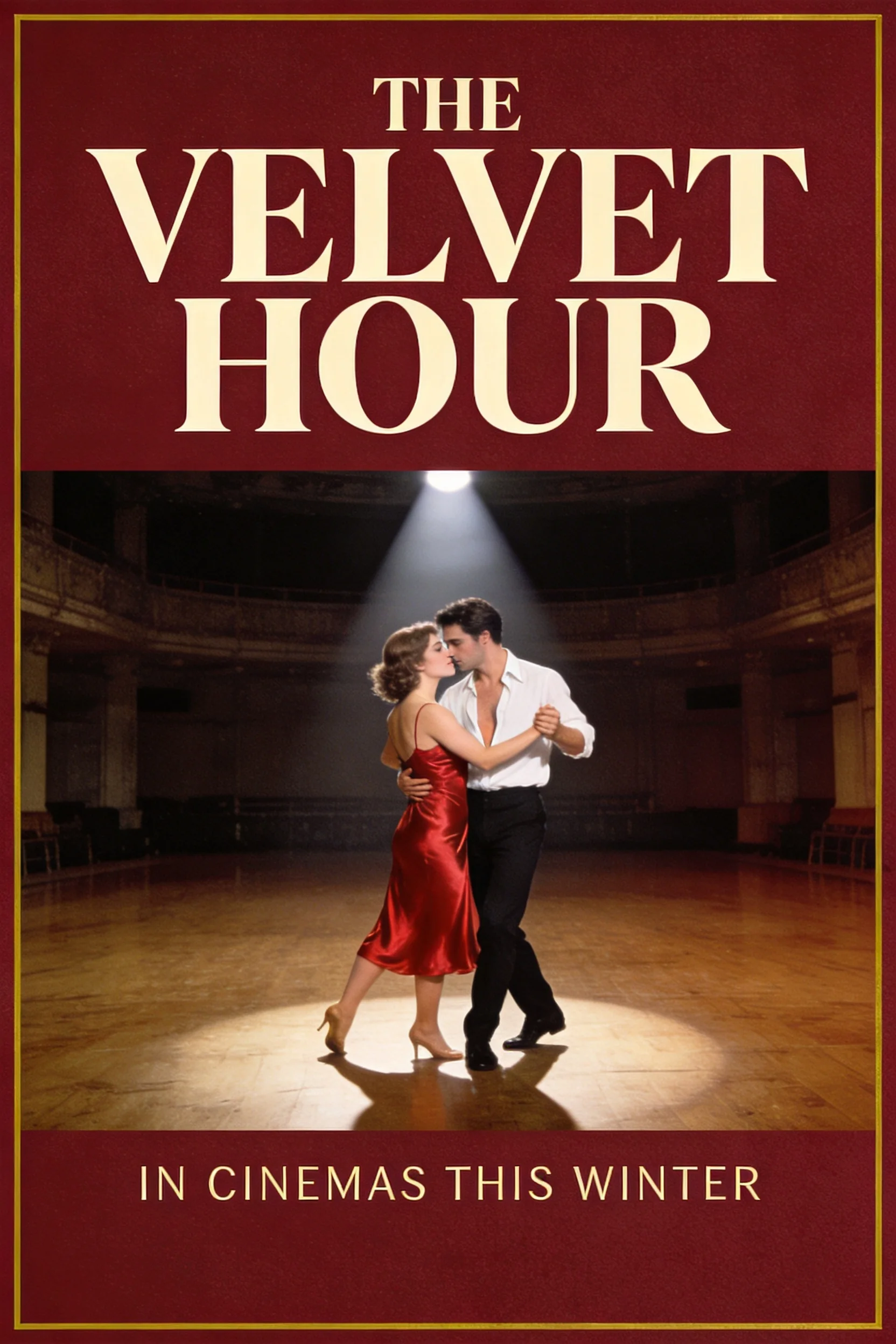
Text to image, 2:3 at 2K. Title and tagline are exactly the words in the prompt.
What made this work, and what to repeat:
- Quote every word that must appear, and say where it goes ("at the top", "bottom centre") and in what style ("cream serif capitals", "thin gold sans-serif").
- Keep the amount of text small. A title and one line each time. We did not test paragraphs, so do not count on them.
- Describe the surface the text sits on. The same approach worked for a product shot: the prompt asked for a black glass bottle "engraved in gold" with the name NOIR VELOURS and a line reading EAU DE PARFUM below, and both came out right.
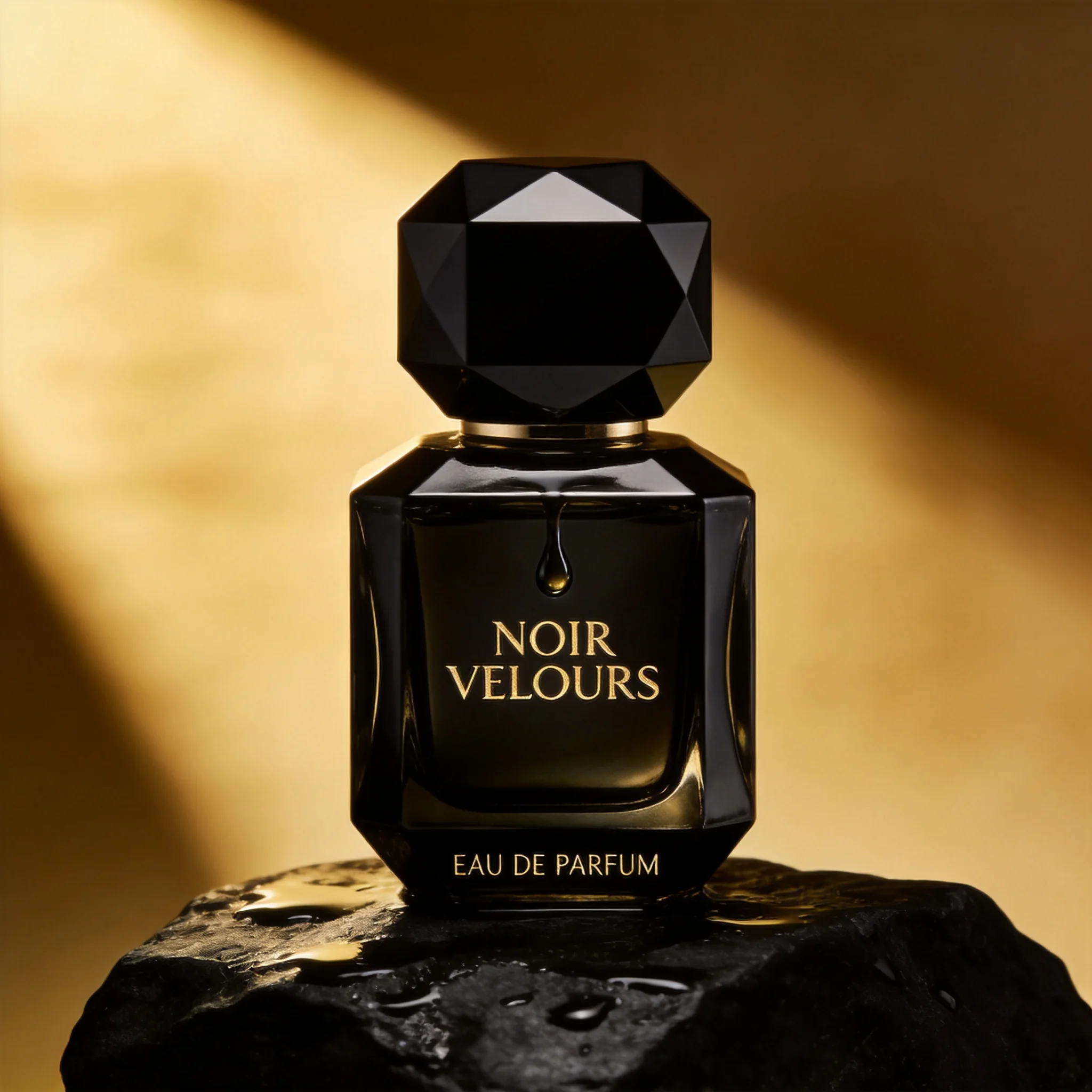
Text to image, 1:1 at 2K. The prompt gave the surface (wet black stone), the light (one narrow gold beam) and both text lines in quotation marks.
There is no negative prompt, so write the positive version
Seedream 4.5 on SpicyAPI takes a prompt, an aspect_ratio and a resolution. It does not take a negative prompt, a seed or a mask. Guides written for the previous generation mention a negative field; that does not apply here, and you will not find one on the model page.
What we do instead is state the thing we want to see in its place. These are habits, not a tested comparison:
| If you would have written | Write this instead |
|---|---|
| no blurry background | a sharp background, 35mm lens, deep focus |
| no extra people | a single woman, alone in the frame |
| no text or logos | a plain painted wall with nothing written on it |
| not too dark | soft window light from the left, bright and even |
| no modern objects | a 1970s kitchen with a rotary phone and wood panelling |
If you still get something you did not ask for, add the opposite to the prompt in plain words and run it again. Because there is no seed, a rerun gives a different picture, so ask a few times and keep the best one.
Edit with references: give each image a job
In edit mode you send between 1 and 14 source images with image_urls, and your prompt points to them by position: Image 1, Image 2 and so on. These are plain words, not a special format. The prompts that worked best say three things: what to take from each image, what to keep, and where to put it.
Our two-image test used a portrait of a red-haired woman as Image 1 and a photo of a red satin gown on a mannequin as Image 2:
Dress the woman from Image 1 in the red satin gown from Image 2. Keep her face, freckles and long red hair exactly as in Image 1. Place her on a marble staircase in an opera house lobby at night, one hand on the brass rail, looking down at the camera, warm chandelier light, full-length shot.
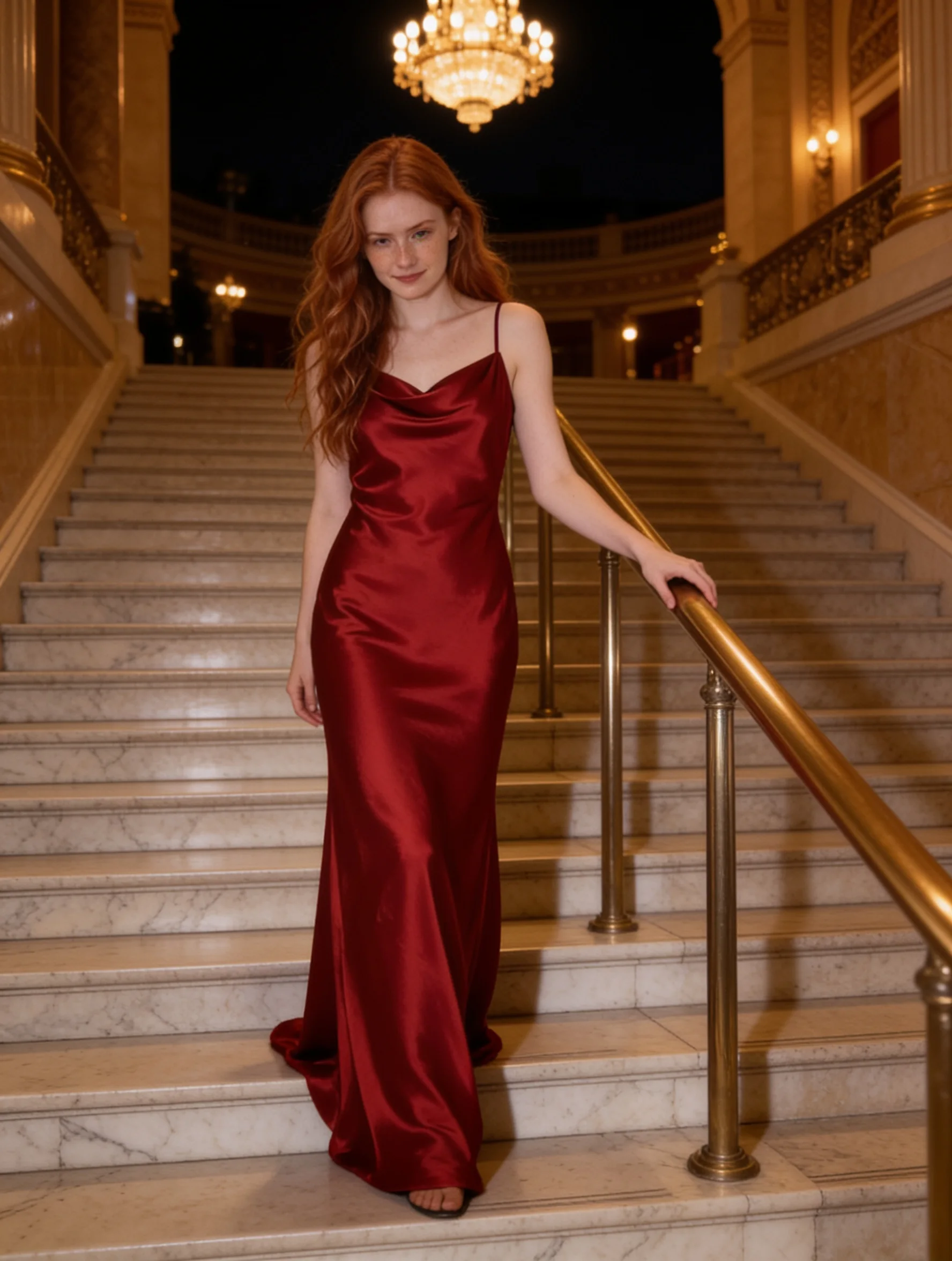
Edit with two references, 3:4 at 2K. The gown's cut, cowl neck and thin straps carried over, and her face, freckles and hair stayed.
The next two edits used the same portrait on its own. For a new setting, the prompt said to keep her face, hair and pose, then listed the terrace, the white linen dress and the golden late-afternoon sun, and the result kept her recognisable. For a new style, we asked for a 1940s film-noir still in black and white with blind shadows, and her features moved a little with the new hair and light. If the face matters, write "same woman, same face", expect close rather than identical, and restyle in smaller steps.
Two practical notes for edits. There is no "keep the original shape" option, so choose the aspect ratio closest to your photo. And the size of an edit follows the source a little: the same 3:4 request came back at 1728 x 2304 for one picture and 1776 x 2352 for another.
Pick the shape and size in the settings
You do not need to write "4K" or "21:9" in the prompt: set them in the fields. There are eight shapes (1:1, 4:3, 3:4, 16:9, 9:16, 3:2, 2:3, 21:9) and two sizes. 2K is about 4 megapixels and 4K about 16; for example, 2K at 16:9 is 2848 x 1600 and 4K at 21:9 is 6240 x 2656. Both cost the same, so use 2K to test a prompt for speed and 4K for the final run. A 2K run took 10 to 28 seconds in our tests, and the one 4K run took 28.
Fixing the usual problems
| What you see | What to try |
|---|---|
| The picture is nice but not the one you meant | Name the location, the clothing and the light direction instead of a feeling |
| A good result you cannot reproduce | There is no seed. Save the ones you like and run again for variations |
| Letters wrong or missing | Put the words in quotation marks, say where they go, and cut the amount of text |
| A person in a group looks like their neighbour | Describe each person once, with clothing and position, as in "a red-haired man on the left, a woman in a yellow top on the right" |
| Face drifts in an edit | Say what stays ("same face, same hair"), change one thing per edit |
| Edit comes back a different shape | Set the aspect ratio closest to the source photo |
Cost and where content levels stop
Every image is $0.04, on both text-to-image and editing, at 2K or 4K, with any number of references, and a failed request is not charged. The model page always shows the current price.
SpicyAPI adds no content filter to this model. In our test of 24 prompts across five intensity levels, nothing was refused; most came back as written, and a few of the strongest prompts came back toned down (one level in text to image, two in editing). The full numbers are in our Seedream 4.5 review, and the broader question is covered in is Seedream uncensored. Anyone depicted must be a fictional adult, and you are responsible for what you generate and publish.
FAQ
Does Seedream 4.5 have a negative prompt?
No. The SpicyAPI endpoint accepts a prompt, an aspect ratio, a resolution and, for edits, source images. Describe what you want instead of what to avoid.
How long should a Seedream 4.5 prompt be?
The limit is 3,000 characters. Our tested prompts were 46 to 83 words, long enough to name the scene, the clothing, the light and the lens. Other platforms' guides suggest 30 to 100 words. Longer is not better if the extra words are vague.
Can Seedream 4.5 write exact text?
In our two tests, a poster title with a tagline and a product name with a second line, it spelled everything exactly as typed. Quote the words and keep the amount small. We only tested English.
Does Seedream 4.5 allow NSFW prompts?
SpicyAPI does not filter this model. In 24 test prompts nothing was refused, and a few of the strongest came back toned down. See the review for the details.
Can I use the same seed twice?
No, there is no seed. The same prompt returns a different picture each time.
How many reference images can I use?
Between 1 and 14 per edit (JPEG, PNG or WebP, up to 30 MB each), all at the same price.