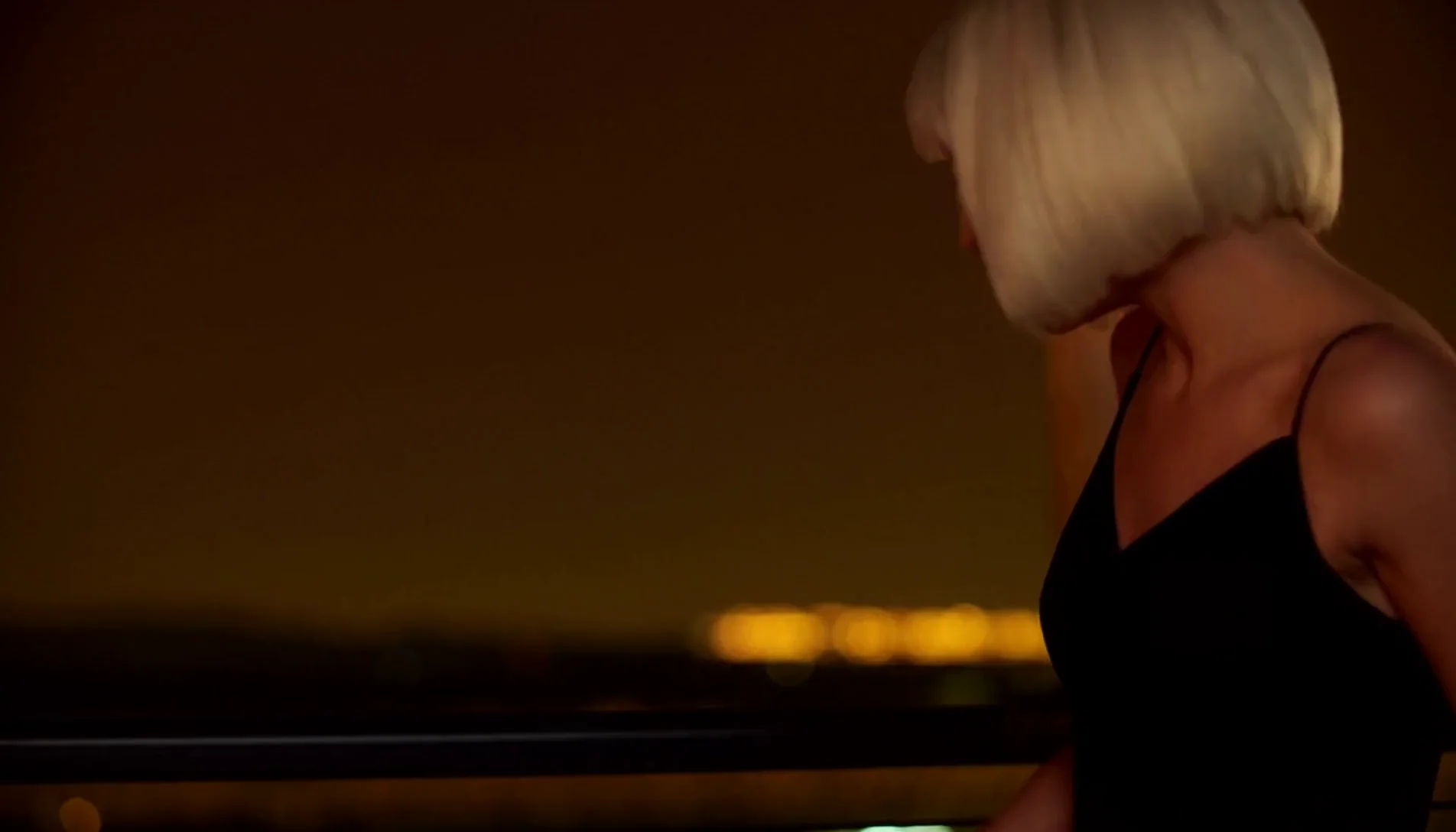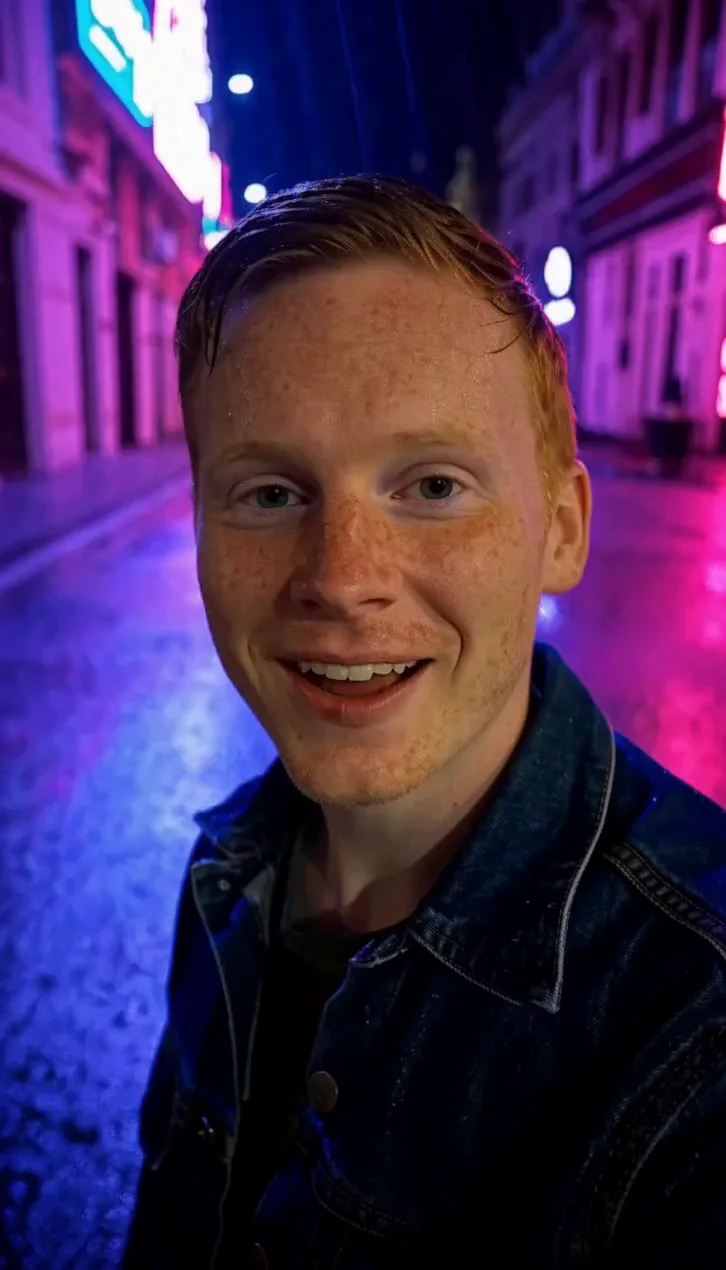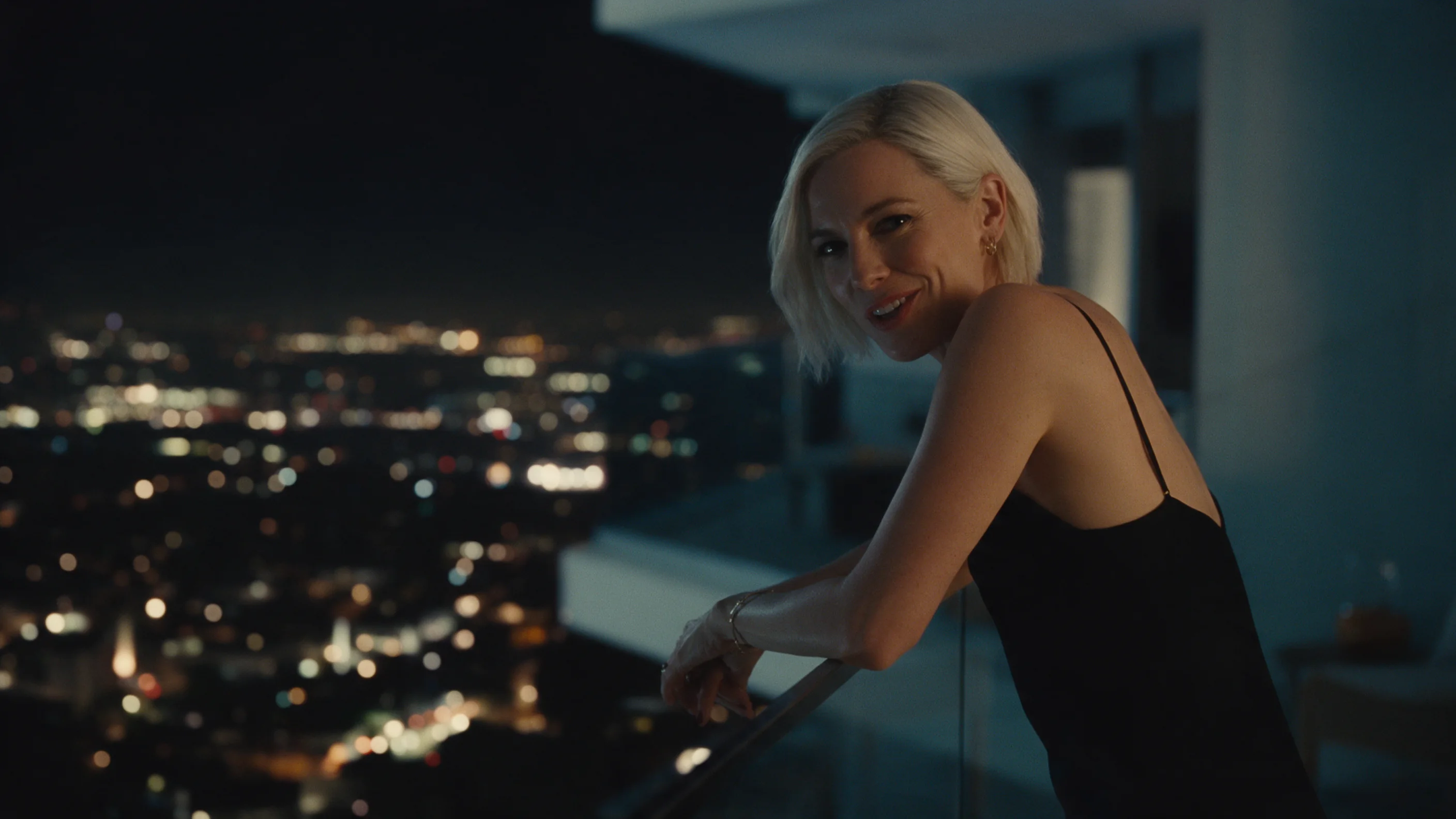
Introduction
daVinci-MagiHuman Text to video turns a written prompt into a short clip with a voice. daVinci-MagiHuman is an open 15-billion-parameter model from Sand.ai and SII-GAIR that generates the picture and the soundtrack together. Put the line the person should say in quotation marks and the model speaks it. This endpoint returns 5 to 10 seconds at 256p, 720p or 1080p, in 16:9 or 9:16. You can also send your own speech or song as audio_url.
Choose a mode by starting material
| What you have | Mode |
|---|---|
| a written description | daVinci-MagiHuman Text to video |
| a photo to start from, with or without your own audio | daVinci-MagiHuman Image to video |
Key features & highlights
Picture and voice from one prompt
One request returns the video and its soundtrack. Write who is in frame, what they do and, in quotes, what they say. You do not pick a voice or run a second step.
What we measured
We ran two text-to-video clips. The first was 1080p at 16:9: it came back about 1904 x 1088, 25 fps, 5.0 seconds, with sound, after about 3 min 53 s of processing. The second was 720p at 9:16: about 726 x 1270, 5.0 seconds, after about 1 minute. We transcribed the soundtrack of both, and each matched the quoted line in the prompt word for word. The 720p size at 16:9 is not exactly 1280 x 720 (an image-to-video run gave about 1358 x 678), so treat the sizes as approximate.
Three resolutions, two shapes
resolution is 256p, 720p (the default) or 1080p. The model generates at a low base resolution and its own super-resolution stage produces the higher tiers. aspect_ratio is 16:9 (the default) or 9:16. Higher tiers cost more per second; the shape does not change the price.
Your own audio
audio_url is optional. With a speech or song file attached, the video is generated in sync with it instead of inventing a voice. We ran this on image-to-video, not on this endpoint.
Languages
The publisher lists Chinese (Mandarin and Cantonese), English, Japanese, Korean, German and French. We tested English.
Request parameters
| Parameter | Required | Description |
|---|---|---|
prompt | Yes | Describe who is in frame, where, what they do and how the camera looks at them. Put the line they say in quotation marks; the model speaks it. at least 3 characters · at most 5000 characters |
audio_url | No | Optional. A public link to a speech or song file; the video is generated in sync with it instead of inventing a voice. |
aspect_ratio | No | 16:9 for landscape (the default) or 9:16 for portrait. The shape does not change the price. |
resolution | No | 256p, 720p (the default) or 1080p. Higher tiers cost more per second. |
duration_seconds | No | 5 to 10 seconds, default 5, billed per second. |
seed | No | Optional integer. The same seed with the same inputs gives similar, not guaranteed identical, results. |
Pricing
Billed per second of the requested duration; the per-second price depends on the resolution, while sound and aspect ratio do not change it. Failed requests are not charged.
| Specification | Price |
|---|---|
| $0.024 / second |
| $0.048 / second |
| $0.072 / second |
Use cases
Short spoken clips
A greeting, a product intro or a teaser line: one person, one line in quotes, 5 to 10 seconds. The model writes the voice and the lip movement together, so you need no recording and no separate lip-sync step. In our runs the spoken words matched the quoted line exactly.
Vertical clips for phones
Set aspect_ratio to 9:16 for stories and short-video feeds. Our 720p portrait run came back about 726 x 1270, framed from the chest up. Describe the framing in words ("looks straight into the camera") rather than asking for a selfie with a phone, which put a phone in the shot in one of our tries.
Dialogue drafts
Try a line, a face and a setting together before you commit to a longer piece: change only the quoted line, keep the rest of the prompt, and compare the takes.
Prompt guide & pro tips
Put the line in quotation marks
Say who talks and how, then the line: says softly: "...". Our lines were 8 to 10 words for a 5-second clip.
Describe the framing, not a device
In an extra 9:16 run, asking for a selfie with a phone put a phone in the frame facing the camera from behind. Write "looks straight into the camera" and a shot size such as "vertical medium close-up".
Order the prompt
Person and place first, then the action and the line, then light and camera: Warm practical light, shallow depth of field, or Handheld, eye level.
Listen to the first run
The speech is generated, so play the clip and compare it with your line before you build on it. Use seed to keep the inputs steady while you change one thing, knowing the result is similar, not guaranteed identical.
Choosing between models
If you already have the voice recording and a portrait and want a longer clip, up to 300 seconds, driven by that audio, use OmniHuman 2.0; Kling Avatar 2.0 is the same idea. Pick daVinci-MagiHuman when you want the model to speak a line you write, or you need a 9:16 clip.
API quick start
# Generate the idempotency key once; reuse it when retrying after a lost response.
export SPICY_IDEMPOTENCY_KEY="${SPICY_IDEMPOTENCY_KEY:-$(uuidgen)}"
curl -X POST https://api.spicyapi.ai/api/v1/jobs/createTask \
  -H "Authorization: Bearer $SPICY_API_KEY" \
  -H "Content-Type: application/json" \
  -H "Idempotency-Key: $SPICY_IDEMPOTENCY_KEY" \
  -d '{
  "model": "sand-ai/davinci-magihuman/text-to-video",
  "input": {
    "aspect_ratio": "16:9",
    "duration_seconds": 5,
    "prompt": "A slow aerial shot drifting over a misty pine forest at sunrise",
    "resolution": "720p"
  }
}'

# Copy data.taskId from the response into TASK_ID, then poll the status.
TASK_ID="TASK_ID_FROM_RESPONSE"
curl "https://api.spicyapi.ai/api/v1/jobs/recordInfo?taskId=$TASK_ID" \
  -H "Authorization: Bearer $SPICY_API_KEY"
See the API reference for authentication, the complete schema, polling, and error handling.