Introduction
OmniHuman 2.0 Talking avatar is ByteDance's audio-driven avatar model. You send a portrait (image_url) and an audio file of speech or singing (audio_url), and it returns a 720p video of that person performing the audio - the face, lips, head and upper body move with it, rather than leaving the torso frozen. The clip is as long as the audio, from 4 to 300 seconds. There is no duration, resolution or aspect-ratio field. An optional prompt of up to 300 characters directs mood, gestures, where the eyes go and, according to the publisher, camera movement.
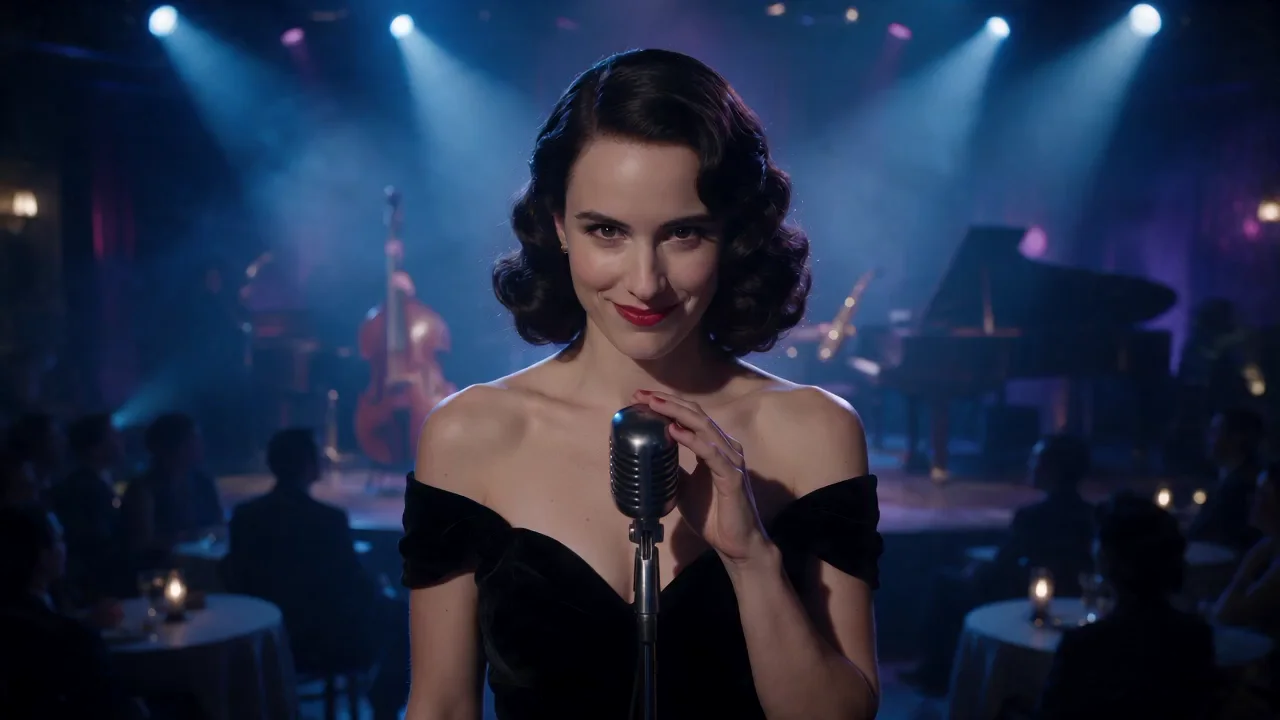
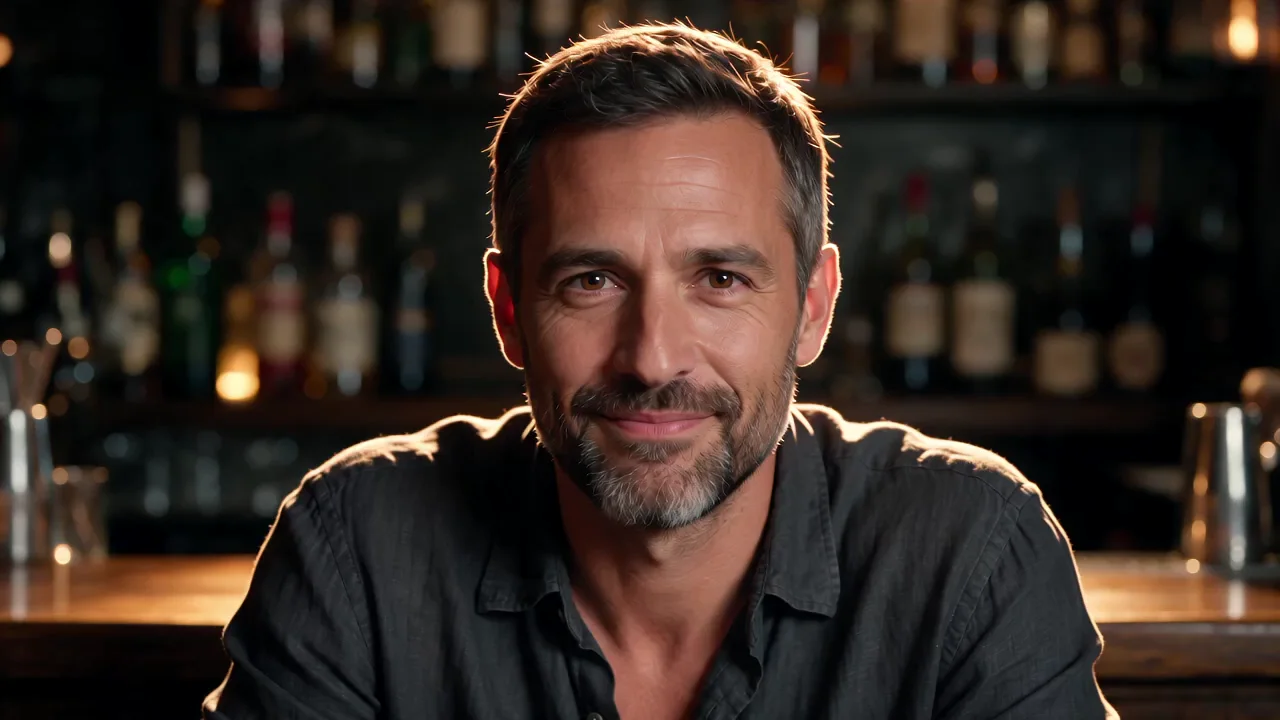
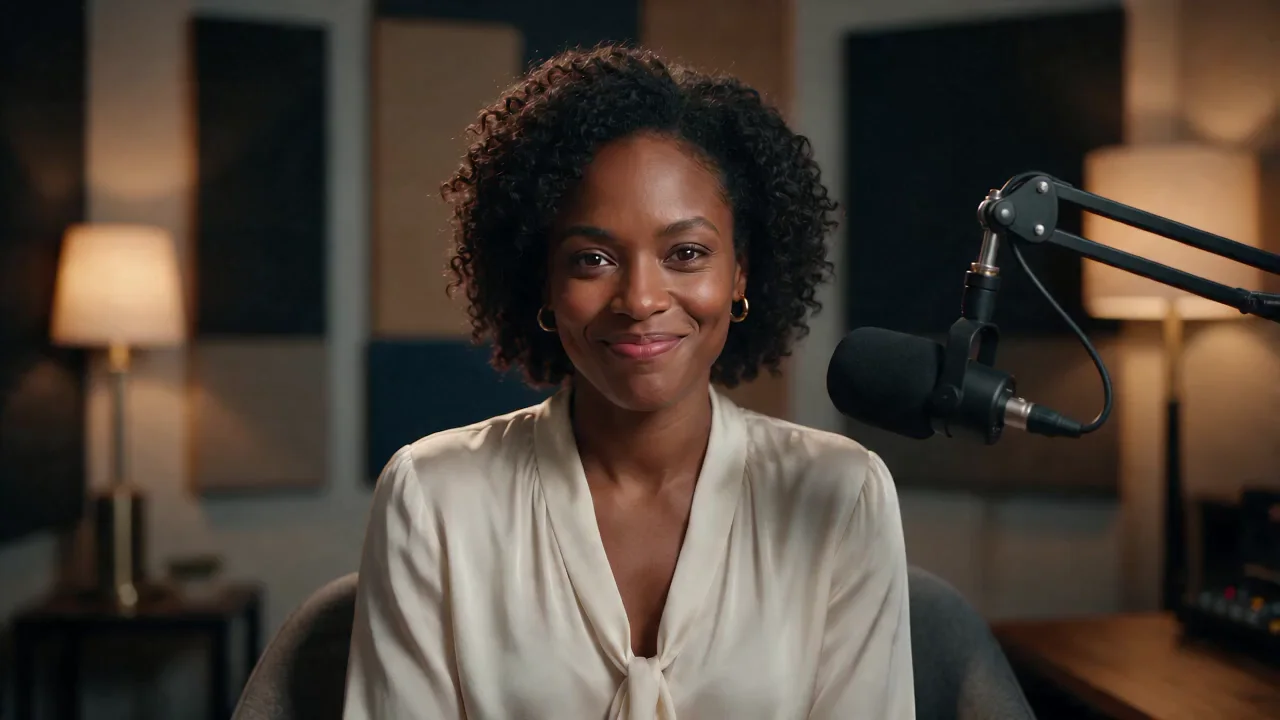
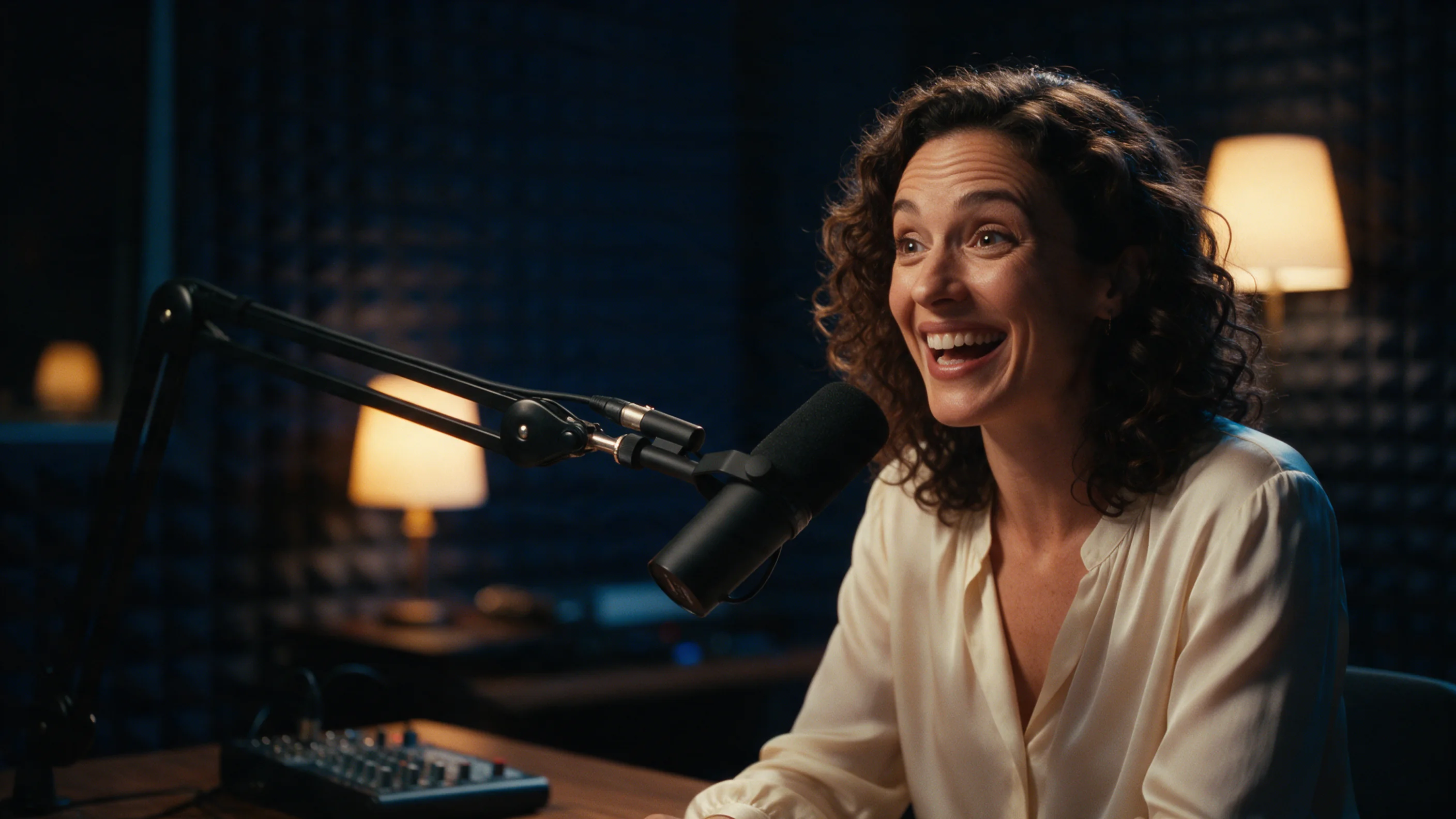
Three of the four examples here (the supper-club singer, the bar counter and the late-night show) use the same portraits and audio as Kling Avatar 2.0, trimmed to about five seconds, so you can compare the two pages side by side.
Key features & highlights
The audio sets the length
Trim your audio to the length you want the clip to run before you send it. Audio shorter than 4 seconds or longer than 300 seconds is refused before anything is charged. In our runs the clip came back between 0.2 and 1 second longer than the audio, landing on a whole number of seconds: 4.55 seconds of audio gave a 5-second clip, 5.2 seconds gave a 6-second clip. Billing follows the audio length, not the finished clip.
What we measured
We ran four portraits, each with its own audio of 4.55 to 5.2 seconds and its own one-line prompt. All four portraits were 16:9. Every clip came back at 1280×720 and 24 fps with the audio track included, and processing took about two minutes per clip - 110 to 133 seconds from submit to finished file. Comparing frames to the input portrait, the face stayed recognisably the same person in all four clips.
Lips, expression and gesture
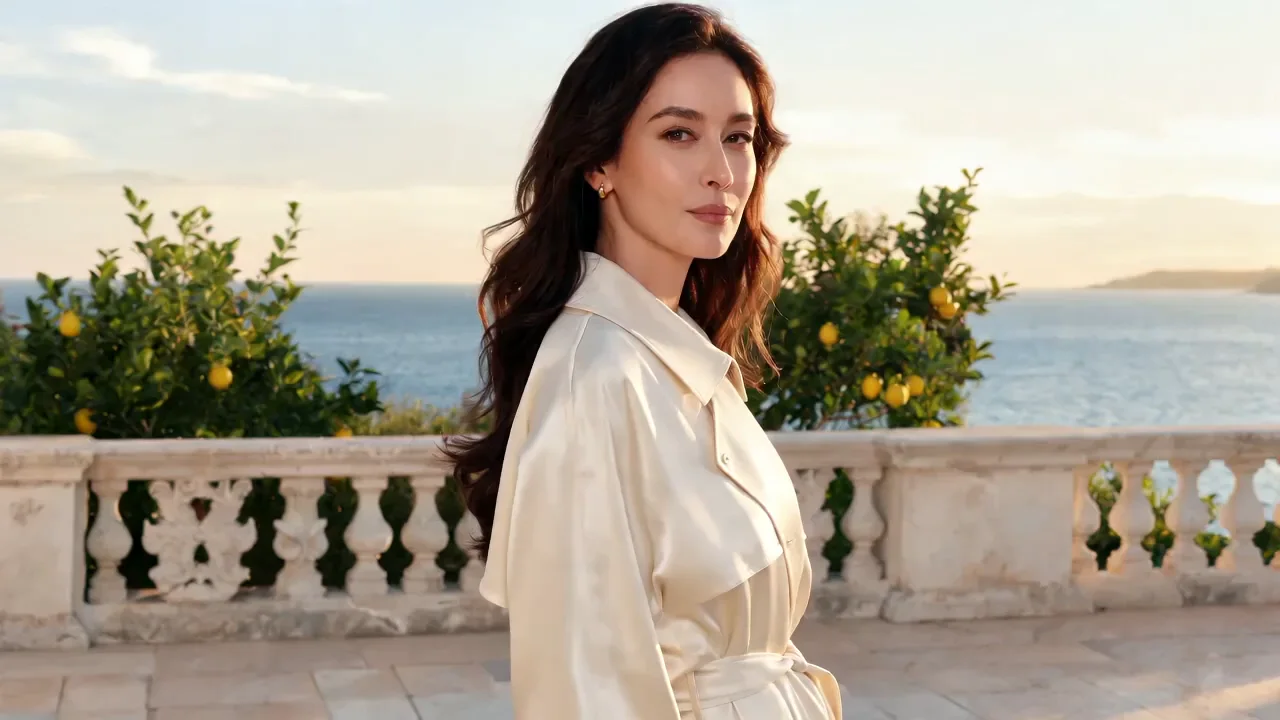
In all four clips the lips tracked the audio. The prompts asked for small, specific beats, and most of them showed up: a smile and a small head tilt on the last word with a hand staying on the microphone, a half smile and a raised eyebrow with the bottles behind the bar staying stable, a head turning toward the sea in the final second, and a quick laugh with wide eyebrows on the last word. One instruction did not visibly land: a lean toward the microphone in the late-night-show clip.
The prompt is optional
Leave prompt empty and the model follows the audio on its own. The publisher lists Chinese, English, Japanese, Korean, Spanish (Mexican) and Indonesian as prompt languages. Our four prompts were in English and directed expression, gestures and where the eyes go; we did not test camera-movement instructions.
What we have not tested
The publisher lists scenes with more than one person; we have not tested them. Our clips were all about five seconds of audio, so we have not tested a long clip near the 300-second maximum, a full-length song, or portraits that are not 16:9.
Content review
Portraits that fail ByteDance's content review are declined, and nothing is charged. One of our test portraits was declined this way: no clip, no charge. Plan on every request going through that review.
Request parameters
| Parameter | Required | Description |
|---|---|---|
prompt | No | Optional, up to 300 characters. Direct mood, gestures, where the eyes go and camera movement. at most 300 characters |
image_url | Yes | Portrait to animate. JPEG, PNG, WebP, BMP, TIFF, GIF, HEIC or HEIF, under 30 MB, 300 to 6000 px on each side, width-to-height ratio between 0.4 and 2.5. |
audio_url | Yes | Speech or singing, WAV or MP3, under 15 MB, 4 to 300 seconds. The clip is as long as this audio; audio outside that range is refused before anything is charged. |
Pricing
$0.108 / second
Billed per second of the input audio, with a 4-second minimum and a 300-second maximum; the hold follows the audio length (or the 300-second maximum when it cannot be read) and the difference is released on delivery. Failed or declined requests are not charged.
Use cases
Give a recorded line a face
Pair a recorded or generated line with a portrait to get a clip of that person delivering it - narrated intros, testimonials or dialogue for a character whose face you have already settled on.
Short host intros and cold openings
A bright, playful opening line with a prompt that names the mood and a beat on the last word gave us wide expressions, lively eyebrows and a laugh, as in the late-night-show example above.
A sung line from a still photo
The publisher lists singing alongside speech. Our test included one slow sung/spoken line of about five seconds at a vintage microphone; we have not tried a full song.
Phone photos as they are
The portrait can be JPEG, PNG, WebP, BMP, TIFF, GIF, HEIC or HEIF, under 30 MB, so a photo straight from a phone can go in without converting it first.
Prompt guide & pro tips
Tie an expression to a moment in the line
"A lazy smile on the last word" and "glances away at the end" both landed where we placed them: the smile and head tilt arrived at the end of the supper-club clip, and the head turned toward the sea in the final second of the terrace clip. Naming where in the line the beat should happen gives the model something to time.
Keep to a few beats
Each of our prompts asked for a mood, one or two facial beats and sometimes a posture. That is enough to shape a five-second clip. Facial beats followed the prompt more reliably than body movement in our runs.
Do not count on a body movement alone
"A lean toward the mic" in the late-night-show prompt did not visibly happen, while the laugh and eyebrows beside it did. That is one observation from one run, but if a body movement matters to you, generate once and check before you build on it.
Pick the portrait with the limits in mind
Width and height must each be 300 to 6000 pixels, and the width-to-height ratio must be between 0.4 and 2.5. We only tested 16:9 portraits.
Trim the audio to the performance
The clip runs as long as the audio, and billing follows the audio length, so cut the file to the speech or singing you actually want. WAV or MP3, under 15 MB.
API quick start
# Generate the idempotency key once; reuse it when retrying after a lost response.
export SPICY_IDEMPOTENCY_KEY="${SPICY_IDEMPOTENCY_KEY:-$(uuidgen)}"
curl -X POST https://api.spicyapi.ai/api/v1/jobs/createTask \
  -H "Authorization: Bearer $SPICY_API_KEY" \
  -H "Content-Type: application/json" \
  -H "Idempotency-Key: $SPICY_IDEMPOTENCY_KEY" \
  -d '{
  "model": "bytedance/omnihuman-2.0/talking-avatar",
  "input": {
    "audio_url": "https://example.com/reference.mp3",
    "image_url": "https://example.com/reference.png",
    "prompt": "A slow aerial shot drifting over a misty pine forest at sunrise"
  }
}'

# Copy data.taskId from the response into TASK_ID, then poll the status.
TASK_ID="TASK_ID_FROM_RESPONSE"
curl "https://api.spicyapi.ai/api/v1/jobs/recordInfo?taskId=$TASK_ID" \
  -H "Authorization: Bearer $SPICY_API_KEY"
See the API reference for authentication, the complete schema, polling, and error handling.