Introduction
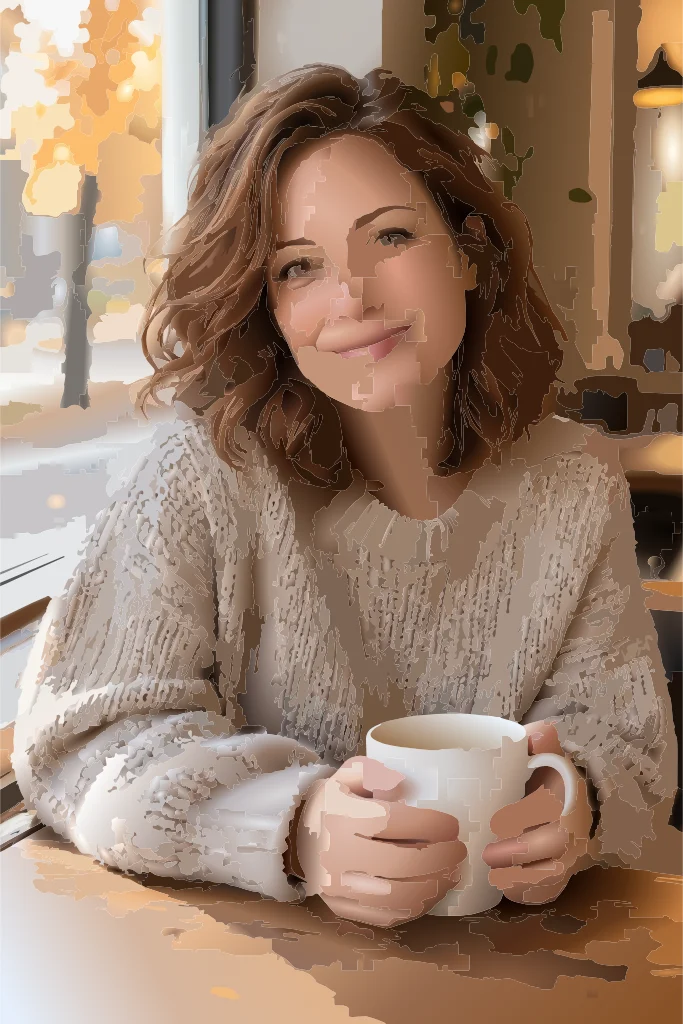
Ideogram Vector 1.0 Text to SVG draws a new vector file from a description. It is aimed at the jobs where a bitmap falls short: logos, badges, posters, stickers and simple illustrations that must stay crisp at any size.
Key features & highlights
Native vector output
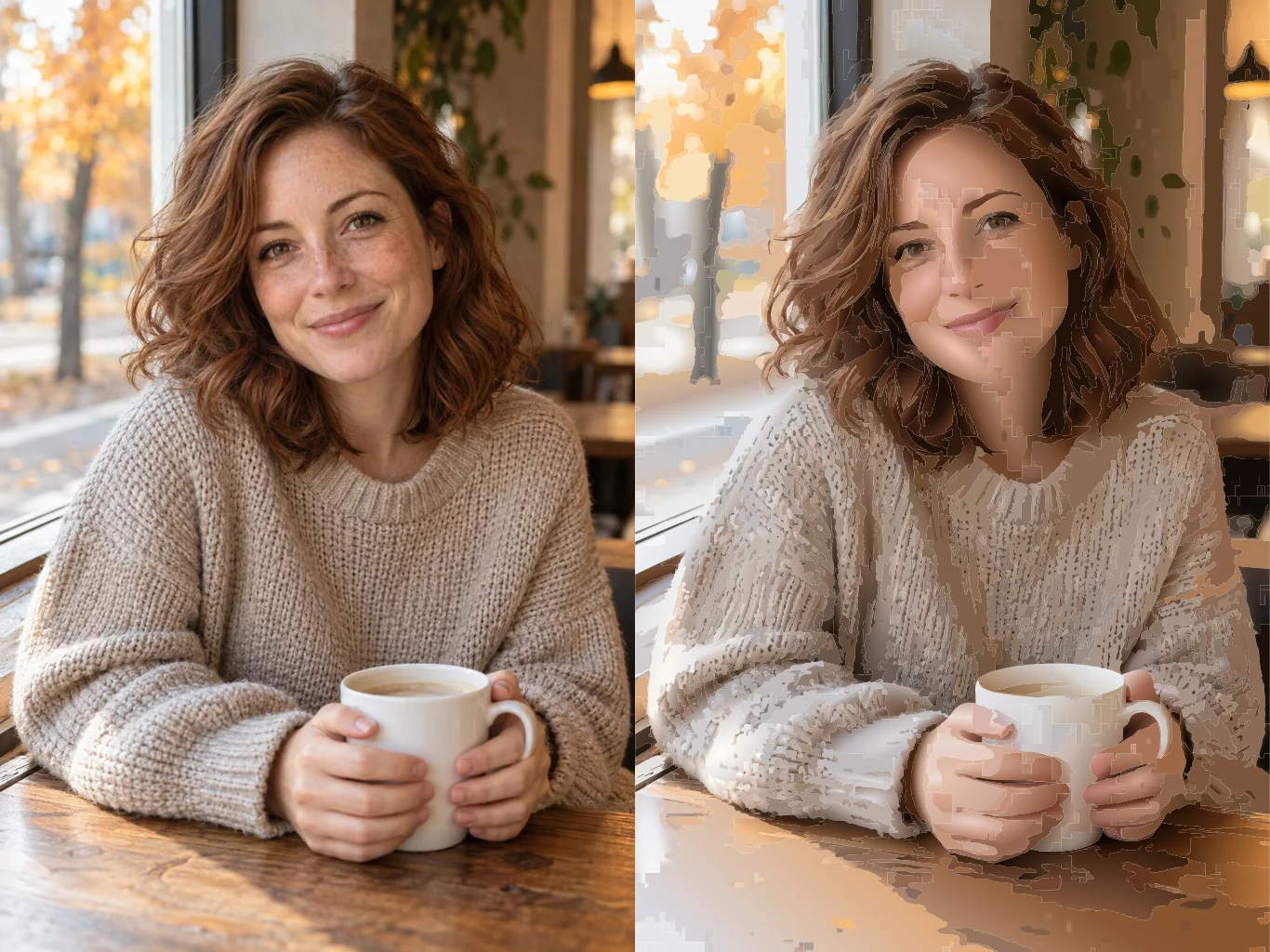
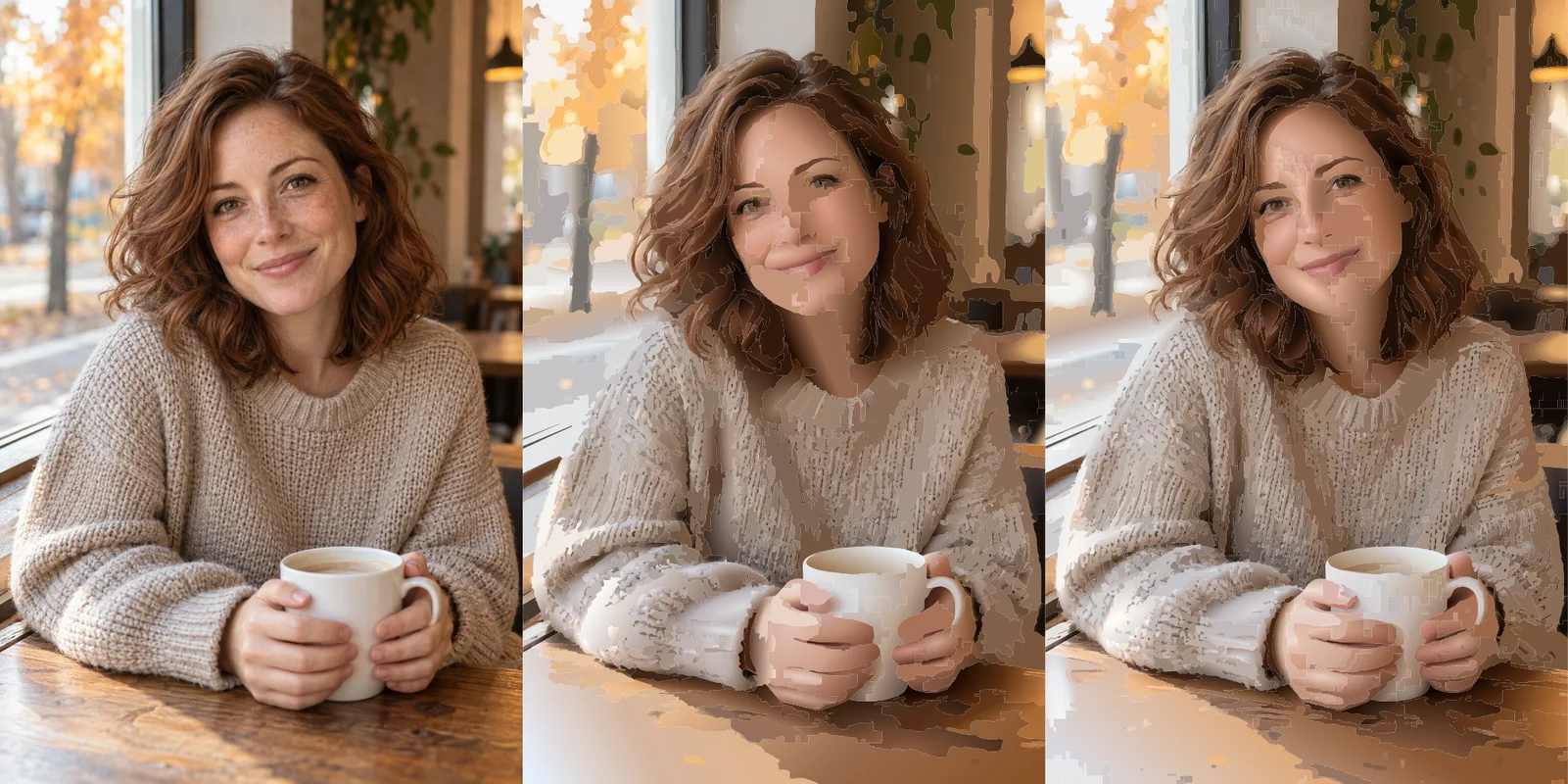
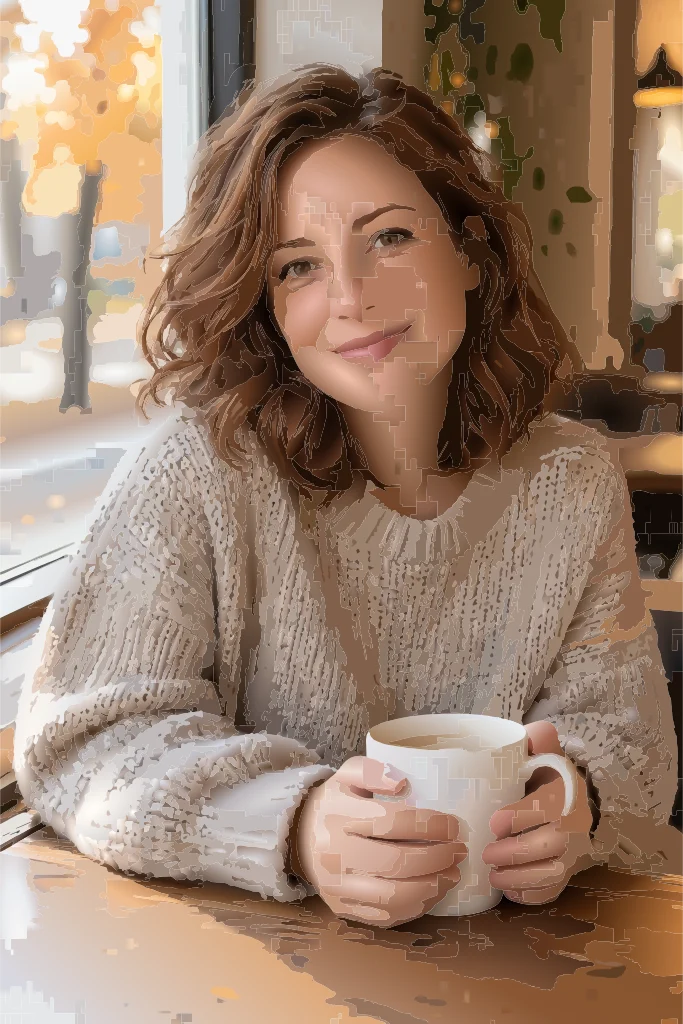
The model returns path and gradient elements, not a picture inside an SVG wrapper. Open it in Figma, Illustrator or Inkscape and every shape is selectable.
Lettering that reads
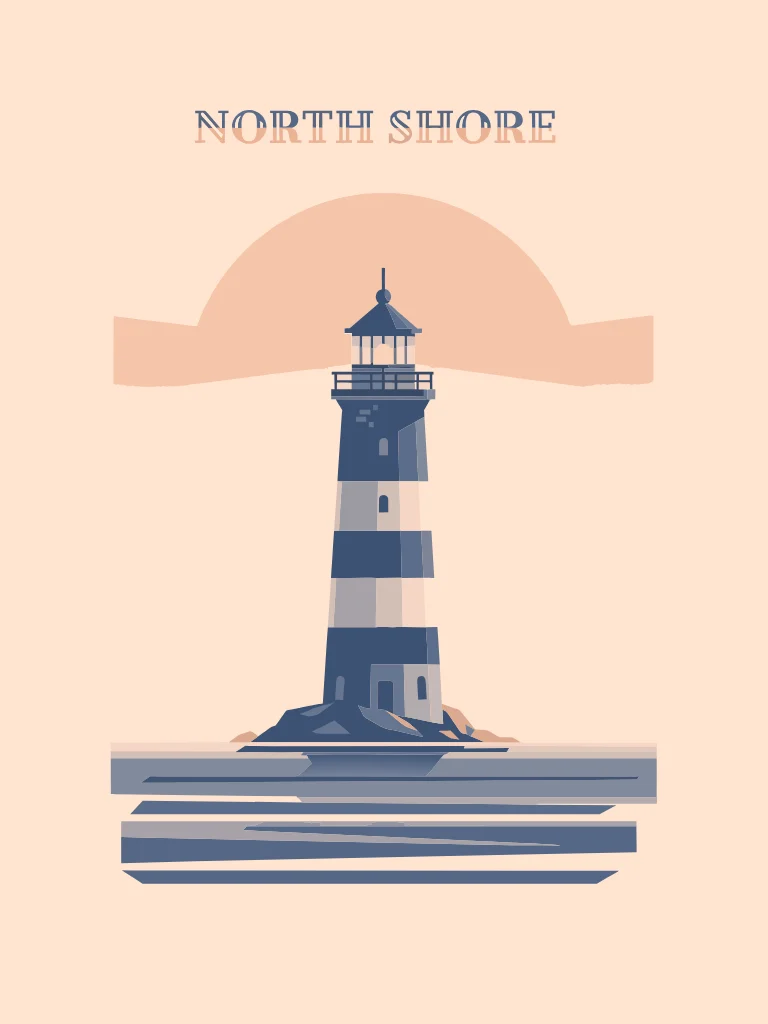
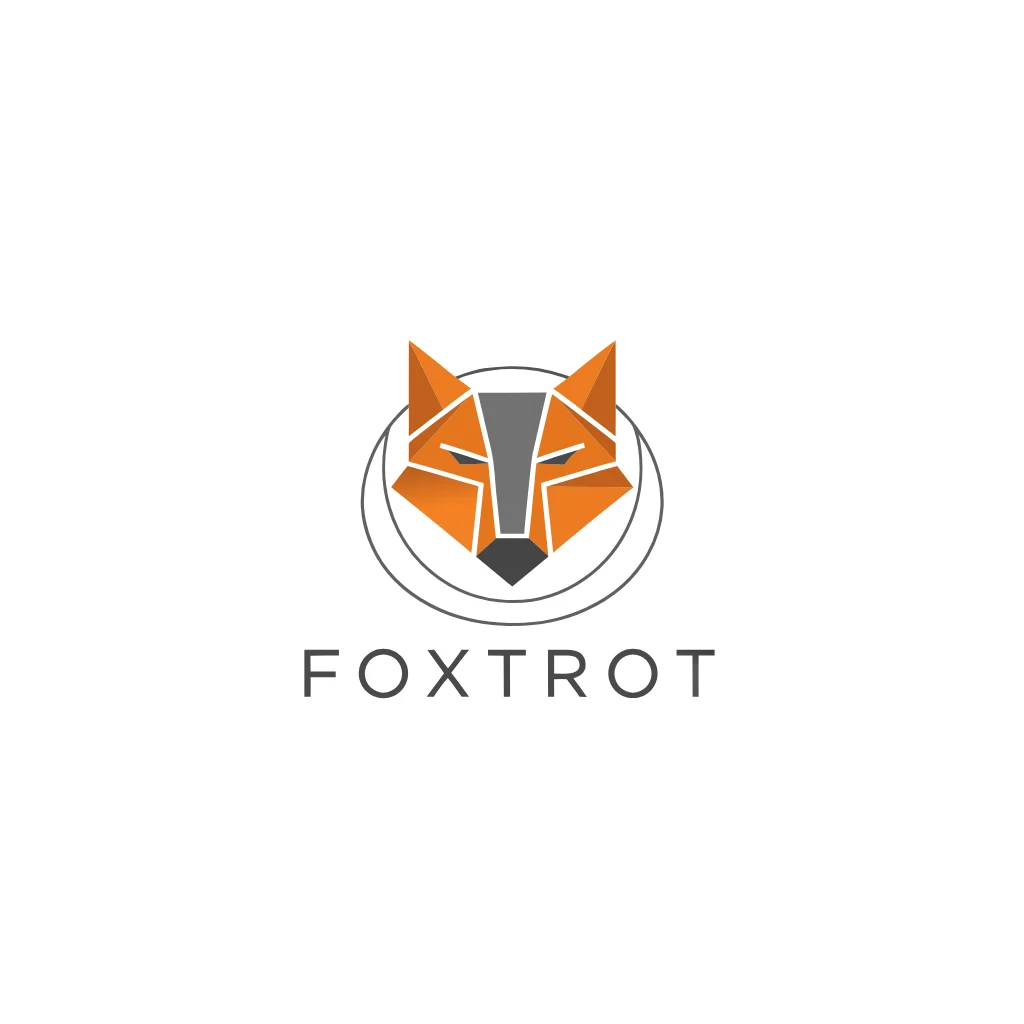
Ideogram is known for typography. In our runs short words such as FOXTROT and NORTH SHORE came back spelt correctly and placed as part of the layout.
Three tiers and 17 ratios
Low is for quick drafts, medium for most work and high for the most detail. The canvas runs from tall 1:4 to wide 4:1.
Request parameters
| Parameter | Required | Description |
|---|---|---|
prompt | Yes | Describe the subject, the style (flat, line art, geometric), the colours and any words to letter. Keep text short: one to three words letter more reliably than a sentence. at least 1 characters · at most 9500 characters |
quality | No | low, medium (default) or high. Higher tiers add detail and take longer; each tier has its own price per SVG. |
aspect_ratio | No | Canvas shape for the vector, from 1:4 tall to 4:1 wide; 1:1 by default. It sets the viewBox proportions, not a pixel size, since the SVG scales freely. |
reference_image_urls | No | Optional, up to five JPEG, PNG or WebP images of up to 10 MB each, used as style and composition references; the first carries the most weight. at most 5 items |
Pricing
Each finished SVG is charged once at the rate for its quality tier; using reference images raises the rate only on high, and a request that fails or returns no SVG is not charged.
| With references | Quality: low | Quality: medium | Quality: high |
|---|---|---|---|
| $0.174 / image | $0.216 / image | $0.264 / image |
| $0.174 / image | $0.216 / image | $0.432 / image |
Use cases
Start a brand mark
Generate several logo directions, then refine the chosen one in a vector editor.
Event and shop posters
Produce a poster with a headline that can be printed at A2 without pixelation.
Stickers and merch
Create designs for vinyl cutting, screen printing or embroidery, where vector files are required.
Prompt guide & pro tips
Describe the style explicitly
Words like flat, geometric, line art, two-colour or badge help the model keep shapes simple and editable.
Put words in quotes or capitals
Write the exact text you want lettered, and keep it to a few words.
Name the colours
There is no palette control, so list the colours in the prompt, for example navy and peach.
API quick start
# Generate the idempotency key once; reuse it when retrying after a lost response.
export SPICY_IDEMPOTENCY_KEY="${SPICY_IDEMPOTENCY_KEY:-$(uuidgen)}"
curl -X POST https://api.spicyapi.ai/api/v1/jobs/createTask \
  -H "Authorization: Bearer $SPICY_API_KEY" \
  -H "Content-Type: application/json" \
  -H "Idempotency-Key: $SPICY_IDEMPOTENCY_KEY" \
  -d '{
  "model": "ideogram/vector-1/text-to-image",
  "input": {
    "aspect_ratio": "1:1",
    "prompt": "A ceramic teapot on a linen cloth, soft window light, muted palette",
    "quality": "medium"
  }
}'

# Copy data.taskId from the response into TASK_ID, then poll the status.
TASK_ID="TASK_ID_FROM_RESPONSE"
curl "https://api.spicyapi.ai/api/v1/jobs/recordInfo?taskId=$TASK_ID" \
  -H "Authorization: Bearer $SPICY_API_KEY"
See the API reference for authentication, the complete schema, polling, and error handling.