Introduction
Upload one to five images in image_urls and describe what stays locked and what changes in prompt.
| Field | Value |
|---|---|
| Input | Image |
| Output | Image |
| Publisher | Microsoft |
| Release date | November 17, 2026 |
| Tasks | Text to image; image editing |
| Resolution tiers | 1k (default), 2k on text-to-image |
| Aspect ratios | 1:1, 16:9, 9:16, 4:3, 3:4, 3:2, 2:3, 21:9, 9:21, 4:1, 1:4 |
| Edit inputs | 1 to 5 images per request |
Key features & highlights
High identity retention in edits
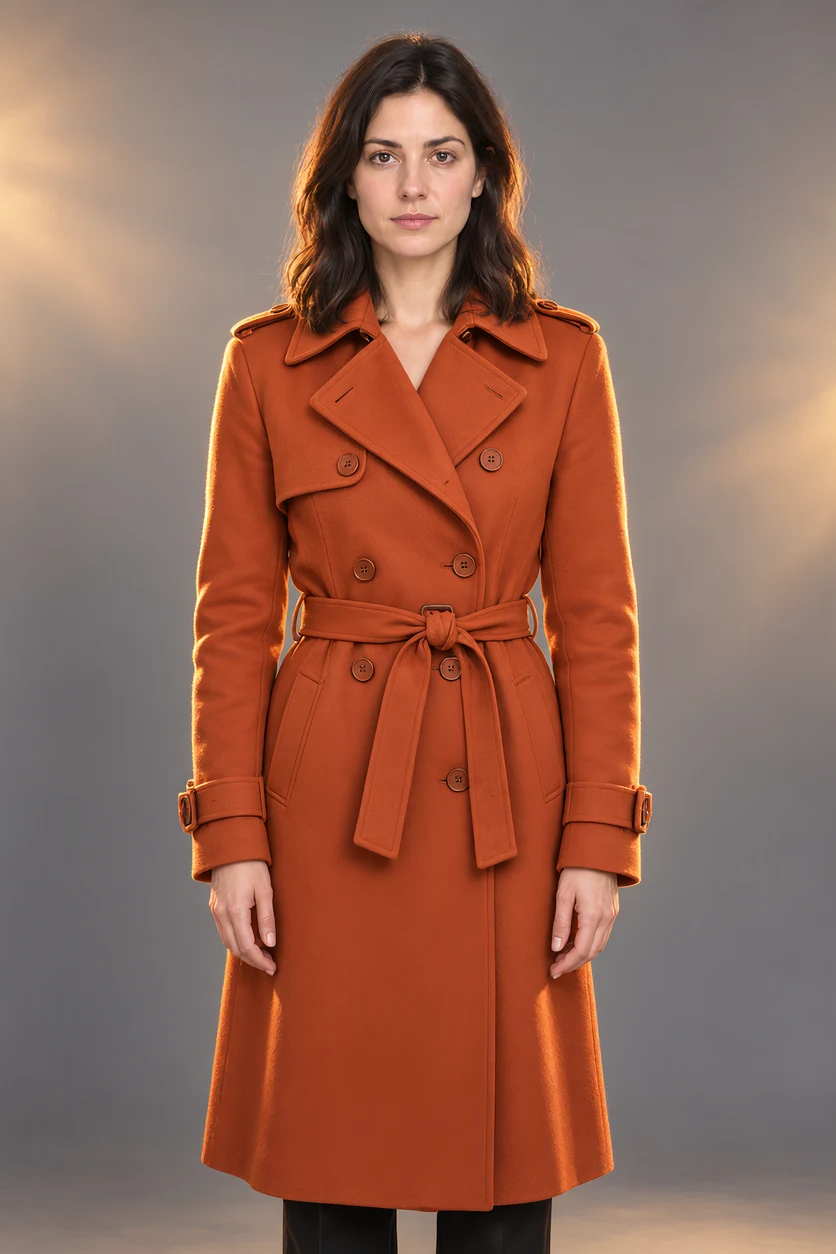
In our single-photo and two-photo tests, MAI-Image-2.7 kept the woman's facial structure, expression, and studio proportions stable while changing garments and stage lighting.
Eleven preset aspect ratios
Text-to-image spans standard portrait, square, 16:9 widescreen, 21:9 cinema, and extreme 4:1 or 1:4 banner proportions.
Per-input transparent edit billing
Edit requests bill a fixed output base plus a small per-input charge for each reference photo from one through five.
Request parameters
| Parameter | Required | Description |
|---|---|---|
image_urls | Yes | Upload 1 to 5 source images; each additional reference adds the per-input fee to the base output price. at least 1 items · at most 5 items |
prompt | Yes | State which elements to preserve and refer to multiple uploads naturally ('the first photo', 'the second photo'). at least 1 characters · at most 10000 characters |
Pricing
$0.052 / image
Each edit bills a base output charge plus a fixed per-input-image charge for each uploaded photo (1 to 5). Failed or filtered edits are refunded in full.
Use cases
Wardrobe and lighting restyling
Swap a studio jacket for a tailored burnt-orange wool trench coat while preserving the subject's exact face, posture, and grey studio backdrop.
Two-photo scene compositing
Combine a dark concert stage photo and a separate portrait so the subject appears behind the vintage microphone under matching amber stage spotlights.
Widescreen architectural visualization
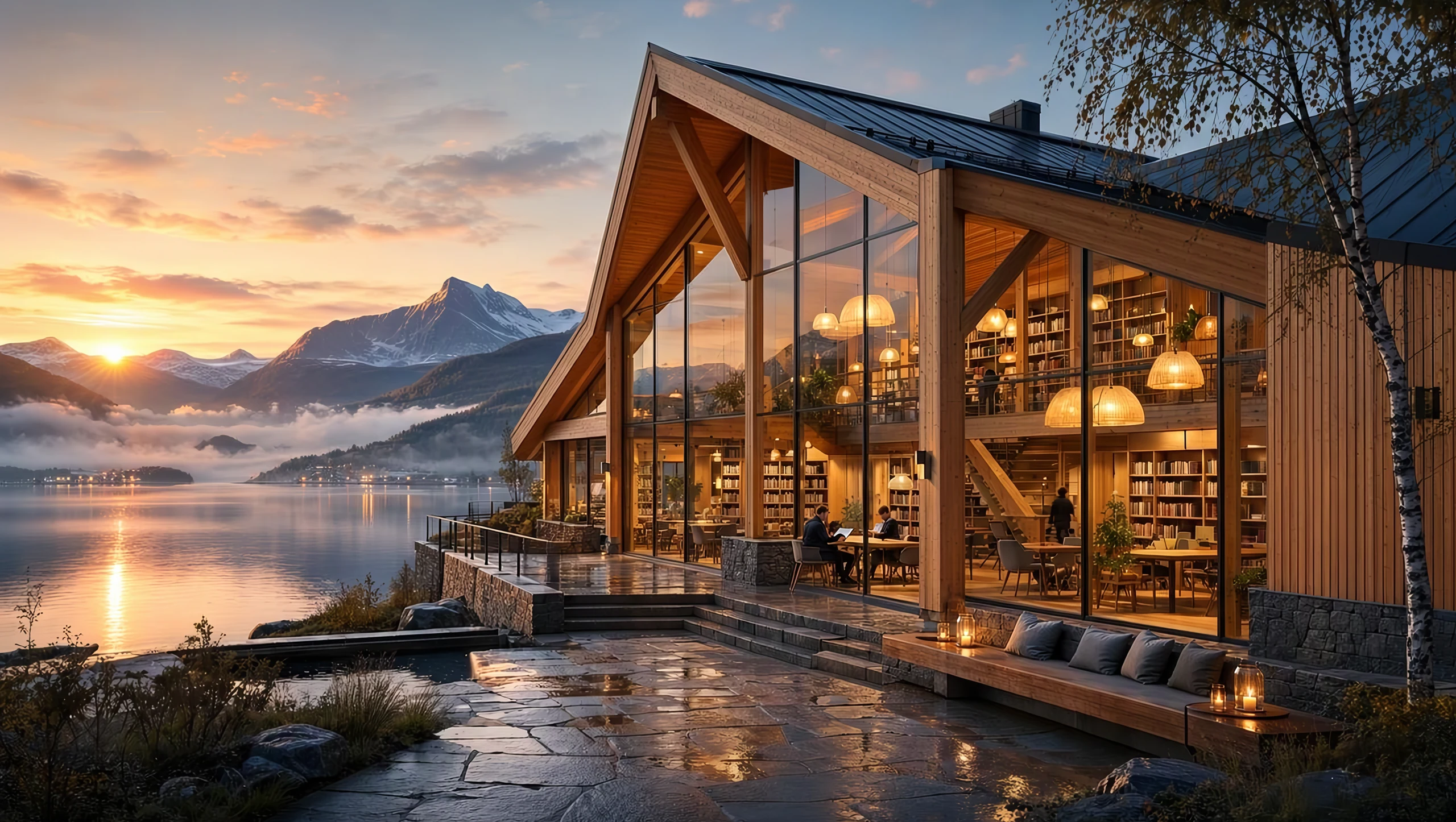
Render 2K 16:9 exteriors such as a Nordic timber library overlooking misty fjord water at dawn with glowing interior pendants.
Editorial tabletop and menu stills
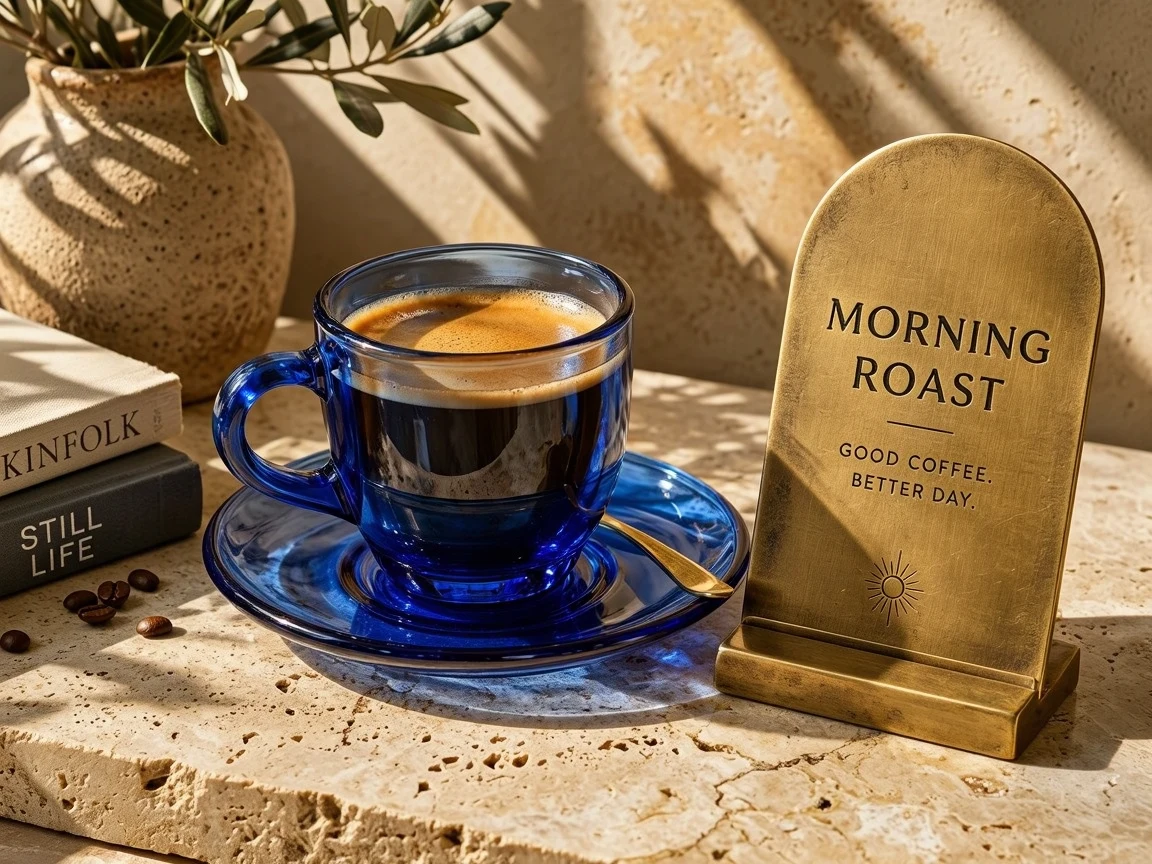
Compose travertine stone, colored glass, and engraved brass signage in 4:3 with crisp sunlit shadows for food and hospitality concepts.
Prompt guide & pro tips
Pick generation or multi-image editing
Send text-to-image with a written brief when starting from a blank canvas, or send edit with one to five source URLs when an existing portrait or scene must anchor the result.
Specify layout, materials, and exact words
State subject, material finish, lighting direction, and any quoted sign copy upfront. When you want no extra slogans or book titles added to props, say so directly.
Choose resolution and framing for generation
Pick 1k for quick proofs or 2k for high-detail scenes like 2720 x 1536 widescreen architecture. On edit requests, the canvas follows your source photo automatically.
Verify identity and added background details
Check that edited wardrobe changes leave facial features intact and proofread any incidental prop lettering before publishing.
Surgical single- and multi-image editing
MAI-Image-2.7 Edit takes one to five reference images and applies localized wardrobe, lighting, object, or scene edits without drifting away from the subject's likeness. In our November 25, 2026 live tests, both a 1-image coat replacement and a 2-image stage composite preserved the subject's exact facial geometry and returned 836 x 1254 PNGs matching the source frame.
Parameters and billing formula
| Parameter | Allowance | Role |
|---|---|---|
| prompt | 1–10,000 characters | Specify preserved attributes first, then target changes. |
image_urls | 1 to 5 image URLs | Ordered source images; total count enters the edit price. |
Total price equals the base edit output rate plus the per-input rate multiplied by the number of uploaded images. Output dimensions automatically track the source image—no separate resolution or aspect-ratio switch is required.
Practical editing notes
- Name multi-image roles in upload order ('the first photo', 'the second photo') so background and identity never swap places.
- Requests flagged by Microsoft's safety filter fail as
content_rejectedand carry no charge. - For lower-cost rapid iterations on the same 1–5 image workflow, try MAI-Image-2.7 Flash.
API quick start
# Generate the idempotency key once; reuse it when retrying after a lost response.
export SPICY_IDEMPOTENCY_KEY="${SPICY_IDEMPOTENCY_KEY:-$(uuidgen)}"
curl -X POST https://api.spicyapi.ai/api/v1/jobs/createTask \
  -H "Authorization: Bearer $SPICY_API_KEY" \
  -H "Content-Type: application/json" \
  -H "Idempotency-Key: $SPICY_IDEMPOTENCY_KEY" \
  -d '{
  "model": "microsoft/mai-image-2.7/edit",
  "input": {
    "image_urls": [
      "https://example.com/reference.png"
    ],
    "prompt": "A ceramic teapot on a linen cloth, soft window light, muted palette"
  }
}'

# Copy data.taskId from the response into TASK_ID, then poll the status.
TASK_ID="TASK_ID_FROM_RESPONSE"
curl "https://api.spicyapi.ai/api/v1/jobs/recordInfo?taskId=$TASK_ID" \
  -H "Authorization: Bearer $SPICY_API_KEY"
See the API reference for authentication, the complete schema, polling, and error handling.