Introduction
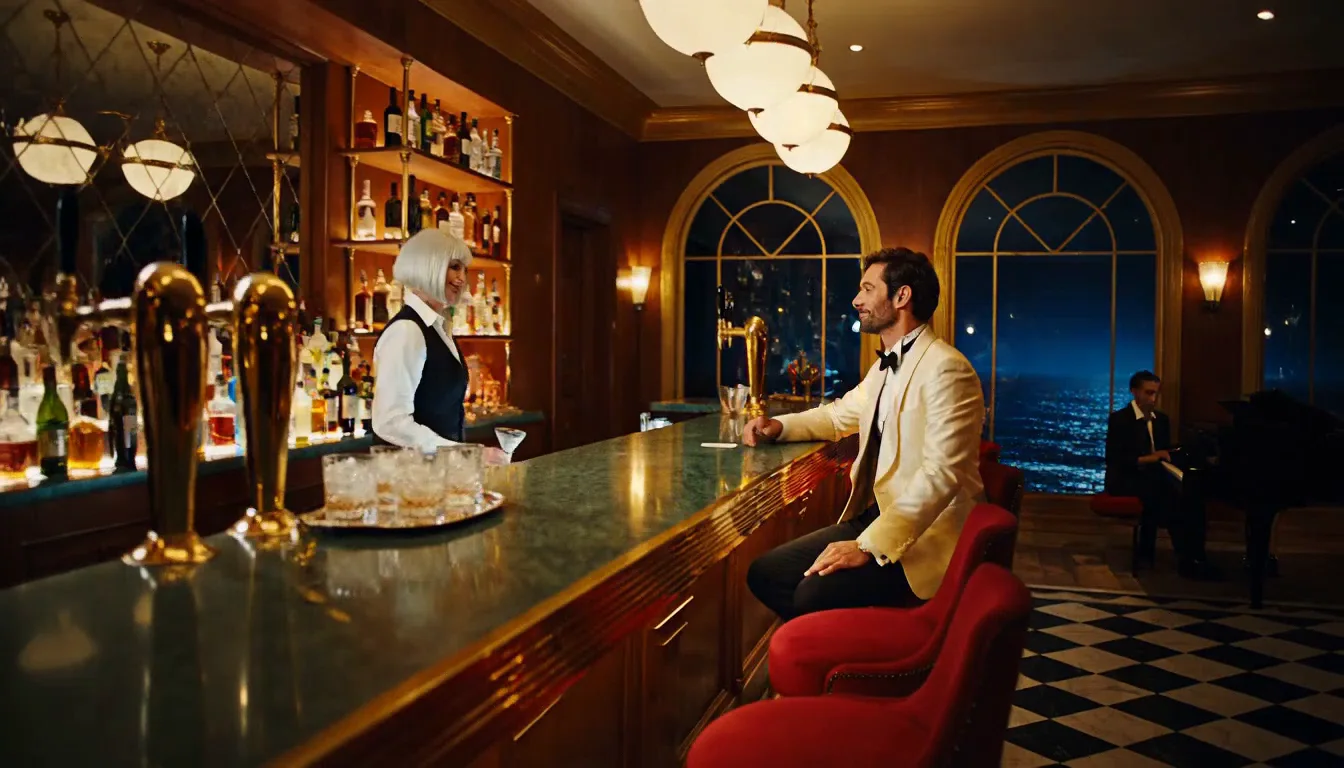
P-Video 2 Pro Image to video animates your opening frame into a clip of 5 to 15 seconds at 480p or 768p, with a soundtrack generated in the same pass. Add a closing frame to pin where the shot ends. The clip keeps the shape of your image, and there is no content filter on the image, the prompt or the result.
Choose a P-Video 2 Pro mode by starting material
| What you have at the start | Mode |
|---|---|
| a written scene or script | P-Video 2 Pro Text to video |
| an opening frame, and optionally a closing frame | P-Video 2 Pro Image to video (you are here) |
| a clip to borrow motion from, or a voice or music track | P-Video 2 Pro Reference to video |
Key features & highlights
First and last frame
image_url sets the opening and last_image_url the ending; the prompt describes how to get from one to the other. Keep both frames from the same camera position so the model can move between them instead of cutting.
The shape follows your image
There is no aspect-ratio field: a 3:4 portrait comes back as a 3:4 clip, a 16:9 still as 16:9.
Fast and uncensored
A 5-second clip took about 10 to 20 seconds to generate in our tests. Source images animate as written, whatever they show, with nothing blurred or replaced.
Request parameters
| Parameter | Required | Description |
|---|---|---|
prompt | Yes | Required. Describe what happens after the opening frame: the action, the camera and the sound. at least 1 characters |
image_url | Yes | The opening frame, JPEG, PNG or WebP. The clip starts from it and keeps its aspect ratio. |
last_image_url | No | Optional closing frame. Keep the same person, set and camera position as the opening frame. |
resolution | No | 480p or 768p (default 768p). 768p costs more per second. |
generation_mode | No | cost (cheapest, a little slower), speed (default, faster at the same quality) or quality (best picture, highest price). |
duration_seconds | No | Whole seconds, 5 to 15 (default 5). Drives the price. |
prompt_optimization_mode | No | off (default) sends your prompt word for word; turbo and max let the service rewrite it first. Does not change the price. |
seed | No | Keeps runs comparable while you change the prompt. It does not promise a frame-identical clip. |
Pricing
Billed per second of output. The price per second depends on the resolution (480p or 768p) and the generation mode: cost is the cheapest, speed costs more, quality the most. Prompt expansion, aspect ratio, seed and the closing frame do not change the price. A failed request is not charged.
| Resolution | Generation mode: cost | Generation mode: speed | Generation mode: quality |
|---|---|---|---|
| $0.012 / second | $0.024 / second | $0.048 / second |
| $0.03 / second | $0.042 / second | $0.09 / second |
Use cases
Bring a still to life
A portrait or a product shot: describe only what happens next, and the face, wardrobe and setting carry over from the image.
Before and after
Give a closing frame that differs from the opening one, a change of outfit, light or pose, and let the model fill in the move.
Continue a scene
Use the last frame of a previous clip as the opening frame of the next to keep a character consistent across shots.
Prompt guide & pro tips
Describe the motion, not the picture
The image already shows what everything looks like. Spend the prompt on the action, the camera and the sound.
A prompt is required
Unlike some image-to-video models, P-Video 2 Pro needs a prompt. One or two sentences about the next moment are enough.
Keep frames consistent
Opening and closing frames should show the same person and set from the same angle; frames that disagree force a cut or a morph.
API quick start
# Generate the idempotency key once; reuse it when retrying after a lost response.
export SPICY_IDEMPOTENCY_KEY="${SPICY_IDEMPOTENCY_KEY:-$(uuidgen)}"
curl -X POST https://api.spicyapi.ai/api/v1/jobs/createTask \
  -H "Authorization: Bearer $SPICY_API_KEY" \
  -H "Content-Type: application/json" \
  -H "Idempotency-Key: $SPICY_IDEMPOTENCY_KEY" \
  -d '{
  "model": "pruna-ai/p-video-2-pro/image-to-video",
  "input": {
    "duration_seconds": 5,
    "generation_mode": "speed",
    "image_url": "https://example.com/reference.png",
    "prompt": "A slow aerial shot drifting over a misty pine forest at sunrise",
    "prompt_optimization_mode": "off",
    "resolution": "768p"
  }
}'

# Copy data.taskId from the response into TASK_ID, then poll the status.
TASK_ID="TASK_ID_FROM_RESPONSE"
curl "https://api.spicyapi.ai/api/v1/jobs/recordInfo?taskId=$TASK_ID" \
  -H "Authorization: Bearer $SPICY_API_KEY"
See the API reference for authentication, the complete schema, polling, and error handling.