


OpenArt combines image and video tools with character features and agent integrations. Its broad creative catalogue does not make its content policy unrestricted. This independent SpicyAPI overview answers the NSFW question first, then explains the product and privacy distinctions worth checking.
What the creative suite brings together
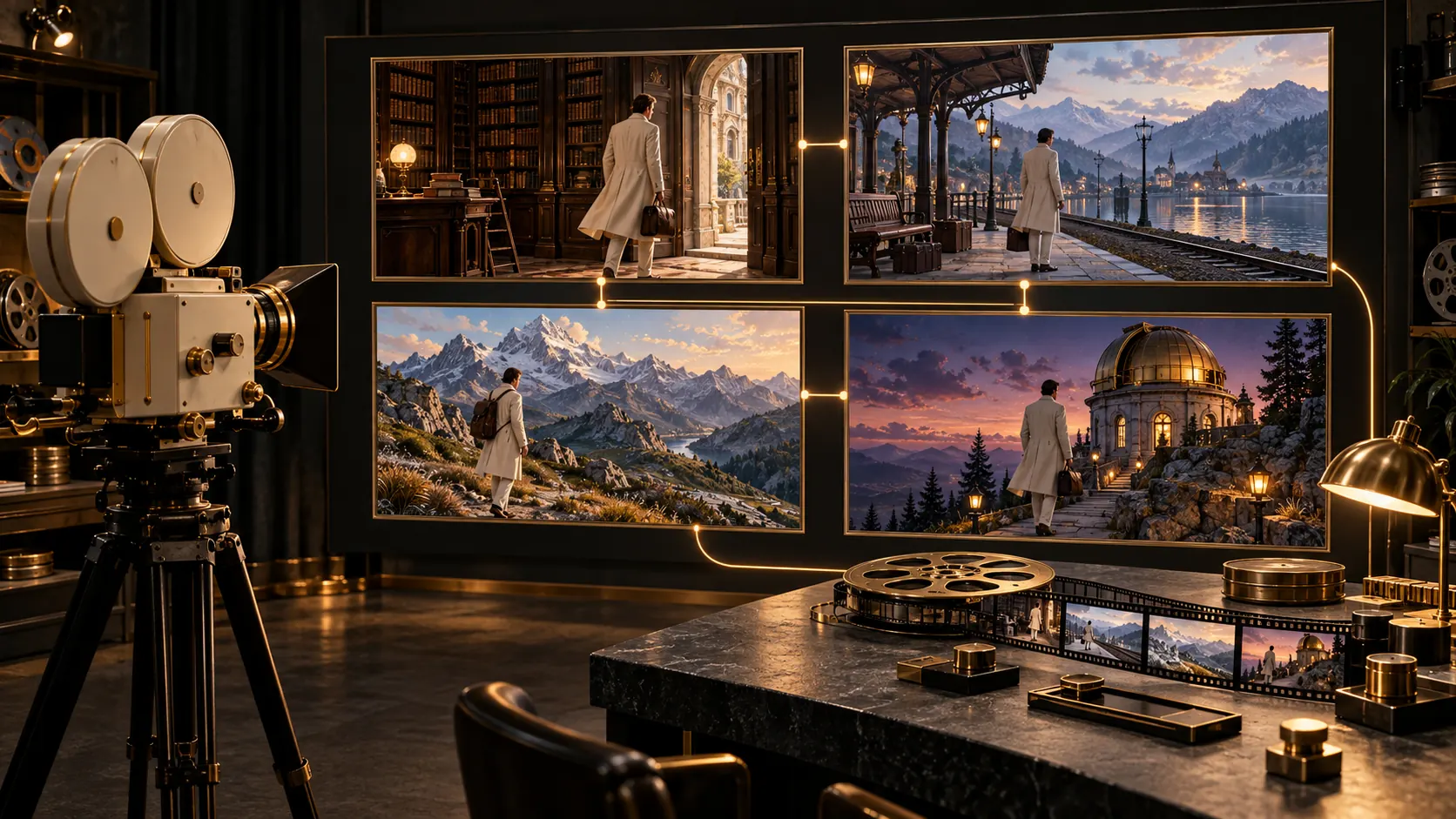
OpenArt's public site presents image generation, video and recurring-character tools. Its current MCP page also describes Smart Shot, which can plan a multi-shot video and present a shot-plan preview before generation. This gives a creator a concrete choice between making a single asset and organizing a sequence of shots.
Evaluate those tools by the decisions they remove from your day. A character feature may help manage recurring visual references; a video planning surface may help organize a sequence. Neither establishes perfect identity across every result, and a feature's presence does not prove support on every model.
Why a NSFW search page is not permission
Search results can surface OpenArt's automatically phrased discovery pages as well as its Help Center. Read them for different purposes. A discovery page indicates a topic in an index; the Help Center and terms describe what the service says it permits.
The Help Center's answer is direct: NSFW is restricted. That remains relevant even when work is unpublished. If a task is rejected, the appropriate next step is to inspect the applicable product rule or contact support, rather than treating a differently worded search result as authorization.
Private by default describes visibility
OpenArt states that generated creations are private unless the user chooses to publish or share them. Its July 30, 2026 terms then set retention according to subscription status: active subscribers' private work remains until deletion, never-subscribed users' private work is kept seven days, and private work is kept fourteen days after a subscription ends.
Those rules answer practical questions about unfinished projects. Private visibility does not mean indefinite storage, and deleting an account is not the same decision as downloading a finished project. Keep selected source material and deliverables somewhere you control before relying on a workspace as the only archive.
OpenArt already has MCP and CLI integrations
The current MCP and CLI page describes image and video generation through compatible agents using an OpenArt account and OAuth. It is inaccurate to describe OpenArt as having no programmatic or agent-based access simply because a Help Center answer says a public API is unavailable.
A managed agent connection and a direct API integration are different choices. The former uses tools exposed through the connected account. The latter requires a contract your application can call and handle directly. Decide which form fits the product instead of assuming one is a replacement for the other.
Keep character features and custom weights distinct
A reference-based character tool guides a generation from existing visual material. A LoRA is a separate adapter tied to a compatible base model. These can serve related creative goals, but they are not the same feature and should not be compared by name alone.
If an application needs its own adapter, verify support for that file type, base and version. If the goal is instead a convenient recurring-character workspace, inspect the actual reference controls. The right question is which input and workflow your team needs, not which feature label sounds more advanced.
Where SpicyAPI is a separate product choice
SpicyAPI gives applications image and video model choices, including Spicy editions and compatible LoRA endpoints, without adding platform content filtering. The chosen model still has its own behavior and available controls.
This is not an OpenArt plug-in, account transfer or claim to unlock an OpenArt restriction. Use OpenArt when its integrated creative environment fits. Evaluate a separate model endpoint when your priorities are an independent application interface, different model coverage or explicit content-retention controls.