Face Enhancer Review: Soft Faces Back in Focus, Same Size
Pick Face Enhancer to bring detail back to soft, recompressed faces and leave the rest of the photo alone; add Image Upscaler for more pixels.
Spicy Index
Not indexed
Freedom Score
Not yet tested
- Price
- $0.012 per image
- Median time
- 8.3 s
- Success rate
- Collecting data
Face Enhancer takes one photo and rebuilds the detail in the faces: eyes, brows, beard, skin texture. The request is a photo URL and, if you want it, an output format (JPEG, PNG or WebP). There is no prompt and nothing to tune. Up to three faces are restored, taking the larger faces first, and everything else in the picture is left as it was. The image comes back at the resolution you sent.
- SpicyAPI Engineering
- Tested Oct 25, 2026
- Methodology v3.3 →
- We sell these models; scores ignore price →
The verdict
It is a repair tool, not an upscaler. If the face is the problem, this is the call; if the whole photo is too small, use Image Upscaler instead or after it.
Key facts
- Input:
image_url(JPEG, PNG or WebP);output_formatis optional and does not change the price. - Output: one image per request at the input resolution, with up to three faces restored.
- Price: a flat price per image; see the model page for the live figure.
- Tested: one portrait on 25 Oct 2026; it finished in about 9 seconds.
What we liked and what held it back
What we liked
- Nothing to configure. A photo URL is the whole request, so it drops into a pipeline without prompt work.
- The rest of the frame stays put. In our test the bottle shelf behind the subject kept its original compression blocks; only the face was rebuilt.
- Same size in, same size out. Our 720 x 404 test photo came back at 720 x 404, so it fits back into whatever layout it came from.
- Format choice. PNG avoids another round of lossy compression when the result goes to further editing.
What held it back
- It does not add pixels. For a banner or a print, enhance the faces first and upscale afterwards.
- Three faces maximum. In a group photo three of the larger faces are restored and the others stay as shot.
- Skin comes back a little smooth. Detail is rebuilt, so compare against the original around the eyes and skin before you publish.
- Hard cases improve less. Illustrated or anime faces, very small faces, and faces that are heavily covered or extremely blurred gain less than clear, reasonably large human faces.
What the result looks like
We ran one portrait through the image endpoint. The faces gained detail and stayed recognisably the same person, while the background kept its original artefacts. We did not run a batch or a side-by-side set of photo types, so we have not tested how it behaves on group shots, heavy blur or non-photographic faces beyond what the model page says.
We have not tested Face Enhancer on content-limit tests, so this review makes no claim about content limits.
Alternatives
- Need more pixels, not better faces? Image Upscaler enlarges the whole photo to 2K, 4K or 8K.
- Faces in a video? Face Enhancer Video applies the same repair to footage.
How Face Enhancer earns its Spicy Index
Each dimension below links to its full workings: the table row every point came from and why points were lost.
- Public leaderboards 45% of quality
- Not yet tested
- Blind output test 35% of quality
- Not yet tested
- Arena quality 20% of quality
- Not yet tested
- Capability 10.5% weight
- Not yet tested
- Freedom Score 30% weight
- Not yet tested
No exact match on a tracked public leaderboard yet. How it works
Not in our blind output test yet. How it works
Counts once the model has 100+ blind votes and a 95% interval under 200 Elo. How it works
Not scored yet. How it works
Freedom evidence is untested or insufficient. The Index retains the original quality and capability score, is marked preliminary and still receives a rank. Missing evidence is not zero. How it works
What Face Enhancer can do on SpicyAPI
Straight from the live model specification on SpicyAPI. Some creators offer more in their own apps; this is what you can call through our API today.
| Feature | Image editing |
|---|---|
| Output formats | jpeg · png · webp |
| Seed control | No |
| Negative prompt | No |
How long it really takes
Measured on real jobs over the last 30 days, from request to finished result. Times include our own test runs.
- Median time
- 8.3 s
- 90th percentile
- 30 s
- Success rate
- Collecting data
A time appears once at least 10 completed jobs are in. Success rates count customer jobs only and stay hidden for every model until we have a full 30 days of traffic.
Models to consider instead of Face Enhancer
SpicyAPI
Image Upscaler
Need more pixels, not better faces?
- Spicy Index
- 70.0
- Freedom Score
- 60.0
- Price
- $0.012/ image
What do you think?
Was this review useful?
Log in to vote.
Comments
Comments are checked automatically and by our team. We remove spam, offensive content, personal attacks and anything that names a real person without consent. Report a comment and we review it within one business day.
Tried this model? Share what worked. You need a free account to comment, so we can keep spam out.
Face Enhancer FAQ
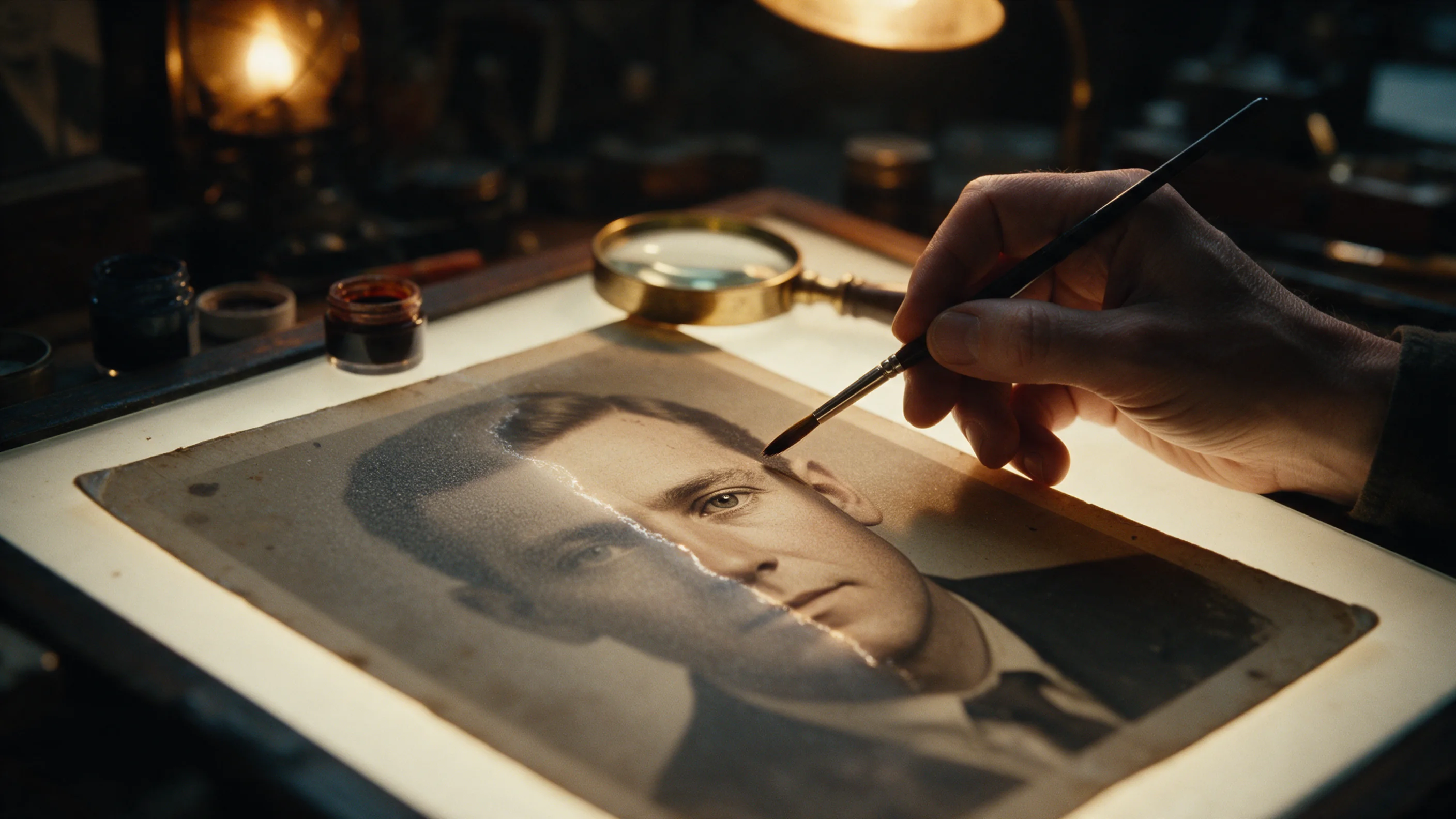
Try Face Enhancer yourself
Set every parameter in the Playground and see the exact price before you run it.
$0.012 per image
More reviews
See the leaderboards →
Background Remover
Pick Background Remover for product, avatar and composite cutouts at a fraction of a cent; give it a photo where the subject already stands apart.
Tested Sep 27, 2026
Read the review
Object Eraser
Pick Object Eraser to clean small and medium clutter from a photo by naming it or masking it; expect large removals to need a second look.
Tested Sep 27, 2026
Read the review
Image Expander
Pick Image Expander to reframe a photo into a new aspect ratio without cropping it; plan on upscaling the result if you need it larger than 1536 pixels.
- Spicy Index
- 82.4
- Freedom Score
- —
Tested Sep 27, 2026
Read the review