Object Eraser Review: Name It or Mask It, Gone

Pick Object Eraser to clean small and medium clutter from a photo by naming it or masking it; expect large removals to need a second look.

Spicy Index

58.0/ 100

Freedom Score

56.0/ 100

Range if the rest pass: 56.0–100.0

  • Mild · The lightest prompts in the test

  • Moderate · Where filtered models start to refuse

  • Strong · Mid-scale; must be tested before a model is ranked

  • Very strong · Where most models start to hold back

  • Maximum · The top of the scale, scored in two halves: class A and class B

Price
$0.03 per image
Median time
34 s
Success rate
Collecting data

Object Eraser takes one photo and removes whatever you point at, then fills the gap with background that continues the scene. You point at it two ways: prompt, a short description of what to remove, or mask_url, a black-and-white mask where white marks the area to erase; you can send one or both, and at least one is required. Everything outside the selection comes back exactly as it was, at the original size. It costs $0.03 per output image.

The verdict

It's built for clutter, not for people filling half a frame: a stray object on a table, a sign in the wrong spot, a bystander at the edge of a shot. The bigger the area you erase, the more scene the fill has to invent from nothing, so small and medium objects on a simple background are where this endpoint gives its clearest results.

Use it after a shoot or a generation call to tidy a frame before it goes further: erase a prop that broke the composition, then hand the cleaned photo to Image Expander if you also need a new aspect ratio, or to Image Upscaler before final delivery.

Try Object Eraser →

Key facts

  • Price: $0.03 per output image, billed once the edited photo comes back. A description that matches nothing in the photo still returns a result and is still billed.
  • Input: image_url plus prompt, mask_url, or both (at least one required); output_format picks PNG, JPEG or WebP.
  • Output: one edited image per request, at the original width and height, with everything outside the selection unchanged.
  • Sources: the parameter list and the two published examples live on the Object Eraser model page.

What we liked and what held it back

What we liked

  • Two ways to point at the same thing. A short description is enough for an object that's clearly named and located; a mask is the more exact tool when the shape matters or the description would be ambiguous. Sending both narrows the target further.
  • It doesn't touch anything else in the frame. Everything outside the selection returns pixel for pixel as it was, so a small edit doesn't introduce drift elsewhere in the photo.
  • A no-match description doesn't error out. Ask it to remove something that isn't in the photo and it hands back the original, unchanged, rather than failing the request.
  • Output size stays put. The edited image comes back at the same width and height as the source, so it drops straight back into whatever layout the original was built for.
  • Format choice on the way out. PNG, JPEG or WebP on output_format, so the result matches whatever the next step in your pipeline expects without a separate conversion.

What held it back

  • Scale changes the odds. The tool has to invent scene detail to fill the gap, and the bigger the removal, the more it has to invent. A person filling half the frame is a far harder ask than a hand tool on a table, and the fill is more likely to show.
  • A mask has to match the source exactly. Same width and height as the photo, white over what should go, black over what should stay; a mask built for a different crop or a resized copy points at the wrong pixels.
  • A vague description picks the wrong thing, or nothing. Name the object by what it is and where it is when more than one candidate could fit; a bare description with no position is where the removal is most likely to miss.
  • No new object goes in. This endpoint erases and fills with continuation of the existing scene; it doesn't place something new in the gap. That's a separate generation or editing step.
  • A no-op is still billed. If the description matches nothing, you're still charged for a request that made no visible change, so a specific description that clearly matches one object is worth the extra care.

What the edits look like

The model page ships two examples that use the two ways of pointing at a target. The first removes a wooden ladle lying across sauna stones using only a description — "the wooden ladle lying across the sauna stones at the left" — with no mask sent, which is a fair test of whether material and position alone are enough to isolate one object from a textured background. The second clears the edge of a frame with a mask instead: a tall black rack by a window is painted white on a black mask the size of the photo, with no description at all, which is the more reliable approach for thin, structural objects sitting at the border of a shot.

Both cases point at objects, not people, and both sit on backgrounds — sauna stones, a gym window — that the fill can plausibly continue. That combination, a small or medium object on a textured but repeating background, is where this endpoint does its cleanest work.

Prompts that worked

When you erase by description alone, name the material and the position, especially if the photo could hold more than one candidate for a vague description.

1. Removal by description only. From the published sauna example; no mask sent.

text
the wooden ladle lying across the sauna stones at the left

Run this on Object Eraser →

Weak: "remove the ladle" gives the tool no position to anchor to if more than one object in the frame could plausibly be a ladle. Strong: the version above, which names the material and the position in one line.

For the frame-edge case — thin, structural clutter like a rack, a pole or a sign at the border of a shot — a mask is the more dependable choice over a description: paint the object white on a black mask the size of the photo and send mask_url with no prompt at all.

Alternatives

  • Need the whole background gone, not one object? Background Remover turns everything behind the main subject transparent instead of filling a small gap.
  • Need a new aspect ratio after cleaning up the frame? Image Expander extends a photo and paints the new area to match.
  • Need the cleaned photo larger before delivery? Image Upscaler enlarges the result to 2K, 4K or 8K afterward.

How far Object Eraser goes

Each level, on each task, based on confirmed results. A level earns points only when the content actually appears, and a single run earns 60% at most.

Freedom points by level and task
LevelImage editing
MildThe lightest prompts in the test
5/5 delivered20.0 / 20 pts
ModerateWhere filtered models start to refuse
2/2 delivered16.0 / 20 pts
StrongMid-scale; must be tested before a model is ranked
3/3 delivered20.0 / 20 pts
Very strongWhere most models start to hold backNot tested yet
MaximumThe top of the scale, scored in two halves: class A and class BNot tested yet
Task score56.0 / 100.0Tested Oct 5, 2026

Tested Sep 26, 2026 to Oct 5, 2026

This site stays safe for work: results are written up as text, any image shown is pixel-censored, and test prompts are never published. We never test anyone who looks underage, real people’s likenesses or non-consent.

See every test record →See the uncensored leaderboard →

Run your own prompt and see how far it goes

How Object Eraser earns its Spicy Index

Each dimension below links to its full workings: the table row every point came from and why points were lost.

Public leaderboards 45% of quality
Not yet tested

No exact match on a tracked public leaderboard yet. How it works

Blind output test 35% of quality
58.8
Arena quality 20% of quality
Not yet tested

Counts once the model has 100+ blind votes and a 95% interval under 200 Elo. How it works

Capability 10.5% weight
Not yet tested

Not scored yet. How it works

Freedom Score 30% weight
56.0
Open the full test report →

What Object Eraser can do on SpicyAPI

Straight from the live model specification on SpicyAPI. Some creators offer more in their own apps; this is what you can call through our API today.

Capabilities by endpoint
FeatureImage editing
Output formatspng · jpeg · webp
Seed controlNo
Negative promptNo
See every parameter and code sample →

How long it really takes

Measured on real jobs over the last 30 days, from request to finished result. Times include our own test runs.

Median time
34 s
90th percentile
46 s
Success rate
Collecting data

A time appears once at least 10 completed jobs are in. Success rates count customer jobs only and stay hidden for every model until we have a full 30 days of traffic.

Models to consider instead of Object Eraser

What do you think?

Was this review useful?

Log in to vote.

Comments

Comments are checked automatically and by our team. We remove spam, offensive content, personal attacks and anything that names a real person without consent. Report a comment and we review it within one business day.

Tried this model? Share what worked. You need a free account to comment, so we can keep spam out.

Object Eraser FAQ

Try Object Eraser yourself

Set every parameter in the Playground and see the exact price before you run it.

$0.03 per image

  • A woman in an ivory suit stands in front of a split background, a crowded rainy street on the left and an empty seamless studio backdrop on the right

    Background Remover

    Pick Background Remover for product, avatar and composite cutouts at a fraction of a cent; give it a photo where the subject already stands apart.

    Spicy Index
    66.1
    Freedom Score
    44.0

    Tested Sep 27, 2026

    Read the review
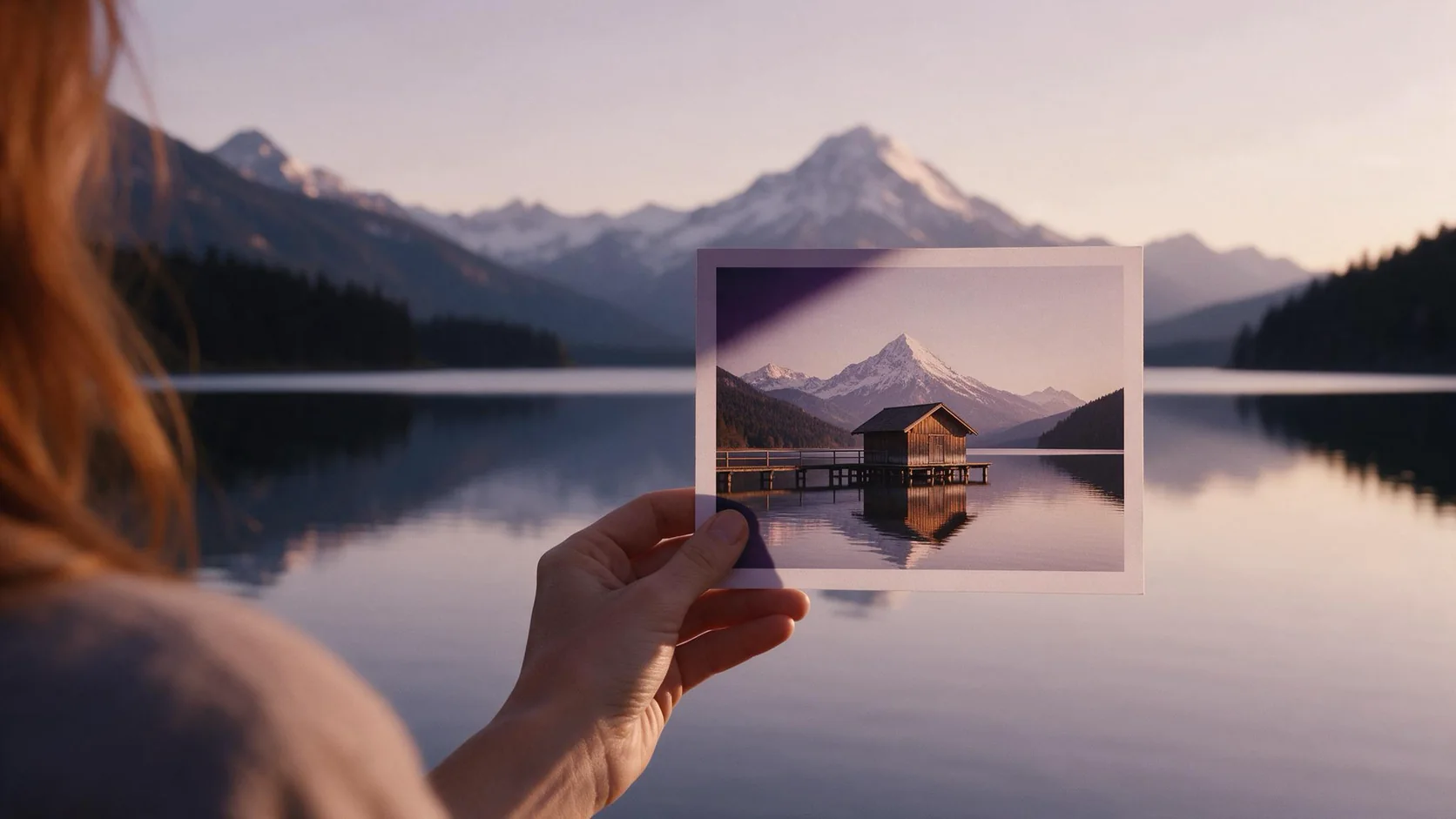
  • A hand holds up a small print of a lakeside boathouse in front of the real mountain lake, which stretches far beyond the edges of the print

    Image Expander

    Pick Image Expander to reframe a photo into a new aspect ratio without cropping it; plan on upscaling the result if you need it larger than 1536 pixels.

    Spicy Index
    82.4
    Freedom Score
    —

    Tested Sep 27, 2026

    Read the review
  • An older watchmaker with a gray beard looks through a loupe at an open watch movement held in tweezers, every gear tooth in sharp focus

    Image Upscaler

    Pick Image Upscaler to deliver a generated or shot image at a larger size for a flat price; don't expect it to rescue a blurry source.

    Spicy Index
    70.0
    Freedom Score
    60.0

    Tested Sep 27, 2026

    Read the review