Image Expander Review: Paint the Frame Wider
Pick Image Expander to reframe a photo into a new aspect ratio without cropping it; plan on upscaling the result if you need it larger than 1536 pixels.
Freedom Score
Not yet tested
- Price
- $0.024 per image
- Median time
- 19 s
- Success rate
- Collecting data
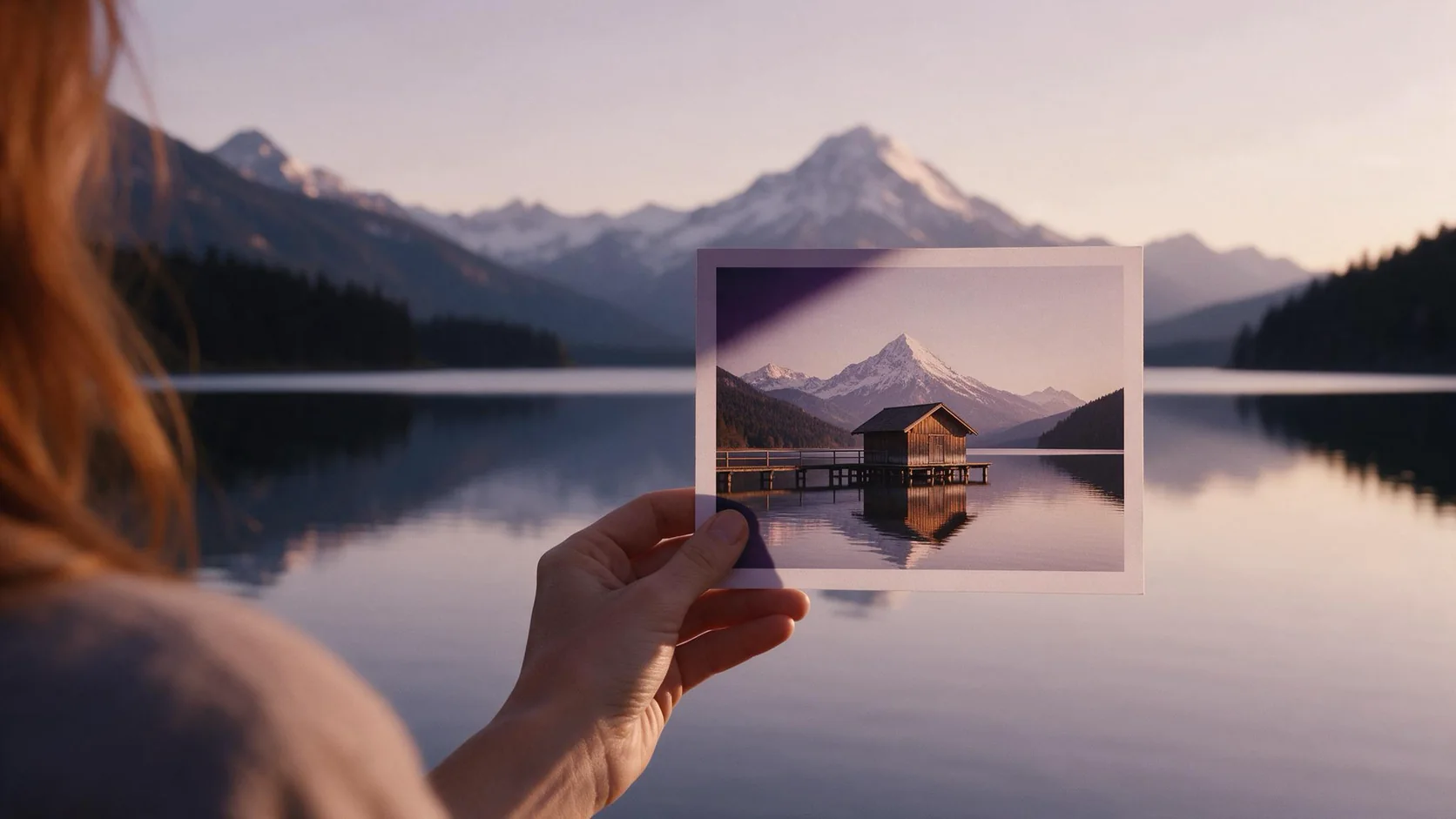
Image Expander takes a photo and places it inside a new aspect ratio, then paints new scenery into whatever space that opens up, so the result reads as one continuous frame rather than a photo pasted onto a blank canvas. Send image_url and pick aspect_ratio from 1:1, 16:9, 9:16, 4:3, 3:4, 3:2 or 2:3 (1:1 if you leave it out); there's no prompt field, so the tool decides what the new area should look like from what already touches the border. It costs $0.024 per image and returns one result, 1536 pixels on its long edge.
- SpicyAPI Engineering
- Tested Sep 27, 2026
- Methodology v3.3 →
- We sell these models; scores ignore price →
The verdict
It solves a specific problem: a photo shot in the wrong shape for where it needs to go. A tall product shot that needs to become a square tile, or a portrait that needs to become a 16:9 banner, both fit the case this endpoint is built for. What it can't do is take direction on what the new area shows — that's read entirely from the existing edges, so a plain background extends more predictably than a scene with something specific happening near the border.
The natural pairing is generation first, reframe second: make an image at the aspect ratio your prompt reads well in, then use this endpoint to produce the alternate shapes a campaign needs — square for one placement, vertical for another — without going back to the original prompt and re-rolling.
Key facts
- Price: $0.024 per output image, billed once the reframed photo comes back, whichever aspect ratio you chose.
- Input:
image_url,aspect_ratio(1:1, 16:9, 9:16, 4:3, 3:4, 3:2 or 2:3, default 1:1),output_format(PNG, JPEG or WebP). No prompt. - Output: one image per request, 1536 pixels on its long edge.
- Sources: the parameter list and the two published examples live on the Image Expander model page.
What we liked and what held it back
What we liked
- Seven shapes, one call. 1:1, 16:9, 9:16, 4:3, 3:4, 3:2 and 2:3 cover the common cases from a square grid tile to a vertical story frame, all from the same source photo.
- The join is meant to read as one shot. Rather than pasting the source onto a blank canvas, the endpoint paints the added area to continue what's already touching the edge, so the result is a wider or taller version of the same photo rather than an obvious composite.
- Nothing to phrase. There's no prompt field, so reframing a batch of photos into a new shape doesn't need a description written for each one.
- A defined output size. The result always lands at 1536 pixels on its long edge, so you know the frame you're getting before you send the request.
- Cheap enough for a full set of shapes. At $0.024 an image, producing all seven aspect ratios from one source costs under seventeen cents.
What held it back
- 1536 pixels is the ceiling. A large source photo comes back smaller than it went in, since the output is capped at 1536 pixels on the long edge; run the result through Image Upscaler afterward if the destination needs more pixels.
- No prompt means no direction. The new area continues whatever already touches the border — plain backgrounds extend cleanly, while faces, hands or lettering cut by the edge are the least predictable part to complete.
- The subject doesn't move. This reframes around the source composition; it doesn't reposition or resize the subject inside the new frame. If the subject needs to sit somewhere different in the new shape, that's a separate edit.
- Seven ratios, not an arbitrary one. The aspect ratio comes from a fixed list; a custom or unusual ratio outside those seven isn't an option here.
- A charge lands even when the extension doesn't fit the brief. A completed reframe is billed like any other finished request, so check the result at full size before committing a whole set of assets to one aspect ratio.
What the reframes look like
The model page ships two examples that show the range this endpoint targets. The first takes a tall product shot and widens it into a square tile, the shape a marketplace grid typically wants; the plain backdrop and tabletop around the product are the easy case for this tool, since there's little detail near the border for the fill to get wrong. The second turns a tight vertical portrait into a 16:9 frame, the shape of a video cover or a website header — the area worth checking closely here is where the shoulders meet the newly painted space, since that's the part the tool has to invent rather than continue from an existing plain surface.
Both examples share a trait worth noting: the source photo already has some plain, low-detail area touching the edge that gets widened. A source that's busy or detailed right up to every edge gives the fill less to work from, and is worth a test run before committing a full set to this endpoint.
Alternatives
- Need the background gone entirely instead of extended? Background Remover turns everything behind the subject transparent rather than painting a wider scene.
- Need a specific object gone before you reframe? Object Eraser removes a named or masked item and fills the gap first.
- Need the reframed image larger than 1536 pixels? Image Upscaler enlarges the result to 2K, 4K or 8K afterward.
How Image Expander earns its Spicy Index
Each dimension below links to its full workings: the table row every point came from and why points were lost.
- Public leaderboards 45% of quality
- Not yet tested
- Blind output test 35% of quality
- 82.4
- Arena quality 20% of quality
- Not yet tested
- Capability 10.5% weight
- Not yet tested
- Freedom Score 30% weight
- Not yet tested
No exact match on a tracked public leaderboard yet. How it works
Counts once the model has 100+ blind votes and a 95% interval under 200 Elo. How it works
Not scored yet. How it works
Freedom evidence is untested or insufficient. The Index retains the original quality and capability score, is marked preliminary and still receives a rank. Missing evidence is not zero. How it works
Freedom evidence is untested or insufficient. The Index retains the original quality and capability score, is marked preliminary and still receives a rank. Missing evidence is not zero.
Open the full test report →What Image Expander can do on SpicyAPI
Straight from the live model specification on SpicyAPI. Some creators offer more in their own apps; this is what you can call through our API today.
| Feature | Image editing |
|---|---|
| Aspect ratios | 1:1 · 16:9 · 9:16 · 4:3 · 3:4 · 3:2 · 2:3 |
| Output formats | png · jpeg · webp |
| Seed control | No |
| Negative prompt | No |
How long it really takes
Measured on real jobs over the last 30 days, from request to finished result. Times include our own test runs.
- Median time
- 19 s
- 90th percentile
- 51 s
- Success rate
- Collecting data
A time appears once at least 10 completed jobs are in. Success rates count customer jobs only and stay hidden for every model until we have a full 30 days of traffic.
Models to consider instead of Image Expander
SpicyAPI
Background Remover
Need the background gone entirely instead of extended?
- Spicy Index
- 66.1−16.3
- Freedom Score
- 44.0
- Price
- $0.0048−80%/ image
SpicyAPI
Object Eraser
Need a specific object gone before you reframe?
- Spicy Index
- 58.0−24.4
- Freedom Score
- 56.0
- Price
- $0.03+25%/ image
SpicyAPI
Image Upscaler
Need the reframed image larger than 1536 pixels?
- Spicy Index
- 70.0−12.4
- Freedom Score
- 60.0
- Price
- $0.012−50%/ image
What do you think?
Was this review useful?
Log in to vote.
Comments
Comments are checked automatically and by our team. We remove spam, offensive content, personal attacks and anything that names a real person without consent. Report a comment and we review it within one business day.
Tried this model? Share what worked. You need a free account to comment, so we can keep spam out.
Image Expander FAQ
Try Image Expander yourself
Set every parameter in the Playground and see the exact price before you run it.
$0.024 per image
More reviews
See the leaderboards →
Background Remover
Pick Background Remover for product, avatar and composite cutouts at a fraction of a cent; give it a photo where the subject already stands apart.
Tested Sep 27, 2026
Read the review
Object Eraser
Pick Object Eraser to clean small and medium clutter from a photo by naming it or masking it; expect large removals to need a second look.
Tested Sep 27, 2026
Read the review
Image Upscaler
Pick Image Upscaler to deliver a generated or shot image at a larger size for a flat price; don't expect it to rescue a blurry source.
Tested Sep 27, 2026
Read the review