
Introduction
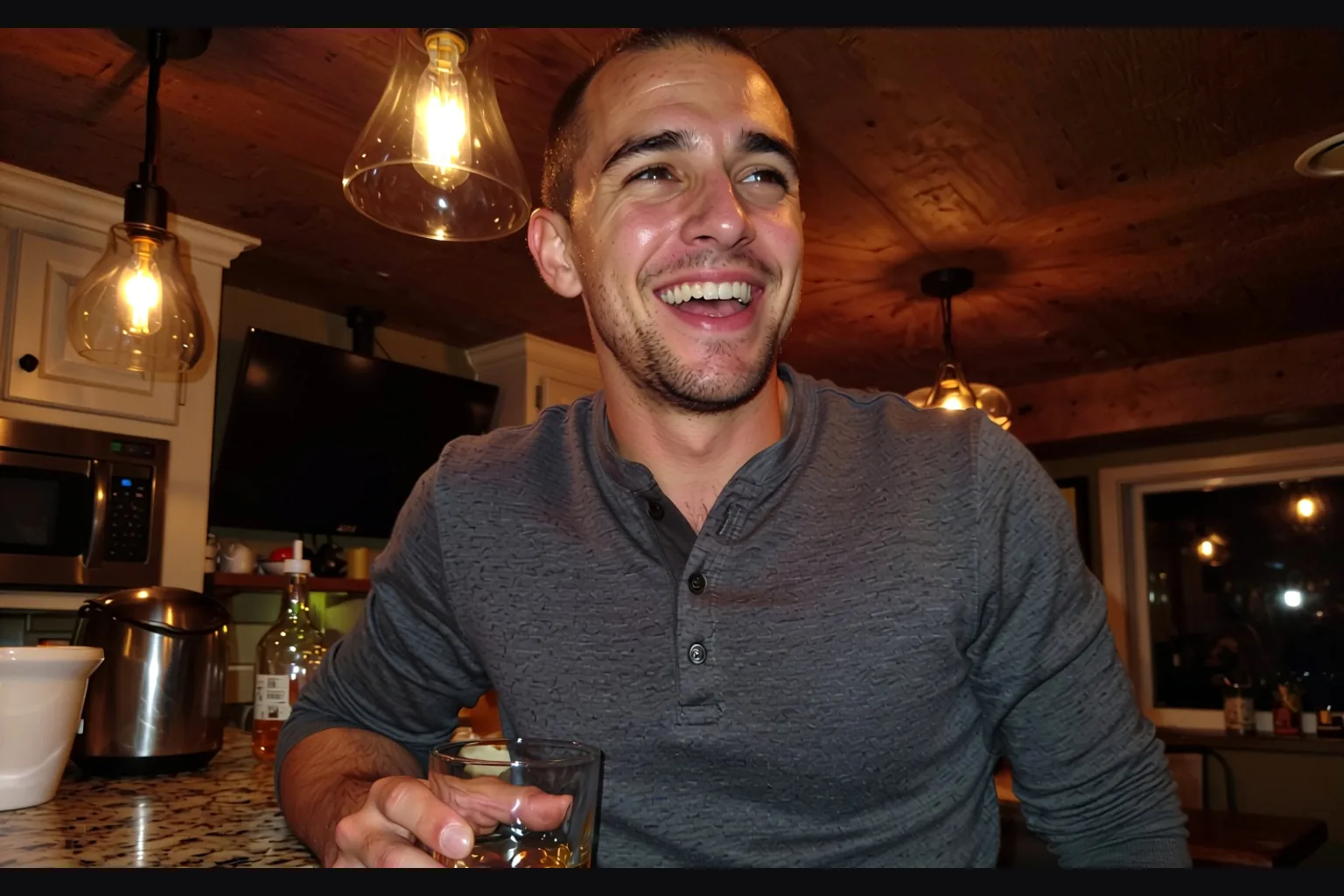
Jib Mix Qwen LoRA Text to image makes one photoreal image from a written prompt with up to three of your own LoRA files loaded. Jib Mix Qwen is a community checkpoint by J1B, a merge built on Alibaba's 20-billion-parameter open Qwen-Image and aimed at natural, photographic people. LoRAs trained for Qwen-Image or Qwen-Image-2512 load from a direct link; pick one of nine aspect ratios at up to 1536 pixels on the long side and get JPEG, PNG or WebP back at one flat price. SpicyAPI applies no extra review to the Jib Mix Qwen LoRA prompt, loaded LoRA weights or delivered image.
Choose a mode by what you need
| What you need | Mode |
|---|---|
| your own LoRAs on top | Jib Mix Qwen LoRA Text to image |
| the photographic merge before adding your LoRAs | Jib Mix Qwen Text to image |
Key features & highlights
Photographic LoRAs that show
On one prompt and seed, a phone-camera LoRA, a portrait-retouch LoRA and two realism LoRAs each changed the face and the light in a way you can see, and two of them stacked cleanly.
Two LoRA generations accepted
LoRAs for Qwen-Image and for Qwen-Image-2512 both load, because they share one architecture. A LoRA for a different base model is skipped without an error, so check the card before you send it.
Same speed, same price
The median was about six seconds of model time across 38 runs, and loading one, two or three LoRAs adds no charge.
Uncensored with custom weights
LoRAs are not reviewed and the output is not filtered; nothing was refused or blurred in our tests.
Request parameters
| Parameter | Required | Description |
|---|---|---|
prompt | Yes | Put the LoRA's trigger phrase first, then the person, clothing, place, light and camera feel in full sentences. Up to 5,000 characters; there is no negative prompt. at least 1 characters · at most 5000 characters |
aspect_ratio | No | Frame your LoRA-adapted portrait with nine ratios from 21:9 through 9:21; 1:1 is the default. |
loras | No | Up to three {path, scale} entries. path is a direct HTTPS link to a .safetensors file trained for Qwen-Image or Qwen-Image-2512; scale runs from 0 to 4 and 1 is neutral. Default: |
output_format | No | Save your Jib Mix Qwen LoRA image as JPEG by default, or select PNG or WebP. Does not change the price. |
seed | No | Keeps a set of images comparable while you change one LoRA scale at a time. |
Pricing
$0.03 / image
Billed per image at one flat price for every aspect ratio. Loading LoRAs adds no separate charge.
Use cases
A series with one camera look
Pin a camera or film LoRA at a fixed scale and keep the seed to give a whole set of portraits the same lens and light.
Studio portraits
A portrait LoRA adds an even, retouched studio finish while the base model keeps skin texture.
Uncensored stills for your platform
Load the LoRAs your audience expects, with no content flag and no second review of the result.
Prompt guide & pro tips
Match the prompt to the LoRA
If a LoRA imitates a phone camera, say "phone photo with flash" in the prompt too. Prompt and weights pulling the same way give the clearest result.
Do not expect drawn styles
Anime and pixel-art LoRAs load but the image stays a photograph, even at scale 2. Use an illustration model for those.
Keep scales between 0.5 and 1.5
0.5 is a light touch and 1 is the intended strength. At 4 our test image fell apart.
Link the file
Copy the direct download URL of the .safetensors file. Repository pages and links that need a login fail the request, and failed requests are not charged.
API quick start
# Generate the idempotency key once; reuse it when retrying after a lost response.
export SPICY_IDEMPOTENCY_KEY="${SPICY_IDEMPOTENCY_KEY:-$(uuidgen)}"
curl -X POST https://api.spicyapi.ai/api/v1/jobs/createTask \
  -H "Authorization: Bearer $SPICY_API_KEY" \
  -H "Content-Type: application/json" \
  -H "Idempotency-Key: $SPICY_IDEMPOTENCY_KEY" \
  -d '{
  "model": "j1b/jib-mix-qwen-image-lora/text-to-image",
  "input": {
    "aspect_ratio": "1:1",
    "output_format": "jpeg",
    "prompt": "A ceramic teapot on a linen cloth, soft window light, muted palette"
  }
}'

# Copy data.taskId from the response into TASK_ID, then poll the status.
TASK_ID="TASK_ID_FROM_RESPONSE"
curl "https://api.spicyapi.ai/api/v1/jobs/recordInfo?taskId=$TASK_ID" \
  -H "Authorization: Bearer $SPICY_API_KEY"
See the API reference for authentication, the complete schema, polling, and error handling.