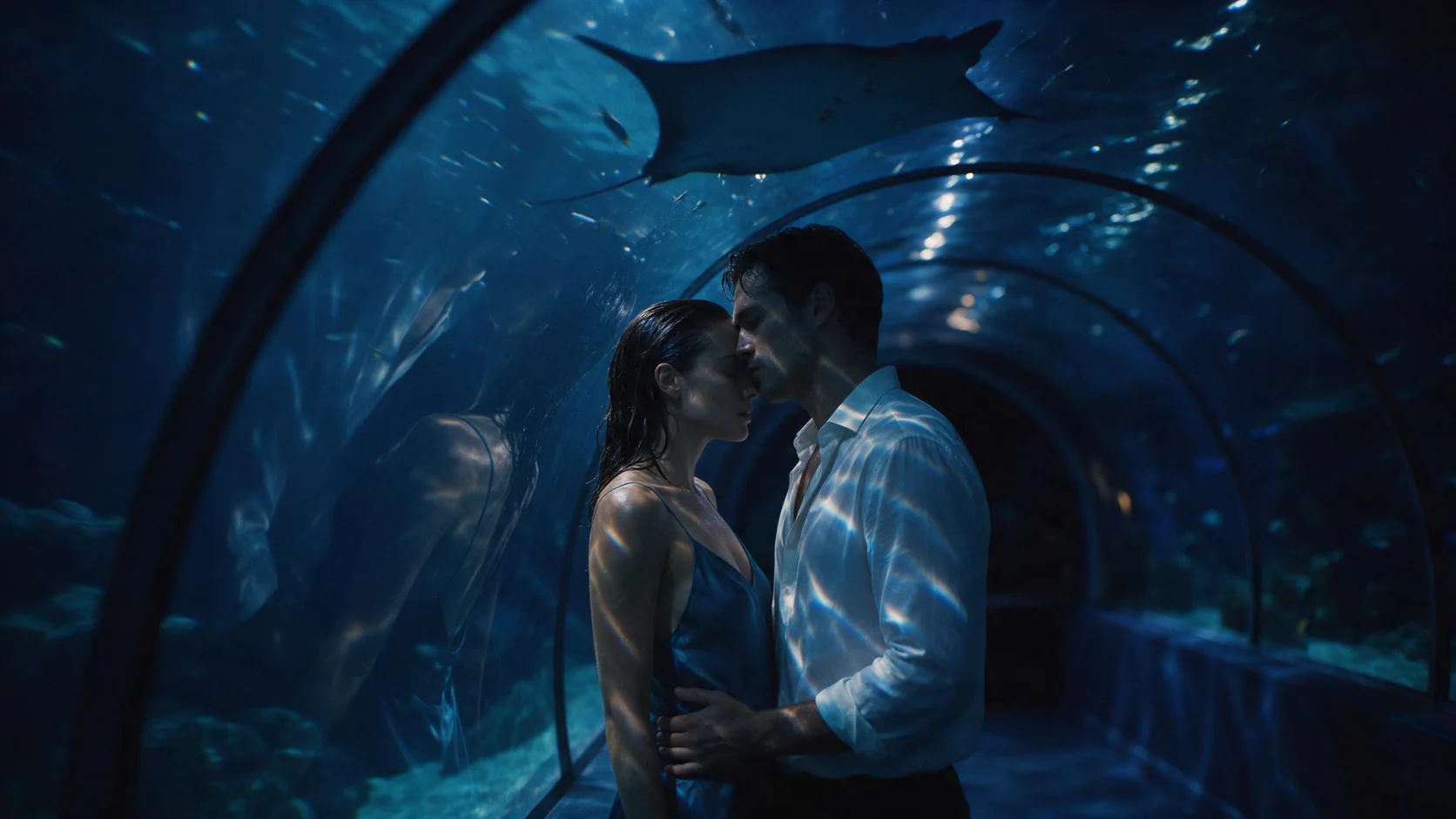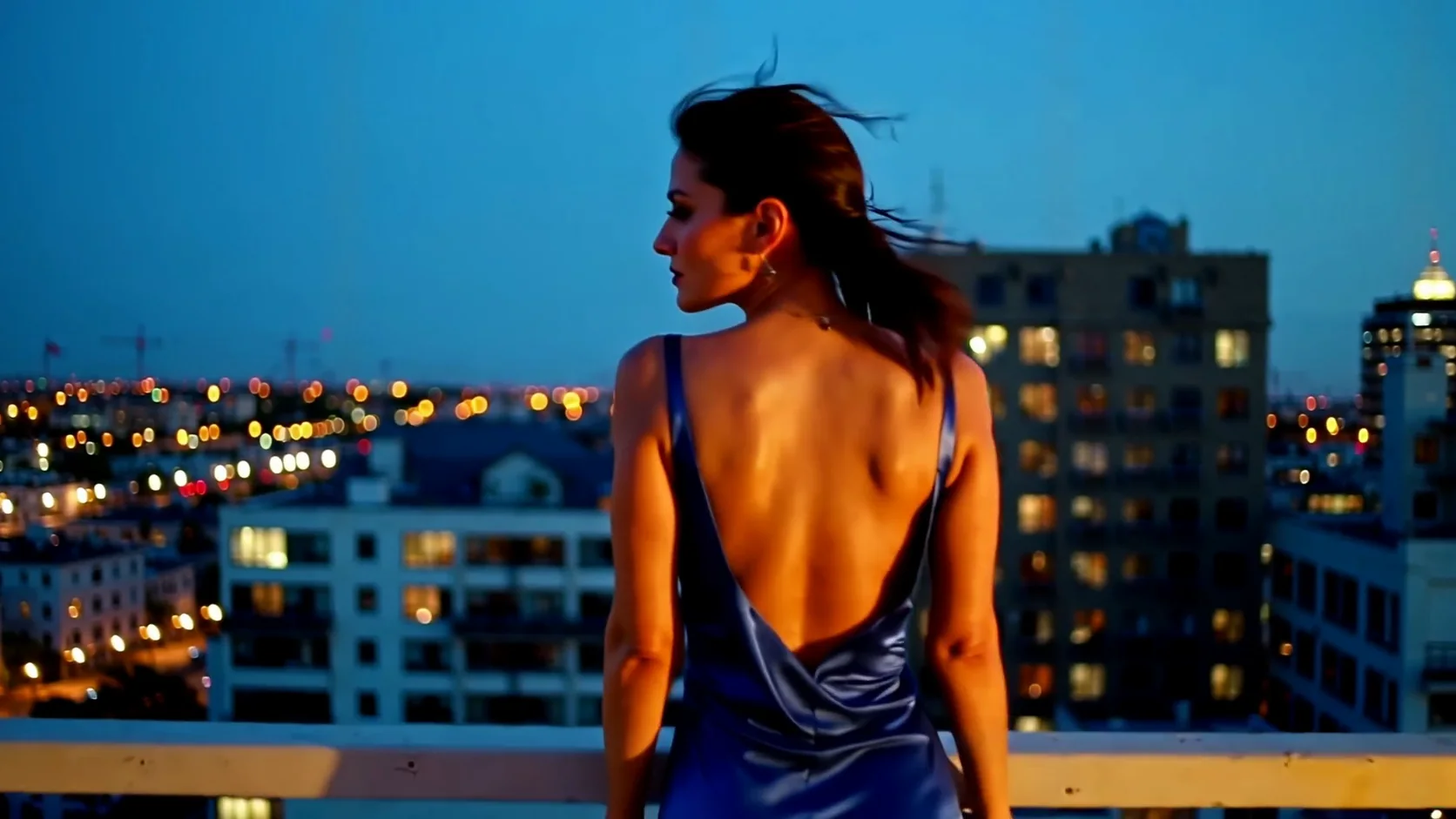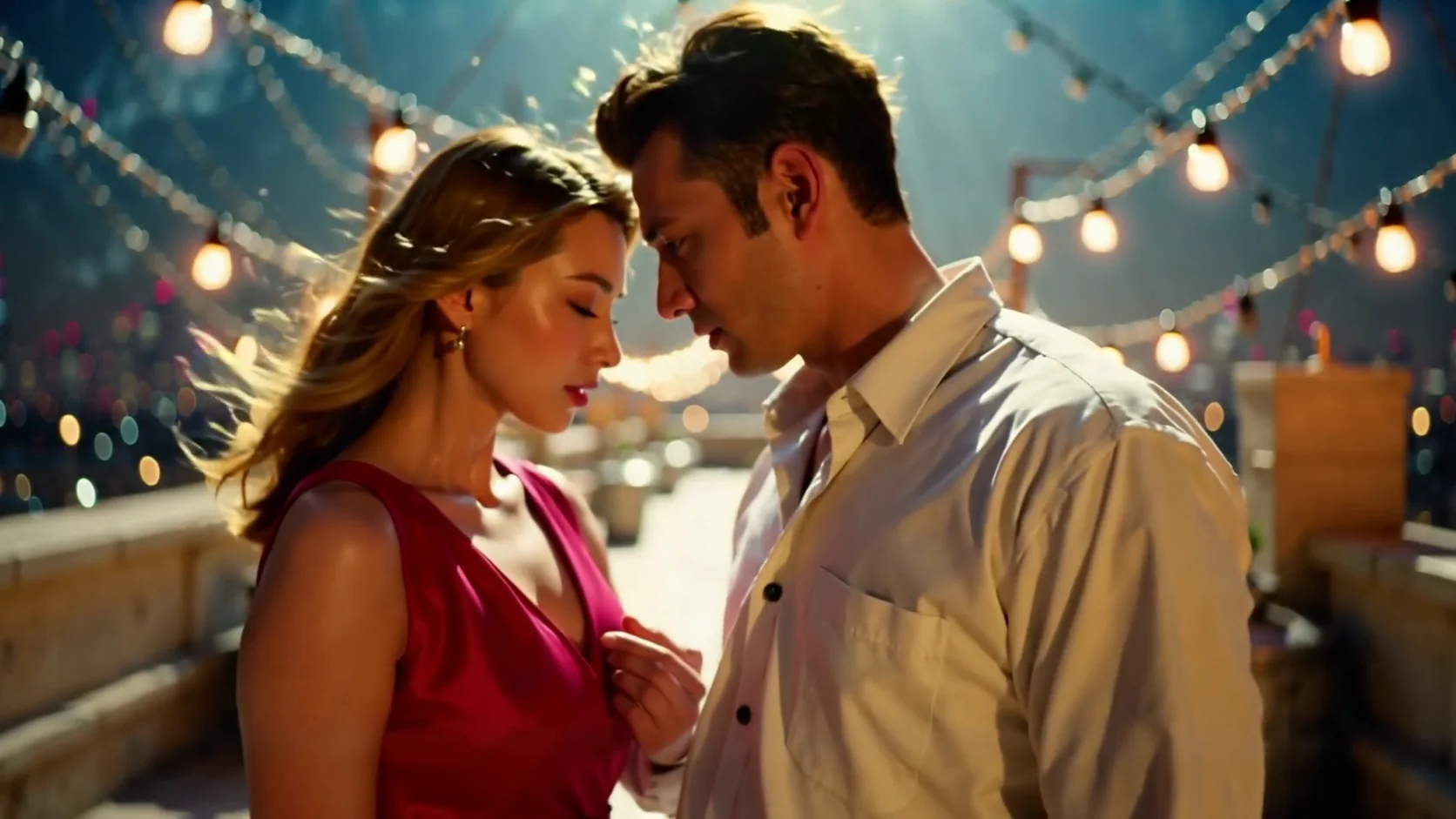
Introduction
LTX 2.3 Spicy image-to-video animates an uncensored opening frame, with optional movement direction and no audio field.
LTX 2.3 Spicy is an uncensored LoRA build based on Lightricks' LTX 2.3, published as image-to-video and video-extend endpoints; this page covers image-to-video. An opening frame you supply carries the content, the prompt is optional, and one request returns 3 to 20 whole seconds at 480p, 720p or 1080p.
Key features & highlights
Twenty seconds is a scene, not a loop
Most uncensored video endpoints cap out around five or six seconds, which forces everything into a loop. Twenty seconds in one generation is enough for a beat with a beginning, a turn and an ending, and the continuity is handled inside the take rather than across a seam you have to hide. To go beyond twenty seconds, continue the clip with the Video Extend endpoint.
The still decides the content
There is no text-only entry point, and that is the point: whatever is in the frame, including wardrobe, body, pose and framing, is what animates, so your material arrives as supplied instead of being reinterpreted by a text encoder. Settle the image in a cheap pass first and the video request becomes a movement question.
You can send nothing but the image
The prompt is optional. A frame on its own produces a plausible small movement, which is often all a loop needs and makes bulk passes over an existing photo set trivial. Add text only when a specific beat matters, and keep it to what changes rather than describing the picture again.
Request parameters
| Parameter | Required | Description |
|---|---|---|
preset | No | Tuned is the maintained general-purpose stack. Original applies almost no styling — pick it when the preset fights the look you wrote. |
image_url | Yes | Required. The still that animates - it decides the content and the output shape. |
prompt | No | Optional. Describe the beat, the camera and the pacing; do not re-describe the frame. |
duration_seconds | No | Whole seconds, 3 to 20. Twenty is one generation, not a stitched sequence. |
resolution | No | 480p, 720p or 1080p. It defaults to 480p - raise it for anything you deliver. |
seed | No | Makes two runs comparable when you change one variable. Not a frame-identical guarantee. |
Pricing
| Specification | Price |
|---|---|
| $0.019 / second |
| $0.038 / second |
| $0.057 / second |
Use cases
Scenes other APIs reject
Source frames are accepted and animated as supplied, so material refused at the prompt filter elsewhere runs here. Because the content lives in the image rather than the text, the clip matches the frame you approved rather than a softened reading of your words.
Twenty-second companion scenes
A single generation covers an approach, a hold and a look away: the shape a companion or roleplay clip needs to feel like a moment rather than a two-second loop stuck on repeat. One frame, one prompt, one request.
Bulk motion for an existing set
Because the prompt is optional, an archive of stills can be run through with no per-image direction at all: each frame becomes a three-second clip at 480p, and only the ones worth keeping get a longer 1080p pass.
Prompt guide & pro tips
Make the frame first
Wardrobe, body, pose and framing are settled in the image pass, because the video pass will not change them. Export the still at the shape you want to deliver: there is no aspect ratio field to fix it afterwards.
Draft at 480p, deliver once
Three seconds at 480p is cheap enough to test whether a frame animates at all. Once it does, run the full length at 720p or 1080p with the same seed, and add sound in the edit, because any track this endpoint returns is often silent or faint. If the default tuned preset fights the look you wrote, switch preset to original, which applies almost no styling.
Adapt the included example
The published example uses duration_seconds 5 and resolution 720p, with a single still as image_url.
She turns further toward the driver's seat, wet shirt clinging as she moves, pushes a soaked strand of hair back and mouths something with a tired smile. Rain streams down the windscreen, neon reflections crawl across the glass, wipers sweep once.
A single still plus a movement note: the turn, the hair and the wipers are written, while the wet shirt and the framing came from the frame.
Check the result before iterating
The opening frame is followed closely and stills come through as supplied. When you use a prompt, keep it to movement, because text that contradicts the frame makes the clip negotiate between them. Twenty seconds is one generation, not a trim: a three-second draft and a twenty-second final are separate runs. Resolution defaults to 480p, so ask for 720p or 1080p when you are delivering.
API quick start
# Generate the idempotency key once; reuse it when retrying after a lost response.
export SPICY_IDEMPOTENCY_KEY="${SPICY_IDEMPOTENCY_KEY:-$(uuidgen)}"
curl -X POST https://api.spicyapi.ai/api/v1/jobs/createTask \
  -H "Authorization: Bearer $SPICY_API_KEY" \
  -H "Content-Type: application/json" \
  -H "Idempotency-Key: $SPICY_IDEMPOTENCY_KEY" \
  -d '{
  "model": "lightricks/ltx-2.3-spicy/image-to-video",
  "input": {
    "duration_seconds": 5,
    "image_url": "https://example.com/reference.png",
    "preset": "tuned",
    "resolution": "480p"
  }
}'

# Copy data.taskId from the response into TASK_ID, then poll the status.
TASK_ID="TASK_ID_FROM_RESPONSE"
curl "https://api.spicyapi.ai/api/v1/jobs/recordInfo?taskId=$TASK_ID" \
  -H "Authorization: Bearer $SPICY_API_KEY"
See the API reference for authentication, the complete schema, polling, and error handling.