Introduction
LTX 2.3 Spicy LoRA image-to-video animates an uncensored opening frame with an optional prompt, a built-in LoRA preset and up to three per-LoRA strength overrides.
LTX 2.3 Spicy LoRA is the LoRA edition of LTX 2.3 Spicy, an uncensored LoRA-tuned build based on Lightricks' LTX 2.3. preset picks the built-in LoRA stack, tuned by default or original for lighter styling, and clips run 3 to 20 whole seconds at 480p, 720p or 1080p.
Key features & highlights
Thirteen built-in LoRAs, three overrides, one strength each
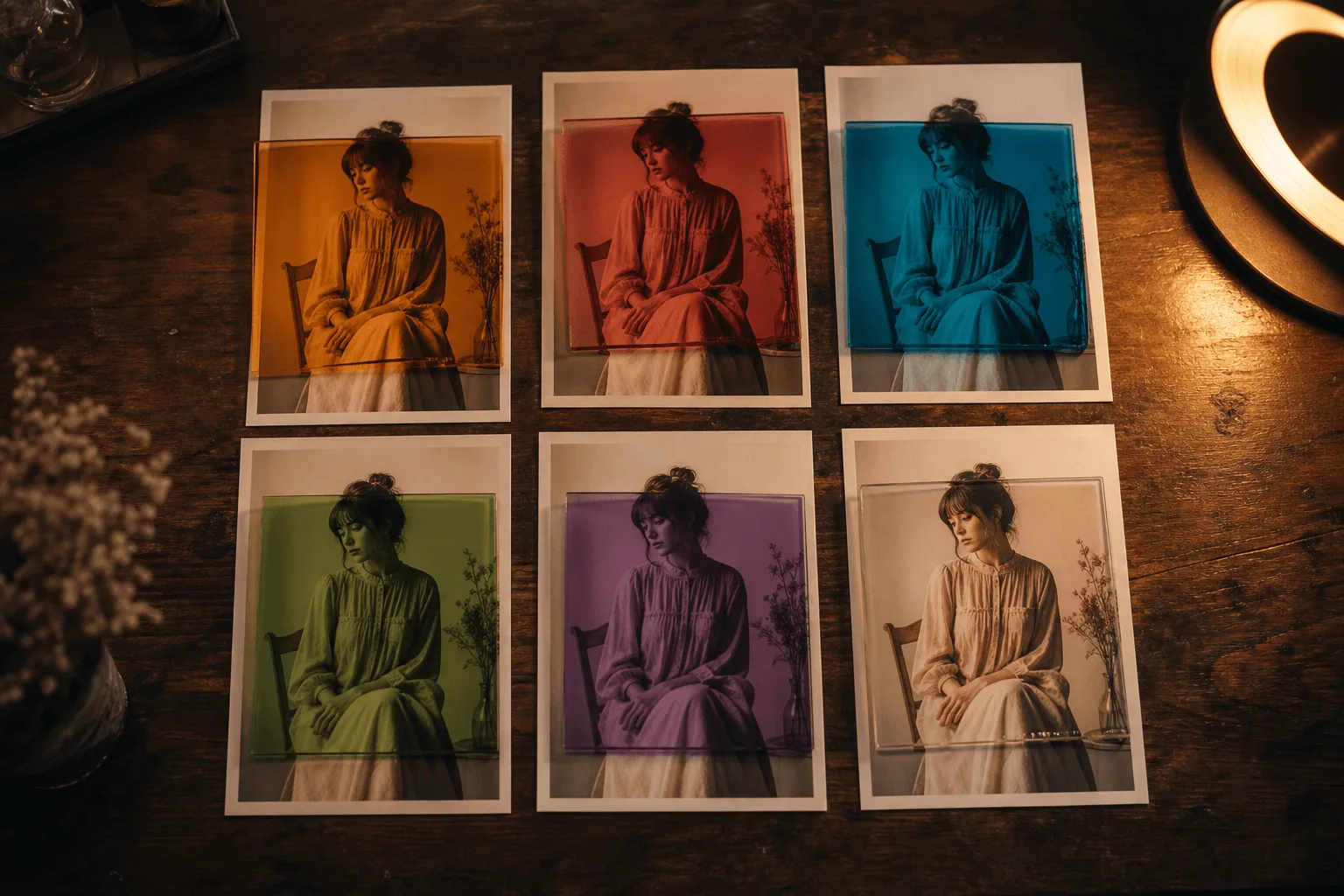
The loras field takes objects, not free text: a path naming one of the thirteen built-in LoRAs and an optional scale between 0 and 4. That makes a look reproducible in a way a style sentence never is: the same preset with the same three keys at the same three strengths reconstructs the same treatment on a different frame tomorrow.
Some LoRAs fix motion rather than style
better_motion, physics_v2, hardcut and transition change how the clip moves rather than how it looks, so they combine cleanly with the style LoRAs in the preset. A common adjustment is one look LoRA near strength 1 plus one motion LoRA lower, leaving the third override free until you know you need it.
Everything else matches LTX 2.3 Spicy
One required opening frame, an optional prompt, 3 to 20 seconds, 480p to 1080p, no audio field. Adding loras to a request you already tuned on the base family is the whole difference, which makes an A/B between them a one-field change rather than a rewrite.
Request parameters
| Parameter | Required | Description |
|---|---|---|
preset | No | The default, tuned, applies the recommended built-in LoRA set; original styles more lightly and stays closer to the source frame - pick it when tuned fights the look you wrote. |
image_url | Yes | Required. The still that animates - it decides the content and the output shape. |
prompt | No | Optional. Describe the beat, the camera and the pacing; do not re-describe the frame. |
loras | No | Up to three {path, scale} entries: path is one of the thirteen built-in LoRA keys, scale its strength from 0 to 4 (default 1). Applied on top of the preset. at most 3 items |
duration_seconds | No | Whole seconds, 3 to 20. Sweep LoRA strengths at 3 before generating 20. |
resolution | No | 480p, 720p or 1080p. It defaults to 480p - raise it for anything you deliver. |
seed | No | Hold it constant across a strength sweep so the LoRA strength is the only variable. |
Pricing
| Specification | Price |
|---|---|
| $0.0285 / second |
| $0.0475 / second |
| $0.0665 / second |
Use cases
A reproducible house style
A preset plus three LoRA keys at fixed strengths is a recipe you can version. Source frames animate as supplied, and the same recipe applied across a set gives a series that looks deliberately graded rather than like thirteen unrelated generations.
Stylised character work
Neon circuitry, holographic signage and volumetric fog hold together far better when a look LoRA carries them than when a prompt sentence tries to. The opening frame supplies the character; the LoRA supplies the world it lives in.
Fixing motion without rewriting the prompt
When a clip reads well but moves badly, add better_motion or physics_v2 at a low strength and re-run with the same frame, prompt and seed. That isolates movement as the only variable, which a prompt edit never does.
Prompt guide & pro tips
Get the shot right on the preset first
Run the frame and prompt at 480p on the default tuned preset, with no overrides. LoRA overrides refine a working clip; they do not rescue a frame that was never going to animate, and changing three at once makes it impossible to tell which one is doing the damage.
Adjust one LoRA at a time
Send a single loras entry at scale 1 and keep the prompt on the beat and the camera. Only after that reads well should you add a second LoRA. Custom LoRA files or URLs are not accepted here; every path must be one of the thirteen built-in keys.
Adapt the included example
The published example uses duration_seconds 5, resolution 720p and a single override, synth at scale 1, in loras.
The glowing cyan circuits along her arms and spine pulse in sequence as she completes the turn, holographic billboards flickering behind her, rain hissing on the rooftop. Slow arc around her silhouette, volumetric neon fog, synth bass swell.
One override at strength 1 plus a movement note: the shape to start from before adjusting anything else.
Sweep the strength, then go long
Re-run at scale 0.4 and 2 with the same seed to see the range, pick one, then generate the full length at 720p or 1080p. Record the preset along with each LoRA key and strength, because together they are the recipe you will want again.
API quick start
# Generate the idempotency key once; reuse it when retrying after a lost response.
export SPICY_IDEMPOTENCY_KEY="${SPICY_IDEMPOTENCY_KEY:-$(uuidgen)}"
curl -X POST https://api.spicyapi.ai/api/v1/jobs/createTask \
  -H "Authorization: Bearer $SPICY_API_KEY" \
  -H "Content-Type: application/json" \
  -H "Idempotency-Key: $SPICY_IDEMPOTENCY_KEY" \
  -d '{
  "model": "lightricks/ltx-2.3-spicy-lora/image-to-video",
  "input": {
    "duration_seconds": 5,
    "image_url": "https://example.com/reference.png",
    "preset": "tuned",
    "resolution": "480p"
  }
}'

# Copy data.taskId from the response into TASK_ID, then poll the status.
TASK_ID="TASK_ID_FROM_RESPONSE"
curl "https://api.spicyapi.ai/api/v1/jobs/recordInfo?taskId=$TASK_ID" \
  -H "Authorization: Bearer $SPICY_API_KEY"
See the API reference for authentication, the complete schema, polling, and error handling.