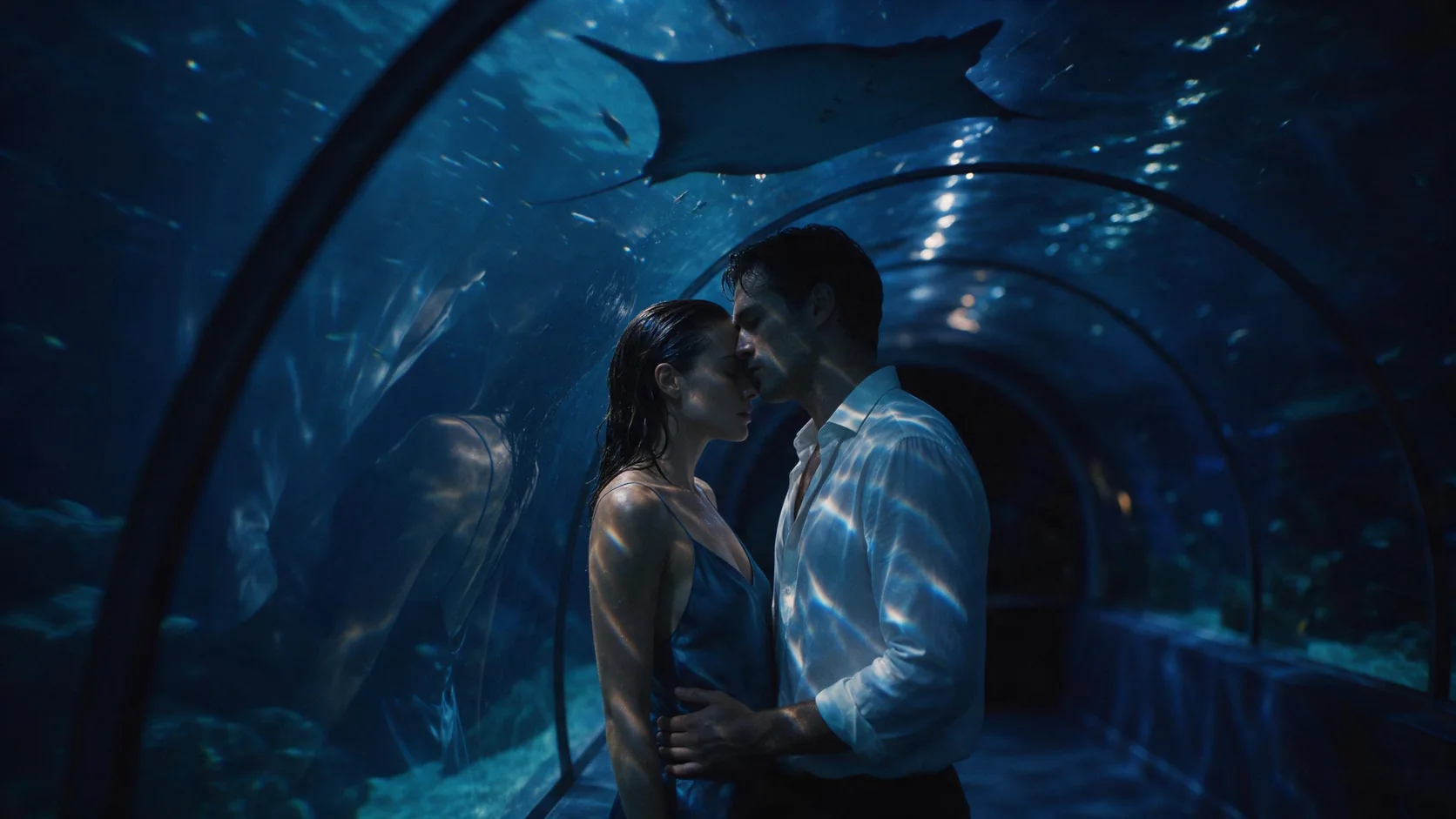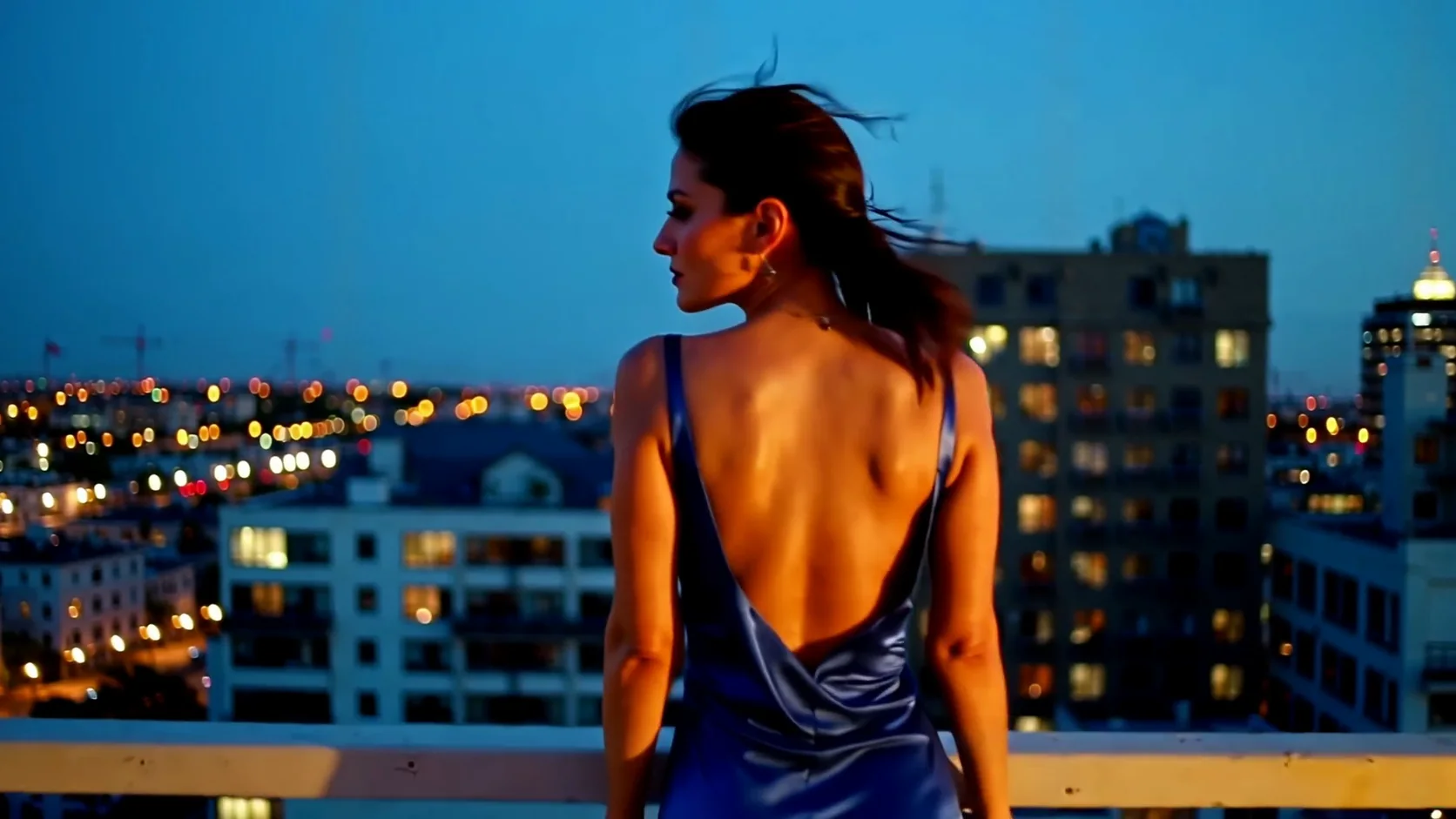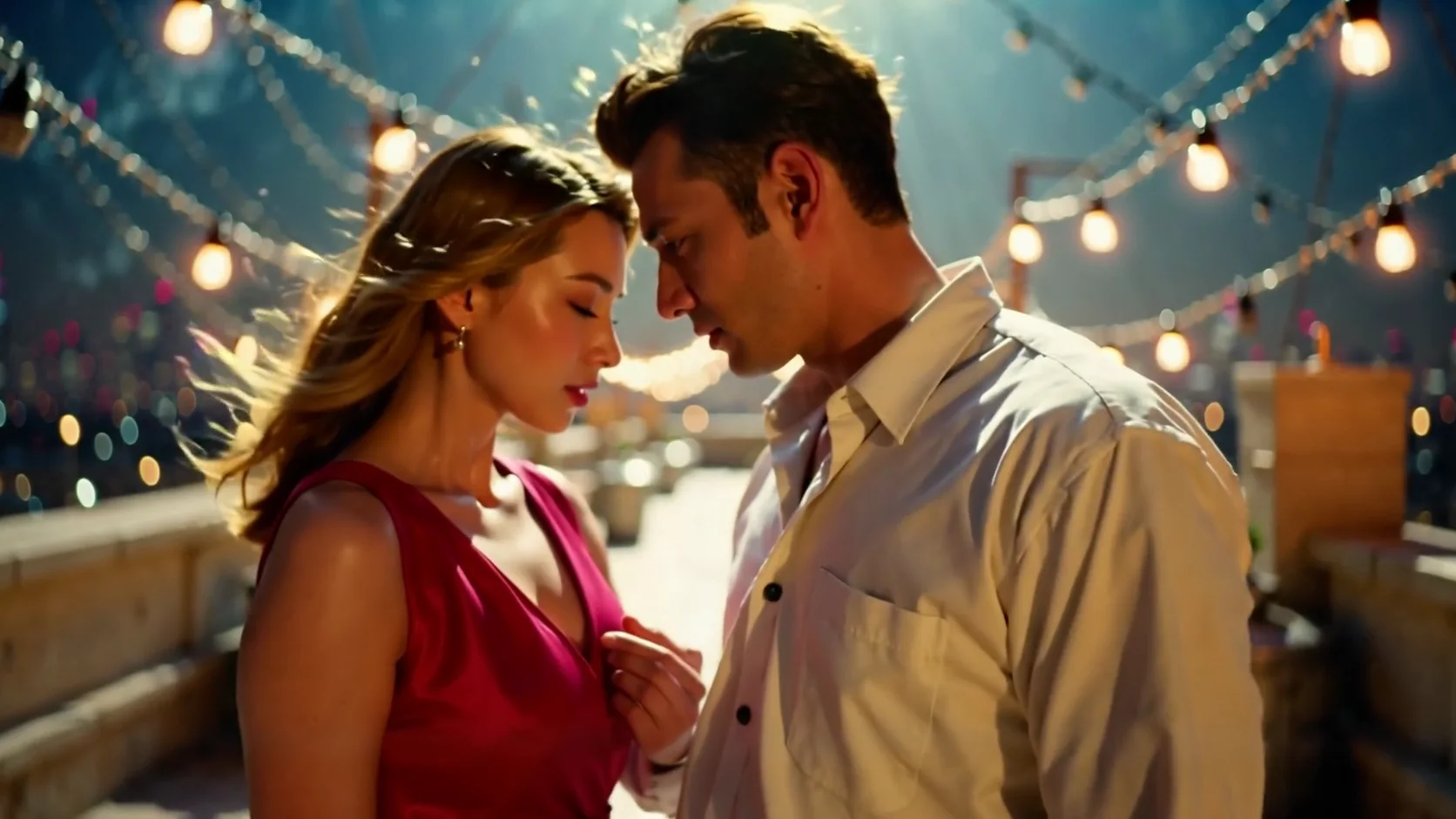
Introduction
LTX-2 19B LoRA image-to-video animates your photo with up to three of your own LoRA files and a stereo soundtrack, 5 to 20 seconds at 480p, 720p or 1080p in the photo's shape. Camera moves and styles by direct link, no content filter.
Inputs
image_url — Give LTX-2 19B LoRA a directly downloadable opening image; its proportions determine the animated frame.
prompt — For a 19B camera LoRA, name the movement’s destination after any required trigger words, then specify the soundtrack on an Audio: line.
resolution — Preview the 19B camera LoRA at 480p, use the default 720p for review, or select 1080p for delivery; each tier has its own per-second rate.
duration_seconds — Give the 19B camera or style LoRA 5–20 whole seconds to develop the shot; output seconds determine the charge.
loras — Up to three {path, scale} entries trained for LTX-2 19B; each file under 2 GiB, scale 0 to 4 (1 for camera LoRAs, start style LoRAs at 0.5). For LTX-2 19B LoRA, use a public direct link to the .safetensors file. A style LoRA redraws the photo in its style; a camera LoRA keeps it.
seed — Keeps runs comparable while you tune a LoRA scale. It does not promise a frame-identical clip.
| Field | Value |
|---|---|
| Input | Image |
| Output | Video |
| Publisher | Lightricks |
| Base model | For LTX-2 19B LoRA, LTX-2 19B, a joint audio-video diffusion transformer with open weights |
| Endpoints | For LTX-2 19B LoRA, Text to Video and Image to Video, each with LoRA support |
| LoRA input | Up to 3 entries, each {path, scale}; path is a direct HTTPS URL to a .safetensors file under 2 GiB |
| LoRA strength | For LTX-2 19B LoRA, 0 to 4 per entry (1 is the default) |
| Duration | 5 to 20 seconds, whole seconds |
| Resolution | 480p, 720p or 1080p (default 720p) |
| Text-to-video sizes | For LTX-2 19B LoRA, 832 x 448, 1280 x 704, 1920 x 1024 (16:9; 9:16 swaps width and height) |
| Audio | Stereo AAC track on every clip |
| Execution | Asynchronous task, billed per second of output |
Key features & highlights
Guide the dolly move toward its destination
Lightricks' official Dolly-In LoRA at scale 1 and a prompt that says where the camera ends: on her face. The push-in starts wide under an observatory dome with a huge telescope and finishes in a close-up as she smiles at the lens.
Pull back to show the place
The Dolly-Out LoRA starts close on a man in an open tuxedo taking a glass from a woman in a blue silk gown, and pulls back to the whole stone terrace above a moonlit sea.
Camera LoRAs work on photos too
A still of a man crouched on a jetty in a rain-soaked boathouse plus the Dolly-In LoRA: the camera closes in on his face as he looks up and smiles, with the rain and the varnished launch carried over from the photo.
Request parameters
| Parameter | Required | Description |
|---|---|---|
prompt | Yes | For a 19B camera LoRA, name the movement’s destination after any required trigger words, then specify the soundtrack on an Audio: line. at least 1 characters |
image_url | Yes | Give LTX-2 19B LoRA a directly downloadable opening image; its proportions determine the animated frame. |
resolution | No | Preview the 19B camera LoRA at 480p, use the default 720p for review, or select 1080p for delivery; each tier has its own per-second rate. |
duration_seconds | No | Give the 19B camera or style LoRA 5–20 whole seconds to develop the shot; output seconds determine the charge. |
loras | No | Up to three {path, scale} entries trained for LTX-2 19B; each file under 2 GiB, scale 0 to 4 (1 for camera LoRAs, start style LoRAs at 0.5). Default: |
seed | No | Keeps runs comparable while you tune a LoRA scale. It does not promise a frame-identical clip. |
Pricing
For LTX-2 19B LoRA, billed per second of output at the chosen resolution. Loading LoRAs adds no separate charge, and the shape of your photo does not change the price.
| Specification | Price |
|---|---|
| $0.018 / second |
| $0.024 / second |
| $0.036 / second |
Use cases
Directed camera moves
Dolly in on a reveal, dolly out to show the location, slide left past a scene: camera LoRAs make the move reliable instead of hoping the prompt lands it.
A house style for a series
Load a style LoRA and every clip in the set shares the look; in our test an anime-style LoRA turned a photoreal prompt into hand-drawn cel animation.
Restyle a photo as it moves
Image-to-video with a style LoRA redraws the opening photo in that style within the first second and animates it.
Uncensored community LoRAs
Adult character and style LoRAs load like any other file: no allow-list, no review, no filter on the result. Everyone on screen must be an adult.
Prompt guide & pro tips
Start with an official camera LoRA
Lightricks publishes camera-control LoRAs for LTX-2 19B (Dolly In, Dolly Out, Dolly Left and more). Load one at scale 1 and describe where the camera should end up: "dolly in until her face fills the frame".
Check the file size first
Files over 2 GiB are rejected. Many LTX-2 LoRAs on Hugging Face are 3.4 GB rank-128 exports; look for smaller exports of the same LoRA.
Put trigger words in the prompt
Style LoRAs usually expect a trigger phrase. In our test the trigger text alone did nothing without the file, and the file did the work at scale 0.5 already.
Compare against no LoRA
Run the same prompt and seed with loras empty. If nothing changes, the file was trained for another base model: such LoRAs load without an error and do nothing.
LTX-2 19B LoRA puts camera direction in a weight file: load a compatible Dolly-In or Dolly-Out LoRA, then describe the destination of the move. SpicyAPI also accepts style weights for this 19B base, with up to three files under 2 GiB each; these are file uploads by link, rather than the built-in preset controls of the Spicy editions.
Introduction
LTX-2 19B LoRA Image to video animates one photo with up to three of your LoRA files loaded and a soundtrack generated in the same pass. It runs Lightricks' open 19-billion-parameter audio-video model; clips run 5 to 20 seconds at 480p, 720p or 1080p in the photo's own shape. The platform adds no content filter.
Choose a mode by starting material
| What you have | Mode |
|---|---|
| a written description | LTX-2 19B LoRA Text to video |
| a photo to animate | LTX-2 19B LoRA Image to video |
| a photo, no LoRA | LTX-2 19B Image to video |
Camera moves on your photo
The official Dolly In and Dolly Out LoRAs push in or pull back from the photo you send.
Styles redraw the frame
A style LoRA turns your photo into its style as the clip starts; in our test a photograph became cel animation.
Reveal shots from stills
Pull back from a portrait to show where it was taken.
Stay in the picture
A prompt about another place can make the clip cut away from your frame.
Camera LoRAs at 1, styles at 0.5
Styles at full strength also change faces and sets.
Mind the 2 GiB limit
Larger LoRA files fail the request, which is not charged.
Use direct, public links
Link to the .safetensors file itself, not the repository page.
API quick start
# Generate the idempotency key once; reuse it when retrying after a lost response.
export SPICY_IDEMPOTENCY_KEY="${SPICY_IDEMPOTENCY_KEY:-$(uuidgen)}"
curl -X POST https://api.spicyapi.ai/api/v1/jobs/createTask \
  -H "Authorization: Bearer $SPICY_API_KEY" \
  -H "Content-Type: application/json" \
  -H "Idempotency-Key: $SPICY_IDEMPOTENCY_KEY" \
  -d '{
  "model": "lightricks/ltx-2-19b-lora/image-to-video",
  "input": {
    "duration_seconds": 5,
    "image_url": "https://example.com/reference.png",
    "prompt": "A slow aerial shot drifting over a misty pine forest at sunrise",
    "resolution": "720p"
  }
}'

# Copy data.taskId from the response into TASK_ID, then poll the status.
TASK_ID="TASK_ID_FROM_RESPONSE"
curl "https://api.spicyapi.ai/api/v1/jobs/recordInfo?taskId=$TASK_ID" \
  -H "Authorization: Bearer $SPICY_API_KEY"
See the API reference for authentication, the complete schema, polling, and error handling.