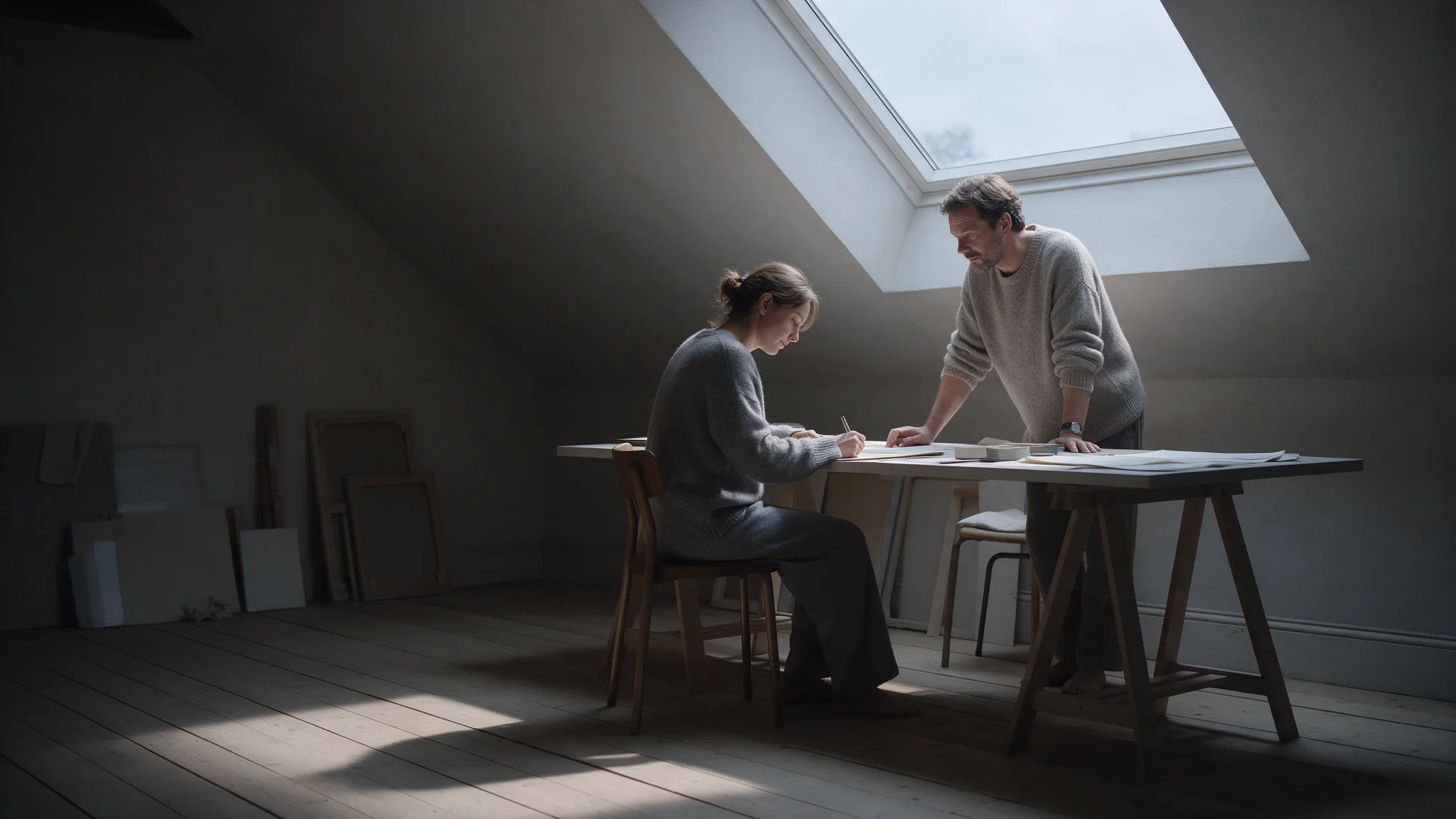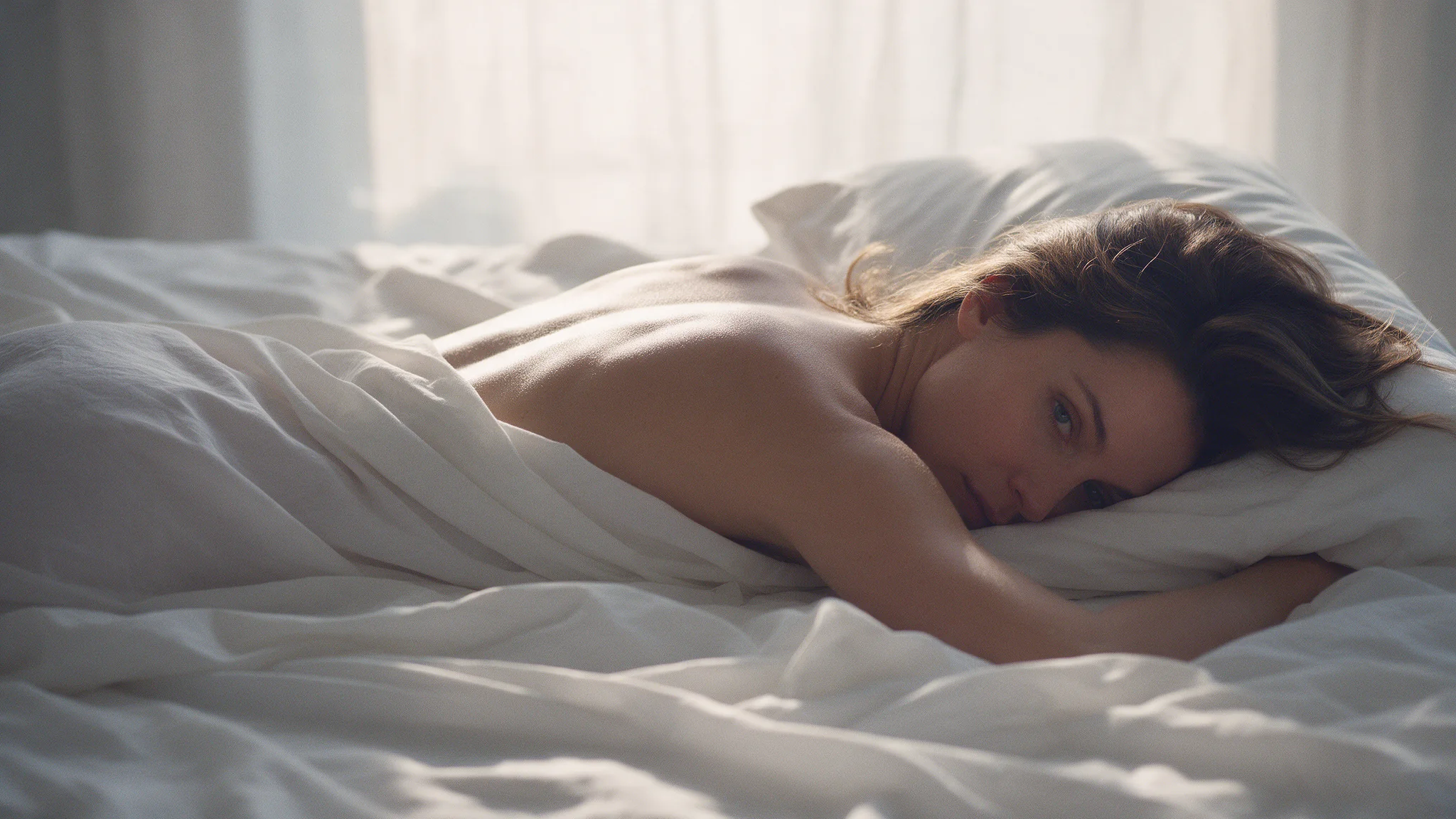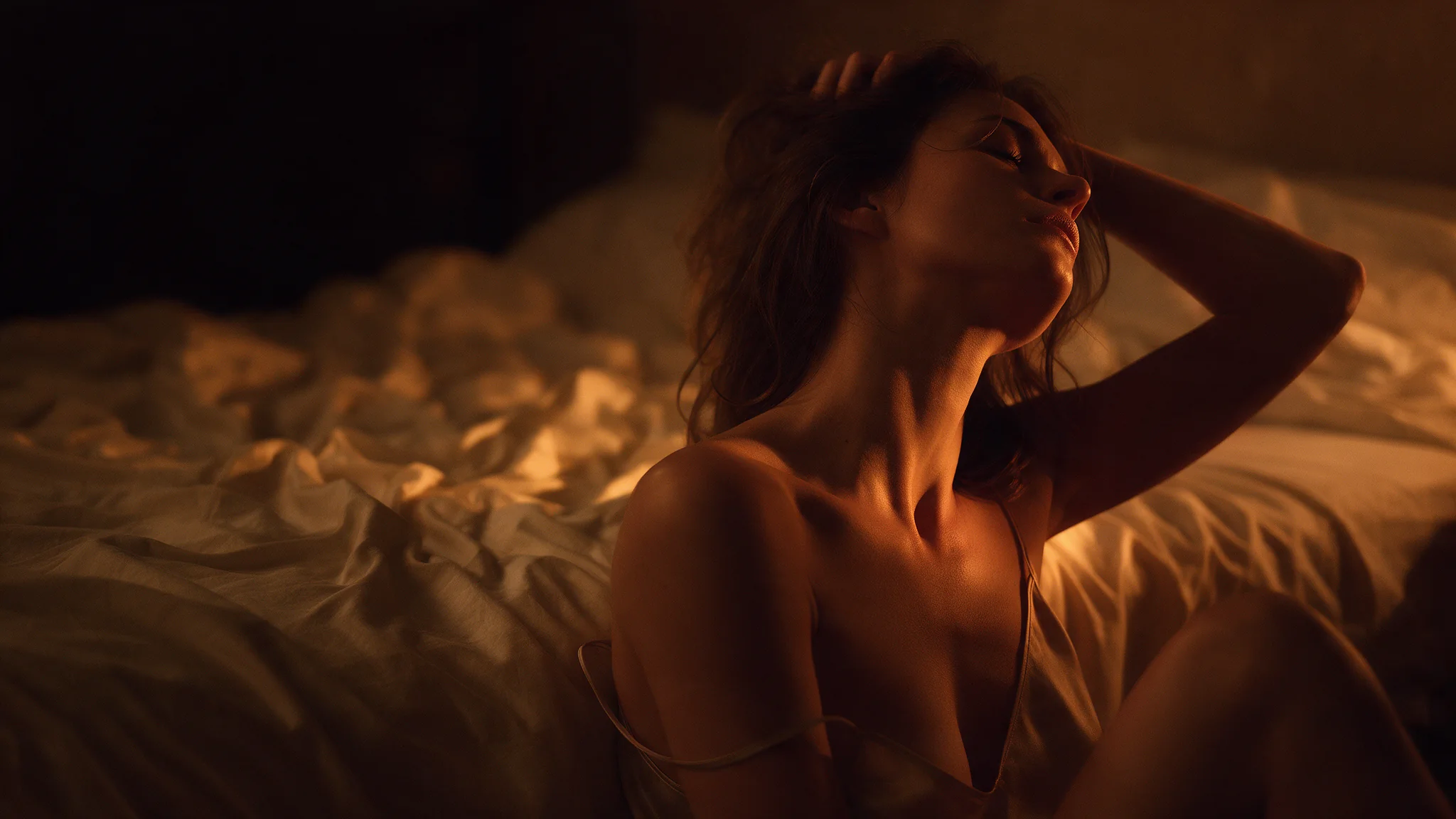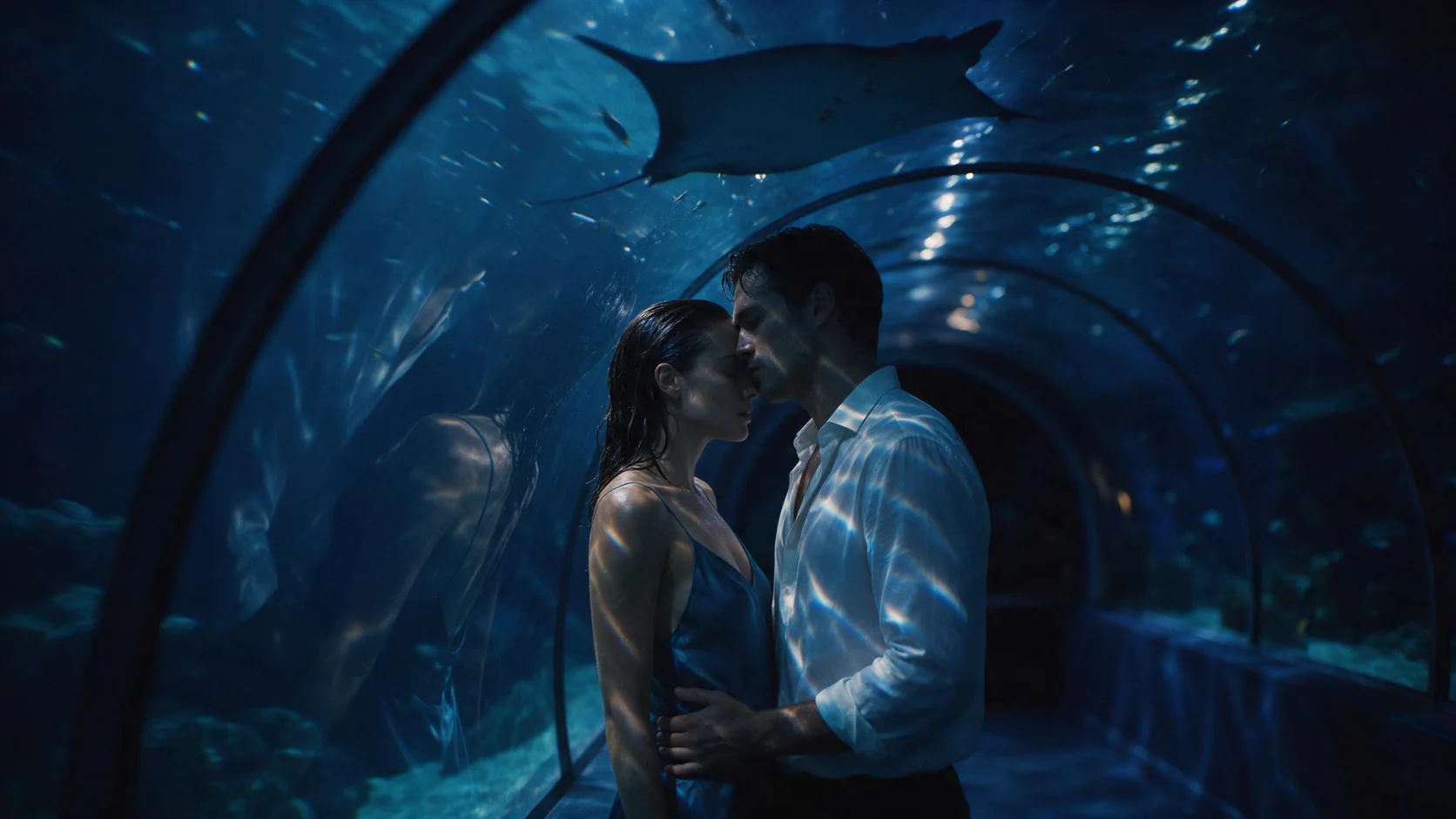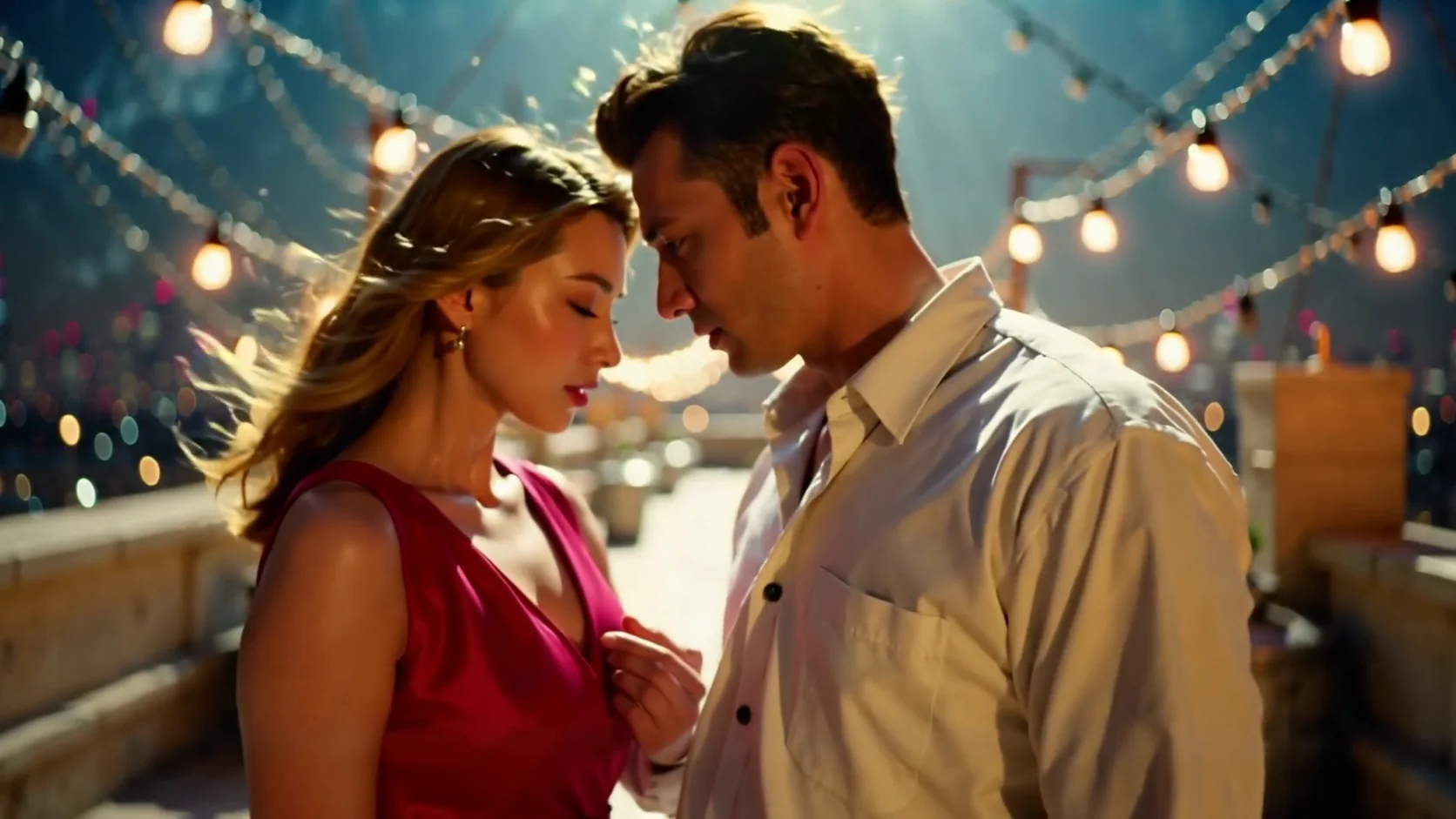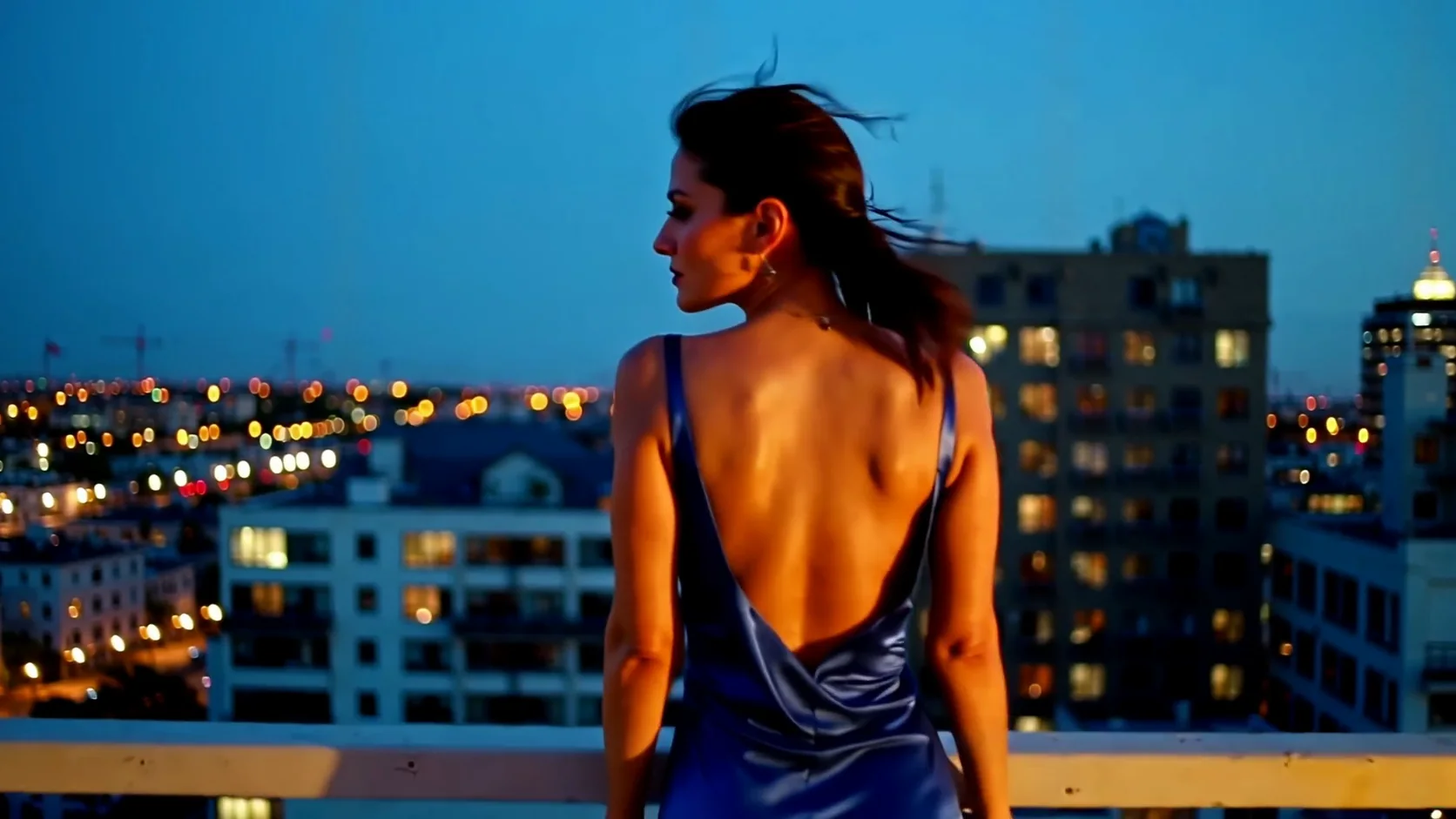
LTX-2 19B image-to-video animates your photo into a 5 to 20 second clip with a stereo soundtrack, at 480p, 720p or 1080p in the photo's own shape. Describe the motion and the sound; billing is per second and there is no content filter.

From $0.014/s

Workbench

Input

Image to video
Required. Describe what happens next in this picture, the camera, and the sound on an "Audio:" line. A different setting can make the clip cut away. at least 1 characters
1/1

Drop files or media links, paste, or browse · 1 file · Max 10 MB · JPG · PNG · WEBP · GIF

  • 1
1 / 1 files
The opening frame. The clip starts from this photo and keeps its aspect ratio; a public, directly downloadable link.
affects price
480p, 720p (the default) or 1080p. Each step costs more per second; the shape follows your photo.
Durationaffects price
Any whole second from 5 to 20, billed per second. no lower than 5 · no higher than 20
Seed
Keeps runs comparable while you change the prompt. It does not promise a frame-identical clip. no lower than 0 · no higher than 2147483647
Safety checkerOff

SpicyAPI does not run a safety checker on this model. Your prompt and media go to the model as written, and the model itself decides what comes back.

Checking your account before enabling submission and pricing.

Output

Ready for a new run
Example result

Related models and next tasks

Missing the model you need?

Tell us what to add and where you would use it. Requests go to the people who decide what gets onboarded next.

One request, one finished clip with picture and sound

LTX-2 19B is Lightricks' open audio-video model, and it returns every clip as a finished MP4 with a stereo soundtrack generated in the same pass. Text-to-video and image-to-video run 5 to 20 seconds at 480p, 720p or 1080p, and a 5-second 720p clip took 14 to 25 seconds of model time in our runs. Voices, singing, effects and ambience follow your prompt, and there is no switch to turn the sound off. Nothing filters the prompt, the image or the result.

Open the playground
One request, one finished clip with picture and sound
Model
Lightricks LTX-2 19B, an open audio-video model that makes picture and sound together
Clip length
Any whole second from 5 to 20; 4 and 21 are rejected at submit
Resolution
480p 832 x 448, 720p 1280 x 704, 1080p 1920 x 1024 on 16:9; 9:16 swaps the sides
Audio
Stereo AAC at 24 kHz on every clip, with no way to switch it off
Speed
5 s at 720p: 14 to 25 seconds; at 1080p: 31 to 44; 20 s at 480p: 36 seconds
Content filter
None; most of our probes rendered as written and the strongest came back toned down
Sound
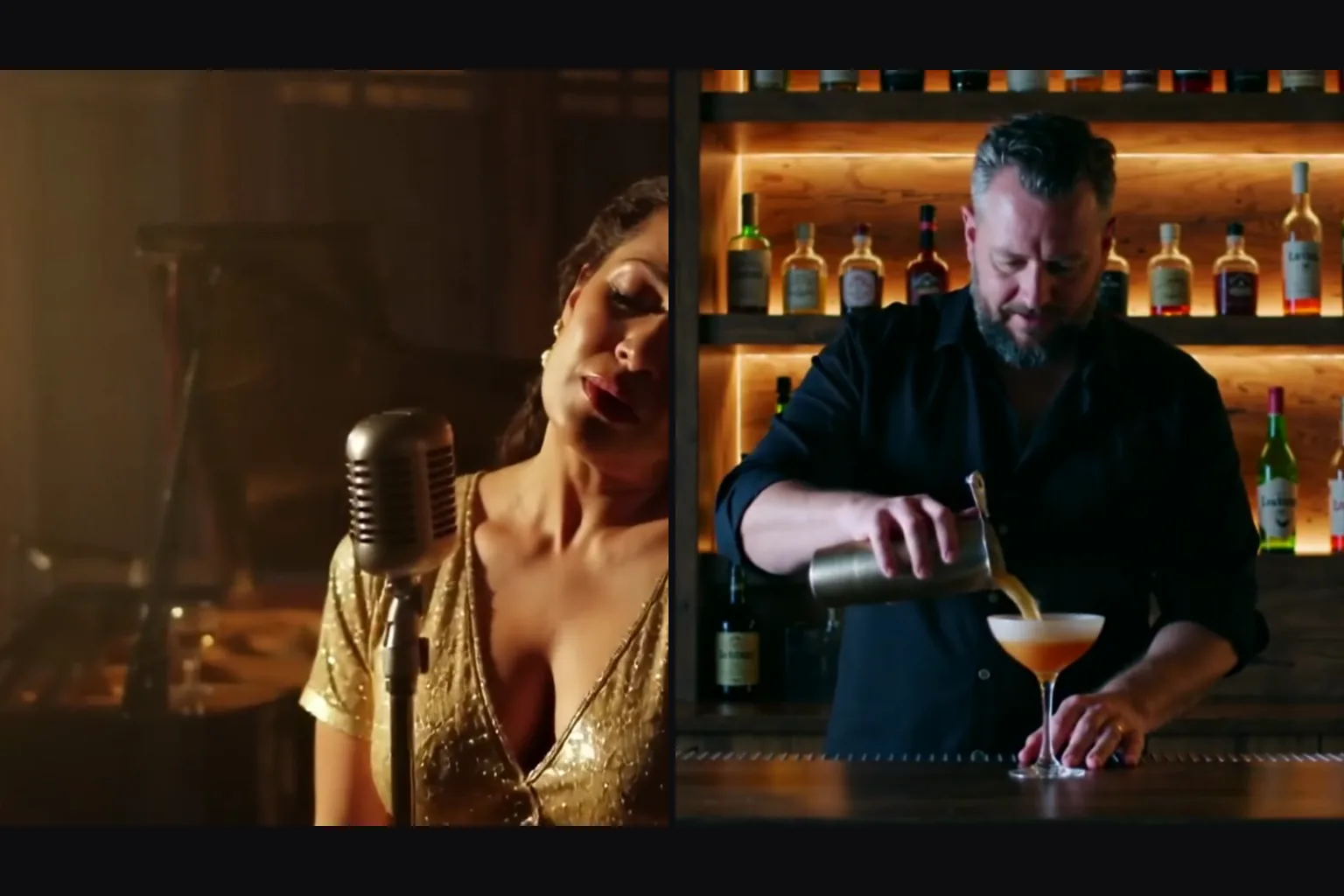
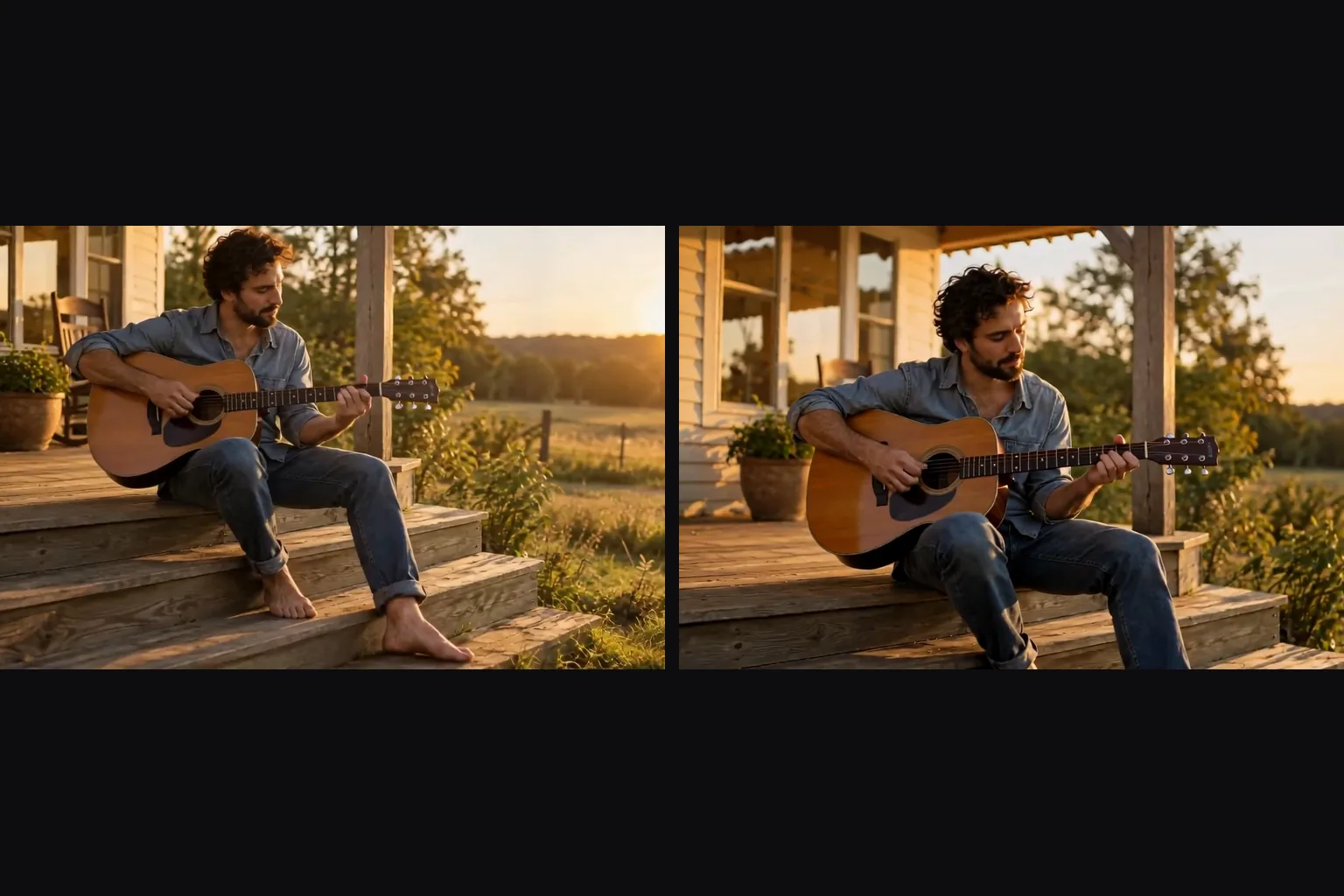
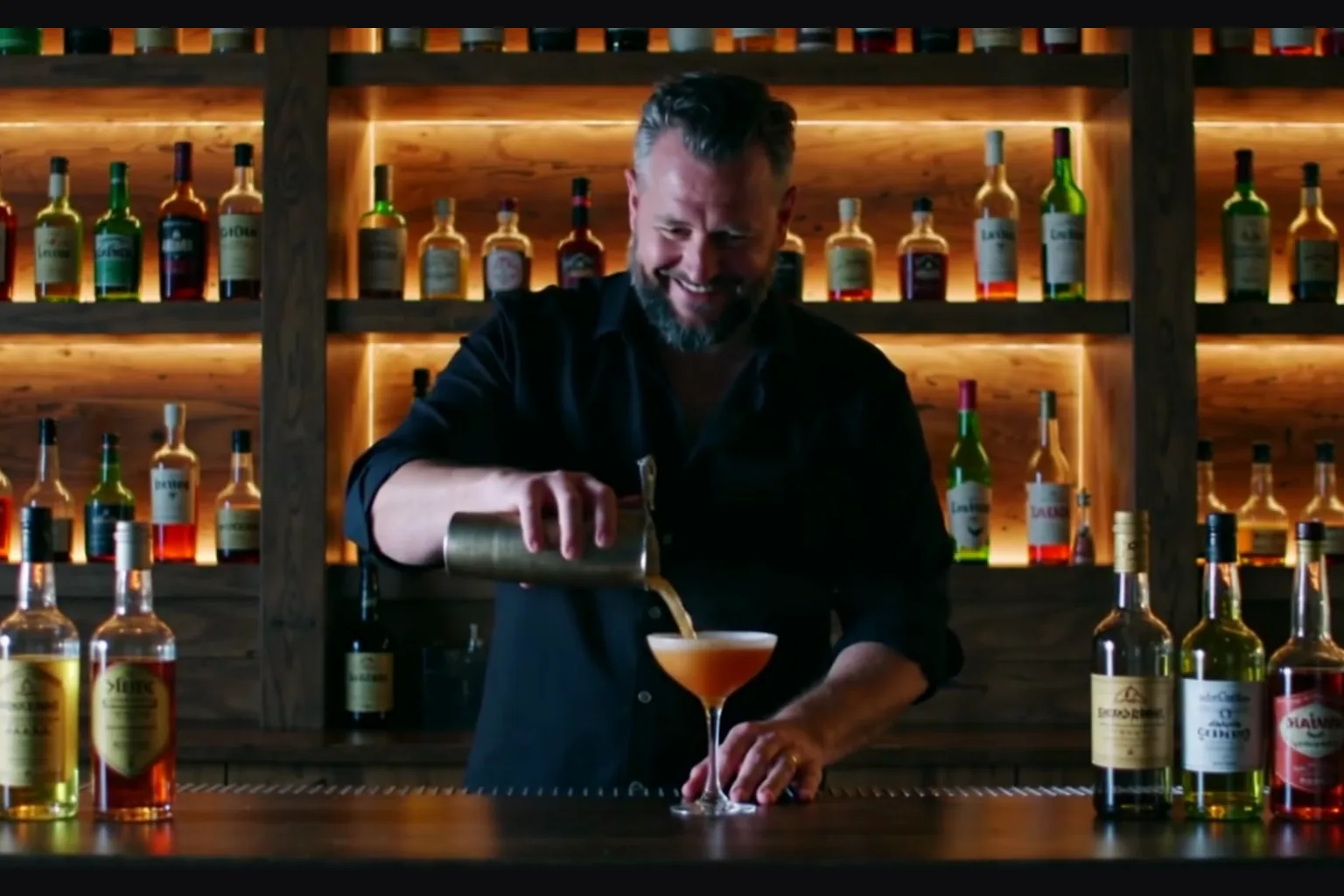
Sound is part of the clip, not an extra stepEvery clip came back with AAC stereo audio: a lounge singer's ballad, a bartender's shaker, a guitar on porch steps. Add a line starting with “Audio:” and list what should be heard to steer it; without it the model still adds sound, but you choose less of it.
Length
Up to 20 seconds in one generationPick any whole second from 5 to 20. A 20-second 480p clip finished in 36 seconds of model time in our run, long enough for a scene rather than a fragment. Frame counts are seconds times 24 plus one, so a 5-second request is a 5.04-second file.
Limits
What it will not doNo audio switch and no frame-exact sizes: 1080p is 1920 x 1024 and 720p is 1280 x 704. Text-to-video offers only 16:9 and 9:16, and image-to-video needs both a photo and a prompt. The publisher notes that sound without speech can be of lower quality.

Working with LTX-2 19B

Give the sound its own line

Give the sound its own line

End the prompt with “Audio:” and name what should be heard, for example “ice rattling in the shaker, low bar chatter, soft music”. The lounge singer and the bartender in the gallery both prompts carried an Audio line, so describe the action first and the audio second.

Choose length and shape per request

Choose length and shape per request

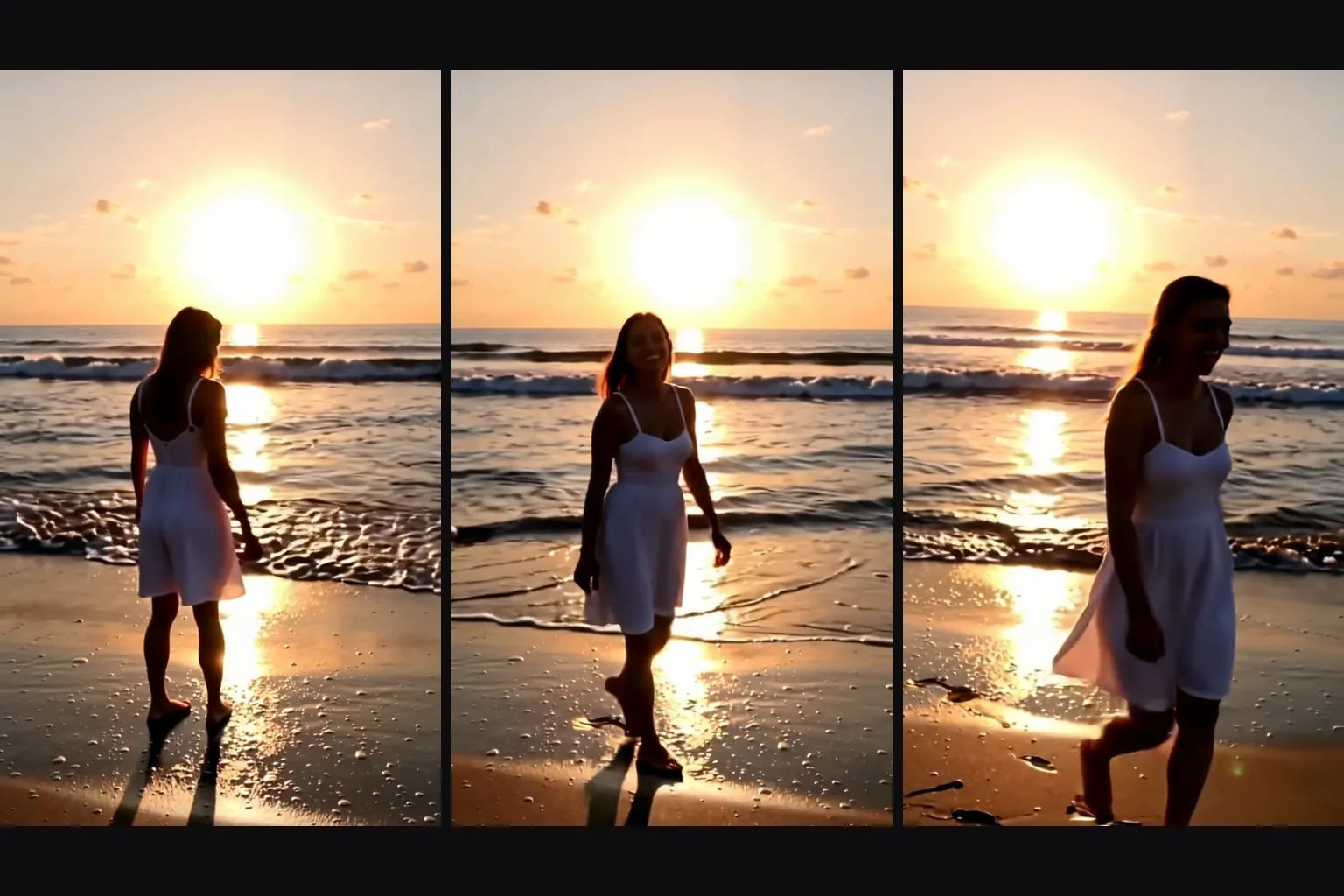
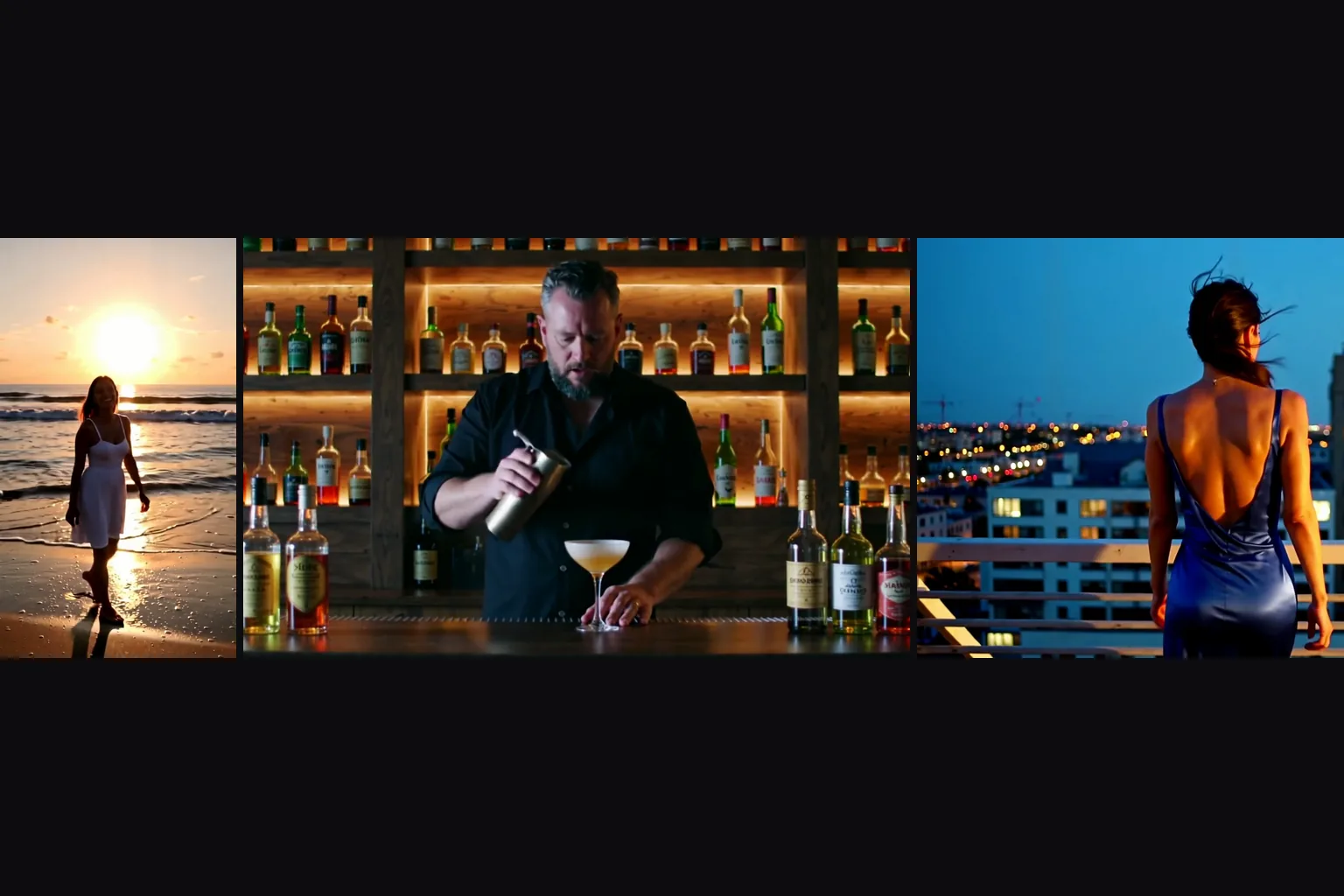
Text-to-video takes 16:9 or 9:16, and the sheet shows three moments of one vertical clip for feeds. Duration is any whole second from 5 to 20, so draft at 5 and extend the idea only once the shot works.

  • Draft at 480p, deliver at 720p or 1080p

    A warm 480p 5-second run finished in 7 to 9 seconds, though cold or queued runs took 45 to 118. 720p is the sweet spot in our tests at 14 to 25 seconds, and 1080p took 31 to 44.

  • On image-to-video, stay inside the picture

    The first frame is your photo and the clip follows its shape. If the prompt describes a different place, the clip can cut away to a new shot: in our test a stage-singer photo with a prompt set in another room cut to that room. Describe what happens next in the picture you sent.

  • Keep one scene per clip

    One subject, one action and one setting, then the sound line. Long clips let a scene breathe, but stacking several events in a single prompt makes the model pick for you.

Who uses LTX-2 19B

  • Clips that already sound right

    Fitness and lifestyle creators

    Clips that already sound right

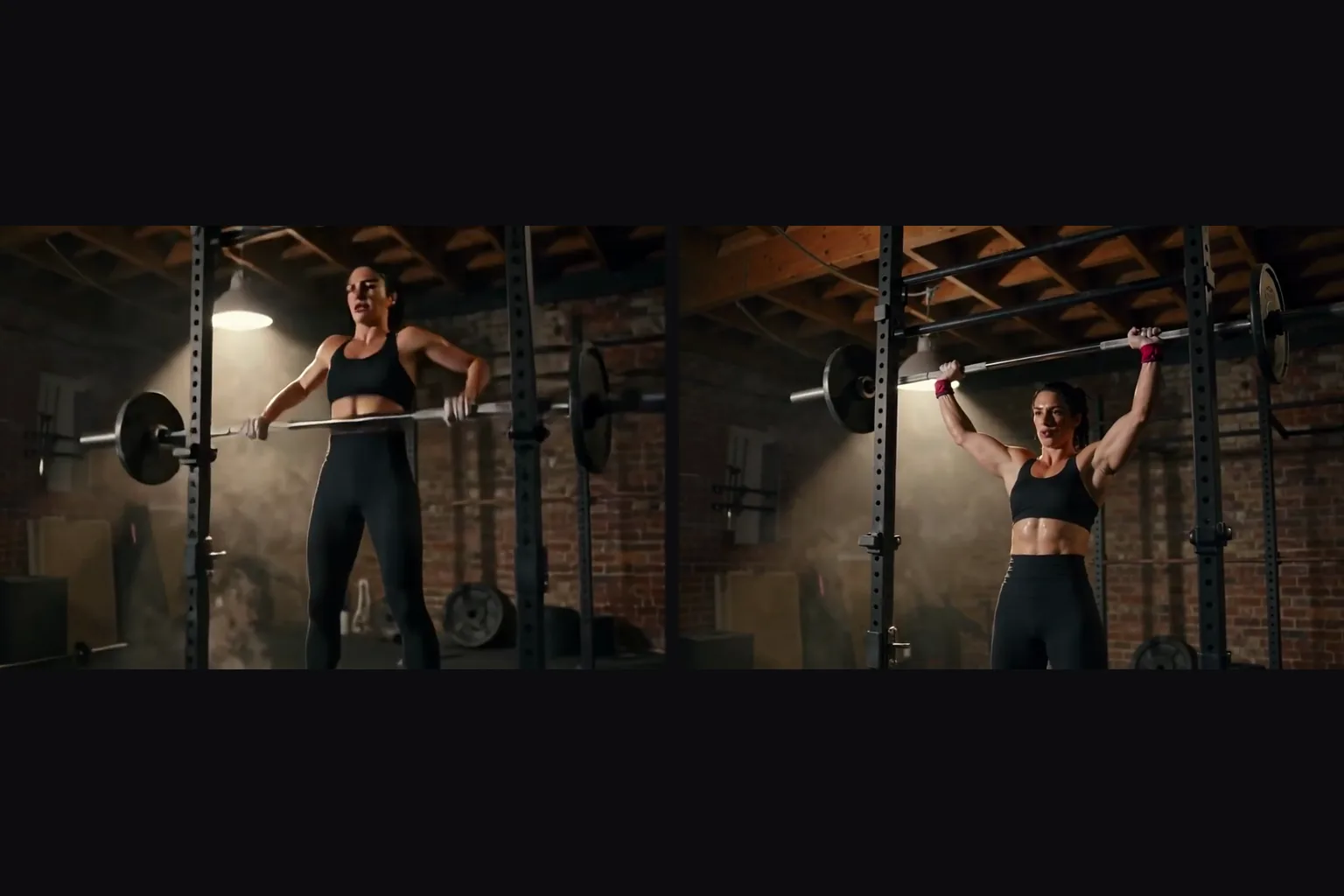
    A woman at a barbell in a dim gym: image-to-video starts from the photo, she grips, lifts and holds, and the Audio line of the prompt asks for the sounds of the room. No separate sound pass to line up.

  • Performances with real audio

    Musicians and music-video makers

    Performances with real audio

    A man strumming a guitar on porch steps and humming at sunset came back with the picture and the sound together. Describe the song's mood in the Audio line, not a melody.

  • A still that moves in the wind

    Fashion and portrait teams

    A still that moves in the wind

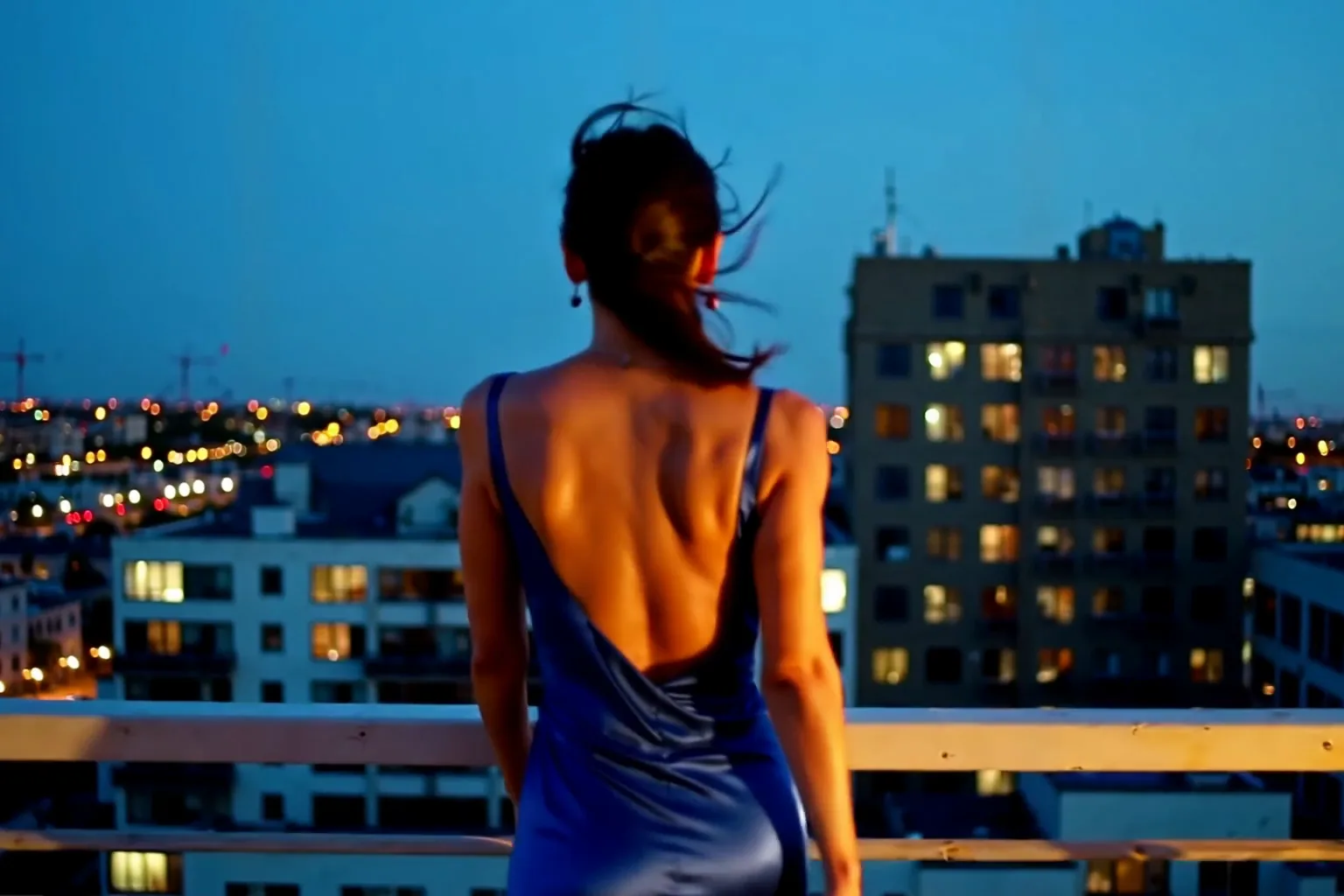
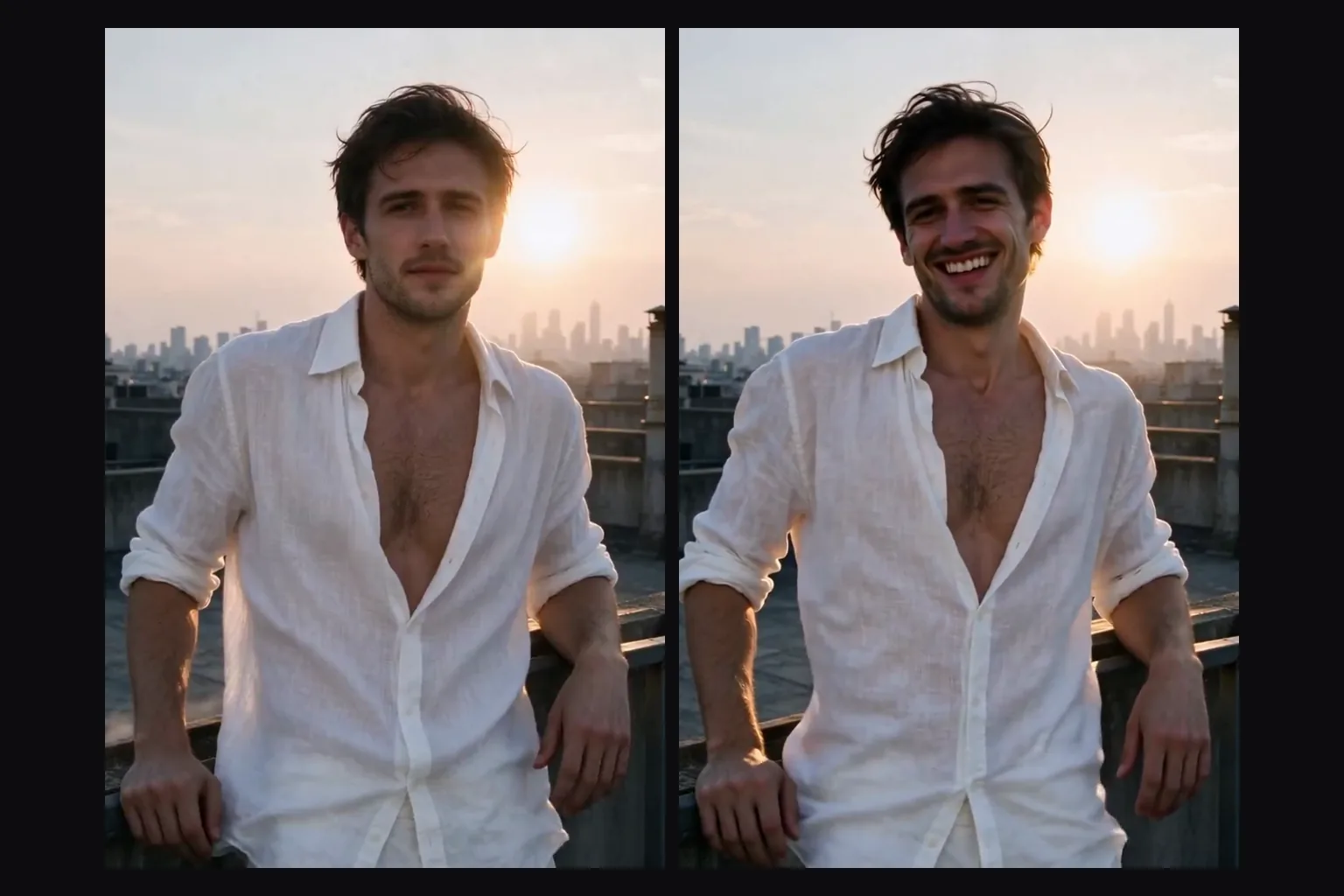
    A man leaning on a rooftop rail turned to the camera as the evening wind caught his white linen shirt and hair. The photo fixes the face and the wardrobe, the prompt only adds motion.

  • Uncensored, with the sound included

    Uncensored platform builders

    Uncensored, with the sound included

    No filter on the prompt, the image or the result, and the audio comes with it. Everyone on screen must be an adult, and in our tests the strongest probes still came back toned down.

From first clip to finished batch with LTX-2 19B

  1. Choose text or photo

    Text-to-video for an idea in 16:9 or 9:16, image-to-video when a face or place must stay fixed.

  2. Write the picture, then the sound

    One scene, one action, then a line beginning “Audio:” with what should be heard.

  3. Draft at 480p for 5 seconds

    Check the sound and the opening frame before you spend more on length or resolution.

  4. Raise resolution and length

    Rerun the winner at 720p or 1080p and stretch the duration up to 20 seconds when the action needs it.

  5. Watch for cut-aways

    On image-to-video, keep the prompt inside the photo's scene; a different setting can trigger a new shot.

LTX-2 19B prompts worth copying

  • A performance with its own audio

    For text-to-video at 16:9, 720p, 6 seconds.

    An adult woman in her thirties in a long burgundy dress sings softly into a vintage microphone on a small club stage, eyes half closed, a pianist behind her in warm amber light, slow push-in. Audio: her voice singing a slow ballad, soft piano, quiet applause at the end.
  • A street scene in vertical

    For text-to-video at 9:16.

    An adult man in a dark rain jacket walks through a night market under paper lanterns, steam rising from food stalls, he stops, glances back at the camera and smiles. Handheld camera, shallow depth of field. Audio: crowd chatter, sizzling pans, light rain on canvas.
  • Motion from a window portrait

    For image-to-video from a portrait of an adult at a window. Stay inside the photo's setting.

    The adult woman in the cream sweater lifts her mug, looks out of the window at the rain, then turns to the camera and smiles. The camera holds steady. Audio: rain on the glass, a soft kettle click, her quiet laugh.

More LTX-2 19B questions

Use it when the clip needs to sound right

Write one scene, add an Audio line for what should be heard, and draft at 480p for 5 seconds.

Rerun the winner at 720p or 1080p, stretch it up to 20 seconds, and on image-to-video keep the prompt inside the photo's scene so the clip does not cut away.