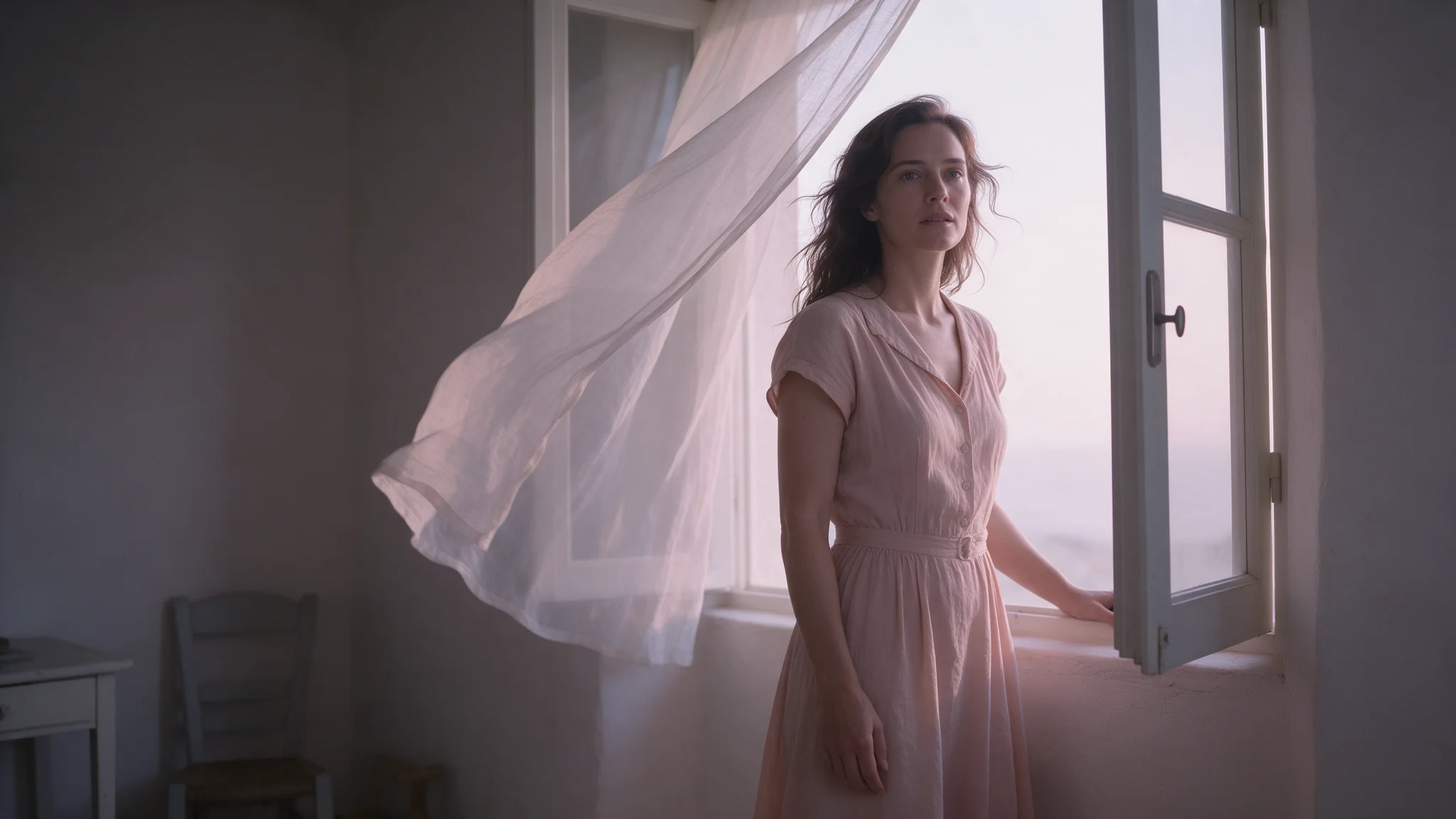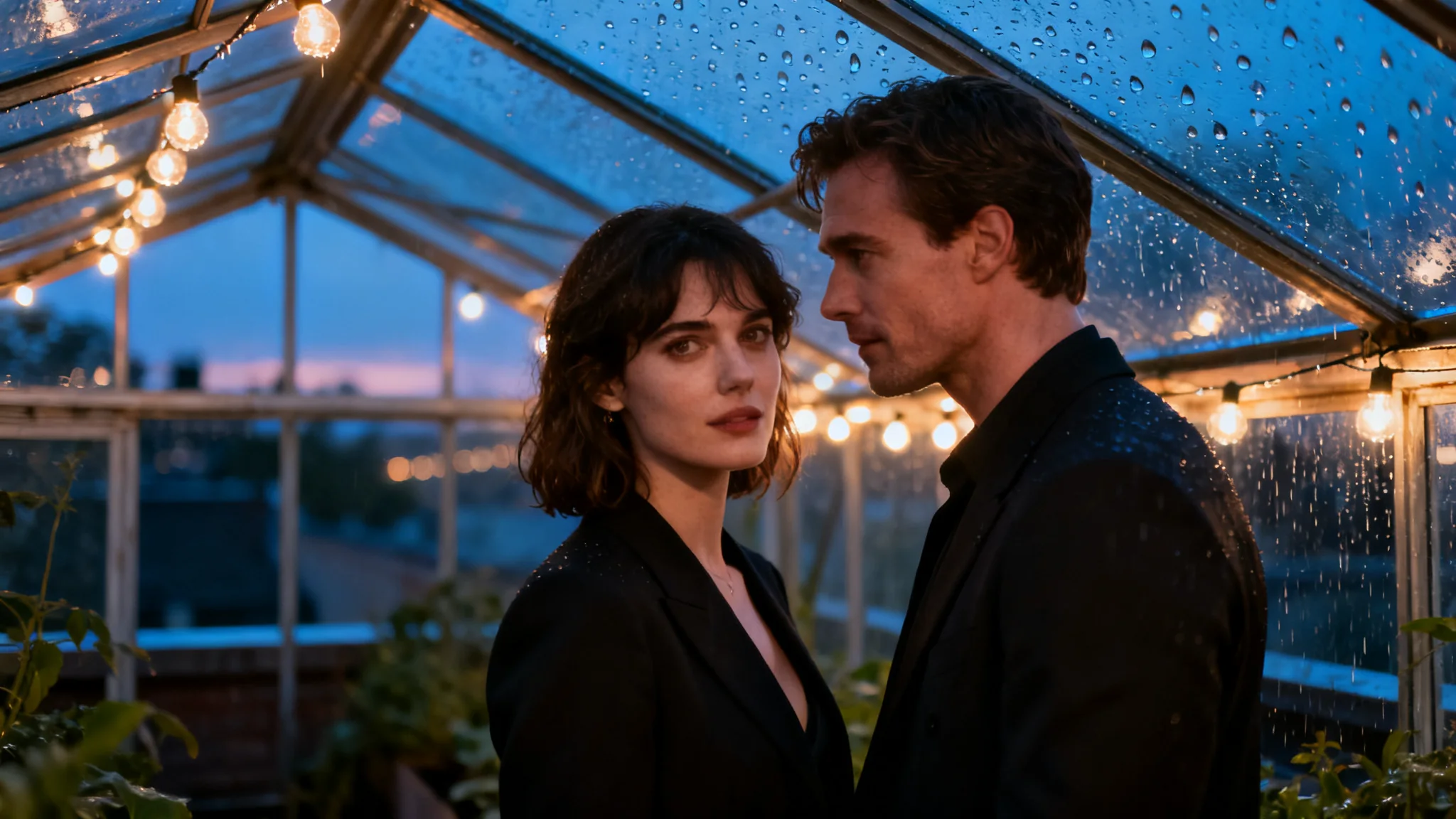
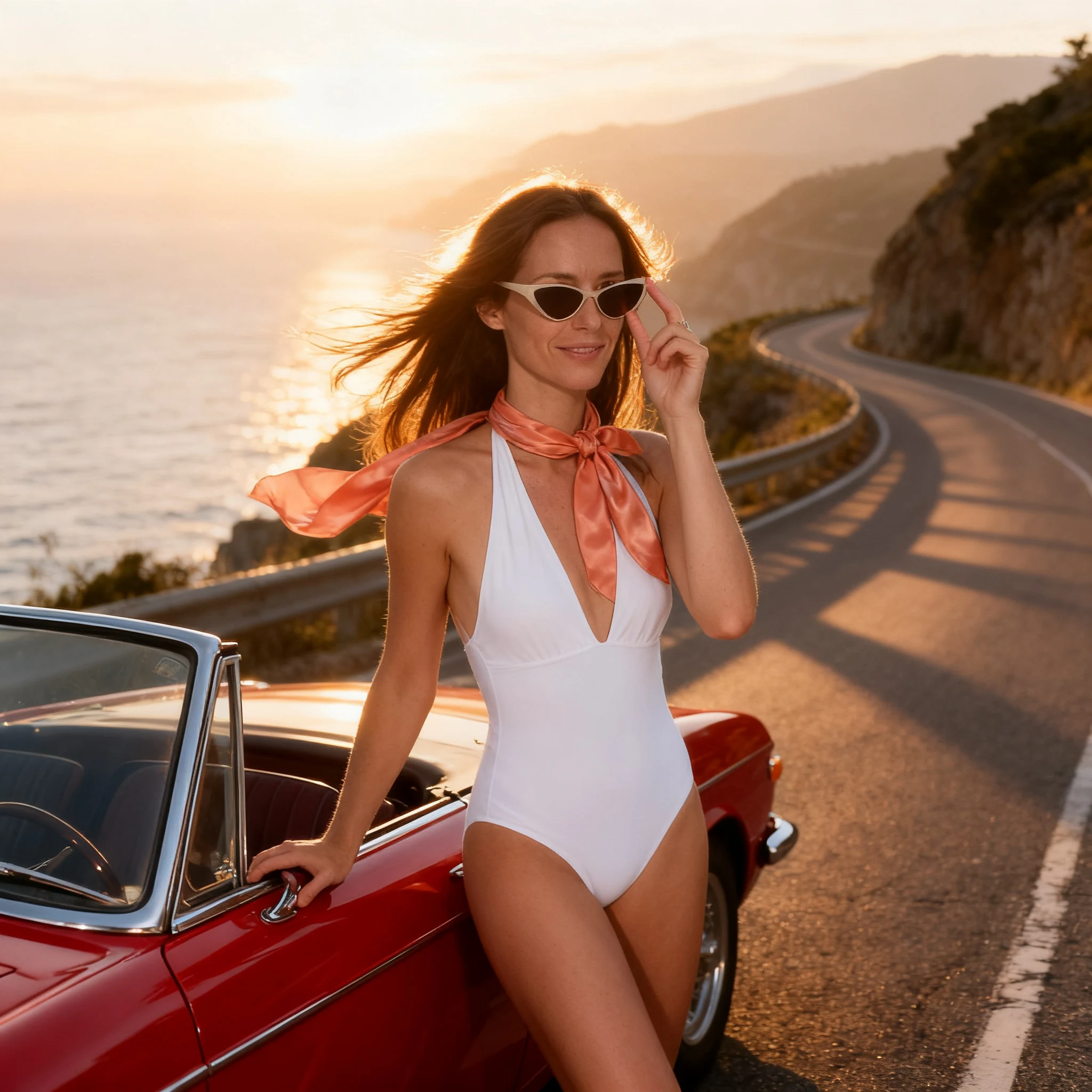
Seedream 4.0 image editing takes one to ten reference images plus an instruction and returns one image. Pick the output from sixteen width*height presets up to 4096*2304, so a restyled character keeps identical dimensions. Uncensored.

From $0.03/image

Workbench

Input

Image editing

Reordering updates prompt references. Removing media also removes its references; review your prompt.

Name what each reference contributes and what must survive — face, pose, wardrobe, light — and remember the result is recomposed into the size you chose. at least 1 characters
1/10

Drop files or media links, paste, or browse · Up to 10 files · Max 10 MB · JPG · PNG · WEBP · GIF

  • Image 1
1 / 10 files
One to ten publicly fetchable URLs for images you hold the rights to; ten is the most this endpoint accepts. The prompt refers to them in order, and a source with no role assigned is blended rather than used. at least 1 items · at most 10 items
The delivered width*height, one of sixteen presets from 1024*1024 to 4096*2304; default 2048*2048. It recomposes the result rather than cropping it, so match the source's shape when the original framing matters.
Safety checkerOff

SpicyAPI does not run a safety checker on this model. Your prompt and media go to the model as written, and the model itself decides what comes back.

Checking your account before enabling submission and pricing.

Output

Ready for a new run
cafe-to-cliff-road-convertibleExample result

Related models and next tasks

Missing the model you need?

Tell us what to add and where you would use it. Requests go to the people who decide what gets onboarded next.

Edit or assemble up to ten references into one frame

Seedream 4.0 Image Editing takes one to ten reference images plus one written instruction and returns a single frame at a size you pick from the same sixteen presets as text-to-image. Give every reference a job in the prompt, because a source that is sent but never named gets blended into the result. There is no mask and no strength dial, so the instruction carries all of the control.

Open the playground
Edit or assemble up to ten references into one frame
Reference images
1 to 10 fetchable URLs in image_urls, required
Output sizes
The same 16 presets as text-to-image, default 2048*2048
Framing
size rebuilds the delivered frame from the sources
Price
One image per request, same rate at one or ten references
Not on this endpoint
No mask, no strength dial, no seed
Content filter
None; wardrobe and uncensored source edits need no flag
References
Up to ten sources, each needing a stated jobimage_urls takes one to ten URLs that can be fetched without a login, for images you hold the rights to. The prompt refers to them in the order they are sent, and a source you never mention is blended into the output instead of being held aside.
Framing
The delivered frame comes from size, not from the sourceThe same sixteen presets apply here, defaulting to 2048*2048. A reference shot in a different shape is rebuilt into the preset you choose, so pick the one closest to the source when the original proportions have to survive the edit.
Continuity
A series can hold one frame size across every passThe preset is set per request and the rate does not move with it, so a character sheet can go through several edits and land at the same dimensions each time. What drifts is the content: each pass is a fresh generation, not a layer on top of the last one.

What the Seedream 4.0 image editing API does well

Ten sources reconciled in one call

Ten sources reconciled in one call

Send a face reference, a wardrobe reference and a background plate in the same request and say what each one contributes. The endpoint resolves all of them into a single frame in one pass, so a composite that would otherwise need a mask, a paint-over and a colour match arrives as one API call.

Unnamed references get blended, not ignored

Unnamed references get blended, not ignored

Every URL in image_urls influences the output whether or not the prompt mentions it. Giving each one a role, face, pose, wardrobe or light, is what stops the model from averaging ten inputs into a muddle. If a source is there for a single detail, say which detail it is.

  • size decides the delivered frame

    The result is recomposed into the preset you send instead of cropped to it, so a portrait source delivered at 4096*2304 comes back rebuilt for the wider frame. Match the source's shape when the original framing matters, or change it deliberately when the edit is also a reframe.

  • One rate whether you send one reference or ten

    The bill is per delivered image and does not count the sources that went into it, so a ten-reference composite costs what a one-reference tweak costs. Trim the reference list only when an extra source would pull the result somewhere you do not want it, never to save money.

  • Wardrobe and uncensored source edits need no separate route

    Changing an outfit to sheer fabric or evening wear, or editing an uncensored source image, uses the same call as any other edit. There is no maturity flag, no per-request declaration and no alternate endpoint, and the platform adds no content filter of its own in front of the model.

  • No strength dial: the wording sets how much moves

    Nothing here takes a 0 to 1 number for how much of a source survives. How close the output stays to a reference is decided by how specifically the prompt names what must not change, so a short protected list, face, hair, pose, is what holds a likeness together.

Who Seedream 4.0 image editing is for

  • Restyle one character across a set of references

    Character consistency

    Restyle one character across a set of references

    Send a character sheet and a costume reference in one call, name what each contributes, and the identity holds while the outfit changes. With no strength slider in the way, how much survives is set by the sentence that lists what must stay.

  • Uncensored wardrobe and scene changes on existing images

    Uncensored content edits

    Uncensored wardrobe and scene changes on existing images

    Swap an outfit for sheer fabric or evening wear, or edit an uncensored source directly, through the same endpoint as any other request: no maturity flag, no platform content filter and no separate call to find. The rights to whatever you send stay your responsibility.

  • Move a subject while face, body and pose stay put

    Location and light swaps

    Move a subject while face, body and pose stay put

    Name the short list that must not change, then describe the new setting and the new light. Everything outside that list is open, which is what lets one source image become a series of locations without re-shooting or re-generating the subject.

  • One product, many backdrops, one frame size

    Catalogue and listing work

    One product, many backdrops, one frame size

    Pair a product shot with a backdrop reference and deliver every variant at the same preset, so a listing set lines up without a crop pass. The rate is per delivered image, so the tenth variant costs what the first one did.

How to call the Seedream 4.0 image editing API

  1. Collect one to ten sources you hold the rights to

    image_urls takes URLs that can be fetched without a login, and ten is the ceiling. Decide what each image is for before writing anything, because this is the list the prompt will refer to in order.

  2. Give every reference a role in the prompt

    Say what each source contributes and what must survive the edit: face, pose, wardrobe, light. A source that is sent but never mentioned still lands in the result, blended in, which is usually not what was wanted.

  3. Choose the delivered size

    size is the delivered frame, and the sources are rebuilt to fit it. Match the source's shape when the original framing has to hold, or pick a different preset when the edit is meant to reframe as well. Leave it out and the edit comes back at 2048*2048.

  4. Submit and poll for the finished frame

    The call is asynchronous, with no inline response to wait on. Create the task, poll for a terminal state, then fetch the edited image from platform storage once it reaches one.

  5. Go back to the original for the next pass

    With no seed, each edit is a fresh generation, so stacking edits on edits drifts further from the source every time. When precision matters, re-run from the original image with a longer instruction instead of chaining short ones.

Seedream 4.0 image editing worked examples

  • A three-source composite: face, outfit, backdrop

    Each source is given a job in the order it is sent, so nothing is left to blending. Delivered at 1664*2496 to keep a portrait shape.

    Use the woman from image 1 for face, hair and body; dress her in the outfit from image 2, keeping its colour and cut exactly; place her in the interior from image 3 and relight her to match its warm lamplight, keeping her expression unchanged
  • A product on a new backdrop with its label kept

    An edit keeps what the prompt protects, so packaging copy survives a background change when the instruction says it must. Square delivery suits a listing thumbnail.

    Keep the bottle from image 1 exactly as it is, including the label text and its reflections; replace the background with the polished concrete surface and soft window light from image 2, and add a thin contact shadow under the bottle
  • A wardrobe change on a single reference

    One source, one instruction: name what stays before naming what changes, and the likeness holds through the swap. Delivered tall for a phone-shaped placement.

    Keep this woman's face, hair, pose and body exactly as in the reference; change her outfit to a black lace slip dress with thin straps, keep the room and the lighting unchanged, and match the original skin tone

Seedream 4.0 image editing API questions

Give every reference a job before describing the result: face from one, outfit from another, room from a third. A source with no stated role is blended in, which is where muddy composites come from. Then name what must not change, because there is no strength dial to hold a likeness for you. Remember that the delivered frame comes from size, so pick the preset closest to the source when its proportions have to survive.