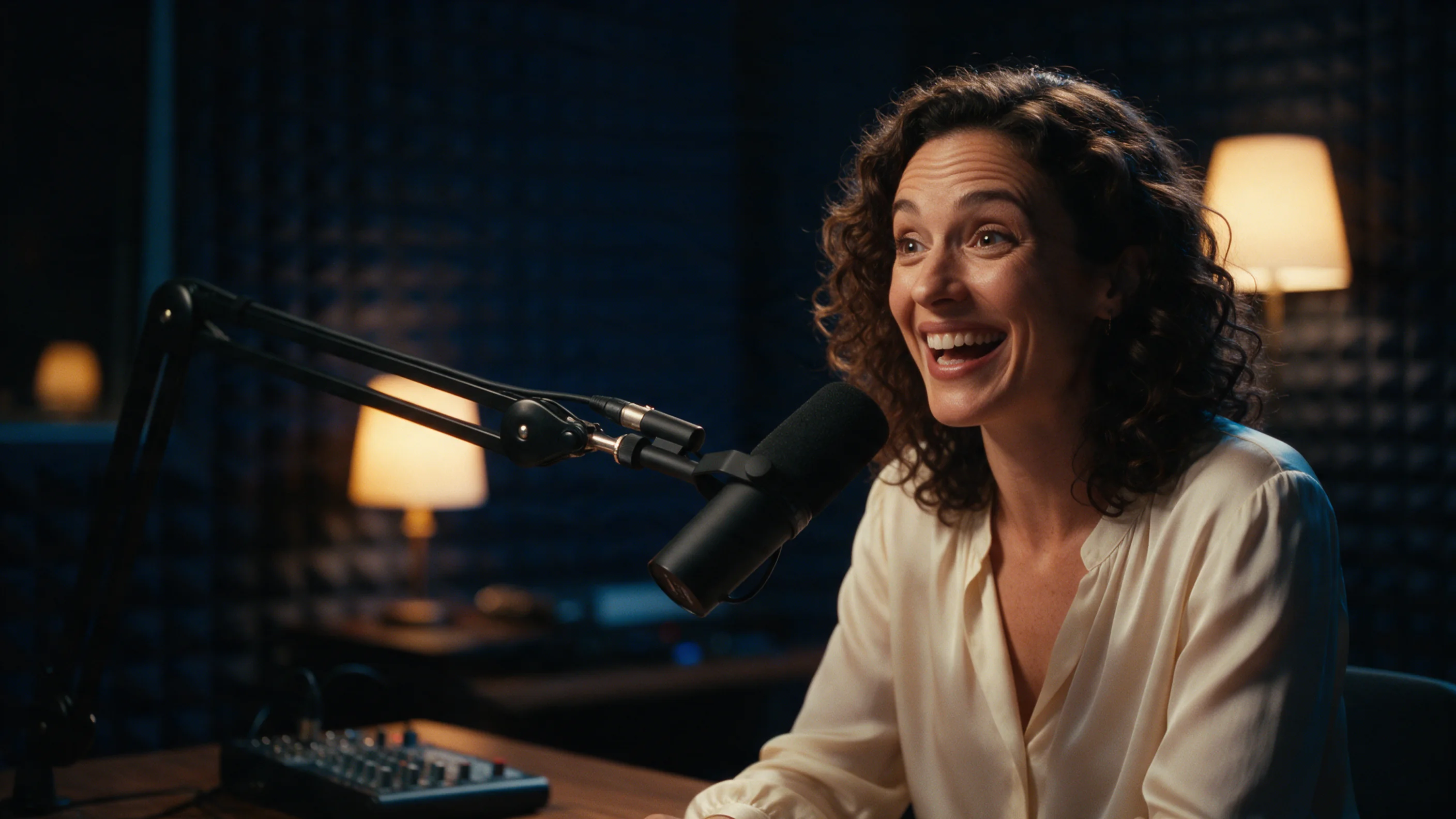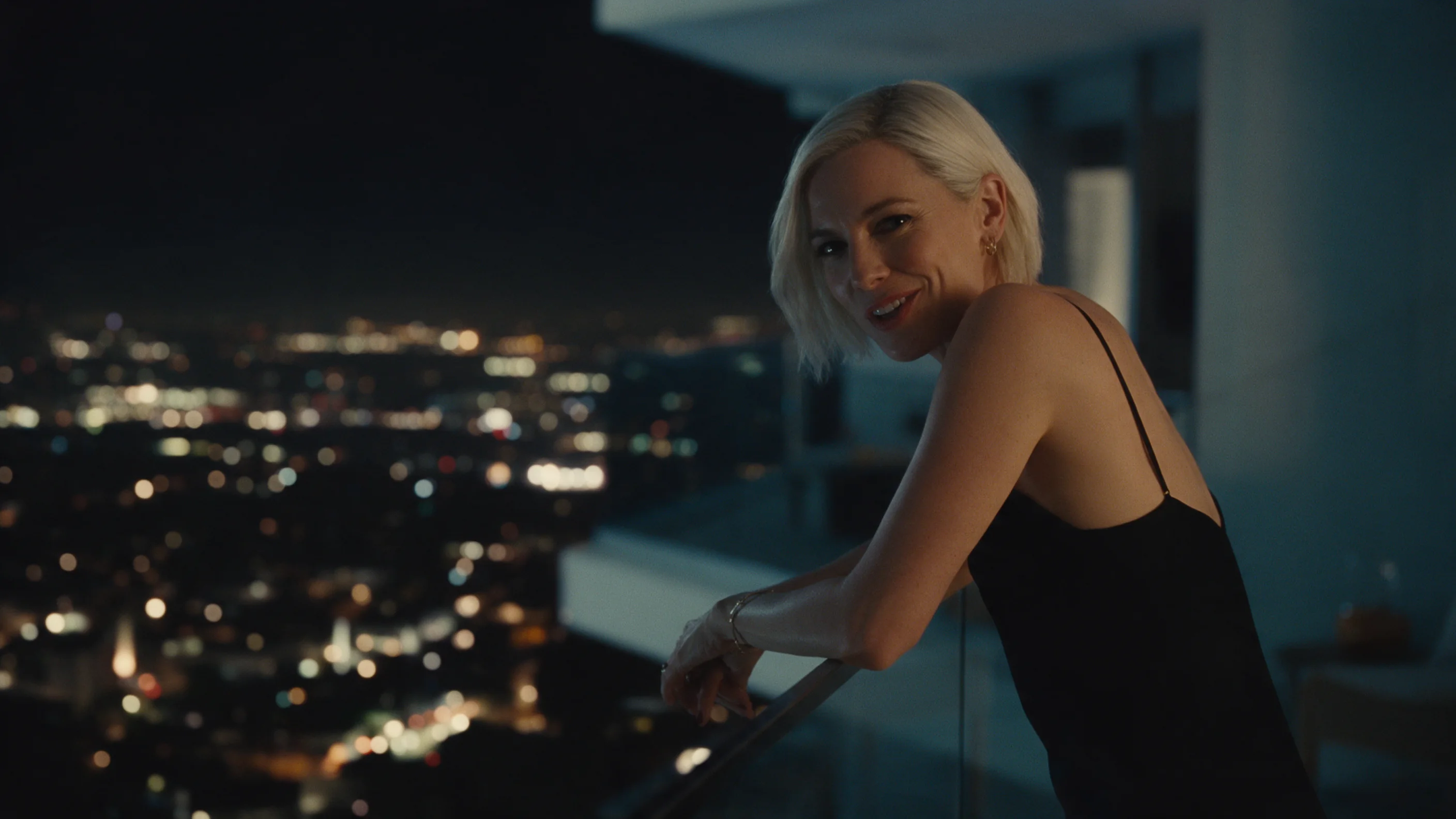
Choose OmniHuman 2.0 when you already have a portrait and a recording, especially when the recording needs more than ten seconds. Choose MagiHuman when you want a short talking clip with a voice generated from your written line, or need a selectable vertical format or 1080p output. MagiHuman can also follow your own recording, so the choice is not simply “own voice versus generated voice.” Length, format and cost decide the overlap.
At 720p, five seconds of input audio costs $0.542 on OmniHuman 2.0; a five-second requested clip costs $0.24 on MagiHuman. Our short OmniHuman singer run took about 2 minutes 13 seconds. Published MagiHuman examples range from about a minute to nearly four minutes for five-second clips, depending on the task and resolution. Those different examples do not establish a speed or lip-sync winner.
| Your requirement | OmniHuman 2.0 | daVinci-MagiHuman |
|---|---|---|
| Required starting material | Portrait and audio | Text, or image plus prompt |
| Generate a voice from written dialogue | No; supply the recording | Yes; quote the spoken line |
| Use your own recording | Required | Optional on both tasks |
| Length | 4–300 seconds of input audio | 5–10 whole seconds requested |
| Resolution | 720p | 256p, 720p or 1080p |
| Aspect-ratio selector | None | 16:9 or 9:16 |
| Five-second 720p example cost | $0.542, based on audio | $0.24, based on requested duration |
The OmniHuman 2.0 and daVinci-MagiHuman model pages show the available inputs. The latter name is the full name of the MagiHuman model compared here.
Features and inputs: start with what you already have
OmniHuman animates a portrait around an audio performance. Both files are required. The recording supplies the words or singing, the timing and the basis for the clip length. An optional short direction can describe gestures, mood, gaze or camera movement. It does not replace the recording with speech written in the prompt.
That fits a presenter whose narration has already been approved, a greeting recorded in a particular voice, or a portrait performing an existing song. Prepare the audio first and trim it to the passage you want. Asking for fewer seconds in the prompt is not a duration control: there is no separate duration field.
MagiHuman has text-to-video and image-to-video. With text, it creates the person and scene from your description. With an image, it begins from that first frame. Either task can generate the soundtrack with the picture, including a line placed in quotation marks. This gives you a route to a short speaking character without recording a voice first.
For example, an untested starting brief could be: “Medium close-up of a presenter in a bright studio, looking into the camera and saying warmly: 'Welcome back. Today we are looking at the new design.'” Keep the scene direction separate from the quoted speech. This is an illustration of how to write the request, not a claim that this exact line has been generated.
If you already have a recording, MagiHuman accepts it as audio_url on either task. Then the prompt can concentrate on expression, gaze and motion. Its recorded image-to-video example used a five-second speech file with a five-second requested clip. We do not have a test showing what happens when those lengths differ, so matching them is the sensible starting point.
Quality and speed from our runs
The OmniHuman functional run used a jazz-singer portrait and about 5.21 seconds of audio. It returned a 1280 × 720 video lasting about 6.02 seconds, with sound, after roughly 133 seconds. The output length differed from the input length, which matters if you are cutting to a precise timeline: inspect the returned file rather than assuming its final frame lands exactly at the recording's end.
That is one short singer example. It demonstrates a completed portrait-and-audio task at 720p, not five minutes of proven performance. The supported audio ceiling is much longer, but we have no long-form timing or consistency result from this run. We also have no matched comparison using that same portrait and recording on MagiHuman.
MagiHuman's published examples offer several concrete observations. In three runs with quoted speech, the soundtrack transcription matched the requested words. An image-driven clip began on the supplied photo, and a separate example driven by a supplied recording followed that audio while keeping the face close to the portrait. These observations support its use for short dialogue; they do not establish perfect synchronization for every script or language.
Processing varied substantially. A five-second vertical 720p text clip took about a minute. A 720p image clip took about 1 minute 45 seconds, and a 720p image clip with supplied audio about 3 minutes 7 seconds. A 1080p text clip took about 3 minutes 53 seconds. The examples differ in more than resolution, so we cannot isolate the cost of each feature in render time.
MagiHuman's nominal resolution also does not promise exact standard dimensions. The published 720p landscape examples were about 1358 × 678; a vertical example was about 726 × 1270. The 1080p example was about 1904 × 1088. If a delivery requires an exact canvas, allow for fitting the returned picture in your editor.
Price per typical clip
OmniHuman's public rate is $0.1084 per second of input audio. MagiHuman is $0.024 per requested second at 256p, $0.048 at 720p, or $0.072 at 1080p. Its text and image tasks have the same rates, and sound and aspect ratio do not change them.
| Clip or recording | OmniHuman 2.0, 720p | MagiHuman, 720p | MagiHuman, 1080p |
|---|---|---|---|
| Five seconds | $0.542 | $0.24 | $0.36 |
| Ten seconds | $1.084 | $0.48 | $0.72 |
| Thirty seconds | $3.252 | Not supported in one request | Not supported in one request |
| Sixty seconds | $6.504 | Not supported in one request | Not supported in one request |
These are arithmetic examples using the listed rates. For OmniHuman, the duration column means input-audio length; for MagiHuman, it means the requested clip length. A five-second MagiHuman draft at 256p costs $0.12, a useful lower-cost option for exploring a character or line before choosing a larger output.
The singer recording illustrates why the billing basis matters. At 5.21 input seconds, OmniHuman's public-rate calculation is about $0.5648, even though that run returned about 6.02 seconds of video. This is a calculation at the current public rate, not the historical charge for the archived run.
For a batch of 100 five-second 720p generations, the same arithmetic gives $54.20 on OmniHuman or $24 on MagiHuman. These totals exclude creating the portrait or recording.
If OmniHuman cannot read the audio length before generation, it temporarily reserves the 300-second maximum: $32.52 at this rate. The difference is released after delivery; this is not the final charge for a short recording.
Limits to know before choosing
OmniHuman accepts WAV or MP3 audio under 15 MB, from four to 300 seconds. A longer recording must be trimmed or divided before submission. Its portrait requirements are under 30 MB, 300–6000 pixels on each side, and a width-to-height ratio between 0.4 and 2.5. The package accepts several image formats, including JPEG, PNG, WebP and HEIC.
There is no resolution or aspect-ratio setting on OmniHuman's task; the output tier is 720p. Our singer evidence is landscape. Image-shape acceptance does not establish how well it handles a vertical composition, so choose MagiHuman when a selectable 9:16 output is the requirement you need to rely on.
MagiHuman stops at ten seconds per request and offers two aspect ratios. It generates at a lower base size and uses its own super-resolution stage for higher tiers. Picking 1080p therefore does not mean the underlying generation starts at that size. The examples show the output sizes and timings you should expect to inspect, rather than an exact-resolution guarantee.
Its published speech tests are in English. The package lists Mandarin and Cantonese, English, Japanese, Korean, German and French, but the list is broader than our tested speech evidence. Singing is an accepted audio use, yet the MagiHuman review does not establish tested singing quality. For the specific task of a singer portrait following a recording, OmniHuman has the relevant short functional example here.
Which should you pick?
For narration already recorded and longer than ten seconds, pick OmniHuman. A continuous thirty-second announcement fits its supported input range and costs $3.252 at the listed rate. That is a capability-based recommendation; the short run does not prove how the face and gestures hold up throughout longer narration.
For a short greeting, dialogue idea or character test with no voice file, pick MagiHuman. You can write the line, choose landscape or vertical, and use a low-resolution draft before paying for a larger version. If a face is already part of the brief, use image-to-video rather than asking the text task to invent it again.
When you have both a portrait and a five-second voice file, MagiHuman is the lower-cost 720p option here. OmniHuman remains a reasonable choice when your wider project needs longer recordings or you want to build on its portrait-and-audio workflow. There is no matched lip-sync evidence that justifies paying more solely for a claimed quality advantage.
For either workflow, describe where the person looks and how the shot is framed. The MagiHuman review records a request mentioning a selfie with a phone that put a phone into the image. If you want direct eye contact without a visible device, say “looks into the camera” and name the shot size.
FAQ
Can OmniHuman 2.0 speak words I type?
It needs an audio file as well as a portrait. Its optional prompt directs the performance. MagiHuman can generate speech from a quoted line without a supplied recording.
Can MagiHuman use my own voice?
Yes, both tasks accept an audio file. The documented image test matched a five-second recording to a five-second request; mismatched lengths were not tested there.
Which one supports longer videos?
OmniHuman accepts audio from four to 300 seconds. MagiHuman accepts requested clip lengths from five to ten whole seconds. Long-form OmniHuman quality and speed are not established by our short singer run.
Which is cheaper for a short 720p clip?
MagiHuman: $0.24 for five requested seconds, versus $0.542 for five input-audio seconds on OmniHuman. The durations use different billing bases.
Which is better for vertical or 1080p delivery?
MagiHuman has a 9:16 selector and a 1080p tier. OmniHuman has neither setting, and our short functional evidence is a 720p landscape output. Check actual returned dimensions before final export.