If your requirement is that an NSFW image prompt and character reference never leave your computer, use an on-device model with a fully local workflow. A private gallery on a website does not meet that requirement. A rented GPU does not meet it either: the image processing happens on someone else's hardware, even when you install the software yourself.
That does not make every hosted tool a bad choice. It means you need to choose the kind of privacy you actually want. Keeping an adult character out of a public feed is different from preventing a service from retaining the image. Both are different from doing the generation without sending the image anywhere.
For most adult-oriented creators, the practical decision is between three routes: a local application you maintain, a remote machine you operate, or a browser service with documented storage and deletion rules. This guide explains the consequences of each, including a local starting workflow, what to check before uploading a reference, and how an image can leave your device after an entirely local generation.
The examples use fictional adult characters. They are proposed workflows, not results from a new generation test or a security audit. Model content rules and visual quality still need separate evaluation; a privacy promise does not establish either.
Choose the privacy requirement before choosing the tool
Start by completing one sentence: “I need to keep these pictures private from ____.”
If the answer is “other users browsing the website,” a private account gallery may solve your problem. If it is “the company running the model,” a gallery setting is insufficient. If it is “someone who sometimes uses my laptop,” running locally solves only part of the problem: that person might still open your output folder.
For a recurring fictional character, include the reference sheet and any custom adapter in that sentence. The selected portrait may be intended for publication while the rejected candidates, commercial brief and character training files should remain private. You do not have to give all of those assets the same treatment.
| Your requirement | A sensible starting route | What still needs checking |
|---|---|---|
| Prompts and reference pictures must remain on your own computer | Local model inference, local editing and local saving | Cloud nodes, assistants, exports, backups and installed extensions |
| Other customers must not see your drafts | A service with a private gallery and clear sharing controls | The operator's retention, training and processing terms |
| You need a larger GPU but want control over the workflow | A remotely hosted instance you manage | Provider access, authentication, persistent disks and deletion procedures |
| You want convenient hosted generation without a permanent service history | A documented no-storage mode for the selected image model | Exceptions, model-specific paths, temporary uploads and account metadata |
| You want repeatable projects with references saved between sessions | Local project storage or an explicitly private cloud library | Who can access that library and how long saved assets remain |
A useful rule is to choose the strongest boundary you need for the most sensitive input, then decide whether the rest of the project can use a more convenient route. You might create the confidential reference sheet locally and publish a selected portrait later. However, sending that portrait to a hosted editor is still an upload, even when its first generation happened offline.
Do not let a website's “uncensored” label answer the privacy question. It describes a claim about content handling, often imperfectly. It tells you nothing by itself about whether the server keeps your prompt, whether images appear in a gallery, or whether the service uses another company to run the model.
The three places a private image workflow can run
On your own device
A genuinely local workflow loads the model on your computer, processes the prompt and any reference there, and writes the result to your own storage. Once the necessary software and model files are installed, an entirely local generation can operate without an internet connection.
This is the most direct route when your requirement is no upload of creative inputs for inference. You are responsible for the device and its files, rather than relying on a service's promise to delete them later. The costs are installation effort, storage, available memory and the time needed to generate or edit each image.
Local operation also makes some tasks more awkward. You cannot assume that a model fits because another model worked on the same machine. A simple portrait workflow might fit while an editing pipeline with additional encoders or a large upscaler does not. Privacy is a reason to consider local processing, not a guarantee that your current device can run every fashionable model.
On a remote GPU you rent
A remote GPU can run the same application and checkpoint you would use locally. You may select the model files, control the output directory and decide when to stop the machine. But the prompt and references travel to that remote environment, and the results are created there.
Think of it as your working setup on rented infrastructure. You control many choices inside the session; you do not own the physical machine or automatically eliminate the provider's access and operational records. The host's policies, your template and the access controls all matter.
This route is useful when a specific open-weight workflow is necessary and your laptop cannot handle it. It is less attractive if the main reason for choosing local software was avoiding any external processing. Renting a larger GPU solves a hardware shortage while changing that privacy boundary.
Inside a browser service
A hosted generator handles model execution for you. Your browser presents the controls, but those controls do not show where inference runs. A service can keep history in your browser while still sending the current prompt to remote GPUs.
The important questions are what the service transmits, what it retains, and which selected model or feature follows which policy. A private gallery can prevent automatic publication while the service continues storing your drafts. A no-storage mode can reduce retained content while still involving remote processing. An account can collect payment and usage information even when creative content is not retained.
For a solo creator, this can be a reasonable tradeoff. You may prefer a clear, limited retention window and useful editing controls to spending a weekend maintaining a local installation. The decision becomes defensible when you know the boundary, rather than interpreting “private” as a promise about everything.
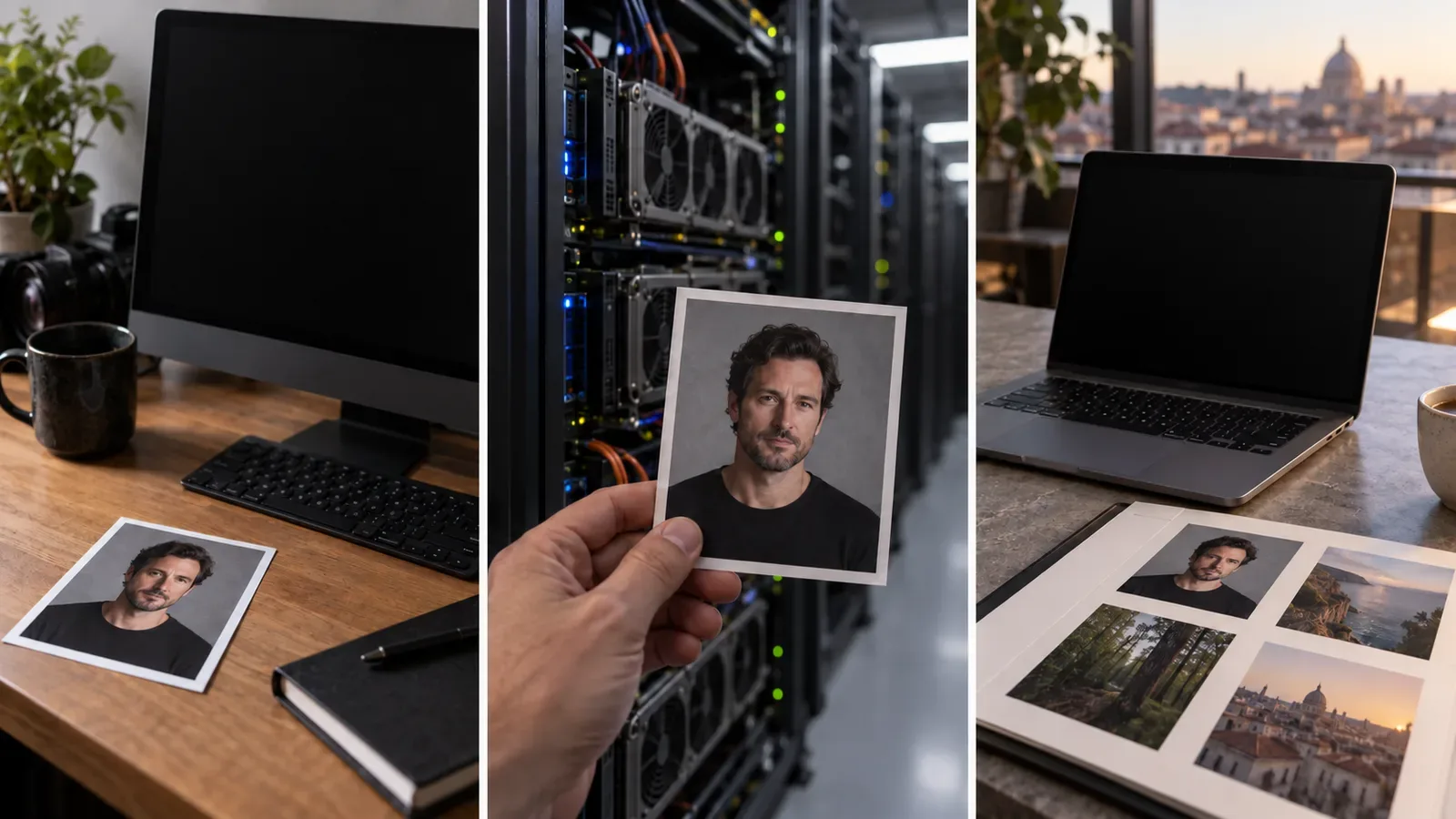
Illustration: local inference, rented hardware and a hosted workspace involve different places for processing. A private gallery is a separate visibility control.
Local tools worth investigating—and what their names do not guarantee
Two practical starting points are ComfyUI for a controllable local workflow and Draw Things for an Apple-device application. These are tools for running models, not blanket endorsements of every downloadable checkpoint or claims that every NSFW brief will work.
ComfyUI's official documentation explains a client-server design: the interface is the client, while the Python server performs model and image processing. That server can be on your computer or elsewhere. Consequently, the familiar ComfyUI interface is not evidence of local inference; you need to know where its server runs. ComfyUI architecture documentation.
Draw Things explicitly offers local generation and local LoRA training. It also offers Cloud Compute. Its editions page separates the free local features from account-based offloading to managed servers. Choosing a local application therefore does not mean that every available button operates locally. Draw Things, edition comparison.
| Tool or mode | Useful reason to investigate it | Privacy boundary to preserve |
|---|---|---|
| ComfyUI running a local model on your computer | You want to retain a known workflow, model and settings | Keep generation and every relevant processing step local |
| Draw Things local Compute | You want an Apple-device application rather than a node graph | Confirm local Compute is selected for the task |
| Draw Things Cloud Compute | You want to offload work from the device | Treat it as cloud processing, including any uploaded adapters |
| ComfyUI hosted on a rented instance | You need a specific workflow on larger hardware | References and prompts move to the instance |
| ComfyUI with a remote API node | You want a hosted model within a familiar workflow | The connected service receives the required request inputs |
Draw Things' privacy policy gives a concrete example of an asset that deserves its own decision: uploaded LoRAs are stored on its Cloud Compute infrastructure until you delete them or delete the account. Omitting a LoRA's filename metadata does not mean omitting the file itself; the policy describes storing the file blob and its content hash. That matters if your adapter embodies a confidential character design. Draw Things privacy policy.
For local work, select one supported model and its documented workflow first. A long list of checkpoints and extensions is not a beginner setup. You need one configuration that creates your desired style, saves the files where you expect, and remains understandable when you reopen it next week.
What hardware do you actually need?
There is no honest universal specification for a “private NSFW AI image generator.” The NSFW label does not determine memory usage. The model architecture, precision, output dimensions, batch size and extra stages do.
Comfy Desktop's Windows documentation supports Windows 10 or newer and recommends a dedicated NVIDIA or AMD GPU. Its macOS documentation specifies Apple Silicon and macOS 13 or newer. Both list about 4.85 GB for the installation itself, excluding model weights. Treat those as application requirements, not a promise that a particular image model fits. Windows installation, macOS installation.
Before buying equipment, write down the actual job. “One character portrait at the model's normal size” is a smaller requirement than “four large reference edits at once followed by a second model for enhancement.” Search the model's own documentation for a compatible configuration, then check the available memory on the machine you intend to use.
If you already have a suitable computer, begin with one image at a time and the supplied workflow's ordinary dimensions. Establish that it runs before adding higher resolution, adapters or several enhancement stages. An out-of-memory failure is often a reason to simplify the job or use a supported smaller configuration. It is not evidence that local privacy is impossible.
If you have a lightweight laptop, do not accept “runs on any computer” as a useful performance promise. An application launching is different from its chosen model producing images at a pace you can work with. CPU operation, where supported, can be substantially less convenient than appropriate accelerated hardware. Check the specific model and device combination before committing to it.
On a phone or tablet, a local-capable app may be worth trying with a supported modest workflow. Reserve enough space for model files and keep your first project small. You do not need a purchase decision based on hypothetical benchmarks: determine whether the actual portrait and simple continuation edit you need are available and tolerable on the device.
A remote service remains an option when the local workflow is unsuitable. If privacy requires zero external processing, however, use a smaller compatible local workflow or change the deliverable rather than silently relaxing the requirement by pressing a cloud offload button.
A practical local workflow for a private adult character project
Suppose you are creating a fictional 35-year-old character for an adult visual novel. You want an initial portrait, several mood variations and a costume reference. The following is a proposed starting process, not a tested output recipe. Its purpose is to keep the project understandable and prevent an accidental upload.
1. Create a project location before opening the generator
Choose a folder that you have confirmed is outside any automatic cloud-sync location. Keep separate subfolders for sources, working images and approved exports. Give the project an ordinary internal name; filenames can become visible when you upload, share or take screenshots.
Put only the references you intend to use in the source folder. Avoid dragging your whole photo collection into an image picker. For fictional characters, a self-created reference avoids exposing unrelated personal photographs. If a real adult's material is involved, obtain permission for the actual intended processing and publication before it becomes an input.
2. Download the application and the complete model requirements
Use the application's official installation route and a documented model workflow. Some models require several files, such as an image model, text encoders or a decoder. Downloading just the largest file can leave you with an application that launches but cannot generate.
Perform installation and downloads while online, then separate that activity from the private creation session. Downloading public model weights is different from uploading your character reference. Record the model's identity and source so that “the version that worked” is something you can find again.
3. Start with a plain local generation
Use a simple text-to-image workflow, with no remote enhancement or external service stage. A suitable first brief could be: “Fictional adult woman, age 35, dark opaque evening dress, confident expression, warm side lighting, restrained editorial portrait, simple background.” Adjust it to the supported model rather than assuming a universal prompt language.
This safe initial image lets you inspect style, file saving and workflow behavior without beginning with your most confidential material. Keep the batch small. The objective is to establish a known process before assembling an elaborate graph of unfamiliar components.
4. Disconnect and repeat the ordinary operation
After all required assets are installed, disconnect the computer from the network and attempt the same local workflow. If it completes, you have useful evidence that this operation does not require a live remote generation service. If it fails, check for missing model files, downloads, remote nodes or account-dependent features.
This is a functional check, not proof that software never transmits information when later reconnected. An extension might store data locally and communicate later; a different workflow may add an API call. Keep the scope of the conclusion narrow: the particular operation worked without a connection.
5. Save the reference and the recipe separately
Once you choose a portrait, keep that image as the approved source. Save enough settings to repeat the workflow: model, workflow file, relevant adapter and ordinary generation parameters. Do not rely on remembering which image in a large contact sheet was used.
ComfyUI's first-generation guide explains loading workflows from JSON and from image metadata. That is convenient for reproducing a project, but it also means a generated image can carry workflow information. Preserve the working version privately and prepare a separate sharing copy later. ComfyUI first-generation guide.
6. Add one continuation task
If your project needs the same character in another scene, use a locally supported reference-editing or character-conditioning workflow. Repeating the character's written description alone does not promise the same face. Confirm the local pipeline actually supports the required input and that its assets fit your device.
Try one controlled change, such as a different expression or background, while keeping the approved reference available. Do not introduce a new face, angle, costume and lighting setup simultaneously when you are still checking continuity. Inspect the resulting character yourself; a completed generation is not a quality verdict.
7. Export deliberately
Keep the source reference and reproducible working image in the project folder. Create a separate approved copy for publication. Inspect both what the picture shows and the information embedded in its file. Then choose whether it goes to a private backup, a collaborator or a public page.
At that moment, the workflow's boundary changes. Publishing the selected image does not require publishing the rejected candidates or the full prompt recipe. Sending the selected image to a cloud editor does require accepting that editor's processing terms, even though the original was generated locally.

Illustration: a finished portrait can be selected for sharing while the working project stays separate. The image does not demonstrate metadata removal.
The cloud features that can change a local workflow
A local workflow can become a mixed workflow through one seemingly minor convenience: an API generation node, hosted upscaler, online prompt assistant or remote reference processor. The picture on your screen may remain unchanged while the next step sends it somewhere new.
ComfyUI Partner Nodes are a documented example. Their inputs are uploaded to account storage, their outputs are written to Comfy-managed cloud storage, and the media is automatically deleted after 24 hours. This is a specific media rule for those requests, not a claim that every Comfy account record disappears after 24 hours. Partner Node retention.
Comfy's broader retention page separately describes customer content and several categories of usage data as retained for as long as necessary to operate, analyze and improve the service. It also describes deletion requests and records that may remain for security, audit or other obligations. Read that broader page when considering a hosted account; the shorter Partner Node media window does not replace it. Comfy data retention.
When looking at a workflow, follow the actual path of the prompt and image. An inactive node sitting elsewhere on the canvas is different from a remote stage connected to the result you generate. For a private setup, start with a supplied local workflow and ask what each added component receives and does.
A prompt assistant deserves the same attention as an image node. A confidential character brief can leave the computer as text before the image is ever created. If the requirement is no external processing, write the prompt yourself or use a confirmed local text model. Do not copy it into an unrelated assistant simply because that assistant seems convenient.
Custom extensions are another reason to keep the initial setup small. They add executable software, not just decorative controls. Choose components from sources you can evaluate and install them because they solve a known requirement. A collection of unknown nodes makes it harder to explain which program sees the source image.
There is no need to treat every software update as a creative-data upload. Installing a new release, fetching model files and transmitting a reference for generation are different activities. The practical habit is to separate maintenance from creation, know when your connection is available, and revisit the boundary when adding a cloud feature.
Rented GPUs: convenient capacity, a different deletion job
Remote GPU services are attractive when you want a local-style workflow without buying hardware. For a one-off larger edit or a short production sprint, a rented instance can provide capacity that your existing computer lacks. What it cannot provide by its name alone is the same boundary as inference on your own device.
Treat a remote session as a new location for the entire project. Ask where uploads land, where generated files are saved, whether the disk persists after you stop the machine, and what other services the template uses. A preconfigured image workflow may include an assistant, file browser or sharing feature beyond the generator itself.
Runpod's storage documentation illustrates why closing a session is insufficient. Its volume disk survives stopping and restarting a Pod and is deleted when that Pod is terminated. A network volume exists independently and can retain data after a Pod is deleted. Its container disk has a different lifetime again. These distinctions apply to those documented storage types, not to every GPU host. Runpod storage options.
If you choose remote processing, prepare the session with a nonsensitive sample before uploading the private reference. Make sure the interface requires the access controls you expect. An obscure URL is not a substitute for authentication. Avoid using a template that cannot explain who may open its file browser or generation interface.
During the session, keep track of the project's input directory, output directory and any persistent volume. At the end, download the selected assets to your intended destination, then remove the remote copies you no longer need. Check the storage resources separately from the compute resource. “Stopped” usually describes a machine state; read the host's documentation before treating it as a deletion event.
If a host offers encryption, ask which storage class it covers and who controls its keys. Do not turn “encrypted disk” into “the operator can never access the running job.” The selected image still has to be available to the model while it is being processed. Protection for stored files and isolation during execution answer different questions.
A rented instance is often a sensible technical compromise. Choose it because you need the specific model or larger memory and accept the host's processing conditions. If you cannot accept an external operator processing the reference at all, keep that reference off the instance and simplify the local task instead.
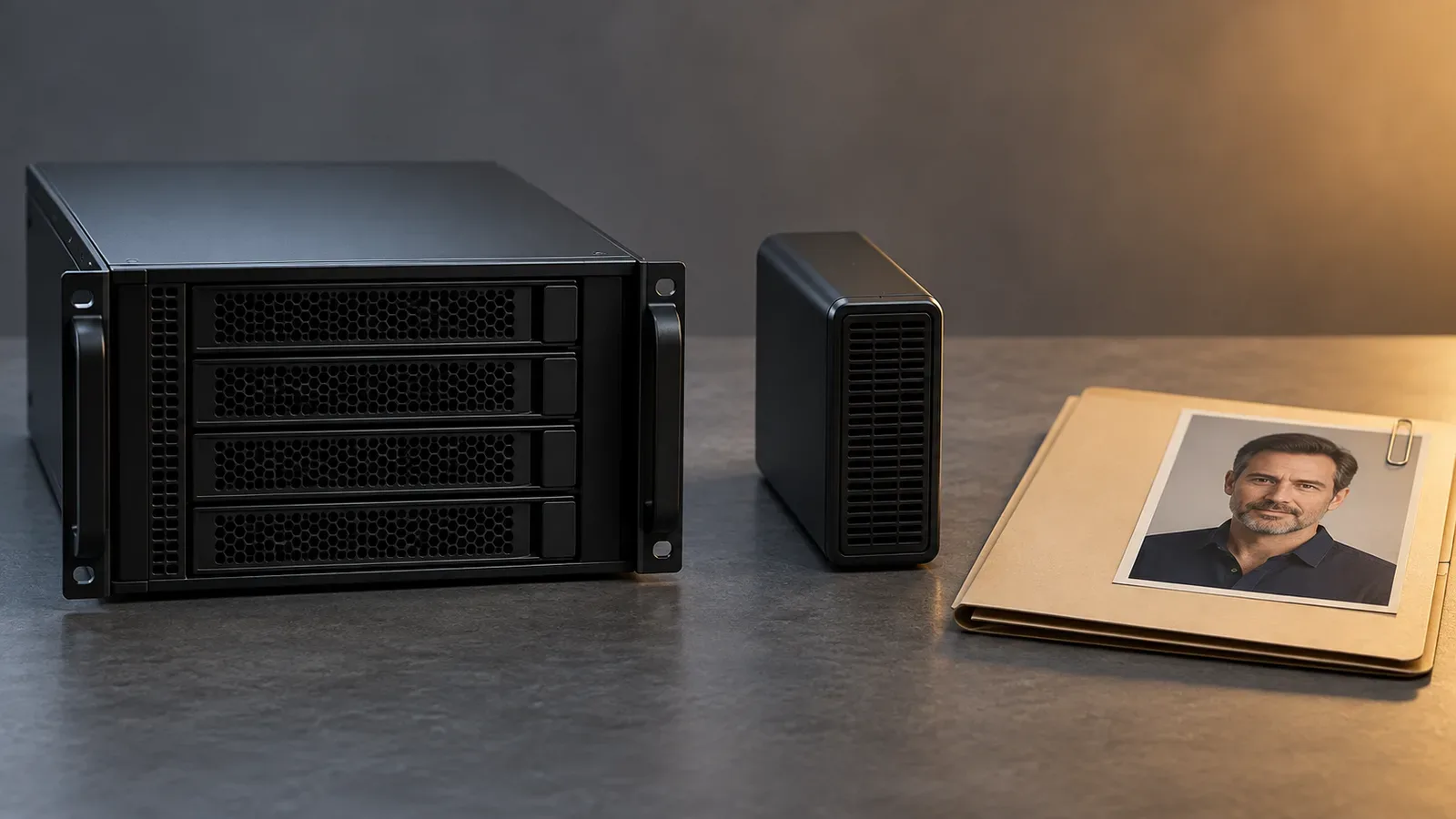
Illustration: stopping compute and removing stored project files are different actions. Follow the selected host's documented resource lifetimes.
Browser privacy claims: read the sentence behind the badge
The most useful browser-service comparison is not a privacy score invented from a landing page. It is a comparison of specific commitments. Look for separate statements about public sharing, creative-content storage, training use, processors and deletion.
Playform's image-generator page offers a clear example of a publication setting: it describes private-by-default results with sharing controlled by the user. That can answer whether pictures automatically enter a public feed. It does not, by itself, answer how long the service retains uploads or whether inference happens on your computer. This is an illustration of the claim's scope, not an endorsement of the service for an NSFW brief. Playform image-generator page.
Venice provides a different example. Its privacy page distinguishes Anonymous and Private modes: the first obscures identity from the model provider while telling users to assume that provider stores content; the second describes no prompt or response storage on Venice-controlled or contractually committed partner infrastructure. Both involve remote inference. Do not confuse history stored in your browser with the model running there. Venice privacy modes.
Venice's image guide also says third-party image models receive the prompt and any references needed for generation. The model you choose therefore matters to the processing path. Its article explains that the stronger E2EE option discussed for text does not cover image generation; a text privacy feature should not be transferred to the image tool by association. Venice image-generation guide, Venice's explanation of encryption scope.
The legal policy adds detail that a headline can miss: generated videos may be temporarily stored, likeness processing involves a separate processor, and minimal consent and asset metadata is retained. Those are reasons to read the feature-specific sections before sending a real adult's photograph. They do not make the same claim about every fictional image workflow. Venice privacy policy.
| Published claim | What it can tell you | What it does not establish |
|---|---|---|
| Private gallery or private by default | Other users should not receive automatic publication | No server storage or no operator processing |
| History stored in your browser | The visible history may stay on that device | The GPU generating the image is on that device |
| No training on creative inputs | A stated limit on that use of the data | Immediate deletion or absence of account records |
| Short media retention | A defined storage window for the named files | The same window for billing, consent or security records |
| Identity hidden from a model provider | A reduced identity link on that processing path | The provider cannot read the submitted creative content |
Choose a service based on the claim that addresses your requirement. If a service only explains publication privacy, ask for its retention and processor documentation before uploading a sensitive reference. If the answer remains unclear, use a nonsensitive fictional sample or choose a different route.
Where SpicyAPI fits—and where it does not
SpicyAPI is a hosted route. Your computer does not run the selected image model when you call it, and a request can involve a third-party model service. SpicyAPI does not offer universal zero retention or end-to-end encrypted image inference. Its public documents explicitly describe content storage and the processing boundary. Privacy policy.
For ordinary generation, the published ceilings are about 14 days for generated media, 30 days for prompt text and result references, and a one-day usable lifetime for uploaded references. Short-film media has a separate longer ceiling, and saved Studio character assets require their own lifecycle review. Do not apply the ordinary output window to every feature indiscriminately. The public policy and the relevant product documentation take precedence over a general comparison table.
SpicyAPI states that it does not use your prompts, uploads or outputs for training and does not publish them in a public creation feed. It also acknowledges that an executing model service receives the content required for the request under its own terms. That is a meaningful hosted-service disclosure; it is not the same as keeping a reference entirely on your own computer. SpicyAPI about page.
For an ordinary hosted image project, use the console's Data protection page to review the separate clocks for generated results, prompt text and uploads. Make the change before starting confidential work. Shortening a clock can affect existing content, so export anything you want to keep before confirming it. Console data controls.
The destruction controls remove task content while preserving the task's billing evidence. Backups, record categories and preservation exceptions have their own rules; deletion is not a claim that every trace of an account disappears instantly. A downloaded copy or a link forwarded to someone else also sits outside those controls. Retention and destruction.
For a fictional adult character that you are comfortable processing remotely, a hosted workflow may be more convenient than operating a GPU. Select the image task you actually need, check its current content tier and save the useful output deliberately. If your requirement is that the reference never reaches any external image service, choose local processing instead. That is the correct decision even when the hosted model looks appealing.
“No training” and “deleted” answer different questions
A no-training commitment limits one use of your data. A service may still need to process the request, store a result for download, maintain account information, or retain records of a payment. Those activities should be described separately. Do not translate a training opt-out into a statement that nothing is saved.
Likewise, a delete button can affect several different objects: the visible gallery entry, the stored original, a conversation, an uploaded reference or an entire account. The label may be short because the interface is short. The policy should explain what it reaches and what remains.
For your own project, distinguish three moments. First, when other users can no longer open the item. Second, when the active stored creative file is removed. Third, when applicable backup copies rotate out or are otherwise handled under the service's policy. A service can complete the first before the others. Ask for the stated process rather than assuming the moments coincide.
A useful support question is: “If I delete this reference image, does that remove the stored original, its use in saved projects, and any copies made for processing? Which records remain?” That is more informative than “Is your platform private?” It names a file and an action, so the reply can be checked against a particular feature.
Consent records need separate attention when a real person's reference is used. Removing an image does not necessarily remove evidence that permission was granted, and a retained consent record does not mean the image is still available for generation. Read the actual product's explanation rather than equating those two objects.
The same distinction applies to a custom LoRA. A service deleting a portrait does not establish that it deleted a previously uploaded adapter. If you created an adapter from a confidential character set, include the adapter and its training inputs in the project inventory. Treat uploading it as an additional decision, not a harmless extension of ordinary text prompting.
Metadata: the private recipe can travel with the public picture
Your export is more than its visible pixels. Depending on the application and format, it can carry a prompt, workflow, parameter values, descriptive fields or information inherited from a source photograph. An attractive portrait may disclose a production recipe that you never intended to share.
This matters for adult character work because the selected public image can look quite restrained while its working file contains a detailed private brief. A collaborator might need only the portrait. A discussion forum might need only a cropped example. Neither automatically needs the entire workflow.
Keep the working master and its workflow privately. For a PNG sharing copy, ExifTool provides a specific local route. Its PNG documentation explains that it reads arbitrary textual tags, including names outside its predefined list. A normal photo-properties panel can therefore be too limited for inspecting an AI workflow. ExifTool's PNG documentation.
After installing ExifTool from its official distribution, open Terminal or Command Prompt in the folder containing a nonsensitive sample named working.png. These commands are a documented procedure, not a cleaning test we performed on your files:
- Inspect: run
exiftool -a -G1 -s -u "working.png". Read the listed tag names and values, especially prompts, workflow text, comments, author details and source-location information. The options show duplicate tags, their groups and recognized names, with unknown tags included where available. - Create a separate copy: run
exiftool -all= -tagsFromFile @ -ColorSpaceTags -o "share.png" "working.png". Use a new output filename. This removes deletable metadata, then copies the defined color-space tags back from the source. The-ooption creates the output separately; do not add-overwrite_original. ExifTool command documentation. - Recheck the file you will send: run
exiftool -a -G1 -s -u "share.png", then openshare.pngin your image viewer. The private prompt and workflow text should be absent; dimensions and other basic file properties will still appear. If sensitive text remains or the tool reports a warning, resolve it before sharing. Keepworking.pngand the workflow outside the delivery folder.
ColorSpaceTags includes the existing ICC profile and several standard color-space tags. Preserving those is different from converting the picture to sRGB or guaranteeing identical appearance in every viewer. If a custom profile itself contains identifying information, inspect it too; do not blindly restore everything. Compare the sharing copy visually, and use your editor's explicit color-managed export if its color appearance changes. ExifTool color-space shortcut.
Do not assume a platform will remove metadata for you. Some services recompress uploads or remove particular fields, but you should not rely on undocumented behavior. A direct file attachment, archive or download link may deliver exactly the original file you supplied.
You can check your process with a harmless sample. Generate or create a neutral image containing a distinctive, nonsensitive test phrase in the working metadata, export it through your intended sharing path, and inspect the downloaded copy. That tells you something about that export path. It does not establish that every future application or destination uses the same treatment.
Screenshots require a different inspection. They may not preserve the original generation metadata, but they can show the prompt box, account name, browser tabs, filenames or other open projects. Look at the whole screenshot before sending it. Cropping to the relevant image can be more useful than submitting an entire desktop view.

Illustration: the visible portrait and the information stored with a working file are different things. Inspect the actual export before sharing.
Offline generation can still become cloud storage
The generator is only one application on the device. A photo library, file-sync client or backup program can upload an output later. Consequently, “I made it offline” describes the generation session; it does not automatically describe the rest of the file's life.
Apple documents that iCloud Photos uploads the photo library and keeps it synchronized across devices. Edits and deletions synchronize, and deleted photos normally remain recoverable in Recently Deleted for 30 days. Saving a locally generated image into a synchronized Photos library therefore changes where that image is stored. Apple's iCloud Photos guide.
Choose the intended destination before exporting. For an exclusively local project, use a location you have confirmed is outside synchronized folders and photo libraries. For a project that needs a backup, choose a backup method knowingly and include its access and recovery arrangements in the privacy decision. Accidental synchronization is the problem; a deliberately selected private backup can be useful.
A shared device creates another boundary. Use your own operating-system account, lock the screen when you leave and avoid leaving working images in a common downloads folder. A private browser profile helps separate browsing and accounts, but it does not secure every local file against someone with access to the same desktop account.
Disk encryption addresses access to stored data. Apple describes FileVault as protecting a Mac's data from access without valid credentials, including when a device is lost or stolen. It does not replace careful sharing or stop an application you authorize from opening files while you are signed in. FileVault overview.
A workplace-managed computer can also have administrators and managed backup or recovery arrangements. Do not assume it has the same boundary as a personal device just because inference is local. For a personal adult-oriented creative project, use a device and account whose management and storage you understand.

Illustration: choosing a phone or photo-library destination can change where a result is stored. Check the actual synchronization settings.
Sharing a result without sharing the whole project
When sending an approved image to a collaborator, give them the minimum material needed for the task. An illustrator checking the costume may need a reference sheet. A reader reviewing a character card may need only the finished portrait. A technical collaborator reproducing an edit may need the workflow, but that is a different sharing decision.
Send a clean export rather than the entire project directory by default. Keep confidential prompts, private references and rejected drafts out of the package unless they are necessary and the recipient is authorized to receive them. This also reduces confusion about which version is approved.
A private link is still a delivery mechanism. Check whether it requires the recipient to sign in, whether it can be forwarded, and whether it expires. A long or unpredictable URL is not the same as an account permission check. If someone downloads the image, removing the original link does not delete their copy.
For commercial adult character work, separate draft approval from publication. Decide who can see the work in progress and who can approve its release. You do not need a complicated process for a solo project, but a simple distinction between “working” and “approved” folders can prevent a rejected image being mistaken for the intended public asset.
When troubleshooting a hosted task, begin with its identifier and the description of the problem. Do not attach the complete private reference set to a support message unless it is necessary and you accept that message's processing and retention. A support ticket is another copy of the material, often outside the gallery's delete control.
A deletion routine you can actually finish
For a completed local project, decide first which approved images and working recipes you intend to retain. Deleting everything in frustration can leave you unable to reproduce the selected character later. Privacy and deliberate archiving can coexist; unnecessary copies are the part to reduce.
Inspect the source folder, application outputs, temporary exports, downloads, recycle bin or trash, and the backup destinations you knowingly used. If you imported references into a separate application library, check that library too. The same file may exist in more than one place even when no network service was involved.
Comfy Desktop's installation documents explicitly warn that uninstalling the launcher or application does not remove all associated model files, inputs, outputs, logs and settings. Uninstalling a generator is therefore not a substitute for locating its saved project files. Use the documented locations for your installation rather than assuming that dragging the application to the trash erased the pictures. Windows removal details, macOS removal details.
For a hosted service, check separately for uploaded references, generated results, saved character assets and account history. Use the controls appropriate to each. Record what the service says about backups and exceptions, especially if the project involves someone's authorized likeness. Do not infer physical deletion merely because the gallery tile disappears.
For a rented GPU, include persistent disks and independent volumes in the routine. For shared work, notify the authorized collaborator which files should be retained or removed through your normal project agreement. You cannot promise deletion of copies you do not control, so avoid creating unnecessary ones in the first place.
Three realistic starting choices
If you are a solo creator with suitable local hardware: start with a documented ComfyUI workflow or Draw Things local Compute. Keep the first project small, use fictional adult references, establish where files are saved and check the workflow without a network connection. Add complexity only when it solves a specific creative requirement.
If you are a solo creator without suitable hardware: decide whether remote processing is acceptable. If it is, compare the selected service's retention and publication rules before uploading, and begin with a nonsensitive sample. If it is not, investigate a supported smaller local model or a device you control rather than calling a hosted account “offline.”
If you are building an adult character product: separate confidential character development from routine generation. Identify which assets must remain local, which may go to an executing model service, and which become visible to users. Our website, API and local comparison covers tool selection; this privacy decision belongs alongside it rather than being replaced by a low generation price.
The useful outcome is a workflow you can describe in ordinary language: where the reference starts, which machine processes it, where the result stays and what happens when you delete it. If you cannot answer those four questions, the word “private” on the homepage has not finished the decision for you.
Questions creators ask before the first upload
Which AI image generator is private?
The answer depends on the privacy boundary. A local model with no remote steps can keep inference inputs on your device. A hosted generator with private-by-default images can keep drafts out of a public feed. A documented no-storage mode can limit retention while processing remotely. Choose the statement that addresses your requirement, then check the actual feature and model path.
Are my AI photos private if I use incognito mode?
Incognito mode does not turn hosted inference into local inference. A prompt submitted to a website still reaches the service needed to process it, and downloaded images can remain on the device. Use browser mode for its intended browsing behavior, then make separate decisions about model processing, saved files and sharing.
Does running locally mean a model will accept any NSFW brief?
No. Location determines where inference happens. The selected model, workflow, software and applicable terms determine what you can generate and use. A local setup can give you more control over the pipeline without establishing that the desired image category or character consistency works well. Privacy and visual suitability require separate checks.
Can a private image gallery still store my pictures?
Yes. A gallery can be restricted to your account while its files remain stored by the service. Read the retention and deletion sections, including saved references and character libraries. If storage by the operator is unacceptable, a gallery visibility setting does not meet that requirement.
Is remote ComfyUI as private as local ComfyUI?
It can give you similar creative controls, but the processing location is different. Your prompt and references move to the remote machine. A creator discussion about ComfyUI Cloud raises exactly this problem: a user whose computer cannot run the workflow asks whether cloud operation has the same privacy and freedom. Those are reasonable questions, but community reassurance is not a replacement for the selected host's policies.
What should I do first?
Write down whether your main requirement is no public sharing, limited hosted retention or no external processing. Pick a tool that explicitly addresses it. Use a nonsensitive fictional adult sample to learn the workflow, confirm where it saves and processes the files, and only then introduce the references you actually need for the project.