Introduction
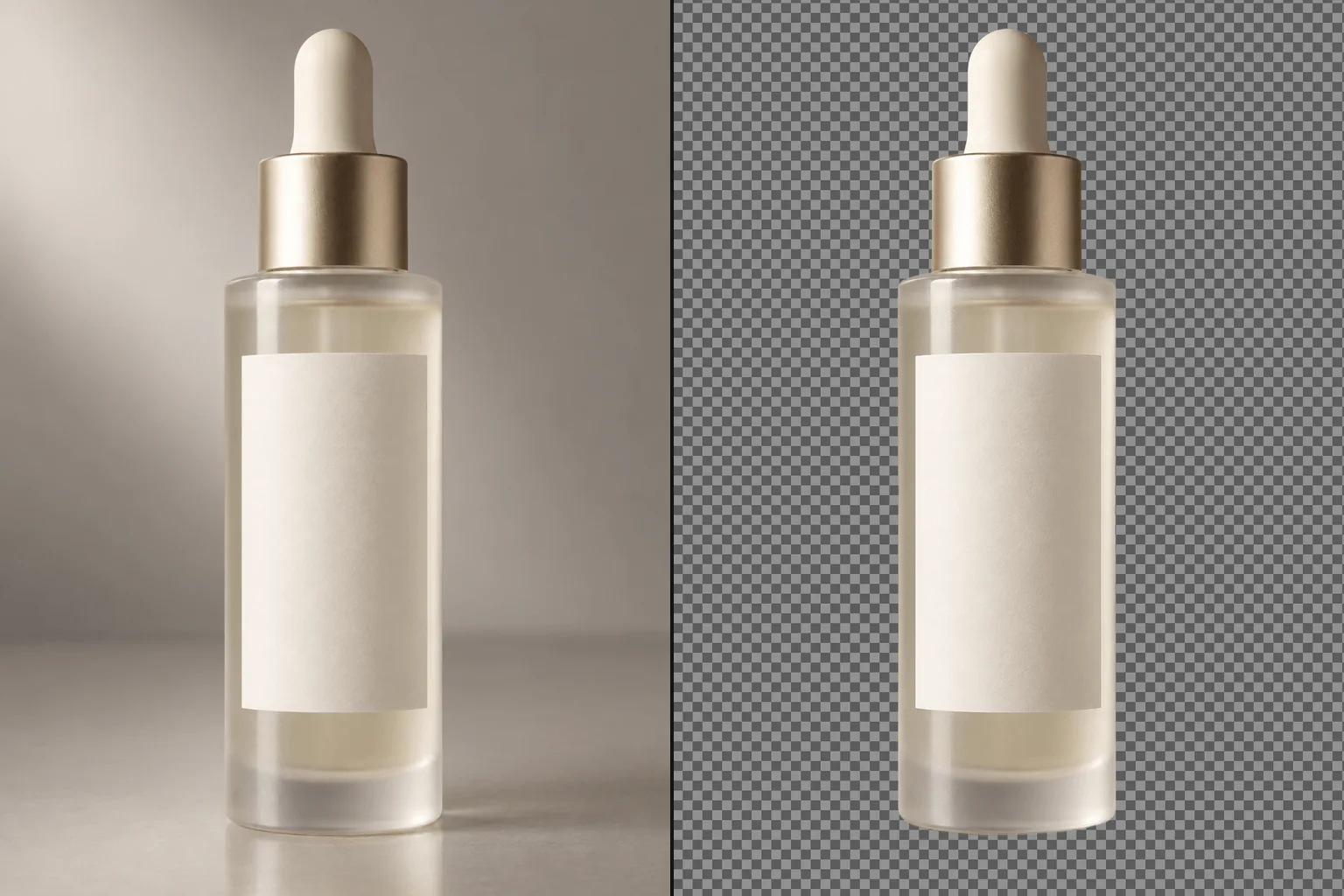
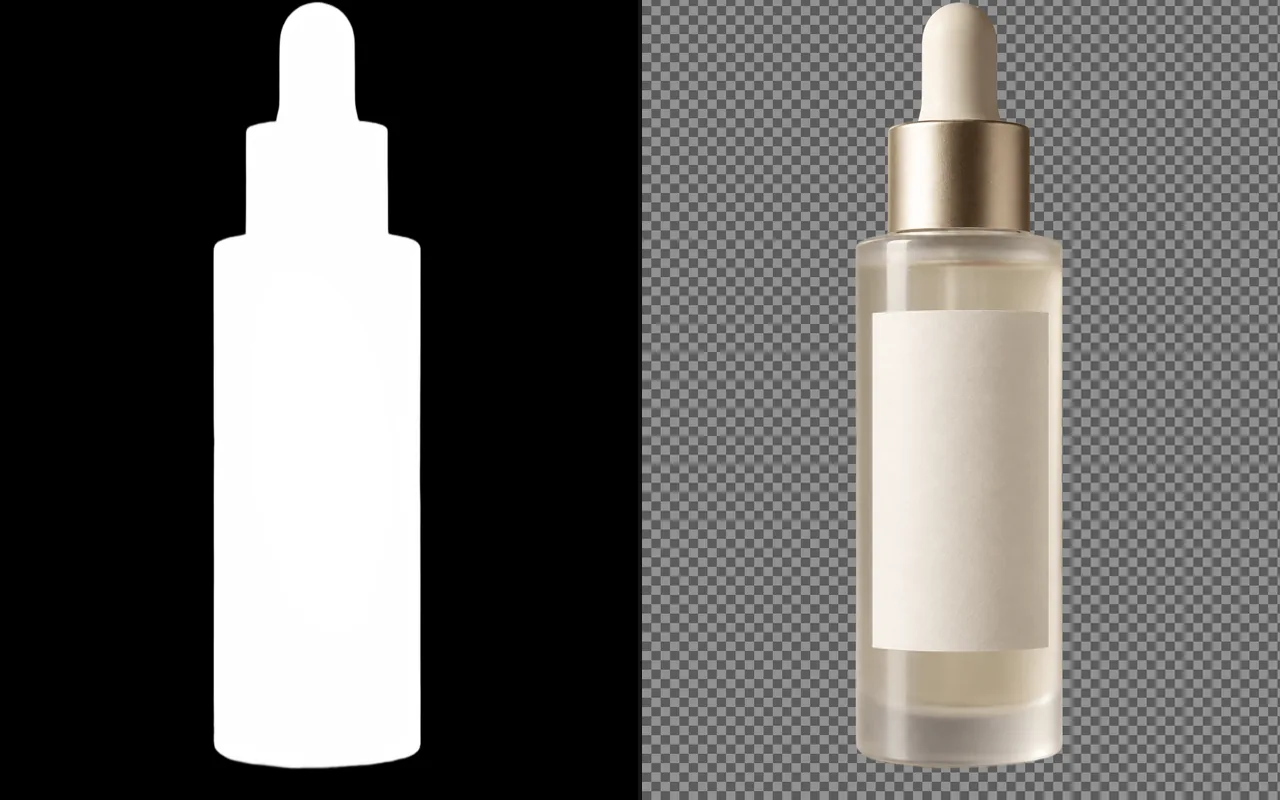
Background Remover separates the main subject of a photo from everything behind it and returns the subject on a fully transparent background. You send one image URL and get back a PNG with an alpha channel at the same width and height as the original, so the cutout lines up pixel for pixel with the source whenever you need to layer the two.
There is no prompt, no mask and no setting to tune: the tool decides on its own what the foreground is.
Key features & highlights
Transparency you can drop straight into a layout
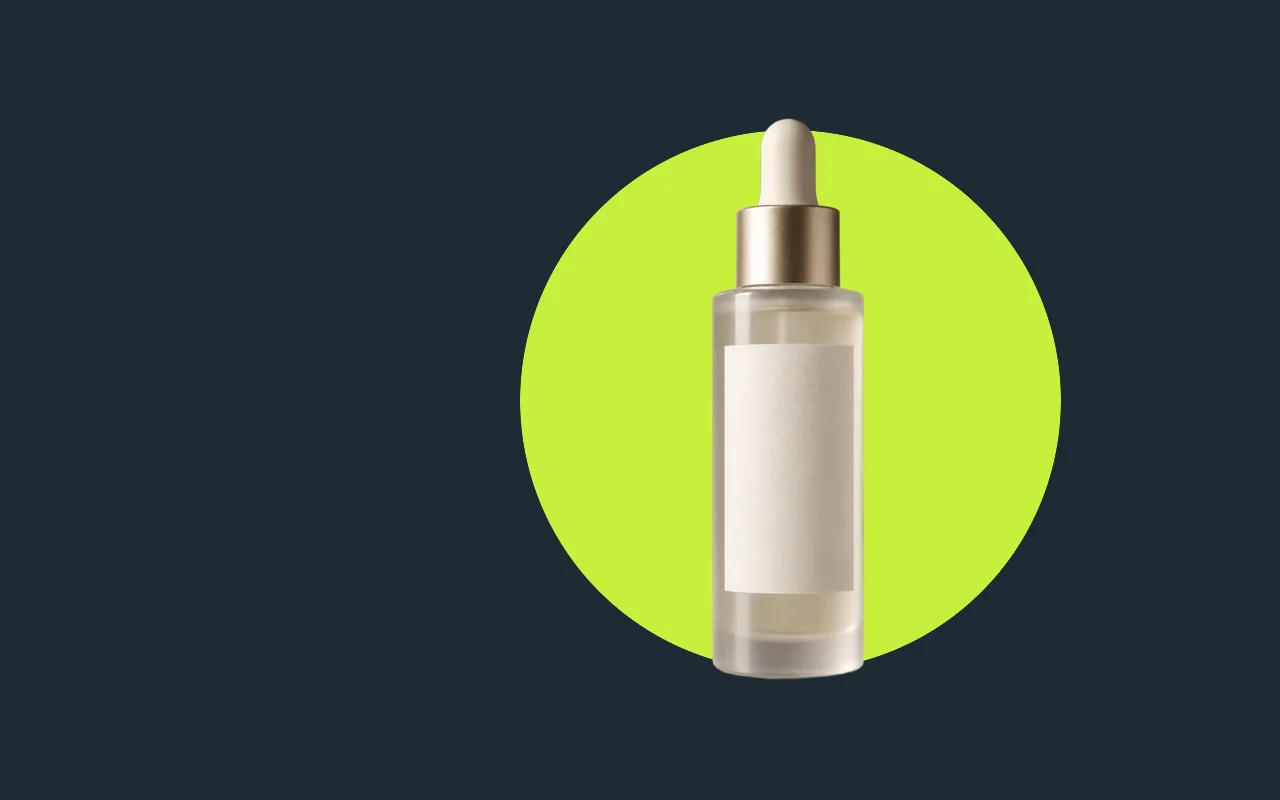
The result is a PNG whose background pixels are fully transparent rather than painted white, so it sits on any colour, gradient or photo without a box around it. That is the format marketplaces, slide decks, design tools and web pages expect for product and portrait cutouts.
Nothing to write, nothing to tune
The whole request is a single image URL. Because nothing is phrased, there is no wording to get wrong and no second attempt caused by an ambiguous instruction, which makes the endpoint easy to run over a whole folder of catalogue shots in a loop.
Original dimensions preserved
The cutout comes back at the size of the upload rather than as a fixed square, so it can be placed back over the source, used as a mask, or handed to the next editing step without any rescaling.
Request parameters
| Parameter | Required | Description |
|---|---|---|
image_url | Yes | The photo to cut out, as JPEG, PNG or WebP. The subject is detected automatically, so crop first if the frame holds several candidates. at least 1 characters |
Pricing
$0.0048 / image
Charged per output image; the size of the photo you send does not change the price.
Use cases
Product catalogue and marketplace listings
Shoot products on whatever surface is at hand, then remove the backdrop and place every item on the same clean colour. A consistent background across a range of listings is the quickest visual upgrade a shop can make, and it no longer needs a studio sweep for every item.
Avatars, team pages and thumbnails
Isolate people from office walls, living rooms or street scenes to build profile pictures, speaker cards and video thumbnails with a branded background behind them.
First step of a longer edit
Cut the subject out before a composite: remove the background here, build a new scene with Image Expander, then layer the transparent PNG back on top of it.
Prompt guide & pro tips
Choose photos with a clear subject
The tool picks the foreground by itself. It is most reliable when one person or one object clearly dominates the frame and stands apart from the background in colour or light. When a picture holds several people or objects of similar weight, crop to the one you want before sending it, because the tool may keep more than you intended.
Check the fine edges at full size
Hair, fur, lace, smoke and glass are where cutouts are hardest. Inspect them zoomed in before publishing, especially when the background shares colours with the subject. A reshoot against a plainer backdrop fixes more than a second run of the same photo.
Keep the file as PNG
Transparency only survives in formats that support it. Store and forward the result as PNG; converting it to JPEG fills the transparent area with a solid colour and brings back the rectangle you just removed.
API quick start
# Generate the idempotency key once; reuse it when retrying after a lost response.
export SPICY_IDEMPOTENCY_KEY="${SPICY_IDEMPOTENCY_KEY:-$(uuidgen)}"
curl -X POST https://api.spicyapi.ai/api/v1/jobs/createTask \
  -H "Authorization: Bearer $SPICY_API_KEY" \
  -H "Content-Type: application/json" \
  -H "Idempotency-Key: $SPICY_IDEMPOTENCY_KEY" \
  -d '{
  "model": "spicyapi/background-remover-v1/edit",
  "input": {
    "image_url": "https://example.com/reference.png"
  }
}'

# Copy data.taskId from the response into TASK_ID, then poll the status.
TASK_ID="TASK_ID_FROM_RESPONSE"
curl "https://api.spicyapi.ai/api/v1/jobs/recordInfo?taskId=$TASK_ID" \
  -H "Authorization: Bearer $SPICY_API_KEY"
See the API reference for authentication, the complete schema, polling, and error handling.